Customer Ratings & Reviews
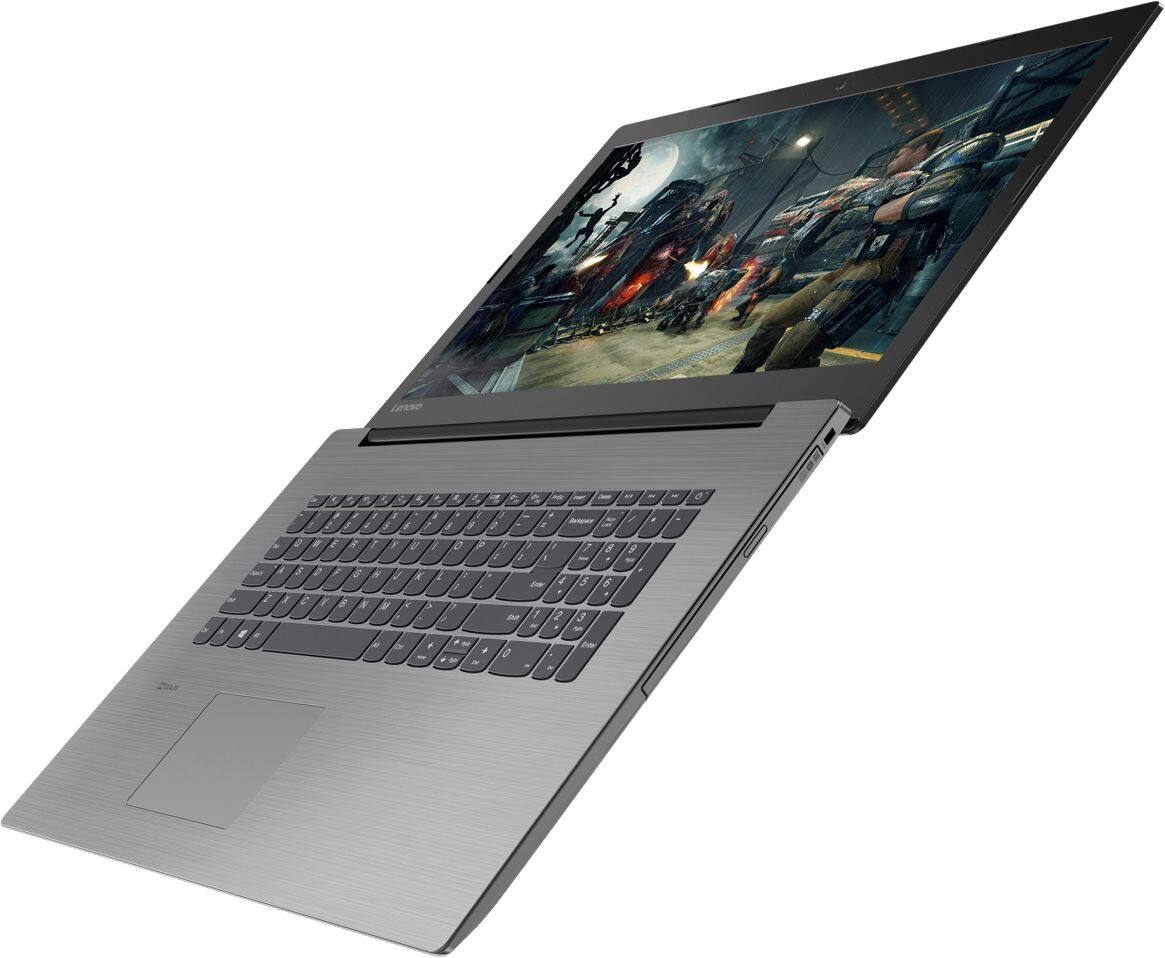
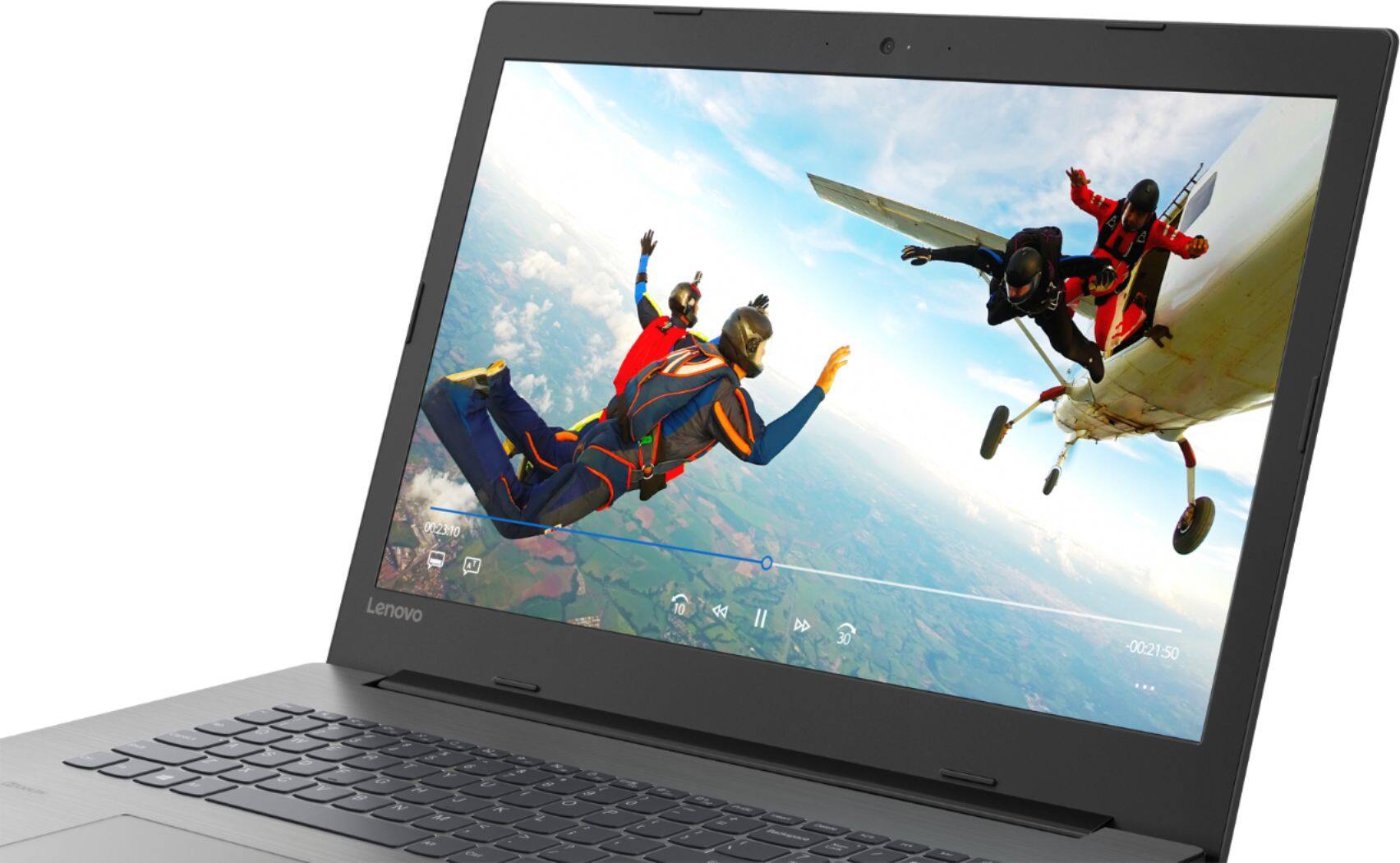

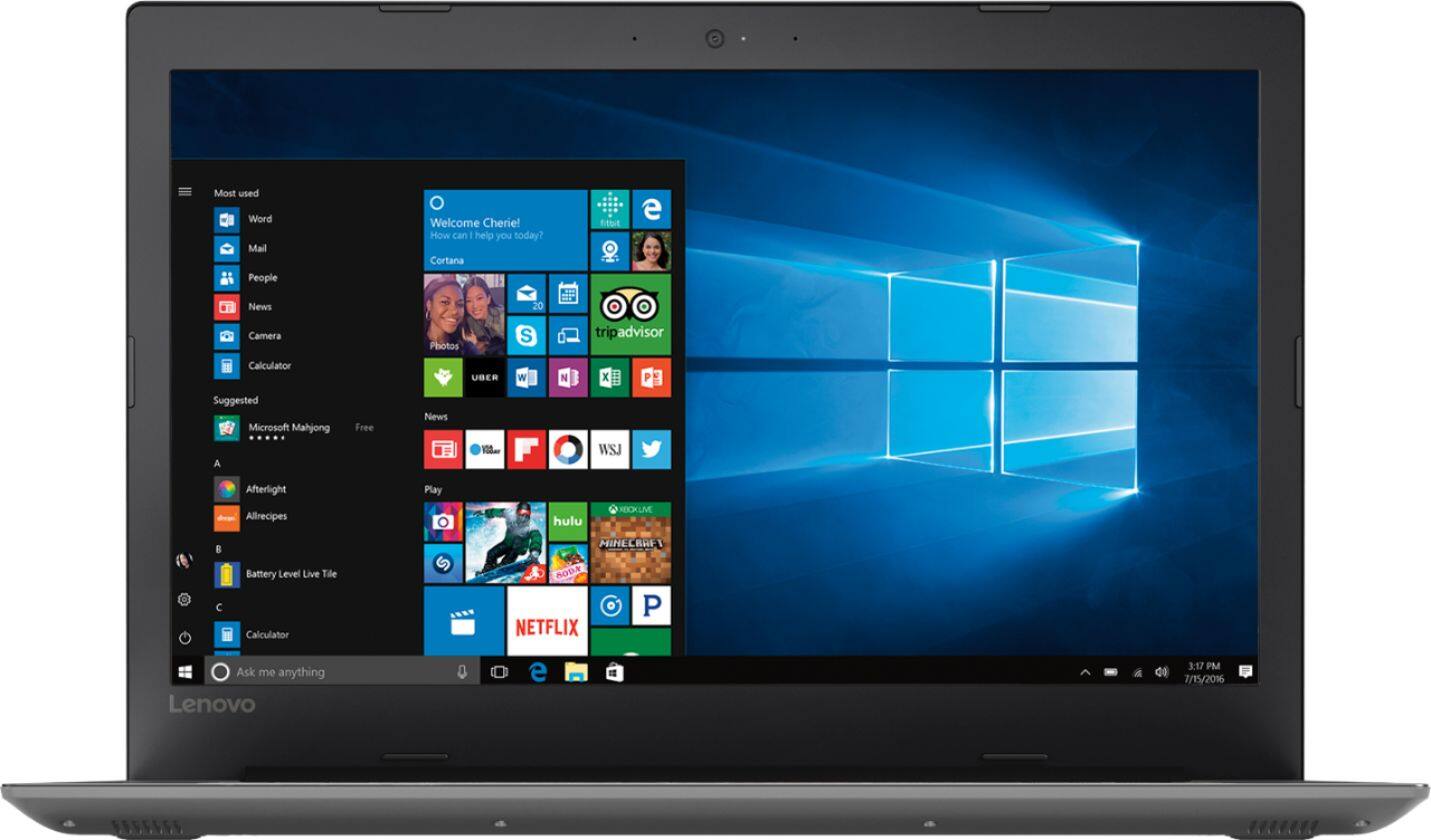
- Model:
- 81DM001UUS
- SKU:
- 6224501
Rating by feature
- Value
Rating 4.1 out of 5 stars
- Quality
Rating 4.1 out of 5 stars
- Ease of Use
Rating 4.2 out of 5 stars
Customers are saying
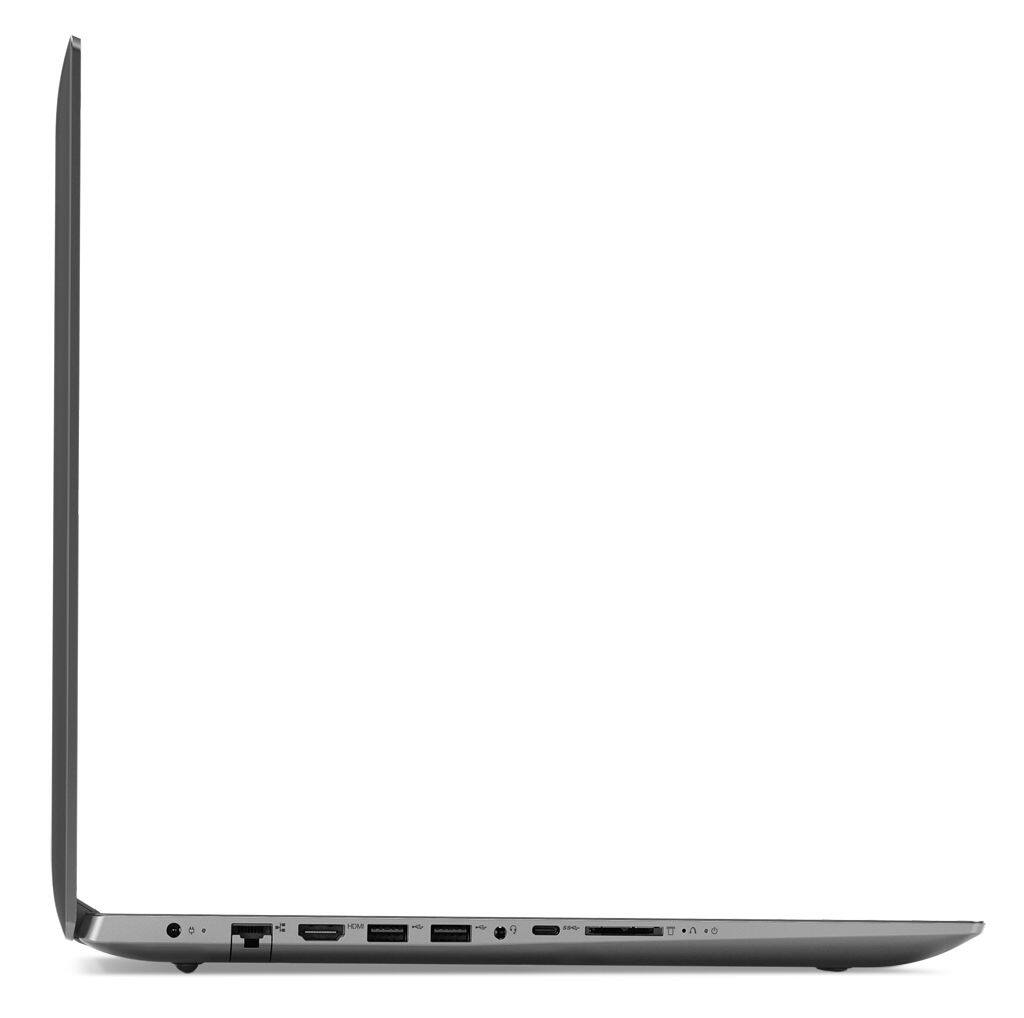
Customers are positive about the large screen, price, ease of use, storage, gaming capabilities, keyboard, performance, and processor. They appreciate the value for money and find the laptop suitable for light gaming. However, customers are negative about the battery life, weight, limited number of USB ports, and build quality, with some describing it as cheap and flimsy.
This summary was generated by AI based on customer reviews.
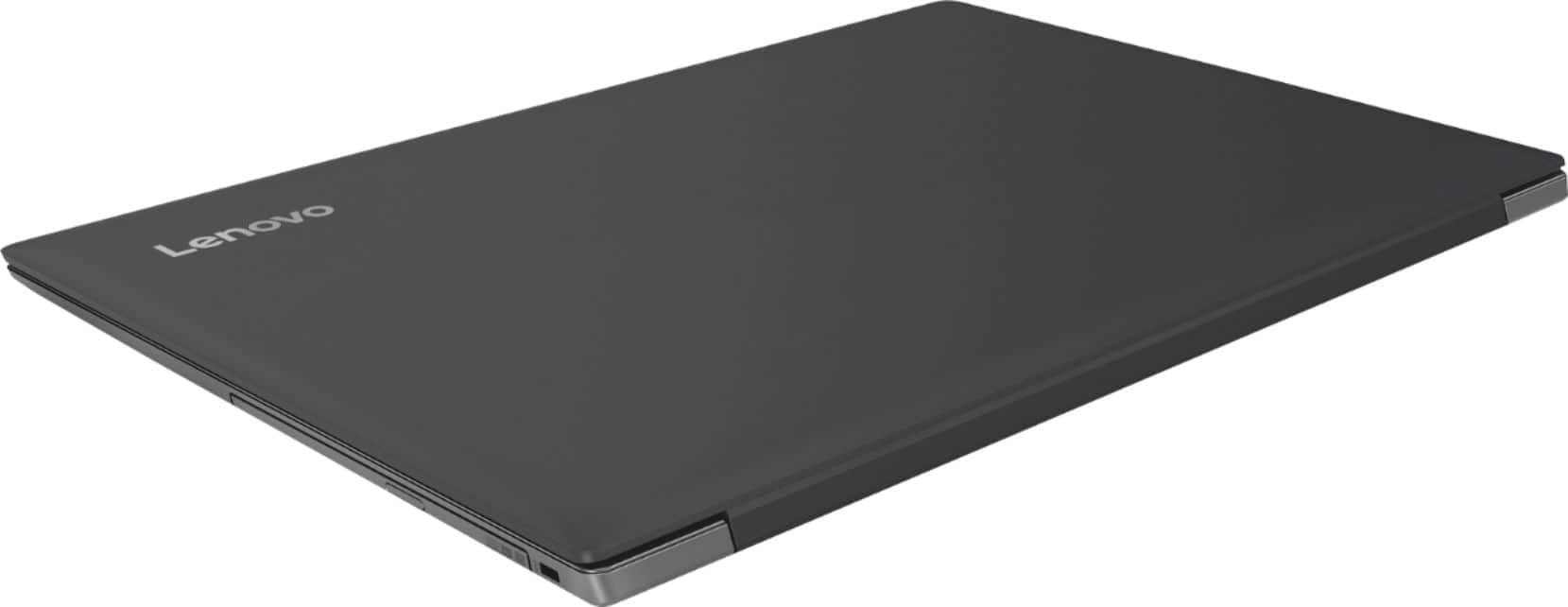
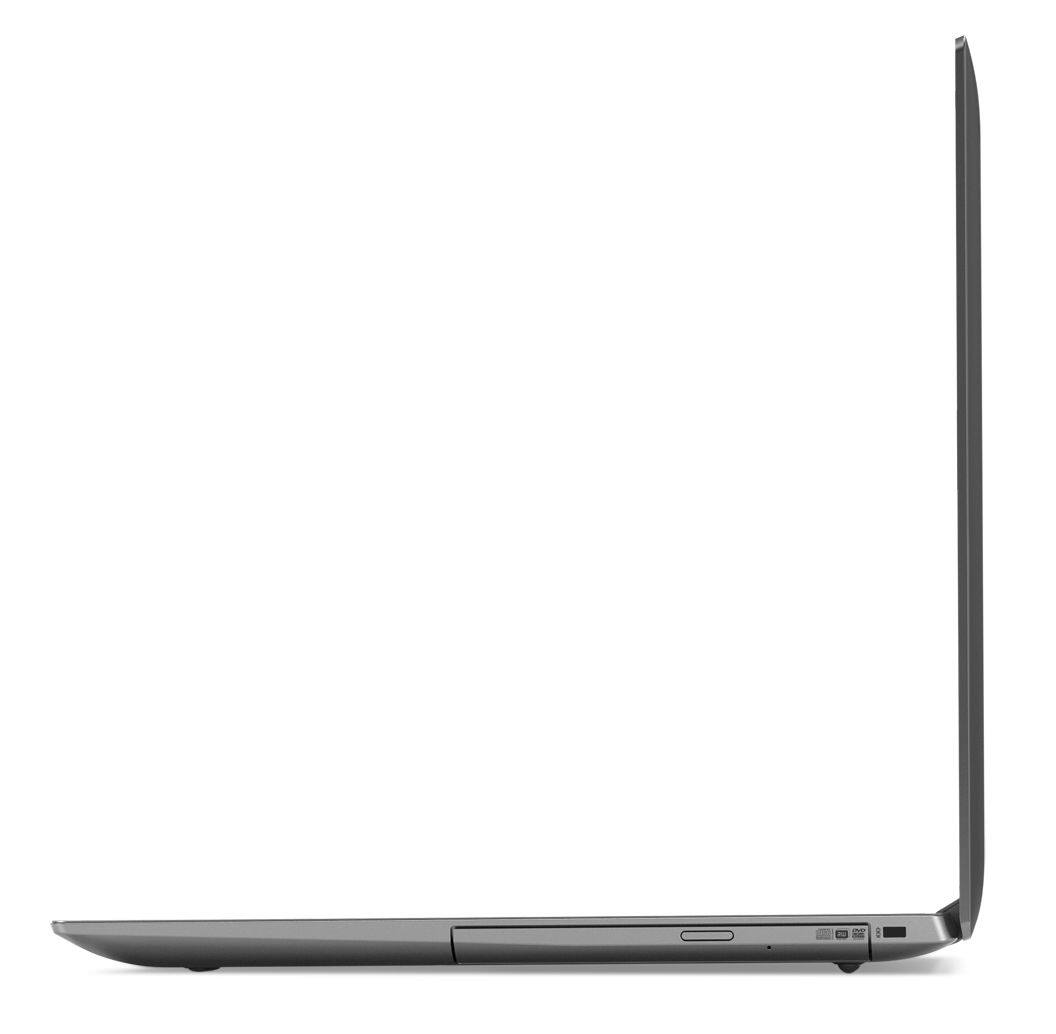
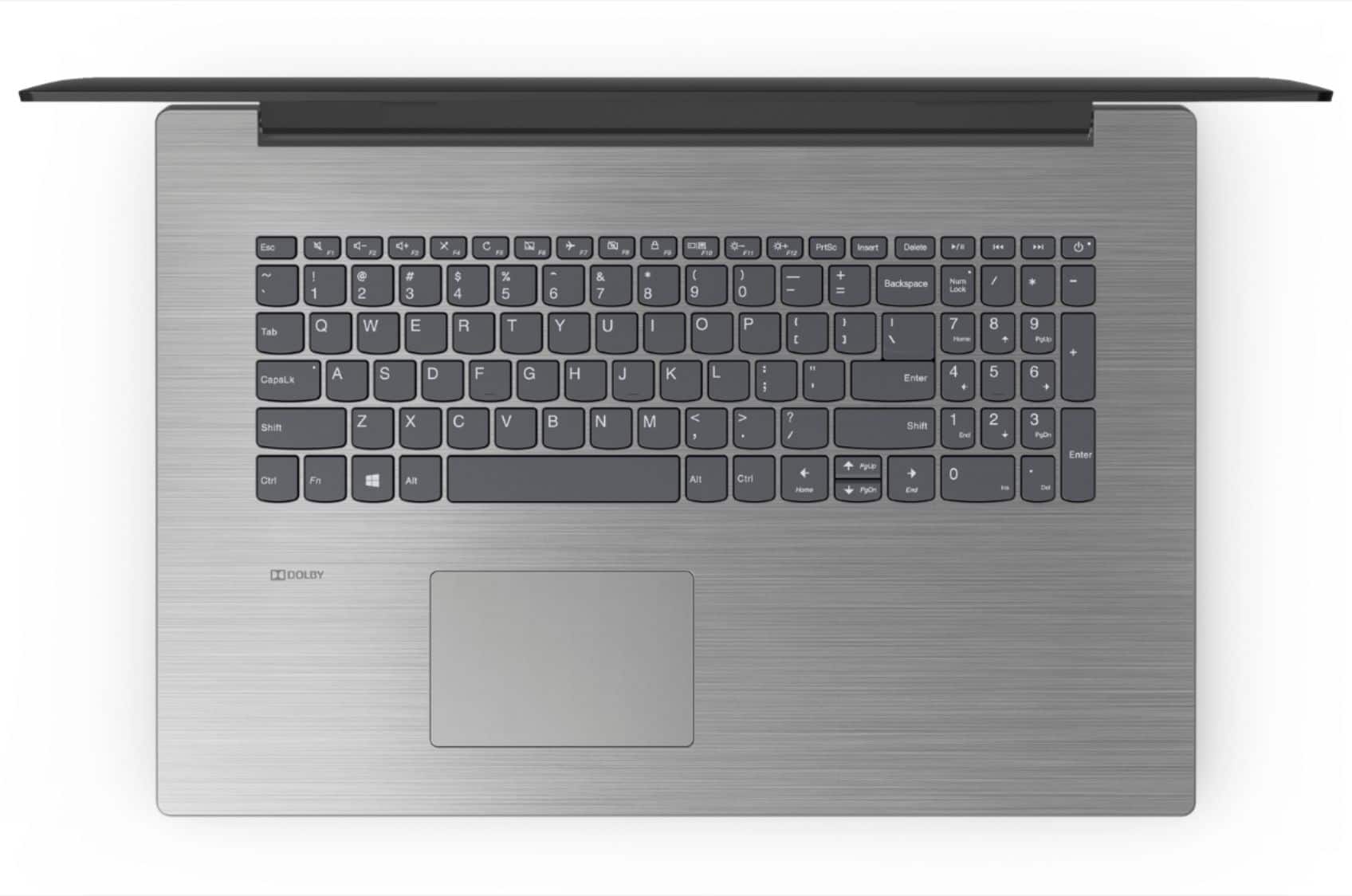
Lenovo Laptop
||Posted .This reviewer received promo considerations or sweepstakes entry for writing a review.This Lenovo laptop was purchased for my wife. Reasonable performance but does odd things. Constantly deletes emails she's in the middle of writing. Pooff , they just disappear.
No, I would not recommend this to a friendGood work laptop
||Posted .This reviewer received promo considerations or sweepstakes entry for writing a review.Unit has worked excellent as a portable field computer. Case could be made of heavier plastic for money. After several months of use showing cracking at normal pressure points.
I would recommend this to a friendLaptop does everything I need but quite heavy
||Posted .This reviewer received promo considerations or sweepstakes entry for writing a review.I love this laptop but find it is larger than I need and too heavy for me to take anywhere comfortably. For my needs I probably should have shopped for a tablet.
I would recommend this to a friendGreat for dad's & Netflix etc...
||Posted .This reviewer received promo considerations or sweepstakes entry for writing a review.It's a bit cumbersome as it's a large screen. Great for watching streaming content and desktop. Not ideal for travel and portability. Overall a great home device...
I would recommend this to a friendPretty good laptop
||Posted .This reviewer received promo considerations or sweepstakes entry for writing a review.The laptop works pretty good the screen could be a little clearer and it has occasional freezing problems but at this price point it’s a fair value.
I would recommend this to a friendBrand response from Lenovo Product Expert
Posted .The Lenovo IdeaPad 330-17 laptop ships with a LCD w/LED Backlight (Anti-glare) screen, with a resolution of 1600 x 900 (HD+) and a brightness level 0f 200 nits. The Windows 10 operating system should not freeze. Be sure any programs you have installed are compatible with Windows 10. This system has Lenovo utilities installed to help maintain the health of the device and keep the operating system software up to date. Type "Lenovo Vantage" in the Cortana Search window (if Lenovo Vantage is not installed on your device, you can download the APP and install it now). Select Lenovo Vantage from the list. In the window that opens, click on "Health and Support". In the expanded menu, select "Hardware Scan" In the window that opens, select "Run Quick Tests". This will scan your entire system for errors. Follow any directions that may pop up. If the problem continues after this scan, now click on "System Update". First select Windows update from the menu. Scan your system to be sure you have the latest version of Windows 10. Once that scan is complete, select "Additional Updates". This will scan your device to be sure there are no new BIOS/Driver updates needed. Follow any instructions that may pop up. If the issue still continues after these updates, we recommend you call Lenovo Tech Support at: 877-453-6686 for additional help.

- Cons mentioned:Battery life
Battery life is awful
||Posted .This reviewer received promo considerations or sweepstakes entry for writing a review.8 minutes on battery and power cord is short not convenient for a laptop which is supposed to be portable
No, I would not recommend this to a friendBrand response from Lenovo Product Expert
Posted .The Lenovo IdeaPad 330-17 laptop ships with a 2CELL 30WH, Lithium Polymer battery, with a battery life of up to 5 hours, depending on the work that the device is performing. Be sure there are no unwanted programs running in the background, draining the battery. Here is a link to some tips for finding out what is draining your battery:
https://www.laptopmag.com/articles/battery-saver-windows-10. If there are no unwanted programs running, try a nonremovable battery hard reset. Here is a link to instructions for resetting a non-removable battery. If you need further assistance, we recommend you call Lenovo Tech Support at: 877-453-6686. Here is the link: https://www.techwalla.com/articles/how-to-reset-a-laptop-battery
purchased for work
||Posted . Owned for 1.5 years when reviewed.This reviewer received promo considerations or sweepstakes entry for writing a review.I purchased for mobility purposes for my work as a Realtor. It has been adequate but I do not like windows 10...sorry
I would recommend this to a friendNot Very Good...
||Posted .This reviewer received promo considerations or sweepstakes entry for writing a review.This laptop has a large, somewhat dim, screen...which might be one of its few redeeming features. What's lacking is almost entirely connected to its lack of horsepower. The computer is slow and very loud. It doesn't perform well. The hard drive died about a month after purchase, had to get it replaced by geek squad, luckily it was free.
No, I would not recommend this to a friendBrand response from Lenovo Product Expert
Posted .This is a fast system with its Quad-Core/Eight-Thread Intel Core i5-8250U processor and 8GB of RAM. Be sure any software you installed is compatible with Windows 10. There is no need to install Microsoft Office software. The software is already part of the operating system, you just need to activate the software with a purchased product key. If you have installed a copy of Microsoft Office, this is conflicting with the existing copy on the system and this will slow your system down. If you have installed a 3rd party anti-virus program, be sure that Windows Defender is turned off and that the trial version of McAfee Anti-Virus software is uninstalled. There can only be one anti-virus program on the system. You may need to restore your system to original factory default settings if any of the programing errors have occurred. You can do that by typing "restore" in the Cortana search window. Just click on the magnifying glass icon at the bottom left of your Windows 10 Desktop. Click on "Reset This PC" Then click on "Get Started" and follow the on screen directions to restore to factory defaults. If the problem persists, we recommend you contact Lenovo Tech Support at: 877-453-6686.
Needs better camera
||Posted .This reviewer received promo considerations or sweepstakes entry for writing a review.My camera is very poor quality I was told that the camera had much better resolution than most. Is there a way to fix this?
No, I would not recommend this to a friendBrand response from Lenovo Product Expert
Posted .Model number 81DM001UUS ships with a 300p resolution web cam. Here is a link to some tips for improving the web cam picture within Windows 10: https://windowsreport.com/access-windows-8-webcam-settings/#.XC6LOjPruUk
Above Average Experience
||Posted .This reviewer received promo considerations or sweepstakes entry for writing a review.Just got this Open Box at a nice price as I wanted the 17 inch. The touch pad is a little less responsive than I would like.
I would recommend this to a friendBrand response from Lenovo Product Expert
Posted .Thank you for choosing the lenovo IdeaPad 330-17 laptop. With regard to the touchpad, you can make adjustments to the touchpad in your system settings. You can get there by clicking on the magnifying glass at the bottom left of your Windows 10 screen. Type "touchpad" in the search window. Select "Mouse & touchpad settings" from the list of choices. You can make general adjustments to the touchpad there. You can also select "Additional mouse options" for more detailed adjustments to the touchpad sensitivity by increasing the delay of the touchpad.
Adequate laptop
||Posted . Owned for more than 2 years when reviewed.This reviewer received promo considerations or sweepstakes entry for writing a review.Adequate laptop served my temporary needs for about 6 months. Sold it and glad it is gone.
No, I would not recommend this to a friendSuper Slow
||Posted .This reviewer received promo considerations or sweepstakes entry for writing a review.Came to Lenovo after the disappointment of my last 3 HP laptops dying way too soon (under 24 months). Sadly, I'm disappointed. Even for a low-end laptop, this is extremely slow from everything from booting up (minutes) to waking up (at least a minute or two from sleep) to loading tabs (up to 30 seconds). A 4-year old low end (sub $350) Compaq in the house is faster at literally everything than this model is. A disappointment through and through. If this is the quality from Lenovo, they'll be joining HP on my "never buy from again" list. The only positive is that for a sub-HD screen (sorry, anything under 1080 is NOT HD) it looks quite decent. If you only want to have like 1 or 2 tabs open and do literally nothing else, just like, for watching YouTube while keeping your Facebook page open, this computer should be okay. Maybe. Then again, this thing is USPS slow.
No, I would not recommend this to a friendBrand response from Lenovo Product Expert
Posted .This is a fast system with its four-core/eight-thread Intel Core i5-8250U processor and 8GB of RAM. Be sure any software you installed is compatible with Windows 10. There is no need to install Microsoft Office software. The software is already part of the operating system, you just need to activate the software with a purchased product key. If you have installed a copy of Microsoft Office, this is conflicting with the existing copy on the system and this will slow your system down. If you have installed a 3rd party anti-virus program, be sure that Windows Defender is turned off and that the trial version of McAfee Anti-Virus software is uninstalled. There can only be one anti-virus program on the system. You may need to restore your system to original factory default settings if any of the programing errors have occurred. You can do that by typing "restore" in the Cortana search window. Just click on the magnifying glass icon at the bottom left of your Windows 10 Desktop. Click on "Reset This PC" Then click on "Get Started" and follow the on screen directions to restore to factory defaults. If the problem persists, we recommend you contact Lenovo Tech Support at: 877-453-6686.
nice laptop
||Posted .This reviewer received promo considerations or sweepstakes entry for writing a review.it was a nice laptop but didn't like that it wasn't a widescreen laptop...other than that it was a really good laptop
I would recommend this to a friendBrand response from Lenovo Product Expert
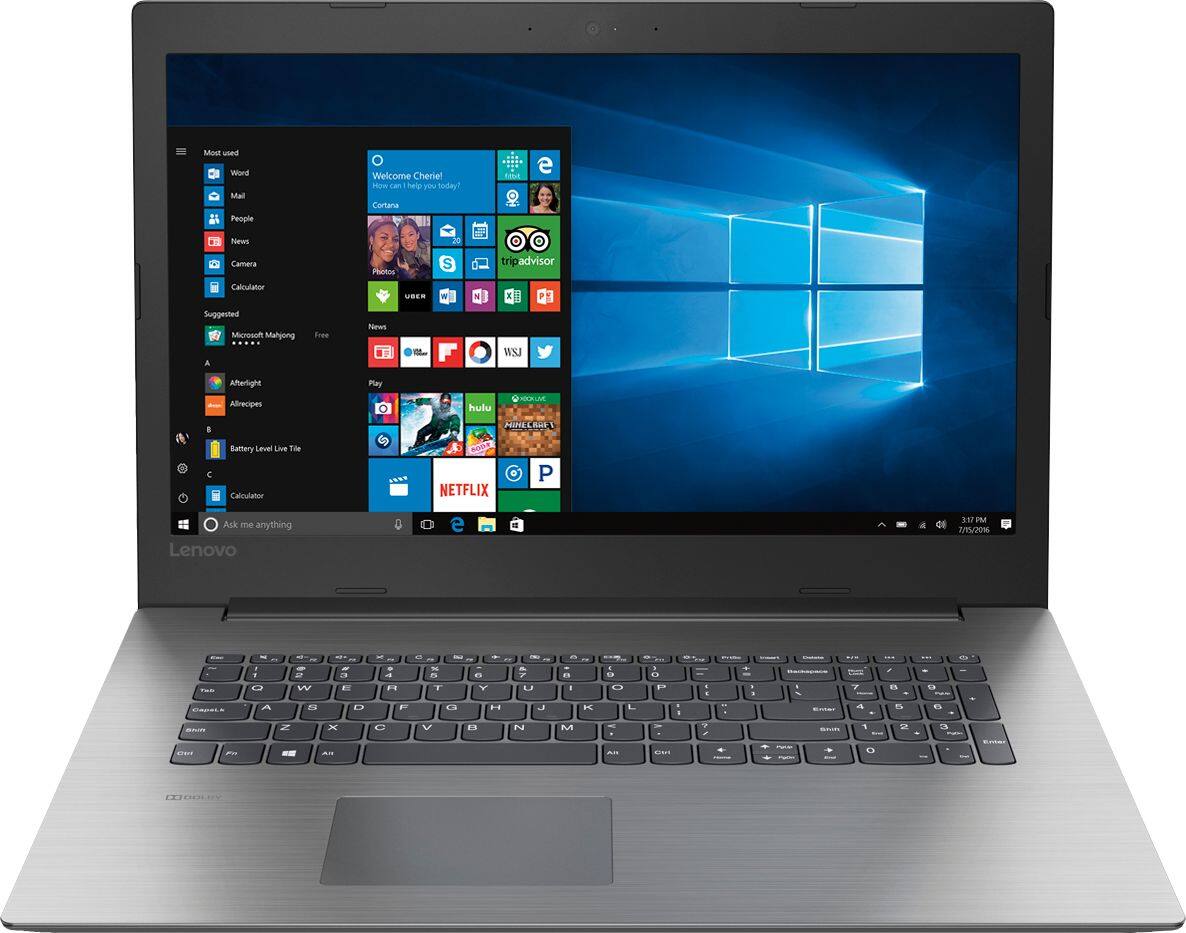
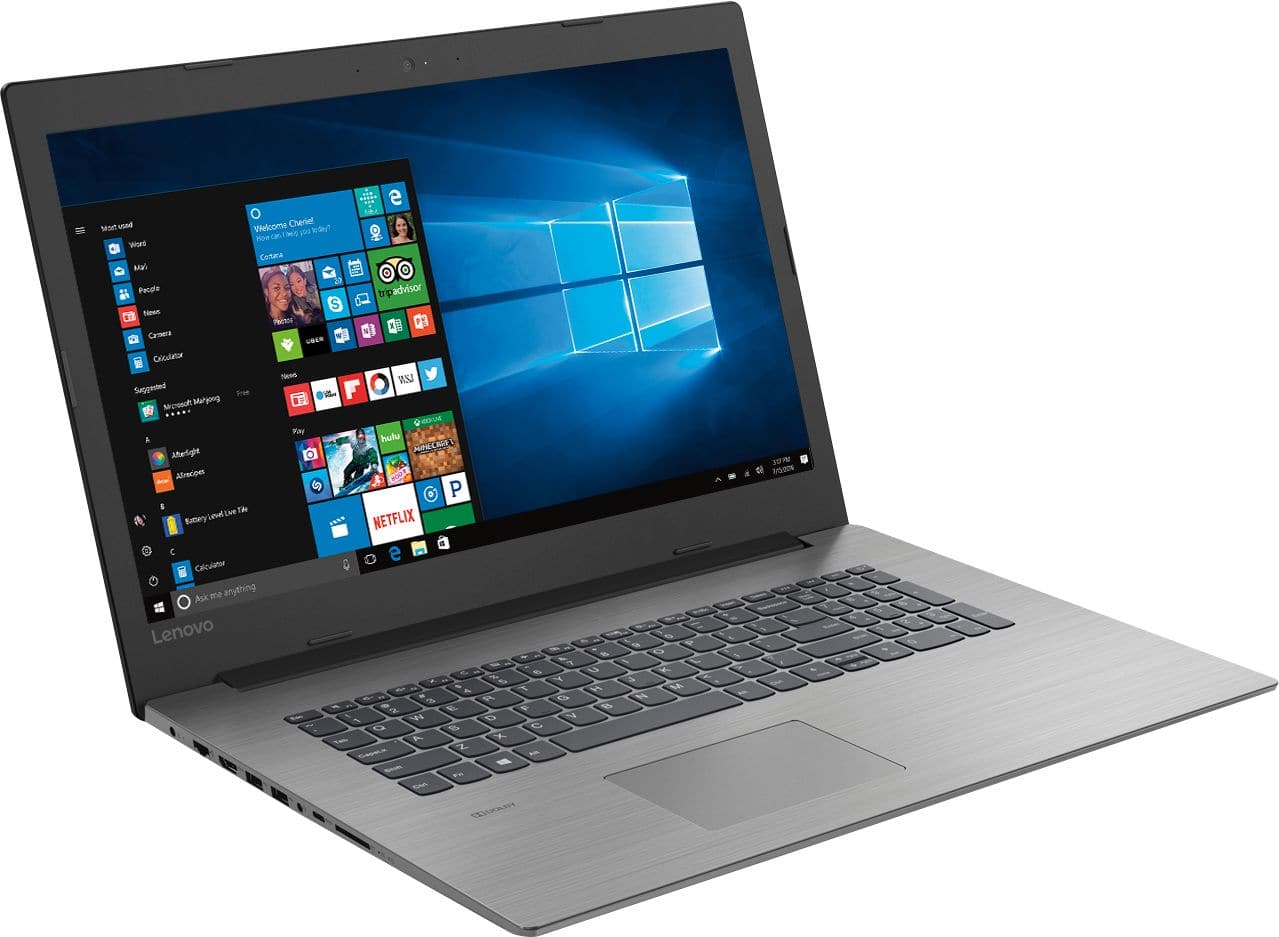
Posted .The Lenovo IdeaPad 330-17 comes with a 17.3" (screen size measured diagonally) screen.
MY FIRST LAPTOP, DONT LIKE THE SCREEN COLOR
||Posted .This reviewer received promo considerations or sweepstakes entry for writing a review.Difficult to learn, I am a novice when it comes to laptops, so I am finding it hard to master or maneuver around .
No, I would not recommend this to a friendBrand response from Lenovo Product Expert
Posted .Thank you for choosing the Lenovo IdeaPad 330-17 laptop. With regard to adjusting the color settings of your screen, here is a link to instructions: https://www.windowscentral.com/how-calibrate-your-pcs-monitor-windows-10. With regard to learning your way around Windows 10, you may want to try YouTube.com (just type that address in your browser address window). There are hundreds for free instructional videos there about Windows 10. Just type Windows 10 Introduction in to the YouTube search window. You can watch free videos there that will show you the basics all the way up to tips and tricks videos and they're all free.
POORLY made cheap plastic junk.
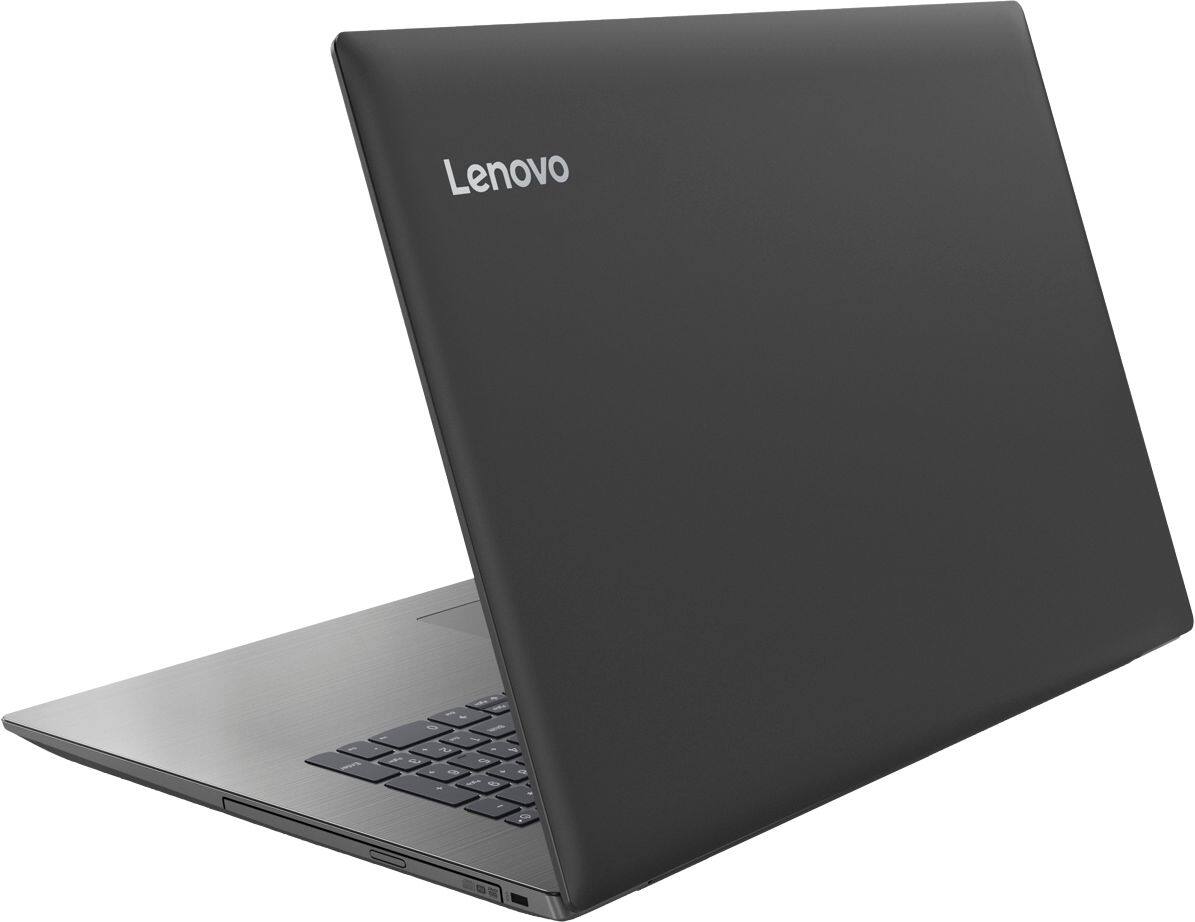
||Posted . Owned for more than 2 years when reviewed.This reviewer received promo considerations or sweepstakes entry for writing a review.This is the shoddiest built laptop that I have ever used. Within less than a year, the DVD drive stopped working and when I attempted to take out the screws from the back of the computer to replace the drive at the Geek Squad counter, they were missing and unable to be replaced due to the plastic being broken that they screw into. I then continued to use the laptop for some time but the frame around the screen cracked on both the left and the right of the screen bottom. I then discontinued opening and closing and duct taped the deficiencies to keep it from falling apart. Within days, I began getting errors that said the battery was defective. This is the worst expenditure I have made in purchasing a computer since the first one I purchased in 1986. I have been unable to travel with it for the last year and the power supply just died. It is just dead, despite being powered to the outlet.
No, I would not recommend this to a friendApple vs windows
||Posted .This reviewer received promo considerations or sweepstakes entry for writing a review.Very difficult to go between the two systems. Apple is much easier to navigate, windows offers more choices.
No, I would not recommend this to a friendBrand response from Lenovo Product Expert
Posted .With regard to learning your way around Windows 10, you may want to try YouTube.com (just type that address in your browser address window). There are hundreds for free instructional videos there about Windows 10. Just type Windows 10 Introduction in to the YouTube search window. You can watch free videos there that will show you the basics all the way up to tips and tricks videos and they're all free. The Lenovo IdeaPad 330-17 ships with a powerful Quad-Core/Eight-Thread Intel Core i5-8250U processor, 8GB of DDR4-2133MHz RAM. This configuration has a 17.3" (measured diagonally) 1600 x 900 (HD+) resolution screen, with a brightness level of 200 nits. This configuration can handle many of today's most demanding programs and is good with multi-tasking. If this describes the kind of computing you do, the Lenovo IdeaPad 330-17 will be a great choice for you.
Ok computer
||Posted . Owned for 1.5 years when reviewed.This reviewer received promo considerations or sweepstakes entry for writing a review.Good computer for price range. Needs more memory. Good starter computer.
I would recommend this to a friendi decided to return the product.
||Posted .This reviewer received promo considerations or sweepstakes entry for writing a review.i had some problems setting up the computer and decided that i really did not need a 5th laptop.
I would recommend this to a friendBrand response from Lenovo Product Expert
Posted .The Lenovo IdeaPad 330-17 laptop is a Windows 10 laptop. It uses Cortana voice guided instructions for the initial setup and activation of Windows 10, to make initial set up and activation easy.
- Cons mentioned:Heavy
It's okay
||Posted .This reviewer received promo considerations or sweepstakes entry for writing a review.It is very heavy and not as fast as I thought it would be
No, I would not recommend this to a friendBrand response from Lenovo Product Expert
Posted .This full-size 17.3" (screen size measured diagonally), weighs 6.17 lbs. and measures 1" thin. This is a fast system with its Quad-Core/Eight-Thread Intel Core i5-8250U processor and 8GB of RAM. Be sure any software you installed is compatible with Windows 10. There is no need to install Microsoft Office software. The software is already part of the operating system, you just need to activate the software with a purchased product key. If you have installed a copy of Microsoft Office, this is conflicting with the existing copy on the system and this will slow your system down. If you have installed a 3rd party anti-virus program, be sure that Windows Defender is turned off and that the trial version of McAfee Anti-Virus software is uninstalled. There can only be one anti-virus program on the system. You may need to restore your system to original factory default settings if any of the programing errors have occurred. You can do that by typing "restore" in the Cortana search window. Just click on the magnifying glass icon at the bottom left of your Windows 10 Desktop. Click on "Reset This PC" Then click on "Get Started" and follow the on screen directions to restore to factory defaults. If the problem persists, we recommend you contact Lenovo Tech Support at: 877-453-6686.
That display kill
||Posted .This reviewer received promo considerations or sweepstakes entry for writing a review.Everything about the processing is great, but that 1600x900 display is not cutting it.
No, I would not recommend this to a friendBrand response from Lenovo Product Expert
Posted .The Lenovo IdeaPad 330-17 ships with a powerful Quad-Core/Eight-Thread Intel Core i5-8250U processor, 8GB of DDR4-2133MHz RAM. This configuration has a 17.3" (measured diagonally) 1600 x 900 (HD+) resolution screen, with a brightness level of 200 nits. This configuration can handle many of today's most demanding programs and is good with multi-tasking. If this describes the kind of computing you do, the Lenovo IdeaPad 330-17 will be a great choice for you.