Customer Ratings & Reviews
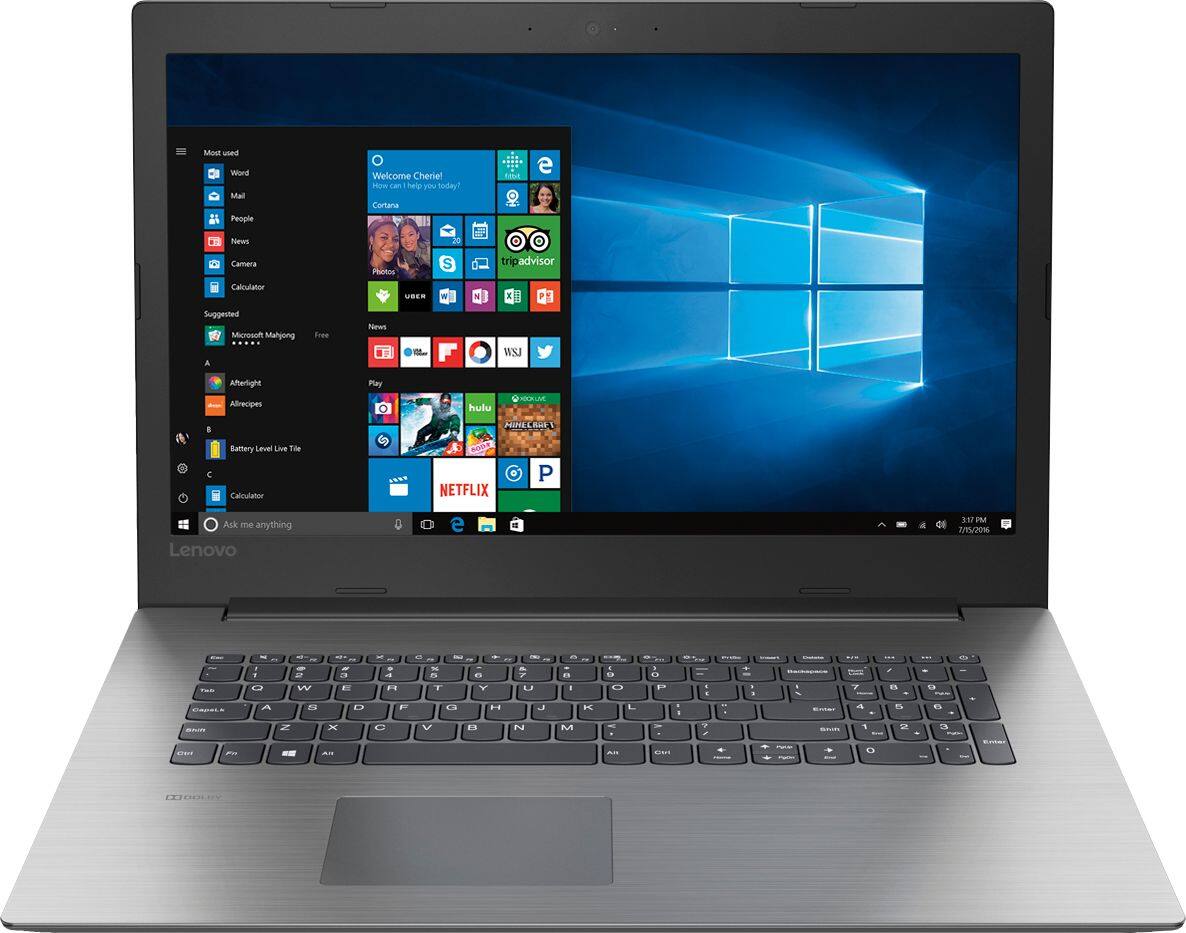
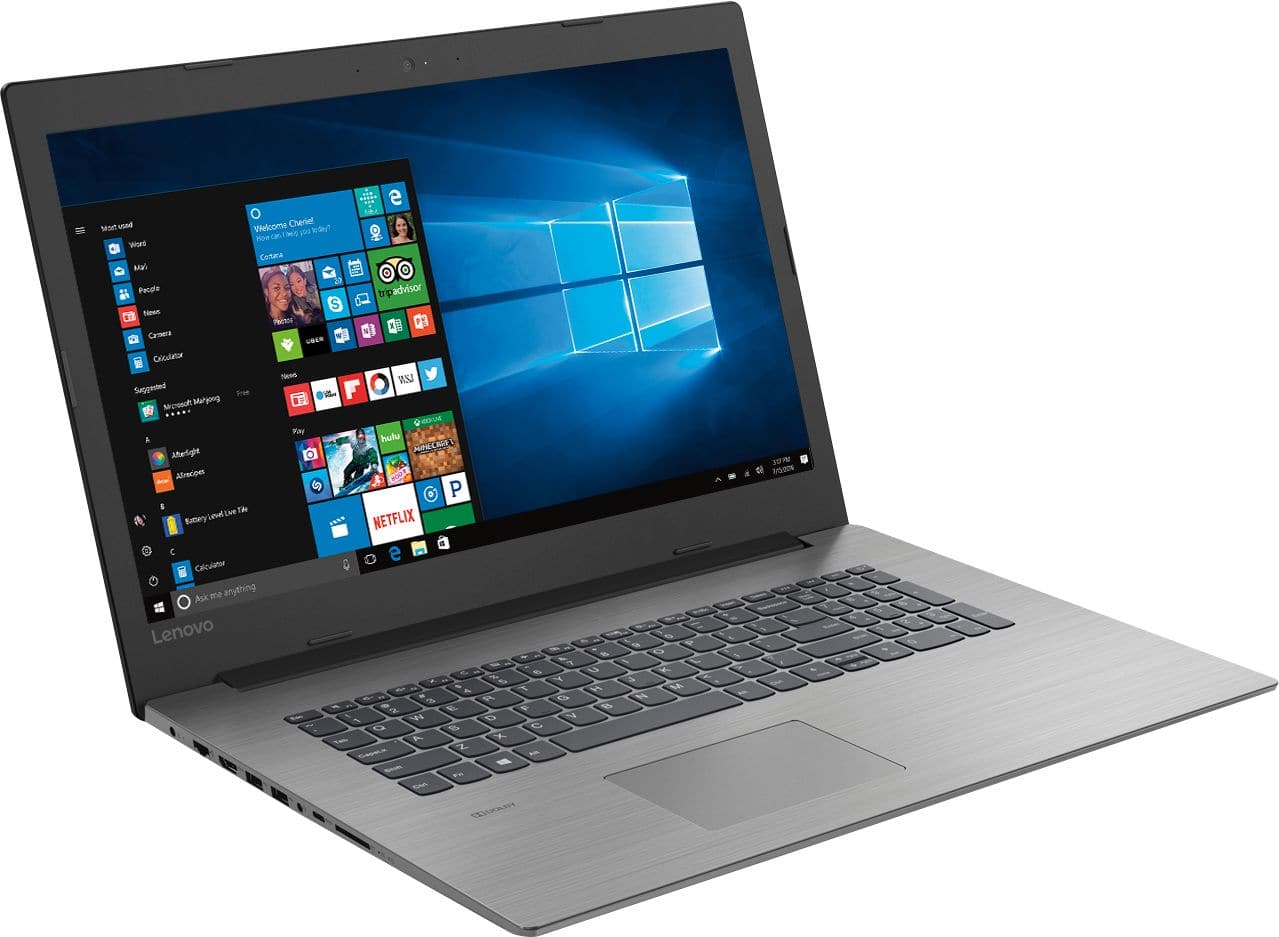
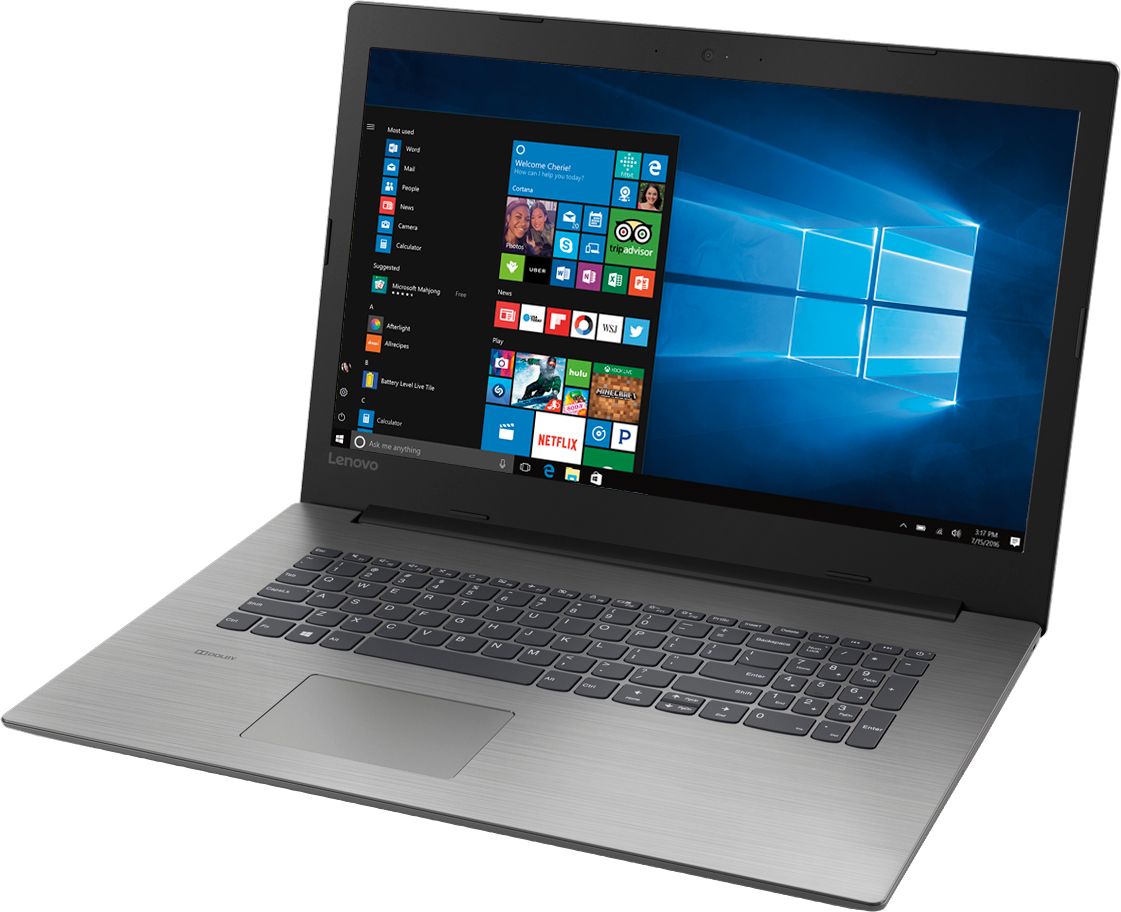
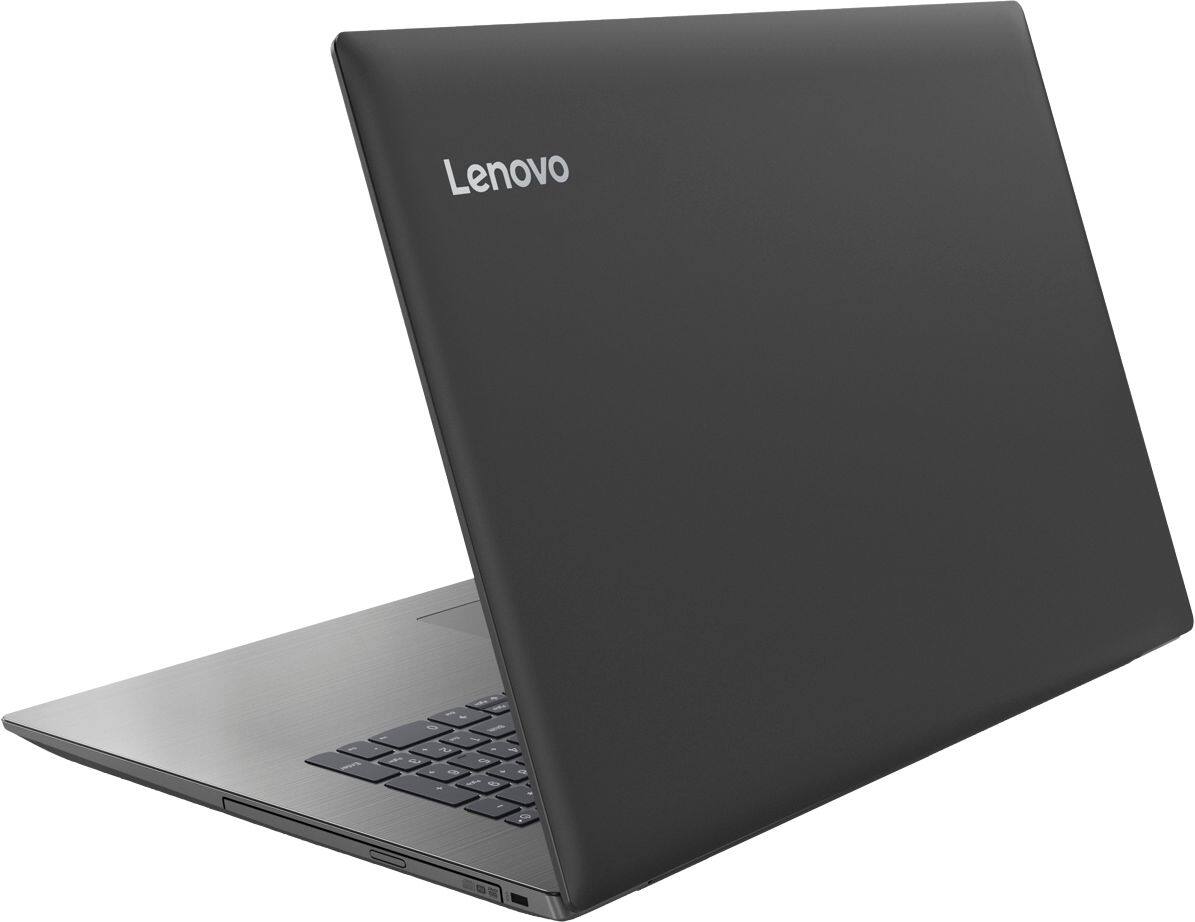
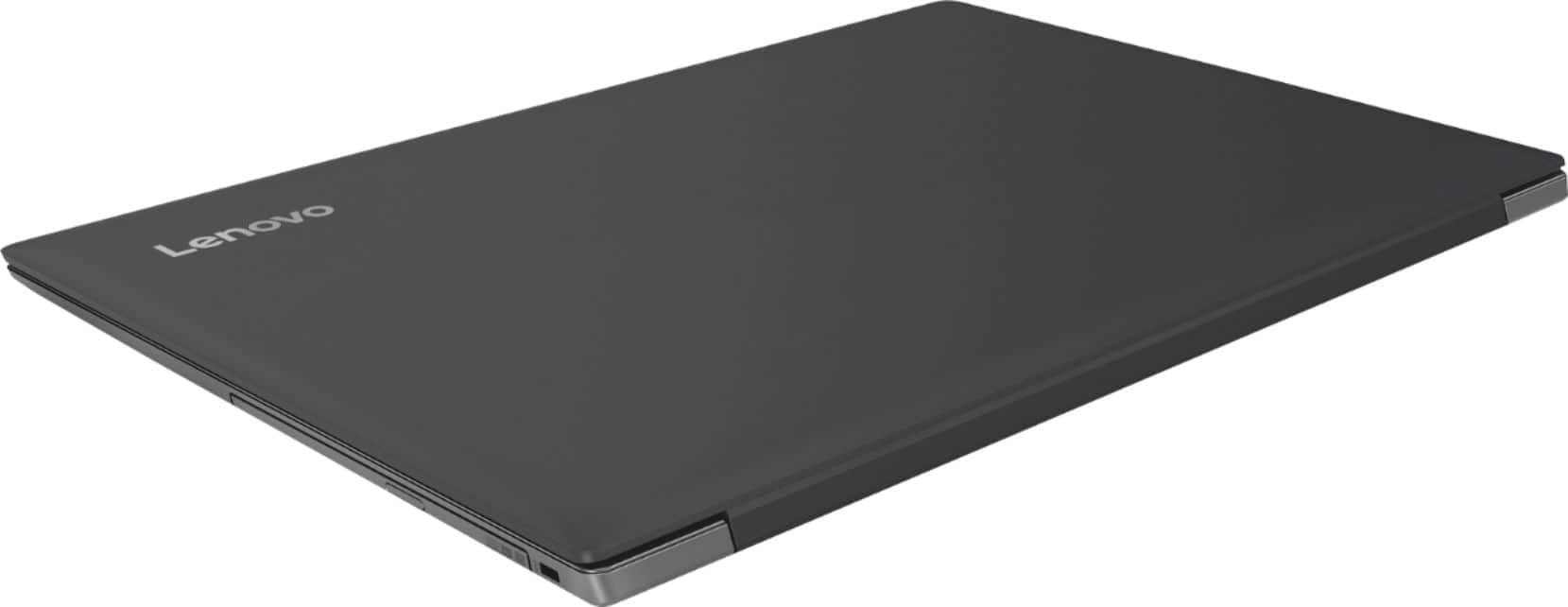
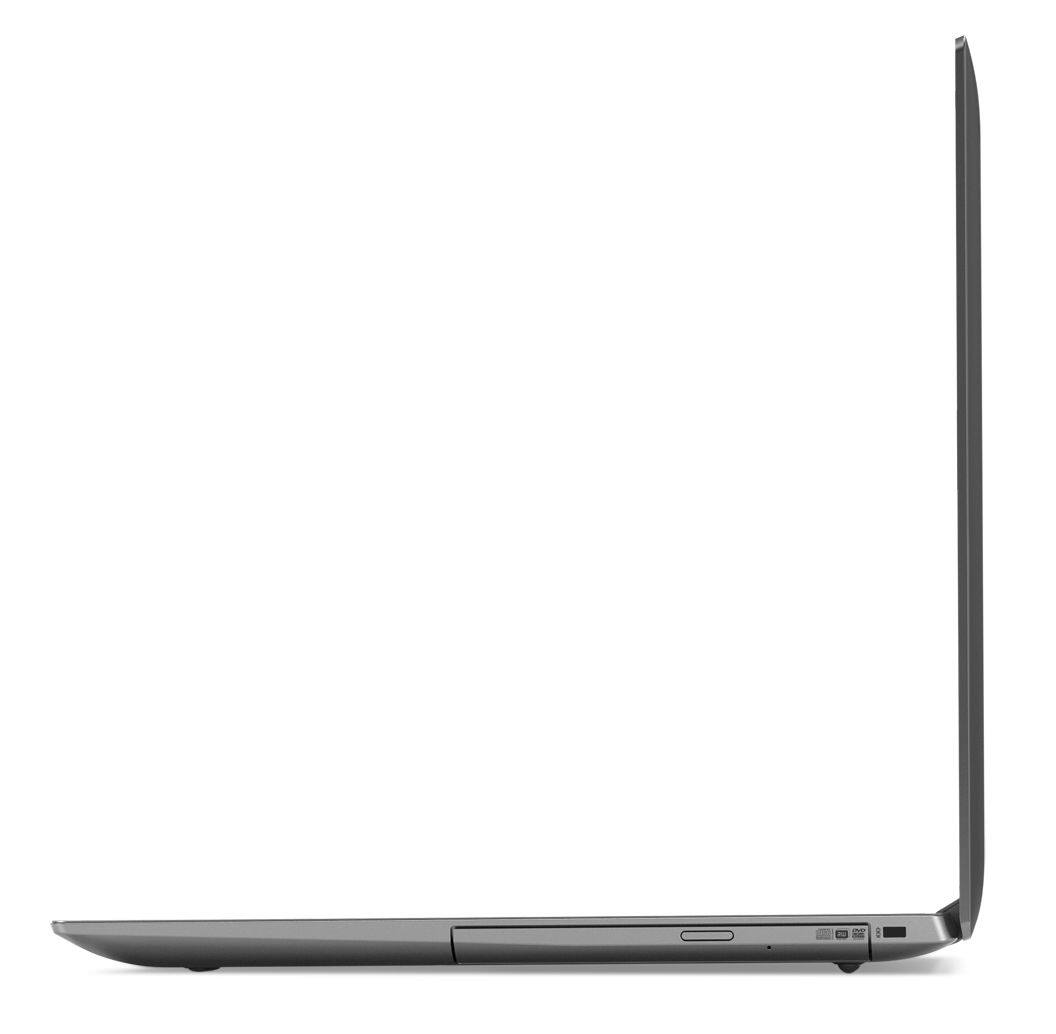
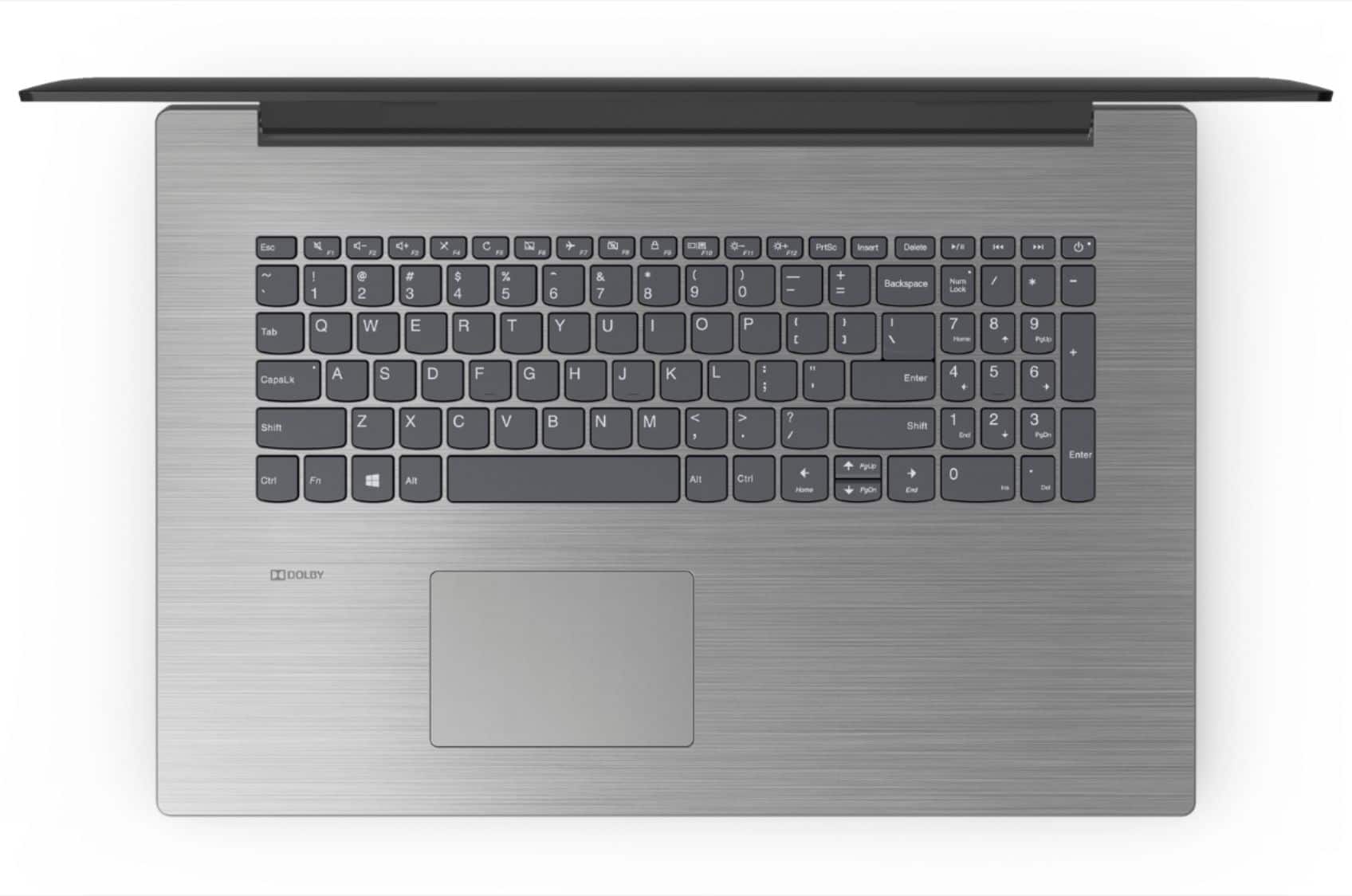
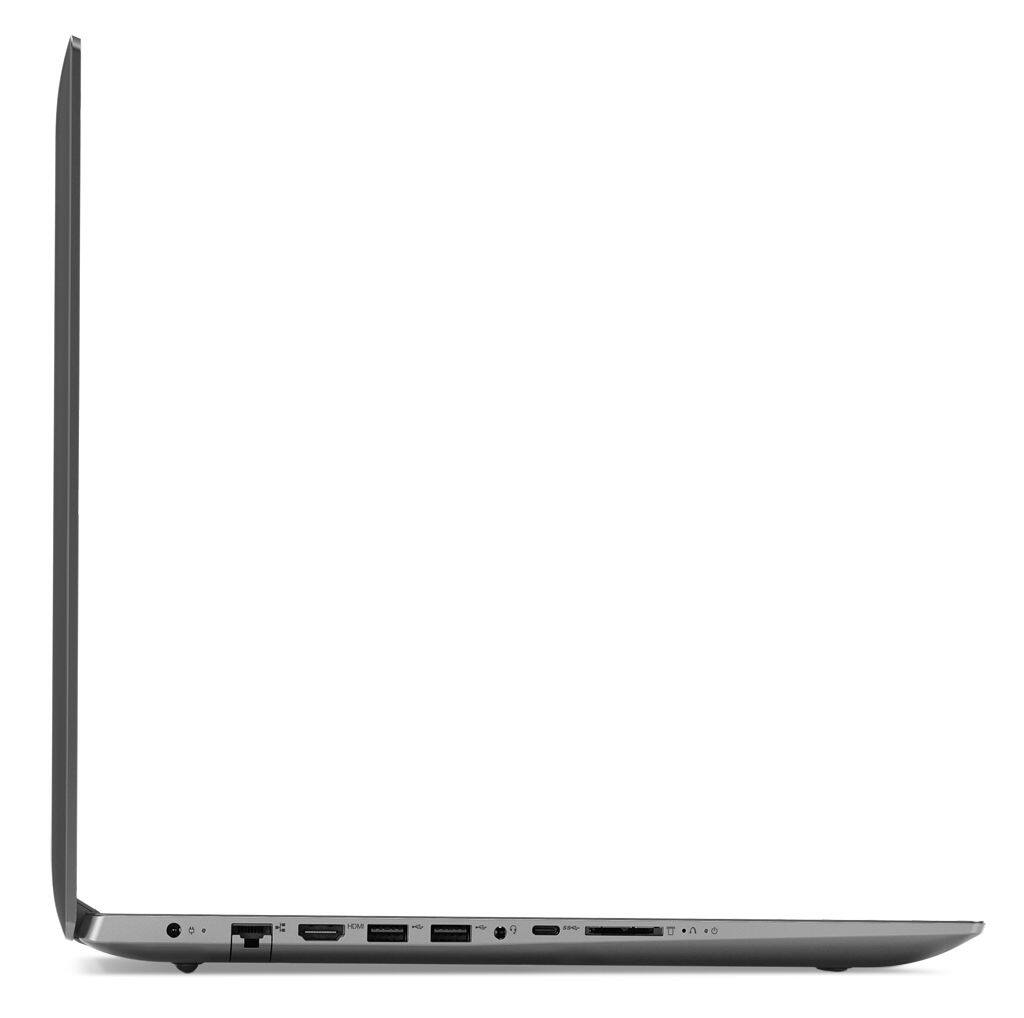
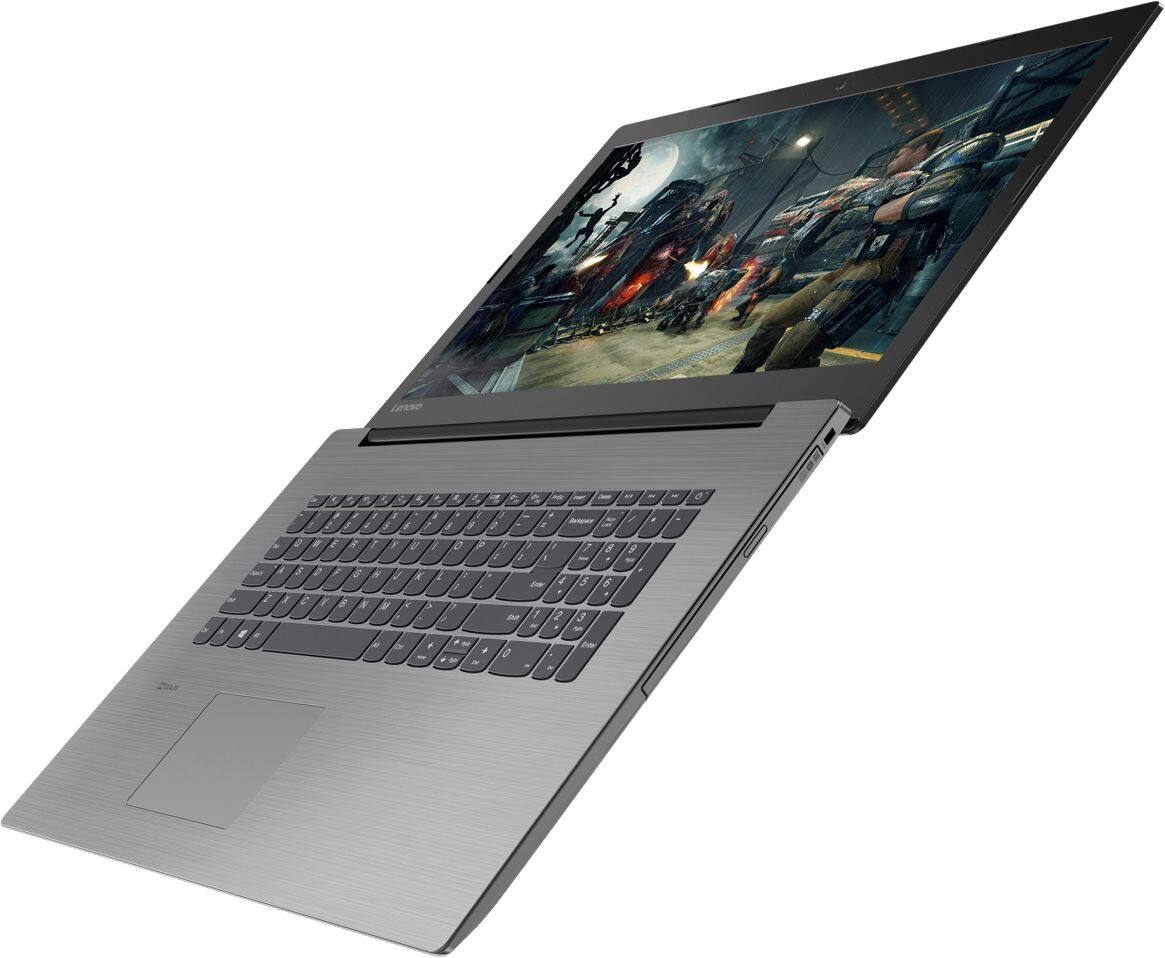
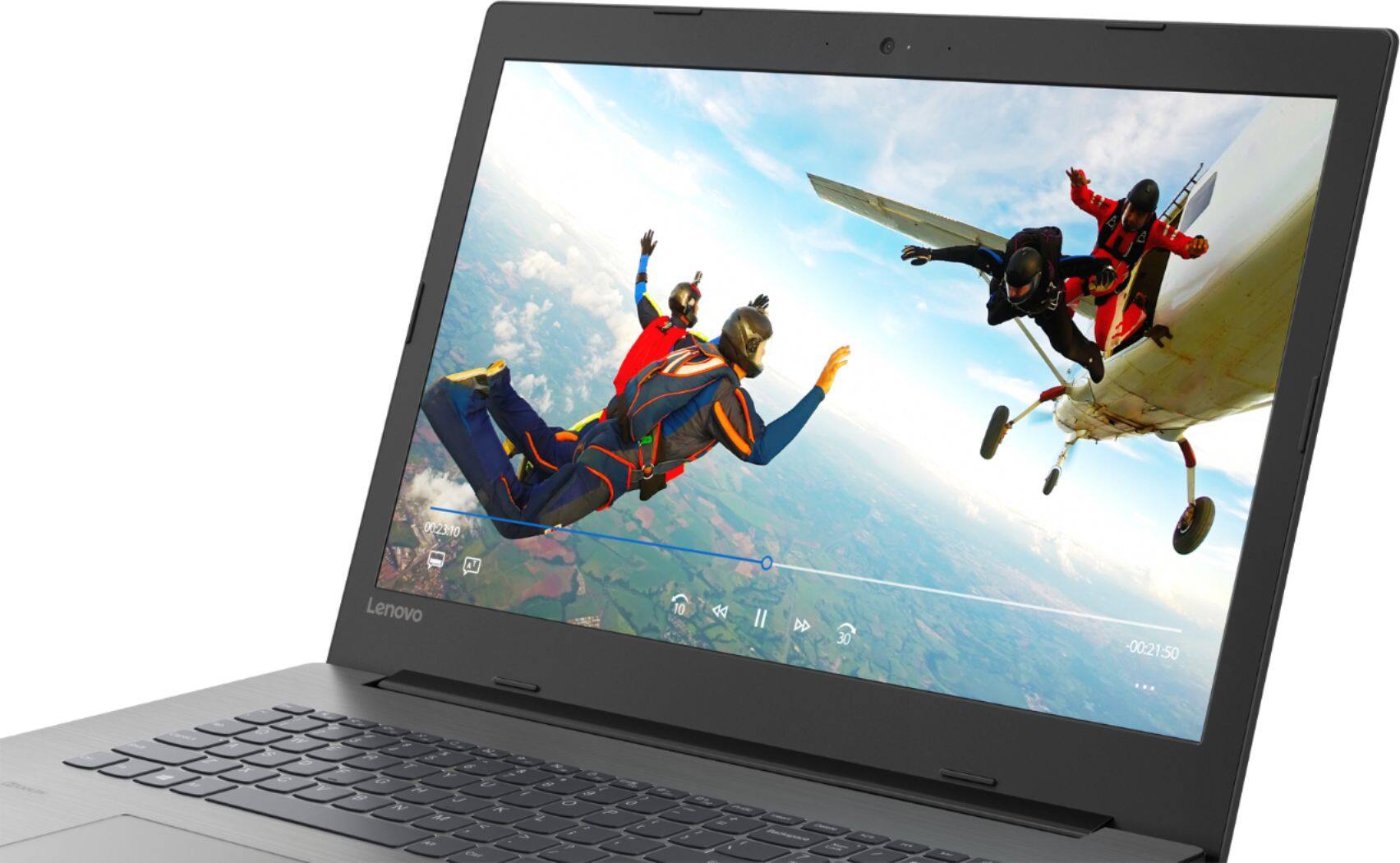

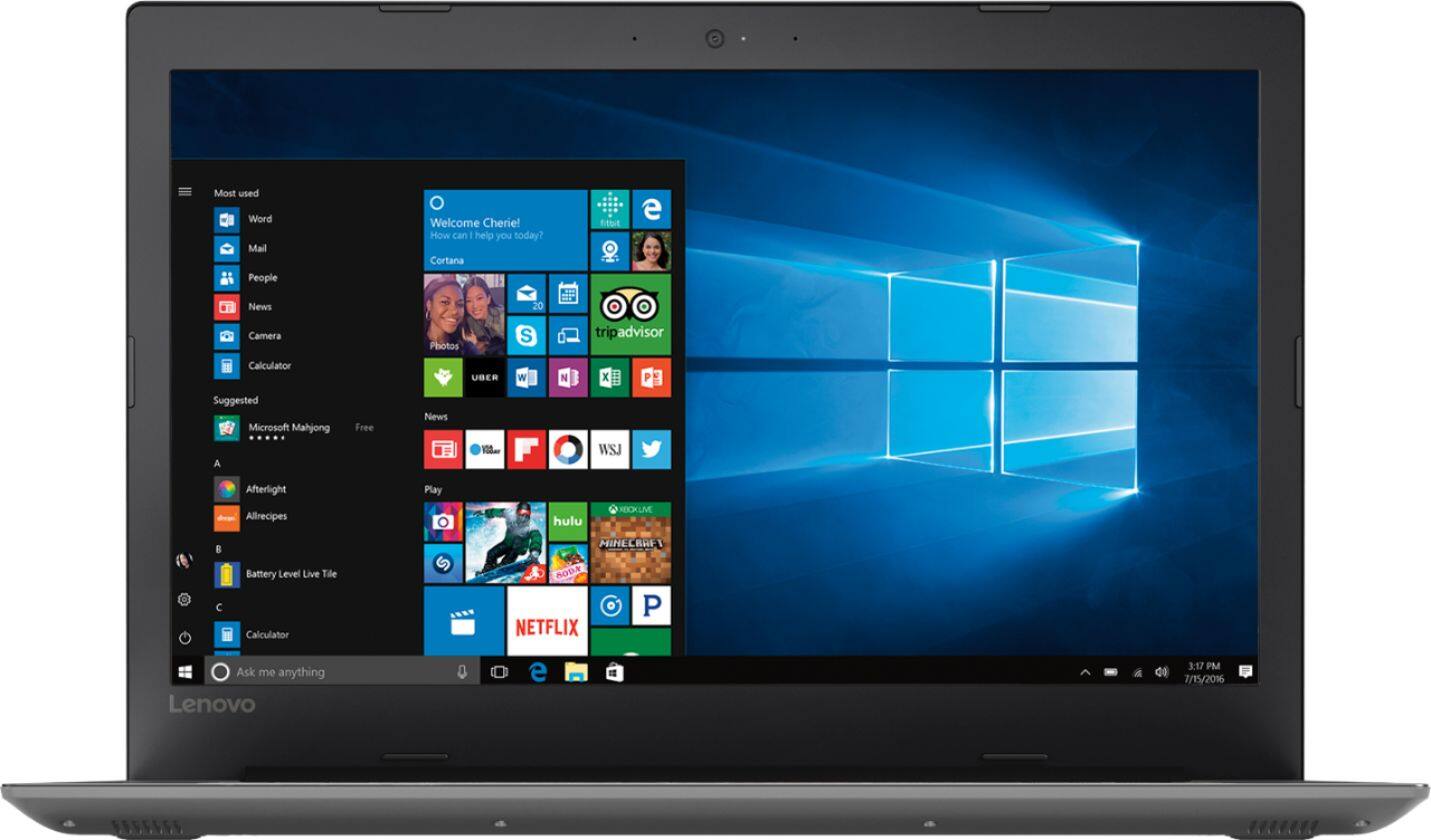
- Model:
- 81DM001UUS
- SKU:
- 6224501
Rating by feature
- Value
Rating 4.1 out of 5 stars
- Quality
Rating 4.1 out of 5 stars
- Ease of Use
Rating 4.2 out of 5 stars
Customers are saying
Customers are positive about the large screen, price, ease of use, storage, gaming capabilities, keyboard, performance, and processor. They appreciate the value for money and find the laptop suitable for light gaming. However, customers are negative about the battery life, weight, limited number of USB ports, and build quality, with some describing it as cheap and flimsy.
This summary was generated by AI based on customer reviews.
Frustrating inability to control basic features
||Posted .This reviewer received promo considerations or sweepstakes entry for writing a review.I would have loved to have kept this laptop, but simply could not due to the fact that I was unable to turn off the tap to click feature. This feature is horrible for those of us who use our laptops for writing as the simple brush of a hand across the mousepad while typing can cause very unintended consequences. Went so far as to bring the item back to the store in an attempt to see if the Geek Squad could help me with this function. Unfortunately, they were unable to assist me with this task. Even the online forums and Lenovo themselves were not able to provide any assistance in this matter. Was forced to return a piece of hardware, due to a piece of software. Could not have been more disappointed.
No, I would not recommend this to a friendBrand response from Lenovo Product Expert
Posted .We are sorry to hear that you are having issues with the sensitivity of the touchpad on your IdeaPad 330-17 laptop. You can adjust the sensitivity of the touchpad, so a brush of the hand on the touchpad does not make an input. With regard to the touchpad, you can make adjustments to the touchpad in your system settings. You can get there by clicking on the magnifying glass at the bottom left of your Windows 10 screen. Type "touchpad" in the search window. Select "Mouse & touchpad settings" from the list of choices. You can make general adjustments to the touchpad there. You can also select "Additional mouse options" for more detailed adjustments to the touchpad sensitivity by increasing the delay of the touchpad.

Doesn't scrool
||Posted .This reviewer received promo considerations or sweepstakes entry for writing a review.Poor screen manipulation,not able to scroll.Poor access to DVD roll out, flimsy.
No, I would not recommend this to a friendBrand response from Lenovo Product Expert
Posted .There are many touchpad gestures, including scrolling, you can use with the touchpad on this laptop within Windows 10. Here is a link to instructions for touchpad gestures within Windows 10: https://support.microsoft.com/en-us/help/4027871/windows-10-touchpad-gestures. This configuration has a standard, horizontally mounded CD/DVD-RW drive built in.
returned this
||Posted . Owned for 1.5 years when reviewed.This reviewer received promo considerations or sweepstakes entry for writing a review.did not like returned for an hp instead best decision !!!
No, I would not recommend this to a friendGood basic windows computer
||Posted .This reviewer received promo considerations or sweepstakes entry for writing a review.Good basic windows computer. Good for surfing the web and a little homework
I would recommend this to a friendBrand response from Lenovo Product Expert
Posted .The Lenovo IdeaPad 330-17 ships with a powerful Quad-Core/Eight-Thread Intel Core i5-8250U processor and 8GB of DDR4-2133MHz RAM. This configuration has a 17.3" (measured diagonally) 1600 x 900 (HD+) resolution screen, with a brightness level of 200 nits. This configuration can handle many of today's most demanding programs and is good with multi-tasking. If this describes the kind of computing you do, the Lenovo IdeaPad 330-17 will be a great choice for you.
Thought I was getting better.
||Posted . Owned for 1 year when reviewed.This reviewer received promo considerations or sweepstakes entry for writing a review.You know, I wish I got to test this thing. I downloaded Firefox, Discord, Minecraft, and Steam (with games included.) Already I could see the cracks. First of all, Lenovo's "bloatware" messed up. I checked Task Manager, and things like Steam were running at high disk. Something that never happened on my old (and worse) computer. All I know is, if you buy this computer for gaming, please expect your games to run at low FPS and just lag. I was told this computer could game. It couldn't. Minecraft lags like crazy, other games, you have to run on so low graphics, you can't even see a character. I checked minimum specs for the game as well. This computer SHOULD run those games no problem. So Lenovo, I'm making my own computer next time, and to those who want a computer for gaming, look elsewhere.
No, I would not recommend this to a friendAverage laptop
||Posted . Owned for 11 months when reviewed.This reviewer received promo considerations or sweepstakes entry for writing a review.Average laptop. Nothing spectacular. Just working as intended.
I would recommend this to a friendI would like one more USB port
||Posted .This reviewer received promo considerations or sweepstakes entry for writing a review.additional USB ports are likely more important than the DVD drive
I would recommend this to a friendBrand response from Lenovo Product Expert
Posted .If you need more USB ports for this device, you may want to consider using a USB Hub with this device.
Slow laptop
||Posted .This reviewer received promo considerations or sweepstakes entry for writing a review.This is too slow to watch stream video i know its a cheap laptop
No, I would not recommend this to a friendBrand response from Lenovo Product Expert
Posted .The Lenovo IdeaPad 330-17 is a fast computer. It ships with a powerful Quad-Core/Eight-Thread Intel Core i5-8250U processor, 8GB of DDR4-2133MHz RAM. This configuration has a 17.3" (screen size measured diagonally) 1600 x 900 (HD+) resolution screen, with a brightness level of 200 nits. The IdeaPad 330-17 uses 5G 802.11AC WiFi. It is the fastest frequency available for WiFi. Although 802.11AC is backward compatible with older b/g/n frequencies, be sure your router has the latest firmware updates available from your router manufacturer. You can find these firmware updates on your router manufacturer's web site.
Ok comparing gto a brand name
||Posted .This reviewer received promo considerations or sweepstakes entry for writing a review.Ok so far I am used to HP. So lets see if it is worth my money.
I would recommend this to a friendBrand response from Lenovo Product Expert
Posted .The Lenovo IdeaPad 330-15 ships with a powerful Quad-Core/Eight-Thread Intel Core i5-8250U processor, 8GB of DDR4-2133MHz RAM. This configuration has a 15.6" (measured diagonally) 1600 x 900 (HD+) resolution screen, with a brightness level of 200 nits. This configuration can handle many of today's most demanding programs and is good with multi-tasking. If this describes the kind of computing you do, the Lenovo IdeaPad 330-15 will be a great choice for you.
Terrible display
||Posted .This reviewer received promo considerations or sweepstakes entry for writing a review.The laptop was fast and worked good but the display graphics were terrible. I had a very hard time seeing the web pages unless the room was darkened with no outside light coming in. Returned it and would not recommend it.
No, I would not recommend this to a friendBrand response from Lenovo Product Expert
Posted .The Lenovo IdeaPad 330-17 laptop has a 1600 x 900 (HD+) resolution screen, with a brightness level of 200 nits. Be sure you have auto-brightness level turned off for maximum brightness all the time. Here is a link to instructions for turning off auto-brightness: https://www.itsupportguides.com/knowledge-base/windows-10/windows-10-how-to-disable-automatic-brightness-adjustments/
Keeps shutting down.
||Posted .This reviewer received promo considerations or sweepstakes entry for writing a review.Disappointed, keeps shutting down and no one understands why.
No, I would not recommend this to a friendBrand response from Lenovo Product Expert
Posted .We are sorry to hear that you are having issues with your Lenovo IdeaPad 330-17 laptop. With regard to your system shutting down, be sure any software you installed is compatible with Windows 10. There is no need to install Microsoft Office software. The software is already part of the operating system, you just need to activate the software with a purchased product key. If you have installed a copy of Microsoft Office, this is conflicting with the existing copy on the system and this will slow your system down. If you have installed a 3rd party anti-virus program, be sure that Windows Defender is turned off and that the trial version of McAfee Anti-Virus software is uninstalled. There can only be one anti-virus program on the system. Additionally, you check the health of the hardware and software on the device with Lenovo Utility software installed on the device. This system has Lenovo utilities installed to help maintain the health of the device and keep the operating system software up to date. Type "Lenovo Vantage" in the Cortana Search window (if Lenovo Vantage is not installed on your device, you can download the APP and install it now). Select Lenovo Vantage from the list. In the window that opens, click on "Health and Support". In the expanded menu, select "Hardware Scan" In the window that opens, select "Run Quick Tests". This will scan your entire system for errors. Follow any directions that may pop up. If the problem continues after this scan, now click on "System Update". First select Windows update from the menu. Scan your system to be sure you have the latest version of Windows 10. Once that scan is complete, select "Additional Updates". This will scan your device to be sure there are no new BIOS/Driver updates needed. Follow any instructions that may pop up. If the issue still continues after these updates, we recommend you call Lenovo Tech Support at: 877-453-6686 for additional help.
good
||Posted .This reviewer received promo considerations or sweepstakes entry for writing a review.this lapto I like cause the performance is good and fast
I would recommend this to a friendBrand response from Lenovo Product Expert
Posted .The Lenovo IdeaPad 330-17 ships with a powerful Quad-Core/Eight-Thread Intel Core i5-8250U processor, 8GB of DDR4-2133MHz RAM. This configuration has a 17.3" (measured diagonally) 1600 x 900 (HD+) resolution screen, with a brightness level of 200 nits. This configuration can handle many of today's most demanding programs and is good with multi-tasking. If this describes the kind of computing you do, the Lenovo IdeaPad 330-17 will be a great choice for you.
eazey access
||Posted .This reviewer received promo considerations or sweepstakes entry for writing a review.husband bought it pre owned for great price!!!!!!!
I would recommend this to a friendGood for minimum work on it
||Posted .This reviewer received promo considerations or sweepstakes entry for writing a review.Works very slow, and after it updated it's even worst.
No, I would not recommend this to a friendBrand response from Lenovo Product Expert
Posted .This is a fast system with its Quad-Core/Eight-Tread Intel Core i5-8250U processor and 8GB of RAM. Be sure any software you installed is compatible with Windows 10. There is no need to install Microsoft Office software. The software is already part of the operating system, you just need to activate the software with a purchased product key. If you have installed a copy of Microsoft Office, this is conflicting with the existing copy on the system and this will slow your system down. If you have installed a 3rd party anti-virus program, be sure that Windows Defender is turned off and that the trial version of McAfee Anti-Virus software is uninstalled. There can only be one anti-virus program on the system. You may need to restore your system to original factory default settings if any of the programing errors have occurred. You can do that by typing "restore" in the Cortana search window. Just click on the magnifying glass icon at the bottom left of your Windows 10 Desktop. Click on "Reset This PC" Then click on "Get Started" and follow the on screen directions to restore to factory defaults. If the problem persists, we recommend you contact Lenovo Tech Support at: 877-453-6686.
Doesn't Stand up to it's Reputation
||Posted .This reviewer received promo considerations or sweepstakes entry for writing a review.For the price, I expected a faster computer. Takes forever to boot up and load the internet. Then the websites are slow to load and when you click on something on the websites it is very very slow. Don't know what all the hype is all about for this brand.
No, I would not recommend this to a friendDon't like it!
||Posted . Owned for 11 months when reviewed.This reviewer received promo considerations or sweepstakes entry for writing a review.Don't care for this computer***not as easy to use as my old Dell computer. It is sitting in my closet in the box it came in and I bought a new battery for my old Dell computer***Happy again!
No, I would not recommend this to a friendNot pleased at all
||Posted .This reviewer received promo considerations or sweepstakes entry for writing a review.ideapad 330. It is slow, it doesn't work well. The keyboard keys don't respond, the mouse doesn't respond. Why have a laptop if you have to have an external mouse and keyboard? Reviews say that it is a driver conflict. I'd love to open it up so I can update but I need to get a keyboard and mouse so I can do that. I have paid too much to have to do this much to use a laptop. If I can't fix soon, I will take back.
No, I would not recommend this to a friendBrand response from Lenovo Product Expert
Posted .We are sorry to hear that you are having issues with your Lenovo IdeaPad 330-17 laptop. Be sure any software you installed is compatible with Windows 10. There is no need to install Microsoft Office software. The software is already part of the operating system, you just need to activate the software with a purchased product key. If you have installed a copy of Microsoft Office, this is conflicting with the existing copy on the system and this will slow your system down. If you have installed a 3rd party anti-virus program, be sure that Windows Defender is turned off and that the trial version of McAfee Anti-Virus software is uninstalled. There can only be one anti-virus program on the system. You may need to restore your system to original factory default settings if any of the programing errors have occurred. This system is equipped with OneKey Recovery System. There is a very small pin hole on the left side of the device, right near the SD card slot on the device. You will need a pin to push this reset button. Plug the device in. Let the battery charge for about 15 minutes. Push the reset button. The system should boot to a choice screen where you can choose "Restore To Factory Default". Select this. It will delete everything from the hard drive except the original factory install of the operating system. You will need to reinstall all programs and files after the reset. If you don't have copies of the files, try to make one before you restore by selecting "Boot to desktop" and trying to back up your files. If the problem persists after the factory reset, we recommend you contact Lenovo Tech Support at: 877-453-6686.

What I needed for school.
||Posted .This reviewer received promo considerations or sweepstakes entry for writing a review.This laptop really fits all of my school needs. This met my requirements and was a great deal. So happy I was able to get this laptop on sale. I spoke with several experts who told me this would be perfect for me. They were so correct. My classmats are so jealous of me. It has made my class assignments so much easier to complete. I would recommend this to anyone needing a really great laptop. It really helps to get a great review. I know I valued the replys that I read.
I would recommend this to a friendBad Performance
||Posted .This reviewer received promo considerations or sweepstakes entry for writing a review.CPU process is always high, slow to open programs, overall performance is very poor, specially for an i5 Processor. Compared to my 2014 HP Envy M6 this laptop is painfully slow
No, I would not recommend this to a friendBrand response from Lenovo Product Expert
Posted .We are sorry to hear that you are having issues with your Lenovo IdeaPad 330-17 laptop. This system is fast system with its Core I-5-8250U processor and 8GB of RAM. Be sure any software you installed is compatible with Windows 10. There is no need to install Microsoft Office software. The software is already part of the operating system, you just need to activate the software with a purchased product key. If you have installed a copy of Microsoft Office, this is conflicting with the existing copy on the system and this will slow your system down. If you have installed a 3rd party anti-virus program, be sure that Windows Defender is turned off and that the trial version of McAfee Anti-Virus software is uninstalled. There can only be one anti-virus program on the system. You may need to restore your system to original factory default settings if any of the programing errors have occurred. You can do that by typing "restore" in the Cortana search window. Just click on the magnifying glass icon at the bottom left of your Windows 10 Desktop. Click on "Reset This PC" Then click on "Get Started" and follow the on screen directions to restore to factory defaults. If the problem persists, we recommend you contact Lenovo Tech Support at: 877-453-6686.
Disappointed
||Posted .This reviewer received promo considerations or sweepstakes entry for writing a review.I thought it had the back light for the keyboard. When you view the picture fro the side everything is all muddy, not clear.
No, I would not recommend this to a friendBrand response from Lenovo Product Expert
Posted .Model number 81DM001UUS, does not have a backlit keyboard. The screen is an anti-glare, 1600 x 900 (HD+) resolution screen. It is not IPS.