Customer Ratings & Reviews
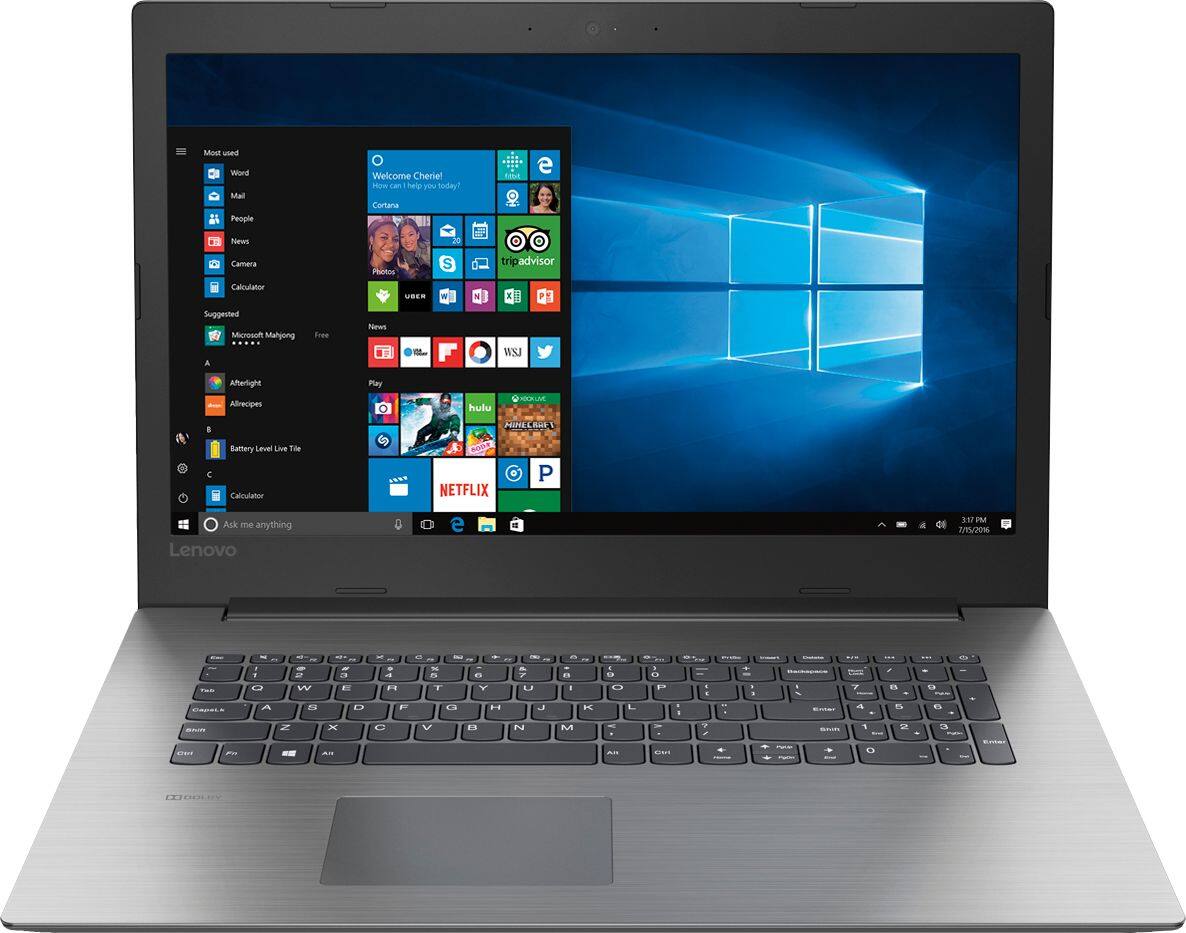
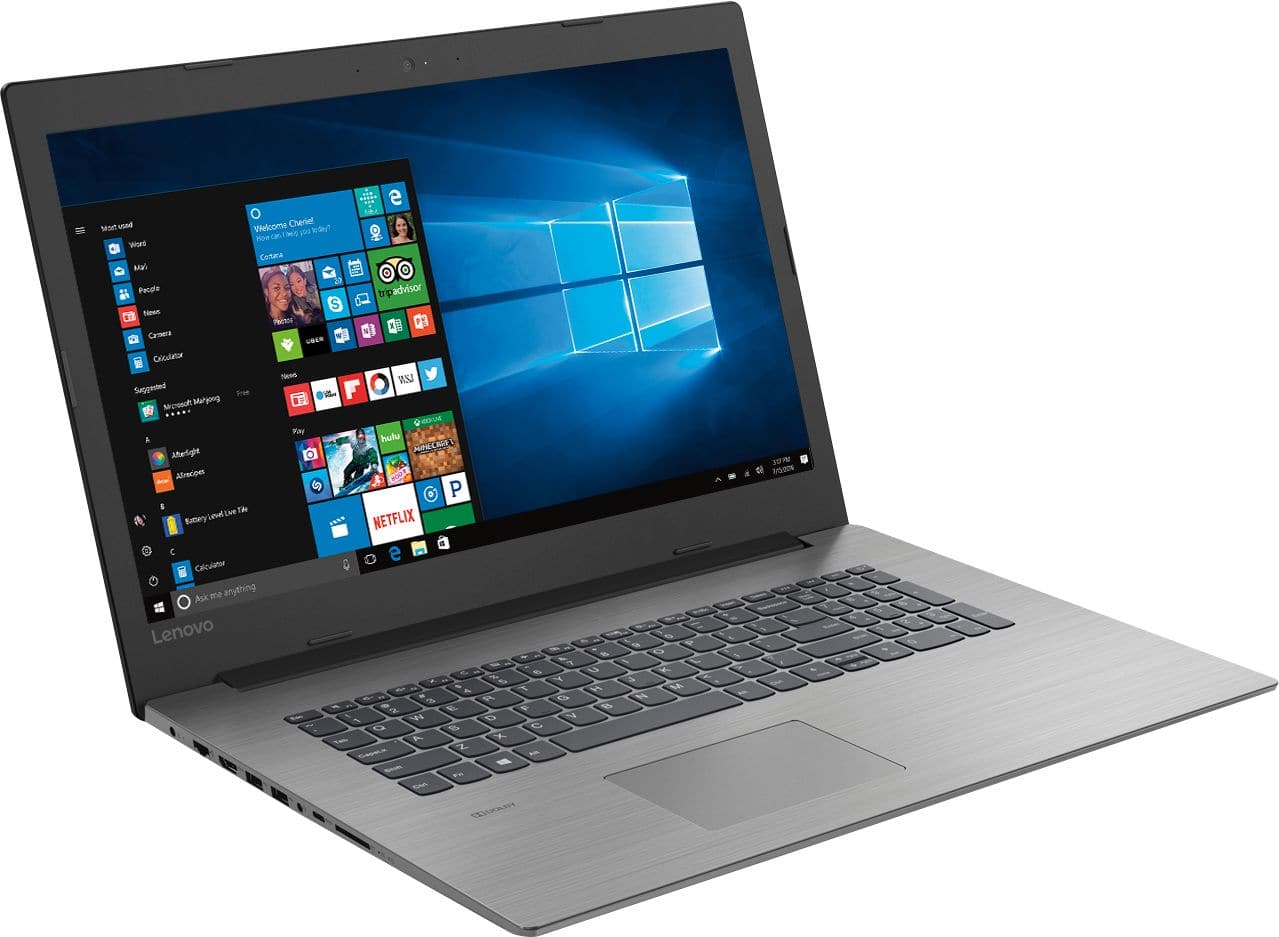
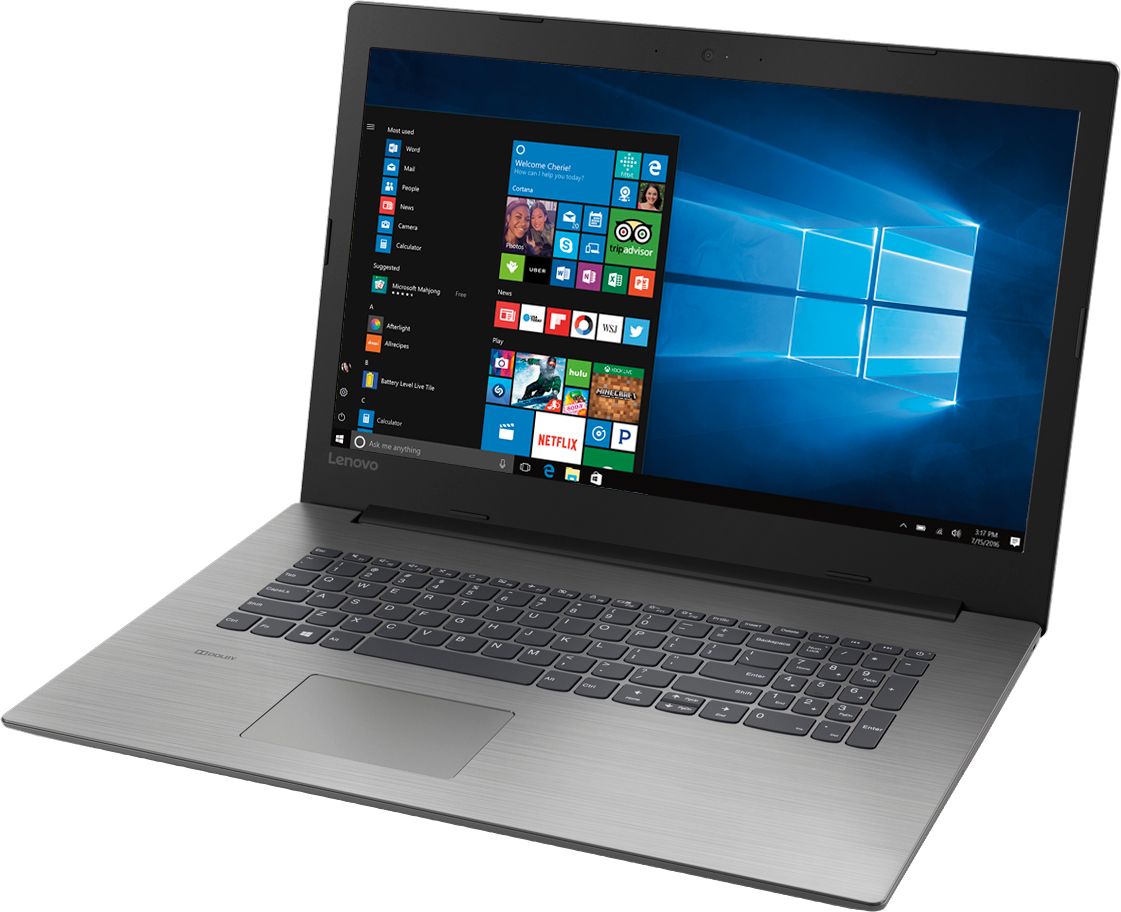
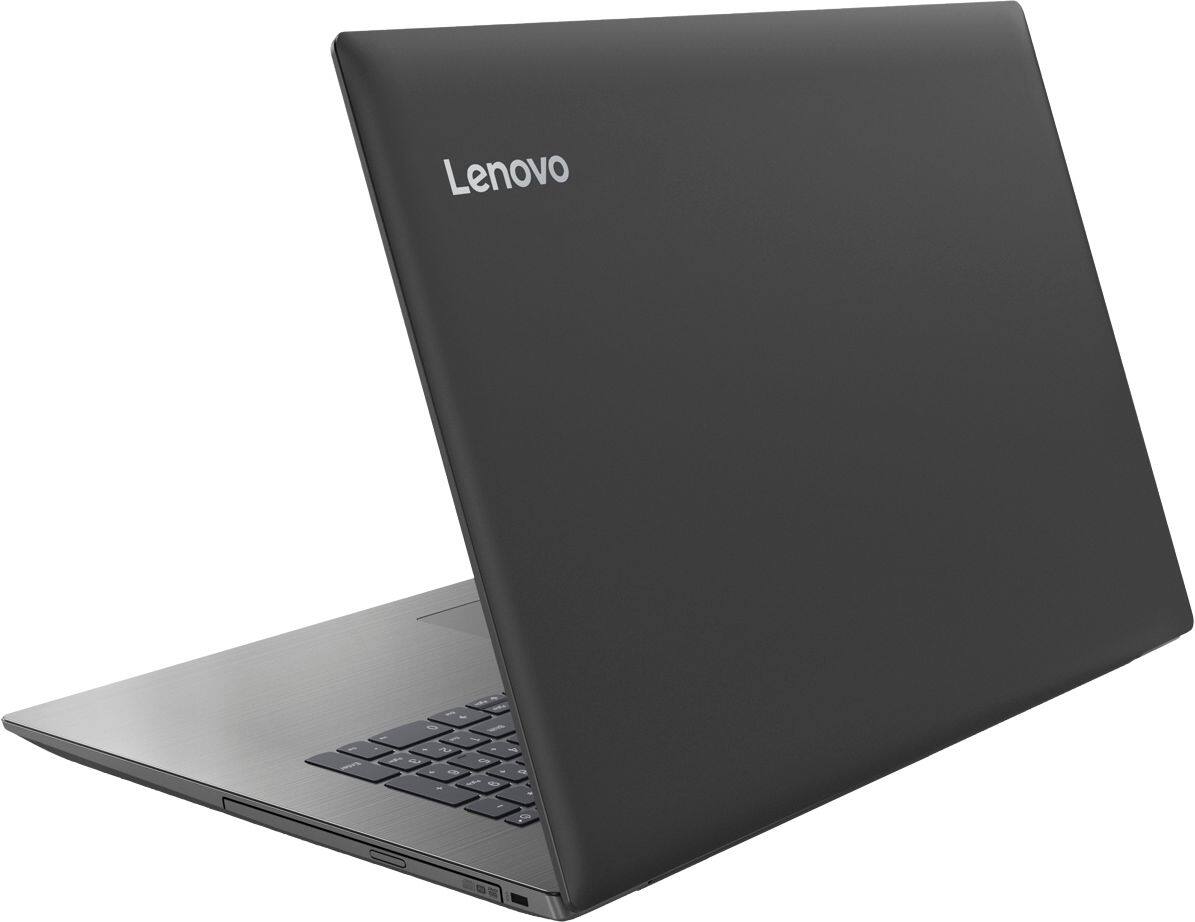

- Model:
- 81DM001UUS
- SKU:
- 6224501
Rating by feature
- Value
Rating 4.1 out of 5 stars
- Quality
Rating 4.1 out of 5 stars
- Ease of Use
Rating 4.2 out of 5 stars
Customers are saying
Customers are positive about the large screen, price, ease of use, storage, gaming capabilities, keyboard, performance, and processor. They appreciate the value for money and find the laptop suitable for light gaming. However, customers are negative about the battery life, weight, limited number of USB ports, and build quality, with some describing it as cheap and flimsy.
This summary was generated by AI based on customer reviews.
Not happy
||Posted .This reviewer received promo considerations or sweepstakes entry for writing a review.Glitches and freezing. Can not Skype. Taking back and hope I can get taken care of
No, I would not recommend this to a friendBrand response from Lenovo Product Expert
Posted .This system should be a fast system with its Core I-5 processor and 8GB of RAM. Be sure any software you installed is compatible with Windows 10. There is no need to install Microsoft Office software, including Skype. The software is already part of the operating system, you just need to activate the software with a purchased product key. If you have installed a copy of Microsoft Office, this is conflicting with the existing copy on the system and this will slow your system down. If you have installed a 3rd party anti-virus program, be sure that Windows Defender is turned off and that the trial version of McAfee Anti-Virus software is uninstalled. There can only be one anti-virus program on the system. You may need to restore your system to original factory default settings if any of the programing errors have occurred. You can do that by typing "restore" in the Cortana search window. Just click on the magnifying glass icon at the bottom left of your Windows 10 Desktop. Click on "Reset This PC" Then click on "Get Started" and follow the on screen directions to restore to factory defaults. If the problem persists, we recommend you contact Lenovo Tech Support at: 877-453-6686.

- Pros mentioned:Price
Excellent choice and performance
Posted .This reviewer received promo considerations or sweepstakes entry for writing a review.I purchased this computer for my 16 year old son for school. He was the one to actually pay for it and he wanted to spend less than $600. He's NOT a gamer so I didn't have to be concerned with premium graphics, etc. That said, after my son set up his computer he said that it blew him away with it's performance. I walked into his room and asked him what speaker he was using to listen to music because the sound quality was impressive - and he was using his computer. I have a Lenova laptop from the dark ages that still performs well and does what I need it to do but, to see how much faster his computer was, ease of use and how much better the screen quality was blew me away. The laptop itself is rather big but, he wanted a larger screen. So when other reviewers are complaining of how bulky it is - I'm not sure how to make a 17.3" screen "compact". It's super light weight as well. This is an excellent computer for anyone that needs a laptop for everyday use. I am super happy with this purchase and would definitely recommend it to a friend. And in regards to price - we bought this laptop, a printer and a mouse ALL for under $600! Worth every penny!!
I would recommend this to a friendBrand response from Lenovo Product Expert
Posted .Thank you for choosing the Lenovo IdeaPad 330-17 laptop for your son. We are pleased to hear that the value, features and performance of the IdeaPad 330-17 meets your son's computing needs so well.
Not, what you'd call, "Good"
||Posted .This reviewer received promo considerations or sweepstakes entry for writing a review.This thing is noisy! (Sounds like a cheap window fan) is unstable, (Jumps back and forth, between pages) is as slow as syrup in winter, and has very poor battery life! I would take it back, but am too embarrassed to admit that I bought this piece of junk! it is living in my closet now! I wouldn't throw it at an enemy! find something else to throw your money away on!
No, I would not recommend this to a friendBrand response from Lenovo Product Expert
Posted .We are sorry to hear that you are having issues with your Lenovo IdeaPad 330-17 laptop. This is a high performance system with its Quad-Core/Eight-Thread Intel Core i5-8250U processor and 8GB of RAM. It will generate heat whenever it is turned on, even at idle, this is normal. The onboard fan will maintain the proper operating temperature for the device. You will hear the fan whenever it runs, this too is normal. With regard to the touchpad, you can make adjustments to the touchpad in your system settings. You can get there by clicking on the magnifying glass at the bottom left of your Windows 10 screen. Type "touchpad" in the search window. Select "Mouse & touchpad settings" from the list of choices. You can make general adjustments to the touchpad there. You can also select "Additional mouse options" for more detailed adjustments to the touchpad sensitivity by increasing the delay of the touchpad. Finally, this is a fast system with its Core I-5-8250U processor and 8GB of RAM. Be sure any software you installed is compatible with Windows 10. There is no need to install Microsoft Office software. The software is already part of the operating system, you just need to activate the software with a purchased product key. If you have installed a copy of Microsoft Office, this is conflicting with the existing copy on the system and this will slow your system down. If you have installed a 3rd party anti-virus program, be sure that Windows Defender is turned off and that the trial version of McAfee Anti-Virus software is uninstalled. There can only be one anti-virus program on the system. You may need to restore your system to original factory default settings if any of the programing errors have occurred. You can do that by typing "restore" in the Cortana search window. Just click on the magnifying glass icon at the bottom left of your Windows 10 Desktop. Click on "Reset This PC" Then click on "Get Started" and follow the on screen directions to restore to factory defaults. If the problem persists, we recommend you contact Lenovo Tech Support at: 877-453-6686.
- Cons mentioned:Battery life
Terrible laptop
||Posted .This reviewer received promo considerations or sweepstakes entry for writing a review.Short battery life. Does not like house WiFi. Has 5 foot charger cable
No, I would not recommend this to a friendBrand response from Lenovo Product Expert
Posted .This system has a battery life of up to 4 hours, depending on the work that the device is performing. Be sure there are no unwanted programs running in the background, draining the battery. Here is a link to some tips for finding out what is draining your battery:
https://www.laptopmag.com/articles/battery-saver-windows-10. Regarding WiFi, this system uses the fastest and latest version of WiFi, 802.11AC frequency. Although 802.11AC is backward compatible to older b/g/n frequencies, be sure b/g/n router has the latest firmware updates provided by the router manufacturer. Check the router manufacturer's web site for updates for your model router.
- Cons mentioned:Usb ports
fine for what I needed
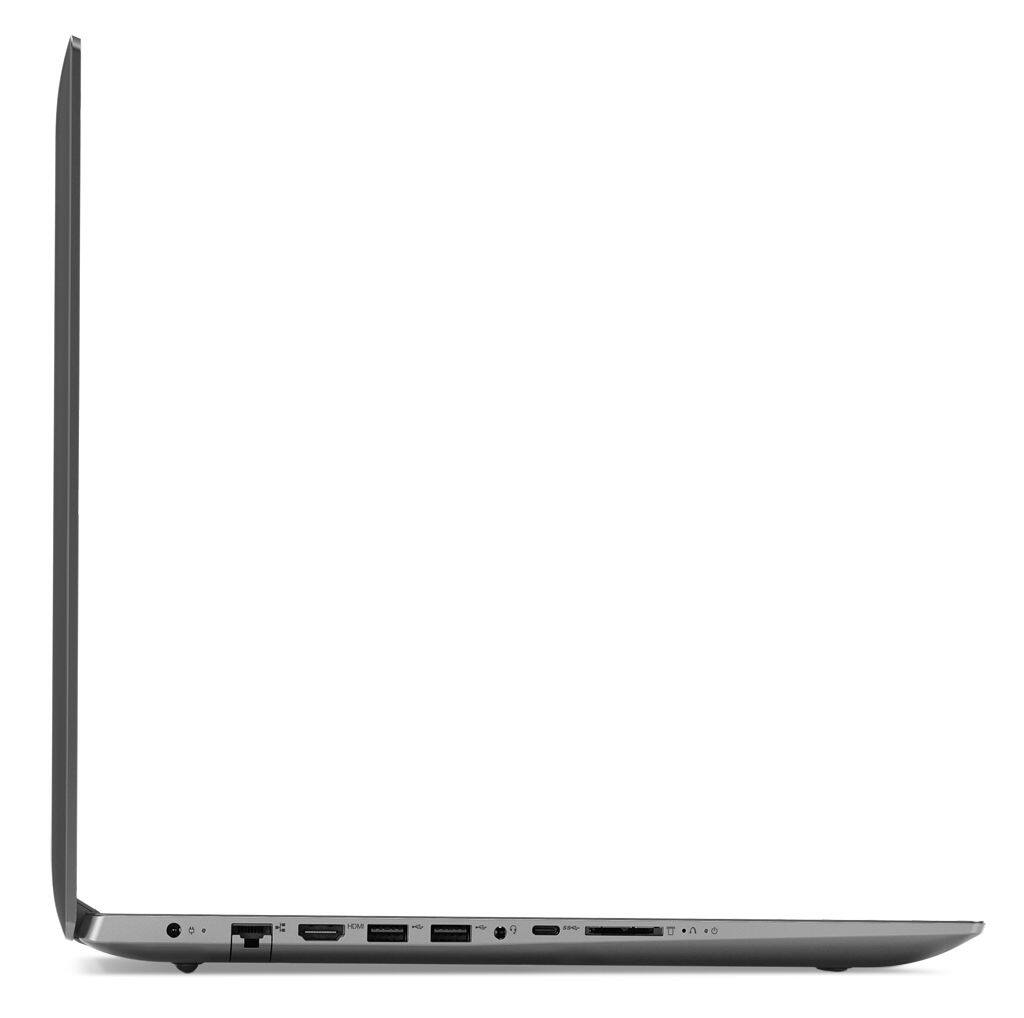
||Posted .This reviewer received promo considerations or sweepstakes entry for writing a review.Wish it had at least 1 more USB port. Everything else seems fine
I would recommend this to a friendBrand response from Lenovo Product Expert
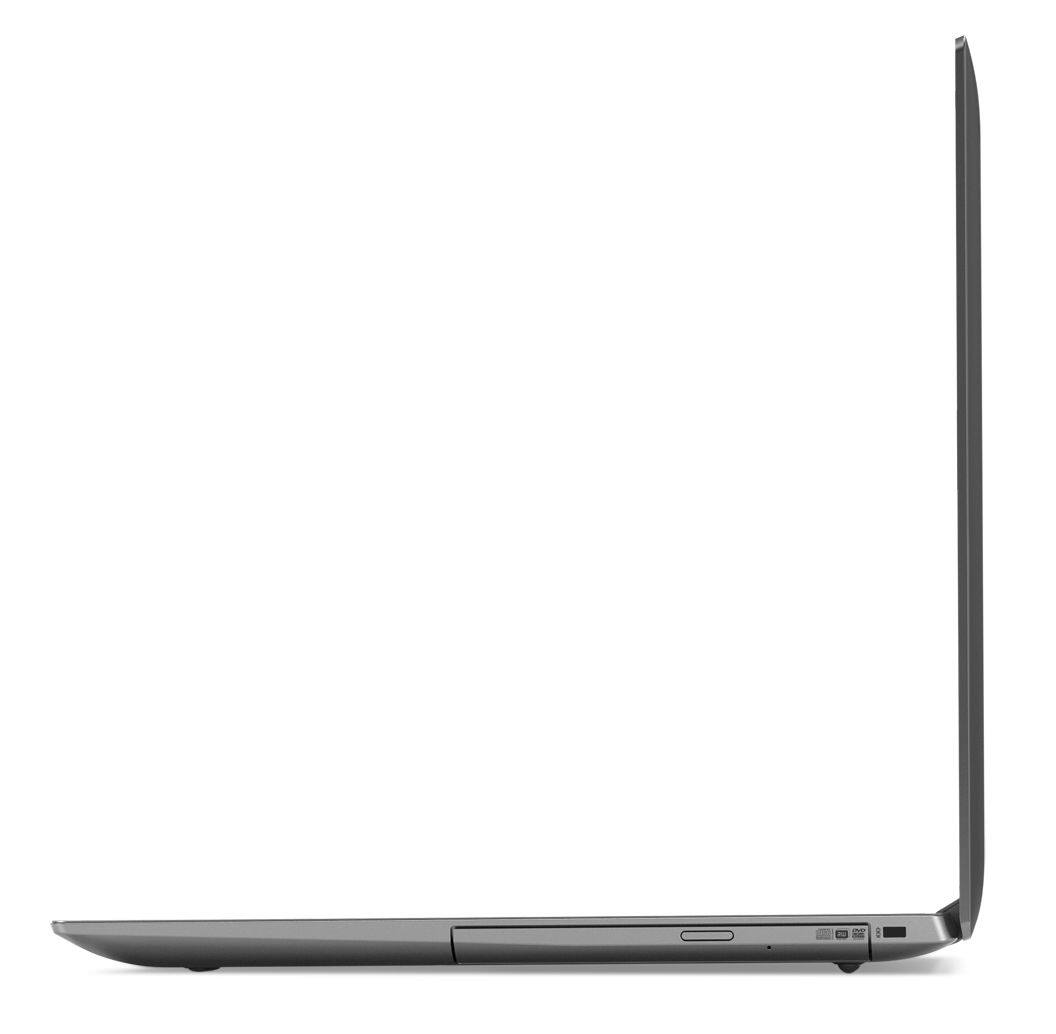
Posted .If you need more USB ports, you may want to consider using a USB Hub with this device.
Was great for the first two weeks
||Posted .This reviewer received promo considerations or sweepstakes entry for writing a review.I only really used it to play the sims 4. Which was my whole reasoning behind wanting a newer laptop. And now it does this thing where it will shut down on itself after five or so minutes. I think I’ve had it for three months? I plan on taking it back to see what can be fixed but honestly, I’m not so sure that anything will really get fixed.
No, I would not recommend this to a friendBrand response from Lenovo Product Expert
Posted .We are sorry to hear that you are having issues with your Lenovo IdeaPad 330-17 laptop. Be sure the software you have installed on the computer is compatible with Windows 10. If you have an older version of software or a game, that version may note be compatible with Windows 10. You can scan this computer for issues by using the Lenovo Utility software installed on the device. This system has Lenovo utilities installed to help maintain the health of the device and keep the operating system software up to date. Type "Lenovo Vantage" in the Cortana Search window (if Lenovo Vantage is not installed on your device, you can download the APP and install it now). Select Lenovo Vantage from the list. In the window that opens, click on "Health and Support". In the expanded menu, select "Hardware Scan" In the window that opens, select "Run Quick Tests". This will scan your entire system for errors. Follow any directions that may pop up. If the problem continues after this scan, now click on "System Update". First select Windows update from the menu. Scan your system to be sure you have the latest version of Windows 10. Once that scan is complete, select "Additional Updates". This will scan your device to be sure there are no new BIOS/Driver updates needed. Follow any instructions that may pop up. If the issue still continues after these updates, we recommend you call Lenovo Tech Support at: 877-453-6686 for additional help.

- Pros mentioned:Large screen
Great School/Work Computer
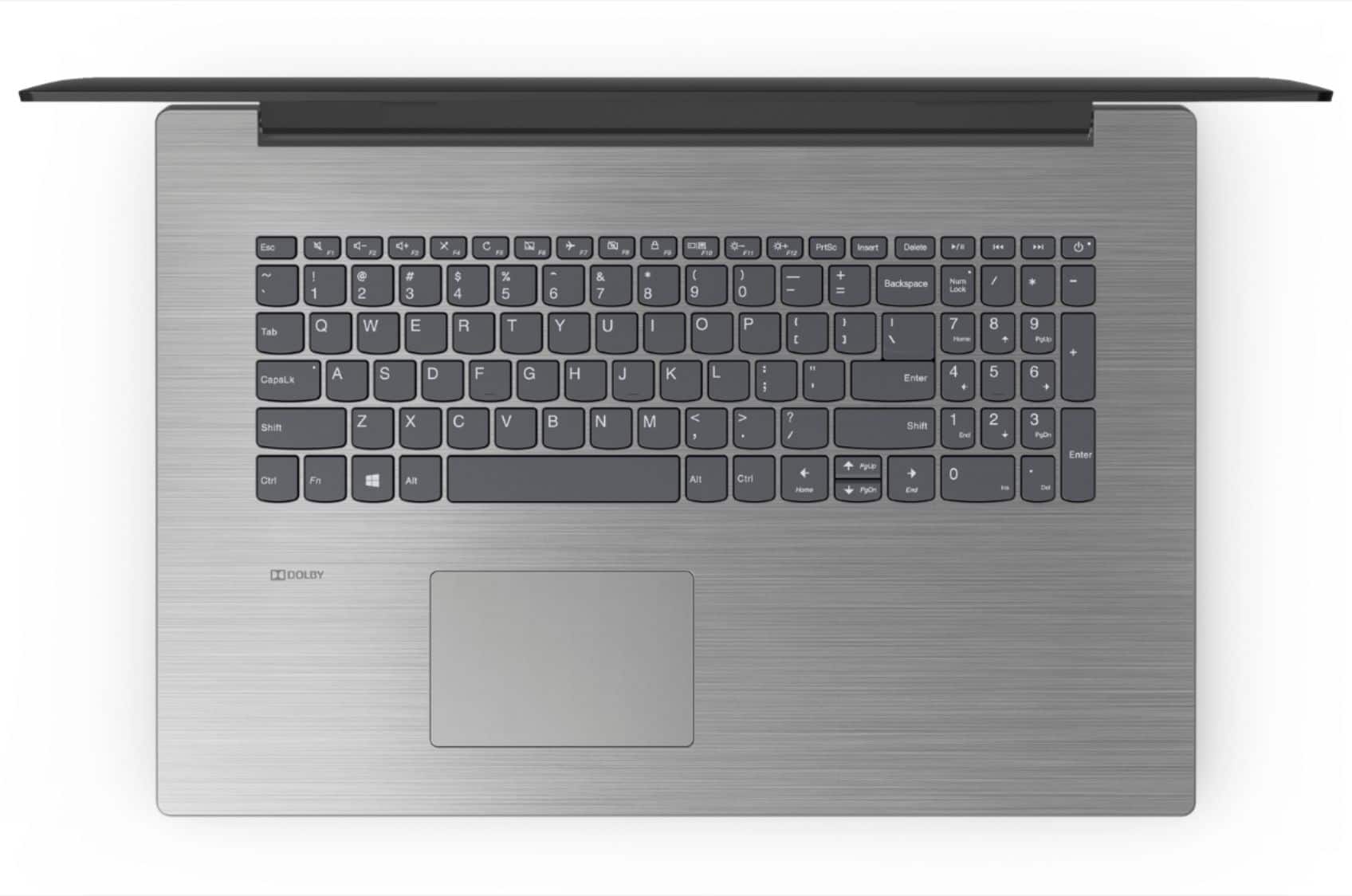
Posted .This reviewer received promo considerations or sweepstakes entry for writing a review.First experience with a Lenovo computer. I have always used HP laptops and found myself looking for a change. Upgraded from an HP Pavilion 360 looking a bigger and comfortable device. This laptop works great for my online schooling and occasional work emails. It handles different tasks at once like Word, Excel, and online browsing with multiple taps. Mate screen but extremely satisfied with the screen quality. Battery is "ok" nothing major to complain about, last long enough and that's find with me. I LOVE the keyboard, soft to touch, crispy, and spacious. Windows 10 works fine on the computer the only negative side is booting is a bit slow but I have notice this on every Windows 10 computer. The only negatives things I have to say about this computer is the short charging cable and that the speakers are not as loud as I would like, other than that if you're a college student and you're looking for a new laptop on the budget, that's big, and not bulky, and light weight. Then this is what you're looking for.
I would recommend this to a friendBrand response from Lenovo Product Expert
Posted .Thank you for choosing the Lenovo IdeaPad 330-17 laptop. With regard to speeding up boot up of this Windows 10 system, here is a link with some tips: https://www.cnet.com/how-to/easy-ways-to-speed-up-windows-10/
Bad Graphics
||Posted .This reviewer received promo considerations or sweepstakes entry for writing a review.The graphics on this laptop was not very good. Other than that it worked pretty good.
No, I would not recommend this to a friendBrand response from Lenovo Product Expert
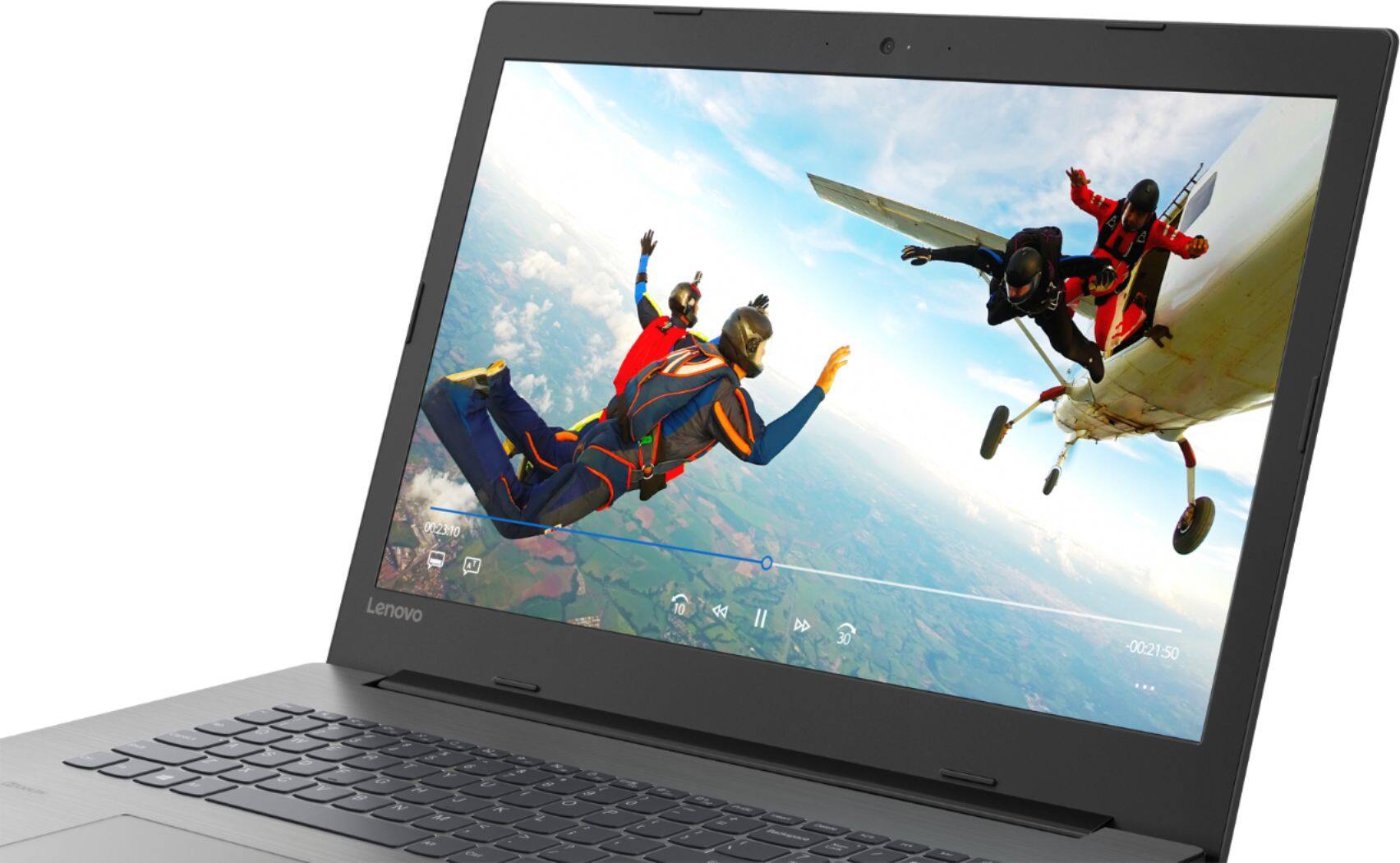
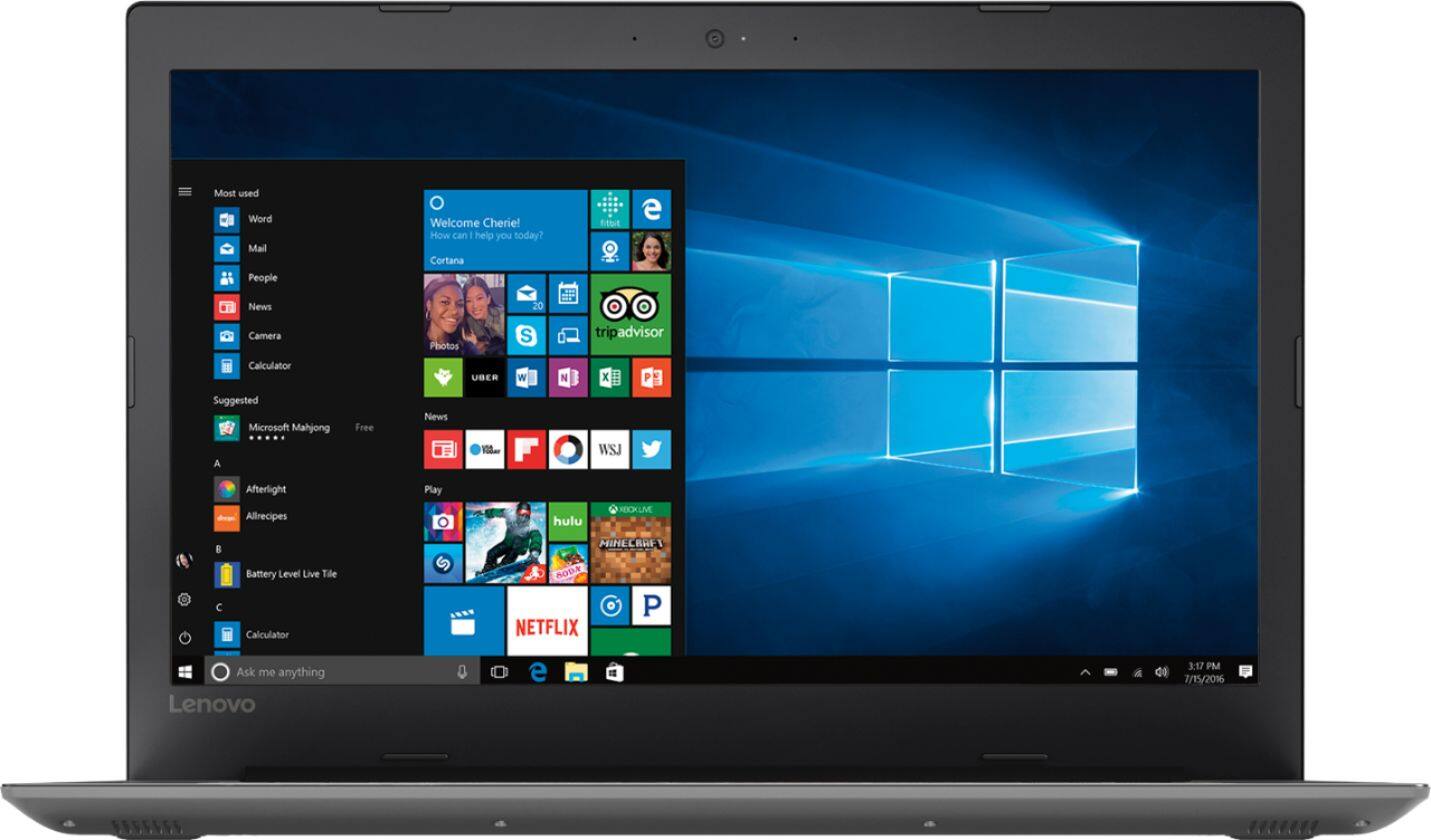
Posted .This model ships with a LCD w/LED Backlight (Anti-glare) screen, with 1600 x 900 (HD+) resolution and a brightness level of 200 nits. Graphics processing is integrated within the Quad-Core/Eight-Thread Intel Core i5-8250U processor. It is the Intel UHD Graphics 620 version.
Piece of Crap
||Posted . Owned for 1 year when reviewed.This reviewer received promo considerations or sweepstakes entry for writing a review.We had nothing but trouble with this from the first month. If it was turned off you couldn't get it turned back on. Slow. Noisy. Had to have a new hard drive put in (no help from Geek Squad who wanted $300 just to look). In less than a year the mother board died. Steer clear of this piece of junk.
No, I would not recommend this to a friendWatch for a Virus
||Posted .This reviewer received promo considerations or sweepstakes entry for writing a review.Our Brand New PC computer came with a voice assisted virus that threatened to lock the computer. Had to spend time looking up the virus (on my trusty MAC) and then clean up the PC before even getting started. Not impressed with Lenovo.
No, I would not recommend this to a friendBrand response from Lenovo Product Expert
Posted .This Lenovo IdeaPad 330-17 laptop ships with a 30-day Trial of McAfee virus protection software installed and activated with the initial activation of Windows 10. If you need assistance please call Lenovo Tech Support at: 877-453-6686.
Exceptional Specs for the price
Posted .This reviewer received promo considerations or sweepstakes entry for writing a review.I am very impressed with this laptop so far. ~ It operates on the new 8th gen Intel Core i5-8250u Processor, 8GB ram, & 1TB hard drive. Pros: Processor Speed, Running multiple programs at once Can play pc games on medium settings w/o lag Nice Display Great Keyboard and Design The only con I can think of is the laptop's battery life.
I would recommend this to a friendBrand response from Lenovo Product Expert
Posted .Thank you for choosing the Lenovo IdeaPad 330-17 laptop. We are pleased to hear that the performance of the IdeaPad 330-17 meets your computing needs so well. This model has a battery life of up to 5 hours, depending on the work the device is performing. To maximize battery life, try changing your power management setting to a more conservative one. You can do this in the control panel, in the power management category on your system. Select a more conservative power management setting to extend battery life.
I am not happy with it at all.
||Posted .This reviewer received promo considerations or sweepstakes entry for writing a review.Does not do what salesperson told me it would, I believe he told me it was a touch screen when it new it was not, just so he could go on a break and turned the sales transaction over to someone else/ to ring up.
No, I would not recommend this to a friendBrand response from Lenovo Product Expert
Posted .Model number 81DM001UUS does not have a touchscreen.
Awful
||Posted .This reviewer received promo considerations or sweepstakes entry for writing a review.This unit has been flakey since I bought it. The hard drive works sometimes, then just stops. I bought this as a gift, had to take it back a week later. Looks good but it just isn't reliable.
No, I would not recommend this to a friendBrand response from Lenovo Product Expert
Posted .We are sorry to hear that you are having issues with your Lenovo IdeaPad 330-17 laptop. Be sure any software you installed is compatible with Windows 10. There is no need to install Microsoft Office software. The software is already part of the operating system, you just need to activate the software with a purchased product key. If you have installed a copy of Microsoft Office, this is conflicting with the existing copy on the system and this will slow your system down. If you have installed a 3rd party anti-virus program, be sure that Windows Defender is turned off and that the trial version of McAfee Anti-Virus software is uninstalled. There can only be one anti-virus program on the system. You may need to restore your system to original factory default settings if any of the programing errors have occurred. You can do that by typing "restore" in the Cortana search window. Just click on the magnifying glass icon at the bottom left of your Windows 10 Desktop. Click on "Reset This PC" Then click on "Get Started" and follow the on screen directions to restore to factory defaults. If the problem persists, we recommend you contact Lenovo Tech Support at: 877-453-6686.
Basic
||Posted .This reviewer received promo considerations or sweepstakes entry for writing a review.It's like a car without power window or locks. It works, but nothing special about it. Takes a while to start up and updates don't give advanced notice. I assume that's what makes it slow.
No, I would not recommend this to a friendBrand response from Lenovo Product Expert
Posted .This is a fast system with its Core I-5 processor and 8GB of RAM. Be sure any software you installed is compatible with Windows 10. There is no need to install Microsoft Office software. The software is already part of the operating system, you just need to activate the software with a purchased product key. If you have installed a copy of Microsoft Office, this is conflicting with the existing copy on the system and this will slow your system down. If you have installed a 3rd party anti-virus program, be sure that Windows Defender is turned off and that the trial version of McAfee Anti-Virus software is uninstalled. There can only be one anti-virus program on the system. You may need to restore your system to original factory default settings if any of the programing errors have occurred. You can do that by typing "restore" in the Cortana search window. Just click on the magnifying glass icon at the bottom left of your Windows 10 Desktop. Click on "Reset This PC" Then click on "Get Started" and follow the on screen directions to restore to factory defaults. If the problem persists, we recommend you contact Lenovo Tech Support at: 877-453-6686.
Not worth purchasing.
||Posted .This reviewer received promo considerations or sweepstakes entry for writing a review.Very slow start up. Laptop will stop working for no reason at all. Try refesh and it does not refresh. To many bad things to even write about. Regret ever buying it.
No, I would not recommend this to a friendBrand response from Lenovo Product Expert
Posted .We are sorry to hear that you are having issues with your Lenovo IdeaPad 330-17 laptop. Be sure any software you installed is compatible with Windows 10. There is no need to install Microsoft Office software. The software is already part of the operating system, you just need to activate the software with a purchased product key. If you have installed a copy of Microsoft Office, this is conflicting with the existing copy on the system and this will slow your system down. If you have installed a 3rd party anti-virus program, be sure that Windows Defender is turned off and that the trial version of McAfee Anti-Virus software is uninstalled. There can only be one anti-virus program on the system. You may need to restore your system to original factory default settings if any of the programing errors have occurred. You can do that by typing "restore" in the Cortana search window. Just click on the magnifying glass icon at the bottom left of your Windows 10 Desktop. Click on "Reset This PC" Then click on "Get Started" and follow the on screen directions to restore to factory defaults. If the problem persists, we recommend you contact Lenovo Tech Support at: 877-453-6686.
junk!!!!
||Posted .This reviewer received promo considerations or sweepstakes entry for writing a review.This computer did not come with photo master. It makes the screen zoom out & in without touching the zoom button. Overall i am going to ask Best Buy to take it back.
No, I would not recommend this to a friendBrand response from Lenovo Product Expert
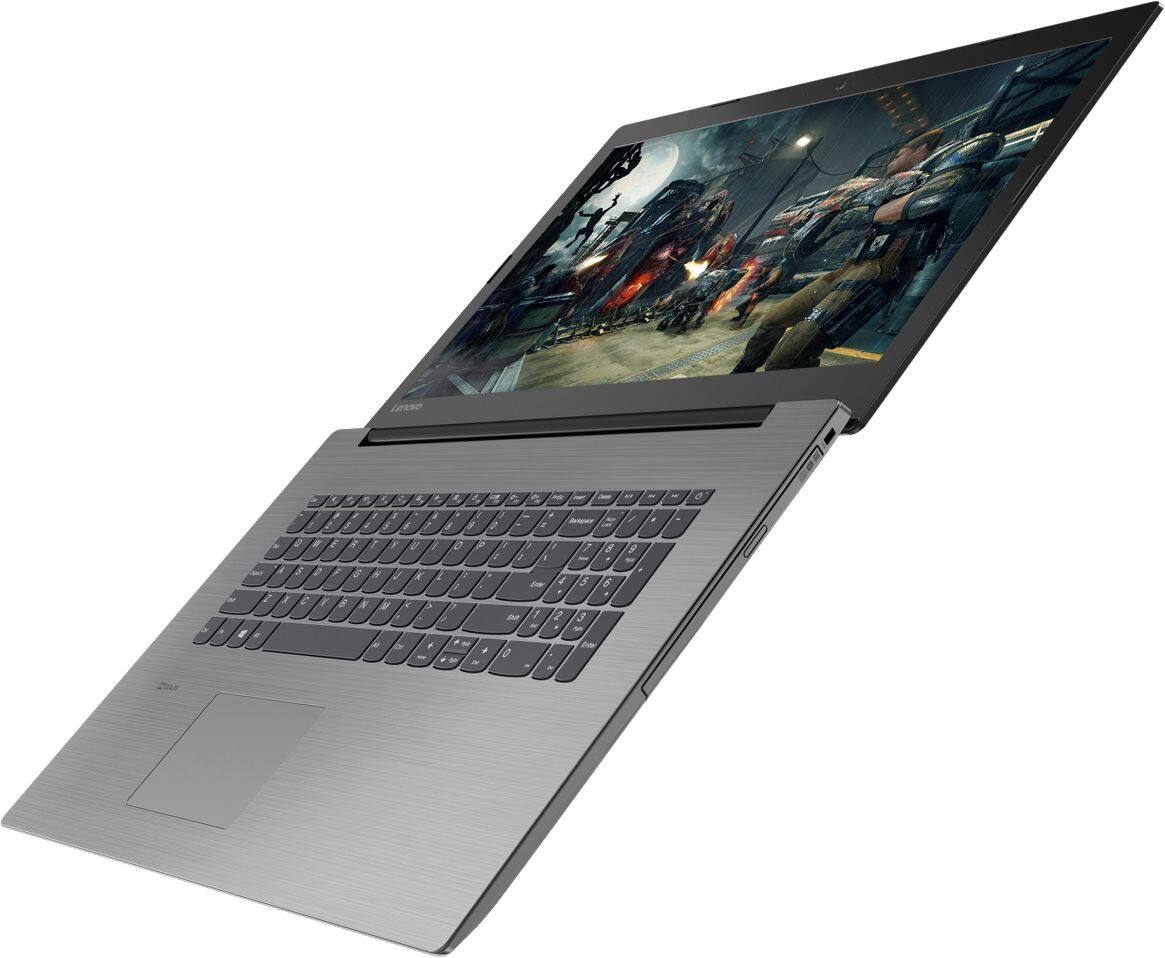
Posted .The Lenovo IdeaPad 330-17 ships with a powerful Quad-Core/Eight-Thread Intel Core i5-8250U processor, 8GB of DDR4-2133MHz RAM and a 1TB standard hard drive. This configuration has a 17.3" (measured diagonally) 1600 x 900 (HD+) resolution screen, with a brightness level of 200 nits. This configuration can handle many of today's most demanding programs and is good with multi-tasking. If this describes the kind of computing you do, the Lenovo IdeaPad 330-17 will be a great choice for you.
Lenovo 17.3 i5
||Posted .This reviewer received promo considerations or sweepstakes entry for writing a review.I've had nothing but trouble with this computer. It constantly crashed and lost all my data returned it to Best Buy.
No, I would not recommend this to a friendBrand response from Lenovo Product Expert
Posted .We are sorry to hear that you had issues with your Lenovo IdeaPad 330-17 laptop. Be sure any software you installed is compatible with Windows 10. There is no need to install Microsoft Office software. The software is already part of the operating system, you just need to activate the software with a purchased product key. If you have installed a copy of Microsoft Office, this is conflicting with the existing copy on the system and this will slow your system down. If you have installed a 3rd party anti-virus program, be sure that Windows Defender is turned off and that the trial version of McAfee Anti-Virus software is uninstalled. There can only be one anti-virus program on the system. You may need to restore your system to original factory default settings if any of the programing errors have occurred. You can do that by typing "restore" in the Cortana search window. Just click on the magnifying glass icon at the bottom left of your Windows 10 Desktop. Click on "Reset This PC" Then click on "Get Started" and follow the on screen directions to restore to factory defaults. You can regularly check the health of this device by using the Lenovo Utility software that is installed. This system has Lenovo utilities installed to help maintain the health of the device and keep the operating system software up to date. Type "Lenovo Vantage" in the Cortana Search window (if Lenovo Vantage is not installed on your device, you can download the APP and install it now). Select Lenovo Vantage from the list. In the window that opens, click on "Health and Support". In the expanded menu, select "Hardware Scan" In the window that opens, select "Run Quick Tests". This will scan your entire system for errors. Follow any directions that may pop up. If the problem continues after this scan, now click on "System Update". First select Windows update from the menu. Scan your system to be sure you have the latest version of Windows 10. Once that scan is complete, select "Additional Updates". This will scan your device to be sure there are no new BIOS/Driver updates needed. Follow any instructions that may pop up. If the issue still continues after these updates, we recommend you call Lenovo Tech Support at: 877-453-6686 for additional help.
Disappointed
||Posted .This reviewer received promo considerations or sweepstakes entry for writing a review.My Lenovo 330 laptop died within 28 days of purchase. This was the first time buying a Lenovo laptop always had an HP. I have now purchased an HP.
No, I would not recommend this to a friendBrand response from Lenovo Product Expert
Posted .We are sorry to hear that you had an issue with your Lenovo IdeaPad 330-17 laptop. We recommend you call Lenovo Tech Support with help with your issue at: 877-453-6686.
excellent, easy to operate.
||Posted .This reviewer received promo considerations or sweepstakes entry for writing a review.Our choice in replacing our computer was this Lenovo330 laptop. It is as advertised and more. Very happy with this product.
I would recommend this to a friendBrand response from Lenovo Product Expert
Posted .The Lenovo IdeaPad 330-17 ships with a powerful Quad-Core/Eight-Thread Intel Core i5-8250U processor, 8GB of DDR4-2133MHz RAM. This configuration has a 17.3" (measured diagonally) 1600 x 900 (HD+) resolution screen, with a brightness level of 200 nits. This configuration can handle many of today's most demanding programs and is good with multi-tasking. If this describes the kind of computing you do, the Lenovo IdeaPad 330-17 will be a great choice for you.
- Pros mentioned:Large screen, Speed
Great bang for your buck
Posted .This reviewer received promo considerations or sweepstakes entry for writing a review.You're not going to get much better for the price. Having a 17" screen was important to me since I'm always running multiple programs and writing code. I would say the speed is very good, but if you want it to be fantastic I'd recommend tossing in an SSD. I bought a Samsung SSD and cloned the HDD with the Samsung Data Migration tool. Unscrewed the bottom and swapped them out. Now this thing is an absolute beast. I gave it 4 stars because I'm reviewing the stock model. After installing the SSD it's a definite 5 star laptop. It's not 1080p but the colors are solid. Probably wouldn't recommend if you're going to be working on high-end photo or video projects.
I would recommend this to a friendBrand response from Lenovo Product Expert
Posted .Thank you for choosing the Lenovo IdeaPad 330-17 laptop. This system ships with a 1600 x 900 (HD+) resolution screen. Please keep in mind, this model is not user upgradable. A certified technician must do all of the work, so as to not void the warranty.