Customer Ratings & Reviews

- Model:
- 81DM001UUS
- SKU:
- 6224501
Rating by feature
- Value
Rating 4.1 out of 5 stars
- Quality
Rating 4.1 out of 5 stars
- Ease of Use
Rating 4.2 out of 5 stars
Customers are saying
Customers are positive about the large screen, price, ease of use, storage, gaming capabilities, keyboard, performance, and processor. They appreciate the value for money and find the laptop suitable for light gaming. However, customers are negative about the battery life, weight, limited number of USB ports, and build quality, with some describing it as cheap and flimsy.
This summary was generated by AI based on customer reviews.
Very slow performance.
||Posted . Owned for 1.5 years when reviewed.This reviewer received promo considerations or sweepstakes entry for writing a review.I don't recommend it for nobody. All the time hard disk use was 90% to 100%.
No, I would not recommend this to a friendHad to return it first day
||Posted .This reviewer received promo considerations or sweepstakes entry for writing a review.Very slow and crashes couldn’t even get it to start with the basic set up
No, I would not recommend this to a friendBrand response from Lenovo Product Expert
Posted .We are sorry to hear that you had issues with the initial activation of Windows 10. This system is equipped with OneKey Recovery System. There is a very small pin hole on the left side of the device, right near the SD card slot on the device. You will need a pin to push this reset button. Plug the device in. Let the battery charge for about 15 minutes. Push the reset button. The system should boot to a choice screen where you can choose "Restore To Factory Default". Select this. It will delete everything from the hard drive except the original factory install of the operating system. You will need to reinstall all programs and files after the reset. If you don't have copies of the files, try to make one before you restore by selecting "Boot to desktop" and trying to back up your files. We recommend you use the automatic setup when activating Windows 10 for the first time, then customize your settings once the initial activation of Windows 10 is complete. If the problem persists after the factory reset, we recommend you contact Lenovo Tech Support at: 877-453-6686.

Bad Buy
||Posted .This reviewer received promo considerations or sweepstakes entry for writing a review.Do not purchase this computer. I had it and it worked exactly 2 days.
No, I would not recommend this to a friendBrand response from Lenovo Product Expert
Posted .We are sorry to hear that you are having issues with your Lenovo IdeaPad 330-17 laptop. Be sure any software you installed is compatible with Windows 10. There is no need to install Microsoft Office software. The software is already part of the operating system, you just need to activate the software with a purchased product key. If you have installed a copy of Microsoft Office, this is conflicting with the existing copy on the system and this will slow your system down. If you have installed a 3rd party anti-virus program, be sure that Windows Defender is turned off and that the trial version of McAfee Anti-Virus software is uninstalled. There can only be one anti-virus program on the system. You may need to restore your system to original factory default settings if any of the programing errors have occurred. You can do that by typing "restore" in the Cortana search window. Just click on the magnifying glass icon at the bottom left of your Windows 10 Desktop. Click on "Reset This PC" Then click on "Get Started" and follow the on screen directions to restore to factory defaults. If the problem persists, we recommend you contact Lenovo Tech Support at: 877-453-6686.

Very very slow
||Posted .This reviewer received promo considerations or sweepstakes entry for writing a review.I returned it because it was slow to process and wasn’t what I ordered
No, I would not recommend this to a friendBrand response from Lenovo Product Expert
Posted .This is a fast system with its Quad-Core/Eight-Thread Intel Core i5-8250U processor and 8GB of RAM. Be sure any software you installed is compatible with Windows 10. There is no need to install Microsoft Office software. The software is already part of the operating system, you just need to activate the software with a purchased product key. If you have installed a copy of Microsoft Office, this is conflicting with the existing copy on the system and this will slow your system down. If you have installed a 3rd party anti-virus program, be sure that Windows Defender is turned off and that the trial version of McAfee Anti-Virus software is uninstalled. There can only be one anti-virus program on the system. You may need to restore your system to original factory default settings if any of the programing errors have occurred. You can do that by typing "restore" in the Cortana search window. Just click on the magnifying glass icon at the bottom left of your Windows 10 Desktop. Click on "Reset This PC" Then click on "Get Started" and follow the on screen directions to restore to factory defaults. If the problem persists, we recommend you contact Lenovo Tech Support at: 877-453-6686.
Returned
||Posted .This reviewer received promo considerations or sweepstakes entry for writing a review.Returned to store after two weeks for repeatedly crashing.
No, I would not recommend this to a friendTerrible
||Posted .This reviewer received promo considerations or sweepstakes entry for writing a review.You do get what you pay for. Returned 2 in 2 days.
No, I would not recommend this to a friendBrand response from Lenovo Product Expert
Posted .We are sorry to hear that you had issues with your Lenovo IdeaPad 330-17 laptop. We recommend you call Lenovo Tech Support at: 877-453-6686 for specific help with your issues.
- Pros mentioned:Speed
Very fast CPU (Intel i5 8250U) for the price
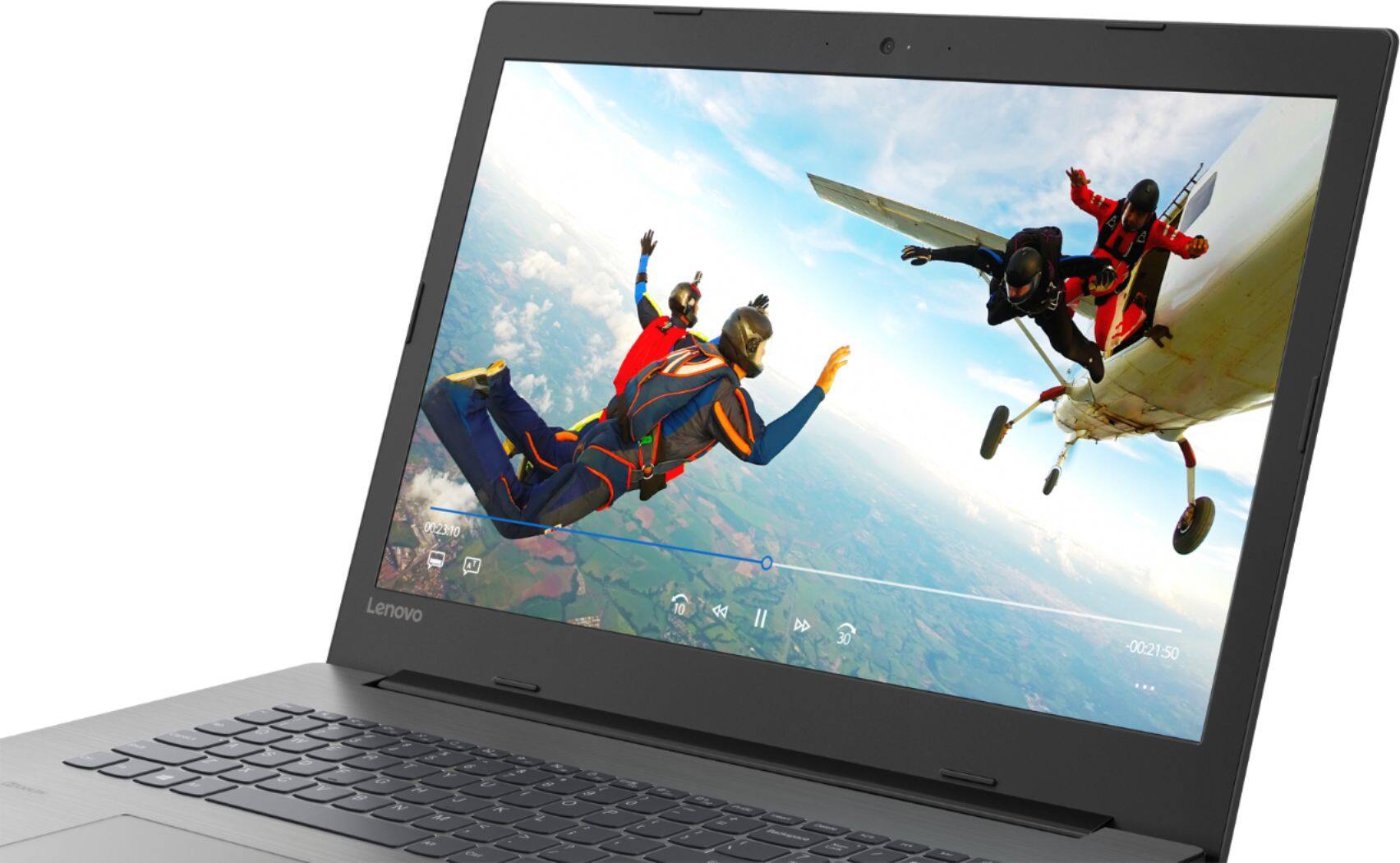
Posted .This reviewer received promo considerations or sweepstakes entry for writing a review.The most impressive feature of this Lenovo laptop is its speed. The Intel i5 8250U is the fastest CPU I've ever owned in a laptop. Note that the display screen is matte, not glossy, but the colors are fine. Just be sure to download / install all Windows 10 updates as soon as you buy it. Initially, my Word docs and some other apps appeared a little blurry, but after the Windows updates, everything is crisp and clear. In sum, this is an outstanding laptop for the price.
I would recommend this to a friendBrand response from Lenovo Product Expert
Posted .Thank you for choosing the Lenovo IdeaPad 330-17 laptop. We are pleased to hear that the performance of the IdeaPad 330-17 meets your computing needs so well.
- Pros mentioned:Price
Very Nice for the Price!
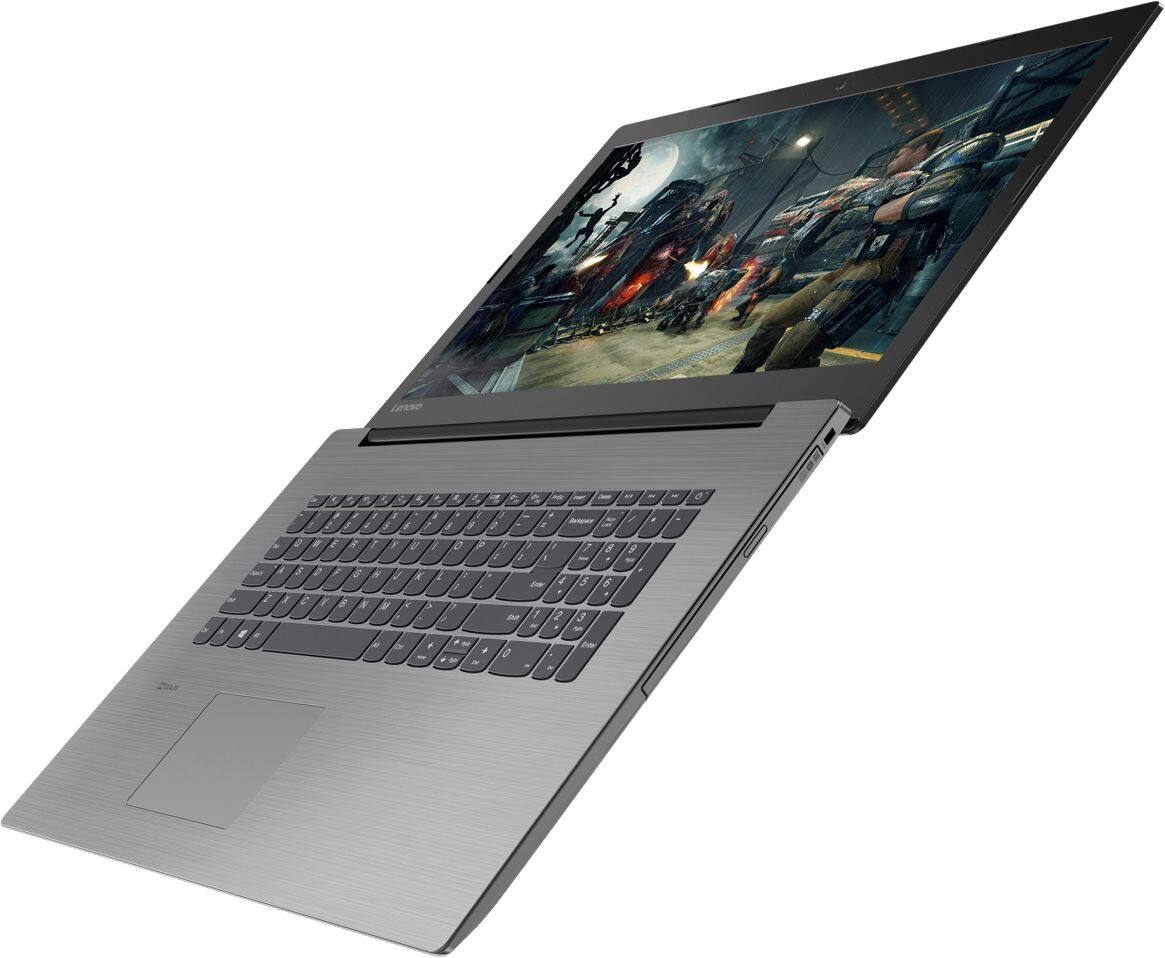
Posted .This reviewer received promo considerations or sweepstakes entry for writing a review.I was in the market for a sub-$500 laptop with some decent specs and a 17" screen. While the construction is plastic, it's built well and has nice features. The battery life is very good, and the keyboard feels good as well. The screen has virtually no glare, and while it's not a 4K display, it is bright and vibrant. While the specs won't blow anyone away, it is a robust laptop and will provide years of use.
I would recommend this to a friend - Pros mentioned:Price, Speed
Great Laptop
Posted .This reviewer received promo considerations or sweepstakes entry for writing a review.This is an incredible laptop for the money. But read on... it's VERY IMPORTANT. It is a slug out of the box. What do you expect for 430.00 BUT... I bought a 1TB SSD and 8 mb Ram and as soon as I received the laptop, I installed both. This thing is so fast it's ridiculous and I'm still in for under 650.00 Highly recommend WITH THE UPGRADE. The original way... maybe for very basic computing with email etc.
I would recommend this to a friendBrand response from Lenovo Product Expert
Posted .Please keep in mind, this model is not user upgradable. A certified technician must do all of the work, so as to not void the warranty.
Near Perfect
Posted .This reviewer received promo considerations or sweepstakes entry for writing a review.This laptop is near perfect. It's super fast. It handles online browsing like Youtube videos just fine, Multiple tabs open is no problem. The laptop could run for like 12 hours straight and the temperature stays between 39-41 C. My only issue is the gaming aspect. You can't play games period. The laptop is not built for gaming. I knew that before making the purchase. Kinda makes me wonder if this laptop is an overkill for basic stuff like online surfing and I'm better off with a $200 laptop instead of spending $500. Once again, this laptop is as fast as any when it comes to online surfing. Forget about playing games on low settings. I ran Gimp with no issues, but it wasn't much faster than with my older laptops. It should handle photo editing well, but I could see this being an issue with stuff like Photoshop which require much more juice.
I would recommend this to a friendBrand response from Lenovo Product Expert
Posted .Thank you for choosing the Lenovo IdeaPad 330-17 laptop. This device will run compatible games. We recommend you check with the specific game's software publisher's web site for their compatibility with Windows 10 Home 64-bit operating system and the minimum/recommended hardware requirements (Is a Graphics card required, the processor speed and the minimum required system RAM and the minimum available hard drive space) to run their program, then compare those requirements to this system's configuration.
Good computer for basic use.
Posted .This reviewer received promo considerations or sweepstakes entry for writing a review.Good computer for basic use. Can play some less demanding games but if you're looking for something to play modern games you should look for something with more power. Have had for almost 5 years and it's worked well.
I would recommend this to a friend- Pros mentioned:Large screenCons mentioned:Battery life
Love the laptop, hate the battery life
Posted .This reviewer received promo considerations or sweepstakes entry for writing a review.I absolutely love this laptop, the large screen, the slimness, the keyboard and amount of room. I unfortunately am very disappointed in the battery life. It does not last the 5 hours as advertised. Maximum is 2 hours.
I would recommend this to a friendBrand response from Lenovo Product Expert
Posted .Thank you for choosing the Lenovo IdeaPad 330-17 laptop. This system has a battery life of up to 5 hours, depending on the work that the device is performing. Be sure there are no unwanted programs running in the background, draining the battery. Here is a link to some tips for finding out what is draining your battery:
https://www.laptopmag.com/articles/battery-saver-windows-10. If there are no unwanted programs running, to maximize battery life, try changing your power management setting to a more conservative one. You can do this in the control panel, in the power management category on your system. Select a more conservative power management setting to extend battery life.
- Pros mentioned:Large screen
Good computer
Posted .This reviewer received promo considerations or sweepstakes entry for writing a review.This laptop is still pretty new to me, but I like it so far. I'm definitely a fan of the 17" screen and the keyboard is nice. Its a relatively lightweight laptop. I think the battery lasts roughly 3-ish hours, which is nice.
I would recommend this to a friendBrand response from Lenovo Product Expert
Posted .Thank you for choosing the lenovo IdeaPad 330-17 laptop. This model ships with a 2CELL 30WH, Lithium Polymer battery, with a battery life of up to 5 hours, depending on the work that the device is performing. We are pleased to hear that the features and performance of the IdeaPad 330-17 meets your computing needs so well.
- Cons mentioned:Battery life
I only have one issue...otherwise, it's perfect!
Posted .This reviewer received promo considerations or sweepstakes entry for writing a review.I've only had this laptop for two to three weeks, and so far, I love it! My one and only complaint thus far is the battery life...it leaves much to be desired. Other than that, the speed, the physical set-up of the unit, and screen clarity are awesome! Plus it works really well with Corel Draw, which was a concern of mine before I bought the computer...but thankfully there has been no lag or screen hangups, no program crashing...so far this laptop has saved me some headaches compared to my old one.
I would recommend this to a friendBrand response from Lenovo Product Expert
Posted .Thank you for choosing the Lenovo IdeaPad 330-17 laptop. This system ships with a 2CELL 30WH, Lithium Polymer battery, with a battery life of up to 5 hours, depending on the work that the device is performing. If you are getting substantially less battery life, be sure there are no unwanted programs running in the background, draining the battery. Here is a link to some tips for finding out what is draining your battery:
https://www.laptopmag.com/articles/battery-saver-windows-10. Additionally, to maximize battery life, try changing your power management setting to a more conservative one. You can do this in the control panel, in the power management category on your system. Select a more conservative power management setting to extend battery life.
perfect all around laptop
Posted .This reviewer received promo considerations or sweepstakes entry for writing a review.I replaced my Toshiba satellite c55t with this and was amazed at how well it performed from watching Netflix in HD to online gaming (league of legends) with settings on low-mid for graphics. it almost never had any problems and when it did Lenovo was quick to fix it no hassles .its been yeARS NOW AND ITS STILL RUNNING LIKE THE DAY I GOT IT WILL BE BUYING A NEW ONE IF IT EVER GIVES OUT
I would recommend this to a friendGreat Buy - with a few mods
Posted .This reviewer received promo considerations or sweepstakes entry for writing a review.With a few modest upgrades this basic machine should rival some dells and HPs which start at $800+. Disappointed to find this does not have an M.2 socket to support upgrades, was going to throw in a $60 Optane 32gb card in here to give the HDD a new lease on life. But its not available, so going to swap out the HDD for a 1TB SSD (for $159). Upgraded the memory with a 16GB card and was surprised to find 20GB total, (note 4GB is on the board). Just wish there was an option for a backlit keyboard upgrade!
I would recommend this to a friendBrand response from Lenovo Product Expert
Posted .Thank you for choosing the Lenovo IdeaPad 330-17 laptop. Please keep in mind, this model is not user upgradable. A certified technician must do all of the work, so as to not void the warranty. The maximum RAM this system can support is 12GB. There is 4GB soldered to the motherboard and one memory slot that ships with a 4GB RAM stick that can be replaced with an 8GB RAM stick. This configuration is not Intel Optane Memory ready.
Good Laptop
Posted .This reviewer received promo considerations or sweepstakes entry for writing a review.Very good price and computer itself with the exception of the speed. Everyone else seems to be finding it fast but I find it is very slow. I had purchased it to replace a 10 year old Dell which I loved, it's just that with age it has grown very slow and is having other issues. I will be returning this one and looking for another and willing to pay more if needed.
No, I would not recommend this to a friendBrand response from Lenovo Product Expert
Posted .This system should be a fast system with its Core I-5-8250U processor and 8GB of RAM. Be sure any software you installed is compatible with Windows 10. There is no need to install Microsoft Office software. The software is already part of the operating system, you just need to activate the software with a purchased product key. If you have installed a copy of Microsoft Office, this is conflicting with the existing copy on the system and this will slow your system down. If you have installed a 3rd party anti-virus program, be sure that Windows Defender is turned off and that the trial version of McAfee Anti-Virus software is uninstalled. There can only be one anti-virus program on the system. You may need to restore your system to original factory default settings if any of the programing errors have occurred. You can do that by typing "restore" in the Cortana search window. Just click on the magnifying glass icon at the bottom left of your Windows 10 Desktop. Click on "Reset This PC" Then click on "Get Started" and follow the on screen directions to restore to factory defaults. If the problem persists, we recommend you contact Lenovo Tech Support at: 877-453-6686.
- Cons mentioned:Battery life
Returned the laptop......
Posted .This reviewer received promo considerations or sweepstakes entry for writing a review.Bought this laptop 6/2/18. After about 5 hours of use, the speakers failed. Returned it to Best Buy and bought a different model laptop. A bad Lenovo experience. Also....the battery only holds a charge for about 2 hours. Not even close to the 5 hours listed in the specs. I also found the keyboard cumbersome. Actually a little bit glad the speakers went out because I'm fairly confident I would not have been happy with this product. The good new is the local Best Buy staff were very helpful. I appreciate that.
No, I would not recommend this to a friendBrand response from Lenovo Product Expert
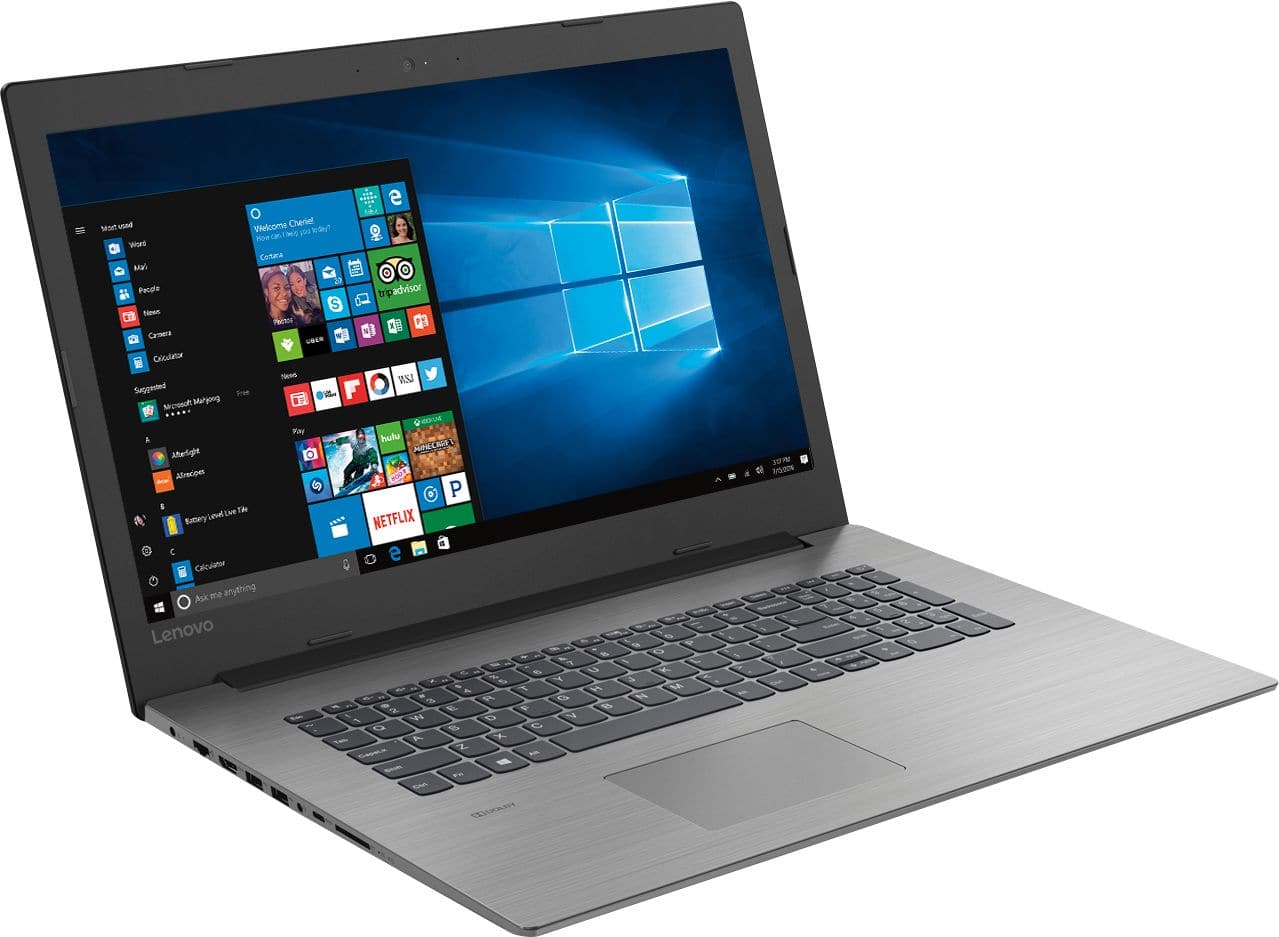
Posted .We are sorry to hear that you had issues with your Lenovo IdeaPad 330-17 laptop. It is possible that your speakers may have inadvertently been turned off. Try the HotKey in the F1 position. This key toggles the speakers on/off. Additionally, try the HotKey in the F3 position, this HotKey toggles the speaker volume up. If this doesn't solve the problem, it may be a BIOS/Driver update issue. This system has Lenovo utilities installed to help maintain the health of the device and keep the operating system software up to date. Type "Lenovo Vantage" in the Cortana Search window (if Lenovo Vantage is not installed on your device, you can download the APP and install it now). Select Lenovo Vantage from the list. In the window that opens, click on "Health and Support". In the expanded menu, select "Hardware Scan" In the window that opens, select "Run Quick Tests". This will scan your entire system for errors. Follow any directions that may pop up. If the problem continues after this scan, now click on "System Update". First select Windows update from the menu. Scan your system to be sure you have the latest version of Windows 10. Once that scan is complete, select "Additional Updates". This will scan your device to be sure there are no new BIOS/Driver updates needed. Follow any instructions that may pop up. If the issue still continues after these updates, we recommend you call Lenovo Tech Support at: 877-453-6686 for additional help.
Not worth the time or effort, no help from Lenovo
Posted .This reviewer received promo considerations or sweepstakes entry for writing a review.I purchased this laptop, and everything was great during the setup. But once I was logged in, pinch to zoom was a nightmare. The web pages just keep getting big and small, over and over, due to the way the touchpad was working. There was no settings in the mouse to disable, and make the mouse pad to my liking, but the one in the store had them settings, I went and checked. So I tried to work with Lenovo, who was no help at all, even thoe the laptop was 2 hours new. Keep trying to charge me 99.99 and more interested in selling me other programs. Decided to return. Exchanged for same laptop, and guess what, the setting were there. I could make the mouse pad to my liking. But the keypad wouldn't work. Exchanged for a third laptop, and now the keypad worked, but the mouse setting was missing again. Returned for full refund, went with a HP. Lenovo has lost thier way. No support anymore. Used to be my favorate brand. Until this week.
No, I would not recommend this to a friendBrand response from Lenovo Product Expert
Posted .We are sorry to hear that you had issues with the Touchpad on the Lenovo IdeaPad 330-17 laptop. Try using the HotKey on the F6 position on your keyboard. This HotKey toggles the touchpad on/off. With regard to the touchpad, you can make adjustments to the touchpad in your system settings. You can get there by clicking on the magnifying glass at the bottom left of your Windows 10 screen. Type "touchpad" in the search window. Select "Mouse & touchpad settings" from the list of choices. You can make general adjustments to the touchpad there. You can also select "Additional mouse options" for more detailed adjustments to the touchpad sensitivity by increasing the delay of the touchpad.
Not touch screan
Posted .This reviewer received promo considerations or sweepstakes entry for writing a review.Although it is a great laptop with a high resolution screen and the latest I 5 chip. It does not have touch screen.
I would recommend this to a friendBrand response from Lenovo Product Expert
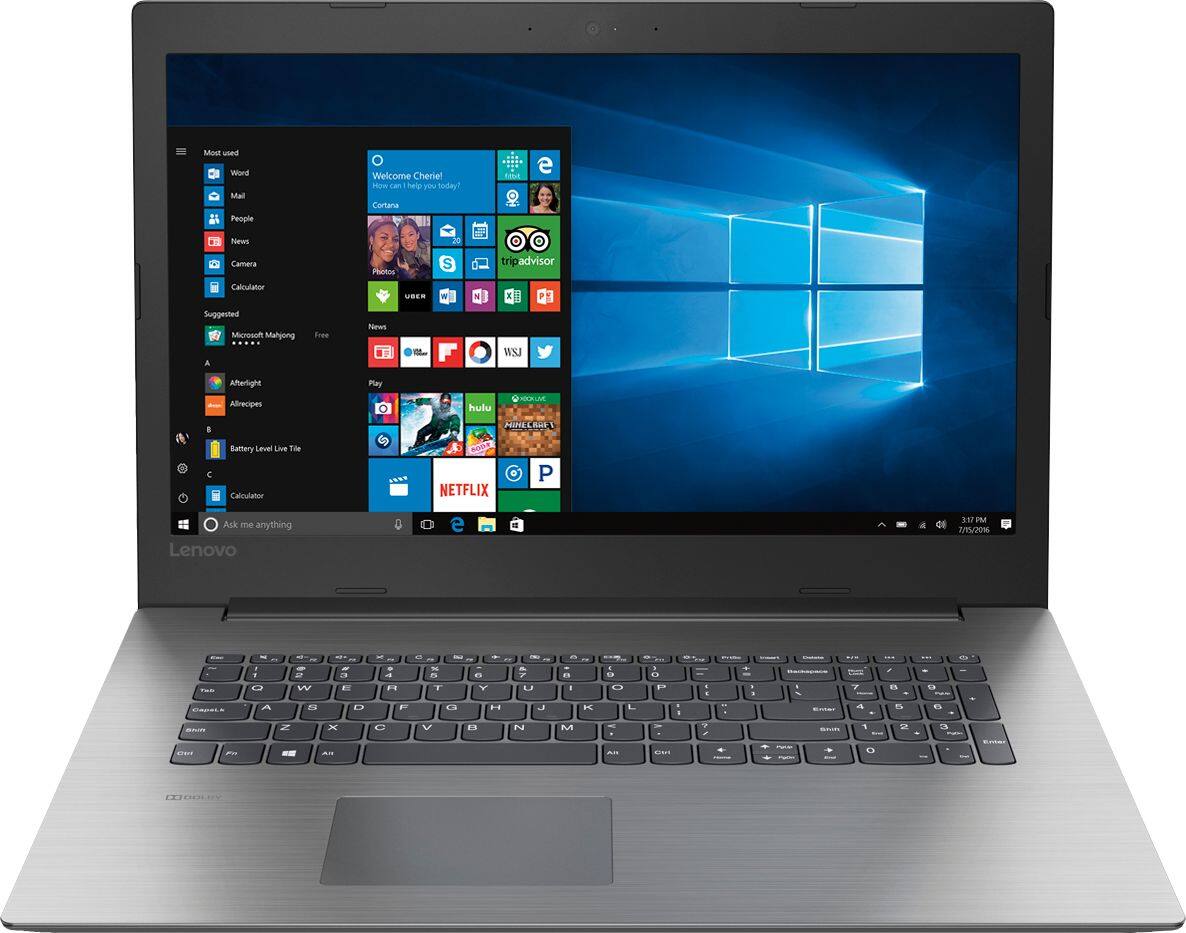
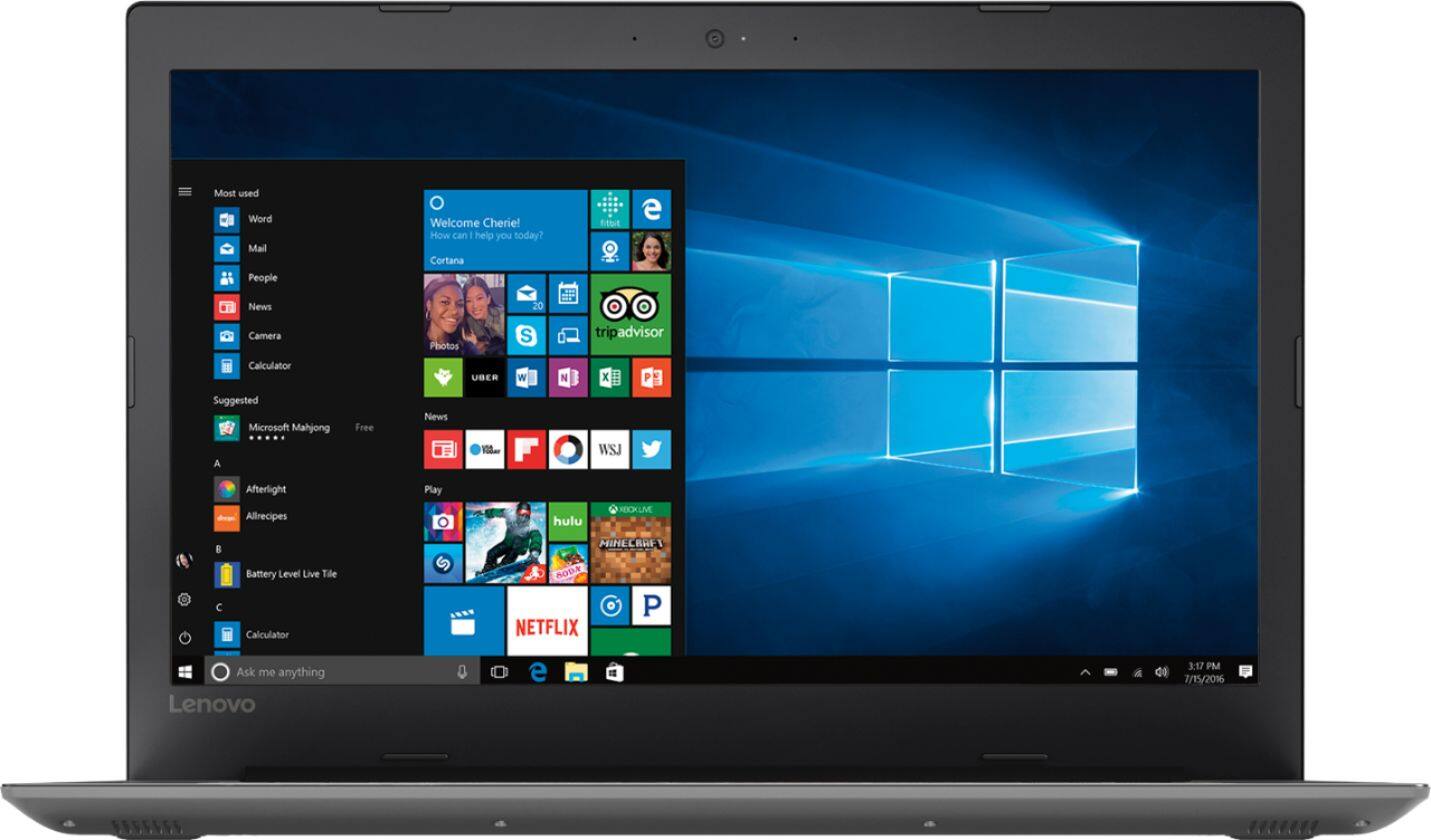
Posted .You are correct. This model does not have a touchscreen. This system has an anti-glare, 1600 x 900 (HD+) resolution screen.