Customer Ratings & Reviews
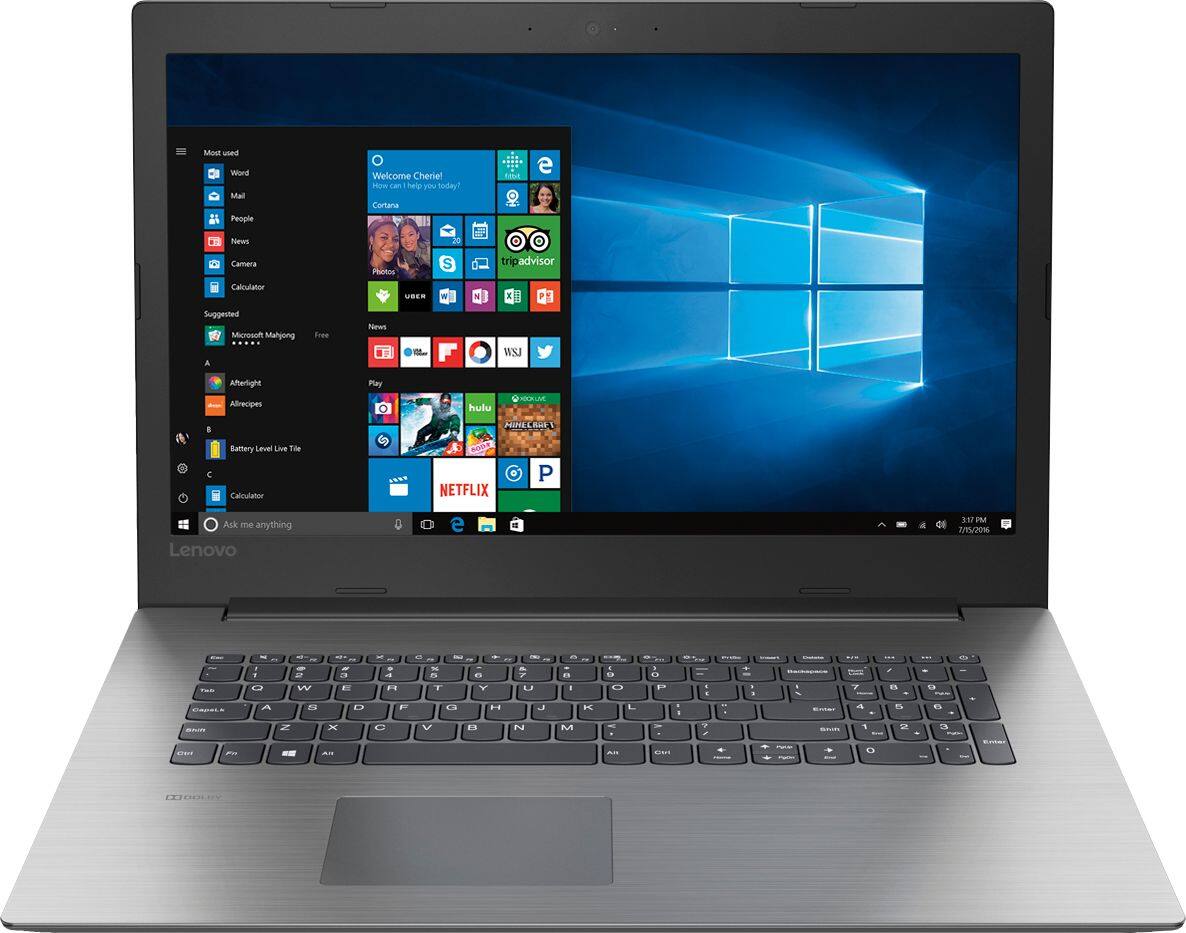
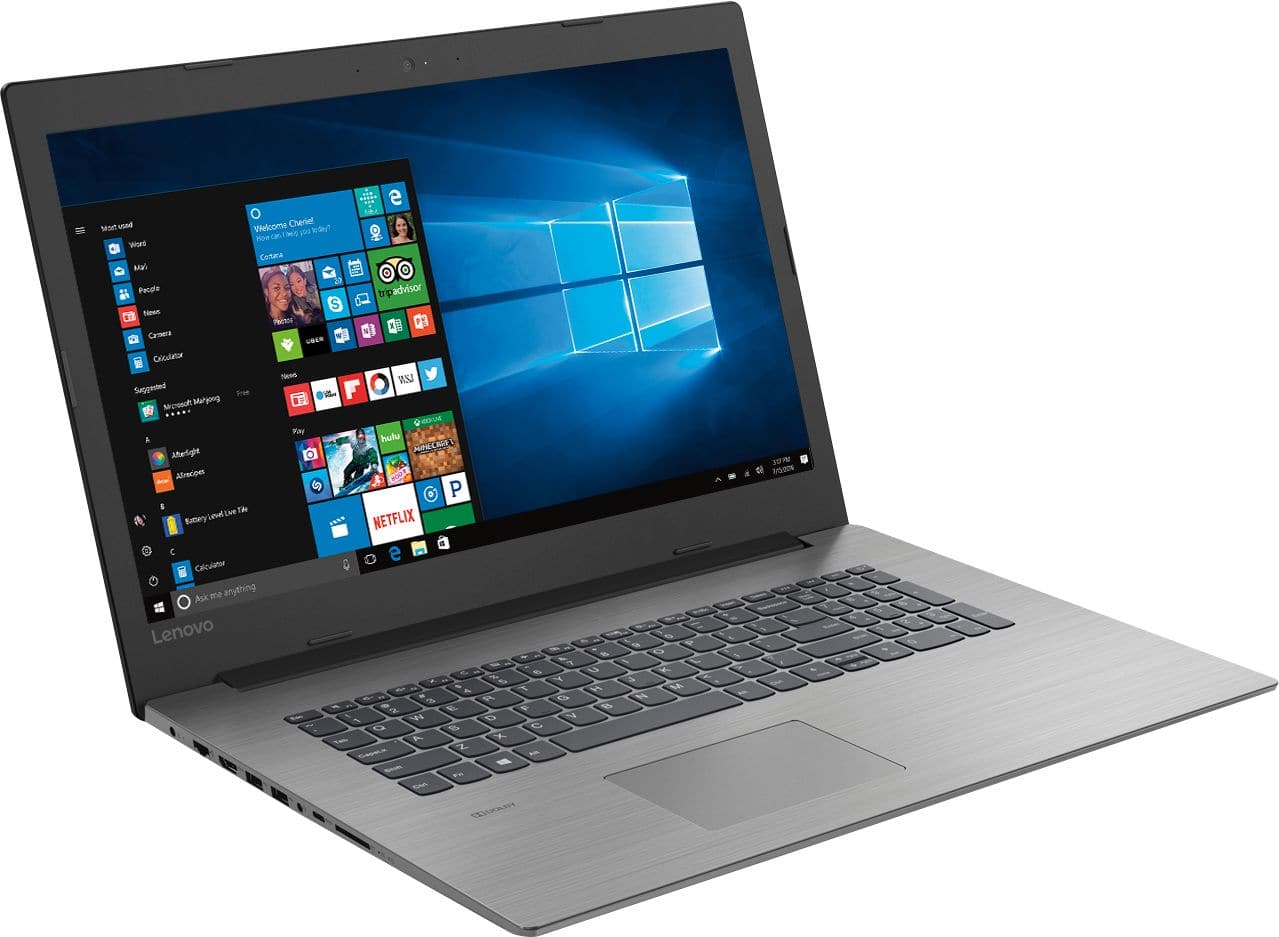
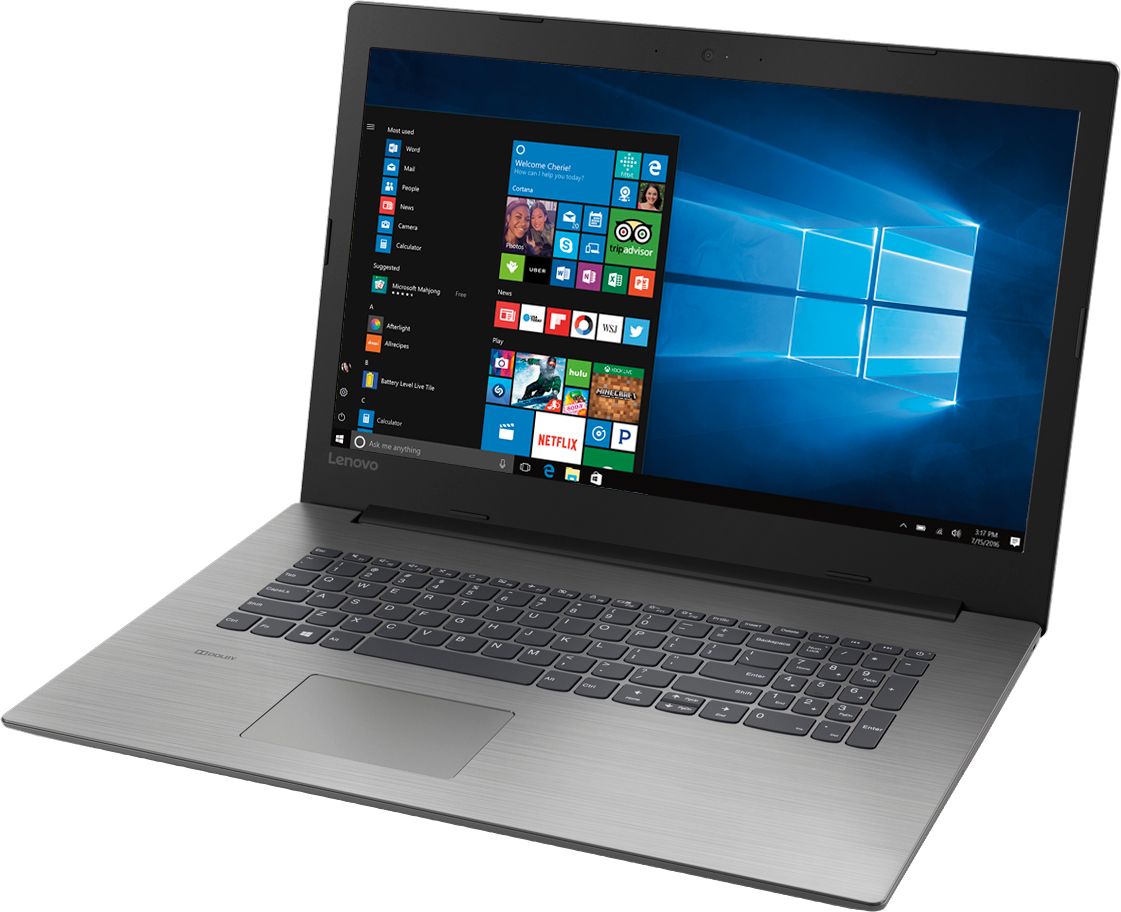
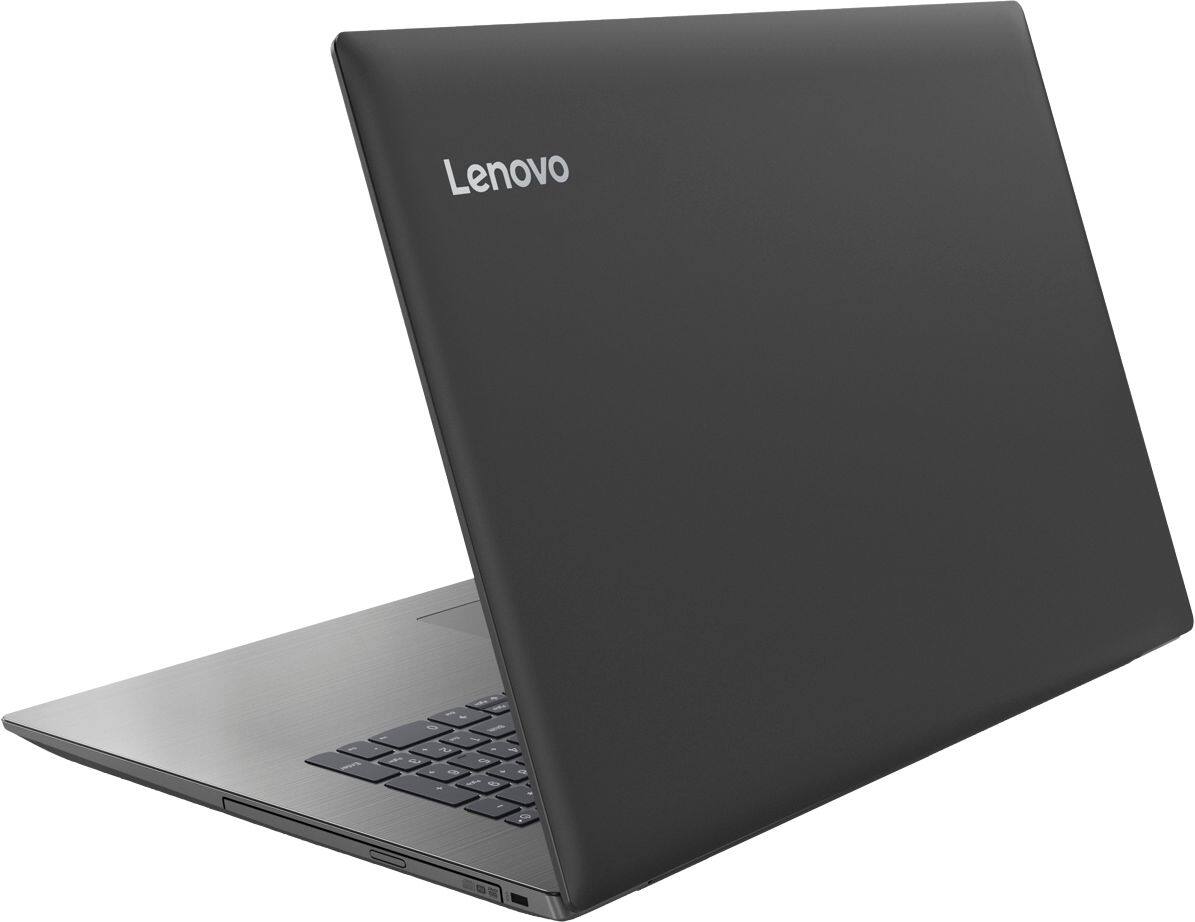
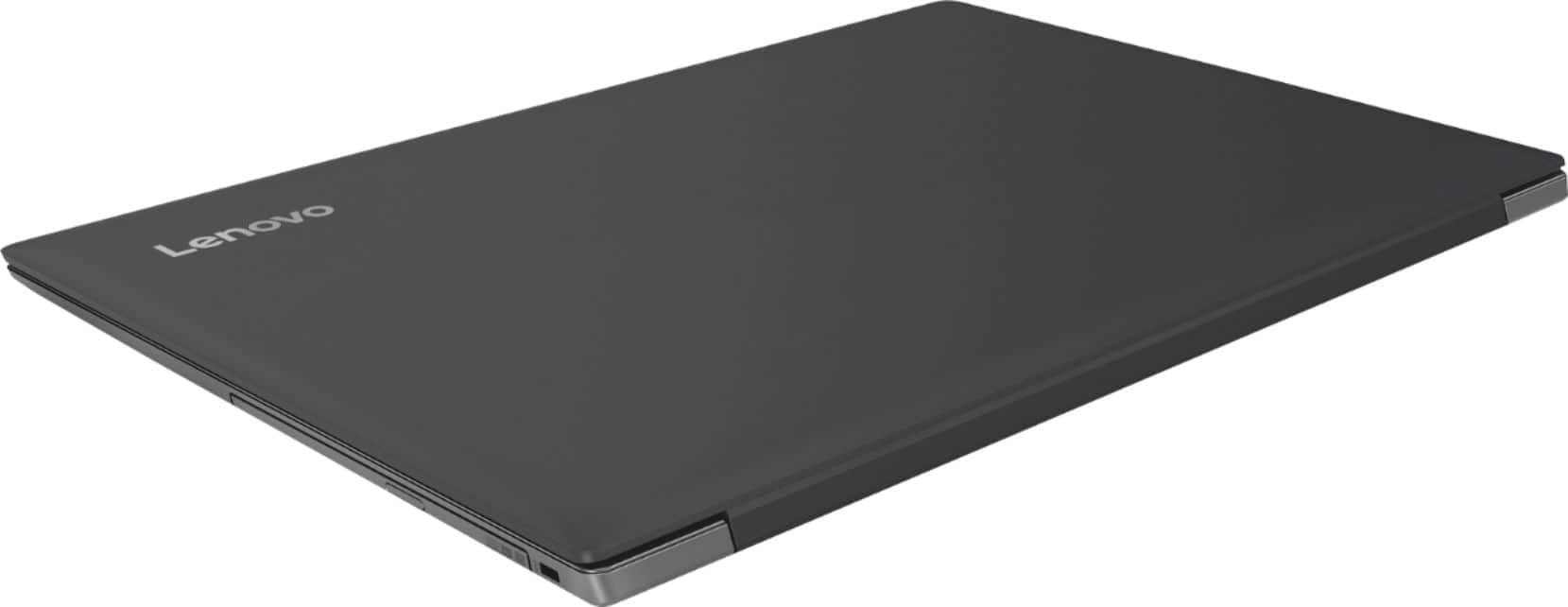
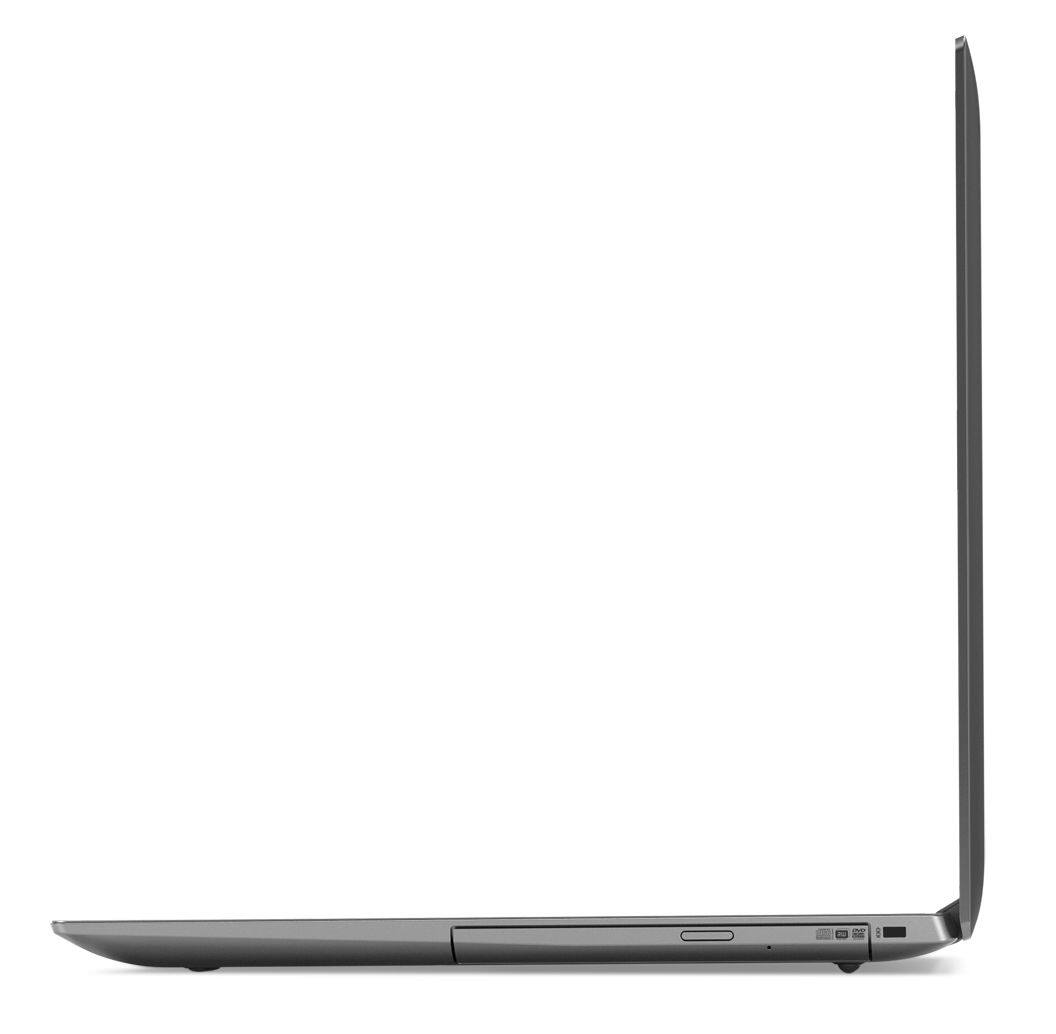
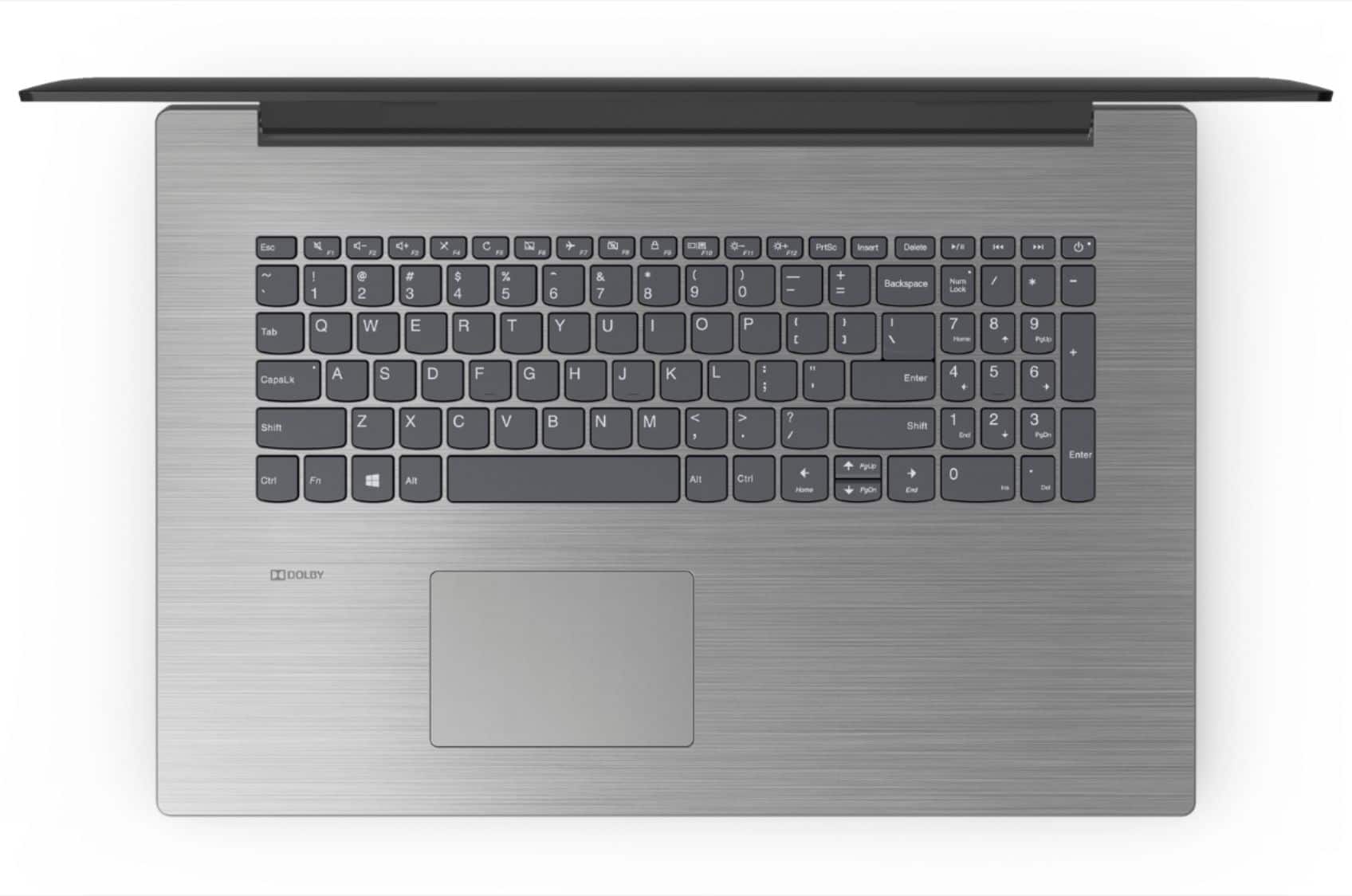
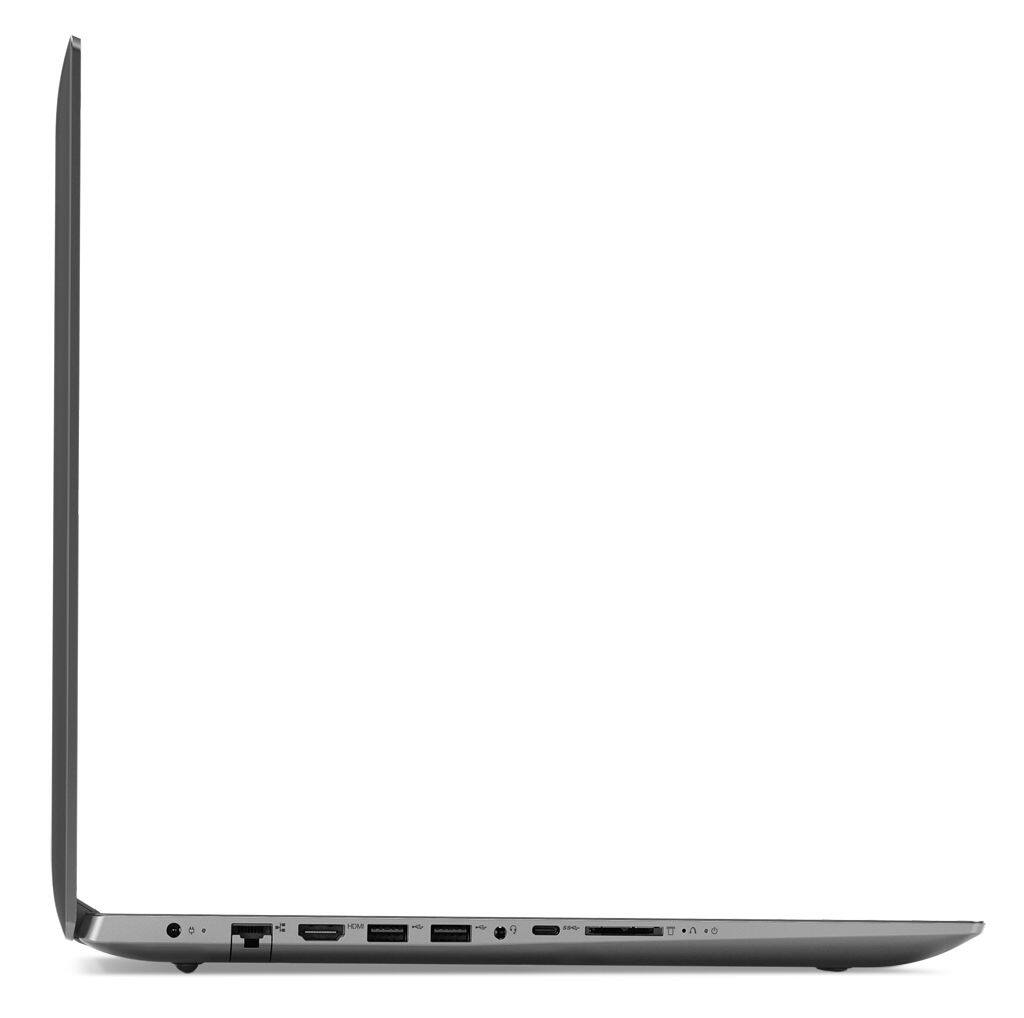
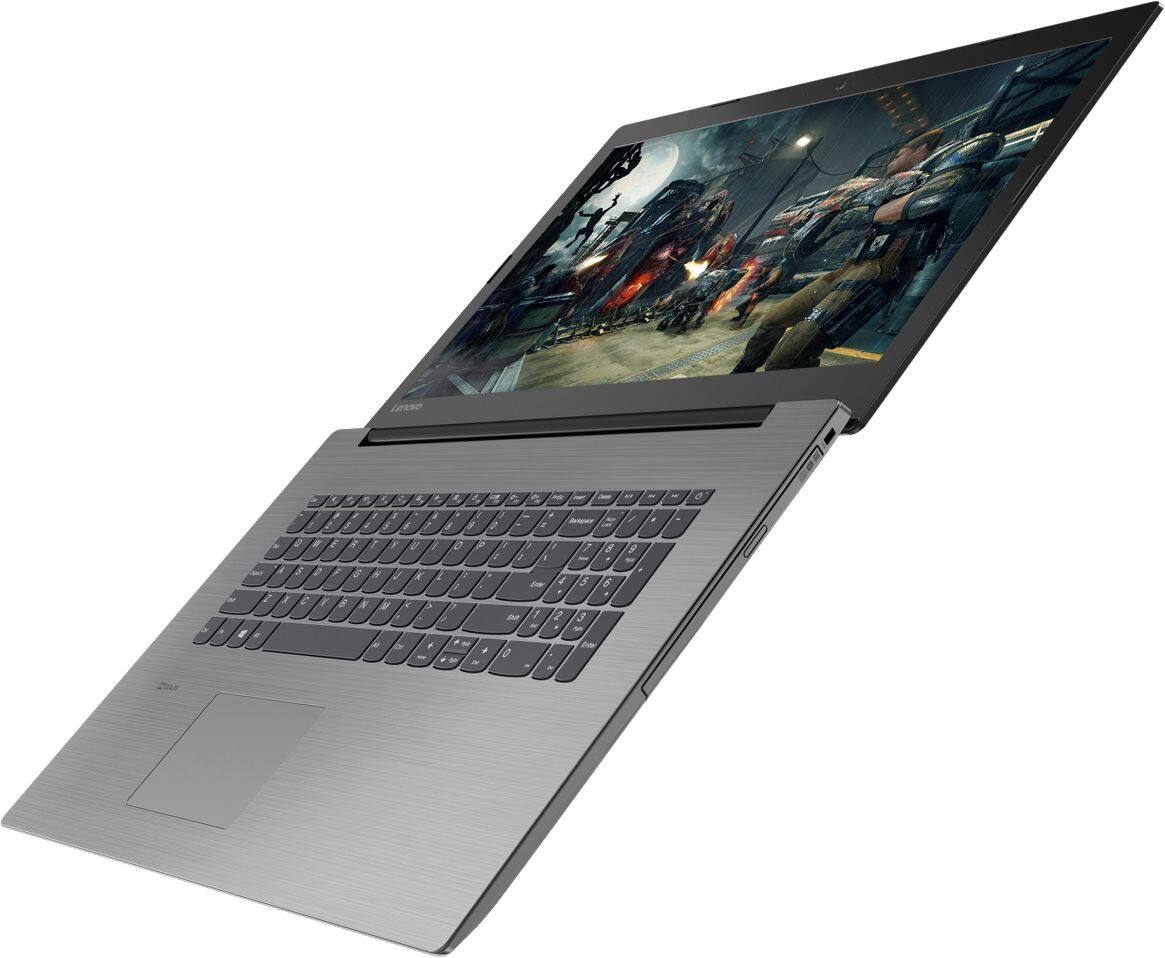
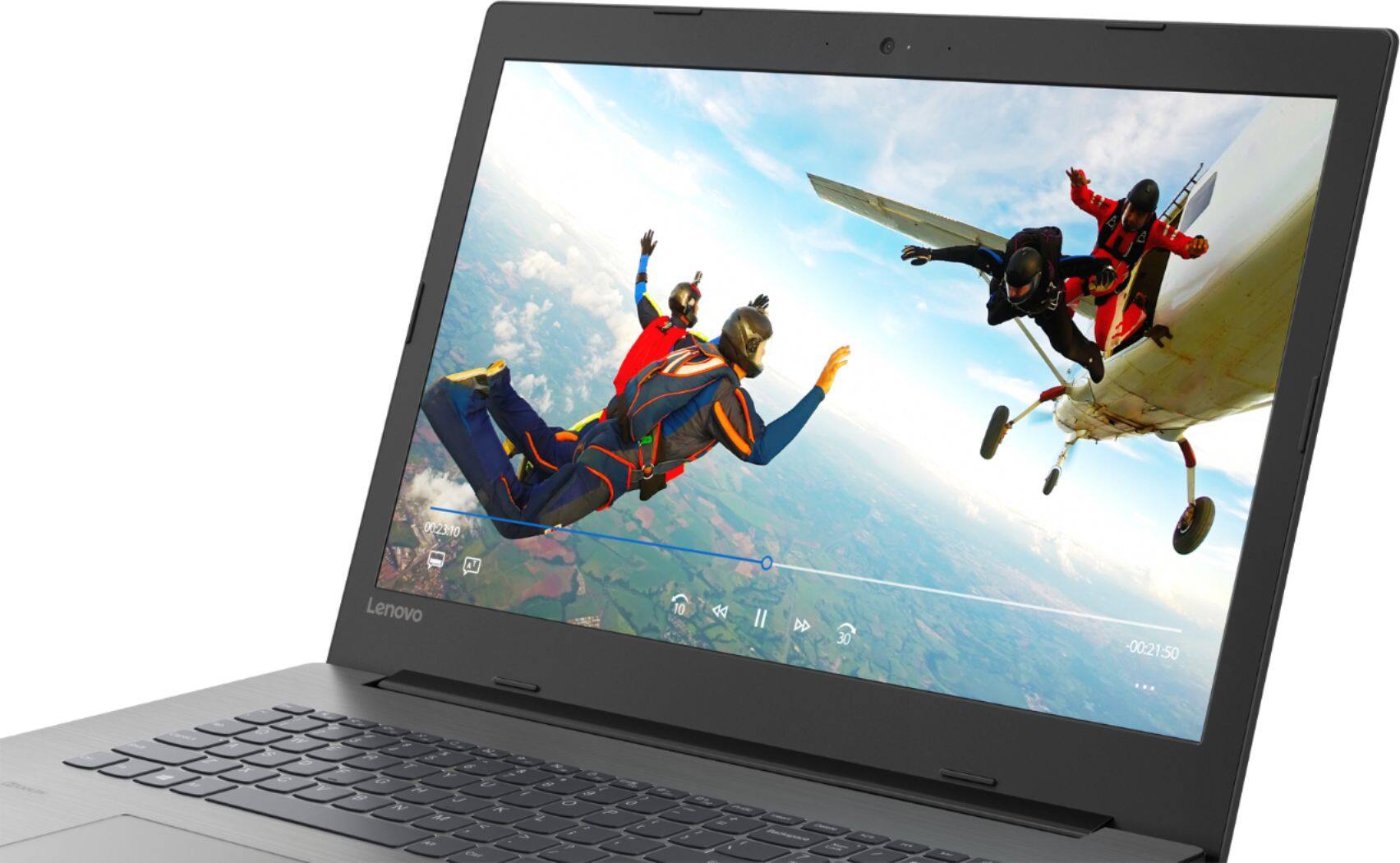

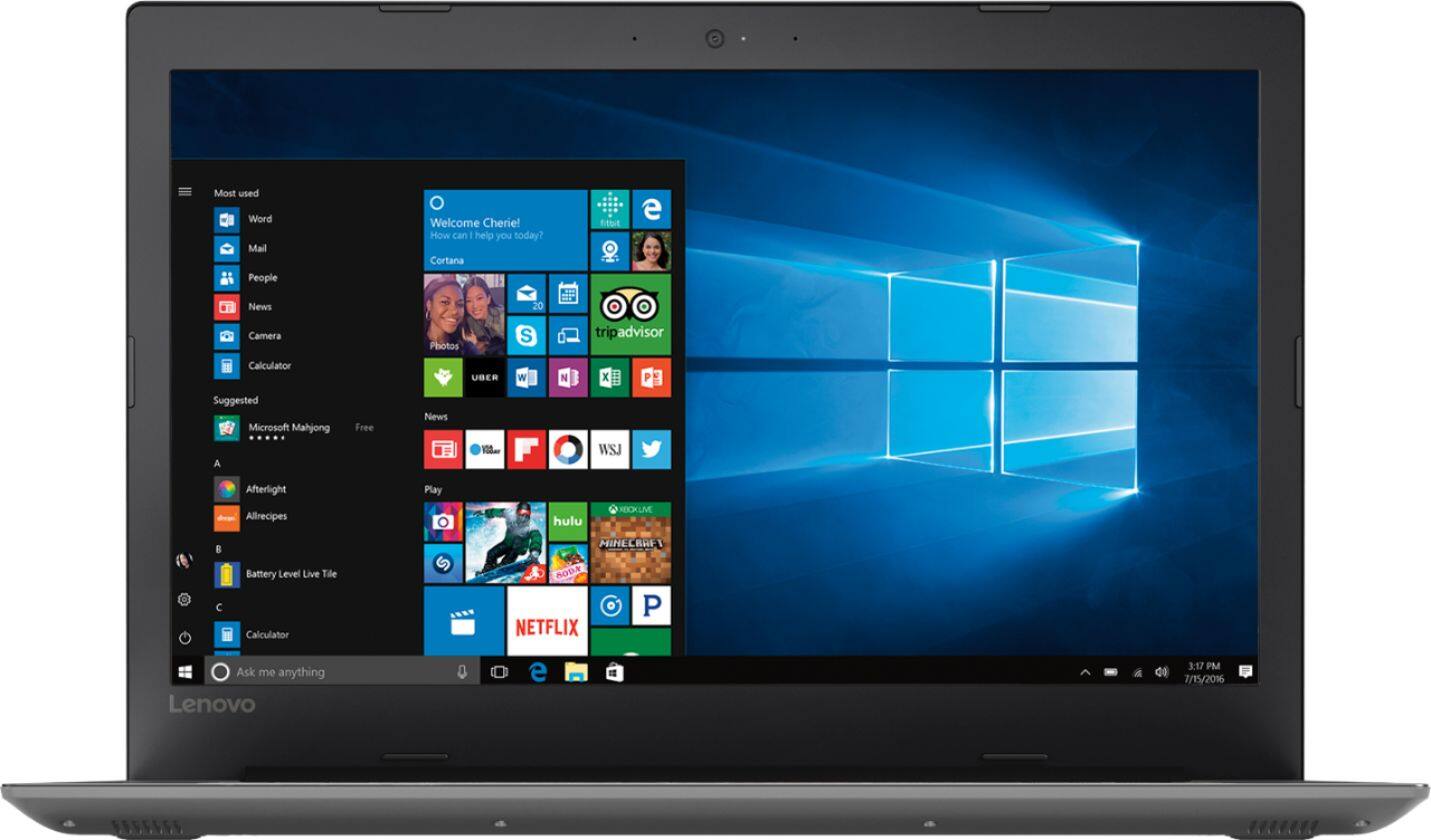
- Model:
- 81DM001UUS
- SKU:
- 6224501
Rating by feature
- Value
Rating 4.1 out of 5 stars
- Quality
Rating 4.1 out of 5 stars
- Ease of Use
Rating 4.2 out of 5 stars
Customers are saying
Customers are positive about the large screen, price, ease of use, storage, gaming capabilities, keyboard, performance, and processor. They appreciate the value for money and find the laptop suitable for light gaming. However, customers are negative about the battery life, weight, limited number of USB ports, and build quality, with some describing it as cheap and flimsy.
This summary was generated by AI based on customer reviews.
I bought this for an associate in New York
Posted .This reviewer received promo considerations or sweepstakes entry for writing a review.Upon her return to Spain she was very pleaseed with the overall operation of the Laptop.
I would recommend this to a friendBrand response from Lenovo Product Expert
Posted .Thank you for choosing the Lenovo IdeaPad 330-17 laptop. We are pleased to hear that the IdeaPad 330-17 is working out so well for the user.

Cheap but not a good PC
Posted .This reviewer received promo considerations or sweepstakes entry for writing a review.I regret buying this PC. The display is really bad (I always have to keep it at the brightest to see the screen). It is really slow for an 8th Gen i5 w/ 8gb RAM. Lenovo installed as many bloatware as they possibly could. Charger stopped working after 2 weeks (which I hope would be replaced by Lenovo). It's really cheap compared to other PCs, but if I had to buy again, I will buy a Dell or HP. Saving is not extensive enough to sacrifice the quality.
No, I would not recommend this to a friendBrand response from Lenovo Product Expert
Posted .We are sorry to hear that you are having issues with your Lenovo IdeaPad 330-17 laptop. This system ships with an anti-glare 1600 x 900 (HD+) resolution screen, with a brightness level of 200 nits. This is a fast system with its Quad-Core/Eight-Thread Intel Core i5-8250U processor and 8GB of RAM. Be sure any software you installed is compatible with Windows 10. There is no need to install Microsoft Office software. The software is already part of the operating system, you just need to activate the software with a purchased product key. If you have installed a copy of Microsoft Office, this is conflicting with the existing copy on the system and this will slow your system down. If you have installed a 3rd party anti-virus program, be sure that Windows Defender is turned off and that the trial version of McAfee Anti-Virus software is uninstalled. There can only be one anti-virus program on the system. You may need to restore your system to original factory default settings if any of the programing errors have occurred. You can do that by typing "restore" in the Cortana search window. Just click on the magnifying glass icon at the bottom left of your Windows 10 Desktop. Click on "Reset This PC" Then click on "Get Started" and follow the on screen directions to restore to factory defaults. If the problem persists, we recommend you contact Lenovo Tech Support at: 877-453-6686. Concerning adware on this device, there is a 30-day trial of Microsoft Office 365 as part of Windows 10 and a 30-day trial of McAfee Anti-Virus software. There is no other adware on this device.
- Cons mentioned:Build quality
Junk
Posted .This reviewer received promo considerations or sweepstakes entry for writing a review.This laptop takes an eternity to boot up and freezes often. Considering the specs, it should be flying. Lenovo used to make quality products but now they make overpriced junk. This is the third Lenovo laptop I've bought within a year and none of them worked well. You couldn't pay me to use another one of their products again.
No, I would not recommend this to a friend Horrible Mistake
Posted .This reviewer received promo considerations or sweepstakes entry for writing a review.What a horrible mistake I made with this purchase. It's so bad in fact that tomorrow I plan on returning it. It has with all the ram and decent processor, it can barely handle the most simple of tasks. My wireless mouse takes a good 10 minutes before it decides it want to work and even after it does, it will decide to take a break and again I have to wait another 10 minutes. Firefox, one of the most common browsers also has to think before it works and at times takes breaks. The touch pad, maybe you have to hold the left button to scroll, maybe not. Depends on the mood of the PC. And, even at medium sensativity if you breath on the thing too hard you're likely to delete, or as has happened to me on more than one occasion, copied files to ... I don't know. I have to search to see where they went. The list is endless. HUGE mistake, and I had such high hopes based on previous reviews.
No, I would not recommend this to a friendBrand response from Lenovo Product Expert
Posted .We are sorry to hear that you are having issues with your Lenovo IdeaPad 330-17 laptop. This is a fast system with its Core I-5 processor and 8GB of RAM. Be sure any software you installed is compatible with Windows 10. There is no need to install Microsoft Office software. The software is already part of the operating system, you just need to activate the software with a purchased product key. If you have installed a copy of Microsoft Office, this is conflicting with the existing copy on the system and this will slow your system down. If you have installed a 3rd party anti-virus program, be sure that Windows Defender is turned off and that the trial version of McAfee Anti-Virus software is uninstalled. There can only be one anti-virus program on the system. You may need to restore your system to original factory default settings if any of the programing errors have occurred. You can do that by typing "restore" in the Cortana search window. Just click on the magnifying glass icon at the bottom left of your Windows 10 Desktop. Click on "Reset This PC" Then click on "Get Started" and follow the on screen directions to restore to factory defaults. If the problem persists, we recommend you contact Lenovo Tech Support at: 877-453-6686.
Sadly Dissapointed
Posted .This reviewer received promo considerations or sweepstakes entry for writing a review.Got this as a gift for my wife (she is a reporter and needed it for MOSTLY writing articles and web browsing) sadly this machine runs out of the box at 100% Disk usage and acts like im trying to edit 4k videos. The track pad on this is also a joke, do yourself a favor and use a mouse. The screen is nice, the speakers are on the bottom(?) of this machine which makes my brain hurt. Wish I had gotten something better, which is sad because I usually sing the praises of Lenovo, and i5 8gb ram SHOULD be enough to use word and browse the internet without locking up.
No, I would not recommend this to a friendBrand response from Lenovo Product Expert
Posted .We are sorry to hear that you are having issues with your wife's Lenovo IdeaPad 330-17 laptop. Be sure any software you installed is compatible with Windows 10. There is no need to install Microsoft Office software. The software is already part of the operating system, you just need to activate the software with a purchased product key. If you have installed a copy of Microsoft Office, this is conflicting with the existing copy on the system and this will slow your system down. If you have installed a 3rd party anti-virus program, be sure that Windows Defender is turned off and that the trial version of McAfee Anti-Virus software is uninstalled. There can only be one anti-virus program on the system. You may need to restore your system to original factory default settings if any of the programing errors have occurred. You can do that by typing "restore" in the Cortana search window. Just click on the magnifying glass icon at the bottom left of your Windows 10 Desktop. Click on "Reset This PC" Then click on "Get Started" and follow the on screen directions to restore to factory defaults. If the problem persists, we recommend you contact Lenovo Tech Support at: 877-453-6686.
Don't buy Lenovo!
Posted .This reviewer received promo considerations or sweepstakes entry for writing a review.Unreliable, slow to boot, slow to respond. Could never get it to work right. Should have returned it.
No, I would not recommend this to a friend