Customer Ratings & Reviews

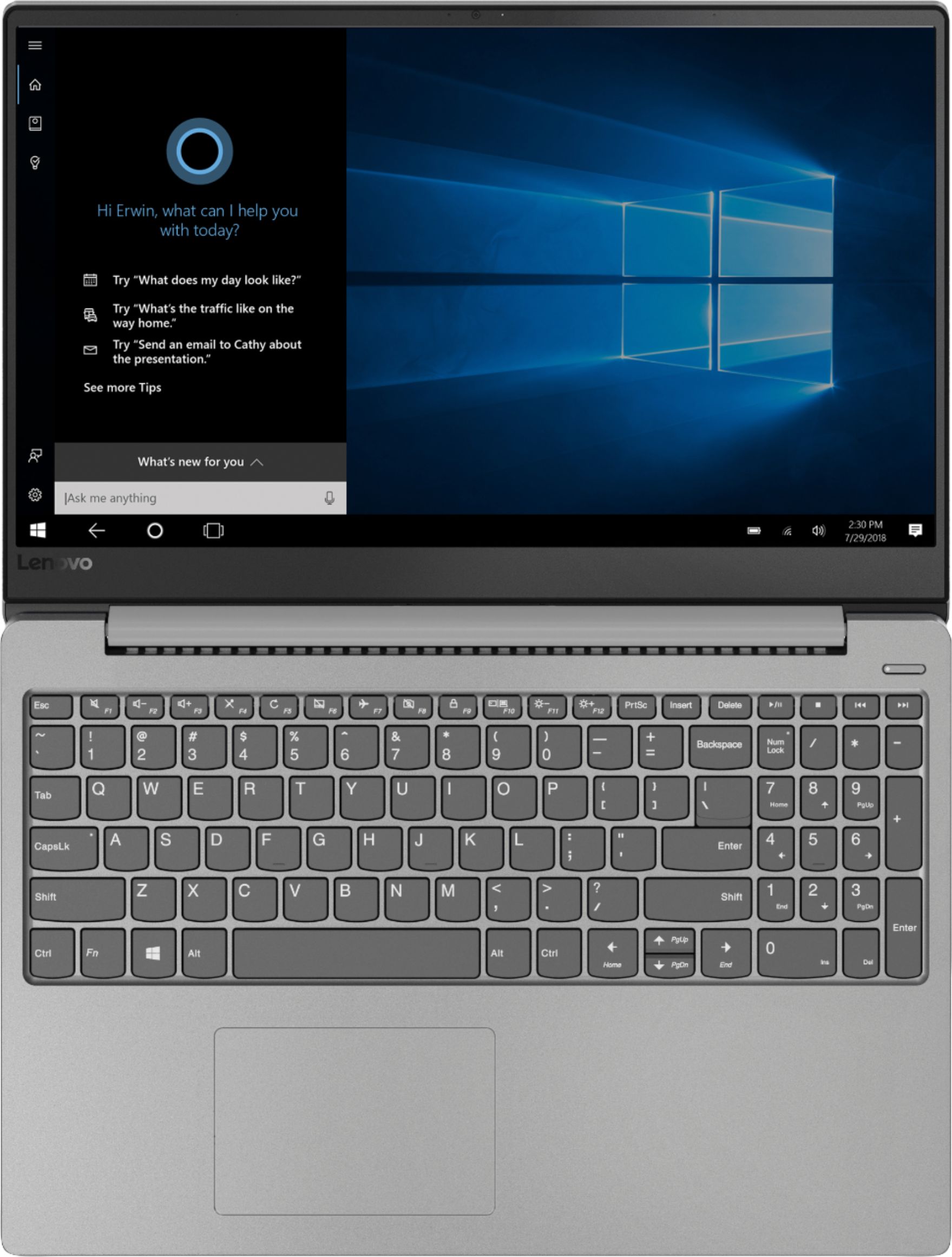
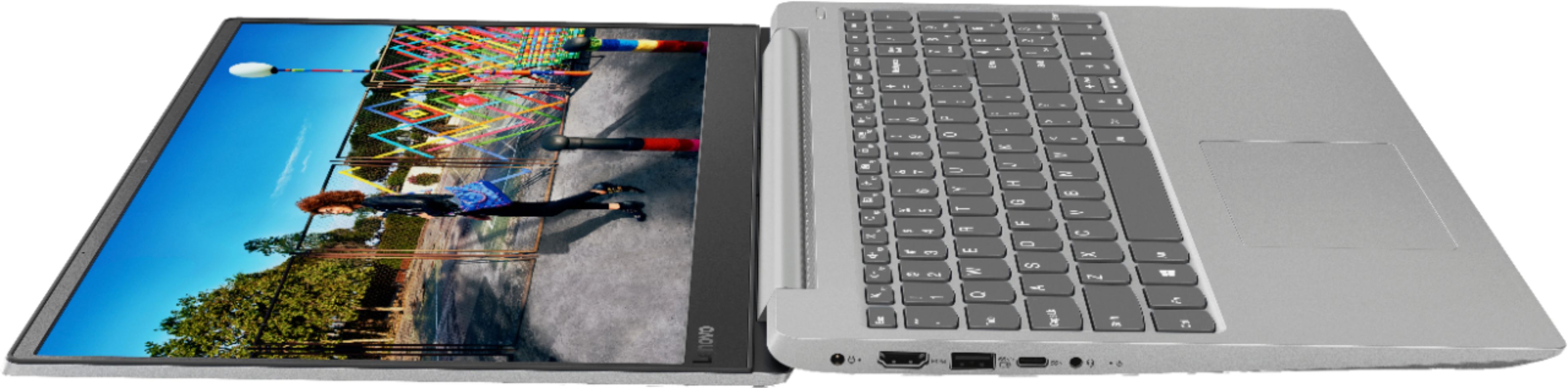
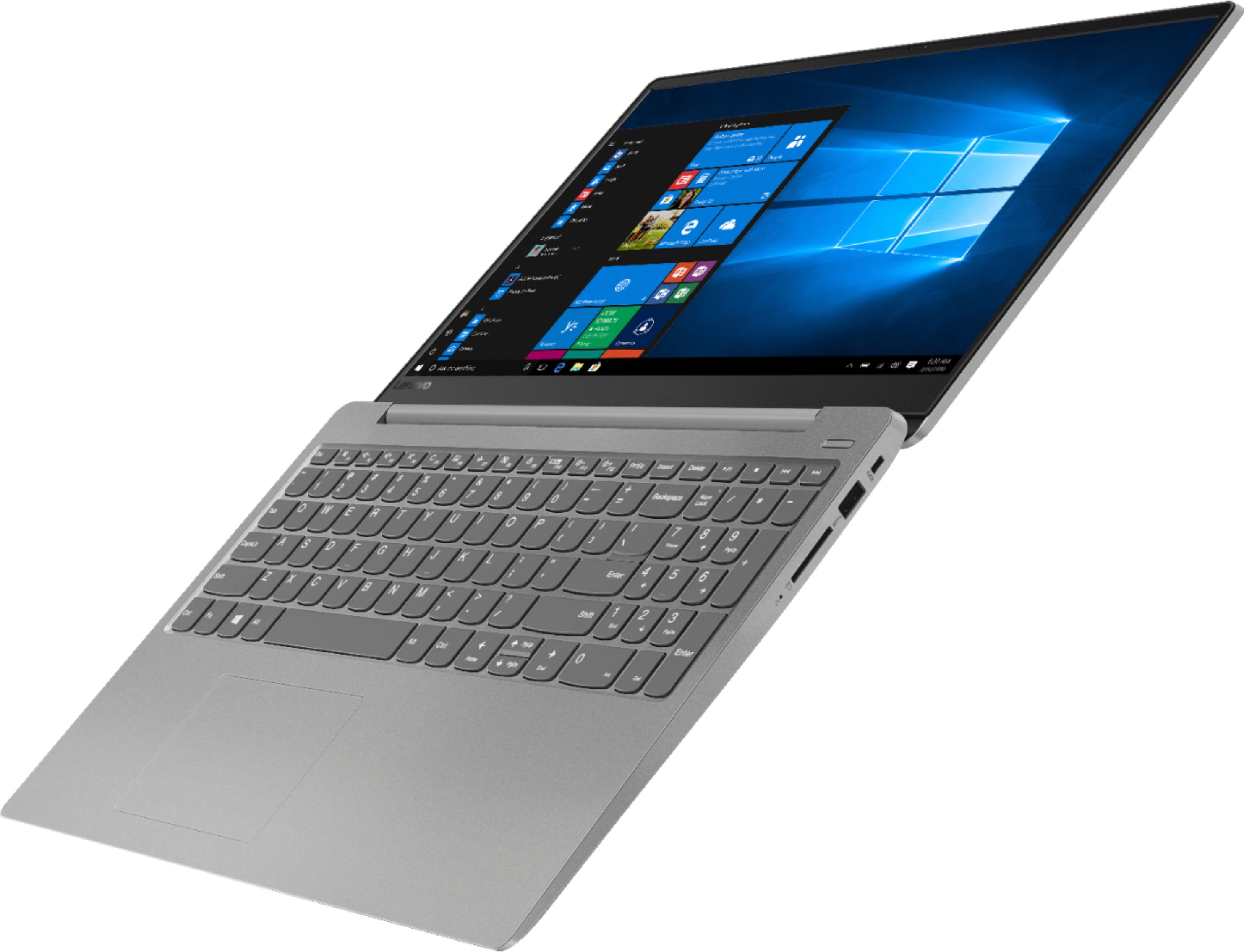
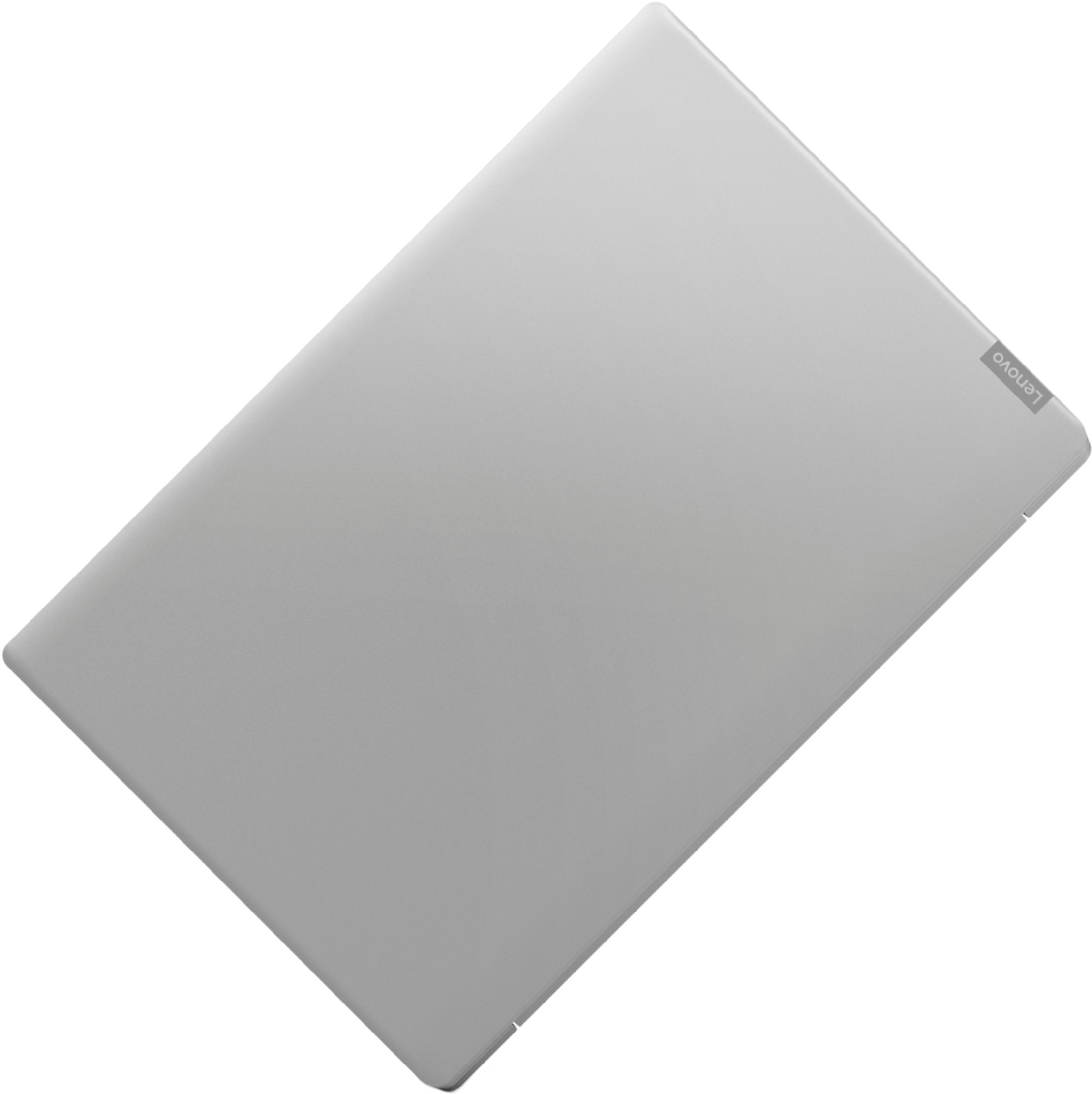
- Model:
- 81F5004EUS
- SKU:
- 6221786
Rating by feature
- Value
Rating 3.9 out of 5 stars
- Quality
Rating 3.8 out of 5 stars
- Ease of Use
Rating 4.1 out of 5 stars
Customers are saying
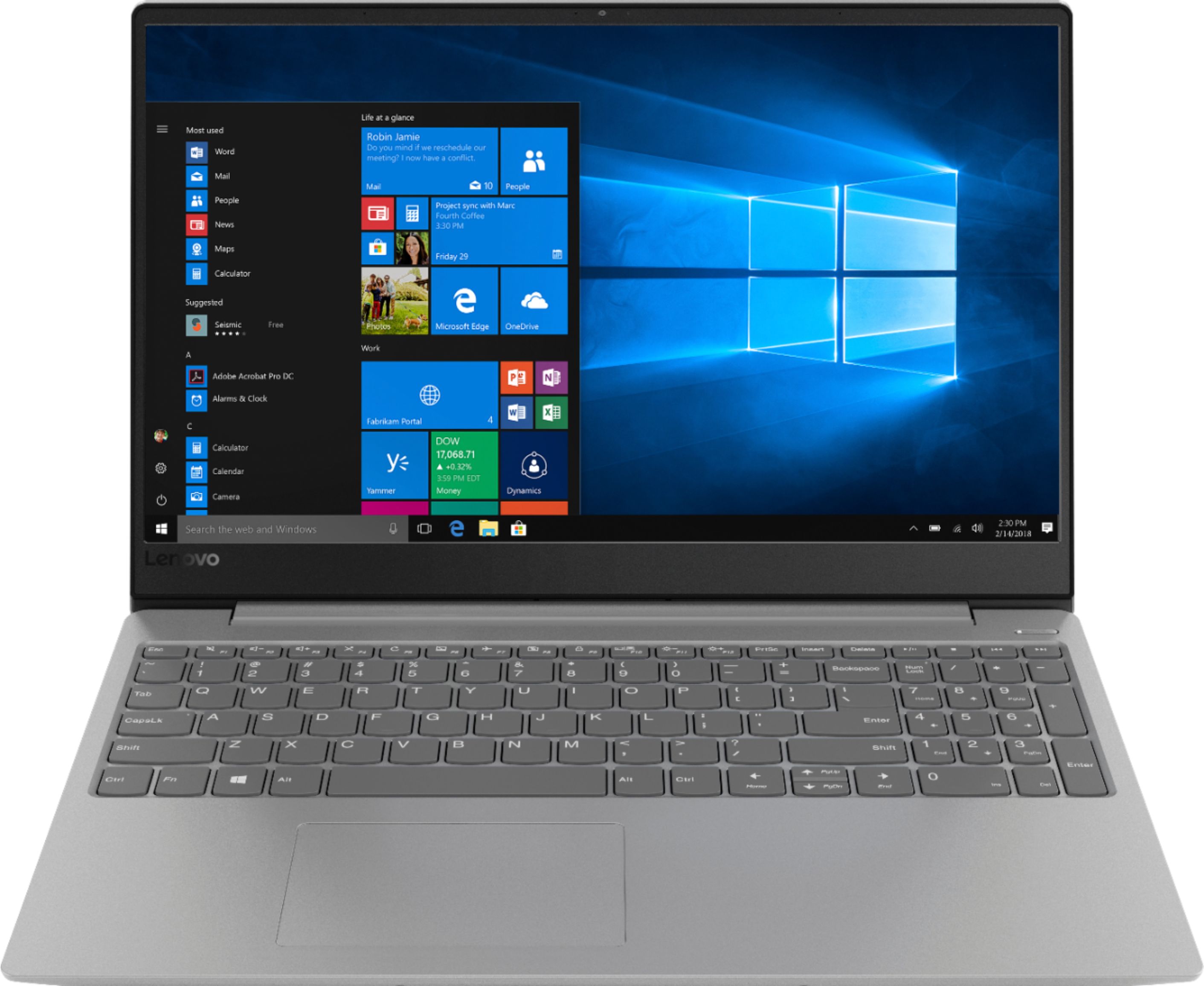
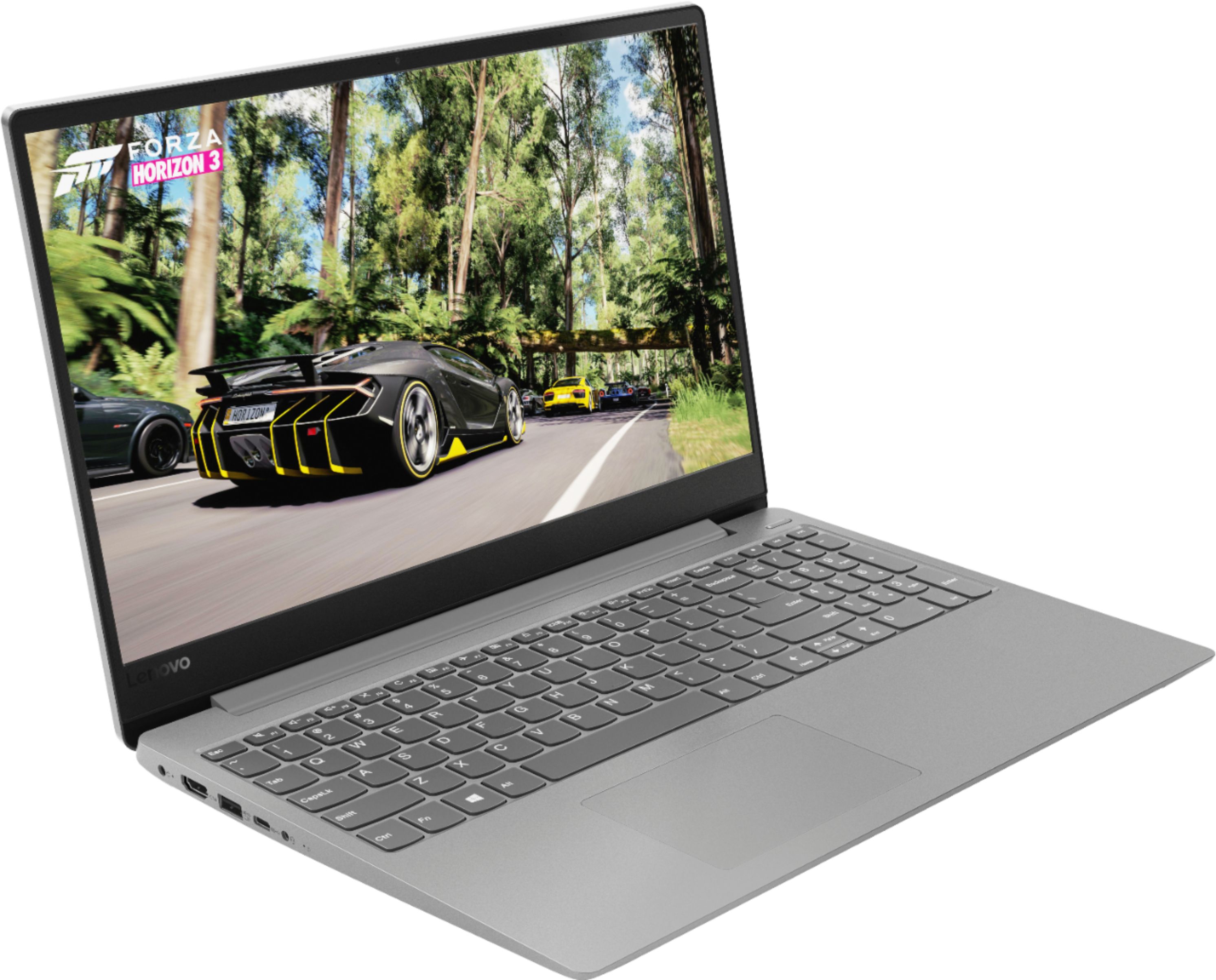
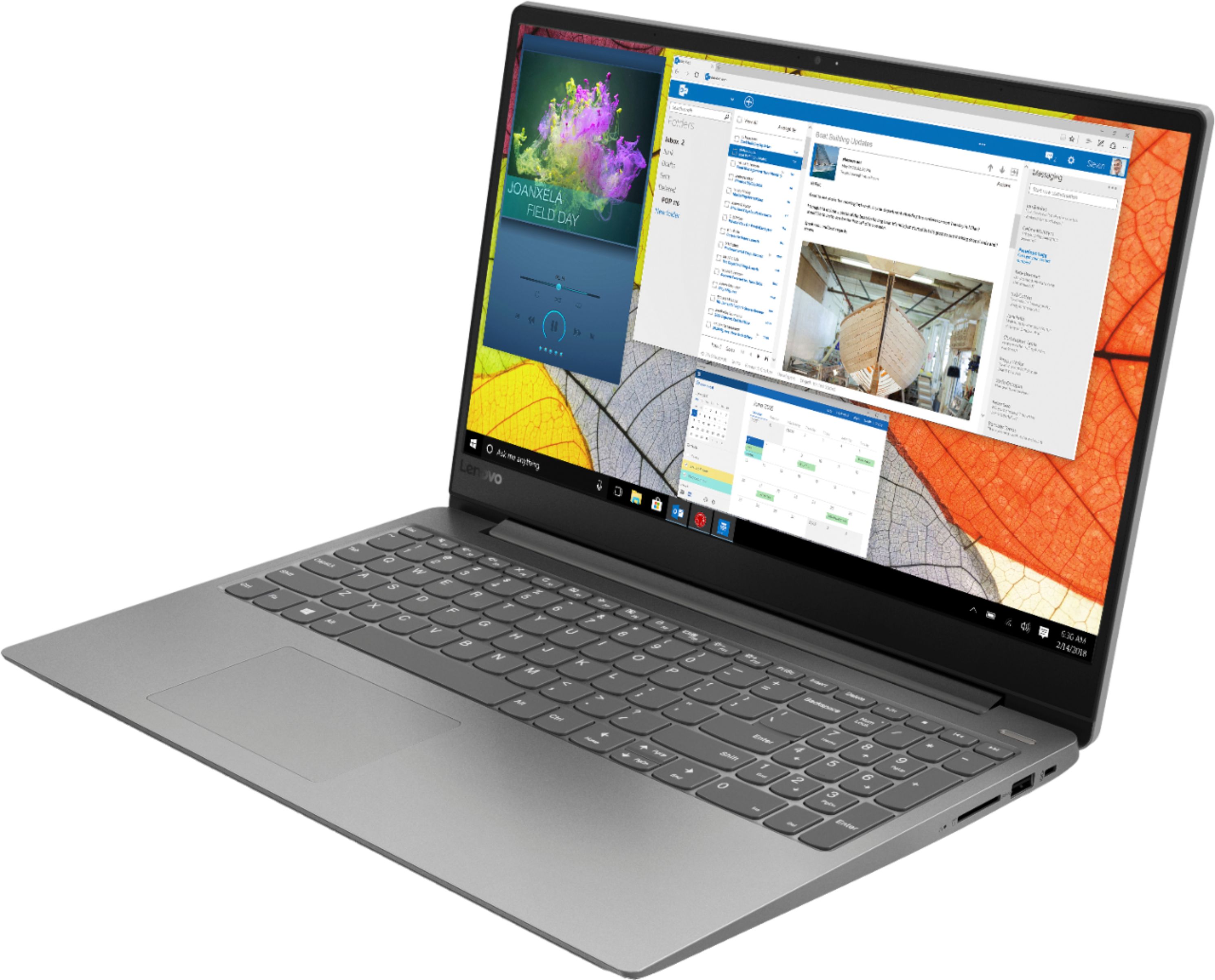
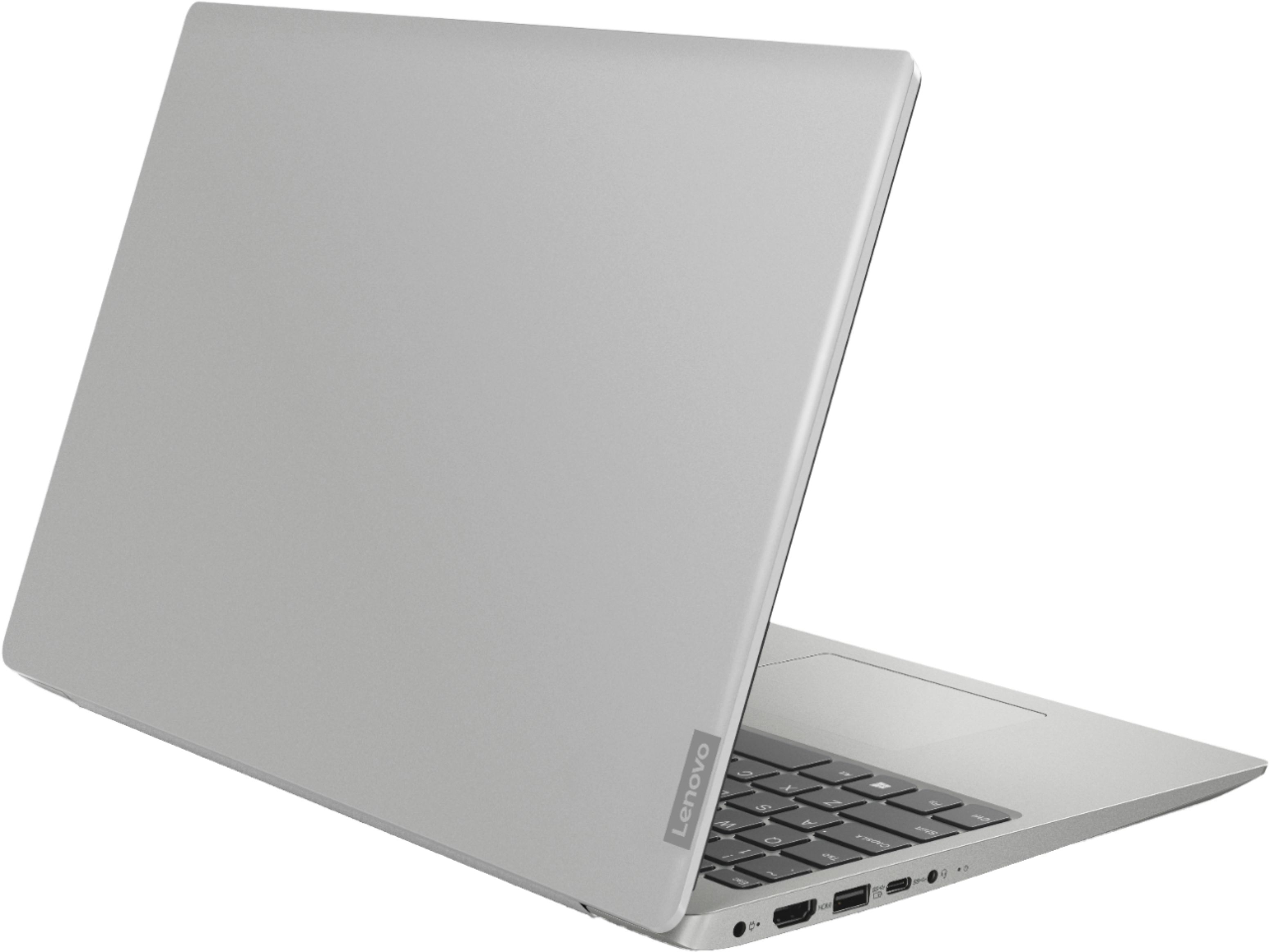
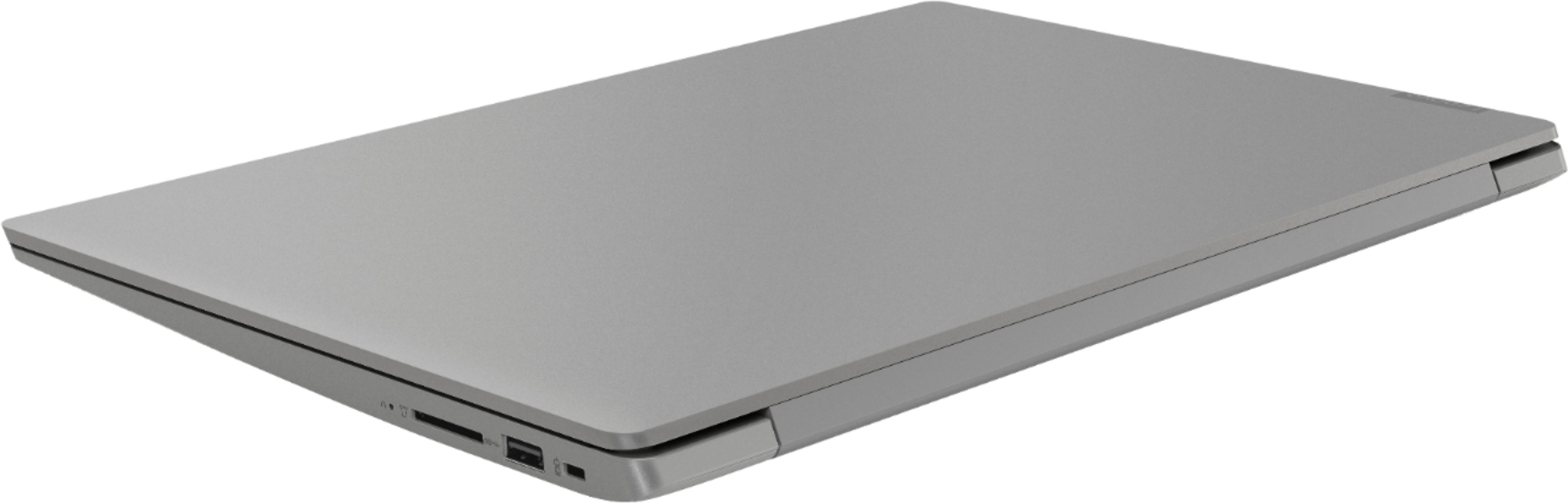
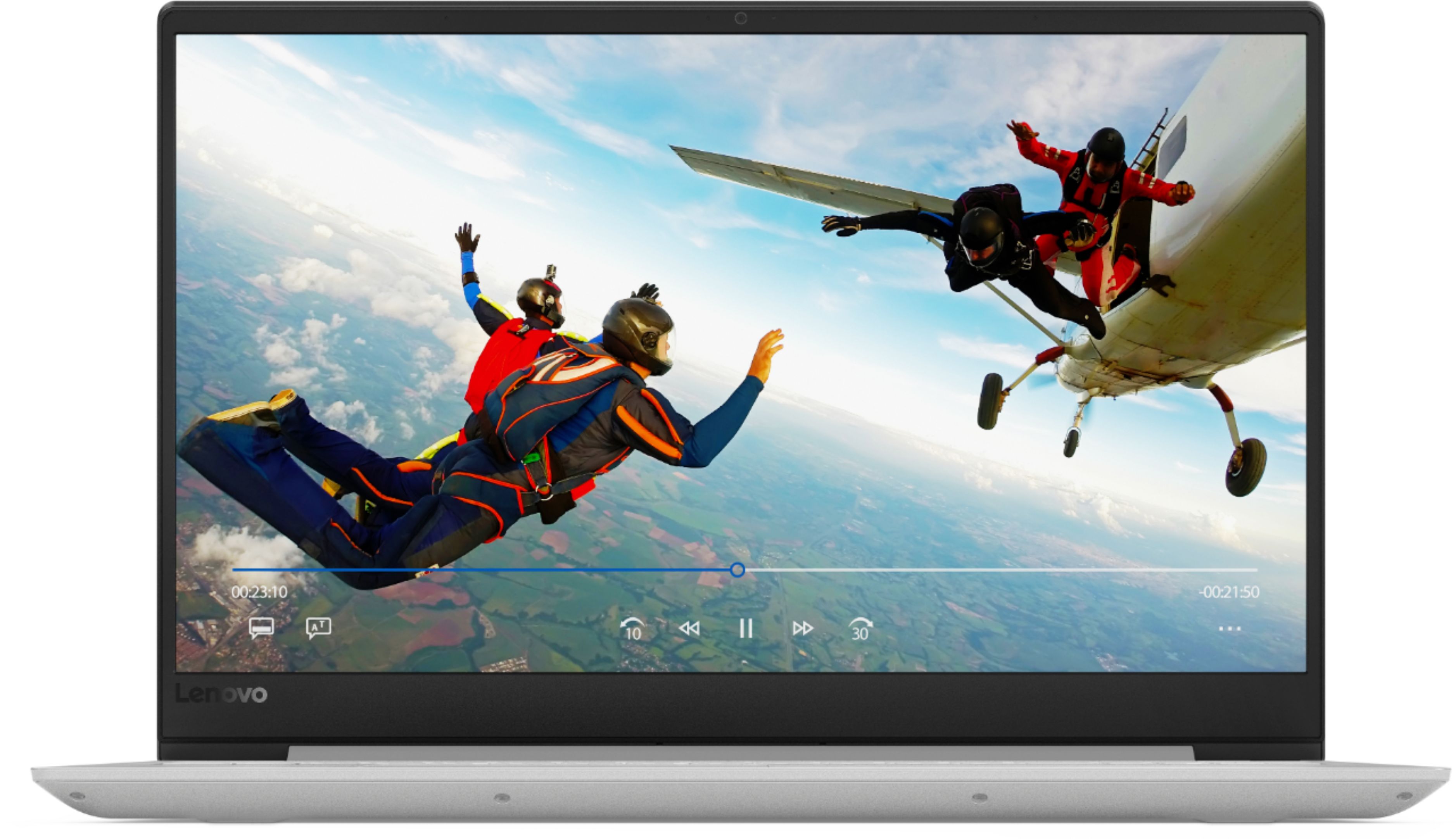
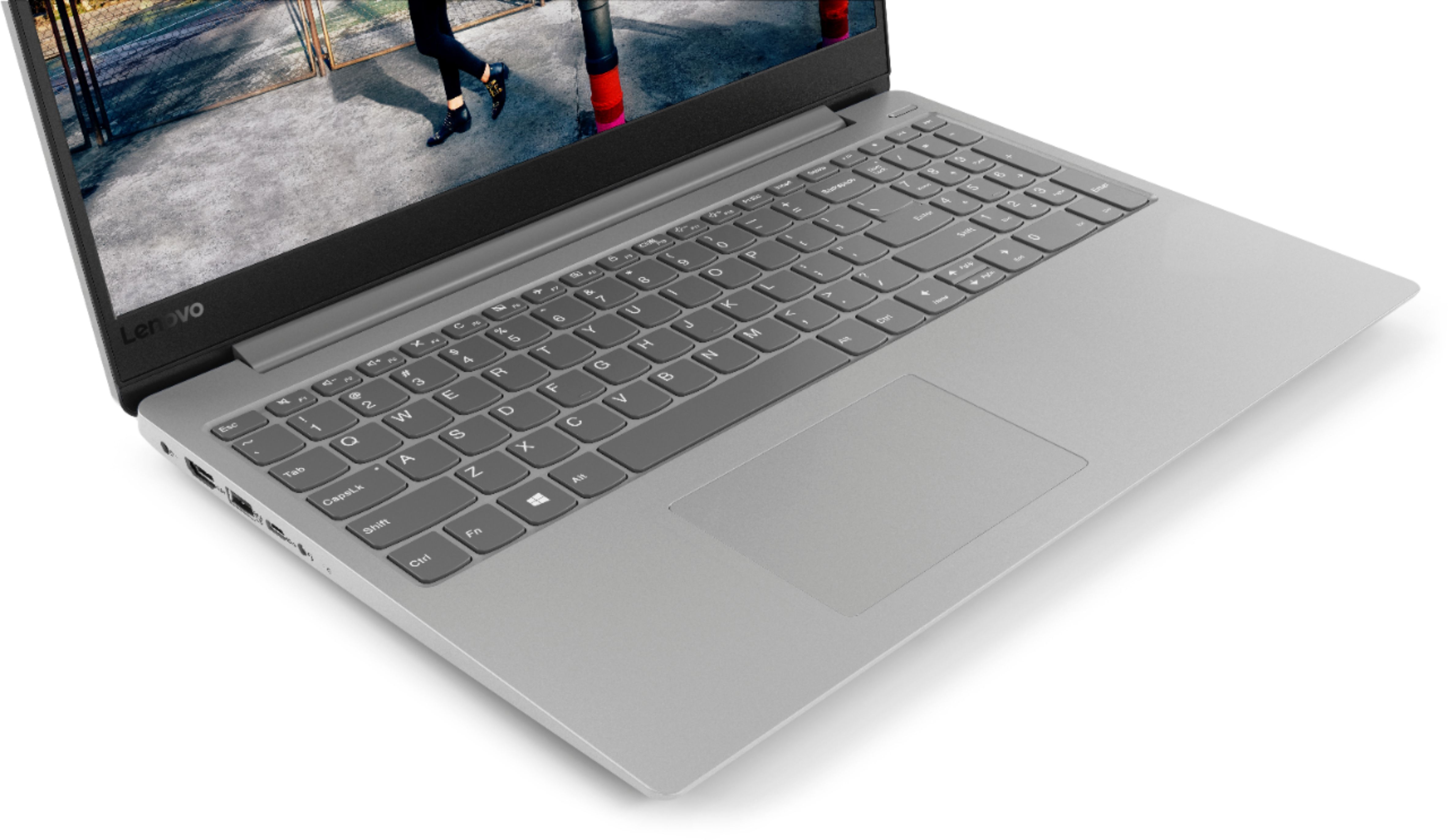
Customers often highlight the 330S-15IKB 15.6" Laptop's fast performance, reasonable price, and lightweight design. Many users appreciate the backlit keyboard and solid-state drive included at this price point. However, some users have concerns about the battery life.
This summary was generated by AI based on customer reviews.
Good laptop
||Posted .This reviewer received promo considerations or sweepstakes entry for writing a review.Great laptop. Have had no problems. Love this product
I would recommend this to a friendBrand response from Lenovo Product Expert
Posted .Thank you for choosing the Lenovo IdeaPad 330s-15 laptop. We are pleased to hear that the IdeaPad 330s-15 meets your computing needs so well.

Snappy Computer
||Posted .This reviewer received promo considerations or sweepstakes entry for writing a review.I'm really impressed with this laptop for the price.
I would recommend this to a friendBrand response from Lenovo Product Expert
Posted .Thank you for choosing the lenovo IdeaPad 330s-15 laptop. We are pleased to hear that the value and performance of the IdeaPad 330s-15 meets your computing needs so well.
Great for College Students
||Posted .This reviewer received promo considerations or sweepstakes entry for writing a review.Purchase item for my son's freshman year college..
I would recommend this to a friendgreat laptop
||Posted .This reviewer received promo considerations or sweepstakes entry for writing a review.great laptop, got it at a very good price, great buy
I would recommend this to a friendBrand response from Lenovo Product Expert
Posted .Thank you for choosing the Lenovo IdeaPad 330s-15 laptop. We are pleased to hear that the value and performance of the IdeaPad 330s-15 meets your computing needs so well.
Great Laptop Lenovo
||Posted .This reviewer received promo considerations or sweepstakes entry for writing a review.This Laptop is very good, for the labor or homework
I would recommend this to a friendBrand response from Lenovo Product Expert
Posted .Thank you for choosing the Lenovo IdeaPad 330s-15 laptop. We are pleased to hear that the IdeaPad 330s-15 meets your computing needs so well.
Great computer
||Posted .This reviewer received promo considerations or sweepstakes entry for writing a review.I really like and enjoy laptop that I just purchased
I would recommend this to a friendBrand response from Lenovo Product Expert
Posted .Thank you for choosing the Lenovo IdeaPad 330s-15 laptop. We are pleased to hear that the IdeaPad 330s-15 is working out so well for you.
Perfect for my needs
||Posted .This reviewer received promo considerations or sweepstakes entry for writing a review.When you need a item of the Best Quality....Best Buy
I would recommend this to a friendBrand response from Lenovo Product Expert
Posted .Thank you for choosing the Lenovo IdeaPad 330s-15 laptop. We are pleased to hear that the IdeaPad 330s-15 meets your computing needs so well.
My daughter loved it
||Posted .This reviewer received promo considerations or sweepstakes entry for writing a review.Excellent laptop... my daughter is happy to have it
I would recommend this to a friendBrand response from Lenovo Product Expert
Posted .Thank you for choosing the Lenovo IdeaPad 330s-15 laptop for your daughter. We are pleased to hear that the IdeaPad 330s-15 is working out so well for your daughter.
Laptop for college
||Posted .This reviewer received promo considerations or sweepstakes entry for writing a review.Good laptop for school. Like the back lit keyboard.
I would recommend this to a friendBrand response from Lenovo Product Expert
Posted .Thank you for choosing the Lenovo IdeaPad 330s-15 laptop. We are pleased to hear that the IdeaPad 330s-15 is working out so well for you.
Great laptop for the price range
||Posted .This reviewer received promo considerations or sweepstakes entry for writing a review.Awesome machine on the price point, will recommend.
I would recommend this to a friendBrand response from Lenovo Product Expert
Posted .Thank you for choosing the Lenovo IdeaPad 330s-15 laptop. We are pleased to hear that the value and performance of the IdeaPad 330s-15 meets your computing needs so well.
1st time for friend
||Posted .This reviewer received promo considerations or sweepstakes entry for writing a review.This is a great laptop for my friend. Loves it!!!!
I would recommend this to a friendBrand response from Lenovo Product Expert
Posted .Thank you for choosing the Lenovo IdeaPad 330s-15 laptop. We are pleased to hear that the IdeaPad 330s-15 is working out so well for the user.
- Pros mentioned:PriceCons mentioned:Battery life
Lenovo A Decent Machine
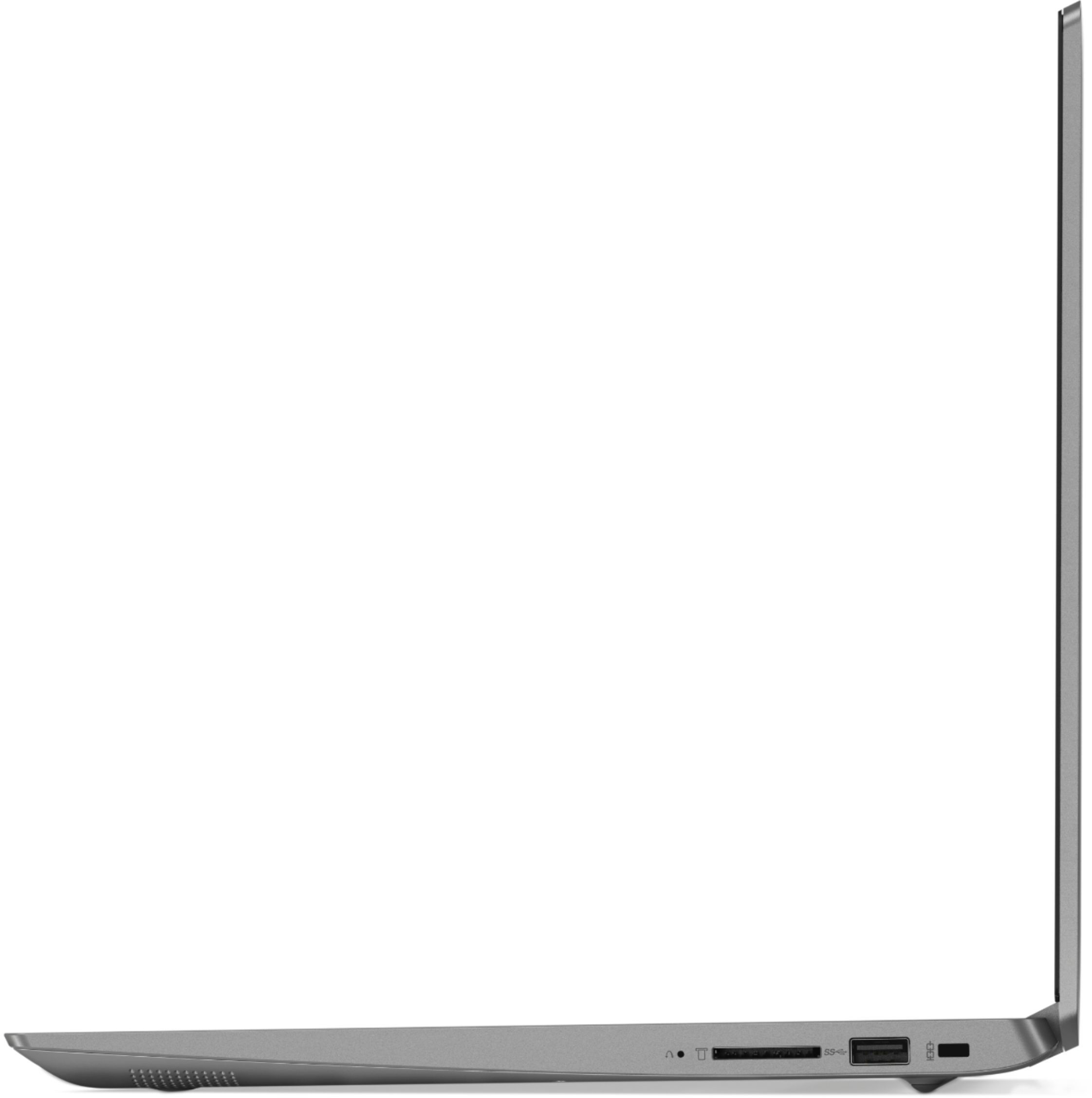
Posted .This reviewer received promo considerations or sweepstakes entry for writing a review.I was in the market for a laptop, and, even though I've been an Apple devotee for nearly 25 years, I simply couldn't justify spending a grand or more for a MacBook, so I opted for a Windows machine instead. After several weeks of shopping around, I decided on the Lenovo laptop, with 8GB of memory and a 128GB solid state drive for just $449.99, it was a steal since a comparable MacBook Air would've cost over twice as much, and I got a larger screen (15.6" versus Apple's 13.3") to boot. Set-up out of the box was a breeze, and since I use Windows 10 at work, the learning curve wasn't all that great. Even after an initial upgrade, I still had nearly 90GB of storage space free and clear, more than enough for my needs, and because it's SSD, the machine is speedy when it comes to bootup and saving files while the 8GB of memory makes multitasking a good deal easier. At a hair under four pounds, the machine is comfortable in my lap, isn't at all bulky despite the large screen and is easy to carry around, I used one of its two USB ports to plug in a dongle for a wireless mouse (never been a fan of trackpads) and it worked instantly. The keyboard has a nice solid feel, and while the screen can't touch the MacBook Retina Display, it's suitable for me. The lone negative was battery life, I only managed little under 4 hours on a full charge, a far cry from the advertised seven hours. Hardly a dealbreaker, but rather disappointing. All things considered, I can't complain about the Lenovo machine (other than battery life) which works and so far has been dependable. I'd say it's worth the investment.
I would recommend this to a friendBrand response from Lenovo Product Expert
Posted .Thank you for choosing the Lenovo IdeaPad 330s-15 laptop. This system has a battery life of up to 7 hours, depending on the work that the device is performing. Be sure there are no unwanted programs running in the background, draining the battery. Here is a link to some tips for finding out what is draining your battery:
https://www.laptopmag.com/articles/battery-saver-windows-10. If there are no unwanted programs running, to maximize battery life, try changing your power management setting to a more conservative one. You can do this in the control panel, in the power management category on your system. Select a more conservative power management setting to extend battery life.
Overpriced
||Posted .This reviewer received promo considerations or sweepstakes entry for writing a review.I don't understand what happened with laptop. It has the bones to be a above average performer, but my 2 year old i5 Dell performs just as well, and in some instances (streaming videos) better!
No, I would not recommend this to a friendBrand response from Lenovo Product Expert
Posted .This is a fast system with its Core I-5-8250U processor and 8GB of RAM. Be sure any software you installed is compatible with Windows 10. There is no need to install Microsoft Office software. The software is already part of the operating system, you just need to activate the software with a purchased product key. If you have installed a copy of Microsoft Office, this is conflicting with the existing copy on the system and this will slow your system down. If you have installed a 3rd party anti-virus program, be sure that Windows Defender is turned off and that the trial version of McAfee Anti-Virus software is uninstalled. There can only be one anti-virus program on the system. You may need to restore your system to original factory default settings if any of the programing errors have occurred. You can do that by typing "restore" in the Cortana search window. Just click on the magnifying glass icon at the bottom left of your Windows 10 Desktop. Click on "Reset This PC" Then click on "Get Started" and follow the on screen directions to restore to factory defaults. If the problem persists, we recommend you contact Lenovo Tech Support at: 877-453-6686.
Not for college
||Posted .This reviewer received promo considerations or sweepstakes entry for writing a review.Laptop is okay but wouldn’t recommend for college student. A little heavy, froze up some and was slower than would have liked. Keeping computer for him use but bought new one for student.
No, I would not recommend this to a friend- Cons mentioned:Graphics
Bugs
||Posted .This reviewer received promo considerations or sweepstakes entry for writing a review.Poor graphics, jumps around, bad mouse function, jitters, should have bought a Dell.
No, I would not recommend this to a friendBrand response from Lenovo Product Expert
Posted .With regard to the touchpad, you can make adjustments to the touchpad in your system settings. You can get there by clicking on the magnifying glass at the bottom left of your Windows 10 screen. Type "touchpad" in the search window. Select "Mouse & touchpad settings" from the list of choices. You can make general adjustments to the touchpad there. You can also select "Additional mouse options" for more detailed adjustments to the touchpad sensitivity by increasing the delay of the touchpad.
Its ok
||Posted .This reviewer received promo considerations or sweepstakes entry for writing a review.I found the screen of this laptop to be very dim at its highest bright setting. There was a problem if you move screen a bit it would go black
No, I would not recommend this to a friendBrand response from Lenovo Product Expert
Posted .The Lenovo IdeaPad 330s-15 laptop ships with an anti-glare, 1366 X 768 (HD) resolution screen, with a brightness level of 220 nits. The screen should not go black if you move it. This system has Lenovo utilities installed to help maintain the health of the device and keep the operating system software up to date. Type "Lenovo Vantage" in the Cortana Search window (if Lenovo Vantage is not installed on your device, you can download the APP and install it now). Select Lenovo Vantage from the list. In the window that opens, click on "Health and Support". In the expanded menu, select "Hardware Scan" In the window that opens, select "Run Quick Tests". This will scan your entire system for errors. Follow any directions that may pop up. If the problem continues after this scan, now click on "System Update". First select Windows update from the menu. Scan your system to be sure you have the latest version of Windows 10. Once that scan is complete, select "Additional Updates". This will scan your device to be sure there are no new BIOS/Driver updates needed. Follow any instructions that may pop up. If the issue still continues after these updates, we recommend you call Lenovo Tech Support at: 877-453-6686 for additional help.
Decent basic laptop
||Posted .This reviewer received promo considerations or sweepstakes entry for writing a review.Too many t pop ups and attempts to sell software. Screen not as bright as more pricy machines, but if you are not a gamer it is adaquate.
I would recommend this to a friendBrand response from Lenovo Product Expert
Posted .There are just two adware programs on this device, a 30-day copy of McAfee virus protection and a 30-day trial of Microsoft Office 365 as part of the Windows 10 operating system. This system has a 1366 X 768 (HD) resolution screen, with a brightness level of 220 nits.
okay laptop
||Posted .This reviewer received promo considerations or sweepstakes entry for writing a review.It was an okay, basic laptop, I personally did not like the plastic design. Seemed flimsy, I ended up excgnahing it for another laptop.
No, I would not recommend this to a friendBrand response from Lenovo Product Expert
Posted .The Lenovo IdeaPad 330s-15 ships with a powerful Quad-Core/Eight-Thread Intel Core i5-8250U processor, 8GB of DDR4-2133MHz RAM and a 128GB solid state hard drive. This configuration has a 15.6" (measured diagonally) 1366 X 768 (HD) resolution screen, with a brightness level of 220 nits. This configuration can handle many of today's most demanding programs and is good with multi-tasking. If this describes the kind of computing you do, the Lenovo IdeaPad 330s-15 will be a great choice for you.
- Cons mentioned:Battery life
Battery won't keep a charge
||Posted . Owned for 1 year when reviewed.This reviewer received promo considerations or sweepstakes entry for writing a review.I rarely use my laptop and have had it 1 1/2 years. I have used it MAYBE one time a month. The battery won't hold a charge so anytime I want to use it I have to plug it in until it fully charges and then KEEP IT PLUGGED IN the entire time. I am very disappointed in this laptop.
No, I would not recommend this to a friend Computer has died
||Posted . Owned for 1 year when reviewed.This reviewer received promo considerations or sweepstakes entry for writing a review.Laptop worked great. Had several family and friends buy this model. Took a trip, and returned home. Several weeks later went to update and use it out on the lanai. Get black screen. Unable reach geek squad to get fixed. Private repair company says GPU has failed. This requires replacing motherboard. The cost almost as much as a new laptop.
No, I would not recommend this to a friend