Customer Ratings & Reviews
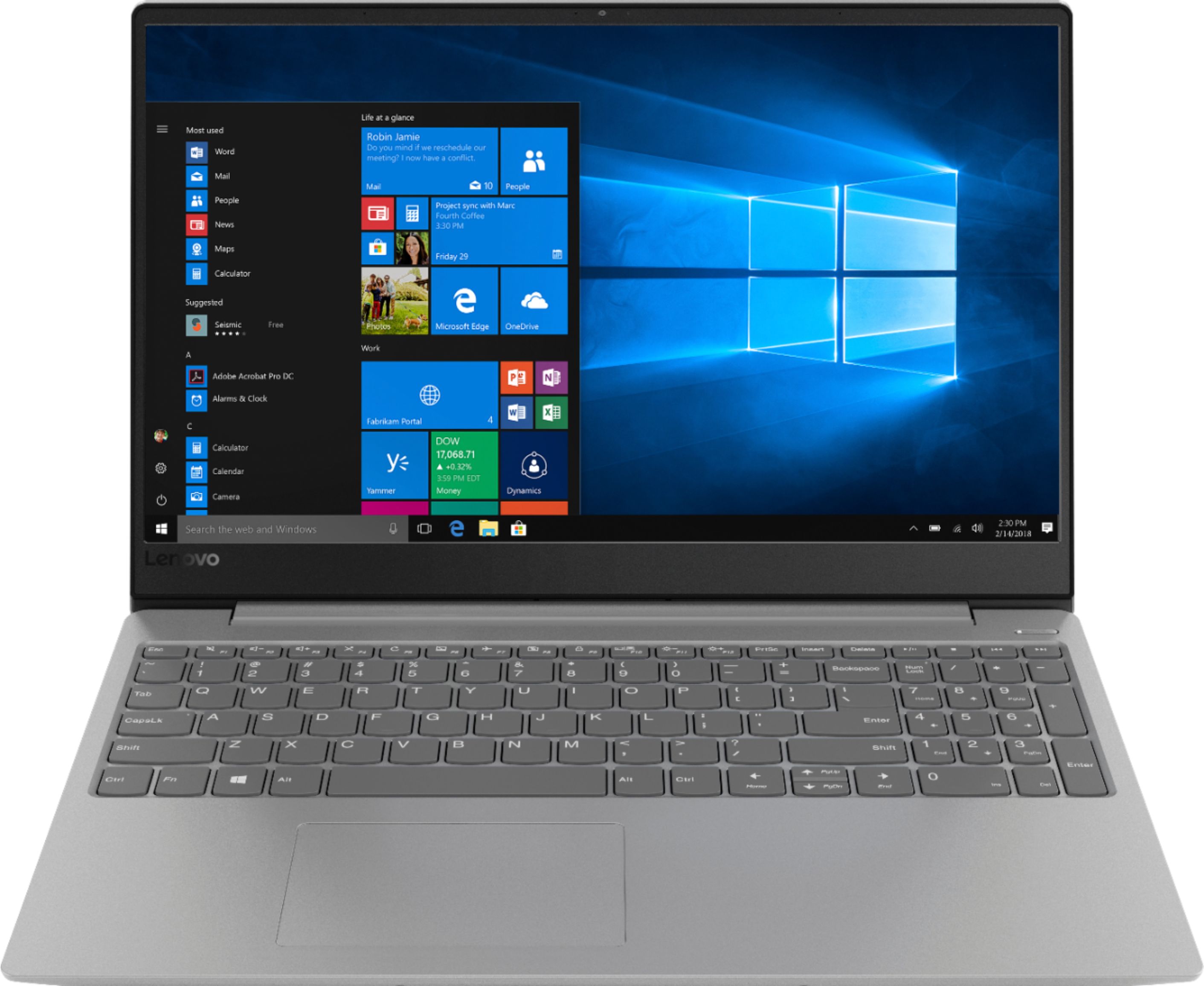
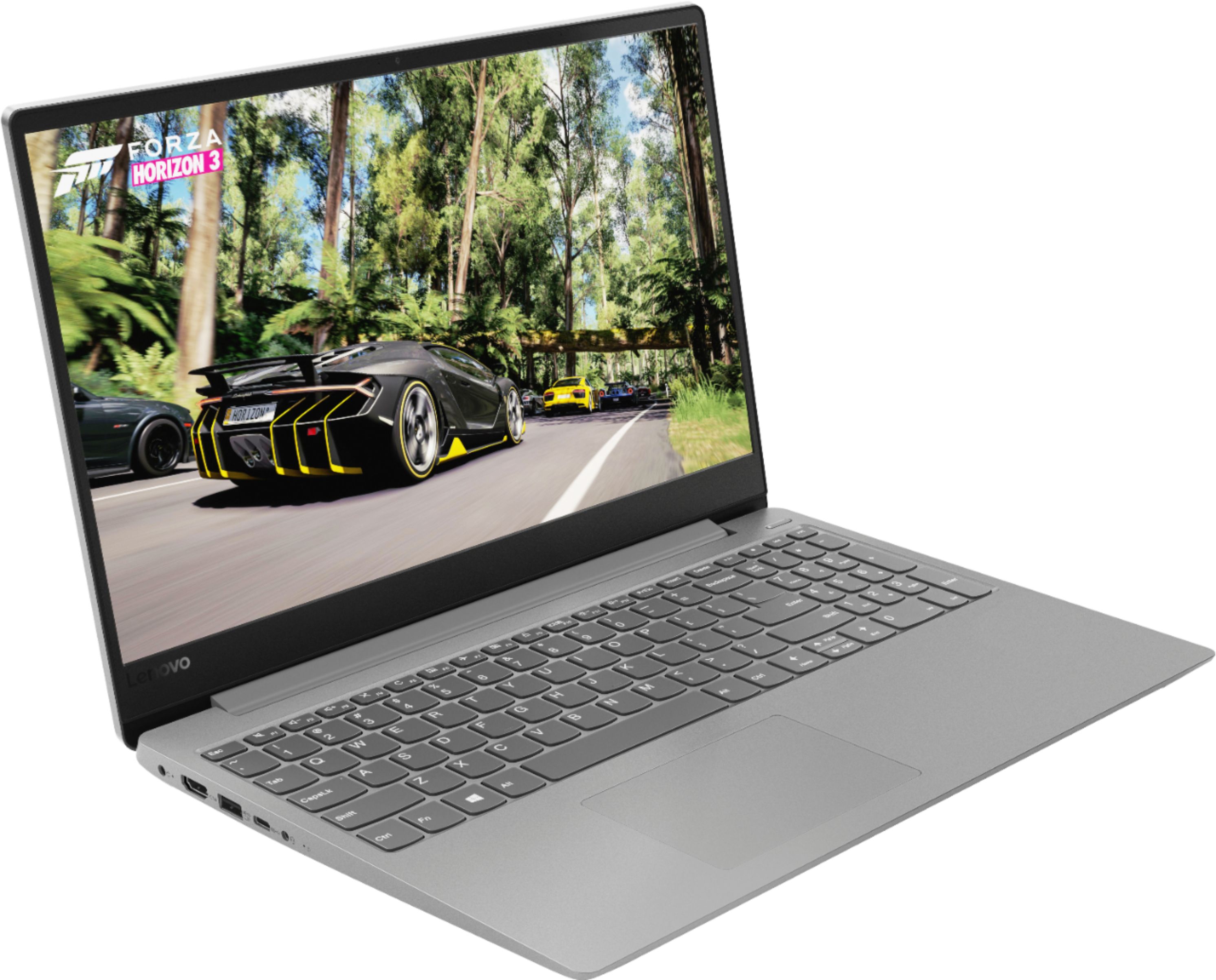
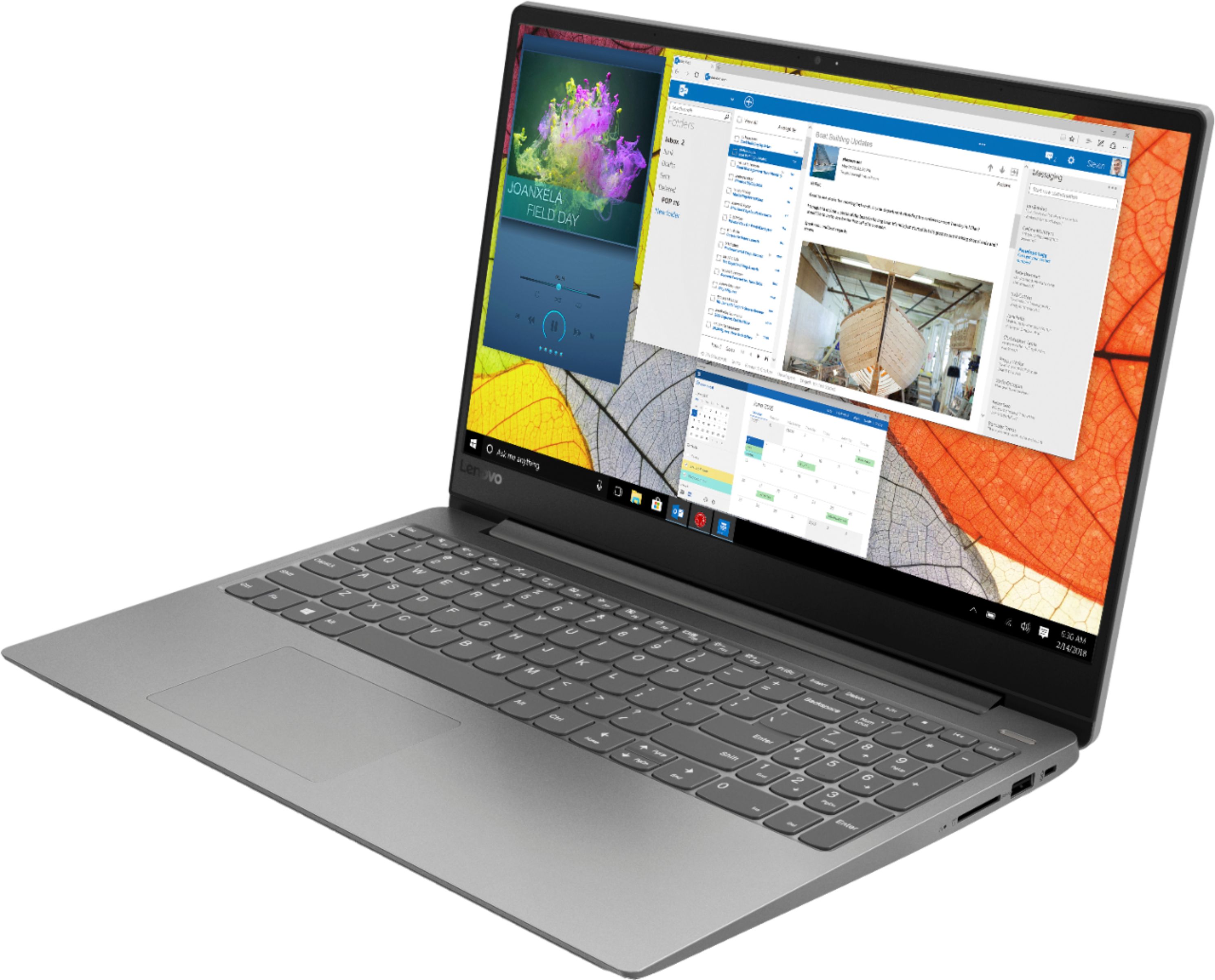

- Model:
- 81F5004EUS
- SKU:
- 6221786
Rating by feature
- Value
Rating 3.9 out of 5 stars
- Quality
Rating 3.8 out of 5 stars
- Ease of Use
Rating 4.1 out of 5 stars
Customers are saying
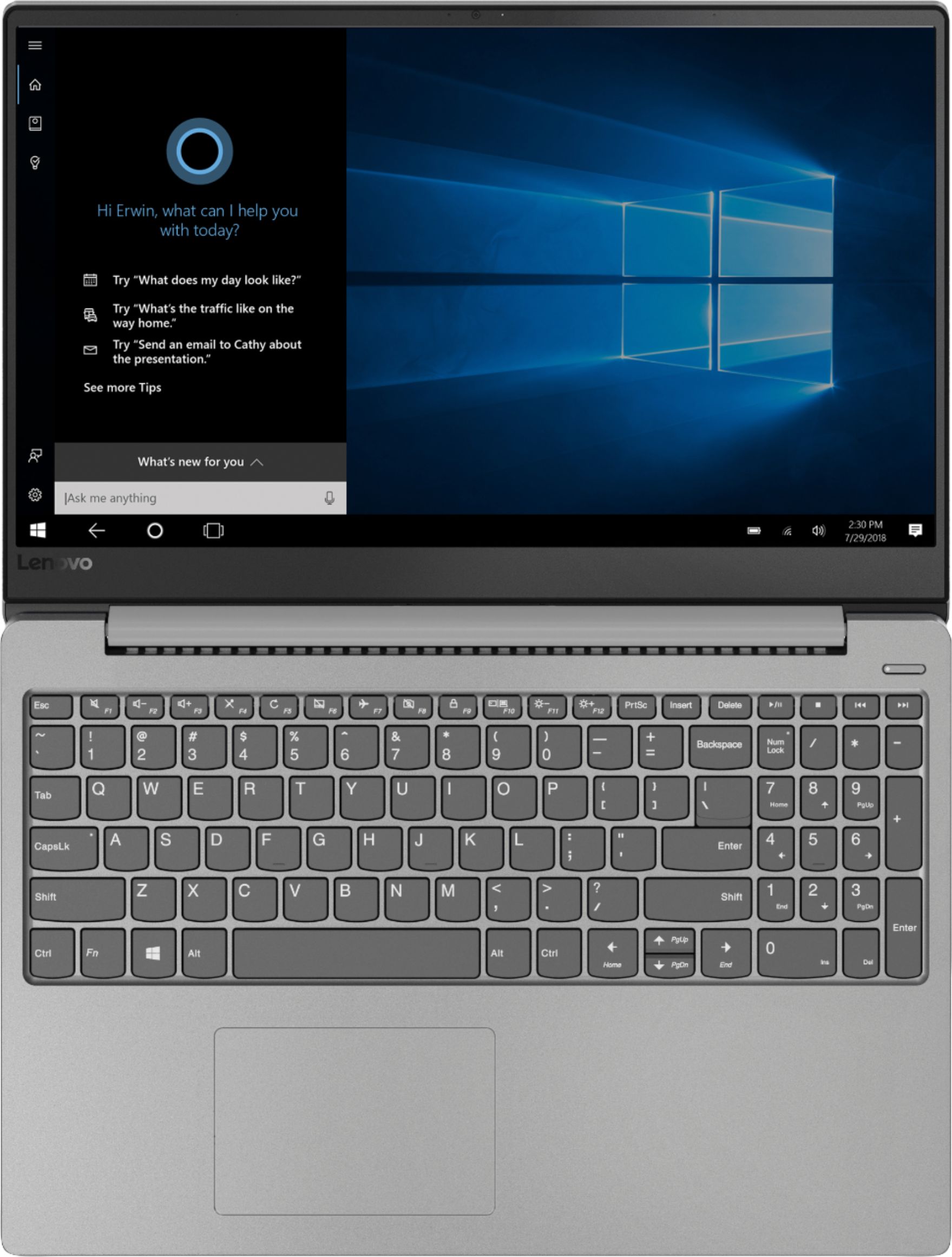
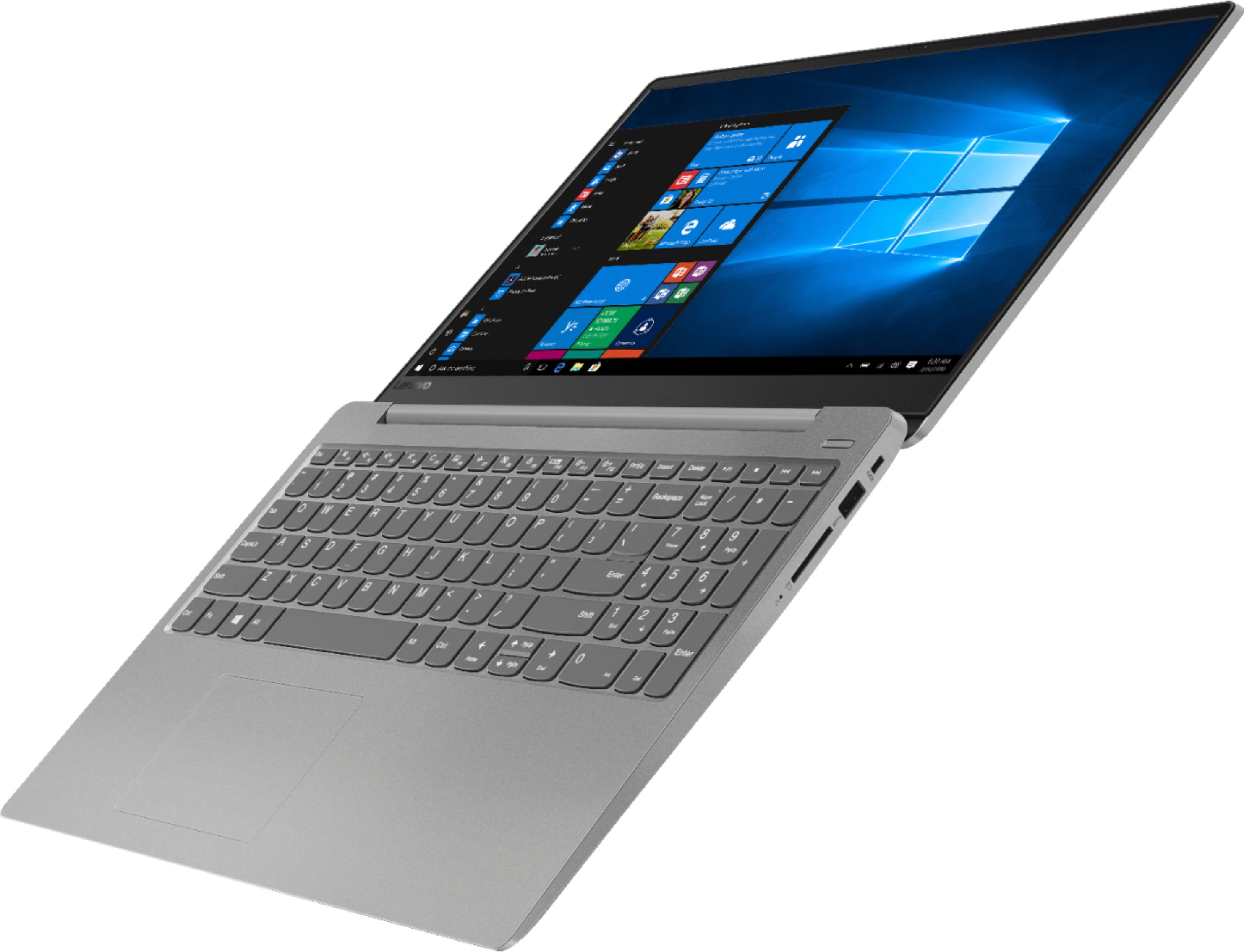
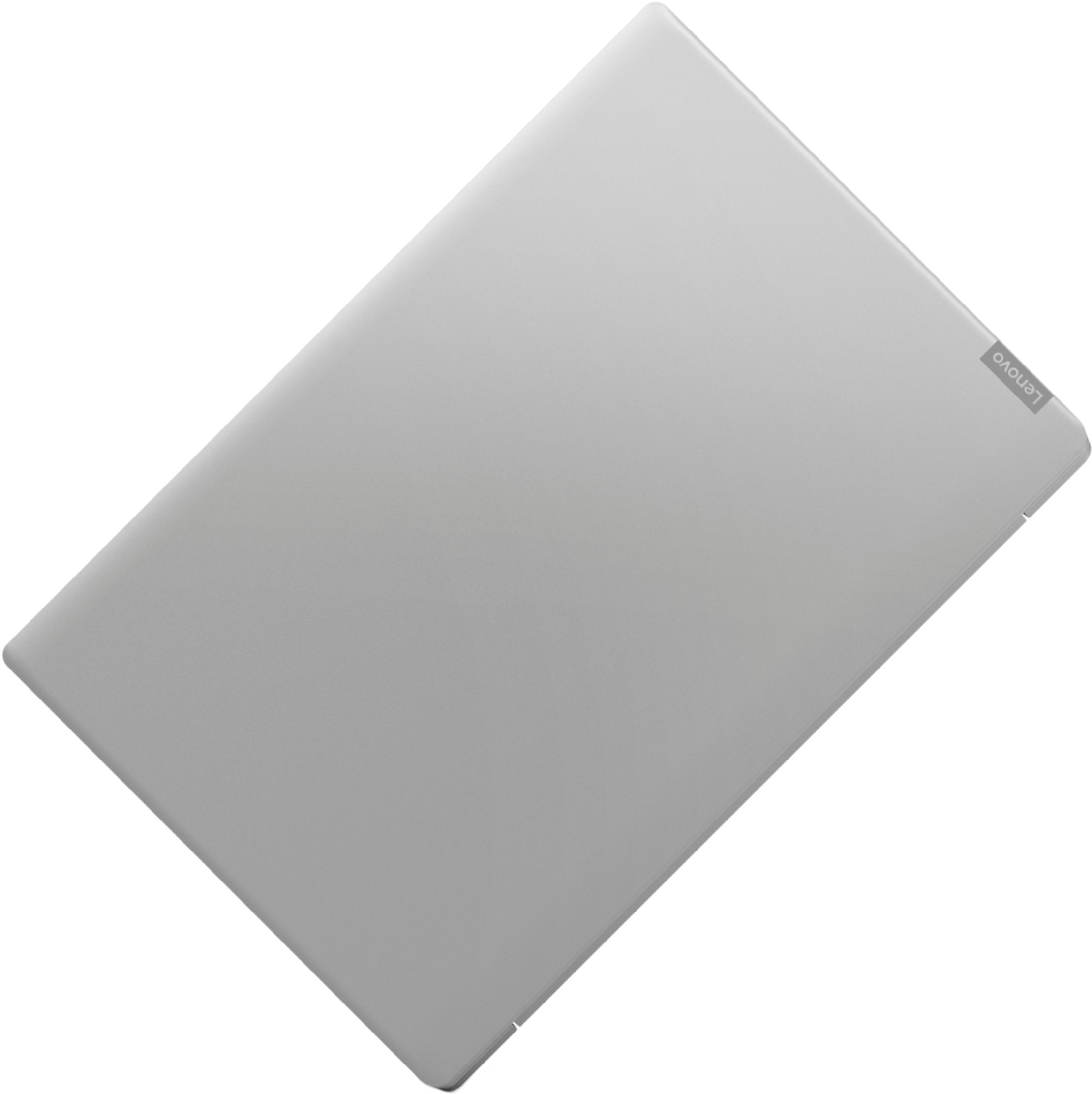
Customers often highlight the 330S-15IKB 15.6" Laptop's fast performance, reasonable price, and lightweight design. Many users appreciate the backlit keyboard and solid-state drive included at this price point. However, some users have concerns about the battery life.
This summary was generated by AI based on customer reviews.
- Pros mentioned:Solid state driveCons mentioned:Battery life
Pretty good
Posted .This reviewer received promo considerations or sweepstakes entry for writing a review.I really liked this laptop. It lasted me many years, sadly the charging port broke from the cord being pulled a few too many times when it was tripped over and it would cost more to replace the port (since it is soldered to the motherboard) then to buy a new one. So we recycled it (as it is very important to do so since many of the metals inside used to make devices are from horrid conditions and can often include child labor) you can read more if you google or look up ratings on "the good shopping guide" this computer did seem very hardy though. All the other computers I had before this didn't last long and really slowed down with age and took a while to start up. They told me this one would last longer and stay faster due to the solid state drive? I think they called it. They were right. Just poor design having the charging port not able to be repaired. That seems like it should be good to make an easy repair on all devices. I will however add that battery life was the only thing that slowed down. It didn't last long off the charger and the battery is not removable.
I would recommend this to a friend Trash; lasted less than 2 years
||Posted . Owned for more than 2 years when reviewed.This reviewer received promo considerations or sweepstakes entry for writing a review.This laptop lasted less than 2 years with normal use (internet browsing, email, excel, word). Crashed after 5 months and was repaired under warranty. Crashed again after 2 years and 10 days -- screen went black and it couldn't be repaired. Will never purchase another Lenovo.
No, I would not recommend this to a friendReturned...
||Posted .This reviewer received promo considerations or sweepstakes entry for writing a review.Computer was not fast with my moms internet. Had to be returned to store.
No, I would not recommend this to a friendBrand response from Lenovo Product Expert
Posted .The Lenovo IdeaPad 330s-15 uses the latest and fastest version of WiFi, 802.11AC. Although 802.11AC is backward compatible to older b/g/n frequencies, be sure your router has the latest firmware updates from the manufacturer's website.

ok computer.
||Posted .This reviewer received promo considerations or sweepstakes entry for writing a review.Simple computer. Works for schooling and small games but very limited.
I would recommend this to a friendBrand response from Lenovo Product Expert
Posted .The Lenovo IdeaPad 330s-15 ships with a powerful Quad-Core/Eight-Thread Intel Core i5-8250U processor, 8GB of DDR4-2400MHz RAM and a 128GB solid state hard drive. This configuration has a 15.6" (measured diagonally) 1366 X 768 (HD) resolution screen, with a brightness level of 220 nits. This configuration can handle many of today's most demanding programs and is good with multi-tasking. If this describes the kind of computing you do, the Lenovo IdeaPad 330s-15 will be a great choice for you.
Good laptop
||Posted .This reviewer received promo considerations or sweepstakes entry for writing a review.Easy to use. Works good for first year college student. Light weight.
I would recommend this to a friendBrand response from Lenovo Product Expert
Posted .The Lenovo IdeaPad 330-15 with the 8th Generation Quad-Core/Eight-Thread Intel Core i5-8250U processor, is a strong configuration for business, home and school computing. With 8GB of RAM and a 128GB solid state hard drive, the IdeaPad 330-15 can handle demanding programs, many of today's games and wirelessly browsing the internet via WiFi internet.
Not Satisfied
||Posted .This reviewer received promo considerations or sweepstakes entry for writing a review.I bought lenovo ideapad 330s from best buy. key borad is not working properly, number 8 is not working and behaving weird. its not functioning when i enter, after some time its keep on entering not able to do other operations, frustrating. and they asked that send to lenovo support center to repair. even we have warranty we have to bear with shipping charges
No, I would not recommend this to a friendBrand response from Lenovo Product Expert
Posted .We are sorry to hear that you are having issues with the keyboard on your IdeaPad 330s-15 laptop. Be sure all programs you have installed are compatible with Windows 10. This system has Lenovo utilities installed to help maintain the health of the device and keep the operating system software up to date. Type "Lenovo Vantage" in the Cortana Search window (if Lenovo Vantage is not installed on your device, you can download the APP and install it now). Select Lenovo Vantage from the list. In the window that opens, click on "Health and Support". In the expanded menu, select "Hardware Scan" In the window that opens, select "Run Quick Tests". This will scan your entire system for errors. Follow any directions that may pop up. If the problem continues after this scan, now click on "System Update". First select Windows update from the menu. Scan your system to be sure you have the latest version of Windows 10. Once that scan is complete, select "Additional Updates". This will scan your device to be sure there are no new BIOS/Driver updates needed. Follow any instructions that may pop up. If the issue still continues after these updates, we recommend you call Lenovo Tech Support at: 877-453-6686 for additional help.
- Cons mentioned:Graphics
Poor Quality
||Posted . Owned for 1.5 years when reviewed.This reviewer received promo considerations or sweepstakes entry for writing a review.Graphics are poor Drive is slow Completely fried motherboard after 8 months of very minimal use. The fix was nearly as much as the cost of this laptop. Threw it in the trash.
No, I would not recommend this to a friend - Pros mentioned:Backlit keyboardCons mentioned:Size
I gave back an HP Pavilion x360 for this
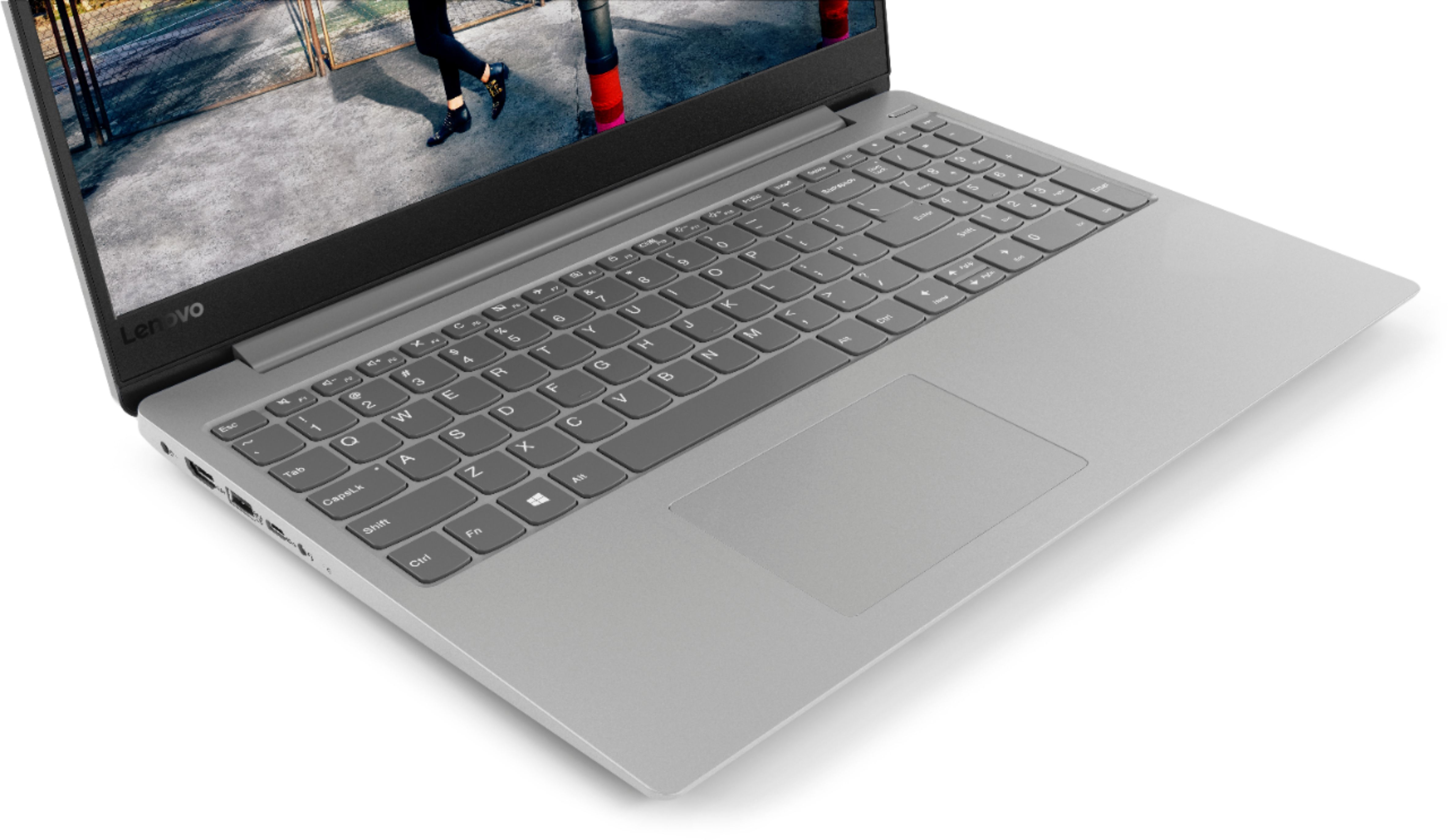
Posted .This reviewer received promo considerations or sweepstakes entry for writing a review.I bought an HP Pavilion 14 inch with an i3 processor, 8 gb of RAM, and 500 gb of hard drive storage. I've had hard drive computers before, but the HP PC was slow in setting up and booting afterwards. Plus there was no backlit keyboard which I figure should be standard even in budget laptops by now. I knew right away there were better options out there. I paid $470 for the HP on sale, so I figured what's another 60 bucks and I upgraded to the Lenovo 330 15 inch. It boots in seconds and has a much better i5 processor, AND a backlit keyboard. I'm very happy with my purchase. I'm only slightly sore about this not being a more compact 14 inch, however this is a very small and light 15 inch. I'll deal with it.
I would recommend this to a friendBrand response from Lenovo Product Expert
Posted .Thank you for choosing the Lenovo IdeaPad 330s-15 laptop. We are pleased to hear that the value, features and performance of the IdeaPad 330s-15 meets your computing needs so well.
Hate the screen. Poor resolution. Too small for my
||Posted .This reviewer received promo considerations or sweepstakes entry for writing a review.Bought this as a new computer to use for a job wherr I work from home. Screen is way too small the screen is very hard to see. Would not purchase again.
No, I would not recommend this to a friendBrand response from Lenovo Product Expert
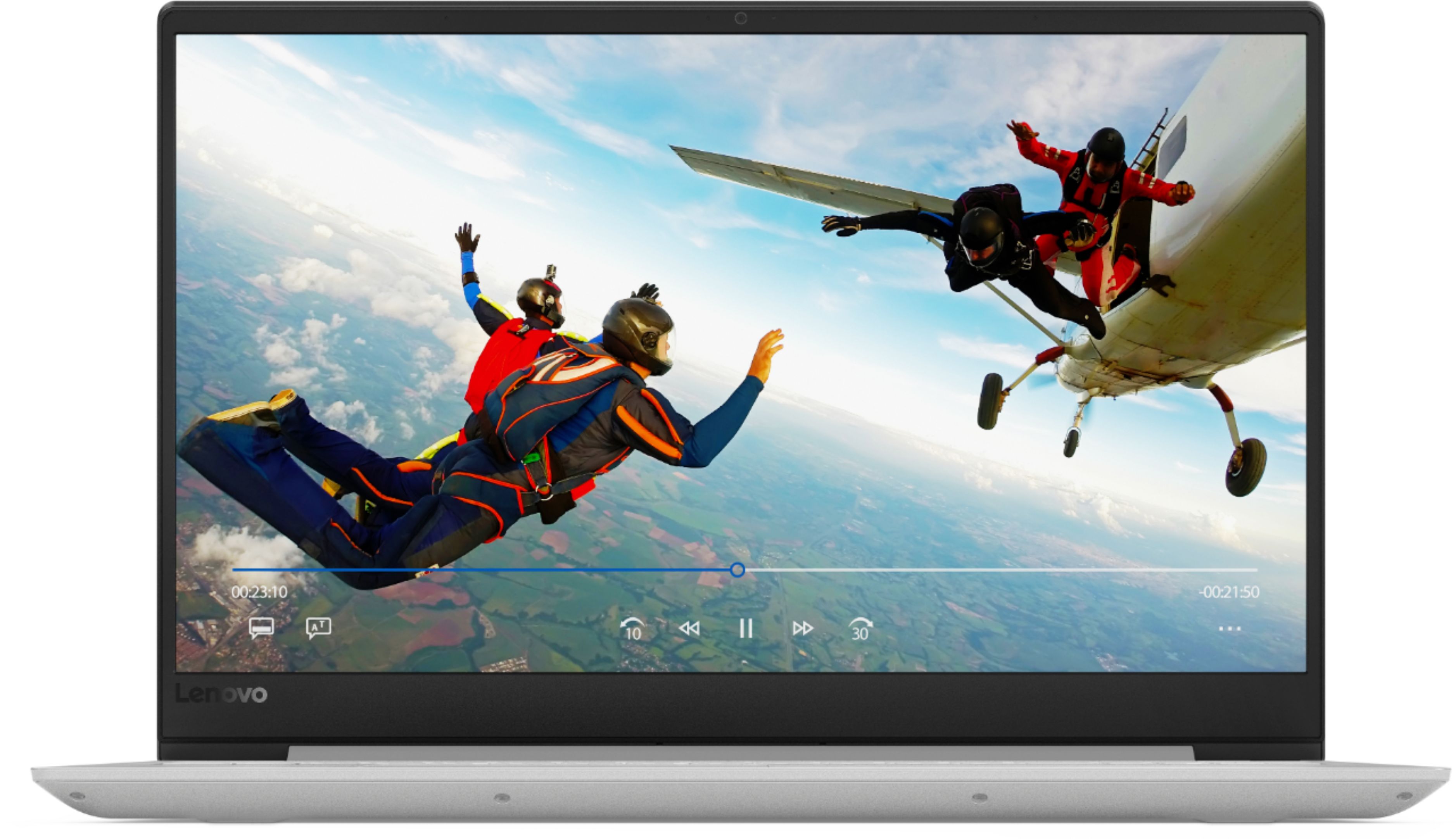
Posted .This system ships with a 15.6" 1366 X 768 (HD) resolution, anti-glare screen.
worst laptop I've ever purchased
||Posted .This reviewer received promo considerations or sweepstakes entry for writing a review.I've worked on computers since the 1960s. This machine closes programs on me, has shut down while I'm in the middle of working, will no longer charge the battery to work for any extended time... I tried calling the manufacturer in the first few weeks, with very little response or help. I see below that you want permission to post my review... by all means post it, and I'll be very surprised if you do!
No, I would not recommend this to a friendBrand response from Lenovo Product Expert
Posted .We are sorry to hear that you are having issues with your IdeaPad 330s-15 laptop. Be sure any software you installed is compatible with Windows 10. There is no need to install Microsoft Office software. The software is already part of the operating system, you just need to activate the software with a purchased product key. If you have installed a copy of Microsoft Office, this is conflicting with the existing copy on the system and this will slow your system down. If you have installed a 3rd party anti-virus program, be sure that Windows Defender is turned off and that the trial version of McAfee Anti-Virus software is uninstalled. There can only be one anti-virus program on the system. If there is no incompatible software installed, this system has Lenovo utilities installed to help maintain the health of the device and keep the operating system software up to date. Type "Lenovo Vantage" in the Cortana Search window (if Lenovo Vantage is not installed on your device, you can download the APP and install it now). Select Lenovo Vantage from the list. In the window that opens, click on "Health and Support". In the expanded menu, select "Hardware Scan" In the window that opens, select "Run Quick Tests". This will scan your entire system for errors. Follow any directions that may pop up. If the problem continues after this scan, now click on "System Update". First select Windows update from the menu. Scan your system to be sure you have the latest version of Windows 10. Once that scan is complete, select "Additional Updates". This will scan your device to be sure there are no new BIOS/Driver updates needed. Follow any instructions that may pop up. If the issue still continues after these updates, we recommend you call Lenovo Tech Support at: 877-453-6686 for additional help.
Not what I thought it would be
||Posted .This reviewer received promo considerations or sweepstakes entry for writing a review.As of now I am not happy with the performance. Hoping it is something to do with my WiFi
No, I would not recommend this to a friendBrand response from Lenovo Product Expert
Posted .We are sorry to hear that the Lenovo IdeaPad 330s-15 laptop is not meeting your expectations. Be sure any software you have installed is compatible with Windows 10. This system has Lenovo utilities installed to help maintain the health of the device and keep the operating system software up to date. Type "Lenovo Vantage" in the Cortana Search window (if Lenovo Vantage is not installed on your device, you can download the APP and install it now). Select Lenovo Vantage from the list. In the window that opens, click on "Health and Support". In the expanded menu, select "Hardware Scan" In the window that opens, select "Run Quick Tests". This will scan your entire system for errors. Follow any directions that may pop up. If the problem continues after this scan, now click on "System Update". First select Windows update from the menu. Scan your system to be sure you have the latest version of Windows 10. Once that scan is complete, select "Additional Updates". This will scan your device to be sure there are no new BIOS/Driver updates needed. Follow any instructions that may pop up. If the issue still continues after these updates, we recommend you call Lenovo Tech Support at: 877-453-6686 for additional help.
very highly disappointed with this product
||Posted . Owned for 1.5 years when reviewed.This reviewer received promo considerations or sweepstakes entry for writing a review.Had computer for 2 years and all of a sudden it would not boot up. Took it to the geek squad and was told it was a bad motherboard. This computer had very limited travel and light usage at best. Very disappointed in the product and will not buy another.
No, I would not recommend this to a friend- Pros mentioned:Price
Excellent Budget Laptop
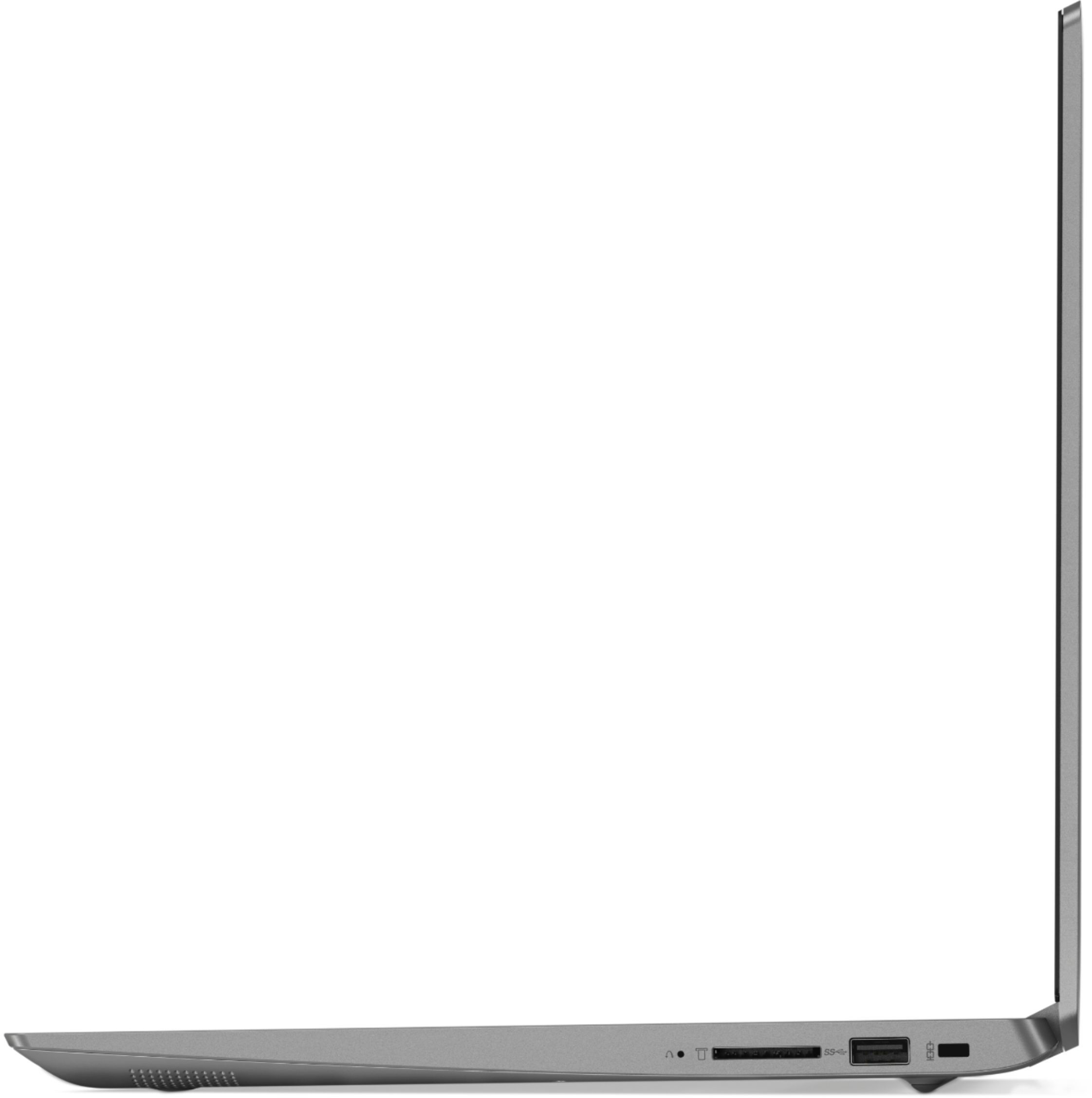
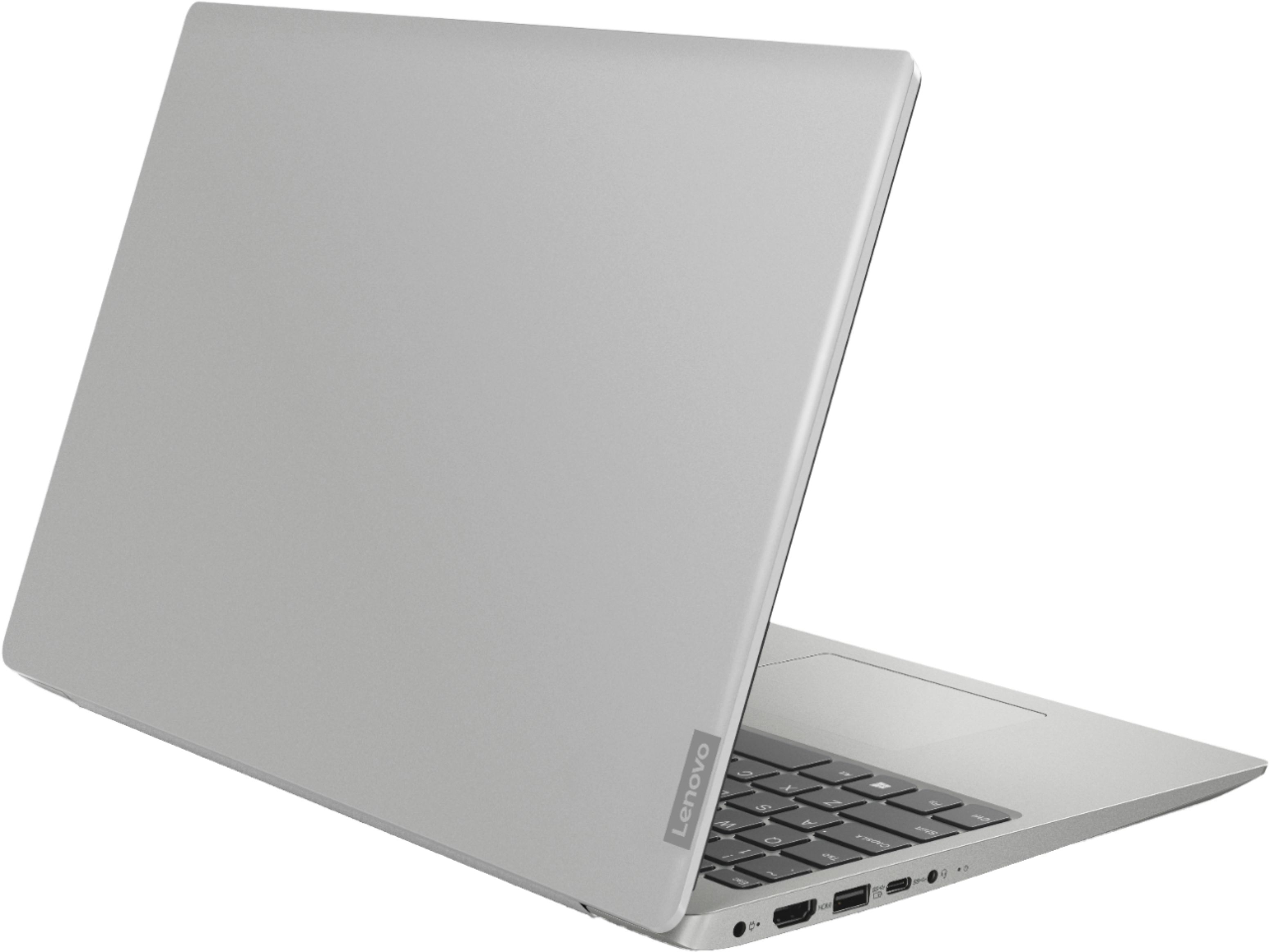
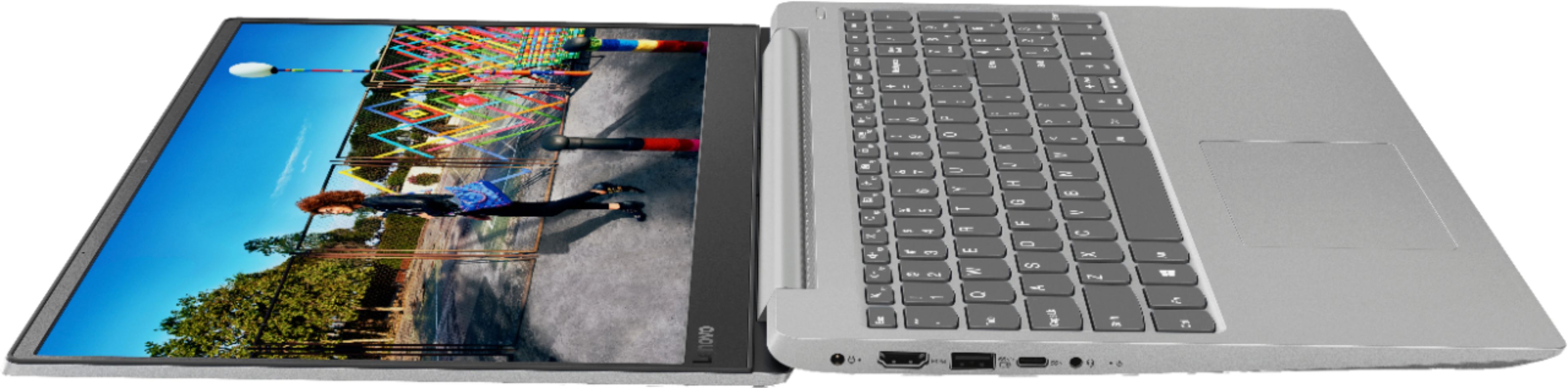
Posted .This reviewer received promo considerations or sweepstakes entry for writing a review.For around $500, this laptop provides excellent value for the money to everyday computer users and students. The 8th gen i5 and 8gb of ram are perfect for email, web browsing, typing documents and basic apps/ basic games. The real star of this laptop is the SSD which boots quickly and is much more durable and less noisy than a traditional hd. For a 15 inch laptop, it is relatively light, portable and gets decent battery life for mixed use. Has a great selection of ports including USB A and USB C. ONly downsides are the display is very low resolution with narrow viewing angles but has great color reproduction. If you don't have a large media library but want a budget laptop with better than average performance, Lenovo made this laptop for you!
I would recommend this to a friendBrand response from Lenovo Product Expert
Posted .Thank you for choosing the Lenovo IdeaPad 330s-15 laptop. This system ships with an anti-glare screen with a 1366 X 768 (HD) resolution and a brightness level of 220 nits.
slow
||Posted .This reviewer received promo considerations or sweepstakes entry for writing a review.slow processor, too heavy to carry to school everyday.
No, I would not recommend this to a friendBrand response from Lenovo Product Expert
Posted .This system should be a fast system with its Core I-5 processor, 8GB of RAM and a 128GB solid state hard drive. Be sure any software you installed is compatible with Windows 10. There is no need to install Microsoft Office software. The software is already part of the operating system, you just need to activate the software with a purchased product key. If you have installed a copy of Microsoft Office, this is conflicting with the existing copy on the system and this will slow your system down. If you have installed a 3rd party anti-virus program, be sure that Windows Defender is turned off and that the trial version of McAfee Anti-Virus software is uninstalled. There can only be one anti-virus program on the system. You may need to restore your system to original factory default settings if any of the programing errors have occurred. You can do that by typing "restore" in the Cortana search window. Just click on the magnifying glass icon at the bottom left of your Windows 10 Desktop. Click on "Reset This PC" Then click on "Get Started" and follow the on screen directions to restore to factory defaults. If the problem persists, we recommend you contact Lenovo Tech Support at: 877-453-6686.
Horrible lap top
||Posted .This reviewer received promo considerations or sweepstakes entry for writing a review.Absolute slowest piece of garbage ever. My phone has faster speeds then it. Best Buy guy claims my network just didn’t recognize device. Makes no sense at all since I returned that piece of trash and got a better laptop and it’s lighting fast.
No, I would not recommend this to a friendBrand response from Lenovo Product Expert
Posted .This system is a fast system with its Core I-5 processor and 8GB of RAM. Be sure any software you installed is compatible with Windows 10. There is no need to install Microsoft Office software. The software is already part of the operating system, you just need to activate the software with a purchased product key. If you have installed a copy of Microsoft Office, this is conflicting with the existing copy on the system and this will slow your system down. If you have installed a 3rd party anti-virus program, be sure that Windows Defender is turned off and that the trial version of McAfee Anti-Virus software is uninstalled. There can only be one anti-virus program on the system. You may need to restore your system to original factory default settings if any of the programing errors have occurred. You can do that by typing "restore" in the Cortana search window. Just click on the magnifying glass icon at the bottom left of your Windows 10 Desktop. Click on "Reset This PC" Then click on "Get Started" and follow the on screen directions to restore to factory defaults. If the problem persists, we recommend you contact Lenovo Tech Support at: 877-453-6686.
- Pros mentioned:Price
Excellent bang for the buck
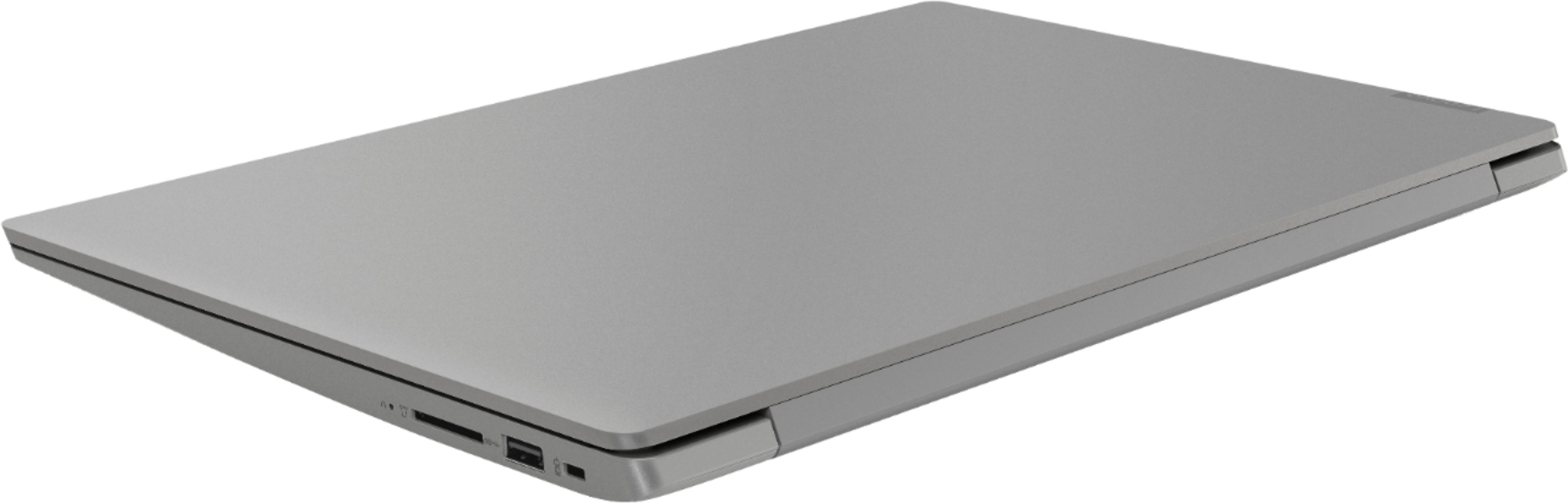
Posted .This reviewer received promo considerations or sweepstakes entry for writing a review.This is a great lappy for the price. There is nothing quite like it in the price range $450-$500. Purchased for my father, the main pros are the SSD/memory and the CPU combo. 8th gen i5 and 128GB of storage and 8GB RAM. It's sturdily constructed, very thin and light compared to other 15"-ers in its class. Was able to strip the bloatware easily, unlike the other reviewer I let the McAfee uninstall finish after it paused at 50%. The SD reader will be put to use; unfortunate that you have to use a full size SD adapter that will stick out instead of a dedicated micro-SD like you can get w/ the Surface line. Only compromise to speak of is the lack of touch screen and the somewhat low resolution. Not an issue for my dad's setup as he will drive an external larger monitor with this. All in all after much researching, this was the best bang for the buck at its price point and I'm very pleased with how quick and responsive it is. Recommended.
I would recommend this to a friendBrand response from Lenovo Product Expert
Posted .Thank you for choosing the Lenovo IdeaPad 330s-15 laptop for your father. This system ships with a 1366 X 768 (HD) resolution, anti-glare screen, with a brightness level of 220 nits. We are pleased to hear that the value and performance of the IdeaPad 330s-25 meets your father's computing needs so well.
Great specs, get a 3 year warranty though.
||Posted . Owned for more than 2 years when reviewed.This reviewer received promo considerations or sweepstakes entry for writing a review.Great specs, I mainly just used it for the internet. After about a year it started flicking on and off won't actually shut all the way down. Disappointing.
No, I would not recommend this to a friend- Pros mentioned:PriceCons mentioned:Battery life
Decent laptop
Posted .This reviewer received promo considerations or sweepstakes entry for writing a review.It is a decent laptop. I bought this about 2 weeks back and have been using it daily. The only con is the battery. The battery lasts for only 4.5 hours on moderate usage, which is really sad, that is why I deducted one star. I got this laptop for $388 during the July 4th deal and additional coupons I had. Apart from the battery, the laptop is performing well enough, for the price I bought it for. However, I do not think that this laptop is worth $529, which seems to be the current price (last checked on July 7, 2018). I would recommend this laptop for under $400 laptops.
I would recommend this to a friendBrand response from Lenovo Product Expert
Posted .Thank you for choosing the Lenovo IdeaPad 330s-15 laptop. This system has a 2CELL 30WH, Lithium Polymer battery, with a battery life of up to 7 hours, depending on the work that the device is performing. Be sure there are no unwanted programs running in the background, draining the battery. Here is a link to some tips for finding out what is draining your battery:
https://www.laptopmag.com/articles/battery-saver-windows-10. If there are no unwanted programs running, to maximize battery life, try changing your power management setting to a more conservative one. You can do this in the control panel, in the power management category on your system. Select a more conservative power management setting to extend battery life.
Not enough hard drive space
||Posted .This reviewer received promo considerations or sweepstakes entry for writing a review.Opened the box , updated windows and puff 50% of the hard drive was gone don’t waist you time I will be returning it tomorrow didn’t even keep for 1 day.
No, I would not recommend this to a friendBrand response from Lenovo Product Expert
Posted .This system configuration has a 128GB solid state hard drive. If you need more storage space, you can use an external hard drive by connecting to a USB drive on the device.
Froze up 13 mo after purchase
||Posted . Owned for 1 year when reviewed.This reviewer received promo considerations or sweepstakes entry for writing a review.Worked great until the warranty period expired. One month later froze up and will not start. It's a hardware problem.
No, I would not recommend this to a friend