Customer Ratings & Reviews


- Model:
- 81F5004EUS
- SKU:
- 6221786
Rating by feature
- Value
Rating 3.9 out of 5 stars
- Quality
Rating 3.8 out of 5 stars
- Ease of Use
Rating 4.1 out of 5 stars
Customers are saying
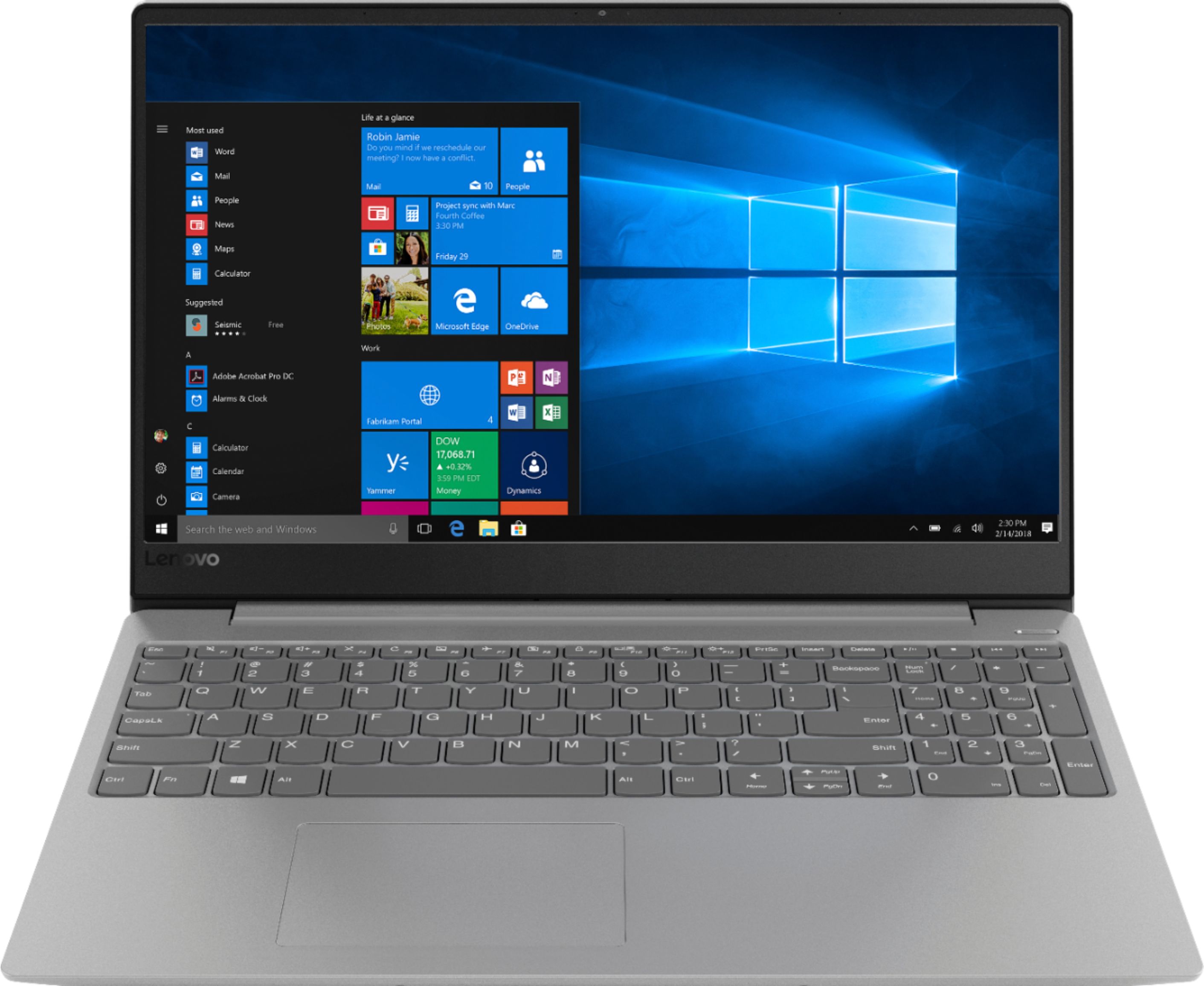
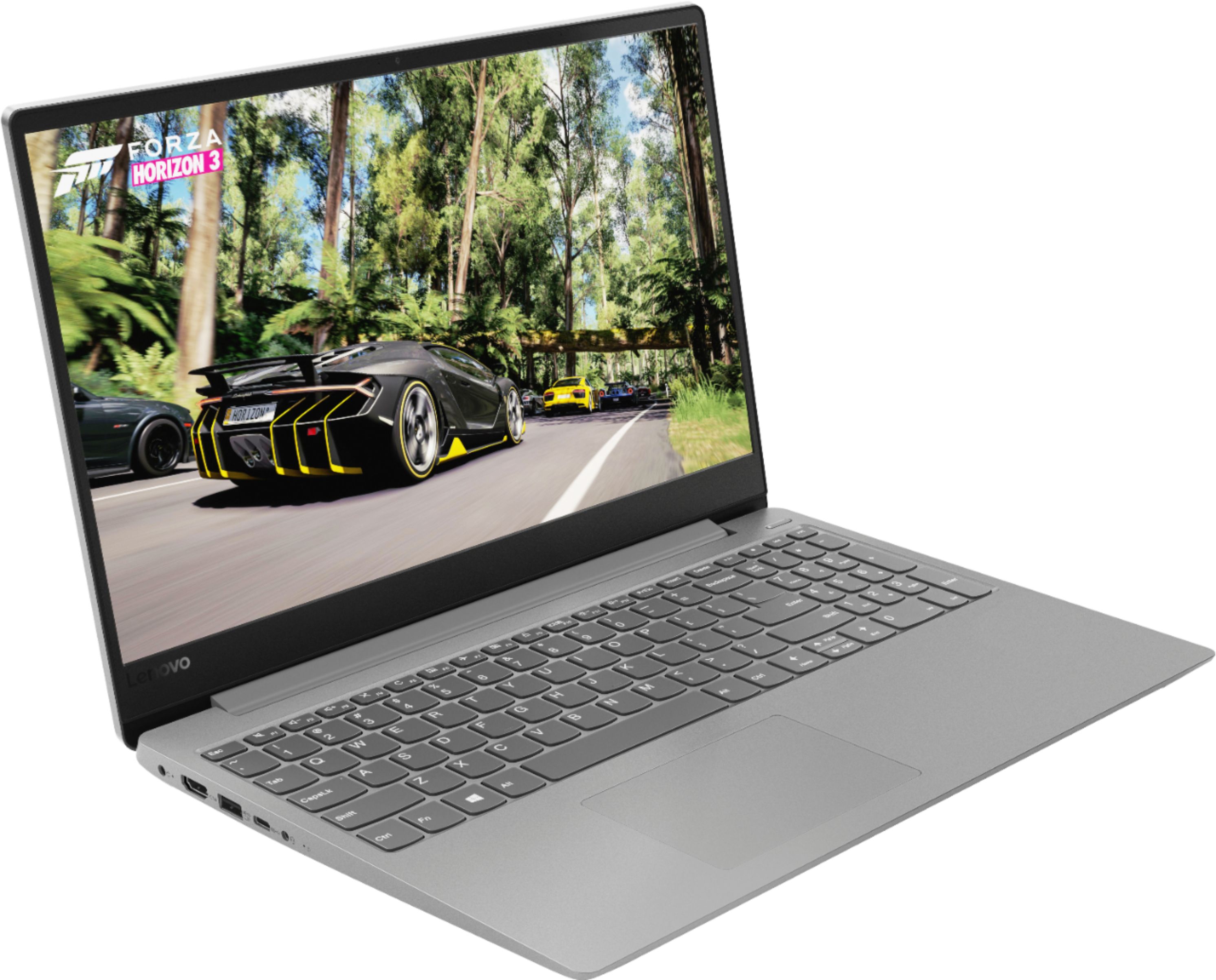
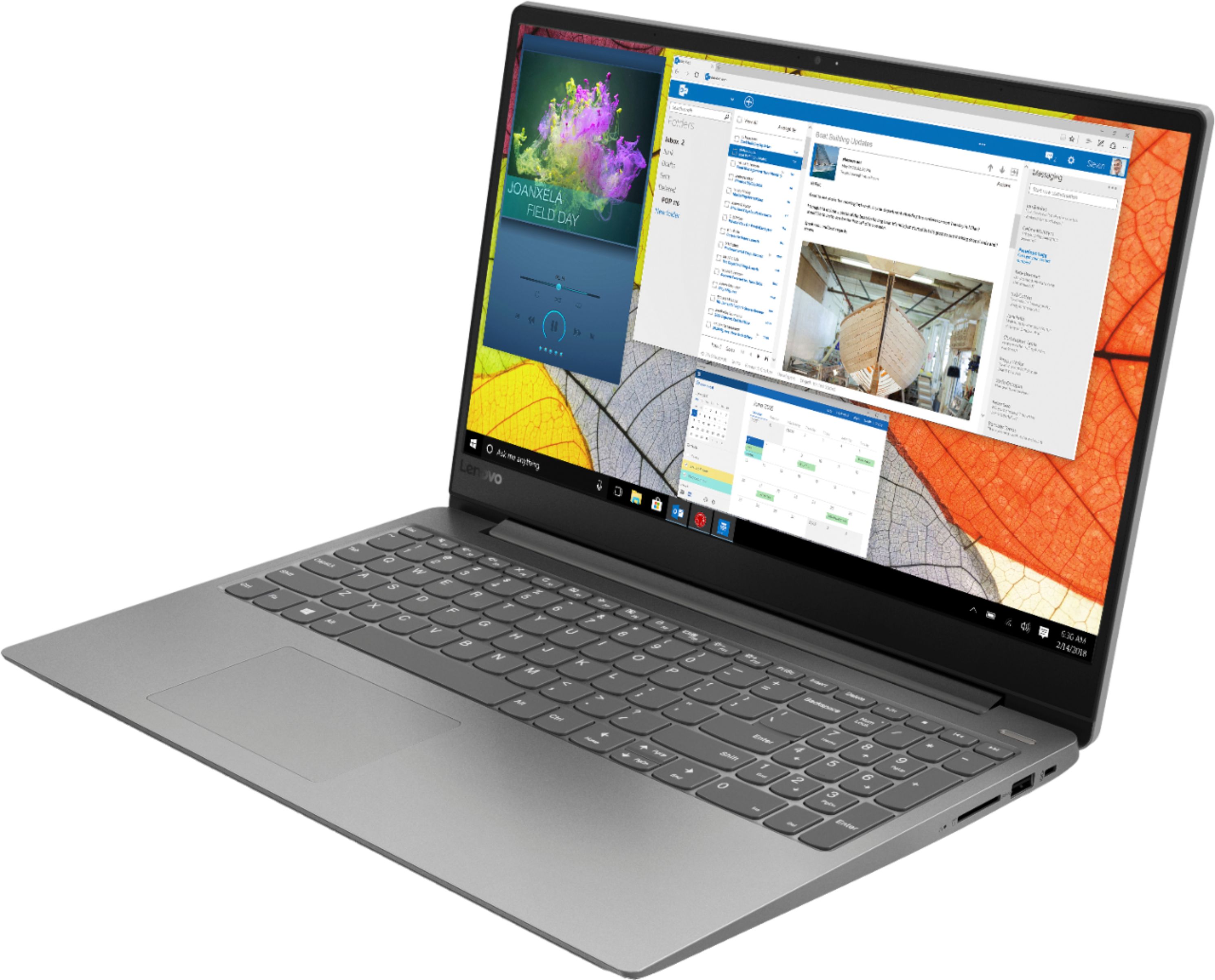
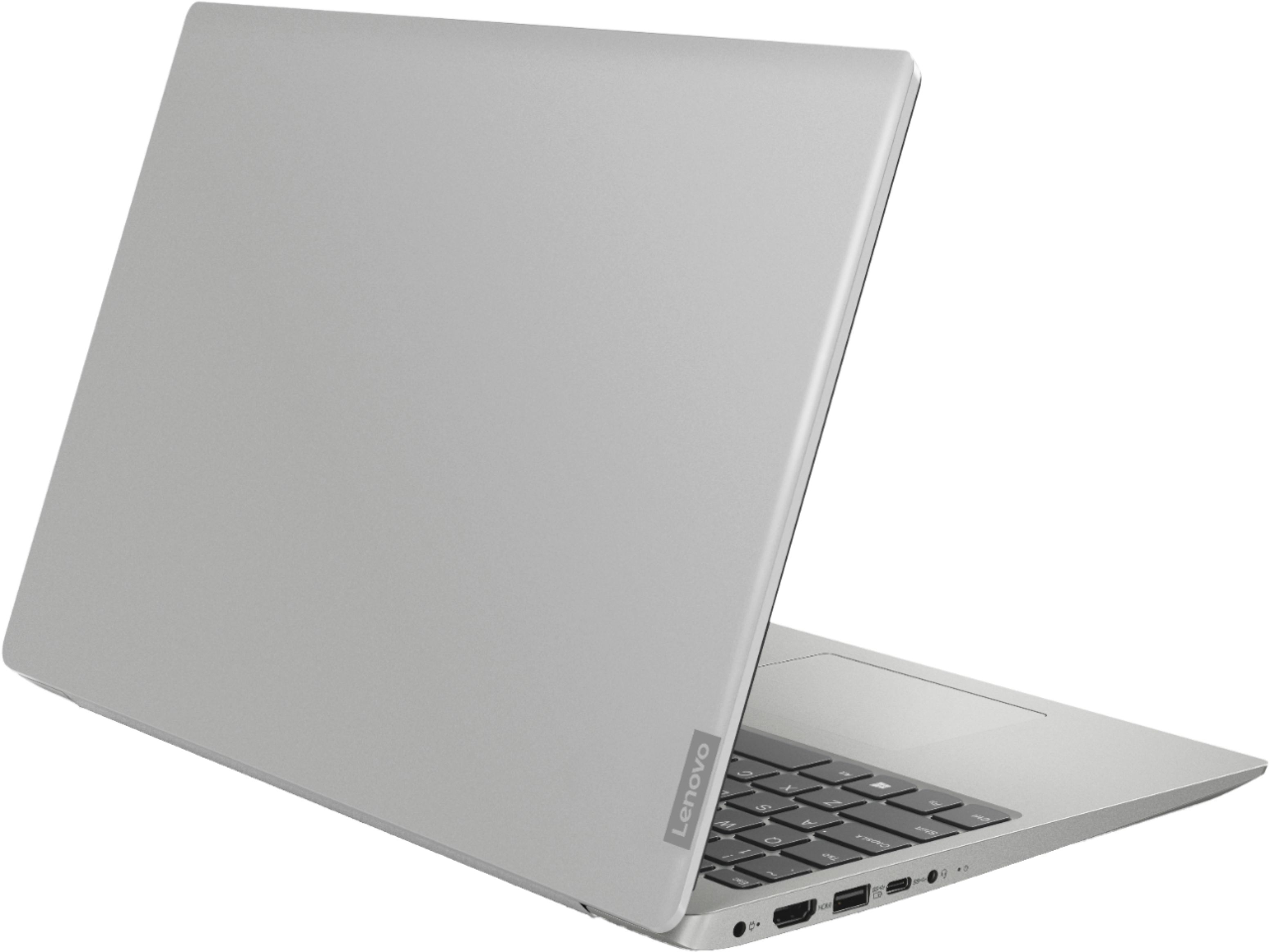
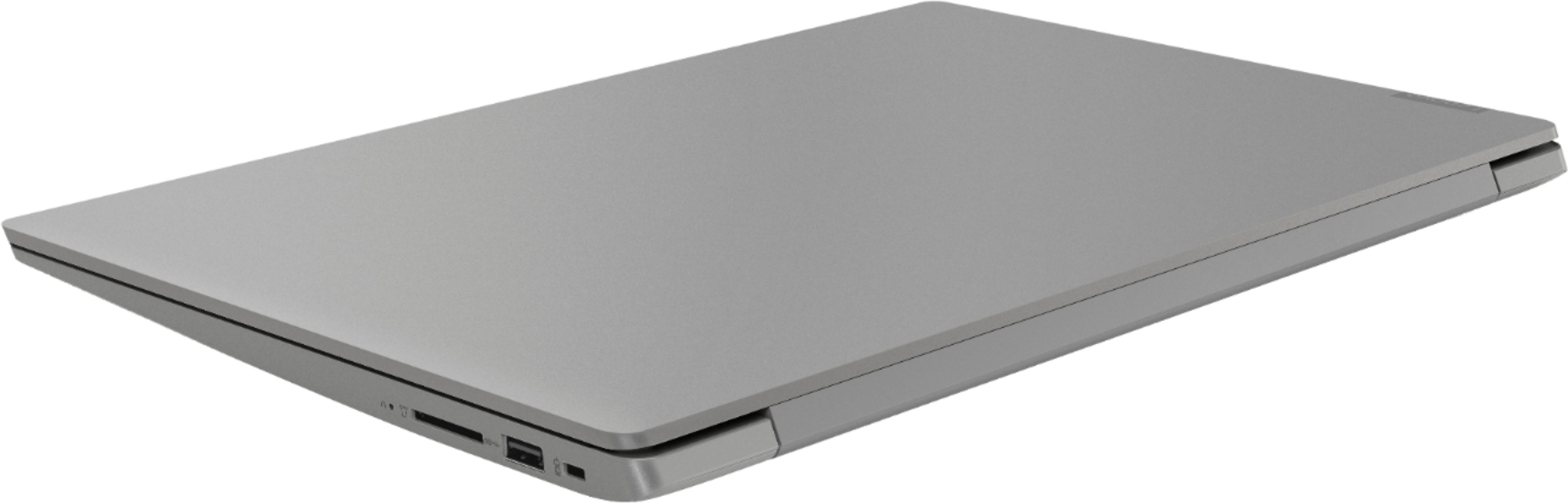
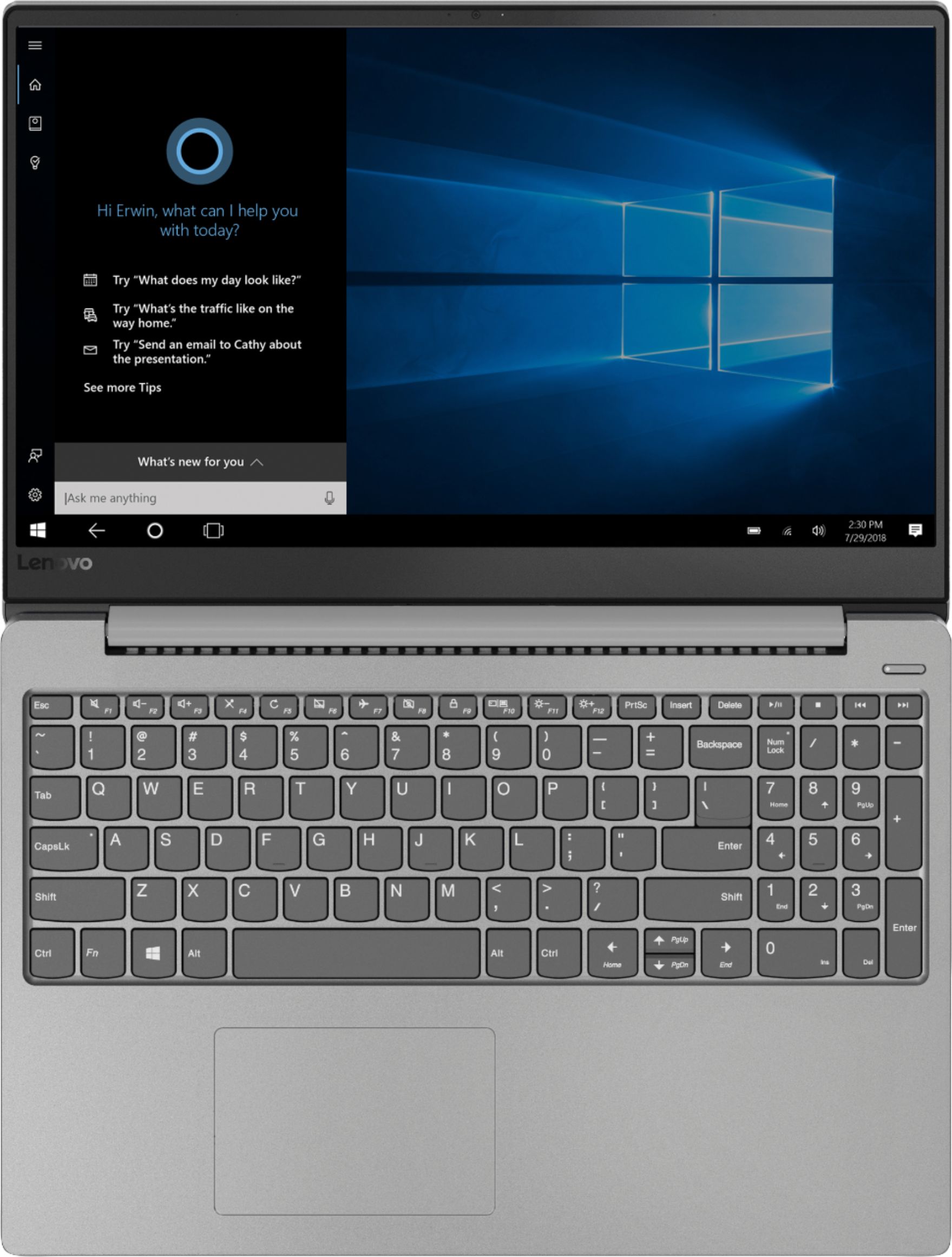
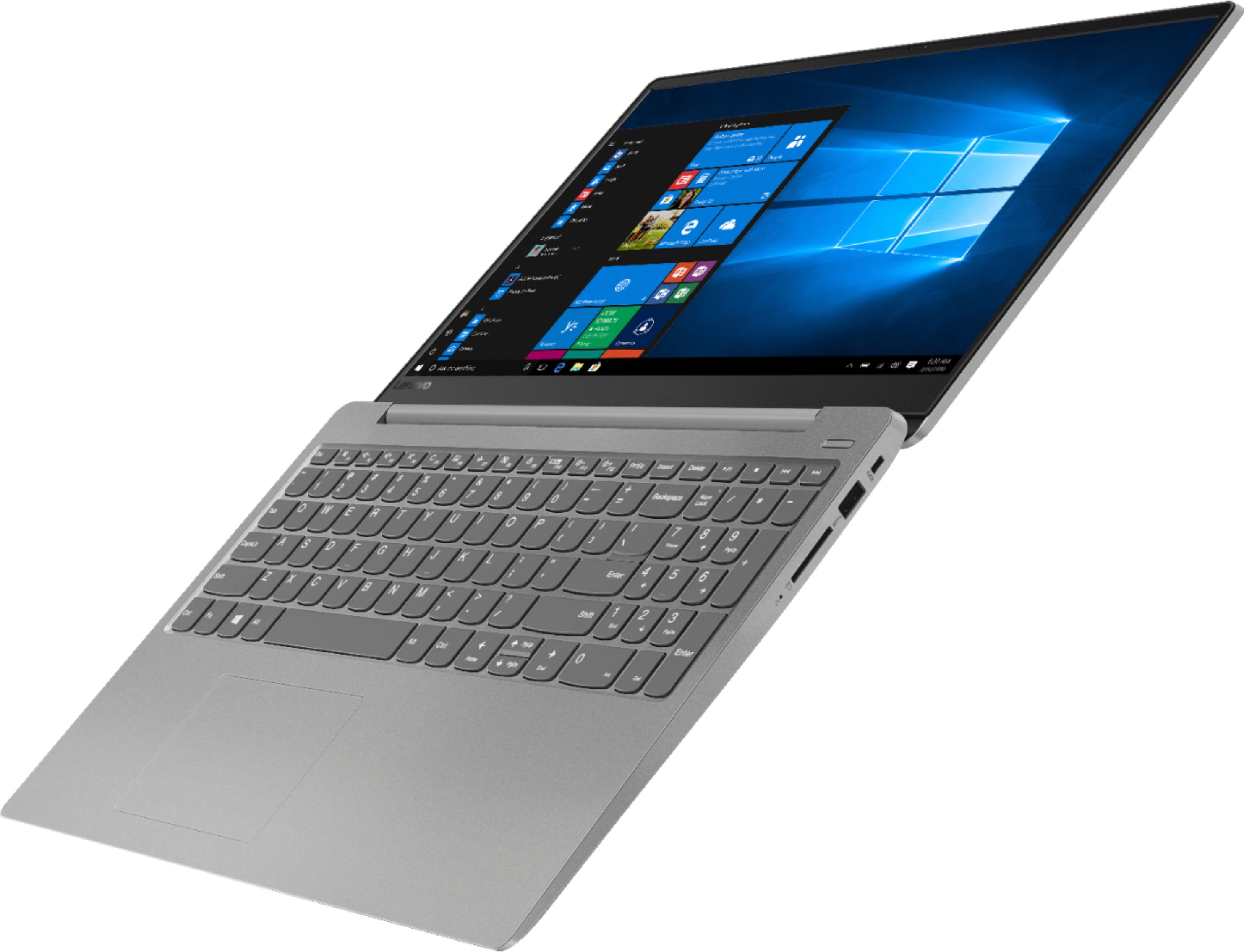
Customers often highlight the 330S-15IKB 15.6" Laptop's fast performance, reasonable price, and lightweight design. Many users appreciate the backlit keyboard and solid-state drive included at this price point. However, some users have concerns about the battery life.
This summary was generated by AI based on customer reviews.
Dont buy it
||Posted .This reviewer received promo considerations or sweepstakes entry for writing a review.This ended up being one of the worst laptops I have ever owned.
No, I would not recommend this to a friend- Pros mentioned:Lightweight
Survived Toddlers
Posted .This reviewer received promo considerations or sweepstakes entry for writing a review.It's been 6 years and I think I finally need to upgrade it. I have used this laptop frequently though not daily. It has had wear and tear, fallen off a table thanks to my toddler, has a crack in the side of it, and still works overall but just lags on websites now. I will definitely replace it with another Lenovo. It handled life well!
I would recommend this to a friend Expected a lot more
||Posted .This reviewer received promo considerations or sweepstakes entry for writing a review.Dead - piece of crap - wont boot up-used maybe 10 times
No, I would not recommend this to a friendHate
||Posted . Owned for more than 2 years when reviewed.This reviewer received promo considerations or sweepstakes entry for writing a review.Got and broke really fast after getting. Will never buy again so sad
No, I would not recommend this to a friend- Pros mentioned:Price
Solid Computer
Posted .This reviewer received promo considerations or sweepstakes entry for writing a review.For the price you can't go wrong with this computer. The i5 and 8gb of ram is plenty fast. The 128gb of SSD storage is enough for me since I'll only be using this computer for school and the occasional league of legends/ CS GO. The only thing I'm not sure of is that when my speaker volume is up there is cracking sound that is not pleasant to the ears. Not sure if my speakers are defective or what. I'll try to get to the bottom of this and possibly exchange it if I need to. Overall great laptop. 8/10.
I would recommend this to a friendBrand response from Lenovo Product Expert
Posted .Thank you for choosing the Lenovo IdeaPad 330s-15 laptop. There may be audio drivers that can help with the issue you mention. This system has Lenovo utilities installed to help maintain the health of the device and keep the operating system software up to date. Type "Lenovo Vantage" in the Cortana Search window (if Lenovo Vantage is not installed on your device, you can download the APP and install it now). Select Lenovo Vantage from the list. In the window that opens, click on "Health and Support". In the expanded menu, select "Hardware Scan" In the window that opens, select "Run Quick Tests". This will scan your entire system for errors. Follow any directions that may pop up. If the problem continues after this scan, now click on "System Update". First select Windows update from the menu. Scan your system to be sure you have the latest version of Windows 10. Once that scan is complete, select "Additional Updates". This will scan your device to be sure there are no new BIOS/Driver updates needed. Follow any instructions that may pop up. If the issue still continues after these updates, we recommend you call Lenovo Tech Support at: 877-453-6686 for additional help.

Product leads to scams
||Posted .This reviewer received promo considerations or sweepstakes entry for writing a review.Would not recommended with having it installed at these store.
No, I would not recommend this to a friendBrand response from Lenovo Product Expert
Posted .The Lenovo IdeaPad 330s-15 laptop with the 8th Generation Intel Core i5-8250U processor, 8GB of RAM and a 128GB solid state hard drive is a great value. The Core I-5 processor has a base speed of 1.6GHz and a Turbo Boost speed of up to 3.1GHz. This is a fast system, great for most of today's software programs, important for school, home and business use. If this describes your computing needs, the IdeaPad 330s-15 is a great value choice to meet your computing needs.
- Cons mentioned:Battery life
Lenovo’s battery
Posted .This reviewer received promo considerations or sweepstakes entry for writing a review.Overall loved this laptop , the only thing didn’t like is the battery’s life . Had it for 3 years and in order for me to use it need to have it plugged in, other then that won’t turn on, in few words great laptop super bad battery….would recommend it, but need to buy another battery if possible..
I would recommend this to a friend - Pros mentioned:Price, Solid state drive
Good value for your money
Posted .This reviewer received promo considerations or sweepstakes entry for writing a review.Great little laptop. Light, fast and comfortable. Pros 1. Price 2. Intel i5 3. 8G RAM 4. Extremely lightweight 5. Body and look 6. Solid state HDD (smooth operation) Cons: 1. Solid state HDD (not easily upgradable in future) 2. 128G memory 3. Slightly limited battery life It doesn’t come with a whole lotta bells and whistle. But Intel core i5 with 8G RAM under $500, isn’t easy to find. Plus Lenovo is a great brand. 3 days of use- extremely happy.
I would recommend this to a friendBrand response from Lenovo Product Expert
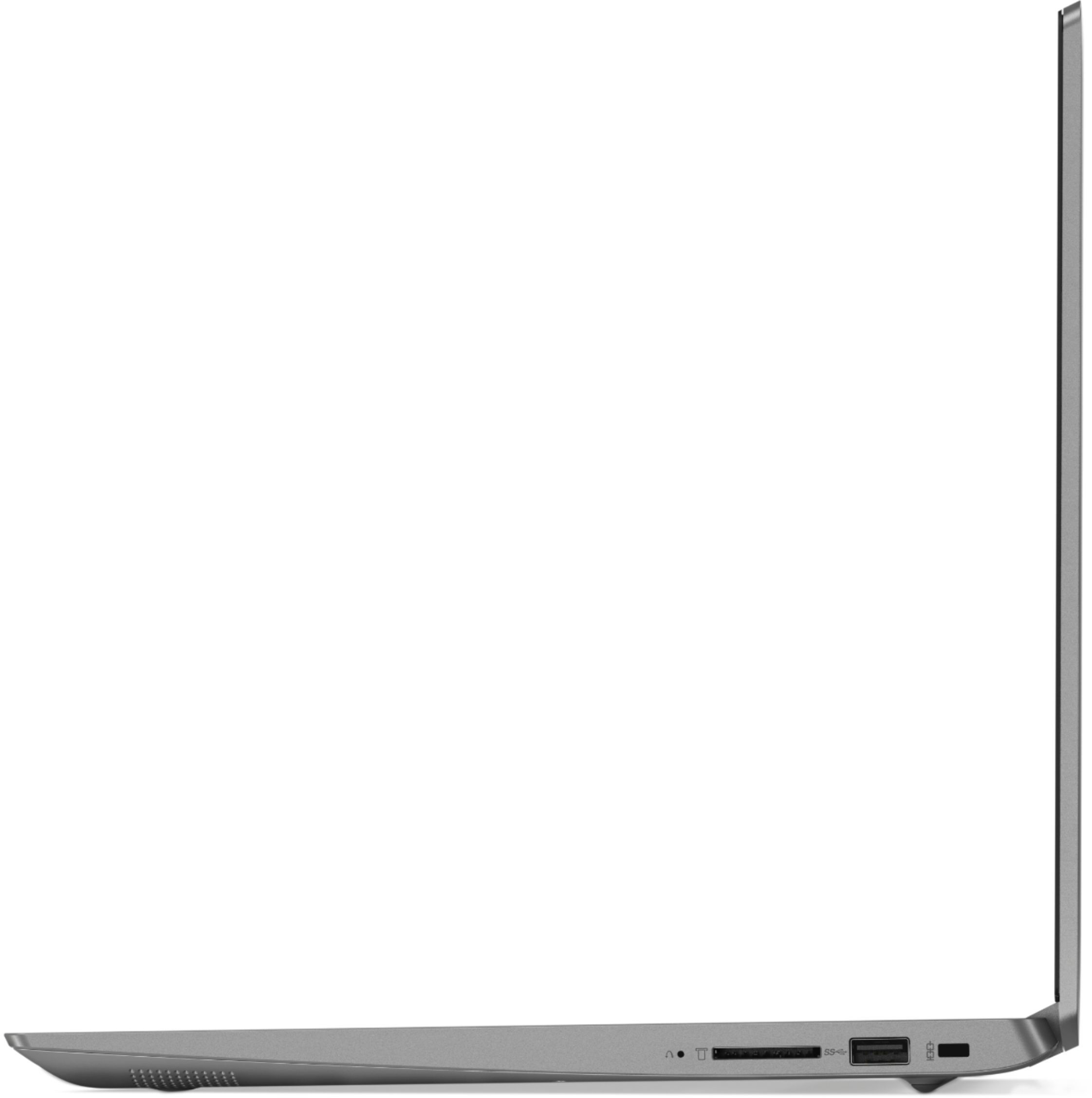
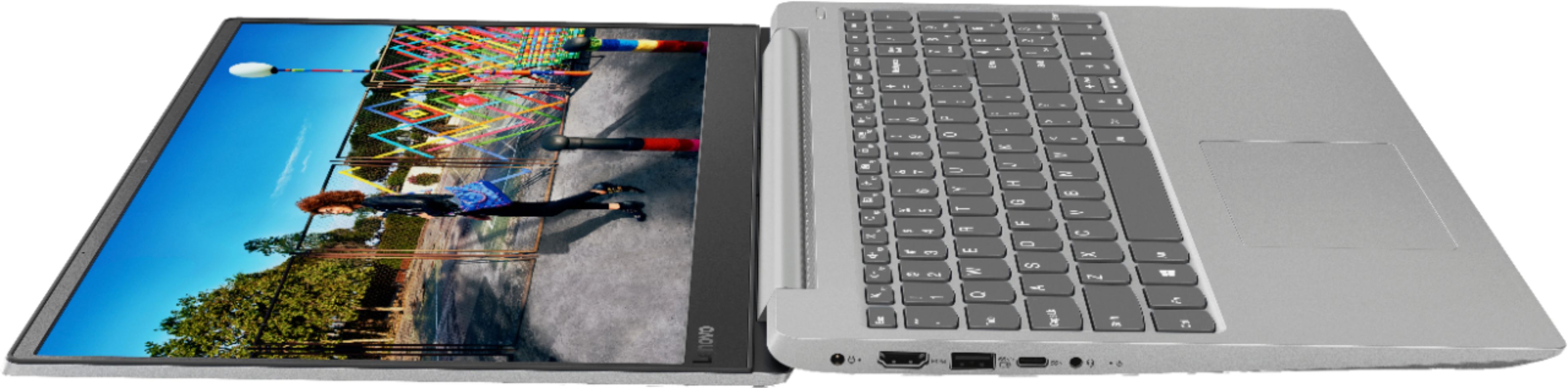
Posted .Thank you for choosing the Lenovo IdeaPad 330s-15 laptop. With regard to storage space, there is a 4 in 1 SD card slot on this device, compatible with SD, SDHC, SDXC, MMC memory cards. You can using this slot for added storage space, or use a USB Flash Drive.
- Pros mentioned:Backlit keyboard
Great for the price
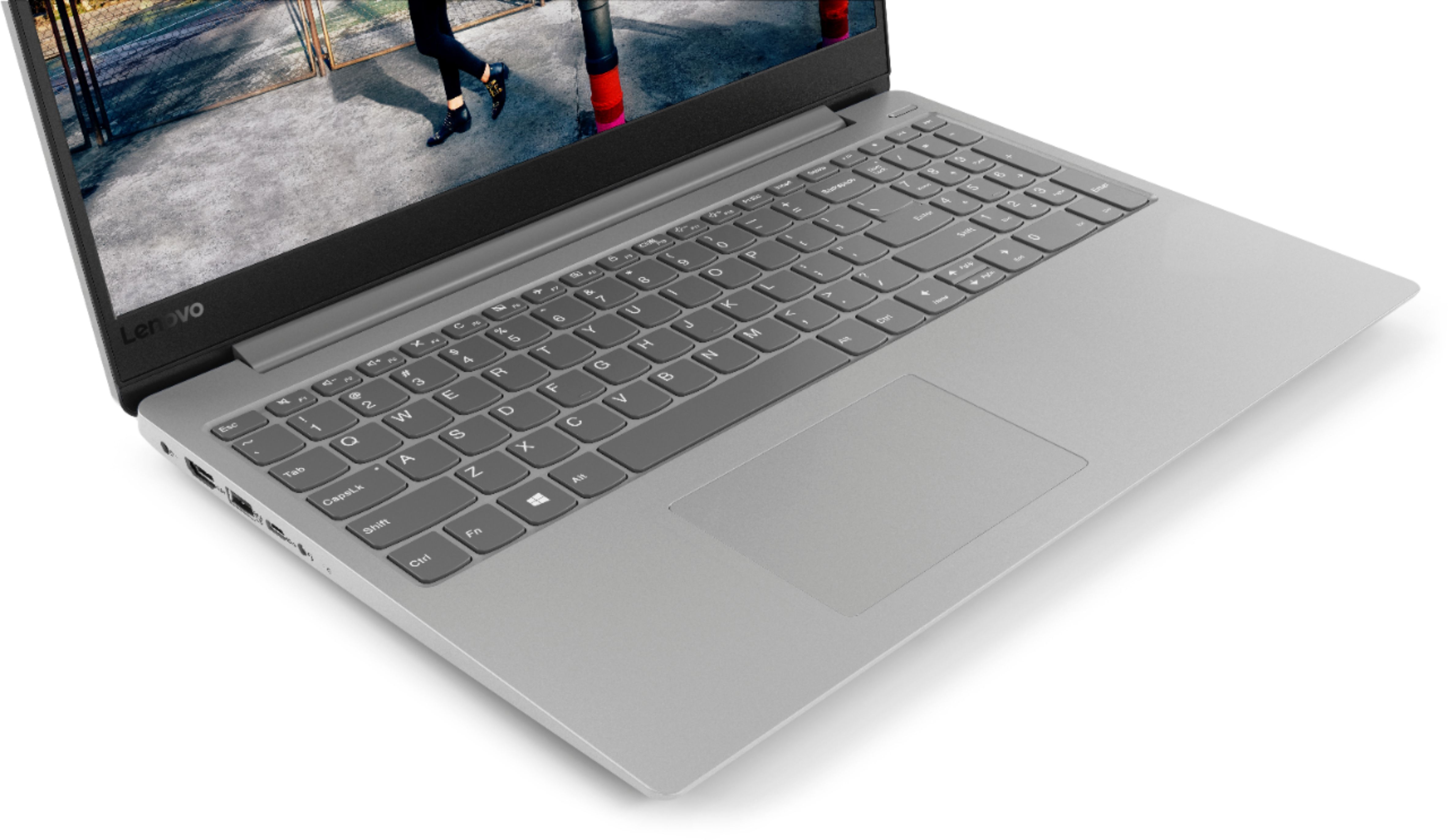
Posted .This reviewer received promo considerations or sweepstakes entry for writing a review.8 GB of RAM, latest generation i5 mobile processor, SSD, a great keyboard (I have no idea what people are talking about when they say it feels "cheap". I use a mechanical keyboard at my home desk and this thing feels responsive and well-made), good touchpad, and plays games at lower settings at decent framerates without getting too hot. And overall, feels very well built - everything you touch is either metal (the top), rubber (the screen bezel), the keyboard (soft plastic), or non-cheap-feeling plastic (the bottom/wrist wrest area). Screen is BAD though. TERRIBLE screen. Low res and TN panel. Maybe that's battery efficient, though? Guess you gotta weigh your pros and cons when you're making a $500 laptop.
I would recommend this to a friendBrand response from Lenovo Product Expert
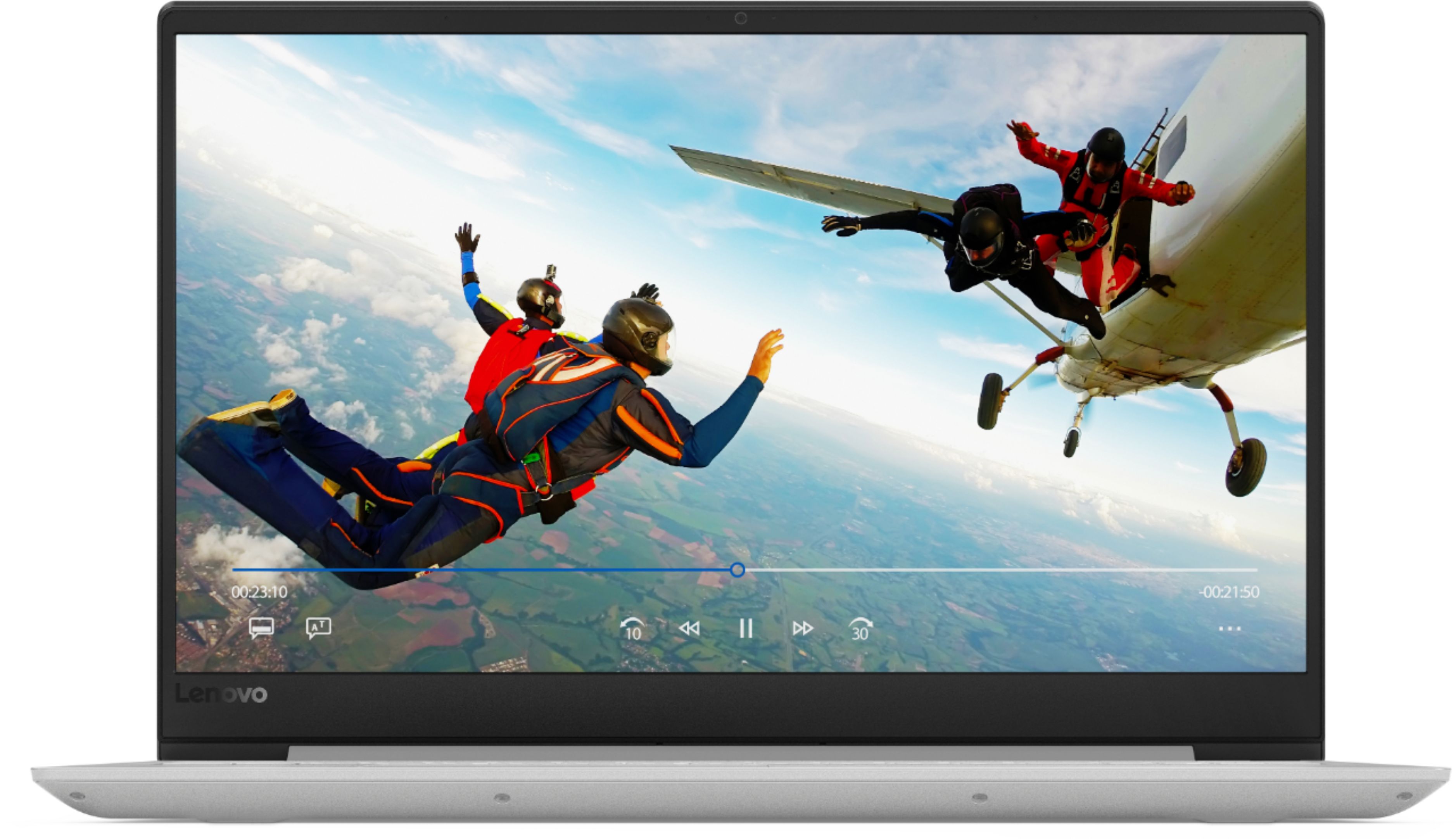
Posted .Thank you for choosing the Lenovo IdeaPad 330s-15 laptop. This system has a 1366 X 768 (HD) resolution screen with a brightness level of 220 nits.
- Pros mentioned:FastCons mentioned:Battery life
Good for the price
Posted .This reviewer received promo considerations or sweepstakes entry for writing a review.I just returned an HP x360 14', with i3 and 8 of ram, can not be more satisfied with my exchange, since I don't care about the touch screen and I just want it to media consumption and for the university, 128 SSD is more than enough The battery is meh, average, 3-4 hours (more if you do a good configuration), the screen is not the best, but not bad, It is for people who want a thin laptop and big screen to consume media or for college. (Very fast)
I would recommend this to a friendBrand response from Lenovo Product Expert
Posted .Thank you for choosing the Lenovo IdeaPad 330s-15 laptop. This model ships with a 1366 X 768 (HD) resolution screen with a brightness level of 220 nits. This system has a battery life of up to 7 hours, depending on the work that the device is performing. Be sure there are no unwanted programs running in the background, draining the battery. Here is a link to some tips for finding out what is draining your battery:
https://www.laptopmag.com/articles/battery-saver-windows-10. If there are no unwanted programs running, to maximize battery life, try changing your power management setting to a more conservative one. You can do this in the control panel, in the power management category on your system. Select a more conservative power management setting to extend battery life.
- Pros mentioned:Fast
Fast and reliable
Posted .This reviewer received promo considerations or sweepstakes entry for writing a review.Overall laptop is super fast. it starts in a second and shuts off very quick. windows and office[Installed] took almost 28.6 GB and around 89 GB is still free. I needed this laptop for office purpose. Only annoying thing was the Function key[Which is the case with every lenovo laptop]. I shut if off from BIOS. Overall its a very good deal for the money.
I would recommend this to a friendBrand response from Lenovo Product Expert
Posted .Thank you for choosing the Lenovo IdeaPad 330s-15 laptop. There is a 30-day trial of Microsoft Office 365 included as part of the Windows 10 operating system. In order to keep the program active after the trial period, you will need to purchase a product key. You will not need to download any additional software. We are pleased to hear that the performance of the IdeaPad 330s-15 meets your computing needs so well.
- Pros mentioned:Backlit keyboard
Imperfect Unreliable Affordable Machine
Posted .This reviewer received promo considerations or sweepstakes entry for writing a review.Pros: -SSD and Memory are a great value. +2 -Comes with USB-C port to keep it thin and light. I have two monitors, USB headset, and ethernet line hooked up via USB-C dongle and it usually runs fine; maybe once a day ethernet is disconnected so I have to unplug the USB-C HUB to reset it. +1 / -1 -Keyboard is decent, and I consider the touchpad not bad for plastic. +1 Cons: Bluetooth and updates. Within a week of owning the computer the Bluetooth stopped working; I keep a Bluetooth keyboard at my workstation and it's been frustrating ever since as it cuts in and out, works one minute then doesn't the other. I should've just unloaded this device when that first round of bluetooth connectivity issues happened! It's happened a few times since. Not sure I'll buy another Lenovo.
No, I would not recommend this to a friendBrand response from Lenovo Product Expert
Posted .We are sorry to hear that you are having issues with the Bluetooth capability within your Lenovo IdeaPad 330s-15 laptop. This device uses Bluetooth 4.1. Be sure the device you are pairing with this computer is compatible with Bluetooth 4.1. Although Bluetooth 4.1 is backward compatible to older versions, there could be connection issues. You can also update the BIOS and Drivers on the computer that control Bluetooth on the computer. This system has Lenovo utilities installed to help maintain the health of the device and keep the operating system software up to date. Type "Lenovo Vantage" in the Cortana Search window (if Lenovo Vantage is not installed on your device, you can download the APP and install it now). Select Lenovo Vantage from the list. In the window that opens, click on "Health and Support". In the expanded menu, select "Hardware Scan" In the window that opens, select "Run Quick Tests". This will scan your entire system for errors. Follow any directions that may pop up. If the problem continues after this scan, now click on "System Update". First select Windows update from the menu. Scan your system to be sure you have the latest version of Windows 10. Once that scan is complete, select "Additional Updates". This will scan your device to be sure there are no new BIOS/Driver updates needed. Follow any instructions that may pop up. If the issue still continues after these updates, we recommend you call Lenovo Tech Support at: 877-453-6686 for additional help.
Good laptop
Posted .This reviewer received promo considerations or sweepstakes entry for writing a review.After 3 years it started to fail, at the slightest movement the screen turns off.... other than that a super laptop that I recommend without hesitation.
I would recommend this to a friend- Cons mentioned:Graphics
Its good, but.....
Posted .This reviewer received promo considerations or sweepstakes entry for writing a review.Here's the thing. I love the touchpad, I love the keyboard, I love the size, I love the slim design. However, The graphics of this laptop is not acceptable. It has such a low resolution that takes me back to the early 2000 where you could barely see anything on the screen. To see a laptop this beautiful with such bad graphics is heartbreaking. I'm not sure if Lenovo will actually respond to this but if they do I hope they provide costumers with a way to improve graphics.
I would recommend this to a friendBrand response from Lenovo Product Expert
Posted .The Lenovo IdeaPad 330s-15 laptop ships with a anti-glare, 1366 X 768 (HD) resolution screen, with a brightness level of 220 nits. For the best visual experience, be sure auto brightness is turned off. Here is a link to instructions for turning off auto-brightness within Windows 10: https://www.itsupportguides.com/knowledge-base/windows-10/windows-10-how-to-disable-automatic-brightness-adjustments/
Best laptop ever
Posted .This reviewer received promo considerations or sweepstakes entry for writing a review.Its such a good laptop. Bought it 5 years ago and the still running and working great!
I would recommend this to a friend- Pros mentioned:Backlit keyboard
Great Laptop
Posted .This reviewer received promo considerations or sweepstakes entry for writing a review.Like everybody , I did my research first, even I have IT knowladge , Pros: I considered this Model due to the i5 - 8th generation processor, amount of memory (8GB in my case) and is expandable to 16GB, so in the future I can add more memory, has SSD, Backlight keyboard and Bluetooth. Cons: I would like to have better screen resolution, this one have 1366 x 768 (HD). In nutshell, Great Laptop!.
I would recommend this to a friendBrand response from Lenovo Product Expert
Posted .Thank you for choosing the Lenovo IdeaPad 330s-15 laptop. We are pleased to hear that the value, features and performance of the IdeaPad 330s-15 meets your computing needs so well. Please keep in mind, this model is not user upgradable. A certified technician must do all of the work, so as to not void the warranty.
Super speedy
Posted .This reviewer received promo considerations or sweepstakes entry for writing a review.Nice compact size. Having SSD loads everything super fast. Lenovo seems to me the best.... and Dell.
I would recommend this to a friendBrand response from Lenovo Product Expert
Posted .Thank you for choosing the Lenovo IdeaPad 330-15 laptop. We are pleased to hear that the features and performance of the IdeaPad 330-15 meets your computing needs so well.
- Cons mentioned:Battery life
Too good to be true.
Posted .This reviewer received promo considerations or sweepstakes entry for writing a review.I am a high school student and needed a fast, light, and dependable laptop. This laptop seemed perfect on paper, with an ssd, i5, 8gb of ram, and a backlit keyboard. Almost too good to be true for around 500. So I got it. The weight was pretty normal for a 15 inch laptop. The keyboard was very comfortable. The speed of it was fast. The battery drained quicker then I expected, around 4 hours for moderate use. The size was quite big and not enjoyable to carry around. And FINALLY... the screen of this laptop is one of the worst I have ever looked at. Couldn't bare watch a video on it. The screen was extremely washed out at every angle, especially on a black screen(such as a movie/video). I really wanted to like it but it had to go back.
No, I would not recommend this to a friendBrand response from Lenovo Product Expert
Posted .The Lenovo IdeaPad 330s-15 ships with a powerful Quad-Core/Eight-Thread Intel Core i5-8250U processor, 8GB of DDR4-2133MHz RAM and a 128GB solid state hard drive. This configuration has a 15.6" (measured diagonally) 1366 X 768 (HD) resolution screen, with a brightness level of 220 nits. This system ships with a 2CELL 30WH, Lithium Polymer battery, with a battery life of up to 7 hours, depending on the work that the device is performing. This configuration can handle many of today's most demanding programs and is good with multi-tasking. If this describes the kind of computing you do, the Lenovo IdeaPad 330s-15 will be a great choice for you.
Cheap but usable
Posted .This reviewer received promo considerations or sweepstakes entry for writing a review.This is my first Windows machine in 10 years. I reluctantly bought it to run trading software, which does not do so well on a virtual machine. I was able to remove what little bloatware was on the machine. Windows 10 works fine, with updates every few hours. The machine itself has a couple problems. The hardware that holds the trackpad in place is cheap. An semi-forceful click in the lower right corner will collapse the trackpad further into the case momentarily. The bigger problem is that the Bluetooth radio is unreliable. It drops my mouse again and again, at critical times. I bought a new mouse and it's doing the same thing. Both mice work perfectly on my 5 year old MacBook Pro. I don't have time to send this brand new computer in for repairs, so I switched to a separate USB radio for the mouse, and will be gentle on the trackpad when using it.
No, I would not recommend this to a friendBrand response from Lenovo Product Expert
Posted .With regard to the touchpad, you can make adjustments to the touchpad in your system settings. You can get there by clicking on the magnifying glass at the bottom left of your Windows 10 screen. Type "touchpad" in the search window. Select "Mouse & touchpad settings" from the list of choices. You can make general adjustments to the touchpad there. You can also select "Additional mouse options" for more detailed adjustments to the touchpad sensitivity by increasing the delay of the touchpad. By adjusting the sensitivity of the touchpad, you may remove the need to press hard to make a selection. The IdeaPad 330s-15 uses Bluetooth 4.1 version. Be sure the wireless mouse you are using is compatible with Bluetooth 4.1.
Good for the price but not enough space.
Posted .This reviewer received promo considerations or sweepstakes entry for writing a review.The laptop is good for the price. It has a good Processor, Ram and Hard Drive. My real problem with it is the fact that it has not enough storage space. I wish there was a way we could upgrade the storage somehow.
I would recommend this to a friendBrand response from Lenovo Product Expert
Posted .Thank you for choosing the Lenovo IdeaPad 330-15 laptop. If you need more storage space for files on this device, there is a 4 in 1 SD card slot, that is compatible with SD, SDHC, SDXC, MMC smart cards, that can be used for additional storage. You can also use a USB Flash Drive for more storage space.