Customer Ratings & Reviews

- Model:
- 81F5004EUS
- SKU:
- 6221786
Rating by feature
- Value
Rating 3.9 out of 5 stars
- Quality
Rating 3.8 out of 5 stars
- Ease of Use
Rating 4.1 out of 5 stars
Customers are saying
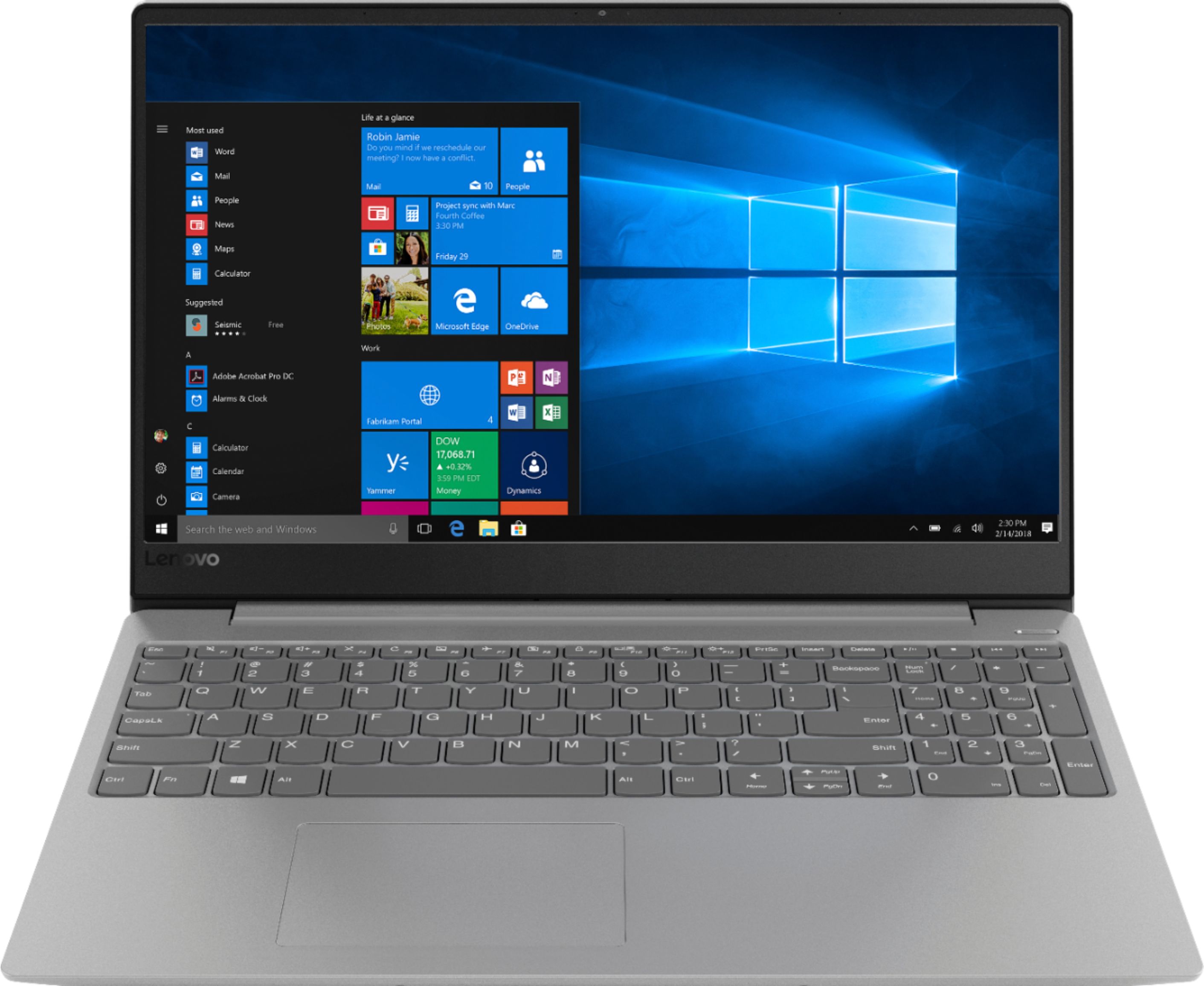
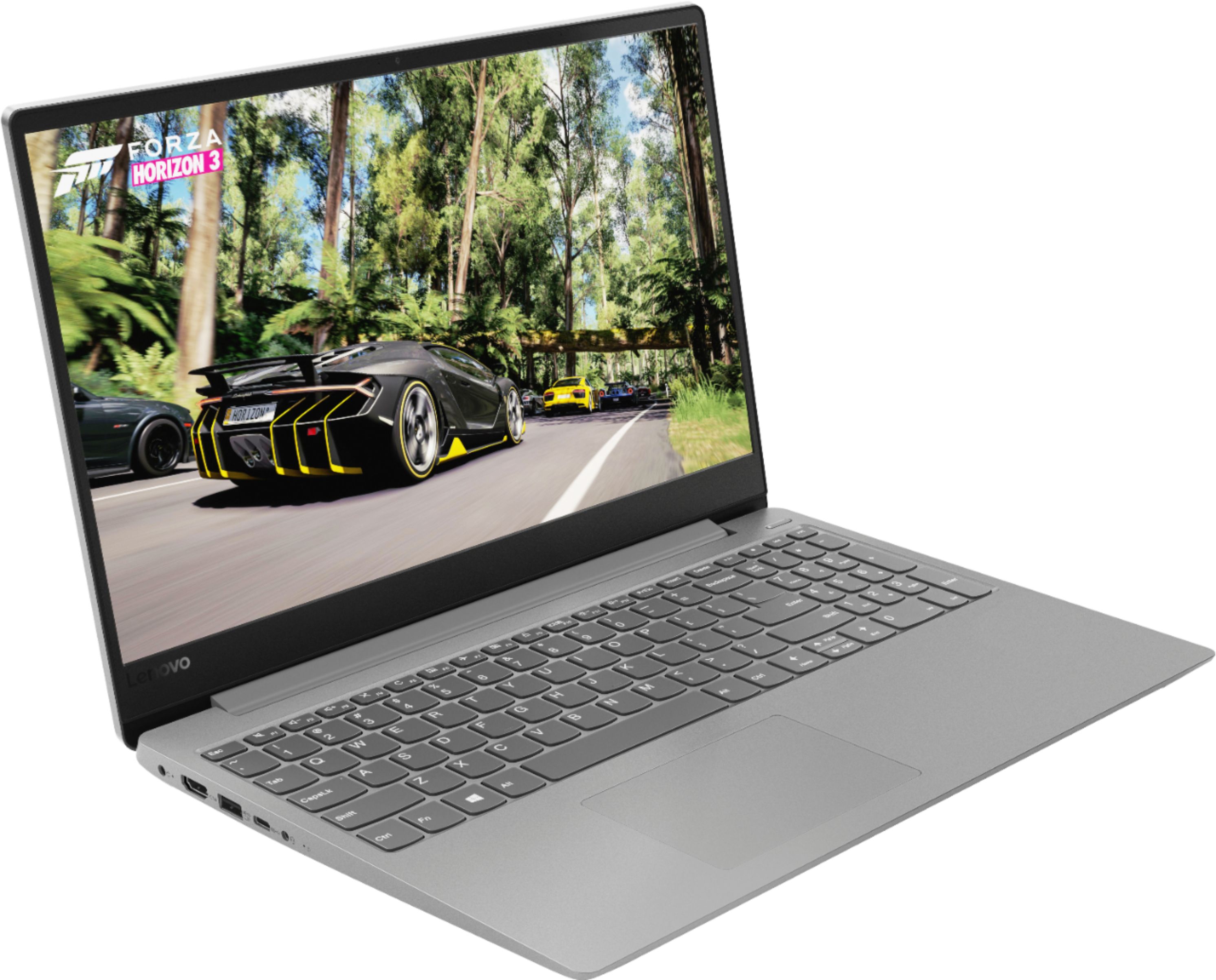
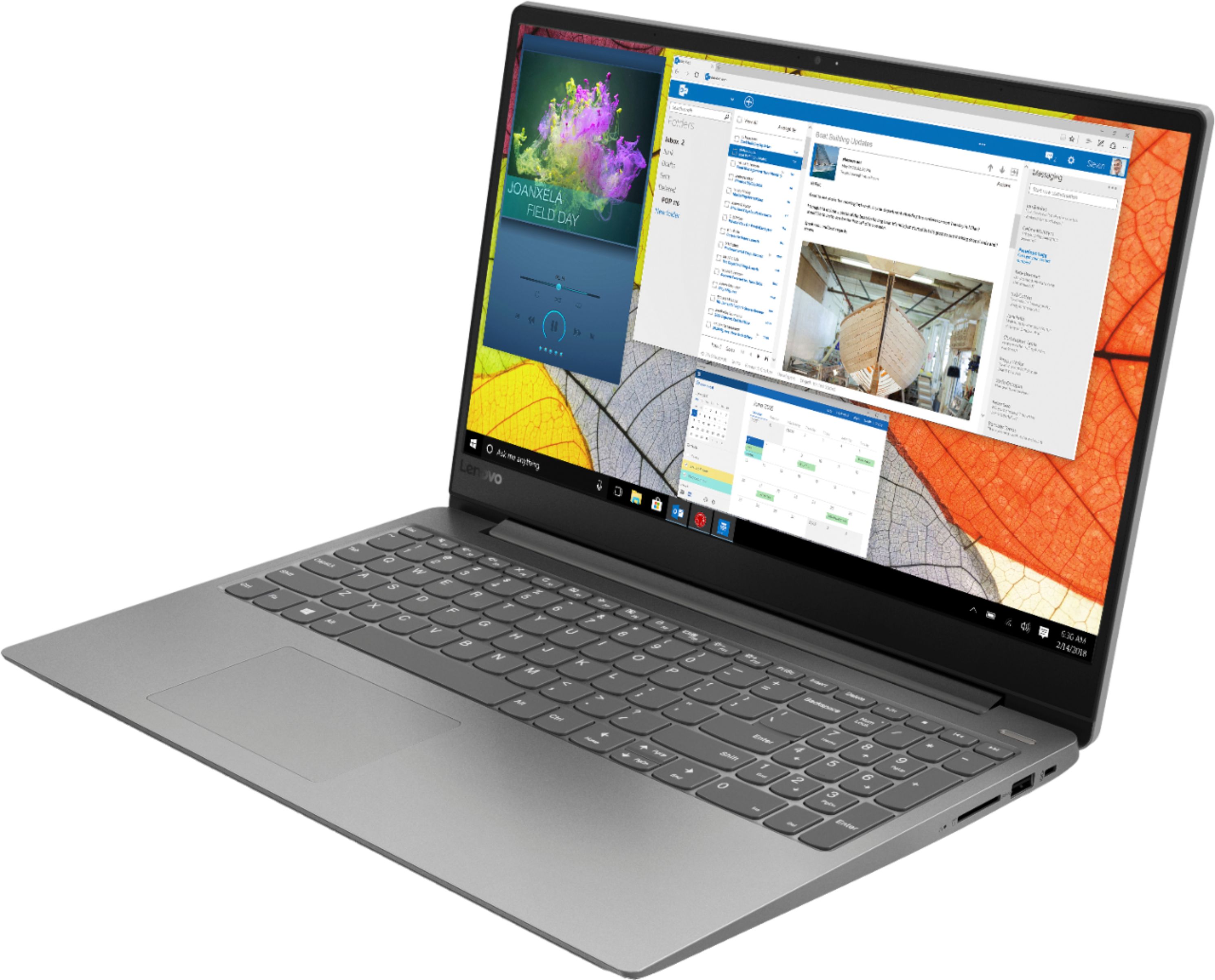
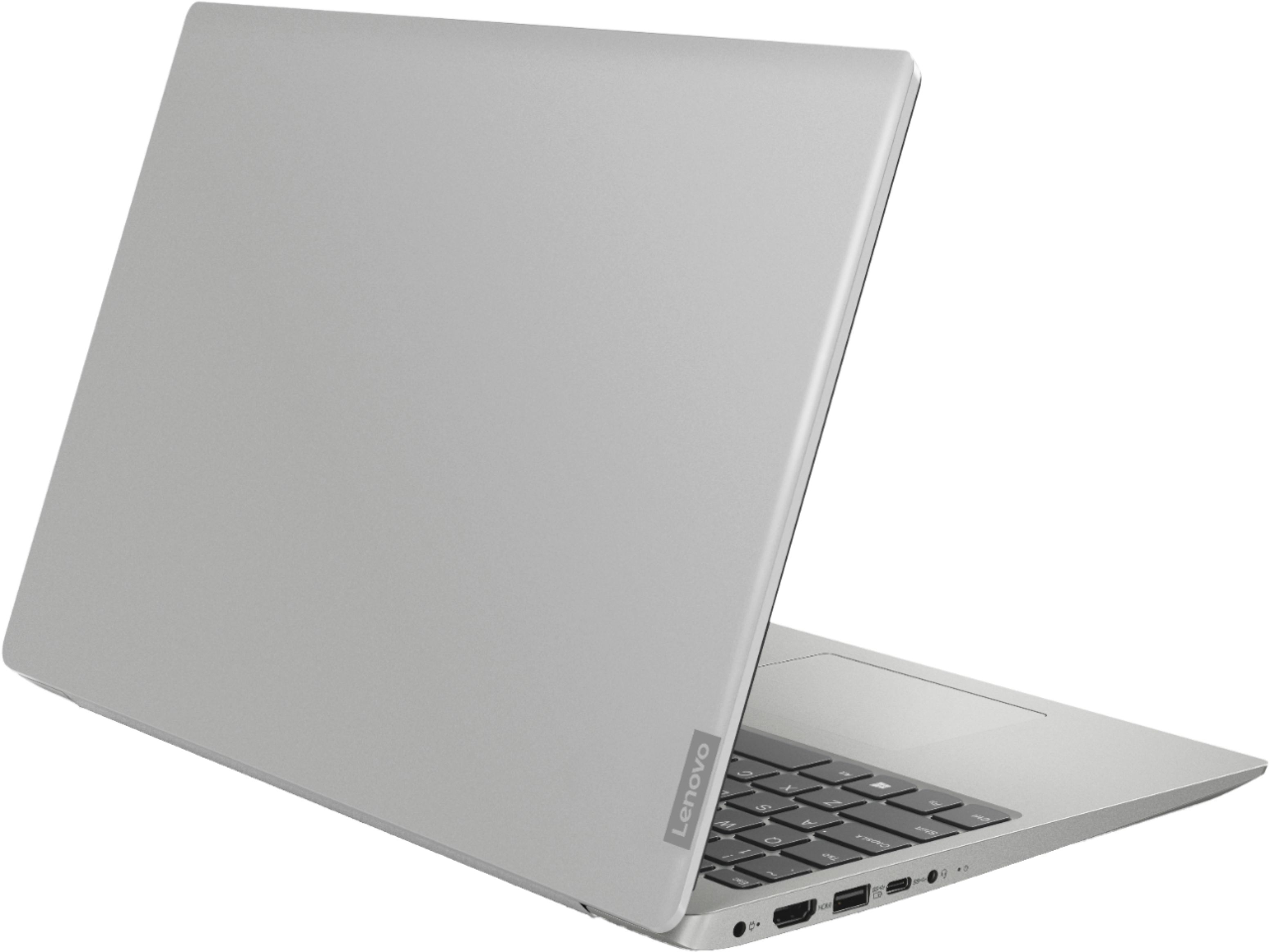
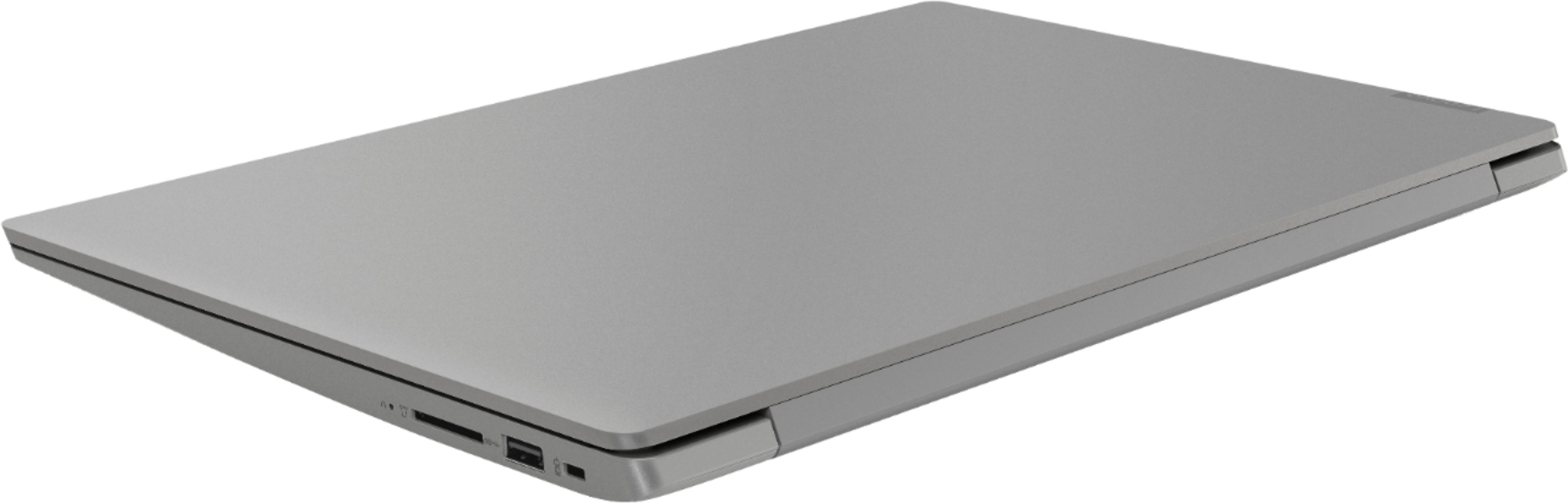
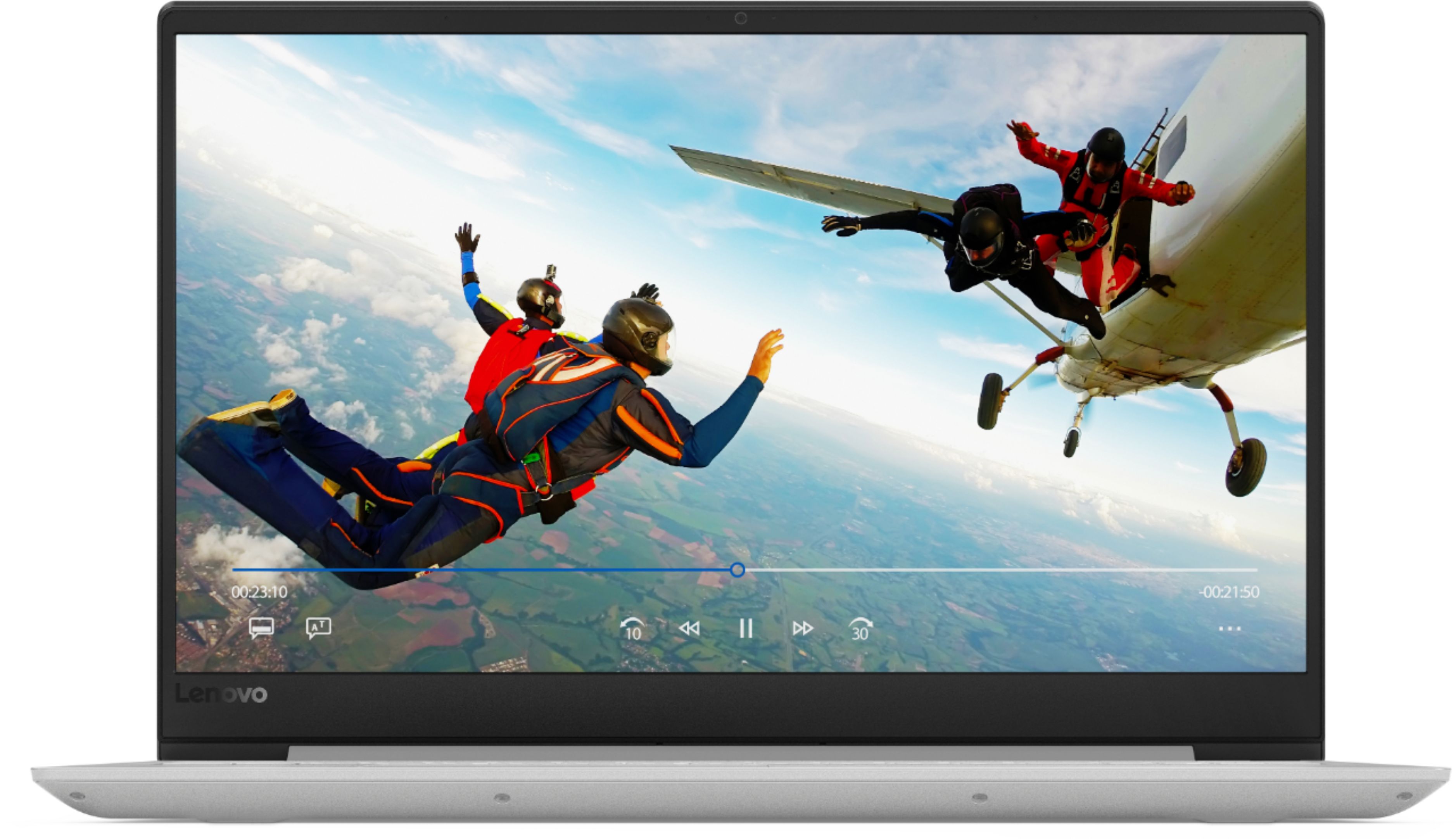
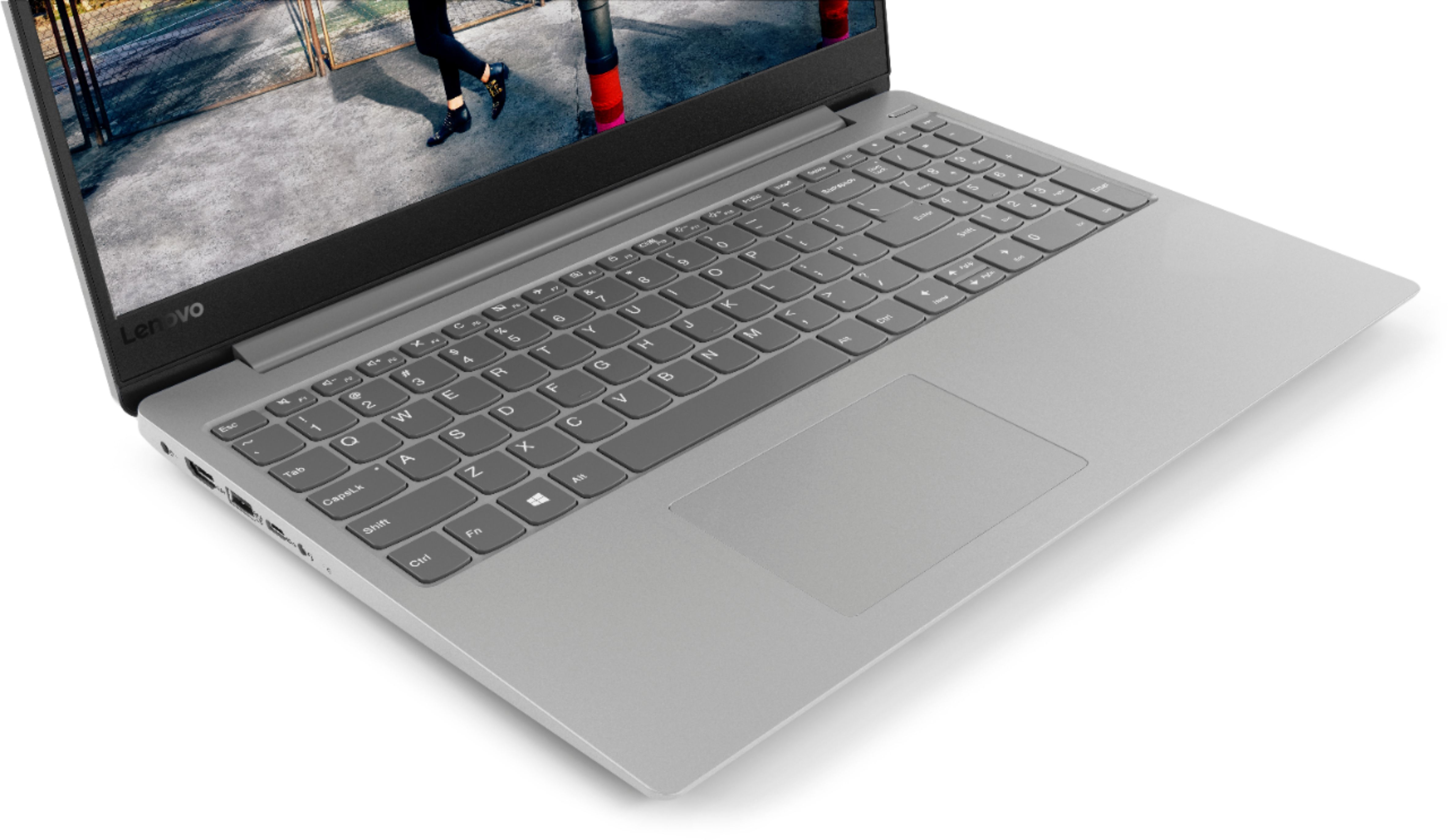
Customers often highlight the 330S-15IKB 15.6" Laptop's fast performance, reasonable price, and lightweight design. Many users appreciate the backlit keyboard and solid-state drive included at this price point. However, some users have concerns about the battery life.
This summary was generated by AI based on customer reviews.
Best specs for the price
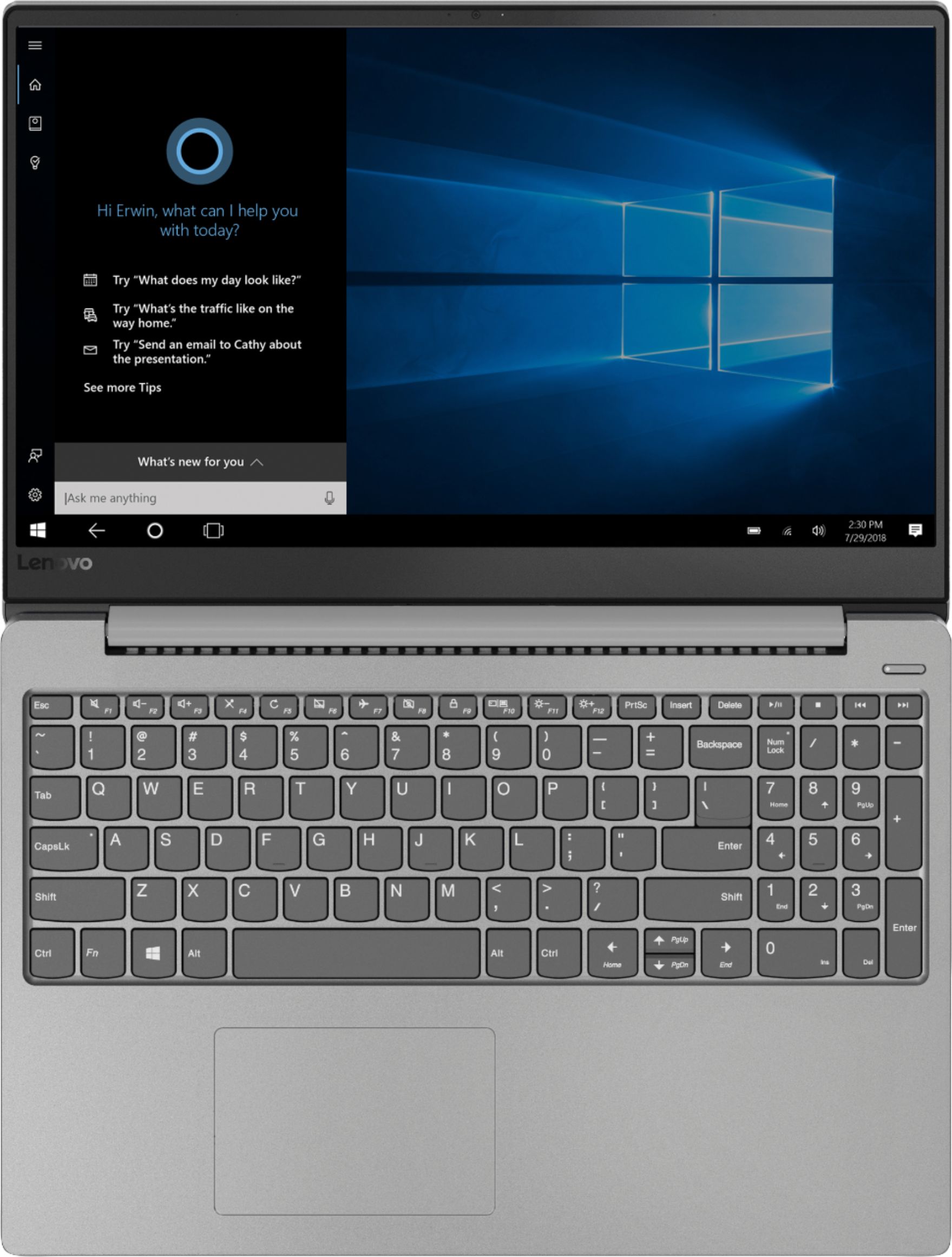
Posted .This reviewer received promo considerations or sweepstakes entry for writing a review.An i5 with 8GB Ram for under $500 is an incredible deal. The SSD (while it doesn’t have tons of storage) makes it even speedier. Looks fantastic, slim, and the backlit keyboard is a plus. If you find that your trackpad isn’t working, try Fn+F6 before returning... Lenovo trackpads are finicky and get turned off during updates a lot. Overall, best deal for its price range! The quick charge feature is pretty handy too.
I would recommend this to a friendBrand response from Lenovo Product Expert
Posted .Thank you for choosing the Lenovo IdeaPad 330s-15 laptop. You are correct, the HotKey in the F6 position on your computer toggles the touchpad on/off. You can check the health of your computer and keep all BIOS and Driver operating software up to date. This system has Lenovo utilities installed to help maintain the health of the device and keep the operating system software up to date. Type "Lenovo Vantage" in the Cortana Search window (if Lenovo Vantage is not installed on your device, you can download the APP and install it now). Select Lenovo Vantage from the list. In the window that opens, click on "Health and Support". In the expanded menu, select "Hardware Scan" In the window that opens, select "Run Quick Tests". This will scan your entire system for errors. Follow any directions that may pop up. If the problem continues after this scan, now click on "System Update". First select Windows update from the menu. Scan your system to be sure you have the latest version of Windows 10. Once that scan is complete, select "Additional Updates". This will scan your device to be sure there are no new BIOS/Driver updates needed. Follow any instructions that may pop up. If the issue still continues after these updates, we recommend you call Lenovo Tech Support at: 877-453-6686 for additional help.

- Pros mentioned:Fast
Fast, Fast, Fast
Posted .This reviewer received promo considerations or sweepstakes entry for writing a review.Just bought it two days ago. Love it. It is FAST! Great laptop. Replaces my HP after 6 months, the HP dead. Fast, Fast, Fast!
I would recommend this to a friendBrand response from Lenovo Product Expert
Posted .Thank you for choosing the Lenovo IdeaPad 330s-15 laptop. We are pleased to hear that the performance of the IdeaPad 330s-15 meets your computing needs so well.
Nice Laptop
Posted .This reviewer received promo considerations or sweepstakes entry for writing a review.This laptop has been great for me, i only use it for school. It is very fast, it easily beats a $800 HP laptop i had previously. Keyboard is comfortable to type on, keys are very responsive. Multitasking is great also, i usually have multiple programs open at once and i have no issues. Build quality is OK, nothing special but it works for me.
I would recommend this to a friendBrand response from Lenovo Product Expert
Posted .Thank you for choosing the Lenovo IdeaPad 330s-15 laptop. We are pleased to hear that the value, features and performance of the IdeaPad 330s-15 meets your computing needs so well.
- Pros mentioned:Fast
Overall Pretty Good
Posted .This reviewer received promo considerations or sweepstakes entry for writing a review.So far I'm enjoying this laptop. It's super fast and quiet. The only drawback, which is major, is that the SSD is too small. With 2 games plus the OS it's already full. I'm not sure what I'm going to do but I may wind up returning it.
No, I would not recommend this to a friendBrand response from Lenovo Product Expert
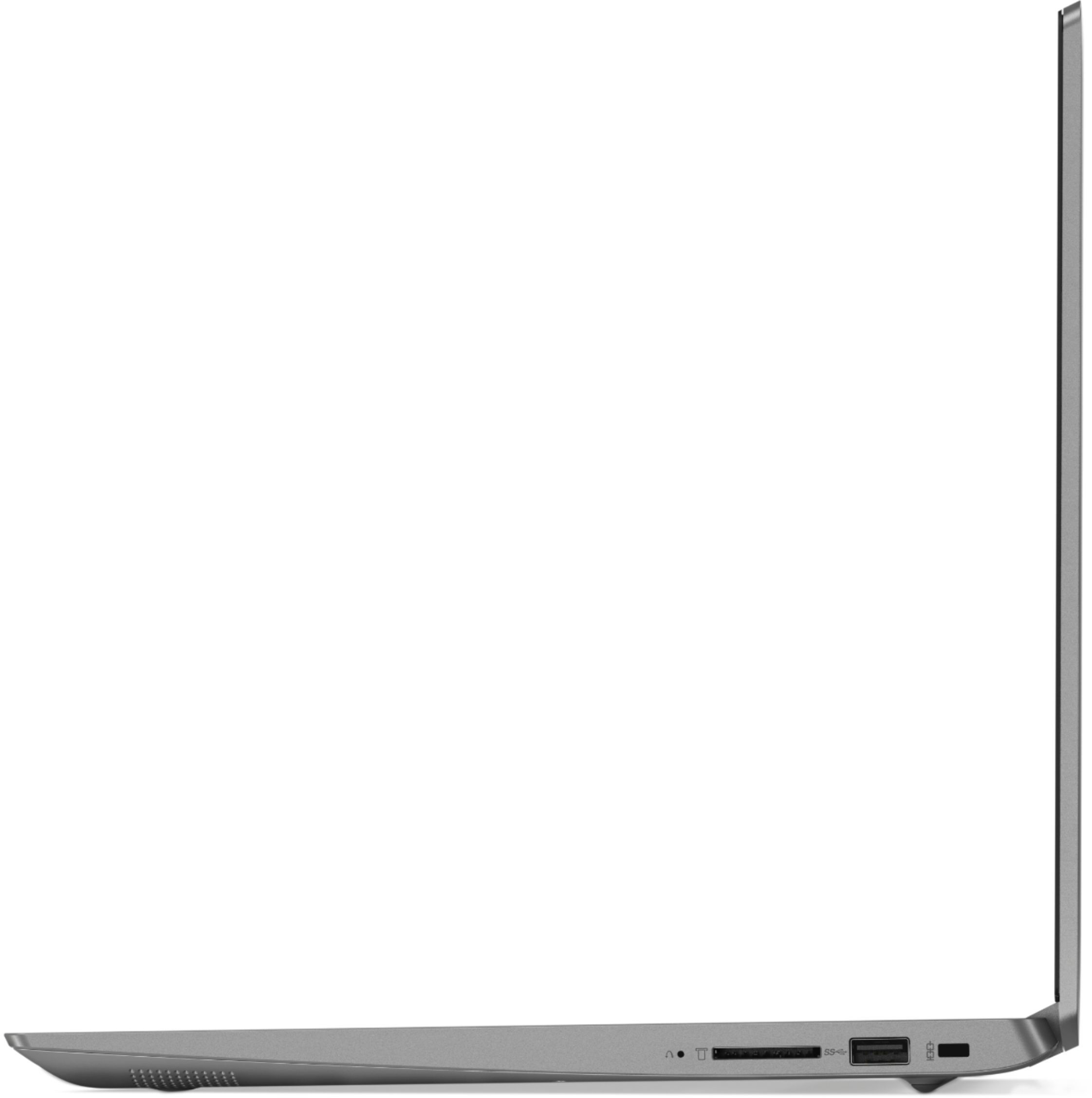
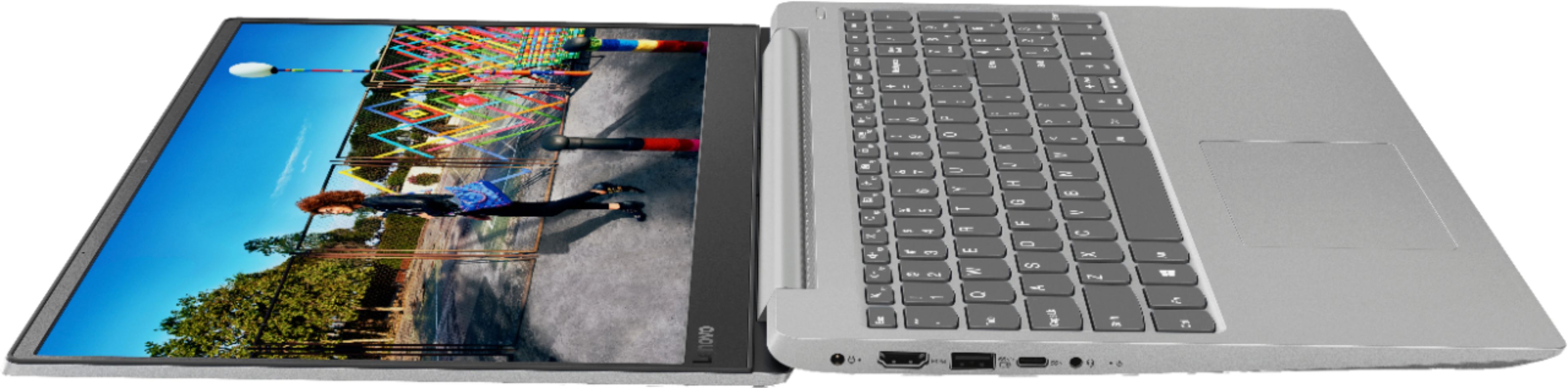
Posted .The Lenovo IdeaPad 330-15 laptop has a 128GB solid state hard drive. If you need more storage space, there is a 4 in 1 SD card slot on the device or you could use s USB Flash Drive for extra storage as well.
Boots so fast!
Posted .This reviewer received promo considerations or sweepstakes entry for writing a review.This laptop boots up in 5 seconds! SSDs are the real deal!
I would recommend this to a friendBrand response from Lenovo Product Expert
Posted .Thank you for choosing the Lenovo IdeaPad 330s-15 laptop. We are pleased to hear that the performance of the IdeaPad 330s-15 meets your computing needs so well.
2 Stars for being a fair computer
Posted .This reviewer received promo considerations or sweepstakes entry for writing a review.I just bought this computer today, I will update it the overall rating in a couple of days if things turn around or stay the same. Not a lot of bloatware on here, which is nice. The SSD is quiet and quick, but it'll be that way on any SSD. It's been plugged in for a while now, and has no heat and a very quiet fan. The downside is that I've been trying to uninstall McAfee and download Google Chrome for over an hour now. McAfee is stuck at just less than halfway, and Chrome has failed to download twice already. These two tasks are taking much longer than they should, and the computer is struggling to do other things like browse the web, and load/browse other applications that are already installed. I don't know what I should expect from an i5 processor, like if this is normal, but I am disappointed in how it's turning out so far. I want more, but I'm not surprised this is how it's turning out based on the price. The internet connection is strong, and I tested out similar e tasks on a ~8year old computer that worked much better than this. I'm guessing it's just some growing pains for being right out of the box. Hardware/finish is great. keyboard is comfortable and responsive. Having a number pad is nice. The track pad is an average track pad, maybe a little too sensitive for me if anything. It's still fairly light, looks good, and is thin but feels durable. I probably wouldn't recommend this to a friend unless they were on a tighter budget. I will update the review (if possible) as I get more familiar with it and as it starts to work more.
No, I would not recommend this to a friendBrand response from Lenovo Product Expert
Posted .We are sorry to hear that you are having issues uninstalling McAfee. Here is a link to instructions for uninstalling McAfee from a Windows 10 computer: https://service.mcafee.com/webcenter/portal/cp/home/articleview;jsessionid=cZVbBomK0_11oMfpCHY4CdNLdyNqvu5BYYw8k_yHxmGR70u5JWV8!861067162!927047686?articleId=TS101331&_afrLoop=2038488750686102#!%40%40%3F_afrLoop%3D2038488750686102%26articleId%3DTS101331%26centerWidth%3D100%2525%26leftWidth%3D0%2525%26rightWidth%3D0%2525%26showFooter%3Dfalse%26showHeader%3Dfalse%26_adf.ctrl-state%3D13l0f2jdmz_4. With regard to issues with Chrome Browser and Windows 10, here is a link to some tips for installing Chrome Browser on a Windows 10 system: Here is a link to an article with tips for fixing this issue: https://newsstand.google.com/articles/CAIiEBv-zpF8O1RJ3WeypJKu1fsqFwgEKg4IACoGCAow3O8nMMqOBjCP1egF
No longer works afte after 2 years of moderate use
Posted .This reviewer received promo considerations or sweepstakes entry for writing a review.Computer only lasted 2 years thru moderate use. If anywhere is touched on the right side of the keypad, the computer shuts down. Had acceptable performance before this issue.
No, I would not recommend this to a friendPower cord seems poor quailty
Posted .This reviewer received promo considerations or sweepstakes entry for writing a review.Comaperd to my Dell with same specs, this power cord is very flimsy and small gauge, is that just how they are made now? I got my Dell 4 years ago. It is faster, i am torn, I hate to have to keep buying power cords,
I would recommend this to a friendBrand response from Lenovo Product Expert
Posted .This system should be a fast system with its Quad-Core/Eight-Thread Core I-5-8250U processor, 8GB of RAM and a 128GB solid state hard drive. Be sure any software you installed is compatible with Windows 10. There is no need to install Microsoft Office software. The software is already part of the operating system, you just need to activate the software with a purchased product key. If you have installed a copy of Microsoft Office, this is conflicting with the existing copy on the system and this will slow your system down. If you have installed a 3rd party anti-virus program, be sure that Windows Defender is turned off and that the trial version of McAfee Anti-Virus software is uninstalled. There can only be one anti-virus program on the system. You may need to restore your system to original factory default settings if any of the programing errors have occurred. You can do that by typing "restore" in the Cortana search window. Just click on the magnifying glass icon at the bottom left of your Windows 10 Desktop. Click on "Reset This PC" Then click on "Get Started" and follow the on screen directions to restore to factory defaults. Regarding the AC power adapter included with the IdeaPad 330s-15 laptop, this is a light weight adapter, meant to compliment the portability of the device itself. It should last the life of the device under normal use.
Laptop is fast, but internet is slow
Posted .This reviewer received promo considerations or sweepstakes entry for writing a review.Just got this laptop in the mail and when I powered it on and connected to wifi I noticed that the internet was slow. I tried to even open googles website and it took forever to load and showed weak wifi bars. I have read online that this model has a very weak wifi card and unless you are sitting right by the router your internet connection will be spotty. All other devices have full bars except for this laptop and it is a shame because I really liked the build quality and the display. Will have to return to Best Buy.
No, I would not recommend this to a friendBrand response from Lenovo Product Expert
Posted .This system uses the latest 802.11AC WiFi frequency. Although 802.11AC is backward compatible to older b/g/n frequencies, be sure your b/g/n router has the latest firmware updates available from the manufacturer. You can check this at the router manufacturer's web site. You can also keep the BIOS/Drivers and other operating software up to date on the computer as well, very easily. This system has Lenovo utilities installed to help maintain the health of the device and keep the operating system software up to date. Type "Lenovo Vantage" in the Cortana Search window (if Lenovo Vantage is not installed on your device, you can download the APP and install it now). Select Lenovo Vantage from the list. In the window that opens, click on "Health and Support". In the expanded menu, select "Hardware Scan" In the window that opens, select "Run Quick Tests". This will scan your entire system for errors. Follow any directions that may pop up. If the problem continues after this scan, now click on "System Update". First select Windows update from the menu. Scan your system to be sure you have the latest version of Windows 10. Once that scan is complete, select "Additional Updates". This will scan your device to be sure there are no new BIOS/Driver updates needed. Follow any instructions that may pop up.
False advertising
Posted .This reviewer received promo considerations or sweepstakes entry for writing a review.I just bought this laptop, it works fine. But, i'm wondering why the type of SSD listed in the product specification is (PCIe SSd), but when i checked the device manager and found that the ssd name is SATA SSD ( HFS128G32TNF-N3A0A), which is slower and less quality than the PCIe SSD. This is unacceptable
No, I would not recommend this to a friendBrand response from Lenovo Product Expert
Posted .Model number 81F5004EUS ships with a 128GB solid state hard drive with PCIe architecture.
Fried Motherboard
Posted .This reviewer received promo considerations or sweepstakes entry for writing a review.I teach English online and needed a laptop for when I travel. I have had it 15 months and it just stopped charging. I sent it in and it came back with a fried motherboard! I barely even used it, maybe 2-3 times a month. The warranty was only good for 12 months. Complete waste of money!! Never using or recommending this brand in the future.
No, I would not recommend this to a friendNever buy this
Posted .This reviewer received promo considerations or sweepstakes entry for writing a review.Product didn't last even for 2.5 years. The motherboard became dead. V disappointed with Lenovo.
No, I would not recommend this to a friend