Customer Ratings & Reviews

- Model:
- F0D3000EUS
- SKU:
- 6009200
Rating by feature
- Value
Rating 4.1 out of 5 stars
- Quality
Rating 3.9 out of 5 stars
- Ease of Use
Rating 4.4 out of 5 stars
Customers are saying
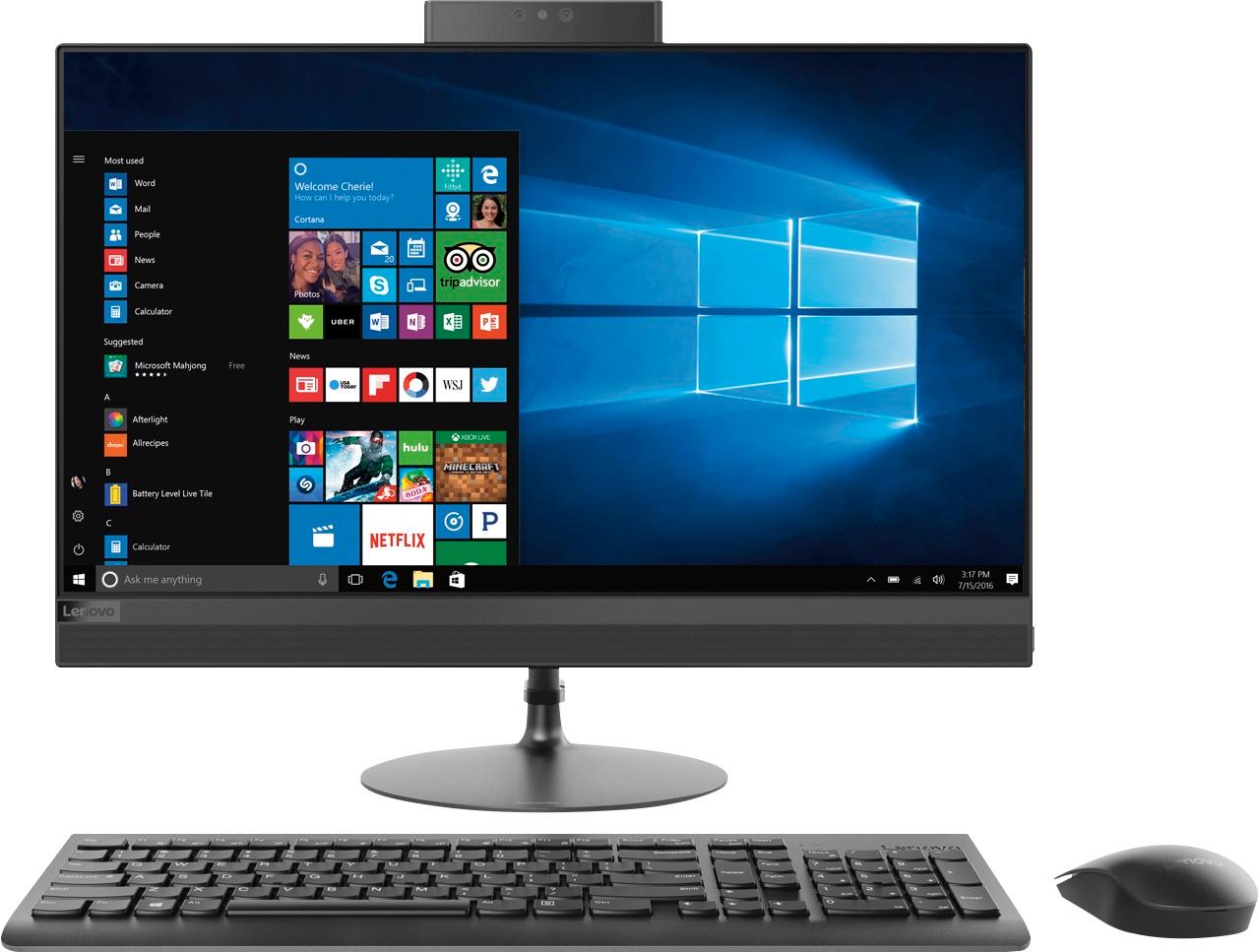
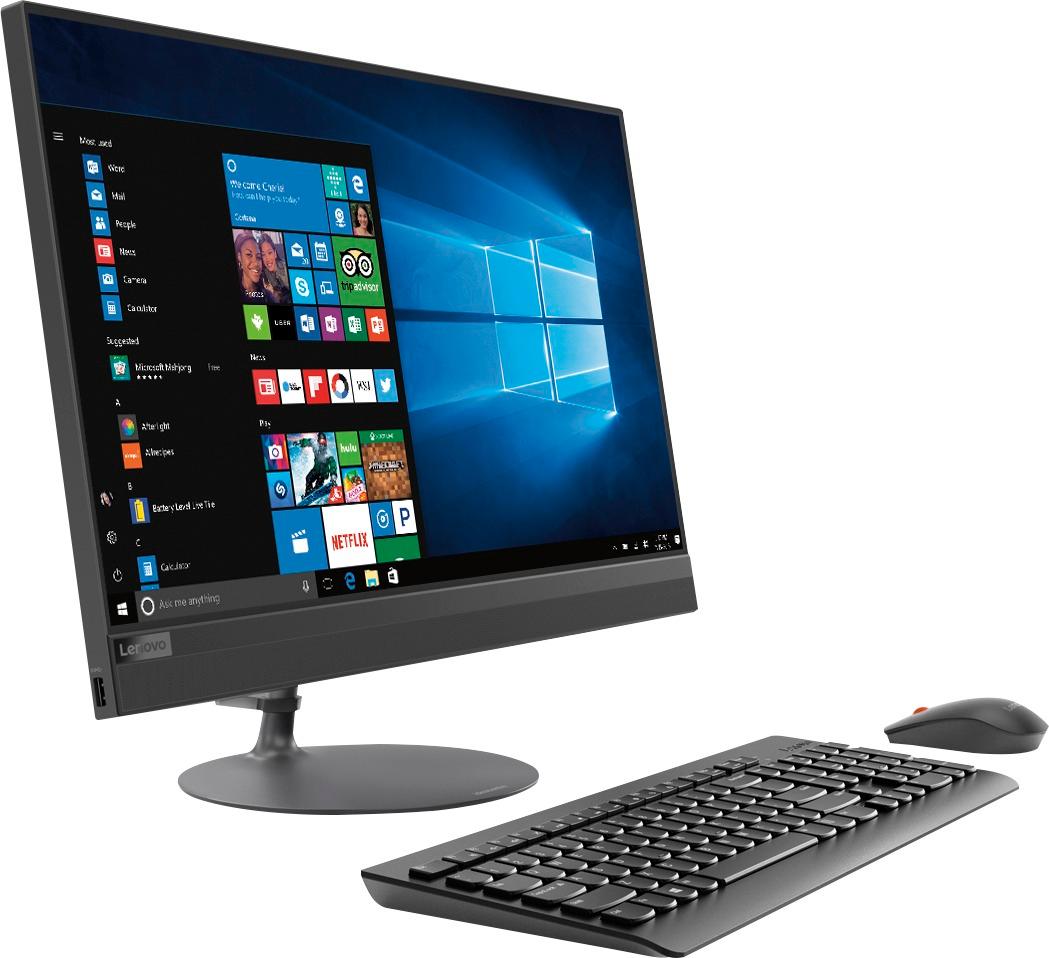
Customers appreciate the 520-24AST's touch screen, ease of use, and its affordable price. Many also highlight the all-in-one design's space-saving benefits and the computer's generally good performance. However, some users experienced issues with the CPU's processing power and the hard drive's speed. A few also reported problems with the sleep mode functionality.
This summary was generated by AI based on customer reviews.
Len
||Posted . Owned for more than 2 years when reviewed.This reviewer received promo considerations or sweepstakes entry for writing a review.Good all in one! Just had one problem with the mouse. Overall great product!
I would recommend this to a friendGreat computer for my wife
||Posted .This reviewer received promo considerations or sweepstakes entry for writing a review.This all-in-one computer almost makes it as portable as a laptop....almost! It does get moved around from desk to table and room to room.
I would recommend this to a friendBrand response from Lenovo Product Expert
Posted .Thank you for choosing the Lenovo IdeaCentre 520-24 All-In-One system. We are pleased to hear that the features and performance of the IdeaCentre 520-24 AIO meets your computing needs so well.

Wise choice
||Posted .This reviewer received promo considerations or sweepstakes entry for writing a review.With the warranties and geek squad purchased also...Wisest decision I've made for my family in years.
I would recommend this to a friendBrand response from Lenovo Product Expert
Posted .Thank you for choosing the Lenovo IdeaCentre 520-24 All-In-One system for your family. We are pleased to hear that the IdeaCentre 520-24 AIO meets your family's computing needs so well.

Good computer
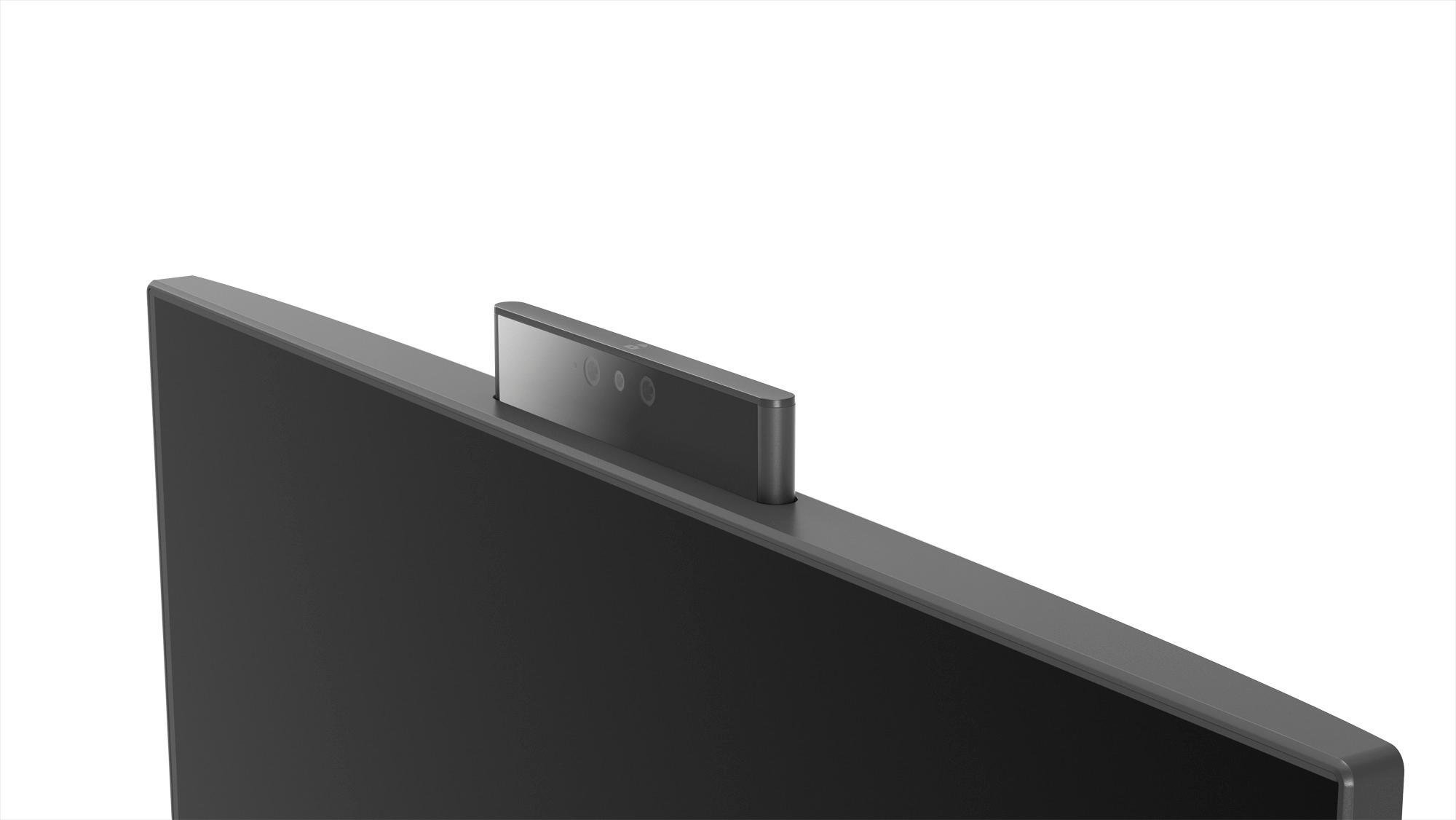
||Posted . Owned for 1 year when reviewed.This reviewer received promo considerations or sweepstakes entry for writing a review.Bought as a gift for my dad and he loves it, the screen is very responsive and the camera is kept away til needed
I would recommend this to a friendFairly Intuitive
||Posted .This reviewer received promo considerations or sweepstakes entry for writing a review.Yes, I like it. I am having difficulty setting Bluetooth up, but I think the Geek Squad can help me.
I would recommend this to a friendBrand response from Lenovo Product Expert
Posted .Thank you for choosing the Lenovo IdeaCentre 520-24 All-In-One system. Here is a link to instructions for setting up Bluetooth on your Windows 10 computer: https://www.windowscentral.com/how-and-why-use-bluetooth-on-windows-10
good desktop computer
||Posted .This reviewer received promo considerations or sweepstakes entry for writing a review.I had an old Apple desktop computer that broke, didn't want to spend the money on a new Apple. The Lenovo works fine for me
I would recommend this to a friendBrand response from Lenovo Product Expert
Posted .Thank you for choosing the Lenovo IdeaCentre 520-24 All-In-One system. We are pleased to hear that the value and performance of the IdeaCentre 520-24 AIO meets your computing needs so well.
Perfect for my needs
||Posted .This reviewer received promo considerations or sweepstakes entry for writing a review.A little slower than I've been used to, but I'm very happy with this computer, perfect for what us required to do work from home.
I would recommend this to a friendBrand response from Lenovo Product Expert
Posted .Thank you for choosing the Lenovo IdeaCentre 520-24 All-In-One system. This system should be a fast system with its Quad-Core AMD A12-9720P processor, with a base speed of 2.7GHz and a boost speed of up to 3.6GHz and 8GB of RAM. Be sure any software you installed is compatible with Windows 10. There is no need to install Microsoft Office software. The software is already part of the operating system, you just need to activate the software with a purchased product key. If you have installed a copy of Microsoft Office, this is conflicting with the existing copy on the system and this will slow your system down. If you have installed a 3rd party anti-virus program, be sure that Windows Defender is turned off and that the trial version of McAfee Anti-Virus software is uninstalled. There can only be one anti-virus program on the system. You may need to restore your system to original factory default settings if any of the programing errors have occurred. You can do that by typing "restore" in the Cortana search window. Just click on the magnifying glass icon at the bottom left of your Windows 10 Desktop. Click on "Reset This PC" Then click on "Get Started" and follow the on screen directions to restore to factory defaults.
Not bad
||Posted .This reviewer received promo considerations or sweepstakes entry for writing a review.It’s good for a person not in a hurry for start up, slow but good computer once it’s up and running
I would recommend this to a friendBrand response from Lenovo Product Expert
Posted .This system should be a fast system with its Core I-5 processor and 8GB of RAM. Be sure any software you installed is compatible with Windows 10. There is no need to install Microsoft Office software. The software is already part of the operating system, you just need to activate the software with a purchased product key. If you have installed a copy of Microsoft Office, this is conflicting with the existing copy on the system and this will slow your system down. If you have installed a 3rd party anti-virus program, be sure that Windows Defender is turned off and that the trial version of McAfee Anti-Virus software is uninstalled. There can only be one anti-virus program on the system. You may need to restore your system to original factory default settings if any of the programing errors have occurred. You can do that by typing "restore" in the Cortana search window. Just click on the magnifying glass icon at the bottom left of your Windows 10 Desktop. Click on "Reset This PC" Then click on "Get Started" and follow the on screen directions to restore to factory defaults. Additionally, here's a link to some tips for speeding up boot up of your Windows 10 system: https://lifehacker.com/enable-this-setting-to-make-windows-10-boot-up-faster-1743697169
This computer is fast and reliable.
||Posted .This reviewer received promo considerations or sweepstakes entry for writing a review.I have been so relieved with how reliable this computer is. I use it for work and school, and have had it for 4 months.
I would recommend this to a friendBrand response from Lenovo Product Expert
Posted .Thank you for choosing the Lenovo IdeaCentre 520-24 All-In-One system. We are pleased to hear that the performance of the IdeaCentre 520-24 AIO meets your computing needs so well. Lenovo is the number #1 manufacturer of computers in the World:
https://venturebeat.com/2019/01/10/gartner-and-idc-hp-and-lenovo-shipped-the-most-pcs-in-2018-but-total-numbers-fell/
- Pros mentioned:Price
Great computer for the price
||Posted .This reviewer received promo considerations or sweepstakes entry for writing a review.Great for the price. Glad we purchased it and so far, no problems.
I would recommend this to a friend Its a lemon.
||Posted .This reviewer received promo considerations or sweepstakes entry for writing a review.I bought this thing in November last year. Microsoft started updating windows 10 and it quickly became obvious that this equipment couldn't handle it. This has happened about once a month. The machine would sit there crying and refuse to boot. This morning was the last straw. It went back to Best Buy for recycling and was replaced with an HP.
No, I would not recommend this to a friendBrand response from Lenovo Product Expert
Posted .We are sorry to hear that you had issues with your Lenovo IdeaCentre 520-24 All-In-One system. You can scan the health of this system and correct any software issues with updates by using the Lenovo Utility software installed on this device. This system has Lenovo utilities installed to help maintain the health of the device and keep the operating system software up to date. Type "Lenovo Vantage" in the Cortana Search window (if Lenovo Vantage is not installed on your device, you can download the APP and install it now). Select Lenovo Vantage from the list. In the window that opens, click on "Health and Support". In the expanded menu, select "Hardware Scan" In the window that opens, select "Run Quick Tests". This will scan your entire system for errors. Follow any directions that may pop up. If the problem continues after this scan, now click on "System Update". First select Windows update from the menu. Scan your system to be sure you have the latest version of Windows 10. Once that scan is complete, select "Additional Updates". This will scan your device to be sure there are no new BIOS/Driver updates needed. Follow any instructions that may pop up. If the issue still continues after these updates, we recommend you call Lenovo Tech Support at: 877-453-6686 for additional help.
Great
||Posted . Owned for more than 2 years when reviewed.This reviewer received promo considerations or sweepstakes entry for writing a review.Had it for 2 years and worked perfectly fine. With time it started to slow down a bit, but overall 9/10
I would recommend this to a friendExcellent Service
||Posted .This reviewer received promo considerations or sweepstakes entry for writing a review.Excellent help with product I wanted to purchase. Salesman answered questions and did not try to sell me a more expensive item.
I would recommend this to a friendGood Price but slower
||Posted .This reviewer received promo considerations or sweepstakes entry for writing a review.Good Computer with good price but not fast as expected. Touch screen needs to be improved.
I would recommend this to a friendBrand response from Lenovo Product Expert
Posted .Thank you for choosing the lenovo IdeaCentre 520-24 All-In-One system. This configuration ships with the Quad-Core AMD A12-9720P processor, with a base speed of 2.7GHz and a boost speed of up to 3.6GHz. If you are getting slow performance, be sure any software you installed is compatible with Windows 10. There is no need to install Microsoft Office software. The software is already part of the operating system, you just need to activate the software with a purchased product key. If you have installed a copy of Microsoft Office, this is conflicting with the existing copy on the system and this will slow your system down. If you have installed a 3rd party anti-virus program, be sure that Windows Defender is turned off and that the trial version of McAfee Anti-Virus software is uninstalled. There can only be one anti-virus program on the system. You may need to restore your system to original factory default settings if any of the programing errors have occurred. You can do that by typing "restore" in the Cortana search window. Just click on the magnifying glass icon at the bottom left of your Windows 10 Desktop. Click on "Reset This PC" Then click on "Get Started" and follow the on screen directions to restore to factory defaults. If the problem persists, we recommend you contact Lenovo Tech Support at: 877-453-6686.
Wonderful for seniors
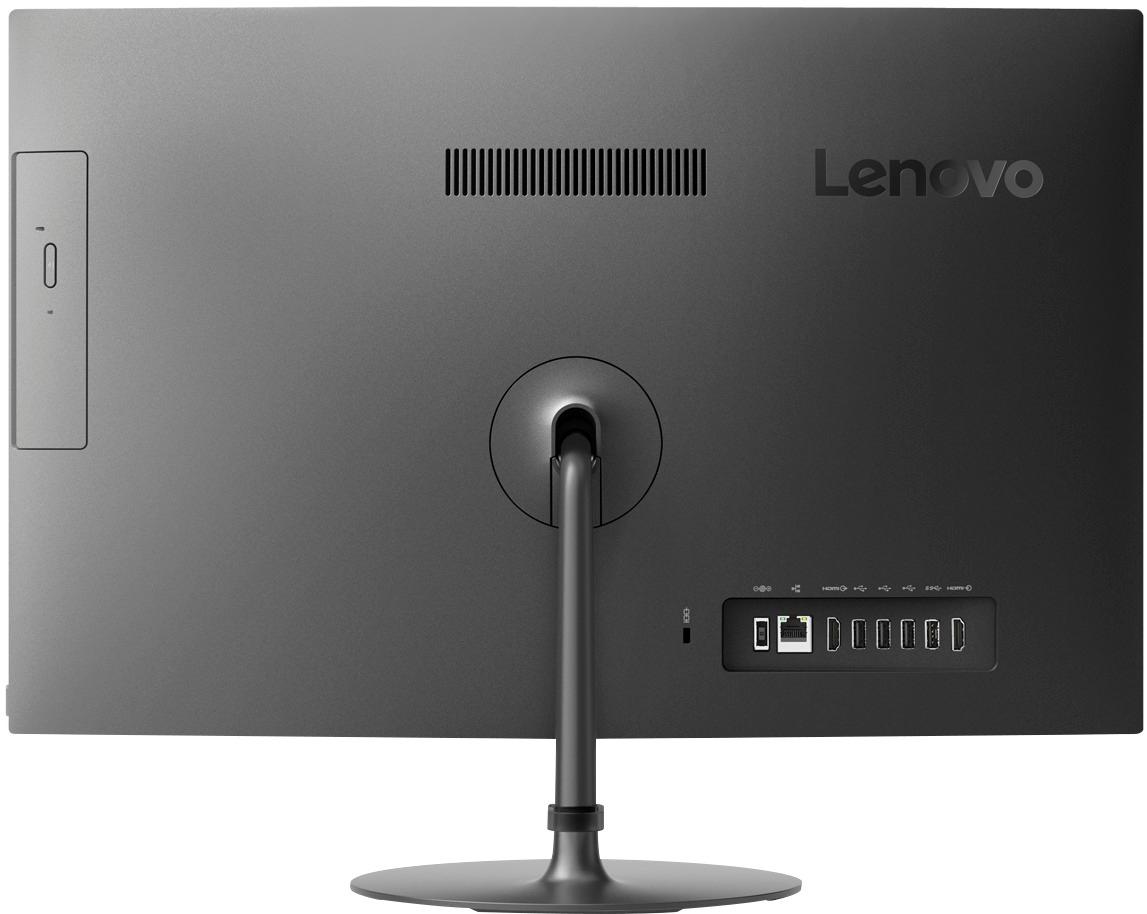
||Posted .This reviewer received promo considerations or sweepstakes entry for writing a review.Love not having all those wires to figure out. The maze of wires on other computers is enough for anyone to get frazzled,
I would recommend this to a friendBrand response from Lenovo Product Expert
Posted .Thank you for choosing the Lenovo IdeaCentre 520-24 All-In-One system. We are pleased to hear that the ease of use of the IdeaCentre 520-24 AIO meets your computing needs so well.
Poor Display Quality and Slow Processor
||Posted .This reviewer received promo considerations or sweepstakes entry for writing a review.The display looks out of focus. Almost like there was a film over the entire monitor. I have tried adjusting contrast, brightness, and color and nothing seems to resolve the issue. I don't know if McAfee is slowing down the processor, but my old Dell Desktop was much faster even with McAfee. I guess it's an average PC for the price.
I would recommend this to a friendBrand response from Lenovo Product Expert
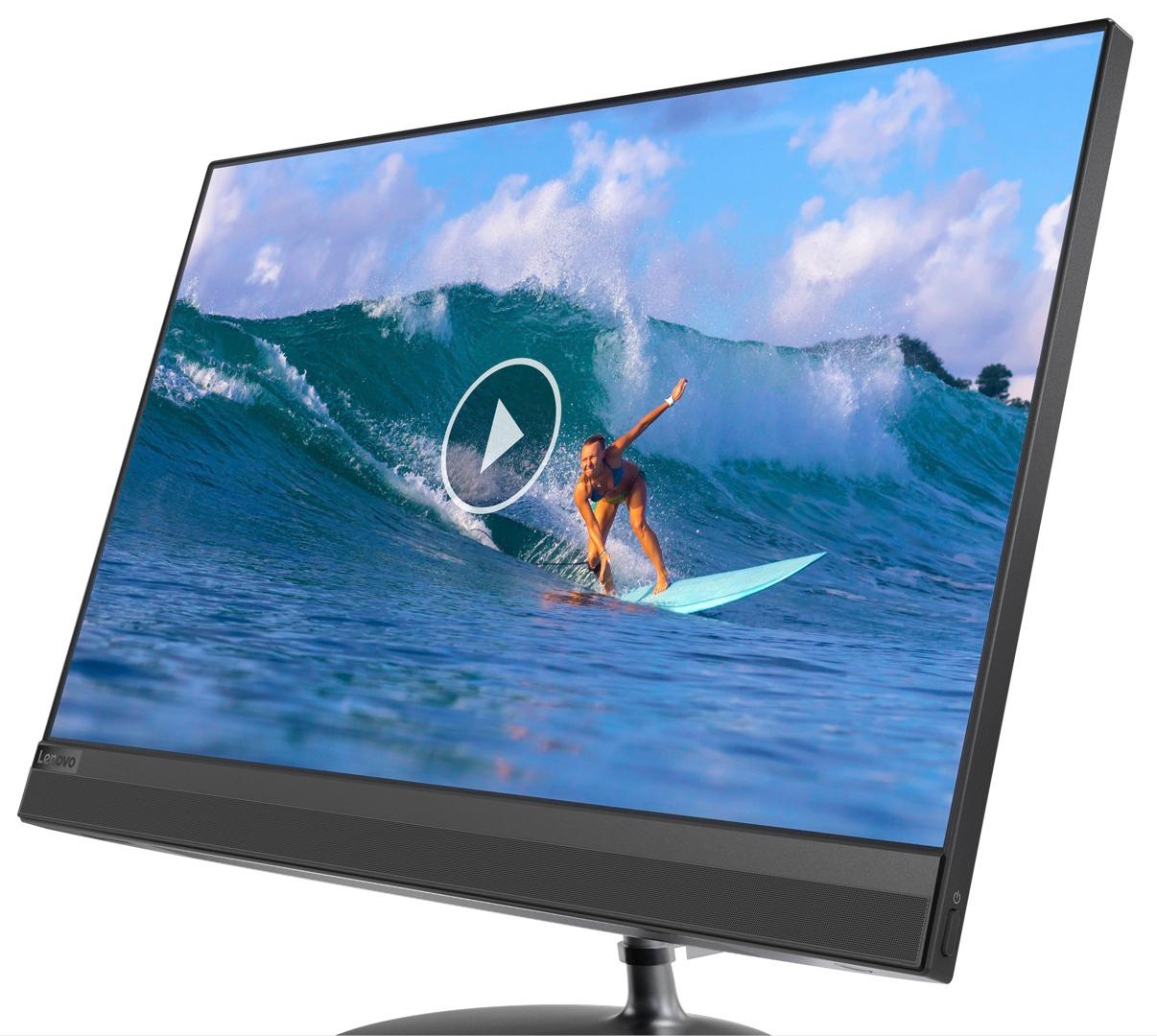
Posted .The Lenovo IdeaCentre 520-24 All-In-One system ships with a glossy IPS WVA Borderless screen, with a resolution of 1920x1080 (FHD) and a brightness level of 250 nits. Be sure any software you installed is compatible with Windows 10. There is no need to install Microsoft Office software. The software is already part of the operating system, you just need to activate the software with a purchased product key. If you have installed a copy of Microsoft Office, this is conflicting with the existing copy on the system and this will slow your system down. If you have installed a 3rd party anti-virus program, be sure that Windows Defender is turned off and that the trial version of McAfee Anti-Virus software is uninstalled. There can only be one anti-virus program on the system. You may need to restore your system to original factory default settings if any of the programing errors have occurred. You can do that by typing "restore" in the Cortana search window. Just click on the magnifying glass icon at the bottom left of your Windows 10 Desktop. Click on "Reset This PC" Then click on "Get Started" and follow the on screen directions to restore to factory defaults. If the problem persists, we recommend you contact Lenovo Tech Support at: 877-453-6686.
Great for a small office
||Posted .This reviewer received promo considerations or sweepstakes entry for writing a review.I use this primarily for work from home. Enjoy the all in one model... takes up less area.
I would recommend this to a friendBrand response from Lenovo Product Expert
Posted .Thank you for choosing the lenovo IdeaCentre 520-24 All-In-One system. We are pleased to hear that the features and performance of the IdeaCentre 520-24 AIO meets your computing needs so well.
- Cons mentioned:Sleep mode
Don't buy it!
||Posted .This reviewer received promo considerations or sweepstakes entry for writing a review.Less than one month after purchasing, but over the 15 days to return the product to Best Buy, I am stuck paying for shipping to the Lenovo Service Center to have the product repaired! It shuts off randomly, beeps loudly when coming out of sleep mode- will not stop unless it is unplugged from the power source, and I have smelled burning plastic. Don't waste your money- unfortunately, I did!
No, I would not recommend this to a friend Less cords
||Posted .This reviewer received promo considerations or sweepstakes entry for writing a review.Need to get a computer in order to work from home. Works great, enjoy not having all of the cords everywhere.
I would recommend this to a friendBrand response from Lenovo Product Expert
Posted .Thank you for choosing the Lenovo IdeaCentre 520-24 All-In-One system. We are pleased to hear that the features and performance of the IdeaCentre 520-24 AIO are working out so well for you. Lenovo is the number #1 manufacturer of computers in the World:
https://venturebeat.com/2019/01/10/gartner-and-idc-hp-and-lenovo-shipped-the-most-pcs-in-2018-but-total-numbers-fell/
Perfect all in one
||Posted .This reviewer received promo considerations or sweepstakes entry for writing a review.Purchased for my 11yr old son, it’s got everything he needs and very user friendly
I would recommend this to a friendBrand response from Lenovo Product Expert
Posted .Thank you for choosing the Lenovo IdeaCentre 520-24 All-In-One system for your son. We are pleased to hear that the ease of use and performance of the IdeaCentre 520-24 AIO meets your son's computing needs so well. Lenovo is the number #1 manufacturer of computers in the World:
https://venturebeat.com/2019/01/10/gartner-and-idc-hp-and-lenovo-shipped-the-most-pcs-in-2018-but-total-numbers-fell/