Customer Ratings & Reviews

- Model:
- F0D3000EUS
- SKU:
- 6009200
Rating by feature
- Value
Rating 4.1 out of 5 stars
- Quality
Rating 3.9 out of 5 stars
- Ease of Use
Rating 4.4 out of 5 stars
Customers are saying
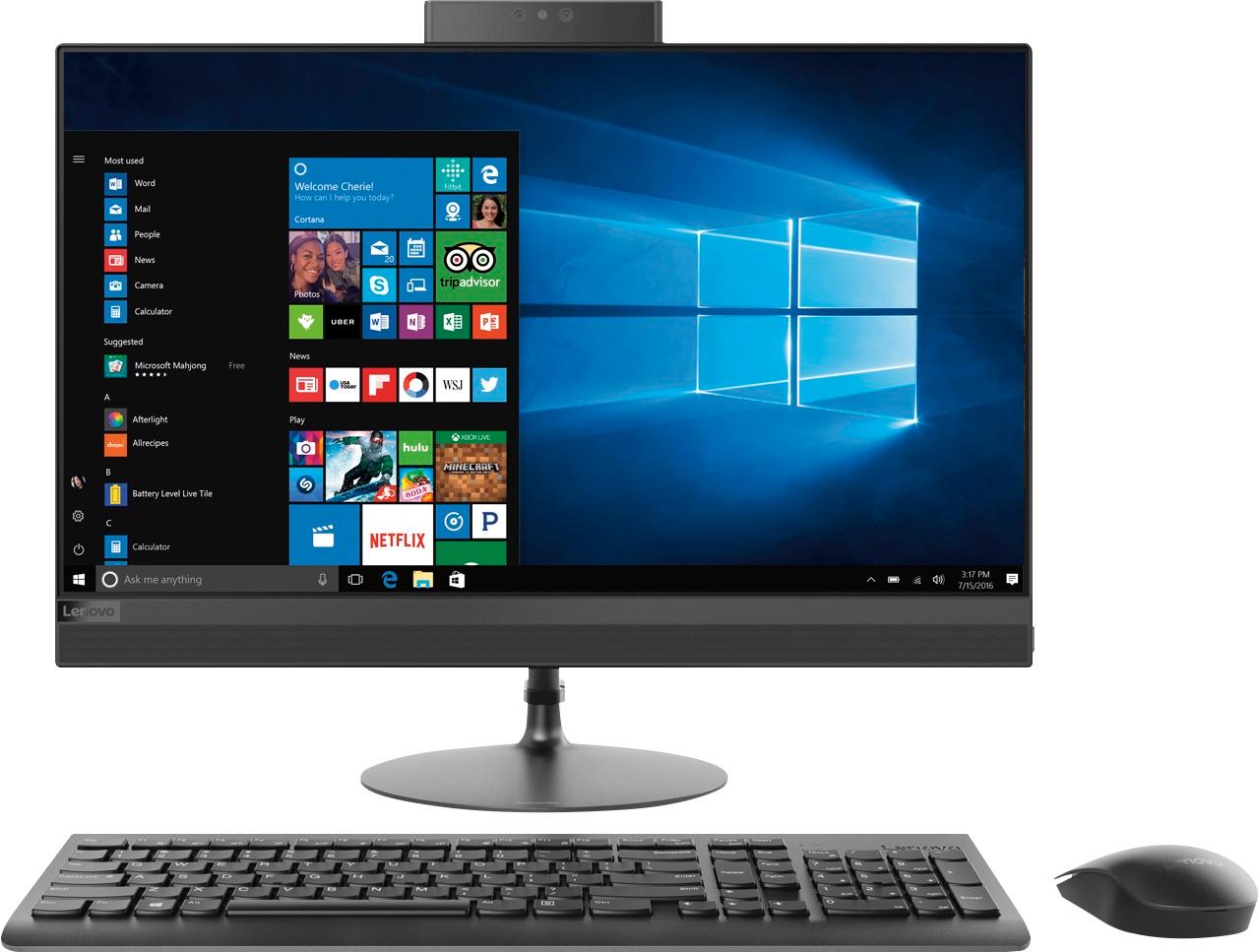
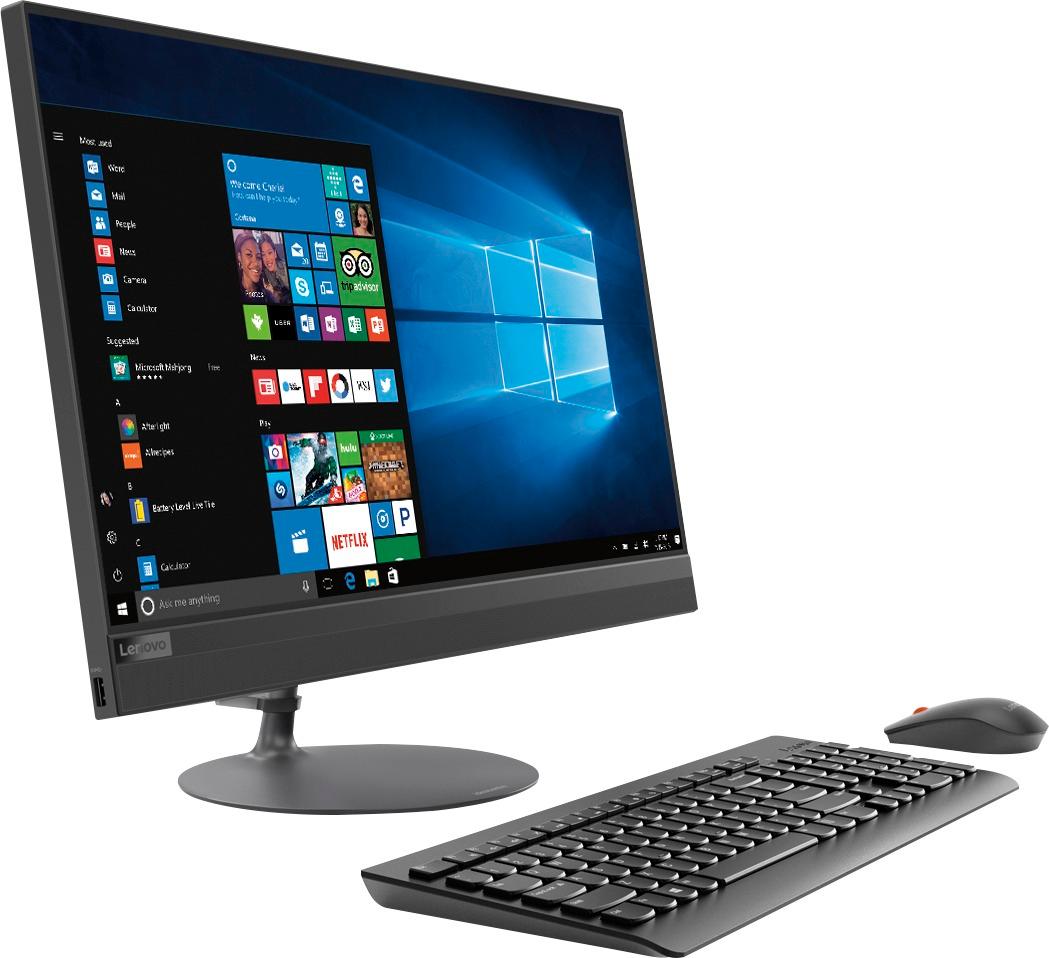
Customers appreciate the 520-24AST's touch screen, ease of use, and its affordable price. Many also highlight the all-in-one design's space-saving benefits and the computer's generally good performance. However, some users experienced issues with the CPU's processing power and the hard drive's speed. A few also reported problems with the sleep mode functionality.
This summary was generated by AI based on customer reviews.
Good for simple use!
Posted .This reviewer received promo considerations or sweepstakes entry for writing a review.This is a beautiful computer! It’s a very good computer for simple use. It’s not a gaming computer what so ever or a computer that can withstand high speeds. After a few days and downloading all my needed applications it got very slow and graphics not all that great. But, for someone not needing much this is perfect!
I would recommend this to a friendBrand response from Lenovo Product Expert
Posted .This system should be a fast system with its AMD A12 processor and 8GB of RAM. Be sure any software you installed is compatible with Windows 10. There is no need to install Microsoft Office software. The software is already part of the operating system, you just need to activate the software with a purchased product key. If you have installed a copy of Microsoft Office, this is conflicting with the existing copy on the system and this will slow your system down. If you have installed a 3rd party anti-virus program, be sure that Windows Defender is turned off and that the trial version of McAfee Anti-Virus software is uninstalled. There can only be one anti-virus program on the system. You may need to restore your system to original factory default settings if any of the programing errors have occurred. You can do that by typing "restore" in the Cortana search window. Just click on the magnifying glass icon at the bottom left of your Windows 10 Desktop. Click on "Reset This PC" Then click on "Get Started" and follow the on screen directions to restore to factory defaults.

- Cons mentioned:Cpu
Trash
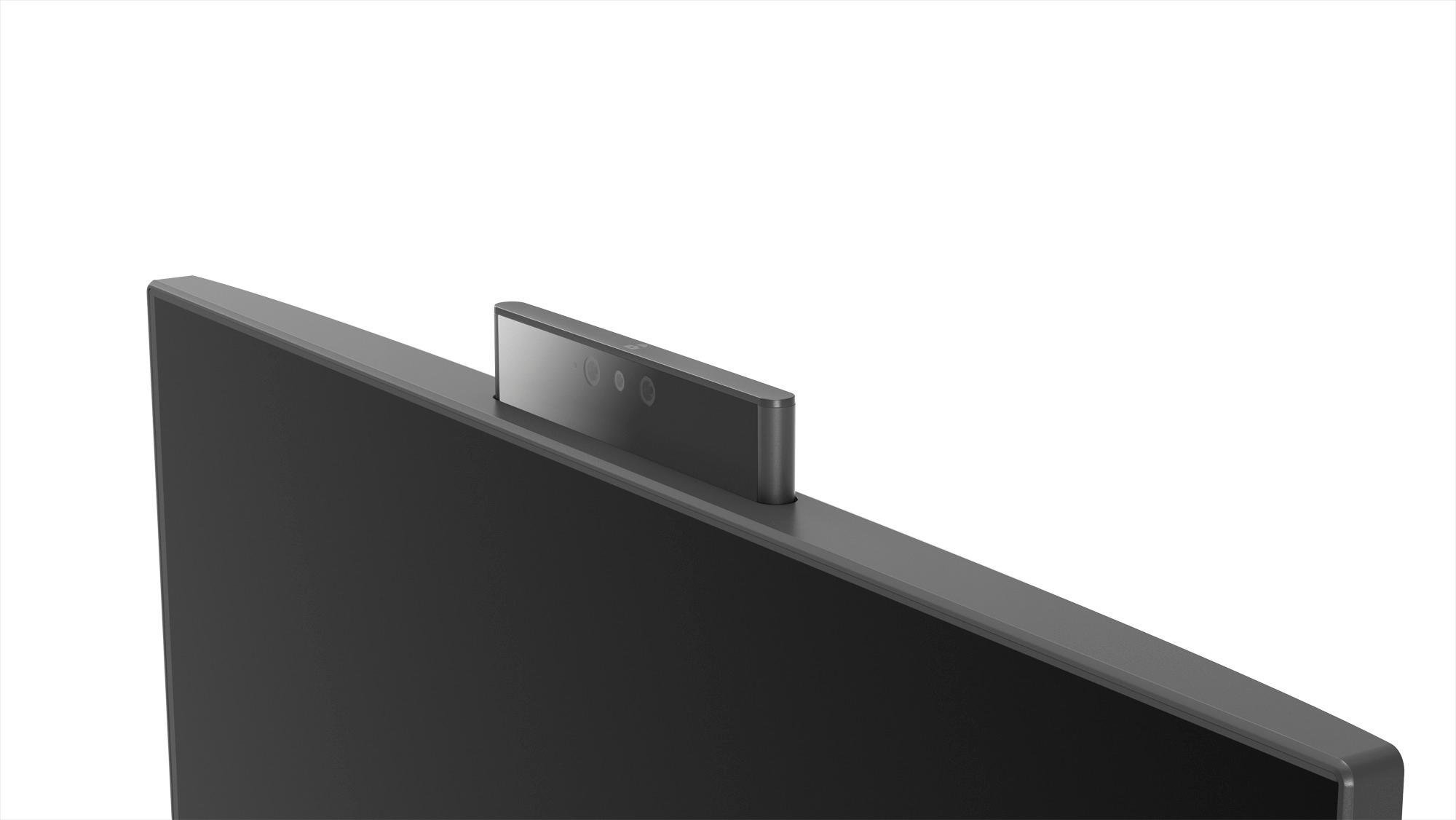
Posted .This reviewer received promo considerations or sweepstakes entry for writing a review.The concept of the hidden camera is great. Everything else is trash. Glitchy computer experience in terms of clicking on a setting but doesn't respond. Glitchy video experience. Pathetic FPS for the price this PC is worth. Pathetic CPU to where it is always over 70% with little to no programs opened. Gonna avoid this brand for a while.
No, I would not recommend this to a friendBrand response from Lenovo Product Expert
Posted .This system is equipped with Lenovo utilities to help you maintain the health of the system. Type "Lenovo Vantage" in the Cortana Search window. Select Lenovo Vantage from the list. In the window that opens, click on "Health and Support". In the expanded menu, select "Hardware Scan" In the window that opens, select "Run Quick Tests". This will scan your entire system for errors. Follow any directions that may pop up. If the problem continues after this scan, now click on "System Update". First select Windows update from the menu. Scan your system to be sure you have the latest version of Windows 10. Once that scan is complete, select "Additional Updates". This will scan your device to be sure there are no new BIOS/Driver updates needed. Follow any instructions that may pop up. If the issue still continues after these updates, we recommend you call Lenovo Tech Support at: 877-453-6686 for additional help.
- Pros mentioned:Speed
Screen Cracked
Posted .This reviewer received promo considerations or sweepstakes entry for writing a review.This is a great computer. The processor is fast and the storage is great for the price. The problem is the screen. Incredibly thin and could not withstand the force of my 2 year old son playing with his toys on the screen. I am never buying a Lenovo again. Pay more for a product that won't be destroyed by the slightest touch.
No, I would not recommend this to a friend Internal microphone problem
Posted .This reviewer received promo considerations or sweepstakes entry for writing a review.I loved everything about this unit, except that the microphone kept muting by itself, even in the middle of a conversation. Lenovo tech support was very quick to respond both times I contacted them, but could not fix the problem. I reset the system to the factory load, and microphone worked for about 2 hours, then muted itself again. I also noticed that it would disconnect from my Homegroup, even after the reload.
No, I would not recommend this to a friendBrand response from Lenovo Product Expert
Posted .We are sorry to hear that you are having issues with the built in microphone on your Lenovo IdeaCentre 520-24 All-In-One system. There may be driver updates for your specific system. Follow the link below to look for new driver updates for your specific system. Use the "Update Your System" feature to be sure you get all of the BIOS and drive updates for your specific device. As always, be sure to create a restore point on your system before you make any changes. You can do this by just typing "restore point" in the search window within Cortana and follow the link to create a restore point. If the problem persists, we recommend you call Lenovo Tech Support at: 877-453-6686. Here is the link:
https://pcsupport.lenovo.com/us/en/products/desktops-and-all-in-ones/500-series/aio-520-24ast?linkTrack=Caps%3ABody_SearchProduct&searchType=3&keyWordSearch=AIO%2520520-24AST%2520Desktop%2520%2528ideacentre%2529
Avoid at all costs
Posted .This reviewer received promo considerations or sweepstakes entry for writing a review.I have bought a lot of computers over the last 18 years and this is by far the worst unit I have ever had. I have one Lenovo that has been going strong for years, 2 that have given out in the last few years and this one..constant loud whining as it struggles to display the images on the screen. VERY SLOW..not just internet but offline. Gave this dud away to a family memeber and bought an ASUS...nice to have a fast, quiet efficient computer again...will never buy Lenovo going forward.
No, I would not recommend this to a friendBrand response from Lenovo Product Expert
Posted .We are sorry to hear that you had issues with your Lenovo IdeaCentre 520-24 All-In-One system. Be sure any software you installed is compatible with Windows 10. There is no need to install Microsoft Office software. The software is already part of the operating system, you just need to activate the software with a purchased product key. If you have installed a copy of Microsoft Office, this is conflicting with the existing copy on the system and this will slow your system down. If you have installed a 3rd party anti-virus program, be sure that Windows Defender is turned off and that the trial version of McAfee Anti-Virus software is uninstalled. There can only be one anti-virus program on the system. You may need to restore your system to original factory default settings if any of the programing errors have occurred. You can do that by typing "restore" in the Cortana search window. Just click on the magnifying glass icon at the bottom left of your Windows 10 Desktop. Click on "Reset This PC" Then click on "Get Started" and follow the on screen directions to restore to factory defaults. If the problem persists, we recommend you contact Lenovo Tech Support at: 877-453-6686.
Worked great - for 2 days only!
Posted .This reviewer received promo considerations or sweepstakes entry for writing a review.PC worked great for the first 2 days. Then on the 3rd day, all of the apps started locking up, and freezing on us. Rebooted numerous times, and still no resolution. Couldn't even get to the Windows Event Viewer to see what was going on without it locking up. Decided to box it back up, and returned it. Bought an HP All in one instead, and this works fantastic!
No, I would not recommend this to a friendBrand response from Lenovo Product Expert
Posted .We are sorry to hear that you had issues with your IdeaCentre 520-24 All-In-One system. Be sure any programs you installed are compatible with Windows 10 and the specific configuration of this device. Additionally, this system has Lenovo utilities installed to help maintain the health of the device and keep the operating system software up to date. Type "Lenovo Vantage" in the Cortana Search window (if Lenovo Vantage is not installed on your device, you can download the APP and install it now). Select Lenovo Vantage from the list. In the window that opens, click on "Health and Support". In the expanded menu, select "Hardware Scan" In the window that opens, select "Run Quick Tests". This will scan your entire system for errors. Follow any directions that may pop up. If the problem continues after this scan, now click on "System Update". First select Windows update from the menu. Scan your system to be sure you have the latest version of Windows 10. Once that scan is complete, select "Additional Updates". This will scan your device to be sure there are no new BIOS/Driver updates needed. Follow any instructions that may pop up. If the issue still continues after these updates, we recommend you call Lenovo Tech Support at: 877-453-6686 for additional help.
2 weeks out of the 1 year warranty and it's junk
Posted .This reviewer received promo considerations or sweepstakes entry for writing a review.I was very happy with my Lenovo and suggested my Mom buy one and she to was happy with hers. I then purchased one for my sister on 1/27/18 and it would not start up on 2/14/19. Two weeks out of warranty and so far 3 computer repair companies are not able to repair it. It would be disappointing to have to spend money to have a computer this new repaired, but unacceptable to have it unrepairable.
No, I would not recommend this to a friendBrand response from Lenovo Product Expert
Posted .We are sorry to hear that you are having issues with your Lenovo IdeaCentre 520-24 All-In-One system. From the description of the issue you are having, it is possible that a Windows 10 update may be the cause of your issue. Restoring the Windows 10 operating system back to original factory settings may correct this issue. Here is a link to the User's Manual which provides instructions for reaching the BIOS screen so you can restore the device to original factory settings, the instructions start on page 13: https://download.lenovo.com/consumer/desktop_pub/ideacentre_520-22-24_hmm_20180614.pdf

Recovery System
Posted .This reviewer received promo considerations or sweepstakes entry for writing a review.Had computer for a month. Error message indicates recovery system not found. Taking back to store for another brand.
No, I would not recommend this to a friendBrand response from Lenovo Product Expert
Posted .If you need to restore your system to original factory default settings because of programing errors have occurred, you can do that by typing "restore" in the Cortana search window. Just click on the magnifying glass icon at the bottom left of your Windows 10 Desktop. Click on "Reset This PC" Then click on "Get Started" and follow the on screen directions to restore to factory defaults. If the problem persists, we recommend you contact Lenovo Tech Support at: 877-453-6686.
SLOW
Posted .This reviewer received promo considerations or sweepstakes entry for writing a review.Horribly slow on the internet. Never could get into my email. I’m returning it!
No, I would not recommend this to a friendBrand response from Lenovo Product Expert
Posted .This system should be a fast system with its AMD A12 processor and 8GB of RAM. Be sure any software you installed is compatible with Windows 10. There is no need to install Microsoft Office software. The software is already part of the operating system, you just need to activate the software with a purchased product key. If you have installed a copy of Microsoft Office, this is conflicting with the existing copy on the system and this will slow your system down. If you have installed a 3rd party anti-virus program, be sure that Windows Defender is turned off and that the trial version of McAfee Anti-Virus software is uninstalled. There can only be one anti-virus program on the system. You may need to restore your system to original factory default settings if any of the programing errors have occurred. You can do that by typing "restore" in the Cortana search window. Just click on the magnifying glass icon at the bottom left of your Windows 10 Desktop. Click on "Reset This PC" Then click on "Get Started" and follow the on screen directions to restore to factory defaults. If the problem persists, we recommend you contact Lenovo Tech Support at: 877-453-6686.