Customer Ratings & Reviews




- Model:
- 82HG0000US
- SKU:
- 6419030
Rating by feature
- Battery Life
Rating 4.5 out of 5 stars
- Speed
Rating 4.2 out of 5 stars
- Display
Rating 4.4 out of 5 stars
Customers are saying
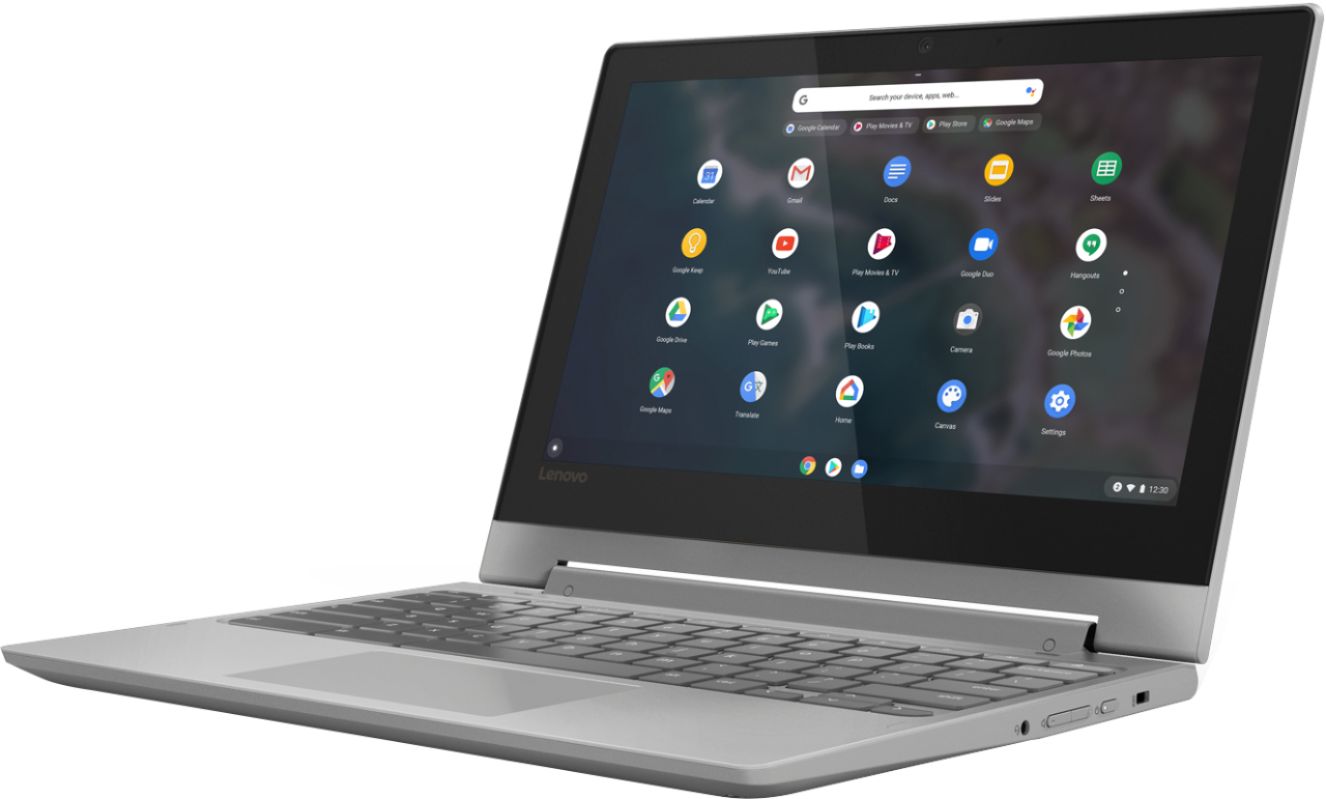
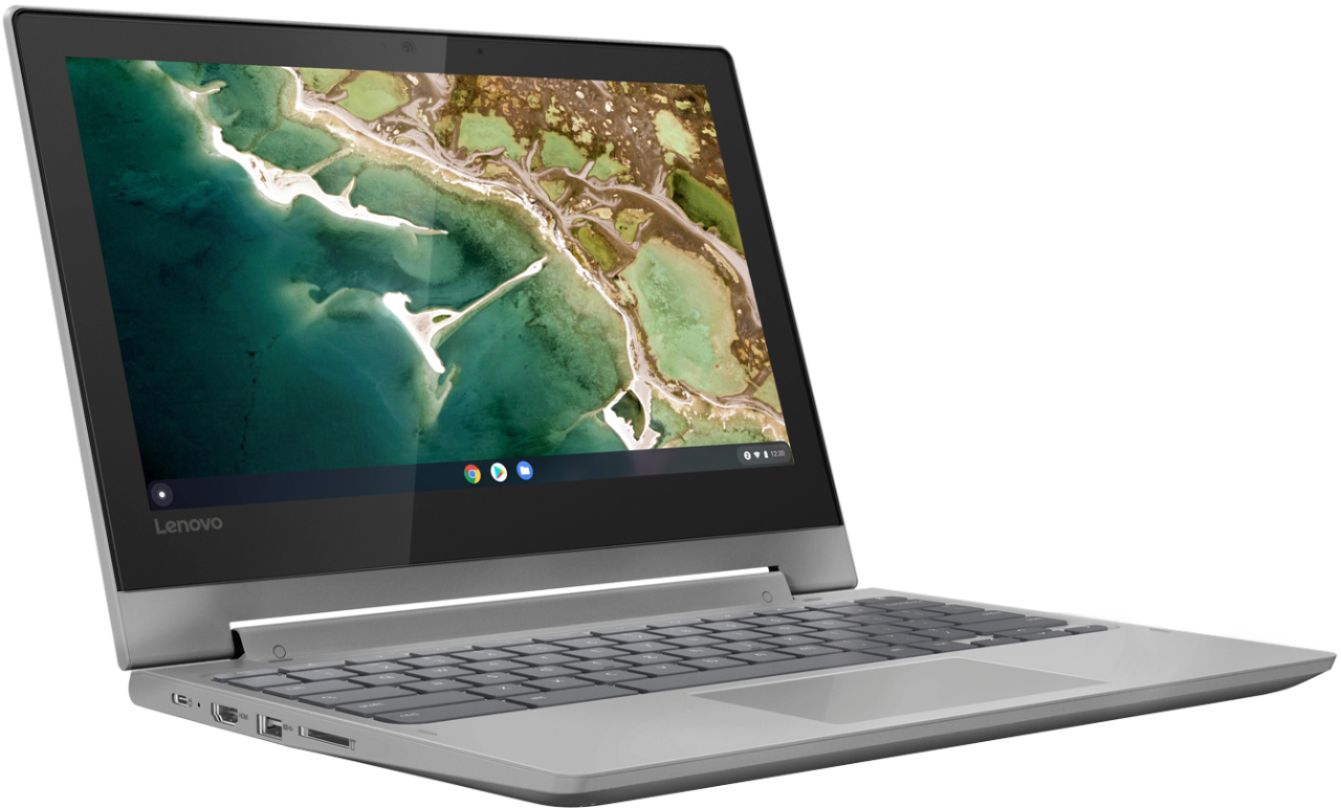
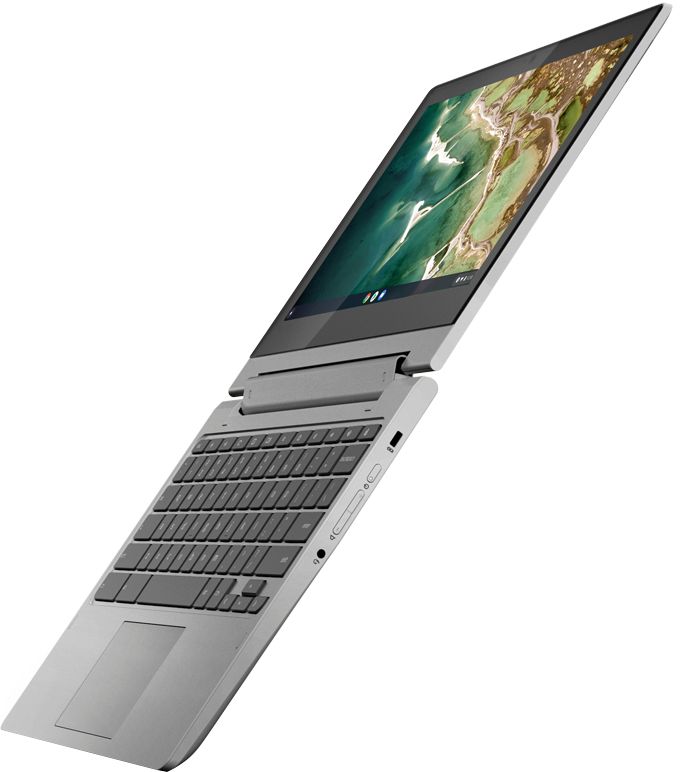
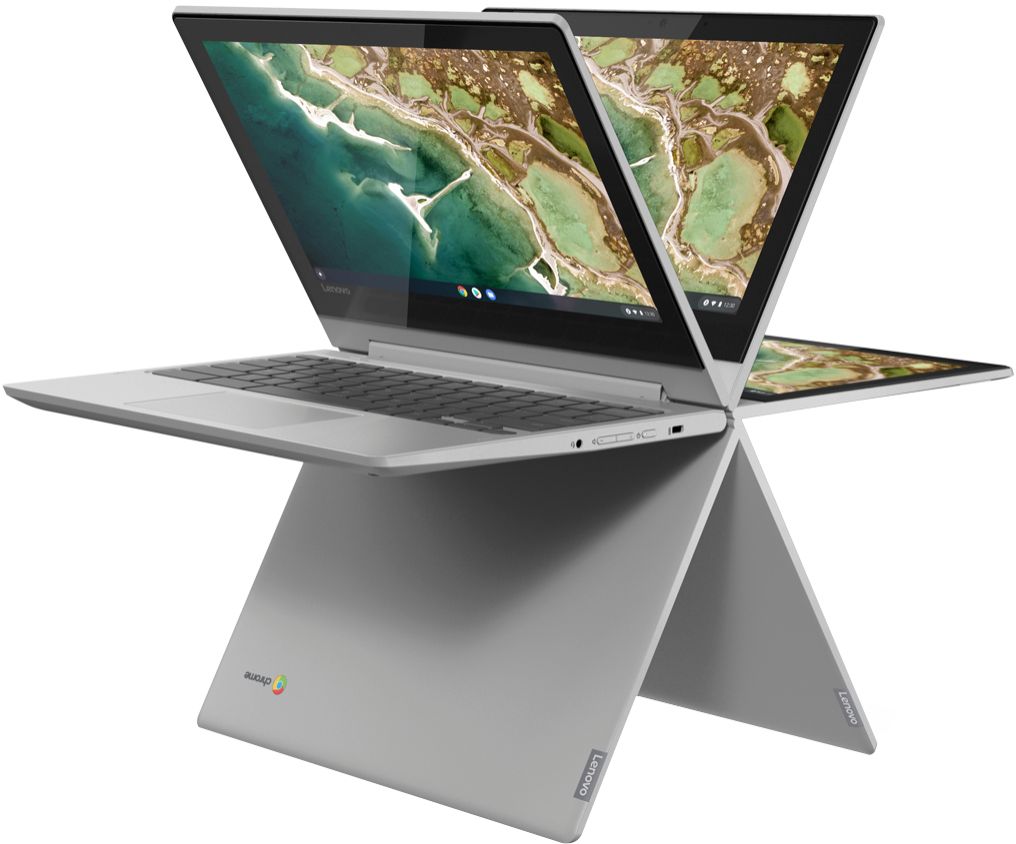
Customers express satisfaction with the Chromebook Flex 3's ease of use, touchscreen functionality, and its affordability. Many appreciate its lightweight design and compact size, while some users note limitations in storage and RAM capacity. Positive feedback also highlights the device's battery life and performance for everyday tasks. However, a few users experienced challenges with Bluetooth connectivity and compatibility with certain peripherals.
This summary was generated by AI based on customer reviews.
Lapto
||Posted . Owned for 1 month when reviewed.This reviewer received promo considerations or sweepstakes entry for writing a review.I like my laptop, it is very useful, and light to go, but when I bought it they promised me a protection of internet webroot antivirus with security antivirus, but they did not give it to me.
I would recommend this to a friendBrand response from Lenovo Product Expert
Posted .All Chromebooks receive virus protection free from the Google Server. No additional virus protection software is needed.

- Pros mentioned:Price
Wasn't for Me
||Posted . Owned for 3 weeks when reviewed.This reviewer received promo considerations or sweepstakes entry for writing a review.I returned this item, because the mouse was more difficult to use than my current laptop. I did like the fact that it was 1/10 the amount of my current laptop, but it just wasn't for me.
No, I would not recommend this to a friendBrand response from Lenovo Product Expert
Posted .Hello, we are sorry to hear you are experiencing an issue with your Lenovo Chromebook Flex 3's track pad. To adjust the track pad settings At the bottom right, select the time.
Select Settings .
In the "Device" section, select Touchpad (or Touchpad and mouse).
Change how your touchpad works: Turn tap-to-click on or off. Turn on tap dragging. Turn touchpad acceleration on or off. Swap your primary mouse button, if you use a mouse. If the trackpad still isn't to your liking we recommend adding on an external mouse with blue-tooth or with a wired USB.
Works for me so far.
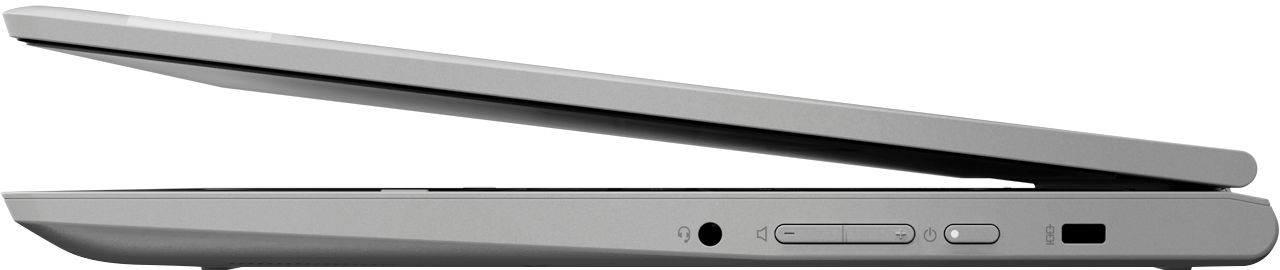
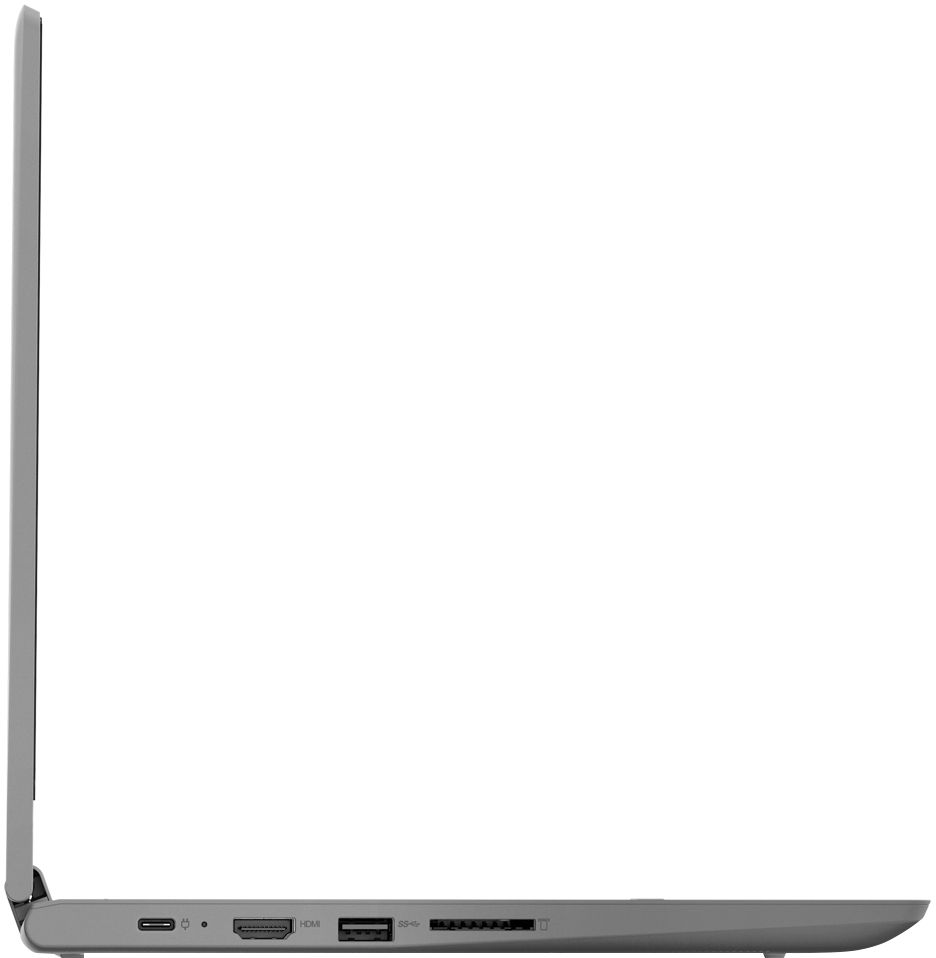
||Posted . Owned for less than 1 week when reviewed.This reviewer received promo considerations or sweepstakes entry for writing a review.Had it for a few days, so far my dislike out the box the sd slot doesn't seem to work. Tried multiple cards no good.
I would recommend this to a friendBrand response from Lenovo Product Expert
Posted .We are sorry to hear that you are having issues reading a Micro-SD card through the card reader within your Lenovo Chromebook Flex 3 11, model number 82HG0000US. First, if you are using legacy Micro-SD cards from a different computer, be sure both the Micro-SD card and the files on it are compatible with the Chrome Operating System. If possible, try using a new Micro-SD card with no content on it yet to establish that the Micro-SD card slot within the Chromebook Flex 3 11 is working properly. If the issue continues, we recommend you call Lenovo Tech Support for Chromebooks at: 800-426-7378.
Not great for streaming
||Posted .This reviewer received promo considerations or sweepstakes entry for writing a review.It works great for day to day tasks, however really doesn’t hold up for streaming. I use it for video calls for work and it’s been very choppy, at times the sound goes out, connection isn’t great.
No, I would not recommend this to a friendBrand response from Lenovo Product Expert
Posted .The Lenovo Chromebook Flex 3 11 model number 82HG0000US, ships with 5G, Wide-Range/High Speed 2x2 802.11AC frequency WiFi. Here is a link to some tips for fixing WiFi connectivity issues with your Chromebook: https://support.google.com/chromebook/answer/6318213?hl=en. If the issue continues, we recommend you contact Lenovo Tech Support for Chromebooks at: 800-426-7378.
- Pros mentioned:Speed, Touch screen
Adorable Portable Computer
Posted .This reviewer received promo considerations or sweepstakes entry for writing a review.Great equipment. Compact, lightweight and fast. Touchscreen makes the experience more fun!
I would recommend this to a friend Chrome books in 2022
||Posted .This reviewer received promo considerations or sweepstakes entry for writing a review.Chrome books are a hit or miss and this one felt like a miss IMO. Chrome books feel like they’re only good for younger kids for online school.
No, I would not recommend this to a friendNot chrome book fan
||Posted . Owned for 3 weeks when reviewed.This reviewer received promo considerations or sweepstakes entry for writing a review.Bought this for a laptop like replacement for my dated iPad. I did not like the google chrome book application based set up. Gave it to my wife and bought a laptop.
No, I would not recommend this to a friendLaptop
||Posted . Owned for 2 months when reviewed.This reviewer received promo considerations or sweepstakes entry for writing a review.I was happy to get this chrome book at a great price, however when it arrived I noticed the caps lock and shift keys were not on keyboard. So I returned it.
No, I would not recommend this to a friendBrand response from Lenovo Product Expert
Posted .Chromebooks do not have CAP LOCK or Delete keys. There are keyboard shortcuts though for these functions on any Chromebook Keyboard: https://www.chromestory.com/2020/03/chromebook-caps-lock/
- Pros mentioned:Ease of use
For Beginner Computer Use
||Posted . Owned for 2 weeks when reviewed.This reviewer received promo considerations or sweepstakes entry for writing a review.Do not like Chromebook at all. Prefer Windows set up. This would be ideal for a child learning to use the computer.
No, I would not recommend this to a friend Basic chromebook
||Posted . Owned for 10 months when reviewed.This reviewer received promo considerations or sweepstakes entry for writing a review.This is a no frills, basic chromebook purchased for the sole purpose of junior high classwork. It has served its basic purpose.
I would recommend this to a friendGood
||Posted . Owned for 3 months when reviewed.This reviewer received promo considerations or sweepstakes entry for writing a review.We've has this chromebook for almost a month now, and have been using it for my son to do school work on. So far it has been mostly good for us.
I would recommend this to a frienddisappointed all around
||Posted . Owned for 4 months when reviewed.This reviewer received promo considerations or sweepstakes entry for writing a review.not having a great experience with this device. Chromebook stopped working in March. I sent it to Lenovo support and they didnt' tell me when it arrived and they won't give me an approximate turn around time. I just get an auto-response that covid has made them super busy. Ya think? My son is struggling in some of his classes and currently using a laptop that is so shattered he can barely see. He needs a good working device to get through finals which he should be prepping for now. I am about to buy another device just to get through 3 more weeks of school as Lenovo is so unresponsive. I will not be purchasing it from Lenovo or Best Buy that is for sure.
No, I would not recommend this to a friendBrand response from Lenovo Product Expert
Posted .We are sorry to hear that you are having a problem getting an update on the repair process for your Lenovo Chromebook Flex 3 11. We recommend you contact Lenovo Tech Support for Chromebooks with your Repair Ticket Number available, for a status update, at: 800-426-7378.
Value for money
||Posted . Owned for 4 months when reviewed.This reviewer received promo considerations or sweepstakes entry for writing a review.Good but battery life aint that great. Not a touch screen either but overall serves the purpose. I use it for dispatch.
I would recommend this to a friendDisappointed and returned
||Posted . Owned for 3 weeks when reviewed.This reviewer received promo considerations or sweepstakes entry for writing a review.I bought this to replace a previous chromebook. I returned it because I was looking for something thinner and more compact. They didn't have any on display when I purchased it. I was also disappointed in the streaming. Netflix streamed better on my 4 year old Chromebook. I'm not sure what the problem is. I'm sure it's fine for the price for most people, but didn't fit what I was looking for.
No, I would not recommend this to a friendBrand response from Lenovo Product Expert
Posted .Hello, we are sorry to hear you had this experience with video/streaming on your Lenovo Chromebook Flex 3 11" model # 82HG0000US . This unit ships with a 2x2 802.11AC wireless adapter with a maximum internet speed of 867 Mbps, and a MediaTek MT8173C processor that features a base clock speed of 2.4 GHZ. This model runs on Google Chrome OS and is only compatible with Apps that are available from the Google Play Store. You can check available apps by visiting https://play.google.com/ We always recommend you check minimum system requirements from the software developers website and then compare them with the specifications of this device to ensure the machine can run the software you'd like before investing in any machine. If you need further assistance please don't hesitate to reach out to Lenovo Chrome Tech Support at 866-426-7378
Don't Buy it!
||Posted . Owned for 1 month when reviewed.This reviewer received promo considerations or sweepstakes entry for writing a review.It does not do what I wanted it to do, no instructions game with it. I had to have the geek squad come and help me set up
No, I would not recommend this to a friendcould be better. but acceptable
||Posted .This reviewer received promo considerations or sweepstakes entry for writing a review.it had a very weird, complete stall after only a couple weeks of light use. its ok now but that really troubled me.
No, I would not recommend this to a friendBrand response from Lenovo Product Expert
Posted .We are sorry to hear that you had issues with your Lenovo Chromebook Flex 3 11. Here is a link to some troubleshooting tips for fixing issues with a Chromebook: https://support.google.com/chromebook/answer/6309225?hl=en. If the issue continues, we recommend you contact Lenovo Tech Support for Chromebooks at: 800-426-7378.
- Cons mentioned:Storage
worst product
||Posted . Owned for 1 week when reviewed.This reviewer received promo considerations or sweepstakes entry for writing a review.worst product ever did not realize that its just glorified table that does absolutely nothing. if its not on the play store ur screwed and u can't even use a attach able rom drive to download things because it does not recognize it. waste of money next time im going to Walmart at leat there i know what to expect.
No, I would not recommend this to a friend - Cons mentioned:Bluetooth
Ok
||Posted . Owned for 3 weeks when reviewed.This reviewer received promo considerations or sweepstakes entry for writing a review.I have to returned it because bluetooth just keep disconnecting was annoying
I would recommend this to a friend os currupted
||Posted . Owned for 5 months when reviewed.This reviewer received promo considerations or sweepstakes entry for writing a review.initially it is good, but after 4months started not working
I would recommend this to a friendBrand response from Lenovo Product Expert
Posted .We are sorry to hear that you are having issues with your Lenovo Chromebook Flex 3 11. Try resetting your Chromebook back to original factory settings. Here is a link to instructions on how to reset a Chromebook: https://support.google.com/chromebook/answer/183084?hl=en. If the issue continues, we recommend you contact lenovo Tech Support for Chromebooks at: 800-426-7378.
Not that good
||Posted . Owned for less than 1 week when reviewed.This reviewer received promo considerations or sweepstakes entry for writing a review.Pretty much a big phone cant sport really any other applications are anything I'm trying to download
No, I would not recommend this to a friend