Customer Ratings & Reviews
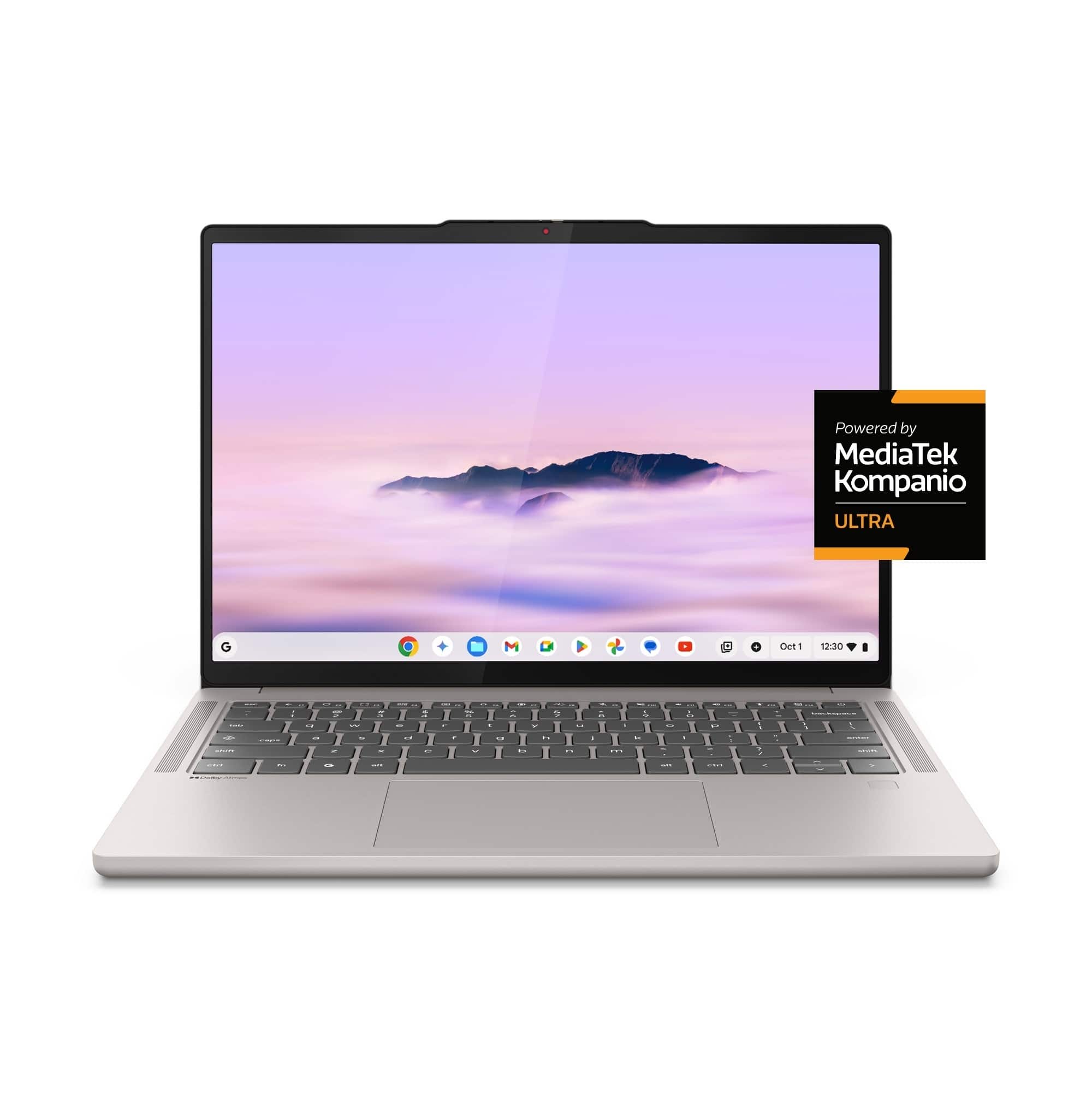


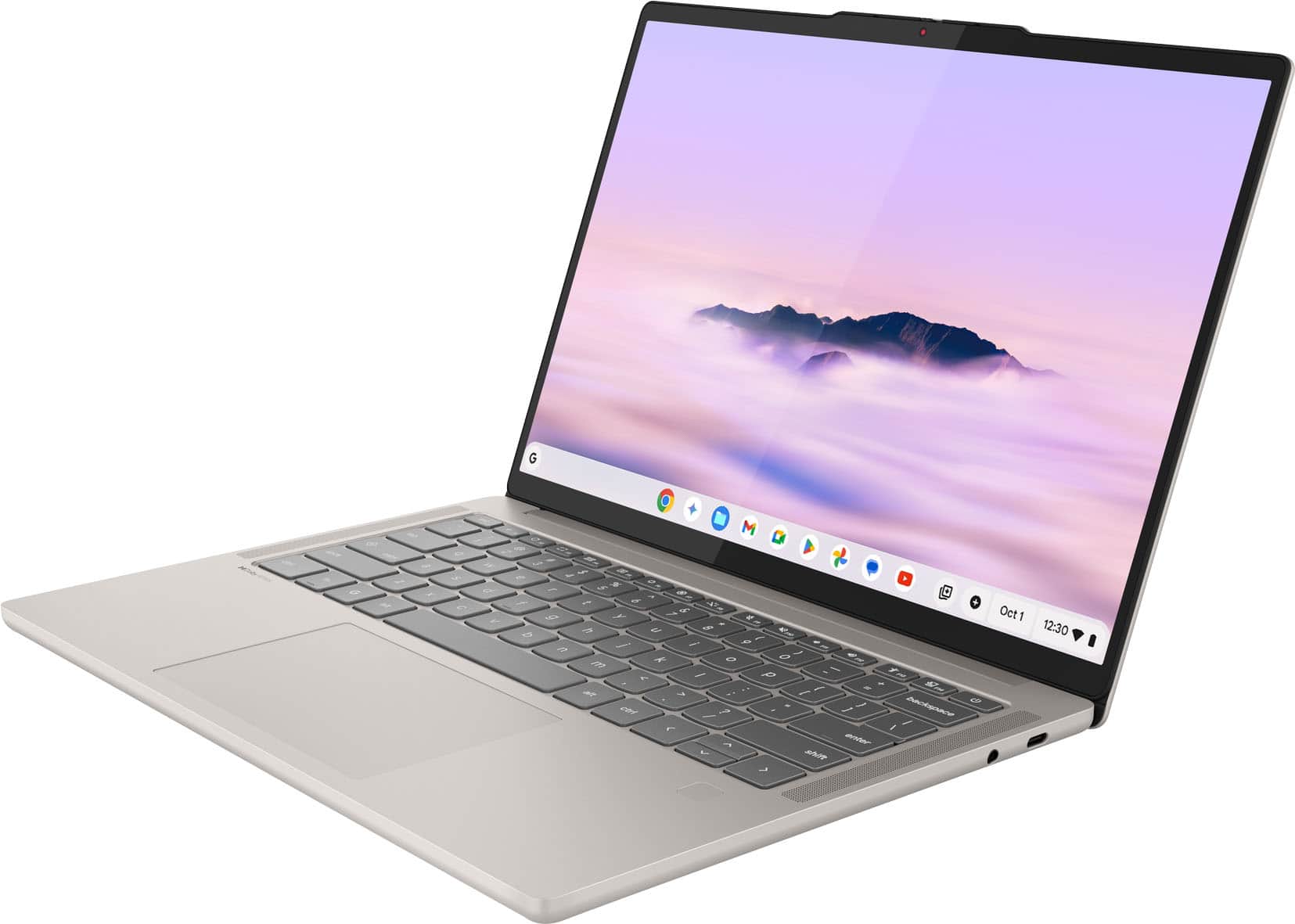
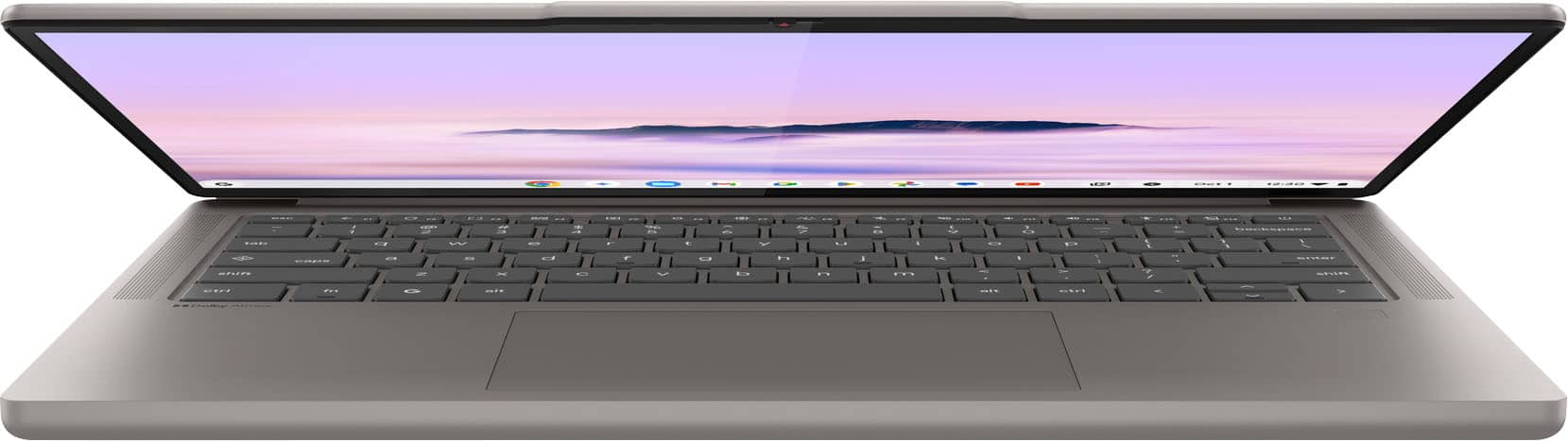
![ESC ← Crtl Fn Alt Alt Ctrl Del
~ ! @ # $ % ^ & * ( ) - + backspace
tab q w e r t y u i o p [ ] \
caps a s d f g h j k l ; '
shift z x c v b n m , . / shift
ctrl fn G alt
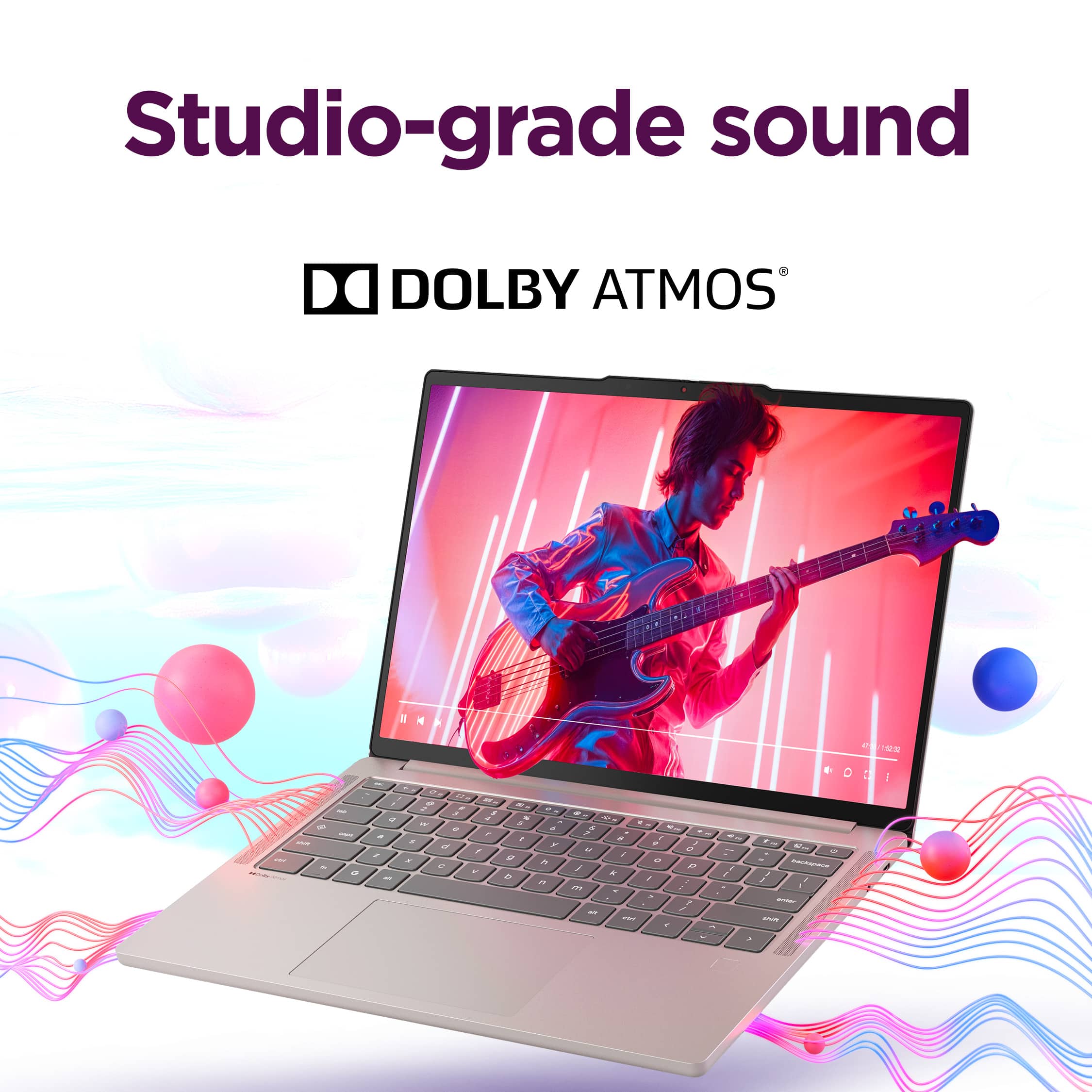
Dolby Atmos](https://pisces.bbystatic.com/image2/BestBuy_US/images/products/d4d8bb15-6939-41ed-9b60-5b21e33bcfc6.jpg)

- Model:
- 83MY0000US
- SKU:
- 6630493
Rating by feature
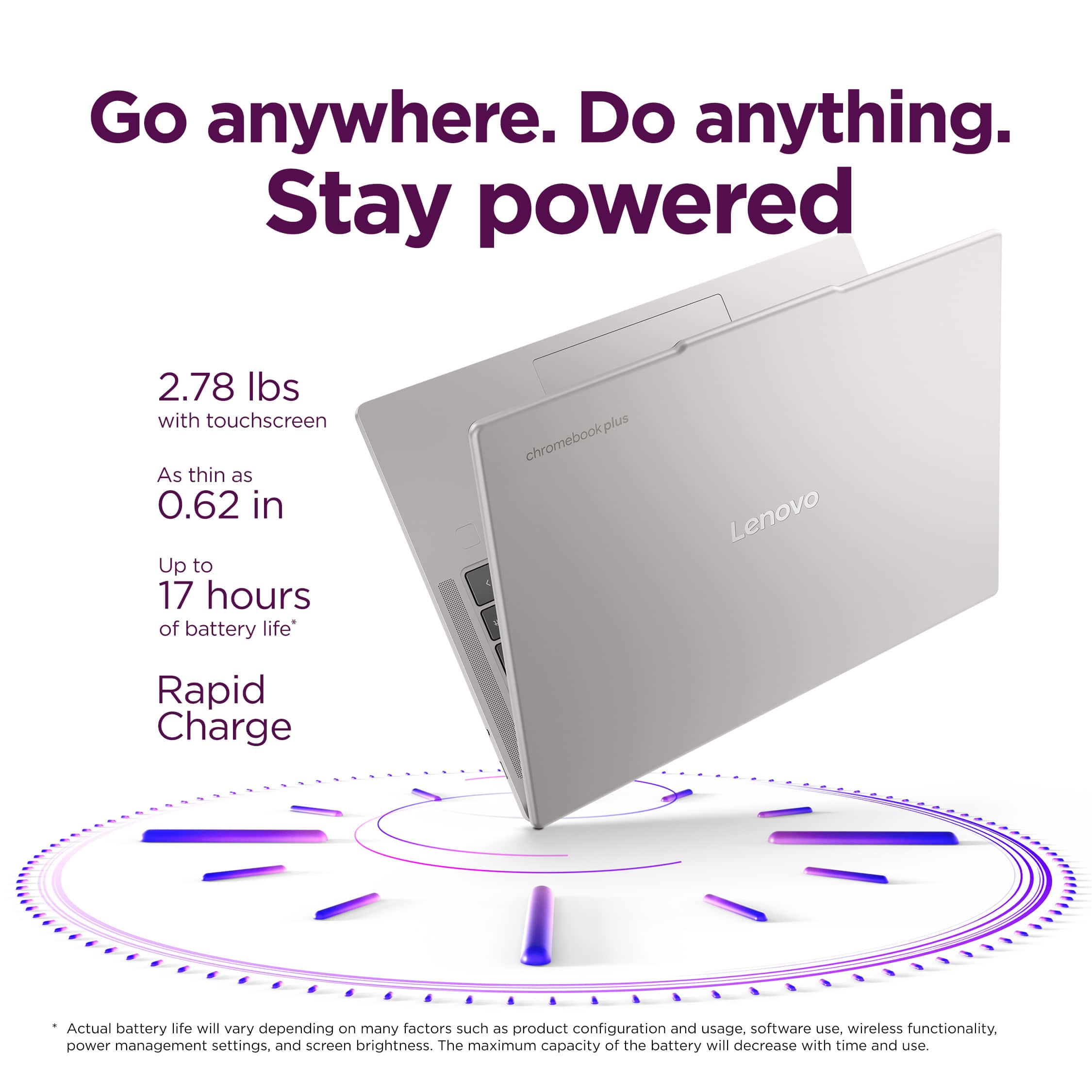
- Battery Life
Rating 4.8 out of 5 stars
- Speed
Rating 4.9 out of 5 stars
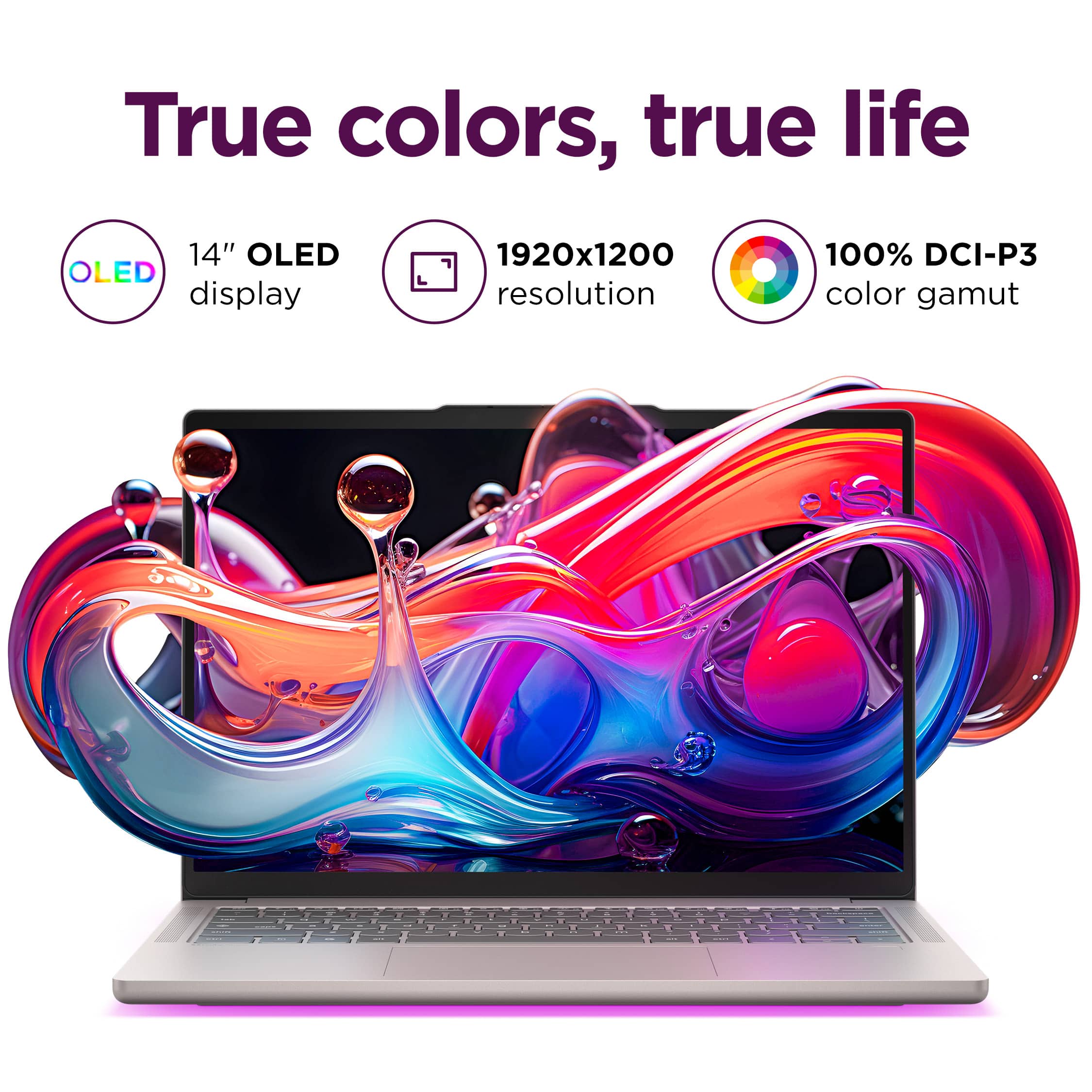
- Display
Rating 4.9 out of 5 stars
to a friend
Customers are saying
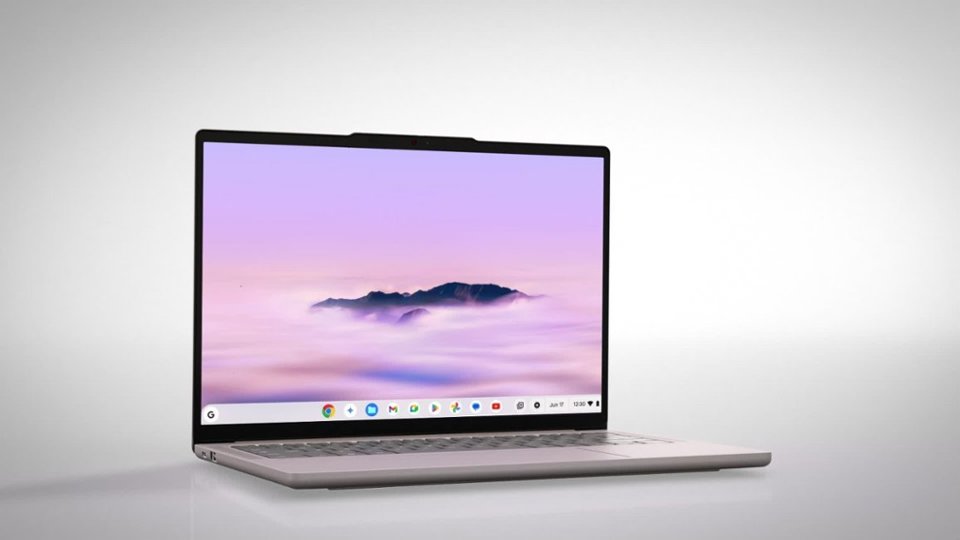
Customers enjoy the Chromebook Plus 14" for its impressive screen quality, long battery life, and fast processor speed. Many users appreciate its overall performance, finding it fast and responsive for their daily tasks. The laptop's portability and comfortable weight are also frequently praised, along with its quiet operation. With no significant drawbacks mentioned, this Chromebook appears to be a well-received device.
This summary was generated by AI based on customer reviews.
a worthy pixelbook replacement.
||Posted .This reviewer received promo considerations or sweepstakes entry for writing a review.Finally a replacement for the much loved Pixelbook. This Laptop has a very similar feel but is much faster! Probably one of the fastest laptops I've used yet. Super nice machine in all aspects. I use PCs at work but decently specced Chromebooks are a much more pleasant experience. Practically zero maintenance, just works, fast, great battery life and when I close the lid I can count on it resuming with the same battery level. Just buy this computer even if you're tempted by a PC at a similar price. You won't regret it.
I would recommend this to a friendBrand response from Lenovo Product Expert
Posted .Hey PeterS,
Thank you for choosing Lenovo and for sharing your feedback with us!
We are pleased to read that you are satisfied with your purchase.
Please don't hesitate to reach out to us via the Q& A section of this product page or contact Lenovo Support should you have any questions or need assistance.
Regards,
Lenovo
Plenty good
||Posted . Owned for 1 month when reviewed.This reviewer received promo considerations or sweepstakes entry for writing a review.Great machine, working almost flawless have run into one reproducible problem regarding pass keys so far on most pass key checks while trying to log into a website. The machine locks up and has to be hard rebooted, holding out hope a update will fix this. Otherwise perfect for my uses in my business.
I would recommend this to a friendRuns fast!
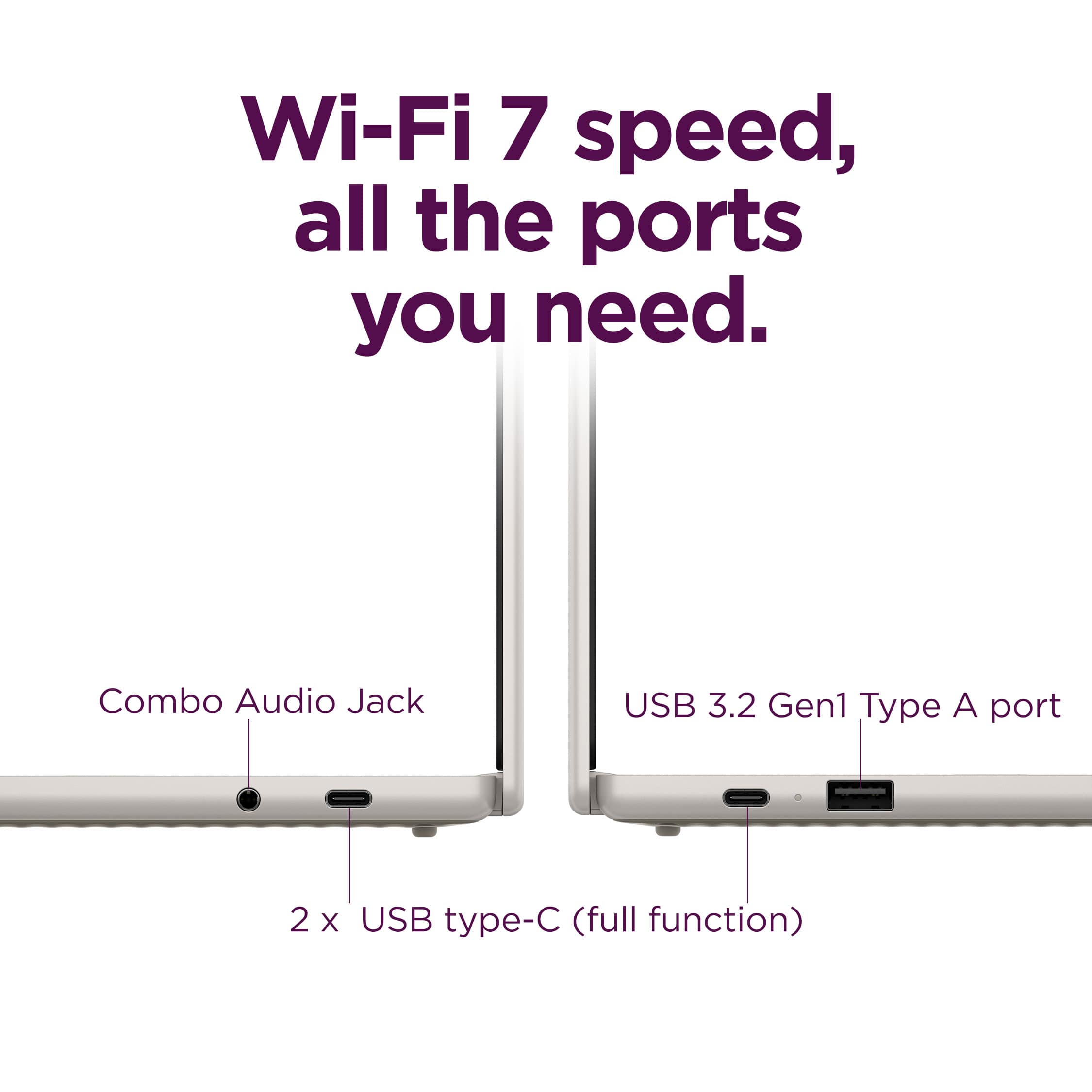
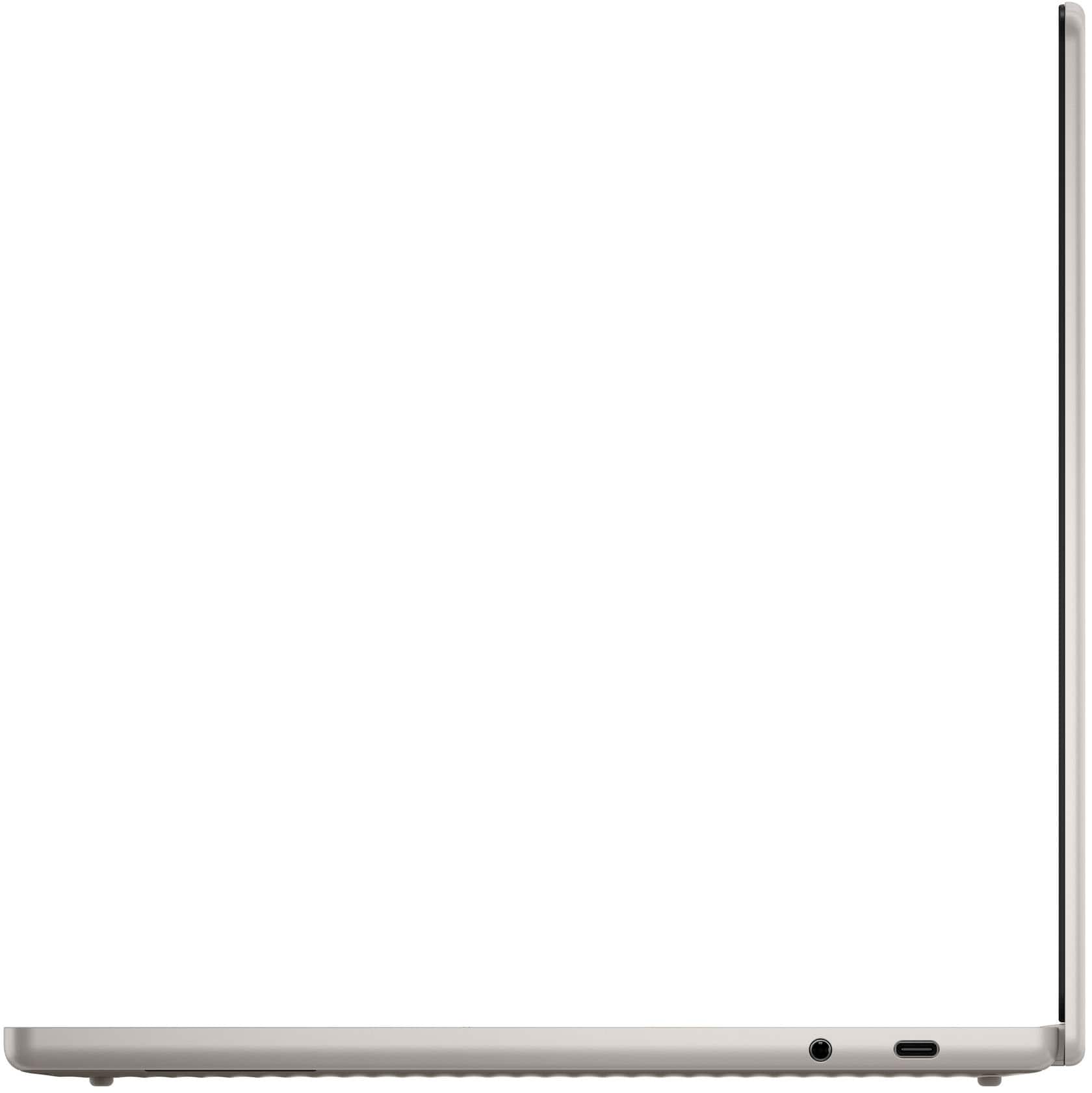
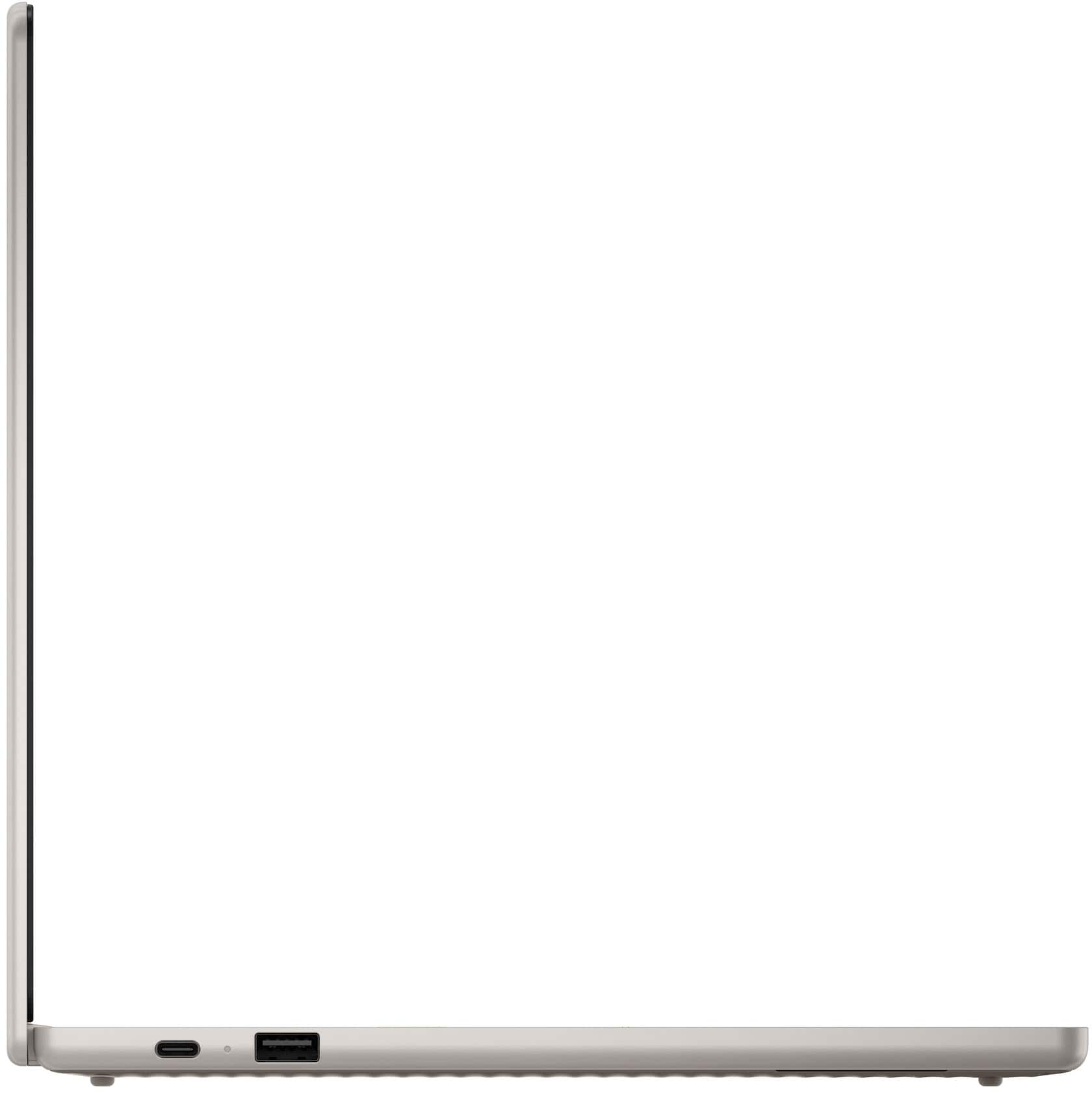
||Posted . Owned for 2 weeks when reviewed.This reviewer received promo considerations or sweepstakes entry for writing a review.Light weight Two usb-c is so nice to have I like the display as well
I would recommend this to a friendBrand response from Lenovo Product Expert
Posted .Hi GaryK-
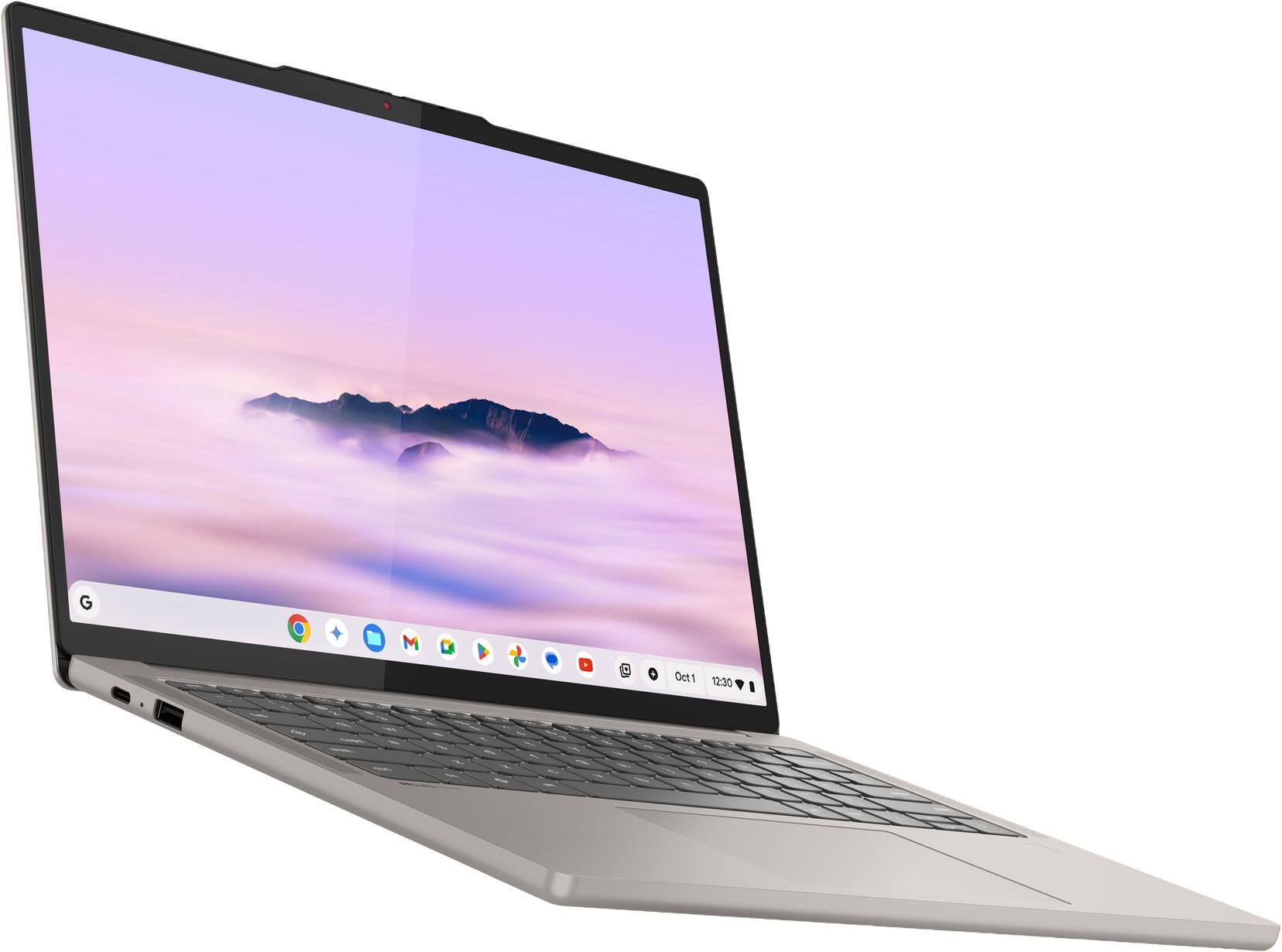
Thank you for choosing Lenovo and sharing your experience with us. We are happy to hear that you are enjoying the display quality and product design of the Lenovo Chromebook Plus. We aim to offer great user experience and are overjoyed to see that we met our goal.
Please reach out to us through the Q & A section of this product webpage if you have any questions or need any assistance.
Best wishes,
Lenovo
Great laptop
||Posted .This reviewer received promo considerations or sweepstakes entry for writing a review.Great laptop, screen is bright and colors look amazing. Runs smooth and quick compared to my older ideapad330.
I would recommend this to a friendBrand response from Lenovo Product Expert
Posted .Hi,
Thanks for choosing Lenovo and for sharing your feedback with us!
We are glad to read that you are satisfied with your purchase.
Please don't hesitate to reach out to us via the Q& A section of this product page or contact Lenovo Support should you have any questions or need assistance.
Regards,
Lenovo
Tiny Power
||Posted . Owned for 1 month when reviewed.This reviewer received promo considerations or sweepstakes entry for writing a review.Super light weight and long charge battery, love it with hot-spot of mobile data, always ready on the go ... sync great to many devices...love it now
I would recommend this to a friendBrand response from Lenovo Product Expert
Posted .Hey KaterynaG,
Thank you for choosing Lenovo and for sharing your feedback with us!
We are pleased to read that you are satisfied with your purchase.
Please don't hesitate to reach out to us via the Q& A section of this product page or contact Lenovo Support should you have any questions or need assistance.
Regards,
Lenovo
Great Buy
||Posted . Owned for 1 week when reviewed.This reviewer received promo considerations or sweepstakes entry for writing a review.I am very pleased with this Chromebook Plus by Lenovo. The review I saw on Chromebook Unboxed on YouTube convinced me to buy it. The service from Best Buy was great. I got it in 2 days time and it was well packaged. I use it at home for everyday tasks and for streaming movies and tv .
I would recommend this to a friendLenovo chromebook
||Posted .This reviewer received promo considerations or sweepstakes entry for writing a review.Fast, excellent screen and lightweight. Would recommend and buy again.
I would recommend this to a friendBrand response from Lenovo Product Expert
Posted .Hi,
Thanks for choosing Lenovo and for sharing your feedback with us!
We are glad to read that you are satisfied with your purchase overall.
Please don't hesitate to reach out to us via the Q& A section of this product page or contact Lenovo Support should you have any questions or need assistance.
Regards,
Lenovo
Amazing performance and battery life
||Posted . Owned for 1 week when reviewed.This reviewer received promo considerations or sweepstakes entry for writing a review.Definitely the best Chromebook made so far. Clearly shows the benefits of using Arm processors, just like Apple Silicon Macs and Windows on Arm laptops. OLED display is great. If you love Linux this is a great way to get both the ease of use of a Chromebook and the power of Linux at the same time. It has plenty of RAM to run applications.
I would recommend this to a friendBrand response from Lenovo Product Expert
Posted .Hello user683032,
Thanks for choosing Lenovo and for sharing your feedback with us!
We are glad to read that the Chromebook Plus is the best Chromebook to date in your eyes and that you are satisfied with its features.
Please feel free to reach out to us via the Q& A section of this product page should you have any questions or need assistance.
Best,
Lenovo
The Best Chromebook I've Used
||Posted .This reviewer received promo considerations or sweepstakes entry for writing a review.I've owned a couple of Chromebooks in the past, but this one is the best by far. Beautiful display and excellent build quality make it feel like a far more expensive laptop than it is. The speakers are impressive, and Chome OS has come a long way as far as being an alternative to Windows or Mac OS for everyday tasks. If your an Android phone user, the sync and intergration options are very good and extremely useful.
I would recommend this to a friendBrand response from Lenovo Product Expert
Posted .Hey LatenightRamen,
Thanks for choosing Lenovo and for sharing your feedback with us!
We are glad to read that the Chromebook Plus 14" is the best Chromebook you've used and that you are impressed with its design, features, and functionality.
Please feel free to reach out to us via the Q& A section of this product page should you have any questions or need assistance.
Best,
Lenovo
Lenovo Slim 7X
||Posted . Owned for 3 weeks when reviewed.This reviewer received promo considerations or sweepstakes entry for writing a review.Superior display, long battery life, charging ports on both sides. Adapter required for other than usb-c. Final choice after evaluation of 3 other options.
I would recommend this to a friendBrand response from Lenovo Product Expert
Posted .Hey RichardB,
Thanks for choosing Lenovo and for sharing your feedback with us!
We are glad to read that you are satisfied with your purchase.
Please feel free to reach out to us via the Q& A section of this product page should you have any questions or need assistance.
Best,
Lenovo
Premium Chromebook
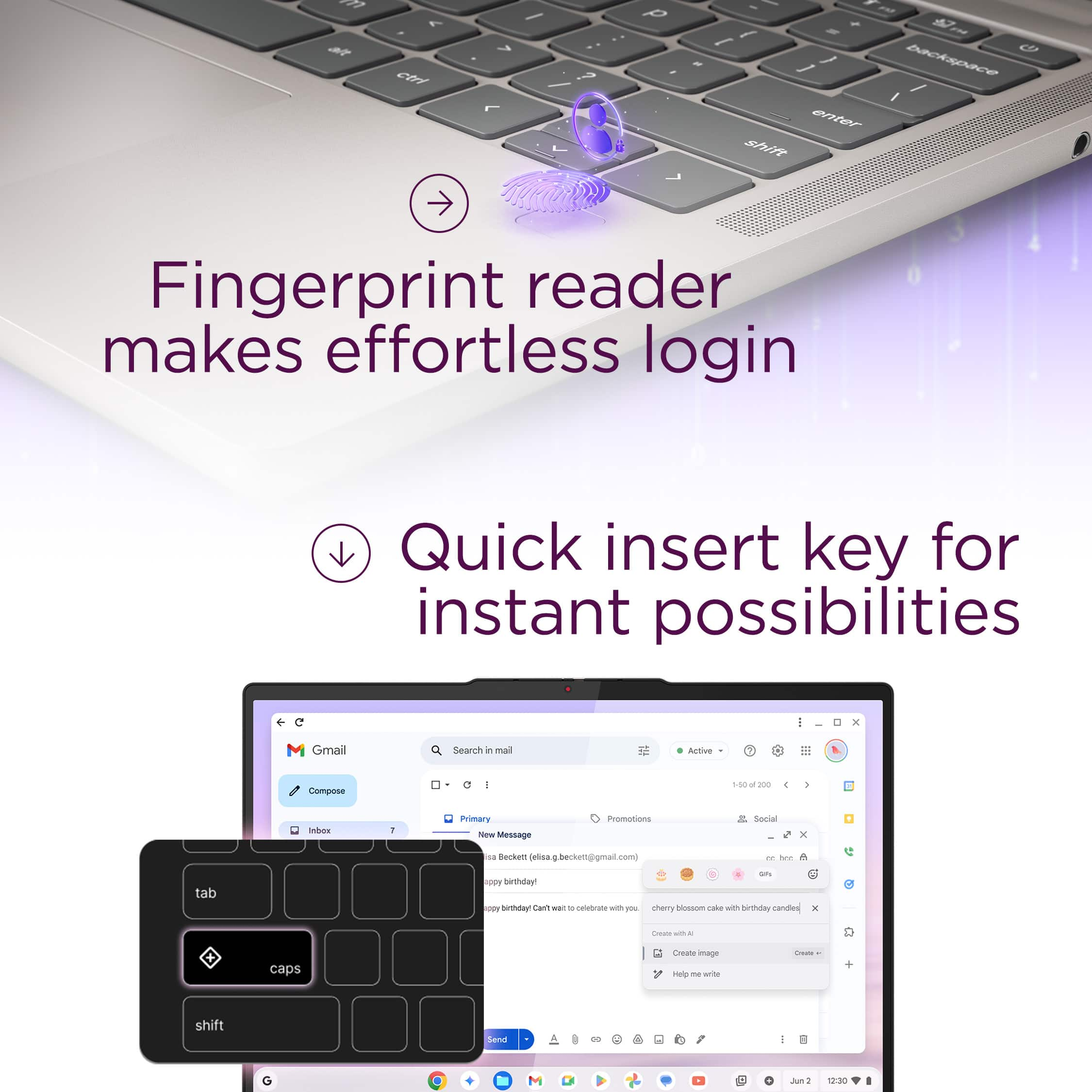
||Posted .This reviewer received promo considerations or sweepstakes entry for writing a review.Just took it out of the box and the whole experience was premium. It has good weight and feels solid. Speakers were better than I expected. No bassy but no laptop is. I have to get used to different keys on the keyboard but it shouldn't be a problem. I really like the fingerprint reader because I don't have to type in my passwords all the time. Overall a great Chromebook. I little pricey and maybe I should have waited it to drop in price, but I don't have any regrets.
I would recommend this to a friendBrand response from Lenovo Product Expert
Posted .Hey Mundomann,
Thanks for choosing Lenovo and for sharing your feedback with us!
We are pleased to read that your experience with the Chromebook Plus has been stellar across the board.
Please feel free to reach out to us via the Q& A section of this product page should you have any questions or need assistance.
Best,
Lenovo
Solid performance
||Posted . Owned for 1 week when reviewed.This reviewer received promo considerations or sweepstakes entry for writing a review.Solid product all round, processor speed, speakers, display are all great.
I would recommend this to a friendBrand response from Lenovo Product Expert
Posted .Hi Kwesi-
Thank you for choosing Lenovo and for sharing your experience with us.
We are delighted to hear that you are enjoying the features and design of the Lenovo Chromebook Plus 14”
Please feel free to reach out to us through the Q & A section should you have any questions or need assistance.
Best wishes,
Lenovo
Fast!
||Posted . Owned for 1 week when reviewed.This reviewer received promo considerations or sweepstakes entry for writing a review.Fast! This laptop is really fast. Bright display. Not cheap but it is beautiful product! The promised support for Chrome OS on this device is until 2035. I'm glad I bought it and as you might have realized I highly recommend it.
I would recommend this to a friendChromebook for Adults
||Posted .This reviewer received promo considerations or sweepstakes entry for writing a review.Easily the best Chromebook that I have ever used. It is now my favorite laptop to use regardless of operating system. I only use laptops for Microsoft Office type tasks and don't require any software that is not web based. If that's you this is the best value of any laptop available today.
I would recommend this to a friendBrand response from Lenovo Product Expert
Posted .Hi MLJ9-
Thank you for choosing Lenovo and sharing your feedback with us. We are excited to hear that you are enjoying the Chromebook Plus 14". We aim to provide excellent user experience for our products, and we are overjoyed to hear that we met our goal.
Please reach out to us through the Q & A section of this product page if you have any questions or need assistance.
Best wishes,
Lenovo
Great screen, snappy performance.
||Posted . Owned for 2 weeks when reviewed.This reviewer received promo considerations or sweepstakes entry for writing a review.Almost a.perfect chromebook. I hope in the next iteration they add thunderbolt so I can run 2 4K monitors at 60hz. 1 of the ports is capable of 4k60, but the other is 4k30. It also seems to max out USB devices when docked to a thunderbolt dock. These are minor gripes considering it is a chromebook with great battery, screen, speakers, and keyboard.
I would recommend this to a friendLenovo chromebook
||Posted . Owned for 1 week when reviewed.This reviewer received promo considerations or sweepstakes entry for writing a review.I love my new lenevo. It works very well and is easy to navigate. The sound system works great as well. So far i havent had any problems with the speed.
I would recommend this to a friendReay good buy
||Posted . Owned for 1 week when reviewed.This reviewer received promo considerations or sweepstakes entry for writing a review.Love it, I cant find anything to complain about. I've not touched my mac Air in days, and since i can output to a display while keeping chromebook on, while running Geforce now Doom. Money well spent.
I would recommend this to a friendBrand response from Lenovo Product Expert
Posted .Hi Justin,
Thanks for choosing Lenovo and for sharing your feedback with us!
We are happy to read that you love the Chromebook Plus and that your experience with the laptop has been seamless so far.
Please feel free to reach out to us via the Q&A section of the product page should you have any questions or need assistance.
Best,
Lenovo
Macbook experience at a fraction of the price
||Posted . Owned for 3 weeks when reviewed.This reviewer received promo considerations or sweepstakes entry for writing a review.This thing is a beast. I'm running dual G9 monitors at 120hz no issue. The laptop has a fantastic screen, keyboard and track pad. Sound is good. Everything feels premium.
I would recommend this to a friend5 star Chromebook
||Posted . Owned for 2 weeks when reviewed.This reviewer received promo considerations or sweepstakes entry for writing a review.This Chromebook should be the only one you need. Super bright and color is amazing. fast enough for most all needs. Its not a gaming computer but Im not into heavy gaming. Super light and no fan. Travel is so easy with this Chromebook. Battery last longer than most by hours.
I would recommend this to a friendExcellent speed, lightweight and easy to use
||Posted . Owned for 7 months when reviewed.This reviewer received promo considerations or sweepstakes entry for writing a review.Excellent speed, lightweight and easy to use. Gemini A I features are helpful for many things. I bought this for college and its been a great laptop for 6 months now.
I would recommend this to a friend