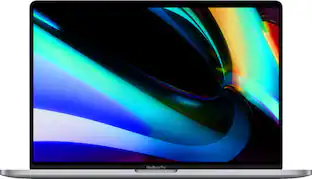
Lenovo - Chromebook Plus 14" OLED 2K Touchscreen Laptop with Gemini - MediaTek Kompanio Ultra 910 - 16GB Memory 256GB Storage - Seashell
Customers are saying
Customers express satisfaction with the device's robust build quality, impressive battery life, and fast processor speed. Users also frequently highlight the excellent portability, lightweight design, and the vibrant quality of the OLED screen. While the vast majority of feedback is positive, a small number of users noted minor limitations regarding the port count and occasional performance lag.
Highlights
Features
Runs ChromeOS
The fast, secure operating system from Google with built-in Google apps like Gmail, Gemini, Docs, Photos, YouTube, and more, so you can go from deadlines to downtime straight out of the box.
Starts fast, won't slow you down
Chromebooks start up in under 10 seconds. And with up to 17 hours of battery life* and automatic updates, you can get things done without disruptions.
Google makes it easy
Sign in with your Gmail account and bam – all of your Google Drive files, photos, and Chrome bookmarks and preferences are ready to go.
Never had a virus**
Chromebooks have never had a virus so you can breathe easy knowing your security and privacy are covered with built-in protection and the Titan C2 security chip.***
The apps you love
Popular apps for streaming, gaming, creating, and staying organized are all available on Google Play. Easily access Microsoft 365, Minecraft, Adobe Express, and more.
Google AI Pro Plan, 12 Months
With the Google One AI Premium Plan, you get Gemini Advanced, 3TB of cloud storage, and Gemini in Gmail, Docs, and more - all on us when you purchase a Chromebook.
True colors, true sound
Experience visual brilliance with our 14" OLED display. Boasting 1920 x 1200 resolution and 100% DCI-P3 coverage, it delivers stunning clarity, vibrant colors, and lifelike images. Indulge yourself with three-dimensional sound in music, movies, and TV on the first ever Chromebook Plus with Dolby Atmos.
Fast, fluid, and future ready
Blaze through your day with unstoppable speed. Whether you’re editing photos, streaming, or on video calls, the MediaTek Kompanio Ultra processor and up to 16GB of memory keep things ultra-smooth.
The Magic of Gemini meets 50TOPs NPU
Save time typing your notes by letting Chromebook convert handwritten text to digital. Simplify jargon-filled content into everyday language. Get your questions answered by Gemini*. Customize wallpapers and video call backgrounds. With 50 TOPS NPU, unleash your creativity in the Gallery app.
One key for instant possibilities
Tap the Quick Insert key to enhance creativity in your content. Create custom high-resolution images, and get AI-generated writing support with Help me write. Add GIFs and emojis to emails, link a recent URL in a sheet, and quickly access your files - all without switching tabs or windows.
Go anywhere. Do anything. Stay powered
Light, sleek, and built to move. At just 15.8mm thin and 1.26kg (touchscreen), this Chromebook is effortless to carry, whether you’re hustling to class, working on-the-go or editing photos at a café. And with up to 17 hours of battery life plus Rapid Charge, you get 80% power in just an hour—because who has time to wait? Stay powered, stay productive, stay ahead.
Wireless network connectivity
High-speed wireless LAN built into the screen, so it connects to your network or hotspots on the most common Wi-Fi standards in both laptop and tablet modes.
Built-in HD webcam with microphone
Makes it easy to video chat with family and friends or teleconference with colleagues over Skype or other popular applications.
Note: This laptop does not include a built-in DVD/CD drive.
Specifications
- Screen Size14 inchesScreen Resolution1920 x 1200 (WUXGA)Touch ScreenYesRefresh Rate60HzBrightness400 nits
Reviews
Rating 4.6 out of 5 stars with 165 reviews
- Build Quality (79)
- Battery Life (57)
- Processor Speed (48)
- Portability (20)
- OLED Quality (19)
- Performance (3)
- Port Count (3)
Customer Images
The vast majority of our reviews come from verified purchases. Reviews from customers may include My Best Buy members, employees, and Tech Insider Network members (as tagged). Select reviewers may receive discounted products, promotional considerations or entries into drawings for honest, helpful reviews.




Compare similar products
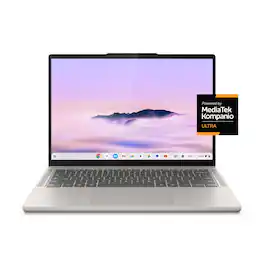
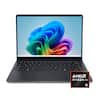
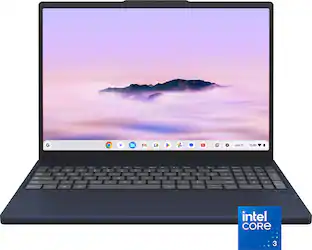
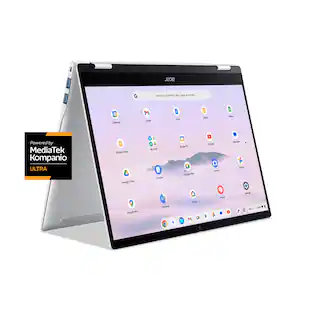
Big AI power. Simple to use. The MediaTek Kompanio Ultra’s 50 TOPS NPU boosts productivity and creativity with Smart Grouping, on-device image generation in the Gallery app, and more. The OLED display delivers crisp, vibrant visuals-perfect for photo editing and streaming-while quad Dolby Atmos speakers bring immersive audio. Thin, light, and built for self-starters, it lasts up to 17 hours.

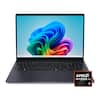
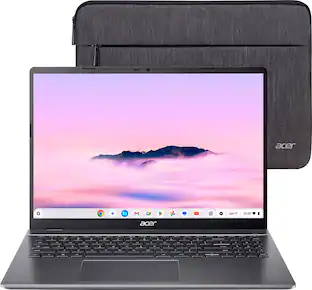
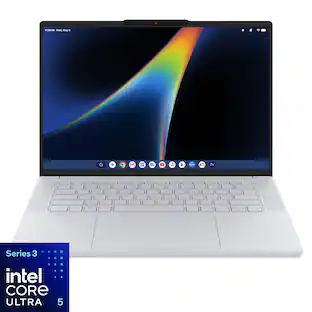
Meet our thinnest, lightest Chromebook Plus ever — now with Google AI built in to supercharge your productivity.
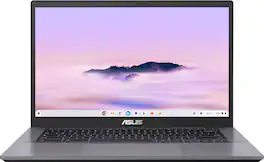
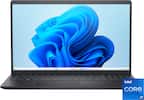
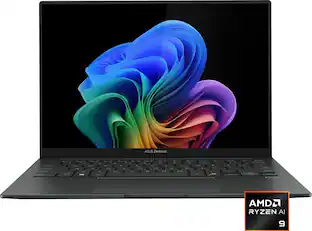
ASUS Chromebook Plus CX34 is powerful, portable, and built to boost productivity — with advanced speed, memory, and storage. Its lightweight, durable design makes it ideal for work or study on the go. The anti-glare touchscreen delivers clear, comfortable viewing in any light, while the 180° lay-flat hinge and fast, stable WiFi support seamless collaboration. Powered by ChromeOS with built-in Google AI, it helps you work smarter with enhanced writing, editing, and organization tools. With ASUS Chromebook Plus CX34, you’re ready to do more, wherever you are.
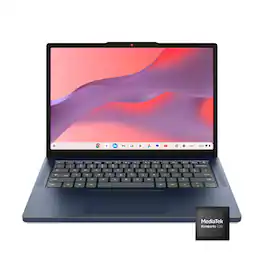
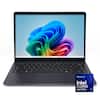
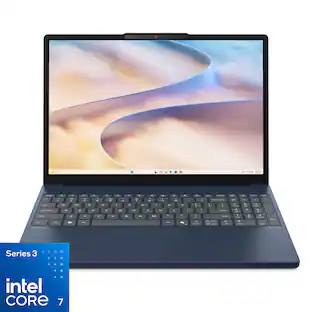
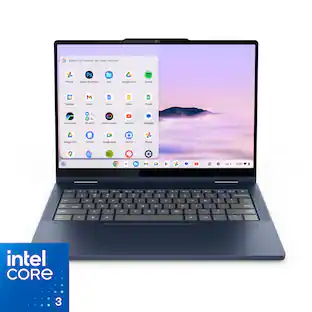
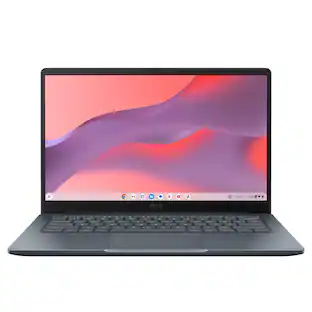
Live animated, live lively, live balanced. When you’re packing the thin and light IdeaPad Slim 3 Chromebook laptop, featuring WiFi 6E and 18 hours of battery life, balancing work and play all day becomes effortless. The 14" 2K IPS touchscreen display and MediaTek Kompanio 500 Series processors are a significant upgrade to your work and entertainment, with front-facing Waves-tuned speakers.
| Pros for Lenovo - Chromebook Plus 14" OLED 2K Touchscreen Laptop with Gemini - MediaTek Kompanio Ultra 910 - 16GB Memory 256GB Storage - Seashell | |||
|---|---|---|---|
| Build Quality, Battery Life, Processor Speed, Portability, OLED Quality | Overall Performance, Portability, Battery Life, Processor Speed, Weight | Build Quality, Processor Speed, Portability, Battery Life, Port Count | Overall Performance, Portability, Battery Life, Touchscreen Responsiveness |
| Cons for Lenovo - Chromebook Plus 14" OLED 2K Touchscreen Laptop with Gemini - MediaTek Kompanio Ultra 910 - 16GB Memory 256GB Storage - Seashell | |||
| Performance, Port Count | Keyboard Layout | There were no cons for this product— | There were no cons for this product— |
Specs
Questions & Answers
No mention of the fingerprint reader on the website description. It is on the version that is being sold on the Lenovo website. Does the Best Buy version have it?
Answered by Lenovo Product ExpertHi tony, The Chromebook Plus 14 does feature a touch-style fingerprint reader on the palm rest. Please feel free to reach out to us with any other questions!
How long does it take for this laptop to start up?
This laptop starts up in under 10 seconds.
This question and answer was generated by AI based on customer and product data.Does this laptop have a built-in webcam?
Yes, this laptop has a built-in HD webcam with microphone.
This question and answer was generated by AI based on customer and product data.Can I use a memory card with this laptop?
This laptop supports microSD memory card formats.
This question and answer was generated by AI based on customer and product data.Does this laptop have a touchscreen?
Yes, this laptop has a touchscreen.
This question and answer was generated by AI based on customer and product data.

Customers often buy these together
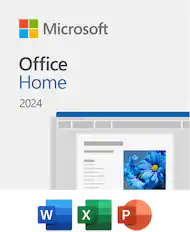
Office Software


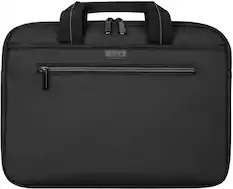
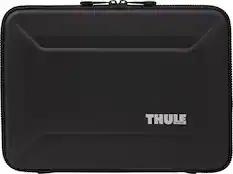
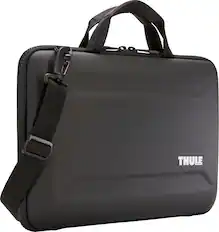
Laptop Bags and Cases

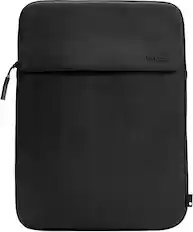
Incase - A.R.C. Sleeve for 14" Laptop - Peach
Top Deal$39.99The price was $49.95


More recommended items
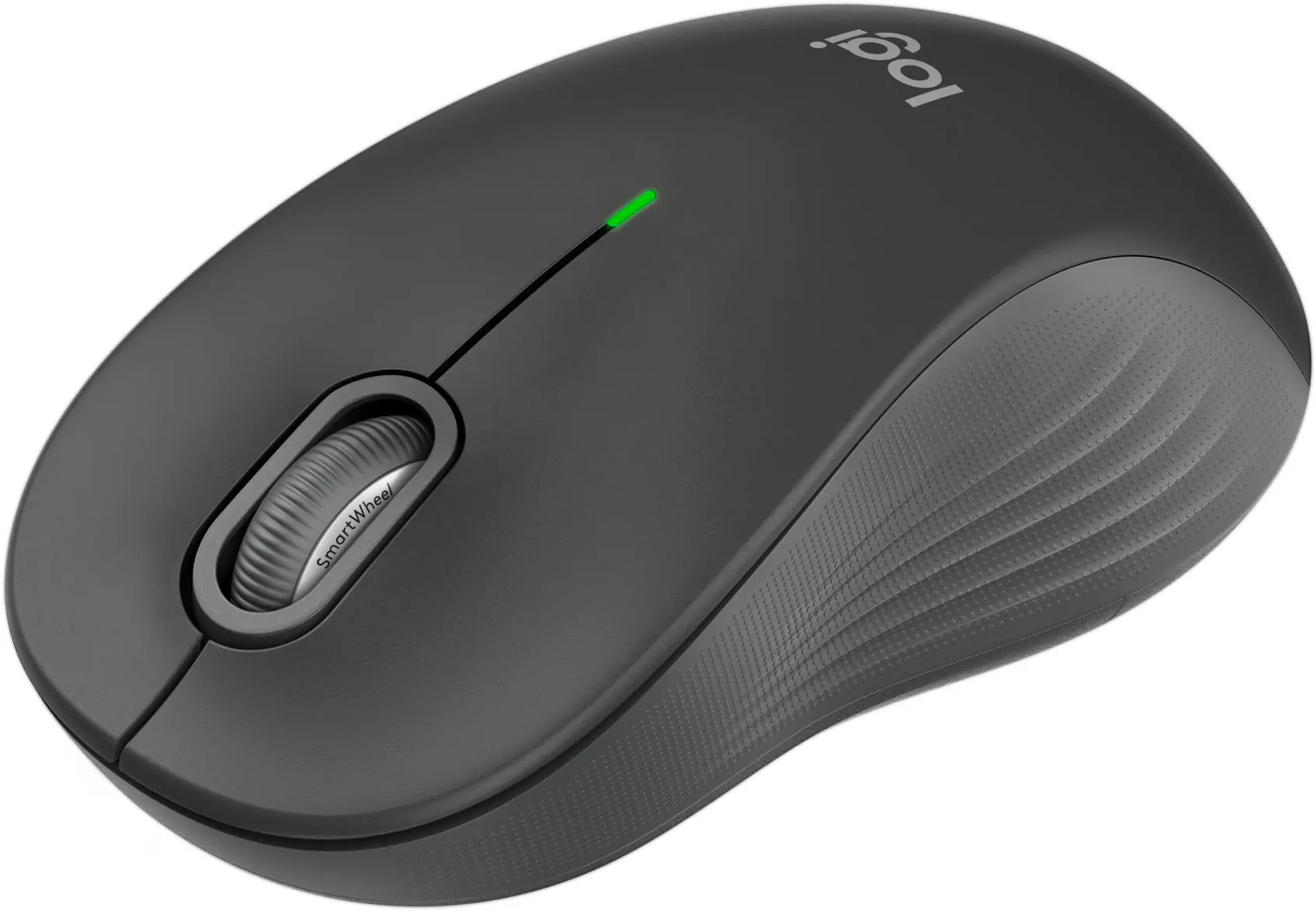 Mice
Mice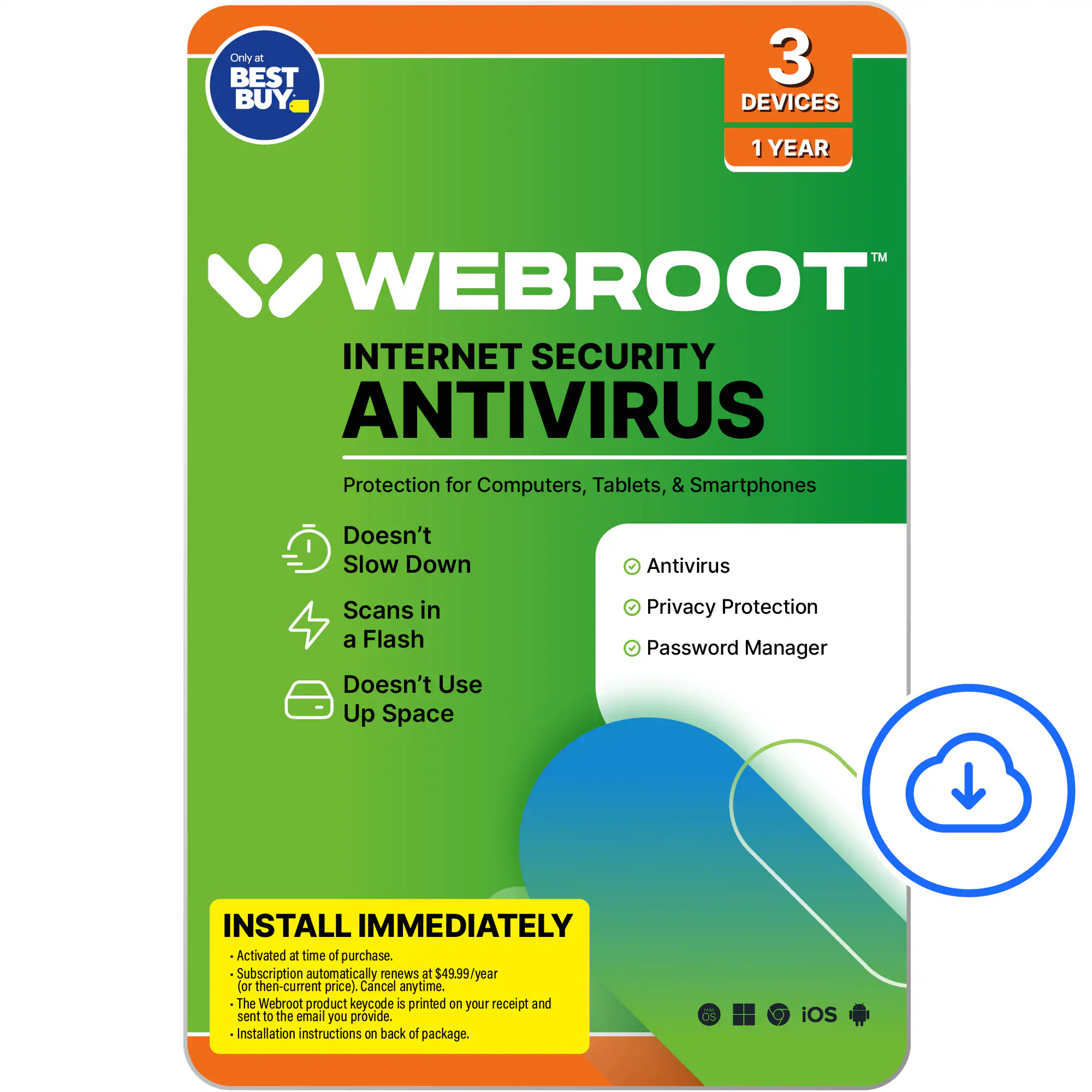 Antivirus and Internet Security Software
 Monitors
 Laptop Docking Stations
 Headphones
 Inkjet Printers
Customers ultimately bought
 $483.00The price was $729.00
 Top Deal$399.00The price was $629.00
 $1,059.00The price was $1,299.99
 Top Deal$699.99The price was $999.99
 $709.00The price was $999.99
 Top Deal$649.99The price was $1,299.99

Explore tech essentials Sponsored
 Top Deal$999.99The price was $1,549.99
- Top Deal$699.99The price was $999.99
 $199.00The price was $379.00
Discover related products
 $319.99The price was $399.00
 $1,019.99The price was $1,299.00
 $679.99The price was $799.00
 $199.99The price was $329.99




Keep exploring
 $550.00The price was $559.00
 $549.99The price was $899.99
 $1,249.00The price was $1,749.00
 $569.99The price was $1,249.99
 $1,299.99The price was $1,399.99
 $1,599.99The price was $1,799.99