Customer Ratings & Reviews


- Model:
- 80LY0010US
- SKU:
- 5206800
to a friend
Customers are saying
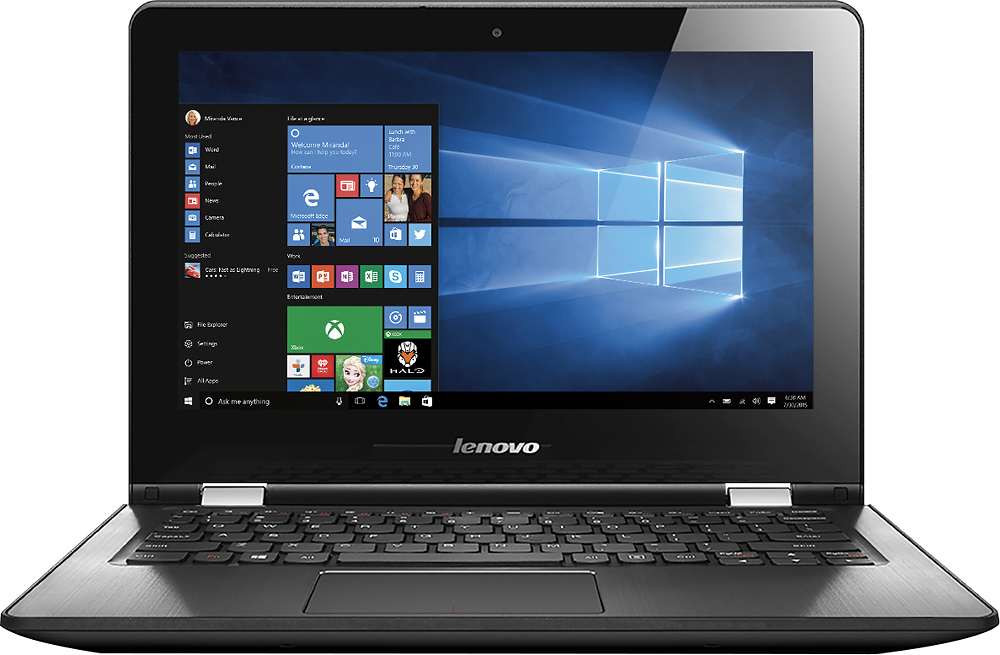
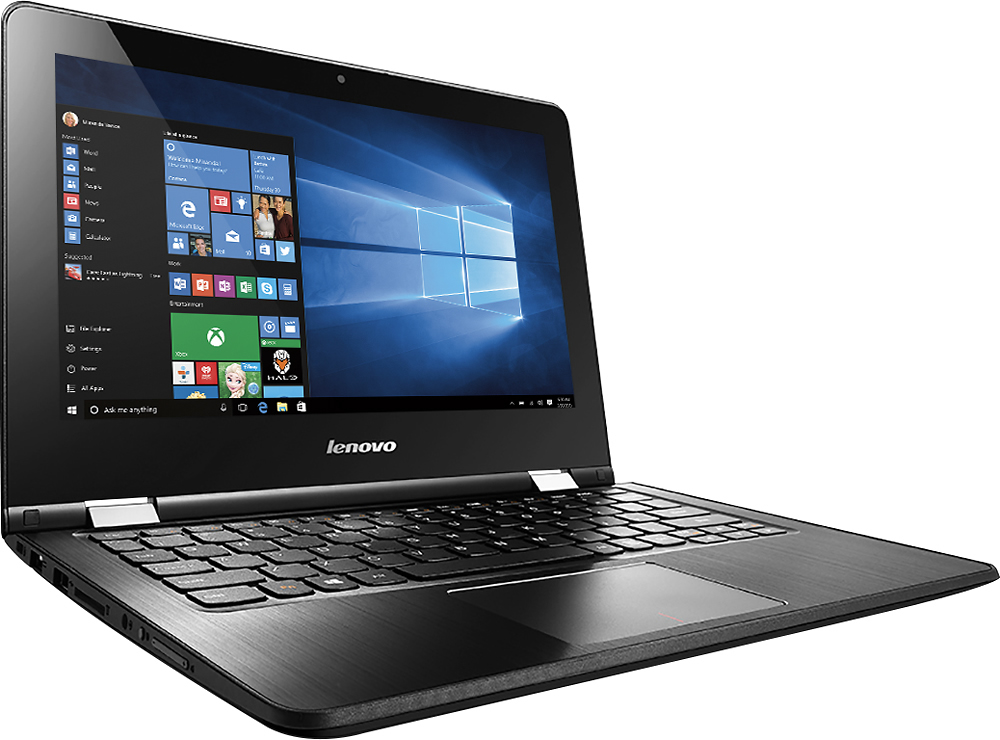
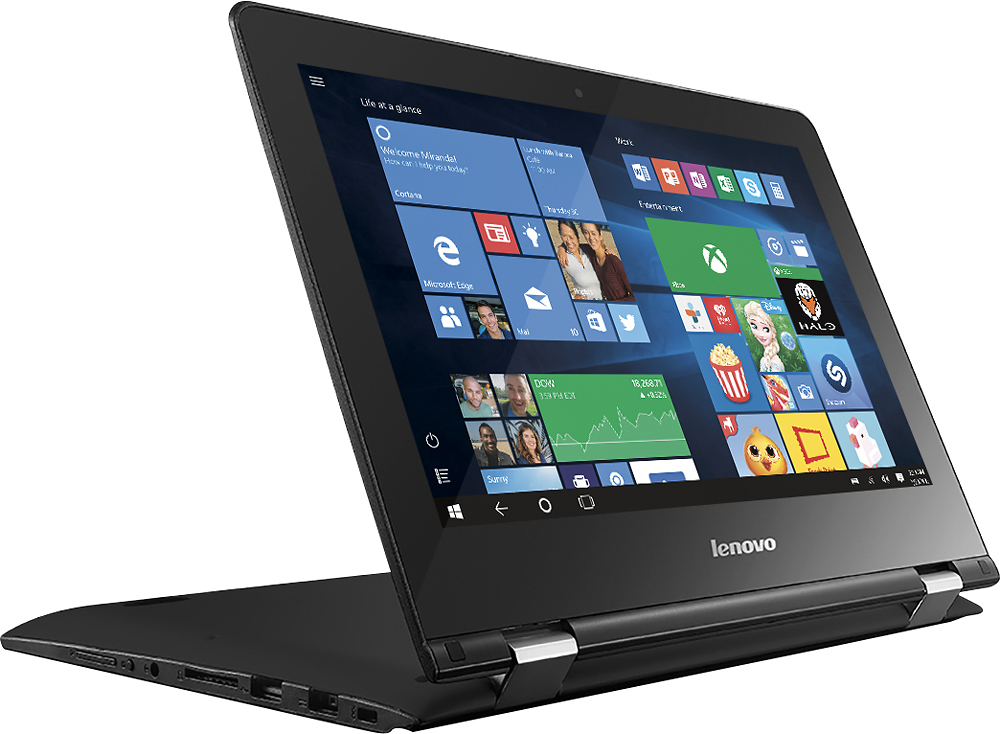
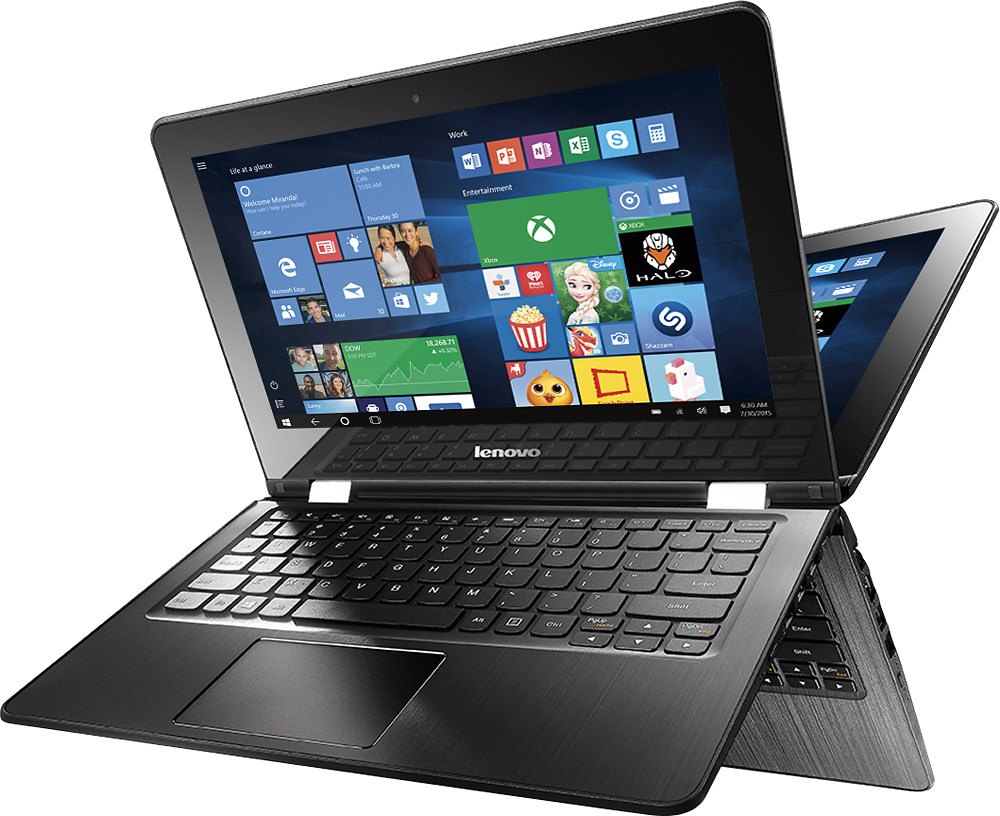
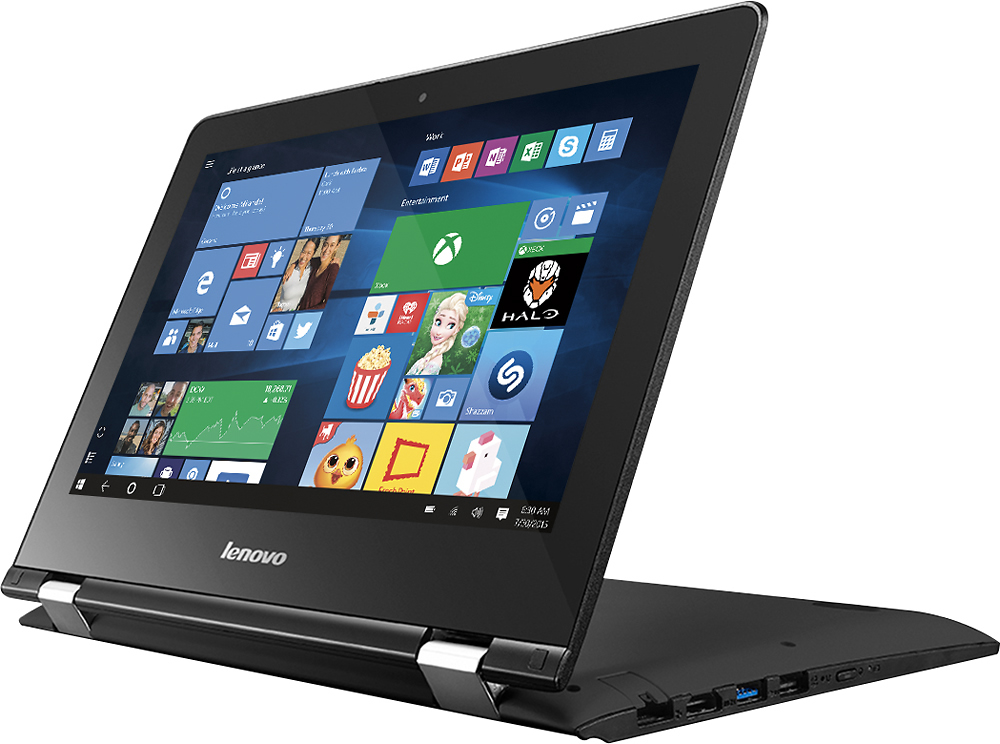
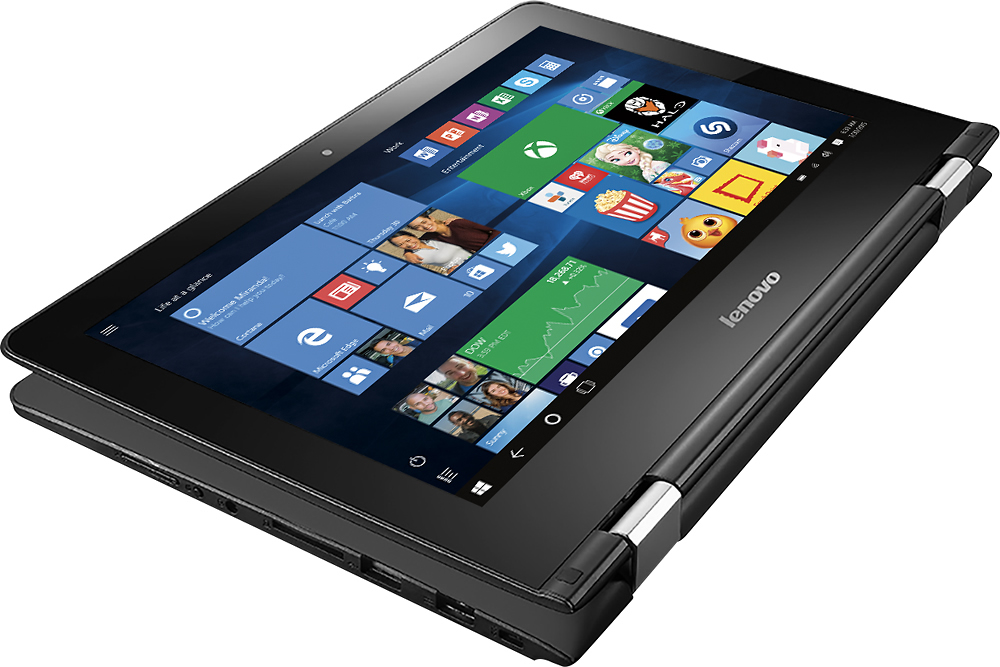
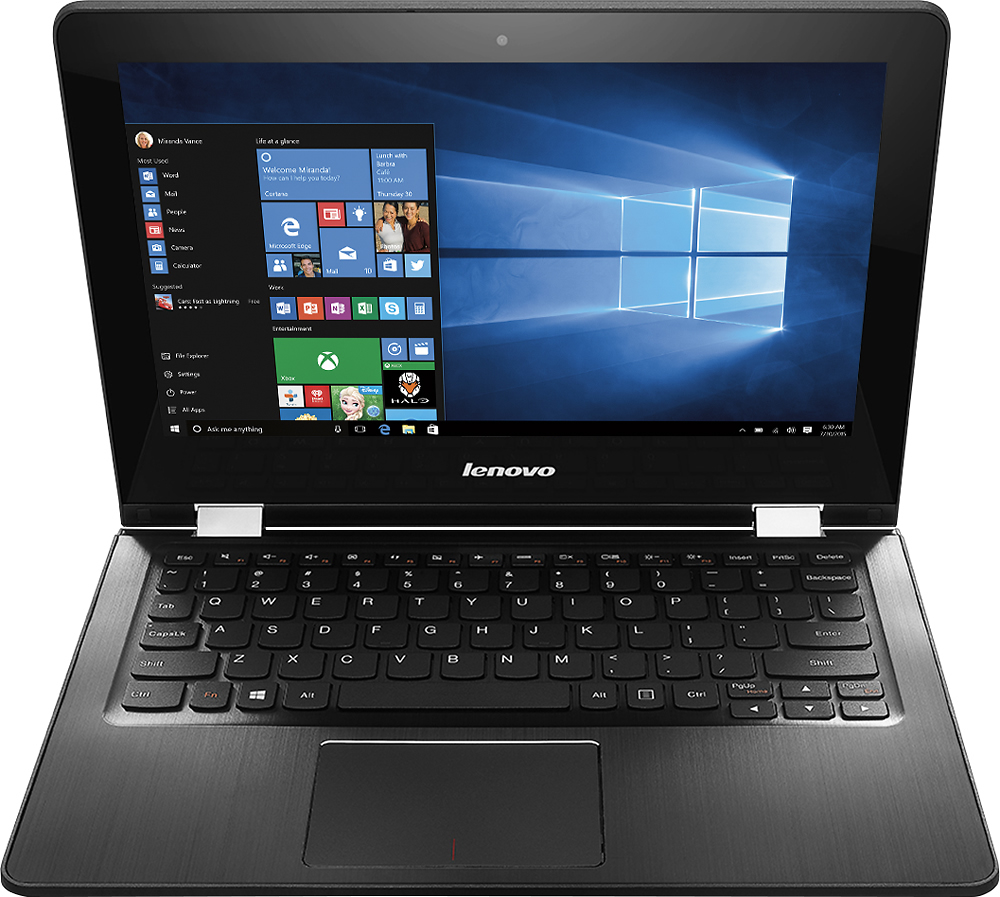
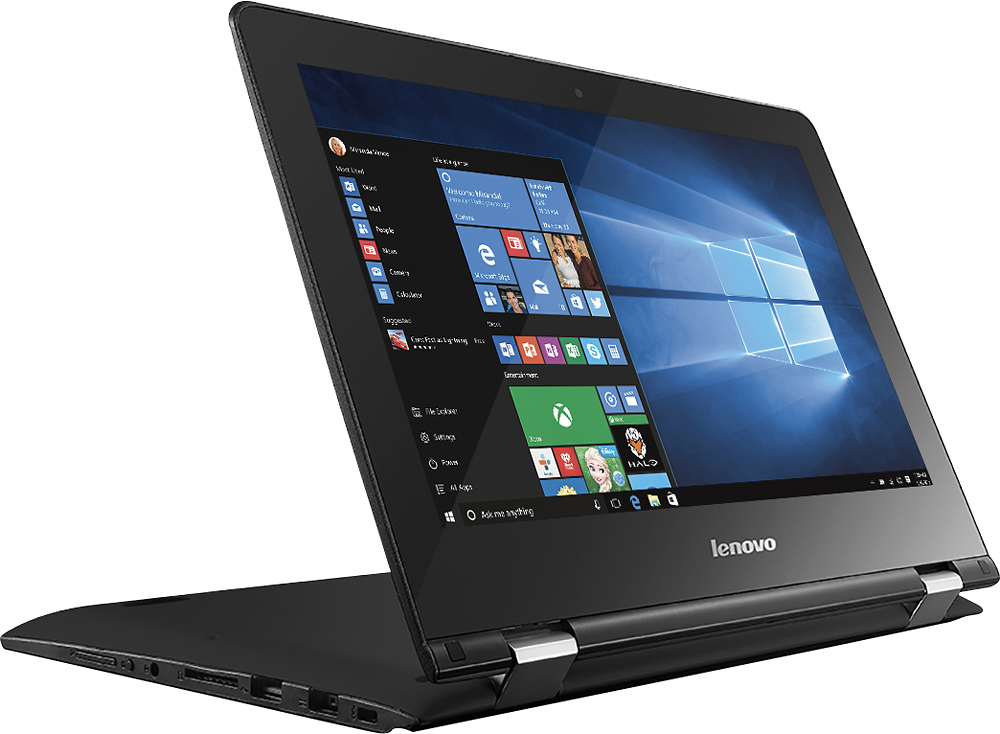
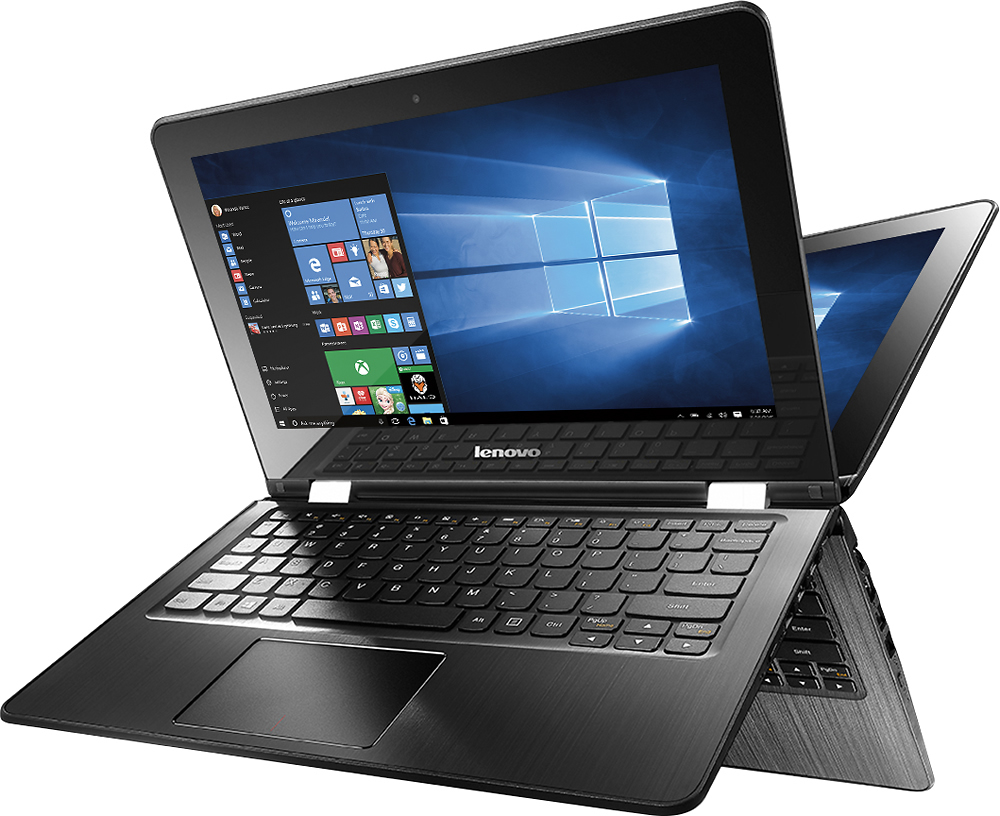
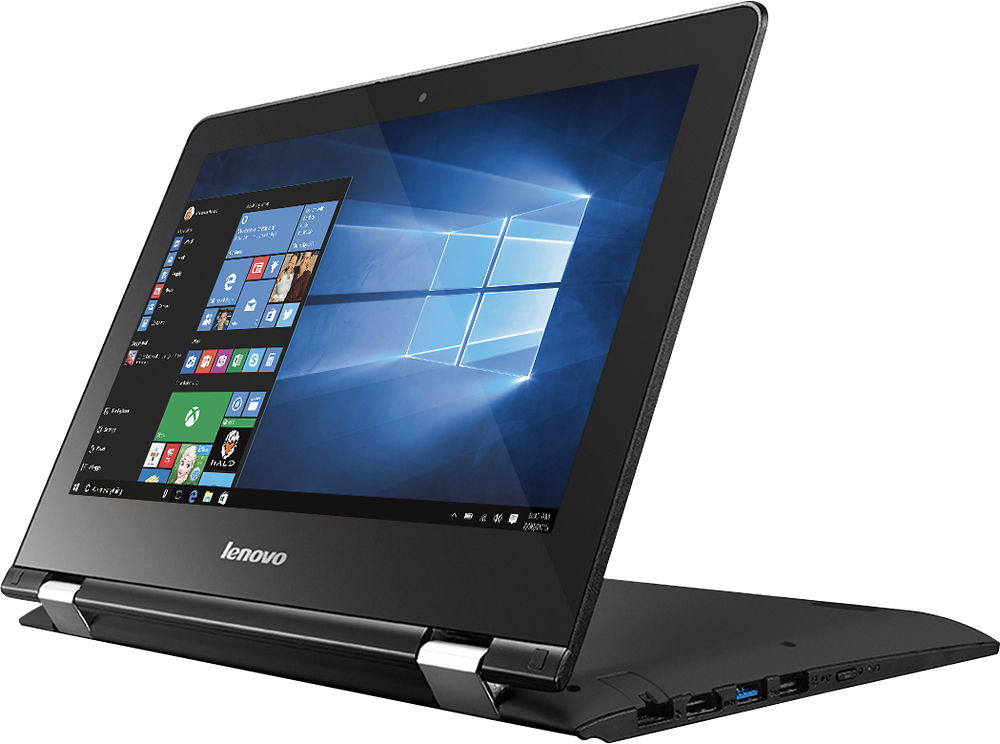
Customers enjoy the Flex 3 1130 2-in-1 laptop for its portability, touchscreen capabilities, and long battery life, making it suitable for schoolwork and everyday tasks. However, some users have expressed concerns about its slow performance, limited RAM and storage capacity, which can affect multitasking and overall performance.
This summary was generated by AI based on customer reviews.
- Cons mentioned:Slow
Poor Computer
||Posted .This reviewer received promo considerations or sweepstakes entry for writing a review.Thought this would be a good value, but the computer is very slow.
No, I would not recommend this to a friend - Cons mentioned:Slow
Very slow
||Posted .This reviewer received promo considerations or sweepstakes entry for writing a review.Not what I expected, lags in speed and do not like it at all
No, I would not recommend this to a friend Cool idea not great
||Posted .This reviewer received promo considerations or sweepstakes entry for writing a review.Bought it was super excited. Not even an hour after using it starting getting driver errors.
No, I would not recommend this to a friendBrand response from Lenovo Product Expert
Posted .Thank you for choosing the Lenovo Flex 3-11. With regard to the driver issues you mention with your device, follow the link below to look for new driver updates for your specific system. You can also run diagnostics from the Lenovo site as well. As always, be sure to create a restore point on your system before you make any changes. Here is the link:
http://support.lenovo.com/us/en/products/Laptops-and-netbooks/Flex-Series/flex-3-1130/80LY/0010US?query=&Shallow=1&Type=&OperatingSystems=&Component=&Symptom=&linkTrack=Caps%253ABody_SearchProduct&tabName=downloads&beta=false
- Cons mentioned:Slow
Reallly slow
||Posted .This reviewer received promo considerations or sweepstakes entry for writing a review.It takes an enormous time to load anything and turn on.
No, I would not recommend this to a friendBrand response from Lenovo Product Expert
Posted .Thank you for choosing the Lenovo Flex 3-11. This system has a solid state hard drive, so boot up time should take less than 45 seconds. If it is taking longer than 45 seconds for your system to boot up, there may be driver updates for your specific system. Follow the link below to look for new driver updates for your specific system. You can also run diagnostics from the Lenovo site as well. As always, be sure to create a restore point on your system before you make any changes. Here is the link:
http://support.lenovo.com/us/en/products/Laptops-and-netbooks/Flex-Series/flex-3-1130/80LY/0010US?tabName=Downloads&linkTrack=Mast:SubNav:Support:Drivers and Software|Drivers and Software&beta=false
- Cons mentioned:Slow
Painfully slow
||Posted .This reviewer received promo considerations or sweepstakes entry for writing a review.Painfully slow returned it for an ACER Chrome book
No, I would not recommend this to a friend - Cons mentioned:Ram
Horrible
||Posted .This reviewer received promo considerations or sweepstakes entry for writing a review.Very slow and laggy. Never buy a 2gb ram computer.
No, I would not recommend this to a friend Tablet mode does not work well at all.
||Posted .This reviewer received promo considerations or sweepstakes entry for writing a review.Touchscreen function does not work well. Not impressed with Lenovo at all.
No, I would not recommend this to a friendBrand response from Lenovo Product Expert
Posted .Thank you for choosing the Lenovo Flex 3-11. With regard to the touch screen issues you mention with your device, there may be driver updates for your specific system. Follow the link below to look for new driver updates for your specific system. As always, be sure to create a restore point on your system before you make any changes. Here is the link:
http://support.lenovo.com/us/en/products/Laptops-and-netbooks/Flex-Series/flex-3-1130/80LY/0010US?query=&Shallow=1&Type=&OperatingSystems=&Component=&Symptom=&linkTrack=Caps%253ABody_SearchProduct&tabName=downloads&beta=false
No Cord No Use
||Posted .This reviewer received promo considerations or sweepstakes entry for writing a review.I purchased an open box product and did not realize that it was missing a power cord. Why would Best Buy purchase this back and not have a power cord? Why would they sale it without a cord? Brought it home and could not even turn it on to test it out. Needless to say it went back to the store.
No, I would not recommend this to a friendSo much potential
||Posted .This reviewer received promo considerations or sweepstakes entry for writing a review.The concept of a 2 in 1 is always appealing. But with this product I beg to differ. It was a head ache from start to finish. Start up was slow, application failures, and frozen screen just to start. I usually insist on my friends purchasing Lenovo, but not with this product.
No, I would not recommend this to a friendRidiculous
||Posted .This reviewer received promo considerations or sweepstakes entry for writing a review.Y in the world would Best Buy stock this on their shelves? Remove it asap. If I hadn't purchased Geek squad protection and got stuck with this product I would have never in a million years purchased a single item from them again.
No, I would not recommend this to a friendUnusable With Today's Software
||Posted .This reviewer received promo considerations or sweepstakes entry for writing a review.Price was right and the size was perfect. Unfortunately, it doesn't even have enough power to run it with Windows 10, which is what it comes with (?????) Save your pennies and at least get an i3 processor.
No, I would not recommend this to a friendInconsistant performance
||Posted .This reviewer received promo considerations or sweepstakes entry for writing a review.I bought this to use on the internet. It played youtube videos very well but would reboot and lock up unexpectedly. I returned it.
No, I would not recommend this to a friendDon't Waste Your Money
||Posted .This reviewer received promo considerations or sweepstakes entry for writing a review.I returned this turtle the next day and bought an iPad. Yes I spent an extra $800 because this is trash.
No, I would not recommend this to a friendAll downloads came with errors
||Posted .This reviewer received promo considerations or sweepstakes entry for writing a review.No program I used or anything I downloaded worked tried redoing everything and it ended up freezing
No, I would not recommend this to a friendIt's acting erratically since bought will be retur
||Posted .This reviewer received promo considerations or sweepstakes entry for writing a review.I expected a better laptop from Lenovo. Could be that it's because it's an open box
No, I would not recommend this to a friendBad laptop
||Posted .This reviewer received promo considerations or sweepstakes entry for writing a review.It wasted my time (and Geek Squads) trying to load programs that I needed
No, I would not recommend this to a friendBad
||Posted .This reviewer received promo considerations or sweepstakes entry for writing a review.Screen was jumpy touch didn't work well, took it back
No, I would not recommend this to a friendThe pointer move very slow.
||Posted .This reviewer received promo considerations or sweepstakes entry for writing a review.The pointer move very slowly. even after applying fixes.
No, I would not recommend this to a friendBrand response from Lenovo Product Expert
Posted .You can adjust the speed of the onscreen cursor in your settings menu. Just go to your search window (click on the little magnifying glass icon on the bottom left side of your screen), click on the "settings" icon, then click on the "mouse and touchpad settings" link.
Slow
||Posted .This reviewer received promo considerations or sweepstakes entry for writing a review.Mouse didnt work correct, screen flickered on and off
No, I would not recommend this to a friendit is compact
||Posted .This reviewer received promo considerations or sweepstakes entry for writing a review.glitchy as all get out, probably because of Windows 10
No, I would not recommend this to a friend