Customer Ratings & Reviews
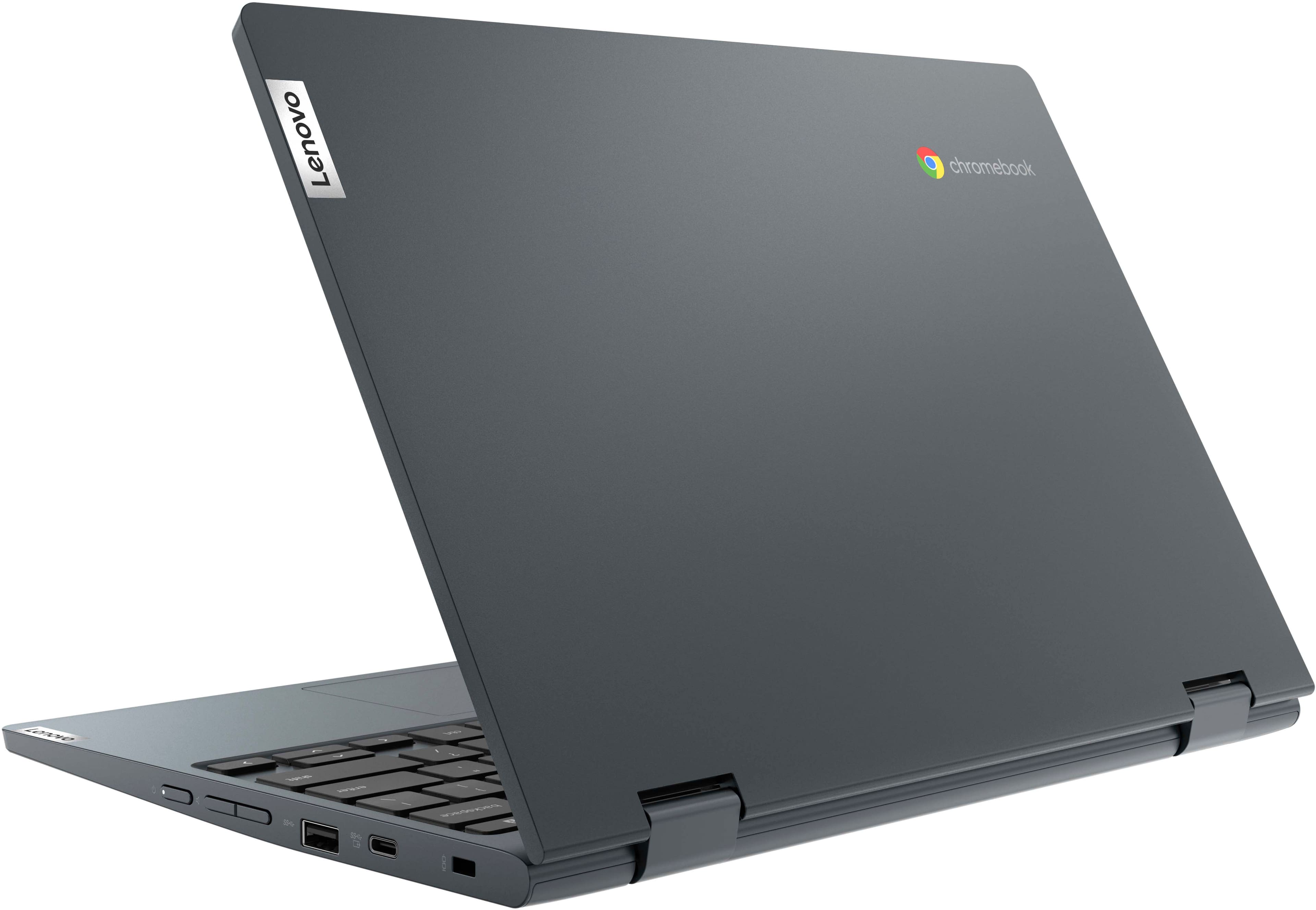
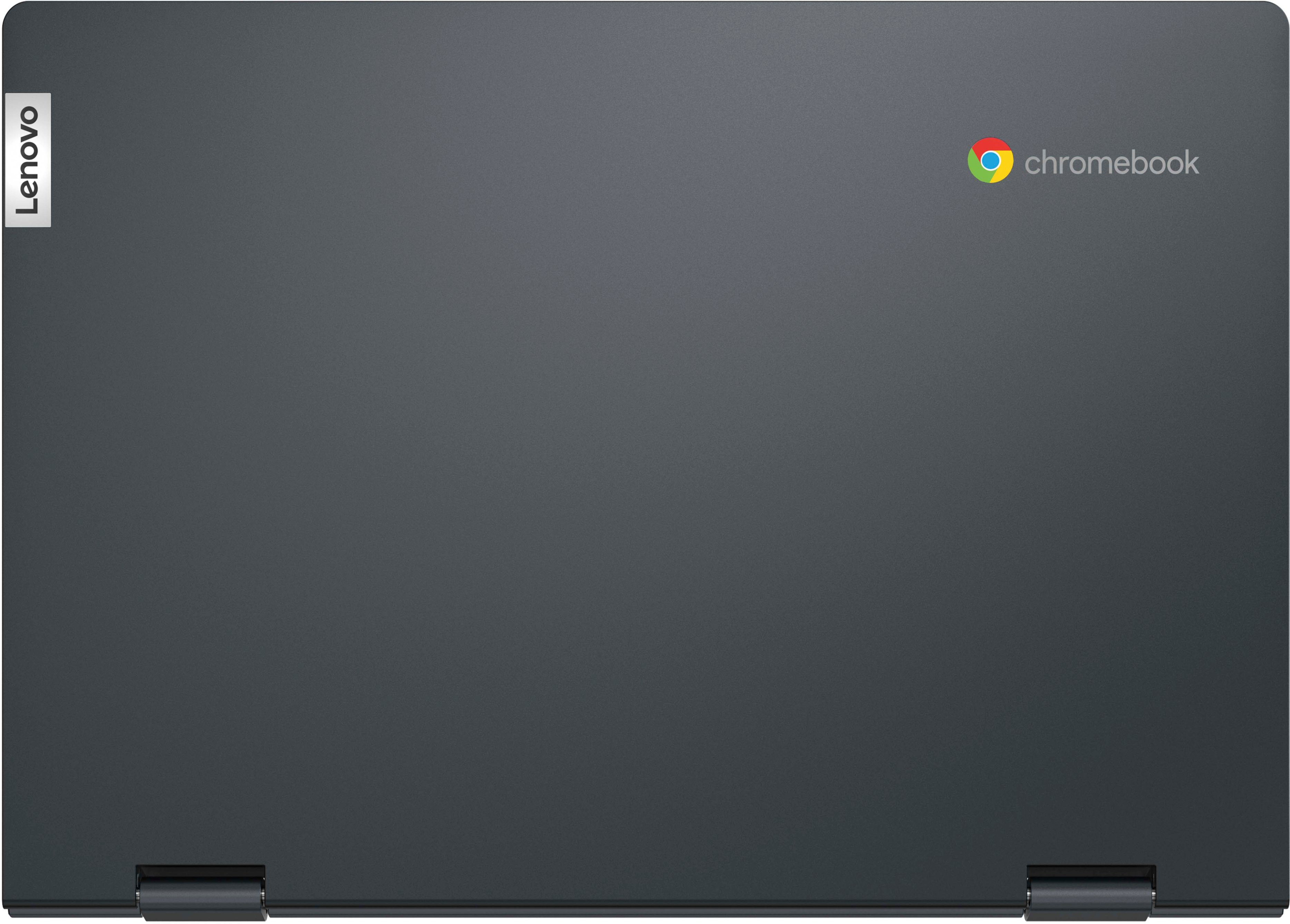
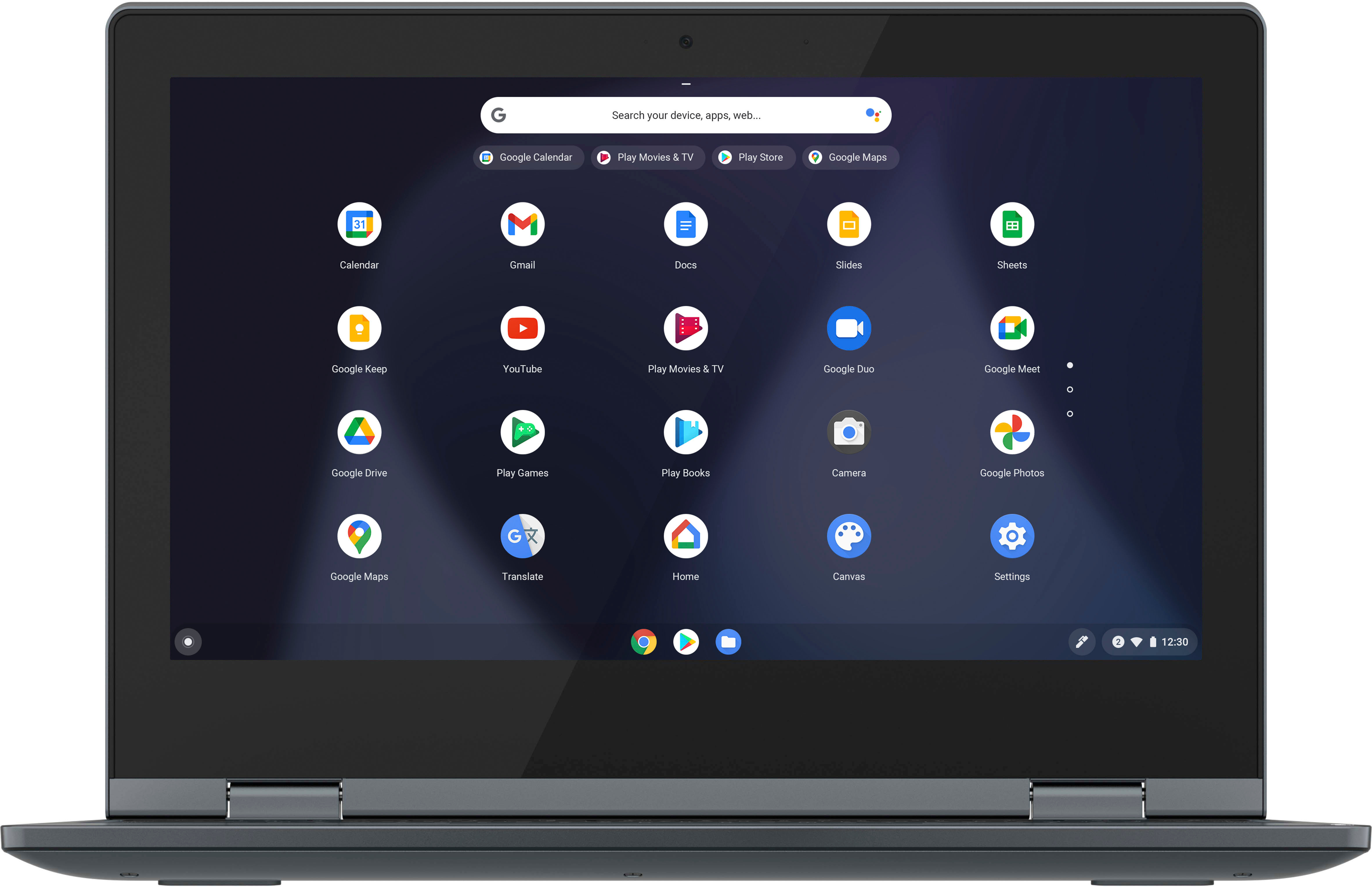
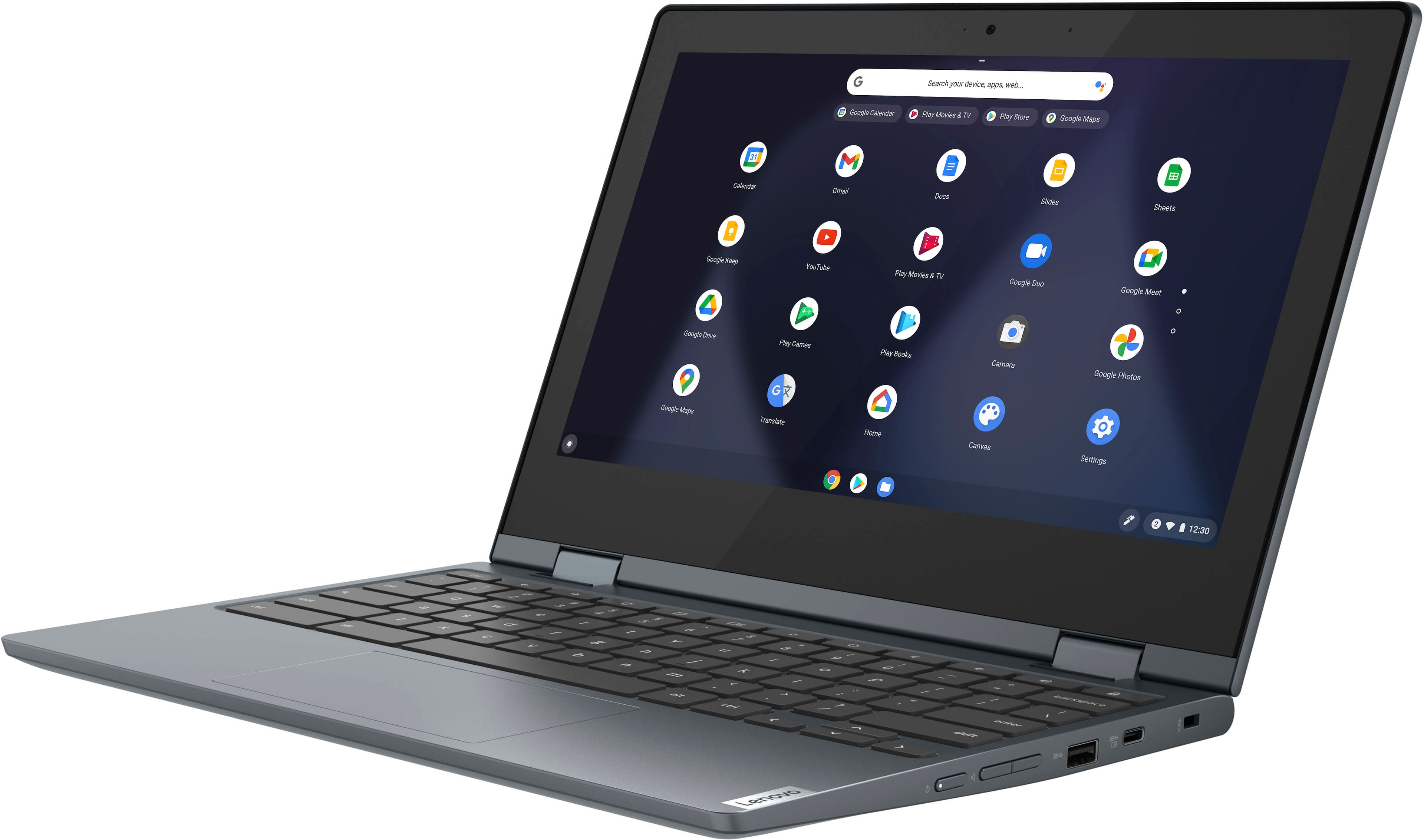
- Model:
- 82BB000AUS
- SKU:
- 6500336
Rating by feature
- Battery Life
Rating 4.7 out of 5 stars
- Speed
Rating 4.5 out of 5 stars
- Display
Rating 4.6 out of 5 stars
Customers are saying
Customers commend the Flex 3 Chromebook for its ease of use, touchscreen functionality, and affordable price. Many appreciate its compact size and long battery life, finding it ideal for travel. Positive feedback also highlights its performance and lightweight design. However, some users mention limitations with the amount of RAM.
This summary was generated by AI based on customer reviews.
Excellent
||Posted . Owned for 1 month when reviewed.This reviewer received promo considerations or sweepstakes entry for writing a review.works great only 1 complaint is that it only has a forward facing camera lens
I would recommend this to a friendLaptop
||Posted . Owned for 1 week when reviewed.This reviewer received promo considerations or sweepstakes entry for writing a review.Nice for price but keyboard doesnt light up Screen little than would have liked
I would recommend this to a friendChristmas
||Posted . Owned for 3 weeks when reviewed.This reviewer received promo considerations or sweepstakes entry for writing a review.Is Christmas gift not open as of yet Wishing all is good
I would recommend this to a friendCracked screen
||Posted . Owned for 1 month when reviewed.This reviewer received promo considerations or sweepstakes entry for writing a review.Bought it a few weeks ago for one of my kids and she opened it this moring and we seen a slight crack in the screen. We went to return it but they didnt have another one and nothing close to price as well. So we decided to just keep it and hope it doesnt get worse.
No, I would not recommend this to a friendChristmas gift went wrong
||Posted . Owned for 2 months when reviewed.This reviewer received promo considerations or sweepstakes entry for writing a review.Horrible… I got this as a Christmas gift for my son and here we are about 2-3 weeks after Christmas and it is no longer working… we can’t turn it on or anything What a waste of my hard earned money… DO NOT BUY
No, I would not recommend this to a friendBrand response from Lenovo Product Expert
Posted .Hello, JenniferMarie, we are sorry to hear that you encountered an issue with your Flex 3 11 Chromebook. In advance, this is a lengthy response, however we want to give you and other readers of this response as much information as possible to help ensure your issue is resolved should you encounter something similar in the future. If you are still having this issue, first, we recommend doing a reset on the device. Pushing the power button, or rebooting, does not remove the trickle charge that keeps the embedded controller (EC) running. A hard reset drops all power to the EC, so when the power comes back on it goes through a reinitialization. Since the EC controls the keyboard, touchpad, battery, and all other on-board peripherals, performing this it can potentially fix a wide range of problems. The procedure is detailed on this web page: https://support.google.com/chromebook/answer/3227606?hl=en . Some devices require specific steps, but most newer devices only require a simple keyboard sequence: First turn off your Chromebook completely (do not just close the lid). Next, hold down the Refresh keyboard icon key and then press and hold the Power button. Hold both down for 10 seconds. Release the Refresh key and then the Power button and your Chromebook will restart. If it does not start, press Power again. If your issues persist after this, we recommend reaching out to Lenovo Tech Support for Chromebooks at this number: 800-426-7378.

- Cons mentioned:Ram
Slow performance
||Posted . Owned for 2 weeks when reviewed.This reviewer received promo considerations or sweepstakes entry for writing a review.Thought i could make the low RAM work for some basic web browsing and word processing. It is clear that 4GB of RAM just cant cut it nowadays. (For my needs, at least)
No, I would not recommend this to a friendBrand response from Lenovo Product Expert
Posted .We are sorry to hear that you have had a poor experience with our product. The Lenovo Flex 3 11 Chromebook, model number 82BB000AUS, is an entry level, light use system with an Intel Celeron N4020 processor, 4GB of RAM and a 64GB eMMC drive, for quick access to files and applications. All Chromebooks utilize the Google Chrome Operating System. The Lenovo Flex 3 is not meant for multi-tasking or demanding programs. It is good for utilizing compatible applications available in the Google Play app store and light internet browsing. We recommend you check the requirements and compatibility of any software you will be installing on your computer or know what specifications and features you need to effectively complete various workflows and tasks if being use for work, education, or personal use before you invest in any computer.
Hated chromebook - it's all what you're used to
||Posted . Owned for 1 month when reviewed.This reviewer received promo considerations or sweepstakes entry for writing a review.Hated this laptop - chrome operating system, not windows, so not used to that. Returned it and purchased a Dell which has stood the test of time and my first Dell from 2008 was JUST recycled.
No, I would not recommend this to a friendBrand response from Lenovo Product Expert
Posted .Hello, Kathryn, we are sorry to hear that you did not enjoy your experience with your Flex 3 Chromebook. Chromebook devices all ships with ChromeOS operating system preinstalled, which is why we always recommend reviewing features, design, and specifications of any device to ensure that it meets your performance needs and preferences to help ensure a great solution before you purchase any computer.
Looks Nice, not worth the money.
||Posted . Owned for 2 months when reviewed.This reviewer received promo considerations or sweepstakes entry for writing a review.We wanted to love these, we got them for Christmas for our kids but they where way too slow even for simple games like Roblox. There's a lot of games that cannot be downloaded as well.
No, I would not recommend this to a friendBrand response from Lenovo Product Expert
Posted .Hello, JessicaG, we are sorry to hear that your Flex 3 11 did not meet your expectations. This Flex 3 Chromebook is an entry level, light use system. This Flex 3 is also not meant for multi-tasking or demanding programs. It is good for utilizing compatible applications available in the Google Play app store and light internet browsing. We recommend you check the requirements and compatibility of any software you will be installing on your computer or know what specifications and features you need to effectively complete various workflows and tasks if being use for work, education, or personal use, and your preferences in design and features before you invest in any computer.
Don't bother wasting your money
||Posted . Owned for 3 months when reviewed.This reviewer received promo considerations or sweepstakes entry for writing a review.I bought this in October and have it to my son for Xmas. Now it won't charge or turn on. Hasn't even had it a month. Geek squad is no help at all.
No, I would not recommend this to a friendBrand response from Lenovo Product Expert
Posted .Hello, SuzanneS, we are sorry to hear that you have experienced issue with the Flex 3 11 Chromebook. Regarding your charging issues, here is a link to a Google Support webpage that details some troubleshooting steps to follow if your Chromebook is not charging: https://support.google.com/chromebook/answer/6309225?hl=en#:~:text=If%20your%20Chromebook%20still%20isn,your%20Chromebook%2C%20then%20the%20wall If you have other issues outside of that, we recommend that you contact Lenovo Tech Support for Chromebooks at this phone number for additional assistance at this phone number: 800-426-7378.
Just a browser
||Posted . Owned for 1 month when reviewed.This reviewer received promo considerations or sweepstakes entry for writing a review.If you are just browsing the internet it is just fine. It isn't anymore powerful than a standard android tablet. Even has trouble running mobile games.
No, I would not recommend this to a friendBrand response from Lenovo Product Expert
Posted .This Lenovo Flex 3 11 Chromebook ships with the Chrome Operating System installed and is compatible with Google Play Store APPs. Not all Google Play Store APPs are optimized for the Chrome OS. We always recommend you check the requirements and compatibility of any software/games you will be installing on your new Chromebook, before you invest in any Chromebook. Be sure your new Chromebook can support the software/games you will need to use and your workload.
Not so great
||Posted . Owned for less than 1 week when reviewed.This reviewer received promo considerations or sweepstakes entry for writing a review.Did not come with users manual Apps are not on home page Can't seem to put them on the page. I call tech support and they hung up on me...
No, I would not recommend this to a friendScreen is not turning on
||Posted . Owned for 9 months when reviewed.This reviewer received promo considerations or sweepstakes entry for writing a review.It suddenly stopped working. I bought it last December.Do I have the warranty available?
No, I would not recommend this to a friendNope can’t download Roblox
||Posted . Owned for 1 month when reviewed.This reviewer received promo considerations or sweepstakes entry for writing a review.I specifically purchased this chrome book for my kids to use for Roblox. And they could not use it.
No, I would not recommend this to a friendBrand response from Lenovo Product Expert
Posted .Hello, VictoriaM, are sorry to hear that this Chromebook did not meet your kids' needs. Roblox is an application that is available to be downloaded on most Chromebook devices via the Google Play store and should your device meet the performance requirements, it will run the software. Here is a link to a Roblox Support webpage that details troubleshooting steps if trying to play the game on a Chromebook: https://en.help.roblox.com/hc/en-us/articles/115005743383-Chromebook-Troubleshooting
Its okay, not great for work
||Posted . Owned for 1 week when reviewed.This reviewer received promo considerations or sweepstakes entry for writing a review.Good for the kids about 9yrs old or so. Basick use for school, but dont expect to use it for work.
No, I would not recommend this to a friendBrand response from Lenovo Product Expert
Posted .We always recommend you check the requirements and compatibility of any software/games you will be installing on your new Chromebook, before you invest in any Chromebook. Be sure your new Chromebook can support the software you will need to use and your workload.
COMPUTER
||Posted . Owned for 1 week when reviewed.This reviewer received promo considerations or sweepstakes entry for writing a review.This is a good computer to do daily task. If there is too many windows open it slows down.
I would recommend this to a friendBricked in only 4 month's use
||Posted . Owned for 5 months when reviewed.This reviewer received promo considerations or sweepstakes entry for writing a review.Bought in November; gifted in December; & it's a brick by April. :(
No, I would not recommend this to a friendBrand response from Lenovo Product Expert
Posted .Hello, ElizaL, we are sorry to hear that you encountered an issue with this Flex 3 11 Chromebook. In advance, this is a lengthy response, as we want to give you and other readers of this response as much information as possible to help ensure your issue is resolved now or should you encounter something similar in the future. If you are still experiencing this issue, first, we recommend doing a reset on the device. Pushing the power button, or rebooting, does not remove the trickle charge that keeps the embedded controller (EC) running. A hard reset drops all power to the EC, so when the power comes back on it goes through a reinitialization. Since the EC controls the keyboard, touchpad, battery, and all other on-board peripherals, performing this it can potentially fix a wide range of problems. The procedure is detailed on this web page: https://support.google.com/chromebook/answer/3227606?hl=en . Some devices require specific steps, but most newer devices only require a simple keyboard sequence: First turn off your Chromebook completely (do not just close the lid). Next, hold down the Refresh keyboard icon key and then press and hold the Power button. Hold both down for 10 seconds. Release the Refresh key and then the Power button and your Chromebook will restart. If it does not start, press Power again. If your issues persist after this, we recommend reaching out to Lenovo Tech Support for Chromebooks at this number: 800-426-7378.
Computer
||Posted . Owned for 1 month when reviewed.This reviewer received promo considerations or sweepstakes entry for writing a review.Not what my daughter needed. It was nice but she was wanting something else.
I would recommend this to a friendYuck
||Posted . Owned for 1 month when reviewed.This reviewer received promo considerations or sweepstakes entry for writing a review.I hate chromebooks, the screen was too small, keyboard too small to type without squishing your arms together
No, I would not recommend this to a friendBrand response from Lenovo Product Expert
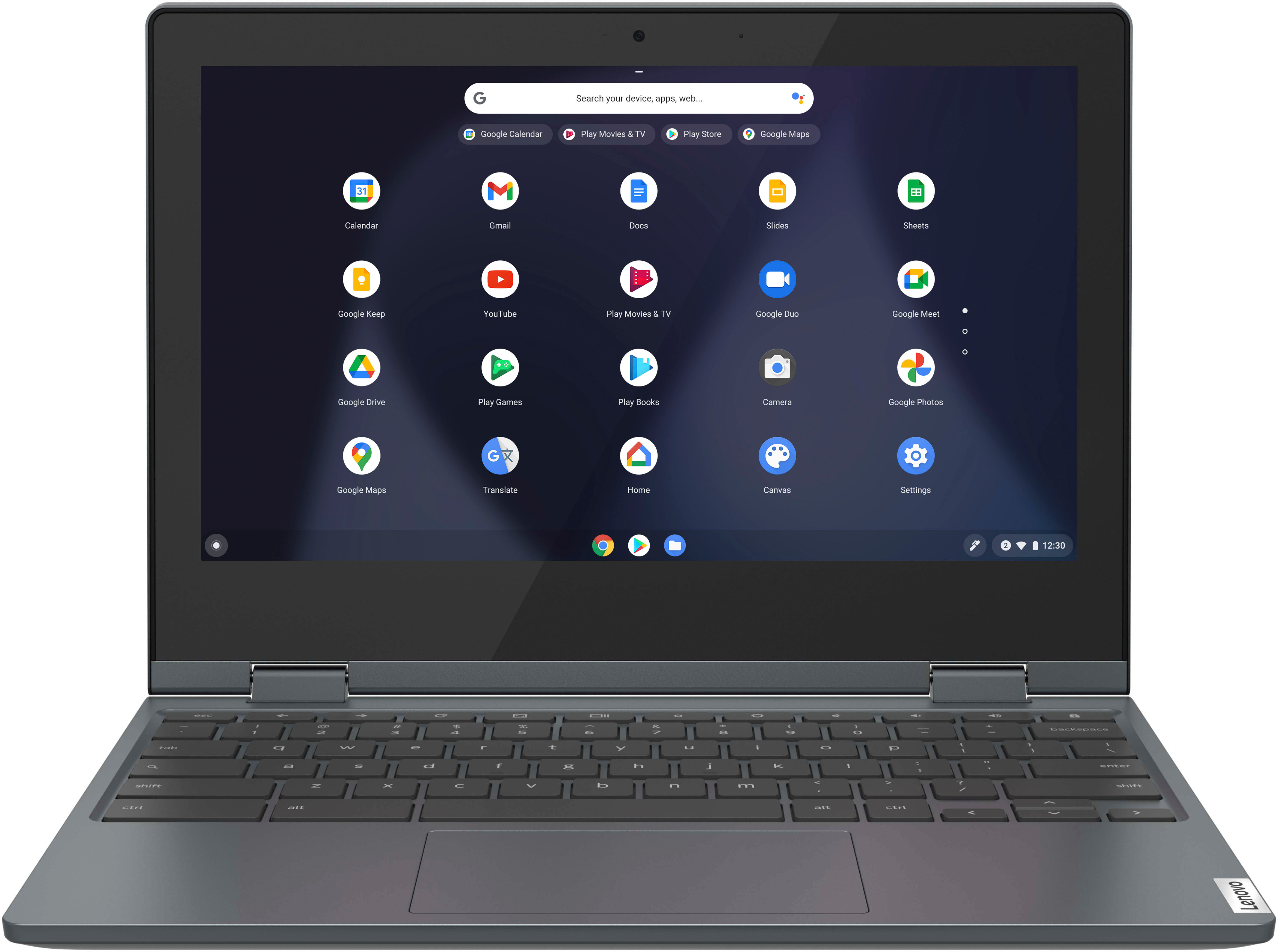
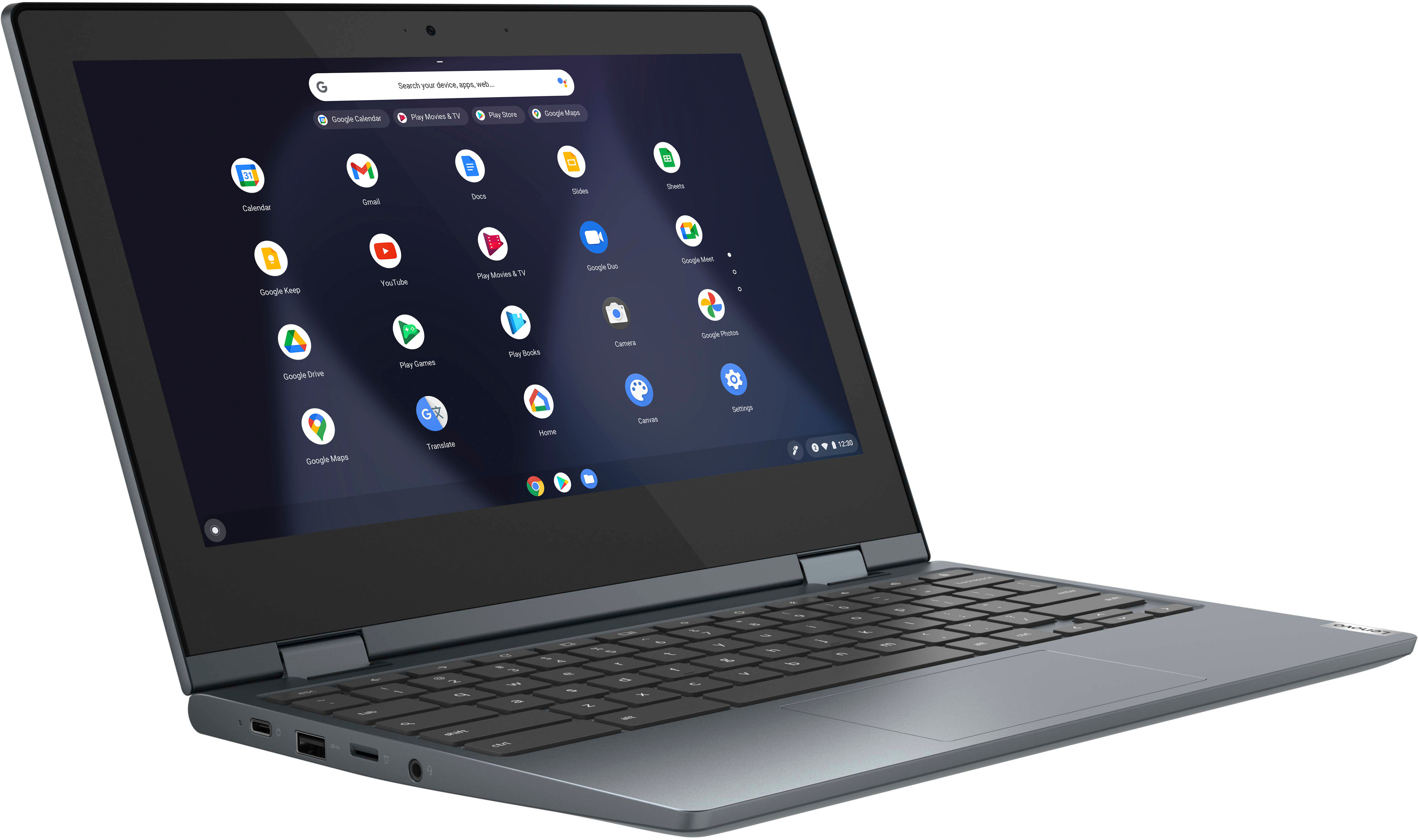
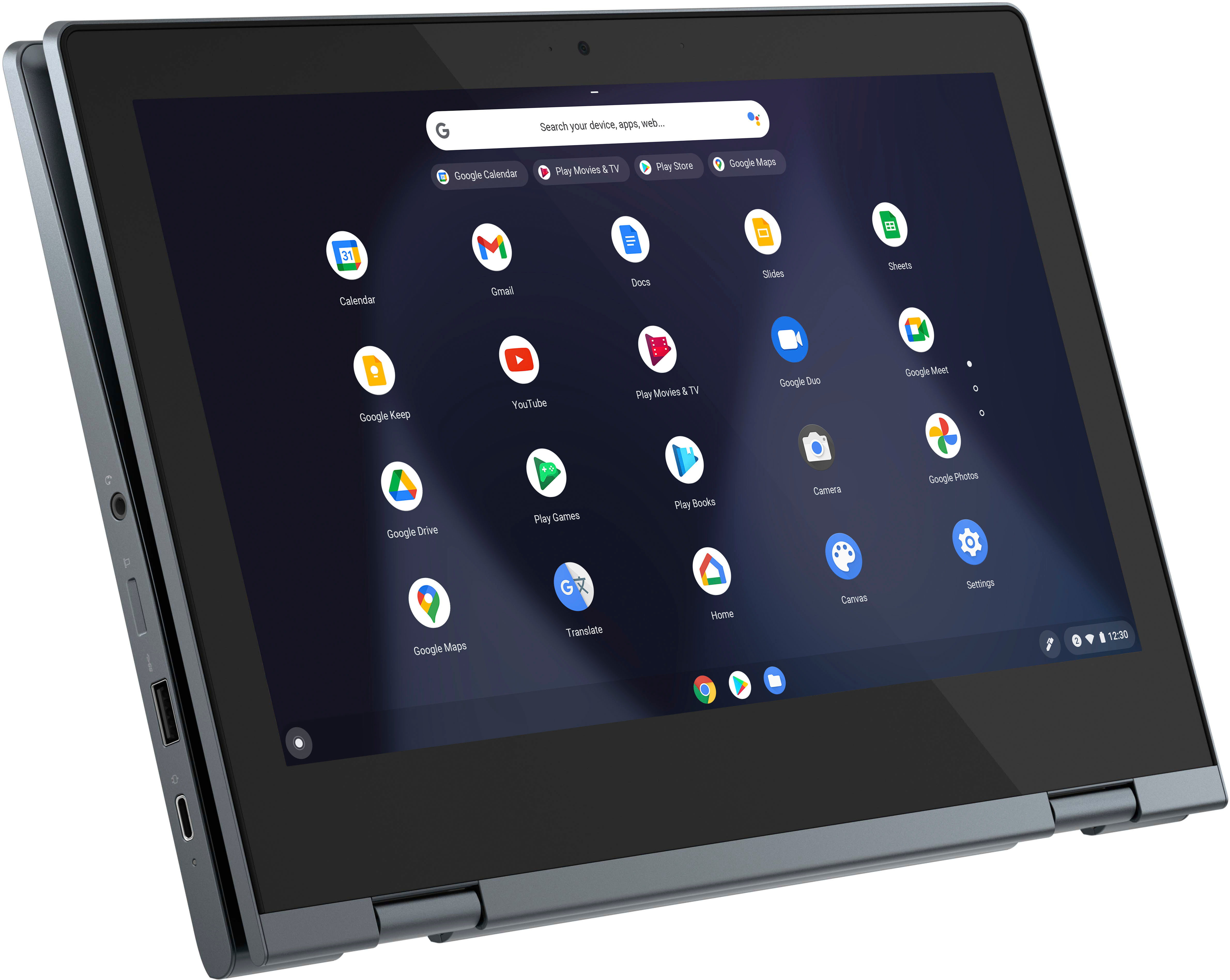
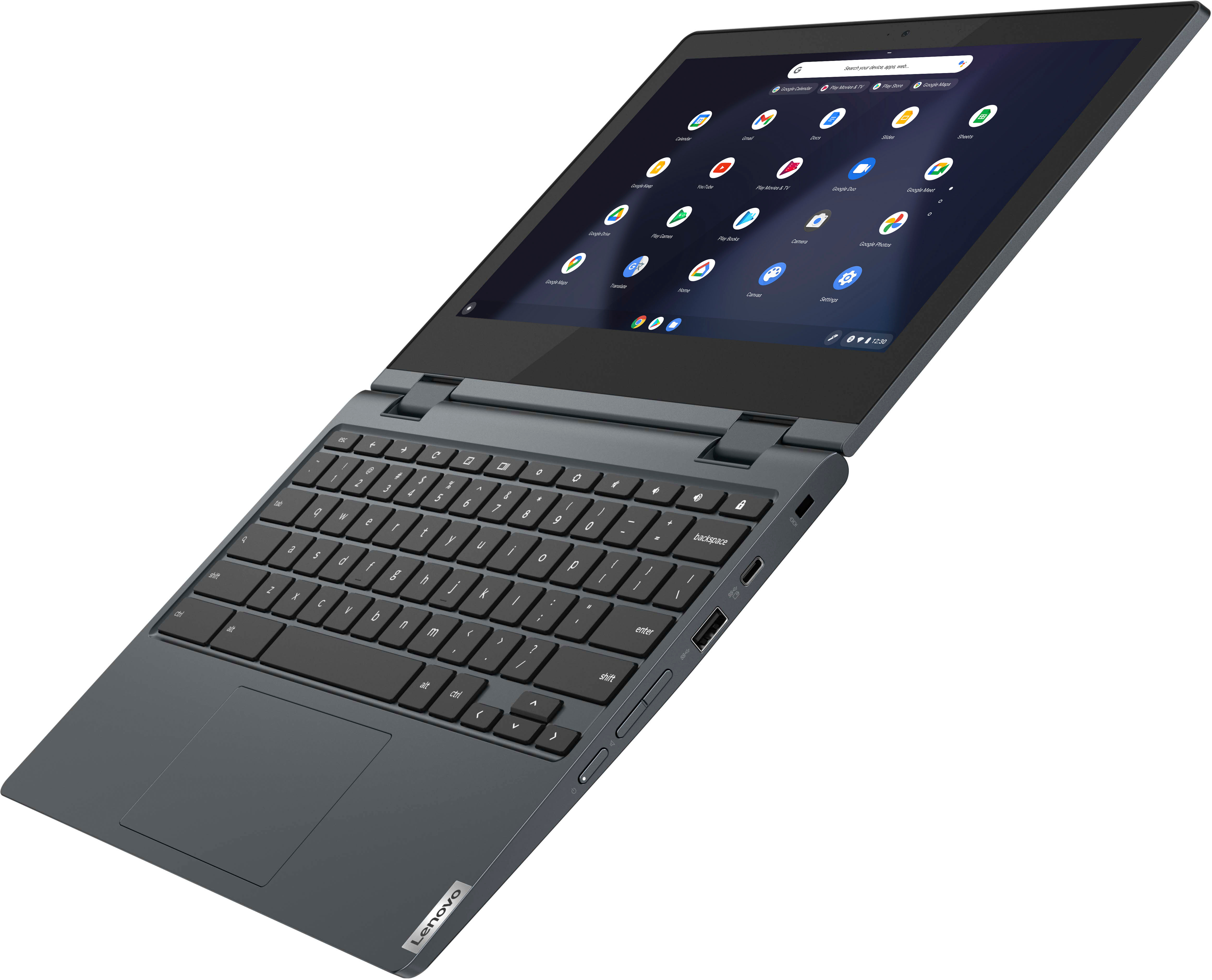
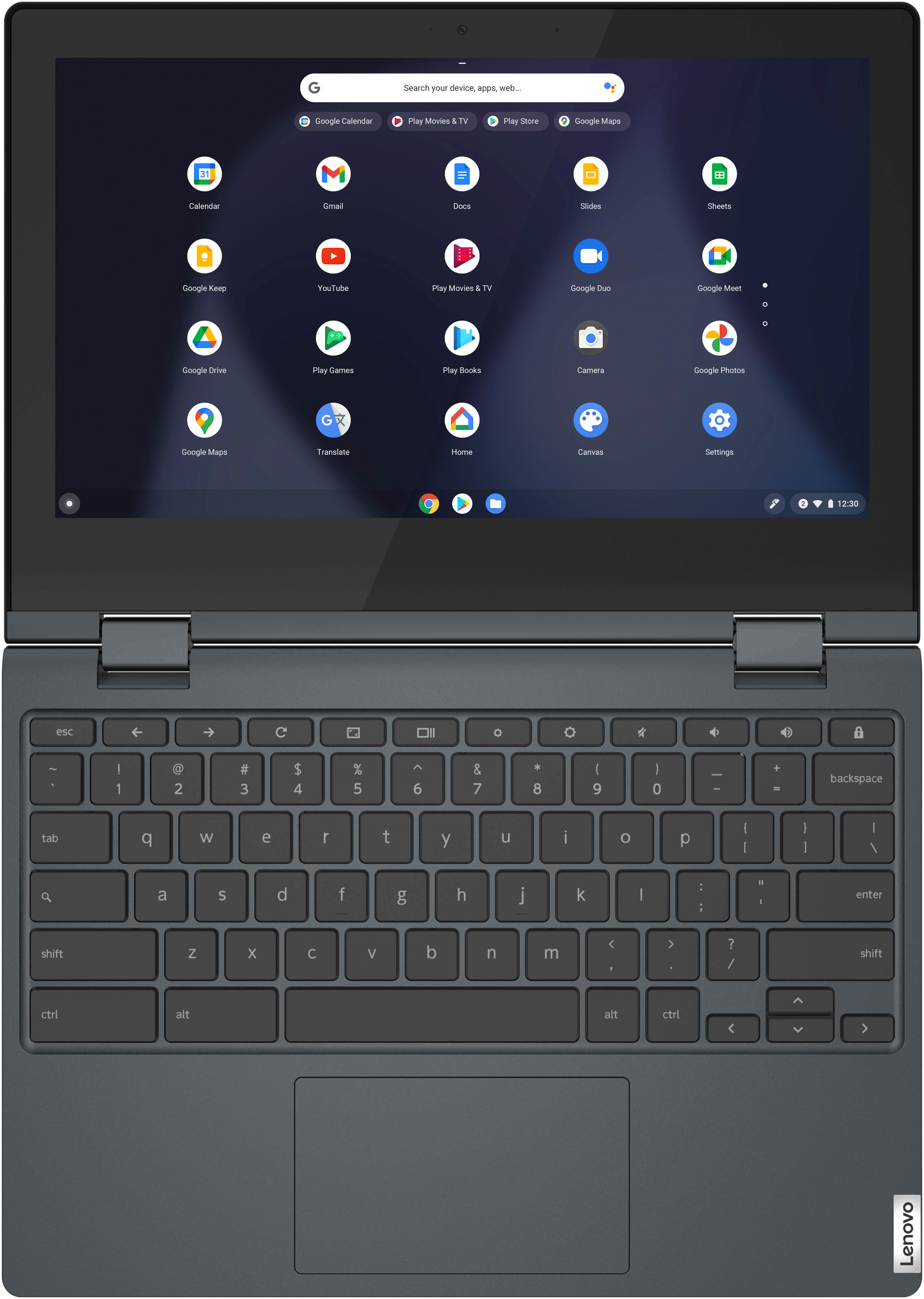
Posted .The Lenovo Flex 3 11, model number 82BB000AUS, features a 11.6" HD (1366x768) resolution, IPS panel for better viewing angles and more accurate colors, 250 nits brightness, touchscreen display. It also features a full-sized keyboard. We recommend you check the specifications and features of any device needed to effectively complete various workflows and tasks if being use for work, education, or personal use, and your preferences in design and features before you invest in any computer.
Lenovo Flex 3
||Posted .This reviewer received promo considerations or sweepstakes entry for writing a review.screen flashes a lot, screen is too small and the sound quality is not too good
No, I would not recommend this to a friendBrand response from Lenovo Product Expert
Posted .We are sorry to hear that you encountered an issue with your Lenovo Flex 3 11 Chromebook. Regarding the screen flashes, if you are still having this issue, first, we recommend doing a reset on the device. Pushing the power button, or rebooting, does not remove the trickle charge that keeps the embedded controller (EC) running. A hard reset drops all power to the EC, so when the power comes back on it goes through a reinitialization. Since the EC controls the keyboard, touchpad, battery, and all other on-board peripherals, performing this it can potentially fix a wide range of problems. The procedure is detailed on this web page: https://support.google.com/chromebook/answer/3227606?hl=en . Some devices require specific steps, but most newer devices only require a simple keyboard sequence: First turn off your Chromebook completely (do not just close the lid). Next, hold down the Refresh keyboard icon key and then press and hold the Power button. Hold both down for 10 seconds. Release the Refresh key and then the Power button and your Chromebook will restart. If it does not start, press Power again. If your issues persist after this, we recommend reaching out to Lenovo Tech Support for Chromebooks at this number: 800-426-7378. This model features stereo speakers, 2 2W speakers, and as for the screen size, among knowing the specifications needed to run certain applications or meet performance for various workloads, design and feature preferences are among things we recommend discovering first before investing in any computer.
Delayed for more than a month
||Posted . Owned for 3 weeks when reviewed.This reviewer received promo considerations or sweepstakes entry for writing a review.I have placed my order on Black Friday. It has been delayed more than a month and I cant cancel this order because the status appear as it is shipped. How come an item can stuck in delivery for one moth. Best Buy chat tool is the least helpful online chat tool I have ever used.
No, I would not recommend this to a friendBrand response from Lenovo Product Expert
Posted .Due to the volume of items shipped around the Black Friday holiday, shipping delays can happen. We recommend that if you have not yet received your item that you contact Best Buy Support to learn more information on the status of your order. Here is a phone number to call: 1-888-237-8289 (1-888-BEST BUY).