Customer Ratings & Reviews

- Model:
- F0EK007HUS
- SKU:
- 6393695
Rating by feature
- Value
Rating 4.3 out of 5 stars
- Quality
Rating 4.4 out of 5 stars
- Ease of Use
Rating 4.5 out of 5 stars
Customers are saying
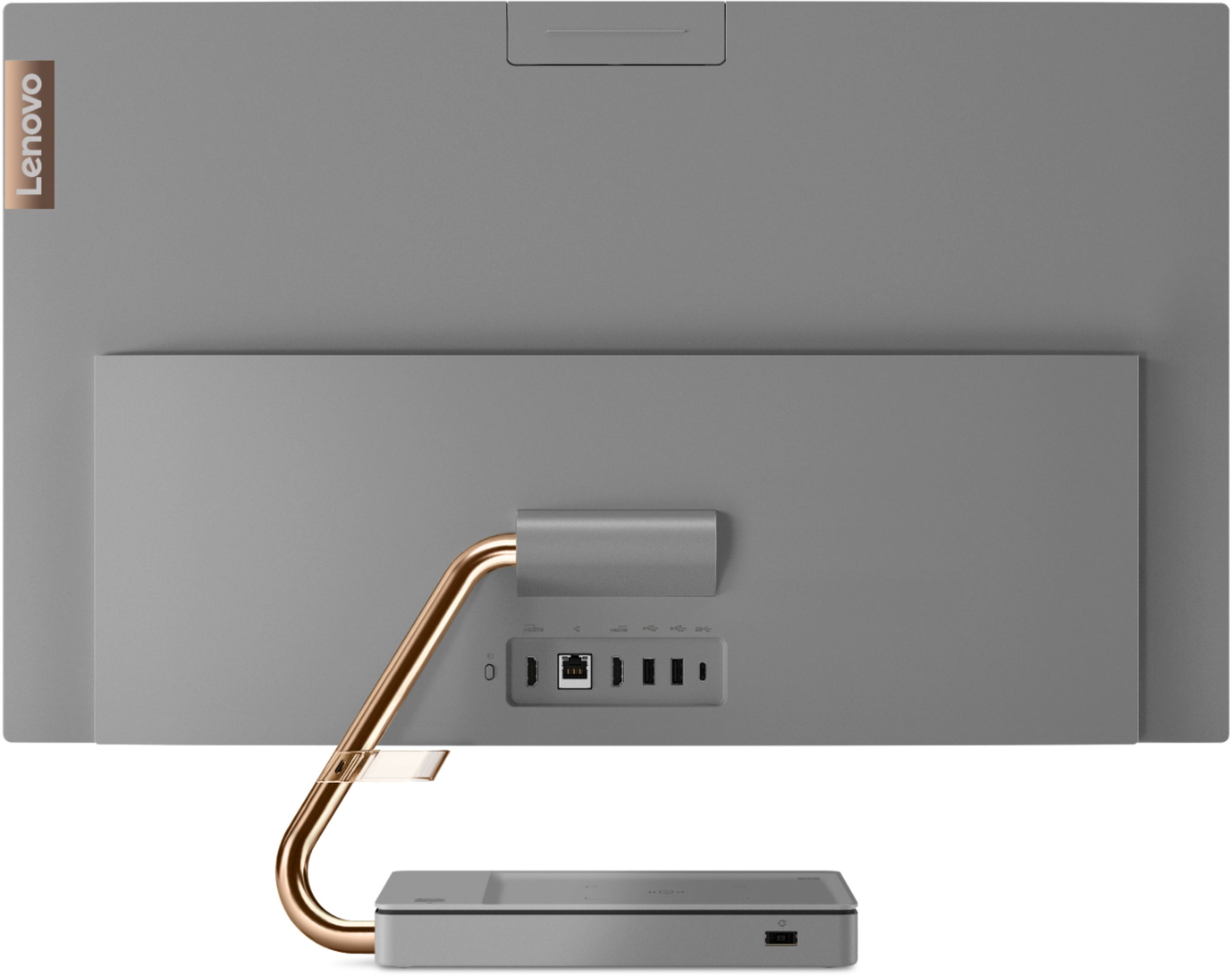
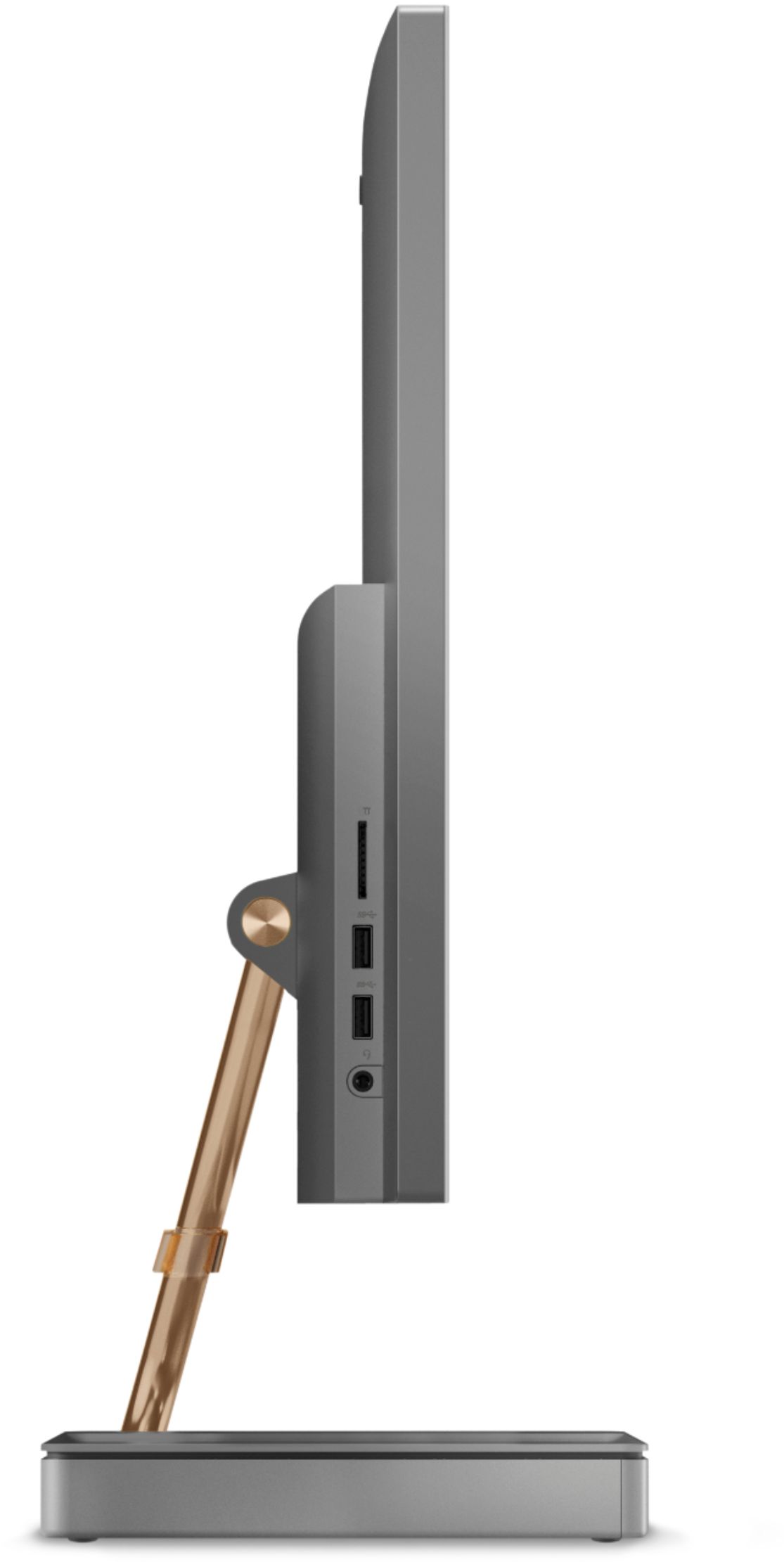
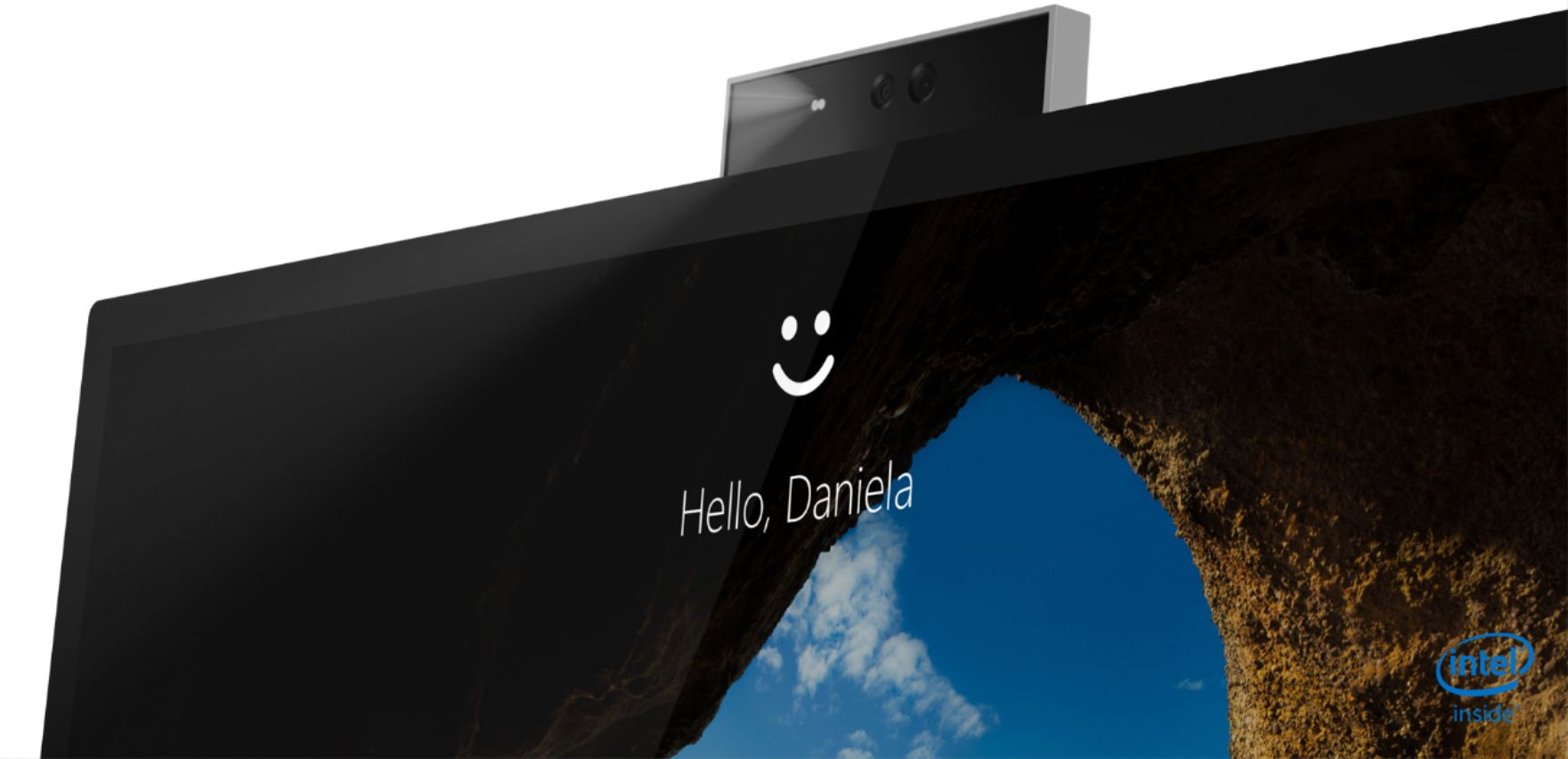
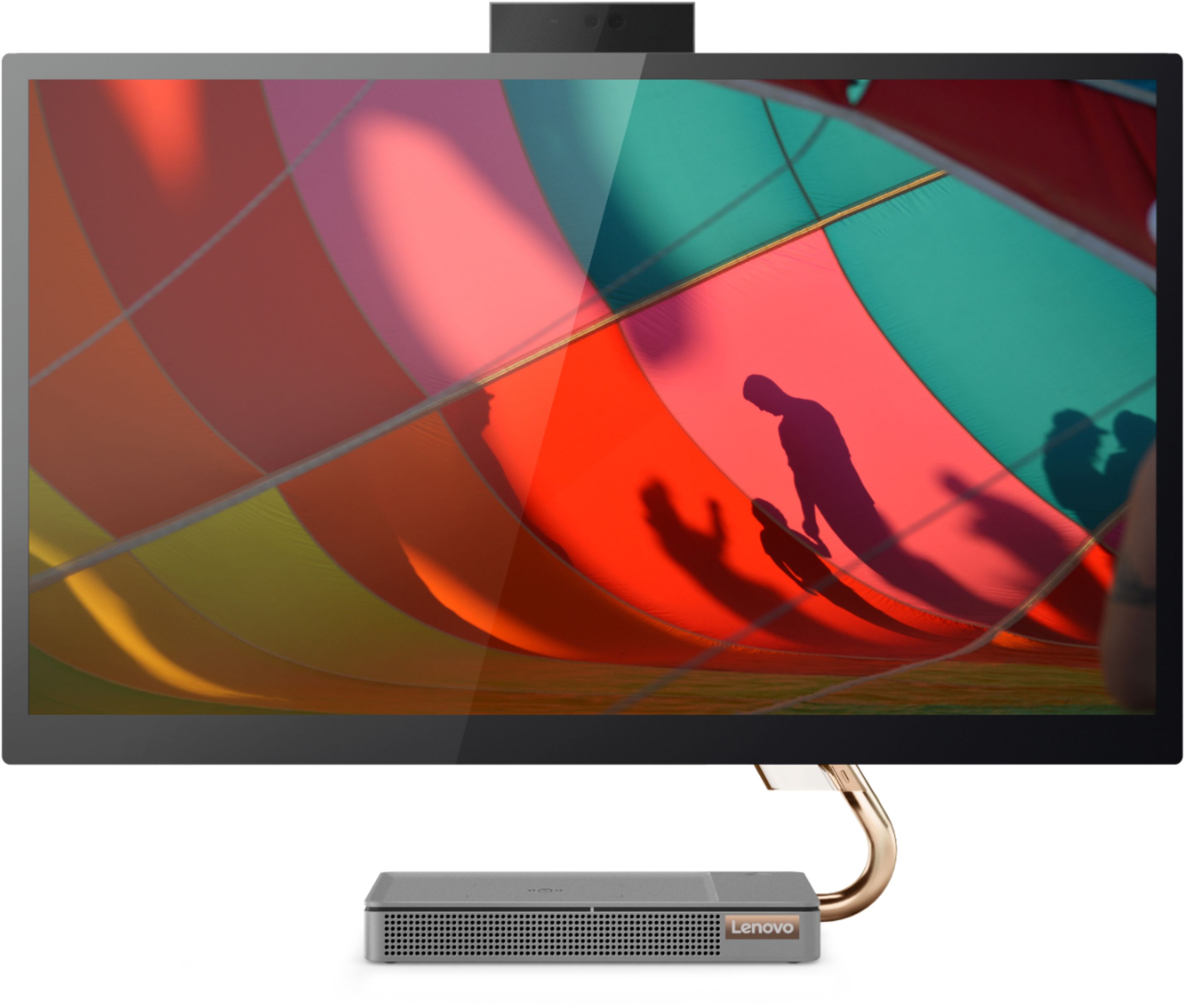
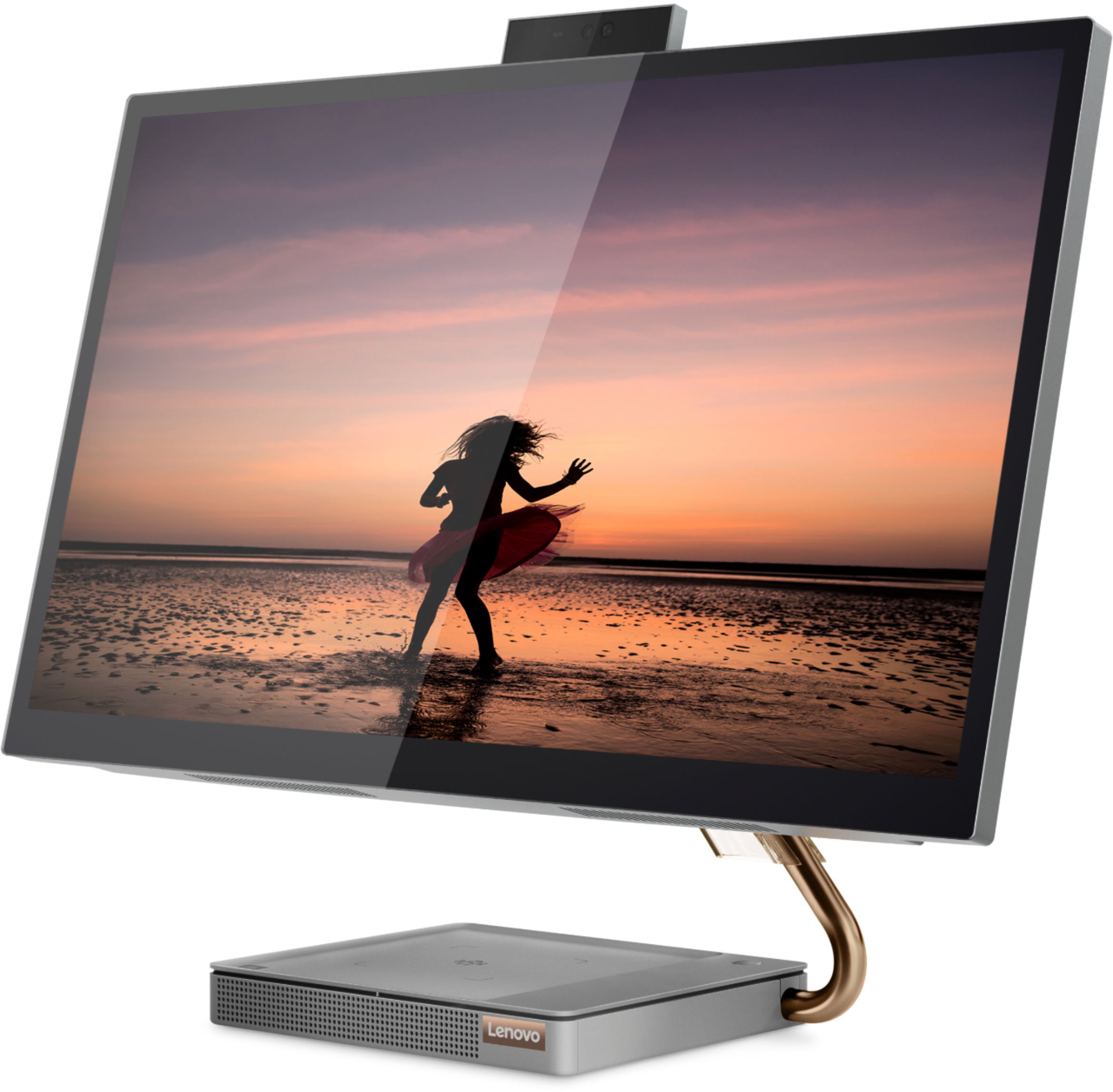
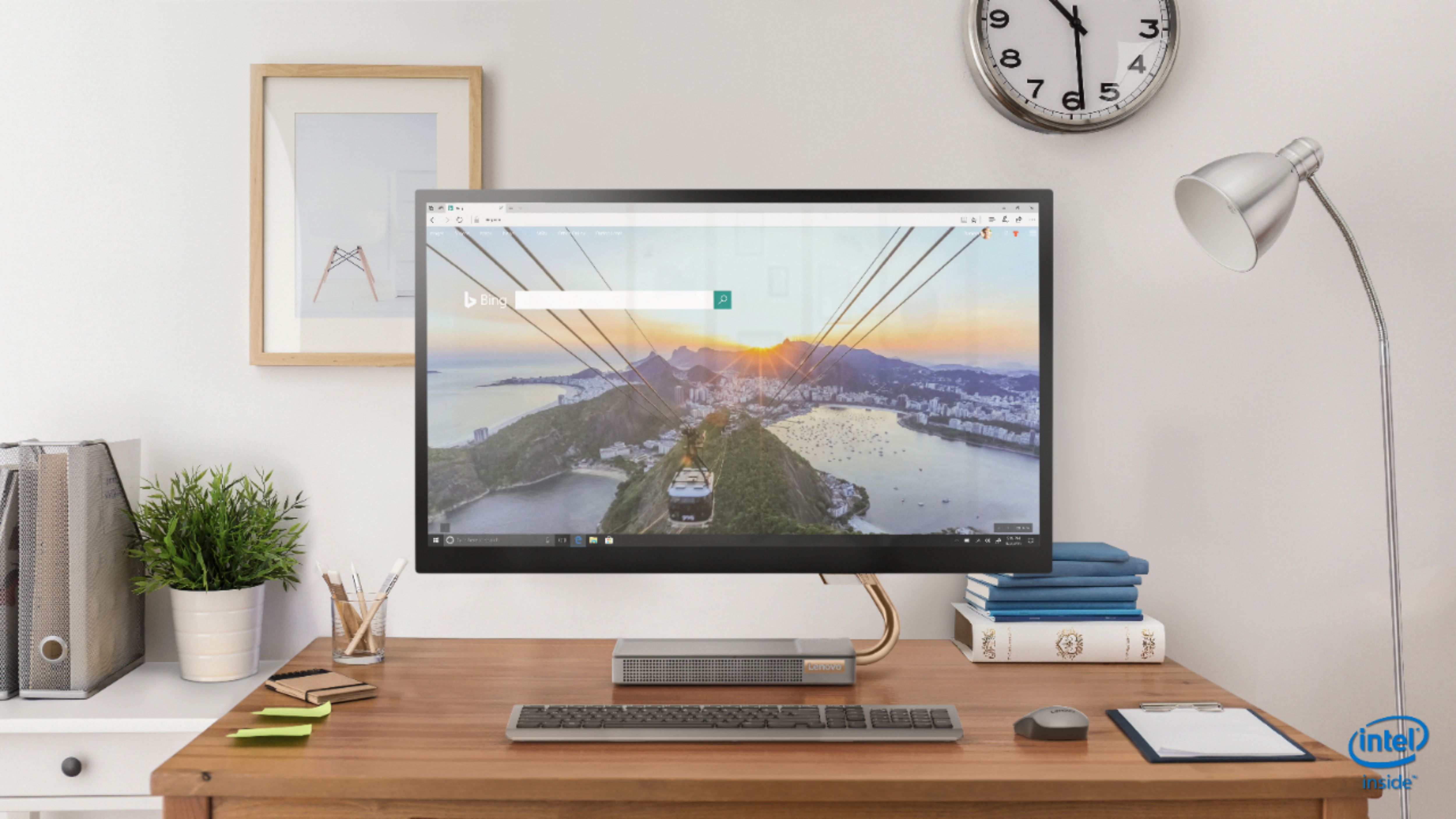
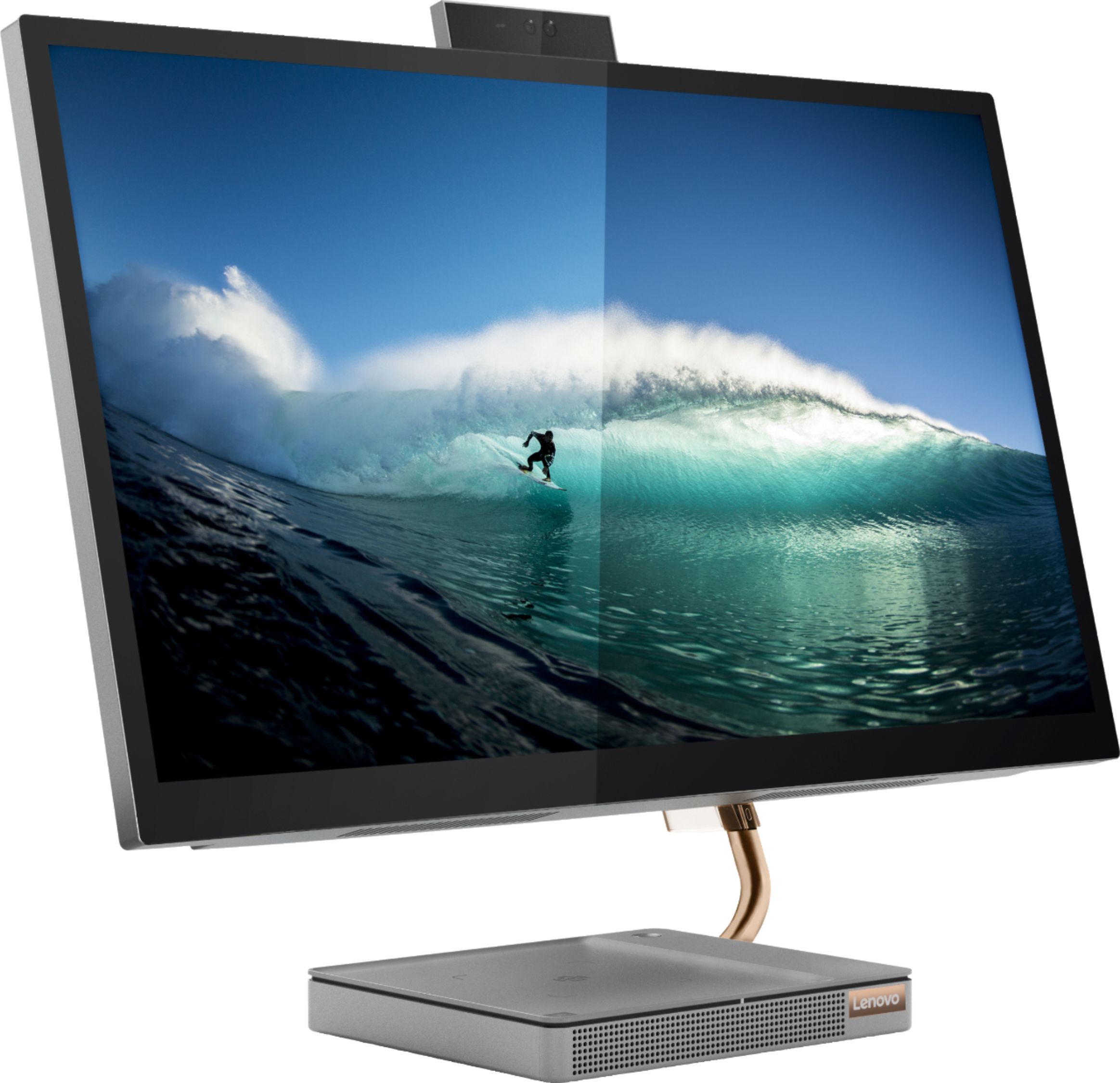
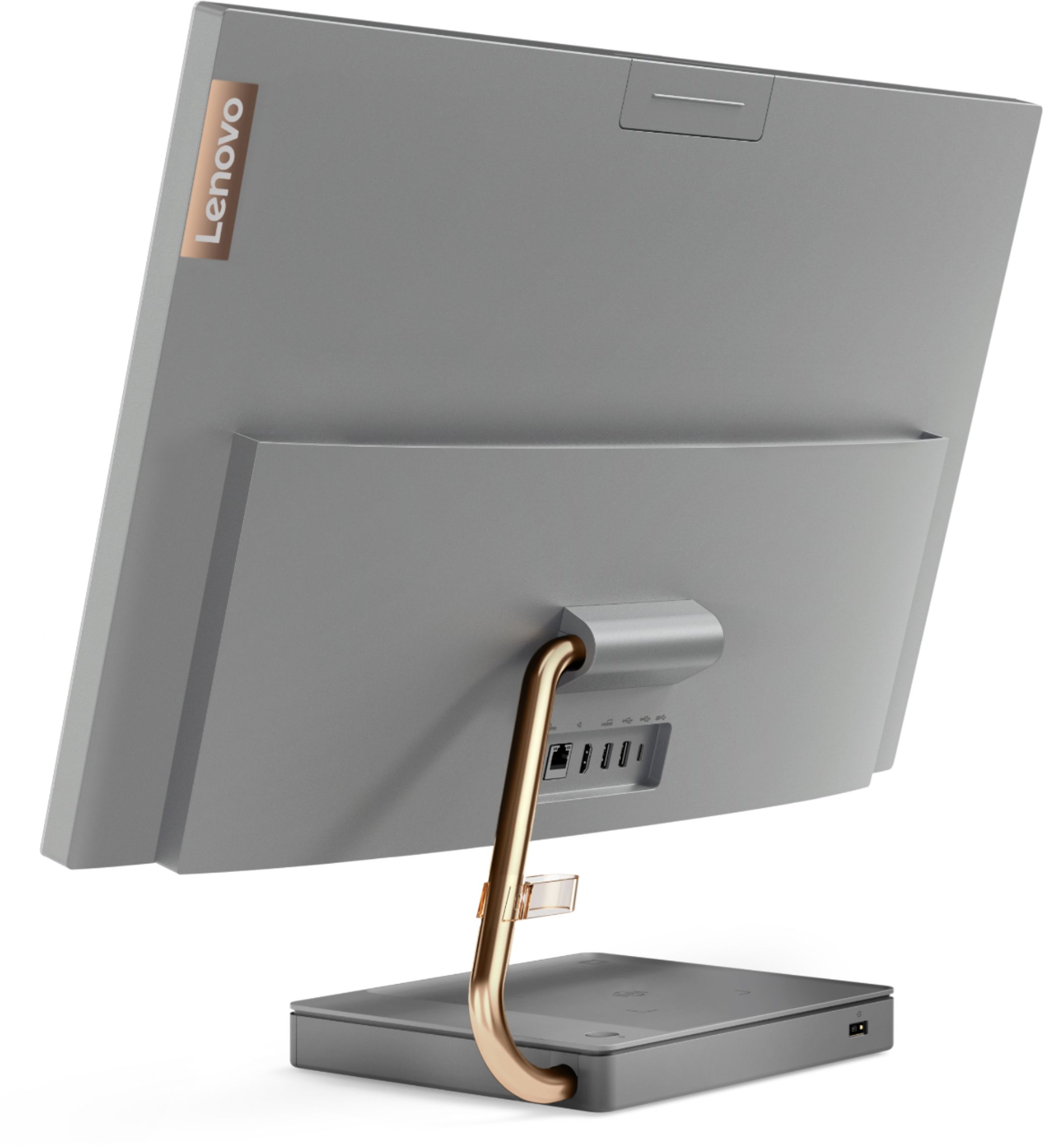
Customers regard the IdeaCentre A540's large screen size and ease of use as significant advantages, frequently praising its sleek design and responsive touchscreen. Positive feedback also highlights the generally good performance and value for the price. However, some users experienced issues with the limited number of USB ports, the quality of the camera, and occasional problems with the mouse and sleep mode functionality.
This summary was generated by AI based on customer reviews.
Awesome
||Posted . Owned for less than 1 week when reviewed.This reviewer received promo considerations or sweepstakes entry for writing a review.Just got this last week and set it up. It was an "open box" purchase that was certified by Geek Squad coming to me in the original box and packaging. It was surprisingly easy to set up and I'm still getting used to this amazing 27" screen after my 17" HP laptop. Wasn't sure about Lenovo but read the reviews and compared it to comparable machines. I thought I'd give it a go and so far I'm impressed. Good value for this product.
I would recommend this to a friendBrand response from Lenovo Product Expert
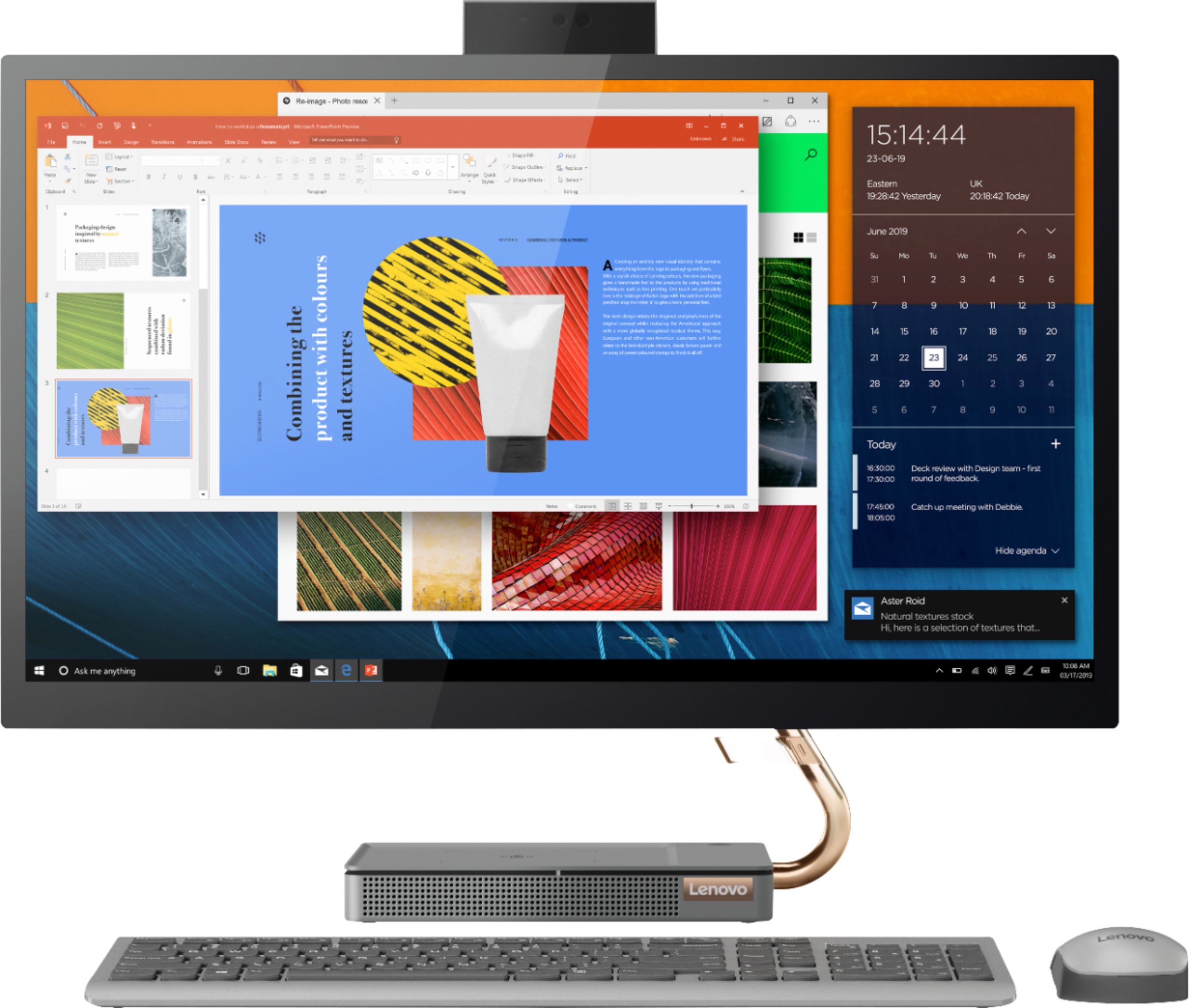
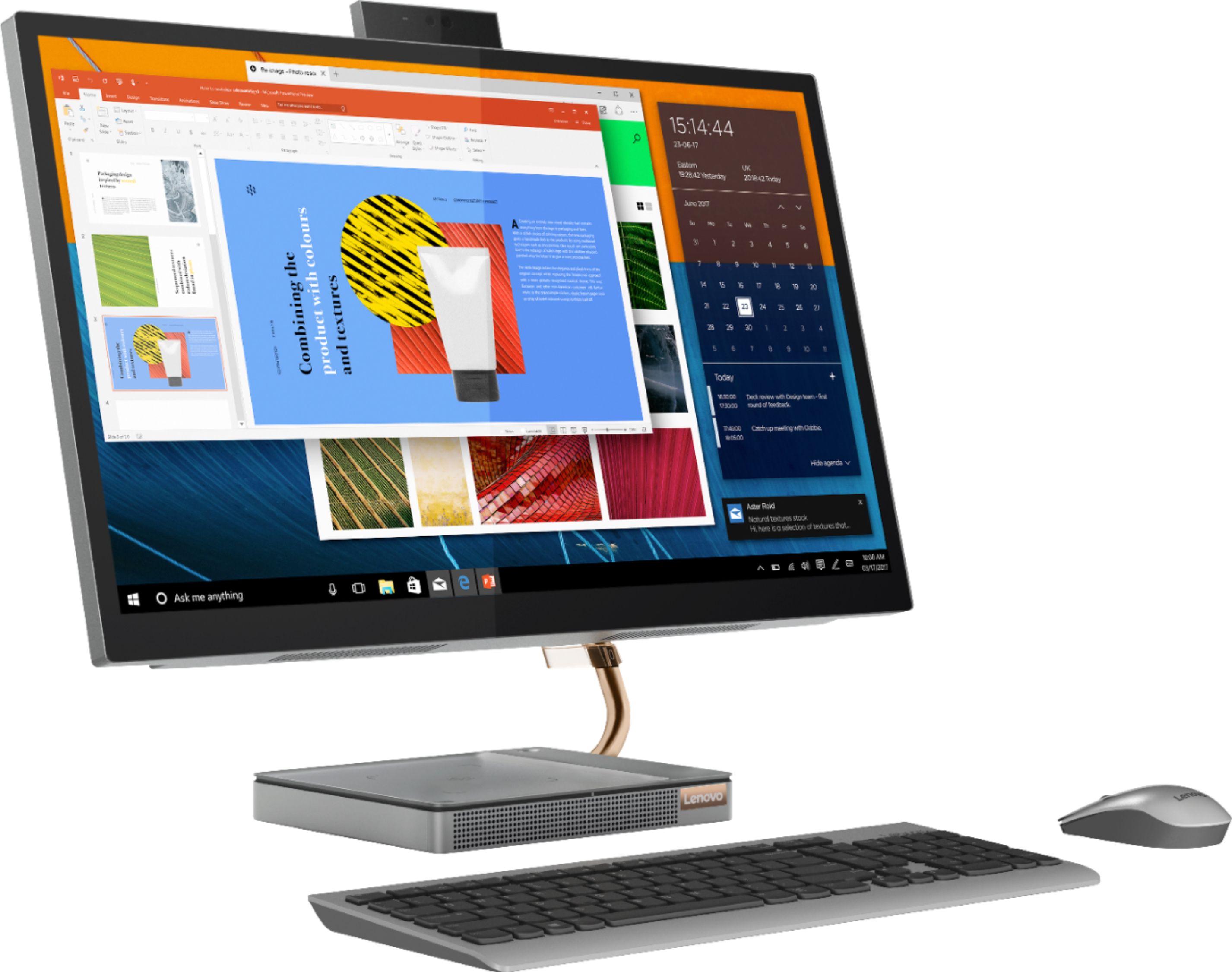
Posted .Thank you for choosing the lenovo IdeaCentre A540-27 All-In-One system, model number F0EK007HUS. We are pleased to hear that the features and performance of the IdeaCentre A540-27 AIO meets your computing needs so well. Taking its cue from nature, the stylish IdeaCentre A540 is inspired by the cypress tree: perfectly balanced and durable. Sacrificing nothing on performance, this all-in-one PC is an attractive addition to your home or office. With up to 93-percent screen-to-body ratio and thin, narrow bezels, the A540 minimizes visual distractions and gives you more to enjoy than a regular 27-inch display. To enhance your viewing experience even further, the A540 ships with FHD resolution.

- Pros mentioned:Screen size
Lenovo computer review
||Posted . Owned for 3 weeks when reviewed.This reviewer received promo considerations or sweepstakes entry for writing a review.great product. screen brightness make viewing exceptional. flexibility of key stroke or touch screen is great.
I would recommend this to a friendBrand response from Lenovo Product Expert
Posted .Thank you for choosing the Lenovo IdeaCentre A540 27 All-In-One system. We are pleased to hear that the features and performance of the IdeaCentre A540 27 AIO meets your computing needs so well.
Love hate relationship with computer
||Posted . Owned for 1 month when reviewed.This reviewer received promo considerations or sweepstakes entry for writing a review.There is so much I love about this computer ,,, but for whatever reason when it goes to sleep without me using the computer for say an hour or more the only way to "wake" it up is to shut the computer down. I am not okay with having to do that. I have tried to get help online but I was told I need to take it back into the Geek Squad. I took it in but they could not replicate the problem in the 40 minutes they had my computer which didn't surprise me. I brought it home and have the same problem again. The soonest I can make an appointment to take my brand new computer in is next Saturday and I am sure they will have to keep it for a few days. Honestly, I am considering just returning the computer and buying a different one.
No, I would not recommend this to a friendBrand response from Lenovo Product Expert
Posted .We are sorry to hear that you are having issues with waking your Lenovo IdeaCentre A540 27 All-In-One System from Sleep Mode. First, if you want to, you can increase the idle time before your computer goes into Sleep Mode - Click on the Start button. Click on the cog icon to open the Settings app. Click on System, and select Power & sleep in the left pane. Adjust the timers to your desired settings. For more advanced options, you may click on Additional power settings. To correct the issue you are having actually waking the computer from Sleep Mode, here is a link to some troubleshooting tips - https://www.drivereasy.com/knowledge/computer-wont-wake-up-from-sleep-windows-10/. If the issue continues, you can contact Lenovo Tech Support for additional help while you are waiting to see the Geek Squad at: 877-453-6686.
- Pros mentioned:Ease of use
Love it
||Posted . Owned for 3 weeks when reviewed.This reviewer received promo considerations or sweepstakes entry for writing a review.I'm in love with my new computer its awesome, I love how I get to charge my phone on it. It has everything I need! Its easy to set up
I would recommend this to a friendBrand response from Lenovo Product Expert
Posted .Once again, thank you for choosing the Lenovo IdeaCentre A540-27 All-In-One system. You can keep your computer running at its best by keeping the Windows 10 Operating System and all supporting BIOS files and drivers up to date. You can easily accomplish this by scanning the computer with the Lenovo Utility software available on this computer. Just type "Lenovo Vantage" in the Cortana Search window (if Lenovo Vantage is not installed on your device, you can download the APP and install it now). Select Lenovo Vantage from the list. In the window that opens, click on "Health and Support". In the expanded menu, select "Hardware Scan" In the window that opens, select "Run Quick Tests". This will scan your entire system for errors. Follow any directions that may pop up. If the problem continues after this scan, now click on "System Update". First select Windows update from the menu. Scan your system to be sure you have the latest version of Windows 10. Once that scan is complete, select "Additional Updates". This will scan your device to be sure there are no new BIOS/Driver updates needed. Follow any instructions that may pop up. If you ever need additional help with your Lenovo computer, we recommend you call Lenovo Tech Support at: 877-453-6686 for additional help.
- Pros mentioned:Performance
Excellent all-in-one computer
||Posted .This reviewer received promo considerations or sweepstakes entry for writing a review.Love this computer. Works great when working remotely and has lots of great surprise features.
I would recommend this to a friendBrand response from Lenovo Product Expert
Posted .Thank you for choosing the Lenovo IdeaCentre A540-27 All-In-One system. We are pleased to hear that the features and performance of the IdeaCentre A540-27 AIO meets your computing needs so well. Taking its cue from nature, the stylish IdeaCentre A540 is inspired by the cypress tree: perfectly balanced and durable. Sacrificing nothing on performance, this all-in-one PC is an attractive addition to your home or office. With up to 93-percent screen-to-body ratio and thin, narrow bezels, the A540 minimizes visual distractions and gives you more to enjoy than a regular 27-inch display. To enhance your viewing experience even further, the A540 ships with FHD resolution.
- Pros mentioned:DesignCons mentioned:Camera quality
2nd computer, same issues
||Posted . Owned for 1 month when reviewed.This reviewer received promo considerations or sweepstakes entry for writing a review.I love the product when it's working ... love the design etc. The first one occasionally unexpectedly muted me during conference calls (I do a lot and run a few). And my picture would go green. I traded for the same model, and am having the same issues. I was told that the tech saw the same issue in others. Difficult to address during covid. Have to see where this goes. Has anyone had these issues resolved and how? I'm not drawn to other models, but am skeptical of this series.
No, I would not recommend this to a friendBrand response from Lenovo Product Expert
Posted .We are sorry to hear that you are having issues with your Lenovo IdeaCentre A540-27 All-In-One system. Be sure any software you installed is compatible with Windows 10. Be sure the video conferencing software you are using is compatible with Windows 10. Additionally, there is no need to install Microsoft Office software. The software is already part of the operating system, you just need to activate the software with a purchased product key. If you have installed a copy of Microsoft Office, this is conflicting with the existing copy on the system and this will slow your system down. If you have installed a 3rd party anti-virus program, be sure that Windows Defender is turned off and that the trial version of McAfee Anti-Virus software is uninstalled. There can only be one anti-virus program on the system. You may need to restore your system to original factory default settings if any of the programming errors have occurred. You can do that by typing "restore" in the Cortana search window. Just click on the magnifying glass icon at the bottom left of your Windows 10 Desktop. Click on "Reset This PC" Then click on "Get Started" and follow the on screen directions to restore to factory defaults. If the problem persists, we recommend you contact Lenovo Tech Support at: 877-453-6686.
- Pros mentioned:Screen size
Great for Home Office!
||Posted . Owned for 3 weeks when reviewed.This reviewer received promo considerations or sweepstakes entry for writing a review.Quick and easy setup. Using for working from home and with limited space it has a great size screen for small spaces.
I would recommend this to a friendBrand response from Lenovo Product Expert
Posted .Thank you for choosing the Lenovo IdeaCentre A540-27 All-In-One system. We are pleased to hear that the easy setup, features and performance of the IdeaCentre A540-27 AIO meets your computing needs so well.
- Pros mentioned:Speed
Totally Satisfied
||Posted . Owned for 3 weeks when reviewed.This reviewer received promo considerations or sweepstakes entry for writing a review.Super fast, easy set up, does everything I need. Love the AIO aspect...no more spiderweb of wires. I am totally satisfied.
I would recommend this to a friendBrand response from Lenovo Product Expert
Posted .Hello! Thanks for choosing the Lenovo IdeaCentre A540 All-In-One. We are pleased to hear the features and performance of the A540 All-In-One are meeting your computing needs so well!
- Pros mentioned:Screen size
Great computer.
||Posted . Owned for 1 month when reviewed.This reviewer received promo considerations or sweepstakes entry for writing a review.It is much better than my previous computer. I like how small it is. I don't really need a cd player. The sound is great.
I would recommend this to a friendBrand response from Lenovo Product Expert
Posted .Hello! Thanks for choosing the Lenovo IdeaCentre A540 All-In-One. We are pleased to hear the features and performance of the A540 All-In-One are meeting your computing needs so well!
- Pros mentioned:Speed
Perfect
||Posted . Owned for 2 months when reviewed.This reviewer received promo considerations or sweepstakes entry for writing a review.Great for my business and my daughters schooling very fast
I would recommend this to a friendBrand response from Lenovo Product Expert
Posted .Thank you for choosing the Lenovo IdeaCentre A540 27 All-In-One system. We are pleased to hear that the IdeaCentre A540 27 AIO is working out so well for you and your daughter.
- Pros mentioned:Performance
Great for work at home.
||Posted . Owned for 1 month when reviewed.This reviewer received promo considerations or sweepstakes entry for writing a review.I mainly got this computer for work at home and it has been running really well.
I would recommend this to a friendBrand response from Lenovo Product Expert
Posted .Once again, thank you for choosing the Lenovo IdeaCentre A540-27 All-In-One system. You can keep your computer running at its best by keeping the Windows 10 Operating System and all supporting BIOS files and drivers up to date. You can easily accomplish this by scanning the computer with the Lenovo Utility software available on this computer. This system has Lenovo utilities installed to help maintain the health of the device and keep the operating system software up to date. Type "Lenovo Vantage" in the Cortana Search window (if Lenovo Vantage is not installed on your device, you can download the APP and install it now). Select Lenovo Vantage from the list. In the window that opens, click on "Health and Support". In the expanded menu, select "Hardware Scan" In the window that opens, select "Run Quick Tests". This will scan your entire system for errors. Follow any directions that may pop up. If the problem continues after this scan, now click on "System Update". First select Windows update from the menu. Scan your system to be sure you have the latest version of Windows 10. Once that scan is complete, select "Additional Updates". This will scan your device to be sure there are no new BIOS/Driver updates needed. Follow any instructions that may pop up. If you ever need additional help with your Lenovo computer, we recommend you call Lenovo Tech Support at: 877-453-6686 for additional help.
- Pros mentioned:Screen size
Great
||Posted . Owned for 2 months when reviewed.This reviewer received promo considerations or sweepstakes entry for writing a review.Great all in one pc. Good size for a price. Great image quality compare to similar expensive products.
I would recommend this to a friendBrand response from Lenovo Product Expert
Posted .Thank you for choosing the Lenovo IdeaCentre A540-27 All-In-One system. We are pleased to hear that the value, features and performance of the IdeaCentre A540-27 AIO meets your computing needs so well.
- Pros mentioned:Speed
Computer
||Posted . Owned for 1 month when reviewed.This reviewer received promo considerations or sweepstakes entry for writing a review.Good fast computer. Loud constant cycling though. Easy
I would recommend this to a friendBrand response from Lenovo Product Expert
Posted .Thank you for choosing the Lenovo IdeaCentre A540 27 All-In-One System. You can use Lenovo Q-Control to manually control fan and system performance: ( Fn + Q ) option to change the fan by undervolting the processor. If the issue continues, we recommend you call Lenovo Tech Support at: 877-453-6686.
- Pros mentioned:Speed
Great for home
||Posted . Owned for 1 month when reviewed.This reviewer received promo considerations or sweepstakes entry for writing a review.I bought this to replace a 6 year old desktop. I use this computer to pay Bill's and online shopping. Great computer. Its fast
I would recommend this to a friendBrand response from Lenovo Product Expert
Posted .Once again, thank you for choosing the Lenovo IdeaCentre A540-27 All-In-One system. You can keep your computer running at its best by keeping the Windows 10 Operating System and all supporting BIOS files and drivers up to date. You can easily accomplish this by scanning the computer with the Lenovo Utility software available on this computer. This system has Lenovo utilities installed to help maintain the health of the device and keep the operating system software up to date. Type "Lenovo Vantage" in the Cortana Search window (if Lenovo Vantage is not installed on your device, you can download the APP and install it now). Select Lenovo Vantage from the list. In the window that opens, click on "Health and Support". In the expanded menu, select "Hardware Scan" In the window that opens, select "Run Quick Tests". This will scan your entire system for errors. Follow any directions that may pop up. If the problem continues after this scan, now click on "System Update". First select Windows update from the menu. Scan your system to be sure you have the latest version of Windows 10. Once that scan is complete, select "Additional Updates". This will scan your device to be sure there are no new BIOS/Driver updates needed. Follow any instructions that may pop up. If you ever need additional help with your Lenovo computer, we recommend you call Lenovo Tech Support at: 877-453-6686 for additional help.
- Pros mentioned:Screen size
Teacher Approved!
||Posted . Owned for less than 1 week when reviewed.This reviewer received promo considerations or sweepstakes entry for writing a review.So sleek looking! Great screen size! I love it! As a teacher, it was so easy to create for my virtual kiddos!
I would recommend this to a friendBrand response from Lenovo Product Expert
Posted .Thank you for choosing the Lenovo IdeaCentre A540-27 All-In-One system. We are pleased to hear that the IdeaCentre A540-27 AIO is working out so well for you.
- Pros mentioned:Ease of use
Great computer
||Posted . Owned for 1 week when reviewed.This reviewer received promo considerations or sweepstakes entry for writing a review.Awesome computer! Very easy to setup and the voice command walk you through the whole setup!
I would recommend this to a friend Neat design. Average desktop computer
||Posted . Owned for 1.5 years when reviewed.This reviewer received promo considerations or sweepstakes entry for writing a review.Touch Screen had a melt down 5 months in. No one used it as a touch screen anyway. Went into operations and turned touchscreen off. Runs fine. Built in camera is nice with everything being online now. could use more memory but an external solved that. Still running fine after 2 years.
I would recommend this to a friend- Pros mentioned:Speed
Lenovo all in one
||Posted . Owned for 3 weeks when reviewed.This reviewer received promo considerations or sweepstakes entry for writing a review.Replacing a similar 7 year old Lenovo all in one. Much improved and much faster
I would recommend this to a friendBrand response from Lenovo Product Expert
Posted .Thank you for choosing the Lenovo IdeaCentre A540 27 All-In-One System. We appreciate your loyalty to Lenovo All-In-One Computers and we are pleased to hear that this IdeaCentre A540 27 AIO meets your computing needs so well.
- Pros mentioned:Screen size
Compact and nice stand
||Posted . Owned for 2 months when reviewed.This reviewer received promo considerations or sweepstakes entry for writing a review.The screen is great. I love this, and I used this for online teaching. Very compact.
I would recommend this to a friendBrand response from Lenovo Product Expert
Posted .Thank you for choosing the Lenovo IdeaCentre A540-27ICB 27in. Touch-Screen All-In-One. We are very pleased to hear that the specifications and features of the Lenovo IdeaCentre A540-27ICB 27in. Touch-Screen AIO meet your computing needs so well.
- Pros mentioned:Screen size
LOVE THE TOUCH SCREEN MECHANIC IN IT
||Posted . Owned for 2 months when reviewed.This reviewer received promo considerations or sweepstakes entry for writing a review.LOVE THIS COMPUTER IT'S SO AMAZING AND I LOVE THAT IT IS A TOUCH SCREEN AS WELL!!!!!
I would recommend this to a friendBrand response from Lenovo Product Expert
Posted .Thank you for choosing the Lenovo IdeaCentre A540-27ICB Touch Screen AIO. We are very pleased to hear that the specifications and features of the Lenovo IdeaCentre A540-27ICB Touch Screen AIO meet your computing needs so well.