Customer Ratings & Reviews
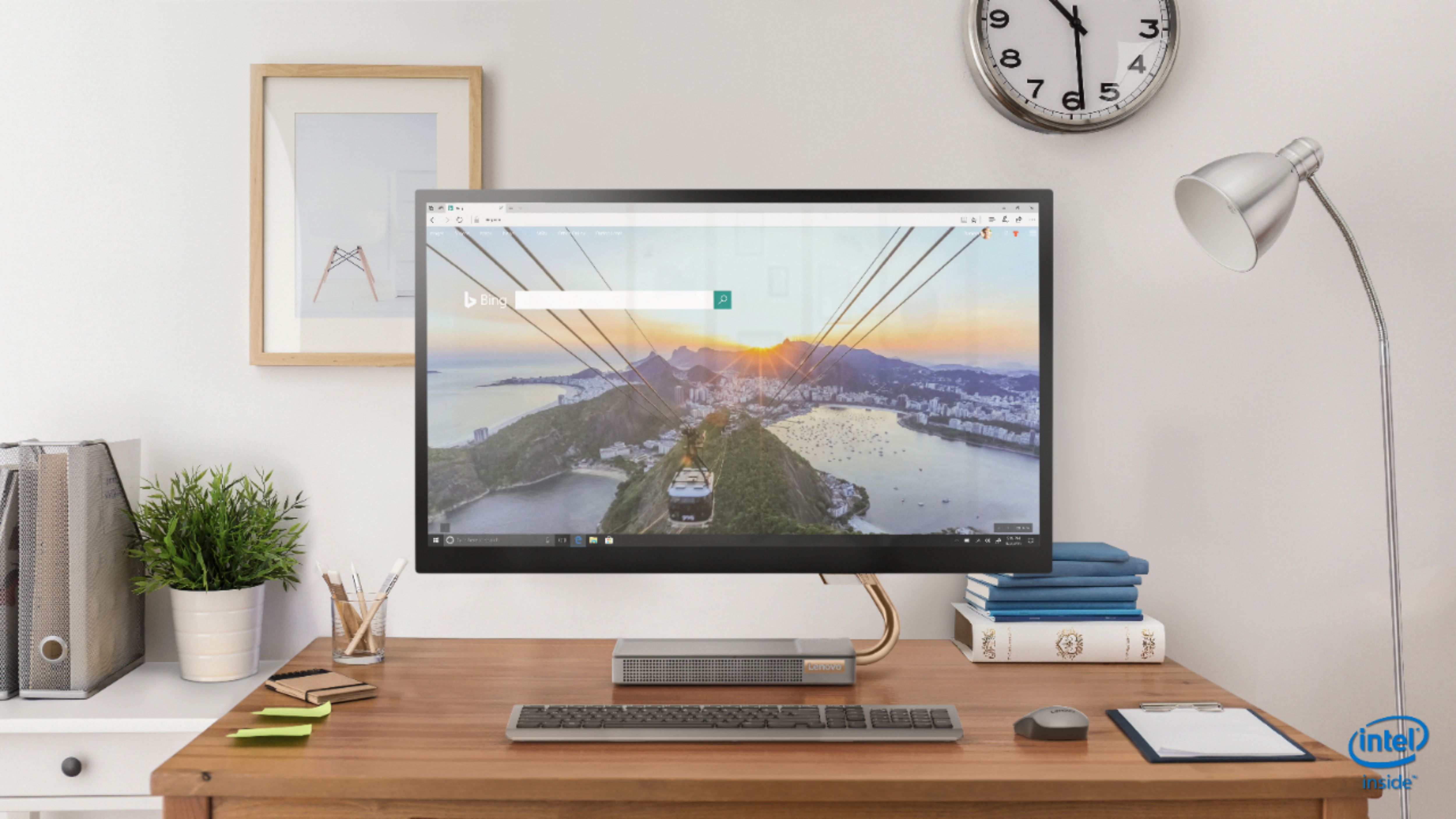
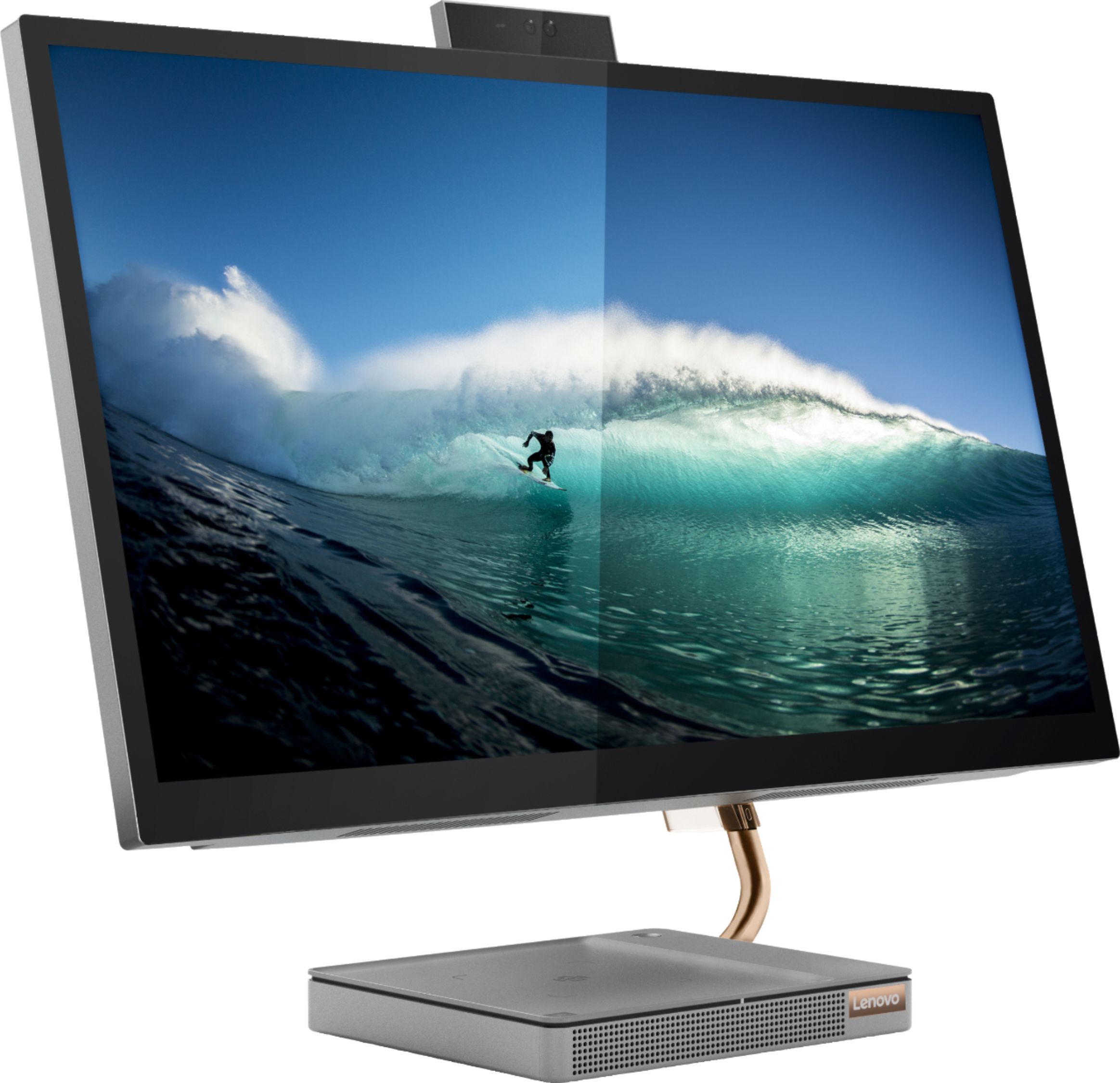
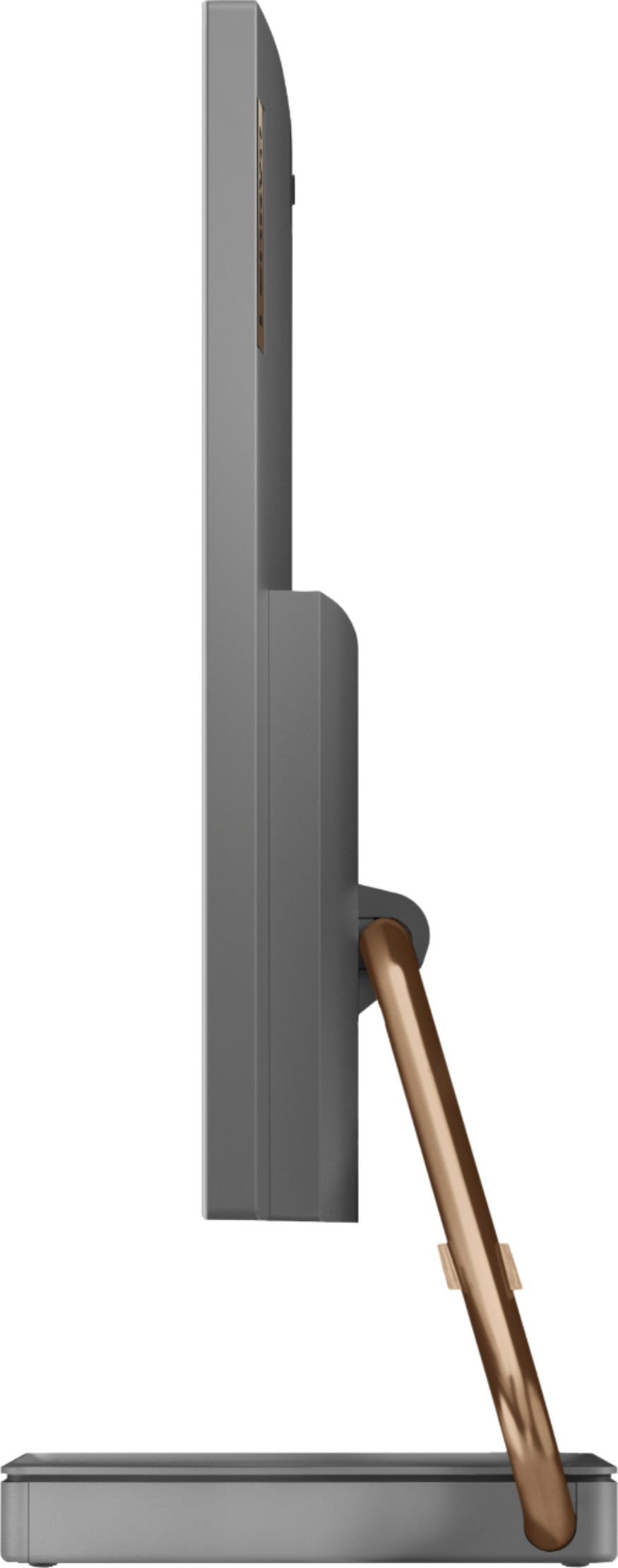
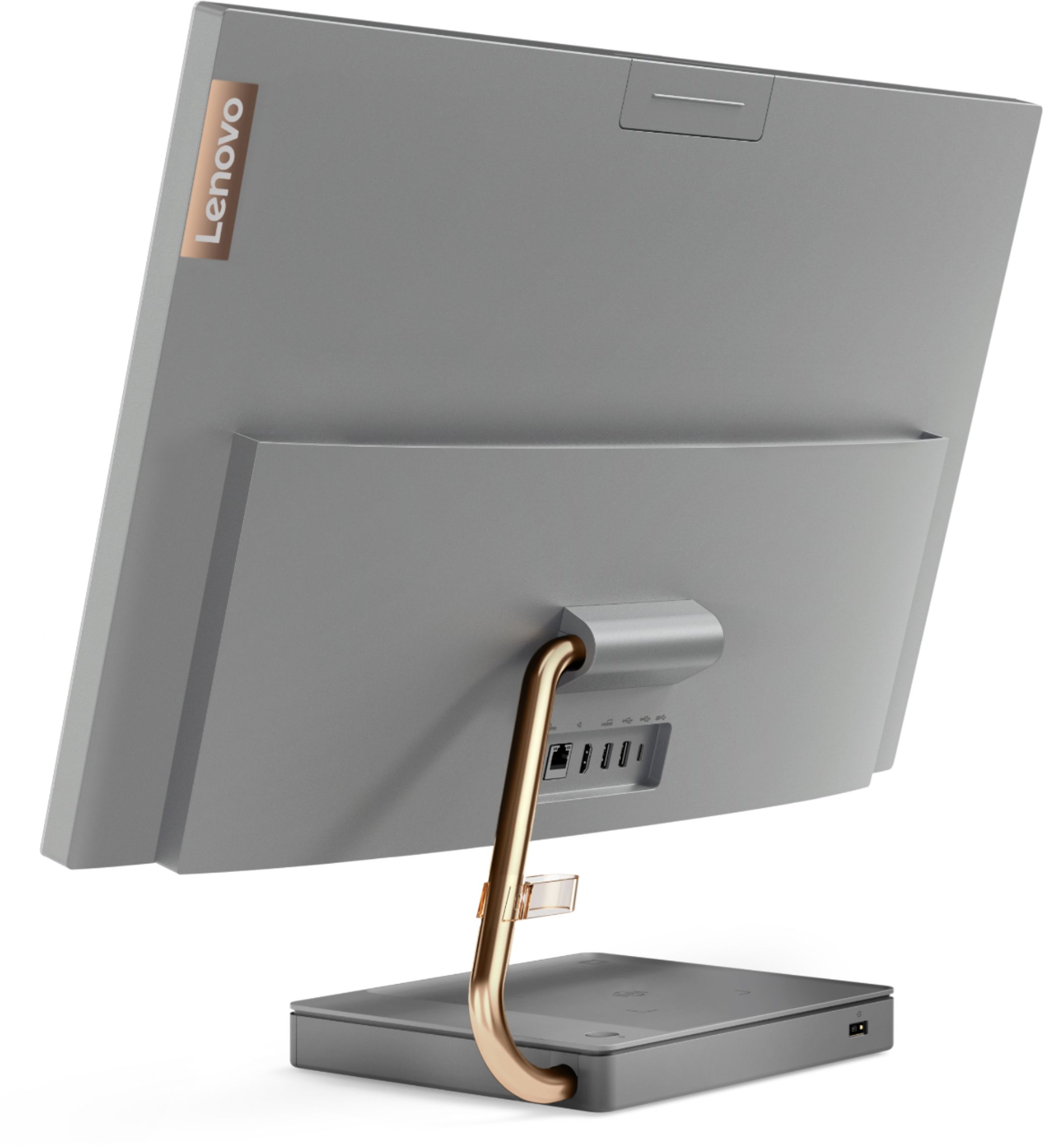

- Model:
- F0EK007HUS
- SKU:
- 6393695
Rating by feature
- Value
Rating 4.3 out of 5 stars
- Quality
Rating 4.4 out of 5 stars
- Ease of Use
Rating 4.5 out of 5 stars
Customers are saying
Customers regard the IdeaCentre A540's large screen size and ease of use as significant advantages, frequently praising its sleek design and responsive touchscreen. Positive feedback also highlights the generally good performance and value for the price. However, some users experienced issues with the limited number of USB ports, the quality of the camera, and occasional problems with the mouse and sleep mode functionality.
This summary was generated by AI based on customer reviews.
- Pros mentioned:Ease of use
Great product
||Posted . Owned for 3 weeks when reviewed.This reviewer received promo considerations or sweepstakes entry for writing a review.Great for making my designs easy to use. Perfect for my job.
I would recommend this to a friendBrand response from Lenovo Product Expert
Posted .Thank you for choosing the Lenovo IdeaCentre A540 27 All-In-One System. We are pleased to hear that the ease of use, features and performance of the IdeaCentre A540 27 AIO meets your computing needs so well.

- Pros mentioned:Performance
Great Buy
||Posted . Owned for 3 weeks when reviewed.This reviewer received promo considerations or sweepstakes entry for writing a review.used for Self Storage office and gate system! Works great!
I would recommend this to a friendBrand response from Lenovo Product Expert
Posted .Thank you for choosing the Lenovo IdeaCentre A540 27 All-In-One System. We are pleased to hear that the IdeaCentre A540 27 AIO meets your computing needs so well.
- Pros mentioned:Speed
All In One Computer
||Posted . Owned for 5 months when reviewed.This reviewer received promo considerations or sweepstakes entry for writing a review.Excellent All In One Computer! Fast and problem free!
I would recommend this to a friend - Pros mentioned:Screen size
excellent computer
||Posted . Owned for 3 weeks when reviewed.This reviewer received promo considerations or sweepstakes entry for writing a review.Its an excellent computer the monitor is just what I needed to work on large data sets.
I would recommend this to a friendBrand response from Lenovo Product Expert
Posted .Once again, thank you for choosing the Lenovo IdeaCentre A540-27 All-In-One system. You can keep your computer running at its best by keeping the Windows 10 Operating System and all supporting BIOS files and drivers up to date. You can easily accomplish this by scanning the computer with the Lenovo Utility software available on this computer. This system has Lenovo utilities installed to help maintain the health of the device and keep the operating system software up to date. Type "Lenovo Vantage" in the Cortana Search window (if Lenovo Vantage is not installed on your device, you can download the APP and install it now). Select Lenovo Vantage from the list. In the window that opens, click on "Health and Support". In the expanded menu, select "Hardware Scan" In the window that opens, select "Run Quick Tests". This will scan your entire system for errors. Follow any directions that may pop up. If the problem continues after this scan, now click on "System Update". First select Windows update from the menu. Scan your system to be sure you have the latest version of Windows 10. Once that scan is complete, select "Additional Updates". This will scan your device to be sure there are no new BIOS/Driver updates needed. Follow any instructions that may pop up. If you ever need additional help with your Lenovo computer, we recommend you call Lenovo Tech Support at: 877-453-6686 for additional help.
- Pros mentioned:Ease of use
Amazing
||Posted . Owned for 1 month when reviewed.This reviewer received promo considerations or sweepstakes entry for writing a review.Great item can’t stop using it so helpful in my daily use
I would recommend this to a friend - Pros mentioned:Ease of use
Great Buy!
||Posted . Owned for 1 month when reviewed.This reviewer received promo considerations or sweepstakes entry for writing a review.I love the ease of using the computer. Best purchase I have ever made in a computer!
I would recommend this to a friendBrand response from Lenovo Product Expert
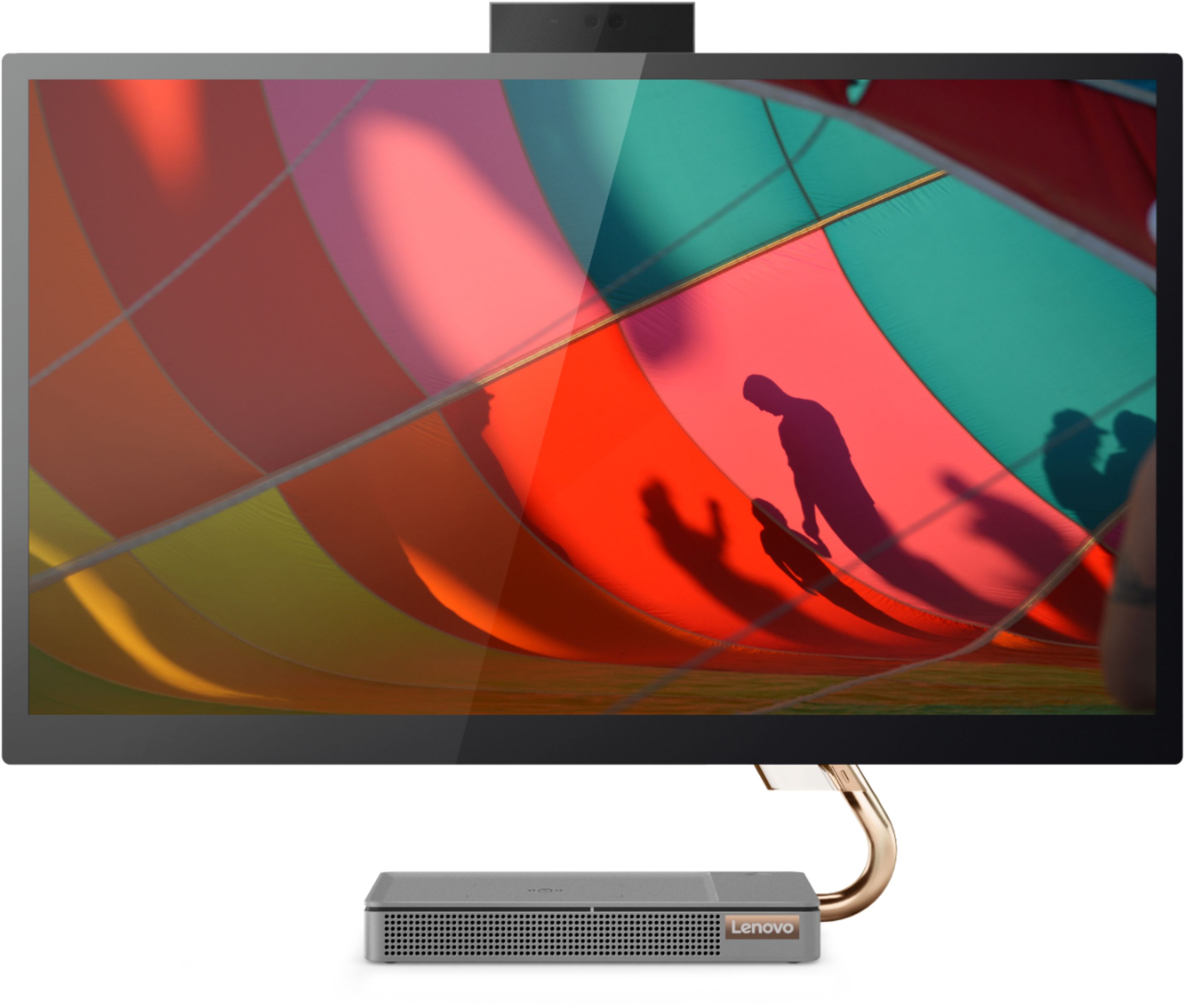
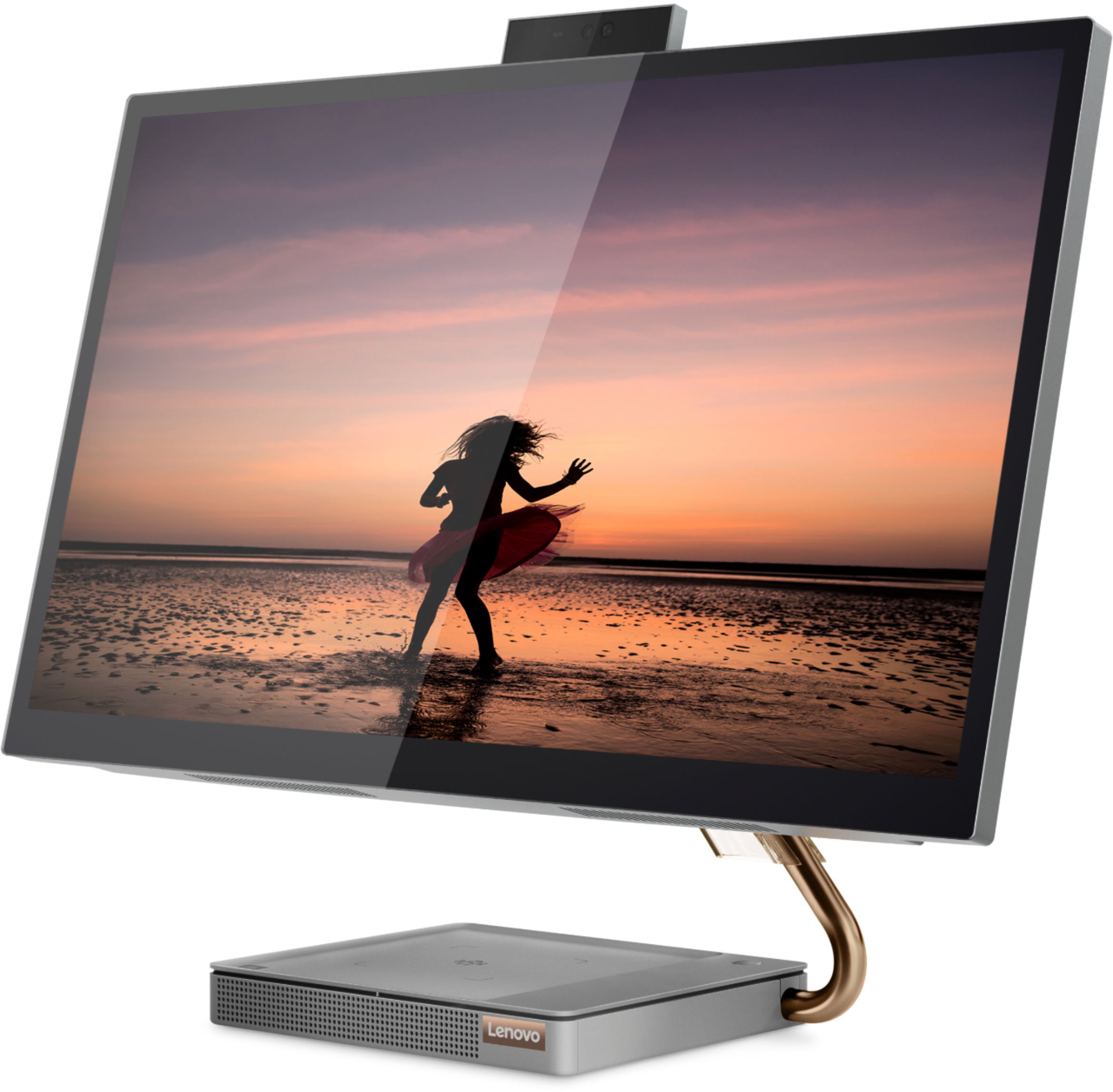
Posted .Thank you for choosing the Lenovo IdeaCentre A540-27 All-in-One system. We are pleased to hear that the ease of use, features and performance of the IdeaCentre A540-27 AIO meets your computing needs so well. Taking its cue from nature, the stylish IdeaCentre A540 is inspired by the cypress tree: perfectly balanced and durable. Sacrificing nothing on performance, this all-in-one PC is an attractive addition to your home or office. With up to 93-percent screen-to-body ratio and thin, narrow bezels, the A540 minimizes visual distractions and gives you more to enjoy than a regular 27-inch display. To enhance your viewing experience even further, the A540 ships with FHD resolution.
- Pros mentioned:Speed
New Desktop
||Posted . Owned for 1 month when reviewed.This reviewer received promo considerations or sweepstakes entry for writing a review.Love this computer, pretty, fast, and convenient for use.
I would recommend this to a friend - Pros mentioned:Screen size
Cleaning
||Posted . Owned for 1 month when reviewed.This reviewer received promo considerations or sweepstakes entry for writing a review.Love itVery happy to buy it and also are Best Buy really take good care of you
I would recommend this to a friend - Pros mentioned:Ease of use
great quality
||Posted . Owned for 10 months when reviewed.This reviewer received promo considerations or sweepstakes entry for writing a review.this product was perfect for what I needed it for would buy again
I would recommend this to a friendBrand response from Lenovo Product Expert
Posted .Thank you for choosing the Lenovo IdeaCentre A540-27 All-In-One system. We are pleased to hear that the IdeaCentre A540-27 AIO meets your computing needs so well.
Kudos and malfunctions
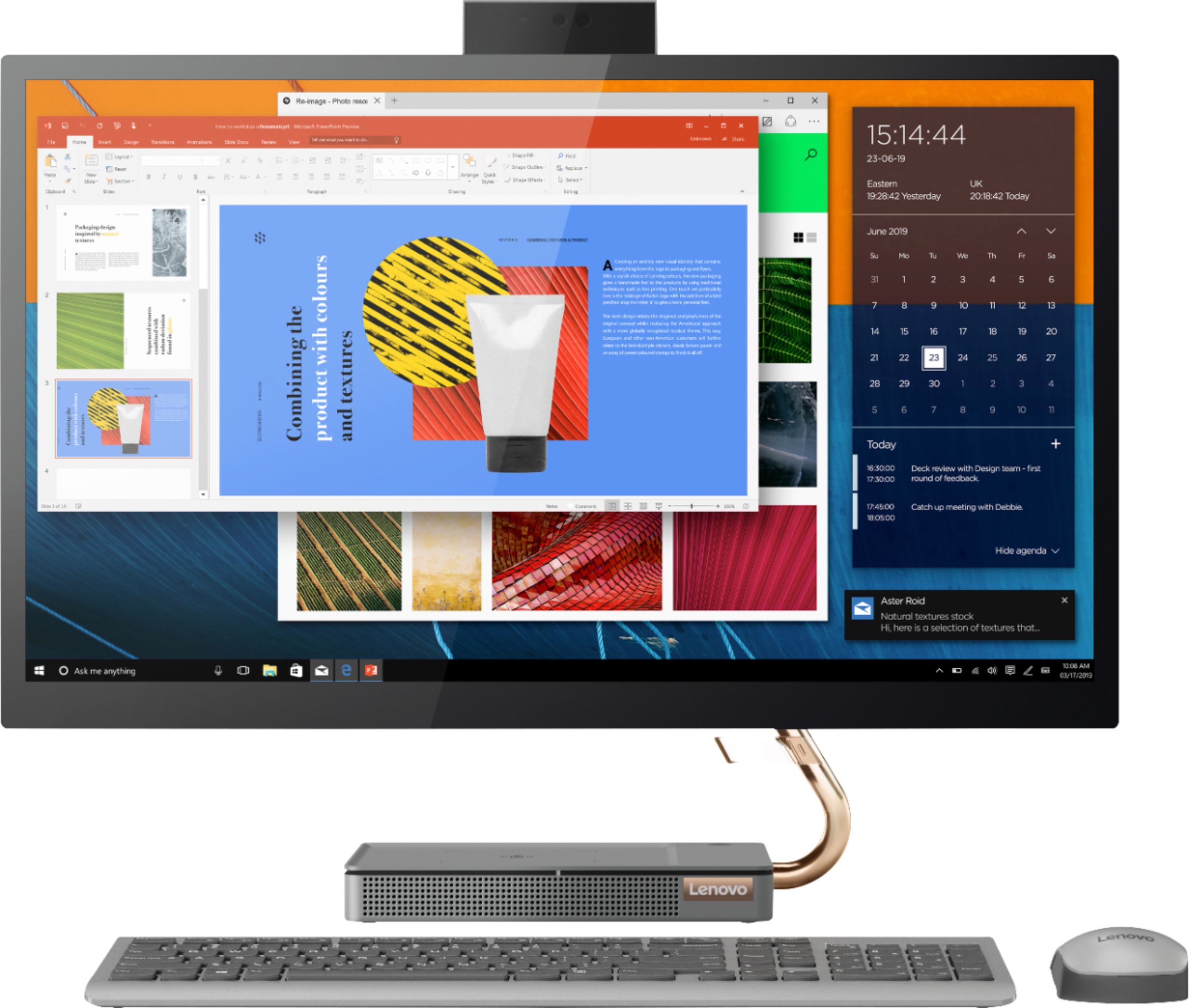
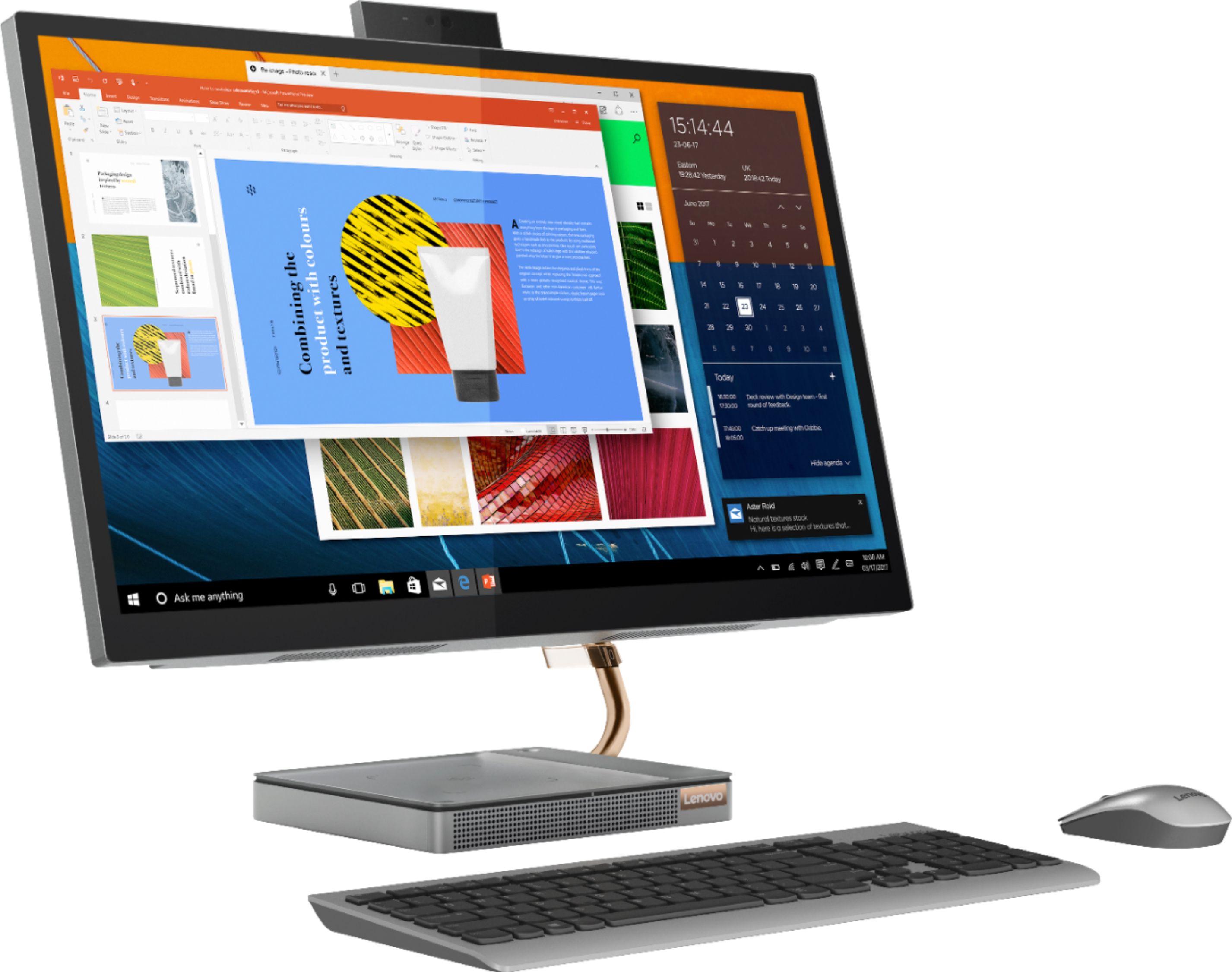
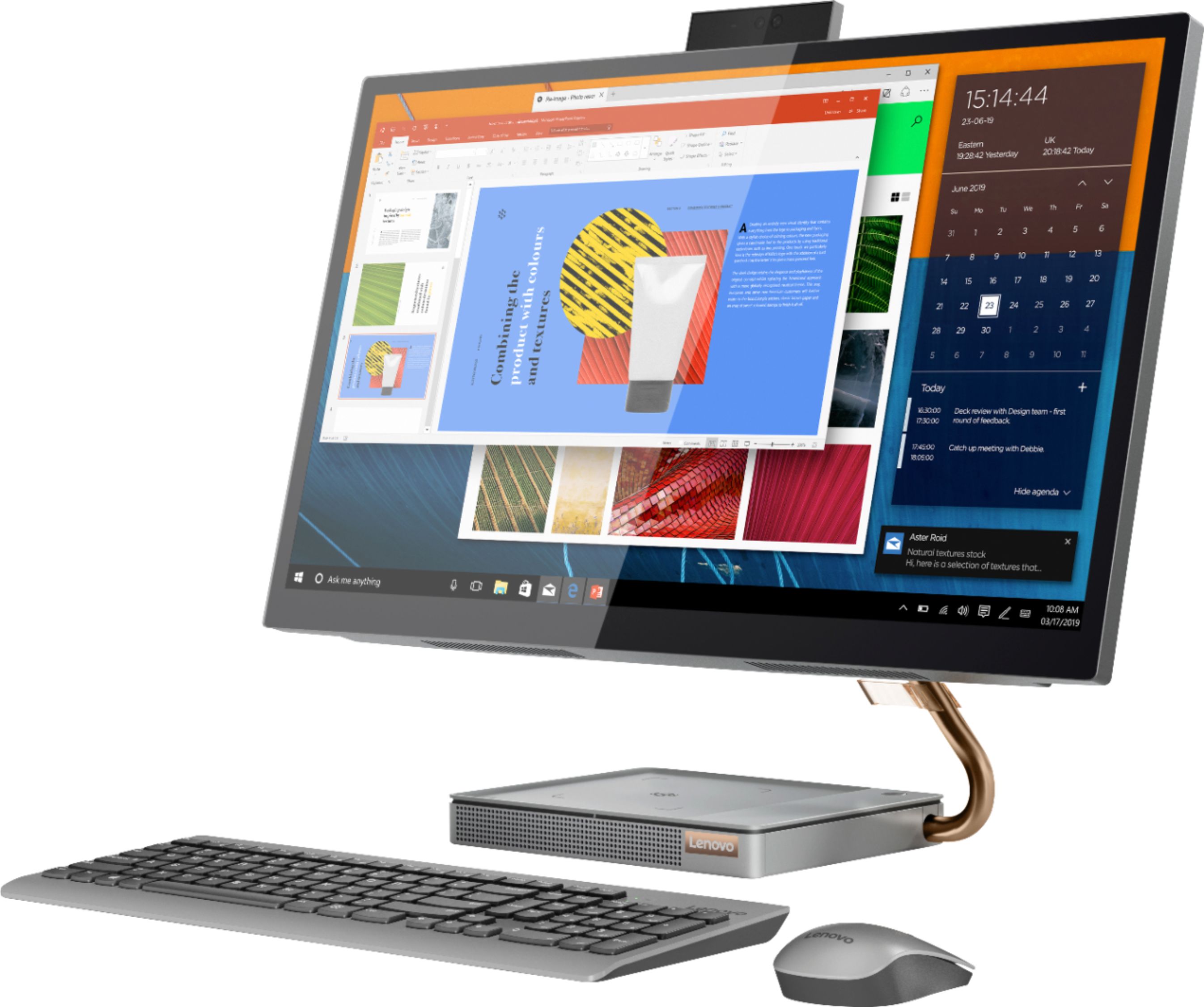
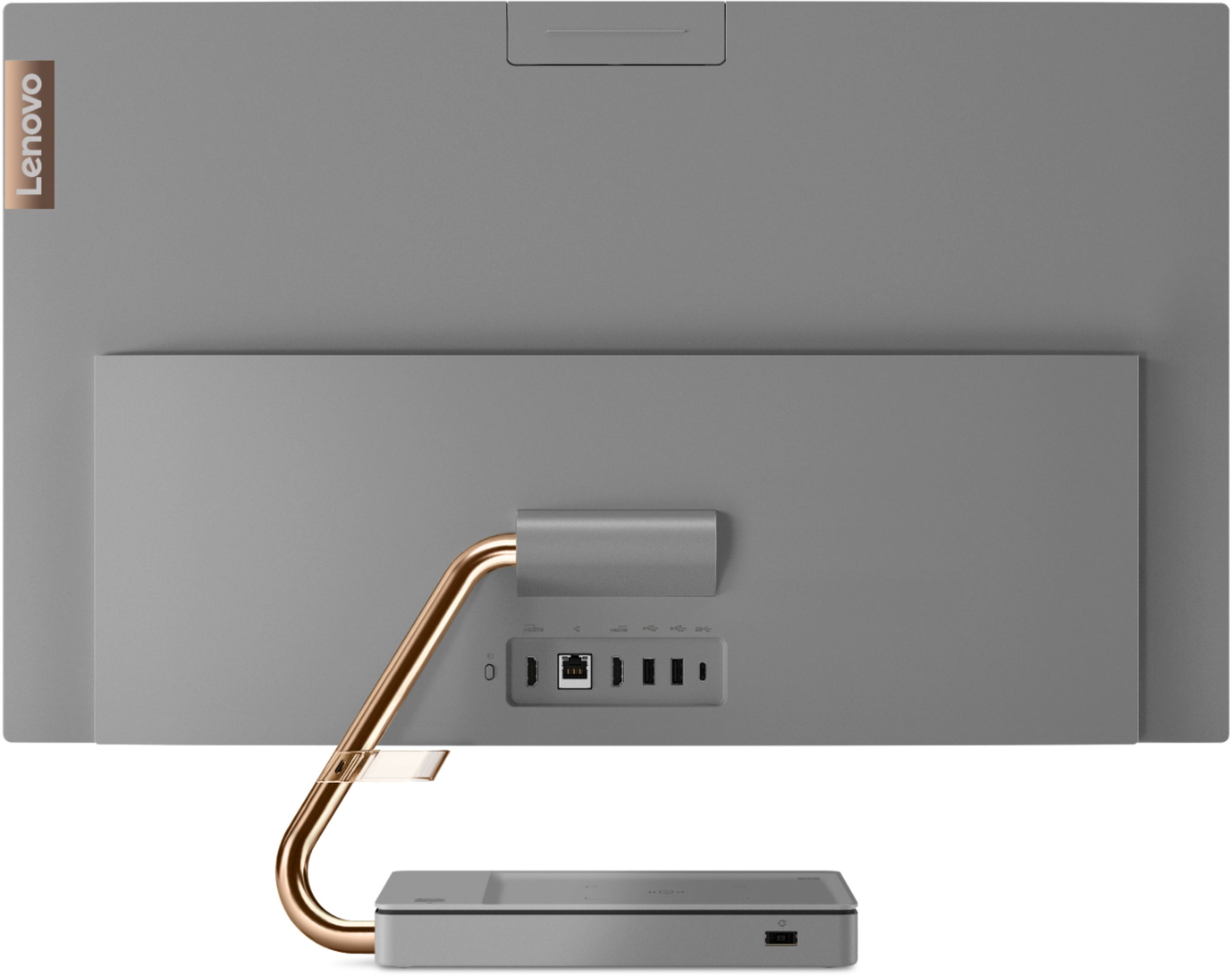
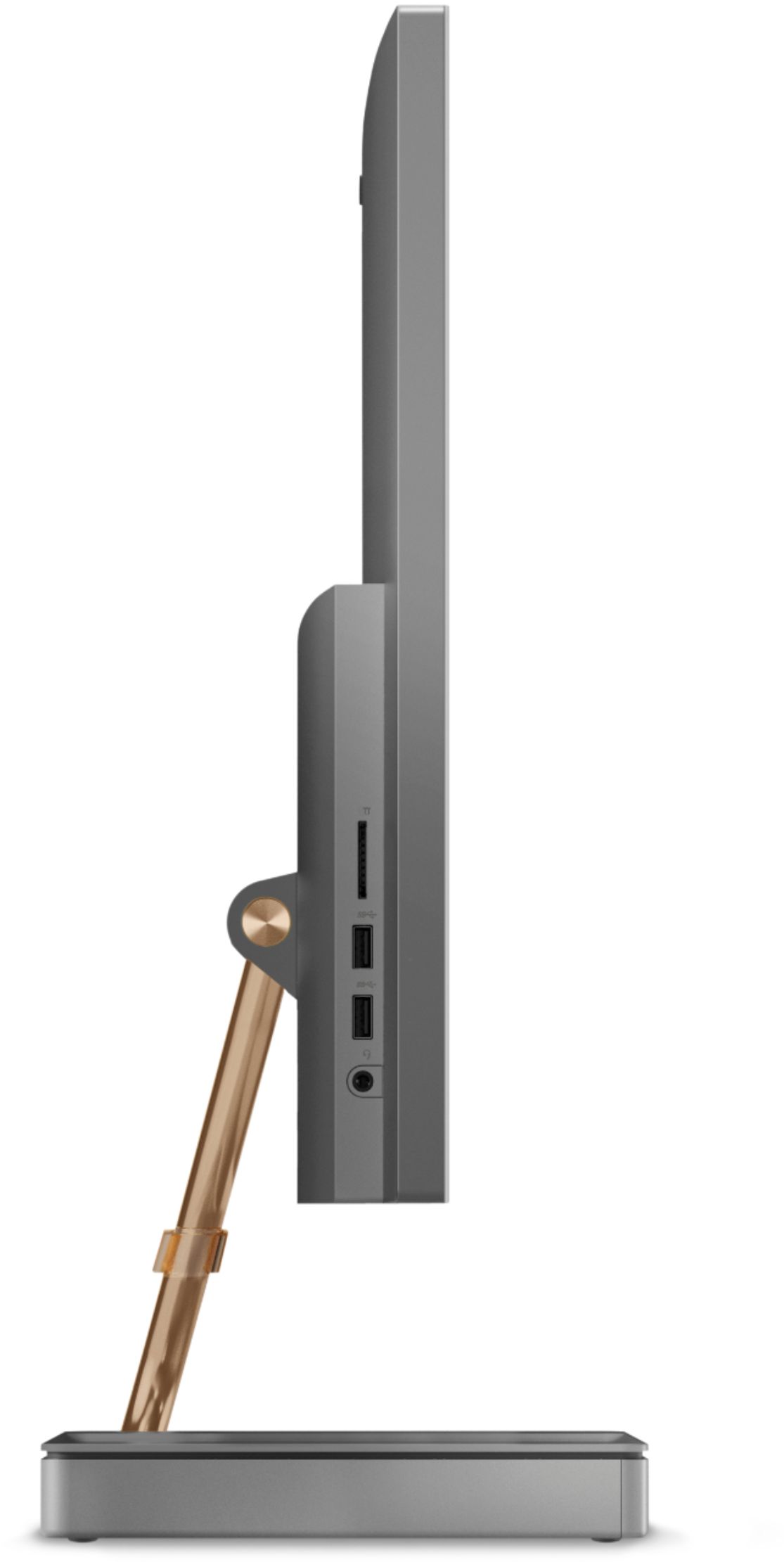
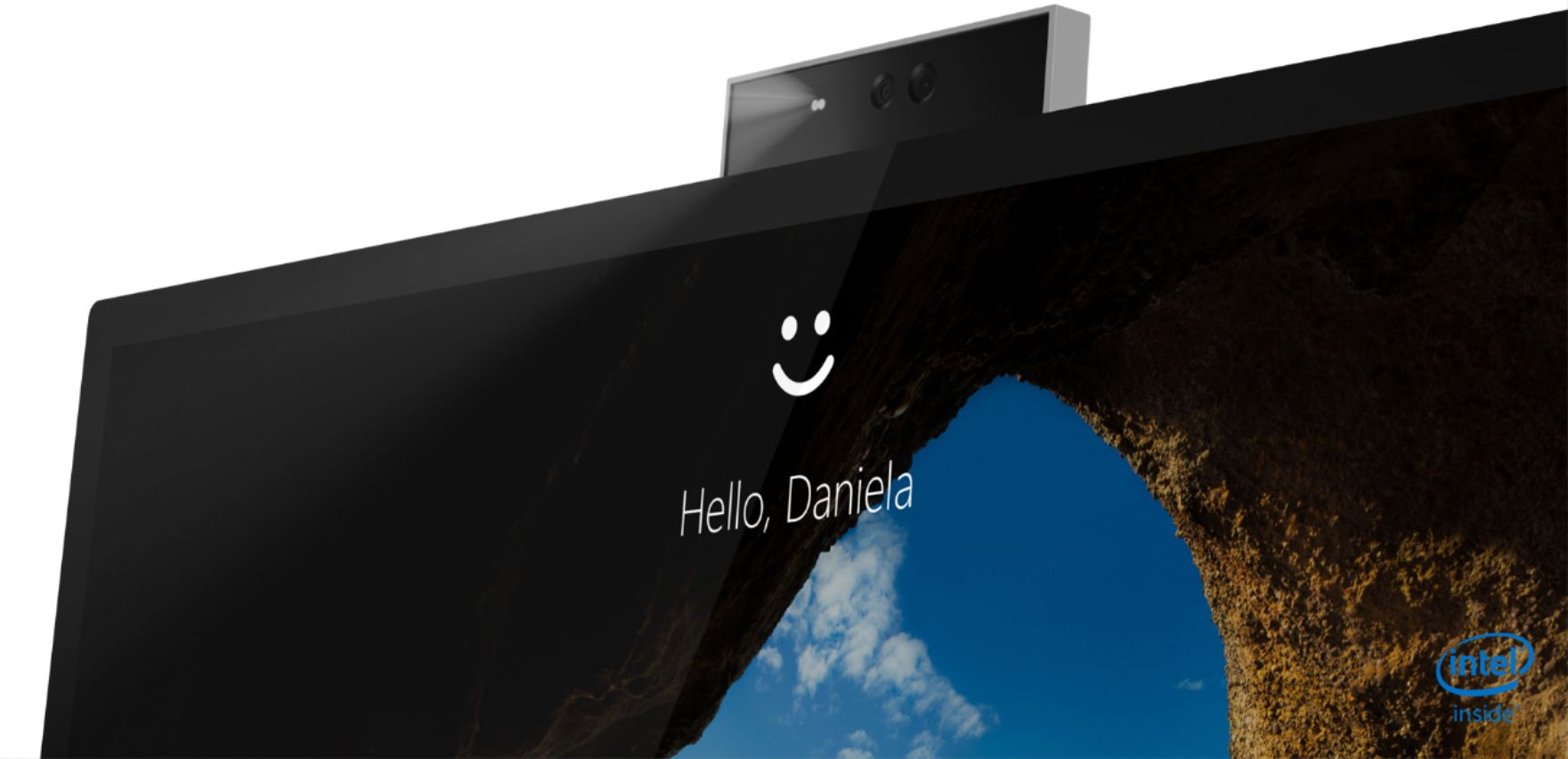
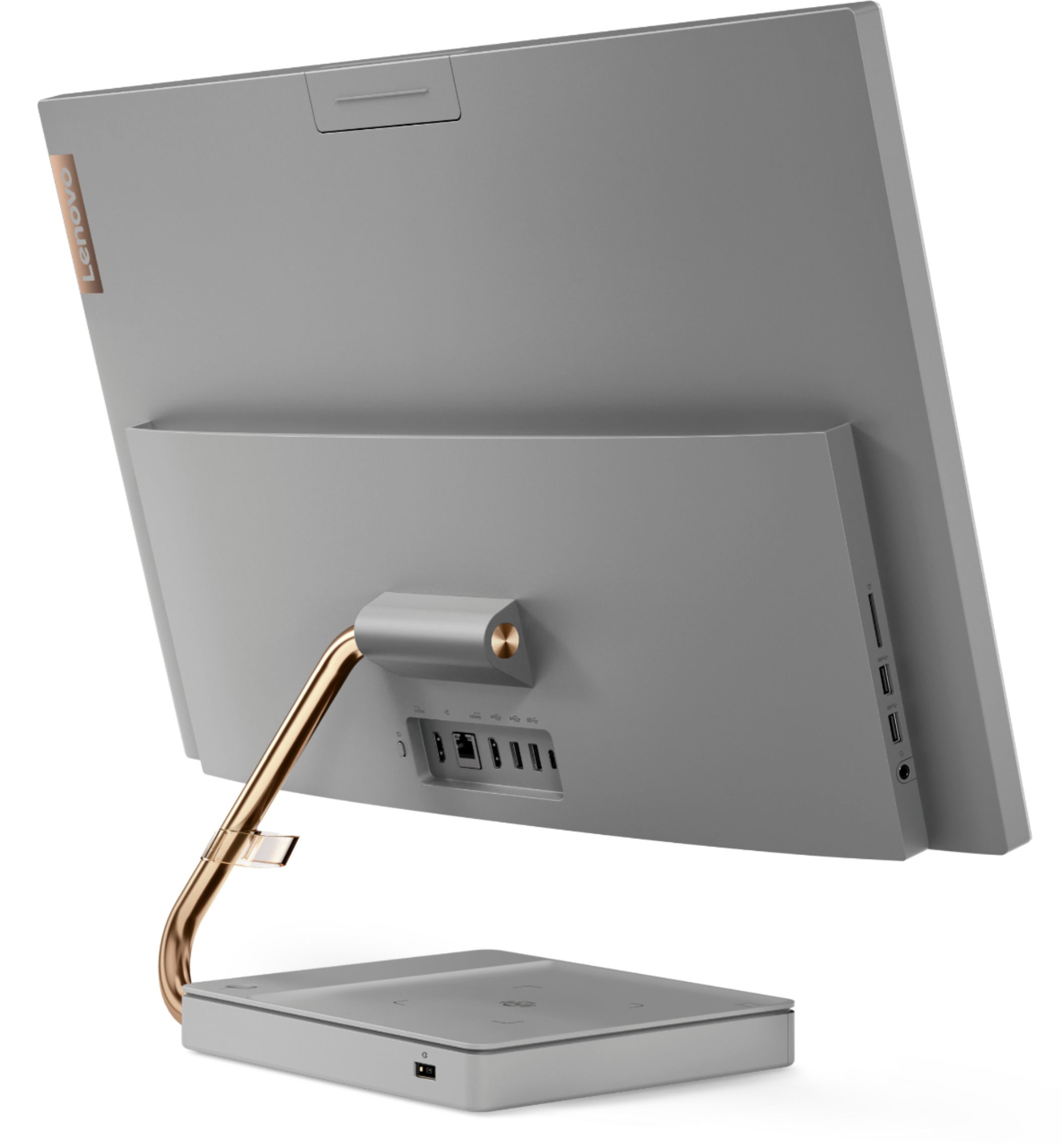
||Posted . Owned for 2 months when reviewed.This reviewer received promo considerations or sweepstakes entry for writing a review.First the kudos. I bought this computer almost three months ago when I had to do global corporate Zoom training. I wanted a larger screen and the 27" was a major improvement over my small laptop. I like the appearance of the all-in-one; no tangled cables and cords. Lenovo has had a strong brand reputation, which I took into account. I had done a ton of research and believed this was a solid purchase. But... Now the malfunctions. 1. I had noticed occasional problems with wi-fi connections. At first, I thought it was the broadband. But the computer would randomly invert letters in the search bar (typing right to left instead of left to right), and I would need to delete and do over. The computer froze a couple of times during the month of training which I attributed to the vast differences in connections. But it continued. And today it wouldn't connect to a Zoom meeting and I had to reconnect with my laptop. I tried network reset, it worked a few minutes, then stopped again. I have an appointment with Geek Squad tomorrow. 2. Pop-up camera. I really liked the idea of the pop-up camera, and since it was 1080p I thought it would be decent resolution. Wrong! I had to connect an old 720p camera which gives much, much better resolution. Is it possible to get a better Lenovo camera to install in this machine? Even as an aftermarket purchase? 3. Cell phone charger. This was one of the perks I was hoping to get with the purchase. Unfortunately, it doesn't seem to like my old android phone and is really twitchy., 4. USB ports are abnormally hard to access. My desk is against the wall, and I have to squeeze between my printer and desk to squirm to the back and plug things in. 5. The keyboard and mouse are flimsy. I am using the old ones from my laptop. As I said, I did my due diligence research and even read the reviews on this site. I was limited by what was available locally at retail due to the change in my training schedule, and this was the best possibility.
No, I would not recommend this to a friendBrand response from Lenovo Product Expert
Posted .We are sorry to hear about the issues you are having with your Lenovo IdeaCentre A54-27 All-In-One system, model number F0EK007HUS. First, be sure any software you installed is compatible with Windows 10. Incompatible software can be the cause of the issues with WiFi and webcam resolution you mention. There is no need to install Microsoft Office software. The software is already part of the operating system, you just need to activate the software with a purchased product key. If you have installed a copy of Microsoft Office, this is conflicting with the existing copy on the system and this will slow your system down. If you have installed a 3rd party anti-virus program, be sure that Windows Defender is turned off and that the trial version of McAfee Anti-Virus software is uninstalled. There can only be one anti-virus program on the system. You may need to restore your system to original factory default settings if any of the programming errors have occurred. You can do that by typing "restore" in the Cortana search window. Just click on the magnifying glass icon at the bottom left of your Windows 10 Desktop. Click on "Reset This PC" Then click on "Get Started" and follow the on screen directions to restore to factory defaults. If there is not incompatible software installed, now check to be sure you have the latest version of Windows 10 on the computer. Update all BIOS files and drivers up to that latest version of Windows 10. You can easily accomplish this by scanning the computer with the Lenovo Utility software available on this computer. This system has Lenovo utilities installed to help maintain the health of the device and keep the operating system software up to date. Type "Lenovo Vantage" in the Cortana Search window (if Lenovo Vantage is not installed on your device, you can download the APP and install it now). Select Lenovo Vantage from the list. In the window that opens, click on "Health and Support". In the expanded menu, select "Hardware Scan" In the window that opens, select "Run Quick Tests". This will scan your entire system for errors. Follow any directions that may pop up. If the problem continues after this scan, now click on "System Update". First select Windows update from the menu. Scan your system to be sure you have the latest version of Windows 10. Once that scan is complete, select "Additional Updates". This will scan your device to be sure there are no new BIOS/Driver updates needed. Follow any instructions that may pop up. Concerning the cell phone charger in the base of the IdeaCentre A540-27 AIO, this charger will only work with a Qi wireless charger compatible phone. Check with your cell phone manufacturer for your specific phone model's compatibility. If you are having difficulty accessing the USB ports on your IdeaCentre A540-27 AIO, you may want to consider adding a portable USB Hub with extension cable, like this one, there are many varieties available, this is just one example: https://www.bestbuy.com/site/startech-com-4-port-usb-3-0-hub-black/4487058.p?skuId=4487058. If you issue continue with your Lenovo IdeaCentre A540-27 AIO, we recommend you contact Lenovo Tech Support for additional help at: 877-453-6686.
- Pros mentioned:Screen size
Good
||Posted . Owned for 3 weeks when reviewed.This reviewer received promo considerations or sweepstakes entry for writing a review.Love the giant monitor. It’s very nice and easy to see!
I would recommend this to a friendBrand response from Lenovo Product Expert
Posted .Thank you for choosing the Lenovo IdeaCentre A540 27 All-In-One System. We are pleased to hear that the features and performance of the IdeaCentre A540 27 AIO meets your computing needs so well.
- Pros mentioned:Screen size
Computer
||Posted .This reviewer received promo considerations or sweepstakes entry for writing a review.works like a charm whenever i use it. very nice picture and its a nice size
I would recommend this to a friend - Pros mentioned:Screen size
Very satisfied
||Posted . Owned for 3 weeks when reviewed.This reviewer received promo considerations or sweepstakes entry for writing a review.Excellent computer,, love the screen size and graphics
I would recommend this to a friendBrand response from Lenovo Product Expert
Posted .Thank you for choosing the Lenovo IdeaCentre A540 27 All-In-One System. We are pleased to hear that the features and performance of the IdeaCentre A540 27 AIO meets your computing needs so well.
- Pros mentioned:Screen size
Very easy to use
||Posted . Owned for 3 weeks when reviewed.This reviewer received promo considerations or sweepstakes entry for writing a review.Love the touch screen and camera, easy to use. Overall we love the computer.
I would recommend this to a friendBrand response from Lenovo Product Expert
Posted .Thank you for choosing the Lenovo IdeaCentre A540-27 All-In-One system. We are pleased to hear that the IdeaCentre A540-27 AIO is working out so well for you. Taking its cue from nature, the stylish IdeaCentre A540 is inspired by the cypress tree: perfectly balanced and durable. Sacrificing nothing on performance, this all-in-one PC is an attractive addition to your home or office. With up to 93-percent screen-to-body ratio and thin, narrow bezels, the A540 minimizes visual distractions and gives you more to enjoy than a regular 27-inch display. To enhance your viewing experience even further, the A540 ships with QHD 2560 x 1440 resolution.
- Pros mentioned:Ease of use
My computer
||Posted . Owned for 1 month when reviewed.This reviewer received promo considerations or sweepstakes entry for writing a review.Easy to use so far. Happy with the product so far.
I would recommend this to a friend - Pros mentioned:Performance
Little Lenovo that could
||Posted . Owned for 3 months when reviewed.This reviewer received promo considerations or sweepstakes entry for writing a review.I now have 4 in my office ... they are awesome little competent machines
I would recommend this to a friendBrand response from Lenovo Product Expert
Posted .Hello! Thanks for choosing the Lenovo IdeaCentre A540 All-In-One. We are pleased to hear the features and performance of the A540 All-In-One are meeting your computing needs so well! We appreciate your loyalty to the Lenovo brand.
- Pros mentioned:Ease of use
It’s a great purchase
||Posted . Owned for 1 month when reviewed.This reviewer received promo considerations or sweepstakes entry for writing a review.It’s easy for homework and video games. So far my sister loves it
I would recommend this to a friendBrand response from Lenovo Product Expert
Posted .Thank you for choosing the Lenovo IdeaCentre A540-27 All-In-One system. We are pleased to hear that the IdeaCentre A540-27 AIO is working out so well.
Great computer
||Posted . Owned for 1 month when reviewed.This reviewer received promo considerations or sweepstakes entry for writing a review.Great computer To own and for a very good price and deal , love how it’s very portable and comes with cortana even though it sometimes activates itself and it’s listening for a command so I usually turn it off because sleep mode does not keep it slept
I would recommend this to a friendBrand response from Lenovo Product Expert
Posted .Thank you for choosing the Lenovo IdeaCentre A540-24 All-In-One system. If your computer will not stay in Sleep Mode, here is a link to some troubleshooting tips to fix this issue: https://www.hellotech.com/blog/why-does-my-computer-keep-waking-from-sleep-mode
Computer
||Posted . Owned for 1 month when reviewed.This reviewer received promo considerations or sweepstakes entry for writing a review.Excellent Product. Easy setup would recommend this product.
I would recommend this to a friendBrand response from Lenovo Product Expert
Posted .Thank you for choosing the Lenovo IdeaCentre A540-27 All-In-One system. We are pleased to hear that the easy setup and performance of the IdeaCentre A540-27 AIO meets your computing needs so well.
- Pros mentioned:Speed
computer
||Posted . Owned for 1 month when reviewed.This reviewer received promo considerations or sweepstakes entry for writing a review.its the best computer ever the resolution and speed is the best
I would recommend this to a friendBrand response from Lenovo Product Expert
Posted .Thank you for choosing the Lenovo IdeaCentre A540-27 All-In-One system. We are pleased to hear that the IdeaCentre A540-27 AIO meets your computing needs so well.