Customer Ratings & Reviews
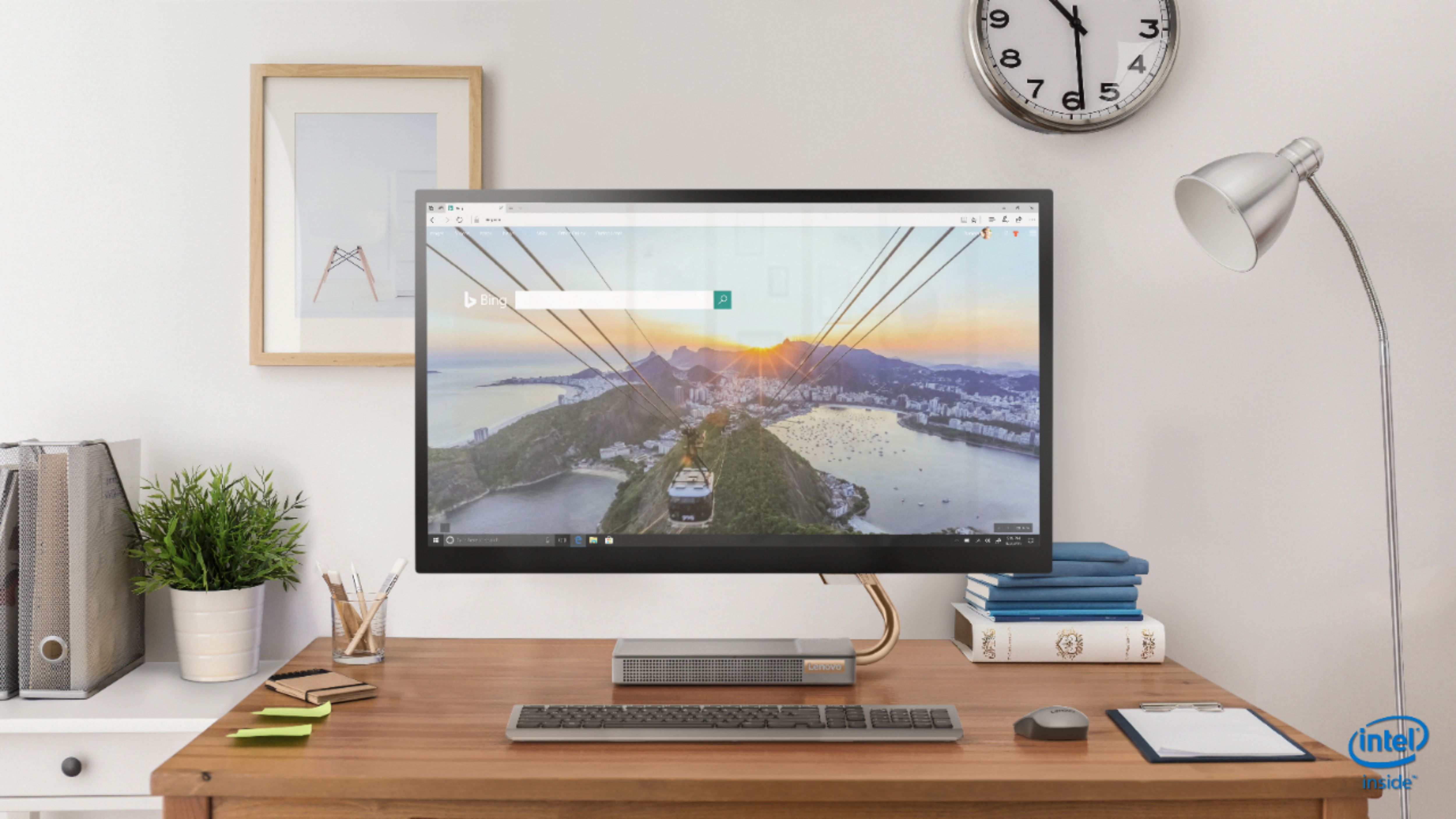
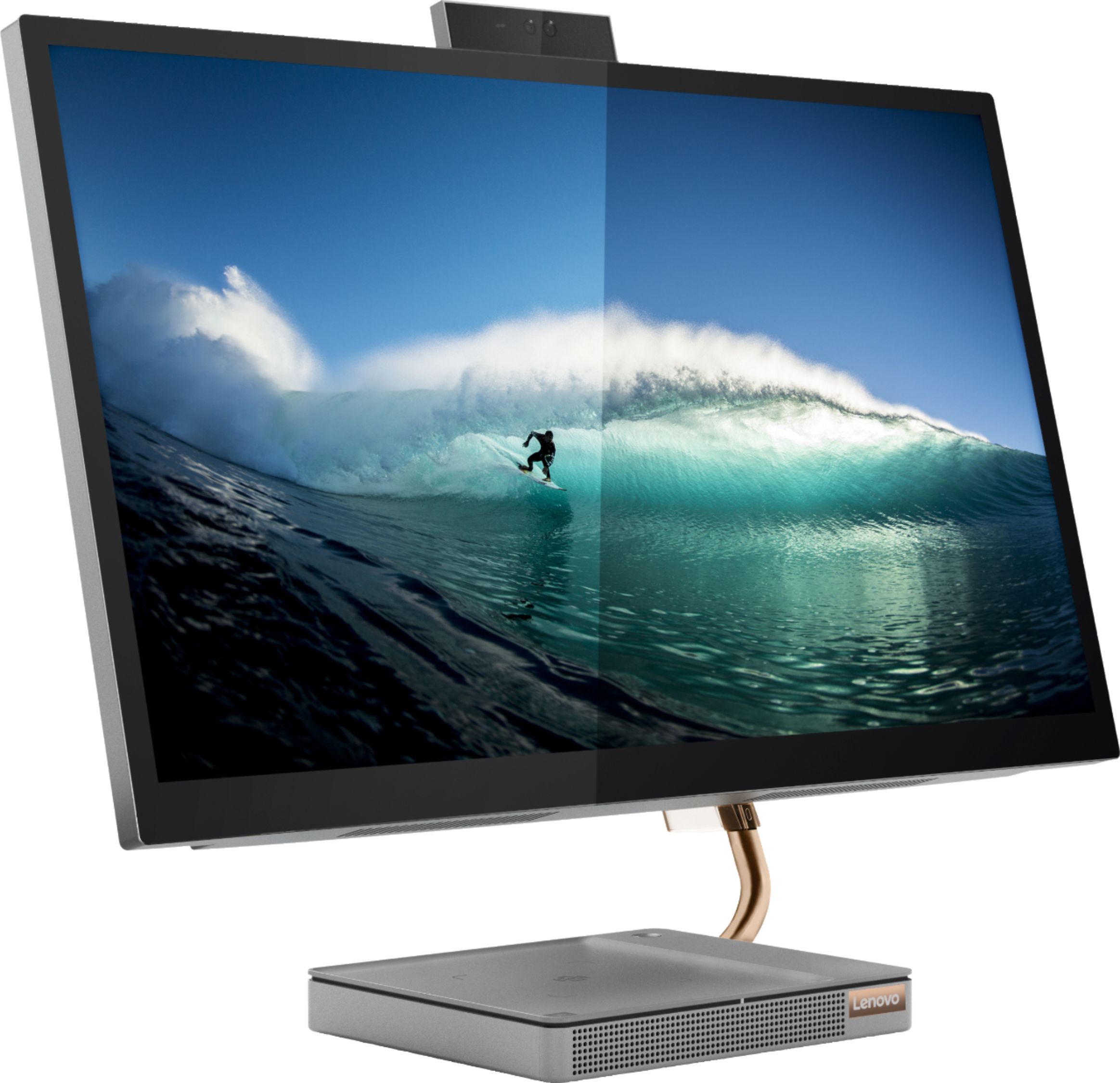
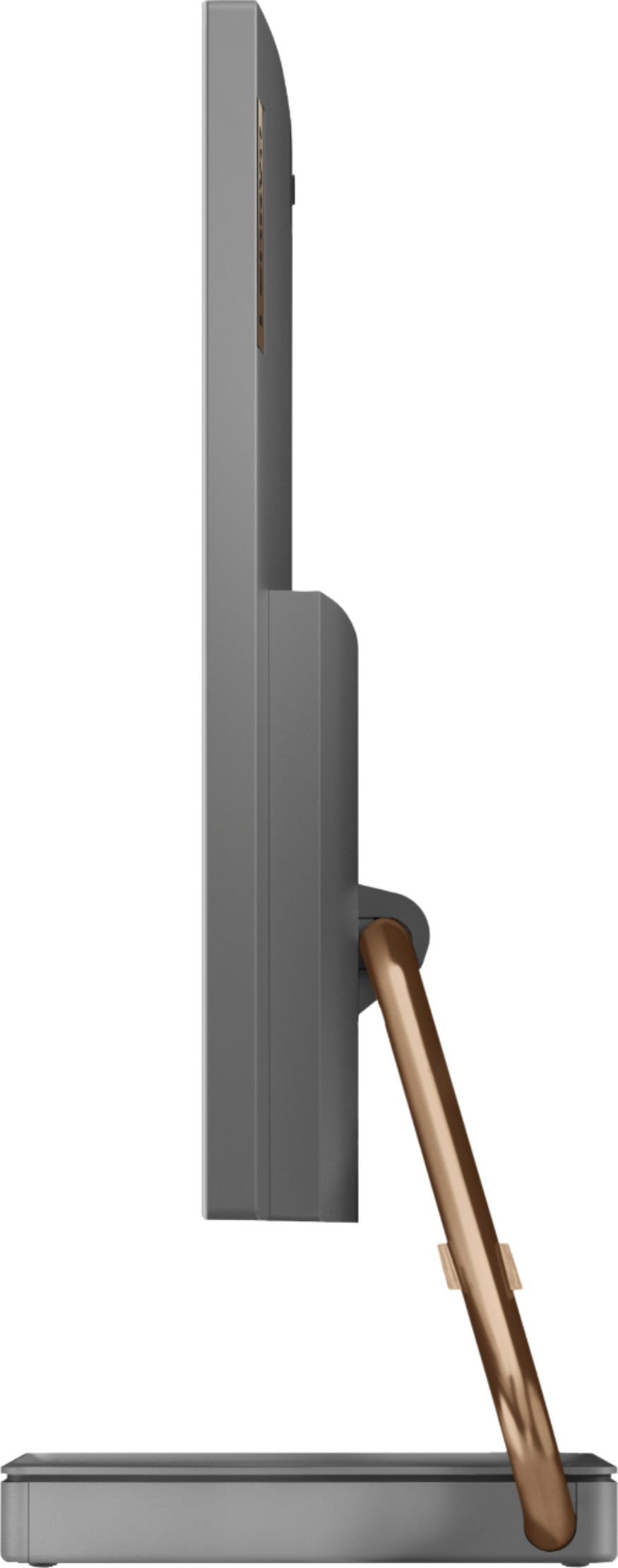
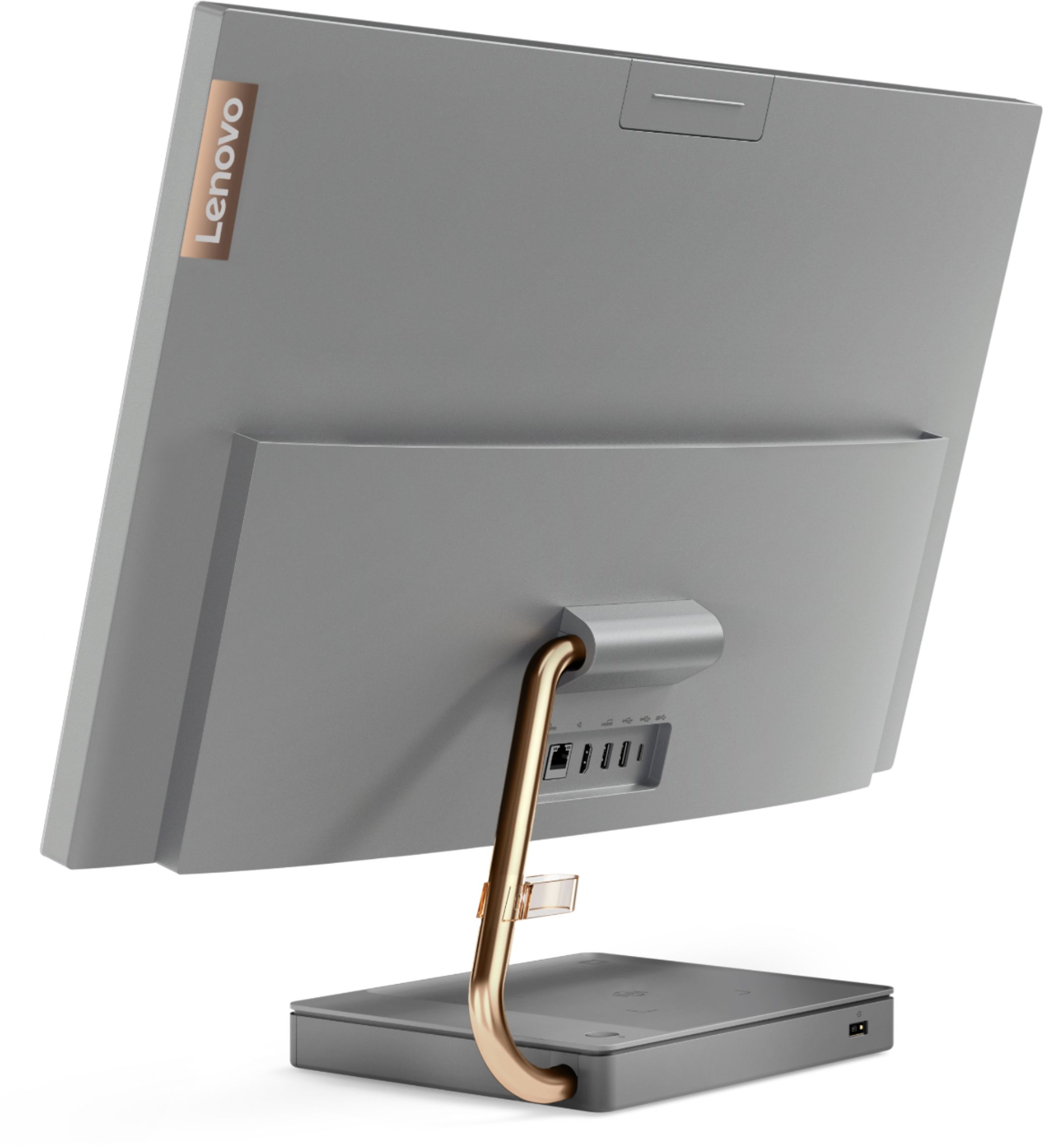
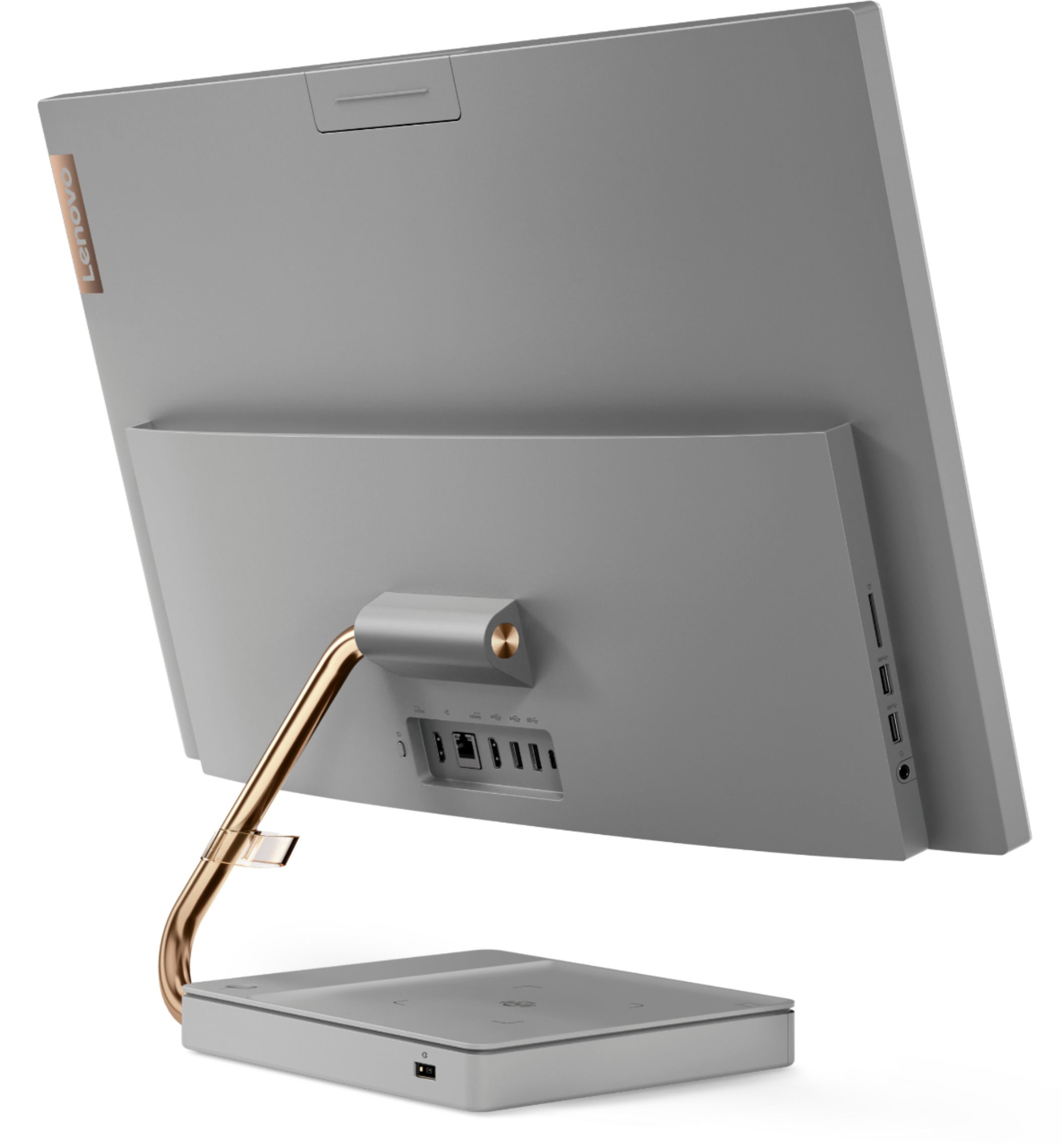

- Model:
- F0EK007HUS
- SKU:
- 6393695
Rating by feature
- Value
Rating 4.3 out of 5 stars
- Quality
Rating 4.4 out of 5 stars
- Ease of Use
Rating 4.5 out of 5 stars
Customers are saying
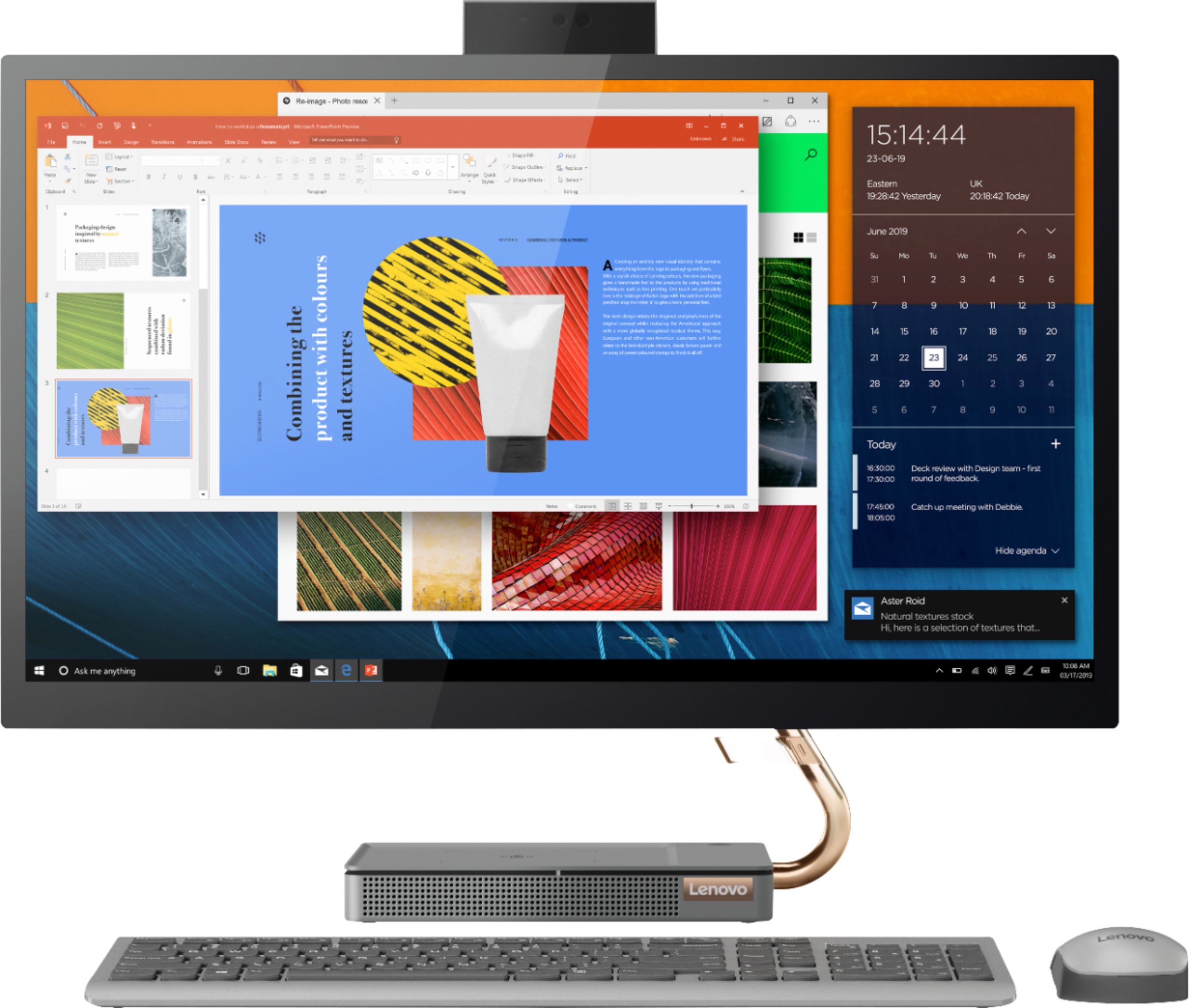
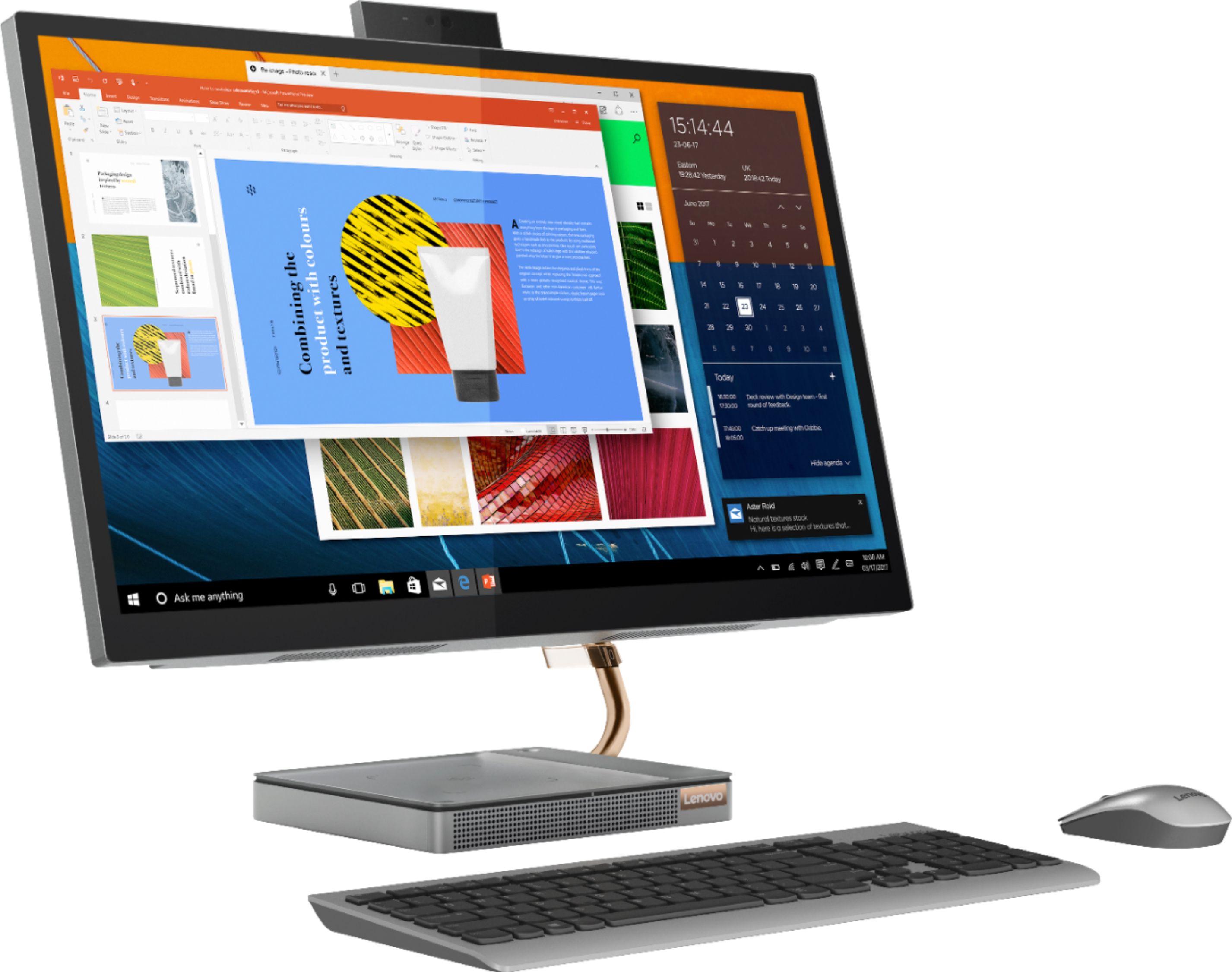
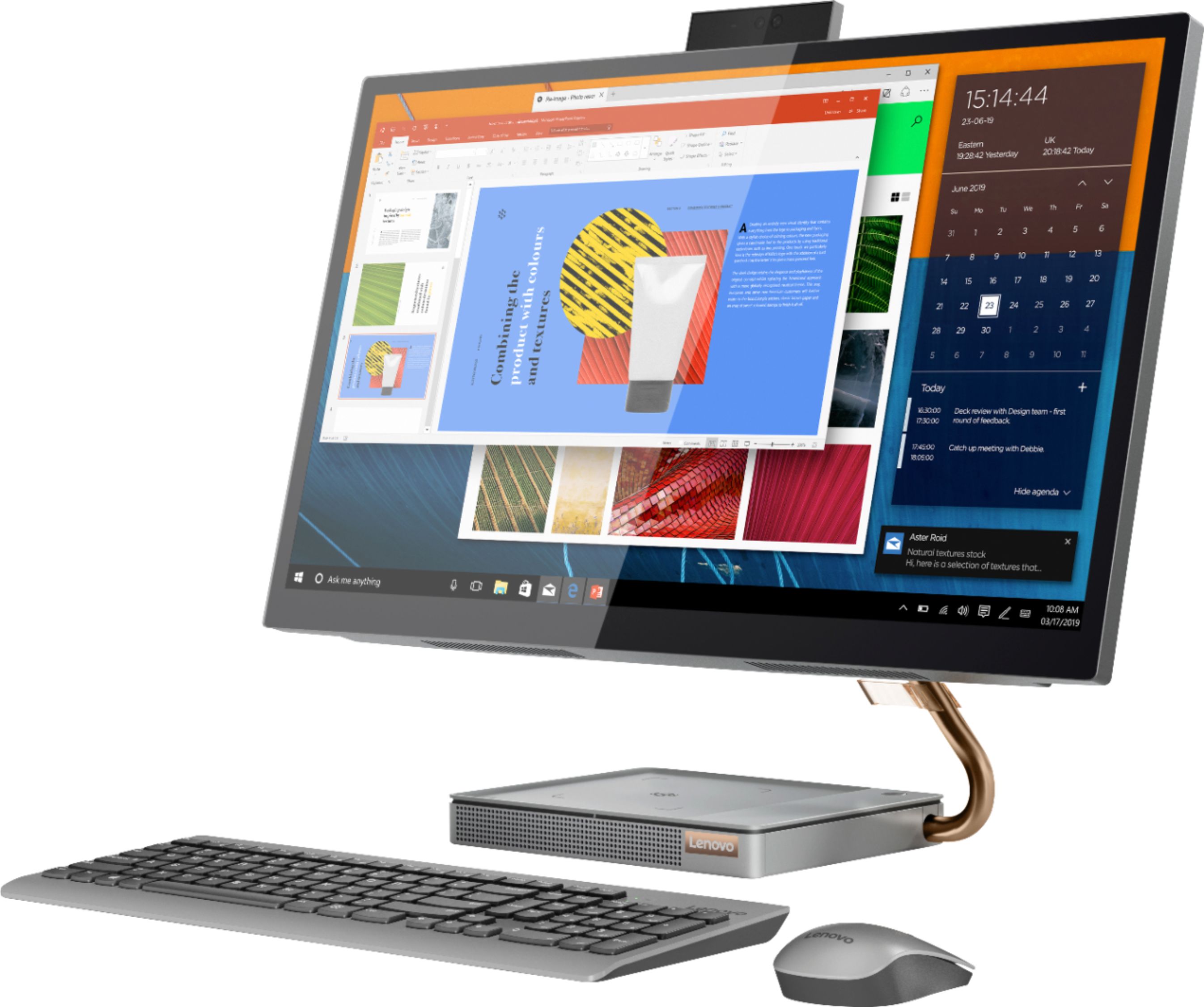
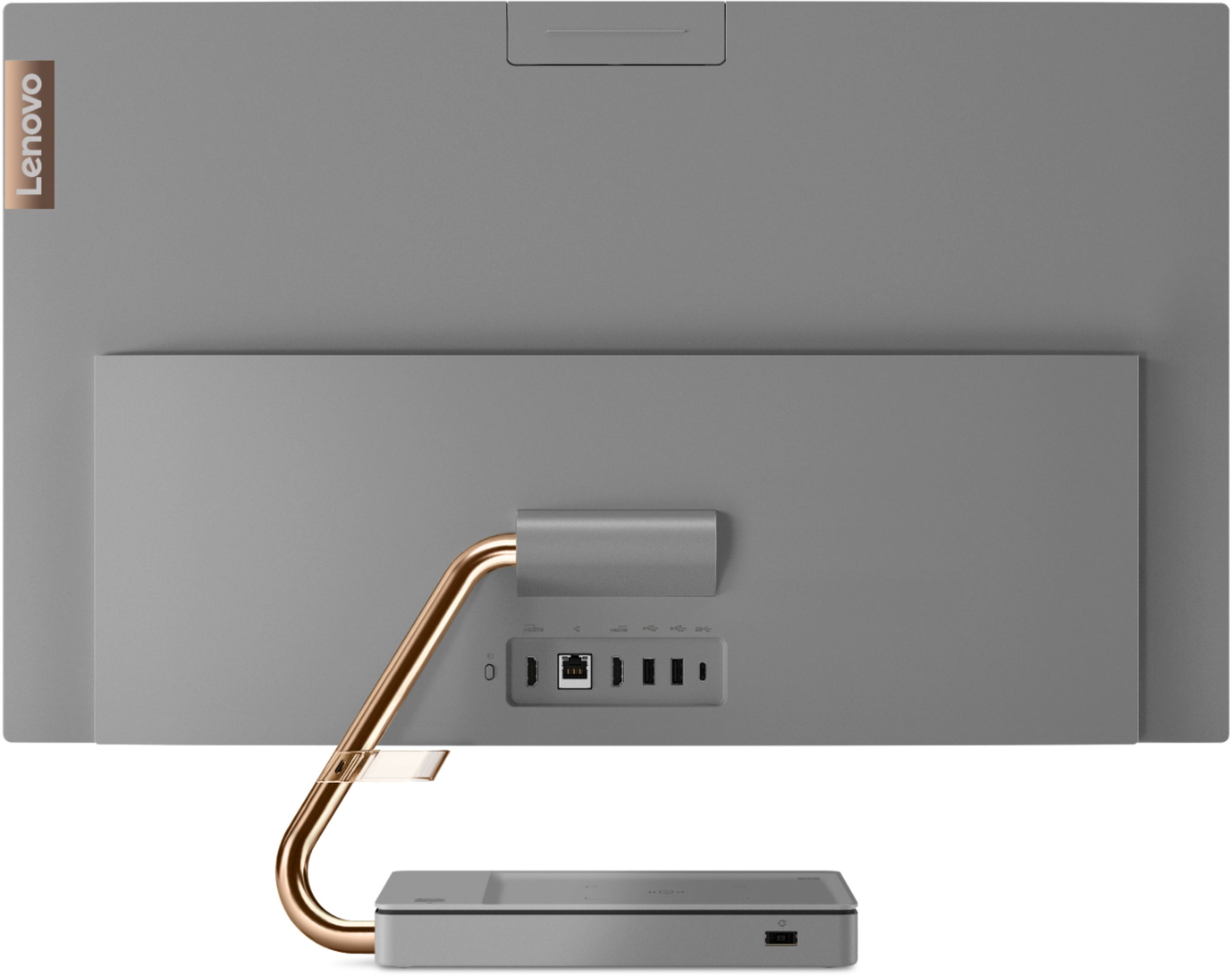
Customers regard the IdeaCentre A540's large screen size and ease of use as significant advantages, frequently praising its sleek design and responsive touchscreen. Positive feedback also highlights the generally good performance and value for the price. However, some users experienced issues with the limited number of USB ports, the quality of the camera, and occasional problems with the mouse and sleep mode functionality.
This summary was generated by AI based on customer reviews.
yes
||Posted .This reviewer received promo considerations or sweepstakes entry for writing a review.My husband picked it out and loves it. I love the touch screen
I would recommend this to a friendBrand response from Lenovo Product Expert
Posted .We are pleased to hear that the features and performance of the Lenovo IdeaCentre A540-27 All-In-One system meets your computing needs so well.

Great PC
||Posted . Owned for 1 year when reviewed.This reviewer received promo considerations or sweepstakes entry for writing a review.I love this computer easy to set up, easy to use. Pretty sturdy. The biggest downside is that the built in camera is not good. If you use a lot of video conferencing then you would definitely want to upgrade the camera. But as far as the computer itself, it has gotten me through a year and a half of remote work with no issue.
I would recommend this to a friendBrand response from Lenovo Product Expert
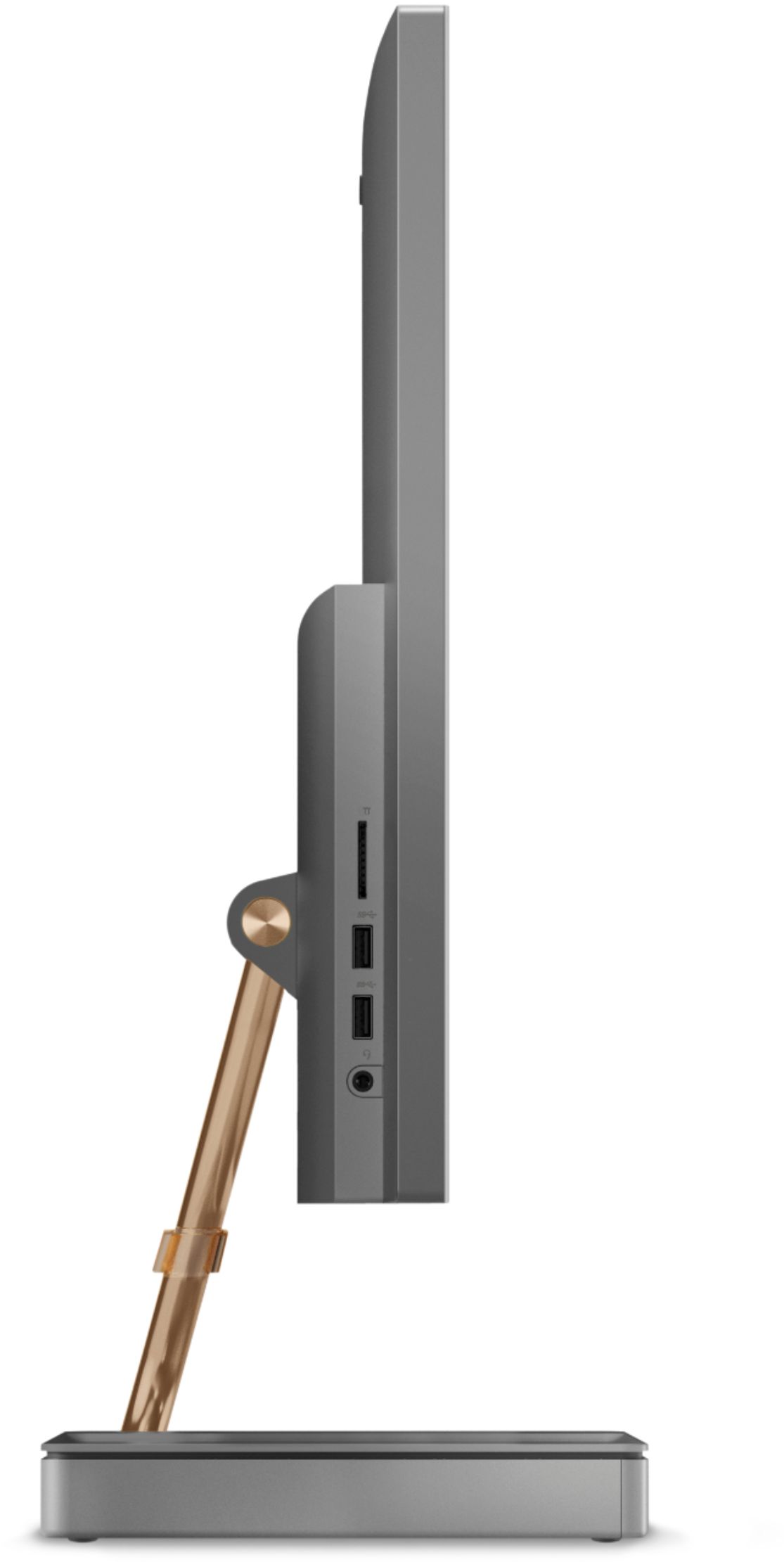
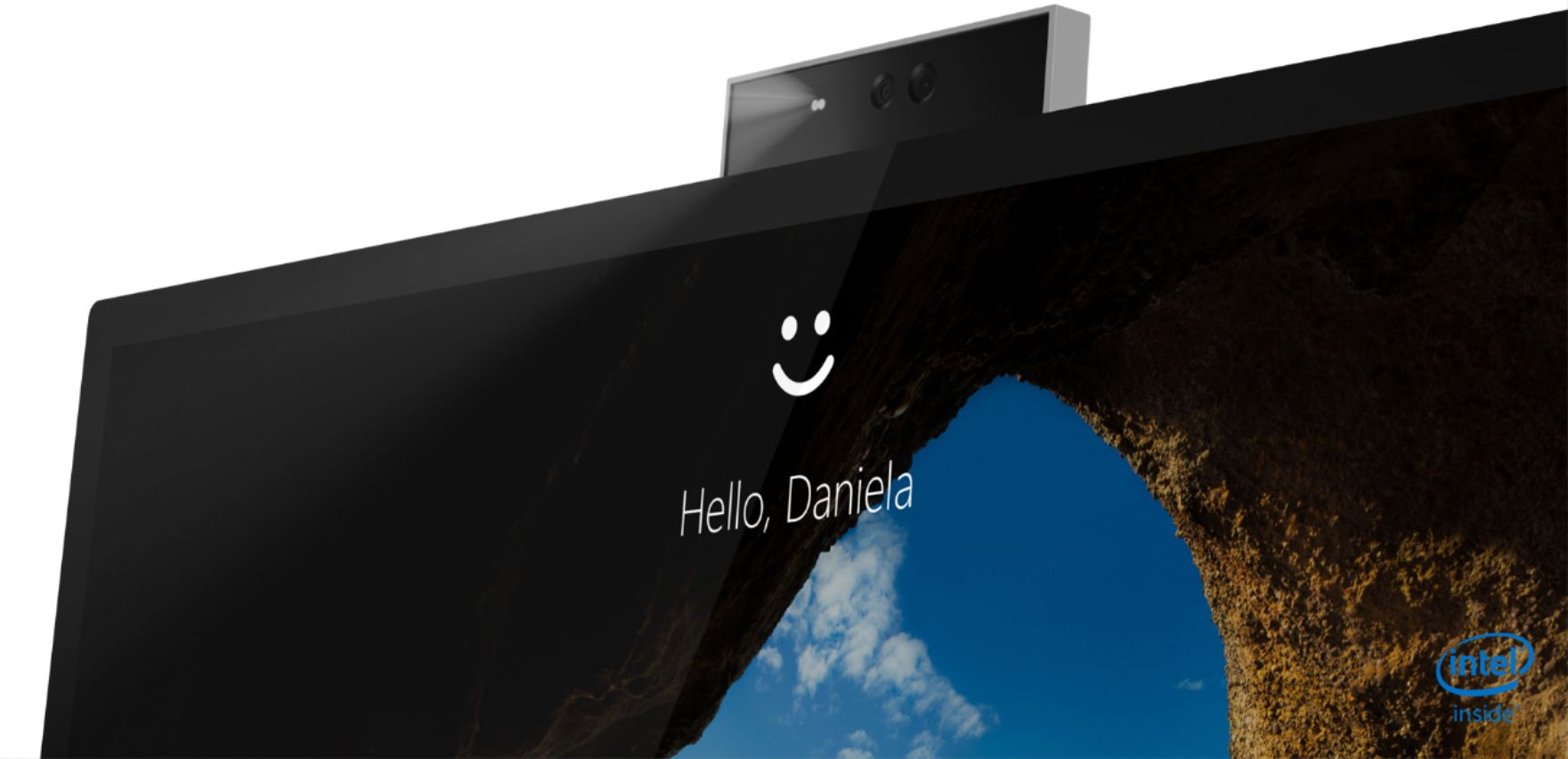
Posted .Thank you for choosing the Lenovo IdeaCentre A540 27 All-In-One system, model number F0EK007HUS. This model ships with an FHD (1080p) IR webcam with Windows Hello facial recognition capability, and a Dual Array Microphone built in. If you are getting less than expected broadcast video capability from your webcam, check to be sure that you have removed the protective film that is placed on the webcam lens at the factory, to protect the webcam lens during shipping. If the issue continues, we recommend you contact Lenovo Tech Support for additional help at: 877-453-6686.
excellent pc
||Posted . Owned for 1 year when reviewed.This reviewer received promo considerations or sweepstakes entry for writing a review.easy to use by a dummy like me older 70 touch screen is great
I would recommend this to a friendBrand response from Lenovo Product Expert
Posted .Thank you for choosing the Lenovo IdeaCentre A540-27 All-In-One system. We are pleased to hear that the ease of use and performance of the IdeaCentre A540-27 AIO meets your computing needs so well.
- Pros mentioned:Speed
Lenovo Idea Centre
||Posted . Owned for 1 week when reviewed.This reviewer received promo considerations or sweepstakes entry for writing a review.Very very durable machine and very slick and is very fast.tooo
I would recommend this to a friend - Pros mentioned:Screen size
Love the new computer, very easy to use.
||Posted . Owned for 1 month when reviewed.This reviewer received promo considerations or sweepstakes entry for writing a review.love the fact it us all in one, space saving. Great quality picture.
I would recommend this to a friendBrand response from Lenovo Product Expert
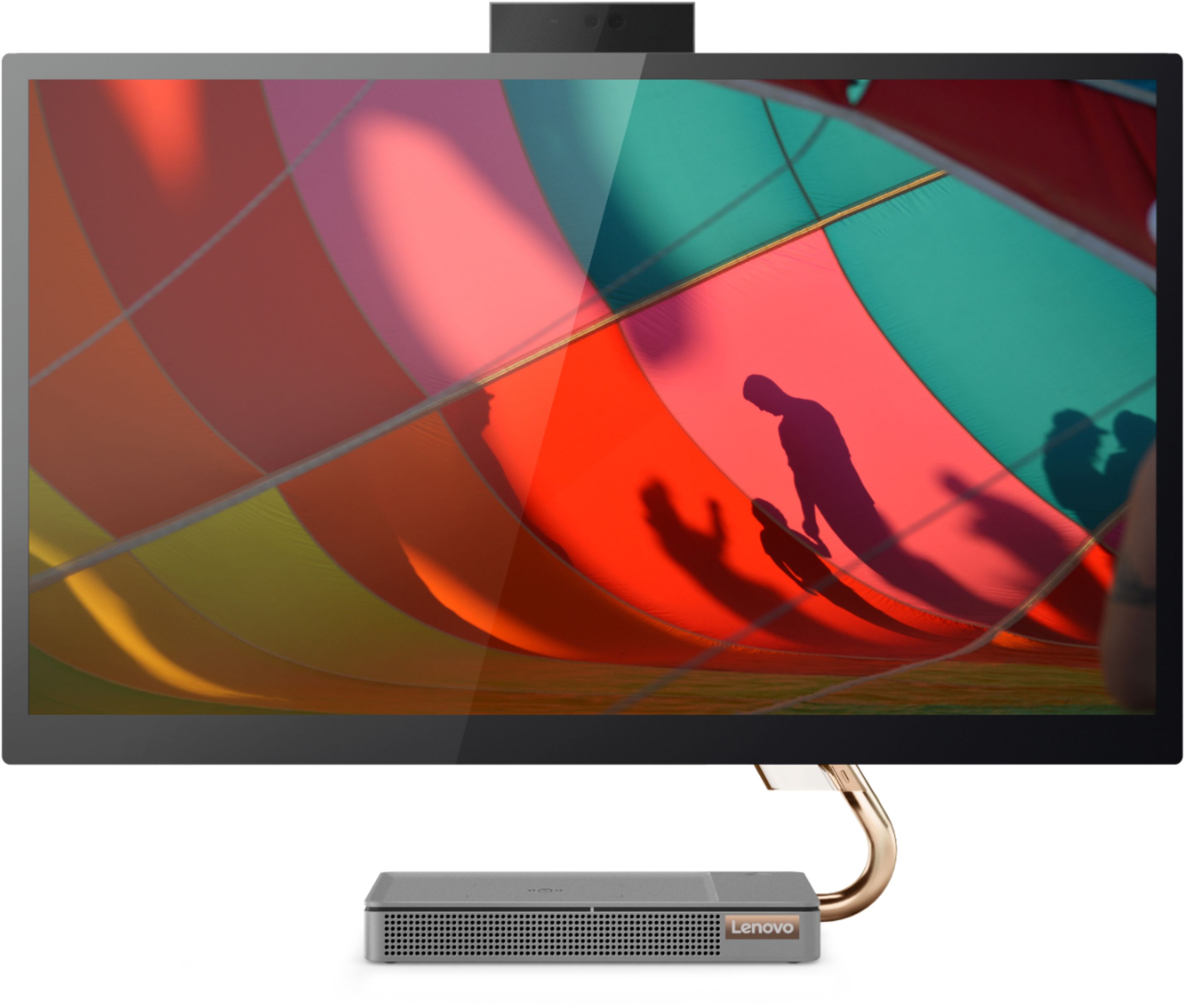
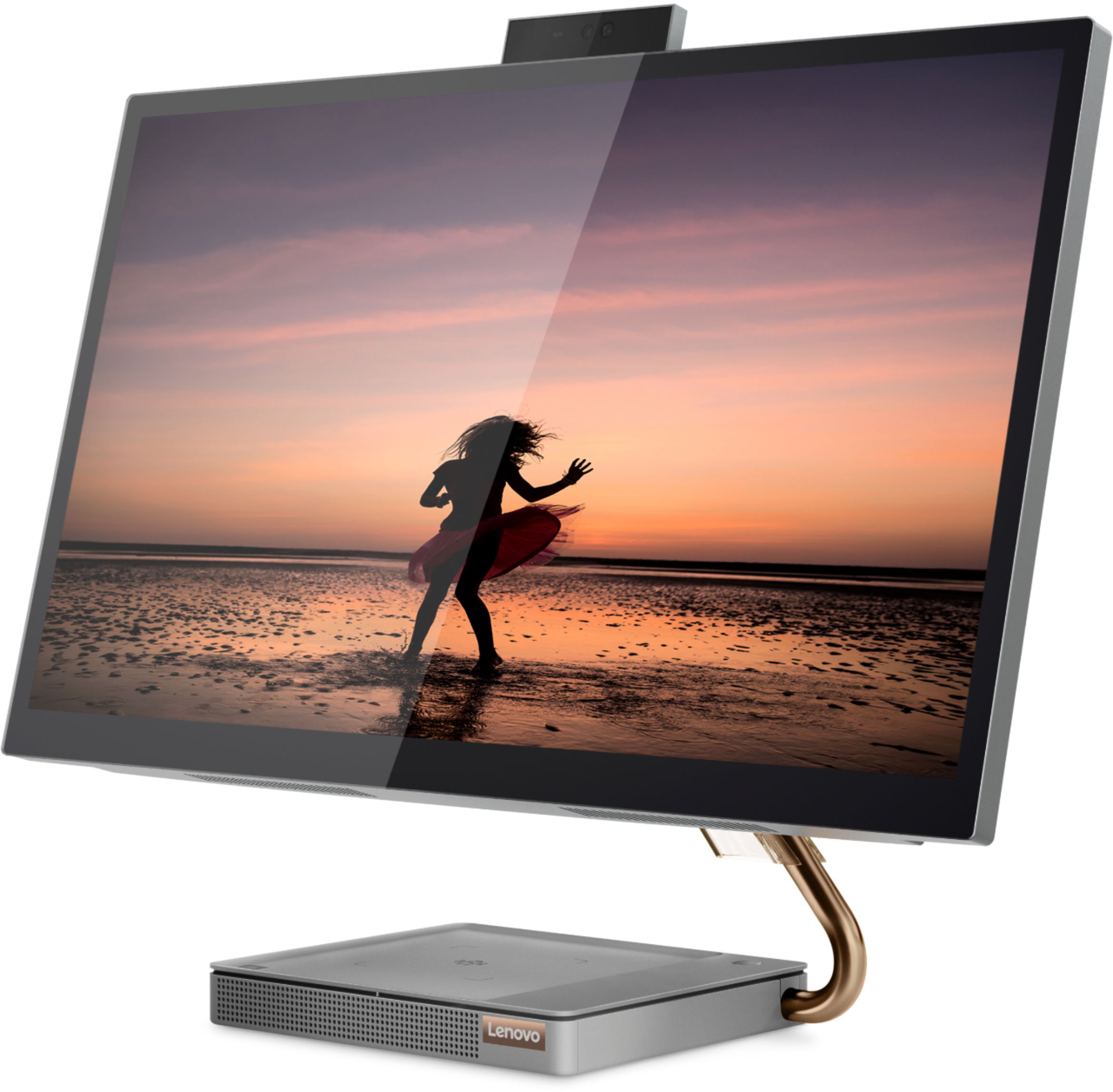
Posted .Thank you for choosing the Lenovo IdeaCentre A540-27 All-In-One system. We are pleased to hear that the features and performance of the IdeaCentre A540-27 AIO meets your computing needs so well. Taking its cue from nature, the stylish IdeaCentre A540 is inspired by the cypress tree: perfectly balanced and durable. Sacrificing nothing on performance, this all-in-one PC is an attractive addition to your home or office. With up to 93-percent screen-to-body ratio and thin, narrow bezels, the A540 minimizes visual distractions and gives you more to enjoy than a regular 27-inch display. To enhance your viewing experience even further, the A540 ships with QHD 2560 x 1440 resolution.
- Pros mentioned:Speed
Great All in one
||Posted . Owned for 1 month when reviewed.This reviewer received promo considerations or sweepstakes entry for writing a review.Fast ! Best machine I have had. The speed of of is great very responsive.
I would recommend this to a friendBrand response from Lenovo Product Expert
Posted .Once again, thank you for choosing the Lenovo IdeaCentre A540-27 All-In-One system. You can keep your computer running at its best by keeping the Windows 10 Operating System and all supporting BIOS files and drivers up to date. You can easily accomplish this by scanning the computer with the Lenovo Utility software available on this computer. This system has Lenovo utilities installed to help maintain the health of the device and keep the operating system software up to date. Type "Lenovo Vantage" in the Cortana Search window (if Lenovo Vantage is not installed on your device, you can download the APP and install it now). Select Lenovo Vantage from the list. In the window that opens, click on "Health and Support". In the expanded menu, select "Hardware Scan" In the window that opens, select "Run Quick Tests". This will scan your entire system for errors. Follow any directions that may pop up. If the problem continues after this scan, now click on "System Update". First select Windows update from the menu. Scan your system to be sure you have the latest version of Windows 10. Once that scan is complete, select "Additional Updates". This will scan your device to be sure there are no new BIOS/Driver updates needed. Follow any instructions that may pop up. If you ever need additional help with your Lenovo computer, we recommend you call Lenovo Tech Support at: 877-453-6686 for additional help.
- Cons mentioned:Sleep mode
The Rip van Winkle of PC's
||Posted . Owned for 3 months when reviewed.This reviewer received promo considerations or sweepstakes entry for writing a review.Goes to sleep and wont wake up. This PC was so bad I had to return it. The main issue was that anytime the PC went to sleep, it would not wake up by any means other than unplugging the PC and restarting it. Tried all available suggestions from Lenovo, with and without their customer support on the line. Then resorted to asking The Google for help and discovered there were hundreds of people reporting the same issue, yet Lenovo support acted as if this was the first time they were hearing about it. After trying for 2 months gave up and bought a Dell, more expensive but not one issue at 5 months and counting.
No, I would not recommend this to a friendBrand response from Lenovo Product Expert
Posted .You can wake the Lenovo IdeaCentre A540-27 All-In-One system from sleep by pressing the power button for approximately 1-second. If you want to activate the wake from sleep feature by using the mouse or keyboard, here is a video with instructions for activating this feature: https://www.youtube.com/watch?v=NMJ_H7i-Rwc. If you continue to have this issue, we recommend you contact lenovo Tech Support for additional help at: 877-453-6686.
- Pros mentioned:Speed
Lenovo
||Posted .This reviewer received promo considerations or sweepstakes entry for writing a review.Computer is working beautifully and quickly. Excellent.
I would recommend this to a friendBrand response from Lenovo Product Expert
Posted .Thank you for choosing the Lenovo IdeaCentre A540-27 All-In-One system. We are pleased to hear that the IdeaCentre A540-27 AIO meets your computing needs so well.
All in ones may not be where it's at
||Posted . Owned for 1 year when reviewed.This reviewer received promo considerations or sweepstakes entry for writing a review.Computer worked till it starting having issues where the touch screen and keyboard didn't work. Unable to use computer. First thought it was a virus/malware but it's the computer.
No, I would not recommend this to a friendfancy and easy to use
||Posted . Owned for 3 weeks when reviewed.This reviewer received promo considerations or sweepstakes entry for writing a review.good and touch also available. keyboard and mouse are comortable.
I would recommend this to a friendBrand response from Lenovo Product Expert
Posted .Thank you for choosing the Lenovo IdeaCentre A540-27 All-In-One system. We are pleased to hear that the features and performance of the IdeaCentre A540-27 AIO meets your computing needs so well. Taking its cue from nature, the stylish IdeaCentre A540 is inspired by the cypress tree: perfectly balanced and durable. Sacrificing nothing on performance, this all-in-one PC is an attractive addition to your home or office. With up to 93-percent screen-to-body ratio and thin, narrow bezels, the A540 minimizes visual distractions and gives you more to enjoy than a regular 27-inch display. To enhance your viewing experience even further, the A540 ships with QHD 2560 x 1440 resolution.
- Pros mentioned:Speed
Loving my new computer
||Posted . Owned for 2 months when reviewed.This reviewer received promo considerations or sweepstakes entry for writing a review.So far so good! Excellent computer! No problems or issues and fast!
I would recommend this to a friendBrand response from Lenovo Product Expert
Posted .Once again, thank you for choosing the Lenovo IdeaCentre A540-27 All-In-One system. You can keep your computer running at its best by keeping the Windows 10 Operating System and all supporting BIOS files and drivers up to date. You can easily accomplish this by scanning the computer with the Lenovo Utility software available on this computer. This system has Lenovo utilities installed to help maintain the health of the device and keep the operating system software up to date. Type "Lenovo Vantage" in the Cortana Search window (if Lenovo Vantage is not installed on your device, you can download the APP and install it now). Select Lenovo Vantage from the list. In the window that opens, click on "Health and Support". In the expanded menu, select "Hardware Scan" In the window that opens, select "Run Quick Tests". This will scan your entire system for errors. Follow any directions that may pop up. If the problem continues after this scan, now click on "System Update". First select Windows update from the menu. Scan your system to be sure you have the latest version of Windows 10. Once that scan is complete, select "Additional Updates". This will scan your device to be sure there are no new BIOS/Driver updates needed. Follow any instructions that may pop up. If you ever need additional help with your Lenovo computer, we recommend you call Lenovo Tech Support at: 877-453-6686 for additional help.
- Pros mentioned:Speed
great all in one
||Posted . Owned for 3 weeks when reviewed.This reviewer received promo considerations or sweepstakes entry for writing a review.I would buy this again. Its a great computer and super fast.
I would recommend this to a friendBrand response from Lenovo Product Expert
Posted .Thanks for choosing the Lenovo IdeaCentre A540 All-In-One. We are pleased to hear the features and performance of the A540 All-In-One are meeting your computing needs so well! We appreciate your recommendation.
- Pros mentioned:Ease of use
Pc for small office
||Posted . Owned for 1 month when reviewed.This reviewer received promo considerations or sweepstakes entry for writing a review.Perfect for my office work and reliable. Easy to install
I would recommend this to a friendBrand response from Lenovo Product Expert
Posted .Thank you for choosing the Lenovo IdeaCentre A540-27 All-In-One system for your office. We are pleased to hear that the IdeaCentre A540-27 AIO meets your business computing needs so well.
- Pros mentioned:Performance
LENOVO A540
||Posted . Owned for 3 weeks when reviewed.This reviewer received promo considerations or sweepstakes entry for writing a review.NICE ALL IN ONE COMPUTER, LOOKS AND PERFORMS AWESOME
I would recommend this to a friendBrand response from Lenovo Product Expert
Posted .Thank you for choosing the Lenovo IdeaCentre A540-27 All-in-One system. We are pleased to hear that the IdeaCentre A540-27 AIO meets your computing needs so well.
Installment Only
||Posted . Owned for 3 weeks when reviewed.This reviewer received promo considerations or sweepstakes entry for writing a review.The technician was both courteous and professional. He was on time which was by accident. This review is for Si-hoon aka Kain. Could not have asked for more. Answered all my questions and some I didn't think to ask. Having written that your scheduling staff leaves a great deal to be desired.
I would recommend this to a friendComputer
||Posted . Owned for 6 months when reviewed.This reviewer received promo considerations or sweepstakes entry for writing a review.I really like this computer the only issue I have is it does not have a DVD or CD ROM player on it. I was wanting to have that capability and I thought I said that is what I was looking for and asked about this computer. I was needing a gaming computer since I do play games online.
I would recommend this to a friendBrand response from Lenovo Product Expert
Posted .Thank you for choosing the Lenovo IdeaCentre A540-27ICB 27in. Touch-Screen All-In-One. We are very pleased to hear that the specifications and features of the Lenovo IdeaCentre A540 meet your computing needs so well. Here is an external CD player if you are looking for one: https://www.bestbuy.com/site/lg-8x-external-usb-double-layer-dvdrw-cd-rw-drive-black/5852919.p?skuId=5852919. We always recommend you check the requirements and compatibility of any software/games you will be installing on your new computer before you invest in any computer. Be sure your new computer can support the software/games you will need to use.
Tammie's Thoughts
||Posted . Owned for 1 month when reviewed.This reviewer received promo considerations or sweepstakes entry for writing a review.I had excellent customer service help in picking out this computer. It had to be ordered and that was accomplished and delivered timely. When the computer arrived, I took it to Best Buy Geek Squad and the technicians there put it all together for me. I love the quality, professionalism and courtesy of Best Buy employees.
I would recommend this to a friendGreat Desktop!
||Posted . Owned for 3 weeks when reviewed.This reviewer received promo considerations or sweepstakes entry for writing a review.Really love this computer. My only issue doesn't have to do with the product but the price. I could've bought directly from Lenovo and got twice as much hard drive space and an i7 processor for only 100 bucks more.
I would recommend this to a friendBrand response from Lenovo Product Expert
Posted .Hello! Thanks for choosing the Lenovo IdeaCentre A540 All-In-One. We are pleased to hear the features and performance of the A540 All-In-One are meeting your computing needs so well!
- Pros mentioned:Ease of use
Awesome laptop
||Posted . Owned for 1 month when reviewed.This reviewer received promo considerations or sweepstakes entry for writing a review.Awesome laptop really helps me out for work. Really easy to use.
I would recommend this to a friendBrand response from Lenovo Product Expert
Posted .Once again, thank you for choosing the Lenovo IdeaCentre A540-27 All-In-One system. You can keep your computer running at its best by keeping the Windows 10 Operating System and all supporting BIOS files and drivers up to date. You can easily accomplish this by scanning the computer with the Lenovo Utility software available on this computer. This system has Lenovo utilities installed to help maintain the health of the device and keep the operating system software up to date. Type "Lenovo Vantage" in the Cortana Search window (if Lenovo Vantage is not installed on your device, you can download the APP and install it now). Select Lenovo Vantage from the list. In the window that opens, click on "Health and Support". In the expanded menu, select "Hardware Scan" In the window that opens, select "Run Quick Tests". This will scan your entire system for errors. Follow any directions that may pop up. If the problem continues after this scan, now click on "System Update". First select Windows update from the menu. Scan your system to be sure you have the latest version of Windows 10. Once that scan is complete, select "Additional Updates". This will scan your device to be sure there are no new BIOS/Driver updates needed. Follow any instructions that may pop up. If you ever need additional help with your Lenovo computer, we recommend you call Lenovo Tech Support at: 877-453-6686 for additional help.
- Pros mentioned:Design
nice screen, fast system
||Posted . Owned for 2 weeks when reviewed.This reviewer received promo considerations or sweepstakes entry for writing a review.ssd makes it fast. nice and sleek. a real value for an upgrade
I would recommend this to a friendBrand response from Lenovo Product Expert
Posted .Thank you for choosing the Lenovo IdeaCentre A540-27 All-In-One system. We are pleased to hear that the features and performance of the IdeaCentre A540-27 AIO meets your computing needs so well. This model features a Premium 9th Gen Intel Core i5 processor which provides speed & power, a 27 inch QHD (2560 x 1440) touchscreen and built-in IR camera makes it easy to chat with friends or host a meeting Easy plug-and-play setup with convenient wireless charging
Wireless mouse & keyboard included. Exceptional sound with JBL by Harman speakers.
Ideal all-in-one computer for both home & business.