Customer Ratings & Reviews
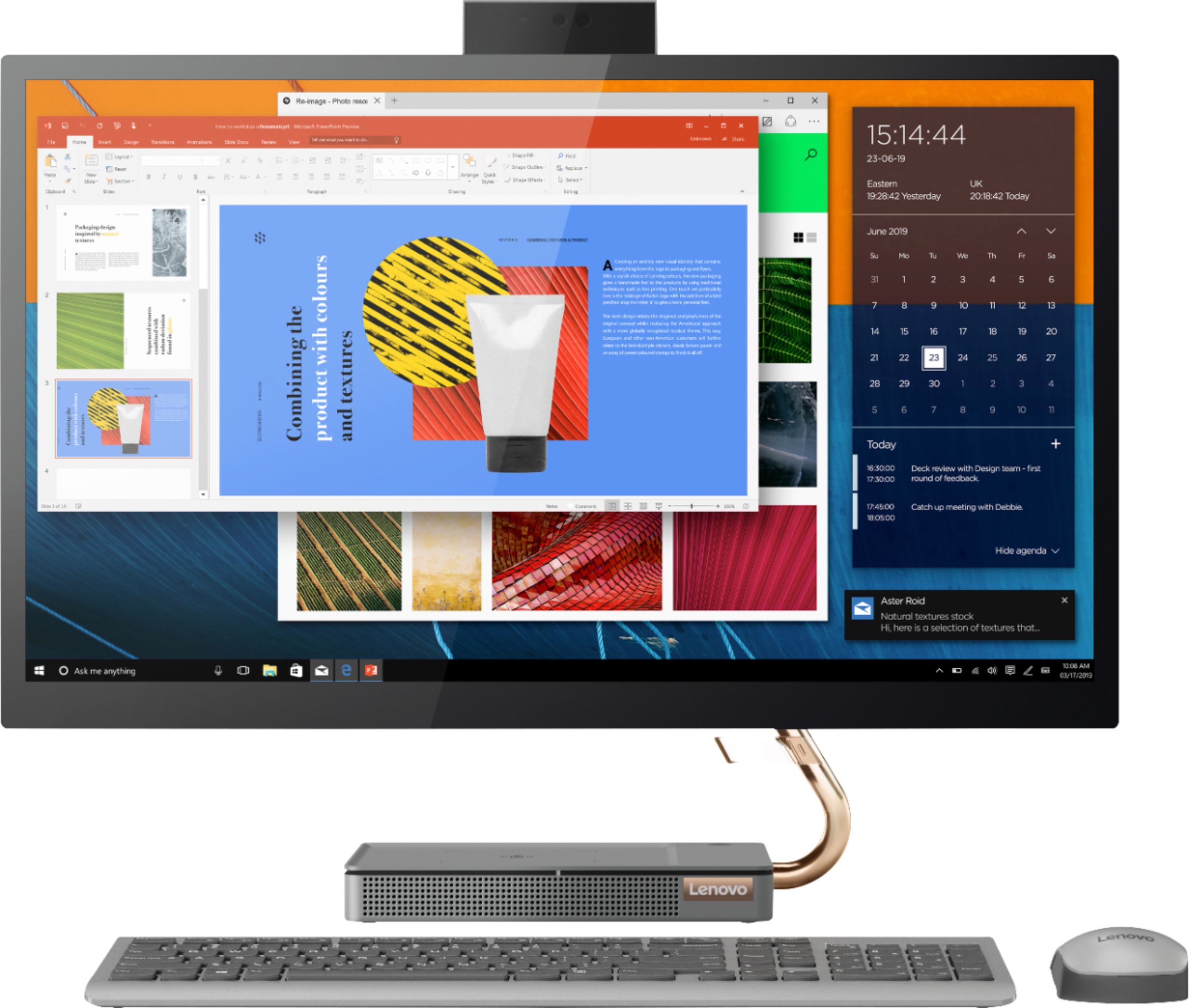
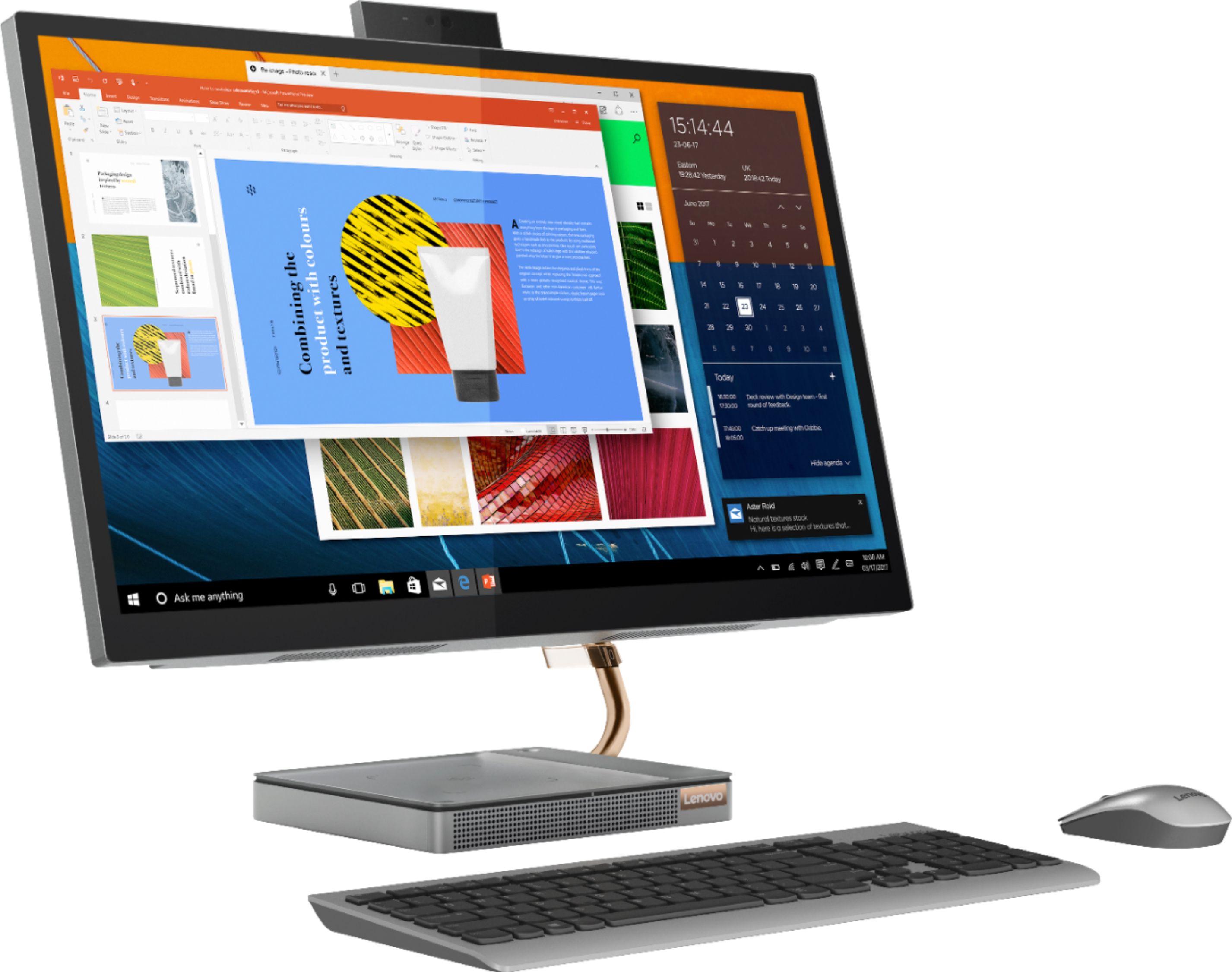
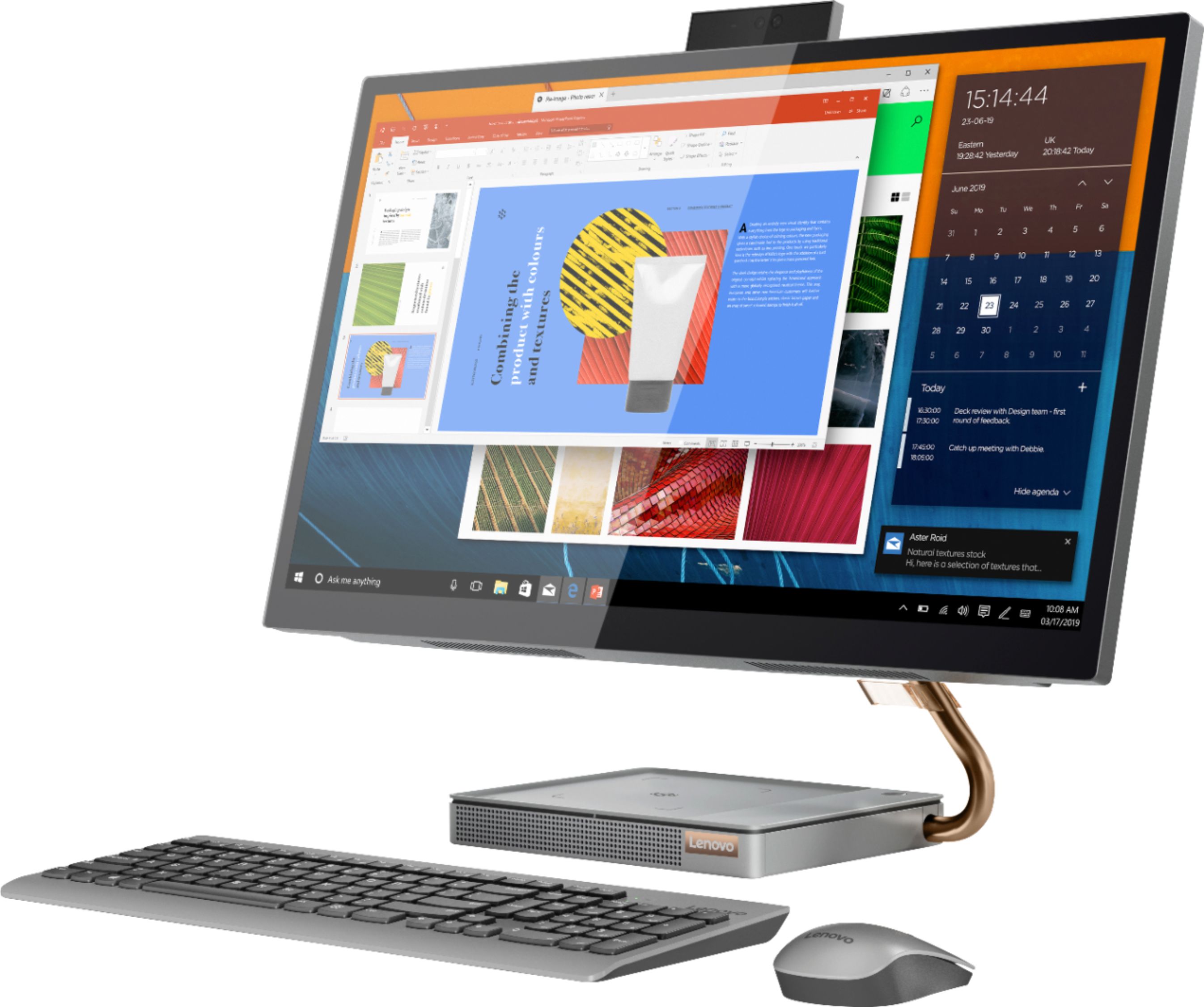
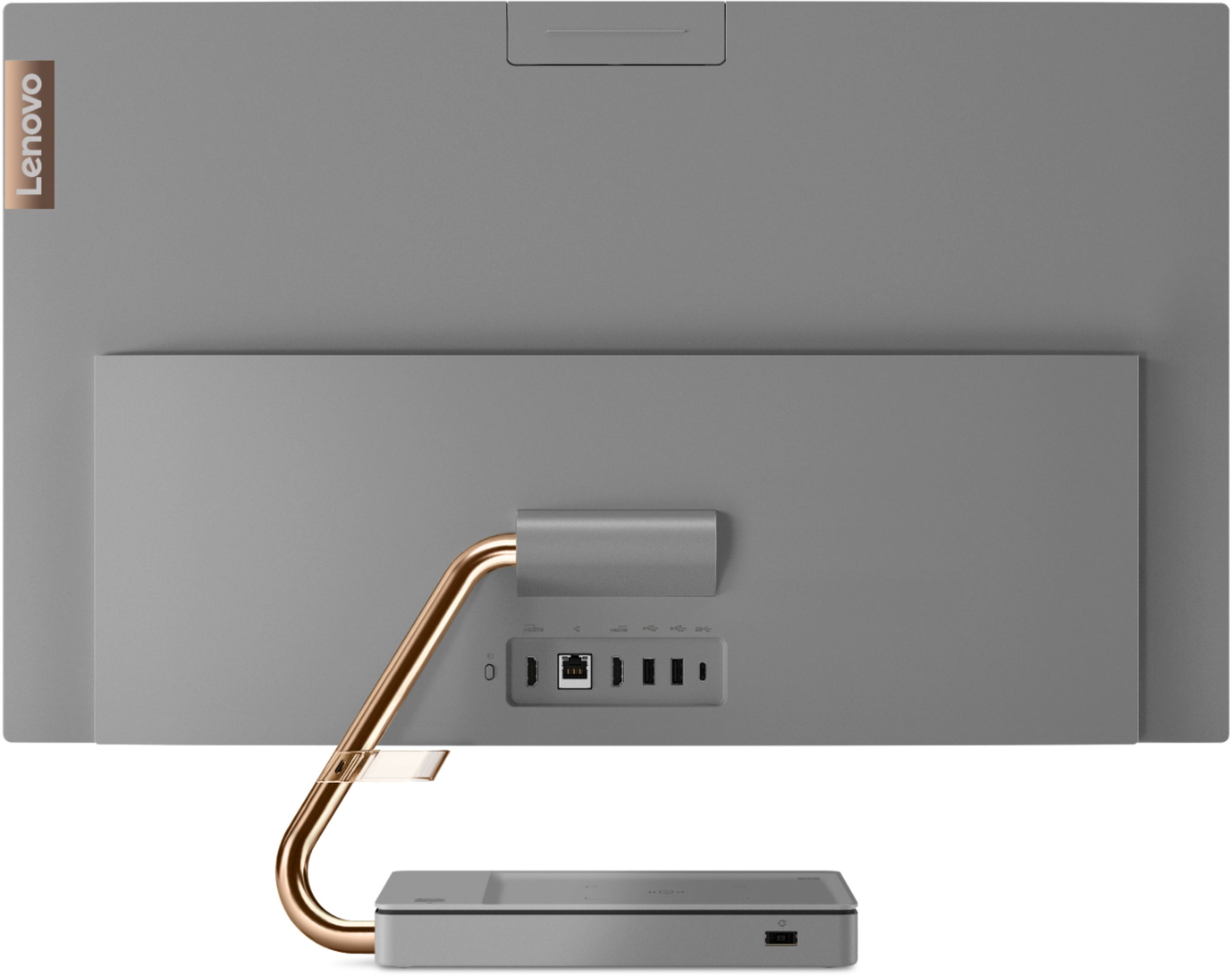
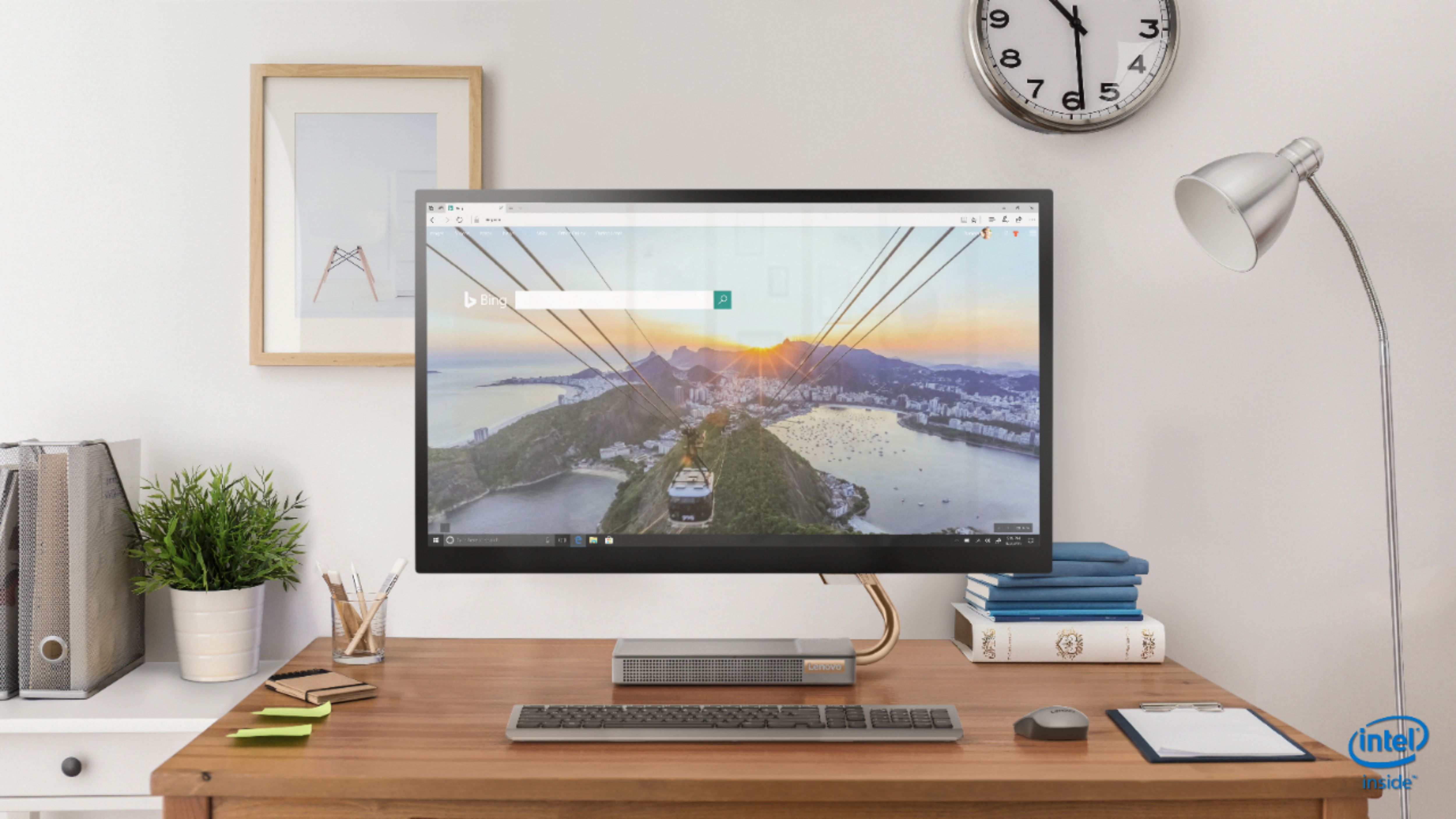
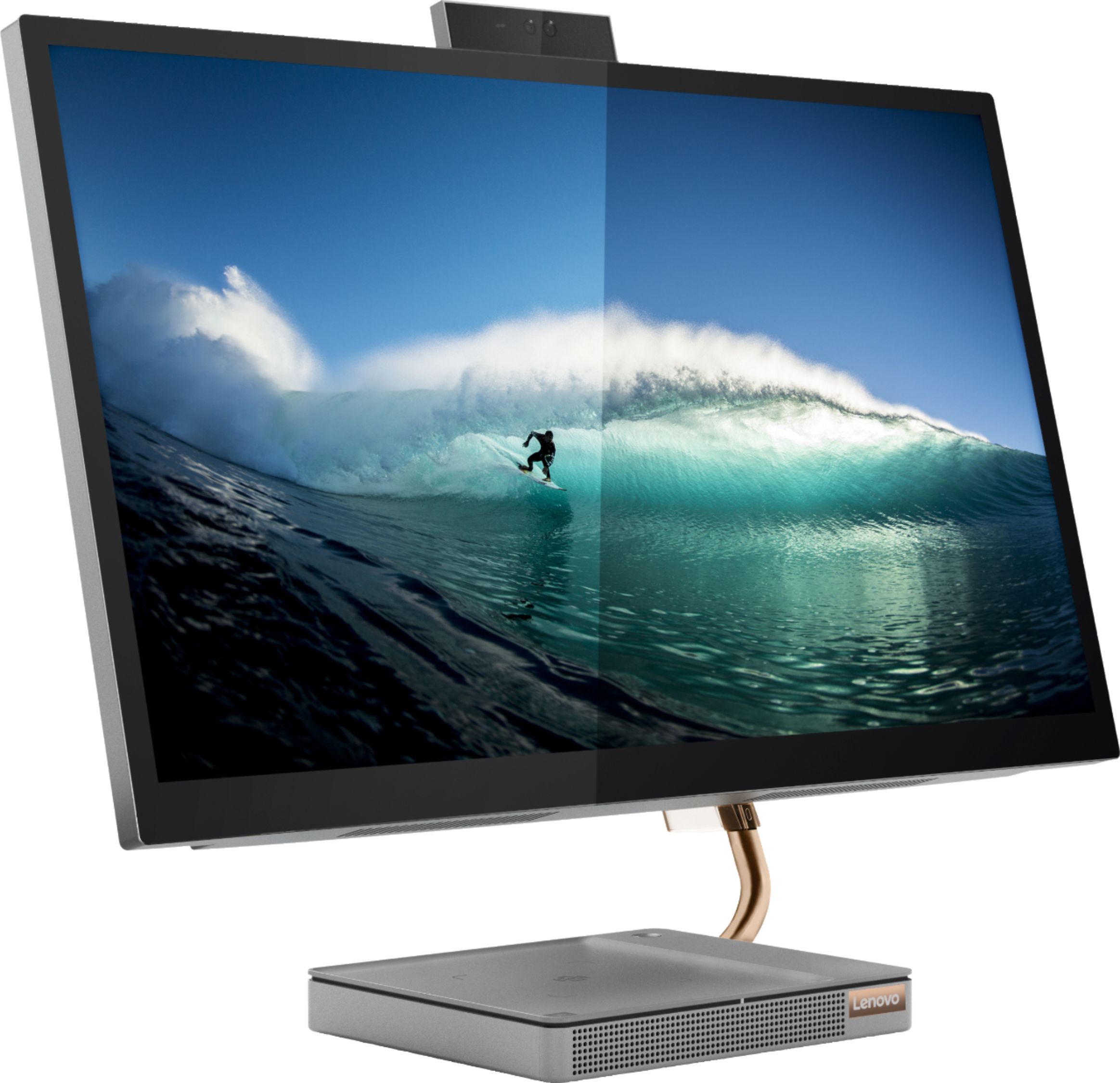
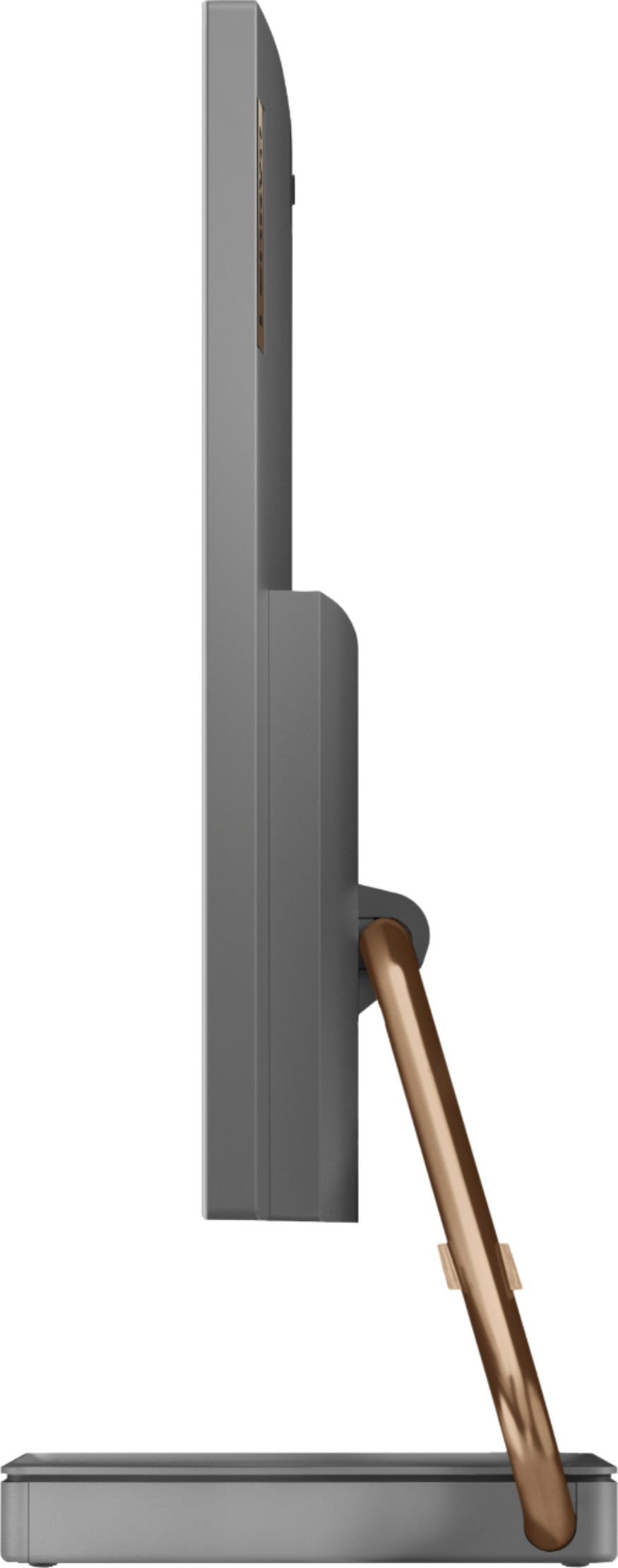
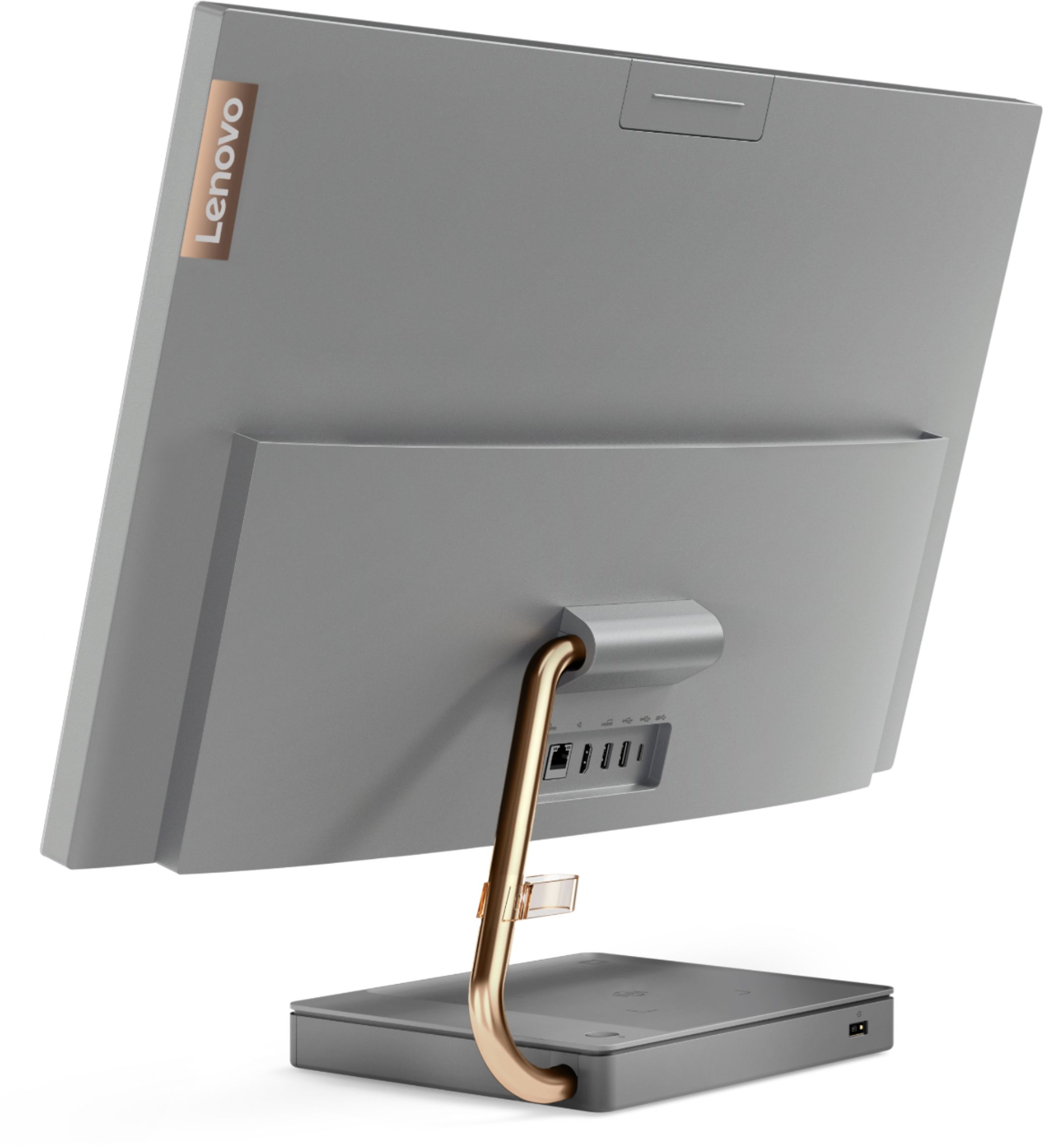

- Model:
- F0EK007HUS
- SKU:
- 6393695
Rating by feature
- Value
Rating 4.3 out of 5 stars
- Quality
Rating 4.4 out of 5 stars
- Ease of Use
Rating 4.5 out of 5 stars
Customers are saying
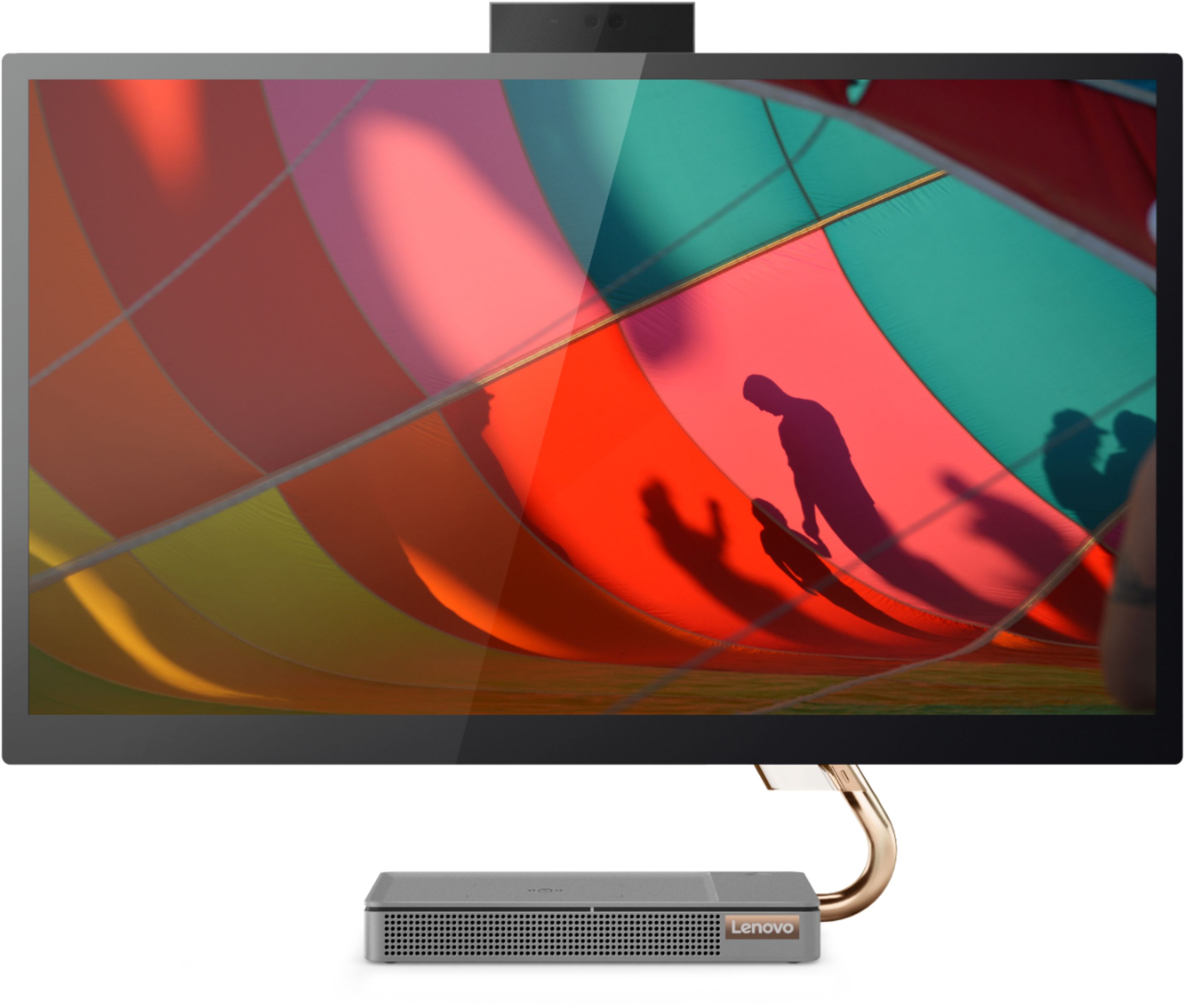
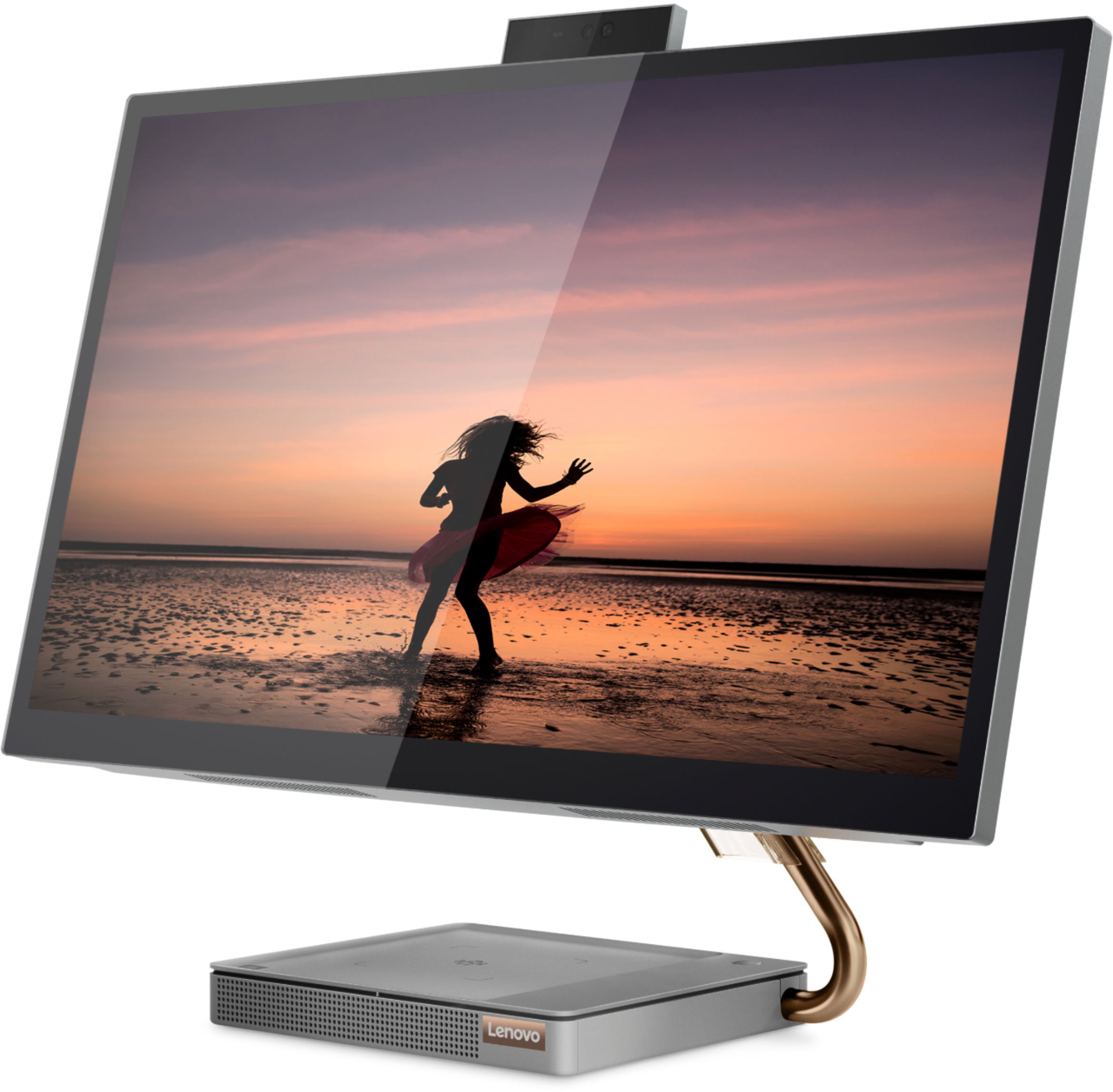
Customers regard the IdeaCentre A540's large screen size and ease of use as significant advantages, frequently praising its sleek design and responsive touchscreen. Positive feedback also highlights the generally good performance and value for the price. However, some users experienced issues with the limited number of USB ports, the quality of the camera, and occasional problems with the mouse and sleep mode functionality.
This summary was generated by AI based on customer reviews.
- Pros mentioned:Ease of use
Love everything about it
||Posted . Owned for 1 month when reviewed.This reviewer received promo considerations or sweepstakes entry for writing a review.Not a single complaint yet. Looks smooth. Super easy setup.
I would recommend this to a friendBrand response from Lenovo Product Expert
Posted .Thank you for choosing the Lenovo IdeaCentre A540-27 All-In-One system. We are pleased to hear that the easy setup, features and performance of the IdeaCentre A540-27 AIO meets your computing needs so well. Designed to hit the ground running - To get started, simply unbox the IdeaCentre A540, plug in the power cord, and off you go. There's no need for a screwdriver, nor are there any messy cables to deal with. What's more, upgrading the system in the future is just as easy.

- Pros mentioned:Speed
Reina
||Posted . Owned for 1 month when reviewed.This reviewer received promo considerations or sweepstakes entry for writing a review.Excellent Pc ver speedy and the quality is unique.
I would recommend this to a friendBrand response from Lenovo Product Expert
Posted .Hello! Thanks for choosing the Lenovo IdeaCentre A540 All-In-One. We are pleased to hear the features and performance of the A540 All-In-One are meeting your computing needs so well!
Good quality
||Posted . Owned for 1 month when reviewed.This reviewer received promo considerations or sweepstakes entry for writing a review.Great PC for the price. Second Lenovo I've purchased.
I would recommend this to a friendBrand response from Lenovo Product Expert
Posted .Hello! Thanks for choosing the Lenovo IdeaCentre A540 All-In-One. We are pleased to hear the features and performance of the A540 All-In-One are meeting your computing needs so well!
- Pros mentioned:Screen size
Good computer
||Posted . Owned for 2 weeks when reviewed.This reviewer received promo considerations or sweepstakes entry for writing a review.Love my computer use mainly for work big screen...
I would recommend this to a friendBrand response from Lenovo Product Expert
Posted .Thank you for choosing the Lenovo IdeaCentre A540-27 All-in-One system. We are pleased to hear that the IdeaCentre A540-27 AIO meets your computing needs so well.
Great computer than requires shutdown every time
||Posted . Owned for 7 months when reviewed.This reviewer received promo considerations or sweepstakes entry for writing a review.Probably the best and worst purchase. It has a great screen but audio is weak but that’s not why it gets 3 stars. If you ever leave your computer on and walk away for an extended amount of time and it goes to sleep.... good luck waking it up. You have disconnect the power to get it back on. Yes I’ve changed every setting possible. Just make sure to save your work and shutdown every time. It’s a quick boot up so it’s not a big deal, just annoying.
No, I would not recommend this to a friendBrand response from Lenovo Product Expert
Posted .We are sorry to hear that you are having issues with your Lenovo IdeaCentre A540-24 All-In-One system, model number F0EK007HUS. First, be sure you have Sleep Mode turned off. Here is a link to instructions for doing that in Windows 10: https://support.microsoft.com/en-us/windows/how-to-adjust-power-and-sleep-settings-26f623b5-4fcc-4194-863d-b824e5ea7679. If that does not solve the problem of the computer going into Sleep Mode, here is a link to a video with more tips for turning off Sleep Mode in Windows 10: https://www.youtube.com/watch?v=NMJ_H7i-Rwc. If the issue continues, we recommend you contact Lenovo Tech Support for additional help at: 866-426-0911.
- Pros mentioned:Ease of use
my new toy
||Posted . Owned for 3 weeks when reviewed.This reviewer received promo considerations or sweepstakes entry for writing a review.i totally love the new computer. easy to get started.
I would recommend this to a friend - Pros mentioned:Performance
Amazing graphics
||Posted . Owned for 3 weeks when reviewed.This reviewer received promo considerations or sweepstakes entry for writing a review.Works extremely well I can run multiple programs easily
I would recommend this to a friendBrand response from Lenovo Product Expert
Posted .Thank you for choosing the Lenovo IdeaCentre A540-27 All-In-One system. We are pleased to hear that the performance of the IdeaCentre A540-27 AIO meets your computing needs so well. Taking its cue from nature, the stylish IdeaCentre A540 is inspired by the cypress tree: perfectly balanced and durable. Sacrificing nothing on performance, this all-in-one PC is an attractive addition to your home or office. With up to 93-percent screen-to-body ratio and thin, narrow bezels, the A540 minimizes visual distractions and gives you more to enjoy than a regular 27-inch display. To enhance your viewing experience even further, the A540 ships with QHD 2560 x 1440 resolution.
- Pros mentioned:Screen size
Great computer
||Posted . Owned for 3 months when reviewed.This reviewer received promo considerations or sweepstakes entry for writing a review.Large screen. Work well. Good clarity Good for clarity
I would recommend this to a friend - Pros mentioned:Ease of use
works well and fast speed
||Posted . Owned for 1 month when reviewed.This reviewer received promo considerations or sweepstakes entry for writing a review.I love my new computer , easy to use and very good quality
I would recommend this to a friendBrand response from Lenovo Product Expert
Posted .Thank you for choosing the Lenovo IdeaCentre A540-27 All-In-One system, model number F0EK007HUS. We are pleased to hear that the ease of use, features and performance of the IdeaCentre A540-27 AIO meets your computing needs so well. Taking its cue from nature, the stylish IdeaCentre A540 is inspired by the cypress tree: perfectly balanced and durable. Sacrificing nothing on performance, this all-in-one PC is an attractive addition to your home or office. With up to 93-percent screen-to-body ratio and thin, narrow bezels, the A540 minimizes visual distractions and gives you more to enjoy than a regular 27-inch display. To enhance your viewing experience even further, the A540 ships with FHD resolution.
- Pros mentioned:Performance
Great Computer
||Posted . Owned for 3 weeks when reviewed.This reviewer received promo considerations or sweepstakes entry for writing a review.This works great and would buy again. Good first computer
I would recommend this to a friendBrand response from Lenovo Product Expert
Posted .Once again, thank you for choosing the Lenovo IdeaCentre A540-27 All-In-One system. You can keep your computer running at its best by keeping the Windows 10 Operating System and all supporting BIOS files and drivers up to date. You can easily accomplish this by scanning the computer with the Lenovo Utility software available on this computer. This system has Lenovo utilities installed to help maintain the health of the device and keep the operating system software up to date. Type "Lenovo Vantage" in the Cortana Search window (if Lenovo Vantage is not installed on your device, you can download the APP and install it now). Select Lenovo Vantage from the list. In the window that opens, click on "Health and Support". In the expanded menu, select "Hardware Scan" In the window that opens, select "Run Quick Tests". This will scan your entire system for errors. Follow any directions that may pop up. If the problem continues after this scan, now click on "System Update". First select Windows update from the menu. Scan your system to be sure you have the latest version of Windows 10. Once that scan is complete, select "Additional Updates". This will scan your device to be sure there are no new BIOS/Driver updates needed. Follow any instructions that may pop up. If you ever need additional help with your Lenovo computer, we recommend you call Lenovo Tech Support at: 877-453-6686 for additional help.
good value, you'll be happy
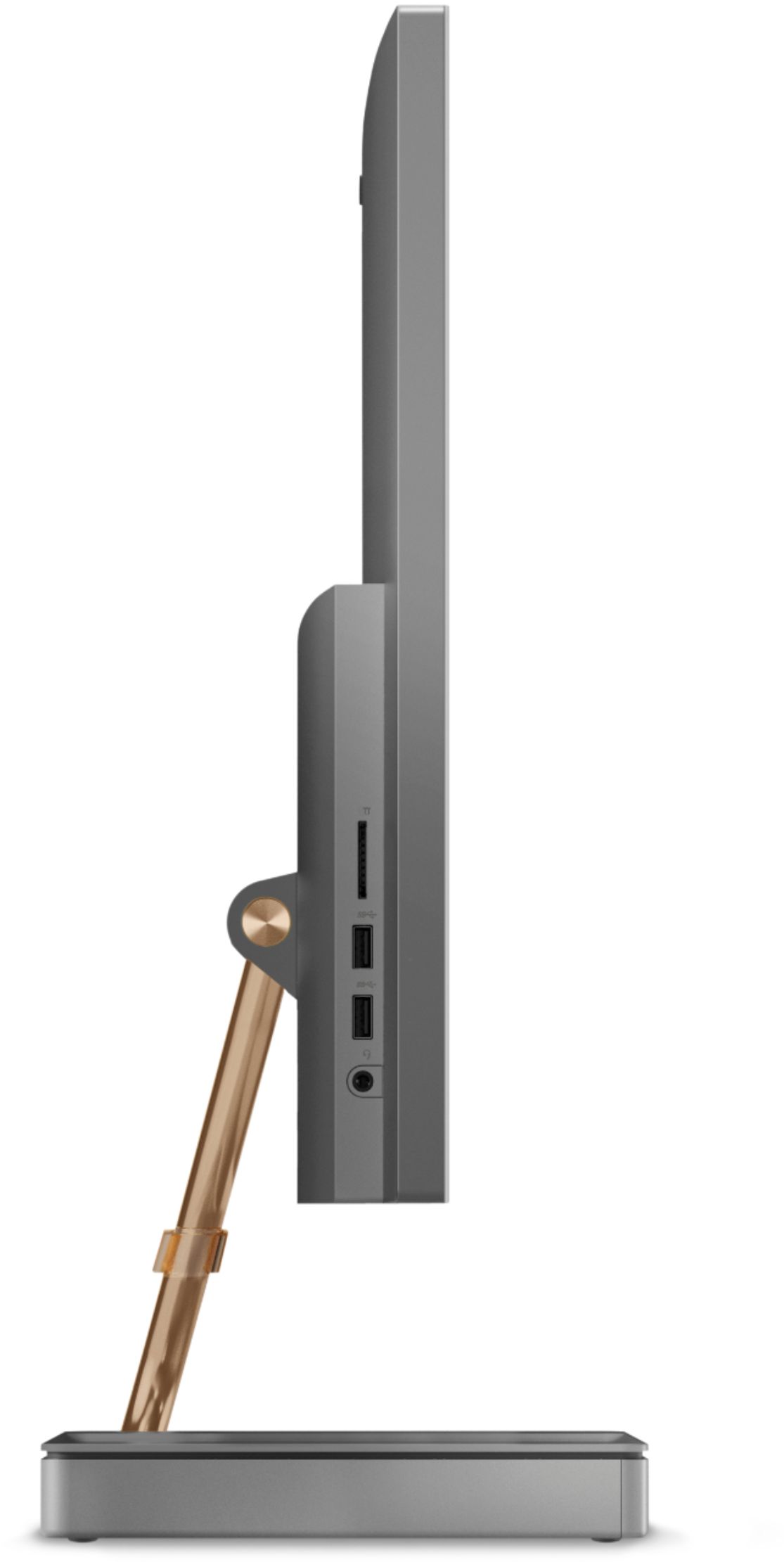
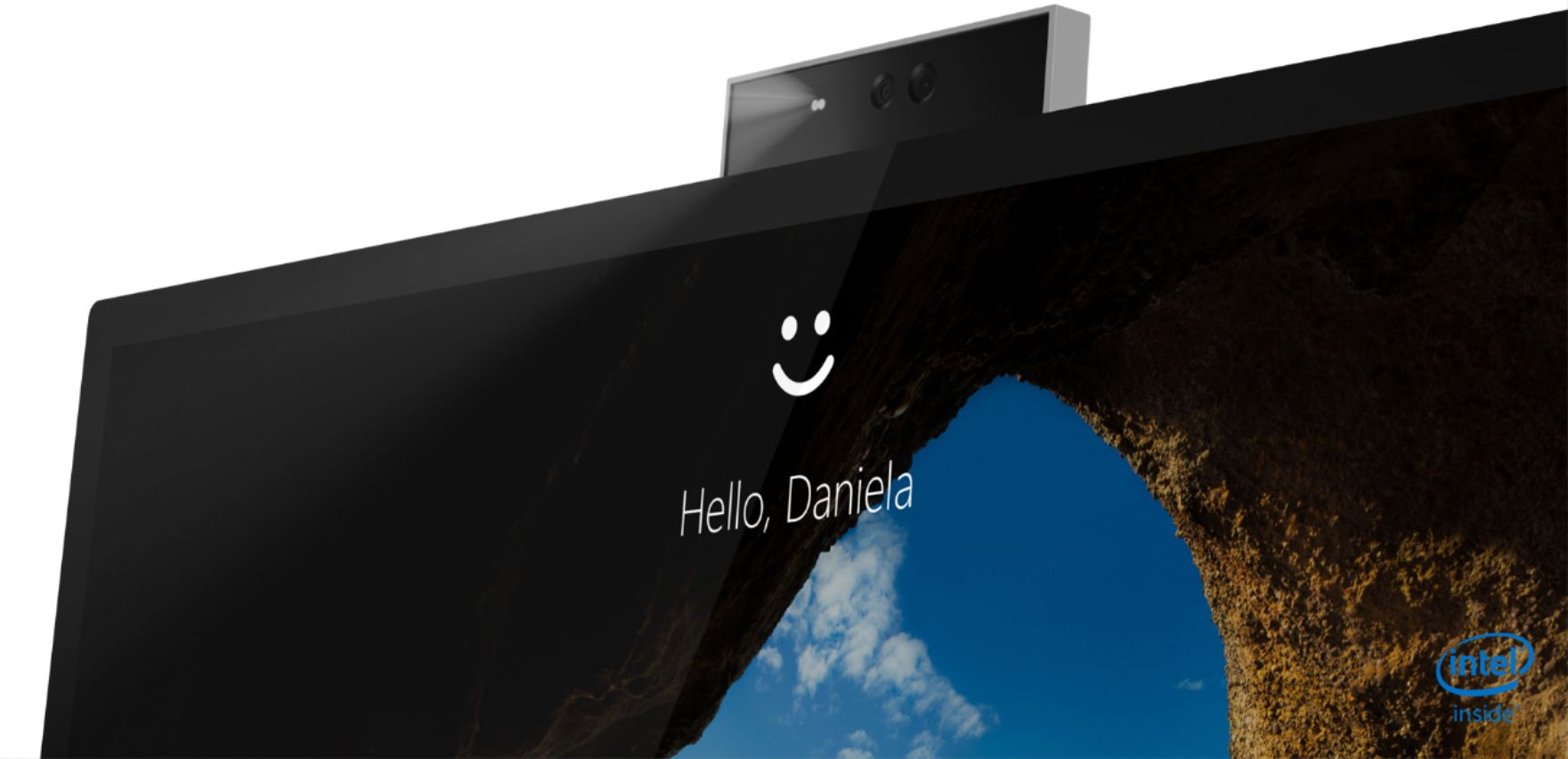
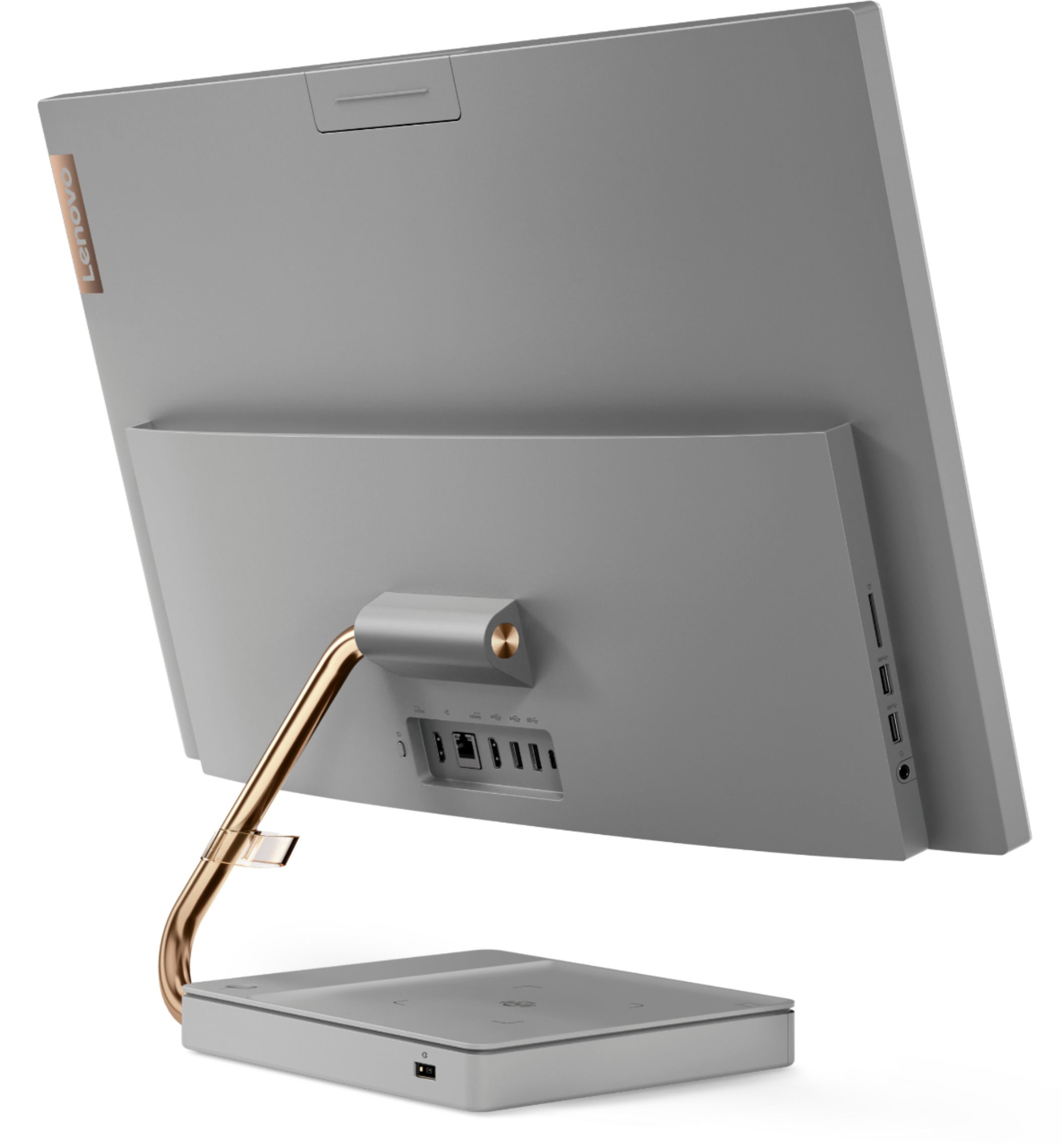
||Posted . Owned for 1.5 years when reviewed.This reviewer received promo considerations or sweepstakes entry for writing a review.I is a good working pc with no issues. I Wish it came with a bigger hard drive. If one has it will be perfect. Cool feature is the base is a charging dock. The camera is pullout at the top which means some one can see you only when you want.
I would recommend this to a friendDecent option but still windows
||Posted . Owned for 2 weeks when reviewed.This reviewer received promo considerations or sweepstakes entry for writing a review.this is an ok item but I am not into the operating system. I have to say for the sale price it was a decent purchase but I still can't use windows and returned for apple, it is not bad for the money on sale at 949
I would recommend this to a friend- Pros mentioned:Ease of use
Love!
||Posted . Owned for 1 month when reviewed.This reviewer received promo considerations or sweepstakes entry for writing a review.This computer was so easy to set up and use! Love it!
I would recommend this to a friendBrand response from Lenovo Product Expert
Posted .Once again, thank you for choosing the Lenovo IdeaCentre A540-27 All-In-One system. You can keep your computer running at its best by keeping the Windows 10 Operating System and all supporting BIOS files and drivers up to date. You can easily accomplish this by scanning the computer with the Lenovo Utility software available on this computer. This system has Lenovo utilities installed to help maintain the health of the device and keep the operating system software up to date. Type "Lenovo Vantage" in the Cortana Search window (if Lenovo Vantage is not installed on your device, you can download the APP and install it now). Select Lenovo Vantage from the list. In the window that opens, click on "Health and Support". In the expanded menu, select "Hardware Scan" In the window that opens, select "Run Quick Tests". This will scan your entire system for errors. Follow any directions that may pop up. If the problem continues after this scan, now click on "System Update". First select Windows update from the menu. Scan your system to be sure you have the latest version of Windows 10. Once that scan is complete, select "Additional Updates". This will scan your device to be sure there are no new BIOS/Driver updates needed. Follow any instructions that may pop up. If you ever need additional help with your Lenovo computer, we recommend you call Lenovo Tech Support at: 877-453-6686 for additional help.
Great little setup
||Posted . Owned for 1 week when reviewed.This reviewer received promo considerations or sweepstakes entry for writing a review.Bought this as a work computer at my retail store, I wanted something would desktop quality, but a clean and simple as a laptop. This does just that, I am able to use it with adobe products for both photo and video editing, as well as day to day business operations. Overall i have been pleased.
I would recommend this to a friendBrand response from Lenovo Product Expert
Posted .Hello! Thanks for choosing the Lenovo IdeaCentre A540 All-In-One. We are pleased to hear the features and performance of the A540 All-In-One are meeting your computing needs so well!
All In One
||Posted .This reviewer received promo considerations or sweepstakes entry for writing a review.I'm still learning things on my new computer and I realize I forget to ask Matt about them, he kept asking if I had everything on it and I said yes then when I started using the computer that's when I realize what I didn't have. But I love my computer I just edited my fall pictures and it was great.
I would recommend this to a friendNew Replacement Upgrade
||Posted . Owned for 1 month when reviewed.This reviewer received promo considerations or sweepstakes entry for writing a review.It took us seniors a little bit of training to get acquainted with the software component. Still not used to the touch screen. We have purchased Lenovo products in the past and have no problems. We will be purchasing another in the near future.
I would recommend this to a friendSatisfied customer
||Posted . Owned for 1 month when reviewed.This reviewer received promo considerations or sweepstakes entry for writing a review.Works great so far no complaints Only defect after setting up, keyboard USB port was bent and had to fix myself. I did not want to go through the hassle of putting everything back and exchanging Other than that works great and looks very nice!
I would recommend this to a friendBrand response from Lenovo Product Expert
Posted .Thank you for choosing the Lenovo IdeaCentre A540-27ICB 27 in. Touch-Screen All-In-One. We are very pleased to hear that the specifications and features of the Lenovo IdeaCentre A540-27ICB 27 in. Touch-Screen All-In-One meet your computing needs so well.
Lenovo
||Posted . Owned for 1 year when reviewed.This reviewer received promo considerations or sweepstakes entry for writing a review.I bought 2 of these computer and they were awesome at first. I returned them because they kept freezing up, they wouldn’t wake up or turn off, without unplugging the power chord. Once they were returned, less than six months, the problem started again. I am over it, I will just keep them until they don’t work anymore, but I am not sure if I will ever buy another Lenovo.
No, I would not recommend this to a friendBrand response from Lenovo Product Expert
Posted .We are sorry to hear that you are having issues with your Lenovo IdeaCentre A540 27 All-In-One System, model number F0EK007HUS. Since the issue has reoccurred after hardware repairs, it is possible that the issue is software-based. Be sure any software you installed is compatible with Windows 10. There is no need to install Microsoft Office software. The software is already part of the operating system, you just need to activate the software with a purchased product key. If you have installed a copy of Microsoft Office, this is conflicting with the existing copy on the system and this will slow your system down. If you have installed a 3rd party anti-virus program, be sure that Windows Defender is turned off and that the trial version of McAfee Anti-Virus software is uninstalled. There can only be one anti-virus program on the system. Here is a link to instructions for uninstalling McAfee from a Windows computer: https://service.mcafee.com/?articleId=TS101331&page=shell&shell=article-view You may need to restore your system to original factory default settings if any of the programming errors have occurred. You can do that by typing "restore" in the Cortana search window. Just click on the magnifying glass icon at the bottom of your Windows 10 Desktop. Click on "Reset This PC" Then click on "Get Started" and follow the on screen directions to restore to factory defaults. If the problem persists, we recommend you contact Lenovo Tech Support at: 877-453-6686.
Clear screen and good sound
||Posted . Owned for 2 months when reviewed.This reviewer received promo considerations or sweepstakes entry for writing a review.Easy to use and good sound and mic for zoom. However I cannot figure out how to use the keyboard on the screen touch screen. Sometimes the computer will not turn on unless I unplug it and power it back up.
I would recommend this to a friendBrand response from Lenovo Product Expert
Posted .Thank you for choosing the Lenovo IdeaCentre A540-27 All-In-One system. Here is a link to instructions for accessing the onscreen keyboard within Windows 10: https://support.microsoft.com/en-us/help/10762/windows-use-on-screen-keyboard#:~:text=Go%20to%20Start%20%2C%20then%20select,screen%20until%20you%20close%20it. To power on your IdeaCentre A540-27 AIO when it is in Sleep Mode, just press the power button for 1-second to wake the system up.
Charging Pad
||Posted . Owned for 1 month when reviewed.This reviewer received promo considerations or sweepstakes entry for writing a review.It comes with a wireless charging pad underneath the screen. I wish I can rotate the computer screen side to side, if can only adjust up and down, other wise I'd be 5 stars.
I would recommend this to a friend