Customer Ratings & Reviews
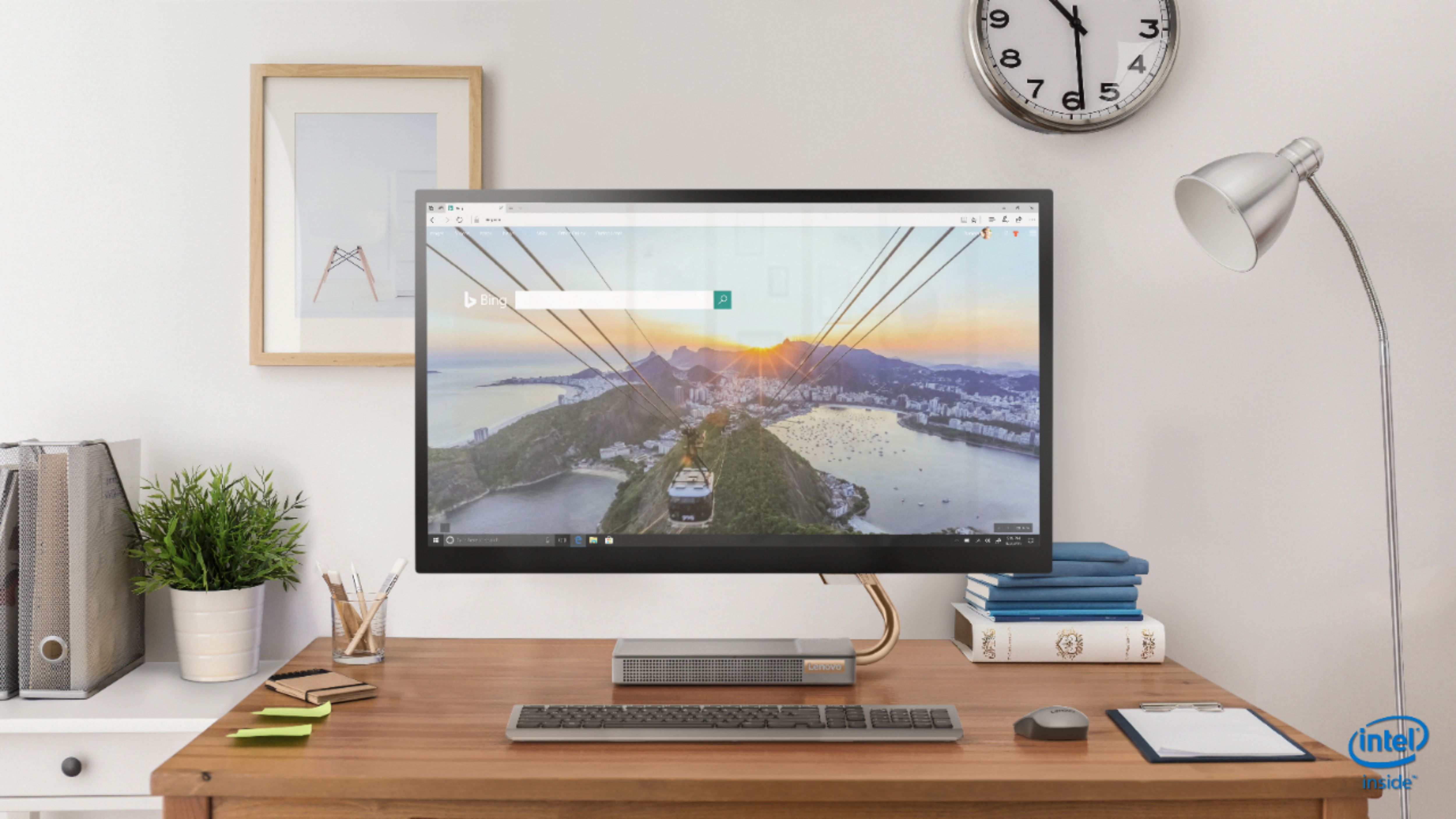
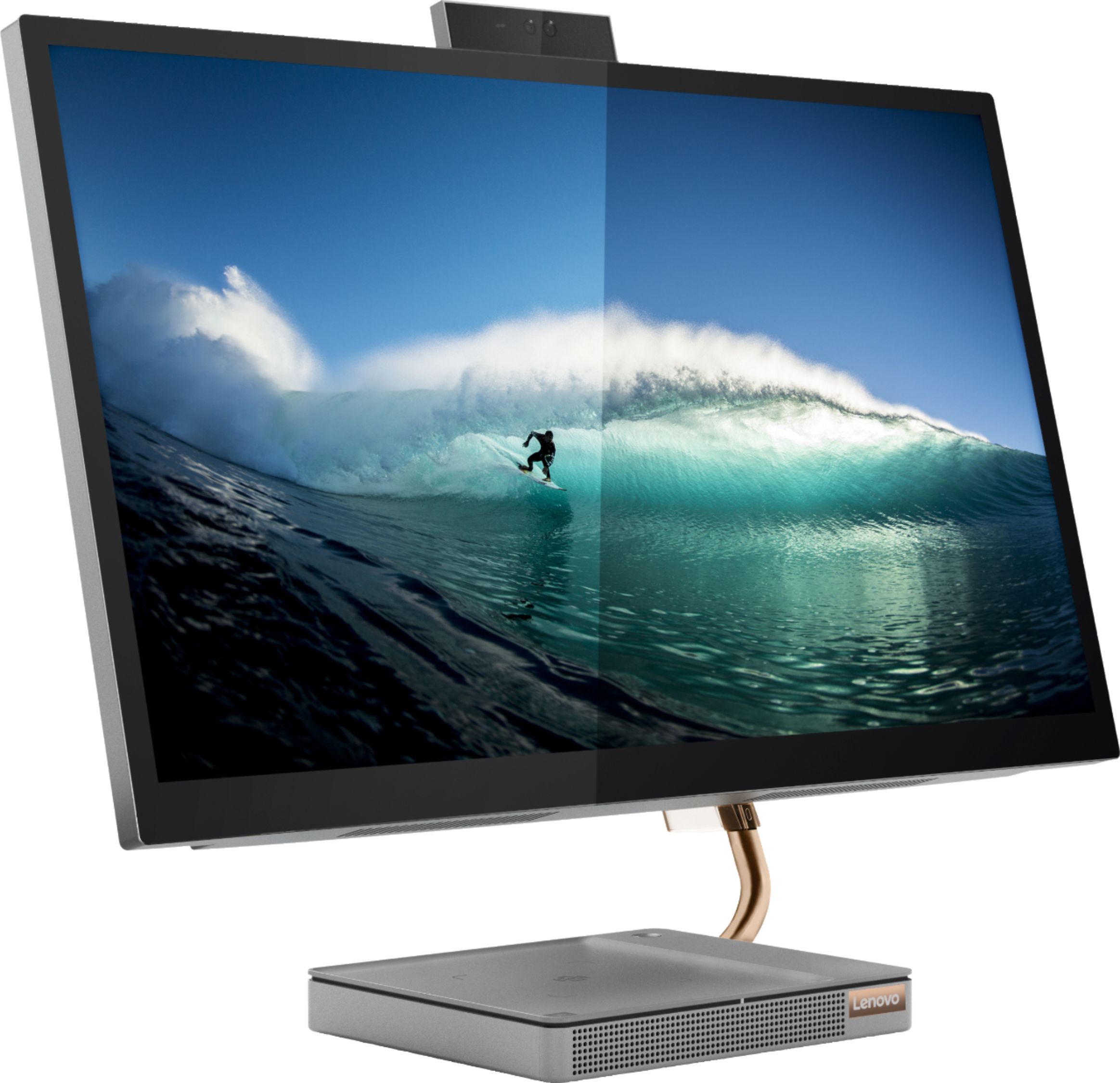
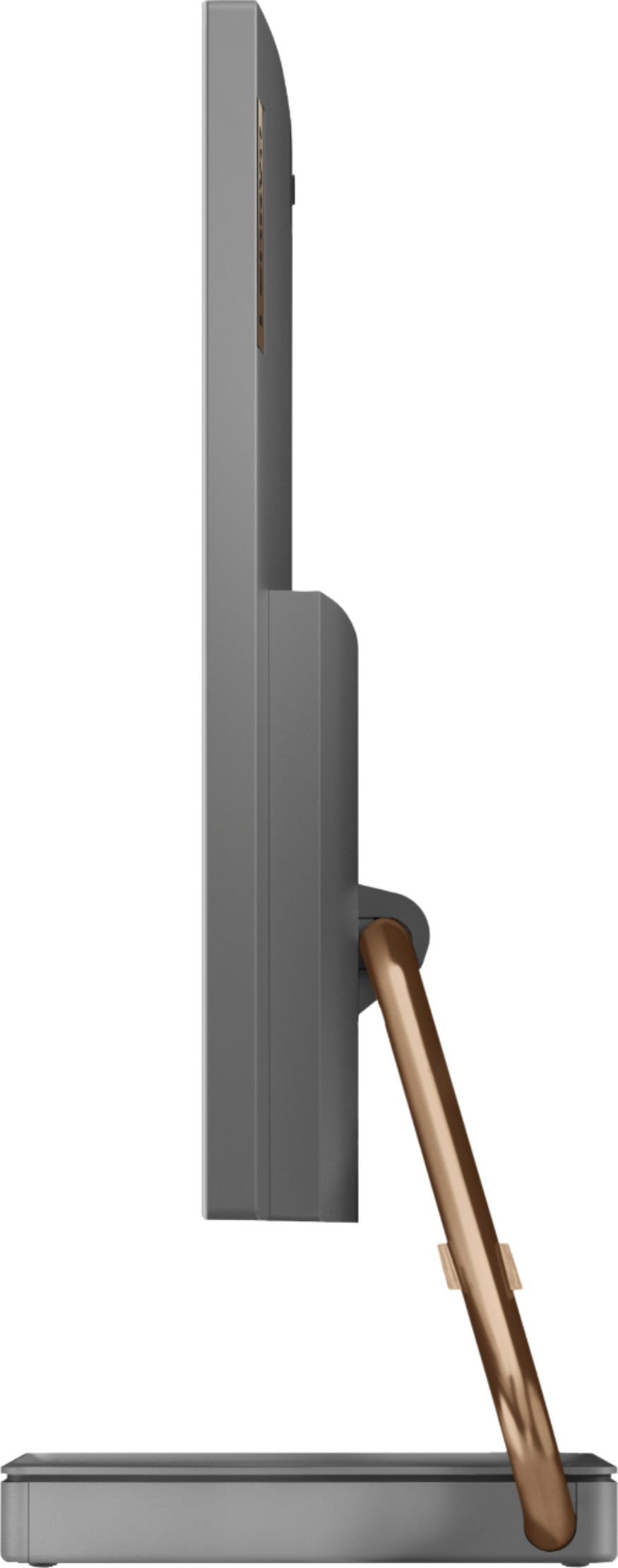
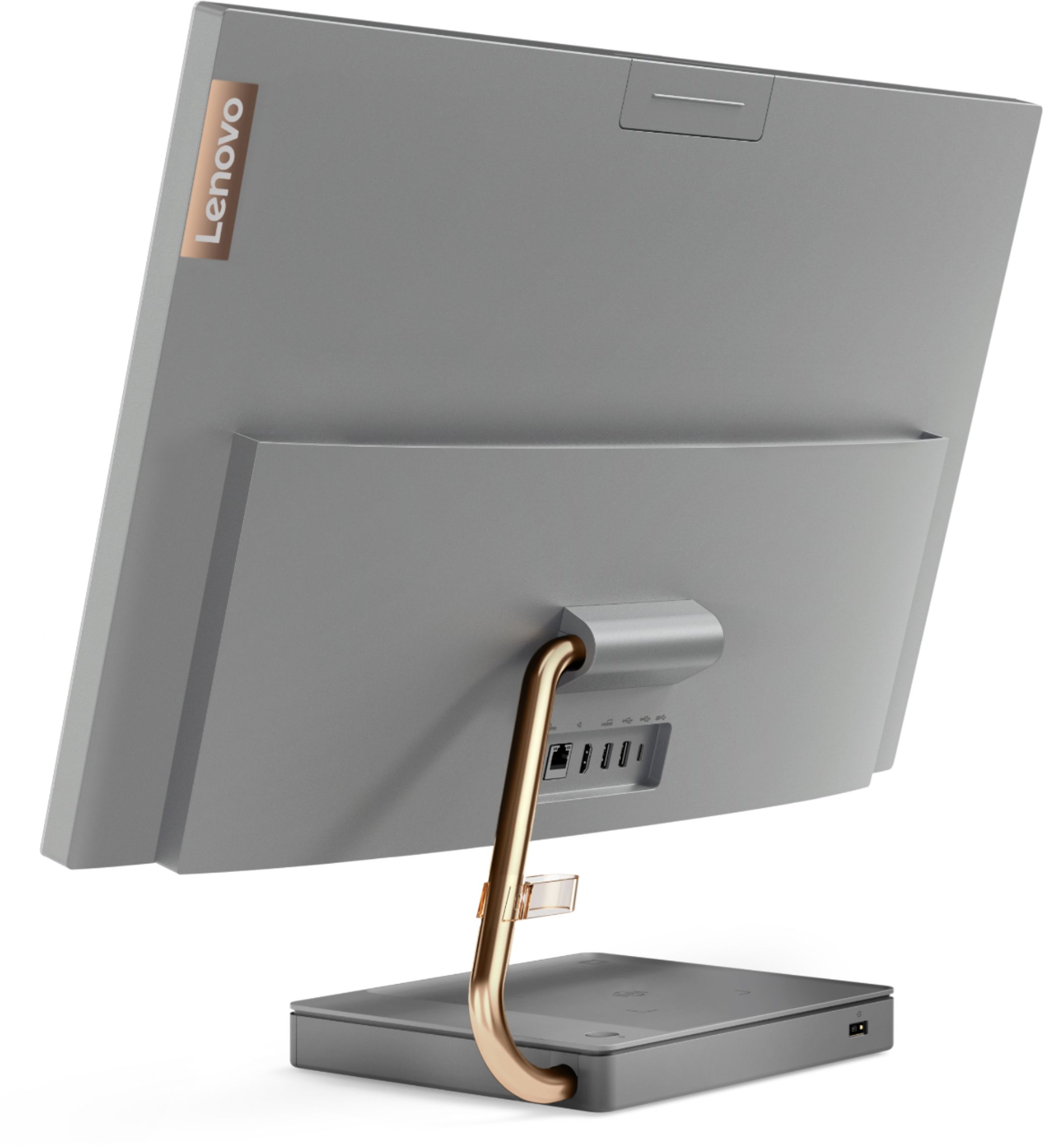
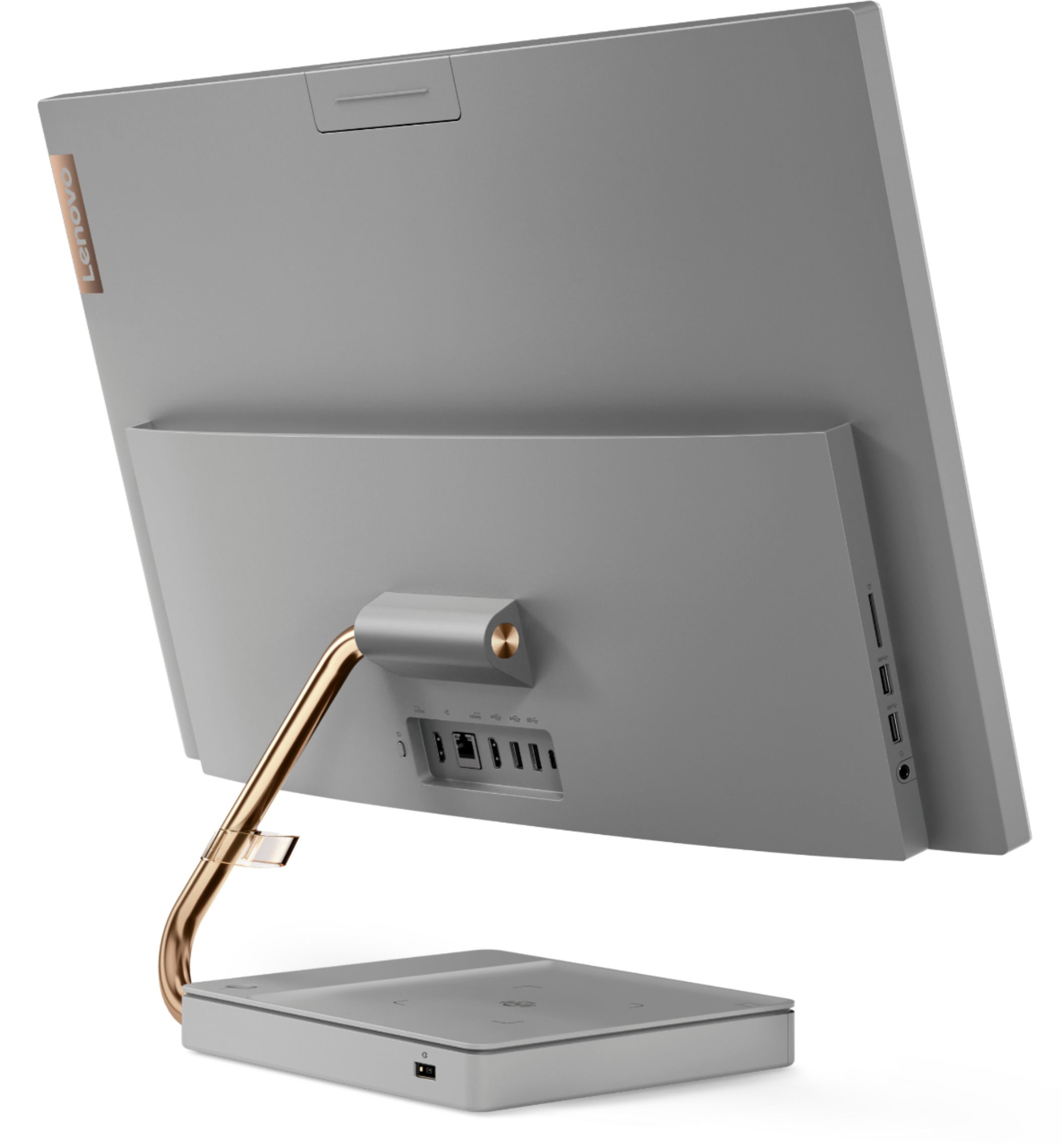

- Model:
- F0EK007HUS
- SKU:
- 6393695
Rating by feature
- Value
Rating 4.3 out of 5 stars
- Quality
Rating 4.4 out of 5 stars
- Ease of Use
Rating 4.5 out of 5 stars
Customers are saying
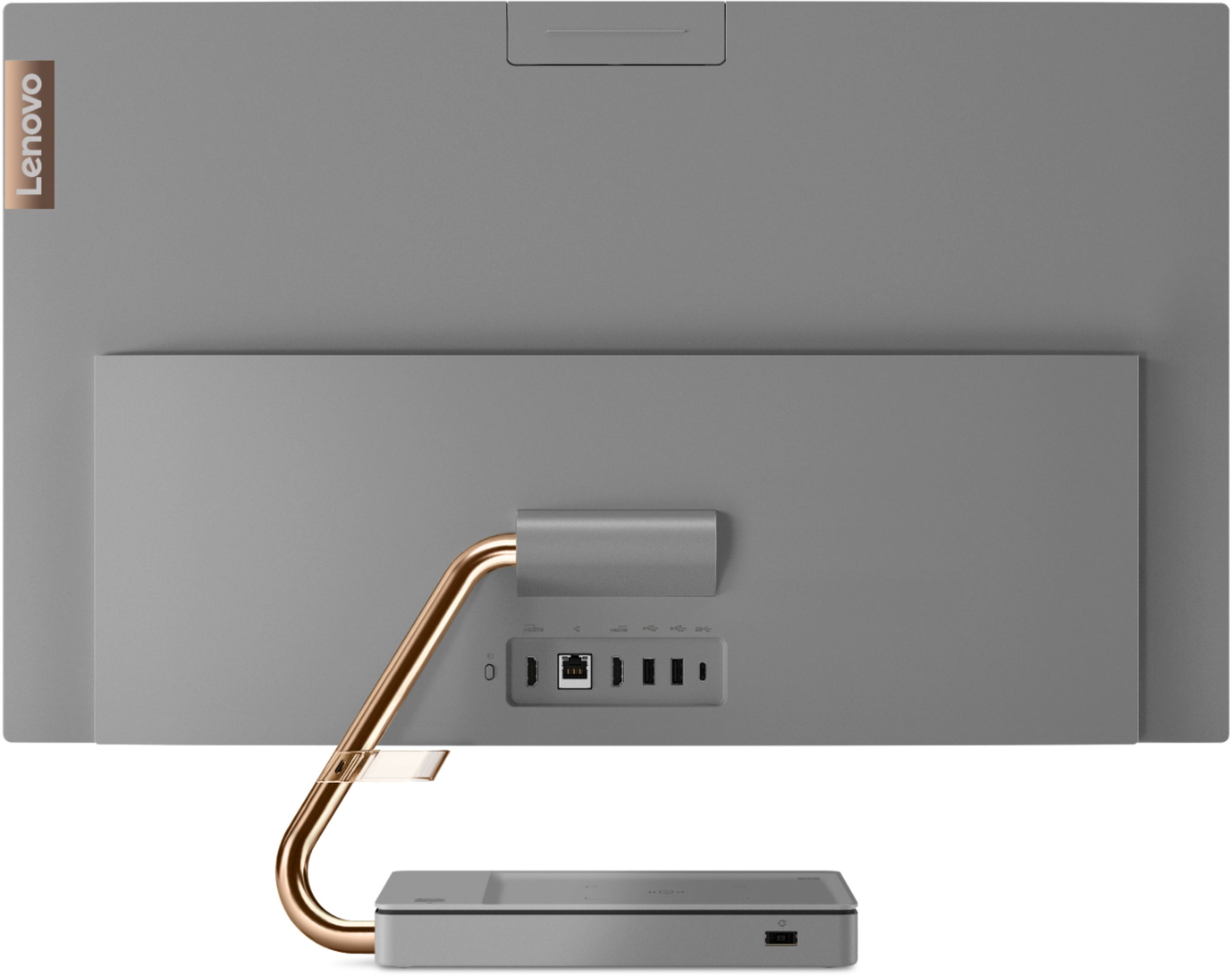
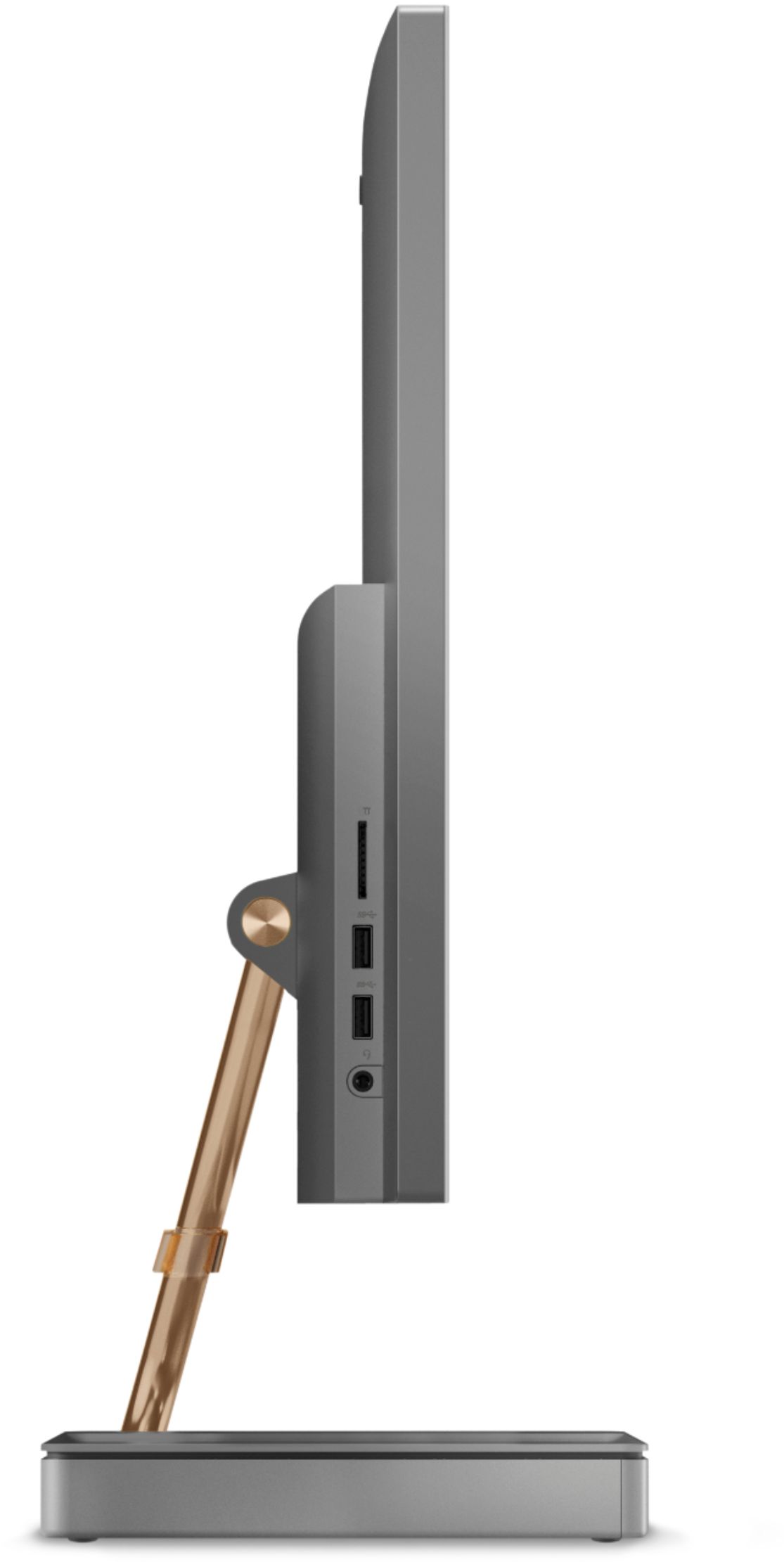
Customers regard the IdeaCentre A540's large screen size and ease of use as significant advantages, frequently praising its sleek design and responsive touchscreen. Positive feedback also highlights the generally good performance and value for the price. However, some users experienced issues with the limited number of USB ports, the quality of the camera, and occasional problems with the mouse and sleep mode functionality.
This summary was generated by AI based on customer reviews.
Avoid like the Plague!
||Posted . Owned for 7 months when reviewed.This reviewer received promo considerations or sweepstakes entry for writing a review.Purchased this computer for my aged parents for video calls. Tis is the worse computer we have ever owned. Problem started at the 3 month mark, touch screen stopped responding and started to do bizarre things. Called Lenovo, they stayed that it had to be sent in repair....at a little over 2 months old. Called best buy, because it was 2 days pasted the return date, they could not and would not help- this is after being on hold and bounced around from associate to associate for hours on end multiple times. It was the same with Lenovo. Finally broke down and said send me the return box, It came but it was for a laptop, more hours on the phone again, new case numbers ETC, ETC,. Sent machine in, one month later machine retuned but damaged- shipping box was fine, damaged at repair facility, it looked like they dropped it. More hours on the phone, returned machine again. When the computer was returned the monitor bracket was bent, decided to live with because it was need and decided that iI will never buy another Lenovo. BTW, The only way to have Lenovo send you a new machine under warranty is to buy directly from them, Lenovo will not send you a machine if you buy the unit from Best buy because they are a "reseller". Please avoid this computer manufacturer like the plague!! Also, check with the manufacturer before buying from best buy to make sure it will be supported after the purchase. You have been given fair warning!
No, I would not recommend this to a friendAwesome all in one
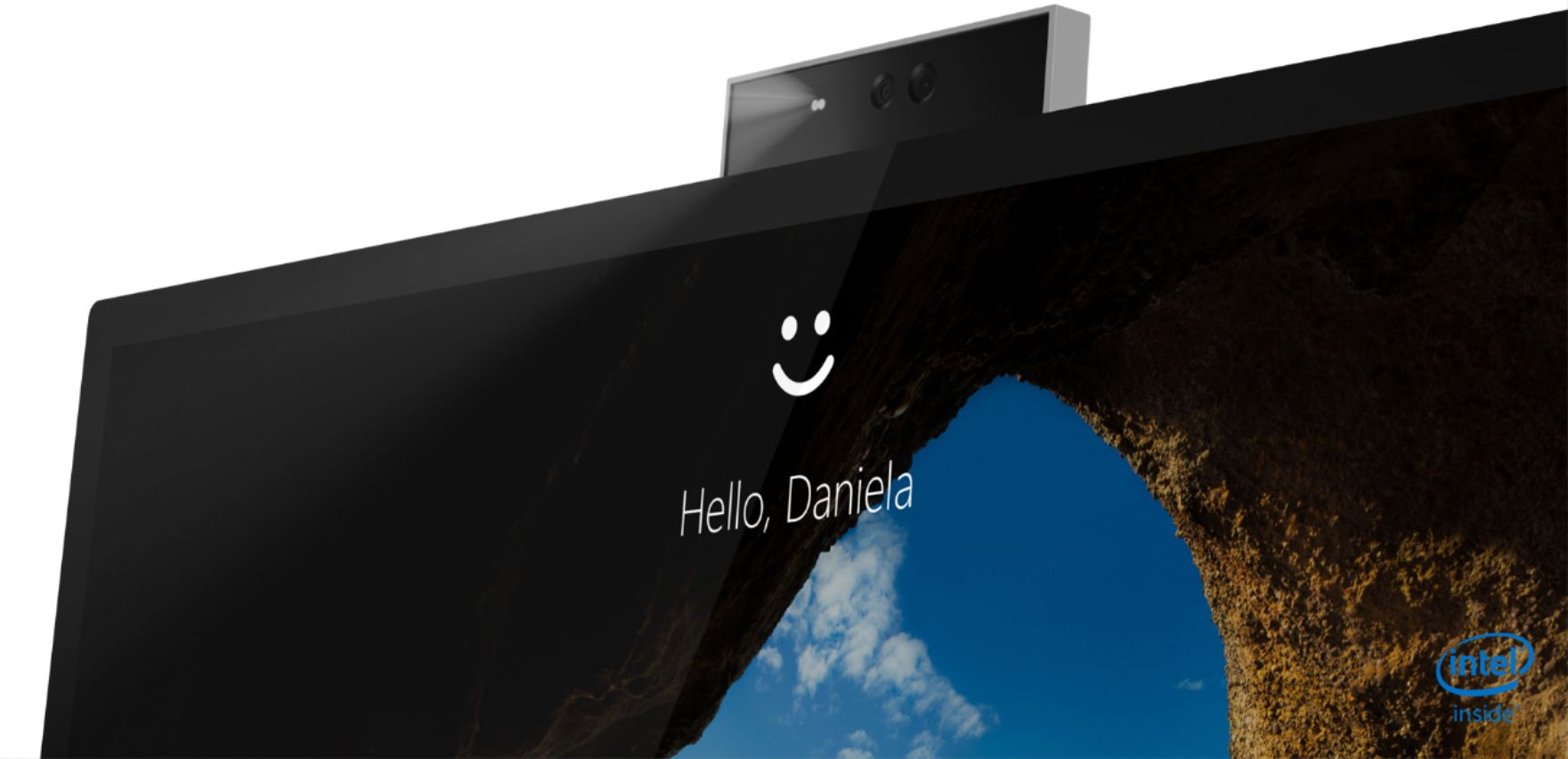
||Posted . Owned for 9 months when reviewed.This reviewer received promo considerations or sweepstakes entry for writing a review.Lovely computer that does it job. Got it for my grandmother and she especially loves that it can unlock with a face scan.
I would recommend this to a friendBrand response from Lenovo Product Expert
Posted .Thank you for choosing the Lenovo IdeaCentre A540-27 All-In-One system, for your grand daughter. This model ships with a built in 1080p IR webcam that can also be used for Biometric, facial scan security. We are pleased to hear that the IdeaCentre A540-27 AIO is working out so well for your grand daughter.

An awesome all-in-one!
||Posted . Owned for 1 month when reviewed.This reviewer received promo considerations or sweepstakes entry for writing a review.A solid, really nice looking all in one. One of the best looking and performing all in ones I've seen and used. The JBL sppeakers are an added bonus. Highly recommended.
I would recommend this to a friendBrand response from Lenovo Product Expert
Posted .Hello! Thanks for choosing the Lenovo IdeaCentre A540 All-In-One. We are pleased to hear the features and performance of the A540 All-In-One are meeting your computing needs so well! We appreciate your recommendation.
Would recommend
||Posted . Owned for 2 weeks when reviewed.This reviewer received promo considerations or sweepstakes entry for writing a review.Very easy to use. The wife wanted something for simple gaming and web suffering and this fit the bill. Love the wireless charging in the base of the computer.
I would recommend this to a friendBrand response from Lenovo Product Expert
Posted .Thank you for choosing the Lenovo IdeaCentre A540-27 All-In-One system. We are pleased to hear that the features and performance of the IdeaCentre A540-27 AIO meets your computing needs so well.
Good To Go!
||Posted . Owned for 5 months when reviewed.This reviewer received promo considerations or sweepstakes entry for writing a review.I've been using this PC since August and all its features are amazing! The touch screen is not as sensitive as other PC's, so it works excellent.
I would recommend this to a friendWorks great
||Posted . Owned for 5 months when reviewed.This reviewer received promo considerations or sweepstakes entry for writing a review.After I purchased I read some bad reviews about the screen falling. No issues yet, I don’t lean on the screen but I do hang my headset on it
I would recommend this to a friendBrand response from Lenovo Product Expert
Posted .Thank you for choosing the Lenovo IdeaCentre A540-27ICB 27in. Touch Screen All-In-One. We are very pleased to hear that the specifications and features of the Lenovo IdeaCentre A540-27 Touch Screen AIO meet your computing needs so well.
Nice Office desktop for a small office
||Posted . Owned for 1 month when reviewed.This reviewer received promo considerations or sweepstakes entry for writing a review.Nice fit for our business. Fits well in a small office space. Works well with the nee Epson ink tank printer.
I would recommend this to a friendBrand response from Lenovo Product Expert
Posted .Thank you for choosing the Lenovo IdeaCentre A540-27 All-In-One system for your business. We are pleased to hear that the IdeaCentre A540-27 AIO meets your business computing needs so well.
Loving Lenova
||Posted . Owned for 1 month when reviewed.This reviewer received promo considerations or sweepstakes entry for writing a review.Love the Lenova computers! First bought a YOGA Laptop. Loved it so much bought a Desktop, it was struck by lightning so this one is my 3rd. Highly recommend!
I would recommend this to a friendBrand response from Lenovo Product Expert
Posted .Thank you for choosing the Lenovo IdeaCentre A540-27 All-In-One system. We appreciate your loyalty to the Lenovo Brand and we are pleased to hear that the IdeaCentre A540-27 AIO meets your computing needs so well.
Our new Lonovo all in one.
||Posted . Owned for 3 weeks when reviewed.This reviewer received promo considerations or sweepstakes entry for writing a review.I like my old one more. I do not like the way the browser is set up and it is also difficult to use. We purchased this new one because we really liked the other one and it was just not working well, so we bought the same product, just newer. I may like it the more I use it, but I doubt it.
No, I would not recommend this to a friendLike the decorative look
||Posted . Owned for 2 weeks when reviewed.This reviewer received promo considerations or sweepstakes entry for writing a review.I only have one problem. The image in my games seem very fake. Sad to say, but my iPad shows a more realistic scenery.
I would recommend this to a friendBrand response from Lenovo Product Expert
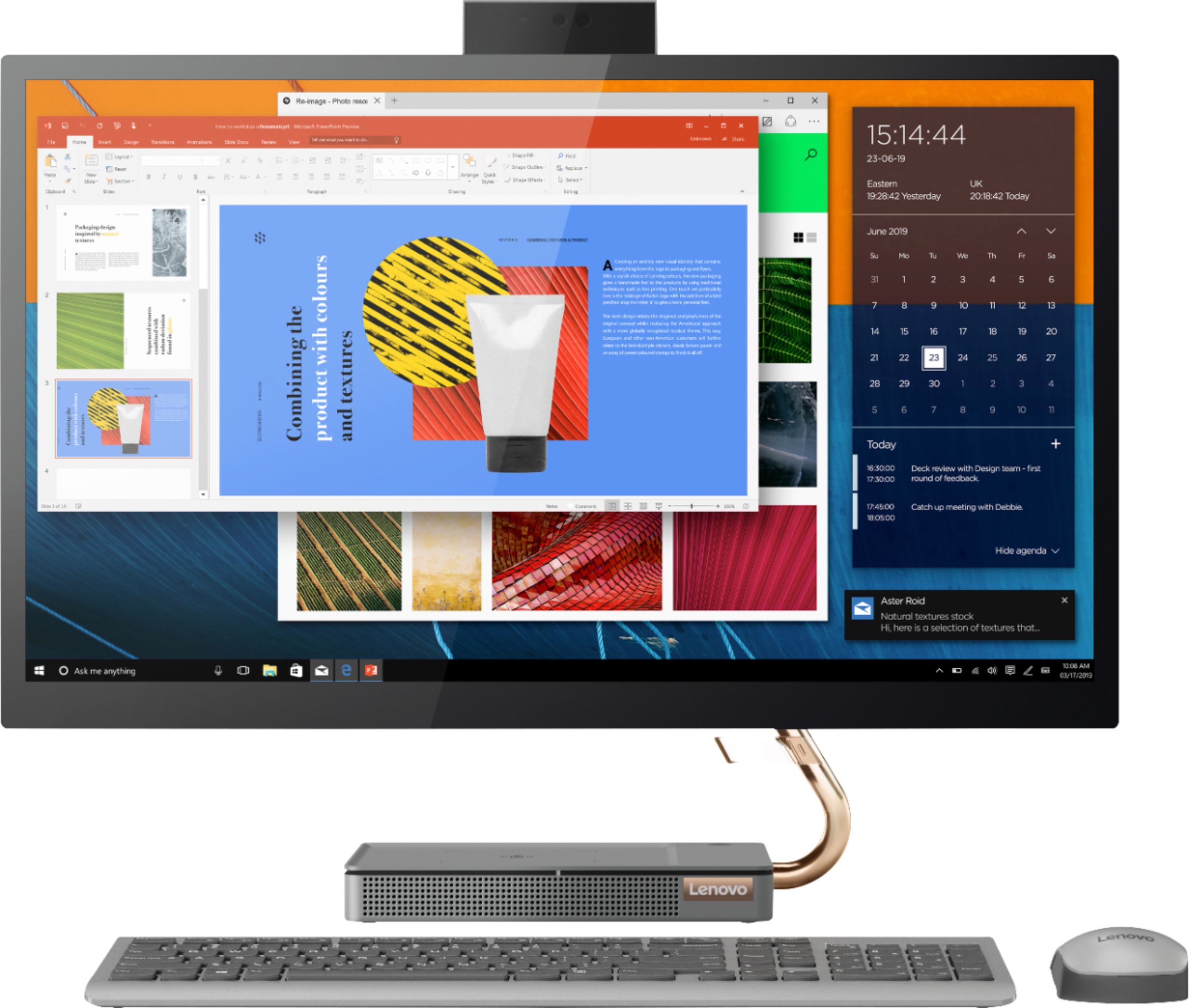
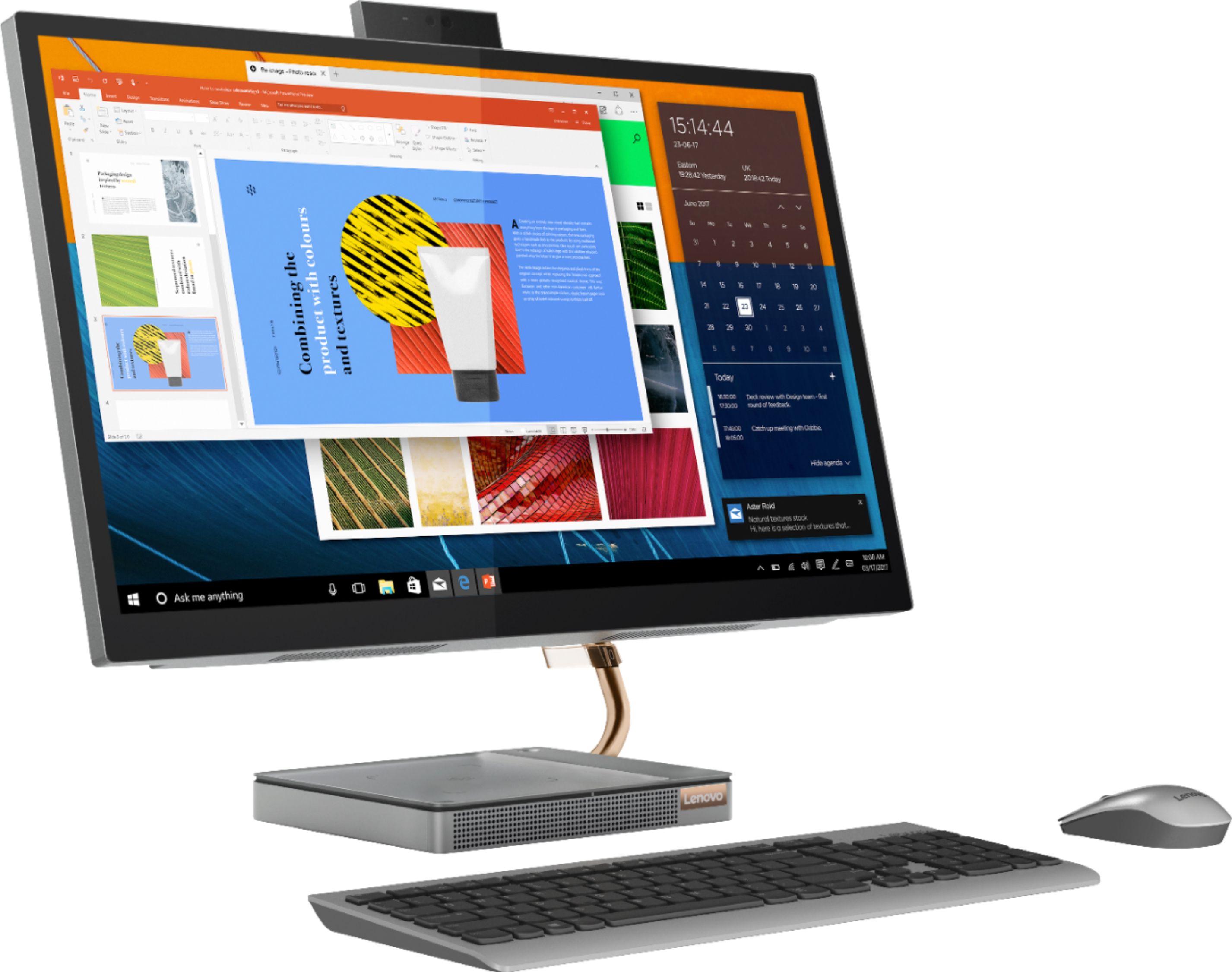
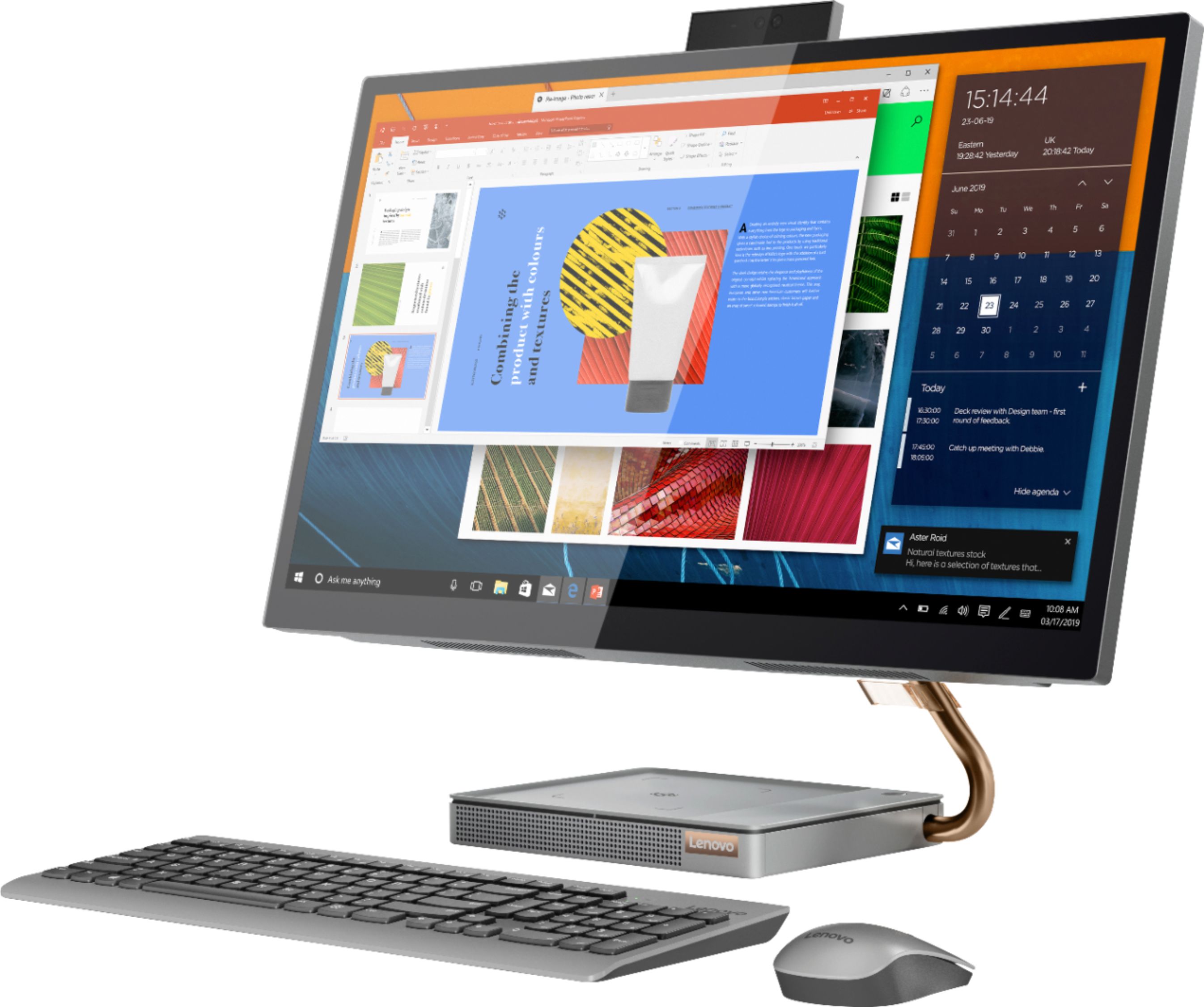
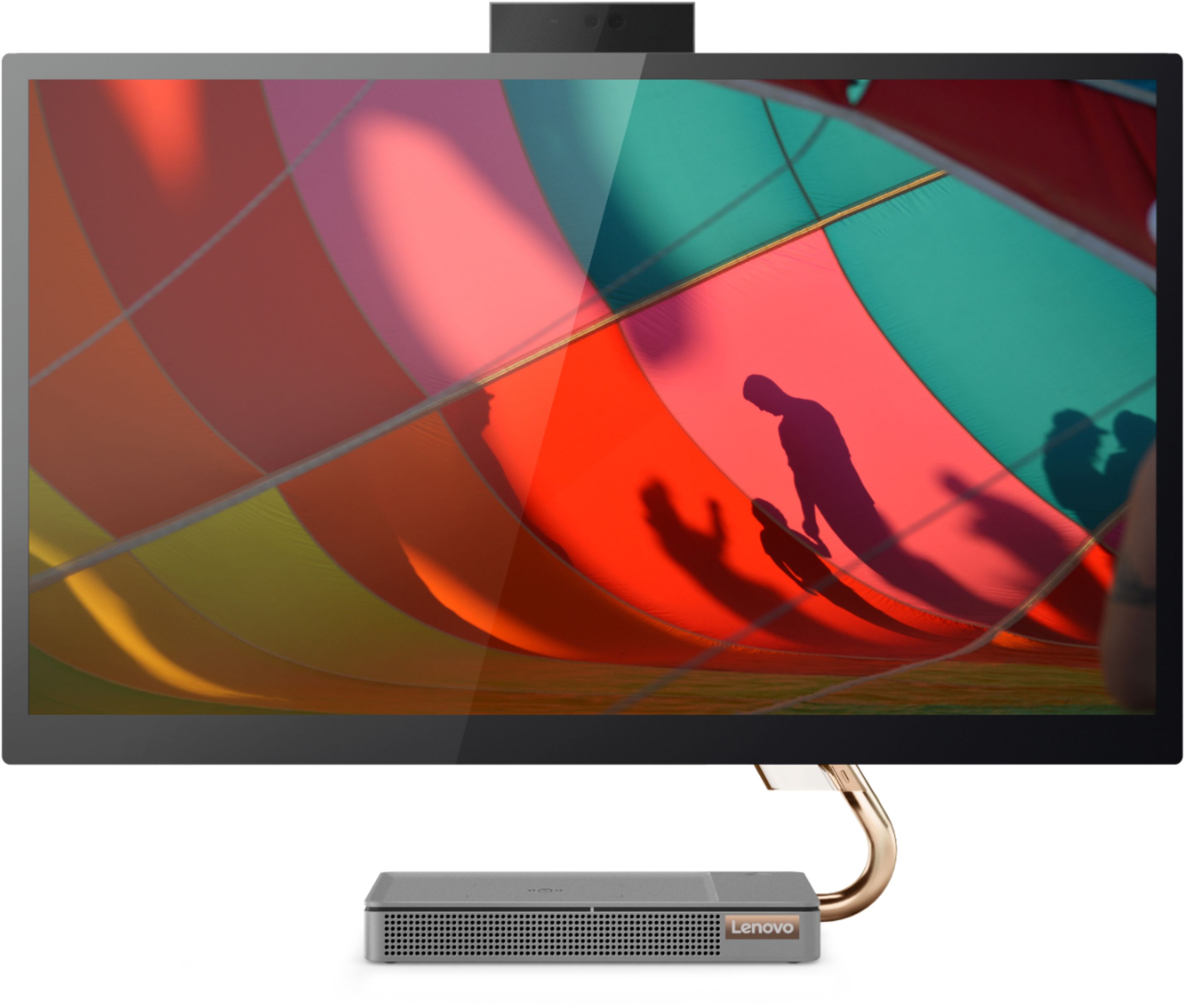
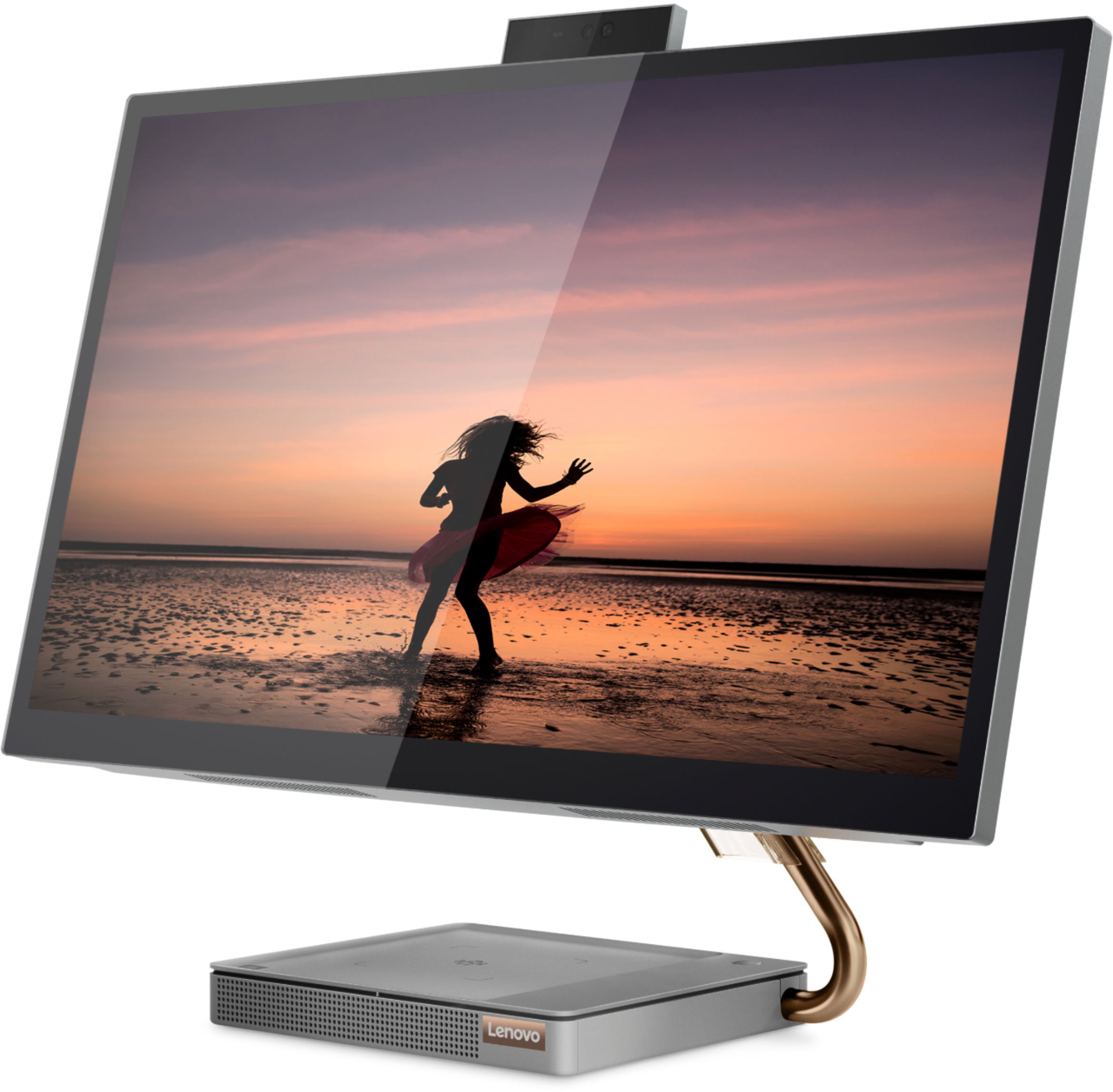
Posted .Taking its cue from nature, the stylish IdeaCentre A540-27 All-In-One system is inspired by the cypress tree: perfectly balanced and durable. Sacrificing nothing on performance, this all-in-one PC is an attractive addition to your home or office. With up to 93-percent screen-to-body ratio and thin, narrow bezels, the A540 minimizes visual distractions and gives you more to enjoy than a regular 27-inch display. To enhance your viewing experience even further, the A540 ships with QHD 2560 x 1440 resolution, IPS screen with a brightness level of 250 nits, enhancing your viewing experience even further with four times the pixels of standard HD.
Lenovo
||Posted . Owned for 1 month when reviewed.This reviewer received promo considerations or sweepstakes entry for writing a review.Only issue is the screen goes into a "deep sleep" have to restart to turn on
I would recommend this to a friendGreat Purchase
||Posted . Owned for less than 1 week when reviewed.This reviewer received promo considerations or sweepstakes entry for writing a review.My laptop crapped out and I needed a new computer, so I decided to go with Lenovo simce my employer uses the brand; its great so far.
I would recommend this to a friendBrand response from Lenovo Product Expert
Posted .Thank you for choosing the Lenovo IdeaCentre A540 27 All-In-One System. We are pleased to hear that the IdeaCentre A540 27 AIO meets your computing needs so well.
great buy
||Posted . Owned for 1 month when reviewed.This reviewer received promo considerations or sweepstakes entry for writing a review.Its amazing!! I love how I can charge my phone wireless because I always lose my cable. It's quick response time is exactly what I needed for my video editing!
I would recommend this to a friendBrand response from Lenovo Product Expert
Posted .Hello! Thanks for choosing the Lenovo IdeaCentre A540 All-In-One. We are pleased to hear the features and performance of the A540 All-In-One are meeting your computing needs so well!
Excellent computer
||Posted . Owned for 1 month when reviewed.This reviewer received promo considerations or sweepstakes entry for writing a review.Excellent computer. It does so much more than the one I replaced. The 27" screen is beautiful. I have northing but good to say about it
I would recommend this to a friendBrand response from Lenovo Product Expert
Posted .thank you for choosing the Lenovo IdeaCentre A540 27 All-in-One system. We are pleased to hear that the features and performance of the IdeaCentre A540 27 AIO meets your computing needs so well.
Best bang for your buck.
||Posted . Owned for 1 month when reviewed.This reviewer received promo considerations or sweepstakes entry for writing a review.I absolutely love this Lenovo. Everything is great right down to the sound quality.I recommend this to all best bang for your buck .
I would recommend this to a friendBrand response from Lenovo Product Expert
Posted .Thank you for choosing the Lenovo IdeaCentre A540 27 All-In-One system. We are pleased to hear that the value, features and performance of the IdeaCentre A540 27 AIO meets your computing needs so well.
Mr.
||Posted . Owned for 3 weeks when reviewed.This reviewer received promo considerations or sweepstakes entry for writing a review.As yet I have not installed the full system but thus far everything works well.
I would recommend this to a friendGreat affordable all in one PC
||Posted . Owned for 3 weeks when reviewed.This reviewer received promo considerations or sweepstakes entry for writing a review.Very happy with this all in one PC. The price is was aggressive for a PC with decent specs. Mostly use for Remote Desktop but love how fast the SSD is for boot up.
I would recommend this to a friendBrand response from Lenovo Product Expert
Posted .Once again, thank you for choosing the Lenovo IdeaCentre A540-27 All-In-One system. You can keep your computer running at its best by keeping the Windows 10 Operating System and all supporting BIOS files and drivers up to date. You can easily accomplish this by scanning the computer with the Lenovo Utility software available on this computer. This system has Lenovo utilities installed to help maintain the health of the device and keep the operating system software up to date. Type "Lenovo Vantage" in the Cortana Search window (if Lenovo Vantage is not installed on your device, you can download the APP and install it now). Select Lenovo Vantage from the list. In the window that opens, click on "Health and Support". In the expanded menu, select "Hardware Scan" In the window that opens, select "Run Quick Tests". This will scan your entire system for errors. Follow any directions that may pop up. If the problem continues after this scan, now click on "System Update". First select Windows update from the menu. Scan your system to be sure you have the latest version of Windows 10. Once that scan is complete, select "Additional Updates". This will scan your device to be sure there are no new BIOS/Driver updates needed. Follow any instructions that may pop up. If you ever need additional help with your Lenovo computer, we recommend you call Lenovo Tech Support at: 877-453-6686 for additional help.
Good
||Posted . Owned for 1 month when reviewed.This reviewer received promo considerations or sweepstakes entry for writing a review.Good very nice and good quality . In online worship and supporting any software is enough to use.
I would recommend this to a friend- Cons mentioned:Mouse
COMPLETE DISAPPOINTMENT WITH COMPUTER
||Posted . Owned for 9 months when reviewed.This reviewer received promo considerations or sweepstakes entry for writing a review.Purchased this computer in December 2021. By August 2022, it began acting strangely — numerous bubbles appearing screen, a non-operating mouse, a non-responding cursor related to mouse issue, inability to sign into the computer, and other issues such as the inability to open programs. This computer is a total disappointment, and for the first time in my computer usage of over 35 years I have had a computer fail — a terrible investment in computer technology. Currently it is at a local computer repair shop. I am waiting for a diagnosis of the scope of the problem and whether it is worthwhile to repair.
No, I would not recommend this to a friendBrand response from Lenovo Product Expert
Posted .We are sorry to hear that you are having issues with your Lenovo IdeaCentre A540 27 All-In-One System, model number F0EK007HUS. This model ships with a limited 1-year manufacturer's warranty, covering OEM hardware issues. We recommend you contact lenovo Tech Support for help with the issues you are having at: 866-426-0911.
Good buy
||Posted . Owned for 3 weeks when reviewed.This reviewer received promo considerations or sweepstakes entry for writing a review.Rebuilt. Keyboard doesn’t work. Overall a nice computer.
I would recommend this to a friend