Customer Ratings & Reviews

- Model:
- F0EK007HUS
- SKU:
- 6393695
Rating by feature
- Value
Rating 4.3 out of 5 stars
- Quality
Rating 4.4 out of 5 stars
- Ease of Use
Rating 4.5 out of 5 stars
Customers are saying
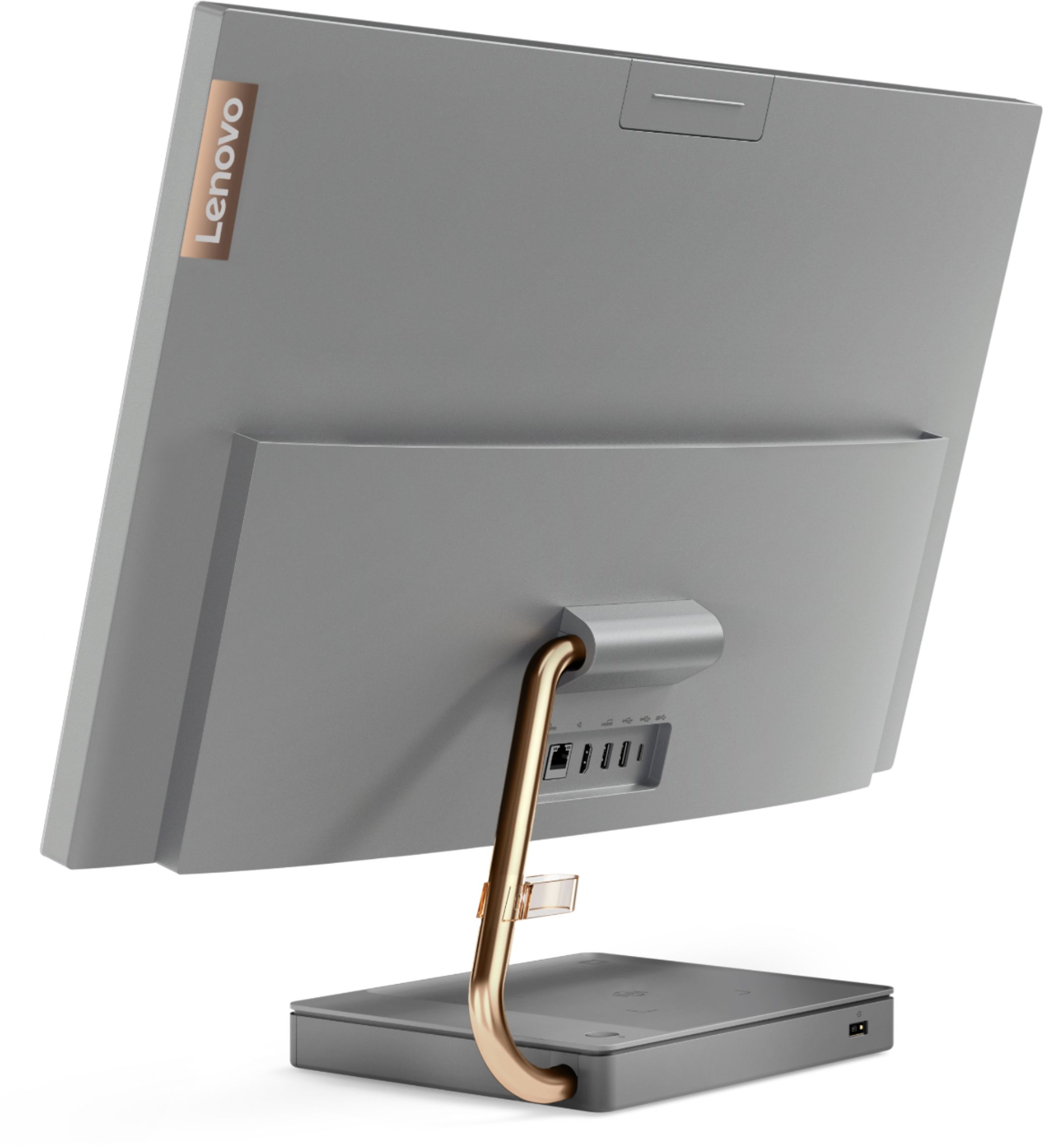
Customers regard the IdeaCentre A540's large screen size and ease of use as significant advantages, frequently praising its sleek design and responsive touchscreen. Positive feedback also highlights the generally good performance and value for the price. However, some users experienced issues with the limited number of USB ports, the quality of the camera, and occasional problems with the mouse and sleep mode functionality.
This summary was generated by AI based on customer reviews.
Fits perfect on desk and charges phone bonus
||Posted . Owned for 5 months when reviewed.This reviewer received promo considerations or sweepstakes entry for writing a review.This is a perfect fit for office and the clarity of screen is best The extra charging place for phone makes it easy to be near the phone while working
I would recommend this to a friendBrand response from Lenovo Product Expert
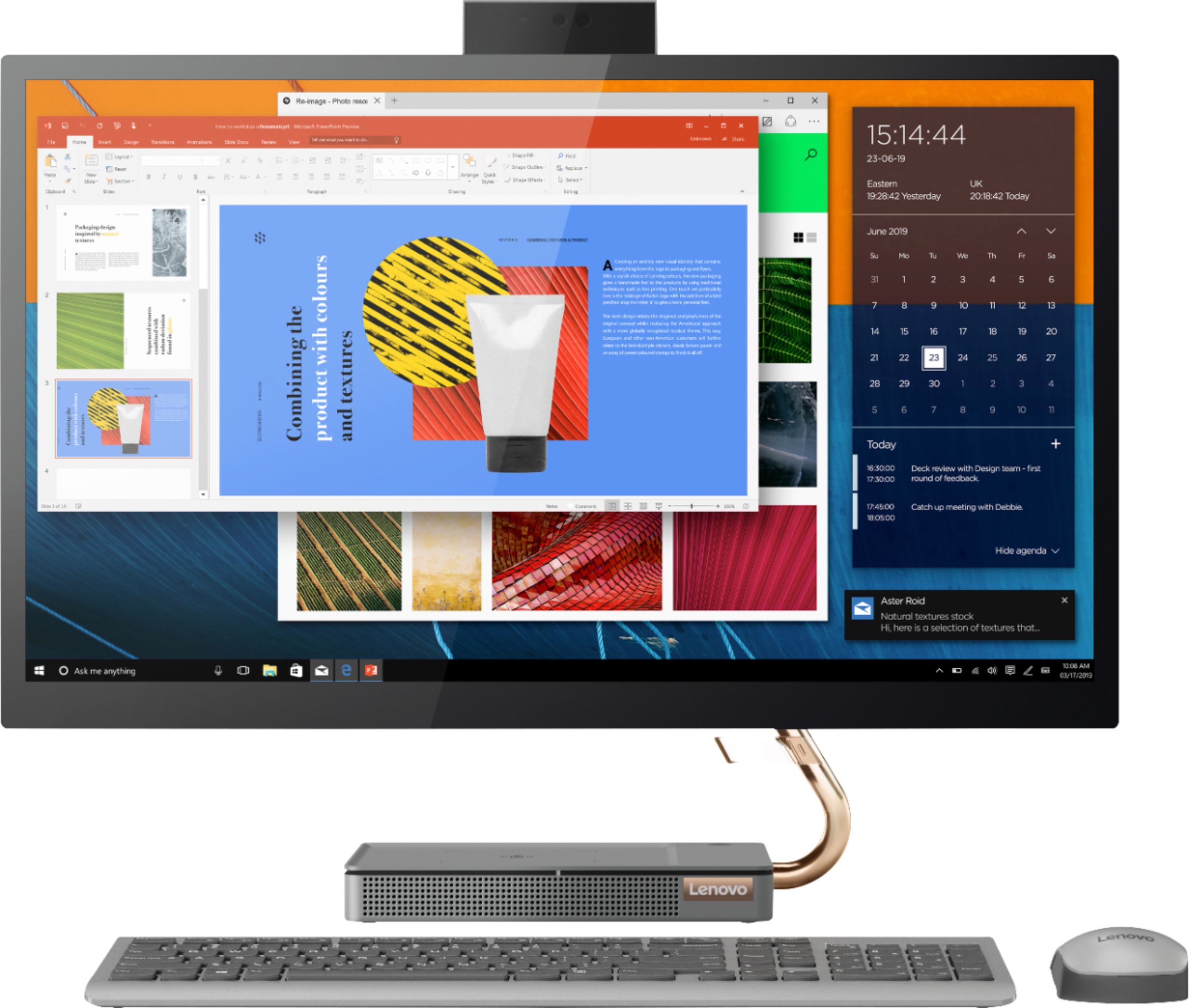
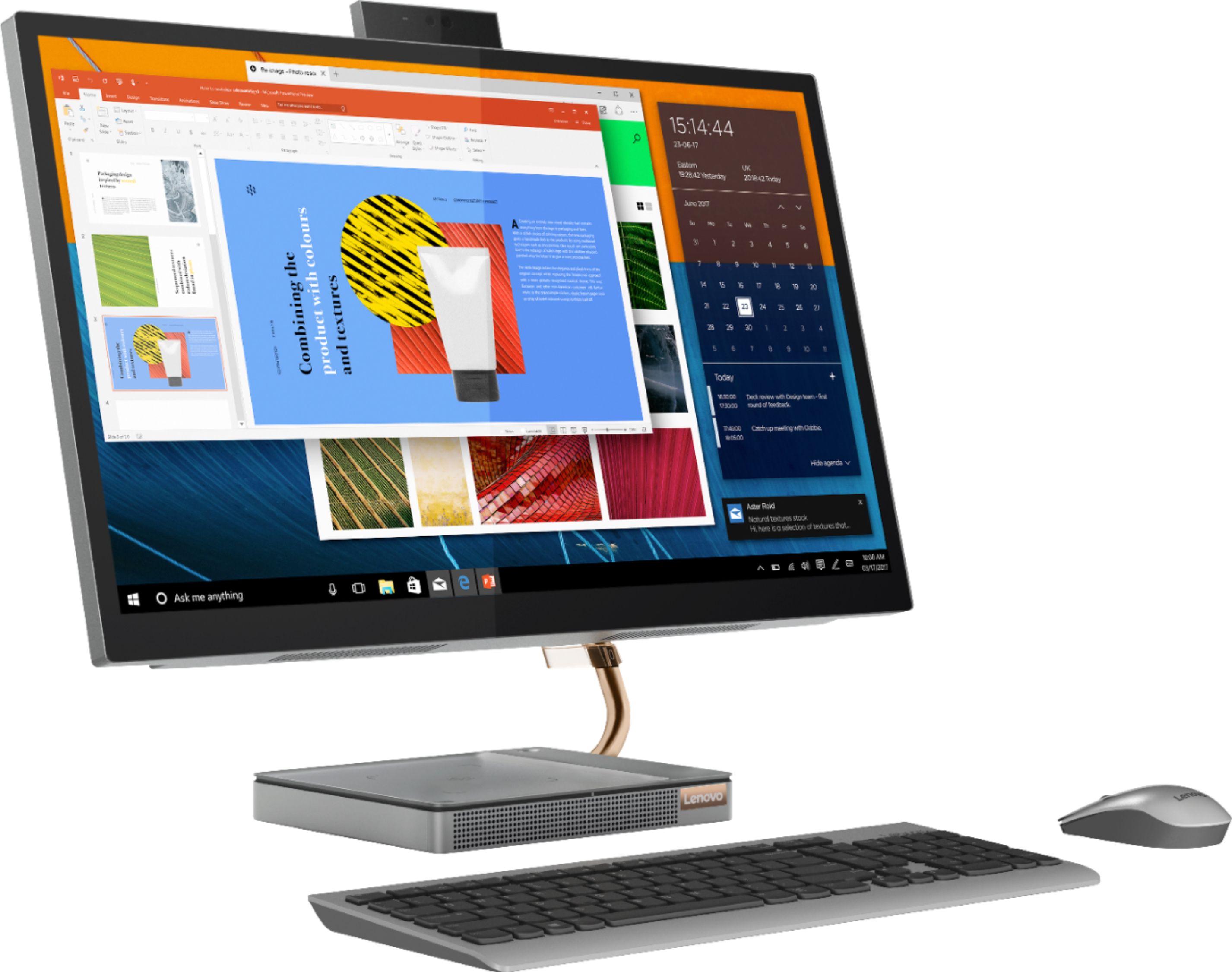
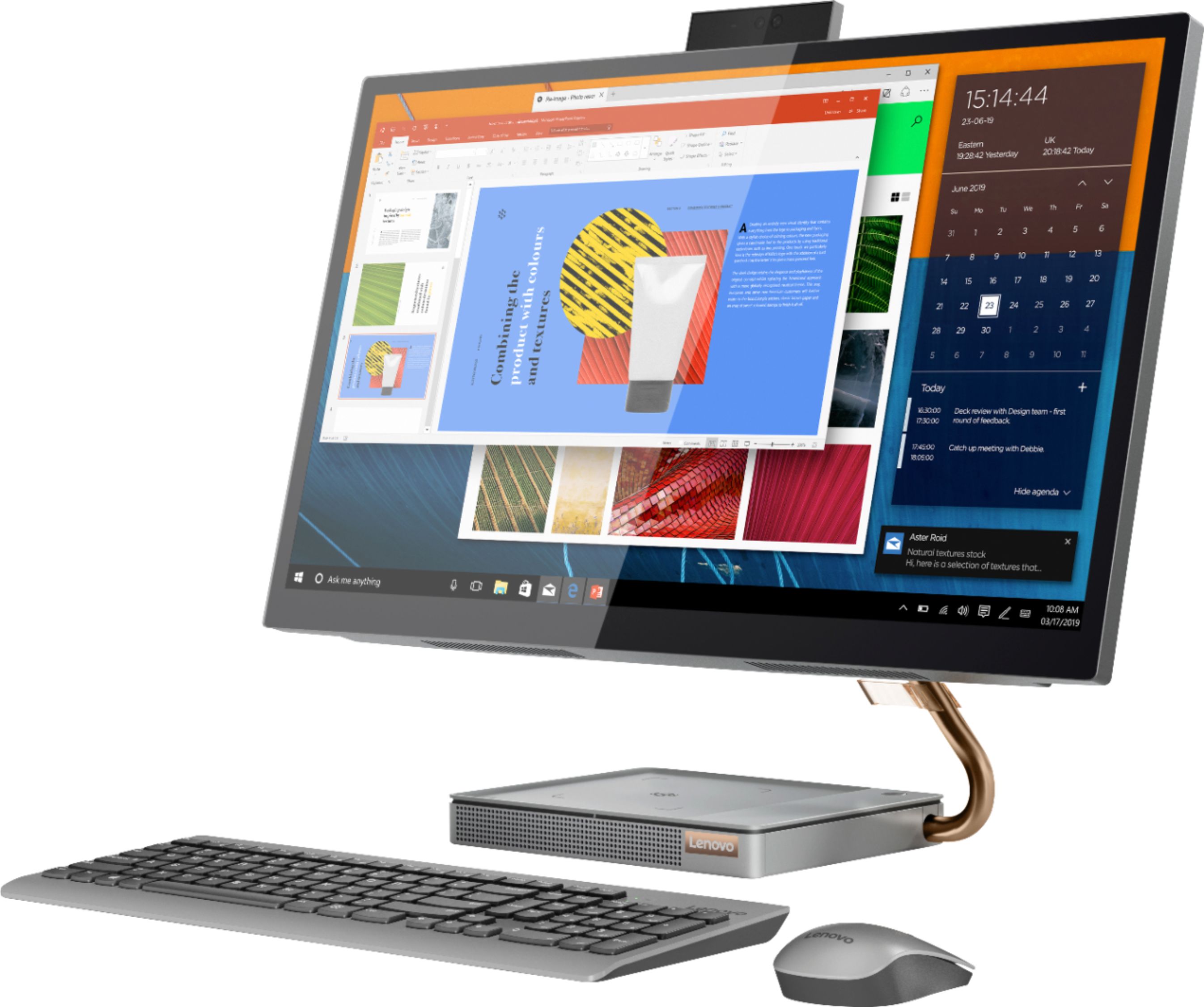
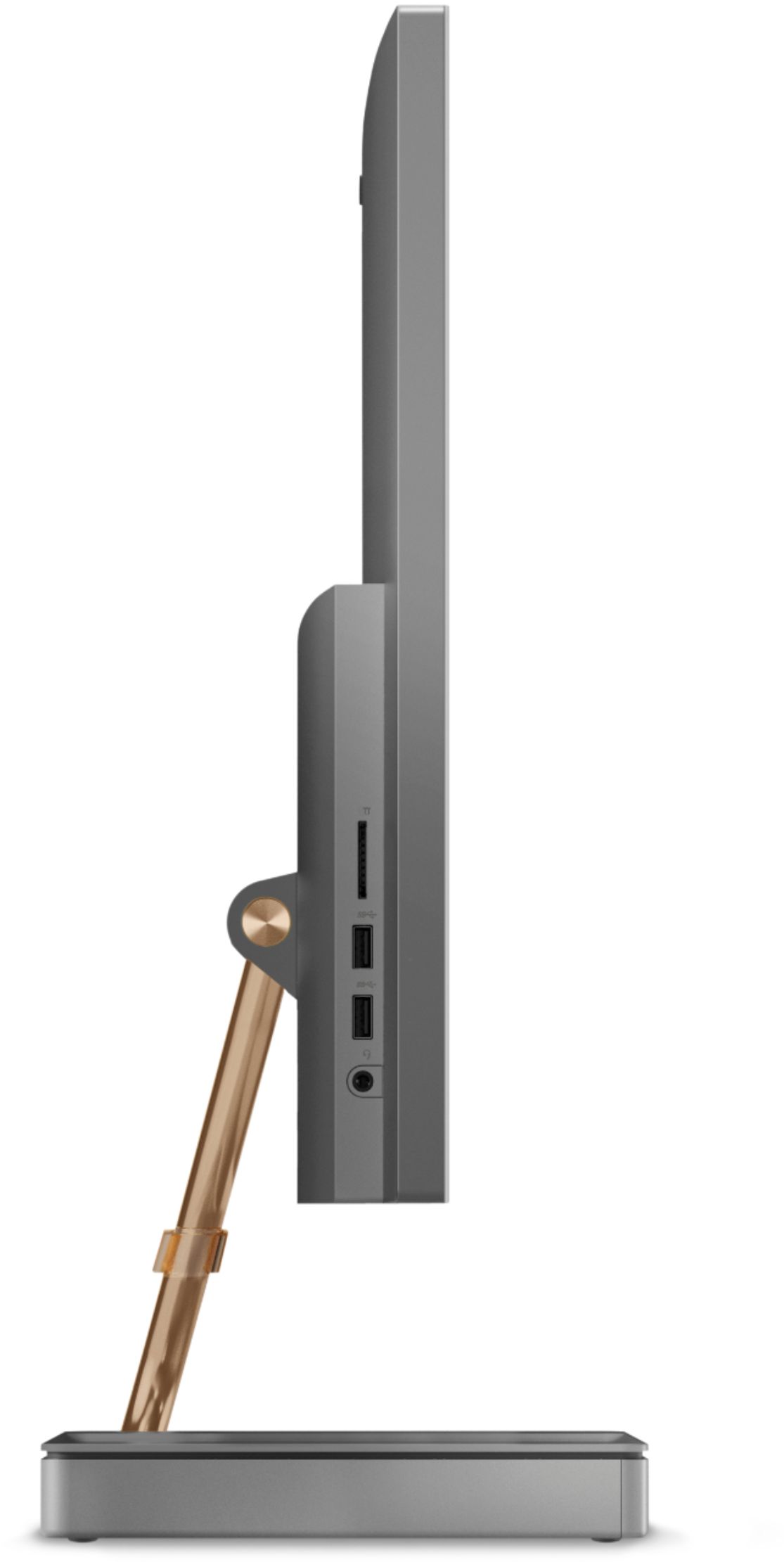
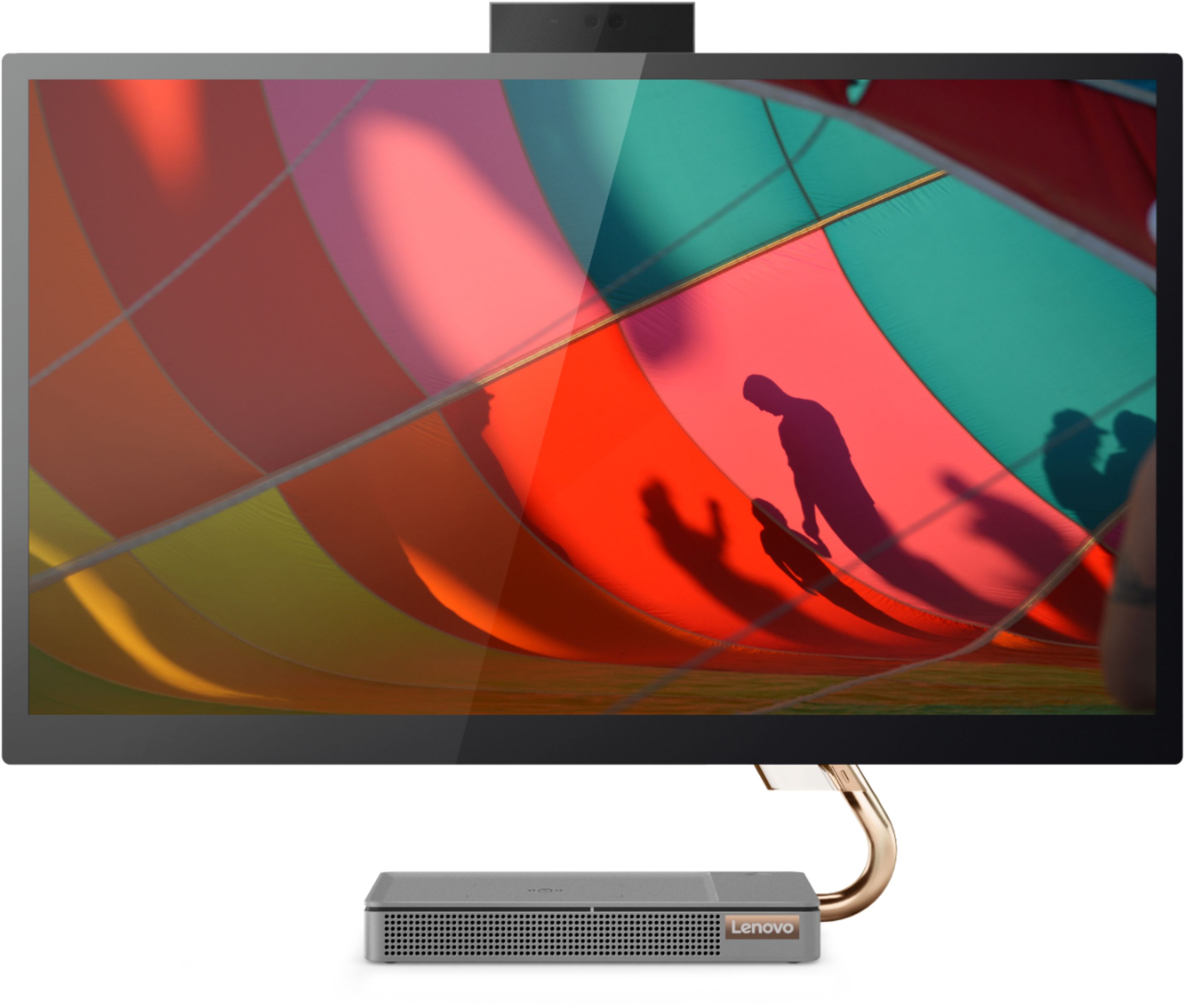
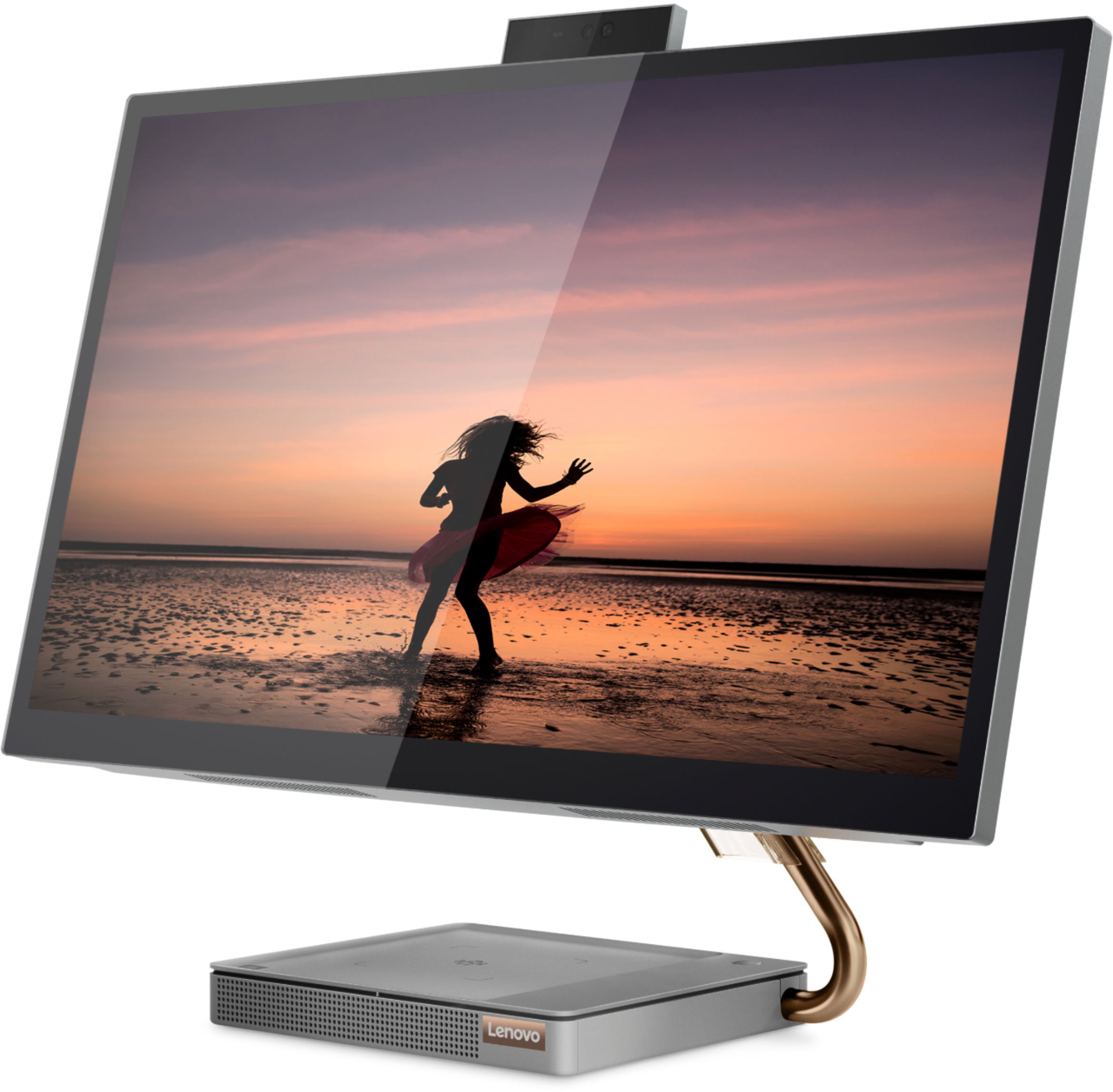
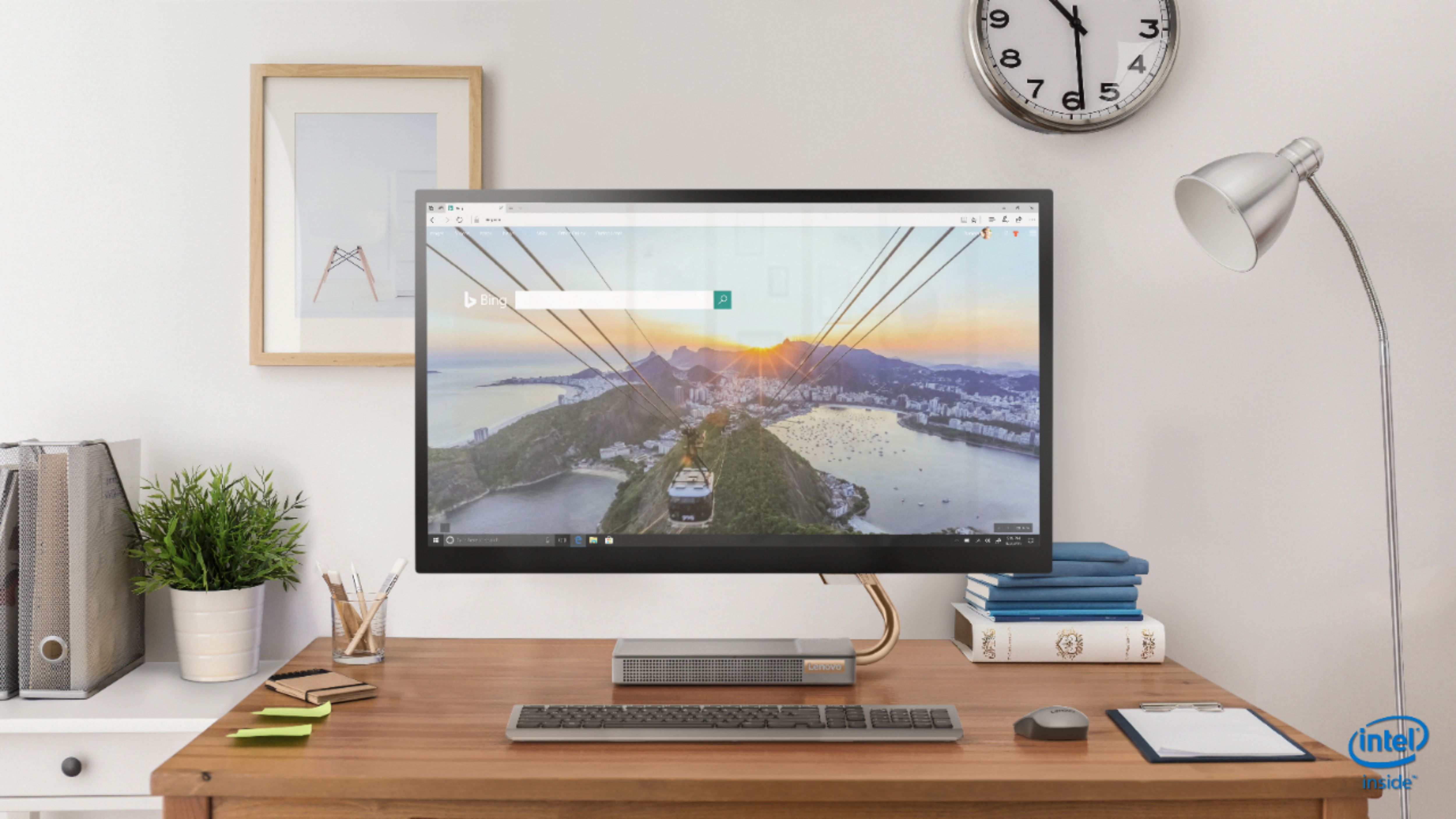
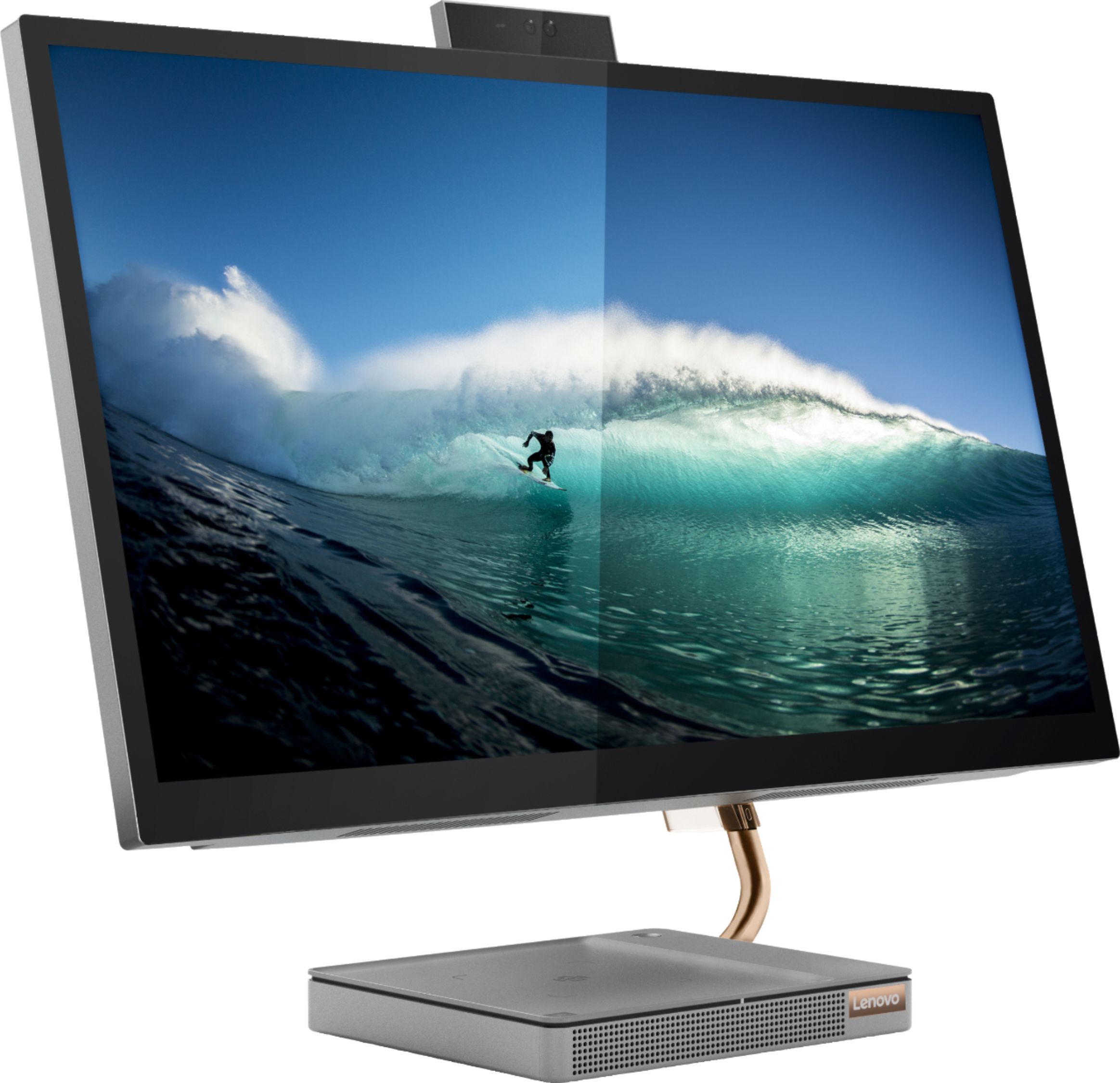
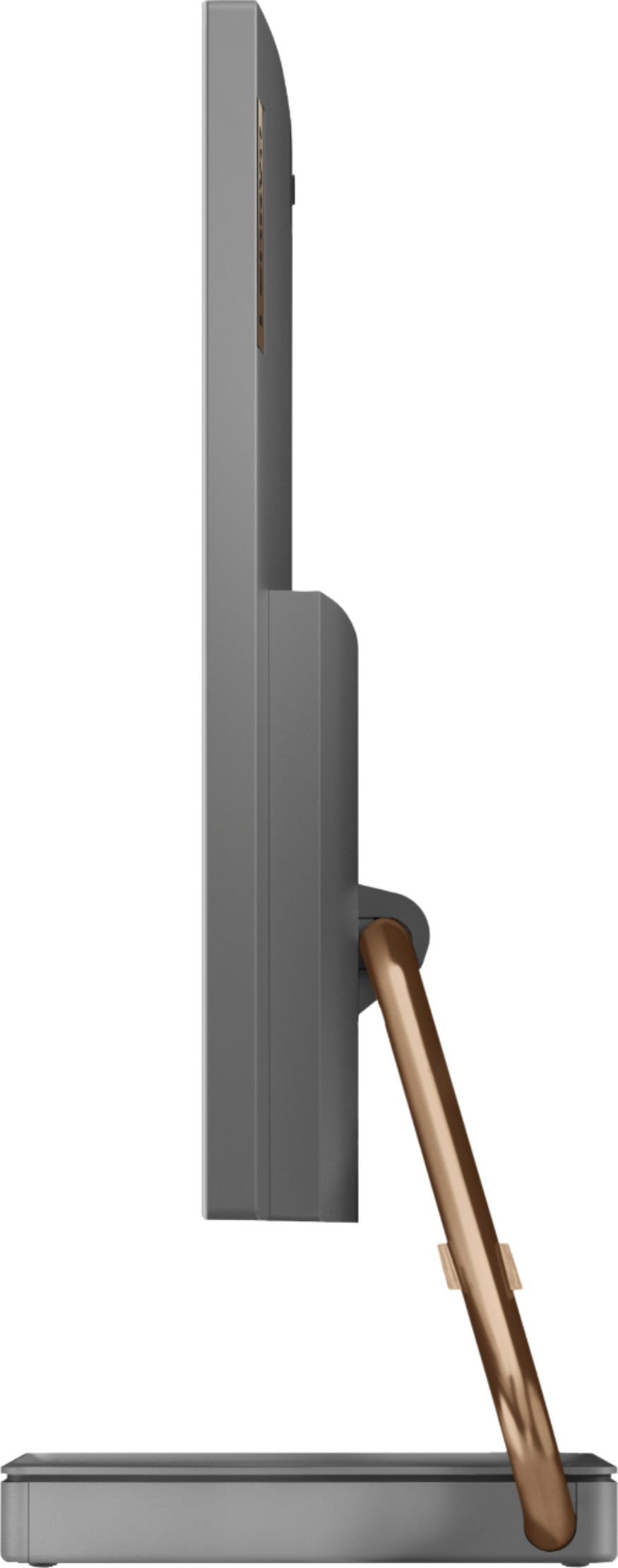
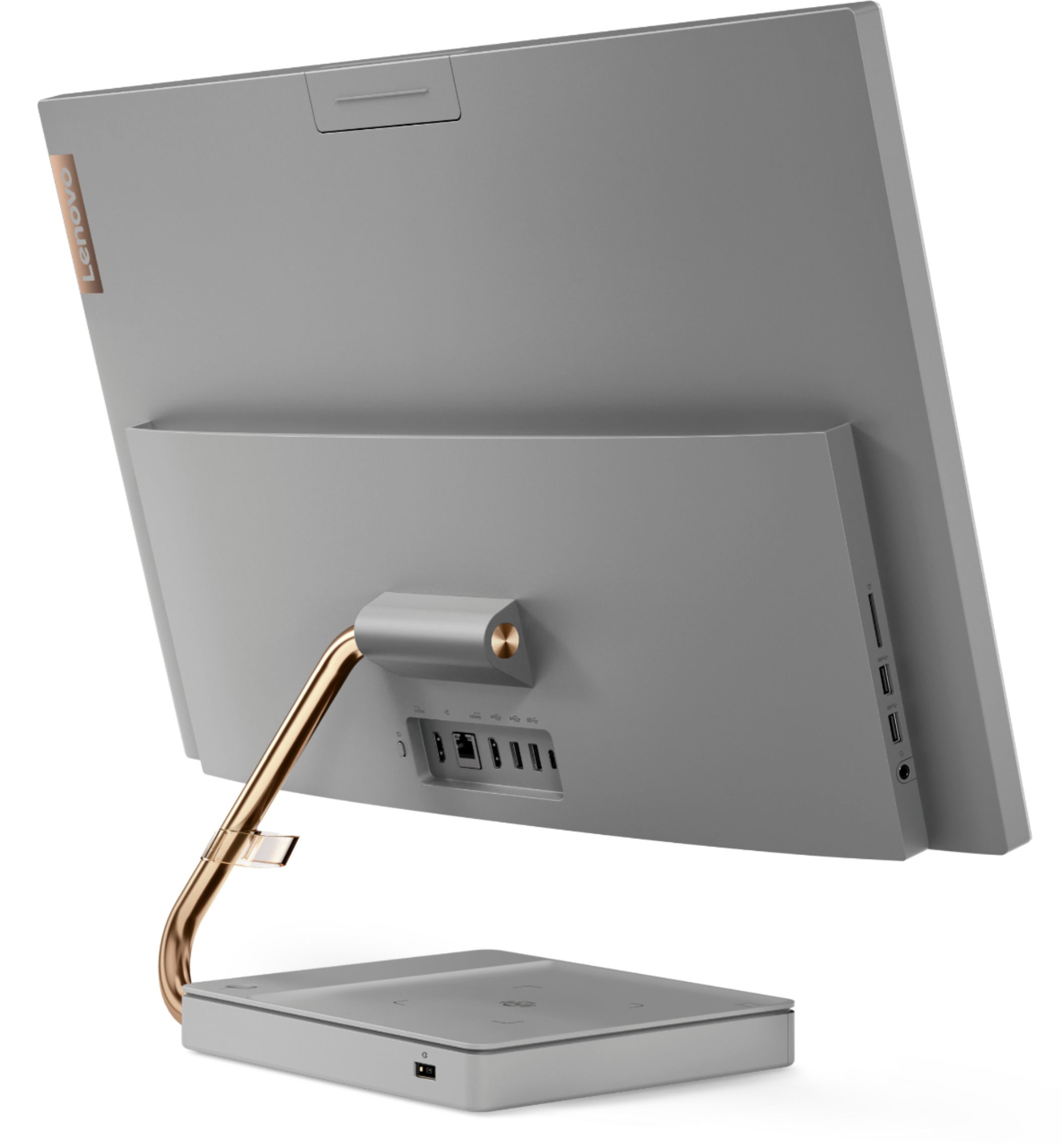
Posted .Thank you for choosing the Lenovo IdeaCentre A540-27 All-In-One system. Taking its cue from nature, the stylish IdeaCentre A540 is inspired by the cypress tree: perfectly balanced and durable. Sacrificing nothing on performance, this all-in-one PC is an attractive addition to your home or office. With up to 93-percent screen-to-body ratio and thin, narrow bezels, the A540 minimizes visual distractions and gives you more to enjoy than a regular 27-inch display. To enhance your viewing experience even further, the A540 ships with QHD 2560 x 1440 resolution screen. As an added feature, when you need to recharge your wirelessly rechargeable phone, simply place it on top of the stand's base, and let the Qi-certified wireless charging technology do the rest.

Need more time to use computer
||Posted . Owned for 1 month when reviewed.This reviewer received promo considerations or sweepstakes entry for writing a review.I think it will be a good computer but haven’t used it that much yet. Ask me me again in 6 months....
I would recommend this to a friendBrand response from Lenovo Product Expert
Posted .Taking its cue from nature, the stylish IdeaCentre A540 is inspired by the cypress tree: perfectly balanced and durable. Sacrificing nothing on performance, this all-in-one PC is an attractive addition to your home or office. With up to 93-percent screen-to-body ratio and thin, narrow bezels, the A540 minimizes visual distractions and gives you more to enjoy than a regular 27-inch display. To enhance your viewing experience even further, the A540 ships with FHD resolution.
Awesome
||Posted . Owned for 1 month when reviewed.This reviewer received promo considerations or sweepstakes entry for writing a review.Old computer was getting real slow no matter what I did. So I did research and found this computer to be highly rated. Was not disappointed.
I would recommend this to a friendBrand response from Lenovo Product Expert
Posted .Hello! Thanks for choosing the Lenovo IdeaCentre A540 All-In-One. We are pleased to hear the features and performance of the A540 All-In-One are meeting your computing needs so well!
Love the screen size
||Posted . Owned for 5 months when reviewed.This reviewer received promo considerations or sweepstakes entry for writing a review.decent computer, the touch screen is unreliable, sometimes the touch works others it does not
I would recommend this to a friendBrand response from Lenovo Product Expert
Posted .We are sorry to hear that you are having issues with the touchscreen on your Lenovo IdeaCentre A540-27 All-in-One system. Be sure you have the latest version of Windows 10 on the computer, then update all of the BIOS files and drivers up to that latest version of Windows 10. You can easily accomplish this by scanning the computer with the Lenovo Utility software available on this computer. This system has Lenovo utilities installed to help maintain the health of the device and keep the operating system software up to date. Type "Lenovo Vantage" in the Cortana Search window (if Lenovo Vantage is not installed on your device, you can download the APP and install it now). Select Lenovo Vantage from the list. In the window that opens, click on "Health and Support". In the expanded menu, select "Hardware Scan" In the window that opens, select "Run Quick Tests". This will scan your entire system for errors. Follow any directions that may pop up. If the problem continues after this scan, now click on "System Update". First select Windows update from the menu. Scan your system to be sure you have the latest version of Windows 10. Once that scan is complete, select "Additional Updates". This will scan your device to be sure there are no new BIOS/Driver updates needed. Follow any instructions that may pop up. If the issue still continues after these updates, we recommend you call Lenovo Tech Support at: 877-453-6686 for additional help.
Lenovo desktop all in one computer
||Posted . Owned for 3 weeks when reviewed.This reviewer received promo considerations or sweepstakes entry for writing a review.From the assistance of the salesman to which computer would fill my needs to the Geek Squad setting it up, everything went great.
I would recommend this to a friendBrand response from Lenovo Product Expert
Posted .Thank you for choosing the Lenovo IdeaCentre A540-27 All-In-One system. We are pleased to hear that the IdeaCentre A540-27 AIO meets your computing needs so well.
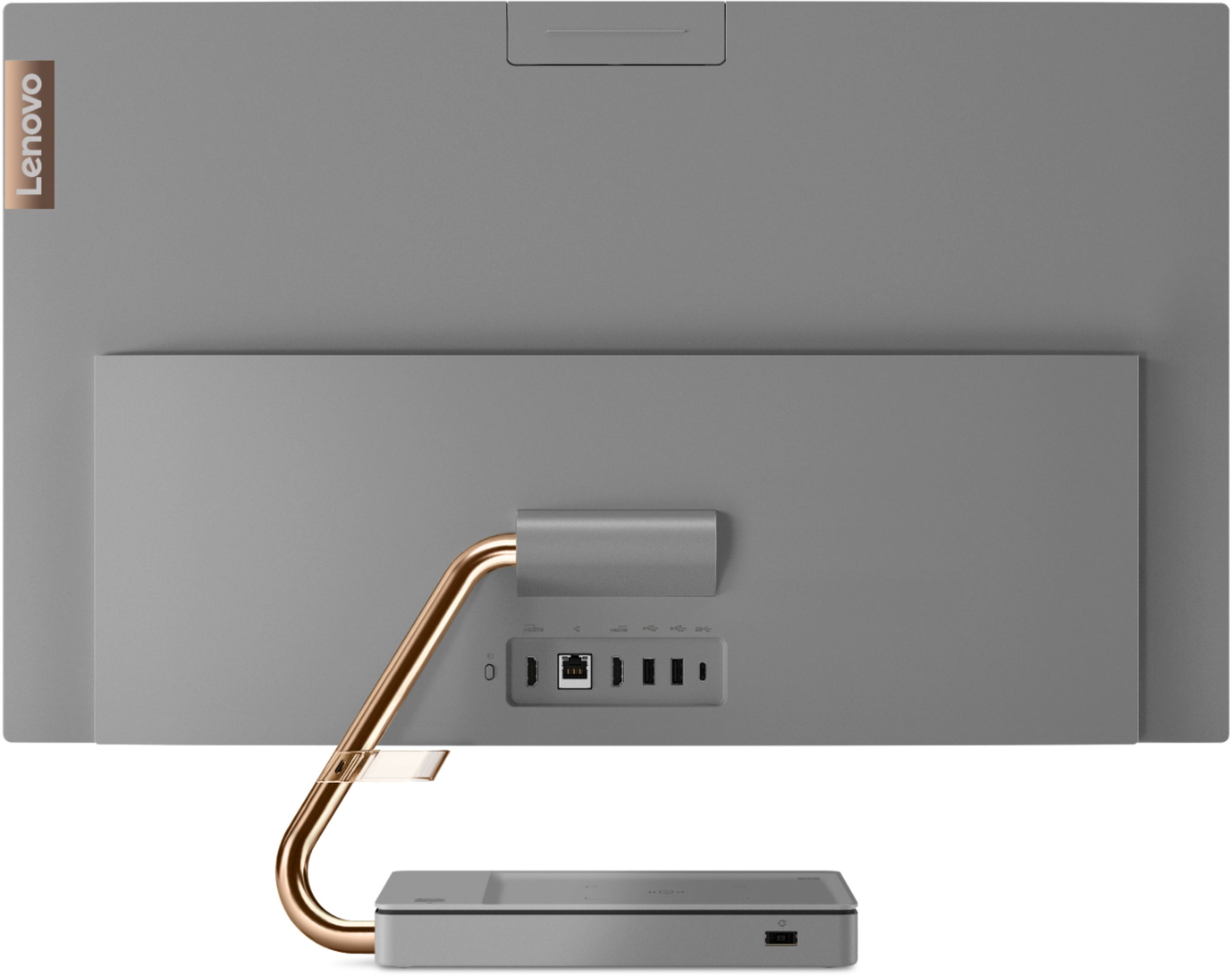
- Cons mentioned:Camera quality
Not impressed. Shakes and weird.
||Posted . Owned for 2 months when reviewed.This reviewer received promo considerations or sweepstakes entry for writing a review.Eh. I bought this and returned it the next day. I really wanted it to work but it just felt cheap and didn't meet my tech needs. It was cool looking in the pics but in my space it looked like I just went with it because I couldn't afford a Mac. Not impressed. Wanted to like it but couldn't get passed the weird design of the stand and it would shake a lot-like it wasn't stable. I'm particular about my tech and have high expectations if I'm going to spend. Returned it and got an iPad which was 100 times better for my tech needs. Also the built in cam on this computer was horrible. Super blurry. Nah.
No, I would not recommend this to a friendBrand response from Lenovo Product Expert
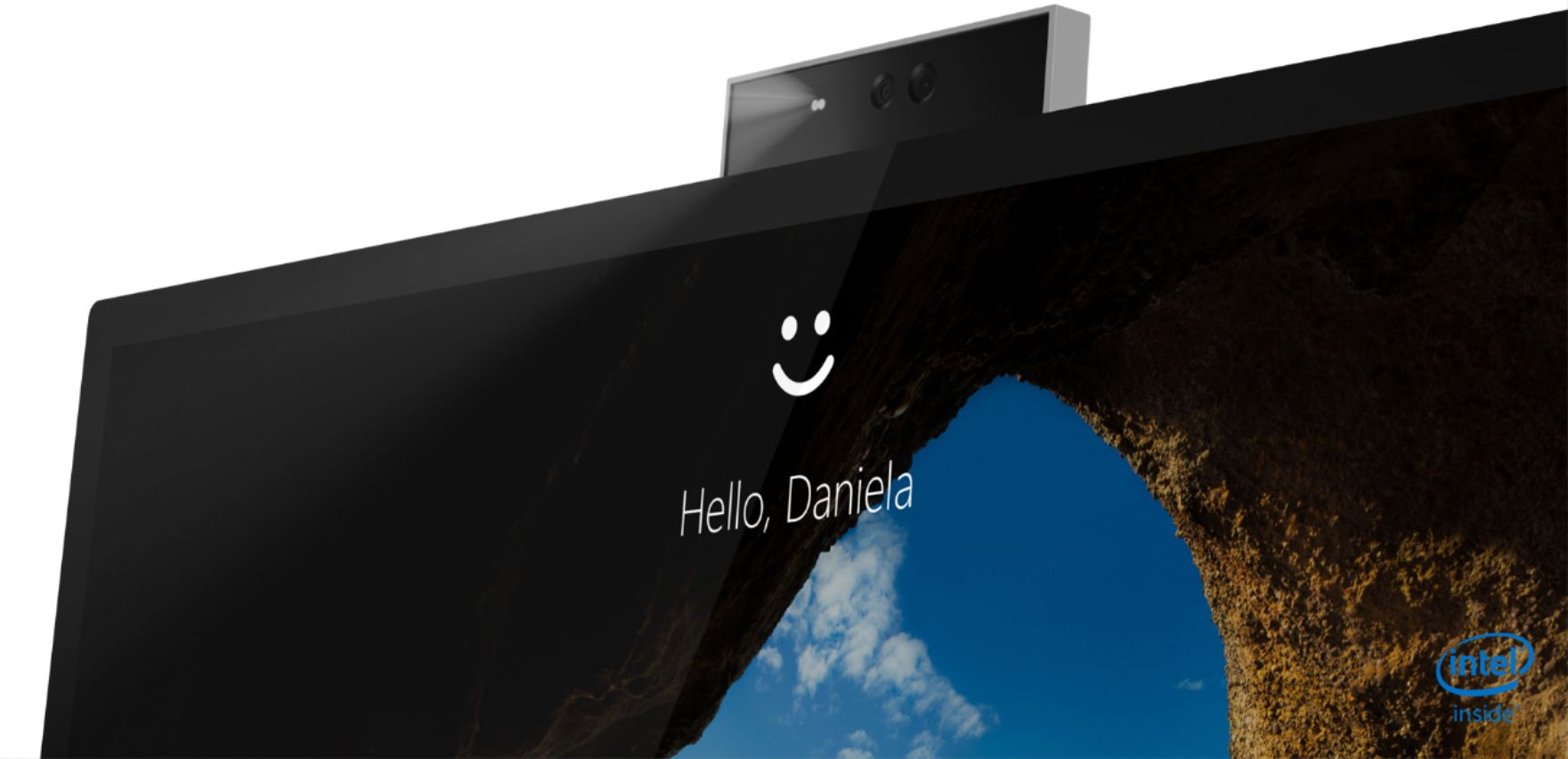
Posted .Hi there! The Lenovo IdeaCentre A540 All-in-One model # F0EK007HUS features a Sleek, borderless 24 inch display, and a 1080p FHD IR camera that make hosting meetings or chatting with friends a breeze. The stand should be sturdy and not shake. If you are experiencing a problem with the stand shaking we recommend calling Lenovo Tech Support at 877-453-6686 for the next steps in resolving the issue.
First Lenovo
||Posted . Owned for 3 weeks when reviewed.This reviewer received promo considerations or sweepstakes entry for writing a review.First Lenovo computer. Start up is a little slow, but runs great.
I would recommend this to a friendLook no more
||Posted . Owned for 1 month when reviewed.This reviewer received promo considerations or sweepstakes entry for writing a review.I love everything about this desktop. I love the fact that it has wireless keyboard and mouse and that it doesn't take up much space.
I would recommend this to a friendBrand response from Lenovo Product Expert
Posted .Thank you for choosing the Lenovo IdeaCentre A540-27 All-In-One system. We are pleased to hear that the features and performance of the IdeaCentre A540-27 AIO meets your computing needs so well.
But now
||Posted . Owned for 8 months when reviewed.This reviewer received promo considerations or sweepstakes entry for writing a review.Bought over 50 of these AIO for various clients. Had 2 go bad out of the box. They work very well and the wireless charging works great
I would recommend this to a friendBrand response from Lenovo Product Expert
Posted .We thank you for choosing the Lenovo Ideacentre A540. We are sorry to hear you experienced issues with 2 of the units. It's possible that by running a hardware scan and updating the system device drivers the issue will be resolved.You can easily accomplish this by scanning the computer with the Lenovo Utility software available on this computer. This system has Lenovo utilities installed to help maintain the health of the device and keep the operating system software up to date. Type "Lenovo Vantage" in the Cortana Search window (if Lenovo Vantage is not installed on your device, you can download the APP and install it now). Select Lenovo Vantage from the list. In the window that opens, click on "Health and Support". In the expanded menu, select "Hardware Scan” In the window that opens, select "Run Quick Tests". This will scan your entire system for errors. Follow any directions that may pop up. If the problem continues after this scan, now click on "System Update". First select Windows update from the menu. Scan your system to be sure you have the latest version of Windows 10. Once that scan is complete, select "Additional Updates". This will scan your device to be sure there are no new BIOS/Driver updates needed. Follow any instructions that may pop up. If the issue continues after these updates, we recommend you call Lenovo Tech Support at: 877-453-6686 for additional help.
Computer
||Posted . Owned for 3 weeks when reviewed.This reviewer received promo considerations or sweepstakes entry for writing a review.Great computer. Easy to use. Lenovo is reaching higher and higher. I own 2 Lenovo's myself. This computer was for my daughter.
I would recommend this to a friendBrand response from Lenovo Product Expert
Posted .Thank you for choosing the Lenovo IdeaCentre A540-27 All-In-One system for your daughter. We appreciate your loyalty to the Lenovo Brand and we are pleased to hear that the IdeaCentre A540-27 AIO meets your daughter's computing needs so well.
- Pros mentioned:Speed
Big
||Posted . Owned for 1 month when reviewed.This reviewer received promo considerations or sweepstakes entry for writing a review.Love it. It’s big fast I would definitely buy it again
I would recommend this to a friendBrand response from Lenovo Product Expert
Posted .Taking its cue from nature, the stylish IdeaCentre A540 is inspired by the cypress tree: perfectly balanced and durable. Sacrificing nothing on performance, this all-in-one PC is an attractive addition to your home or office. With up to 93-percent screen-to-body ratio and thin, narrow bezels, the A540 minimizes visual distractions and gives you more to enjoy than a regular 27-inch display. To enhance your viewing experience even further, the A540 ships with QHD 2560 x 1440 resolution screen.
Great buy!!!
||Posted . Owned for 2 weeks when reviewed.This reviewer received promo considerations or sweepstakes entry for writing a review.Love my computer it is so fast and don't let me forget to mention the huge screen. So easy on the eyes
I would recommend this to a friendGreat Deal
||Posted . Owned for more than 2 years when reviewed.This reviewer received promo considerations or sweepstakes entry for writing a review.Perfect home machine. No extra parts to carry around. Best all-in-one I've had.
I would recommend this to a friendLenovo
||Posted . Owned for 1 month when reviewed.This reviewer received promo considerations or sweepstakes entry for writing a review.It’s a best computer I liked Iam recomend the computer working fast like the scream touch very good excelente
I would recommend this to a friendPersonal computer
||Posted . Owned for 1 month when reviewed.This reviewer received promo considerations or sweepstakes entry for writing a review.Easy setup . very user friendly . Coming from a person not familier with setting personal computers.
I would recommend this to a friendBrand response from Lenovo Product Expert
Posted .Thank you for choosing the Lenovo IdeaCentre A540 27 All-In-One System. We are pleased to hear that the easy setup and ease of use as well as the performance of the IdeaCentre A540 27 AIO meets your computing needs so well.
Poor service and system didn't work
||Posted . Owned for 1 month when reviewed.This reviewer received promo considerations or sweepstakes entry for writing a review.i purchased this desk top And when trying to set it up the key board would not turn on. I tried calling the store where I purchased but all call go to your call center. They were unable to help after more that three hour with several different people. So my wife took the keyboard and mouse to the store hoping to either have it repaired or exchanged for one that worked. the sales person would not do any of the options. So my wife had to buy another keyboar and mouse. I have complained to about your services but I get no response from you. I should have got the system from Amazon it was less expensive and wouldn"t have spent ours on the phone and my wife spending 3 hours in your store and the spending more money to have asystem thatworks.
No, I would not recommend this to a friendBrand response from Lenovo Product Expert
Posted .We are sorry to hear that you are having issues with the Wireless Keyboard that ships with the Lenovo IdeaCentre A540 27 All-In-One System. Check to be sure that the batteries have been installed properly within the keyboard. Then be sure the on/off switch on the keyboard is in the on position. The on/off switch for the keyboard is located on the right front edge of the keyboard. If the issue continues, we recommend you contact lenovo Tech Support for additional help at: 877-453-6686.
Great Desktop with Excellent Display.
||Posted .This reviewer received promo considerations or sweepstakes entry for writing a review.I am content with using this desktop by Lenovo and it's excellent display. This will help me complete all the schoolwork i need.
I would recommend this to a friendBrand response from Lenovo Product Expert
Posted .Thank you for choosing the Lenovo IdeaCentre A540-27 All-In-One system. We are pleased to hear that the features and performance of the IdeaCentre A540-27 AIO meets your computing needs so well. Taking its cue from nature, the stylish IdeaCentre A540 is inspired by the cypress tree: perfectly balanced and durable. Sacrificing nothing on performance, this all-in-one PC is an attractive addition to your home or office. With up to 93-percent screen-to-body ratio and thin, narrow bezels, the A540 minimizes visual distractions and gives you more to enjoy than a regular 27-inch display. To enhance your viewing experience even further, the A540 ships with QHD 2560 x 1440 resolution.
Solid as a rock desk top
||Posted . Owned for 2 months when reviewed.This reviewer received promo considerations or sweepstakes entry for writing a review.Reliable solid as a rock Lenovo desk top. Wish they were still IBM but that obviously ages me.
I would recommend this to a friendBrand response from Lenovo Product Expert
Posted .Thank you for choosing the Lenovo IdeaCentre A540 27 All-In-One System. We are pleased to hear that the features and performance of the IdeaCentre A540 27 AIO meets your computing needs so well.
Lenovo Great computer
||Posted . Owned for 1 month when reviewed.This reviewer received promo considerations or sweepstakes entry for writing a review.So far it’s been a great computer for my Zoom meetings. It’s very easy to operate. I would recommend it to anyone to purchase.
I would recommend this to a friendBrand response from Lenovo Product Expert
Posted .Thank you for choosing the Lenovo IdeaCentre A540-27 All-in-One system. We are pleased to hear that the IdeaCentre A540-27 AIO meets your computing needs so well. Taking its cue from nature, the stylish IdeaCentre A540 is inspired by the cypress tree: perfectly balanced and durable. Sacrificing nothing on performance, this all-in-one PC is an attractive addition to your home or office. With up to 93-percent screen-to-body ratio and thin, narrow bezels, the A540 minimizes visual distractions and gives you more to enjoy than a regular 27-inch display. To enhance your viewing experience even further, the A540 ships with QHD 2560 x 1440 resolution.
Very happy with my new computer!!
||Posted . Owned for 1 month when reviewed.This reviewer received promo considerations or sweepstakes entry for writing a review.Once I contacted Microsoft twice to fix my account, everything works great!!
I would recommend this to a friendBrand response from Lenovo Product Expert
Posted .Thank you for choosing the Lenovo IdeaCentre A540-27 All-In-One. We are pleased to hear that the features and performance of theA540-27 All-In-One meets your computing needs so well