Customer Ratings & Reviews
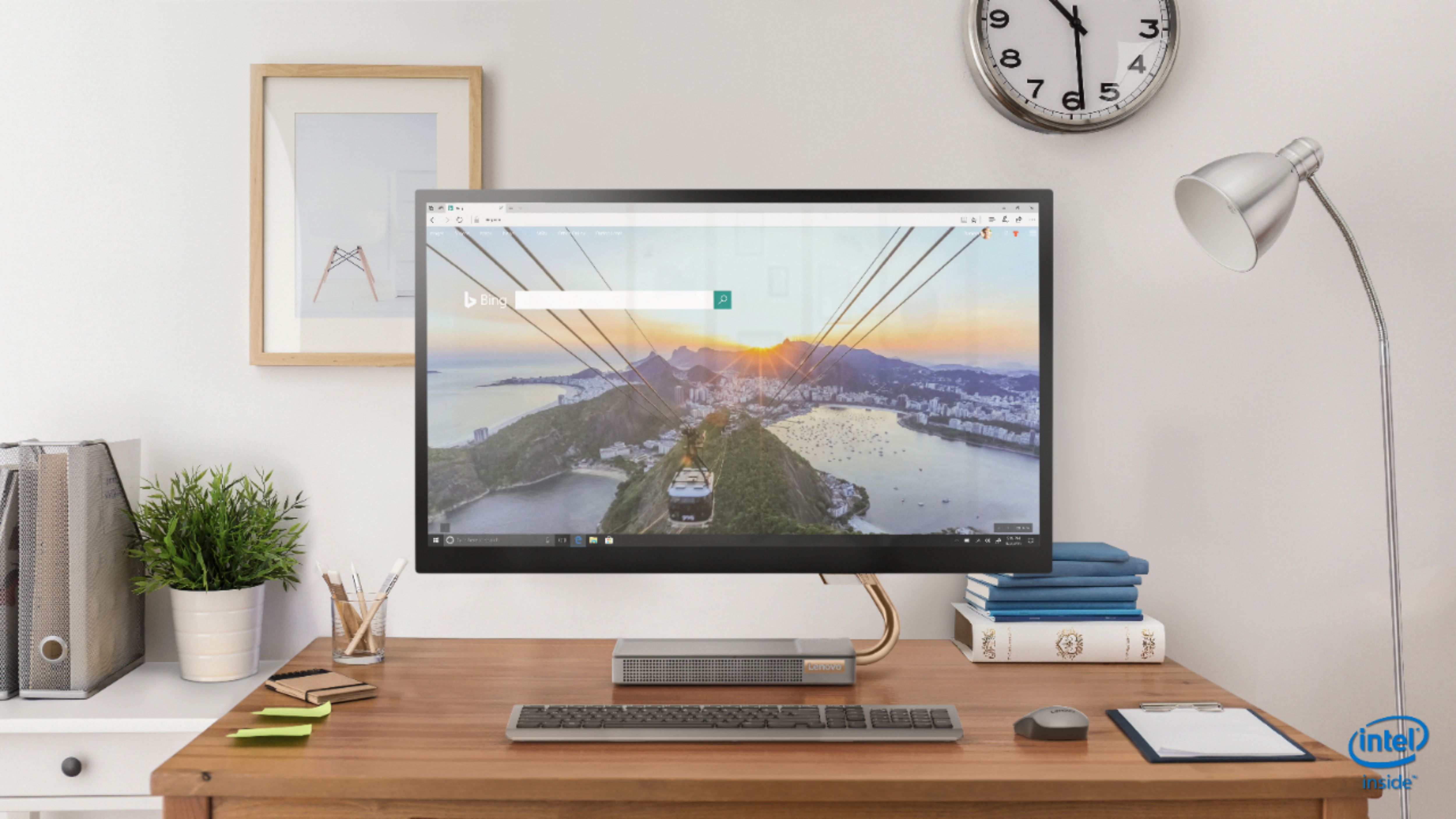
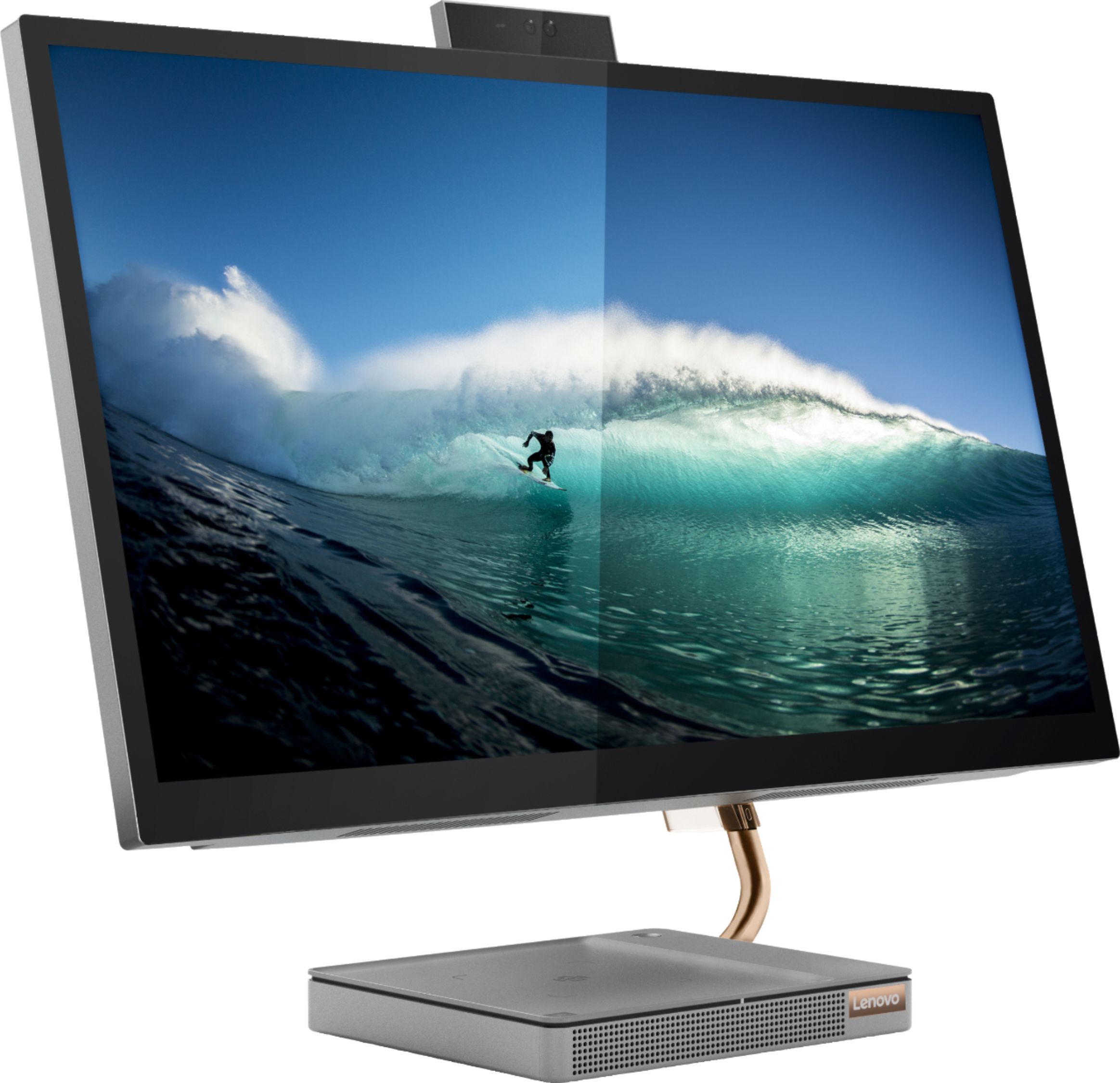
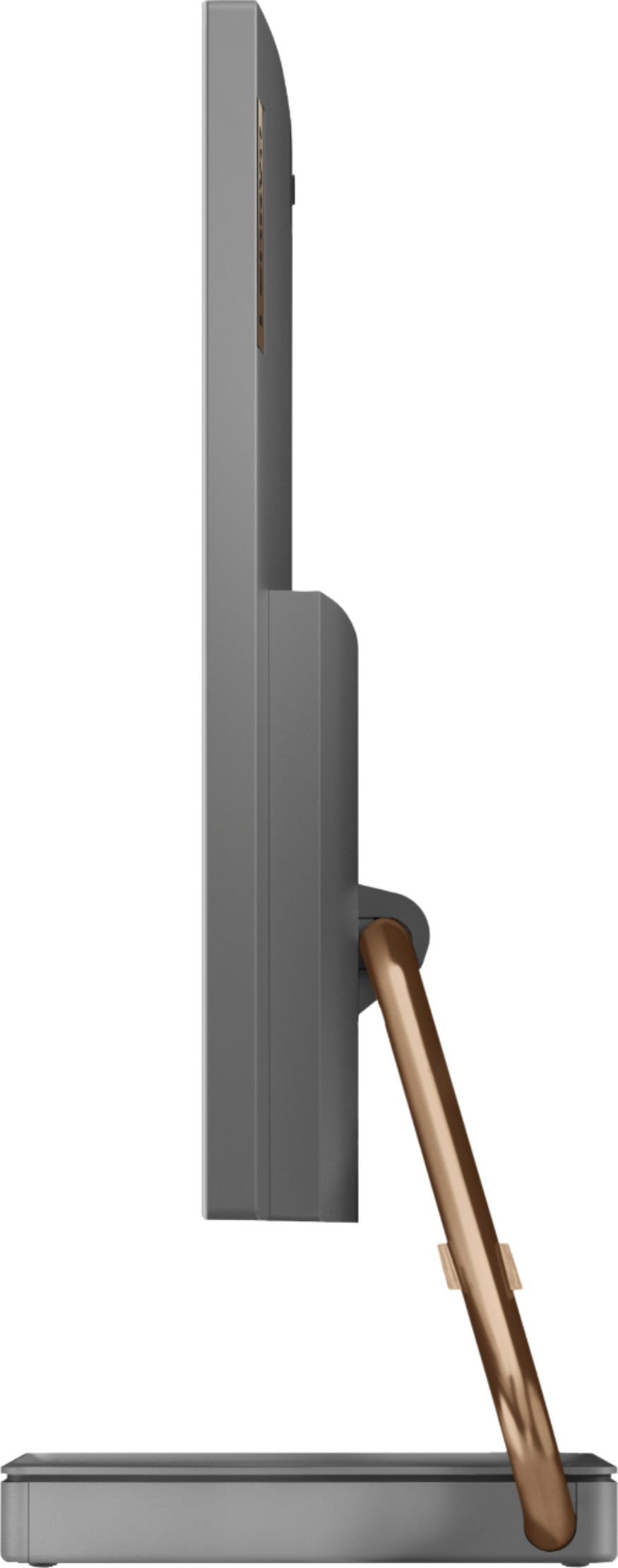
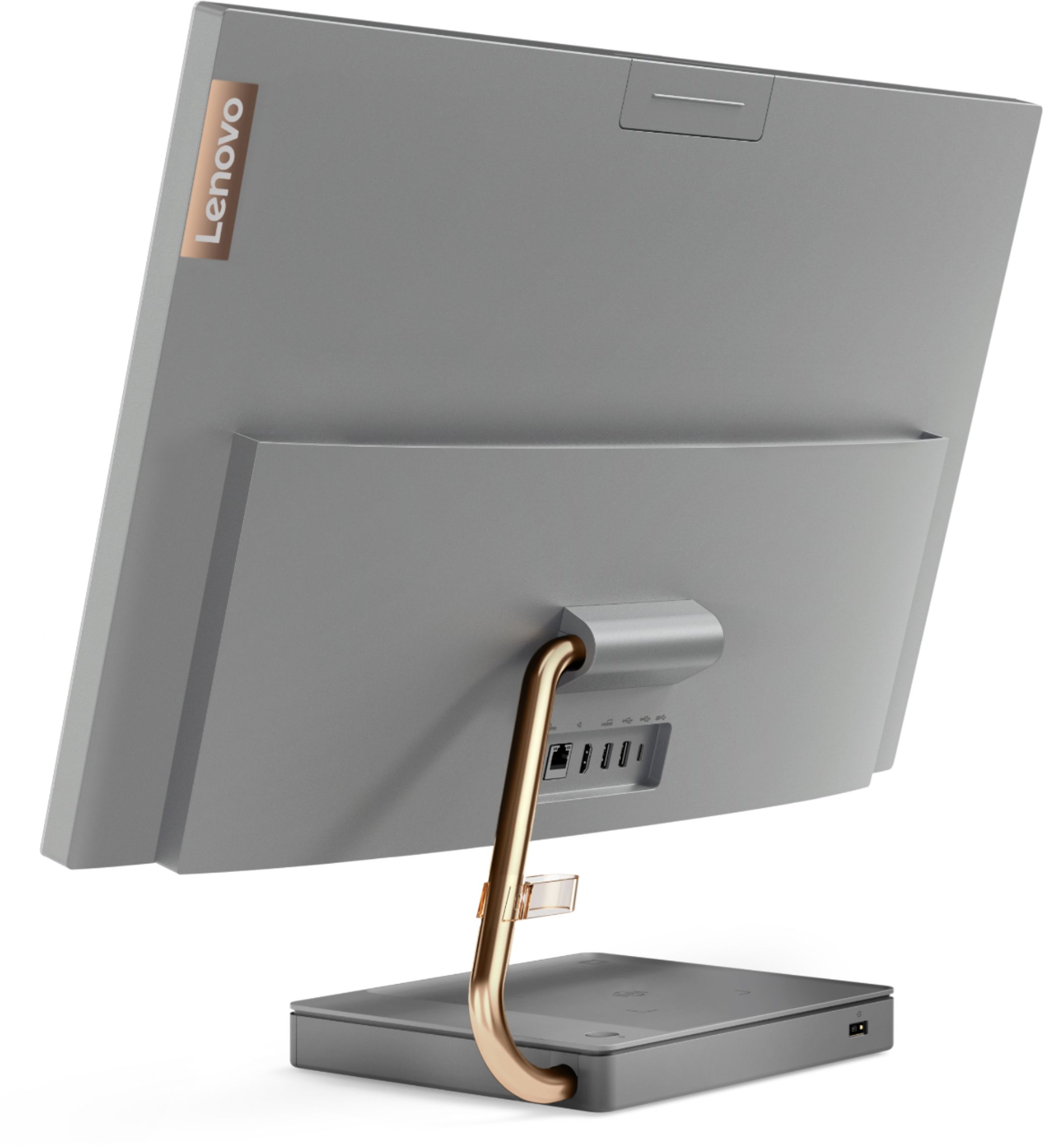
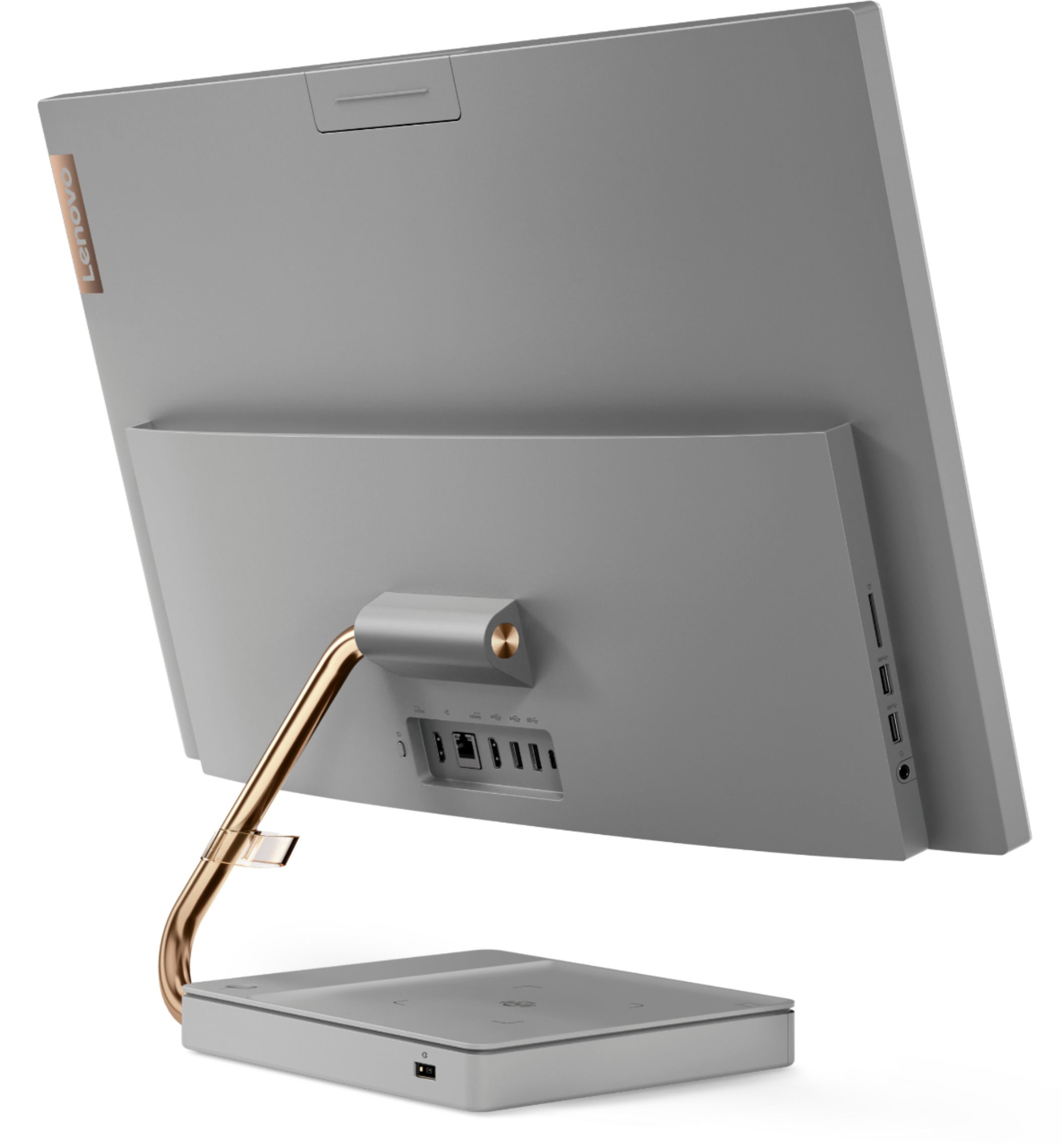

- Model:
- F0EK007HUS
- SKU:
- 6393695
Rating by feature
- Value
Rating 4.3 out of 5 stars
- Quality
Rating 4.4 out of 5 stars
- Ease of Use
Rating 4.5 out of 5 stars
Customers are saying
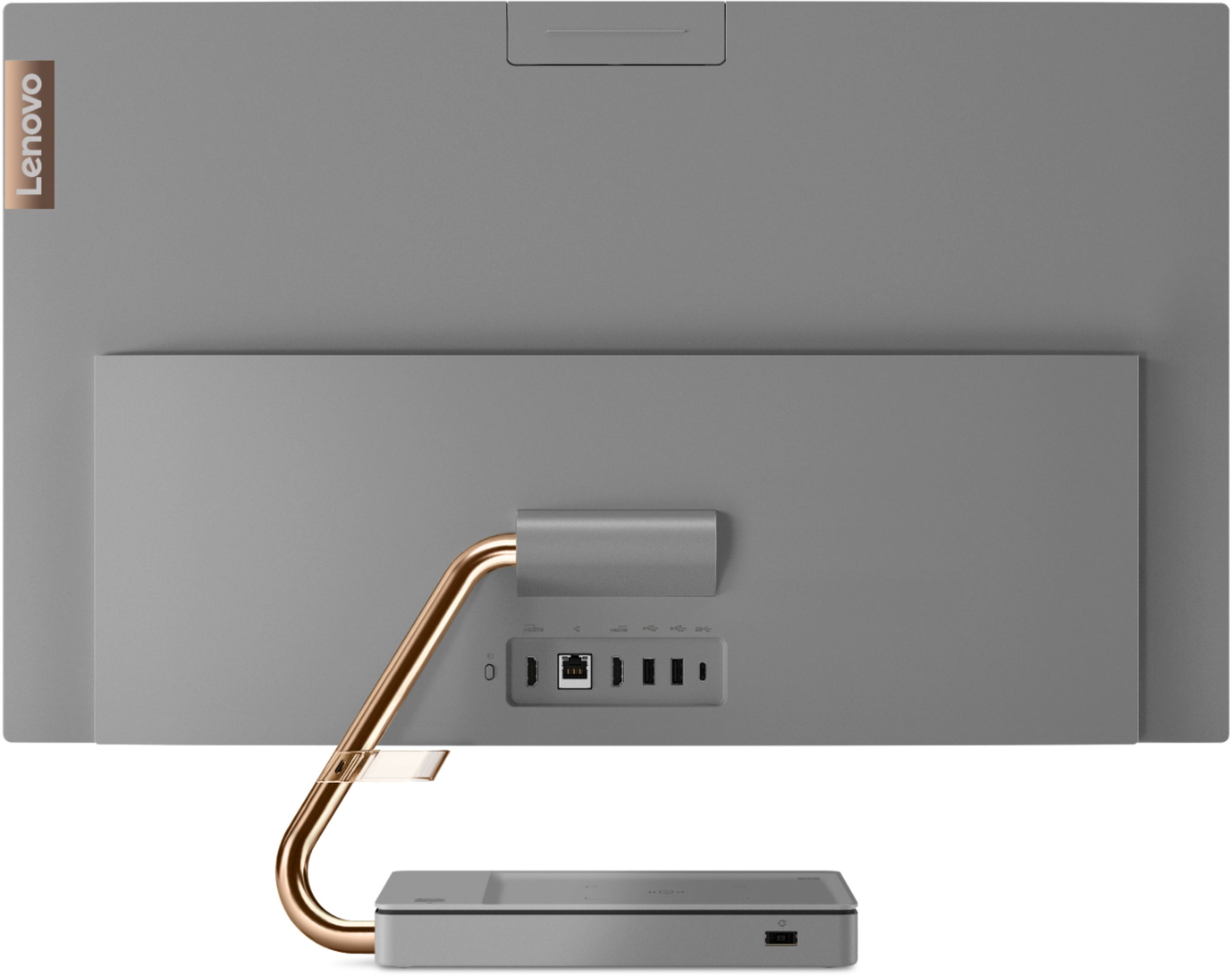
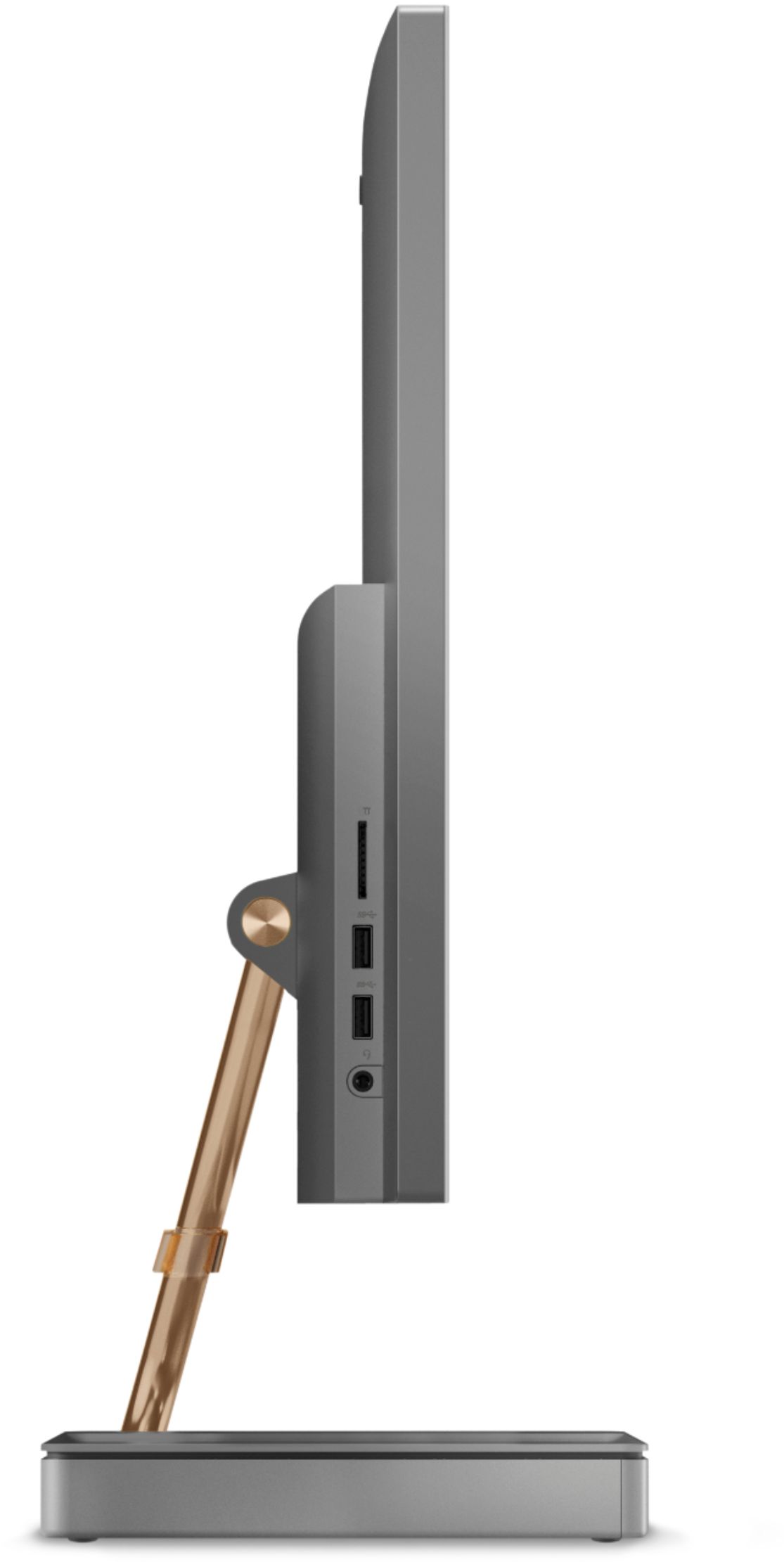
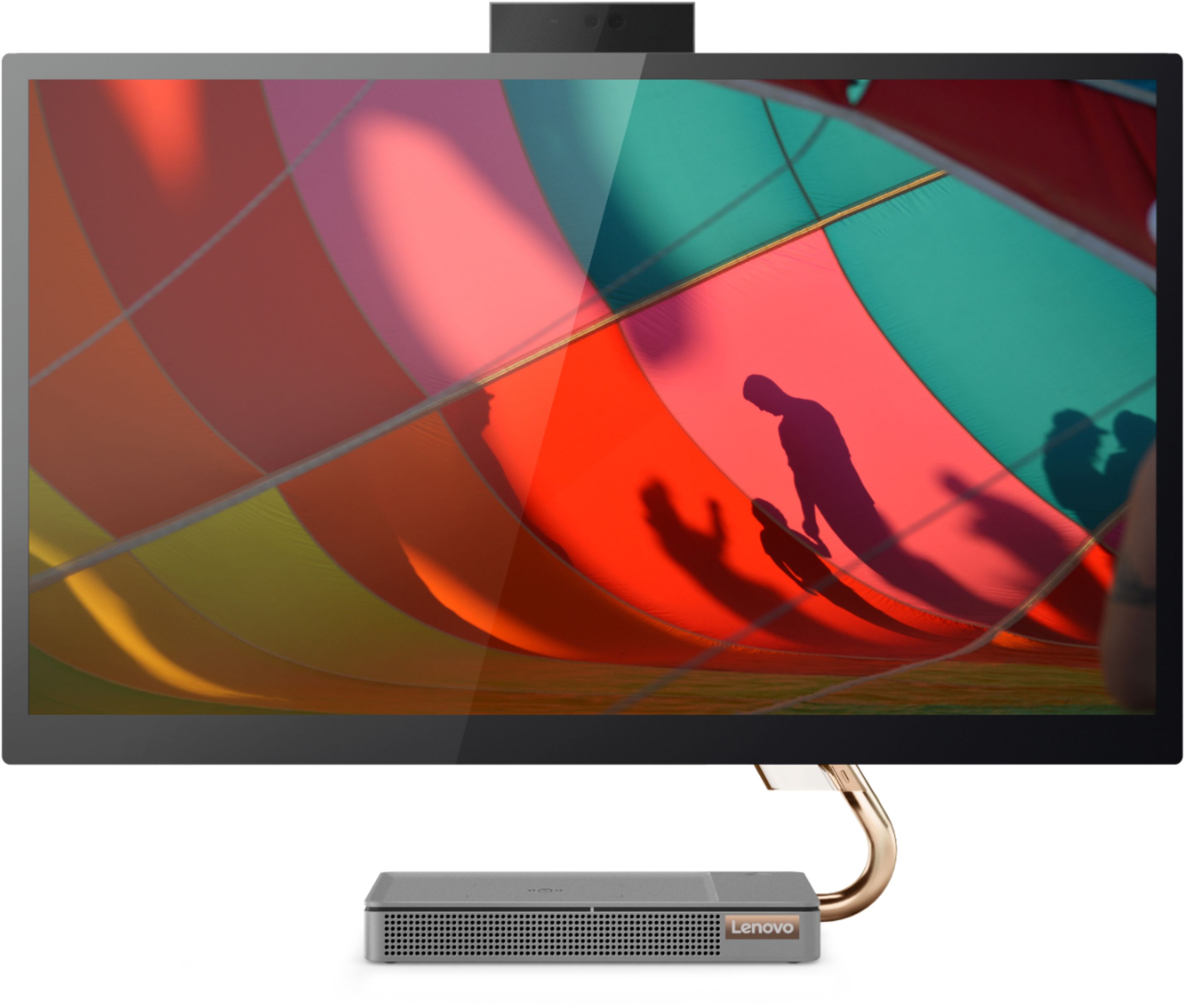
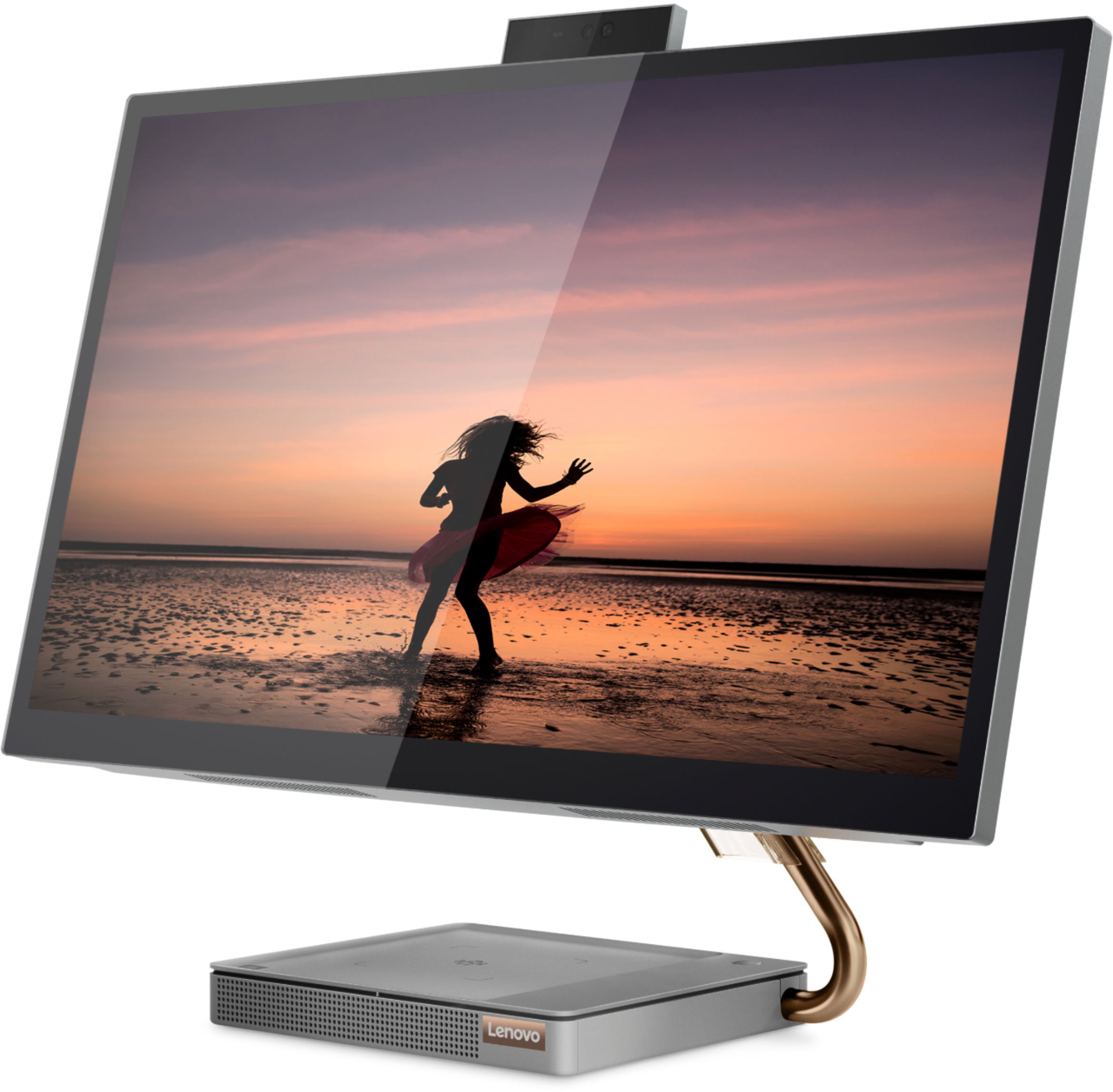
Customers regard the IdeaCentre A540's large screen size and ease of use as significant advantages, frequently praising its sleek design and responsive touchscreen. Positive feedback also highlights the generally good performance and value for the price. However, some users experienced issues with the limited number of USB ports, the quality of the camera, and occasional problems with the mouse and sleep mode functionality.
This summary was generated by AI based on customer reviews.
Nice computer
||Posted . Owned for 1 month when reviewed.This reviewer received promo considerations or sweepstakes entry for writing a review.Great computer, looks nice. Works as needed. Haven’t pushed it to the max yet though
I would recommend this to a friendBrand response from Lenovo Product Expert
Posted .Thank you for choosing the Lenovo IdeaCentre A540 27 All-In-One System. We are pleased to hear that the IdeaCentre A540 27 AIO is working out so well for you.

Great buy
||Posted . Owned for 1 month when reviewed.This reviewer received promo considerations or sweepstakes entry for writing a review.Easy to use and with no problems navigating, and the system will walk you through set up
I would recommend this to a friendBrand response from Lenovo Product Expert
Posted .Thank you for choosing the Lenovo IdeaCentre A540 27 All-In-One system. We are pleased to hear that the easy setup and use as well as the performance of the IdeaCentre A540 27 AIO meets your computing needs so well.
Nice setup
||Posted . Owned for 1 week when reviewed.This reviewer received promo considerations or sweepstakes entry for writing a review.This is a great computer for my daughter. She loves the screen resolution and it easily fits in her desk.
I would recommend this to a friendBrand response from Lenovo Product Expert
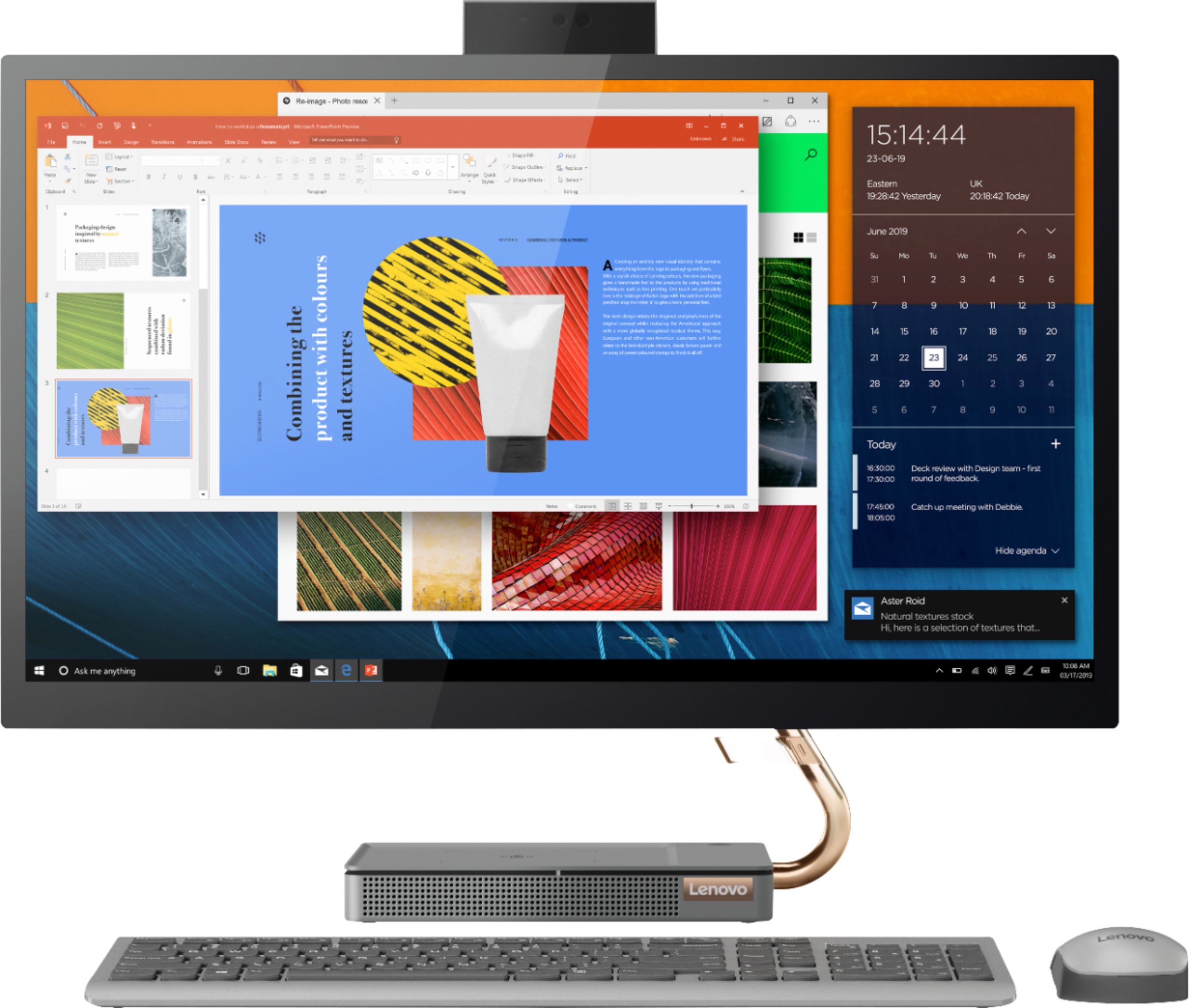
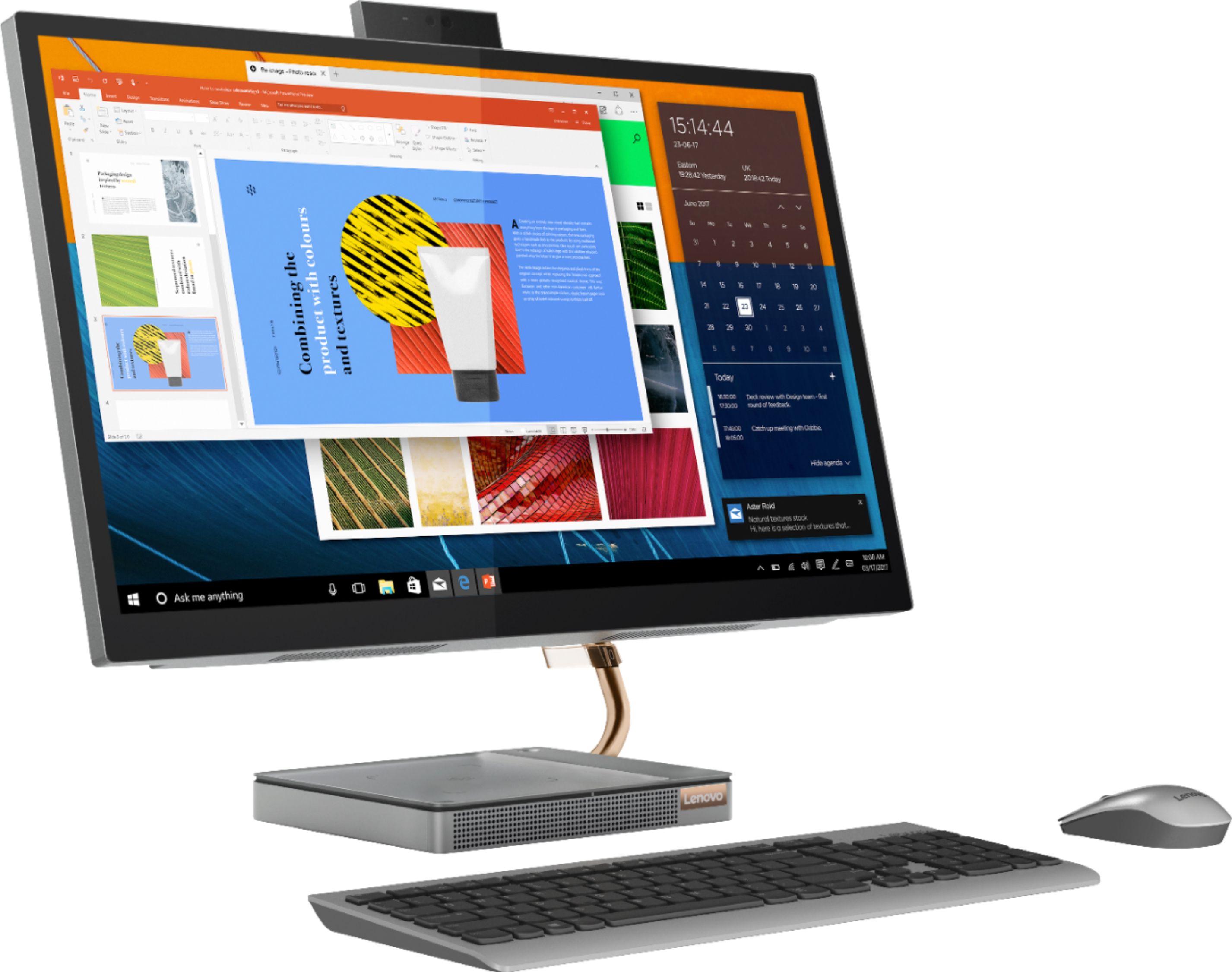
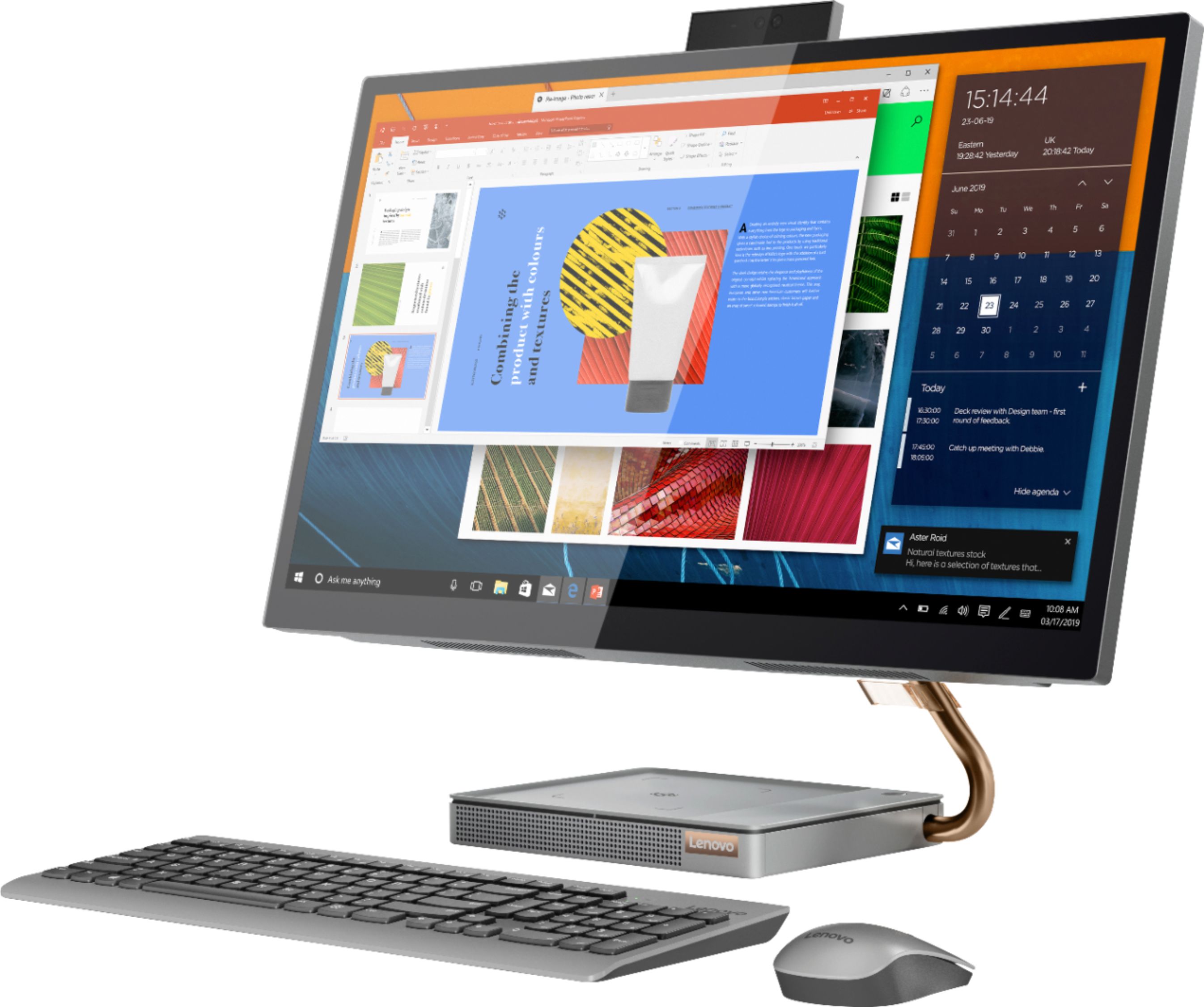
Posted .Thank you for choosing the Lenovo IdeaCentre A540-27 All-In-One system for your daughter. We are pleased to hear that the features and performance of the IdeaCentre A540-27 AIO meets the computing needs of your daughter so well. Taking its cue from nature, the stylish IdeaCentre A540 is inspired by the cypress tree: perfectly balanced and durable. Sacrificing nothing on performance, this all-in-one PC is an attractive addition to your home or office. With up to 93-percent screen-to-body ratio and thin, narrow bezels, the A540 minimizes visual distractions and gives you more to enjoy than a regular 27-inch display. To enhance your viewing experience even further, the A540 ships with QHD 2560 x 1440 resolution.
All in one Lenovo
||Posted . Owned for 1 month when reviewed.This reviewer received promo considerations or sweepstakes entry for writing a review.Set up was quick and easy. Everything working like it should. Screen is fantastic.
I would recommend this to a friendBrand response from Lenovo Product Expert
Posted .Thank you for choosing the Lenovo IdeaCentre A540 27 All-In-One system. We are pleased to hear that the easy setup, features and performance of the IdeaCentre A540 27 AIO meets your computing needs so well.
kidsPc
||Posted . Owned for 3 weeks when reviewed.This reviewer received promo considerations or sweepstakes entry for writing a review.Until now is the best machine and I have the peace of mind with the geek squad.
I would recommend this to a friendBrand response from Lenovo Product Expert
Posted .Thank you for choosing the Lenovo IdeaCentre A540 27 All-In-One System. We are pleased to hear that the IdeaCentre A540 27 AIO is working out so well.
Love it
||Posted . Owned for 3 months when reviewed.This reviewer received promo considerations or sweepstakes entry for writing a review.I love this computer. It has given me no problems!
I would recommend this to a friendBrand response from Lenovo Product Expert
Posted .Thank you for choosing the Lenovo IdeaCentre A540-27 All-In-One system. We are pleased to hear that the IdeaCentre A540-27 AIO meets your computing needs so well.
Best
||Posted . Owned for 3 weeks when reviewed.This reviewer received promo considerations or sweepstakes entry for writing a review.This all-in-one Lenevo-ideacentre computer is the best computer i have ever had in my life
I would recommend this to a friendBrand response from Lenovo Product Expert
Posted .Thank you for choosing the Lenovo IdeaCentre A540-27 All-In-One system. We are pleased to hear that the IdeaCentre A540-27 AIO meets your computing needs so well.
Great computer
||Posted . Owned for 2 months when reviewed.This reviewer received promo considerations or sweepstakes entry for writing a review.Love my computer. I really like the fact that I can charge my phone in the built in charging port.
I would recommend this to a friendPerfect for small office with limited desk space
||Posted . Owned for 1 month when reviewed.This reviewer received promo considerations or sweepstakes entry for writing a review.Just what we were looking for to replace an aging system in our small office.
I would recommend this to a friendBrand response from Lenovo Product Expert
Posted .Thank you for choosing the Lenovo IdeaCentre A540-27ICB Touch Screen All-In-One. We are very pleased to hear that the specifications and features of the Lenovo IdeaCentre A540-27ICB Touch Screen All-In-One meet your computing needs so well.
Excellent product
||Posted .This reviewer received promo considerations or sweepstakes entry for writing a review.Best of it’s type. Love it and serves it purpose. Will buy it again and again
I would recommend this to a friendBrand response from Lenovo Product Expert
Posted .Thank you for choosing the Lenovo IdeaCentre A540 27 All-In-One System. We are pleased to hear that the IdeaCentre A540 27 AIO meets your computing needs so well.
Excellent
||Posted . Owned for 3 weeks when reviewed.This reviewer received promo considerations or sweepstakes entry for writing a review.EXCELLENT, I LIKED IT SO MUCH, I'VE BEEN LOOKING FOR SOMETHING LIKE THIS FOR A LONG TIME, THANK YOU.
I would recommend this to a friendLove this PC
||Posted . Owned for 1 year when reviewed.This reviewer received promo considerations or sweepstakes entry for writing a review.Great Computer! Couldnt ask for a better one. I love this PC!
I would recommend this to a friendBrand response from Lenovo Product Expert
Posted .Thank you for choosing the Lenovo IdeaCentre A540 27 All-In-One System. We are pleased to hear that the features and performance of the IdeaCentre A540 27 AIO meets your computing needs so well.
Computer
||Posted . Owned for 3 weeks when reviewed.This reviewer received promo considerations or sweepstakes entry for writing a review.Love this PC! Working great for me! Quick response and beautiful display!
I would recommend this to a friendBrand response from Lenovo Product Expert
Posted .Thank you for choosing the Lenovo IdeaCentre A540 27 All-In-One System. We are pleased to hear that the IdeaCentre A540 27 AIO meets your computing needs so well.
- Cons mentioned:Mouse
Fundamentally flawed.. do not buy
||Posted . Owned for 1 month when reviewed.This reviewer received promo considerations or sweepstakes entry for writing a review.This pc is fundamentally flawed. First one I purchased had a problem where the touch screen would act up, as if someone was constantly touching it and the mouse started going crazy all over the screen as if it’s possessed. it therefore the mouse would not work. I mailed it back to Lenovo bought the same one from bestbuy thinking that maybe it was my luck that I got a bad one only to find out that in less than 30 days this one started doing the same thing… I tried to give them a second chance, please take heed to my warning. This desktop is no good
No, I would not recommend this to a friendBrand response from Lenovo Product Expert
Posted .We are sorry to hear that you are having issues with your Lenovo IdeaCentre A540-27 All-In-One system, model number F0EK007HUS. First, Be sure any software you installed is compatible with Windows 10. There is no need to install Microsoft Office software. The software is already part of the operating system, you just need to activate the software with a purchased product key. If you have installed a copy of Microsoft Office, this is conflicting with the existing copy on the system and this will slow your system down. If you have installed a 3rd party anti-virus program, be sure that Windows Defender is turned off and that the trial version of McAfee Anti-Virus software is uninstalled. There can only be one anti-virus program on the system. You may need to restore your system to original factory default settings if any of the programming errors have occurred. You can do that by typing "restore" in the Cortana search window. Just click on the magnifying glass icon at the bottom left of your Windows 10 Desktop. Click on "Reset This PC" Then click on "Get Started" and follow the on screen directions to restore to factory defaults. If there is no incompatible software installed but the issues persist, check to be sure you have the latest version of Windows 10 on the computer. Then update all BIOS files and drivers up to that latest version of Windows 10. You can easily accomplish this by scanning the computer with the Lenovo Utility software available on this computer. This system has Lenovo utilities installed to help maintain the health of the device and keep the operating system software up to date. Type "Lenovo Vantage" in the Cortana Search window (if Lenovo Vantage is not installed on your device, you can download the APP and install it now). Select Lenovo Vantage from the list. In the window that opens, click on "Health and Support". In the expanded menu, select "Hardware Scan" In the window that opens, select "Run Quick Tests". This will scan your entire system for errors. Follow any directions that may pop up. If the problem continues after this scan, now click on "System Update". First select Windows update from the menu. Scan your system to be sure you have the latest version of Windows 10. Once that scan is complete, select "Additional Updates". This will scan your device to be sure there are no new BIOS/Driver updates needed. Follow any instructions that may pop up. If the issue still continues after these updates, we recommend you call Lenovo Tech Support at: 877-453-6686 for additional help.
Good computer
||Posted . Owned for 2 weeks when reviewed.This reviewer received promo considerations or sweepstakes entry for writing a review.this is a great device, we sadly returned it because it was much more then my GF needed
I would recommend this to a friendThe sales people were informative and very helpful
||Posted . Owned for 3 weeks when reviewed.This reviewer received promo considerations or sweepstakes entry for writing a review.The upgrade computor was an exelent choice. The salesperson and the Geek Squad were very helpful.
I would recommend this to a friendBrand response from Lenovo Product Expert
Posted .Thank you for choosing the Lenovo IdeaCentre A540-27 All-in-One system. Taking its cue from nature, the stylish IdeaCentre A540 is inspired by the cypress tree: perfectly balanced and durable. Sacrificing nothing on performance, this all-in-one PC is an attractive addition to your home or office. With up to 93-percent screen-to-body ratio and thin, narrow bezels, the A540 minimizes visual distractions and gives you more to enjoy than a regular 27-inch display. To enhance your viewing experience even further, the A540 ships with QHD 2560 x 1440 resolution.
Computer
||Posted . Owned for more than 2 years when reviewed.This reviewer received promo considerations or sweepstakes entry for writing a review.It was pretty quick to set up and start using it for work.
I would recommend this to a friendBrand response from Lenovo Product Expert
Posted .Thank you for choosing the Lenovo IdeaCentre A540 27 All-In-One System. We are pleased to hear that the easy setup and use as well as the performance of the IdeaCentre A540 27 AIO meets your business computing needs so well.
multi functional
||Posted . Owned for 1 month when reviewed.This reviewer received promo considerations or sweepstakes entry for writing a review.great for telemedicine and work desk top. Great video clarity.
I would recommend this to a friendBrand response from Lenovo Product Expert
Posted .Once again, thank you for choosing the Lenovo IdeaCentre A540-27 All-In-One system. You can keep your computer running at its best by keeping the Windows 10 Operating System and all supporting BIOS files and drivers up to date. You can easily accomplish this by scanning the computer with the Lenovo Utility software available on this computer. This system has Lenovo utilities installed to help maintain the health of the device and keep the operating system software up to date. Type "Lenovo Vantage" in the Cortana Search window (if Lenovo Vantage is not installed on your device, you can download the APP and install it now). Select Lenovo Vantage from the list. In the window that opens, click on "Health and Support". In the expanded menu, select "Hardware Scan" In the window that opens, select "Run Quick Tests". This will scan your entire system for errors. Follow any directions that may pop up. If the problem continues after this scan, now click on "System Update". First select Windows update from the menu. Scan your system to be sure you have the latest version of Windows 10. Once that scan is complete, select "Additional Updates". This will scan your device to be sure there are no new BIOS/Driver updates needed. Follow any instructions that may pop up. If you ever need additional help with your Lenovo computer, we recommend you call Lenovo Tech Support at: 877-453-6686 for additional help.
Lenovo all in one desktop review
||Posted . Owned for 1 month when reviewed.This reviewer received promo considerations or sweepstakes entry for writing a review.easy to setup, compartmented, screen with good definition and clarity
I would recommend this to a friendcomputer
||Posted . Owned for 1 week when reviewed.This reviewer received promo considerations or sweepstakes entry for writing a review.idont no what to say it not good what i have to say
I would recommend this to a friend