Customer Ratings & Reviews
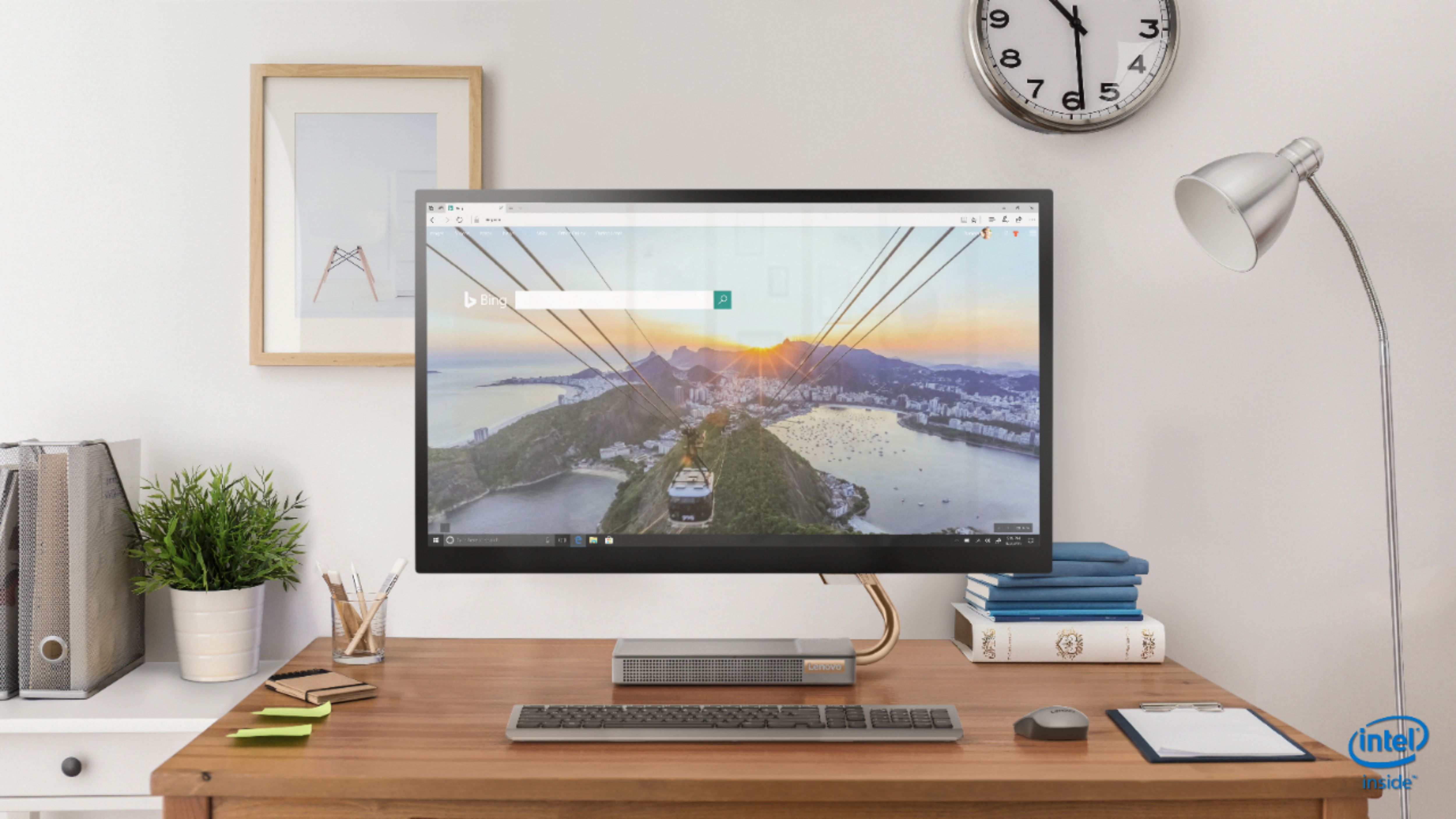
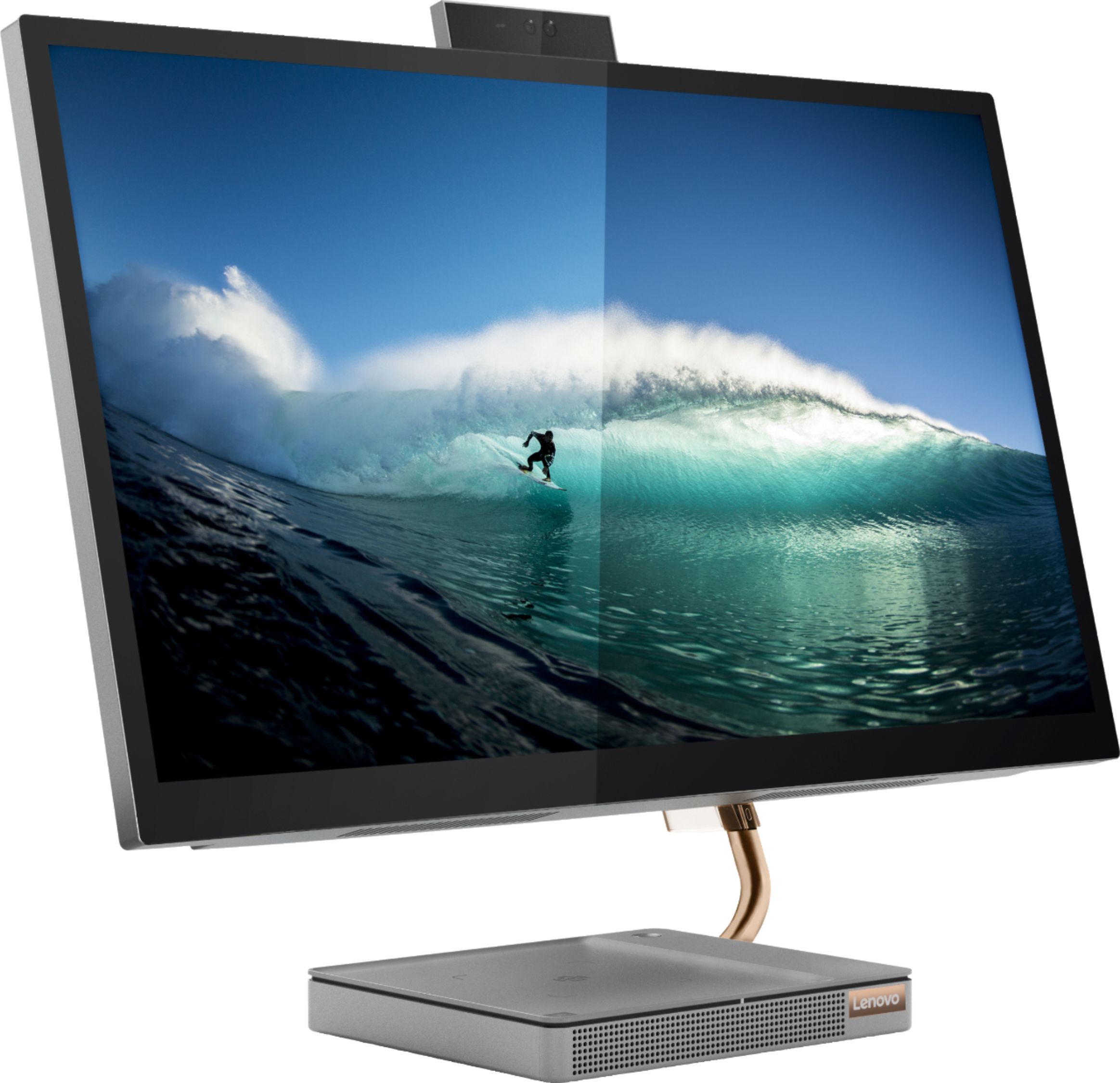
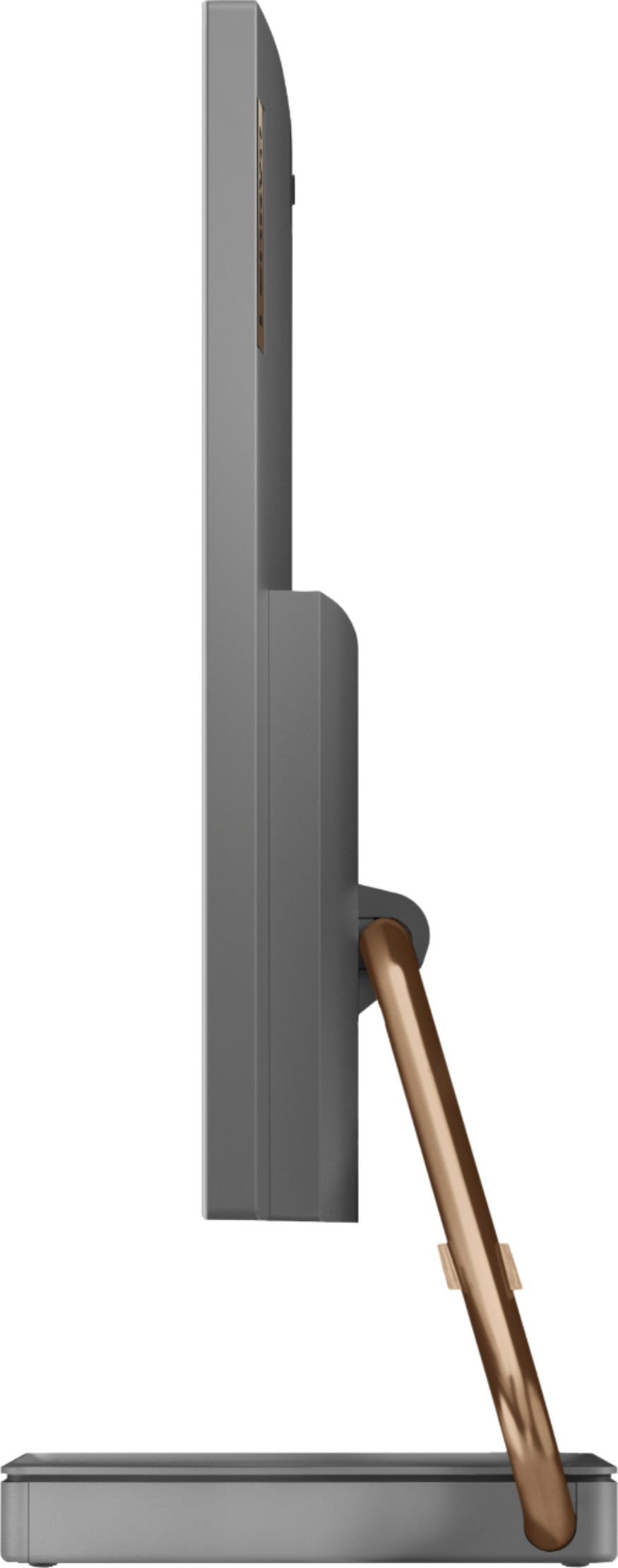
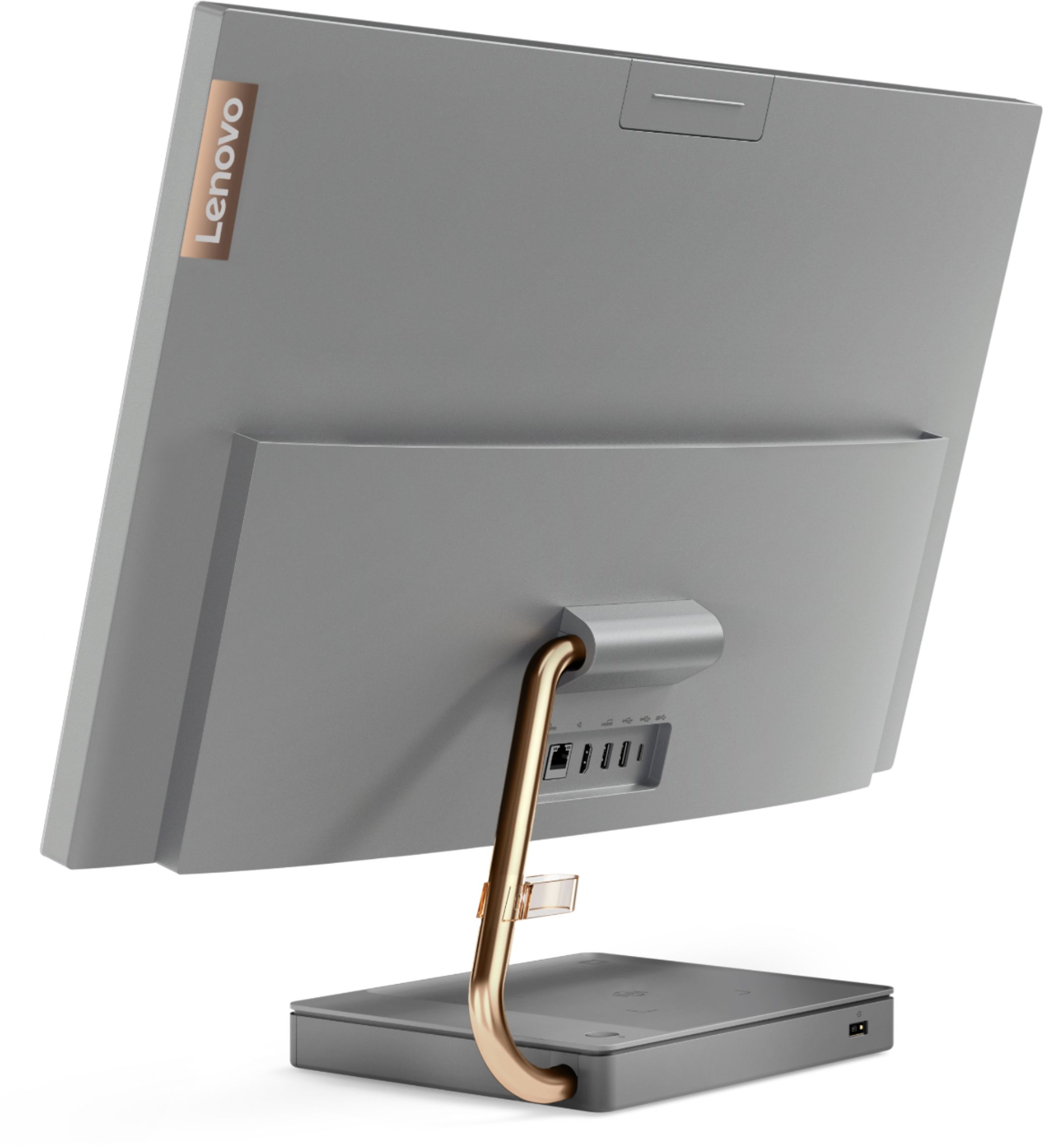

- Model:
- F0EK007HUS
- SKU:
- 6393695
Rating by feature
- Value
Rating 4.3 out of 5 stars
- Quality
Rating 4.4 out of 5 stars
- Ease of Use
Rating 4.5 out of 5 stars
Customers are saying
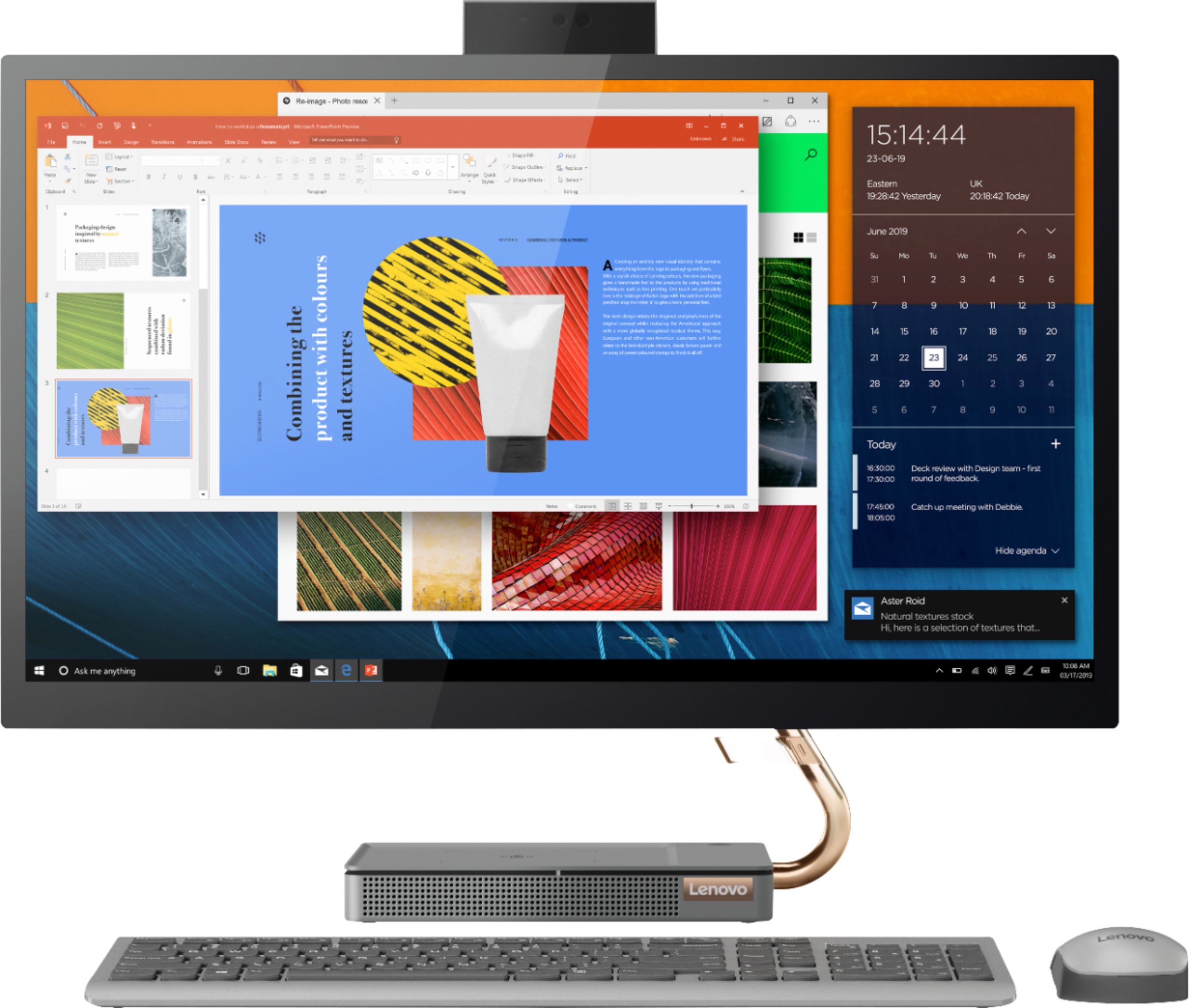
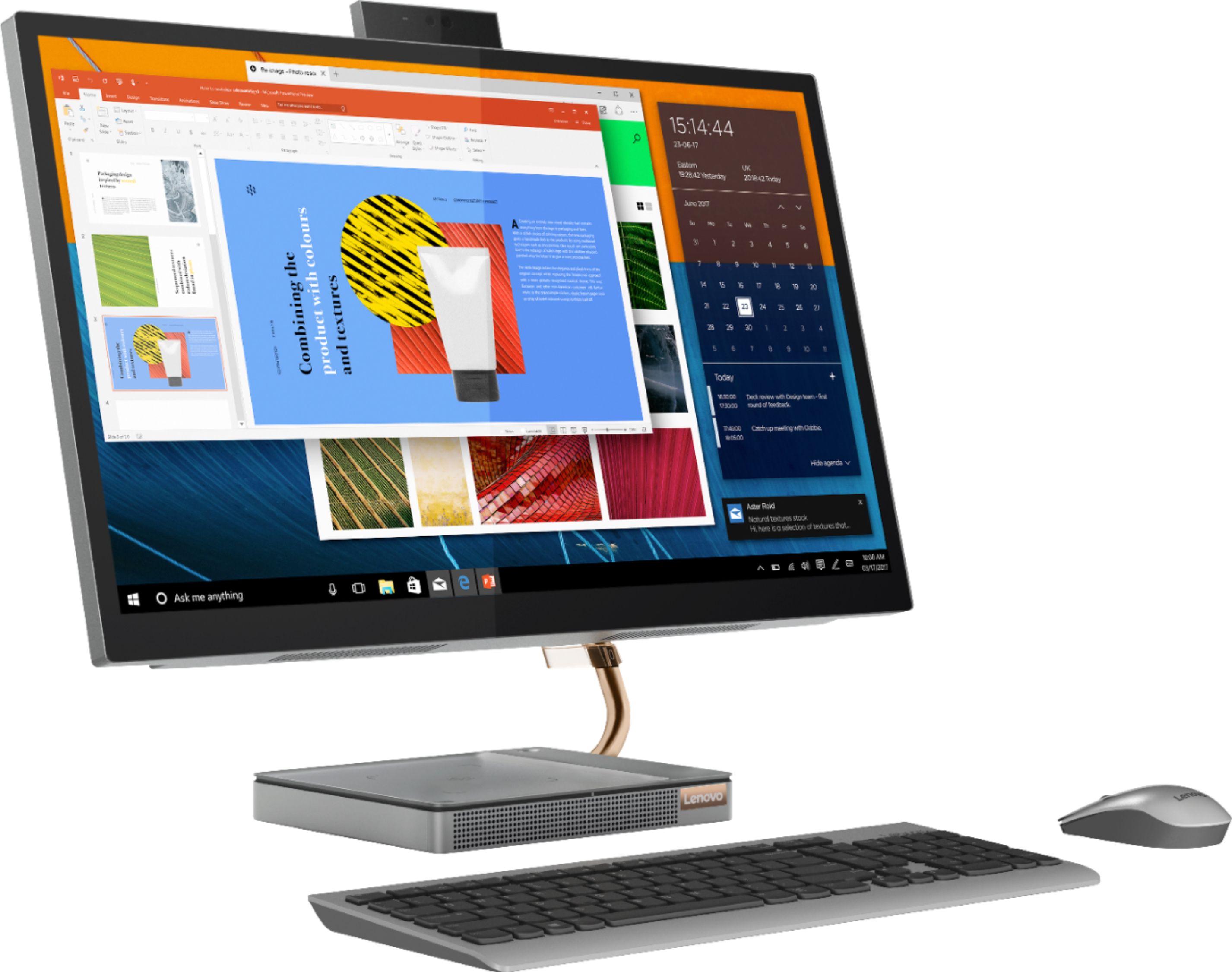
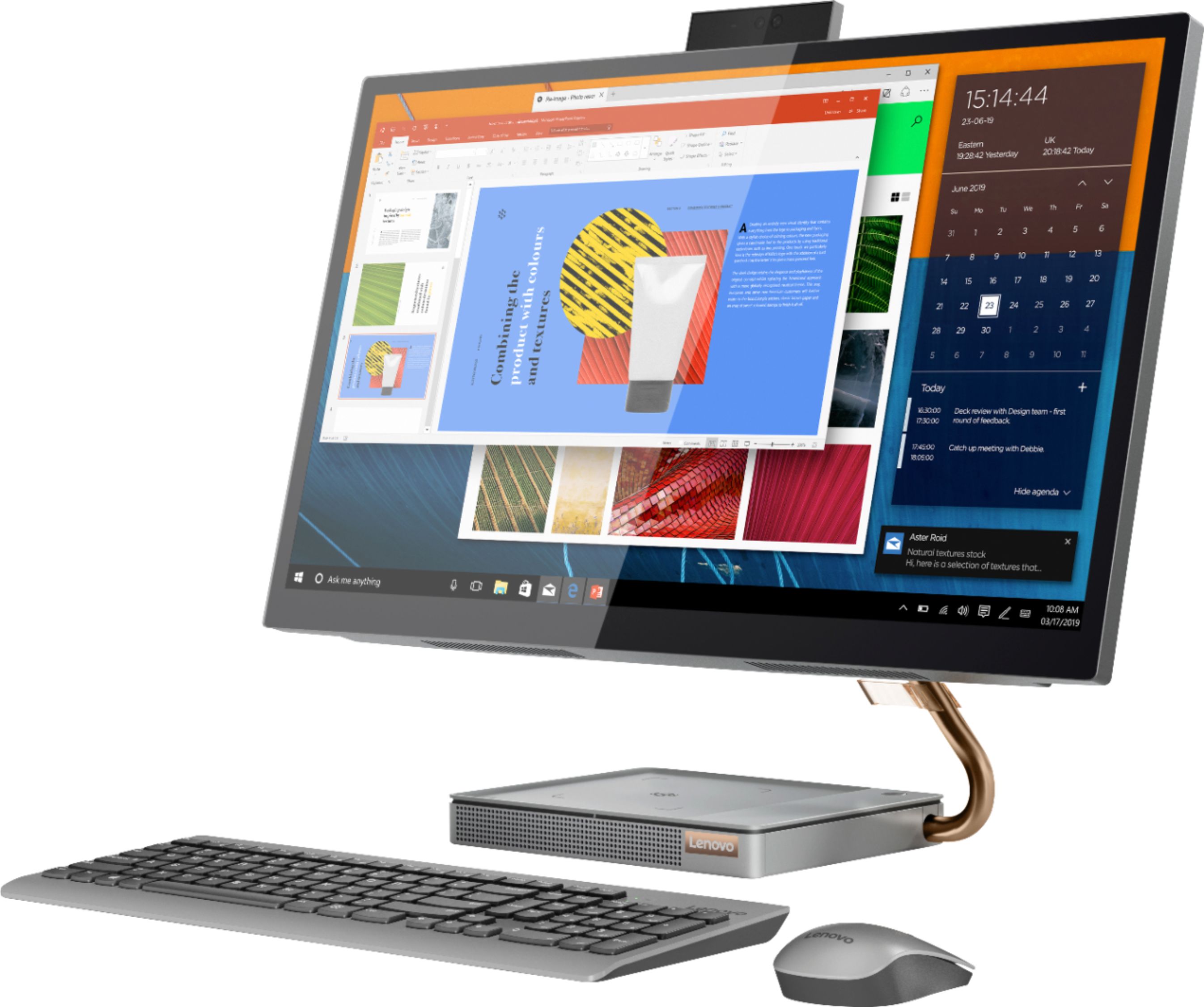
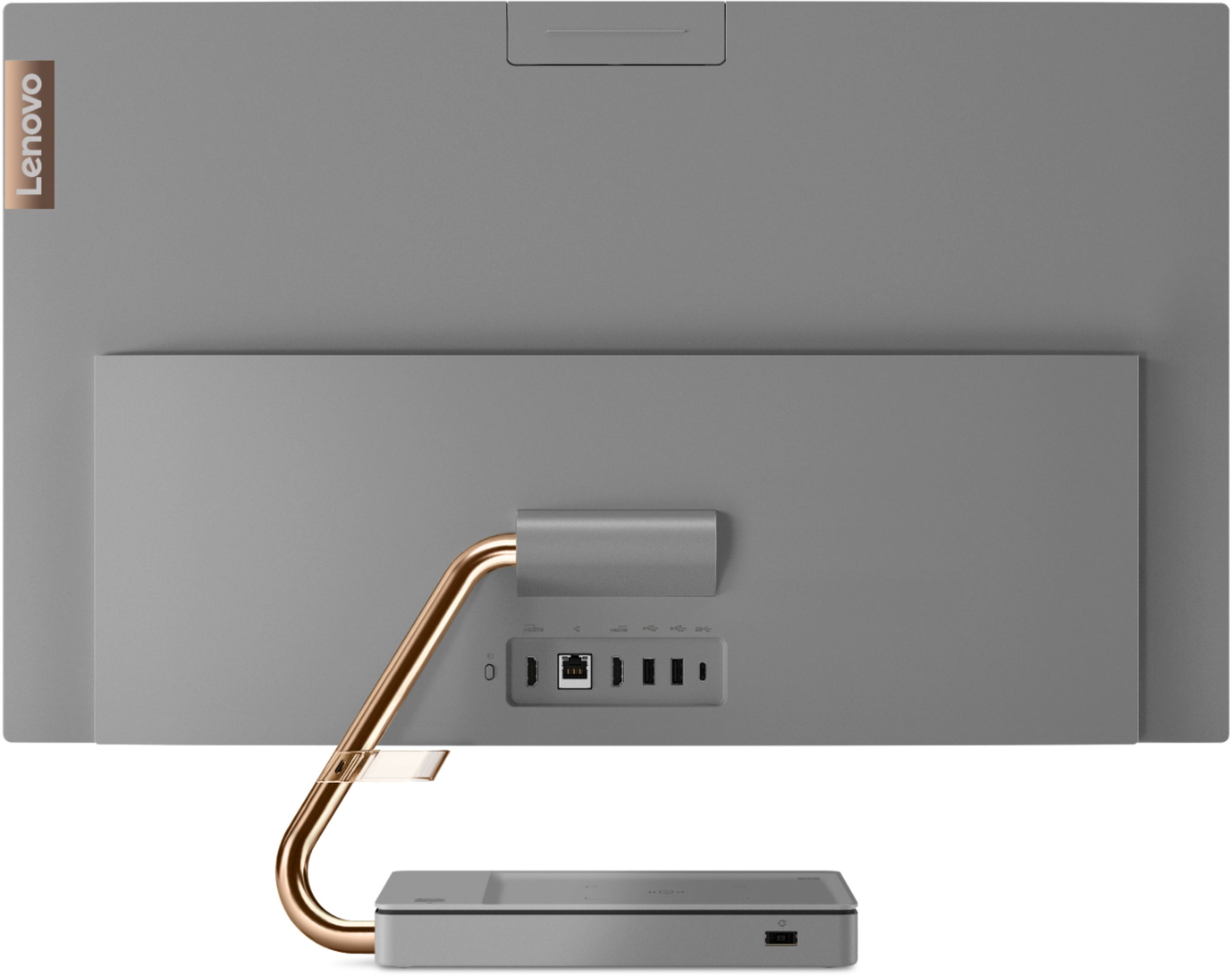
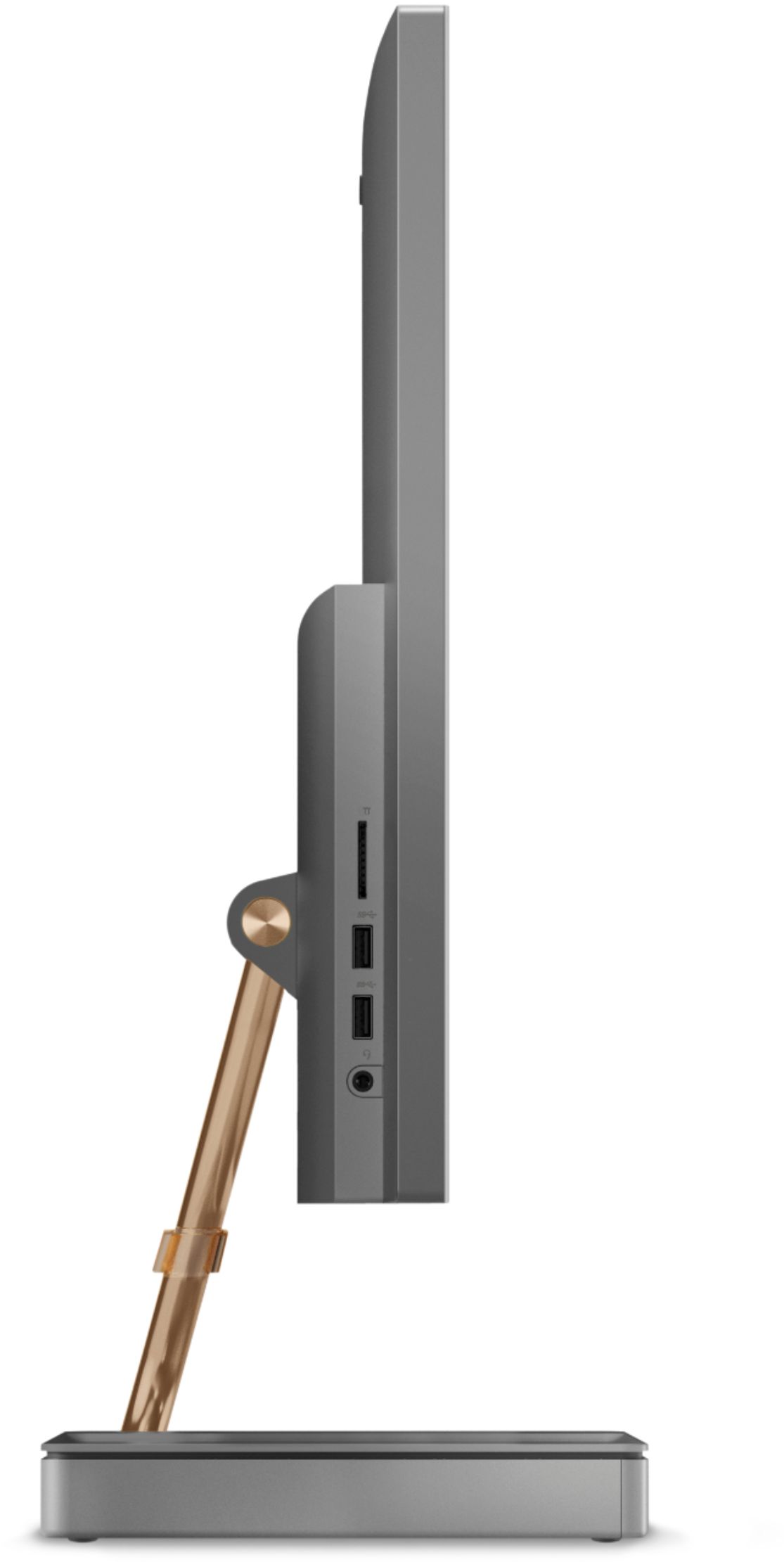
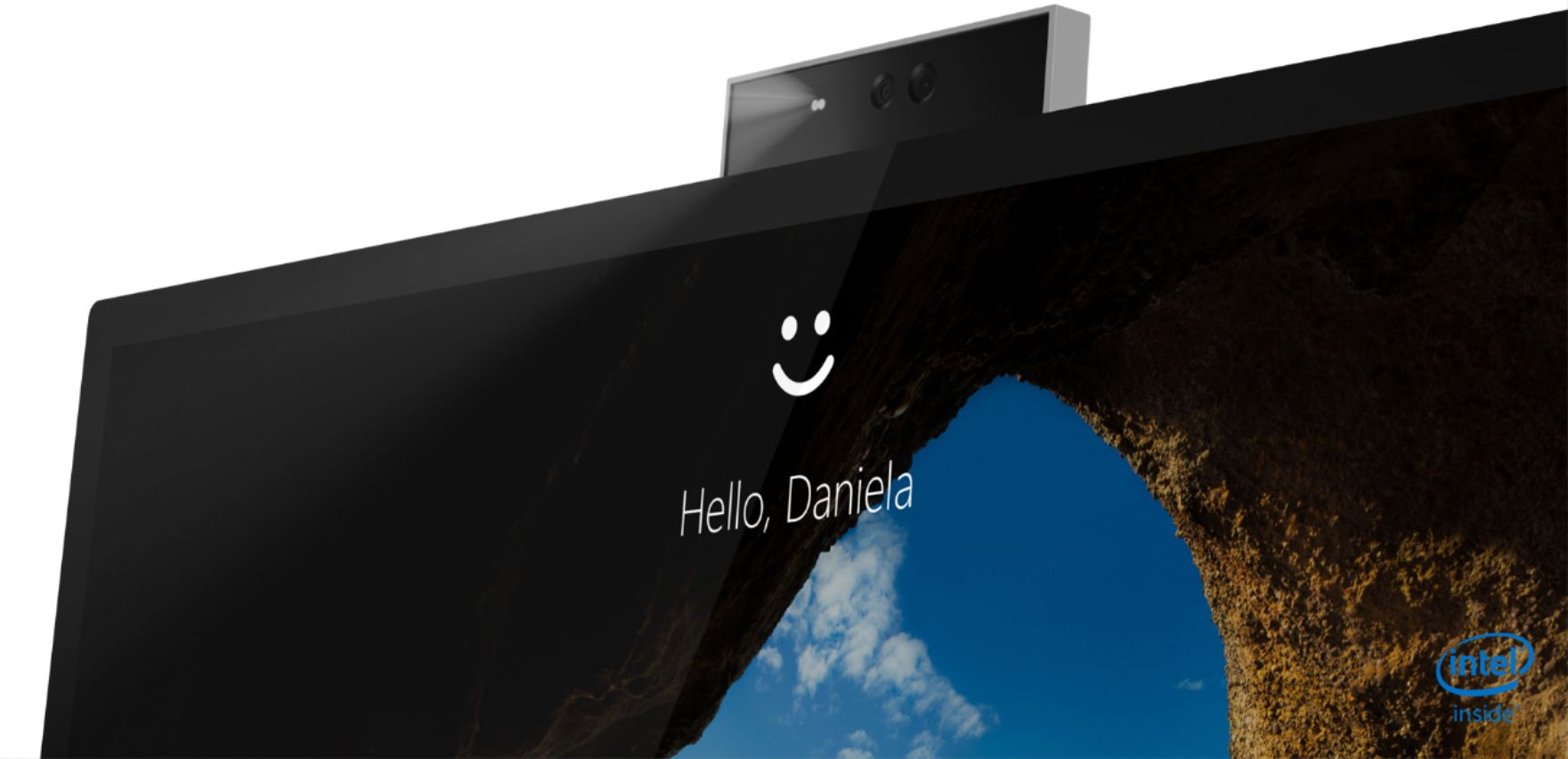
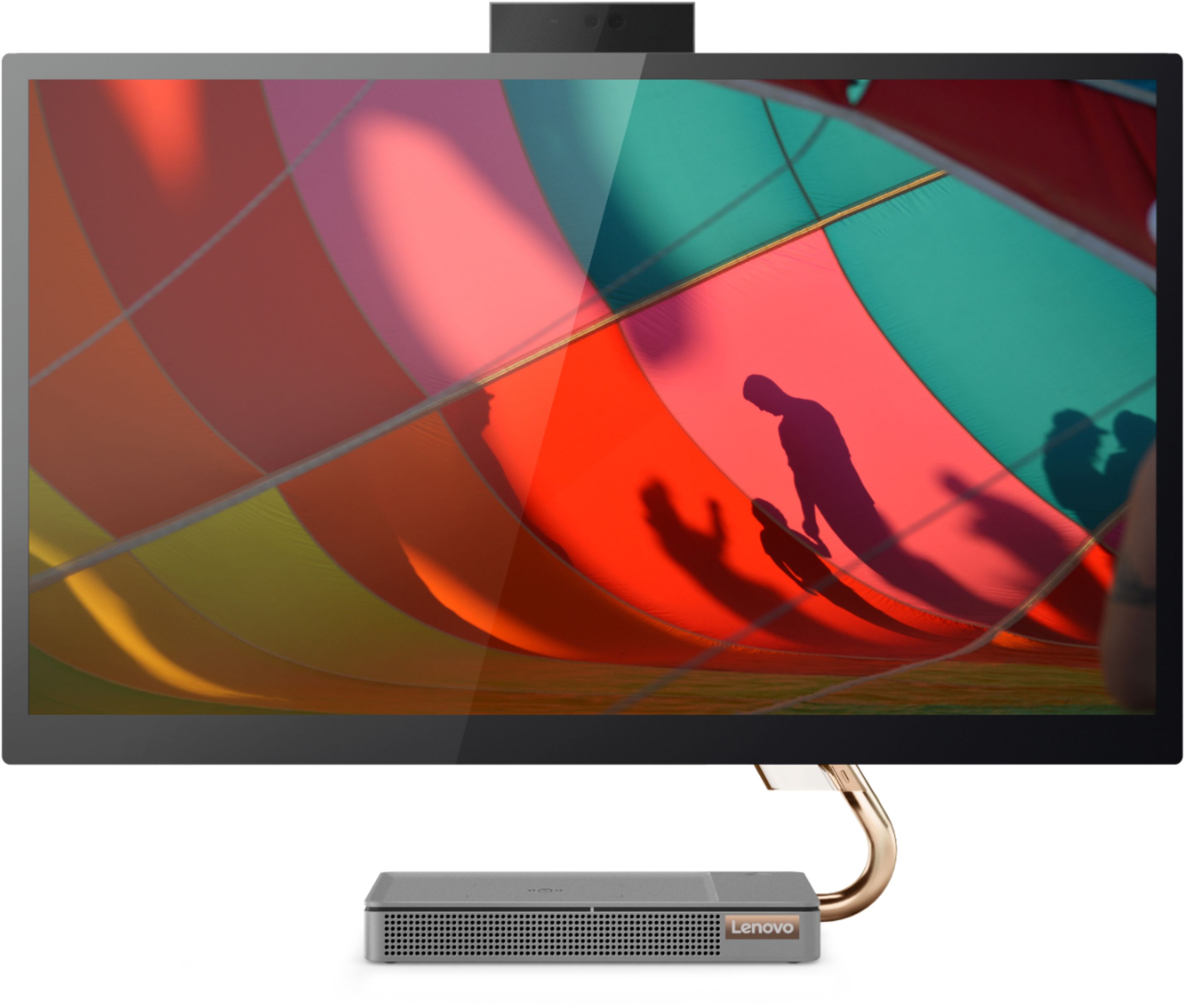
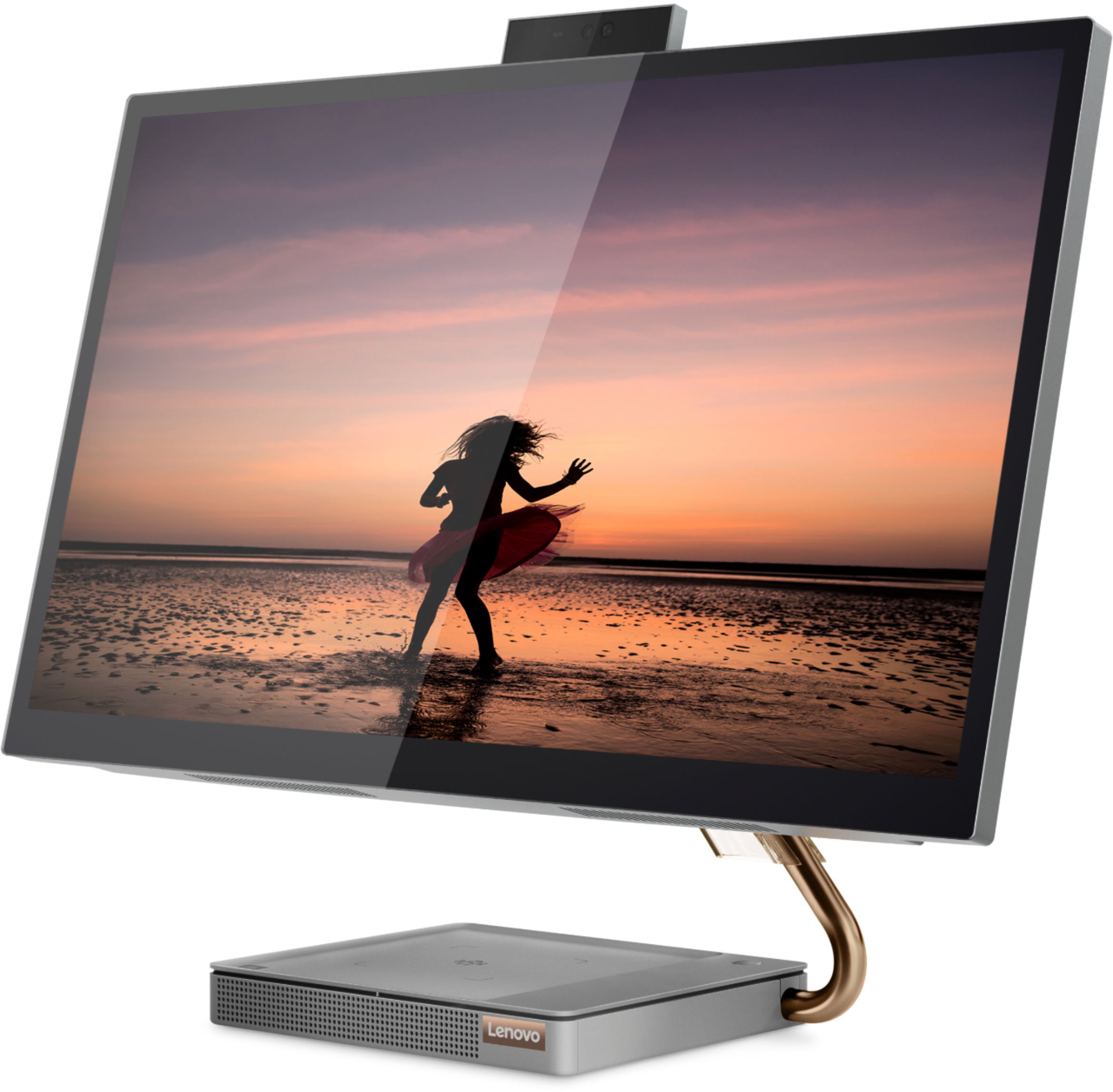
Customers regard the IdeaCentre A540's large screen size and ease of use as significant advantages, frequently praising its sleek design and responsive touchscreen. Positive feedback also highlights the generally good performance and value for the price. However, some users experienced issues with the limited number of USB ports, the quality of the camera, and occasional problems with the mouse and sleep mode functionality.
This summary was generated by AI based on customer reviews.
New computer
||Posted . Owned for 1 month when reviewed.This reviewer received promo considerations or sweepstakes entry for writing a review.Product is exactly has described! Very happy with it so far!
I would recommend this to a friendBrand response from Lenovo Product Expert
Posted .Thank you for choosing the Lenovo IdeaCentre A540-27 All-In-One system. We are pleased to hear that the IdeaCentre A540-27 AIO is working out so well for you.

Great machine beautiful design
||Posted . Owned for 1 month when reviewed.This reviewer received promo considerations or sweepstakes entry for writing a review.Nice machine beautiful design great basic work station.
I would recommend this to a friendBrand response from Lenovo Product Expert
Posted .Thank you for choosing the Lenovo IdeaCentre A540-27 All-In-One system. We are pleased to hear that the features and performance of the IdeaCentre A540-27 AIO meets your computing needs so well.
Lenovo
||Posted . Owned for 3 weeks when reviewed.This reviewer received promo considerations or sweepstakes entry for writing a review.Great quality, picture and external style is quite appealing
I would recommend this to a friendBrand response from Lenovo Product Expert
Posted .Hello! Thanks for choosing the Lenovo IdeaCentre A540 All-In-One. We are pleased to hear the features and performance of the A540 All-In-One are meeting your computing needs so well!
Computer
||Posted . Owned for 2 months when reviewed.This reviewer received promo considerations or sweepstakes entry for writing a review.Good quality and very fast no any kind problem Recommend
I would recommend this to a friendBrand response from Lenovo Product Expert
Posted .Thank you for choosing the Lenovo IdeaCentre A540-27 All-In-One system. We are pleased to hear that the IdeaCentre A540-27 AIO meets your computing needs so well.
Computer
||Posted . Owned for 3 weeks when reviewed.This reviewer received promo considerations or sweepstakes entry for writing a review.Needed to get a new computer & updated to Windows 10
I would recommend this to a friendBrand response from Lenovo Product Expert
Posted .Thank you for choosing the Lenovo IdeaCentre A540-27 All-In-One system. We are pleased to hear that the IdeaCentre A540-27 AIO meets your computing needs so well.
Lenovo all in one
||Posted . Owned for 4 months when reviewed.This reviewer received promo considerations or sweepstakes entry for writing a review.This computer has a fast start up. No waiting to load up!
I would recommend this to a friendTYC
||Posted . Owned for 3 weeks when reviewed.This reviewer received promo considerations or sweepstakes entry for writing a review.Love it!!!! The monitor is perfect!!! Kids love it
I would recommend this to a friendFantastic computer for our small office
||Posted . Owned for 3 weeks when reviewed.This reviewer received promo considerations or sweepstakes entry for writing a review.Love the All in one. Very good quality for the price/
I would recommend this to a friendgood product
||Posted . Owned for 1 month when reviewed.This reviewer received promo considerations or sweepstakes entry for writing a review.Geek squad coming to install and implement software
I would recommend this to a friendBrand response from Lenovo Product Expert
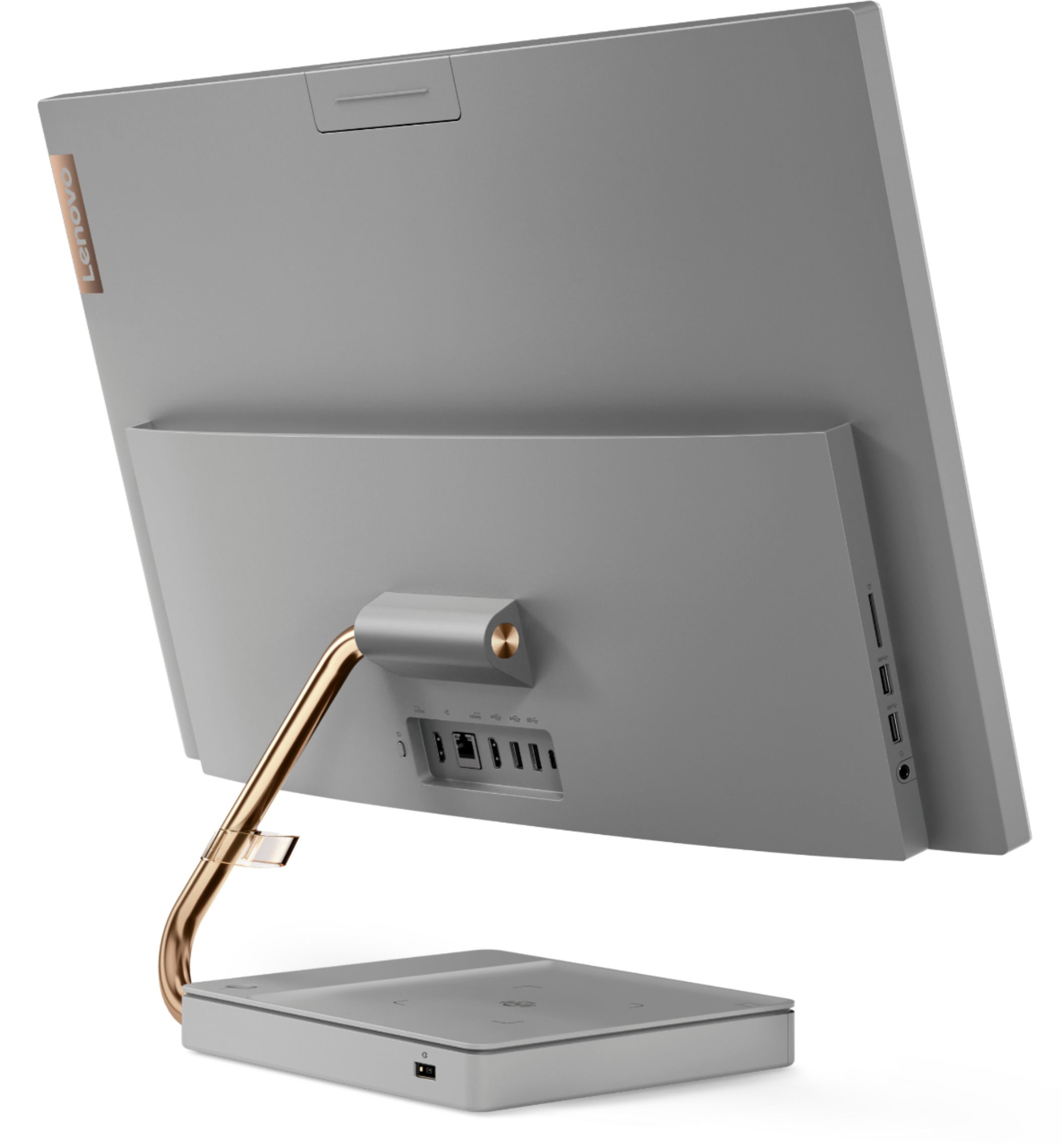
Posted .Thank you for choosing the Lenovo IdeaCentre A540-27 All-In-One system, model number F0EK007HUS. Taking its cue from nature, the stylish IdeaCentre A540 is inspired by the cypress tree: perfectly balanced and durable. Sacrificing nothing on performance, this all-in-one PC is an attractive addition to your home or office. With up to 93-percent screen-to-body ratio and thin, narrow bezels, the A540 minimizes visual distractions and gives you more to enjoy than a regular 27-inch display. To enhance your viewing experience even further, the A540 ships with QHD 2560 x 1440 resolution.
Crackling sound coming from speaker.
||Posted . Owned for 2 months when reviewed.This reviewer received promo considerations or sweepstakes entry for writing a review.Once a day I will have to restart my computer because the we speaker makes a crackling sound when I'm playing any videos or do audio. I made an appointment with geek squad and they suggested that I buy separate speakers. I told the gentleman that that does not fix the problem and that I have geek squad protection for 3 years. He didn't seem to care. I bought this computer in November and the area that is supposed to charge cell phones doesn't even work.
No, I would not recommend this to a friendBrand response from Lenovo Product Expert
Posted .We are sorry to hear that you are having issues with the speakers within your Lenovo IdeaCentre A540 27 All-In-Once System. Check to be sure you have the latest version of Windows 10 on the computer. Then update all BIOS files and drivers up to that latest version of Windows 10. You can easily accomplish this by scanning the computer with the Lenovo Utility software available on this computer. This system has Lenovo utilities installed to help maintain the health of the device and keep the operating system software up to date. Type "Lenovo Vantage" in the Cortana Search window (if Lenovo Vantage is not installed on your device, you can download the APP and install it now). Select Lenovo Vantage from the list. In the window that opens, click on "Health and Support". In the expanded menu, select "Hardware Scan" In the window that opens, select "Run Quick Tests". This will scan your entire system for errors. Follow any directions that may pop up. If the problem continues after this scan, now click on "System Update". First select Windows update from the menu. Scan your system to be sure you have the latest version of Windows 10. Once that scan is complete, select "Additional Updates". This will scan your device to be sure there are no new BIOS/Driver updates needed. Follow any instructions that may pop up. If the issue still continues after these updates, we recommend you call Lenovo Tech Support at: 877-453-6686 for additional help.
new compter
||Posted . Owned for 1 week when reviewed.This reviewer received promo considerations or sweepstakes entry for writing a review.I am so glad i got a desktop. Absolutely love it!
I would recommend this to a friendBrand response from Lenovo Product Expert
Posted .Thank you for choosing the Lenovo IdeaCentre A540-27 All-In-One system. We are pleased to hear that the IdeaCentre A540-27 AIO is working out so well for you. Taking its cue from nature, the stylish IdeaCentre A540 is inspired by the cypress tree: perfectly balanced and durable. Sacrificing nothing on performance, this all-in-one PC is an attractive addition to your home or office. With up to 93-percent screen-to-body ratio and thin, narrow bezels, the A540 minimizes visual distractions and gives you more to enjoy than a regular 24-inch display. To enhance your viewing experience even further, the A540 ships with FHD resolution.
Lenovo IdeaCentre review.
||Posted . Owned for 1 year when reviewed.This reviewer received promo considerations or sweepstakes entry for writing a review.Had to return my Lenovo to the factory to replace the display after only 5 months. Not very happy with that!
No, I would not recommend this to a friendPhone Charge Features Do not Work-Disappointed.
||Posted . Owned for 1 month when reviewed.This reviewer received promo considerations or sweepstakes entry for writing a review.Everything else works great except the charging feature doesn’t phones. Charges little to none. Cannot use it.
No, I would not recommend this to a friendBrand response from Lenovo Product Expert
Posted .The wireless phone charger within the base of the Lenovo IdeaCentre A540-27 All-In-One System, model number F0EK007HUS, is compatible with Qi Wireless Charging Format. Be sure your phone is also compatible with Qi Wireless Charging. If your phone is, but the phone does not charge on the base of the IdeaCentre A540-27 AIO, move the phone around on the base. Align the icon on the base of the computer with the center of the back of the phone, then reposition the phone until you get a good charging connection. If the issue continues with your compatible phone not charging, we recommend you contact Lenovo Tech Support at: 866-426-0911.
Lenovo A540
||Posted . Owned for 4 months when reviewed.This reviewer received promo considerations or sweepstakes entry for writing a review.I didn't like how the keyboard worked and it seems to be the same speed as my other computer
No, I would not recommend this to a friendBrand response from Lenovo Product Expert
Posted .This Lenovo IdeaCentre A540 27 All-In-One System, ships with a Premium Wireless keyboard, Grey, English Version and a Premium Wireless Mouse, Grey. This model configuration is powered by the 6-Core/6-Thread Intel Core i5-9400T Processor, which is supported by 12GB DDR4-2666MHz RAM.
Beware
||Posted . Owned for 1 month when reviewed.This reviewer received promo considerations or sweepstakes entry for writing a review.Zero stars for the computer messing up after a month, zero stars for Best Buy return and exchange policy and having no help whatsoever. I bought my computer May 17, 2021 from Best Buy after doing my research on PCs. I had a Apple Laptop that finally died after 12 years and needed a new computer for school and work. On June 24th, 2021 my computer was acting erratic like someone was clicking and tapping on everything since it is a touchscreen. This is still continuing as we speak. I called Lenovo technical support and they gave me troubleshooting problems to try to fix the problem but it’s not working since the touchscreen and mouse cursor are clicking on everything. Best Buy policy needs to add 30 days for certain that broken or damaged. If you have Best Buy Rewards it needs to be more days. No one at Best Buy even offer the geek squad to fix it. The computer is not working not based from water damage or any physical damage then it needs to be refunded or exchanged. The guy who helped me out was very helpful he gets 5 stars.
No, I would not recommend this to a friendBrand response from Lenovo Product Expert
Posted .We are sorry to hear that you are having issues with your Lenovo IdeaCentre A540-27 All-In-One system, model number F0EK007HUS. First, be sure any software you installed is compatible with Windows 10. There is no need to install Microsoft Office software. The software is already part of the operating system, you just need to activate the software with a purchased product key. If you have installed a copy of Microsoft Office, this is conflicting with the existing copy on the system and this will slow your system down. If you have installed a 3rd party anti-virus program, be sure that Windows Defender is turned off and that the trial version of McAfee Anti-Virus software is uninstalled. There can only be one anti-virus program on the system. You may need to restore your system to original factory default settings if any of the programming errors have occurred. You can do that by typing "restore" in the Cortana search window. Just click on the magnifying glass icon at the bottom left of your Windows 10 Desktop. Click on "Reset This PC" Then click on "Get Started" and follow the on screen directions to restore to factory defaults. If there is no incompatible software installed but the issues persist, check to be sure you have the latest version of Windows 10 on the computer. Then update all BIOS files and drivers up to that latest version of Windows 10. You can easily accomplish this by scanning the computer with the Lenovo Utility software available on this computer. This system has Lenovo utilities installed to help maintain the health of the device and keep the operating system software up to date. Type "Lenovo Vantage" in the Cortana Search window (if Lenovo Vantage is not installed on your device, you can download the APP and install it now). Select Lenovo Vantage from the list. In the window that opens, click on "Health and Support". In the expanded menu, select "Hardware Scan" In the window that opens, select "Run Quick Tests". This will scan your entire system for errors. Follow any directions that may pop up. If the problem continues after this scan, now click on "System Update". First select Windows update from the menu. Scan your system to be sure you have the latest version of Windows 10. Once that scan is complete, select "Additional Updates". This will scan your device to be sure there are no new BIOS/Driver updates needed. Follow any instructions that may pop up. If after updating the Operating Software the issue continues, resetting the computer back to original factory setting may clear the issue you are having. Here is a link to instructions for doing this within Windows 10: https://support.microsoft.com/en-us/windows/recovery-options-in-windows-31ce2444-7de3-818c-d626-e3b5a3024da5#ID0EDD=Windows_10. If because of the screen image issue you are unable to operate the computer to do these troubleshooting steps, you can shut down the computer completely. Now boot the computer by pressing the power button. Before Windows 10 loads, repeatedly tap the F2 Key until you see the Lenovo One Key Recovery Screen. Here you can reset the computer back to original settings by following the on-screen instructions. If the issue continues, we recommend you contact Lenovo Tech Support for additional help at: 866-426-0911.
No manual
||Posted . Owned for 1 month when reviewed.This reviewer received promo considerations or sweepstakes entry for writing a review.Can't really review except to say why does Lenovo not include a manual? $1100.00 and too cheap to include?
I would recommend this to a friendBrand response from Lenovo Product Expert
Posted .The heart of the Lenovo IdeaCentre A540-27 All-In-One system is the Windows 10 Operating System. To learn your way around Windows 10, you may want to try YouTube.com (just type that address in your browser address window). There are hundreds for free instructional videos there about Windows 10. Just type Windows 10 Introduction in to the YouTube search window. You can watch free videos there that will show you the basics all the way up to tips and tricks videos and they're all free.
Computer
||Posted .This reviewer received promo considerations or sweepstakes entry for writing a review.Did not really care for this computer, it's just not for me. That's why I returned it!!
No, I would not recommend this to a friendComputer
||Posted . Owned for 1 month when reviewed.This reviewer received promo considerations or sweepstakes entry for writing a review.It is hard to get use to. I had a Apple before. A whole different system
I would recommend this to a friendtitle
||Posted . Owned for 1 month when reviewed.This reviewer received promo considerations or sweepstakes entry for writing a review.the USB connections in the back are hard to reach and difficult to insert
I would recommend this to a friendTouch screen went out
||Posted . Owned for 1 year when reviewed.This reviewer received promo considerations or sweepstakes entry for writing a review.The touch screen went out within 6 months. That is my only complaint.
No, I would not recommend this to a friend