Customer Ratings & Reviews
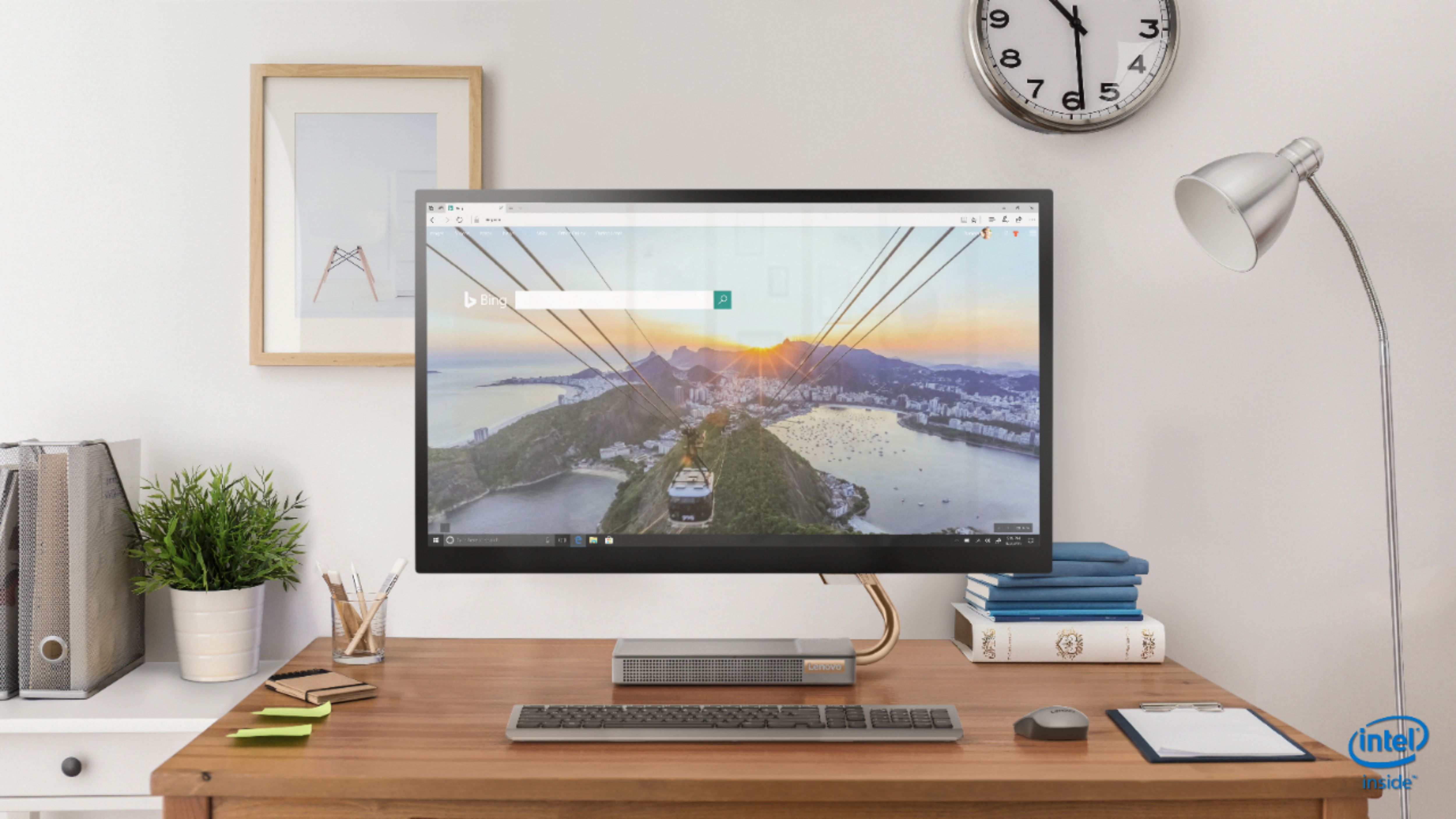
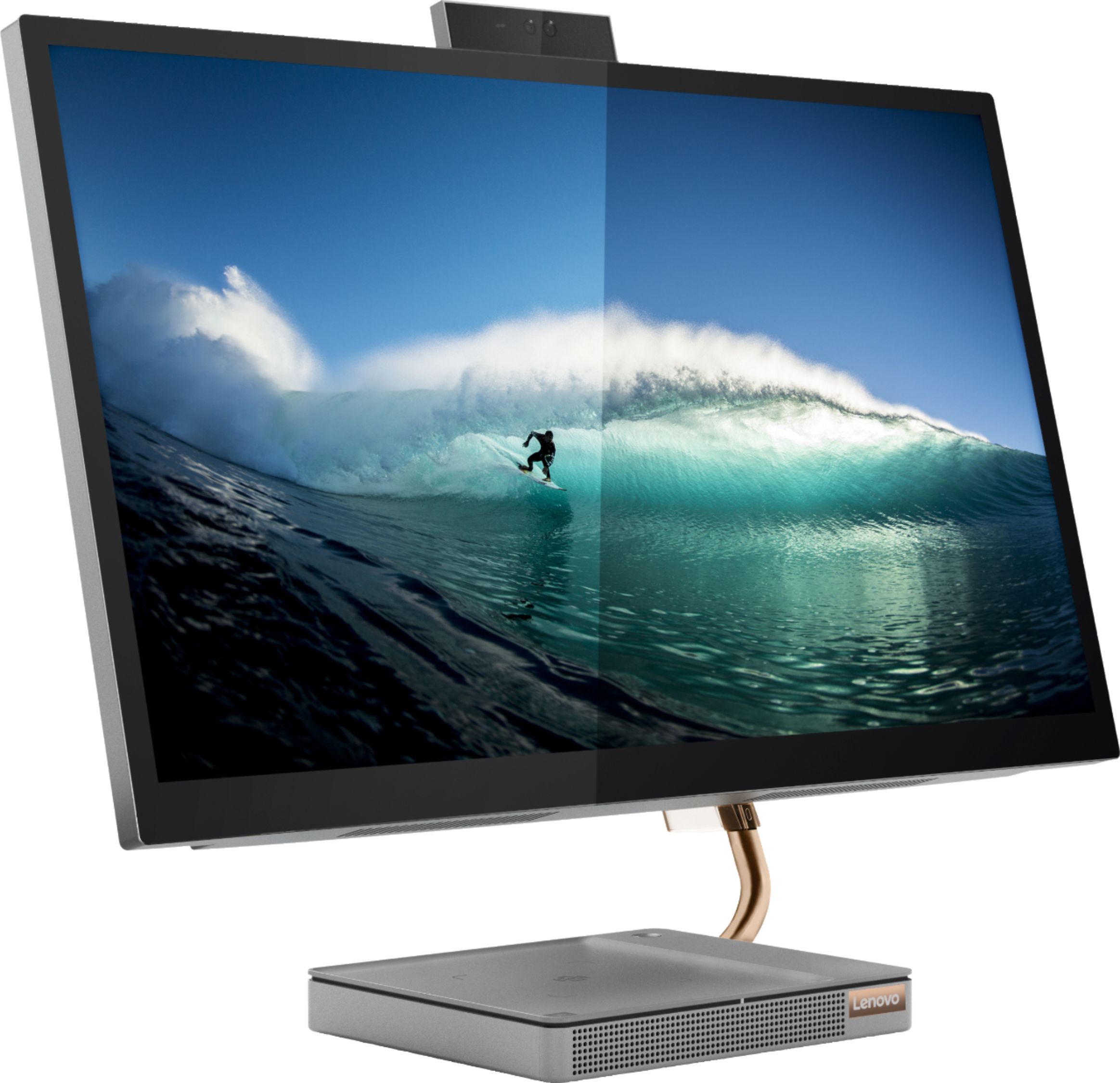
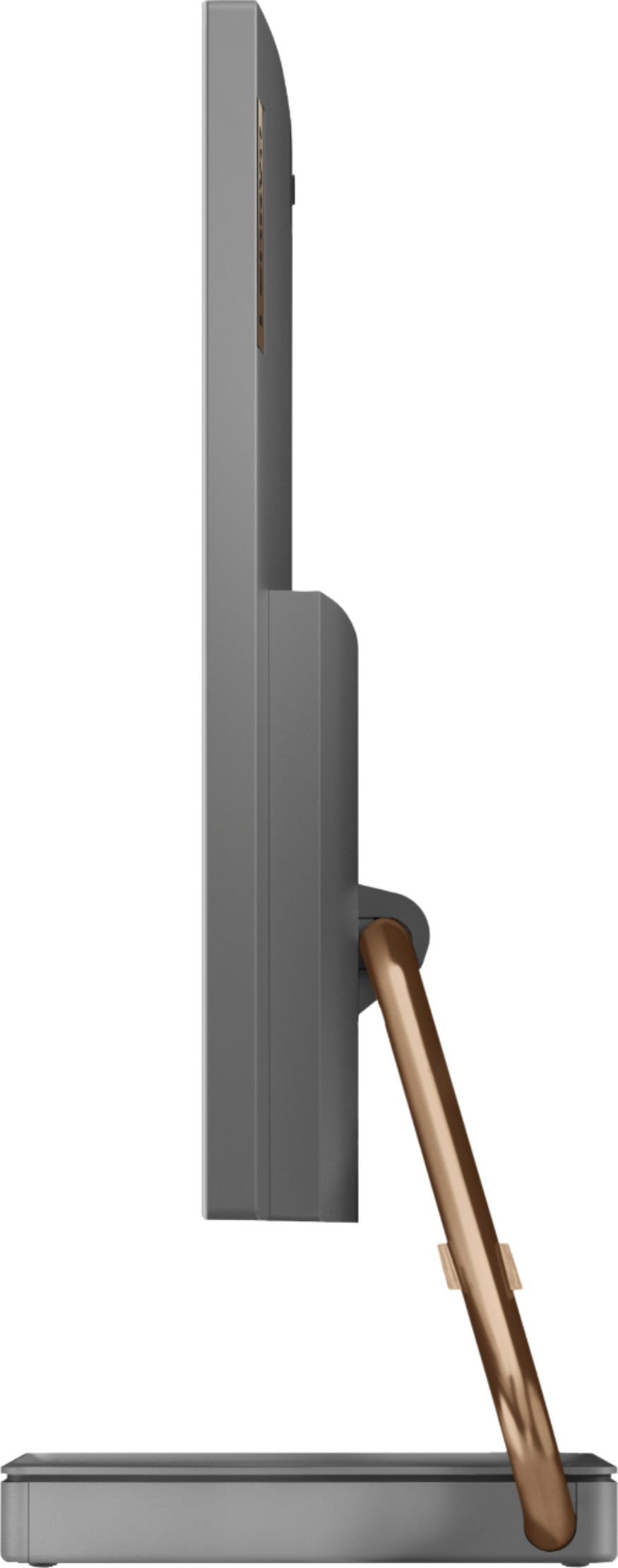
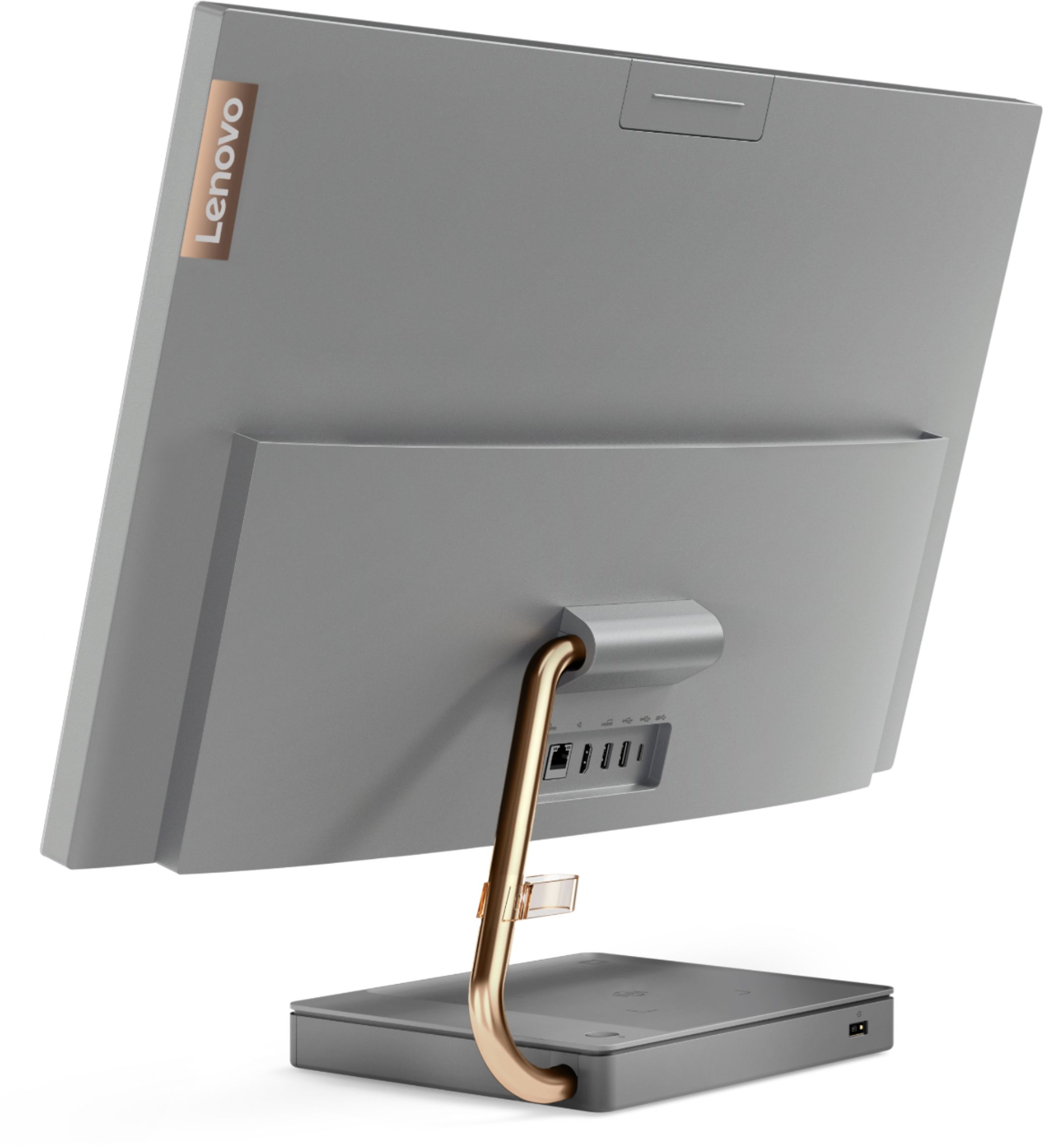
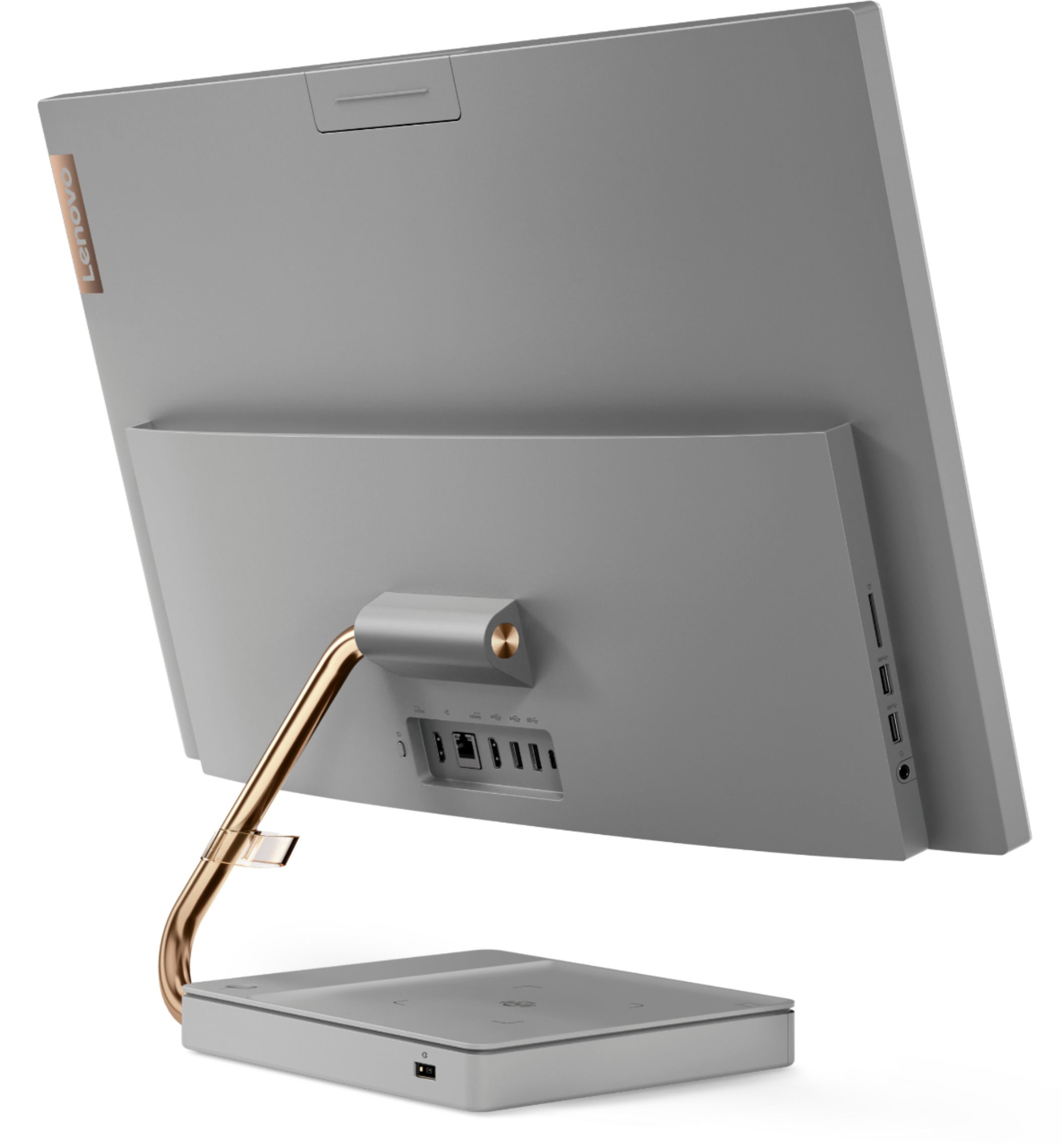

- Model:
- F0EK007HUS
- SKU:
- 6393695
Rating by feature
- Value
Rating 4.3 out of 5 stars
- Quality
Rating 4.4 out of 5 stars
- Ease of Use
Rating 4.5 out of 5 stars
Customers are saying
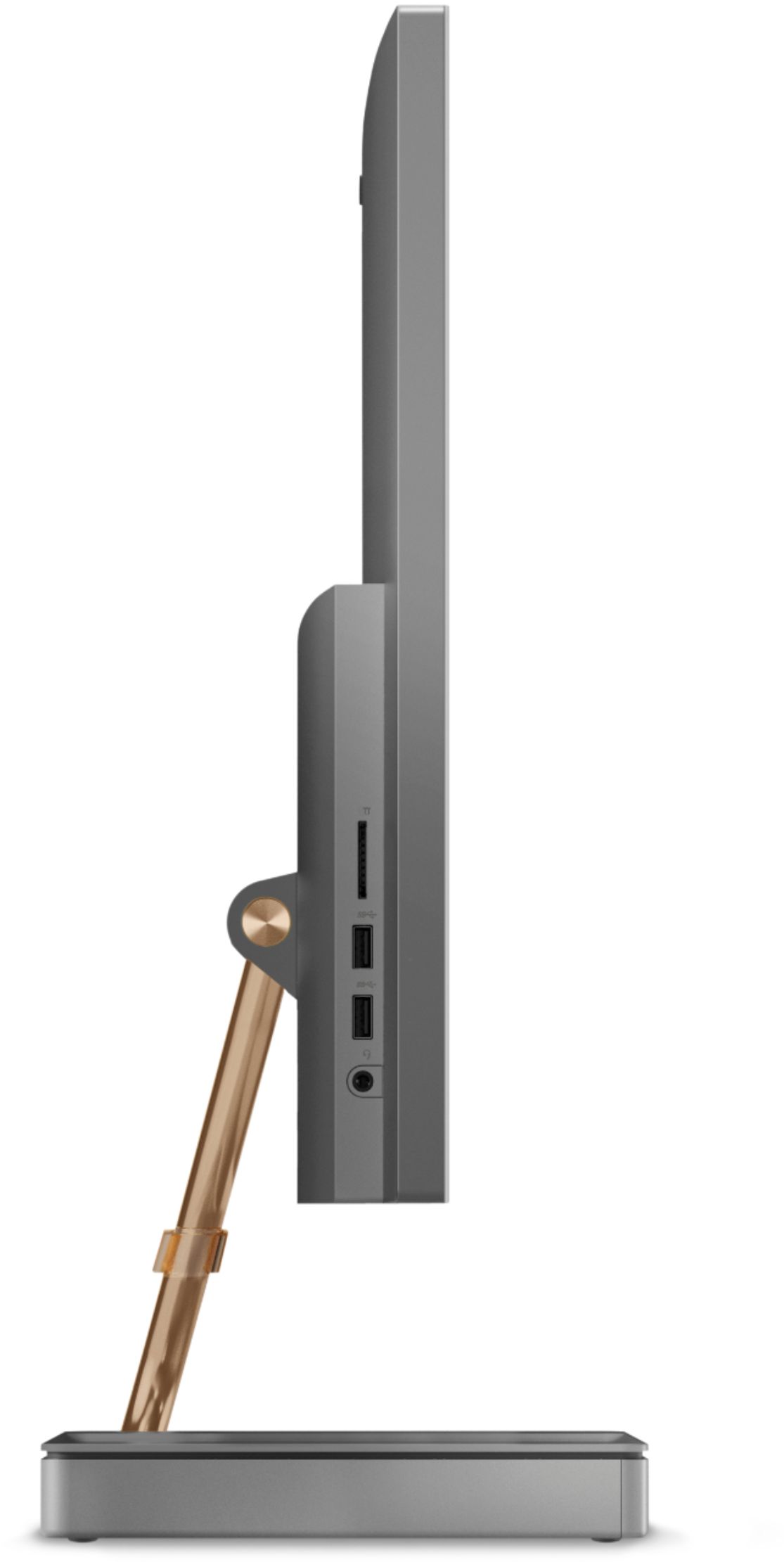
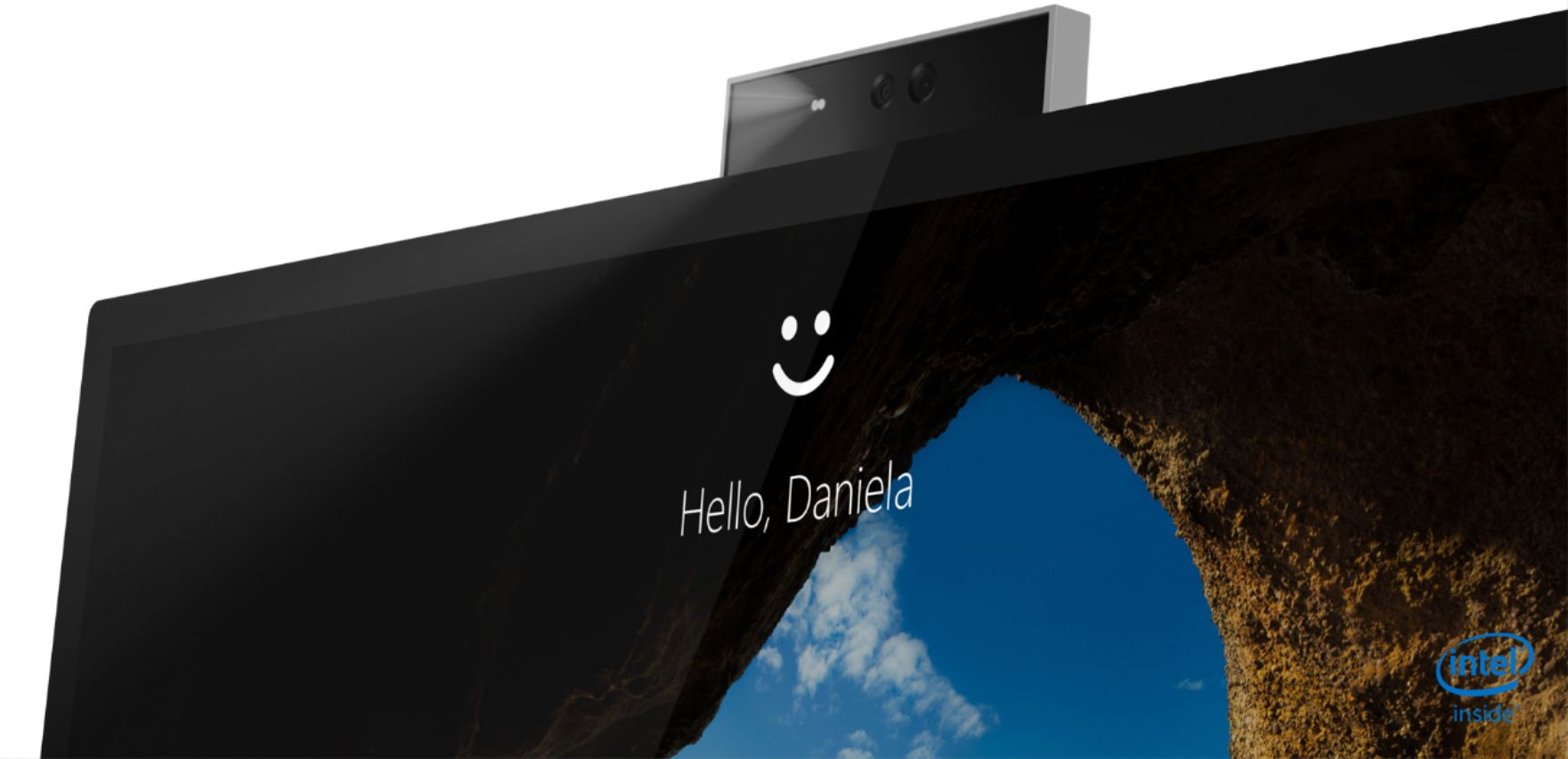
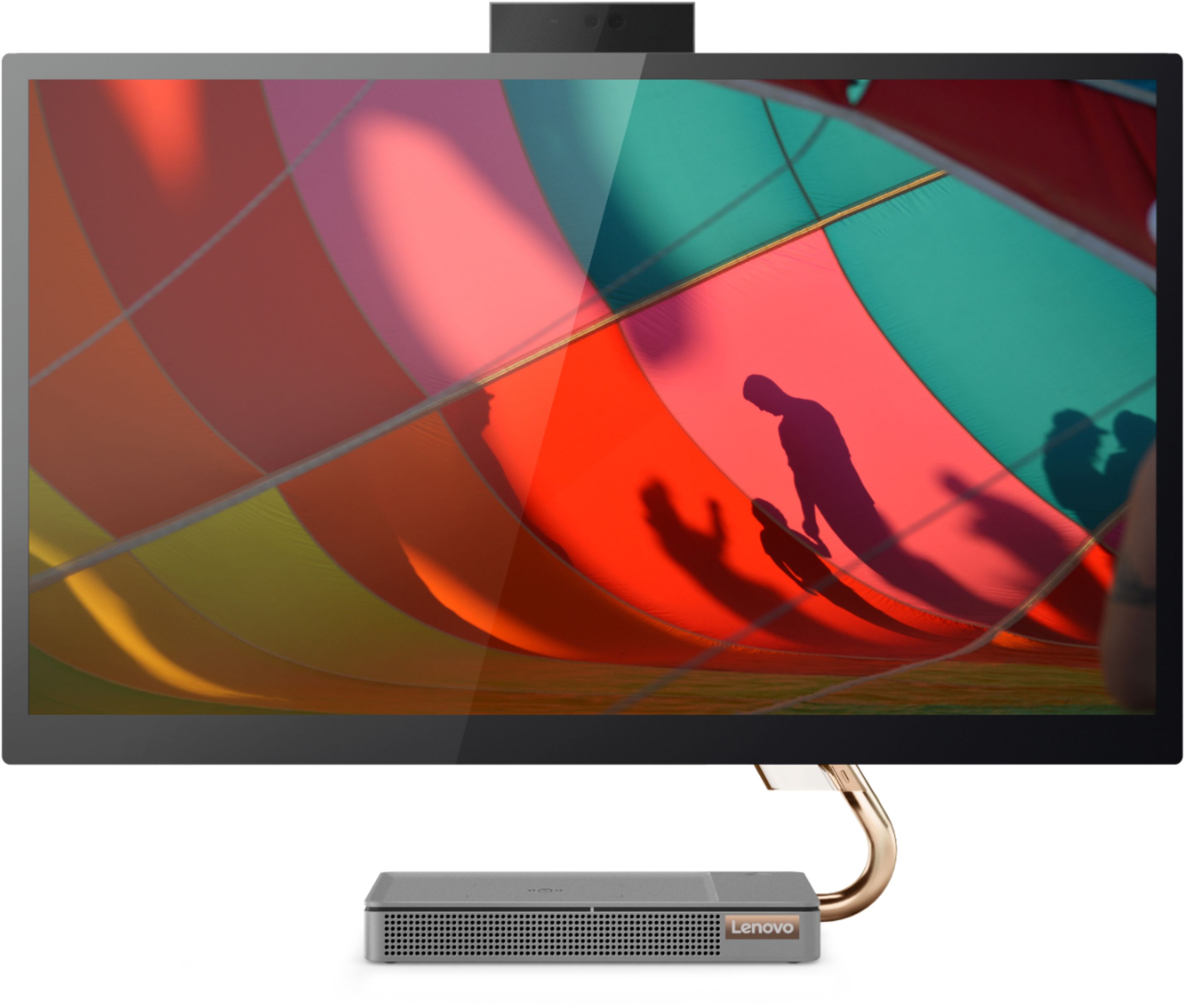
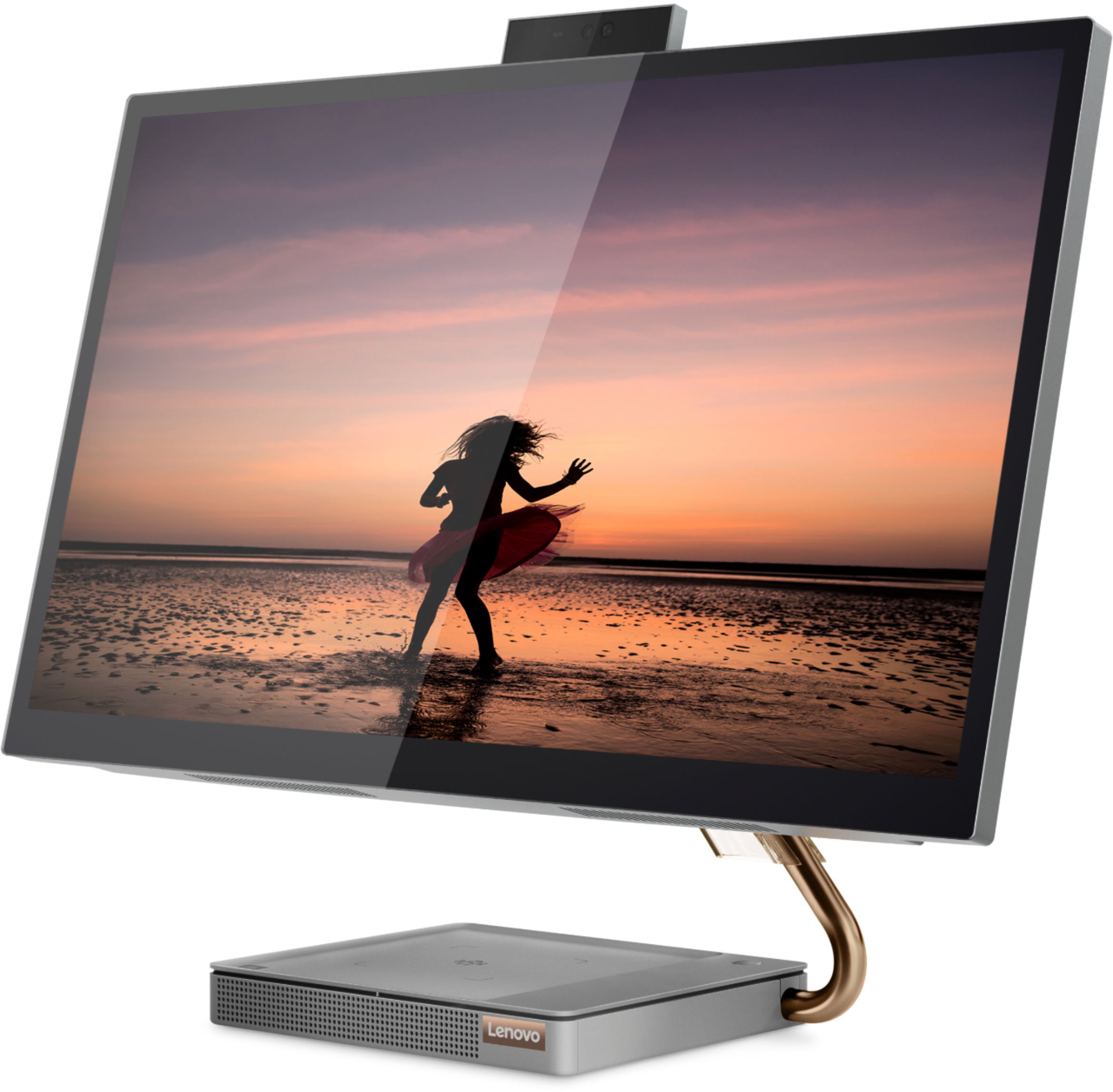
Customers regard the IdeaCentre A540's large screen size and ease of use as significant advantages, frequently praising its sleek design and responsive touchscreen. Positive feedback also highlights the generally good performance and value for the price. However, some users experienced issues with the limited number of USB ports, the quality of the camera, and occasional problems with the mouse and sleep mode functionality.
This summary was generated by AI based on customer reviews.
- Cons mentioned:Mouse
Irreparable bug problem
||Posted . Owned for 9 months when reviewed.This reviewer received promo considerations or sweepstakes entry for writing a review.It looks perfect! But has some bugs that couldn’t be fixed even by Lenovo in Texas service. The mouse move by it self and open and close applications. They tried but problem persist. It’s a disappointment.
No, I would not recommend this to a friend Lenovo All--in- one 27" Desktop
||Posted . Owned for 3 weeks when reviewed.This reviewer received promo considerations or sweepstakes entry for writing a review.I dont know why I even give it a two star this unit had many probkems. ! Volume control did not work. 2 Would not charge IPhone. 3. Monitor would shout down and only way to get computer back on was to unplug it and start over. 4. For Lenovo sake I hope this was the only bad one in a batch.
No, I would not recommend this to a friendBrand response from Lenovo Product Expert
Posted .We are sorry to hear that you are having issues with your Lenovo IdeaCentre A540-27 All-In-One system. We recommend you contact Lenovo Tech Support for additional help at: 866-426-0911.

- Pros mentioned:Performance
Lasted less than 6 months
||Posted . Owned for 1 year when reviewed.This reviewer received promo considerations or sweepstakes entry for writing a review.This computer lasted less than 6 months and then had the blue screen of death. Could never get it to work again. Waste of money. The computer was good when it lasted.
No, I would not recommend this to a friend Do NOT buy this machine.
||Posted . Owned for 1 year when reviewed.This reviewer received promo considerations or sweepstakes entry for writing a review.Do not buy this machine! There is a well documented issue with this machine locking up daily! There is a lengthy thread here that discusses the problem and Lenovo is unwilling to acknowledge or deal with it. Here's the thread of ither's that have experienced the same issue: https://forums.lenovo.com/t5/Lenovo-All-In-One-AIO-Desktops/AIO-5-27IMB05-randomly-locks-up/m-p/5054927?page=5
No, I would not recommend this to a friendBrand response from Lenovo Product Expert
Posted .We are sorry to hear that you are having issues with your Lenovo IdeaCentre A540-27 All-In-One system, model number F0EK007HUS. First, be sure any software you installed is compatible with Windows 10. There is no need to install Microsoft Office software. The software is already part of the operating system, you just need to activate the software with a purchased product key. If you have installed a copy of Microsoft Office, this is conflicting with the existing copy on the system and this will slow your system down. If you have installed a 3rd party anti-virus program, be sure that Windows Defender is turned off and that the trial version of McAfee Anti-Virus software is uninstalled. There can only be one anti-virus program on the system. You may need to restore your system to original factory default settings if any of the programming errors have occurred. You can do that by typing "restore" in the Cortana search window. Just click on the magnifying glass icon at the bottom left of your Windows 10 Desktop. Click on "Reset This PC" Then click on "Get Started" and follow the on screen directions to restore to factory defaults. If the problem persists, we recommend you contact Lenovo Tech Support at: 877-453-6686.
Touchscrem
||Posted . Owned for 1 month when reviewed.This reviewer received promo considerations or sweepstakes entry for writing a review.We have problem with touchscreem,sometime not works
No, I would not recommend this to a friendBrand response from Lenovo Product Expert
Posted .We are sorry to hear that you are having issues with the touchscreen on your Lenovo IdeaCentre A540-27 All-In-One system. Be sure you have the latest version of Windows 10 on the computer. Then update all BIOS files and drivers up to that latest version of Windows 10. You can easily accomplish this by scanning the computer with the Lenovo Utility software available on this computer. This system has Lenovo utilities installed to help maintain the health of the device and keep the operating system software up to date. Type "Lenovo Vantage" in the Cortana Search window (if Lenovo Vantage is not installed on your device, you can download the APP and install it now). Select Lenovo Vantage from the list. In the window that opens, click on "Health and Support". In the expanded menu, select "Hardware Scan" In the window that opens, select "Run Quick Tests". This will scan your entire system for errors. Follow any directions that may pop up. If the problem continues after this scan, now click on "System Update". First select Windows update from the menu. Scan your system to be sure you have the latest version of Windows 10. Once that scan is complete, select "Additional Updates". This will scan your device to be sure there are no new BIOS/Driver updates needed. Follow any instructions that may pop up. If the issue still continues after these updates, we recommend you call Lenovo Tech Support at: 877-453-6686 for additional help.
- Cons mentioned:Fan noise
Leveno
||Posted . Owned for 3 weeks when reviewed.This reviewer received promo considerations or sweepstakes entry for writing a review.The first day the fan made a loud noise. The second day I received a notice of System Fan Failure. Returned the item for a Dell.
No, I would not recommend this to a friendBrand response from Lenovo Product Expert
Posted .We are sorry to hear that you had issues with the internal fan of your Lenovo IdeaCentre A540 27 All-In-One system. If you are overclocking revert back to original settings. Restart the computer. If the error message occurs again, we recommend you contact Lenovo Tech Support for additional help at: 877-453-6686.
- Pros mentioned:Design
Disappointing
||Posted . Owned for 3 months when reviewed.This reviewer received promo considerations or sweepstakes entry for writing a review.Beautiful, sleek design. Crapped out within the first week. Digital signal error. Very disappointing.
No, I would not recommend this to a friendBrand response from Lenovo Product Expert
Posted .We are sorry to hear that you are having issues with your Lenovo IdeaCentre A540-27 All-In-One system. Regarding a digital error message, Be sure any software you installed is compatible with Windows 10. There is no need to install Microsoft Office software. The software is already part of the operating system, you just need to activate the software with a purchased product key. If you have installed a copy of Microsoft Office, this is conflicting with the existing copy on the system and this will slow your system down. If you have installed a 3rd party anti-virus program, be sure that Windows Defender is turned off and that the trial version of McAfee Anti-Virus software is uninstalled. There can only be one anti-virus program on the system. You may need to restore your system to original factory default settings if any of the programming errors have occurred. You can do that by typing "restore" in the Cortana search window. Just click on the magnifying glass icon at the bottom left of your Windows 10 Desktop. Click on "Reset This PC" Then click on "Get Started" and follow the on screen directions to restore to factory defaults. If you can no longer boot the computer, Ensure that your computer is connected to ac power during the recovery process.
The Windows recovery environment on your computer operates independently from the Windows 10 operating system. It enables you to recover or repair the operating system even if the Windows 10 operating system fails to start.
After two consecutive failed boot attempts, the Windows recovery environment starts automatically. Then, you can choose repair and recovery options by following the on-screen instructions. Here is a link to more Windows 10 Recovery options:
https://support.microsoft.com/en-us/help/12415/windows-10-recovery-options. If the problem persists, we recommend you contact Lenovo Tech Support at: 877-453-6686.
Not recommended all-in-one
||Posted . Owned for 7 months when reviewed.This reviewer received promo considerations or sweepstakes entry for writing a review.This all-in-one PC has a screen defect that service cannot repair, We got refund only for the money we purchased and not replaced.
No, I would not recommend this to a friendTerrible phone system. Canceled appointment
||Posted .This reviewer received promo considerations or sweepstakes entry for writing a review.I was supposed to have my set up today. I thought my appointment was between 7 to 9. When I called the person on the phone said it was actually 11 to 1. I tried calling. 8 to 10 minute wait after going through the stupid system so I ended the call. When I called the last time apparently there was an alert on my appointment. The appoint was canceled but I was not informed. What a waste of my time. So I have no idea if the computer is working.
No, I would not recommend this to a friendDesk top review
||Posted . Owned for 9 months when reviewed.This reviewer received promo considerations or sweepstakes entry for writing a review.We haven’t even had this computer for a year and it keeps shutting down in the middle of doing things. I do a lot of stuff with stocks and this is very inconvenient.
No, I would not recommend this to a friendBrand response from Lenovo Product Expert
Posted .We are sorry to hear that you are having issues with your Lenovo IdeaCentre A540-27 All-in-One system. First, Be sure any software you installed is compatible with Windows 10. There is no need to install Microsoft Office software. The software is already part of the operating system, you just need to activate the software with a purchased product key. If you have installed a copy of Microsoft Office, this is conflicting with the existing copy on the system and this will slow your system down. If you have installed a 3rd party anti-virus program, be sure that Windows Defender is turned off and that the trial version of McAfee Anti-Virus software is uninstalled. There can only be one anti-virus program on the system. You may need to restore your system to original factory default settings if any of the programming errors have occurred. You can do that by typing "restore" in the Cortana search window. Just click on the magnifying glass icon at the bottom left of your Windows 10 Desktop. Click on "Reset This PC" Then click on "Get Started" and follow the on screen directions to restore to factory defaults. If the problem persists, we recommend you contact Lenovo Tech Support at: 877-453-6686.
Do not buy this product. It is has a defect
||Posted . Owned for 1 week when reviewed.This reviewer received promo considerations or sweepstakes entry for writing a review.I bought one and after 1 week it started to hang over night. I exchanged it and after 1 week it started to hand ove rnight. Lenovo knows about it and there is no fix as of yet. I'm not sure why Best Buy is still selling these. Re:Lenovo A540 All In One screen goes black overnight after about 1 week https://forums.lenovo.com/topic/findpost/1286/5066773/5262183
No, I would not recommend this to a friendBrand response from Lenovo Product Expert
Posted .We are sorry to hear that you are having issues with your Lenovo IdeaCentre A540-27 All-In-One system, model number F0EK007HUS. Try pushing the power button for approximately 1-second to wake the IdeaCentre A540-27 AIO from Sleep Mode. Here is a link to a YouTube video with instructions for changing your Wake From Sleep settings within Windows 10: https://www.youtube.com/watch?v=NMJ_H7i-Rwc
Horrible Sound
||Posted . Owned for 4 months when reviewed.This reviewer received promo considerations or sweepstakes entry for writing a review.Lenovo or Best buy I would love to hear from you. I like the computer but the sound out of the box is horrendous. I would return it if I hadn't already loaded my work applications on it. It's sad they advertise the Hamon Kardon as a premium now I can't find this language on the site. hmmm... Is this a joke?---------------- Subwoofer included Adds deep bass to your audio experience. Creates rich, detailed sound for your music, movies and games.
No, I would not recommend this to a friendBrand response from Lenovo Product Expert
Posted .The Lenovo - IdeaCentre A540-27ICB model number F0EK007HUS, ships with stereo 3W system speakers and an Omni-Directional 5W subwoofer in the base. If you are getting less than expected audio performance, we recommend you contact Lenovo Tech Support for additional help at: 877-453-6686.
Bad products
||Posted . Owned for less than 1 week when reviewed.This reviewer received promo considerations or sweepstakes entry for writing a review.Worked for 45 minutes, long enough to install McAfee anti virus, then shut down. Finally walked away, tried again an hour later, worked for 45 minutes. Took it back and got another one, Best Buy does not check it out as they were not willing to check it out. Told me to never trust ANYTHING from Best Buy again, impression i left with as no quality control exists with Best Buy.
No, I would not recommend this to a friendBrand response from Lenovo Product Expert
Posted .There is a 30-day trial of McAffee Virus protection software already installed on this computer. There is no need to install additional McAfee Software. To keep the 30-trial software active after the 30-day period, you will need to purchase a subscription to McAfee VPS, then enter the Product Key within the 30-day Trial Version software. No additional McAfee software needs to be installed. Here is a link to instructions for activating your purchased subscription to McAfee VPS: https://www.mcafee.com/en-us/consumer-support/activate-product-key.html
not what I thought I was getting
||Posted . Owned for 3 weeks when reviewed.This reviewer received promo considerations or sweepstakes entry for writing a review.It is not what I expected it to be. 12gb memory should be enough to run a small computer game without flickering!
No, I would not recommend this to a friendBrand response from Lenovo Product Expert
Posted .We always recommend you check the requirements and compatibility of any software/games you will be installing on your new computer, before you invest in any computer. Be sure your new computer can support the software/games you will need to use.
Not at all worth the price I paid
||Posted . Owned for 7 months when reviewed.This reviewer received promo considerations or sweepstakes entry for writing a review.The touch screen froze after 3 months use then the keyboard and mouse stopped working
No, I would not recommend this to a friendBrand response from Lenovo Product Expert
Posted .We are sorry to hear that you are having issues with your lenovo IdeaCentre A540 27 All-In-One system. We recommend you contact lenovo Tech Support for help with the issues you are having at: 877-453-6686.
Lenovo IdeaCentre Garbage
||Posted . Owned for 1 month when reviewed.This reviewer received promo considerations or sweepstakes entry for writing a review.Worse computer ever...My previous Lenovo all in one lasted 10 years with no issues and I never had to use my Geek Squad Extended Warranty. This new Lenovo IdeaCentre is garbage, a waste of $1049.00. I had to return this product 4 times before I switched to my current iMac Pro 27". I definitely recommend spending the extra money for the IMAC.
No, I would not recommend this to a friendNightmare
||Posted . Owned for 3 weeks when reviewed.This reviewer received promo considerations or sweepstakes entry for writing a review.I’m going to box this Lonovo 27 back up and return it back to Best Buy. Horrible product.
No, I would not recommend this to a friendDisappointed
||Posted . Owned for 1 year when reviewed.This reviewer received promo considerations or sweepstakes entry for writing a review.This computer was used ten times from purchase i tried to galk to Geek squad about it but they acted like they had no time I ask them what function key to use to set back to factory tey did not know will never use them again
No, I would not recommend this to a friendVery Disappointing
||Posted . Owned for 9 months when reviewed.This reviewer received promo considerations or sweepstakes entry for writing a review.Wanted Dell PC, none in stock, then HP, none in stock. #rd choice and didn't work up to expectations. Best Buy was great in exchanging it for an HP that just came into stock
No, I would not recommend this to a friendWorst computer I’ve ever owned.
||Posted . Owned for 1 month when reviewed.This reviewer received promo considerations or sweepstakes entry for writing a review.This computer can’t do any two things at one time. It locks up constantly and the browser has to cleared numerous times throughout the day to keep it running. After paying almost 1200.00 for this computer I ended up buying an HP through Staples. Total junk.
No, I would not recommend this to a friendBrand response from Lenovo Product Expert
Posted .The Lenovo IdeaCentre A540-27 All-In-One system ships with the powerful 6-Core Intel Core i5-9400T processor, with a base speed of 1.8GHz and a Turbo Boost Speed of up to 3.4GHz. This processor is supported by 12GB DDR4-2666MHz RAM and a 256GB M.2 2280 NVMe TLC OPAL solid state hard drive. The Windows 10 Home 64-bit Operating System should not lock up. Be sure any software you installed is compatible with Windows 10. There is no need to install Microsoft Office software. The software is already part of the operating system, you just need to activate the software with a purchased product key. If you have installed a copy of Microsoft Office, this is conflicting with the existing copy on the system and this will slow your system down. If you have installed a 3rd party anti-virus program, be sure that Windows Defender is turned off and that the trial version of McAfee Anti-Virus software is uninstalled. There can only be one anti-virus program on the system. You may need to restore your system to original factory default settings if any of the programming errors have occurred. You can do that by typing "restore" in the Cortana search window. Just click on the magnifying glass icon at the bottom left of your Windows 10 Desktop. Click on "Reset This PC" Then click on "Get Started" and follow the on screen directions to restore to factory defaults. If the problem persists, we recommend you contact Lenovo Tech Support at: 877-453-6686.