Customer Ratings & Reviews
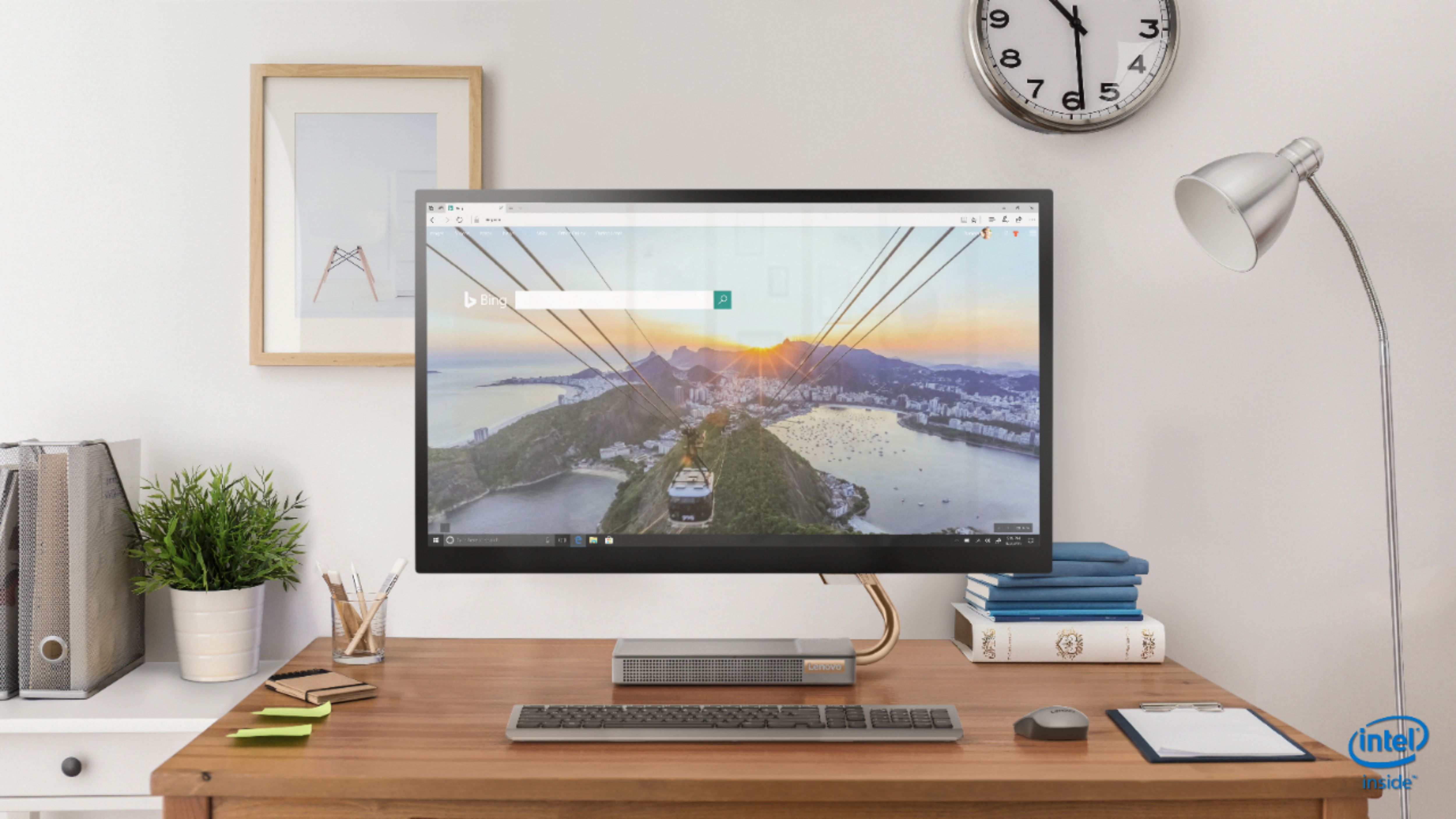
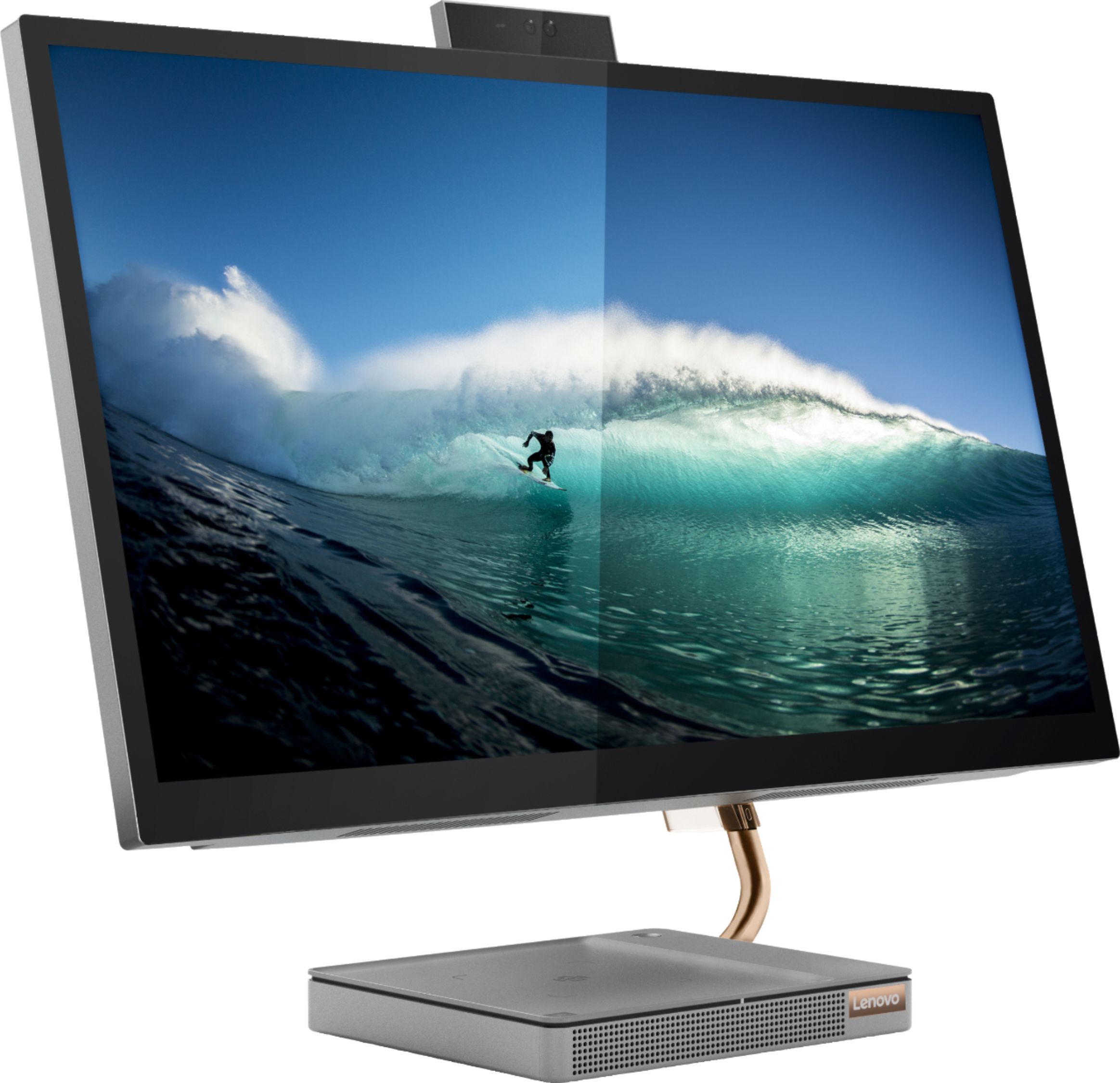
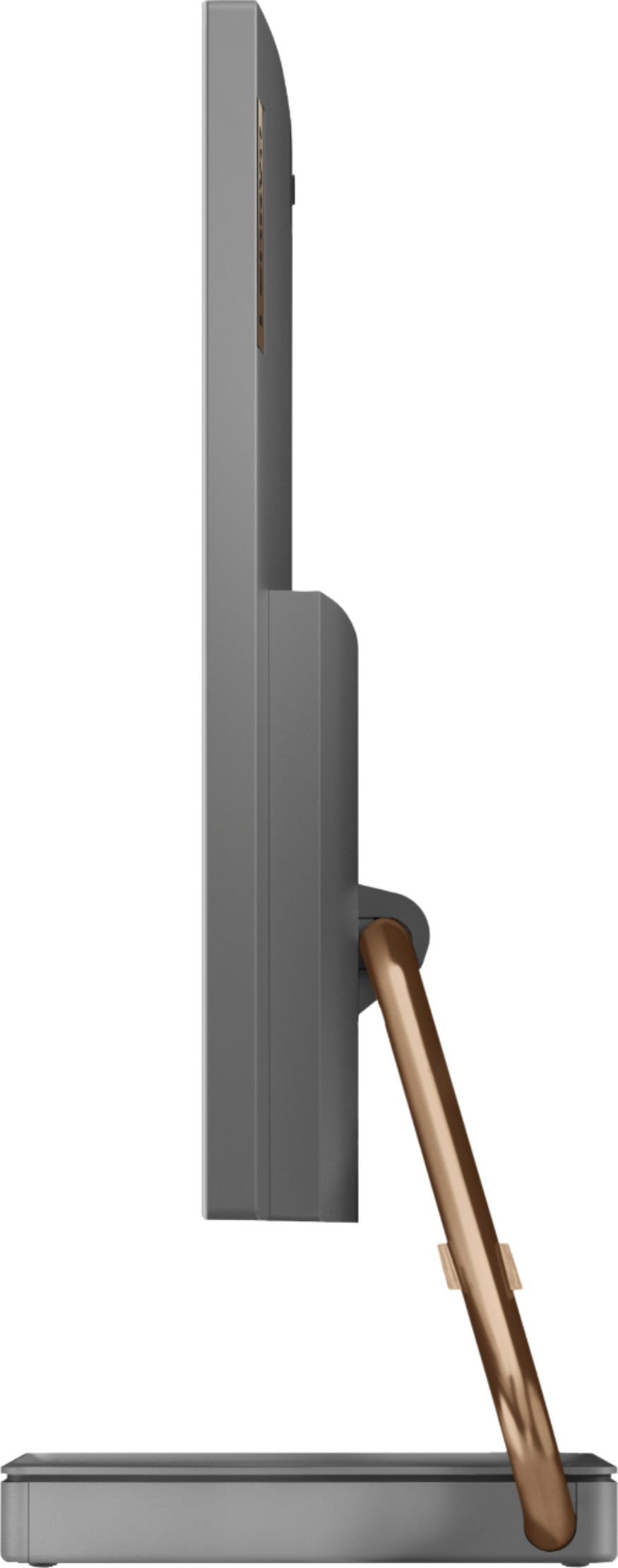
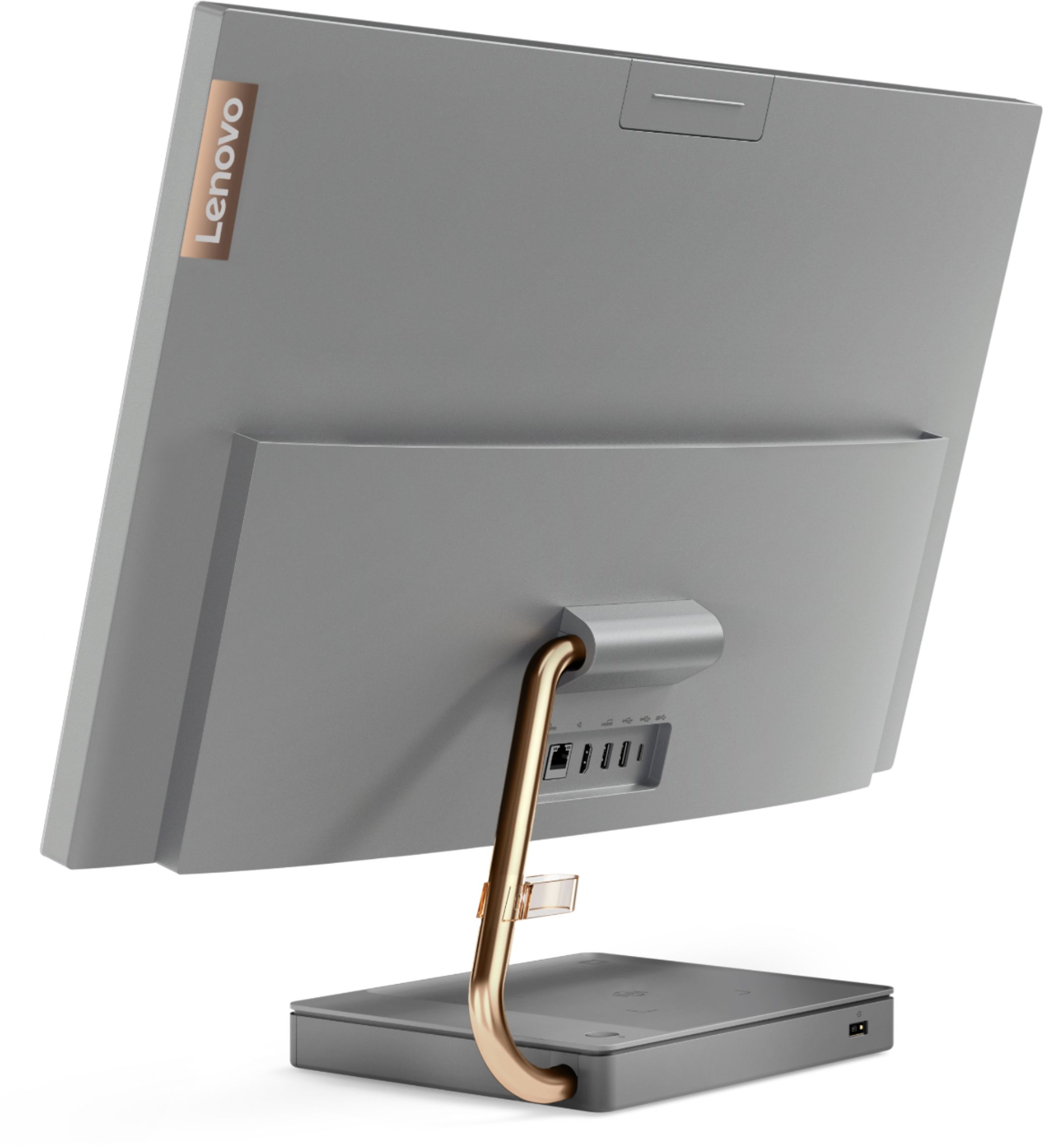

- Model:
- F0EK007HUS
- SKU:
- 6393695
Rating by feature
- Value
Rating 4.3 out of 5 stars
- Quality
Rating 4.4 out of 5 stars
- Ease of Use
Rating 4.5 out of 5 stars
Customers are saying
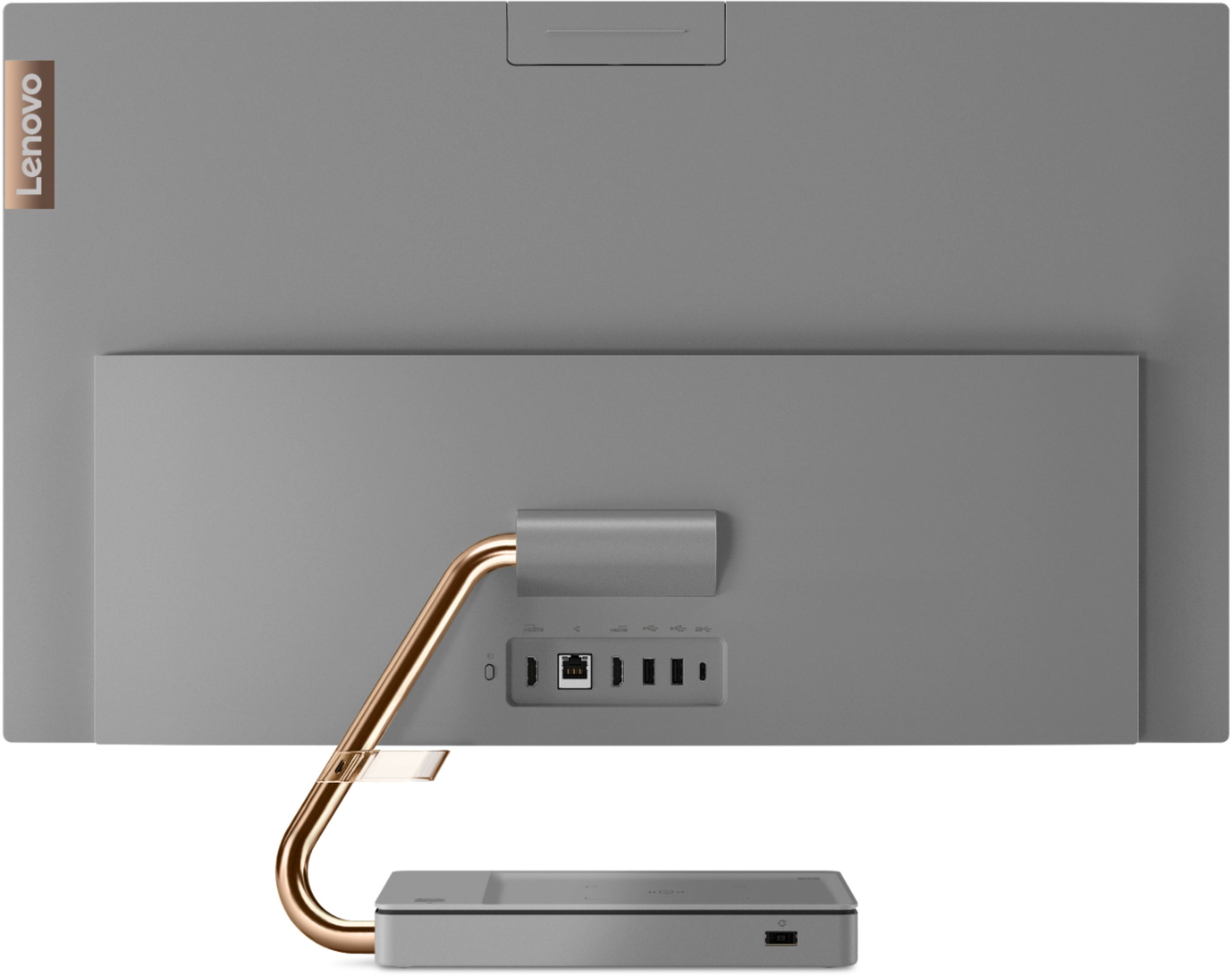
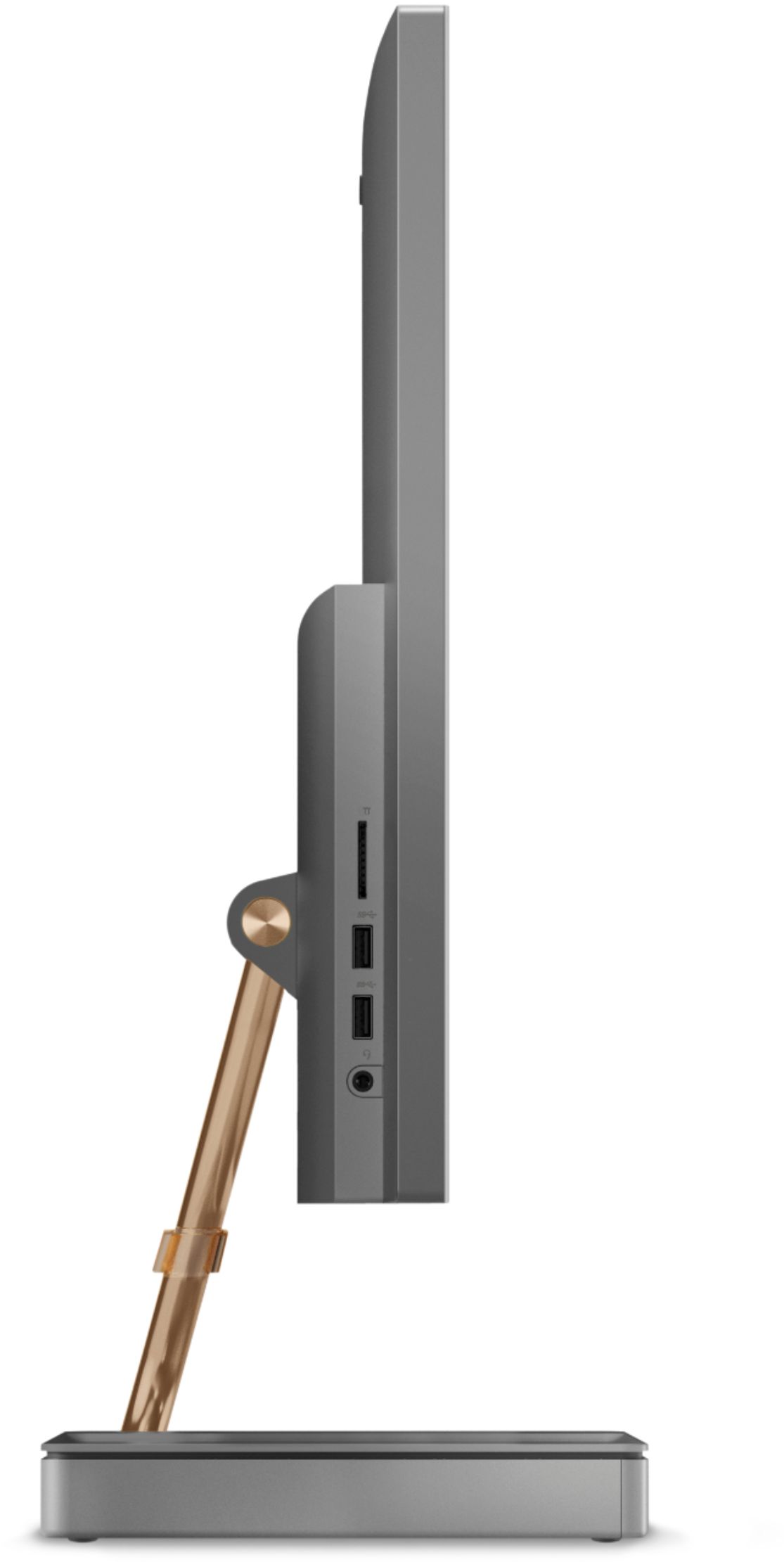
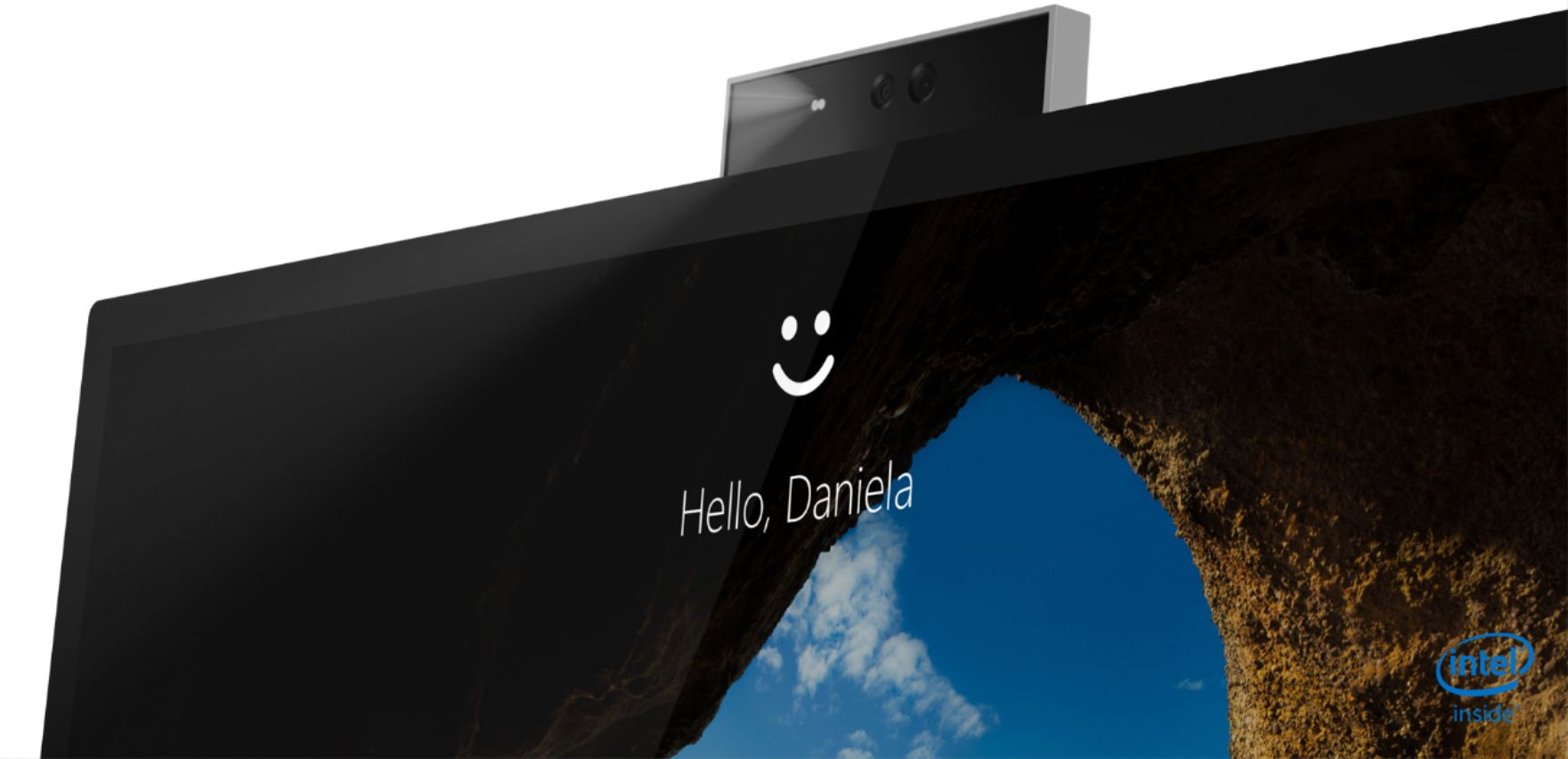
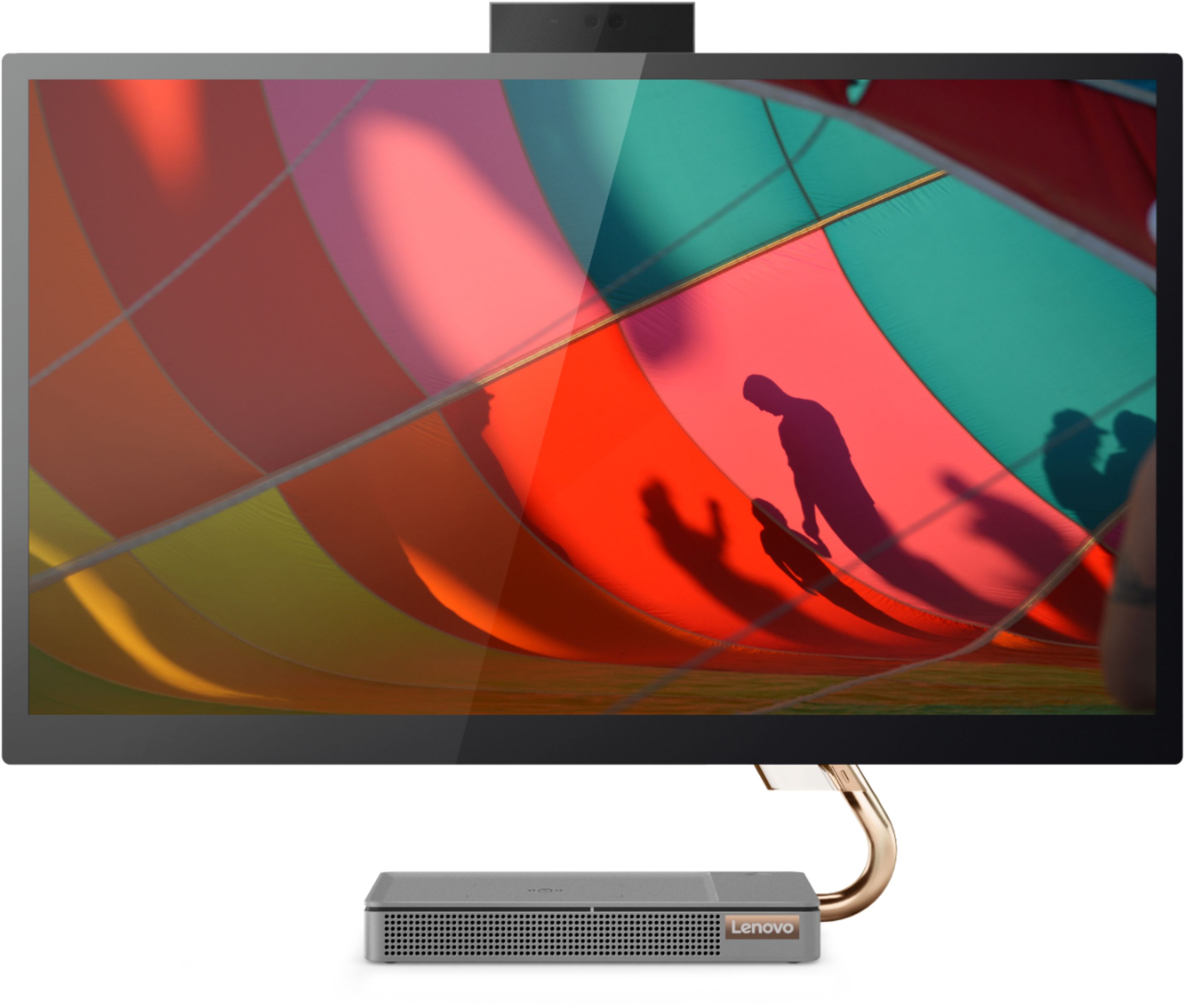
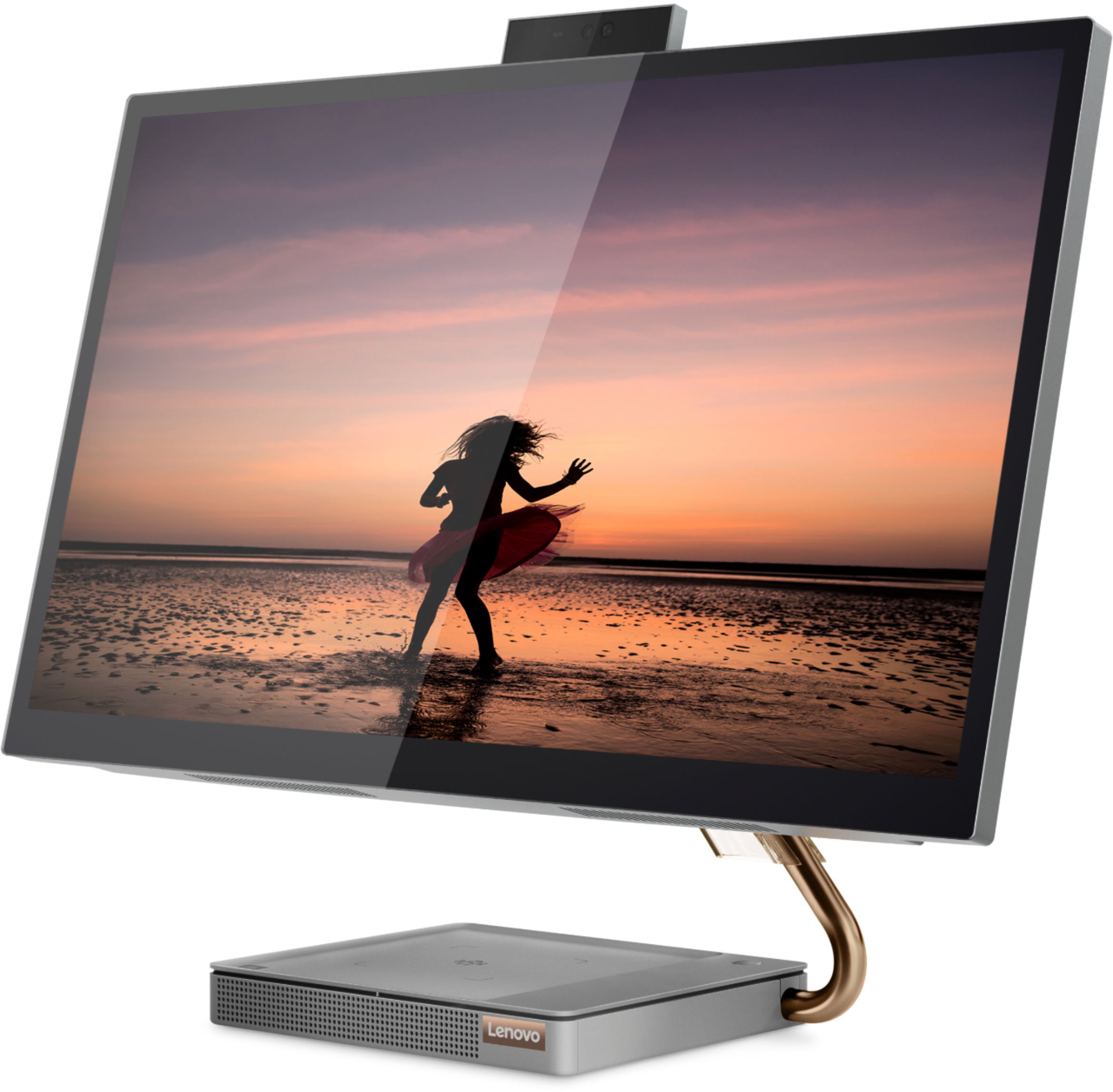
Customers regard the IdeaCentre A540's large screen size and ease of use as significant advantages, frequently praising its sleek design and responsive touchscreen. Positive feedback also highlights the generally good performance and value for the price. However, some users experienced issues with the limited number of USB ports, the quality of the camera, and occasional problems with the mouse and sleep mode functionality.
This summary was generated by AI based on customer reviews.
Be careful of open box
||Posted . Owned for 1 month when reviewed.This reviewer received promo considerations or sweepstakes entry for writing a review.Item returned. This was open box, I was assured it had been thoroughly checked, but... When the Geek Squad came to install, it was found that it was in fact NOT working.
No, I would not recommend this to a friendTouch screen defect etc.
||Posted . Owned for 8 months when reviewed.This reviewer received promo considerations or sweepstakes entry for writing a review.Touch screen does not work after 8 months. I did not use for 1 month, now the touch screen is not working and it is hard to operate with curser not acting properly.
No, I would not recommend this to a friendBrand response from Lenovo Product Expert
Posted .We are sorry to hear that you are having issues with the touch screen feature of your Lenovo IdeaCentre A540 27 All-In-One System, model number F0EK007HUS. This model configuration ships with a 10-point Multi-touch 27 Inch (screen size measured diagonally) IPS - QHD (2560x1440) screen. You can check to see if a recent Windows update has inadvertently disabled the touch screen feature. Here is a link to more information: https://support.microsoft.com/en-us/windows/enable-and-disable-your-touchscreen-in-windows-b774e29d-be94-990f-c20f-e02892e572fc. If the issue continues, we recommend you contact Lenovo Tech Support for additional help at: 866-426-0911.

defective item
||Posted . Owned for 2 weeks when reviewed.This reviewer received promo considerations or sweepstakes entry for writing a review.The product arrived defective and very loud humming noise, have to return it. What happened to my $135 reward certificates? It does not show on my account anymore.
I would recommend this to a friendFirst week trouble
||Posted . Owned for 2 weeks when reviewed.This reviewer received promo considerations or sweepstakes entry for writing a review.First week of use right side of display gets dark, best buy good costumer service replace equipment, new one is Dell inspiron, ever good!!!, My first experience with Lenovo really badly!!
No, I would not recommend this to a frienddont buy
||Posted . Owned for 9 months when reviewed.This reviewer received promo considerations or sweepstakes entry for writing a review.horrible computer! dont waste your money. power cord stopped working and parts are not available for order. even after I purchased a protection plan
No, I would not recommend this to a friendBrand response from Lenovo Product Expert
Posted .We are sorry to hear that you are having issues with the external power supply, AC adapter for your Lenovo IdeaCentre A540 27 All-In-One System. We recommend you contact Lenovo Tech Support for help with your issue at: 877-453-6686.
Touch screen stopped working within 6 months
||Posted . Owned for 5 months when reviewed.This reviewer received promo considerations or sweepstakes entry for writing a review.The touch screen stopped working- the cursor was stuck on the top right of the screen and we couldn't disable it rendering the computer useless.
No, I would not recommend this to a friendBrand response from Lenovo Product Expert
Posted .We are sorry to hear that you are having issues with your Lenovo IdeaCentre A540-27ICB All-In-One system. We recommend you contact Lenovo Tech Support for help resetting your computer back to original factory settings at: 866-426-0911.
Deception...
||Posted . Owned for less than 1 week when reviewed.This reviewer received promo considerations or sweepstakes entry for writing a review.At first, the computer worked excellent. After two days of use, the operating system did not upload. I immediately returned it to the store.
No, I would not recommend this to a friendBrand response from Lenovo Product Expert
Posted .We are sorry to hear that you had issues with the Windows 10 Operating System within your Lenovo IdeaCentre A540-27 All-In-One system. Be sure any software you installed is compatible with Windows 10. There is no need to install Microsoft Office software. The software is already part of the operating system, you just need to activate the software with a purchased product key. If you have installed a copy of Microsoft Office, this is conflicting with the existing copy on the system and this will slow your system down. If you have installed a 3rd party anti-virus program, be sure that Windows Defender is turned off and that the trial version of McAfee Anti-Virus software is uninstalled. There can only be one anti-virus program on the system. You may need to restore your system to original factory default settings if any of the programming errors have occurred. You can do that by typing "restore" in the Cortana search window. Just click on the magnifying glass icon at the bottom left of your Windows 10 Desktop. Click on "Reset This PC" Then click on "Get Started" and follow the on screen directions to restore to factory defaults. If the problem persists, we recommend you contact Lenovo Tech Support at: 877-453-6686.
piece of crap
||Posted . Owned for 3 weeks when reviewed.This reviewer received promo considerations or sweepstakes entry for writing a review.seriously!! was a piece of crap that your local geek squad refused to deal with it so it was returned!! does your records not show this!?????
No, I would not recommend this to a friendLenovo all-in-1
||Posted .This reviewer received promo considerations or sweepstakes entry for writing a review.I am very pleased with the Lenovo A540-271CB27 touch-screen all-in-one intel core i5-12gb memory-256gb ssd in minral gray.
I would recommend this to a friendtouch screen not working
||Posted . Owned for 7 months when reviewed.This reviewer received promo considerations or sweepstakes entry for writing a review.The computer touch screen stopped working after 6 months of light use. Very disappointed.
No, I would not recommend this to a friendBrand response from Lenovo Product Expert
Posted .We are sorry to hear that you are having issues with the touch screen feature of your Lenovo IdeaCentre A540 27 All-In-One System, model number F0EK007HUS. First, check to be sure you have the latest version of Windows 10 on the computer. Then update all BIOS files and drivers up to that latest version of Windows 10, including those BIOS files and drivers controlling the touch screen interface. You can easily accomplish this by scanning the computer with the Lenovo Utility software available on this computer. This system has Lenovo utilities installed to help maintain the health of the device and keep the operating system software up to date. Type "Lenovo Vantage" in the Cortana Search window (if Lenovo Vantage is not installed on your device, you can download the APP and install it now). Select Lenovo Vantage from the list. In the window that opens, click on "Health and Support". In the expanded menu, select "Hardware Scan" In the window that opens, select "Run Quick Tests". This will scan your entire system for errors. Follow any directions that may pop up. If the problem continues after this scan, now click on "System Update". First select Windows update from the menu. Scan your system to be sure you have the latest version of Windows 11. Once that scan is complete, select "Additional Updates". This will scan your device to be sure there are no new BIOS/Driver updates needed. Follow any instructions that may pop up. Here is a link to more information: https://www.makeuseof.com/tag/fix-touchscreen-windows-10/. If the issue continues, we recommend you contact lenovo Tech Support for additional help at: 877-453-6686.
Don’t waste your money
||Posted . Owned for 1 month when reviewed.This reviewer received promo considerations or sweepstakes entry for writing a review.Wireless charger don’t work… there’s always a update and reboot. It’s slow and don’t waste your money
No, I would not recommend this to a friendBrand response from Lenovo Product Expert
Posted .The Lenovo IdeaCentre A540-27 All-In-One system, model number F0EK007HUS, ships with a built in wireless charger within the base of the device, that is compatible with Qi-certified wireless charging devices. Be sure the device you are trying to charge wirelessly is compatible with the Qi-Wireless Charging format. We recommend you check with the device manufacturer's web site for compatibility. If the Window 10 Home 64-bit Operating system is rebooting itself, Be sure any software you installed is compatible with Windows 10. There is no need to install Microsoft Office software. The software is already part of the operating system, you just need to activate the software with a purchased product key. If you have installed a copy of Microsoft Office, this is conflicting with the existing copy on the system and this will slow your system down. If you have installed a 3rd party anti-virus program, be sure that Windows Defender is turned off and that the trial version of McAfee Anti-Virus software is uninstalled. There can only be one anti-virus program on the system. You may need to restore your system to original factory default settings if any of the programming errors have occurred. You can do that by typing "restore" in the Cortana search window. Just click on the magnifying glass icon at the bottom left of your Windows 10 Desktop. Click on "Reset This PC" Then click on "Get Started" and follow the on screen directions to restore to factory defaults. If there is no incompatible software installed but the issues persist, check to be sure you have the latest version of Windows 10 on the computer. Then update all BIOS files and drivers up to that latest version of Windows 10. You can easily accomplish this by scanning the computer with the Lenovo Utility software available on this computer. This system has Lenovo utilities installed to help maintain the health of the device and keep the operating system software up to date. Type "Lenovo Vantage" in the Cortana Search window (if Lenovo Vantage is not installed on your device, you can download the APP and install it now). Select Lenovo Vantage from the list. In the window that opens, click on "Health and Support". In the expanded menu, select "Hardware Scan" In the window that opens, select "Run Quick Tests". This will scan your entire system for errors. Follow any directions that may pop up. If the problem continues after this scan, now click on "System Update". First select Windows update from the menu. Scan your system to be sure you have the latest version of Windows 10. Once that scan is complete, select "Additional Updates". This will scan your device to be sure there are no new BIOS/Driver updates needed. Follow any instructions that may pop up. If the issue still continues after these updates, we recommend you call Lenovo Tech Support at: 877-453-6686 for additional help.
- Pros mentioned:Design, Performance
Great system!
Posted .This reviewer received promo considerations or sweepstakes entry for writing a review.This was one of the best purchases we've made. Such a classy-looking pc and fast! Crisp and clear video - such a delight to the eyes. Love our LG products!
I would recommend this to a friend Worst item
||Posted .This reviewer received promo considerations or sweepstakes entry for writing a review.Don’t purchase it. Within less than 30 days it does not work.
No, I would not recommend this to a friendBrand response from Lenovo Product Expert
Posted .We are sorry to hear that you are having issues with your Lenovo IdeaCentre A540 27 All-In-One system. We recommend you contact Lenovo Tech Support for All-In-One systems for help with your issue at: 877-453-6686.
Lenovo
||Posted . Owned for 4 months when reviewed.This reviewer received promo considerations or sweepstakes entry for writing a review.Dont work and ita not evek 4 monts so how i can repair it?
No, I would not recommend this to a friendBrand response from Lenovo Product Expert
Posted .We are sorry to hear that you are having issues with your Lenovo IdeaCentre A540-27 All-In-On system, model number F0EK007HUS. We recommend you contact Lenovo Tech Support for help at: 866-426-0911.
laptop
||Posted .This reviewer received promo considerations or sweepstakes entry for writing a review.the worst lap top ever............................
No, I would not recommend this to a friendSmooth Setup and use
Posted .This reviewer received promo considerations or sweepstakes entry for writing a review.Great home office computer! Added another monitor and makes the work life easier!!
I would recommend this to a friend- Pros mentioned:Ease of use, Screen size
Inloveo with Lenovo
Posted .This reviewer received promo considerations or sweepstakes entry for writing a review.I work from home and this computer is easy to work with, easy to see, and makes my job so much easier.
I would recommend this to a friendBrand response from Lenovo Product Expert
Posted .Thank you for choosing the Lenovo IdeaCentre A540 27 All-In-One system. We are pleased to hear that the ease of use and performance of the IdeaCentre A540 27 AIO meets your computing needs so well.
Computer review
Posted .This reviewer received promo considerations or sweepstakes entry for writing a review.Nice big computer, very functional and love the processing speed and sound
I would recommend this to a friendGood PC
Posted .This reviewer received promo considerations or sweepstakes entry for writing a review.I’ve had this PC and it’s working great it also looks beautiful
I would recommend this to a friendGood computer with very low storage memory
Posted .This reviewer received promo considerations or sweepstakes entry for writing a review.Overall a great computer, just one drawback, the computer I purchased has only 256 GB of storage and no expandable memory I just don't get it why not adding at least a TB, even my cell phone has more storage, now I have two options; return it or buy external storage .Please Lenovo explain me how come you probably make the best quality computers out there but struggle to add enough storage memory. A computer over 1000 buck has to have at least enough storage.
No, I would not recommend this to a friend