Customer Ratings & Reviews

- Model:
- F0EK007HUS
- SKU:
- 6393695
Rating by feature
- Value
Rating 4.3 out of 5 stars
- Quality
Rating 4.4 out of 5 stars
- Ease of Use
Rating 4.5 out of 5 stars
Customers are saying
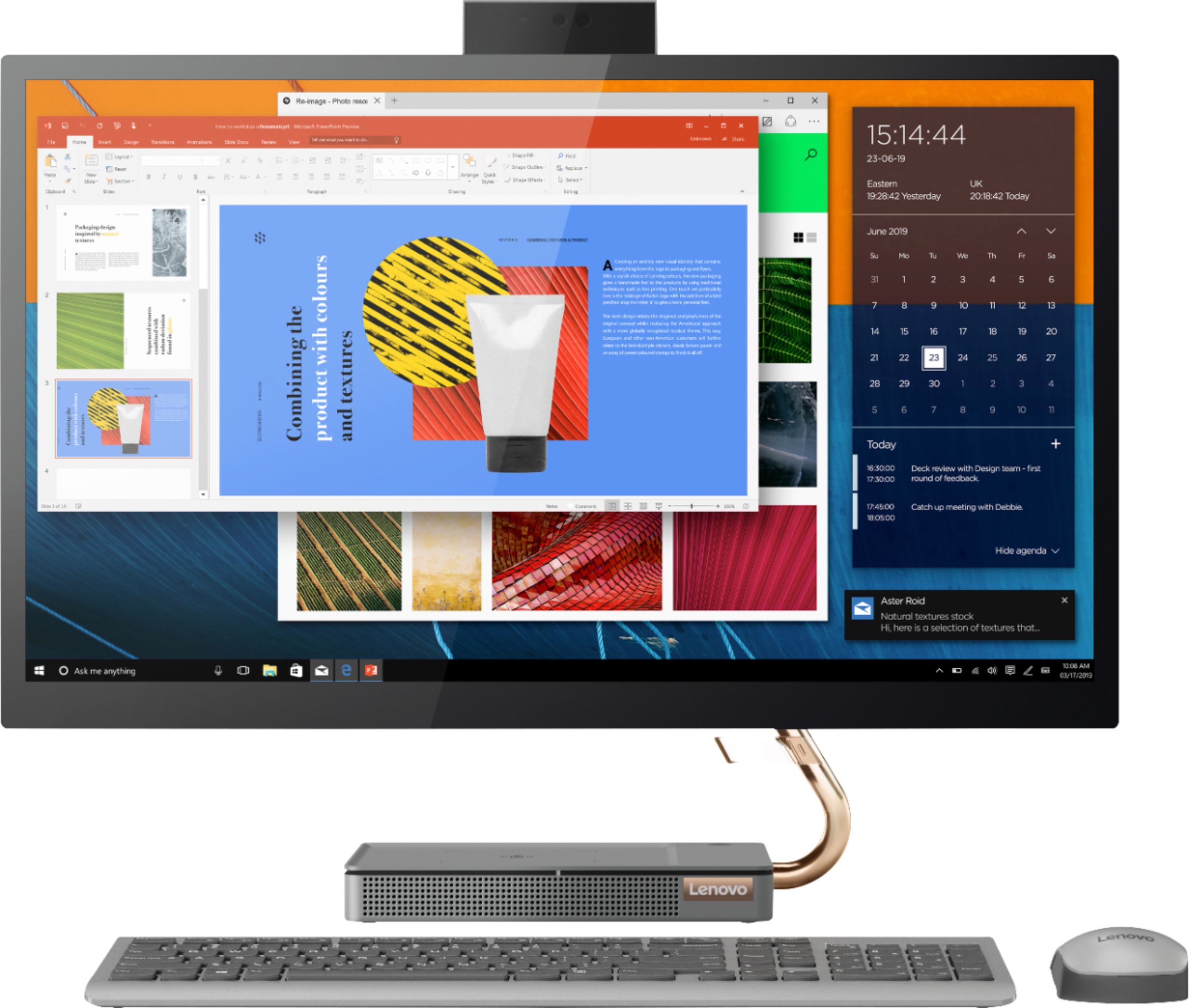
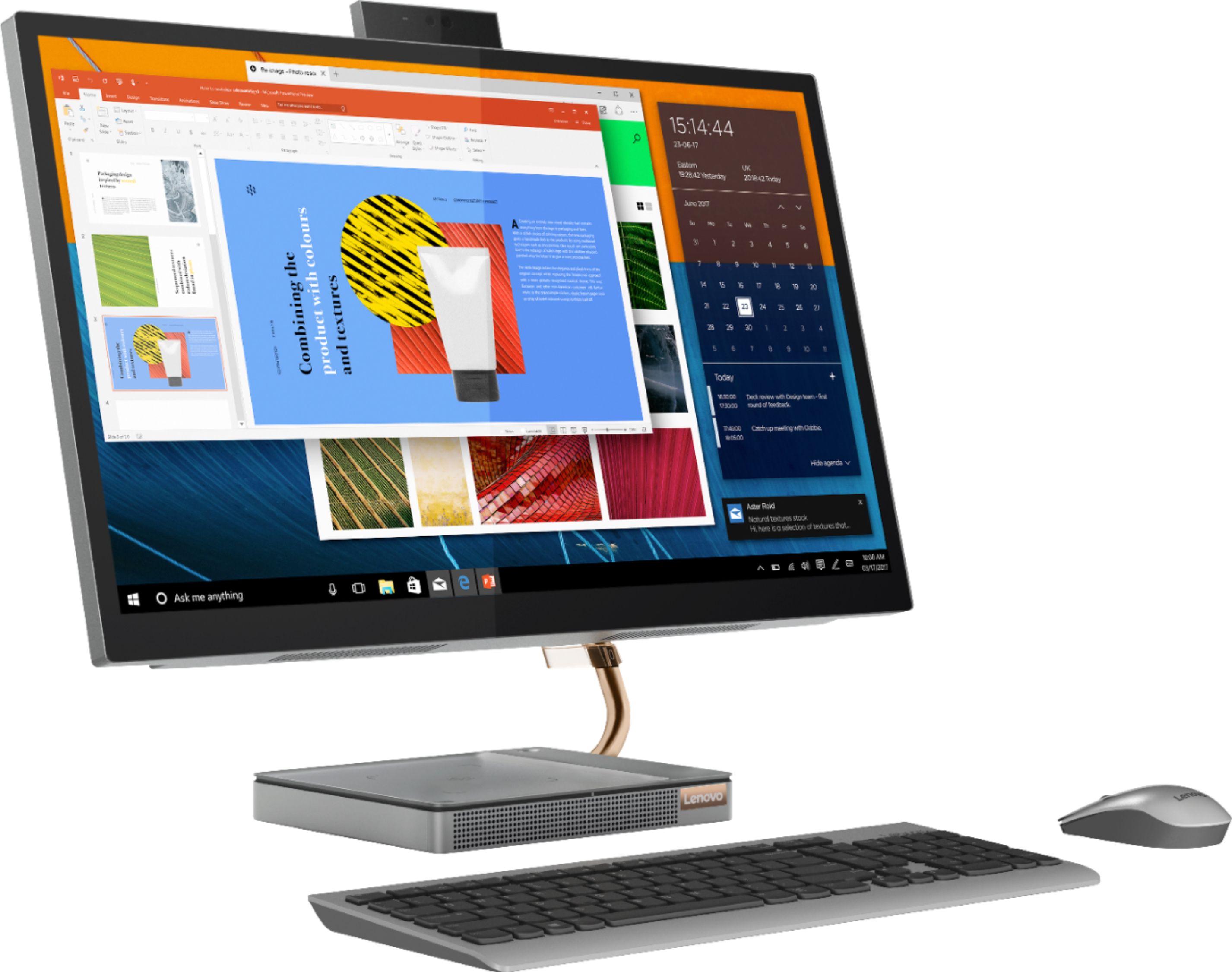
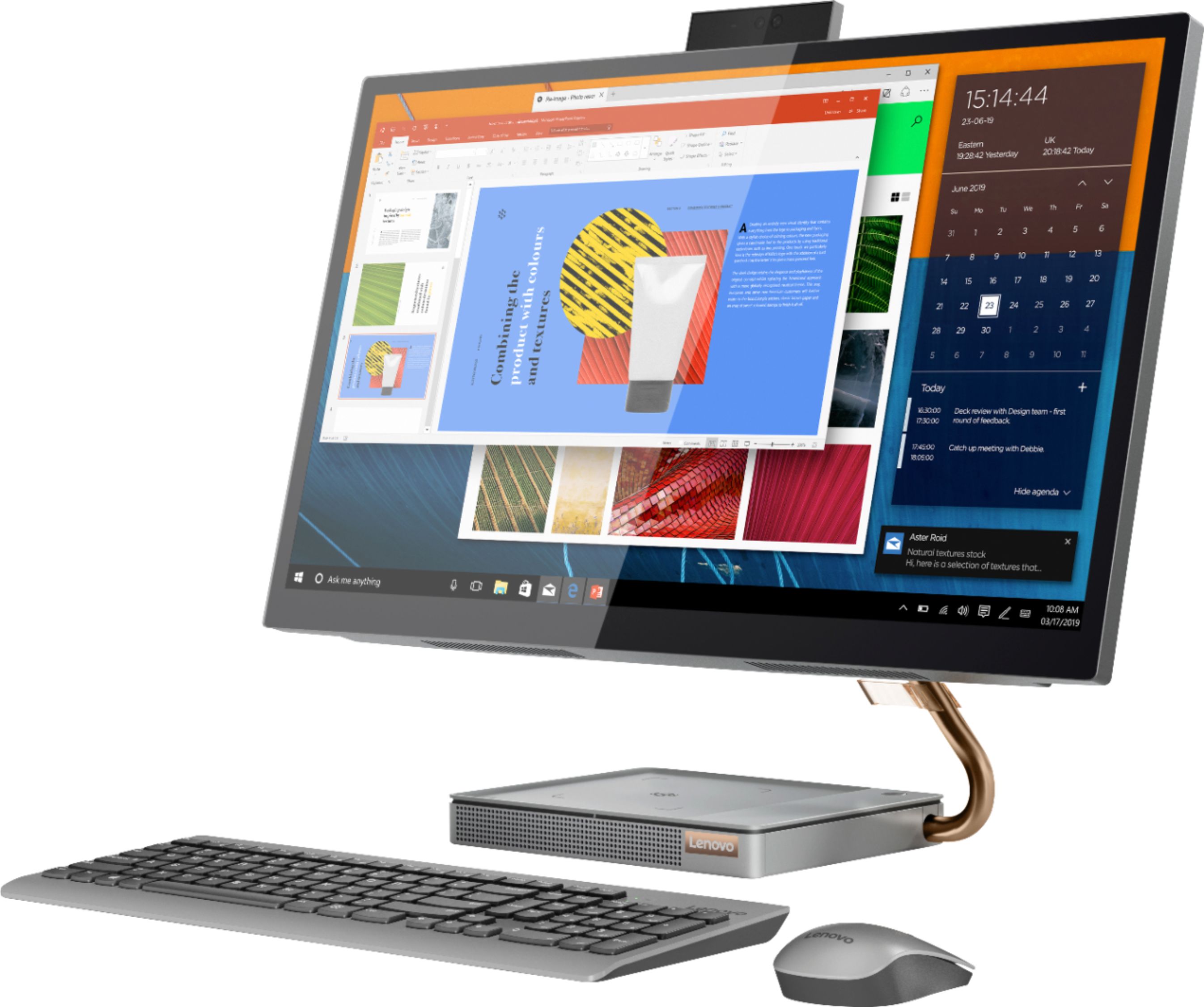
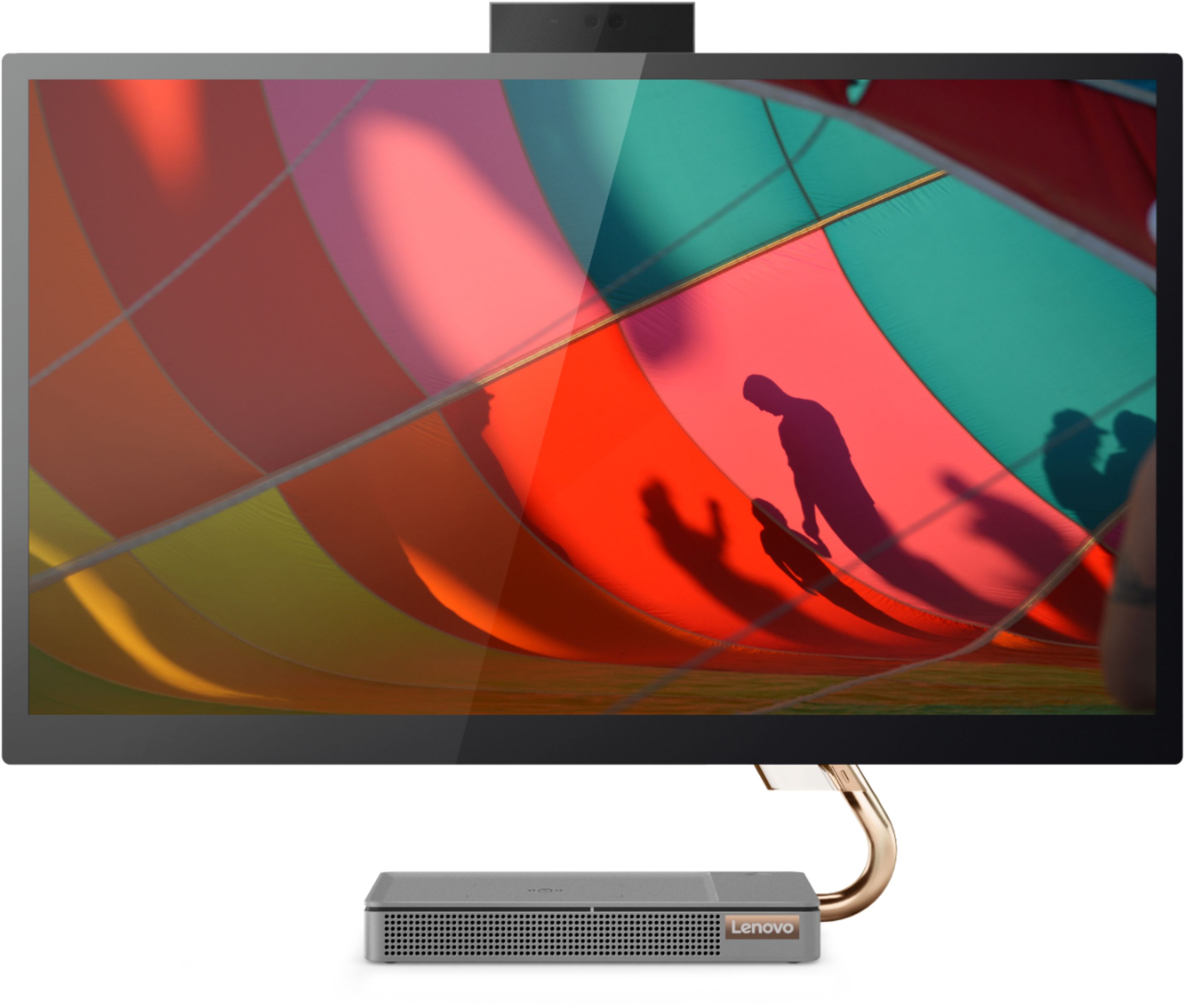
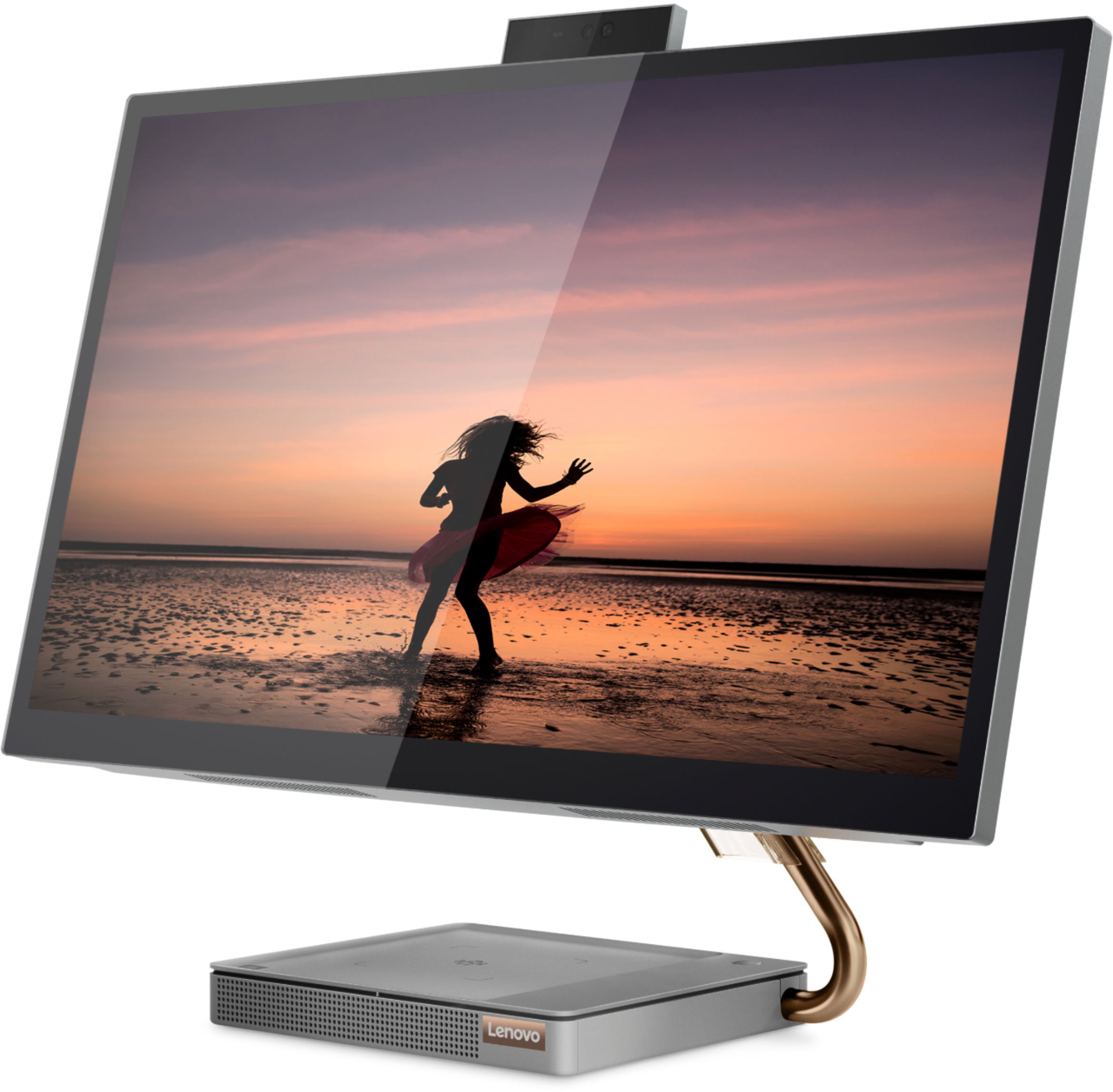
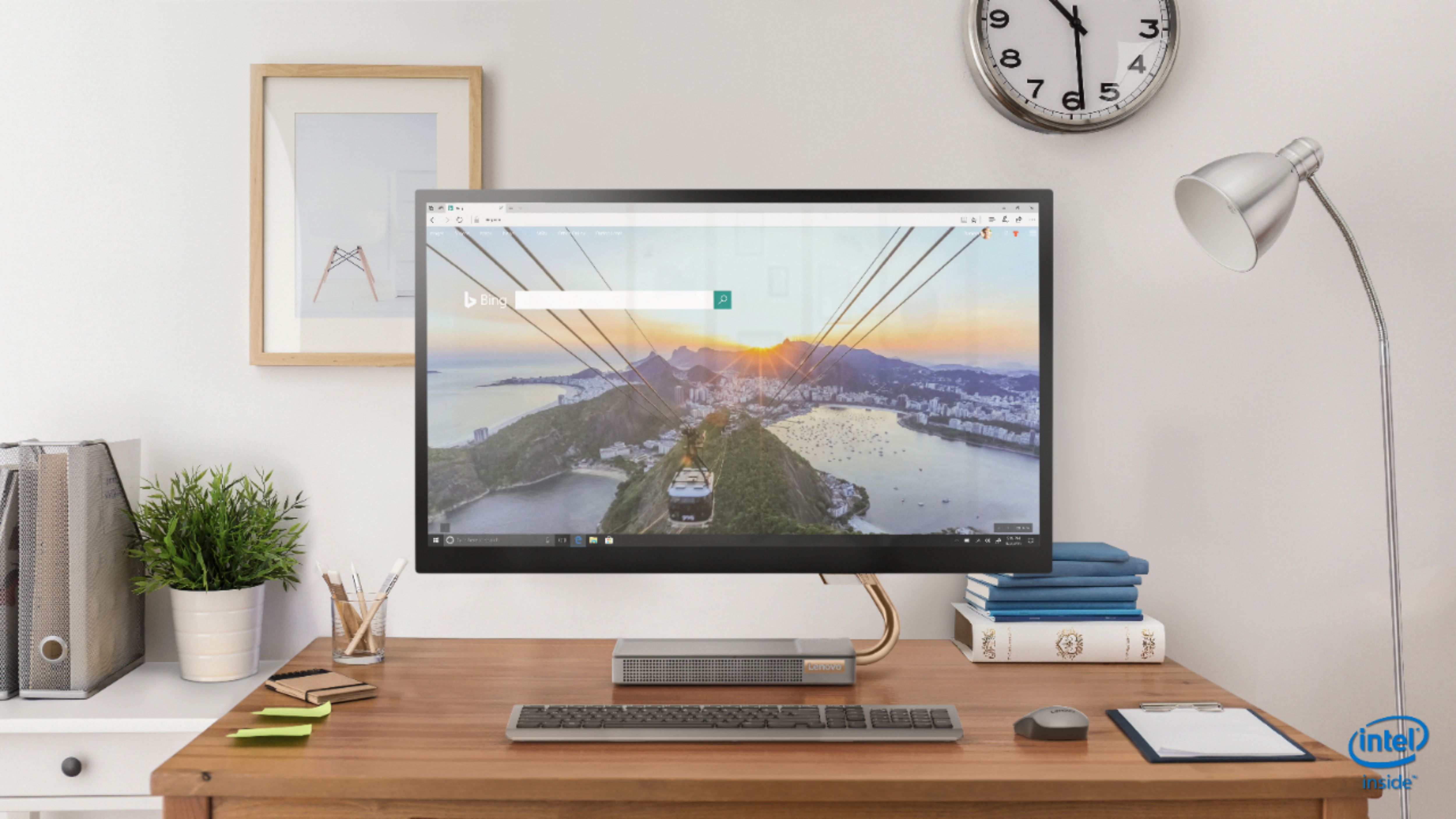
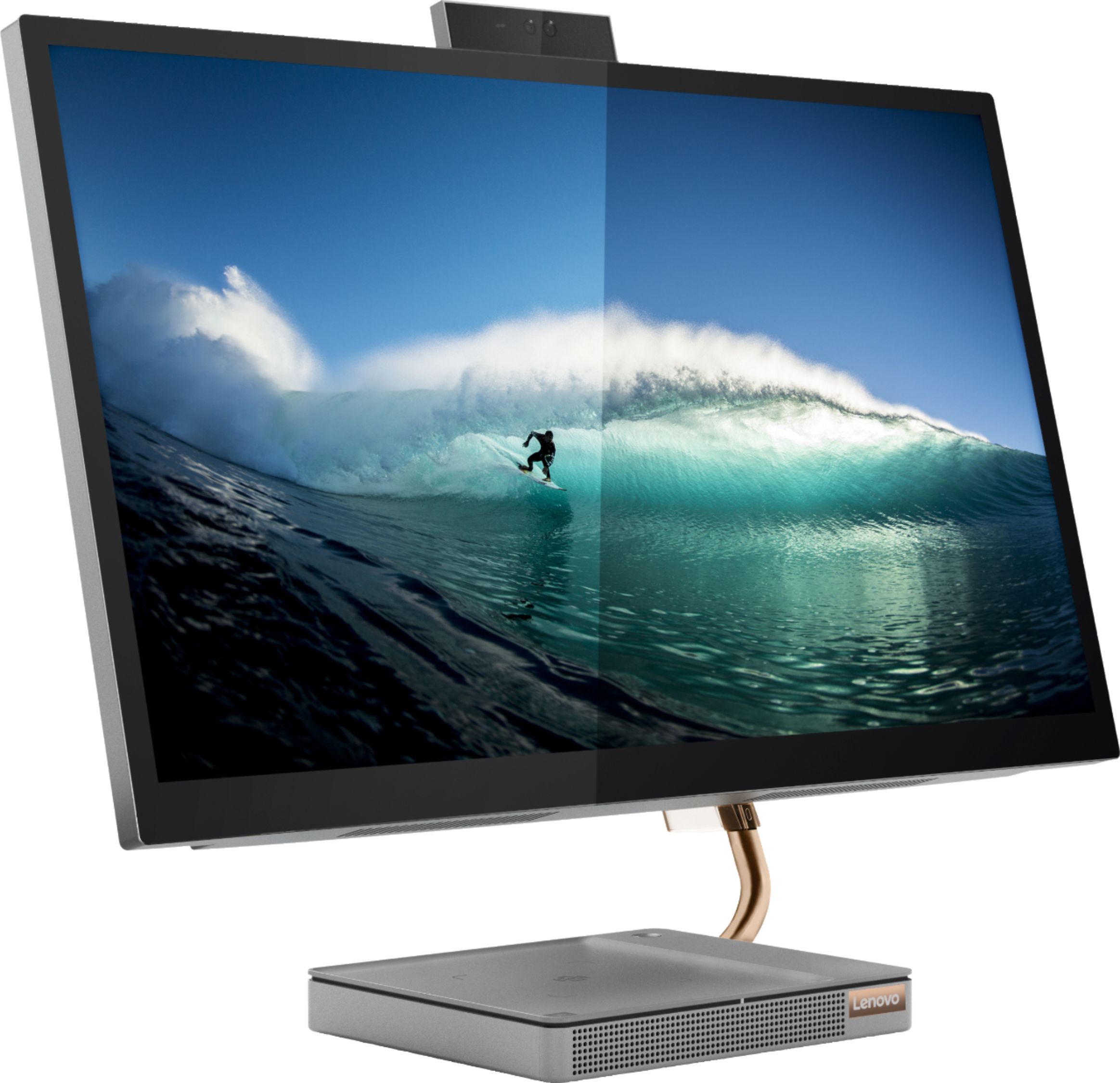
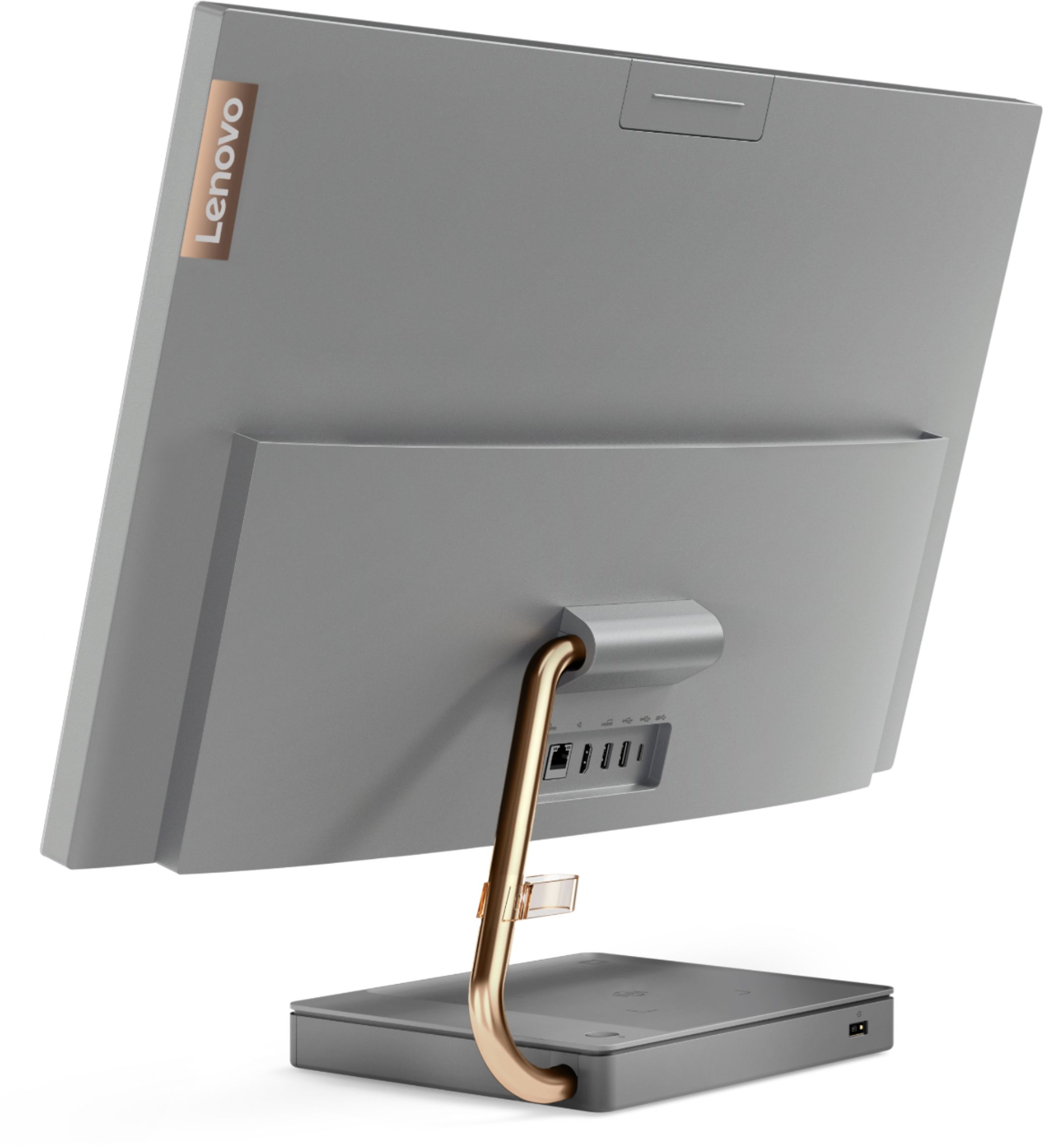
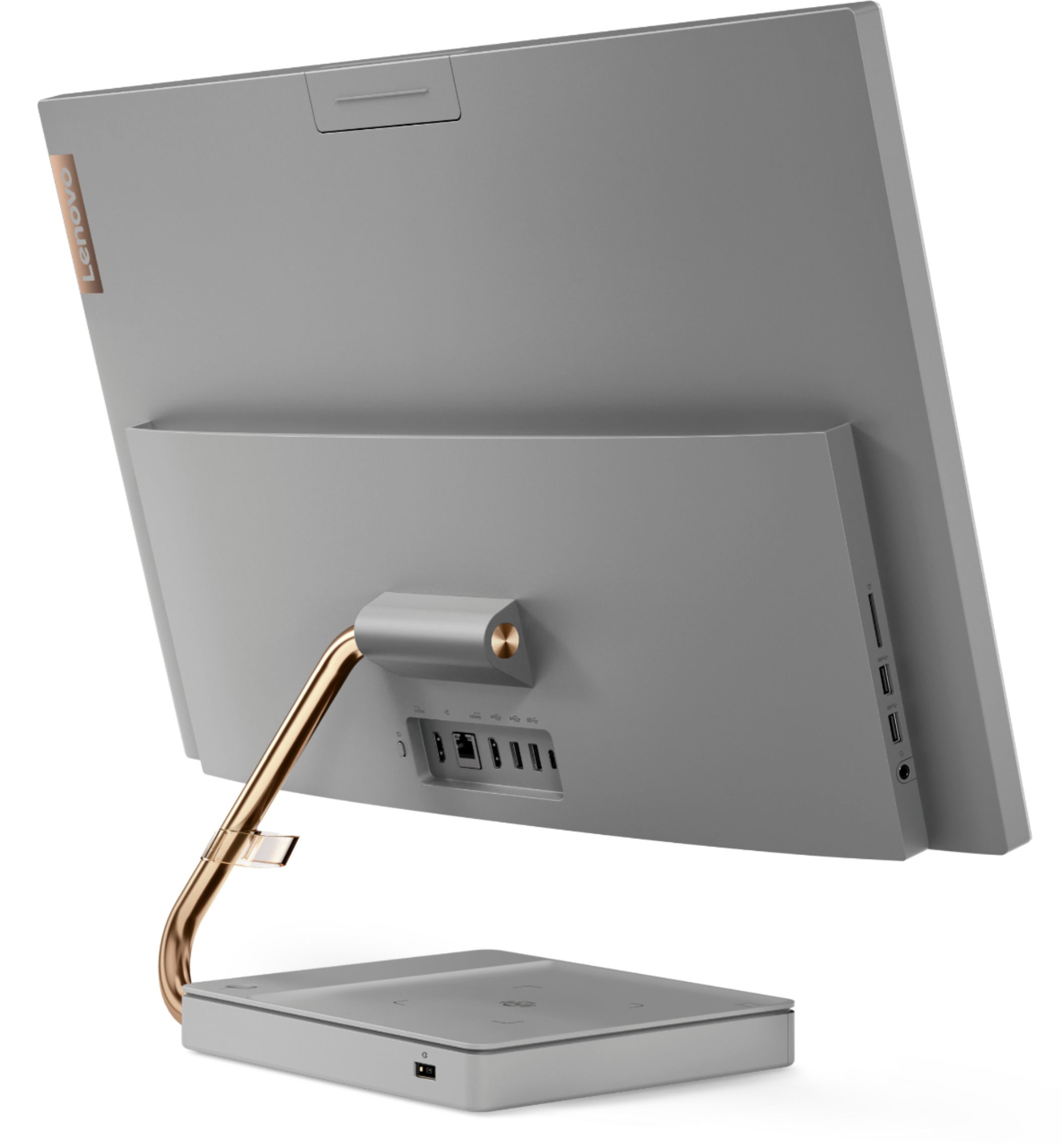
Customers regard the IdeaCentre A540's large screen size and ease of use as significant advantages, frequently praising its sleek design and responsive touchscreen. Positive feedback also highlights the generally good performance and value for the price. However, some users experienced issues with the limited number of USB ports, the quality of the camera, and occasional problems with the mouse and sleep mode functionality.
This summary was generated by AI based on customer reviews.
- Pros mentioned:Screen size
Better than most HP
||Posted . Owned for 1 month when reviewed.This reviewer received promo considerations or sweepstakes entry for writing a review.Great price and size you probably can’t find cheaper for what you’re getting
I would recommend this to a friendBrand response from Lenovo Product Expert
Posted .Thank you for choosing the Lenovo IdeaCentre A540 27 All-In-One system. We are pleased to hear that the value and performance of the IdeaCentre A540 27 AIO meets your computing needs so well.

- Pros mentioned:Design
Love everything except no volume control for HDMI
||Posted . Owned for 1 week when reviewed.This reviewer received promo considerations or sweepstakes entry for writing a review.This computer has a very sleek design down to the wireless keyboard and mouse that are provided. The monitor has sharp colors and text is sharp as well. The built in speakers are a tiny bit muffled, but still sound great being built into the space they use. The biggest downside to this computer is that there is no way to control volume on the HDMI input. I purchased this to use as a computer and place to play game consoles. If the device you are attaching to the HDMI input does not have its own volume controls the volume will be at 100% of the built in speakers. This means game consoles have no way to adjust the volume. Due to this I will be returning, which is unfortunate, as I really love the all-in-one in every other way.
No, I would not recommend this to a friendBrand response from Lenovo Product Expert
Posted .We are sorry to hear that you are having audio issues connecting a gaming console to your Lenovo IdeaCentre A540-27 All-In-One System, through HDMI-In. Try using the 3.5mm audio jack cable from the gaming console to the monitor for audio control. You will be able to control volume of the internal speakers within the IdeaCentre A540-AIO as you normally would. Here is a link to a YouTube video showing how to set this up: https://www.youtube.com/watch?v=WT0Q7YDOF_8
- Cons mentioned:Fan noise
Nice looking computer but some issues
||Posted .This reviewer received promo considerations or sweepstakes entry for writing a review.This is a nice looking computer, and the included wireless keyboard + mouse are nice quality as well but my computer has some issues upon the first time starting it up. I noticed it has a couple dead pixels on the screen (tiny pink specs that will not go away). The other issue is that I do not know if it's my unit specifically, but man the fan sure is loud. Even when the computer is idle or I am just browsing a website, the fan makes a significant amount of noise which is not acceptable in my opinion. I will be returning and looking at another option. I sure wanted to like it, but this unit didn't work out for me.
No, I would not recommend this to a friendBrand response from Lenovo Product Expert
Posted .We are sorry to hear that you are having an issue with stuck pixels on your Lenovo IdeaCentre A540-27 All-In-One system. Here is a link to a YouTube video that explains an easily fix for stuck pixels: https://www.youtube.com/watch?v=Tnw43j4D-_w. Regarding the fan always running on your IdeaCentre A540-27 AIO, be sure you have the latest version of Windows 10 on your computer, then update all of the BIOS files and drivers up to that latest version of Windows 10. You can easily accomplish this by scanning the computer with the Lenovo Utility software available on this computer. This system has Lenovo utilities installed to help maintain the health of the device and keep the operating system software up to date. Type "Lenovo Vantage" in the Cortana Search window (if Lenovo Vantage is not installed on your device, you can download the APP and install it now). Select Lenovo Vantage from the list. In the window that opens, click on "Health and Support". In the expanded menu, select "Hardware Scan" In the window that opens, select "Run Quick Tests". This will scan your entire system for errors. Follow any directions that may pop up. If the problem continues after this scan, now click on "System Update". First select Windows update from the menu. Scan your system to be sure you have the latest version of Windows 10. Once that scan is complete, select "Additional Updates". This will scan your device to be sure there are no new BIOS/Driver updates needed. Follow any instructions that may pop up. If the issue still continues after these updates, we recommend you call Lenovo Tech Support at: 877-453-6686 for additional help.
- Pros mentioned:Ease of use, Speed
Awesome
||Posted . Owned for 3 weeks when reviewed.This reviewer received promo considerations or sweepstakes entry for writing a review.Awesome product it's fast easy to use for a great price
I would recommend this to a friendBrand response from Lenovo Product Expert
Posted .Thank you for choosing the Lenovo IdeaCentre A540 27 All-In-One System. We are pleased to hear that the value, ease of use and performance of the IdeaCentre A540 27 AIO meets your computing needs so well.
- Pros mentioned:Ease of use, Screen size
Great item!
||Posted . Owned for 1 month when reviewed.This reviewer received promo considerations or sweepstakes entry for writing a review.Ease of use and features that are very nice. I like the screen size also.
I would recommend this to a friendBrand response from Lenovo Product Expert
Posted .Thank you for choosing the Lenovo IdeaCentre A540 27 All-In-One System. We are pleased to hear that the IdeaCentre A540 27 AIO meets your computing needs so well.
- Pros mentioned:Screen size, Speed
Very Quick Computer
||Posted . Owned for 2 weeks when reviewed.This reviewer received promo considerations or sweepstakes entry for writing a review.Excellent machine. I love the speed of this computer. The large touch screen is great.
I would recommend this to a friendBrand response from Lenovo Product Expert
Posted .Thank you for choosing the Lenovo IdeaCentre A540-27 All-In-One system. We are pleased to hear that the features and performance of the IdeaCentre A540-27 AIO meets your computing needs so well.
- Pros mentioned:Design, Screen size
Great computer
||Posted .This reviewer received promo considerations or sweepstakes entry for writing a review.Love the huge screen and the sleek design. Works great!!
I would recommend this to a friendBrand response from Lenovo Product Expert
Posted .Thank you for choosing the Lenovo IdeaCentre A540 27 All-In-One System. We are pleased to hear that the features and performance of the IdeaCentre A540 27 AIO meets your computing needs so well.
- Pros mentioned:Ease of use, Screen size
Lenovo all in one
||Posted . Owned for 3 weeks when reviewed.This reviewer received promo considerations or sweepstakes entry for writing a review.Easy setup and use. Love the large monitor and crystal clear picture.
I would recommend this to a friendBrand response from Lenovo Product Expert
Posted .Thank you for choosing the Lenovo IdeaCentre A540 27 All-In-One System. We are pleased to hear that the easy setup and use as well as the features and performance of the IdeaCentre A540 27 AIO meets your computing needs so well.
- Pros mentioned:Screen size, Speed
We like this all-in-one
||Posted .This reviewer received promo considerations or sweepstakes entry for writing a review.Great screen, fast processor, bluetooth mouse and keyboard. What's not to like? Great value.
I would recommend this to a friend - Pros mentioned:Performance
Lenovo all-in-one review
||Posted . Owned for 3 weeks when reviewed.This reviewer received promo considerations or sweepstakes entry for writing a review.Overall I've been pleased with the features and performance. Really boots up fast compared to my 9 year old Asus all-in-one. The only caveat albeit small ones, is that the keyboard is not wireless as the mouse and that it has an on/off switch. Also the volume keys only work if you depress the FN key.
I would recommend this to a friendBrand response from Lenovo Product Expert
Posted .Thank you for choosing the Lenovo IdeaCentre A540-27 All-In-One system. This model ships with both a wireless keyboard and a wireless mouse. The wireless keyboard has an internal rechargeable battery, that is charged by using the included Micro-USB to USB charging cable. It takes about 2 hours to fully charge the keyboard battery, then you can unplug the charging cable and use the keyboard wirelessly. The mouse uses standard replaceable batteries.
- Pros mentioned:Screen size, Speed
Awesome computer very quick great speaker love the
||Posted . Owned for 1 month when reviewed.This reviewer received promo considerations or sweepstakes entry for writing a review.Awesome computer very quick great speaker love the touch screen
I would recommend this to a friend Easy to out together and easy to use.
||Posted . Owned for 1 year when reviewed.This reviewer received promo considerations or sweepstakes entry for writing a review.Very easy to put together and it is very easy for my mom to use this computer. Perfect for everyone.
I would recommend this to a friendGreat product
||Posted . Owned for 11 months when reviewed.This reviewer received promo considerations or sweepstakes entry for writing a review.Great product and i am still using it almost 2 years later and it brand new
I would recommend this to a friend- Pros mentioned:Speed
tennisnormy
||Posted . Owned for 1 month when reviewed.This reviewer received promo considerations or sweepstakes entry for writing a review.fast, great screen clarity, reasonable price. terrific salesman
I would recommend this to a friend - Pros mentioned:Speed
Whats Not To Like
||Posted . Owned for 1 month when reviewed.This reviewer received promo considerations or sweepstakes entry for writing a review.Excellent home desktop. Small footprint, easy setup, beautiful display, very fast.
I would recommend this to a friend - Pros mentioned:Screen size, Speed
Love it
||Posted . Owned for 1 year when reviewed.This reviewer received promo considerations or sweepstakes entry for writing a review.It’s a great computer. Big screen. Fast and overall very nice all in one!!
I would recommend this to a friendBrand response from Lenovo Product Expert
Posted .Thank you for choosing the Lenovo IdeaCentre A540-27 All-in-One system. We are pleased to hear that the features and performance of the IdeaCentre A540-27 AIO meets your computing needs so well.
Leona Desk Top
||Posted . Owned for 3 weeks when reviewed.This reviewer received promo considerations or sweepstakes entry for writing a review.This computer is such an amazing desk top. Super easy set up and great price.
I would recommend this to a friendBrand response from Lenovo Product Expert
Posted .Hello! Thanks for choosing the Lenovo IdeaCentre A540 All-In-One. We are pleased to hear the features and performance of the A540 All-In-One are meeting your computing needs so well!
Quite good but not quite great
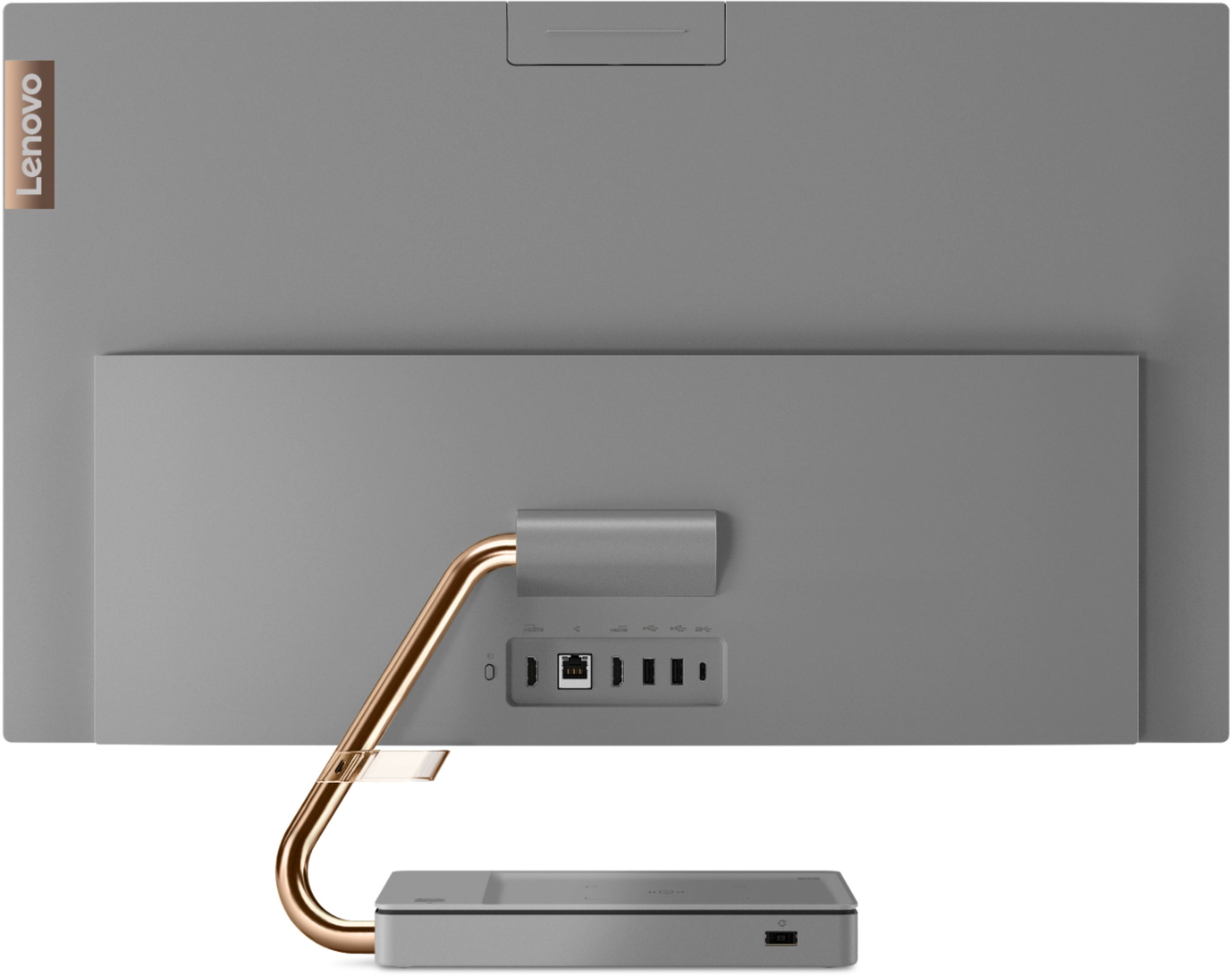
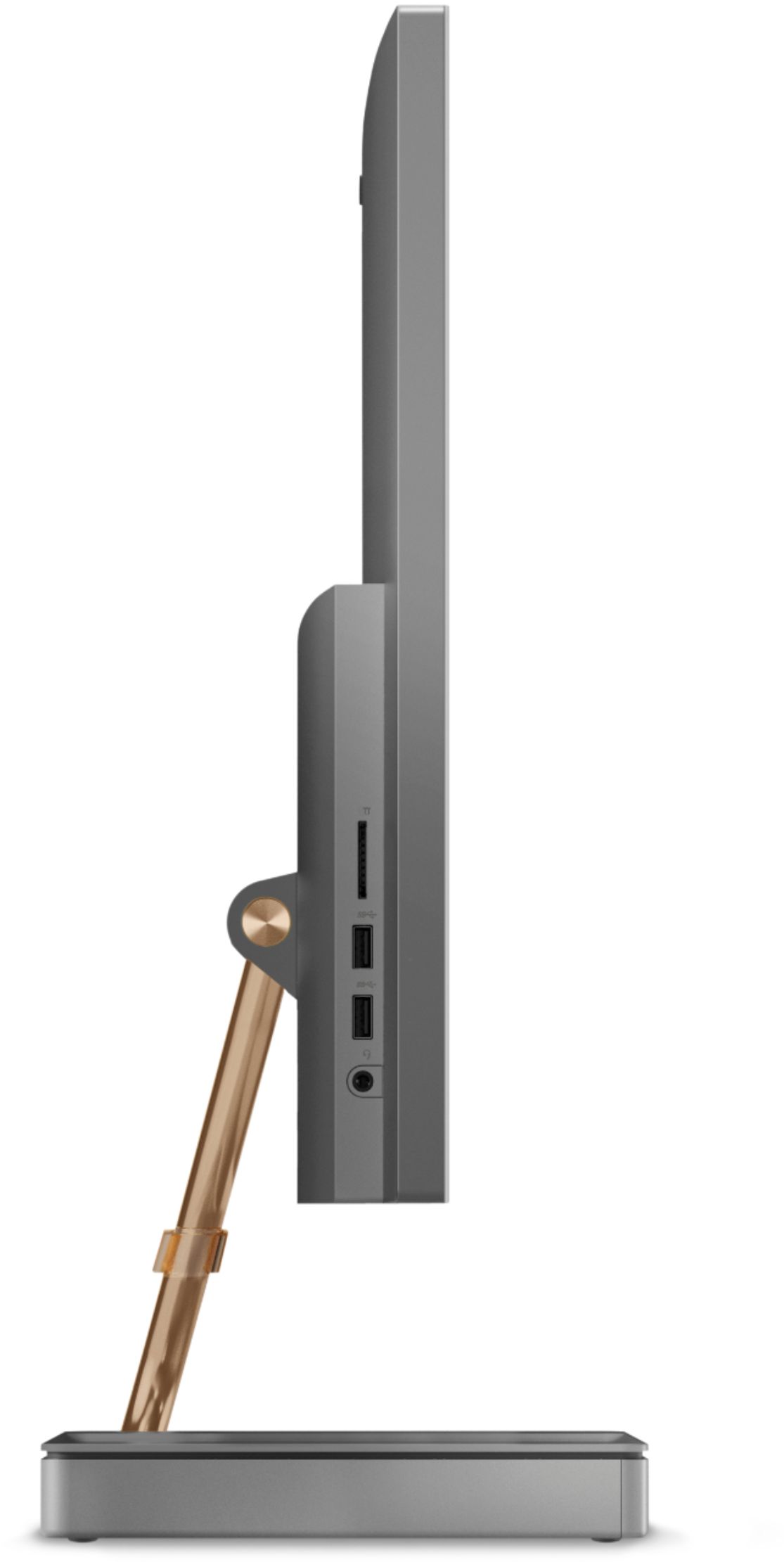
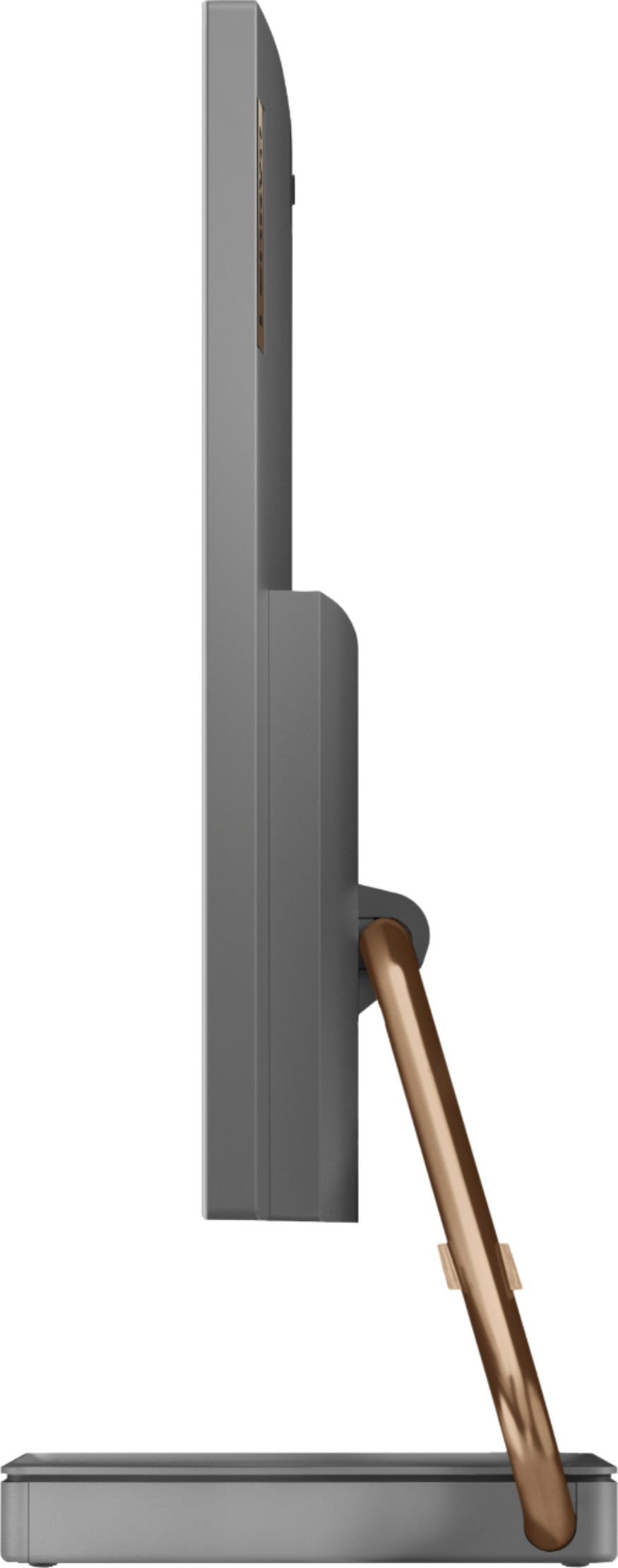
||Posted . Owned for 1 month when reviewed.This reviewer received promo considerations or sweepstakes entry for writing a review.The best - the look of the base and arm which is not your standard footed AIO; the speakers, which for a computer are better than many others I've used (but for sure not as good as adding speakers for playing music or watching films); and it isn't as full of bloat as an HP product. The "okay" - the SSD is better than a SATA HD, but isn't the speediest example of one. Boot time is definitely better than my old Dell SATA machine and for the money the specs make a big difference. The "sub-par" - it is the feature of an all-in-one - you pay more for fewer and smaller specs in an AIO. I wish this particular one was offered with a larger HD because I would have bought it, even though an AIO is already more expensive. My biggest beef with this is the 256GB SSD as the only option. My other significant beef is that there is only one USB-C port. I think it is common, but I don't like it. All in all, this is a 4-star machine because is it how it is represented and the build, aesthetics, and usability are good.
I would recommend this to a friend- Pros mentioned:Design, Screen size
All in one
||Posted . Owned for 3 weeks when reviewed.This reviewer received promo considerations or sweepstakes entry for writing a review.Love the large screen and the looks of the whole computer
I would recommend this to a friend - Pros mentioned:Ease of use, Screen size
Great product overall!!!
||Posted . Owned for 1 month when reviewed.This reviewer received promo considerations or sweepstakes entry for writing a review.Easy too use. Wide screen. Clear picture. Good sound, overall great purchase.
I would recommend this to a friendBrand response from Lenovo Product Expert
Posted .Thanks for choosing the Lenovo IdeaCentre A540 All-In-One. We are pleased to hear the features and performance of the A540 All-In-One are meeting your computing needs so well!