Customer Ratings & Reviews

- Model:
- F0EK007HUS
- SKU:
- 6393695
Rating by feature
- Value
Rating 4.3 out of 5 stars
- Quality
Rating 4.4 out of 5 stars
- Ease of Use
Rating 4.5 out of 5 stars
Customers are saying
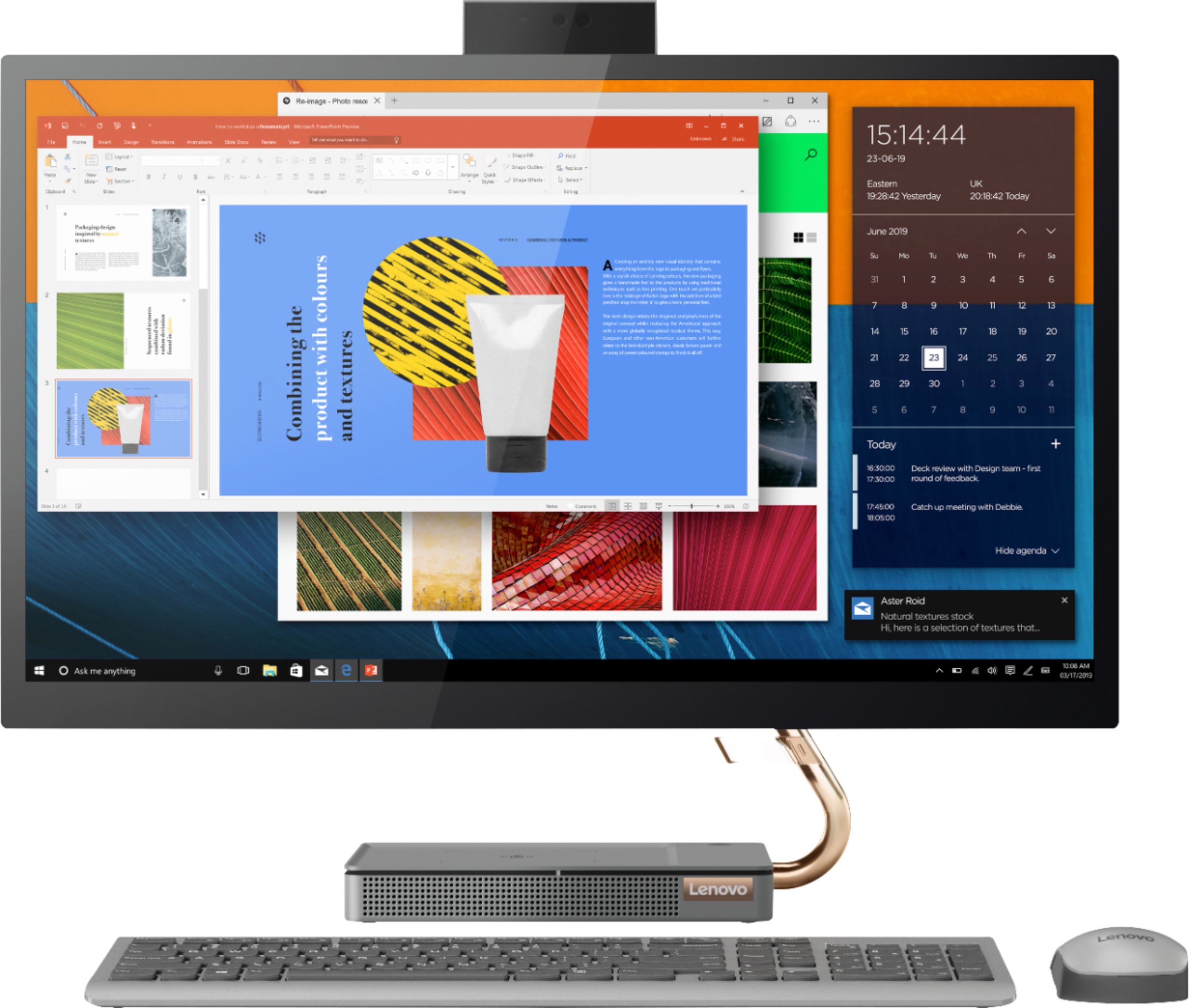
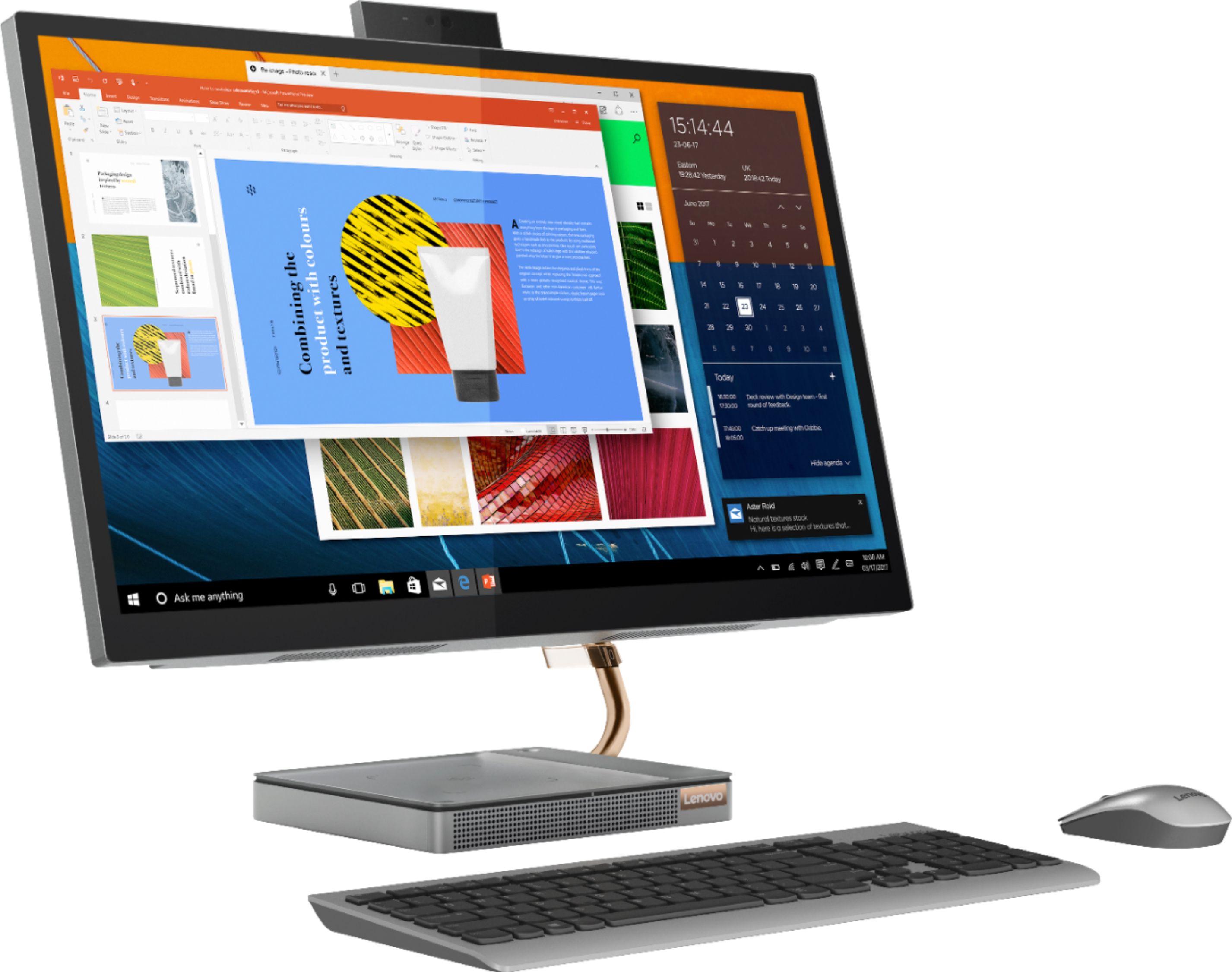
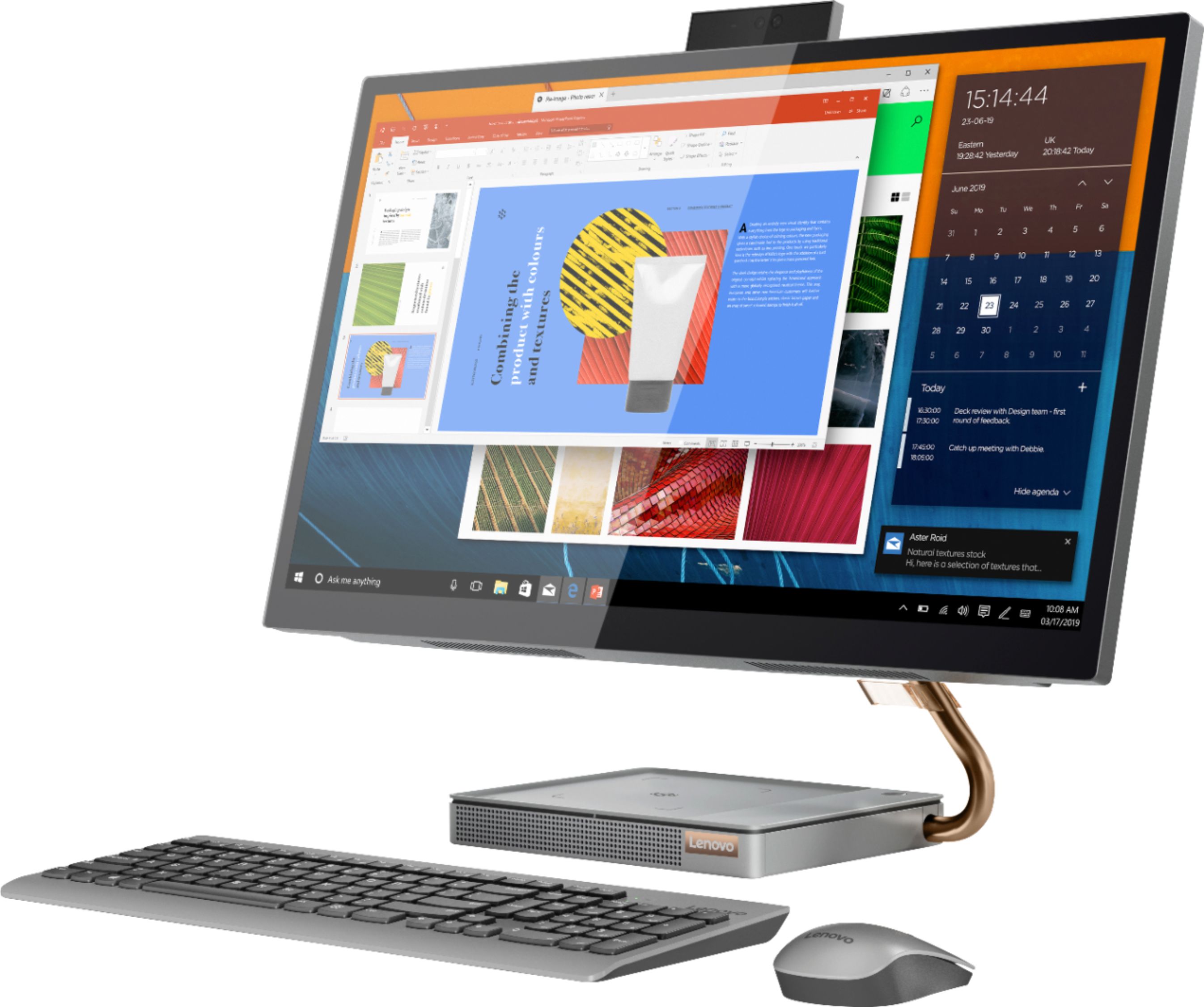
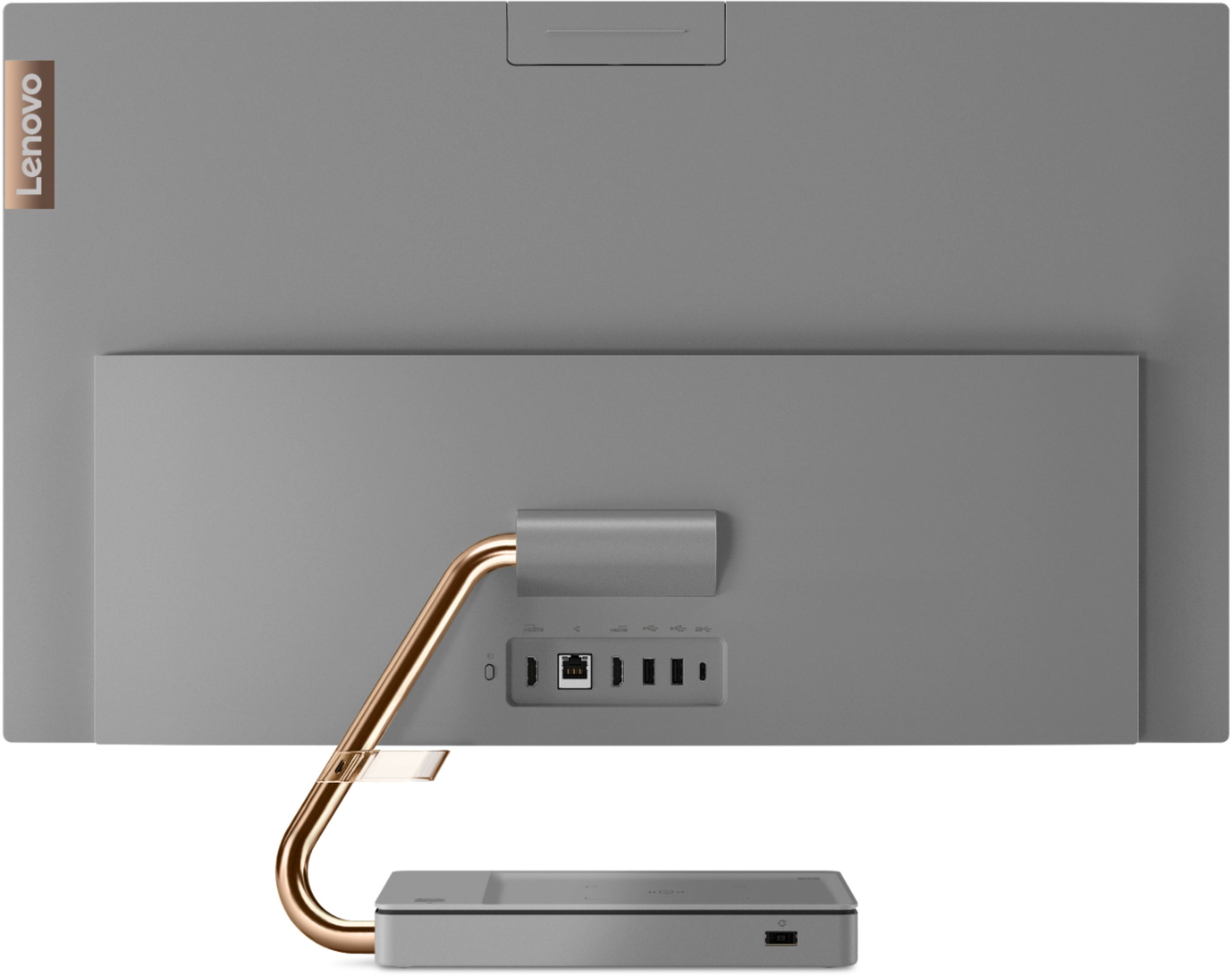
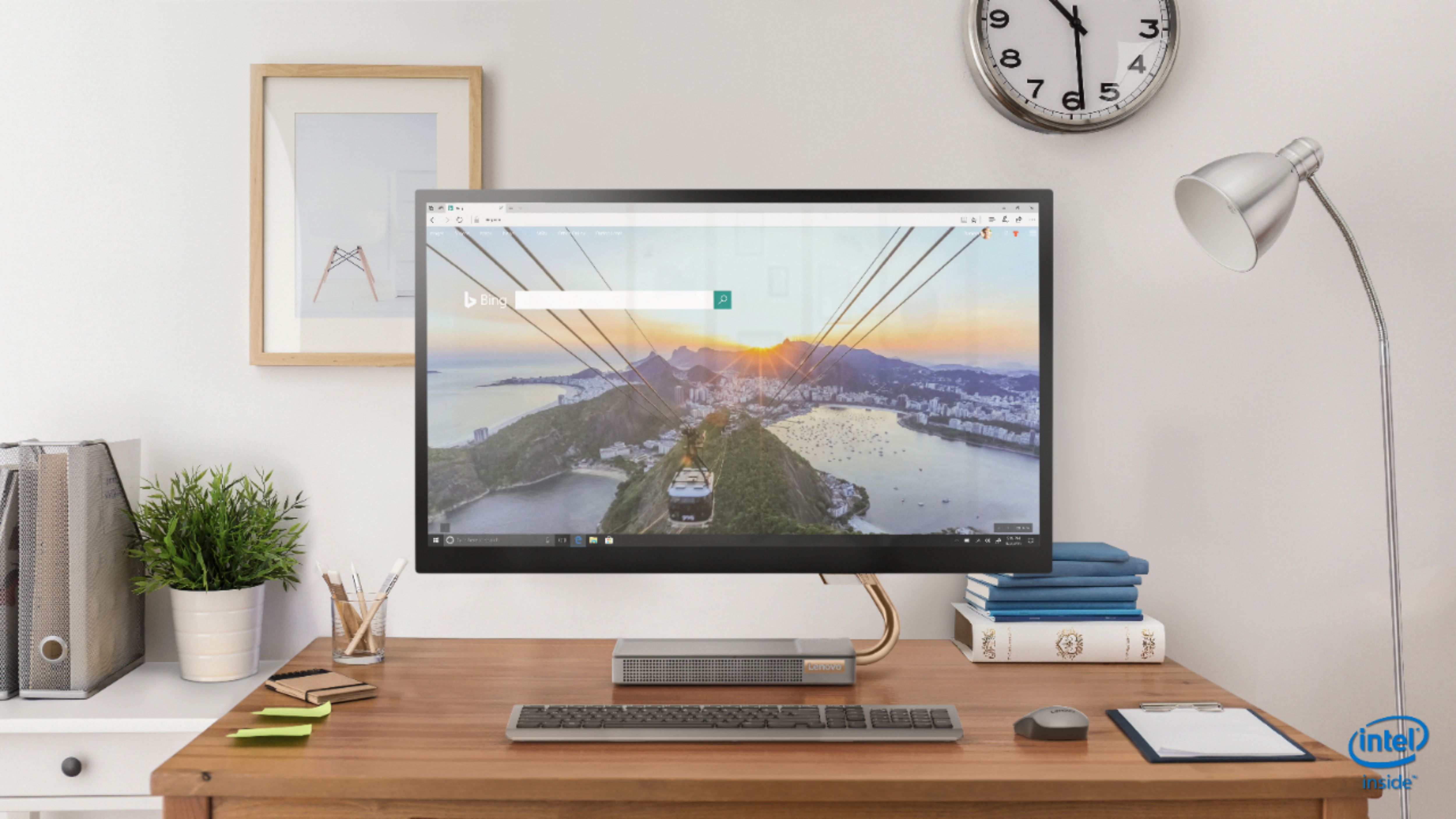
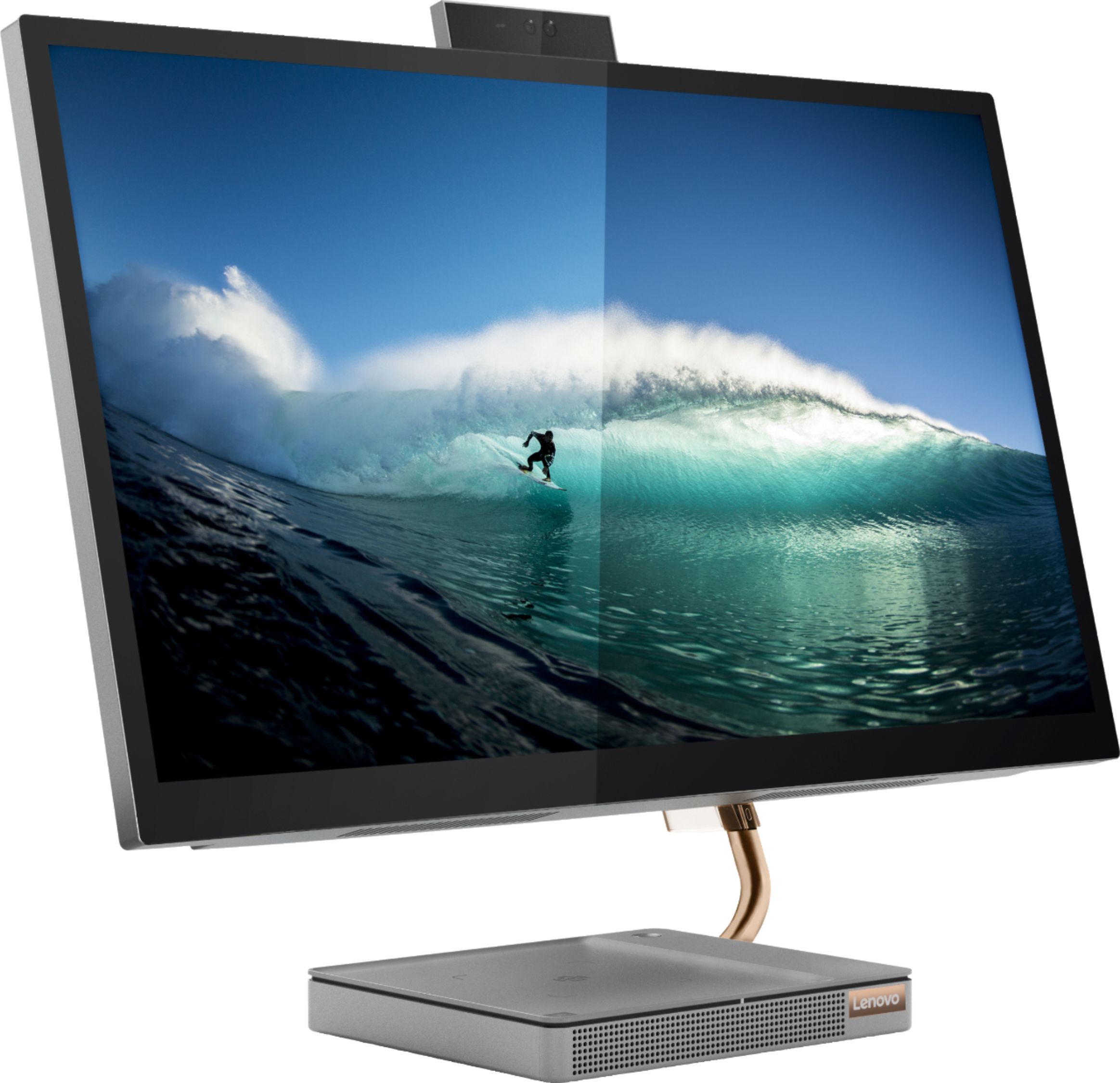
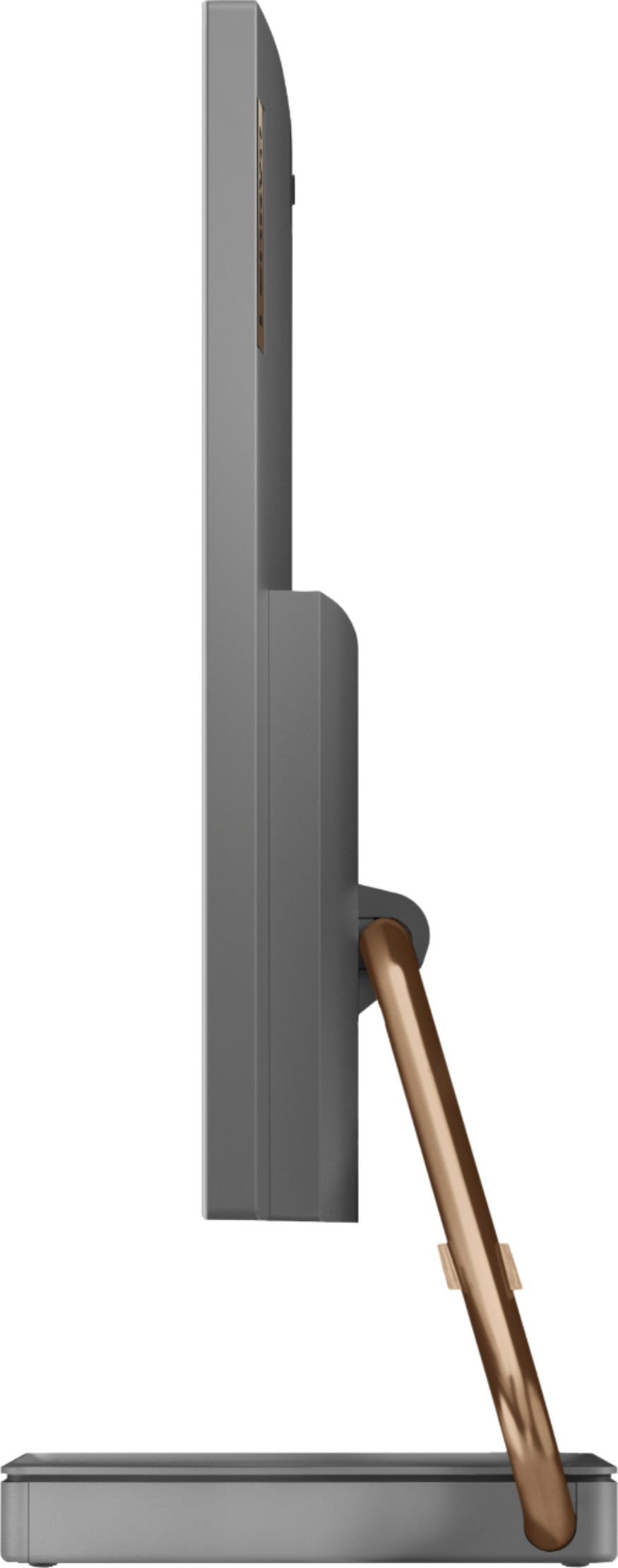
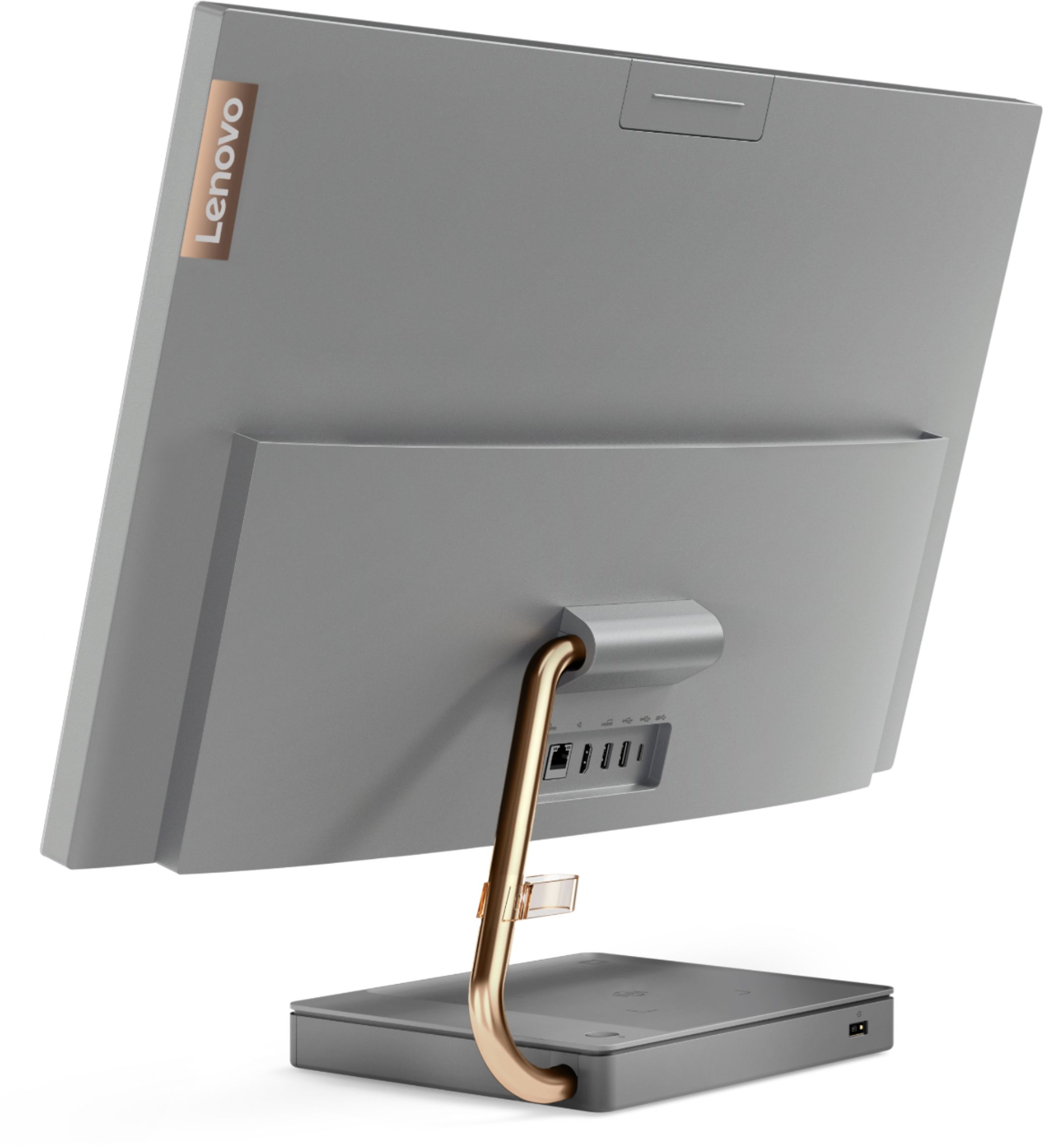
Customers regard the IdeaCentre A540's large screen size and ease of use as significant advantages, frequently praising its sleek design and responsive touchscreen. Positive feedback also highlights the generally good performance and value for the price. However, some users experienced issues with the limited number of USB ports, the quality of the camera, and occasional problems with the mouse and sleep mode functionality.
This summary was generated by AI based on customer reviews.
- Pros mentioned:Performance
Nice clean all in one
||Posted . Owned for 2 weeks when reviewed.This reviewer received promo considerations or sweepstakes entry for writing a review.This PC performs well and looks great. Really cleaned up my desk. its a bit weird that keyboard has to be charged (no batteries) but you can charge it and use it at the same time. Overall very happy with the purchase
I would recommend this to a friendBrand response from Lenovo Product Expert
Posted .Thank you for choosing the Lenovo IdeaCentre 540-27ICB 27 in. Touch Screen AIO. We are very pleased to hear that the specifications, features, and performance of the Lenovo IdeaCentre 540-27ICB 27 in. Touch Screen AIO meet your computing needs so well.

- Pros mentioned:Ease of use
Great desktop
||Posted . Owned for 3 weeks when reviewed.This reviewer received promo considerations or sweepstakes entry for writing a review.After my last computer crashed, I needed something new right away. I am very happy with the Lenovo all- in- one. It was easy to set up and has great features. I had Dell and HP products in the past but a friend recommended the Lenovo so I thought that I'd give it a try.
I would recommend this to a friendBrand response from Lenovo Product Expert
Posted .Thank you for choosing the Lenovo IdeaCentre A540 27 All-In-One System. We are pleased to hear that the easy setup and performance of the IdeaCentre A540 27 AIO meets your computing needs so well.
- Pros mentioned:Screen size
Loving my Lenovo
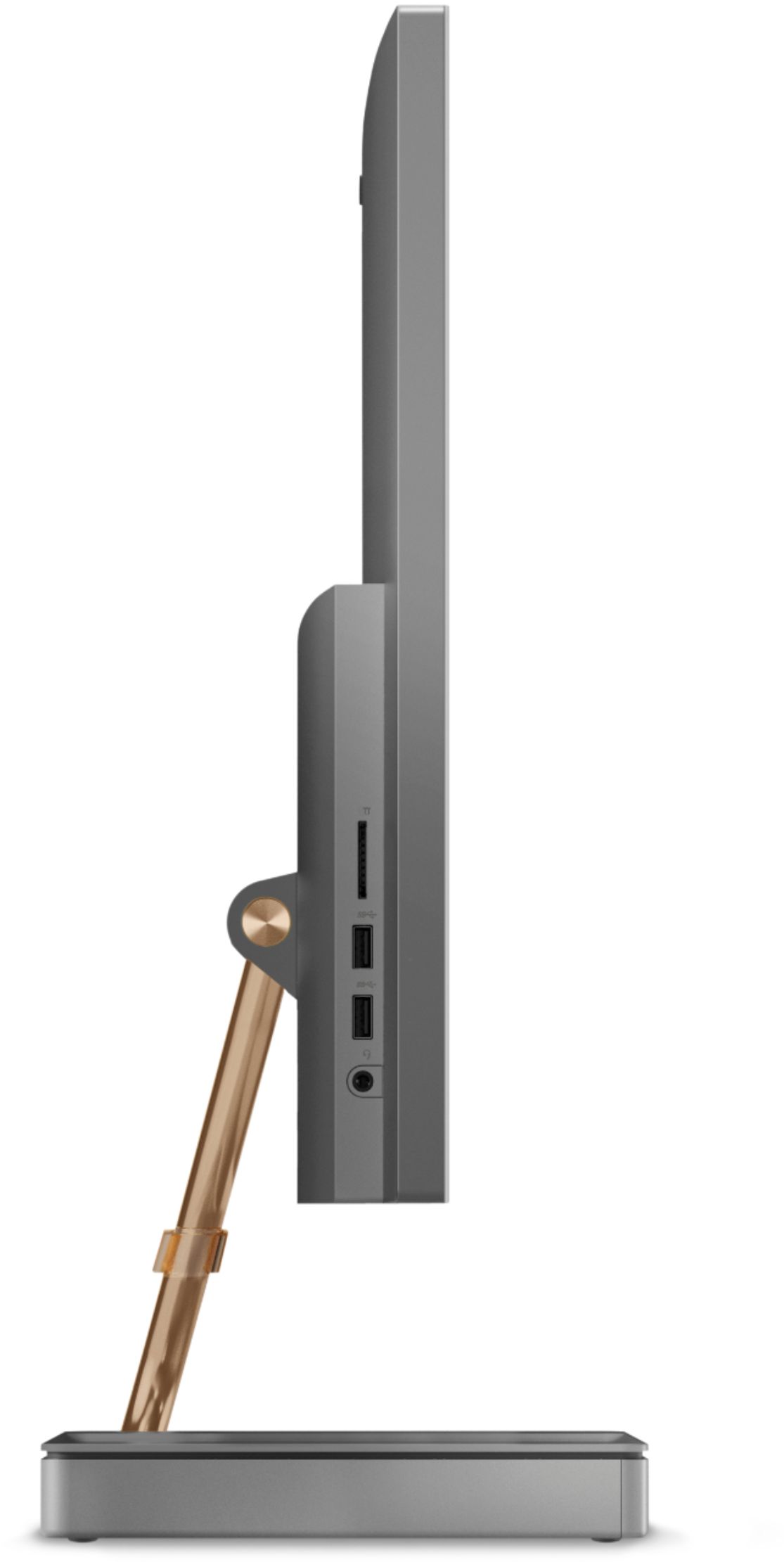
||Posted . Owned for 3 weeks when reviewed.This reviewer received promo considerations or sweepstakes entry for writing a review.Stylish, fast, able to multitask, touch screen and you can also set your phone on the base and it will charge it (depending on what phone you have). Easy to set up and with the all in one feature despite being a 27' can be placed easily. Extra USB ports and wireless mouse and keyboard included. Loving my Lenovo!
I would recommend this to a friendBrand response from Lenovo Product Expert
Posted .Once again, thank you for choosing the Lenovo IdeaCentre A540-27 All-In-One system. You can keep your computer running at its best by keeping the Windows 10 Operating System and all supporting BIOS files and drivers up to date. You can easily accomplish this by scanning the computer with the Lenovo Utility software available on this computer. This system has Lenovo utilities installed to help maintain the health of the device and keep the operating system software up to date. Type "Lenovo Vantage" in the Cortana Search window (if Lenovo Vantage is not installed on your device, you can download the APP and install it now). Select Lenovo Vantage from the list. In the window that opens, click on "Health and Support". In the expanded menu, select "Hardware Scan" In the window that opens, select "Run Quick Tests". This will scan your entire system for errors. Follow any directions that may pop up. If the problem continues after this scan, now click on "System Update". First select Windows update from the menu. Scan your system to be sure you have the latest version of Windows 10. Once that scan is complete, select "Additional Updates". This will scan your device to be sure there are no new BIOS/Driver updates needed. Follow any instructions that may pop up. If you ever need additional help with your Lenovo computer, we recommend you call Lenovo Tech Support at: 877-453-6686 for additional help.
dgoldenbelt
||Posted . Owned for 1 week when reviewed.This reviewer received promo considerations or sweepstakes entry for writing a review.My new All-in-one touchscreen desktop computer is a perfect replacement for my 9 years old All-in-one Sony. I especially love the phone charging base/CPU. The lightweight keyboard is also very nice. This machine is a valuable addition to my office equipment!
I would recommend this to a friendBrand response from Lenovo Product Expert
Posted .Thank you for choosing the Lenovo IdeaCentre A540-27 All-In-One system for your office. We are pleased to hear that the IdeaCentre A540-27 AIO is working out so well for you.
- Pros mentioned:Screen size
Love this All-in-one
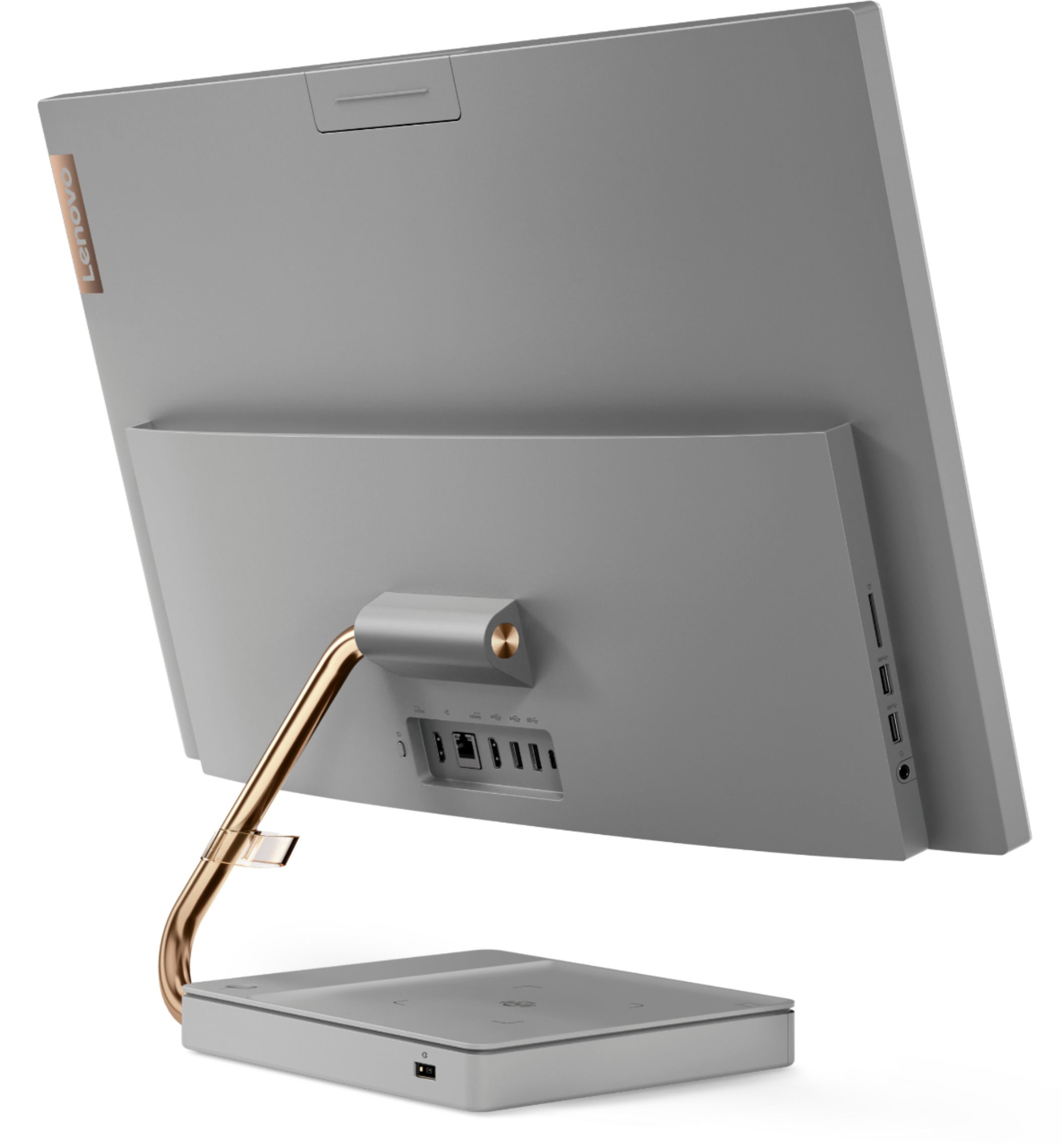
||Posted . Owned for 1 month when reviewed.This reviewer received promo considerations or sweepstakes entry for writing a review.Love this all in one! I had a Lenovo all in one prior to this one. I love the touch screen and colors. Note, it show "Gray" as the color, which is correct for the base, however the arm is rose gold. Some people may not like that.
I would recommend this to a friend - Pros mentioned:Ease of use
Good, fast computer and easy setup
||Posted . Owned for 4 months when reviewed.This reviewer received promo considerations or sweepstakes entry for writing a review.Fast, easy to set up and no fuss on how to use it. Very pleased with the computer and easy of use but would caution users that the speakers are not real loud and I got this machine for a hearing impaired person so I needed an additional powered speaker for volume.
I would recommend this to a friend - Pros mentioned:Screen size
Bang for your buck
||Posted . Owned for 1 month when reviewed.This reviewer received promo considerations or sweepstakes entry for writing a review.The screen size is perfect for our office desk. It’s a space saver. It’s a amazing machine for the price. The clarity of the screen is great. We compared it to the Apple with same size screen that was $700 more, and we are Apple people but this is a great steal!
I would recommend this to a friendBrand response from Lenovo Product Expert
Posted .Thank you for choosing the Lenovo IdeaCentre A540-27 All-In-One system. We are pleased to hear that the value and performance of the IdeaCentre A540-27 AIO meets your computing needs so well.
- Pros mentioned:Screen size
Good selection and excellent Service
||Posted . Owned for 1 month when reviewed.This reviewer received promo considerations or sweepstakes entry for writing a review.Theron was extremely helpful with the selection of my purchase and knowledgeable in all our concerns as well as setting a date with Geek Squad for mounting our new purchase. We hope he will be commended for exceptional service and patience.
I would recommend this to a friendBrand response from Lenovo Product Expert
Posted .Thank you for choosing the Lenovo IdeaCentre A540 27 All-In-One system. We are pleased to hear that the IdeaCentre A540 27 AIO meets your computing needs so well.
- Pros mentioned:Screen size
Excellent
||Posted . Owned for 3 weeks when reviewed.This reviewer received promo considerations or sweepstakes entry for writing a review.Hubby has low vision, needed a touchscreen with larger monitor. This is it! We tried a laptop with silver keyboard - couldn't see keys. These black keys and large monitor are fabulous. And no extra PC box to tend with. Happy Hubby.
I would recommend this to a friendBrand response from Lenovo Product Expert
Posted .Thank you for choosing the Lenovo IdeaCentre A540-27 All-In-One system for your husband. We are pleased to hear that the features and performance of the IdeaCentre A540-27 AIO meets your husband's computing needs so well.
- Pros mentioned:Performance
excellent
||Posted . Owned for 2 months when reviewed.This reviewer received promo considerations or sweepstakes entry for writing a review.Amazing computer! was very easy to set up, ive now had it a little over 3 months and no issues, runs very well and fast for an all in one computer. my last one i had was so slow this was the best choice i made
I would recommend this to a friend This is a great PC!
||Posted . Owned for 1 month when reviewed.This reviewer received promo considerations or sweepstakes entry for writing a review.This PC's performance is excellent! The functionality of the wireless charger is seamless and I really love the ability to change 1 of the HDMI ports to an input which allows me to hookup my work laptop and utilize the Lenovo's 27" display as a secondary monitor! The only thing I wasn't happy about was the lack of the expansion storage port that I saw in other reviews of this model. Not sure why this one doesn't have it. Overall this was a great purchase and I have thoroughly enjoyed using it.
I would recommend this to a friendBrand response from Lenovo Product Expert
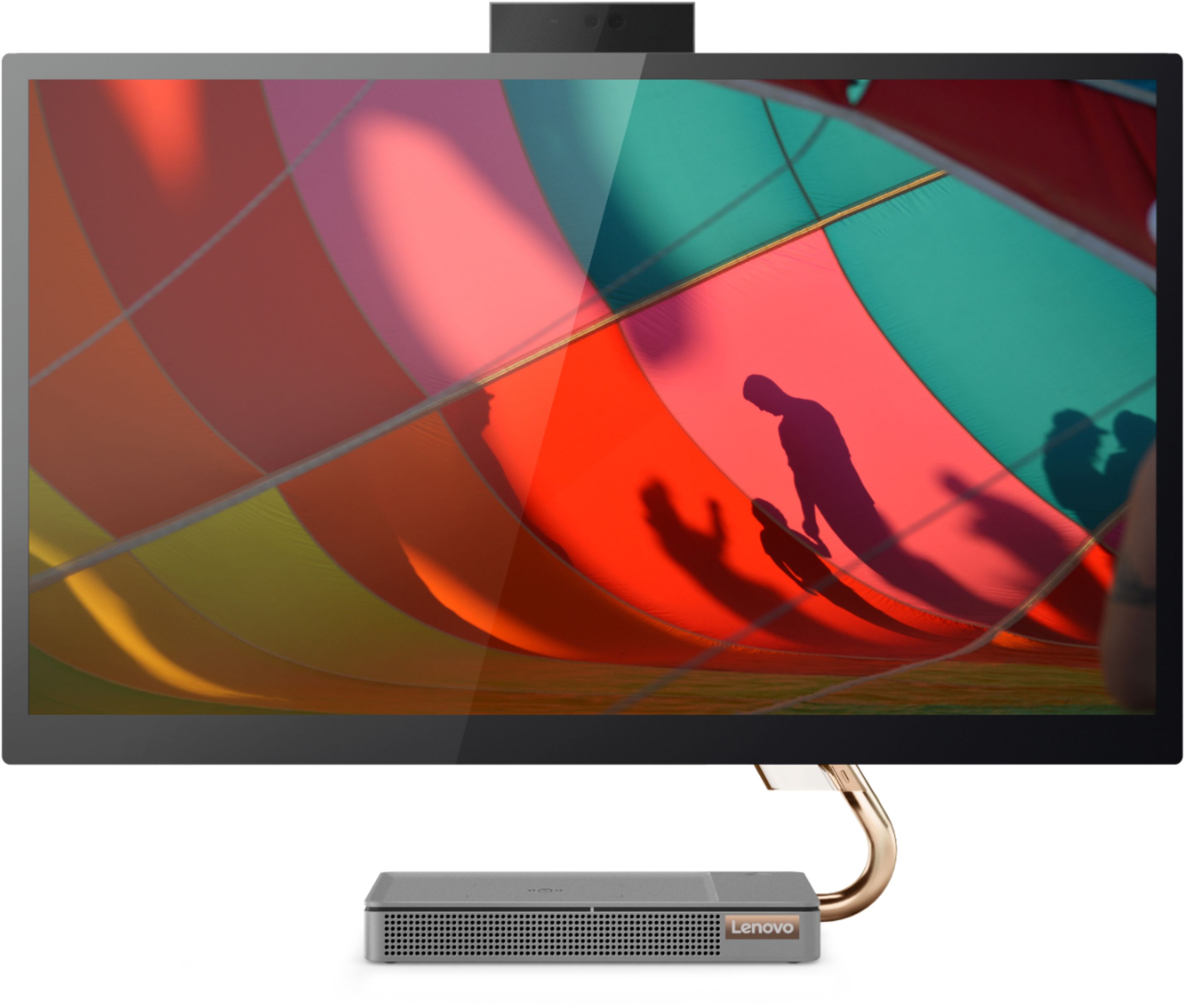
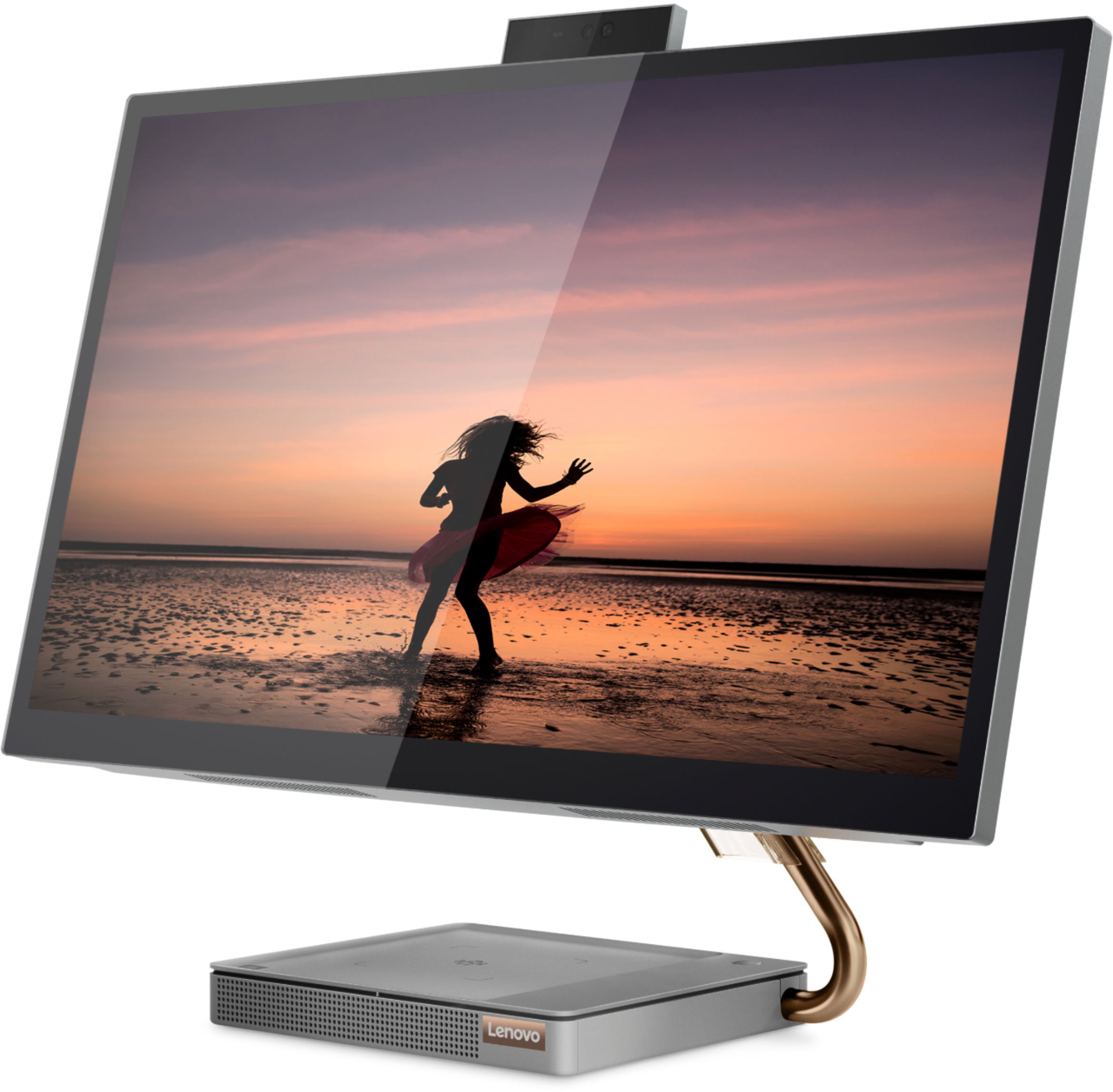
Posted .Thank you for choosing the Lenovo IdeaCentre A540-27 All-In-One system, model number F0EK007HUS. We are pleased to hear that the features and performance of the IdeaCentre A540-27 AIO meets your computing needs so well. Taking its cue from nature, the stylish IdeaCentre A540 is inspired by the cypress tree: perfectly balanced and durable. Sacrificing nothing on performance, this all-in-one PC is an attractive addition to your home or office. With up to 93-percent screen-to-body ratio and thin, narrow bezels, the A540 minimizes visual distractions and gives you more to enjoy than a regular 27-inch display. To enhance your viewing experience even further, the A540 ships with QHD 2560 x 1440 resolution.
All in one
||Posted . Owned for 3 weeks when reviewed.This reviewer received promo considerations or sweepstakes entry for writing a review.Bought this computer to replace an old desktop and monitor. Easy to set up. Nice graphics; fast. Sturdy keyboard. Small footprint. Has a built in camera and speaker. Good sound. Can recharge my phone while using, as well. Good value.
I would recommend this to a friendBrand response from Lenovo Product Expert
Posted .Thank you for choosing the Lenovo IdeaCentre A540-27 All-In-One system. We are pleased to hear that the features and performance of the IdeaCentre A540-27 AIO meets your computing needs so well.
- Pros mentioned:Design
Love it!
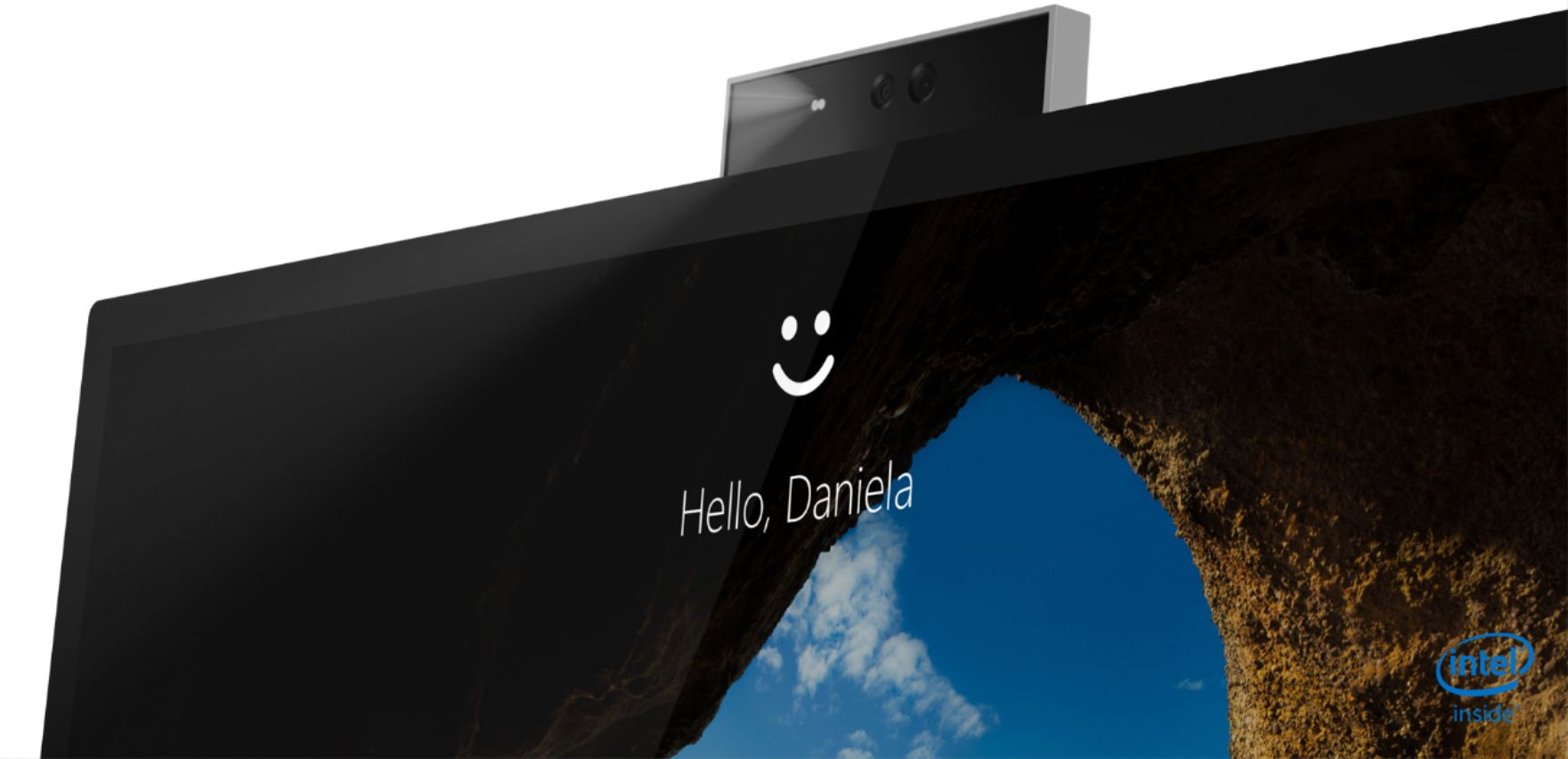
||Posted . Owned for 2 months when reviewed.This reviewer received promo considerations or sweepstakes entry for writing a review.Have been using this for 3 months now and I'm very happy with my purchase. The all-in-one look makes my desk look tidy and clean. I appreciate the hidden camera, only show when needed, makes surfing a tad safer.
I would recommend this to a friendBrand response from Lenovo Product Expert
Posted .Thank you for choosing the Lenovo IdeaCentre A540-27ICB Touch-Screen All-In-One. We are very pleased to hear that the specifications and features of the Lenovo IdeaCentre A540-27ICB AIO meet your computing needs so well.
- Pros mentioned:Screen size
Great Desktop
||Posted . Owned for 1.5 years when reviewed.This reviewer received promo considerations or sweepstakes entry for writing a review.I have used this PC for two years now! It is great! The hard drive boots in seconds! The touch screen is still responsive. This is a great computer and I would recommend it to others.
I would recommend this to a friendBrand response from Lenovo Product Expert
Posted .Thank you for choosing the Lenovo IdeaCentre A540 27 All-In-One System. We are pleased to hear that the performance of the IdeaCentre A540 27 AIO meets your computing needs so well.
- Pros mentioned:Speed
Good
||Posted . Owned for 6 months when reviewed.This reviewer received promo considerations or sweepstakes entry for writing a review.I ordered it at store and it came to my address by UPS. Unfortunately it didn’t turned on. I had to brought it to store to replace a new one. This one works great so far. Fast.
I would recommend this to a friend How it works!
||Posted . Owned for 1 month when reviewed.This reviewer received promo considerations or sweepstakes entry for writing a review.I love it; however, would like it more if it were not quite so heavy. the charging pad seems to be a bit temperamental - sometimes I have to juggle the phone around to get it to charge (which is a bit slow.)
I would recommend this to a friend- Pros mentioned:Screen size
Lenovo All-In-1
||Posted . Owned for 3 weeks when reviewed.This reviewer received promo considerations or sweepstakes entry for writing a review.This a great computer, I have been wanting a All-In-1. This is it. One of the deciding factors is this Lenovo is Windows 11 ready. Also wth screen is big enough and the memory and disk storage is great.
I would recommend this to a friend Used for screen recording lectures
||Posted . Owned for 3 weeks when reviewed.This reviewer received promo considerations or sweepstakes entry for writing a review.I bought this from the guidance of a local employee named teddy. Very good for my purposes but I wish it used an active pen instead of just a stylus. Also, wish the screen was a little more stable. It vibrates a little when screen writing. Otherwise this is a great product.
I would recommend this to a friendBrand response from Lenovo Product Expert
Posted .Thank you for choosing the Lenovo IdeaCentre A540-27 All-In-One system. This model is touchscreen but not compatible with an active/digital pen. You can use a capacitive touch stylus as a finger replacement on the screen. Taking its cue from nature, the stylish IdeaCentre A540 is inspired by the cypress tree: perfectly balanced and durable. Sacrificing nothing on performance, this all-in-one PC is an attractive addition to your home or office. With up to 93-percent screen-to-body ratio and thin, narrow bezels, the A540 minimizes visual distractions and gives you more to enjoy than a regular 27-inch display. To enhance your viewing experience even further, the A540 ships with FHD resolution.
- Pros mentioned:Screen size
Damaged out of the box
||Posted . Owned for 1 week when reviewed.This reviewer received promo considerations or sweepstakes entry for writing a review.This was my first all-in-one purchase and I guess I just didn't pick a good one.. This computer is BEAUTIFUL. It has a small footprint on the desk so you can have other stuff sitting near it, and the wireless charger is such a functional thing to have for headphones, cell phone etc. However, as soon as I unboxed it there were issues. The screen height is not adjustable. Only the viewing angle. it is 19in tall and would not fit in my built in desk space, but that was not why it was returned. I noticed as soon as it powered up that the top right corner of the screen was damaged. There was a circle like it was receiving touch input constantly and that circle was jumping around. We restarted but it never went away. There was no sign of damage on the outside, but something was definitely wrong. It supports multi-touch input so it was still usable, but I was not keeping a damaged $1100 computer. This was my first experience with Lenovo, and I went right back to Dell.
No, I would not recommend this to a friendBrand response from Lenovo Product Expert
Posted .We are sorry to hear that you are having issues with the touchscreen on your Lenovo IdeaCentre A540-27 All-In-One system, with the touchscreen not functioning. Check to be sure that the touchscreen feature has not been inadvertently turned off. Here is a link to instructions for enabling the touchscreen feature within Windows 10: https://www.lifewire.com/how-to-enable-the-touch-screen-in-windows-10-4580039. now check to be sure you have the latest version of Windows 10 on the computer. Then update all BIOS files and drivers up to that latest version of Windows 10. You can easily accomplish this by scanning the computer with the Lenovo Utility software available on this computer. This system has Lenovo utilities installed to help maintain the health of the device and keep the operating system software up to date. Type "Lenovo Vantage" in the Cortana Search window (if Lenovo Vantage is not installed on your device, you can download the APP and install it now). Select Lenovo Vantage from the list. In the window that opens, click on "Health and Support". In the expanded menu, select "Hardware Scan" In the window that opens, select "Run Quick Tests". This will scan your entire system for errors. Follow any directions that may pop up. If the problem continues after this scan, now click on "System Update". First select Windows update from the menu. Scan your system to be sure you have the latest version of Windows 10. Once that scan is complete, select "Additional Updates". This will scan your device to be sure there are no new BIOS/Driver updates needed. Follow any instructions that may pop up. If the issue still continues after these updates, we recommend you call Lenovo Tech Support at: 877-453-6686 for additional help.
- Pros mentioned:Screen size
Buy this!
||Posted .This reviewer received promo considerations or sweepstakes entry for writing a review.Very nice desktop. The screen is huge! This is a must buy for those working from home
I would recommend this to a friendBrand response from Lenovo Product Expert
Posted .Thank you for choosing the Lenovo IdeaCentre A540 27 All-In-One system. We are pleased to hear that the IdeaCentre A540 27 AIO meets your computing needs so well.