Customer Ratings & Reviews
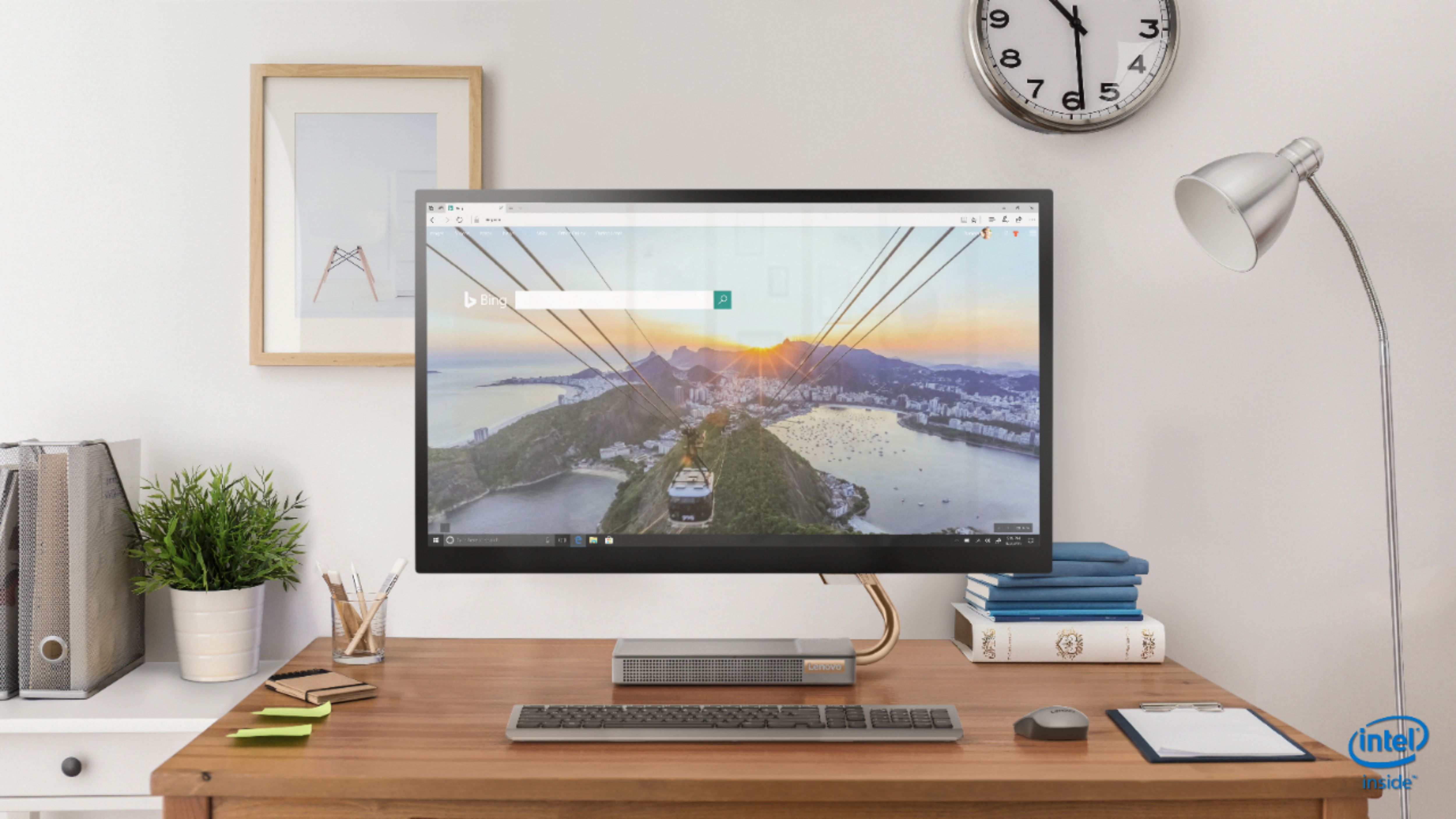
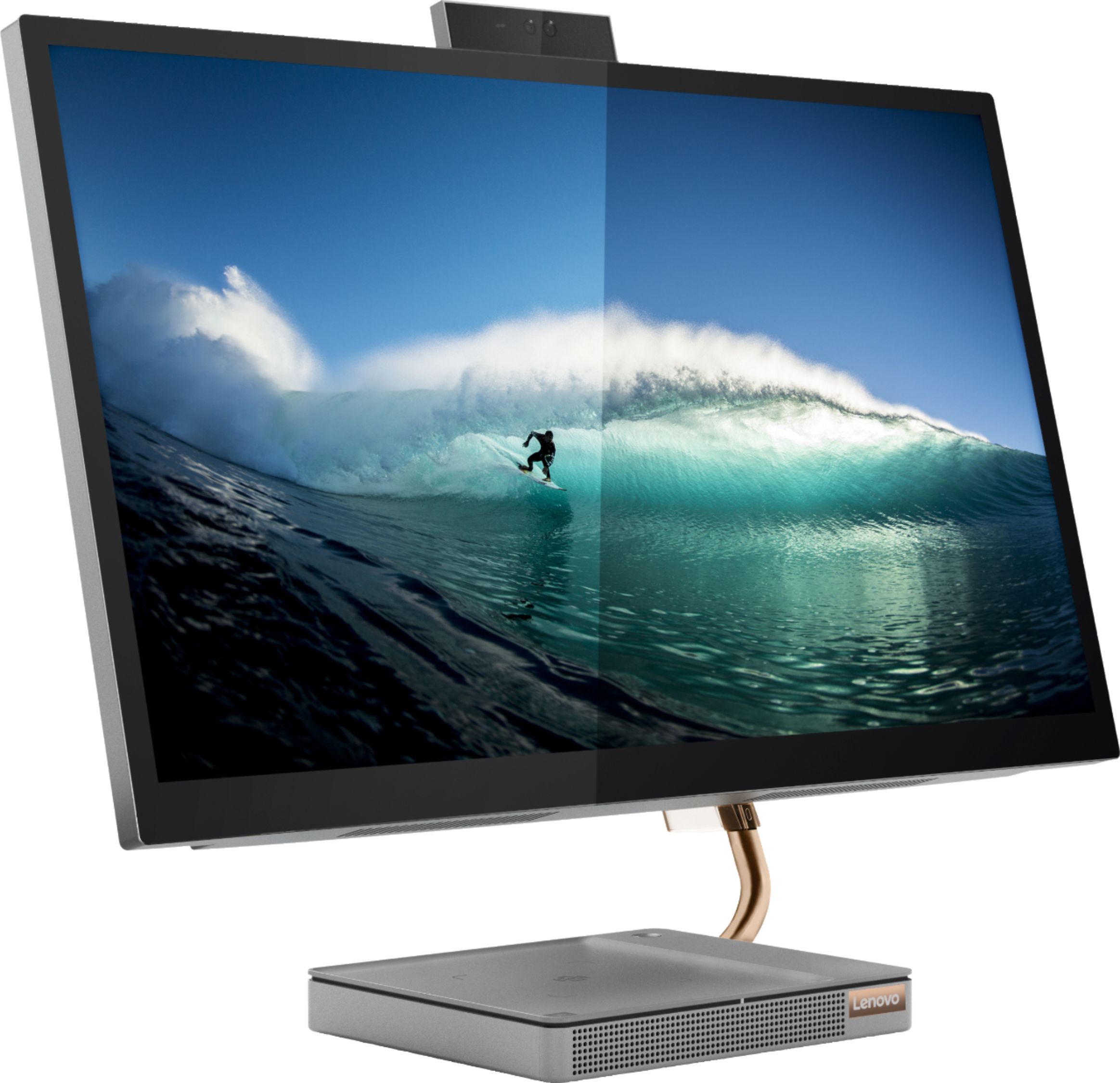
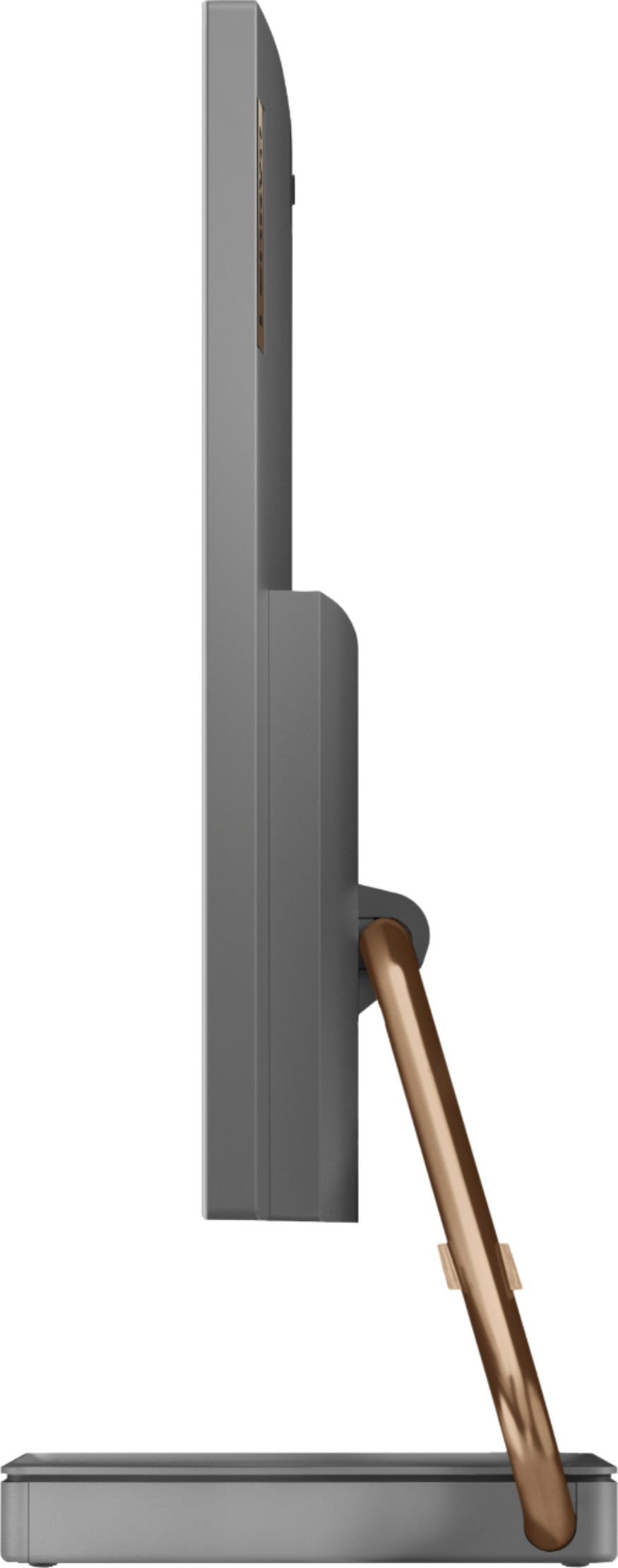
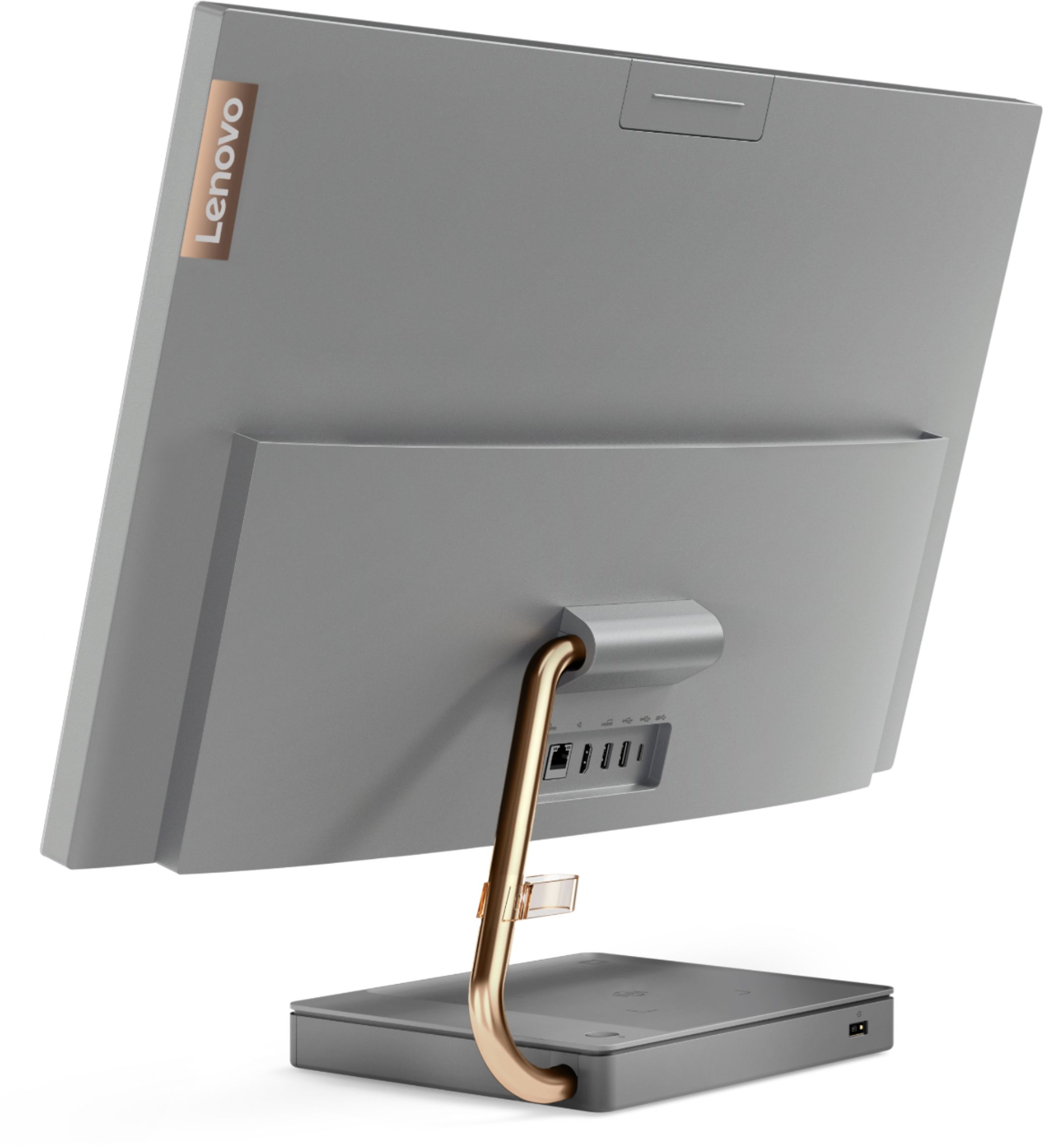

- Model:
- F0EK007HUS
- SKU:
- 6393695
Rating by feature
- Value
Rating 4.3 out of 5 stars
- Quality
Rating 4.4 out of 5 stars
- Ease of Use
Rating 4.5 out of 5 stars
Customers are saying
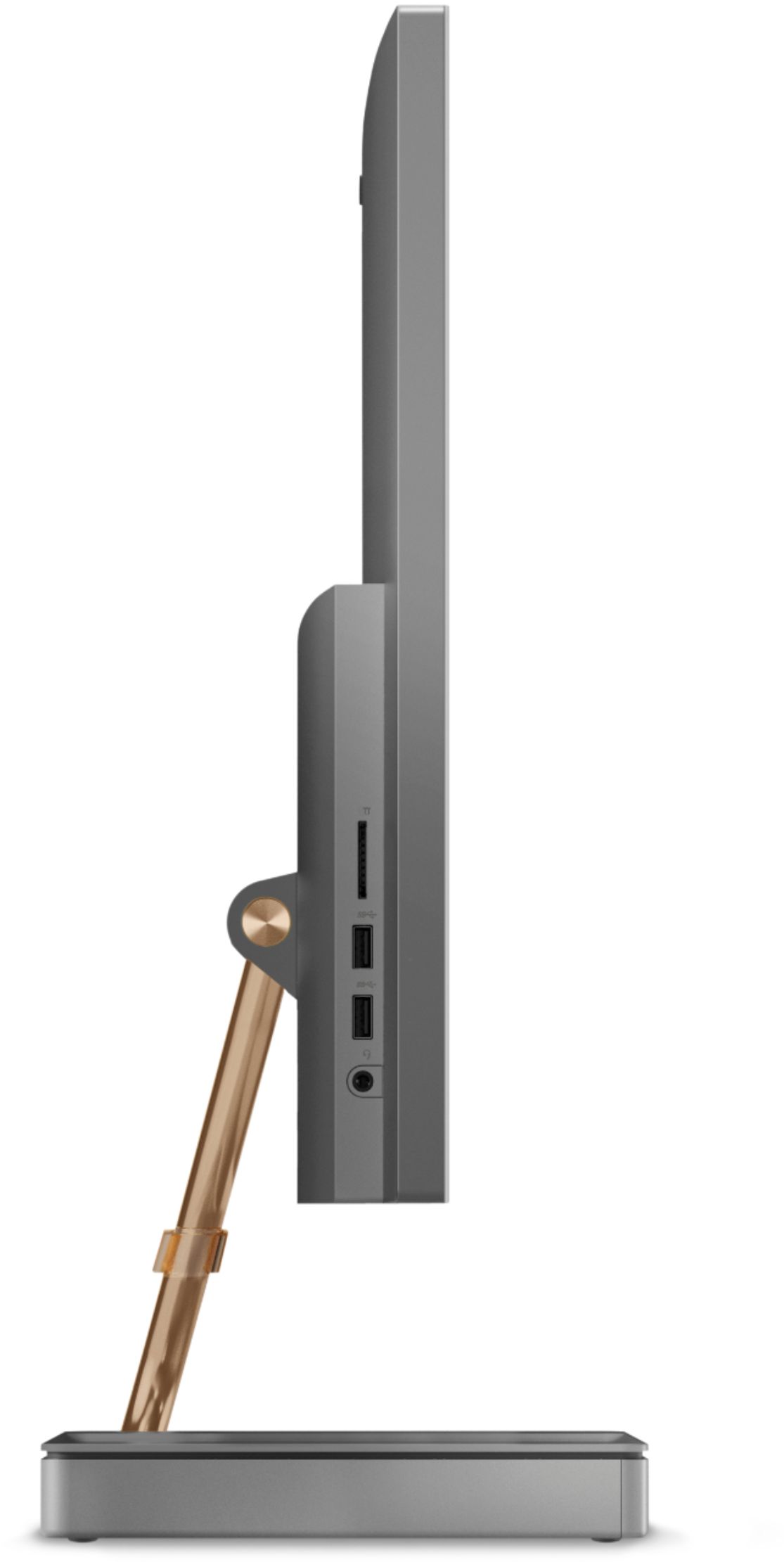
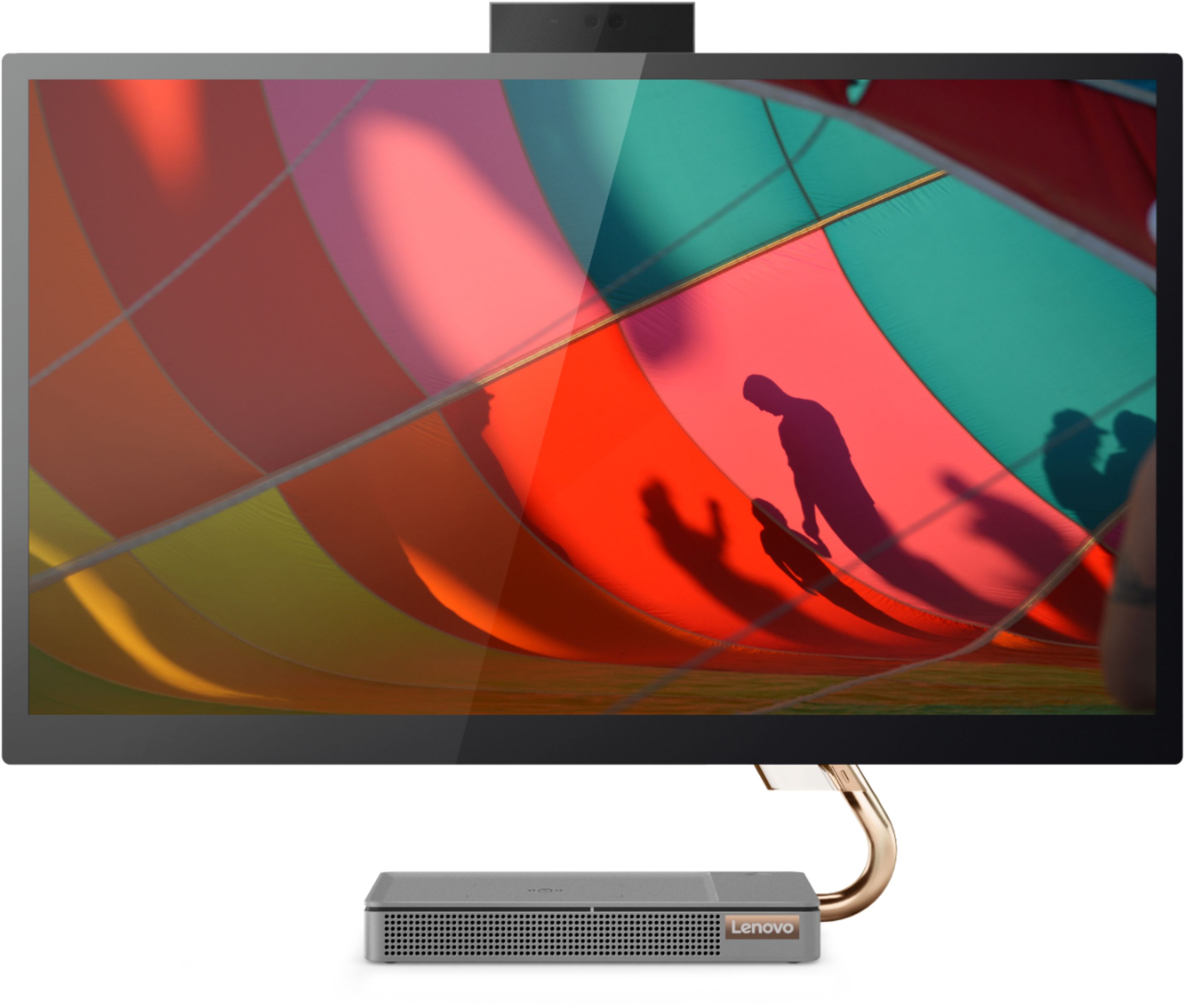
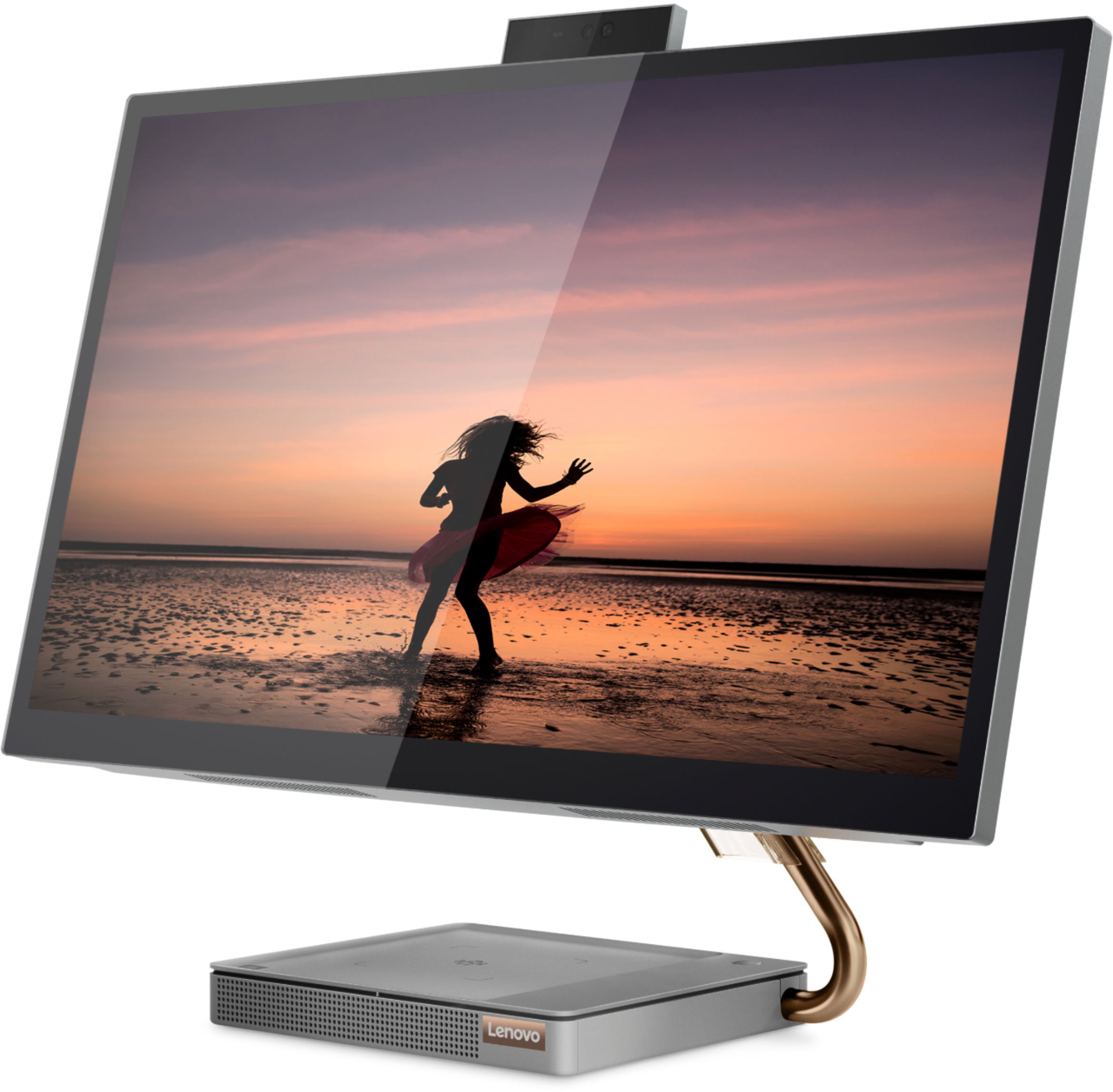
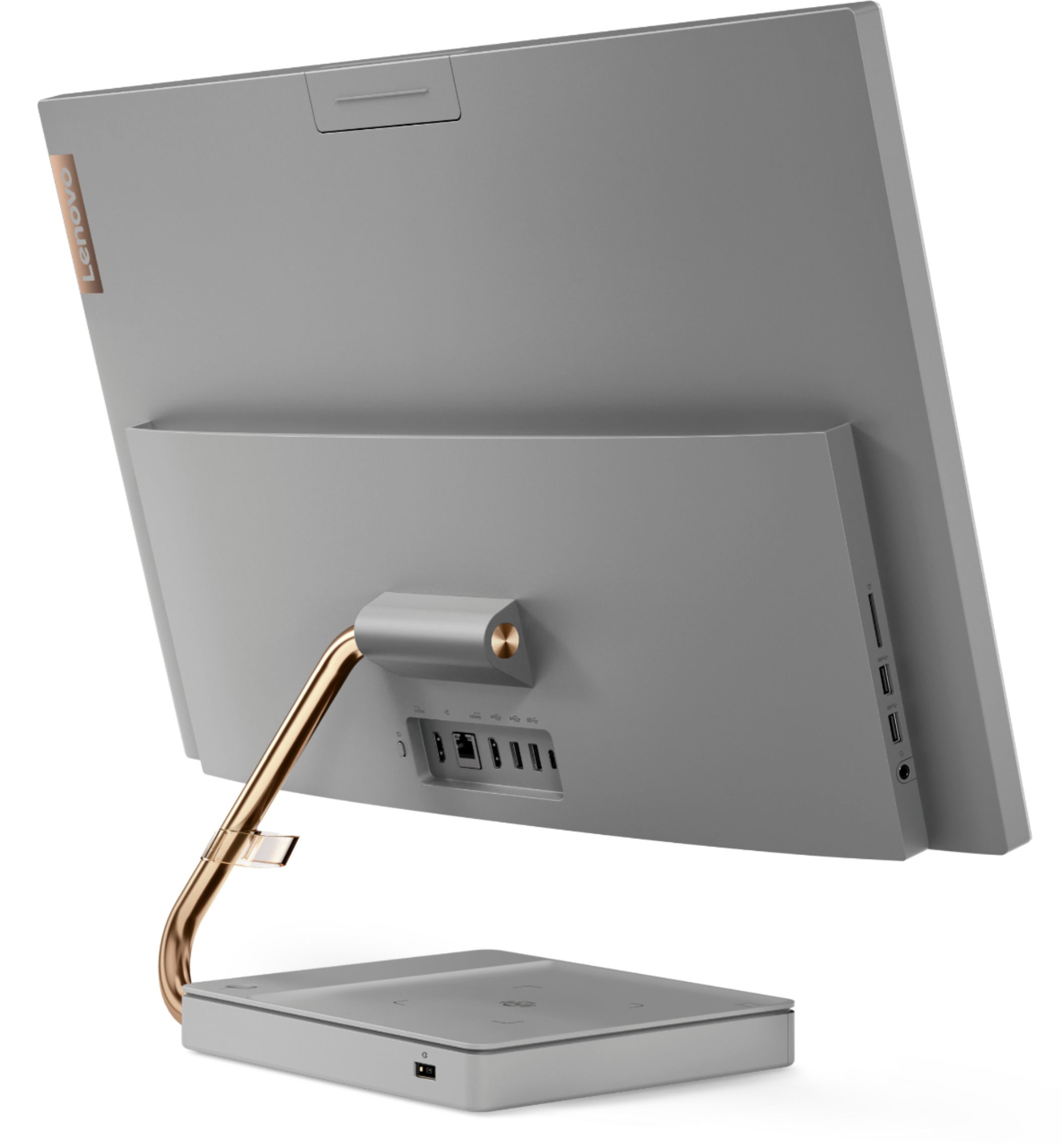
Customers regard the IdeaCentre A540's large screen size and ease of use as significant advantages, frequently praising its sleek design and responsive touchscreen. Positive feedback also highlights the generally good performance and value for the price. However, some users experienced issues with the limited number of USB ports, the quality of the camera, and occasional problems with the mouse and sleep mode functionality.
This summary was generated by AI based on customer reviews.
Defective Touchscreen
||Posted . Owned for 1 year when reviewed.This reviewer received promo considerations or sweepstakes entry for writing a review.Very dissatisfied!!! I purchased my Lenovo computer 1 year and one month ago. I hardly ever use it and I was told by Best Buy that everything else that has been purchased had hardware coverage EXCEPT the computer. The touch screen panel of my cpu is going out and all I can do is purchase another one, or personally pay for whatever the problem is. I don’t and will never refer BEST BUY to anyone. I was going to purchase another washer and a tv in the up coming two weeks but I’m definitely going to shop around elsewhere.
No, I would not recommend this to a friendUnhappy customer
||Posted . Owned for 1 year when reviewed.This reviewer received promo considerations or sweepstakes entry for writing a review.This computer sucks bought 2 tried taking 1 of them back to store still in box never opened would Best Buy has a program to buy old computer buy back they wouldn’t even make me offer on their own computer and remember it’s still brand new in box till this day if they wanted to take it back and make this right they can reach out anytime and apologize
No, I would not recommend this to a friendBroke after 8 months
||Posted . Owned for 8 months when reviewed.This reviewer received promo considerations or sweepstakes entry for writing a review.After 9 months and hardly any usage it broke and the screen had strange bubbles on display and I couldn't control the mouse and nothing would open. It wasn't the keyboard or mouse that caused the problems either. Troubleshot that.
No, I would not recommend this to a friendBrand response from Lenovo Product Expert
Posted .We are sorry to hear that you are having issues with your Lenovo IdeaCentre A540 27 All-In-One System, model number F0EK007HUS. First, check to be sure you have the latest version of Windows 10/11 on the computer. Then update all BIOS files and drivers up to that latest version of Windows 10/11. You can easily accomplish this by scanning the computer with the Lenovo Utility software available on this computer. This system has Lenovo utilities installed to help maintain the health of the device and keep the operating system software up to date. Type "Lenovo Vantage" in the Cortana Search window (if Lenovo Vantage is not installed on your device, you can download the APP and install it now). Select Lenovo Vantage from the list. In the window that opens, click on "Health and Support". In the expanded menu, select "Hardware Scan" In the window that opens, select "Run Quick Tests". This will scan your entire system for errors. Follow any directions that may pop up. If the problem continues after this scan, now click on "System Update". First select Windows update from the menu. Scan your system to be sure you have the latest version of Windows 10/11. Once that scan is complete, select "Additional Updates". This will scan your device to be sure there are no new BIOS/Driver updates needed. Follow any instructions that may pop up. If the issue continues after these updates, we recommend you call Lenovo Tech Support at: 877-453-6686 for additional help.

- Cons mentioned:Usb ports
Don’t waste your money
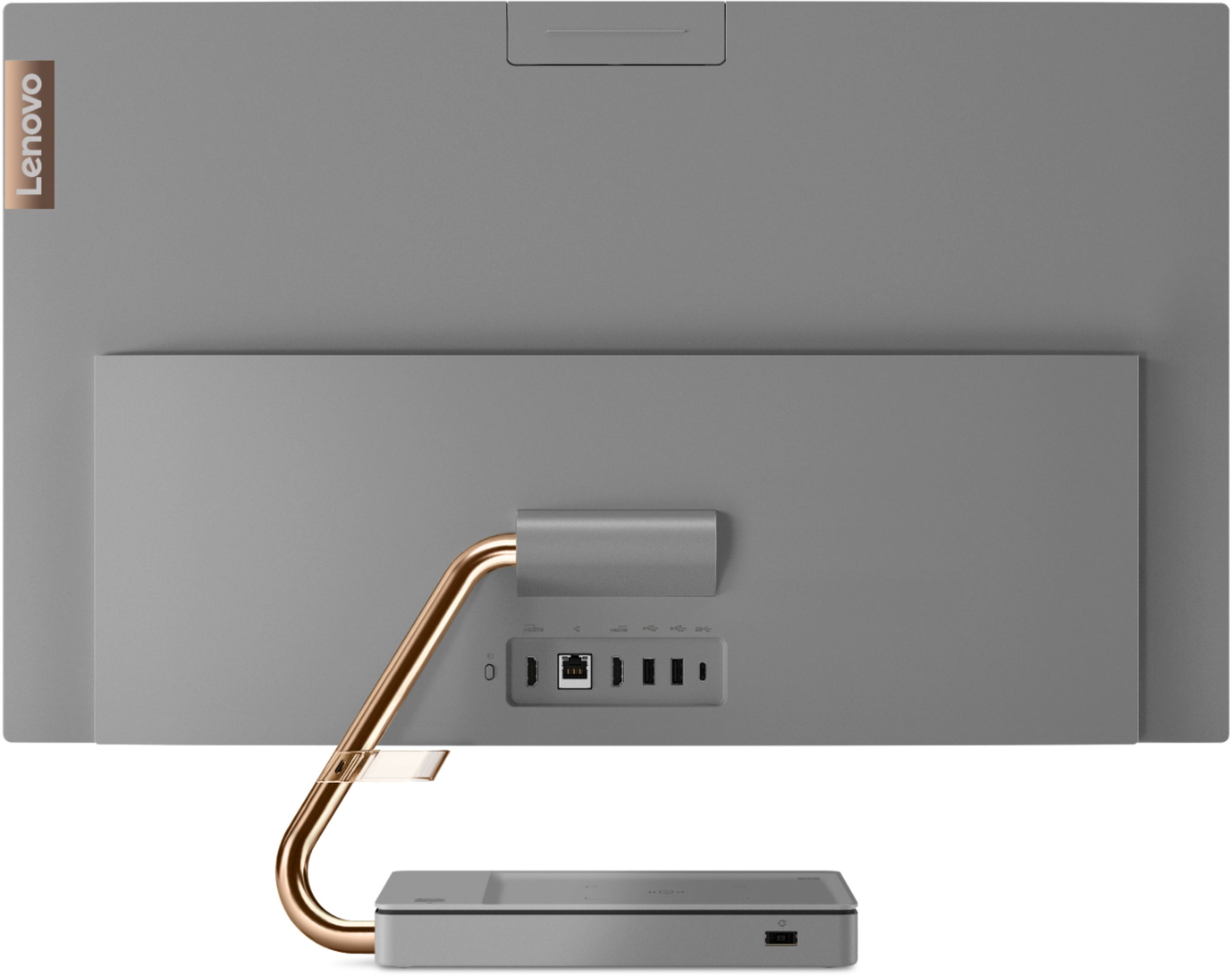
||Posted . Owned for 1 year when reviewed.This reviewer received promo considerations or sweepstakes entry for writing a review.Of course a year and a half after purchase the touch screen malfunctions constantly and I have to google how to turn the feature off. Then, I finally replace my canon camera and try to use the SD card slot or any of the USB ports and they are not aligned properly on the backside of the monitor so I can’t. I bought an additional adapter with a SD Port so I could use it in the slot I was use if for the mouse and keyboards but it then gives me an error about not having enough voltage for the adapter. Don’t waste your money.
No, I would not recommend this to a friend - Pros mentioned:DesignCons mentioned:Camera quality
2nd computer, same issues
||Posted . Owned for 1 month when reviewed.This reviewer received promo considerations or sweepstakes entry for writing a review.I love the product when it's working ... love the design etc. The first one occasionally unexpectedly muted me during conference calls (I do a lot and run a few). And my picture would go green. I traded for the same model, and am having the same issues. I was told that the tech saw the same issue in others. Difficult to address during covid. Have to see where this goes. Has anyone had these issues resolved and how? I'm not drawn to other models, but am skeptical of this series.
No, I would not recommend this to a friendBrand response from Lenovo Product Expert
Posted .We are sorry to hear that you are having issues with your Lenovo IdeaCentre A540-27 All-In-One system. Be sure any software you installed is compatible with Windows 10. Be sure the video conferencing software you are using is compatible with Windows 10. Additionally, there is no need to install Microsoft Office software. The software is already part of the operating system, you just need to activate the software with a purchased product key. If you have installed a copy of Microsoft Office, this is conflicting with the existing copy on the system and this will slow your system down. If you have installed a 3rd party anti-virus program, be sure that Windows Defender is turned off and that the trial version of McAfee Anti-Virus software is uninstalled. There can only be one anti-virus program on the system. You may need to restore your system to original factory default settings if any of the programming errors have occurred. You can do that by typing "restore" in the Cortana search window. Just click on the magnifying glass icon at the bottom left of your Windows 10 Desktop. Click on "Reset This PC" Then click on "Get Started" and follow the on screen directions to restore to factory defaults. If the problem persists, we recommend you contact Lenovo Tech Support at: 877-453-6686.
Worst computer ever (also Geek Squad was useless)
||Posted . Owned for 1 year when reviewed.This reviewer received promo considerations or sweepstakes entry for writing a review.Less than 6 months of use and the touchscreen broke. Lenovo fixed it (through Geek Squad) but when I got the computer back it wouldn't start up. Back to Geek Squad and they claimed everything was fine but couldn't show me b/c when I made the appt they told me not to bring the power cord. Of course when I picked it up, they couldn't turn it on b/c I didn't have a power cord (don't even get me started). I took it to an actual IT professional and they said the thing is dead. It's either a motherboard or power supply issue. And now it's too far past warranty date. Will not purchase another Lenovo.
No, I would not recommend this to a friend- Cons mentioned:Sleep mode
The Rip van Winkle of PC's
||Posted . Owned for 3 months when reviewed.This reviewer received promo considerations or sweepstakes entry for writing a review.Goes to sleep and wont wake up. This PC was so bad I had to return it. The main issue was that anytime the PC went to sleep, it would not wake up by any means other than unplugging the PC and restarting it. Tried all available suggestions from Lenovo, with and without their customer support on the line. Then resorted to asking The Google for help and discovered there were hundreds of people reporting the same issue, yet Lenovo support acted as if this was the first time they were hearing about it. After trying for 2 months gave up and bought a Dell, more expensive but not one issue at 5 months and counting.
No, I would not recommend this to a friendBrand response from Lenovo Product Expert
Posted .You can wake the Lenovo IdeaCentre A540-27 All-In-One system from sleep by pressing the power button for approximately 1-second. If you want to activate the wake from sleep feature by using the mouse or keyboard, here is a video with instructions for activating this feature: https://www.youtube.com/watch?v=NMJ_H7i-Rwc. If you continue to have this issue, we recommend you contact lenovo Tech Support for additional help at: 877-453-6686.
Issues with touch screen
||Posted . Owned for more than 2 years when reviewed.This reviewer received promo considerations or sweepstakes entry for writing a review.Had touchscreen issues right away forst couple months. Horrible service from lenovo. Never got fixed. And bought as open box from best buy with an excellent check no issues from geek squad. Do not buy open box products. Happened twice with a samsung t.v. also. Best buy doesn't check these properly
No, I would not recommend this to a frienddont buy it it sucks
||Posted . Owned for 1 year when reviewed.This reviewer received promo considerations or sweepstakes entry for writing a review.kept having to bring it in for service. 3 times in one year and now the touch screen does not work at all. very dissatisfied and they didnt even offer to exchange it out. definitely was a lemon, but, always wanted me to send it out to get fixed for the touch screen. after awhile, I had to let the touch screen go and now my carpa; tunnel is back.
No, I would not recommend this to a friendAvoid like the Plague!
||Posted . Owned for 7 months when reviewed.This reviewer received promo considerations or sweepstakes entry for writing a review.Purchased this computer for my aged parents for video calls. Tis is the worse computer we have ever owned. Problem started at the 3 month mark, touch screen stopped responding and started to do bizarre things. Called Lenovo, they stayed that it had to be sent in repair....at a little over 2 months old. Called best buy, because it was 2 days pasted the return date, they could not and would not help- this is after being on hold and bounced around from associate to associate for hours on end multiple times. It was the same with Lenovo. Finally broke down and said send me the return box, It came but it was for a laptop, more hours on the phone again, new case numbers ETC, ETC,. Sent machine in, one month later machine retuned but damaged- shipping box was fine, damaged at repair facility, it looked like they dropped it. More hours on the phone, returned machine again. When the computer was returned the monitor bracket was bent, decided to live with because it was need and decided that iI will never buy another Lenovo. BTW, The only way to have Lenovo send you a new machine under warranty is to buy directly from them, Lenovo will not send you a machine if you buy the unit from Best buy because they are a "reseller". Please avoid this computer manufacturer like the plague!! Also, check with the manufacturer before buying from best buy to make sure it will be supported after the purchase. You have been given fair warning!
No, I would not recommend this to a friend- Cons mentioned:Mouse
COMPLETE DISAPPOINTMENT WITH COMPUTER
||Posted . Owned for 9 months when reviewed.This reviewer received promo considerations or sweepstakes entry for writing a review.Purchased this computer in December 2021. By August 2022, it began acting strangely — numerous bubbles appearing screen, a non-operating mouse, a non-responding cursor related to mouse issue, inability to sign into the computer, and other issues such as the inability to open programs. This computer is a total disappointment, and for the first time in my computer usage of over 35 years I have had a computer fail — a terrible investment in computer technology. Currently it is at a local computer repair shop. I am waiting for a diagnosis of the scope of the problem and whether it is worthwhile to repair.
No, I would not recommend this to a friendBrand response from Lenovo Product Expert
Posted .We are sorry to hear that you are having issues with your Lenovo IdeaCentre A540 27 All-In-One System, model number F0EK007HUS. This model ships with a limited 1-year manufacturer's warranty, covering OEM hardware issues. We recommend you contact lenovo Tech Support for help with the issues you are having at: 866-426-0911.
- Cons mentioned:Camera quality
Not impressed. Shakes and weird.
||Posted . Owned for 2 months when reviewed.This reviewer received promo considerations or sweepstakes entry for writing a review.Eh. I bought this and returned it the next day. I really wanted it to work but it just felt cheap and didn't meet my tech needs. It was cool looking in the pics but in my space it looked like I just went with it because I couldn't afford a Mac. Not impressed. Wanted to like it but couldn't get passed the weird design of the stand and it would shake a lot-like it wasn't stable. I'm particular about my tech and have high expectations if I'm going to spend. Returned it and got an iPad which was 100 times better for my tech needs. Also the built in cam on this computer was horrible. Super blurry. Nah.
No, I would not recommend this to a friendBrand response from Lenovo Product Expert
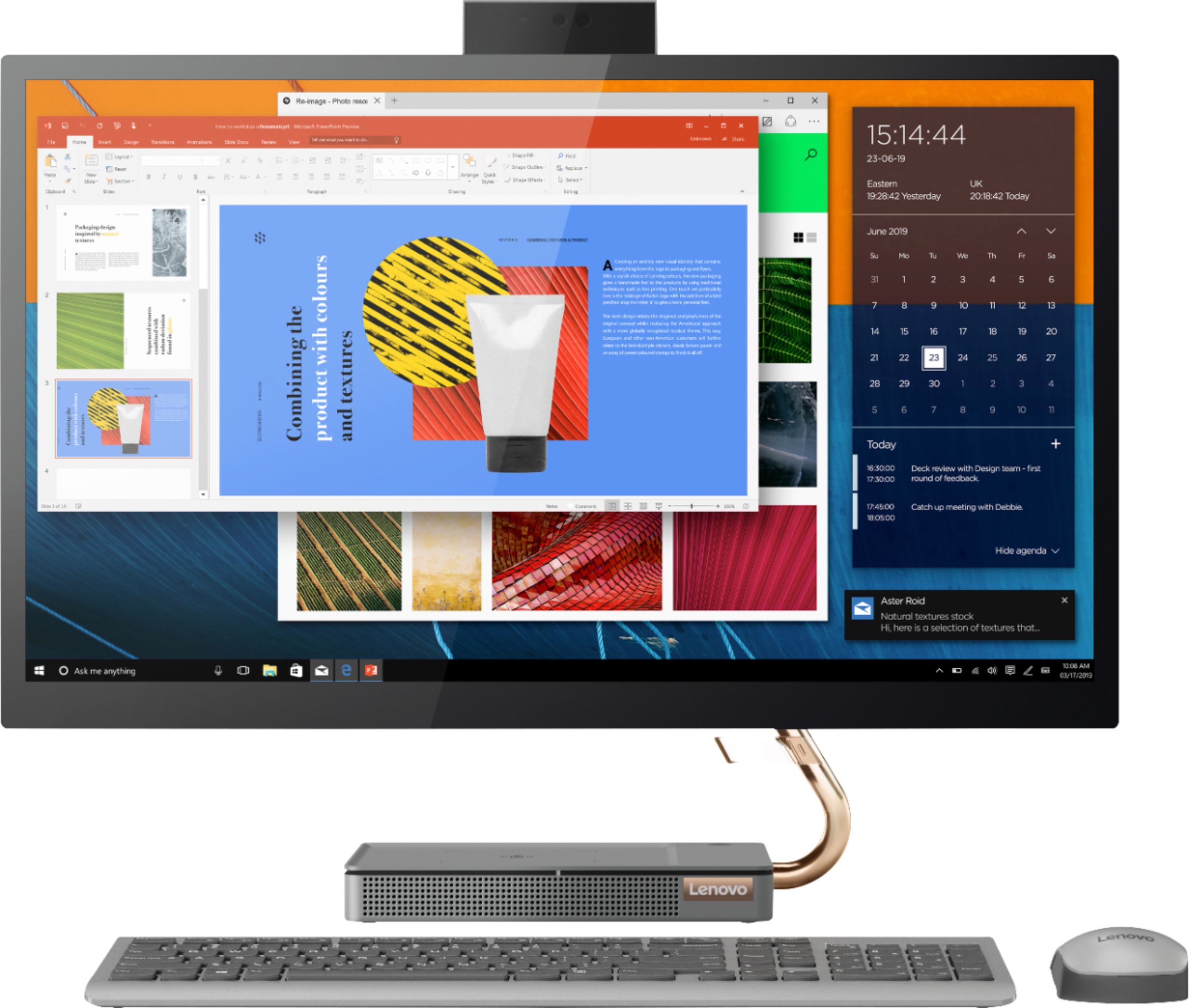
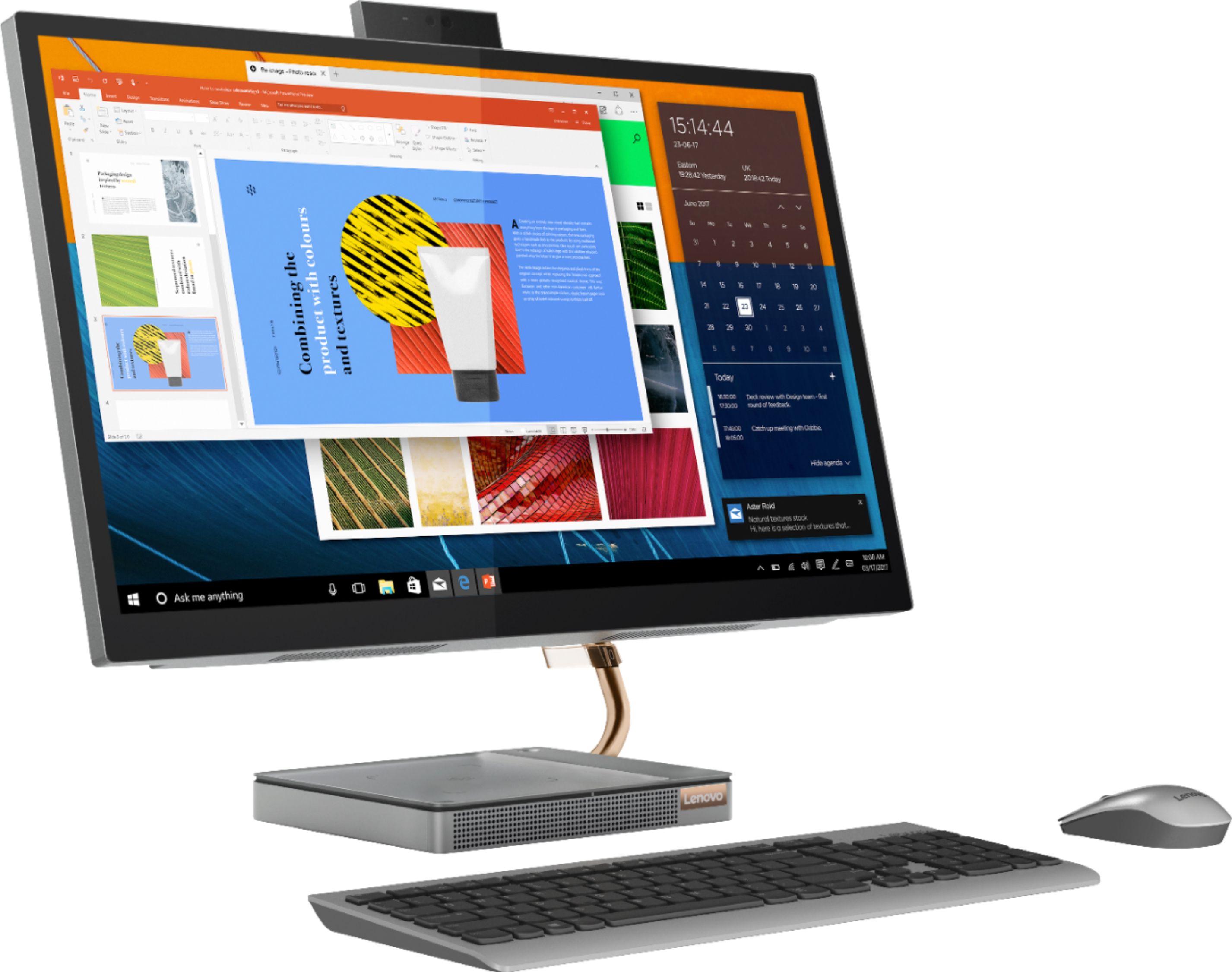
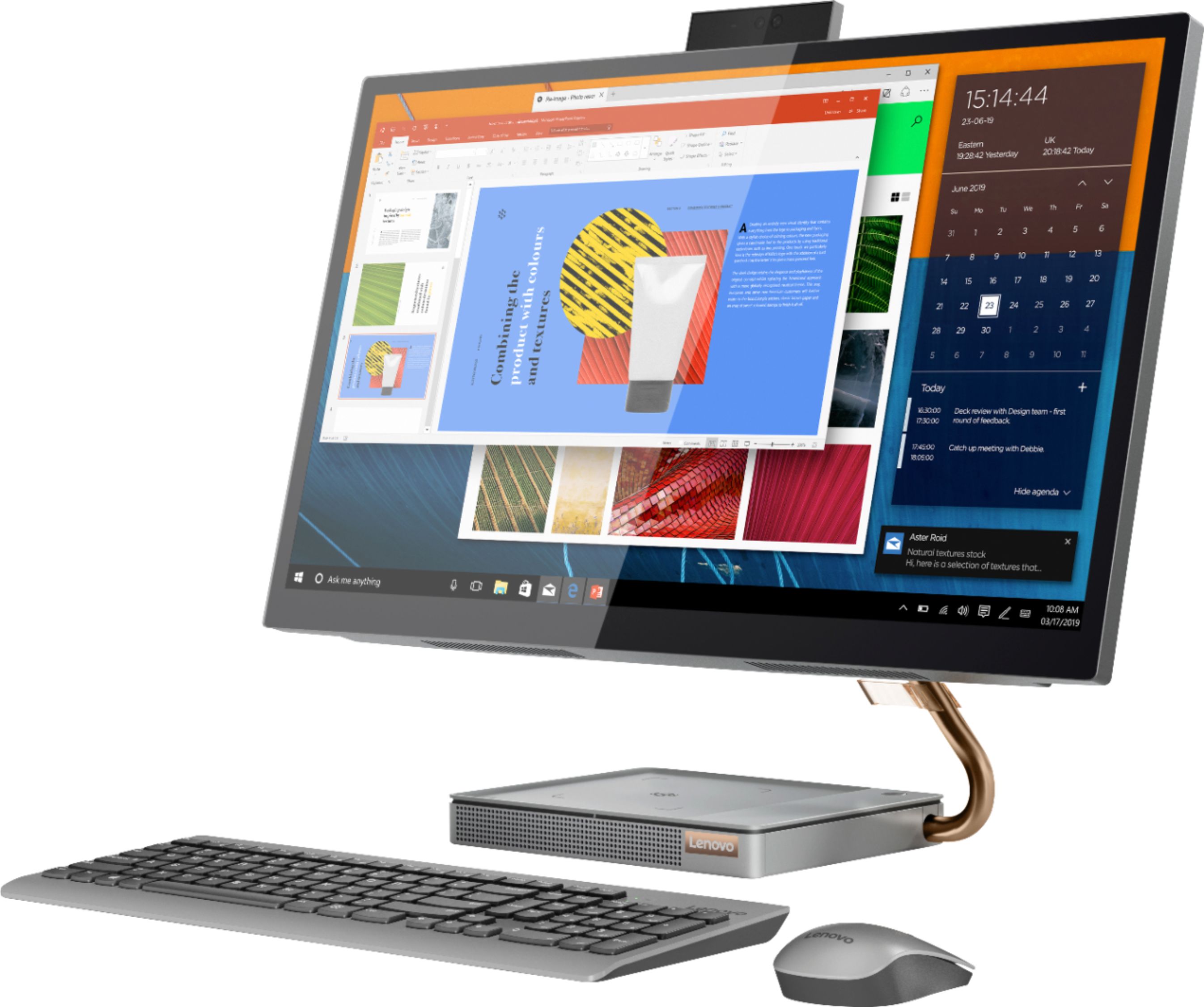
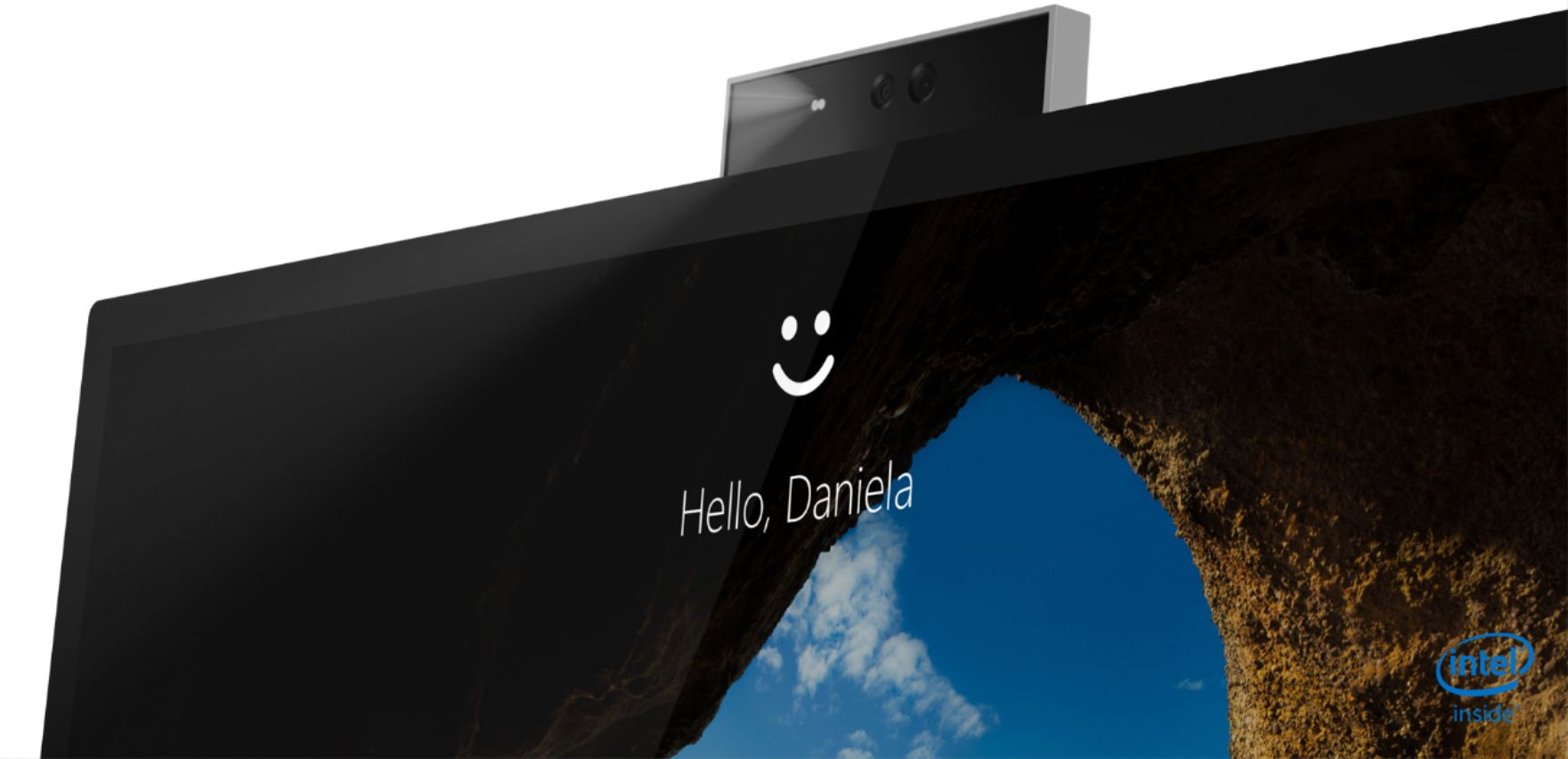
Posted .Hi there! The Lenovo IdeaCentre A540 All-in-One model # F0EK007HUS features a Sleek, borderless 24 inch display, and a 1080p FHD IR camera that make hosting meetings or chatting with friends a breeze. The stand should be sturdy and not shake. If you are experiencing a problem with the stand shaking we recommend calling Lenovo Tech Support at 877-453-6686 for the next steps in resolving the issue.
- Cons mentioned:Mouse
Fundamentally flawed.. do not buy
||Posted . Owned for 1 month when reviewed.This reviewer received promo considerations or sweepstakes entry for writing a review.This pc is fundamentally flawed. First one I purchased had a problem where the touch screen would act up, as if someone was constantly touching it and the mouse started going crazy all over the screen as if it’s possessed. it therefore the mouse would not work. I mailed it back to Lenovo bought the same one from bestbuy thinking that maybe it was my luck that I got a bad one only to find out that in less than 30 days this one started doing the same thing… I tried to give them a second chance, please take heed to my warning. This desktop is no good
No, I would not recommend this to a friendBrand response from Lenovo Product Expert
Posted .We are sorry to hear that you are having issues with your Lenovo IdeaCentre A540-27 All-In-One system, model number F0EK007HUS. First, Be sure any software you installed is compatible with Windows 10. There is no need to install Microsoft Office software. The software is already part of the operating system, you just need to activate the software with a purchased product key. If you have installed a copy of Microsoft Office, this is conflicting with the existing copy on the system and this will slow your system down. If you have installed a 3rd party anti-virus program, be sure that Windows Defender is turned off and that the trial version of McAfee Anti-Virus software is uninstalled. There can only be one anti-virus program on the system. You may need to restore your system to original factory default settings if any of the programming errors have occurred. You can do that by typing "restore" in the Cortana search window. Just click on the magnifying glass icon at the bottom left of your Windows 10 Desktop. Click on "Reset This PC" Then click on "Get Started" and follow the on screen directions to restore to factory defaults. If there is no incompatible software installed but the issues persist, check to be sure you have the latest version of Windows 10 on the computer. Then update all BIOS files and drivers up to that latest version of Windows 10. You can easily accomplish this by scanning the computer with the Lenovo Utility software available on this computer. This system has Lenovo utilities installed to help maintain the health of the device and keep the operating system software up to date. Type "Lenovo Vantage" in the Cortana Search window (if Lenovo Vantage is not installed on your device, you can download the APP and install it now). Select Lenovo Vantage from the list. In the window that opens, click on "Health and Support". In the expanded menu, select "Hardware Scan" In the window that opens, select "Run Quick Tests". This will scan your entire system for errors. Follow any directions that may pop up. If the problem continues after this scan, now click on "System Update". First select Windows update from the menu. Scan your system to be sure you have the latest version of Windows 10. Once that scan is complete, select "Additional Updates". This will scan your device to be sure there are no new BIOS/Driver updates needed. Follow any instructions that may pop up. If the issue still continues after these updates, we recommend you call Lenovo Tech Support at: 877-453-6686 for additional help.
- Cons mentioned:Mouse
Open box NOT in excellent, like new condition
||Posted . Owned for less than 1 week when reviewed.This reviewer received promo considerations or sweepstakes entry for writing a review.This review rating is for BestBuy's description and handling of an open-box, excellent, like new. The screen had food smeared on it. The mouse was in a zip lock baggie, no batteries, no dongle. My options are to lug a 40# box to UPS or back to bestbuy or to buy another usb dongle. I opted to do that but man, this is really poor service. I would still recomend this computer, but if you buy open box, I would only do so in the store, open it and examine it before purchase.
I would recommend this to a friend Beware
||Posted . Owned for 1 month when reviewed.This reviewer received promo considerations or sweepstakes entry for writing a review.Zero stars for the computer messing up after a month, zero stars for Best Buy return and exchange policy and having no help whatsoever. I bought my computer May 17, 2021 from Best Buy after doing my research on PCs. I had a Apple Laptop that finally died after 12 years and needed a new computer for school and work. On June 24th, 2021 my computer was acting erratic like someone was clicking and tapping on everything since it is a touchscreen. This is still continuing as we speak. I called Lenovo technical support and they gave me troubleshooting problems to try to fix the problem but it’s not working since the touchscreen and mouse cursor are clicking on everything. Best Buy policy needs to add 30 days for certain that broken or damaged. If you have Best Buy Rewards it needs to be more days. No one at Best Buy even offer the geek squad to fix it. The computer is not working not based from water damage or any physical damage then it needs to be refunded or exchanged. The guy who helped me out was very helpful he gets 5 stars.
No, I would not recommend this to a friendBrand response from Lenovo Product Expert
Posted .We are sorry to hear that you are having issues with your Lenovo IdeaCentre A540-27 All-In-One system, model number F0EK007HUS. First, be sure any software you installed is compatible with Windows 10. There is no need to install Microsoft Office software. The software is already part of the operating system, you just need to activate the software with a purchased product key. If you have installed a copy of Microsoft Office, this is conflicting with the existing copy on the system and this will slow your system down. If you have installed a 3rd party anti-virus program, be sure that Windows Defender is turned off and that the trial version of McAfee Anti-Virus software is uninstalled. There can only be one anti-virus program on the system. You may need to restore your system to original factory default settings if any of the programming errors have occurred. You can do that by typing "restore" in the Cortana search window. Just click on the magnifying glass icon at the bottom left of your Windows 10 Desktop. Click on "Reset This PC" Then click on "Get Started" and follow the on screen directions to restore to factory defaults. If there is no incompatible software installed but the issues persist, check to be sure you have the latest version of Windows 10 on the computer. Then update all BIOS files and drivers up to that latest version of Windows 10. You can easily accomplish this by scanning the computer with the Lenovo Utility software available on this computer. This system has Lenovo utilities installed to help maintain the health of the device and keep the operating system software up to date. Type "Lenovo Vantage" in the Cortana Search window (if Lenovo Vantage is not installed on your device, you can download the APP and install it now). Select Lenovo Vantage from the list. In the window that opens, click on "Health and Support". In the expanded menu, select "Hardware Scan" In the window that opens, select "Run Quick Tests". This will scan your entire system for errors. Follow any directions that may pop up. If the problem continues after this scan, now click on "System Update". First select Windows update from the menu. Scan your system to be sure you have the latest version of Windows 10. Once that scan is complete, select "Additional Updates". This will scan your device to be sure there are no new BIOS/Driver updates needed. Follow any instructions that may pop up. If after updating the Operating Software the issue continues, resetting the computer back to original factory setting may clear the issue you are having. Here is a link to instructions for doing this within Windows 10: https://support.microsoft.com/en-us/windows/recovery-options-in-windows-31ce2444-7de3-818c-d626-e3b5a3024da5#ID0EDD=Windows_10. If because of the screen image issue you are unable to operate the computer to do these troubleshooting steps, you can shut down the computer completely. Now boot the computer by pressing the power button. Before Windows 10 loads, repeatedly tap the F2 Key until you see the Lenovo One Key Recovery Screen. Here you can reset the computer back to original settings by following the on-screen instructions. If the issue continues, we recommend you contact Lenovo Tech Support for additional help at: 866-426-0911.
- Cons mentioned:Mouse
Irreparable bug problem
||Posted . Owned for 9 months when reviewed.This reviewer received promo considerations or sweepstakes entry for writing a review.It looks perfect! But has some bugs that couldn’t be fixed even by Lenovo in Texas service. The mouse move by it self and open and close applications. They tried but problem persist. It’s a disappointment.
No, I would not recommend this to a friend - Pros mentioned:Performance
Lasted less than 6 months
||Posted . Owned for 1 year when reviewed.This reviewer received promo considerations or sweepstakes entry for writing a review.This computer lasted less than 6 months and then had the blue screen of death. Could never get it to work again. Waste of money. The computer was good when it lasted.
No, I would not recommend this to a friend Do NOT buy this machine.
||Posted . Owned for 1 year when reviewed.This reviewer received promo considerations or sweepstakes entry for writing a review.Do not buy this machine! There is a well documented issue with this machine locking up daily! There is a lengthy thread here that discusses the problem and Lenovo is unwilling to acknowledge or deal with it. Here's the thread of ither's that have experienced the same issue: https://forums.lenovo.com/t5/Lenovo-All-In-One-AIO-Desktops/AIO-5-27IMB05-randomly-locks-up/m-p/5054927?page=5
No, I would not recommend this to a friendBrand response from Lenovo Product Expert
Posted .We are sorry to hear that you are having issues with your Lenovo IdeaCentre A540-27 All-In-One system, model number F0EK007HUS. First, be sure any software you installed is compatible with Windows 10. There is no need to install Microsoft Office software. The software is already part of the operating system, you just need to activate the software with a purchased product key. If you have installed a copy of Microsoft Office, this is conflicting with the existing copy on the system and this will slow your system down. If you have installed a 3rd party anti-virus program, be sure that Windows Defender is turned off and that the trial version of McAfee Anti-Virus software is uninstalled. There can only be one anti-virus program on the system. You may need to restore your system to original factory default settings if any of the programming errors have occurred. You can do that by typing "restore" in the Cortana search window. Just click on the magnifying glass icon at the bottom left of your Windows 10 Desktop. Click on "Reset This PC" Then click on "Get Started" and follow the on screen directions to restore to factory defaults. If the problem persists, we recommend you contact Lenovo Tech Support at: 877-453-6686.
- Cons mentioned:Fan noise
Leveno
||Posted . Owned for 3 weeks when reviewed.This reviewer received promo considerations or sweepstakes entry for writing a review.The first day the fan made a loud noise. The second day I received a notice of System Fan Failure. Returned the item for a Dell.
No, I would not recommend this to a friendBrand response from Lenovo Product Expert
Posted .We are sorry to hear that you had issues with the internal fan of your Lenovo IdeaCentre A540 27 All-In-One system. If you are overclocking revert back to original settings. Restart the computer. If the error message occurs again, we recommend you contact Lenovo Tech Support for additional help at: 877-453-6686.
- Pros mentioned:Design
Disappointing
||Posted . Owned for 3 months when reviewed.This reviewer received promo considerations or sweepstakes entry for writing a review.Beautiful, sleek design. Crapped out within the first week. Digital signal error. Very disappointing.
No, I would not recommend this to a friendBrand response from Lenovo Product Expert
Posted .We are sorry to hear that you are having issues with your Lenovo IdeaCentre A540-27 All-In-One system. Regarding a digital error message, Be sure any software you installed is compatible with Windows 10. There is no need to install Microsoft Office software. The software is already part of the operating system, you just need to activate the software with a purchased product key. If you have installed a copy of Microsoft Office, this is conflicting with the existing copy on the system and this will slow your system down. If you have installed a 3rd party anti-virus program, be sure that Windows Defender is turned off and that the trial version of McAfee Anti-Virus software is uninstalled. There can only be one anti-virus program on the system. You may need to restore your system to original factory default settings if any of the programming errors have occurred. You can do that by typing "restore" in the Cortana search window. Just click on the magnifying glass icon at the bottom left of your Windows 10 Desktop. Click on "Reset This PC" Then click on "Get Started" and follow the on screen directions to restore to factory defaults. If you can no longer boot the computer, Ensure that your computer is connected to ac power during the recovery process.
The Windows recovery environment on your computer operates independently from the Windows 10 operating system. It enables you to recover or repair the operating system even if the Windows 10 operating system fails to start.
After two consecutive failed boot attempts, the Windows recovery environment starts automatically. Then, you can choose repair and recovery options by following the on-screen instructions. Here is a link to more Windows 10 Recovery options:
https://support.microsoft.com/en-us/help/12415/windows-10-recovery-options. If the problem persists, we recommend you contact Lenovo Tech Support at: 877-453-6686.