Customer Ratings & Reviews

- Model:
- F0EA0088US
- SKU:
- 6476237
Rating by feature
- Value
Rating 4.1 out of 5 stars
- Quality
Rating 4.1 out of 5 stars
- Ease of Use
Rating 4.2 out of 5 stars
Customers are saying
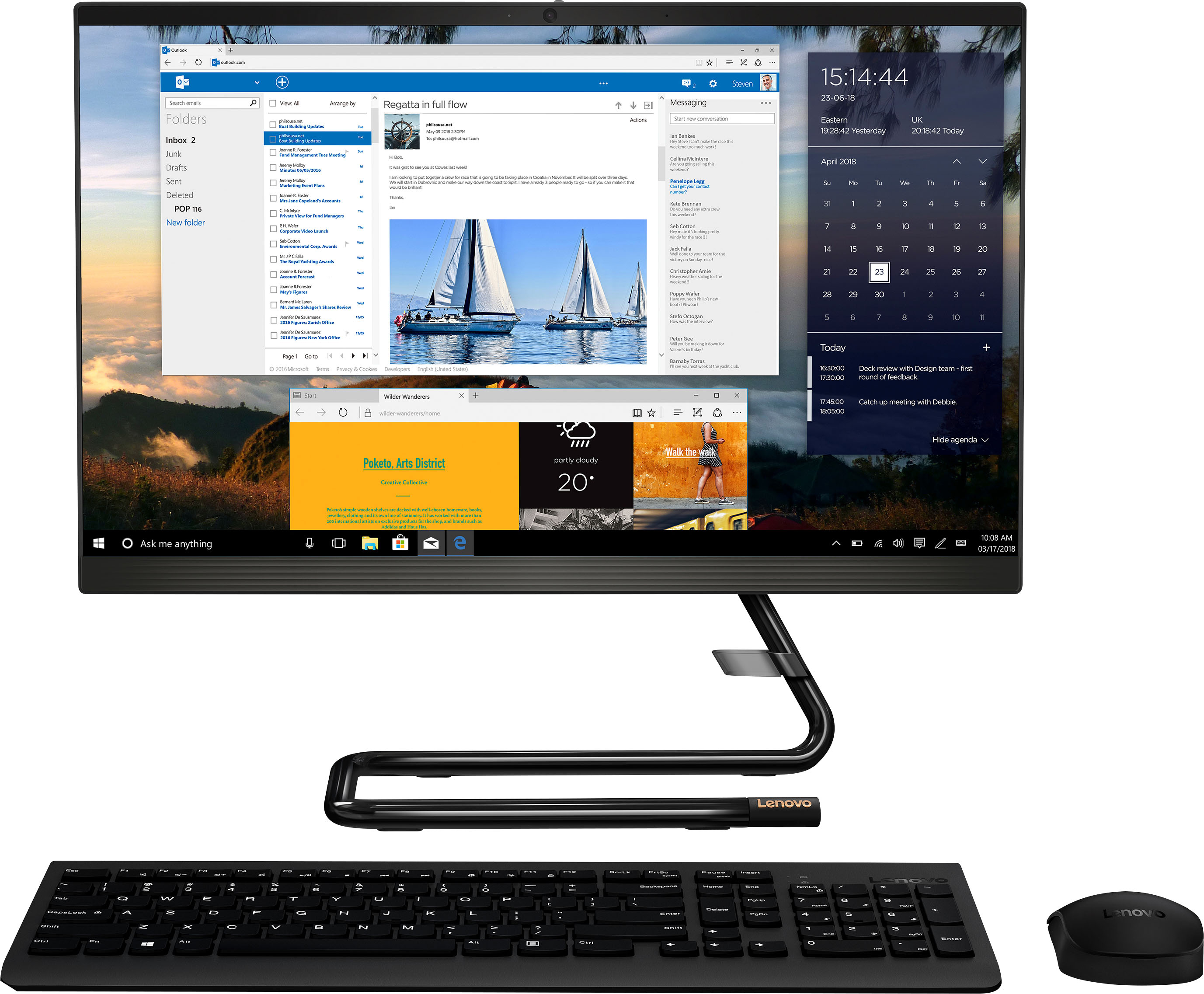
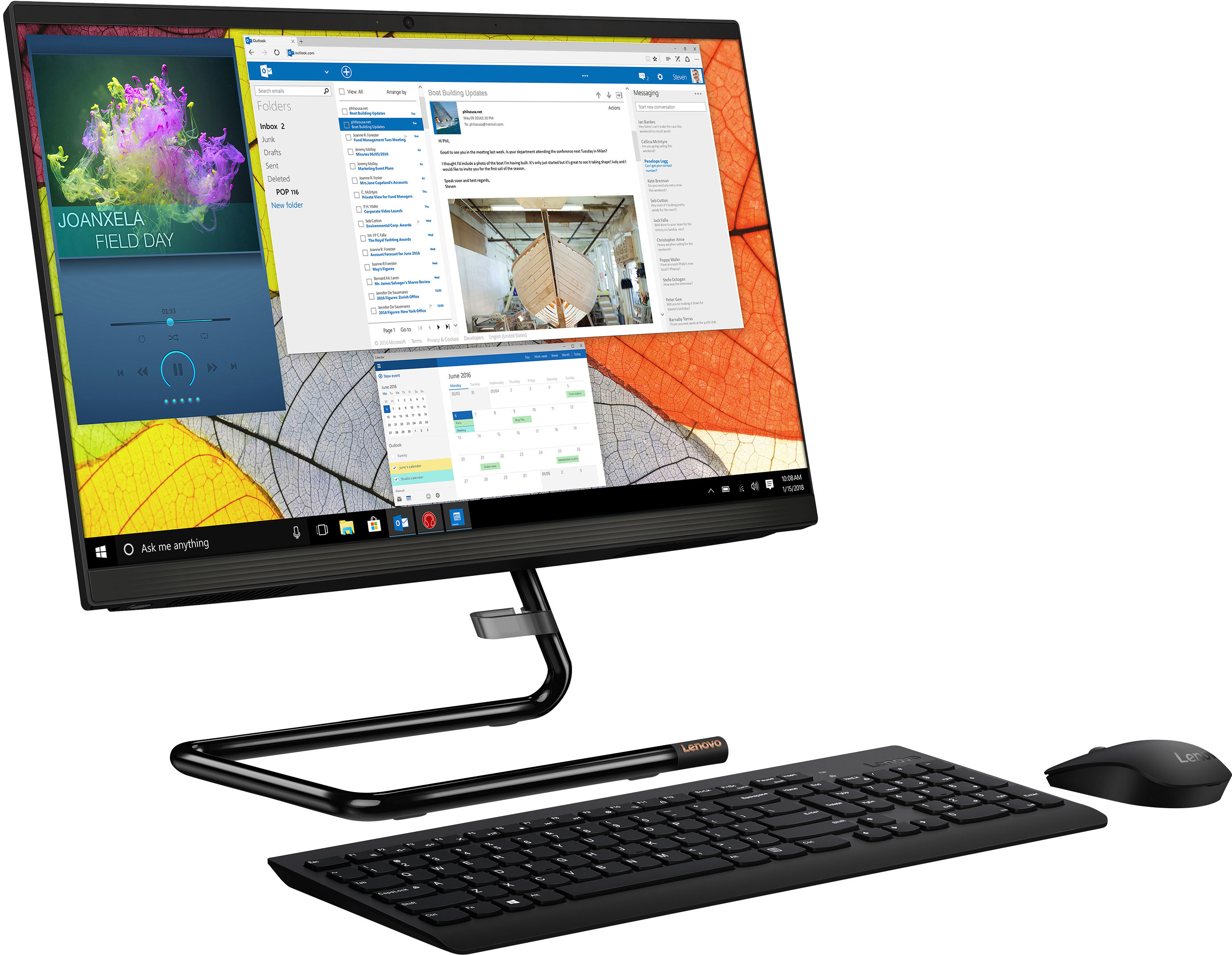
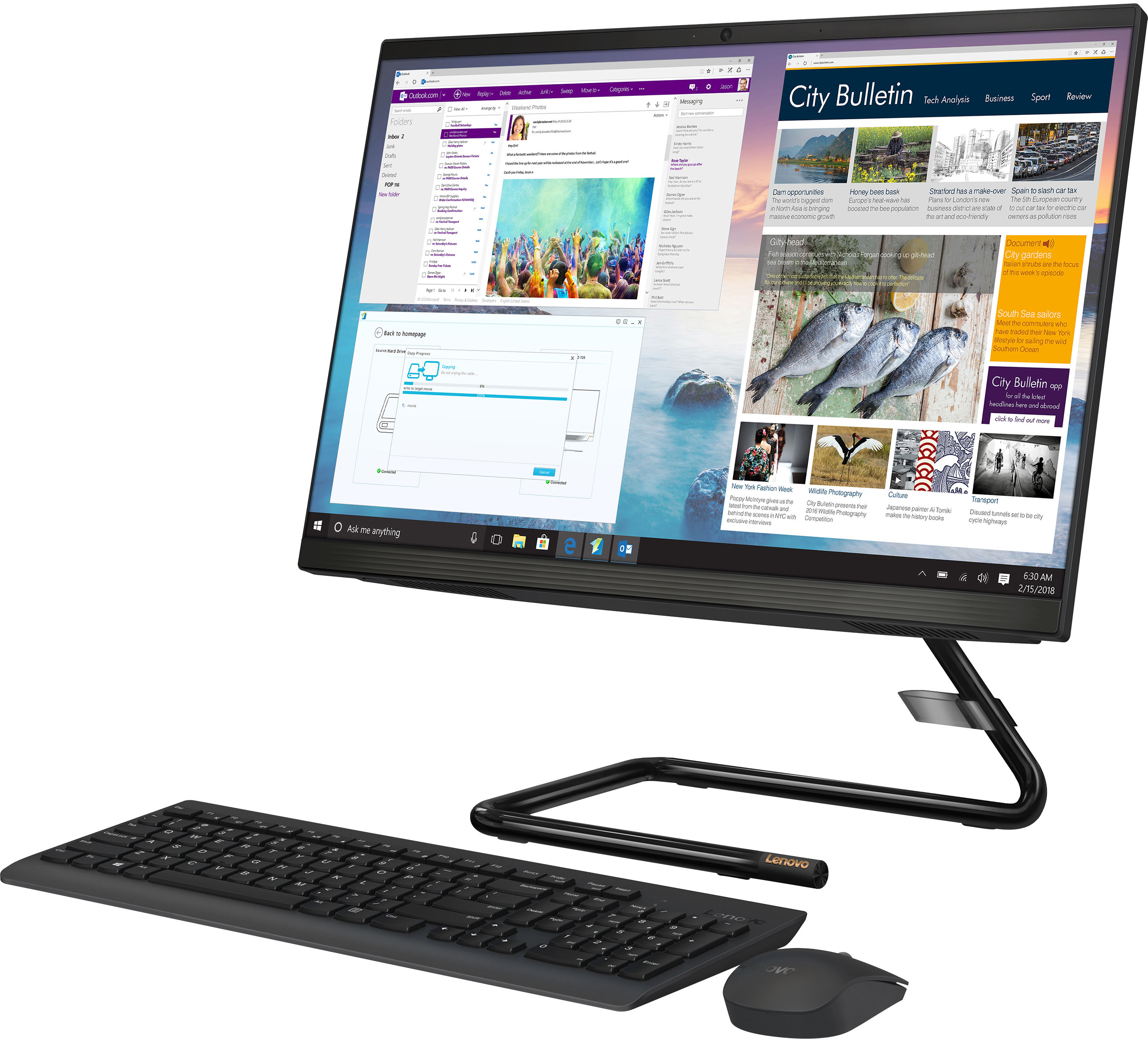
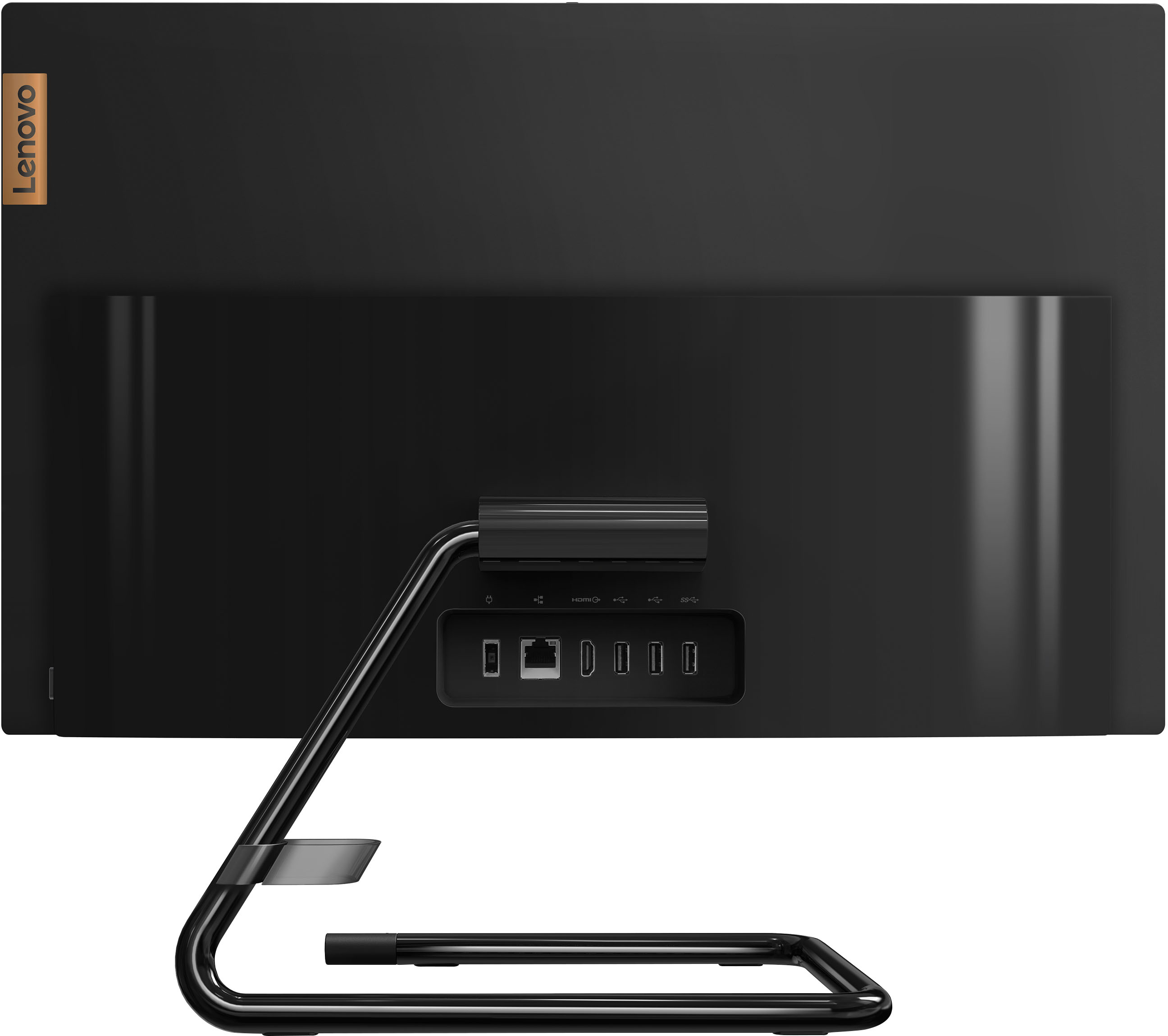
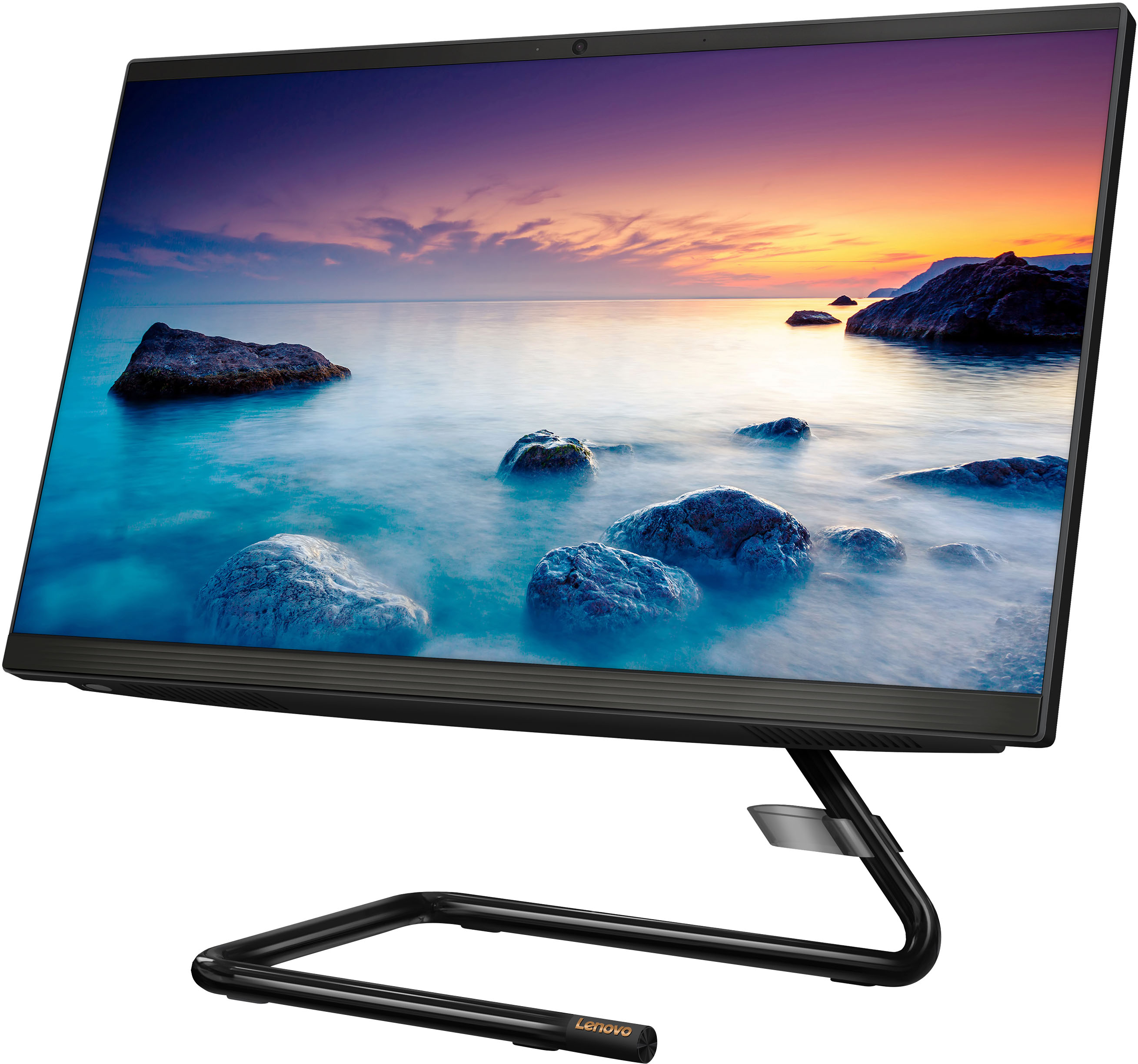
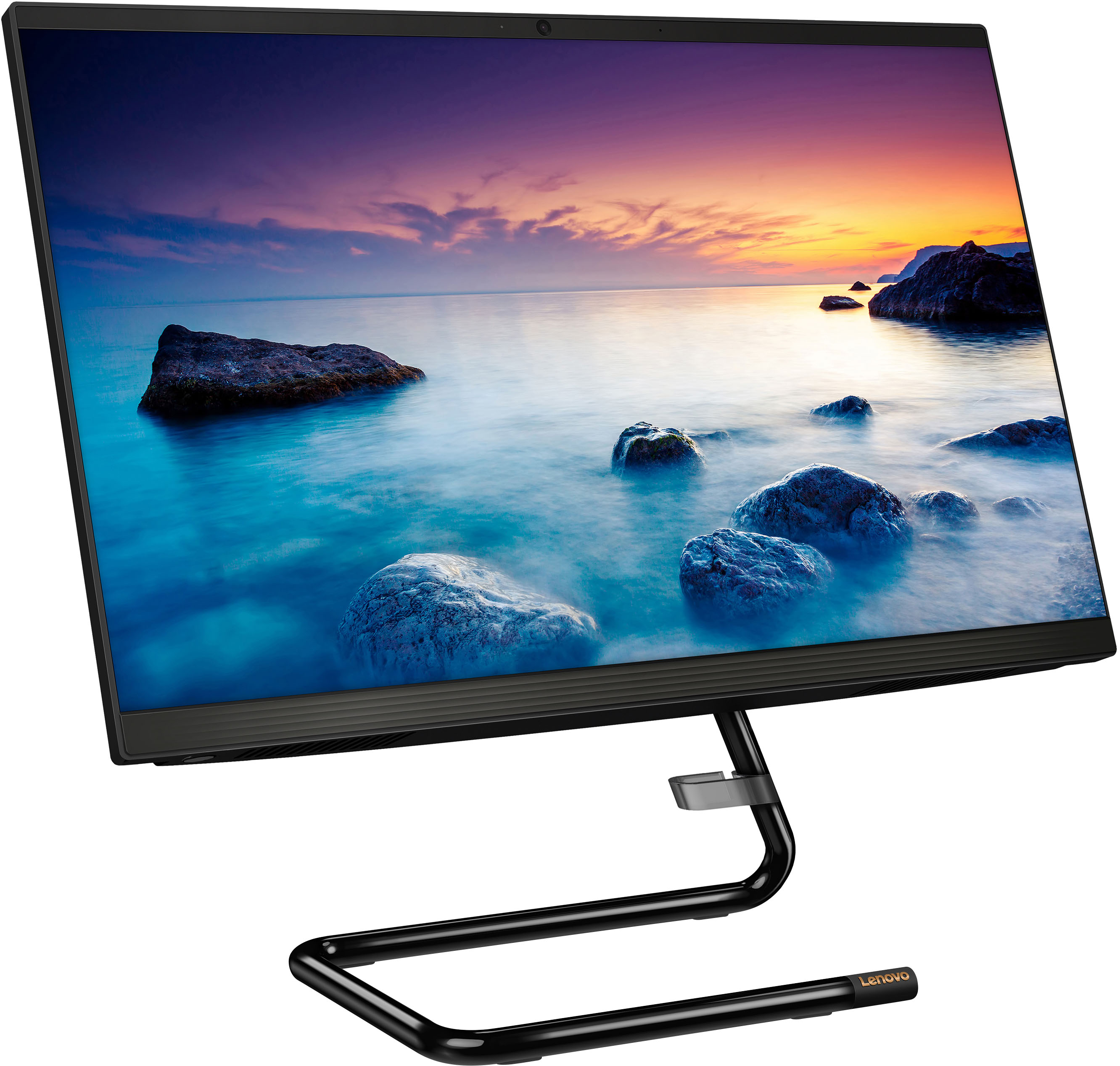
Customers regard the IdeaCentre AIO A340 as easy to use and appreciate its touch screen functionality. Many find it offers good value for its price and attractive design, while also highlighting its compact size and ample storage. However, some customers express concerns about its processing speed and slow startup time, along with limitations on RAM expandability and stand adjustability.
This summary was generated by AI based on customer reviews.
New Lenovo
||Posted .This reviewer received promo considerations or sweepstakes entry for writing a review.Great service. Easy transaction. Exactly what I needed.
I would recommend this to a friendBrand response from Lenovo Product Expert
Posted .Thank you for choosing the Lenovo IdeaCentre A340 22 All-In-One System. We are pleased to hear that the IdeaCentre A340 22 AIO meets your computing needs so well.

You are gonna love it
||Posted . Owned for 1 month when reviewed.This reviewer received promo considerations or sweepstakes entry for writing a review.Super fast great looking computer sleek design easy to set up
I would recommend this to a friendBrand response from Lenovo Product Expert
Posted .Thank you for choosing the Lenovo IdeaCentre A340 22 All-In-One System. We are pleased to hear that the easy setup and performance of the IdeaCentre A340 22 AIO meets your computing needs so well. We always recommend you check the requirements and compatibility of any software you will be installing on your new computer, before you invest in any computer. Be sure your new computer can support the software you will need to use.
Great
||Posted . Owned for 3 weeks when reviewed.This reviewer received promo considerations or sweepstakes entry for writing a review.The greatest purchase I’ve ever bought I enjoy it .
I would recommend this to a friendBrand response from Lenovo Product Expert
Posted .Thank you for choosing the Lenovo IdeaCentre A340 22 All-In-One System. We are pleased to hear that the IdeaCentre A340 22 AIO meets your computing needs so well.
New PC
||Posted . Owned for 3 weeks when reviewed.This reviewer received promo considerations or sweepstakes entry for writing a review.Fun and fast. Learning my way around on Windows 11.
I would recommend this to a friendBrand response from Lenovo Product Expert
Posted .Thank you for choosing the Lenovo IdeaCentre A340 22 All-In-One System. We are pleased to hear that the performance of the IdeaCentre A340 22 AIO meets your computing needs so well. Here is a link to a YouTube video that demonstrates some Windows 11 tips and tricks: https://www.youtube.com/watch?v=26dXRnc0EHc&t=29s
My new computer
||Posted . Owned for 1 month when reviewed.This reviewer received promo considerations or sweepstakes entry for writing a review.Exactly what I needed serves my daily work as needed
I would recommend this to a friendBrand response from Lenovo Product Expert
Posted .Thank you for choosing the Lenovo IdeaCentre A340 22 All-In-One System. We are pleased to hear that the IdeaCentre A340 22 AIO meets your computing needs so well.
Love it!
||Posted . Owned for 1 month when reviewed.This reviewer received promo considerations or sweepstakes entry for writing a review.Works great!!!!!!! Does the job!!!!!! Must have!!!
I would recommend this to a friendBrand response from Lenovo Product Expert
Posted .Thank you for choosing the Lenovo IdeaCentre AIO A340 22in. Touch Screen AIO. We are very pleased to hear that the specifications and features of the Lenovo IdeaCentre AIO A340 meet your computing needs so well.
- Cons mentioned:Performance
Not worth having.
||Posted . Owned for 3 weeks when reviewed.This reviewer received promo considerations or sweepstakes entry for writing a review.Runs way to slow not happy with it at all. Have one just like it 4years old run 4 times faster love it.
No, I would not recommend this to a friendBrand response from Lenovo Product Expert
Posted .This Lenovo IdeaCentre A340 22 All-In-One system, model number F0EA0088US, is a moderate workload configuration, with its 4-Core, Intel Pentium Silver J5040 Processor, supported by 8GB DDR4-2666MHz RAM. We always recommend you check the requirements and compatibility of any software you will be installing on your new computer, before you invest in any computer. Be sure your new computer can support the software you will need to use.
I’d pass on this one (not recommended)
||Posted . Owned for 5 months when reviewed.This reviewer received promo considerations or sweepstakes entry for writing a review.Well, it’s cute & modern looking… The programs work if you don’t have too many programs installed. Zero storage capacity & bogs down quickly. Not recommended for use w/ photography or picture storage.
No, I would not recommend this to a friendBrand response from Lenovo Product Expert
Posted .This Lenovo IdeaCentre A340 22 All-In-One System, model number F0EA0088US, ships with a 1TB HHD hard drive for massive storage capability. 1TB of storage space gives you the option of storing roughly: 250,000 photos taken with a 12MP camera; 250 movies or 500 hours of HD video; or. 6.5 million document pages, commonly stored as Office files, PDFs, and presentations.
- Cons mentioned:Speed
Sleek but not great
||Posted . Owned for 5 months when reviewed.This reviewer received promo considerations or sweepstakes entry for writing a review.Computer was nice at first but once I started using it more, just for basic internet browsing, it became extremely slow. Wouldn’t recommend
No, I would not recommend this to a friendBrand response from Lenovo Product Expert
Posted .We are sorry to hear that you are having issues with your Lenovo IdeaCentre A340 22 All-In-One System. Since your IdeaCentre A340 22 AIO was initially working fine, be sure any software you installed is compatible with Windows 11. This will include any legacy software/files you have installed from an old computer. Additionally, there is no need to install Microsoft Office software. The software is already part of the operating system, you just need to activate the software with a purchased product key. If you have installed a copy of Microsoft Office, this is conflicting with the existing copy on the system and this will slow your system down. If you have installed a 3rd party anti-virus program, be sure that Windows Defender is turned off and that the trial version of McAfee Anti-Virus software is uninstalled. There can only be one anti-virus program on the system. Here is a link to instructions for uninstalling McAfee from a Windows computer: https://service.mcafee.com/?articleId=TS101331&page=shell&shell=article-view You may need to restore your system to original factory default settings if any of the programming errors have occurred. You can do that by typing "restore" in the Cortana search window. Just click on the magnifying glass icon at the bottom of your Windows 11 Desktop. Click on "Reset This PC" Then click on "Get Started" and follow the on screen directions to restore to factory defaults. If the problem persists, we recommend you contact Lenovo Tech Support at: 877-453-6686.
- Cons mentioned:Performance
Not worth it
||Posted . Owned for 4 months when reviewed.This reviewer received promo considerations or sweepstakes entry for writing a review.Worked great for the first month or two. Now it restarts randomly and their advertisements are non stop and freeze it up.
No, I would not recommend this to a friendBrand response from Lenovo Product Expert
Posted .The Lenovo IdeaCentre A340 22 All-In-One System ships with a 30-day trial of McAfee Virus Protection Software installed. It will activate automatically with the initial activation of Windows 11 and protect your computer for the 30-day trial period. You do not need to use McAfee VPS. You can uninstall McAfee and use the free Windows Defender VPS that comes with Windows 11 or you can uninstall McAfee and then install your choice of any compatible 3rd party VPS. The key is to uninstall McAfee if you will not be using it, as there can only be one active VPS on the computer at a time. Here is a link to information on uninstalling McAfee from Windows 11: https://service.mcafee.com/?locale=en-us&articleId=TS100162&page=shell&shell=article-view If the issue continues after you have uninstalled McAfee, we recommend you contact Lenovo Tech Support for additional help at: 877-453-6686.
- Cons mentioned:Performance
Stay away
||Posted . Owned for 1 month when reviewed.This reviewer received promo considerations or sweepstakes entry for writing a review.This was a terrible purchase, I returned it within the week. It ran sluggishly and I could barely run any programs.
No, I would not recommend this to a friendBrand response from Lenovo Product Expert
Posted .We are sorry to hear that this Lenovo IdeaCentre A340 22 All-In-One System, model number F0EA0088US, did not meet your computing needs. We always recommend you check the requirements and compatibility of any software you will be installing on your new computer, before you invest in any computer. Be sure your new computer can support the software you will need to use and your workload.
- Cons mentioned:Performance
All IN ONE
||Posted .This reviewer received promo considerations or sweepstakes entry for writing a review.Start messing up after 2 weeks. Not worth the headache when it hasn’t even been a month!
No, I would not recommend this to a friendBrand response from Lenovo Product Expert
Posted .We are sorry to hear that you are having issues with your Lenovo IdeaCentre A340 22 All-In-One System, model number F0EA0088US. Be sure any software you installed is compatible with Windows 11, and this computer's specific configuration. Additionally, there is no need to install Microsoft Office software. The software is already part of the operating system, you just need to activate the software with a purchased product key. If you have installed a copy of Microsoft Office, this is conflicting with the existing copy on the system and this will slow your system down. If you have installed a 3rd party anti-virus program, be sure that Windows Defender is turned off and that the trial version of McAfee Anti-Virus software is uninstalled. There can only be one anti-virus program on the system. Here is a link to instructions for uninstalling McAfee from a Windows computer: https://service.mcafee.com/?articleId=TS101331&page=shell&shell=article-view You may need to restore your system to original factory default settings if any of the programming errors have occurred. You can do that by typing "restore" in the Cortana search window. Just click on the magnifying glass icon at the bottom of your Windows 11 Desktop. Click on "Reset This PC" Then click on "Get Started" and follow the on screen directions to restore to factory defaults. If the problem persists, we recommend you contact Lenovo Tech Support at: 877-453-6686.
Slow with processing
||Posted . Owned for 3 weeks when reviewed.This reviewer received promo considerations or sweepstakes entry for writing a review.The computer is slow, it was hard accessing online modules and being able to do school work due to the slow processing
No, I would not recommend this to a friendBrand response from Lenovo Product Expert
Posted .We are sorry to hear that you are having difficulty with your Lenovo IdeaCentre A340 22 All-In-One System. We always recommend you check the requirements and compatibility of any software you will be installing on your new computer, before you invest in any computer. Be sure your new computer can support the software you will need to use.
- Cons mentioned:Speed
This is very slow pc
||Posted . Owned for 3 months when reviewed.This reviewer received promo considerations or sweepstakes entry for writing a review.This product is very very very veryvery very SLOW
No, I would not recommend this to a friendBrand response from Lenovo Product Expert
Posted .This Lenovo IdeaCentre A340 22 All-In-One System, model number F0EA0088US, is a light to moderate workload configuration with its 4-Core, Intel Pentium Silver J5040 Processor and 8GB DDR4-2666MHz RAM installed. It is good with productivity type software, like Microsoft Office 365, browsing the internet. It is not meant for multi-tasking or heavy workload software. We always recommend you check the requirements and compatibility of any software you will be installing on your new computer, before you invest in any computer. Be sure your new computer can support the software you will need to use and your workload.
Slow as Molasses...looping-looping-looping-looping
||Posted . Owned for 1 week when reviewed.This reviewer received promo considerations or sweepstakes entry for writing a review.too slow for me, thought it was my Wifi. Had Cox come out to look at my Internet box, thought I might need a new one. Was told...Dude - it's your computer! Return the Lenovo and go the HP.
No, I would not recommend this to a friendBrand response from Lenovo Product Expert
Posted .We always recommend you check the requirements and compatibility of any software you will be installing on your new computer, before you invest in any computer. Be sure your new computer can support the software you will need to use.
- Pros mentioned:DesignCons mentioned:Performance, Speed
Good looks can be deceiving.
Posted .This reviewer received promo considerations or sweepstakes entry for writing a review.This is a sleek desktop: it looks great. However, its performance leaves much to be desired. The computer is incredibly slow: If I try to run a program without waiting at least five minutes after it boots up, then the program will not run and, often, the computer will freeze and require a hard re-boot. Simple word processing and spreadsheet programs start very slowly. The computer also regularly malfunctions when I try to wake it up from the sleep mode or even if I've just left it alone for an hour: the system will not wake up and a hard re-boot is again required. I will not be buying another Lenovo.
No, I would not recommend this to a friendBrand response from Lenovo Product Expert
Posted .We are sorry to hear that you are having issues with your Lenovo IdeaCentre A340 22 All-In-One System, model number F0EA0088US. This system will boot from off to the Windows Login Screen in less than 40-seconds. If you are getting slower boot times, be sure any software you installed is compatible with Windows 11. There is no need to install Microsoft Office software. The software is already part of the operating system, you just need to activate the software with a purchased product key. If you have installed a copy of Microsoft Office, this is conflicting with the existing copy on the system and this will slow your system down. If you have installed a 3rd party anti-virus program, be sure that Windows Defender is turned off and that the trial version of McAfee Anti-Virus software is uninstalled. There can only be one anti-virus program on the system. Here is a link to instructions for uninstalling McAfee from a Windows computer: https://service.mcafee.com/?articleId=TS101331&page=shell&shell=article-view You may need to restore your system to original factory default settings if any of the programming errors have occurred. You can do that by typing "restore" in the Cortana search window. Just click on the magnifying glass icon at the bottom of your Windows 11 Desktop. Click on "Reset This PC" Then click on "Get Started" and follow the on screen directions to restore to factory defaults. If the problem persists, we recommend you contact Lenovo Tech Support at: 877-453-6686.
Lenovo desktop
Posted .This reviewer received promo considerations or sweepstakes entry for writing a review.This product is great! It was extremely useful for all the work I had to do and it works really smoothly.
I would recommend this to a friend- Pros mentioned:Design, Size
Excelent
Posted .This reviewer received promo considerations or sweepstakes entry for writing a review.I like it, good sise and slim it helps you to save space in your desktop and it has an elegant design
I would recommend this to a friendBrand response from Lenovo Product Expert
Posted .Thank you for choosing the Lenovo IdeaCentre A340 22 All-In-One System. We are pleased to hear that the features and performance of the IdeaCentre A340 22 AIO meets your computing needs so well.
- Cons mentioned:Performance
Very slow, unresponsive, no help from Lenovo
Posted .This reviewer received promo considerations or sweepstakes entry for writing a review.Do yourself a favor and do not buy this computer if you need to do anything substantial on it. I was writing a lengthy book (about 300 pages), and another smaller product (100 pages) and bought Microsoft Office for those projects. This computer from the get-go was incredibly slow and couldn't handle having a 300-page word document open. It was so slow it took me back to dial-up days and trying to load internet sites. I bought this computer because of the projects I wanted to work on, its large memory and hard drive size, and it has been absolutely useless to me. I would have been better off with a lap top. I reached out to Lenovo through my login portal for help WHILE the computer was in warranty, no one reached out to me, and then out of no where the ticket was changed to "resolved" with no follow up or any information on how it was "resolved". The other great reviews led me to purchasing this computer and now I have to just buy a lap top anyway since I'm getting ready to start a doctoral program. $560 wasted that I will never get back and I can't even sell this one in good conscience.
No, I would not recommend this to a friend - Pros mentioned:Ease of use
Good Computer.
Posted .This reviewer received promo considerations or sweepstakes entry for writing a review.I really like my all in one computer. Now I have room on my computer desk to work. It is easy to navigate.
I would recommend this to a friendBrand response from Lenovo Product Expert
Posted .Thank you for choosing the Lenovo IdeaCentre A340 22 All-In-One System. We are pleased to hear that the features and performance of the IdeaCentre A340 22 AIO meets your computing needs so well.