Customer Ratings & Reviews
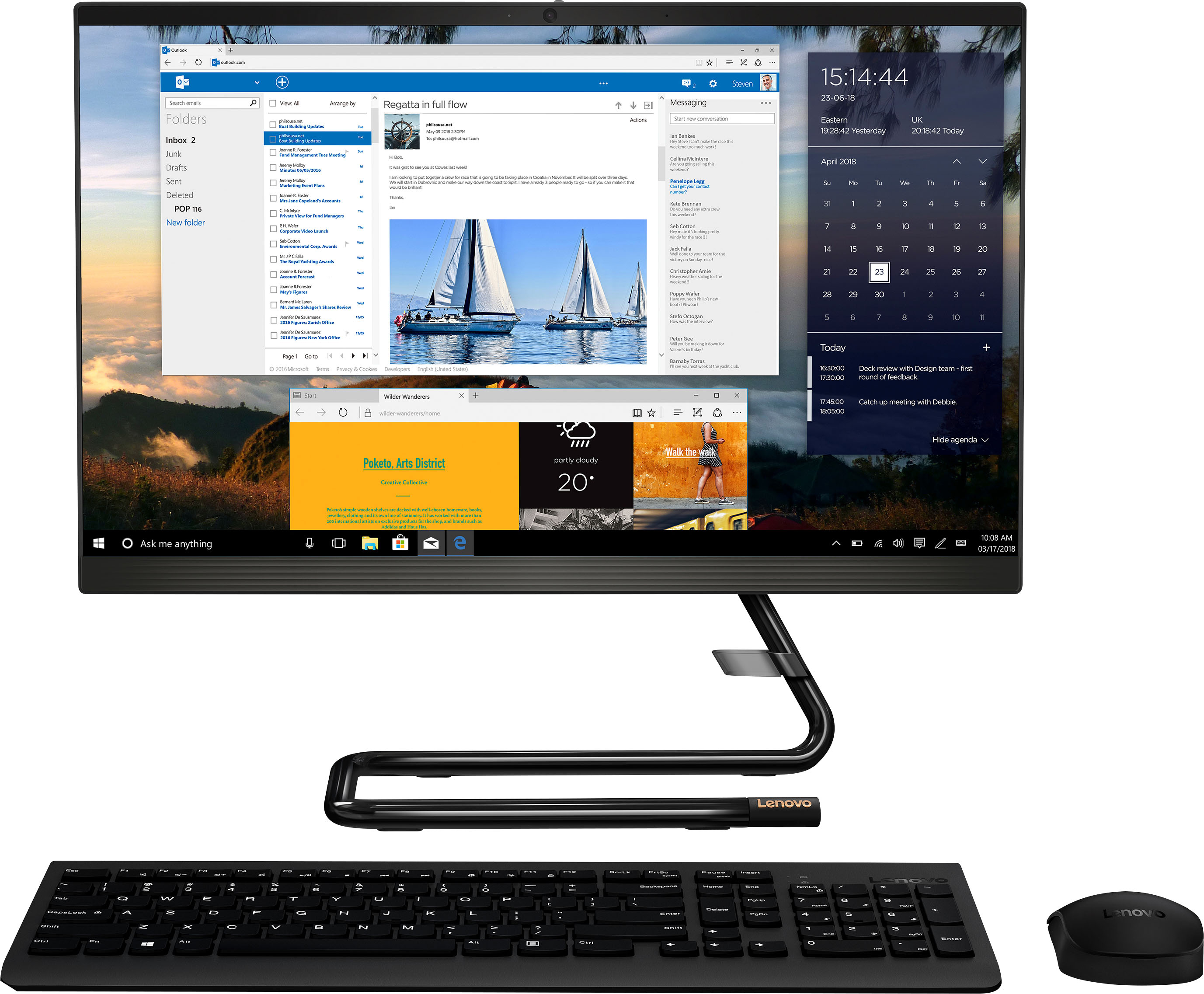
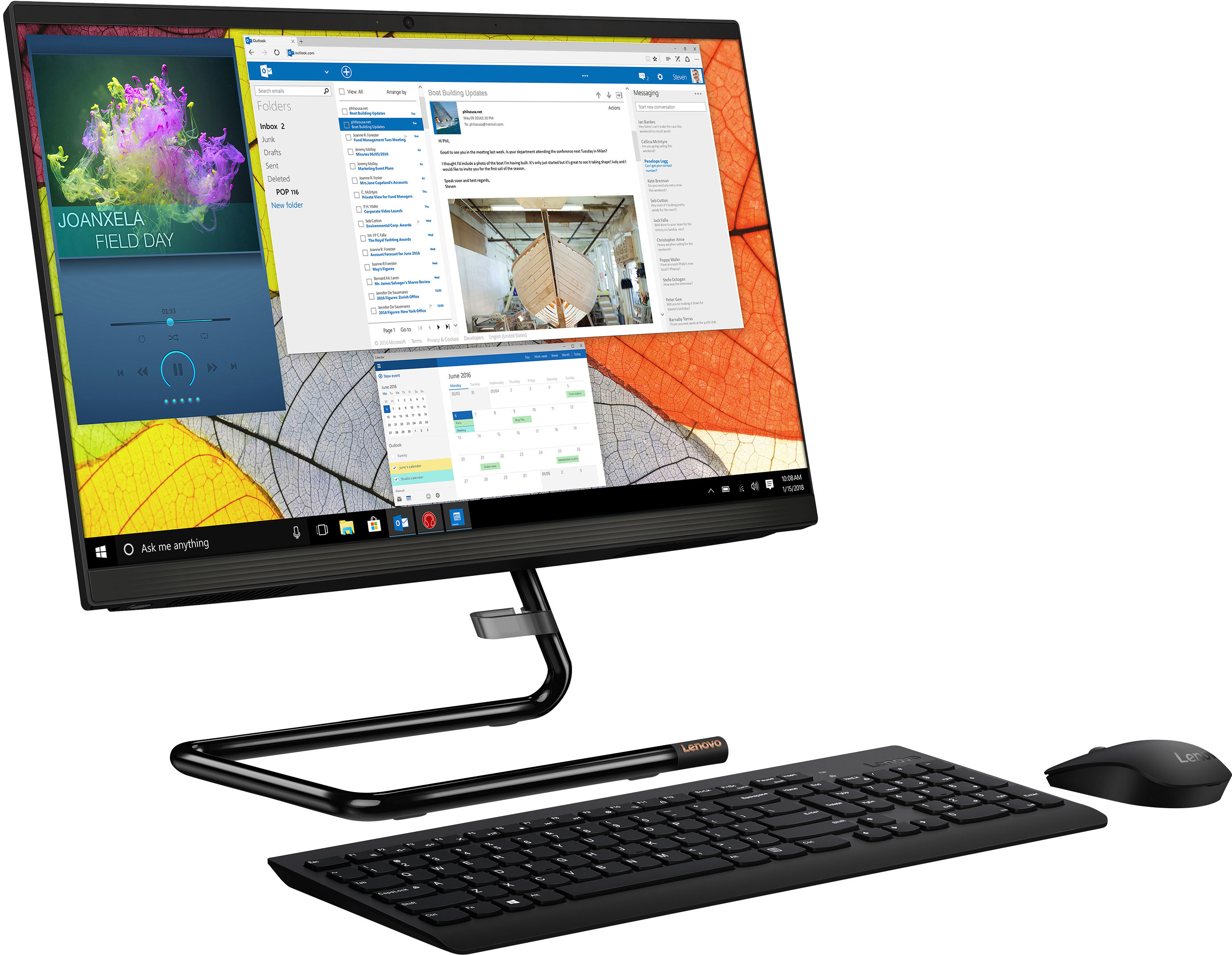
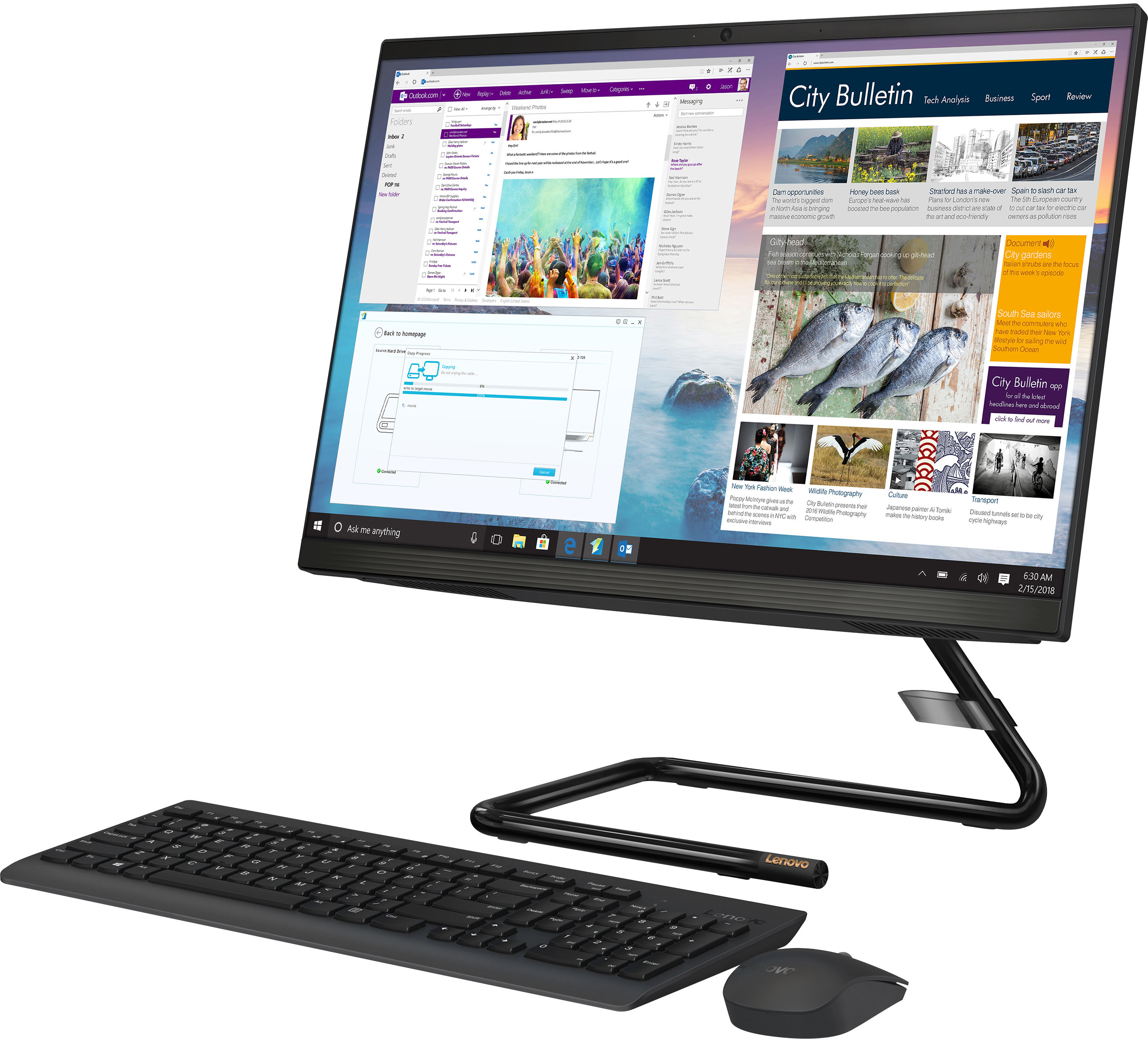
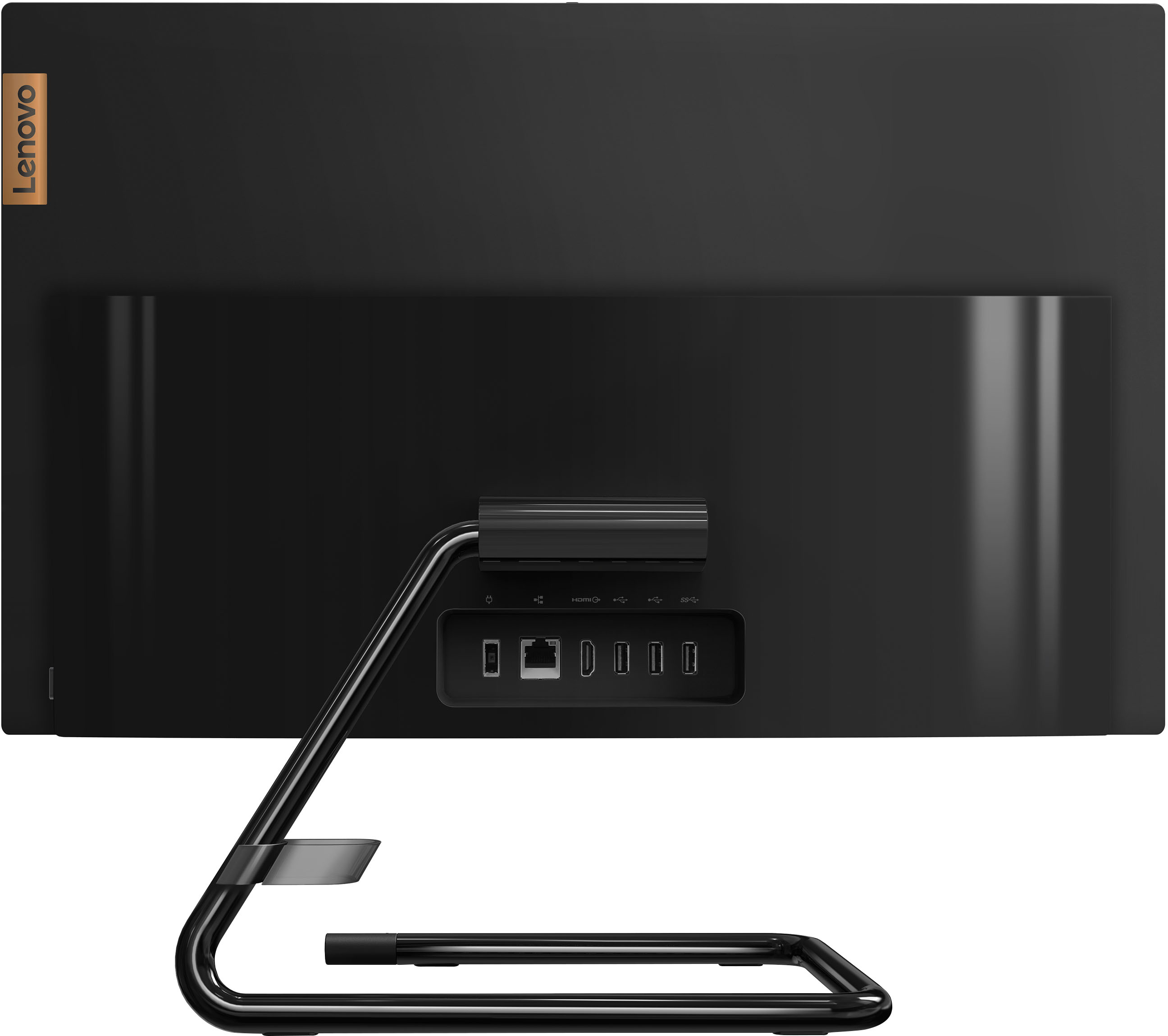

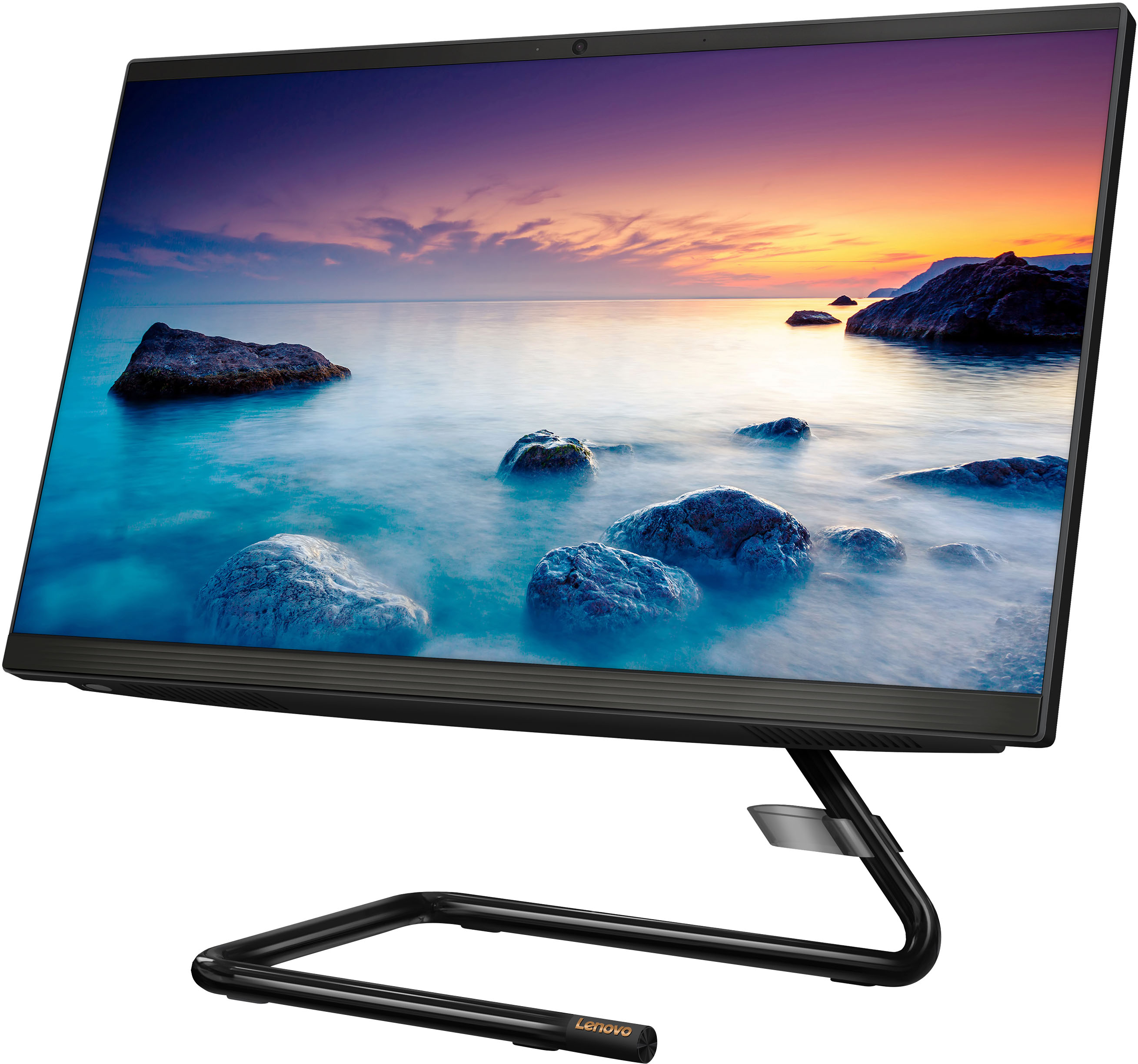
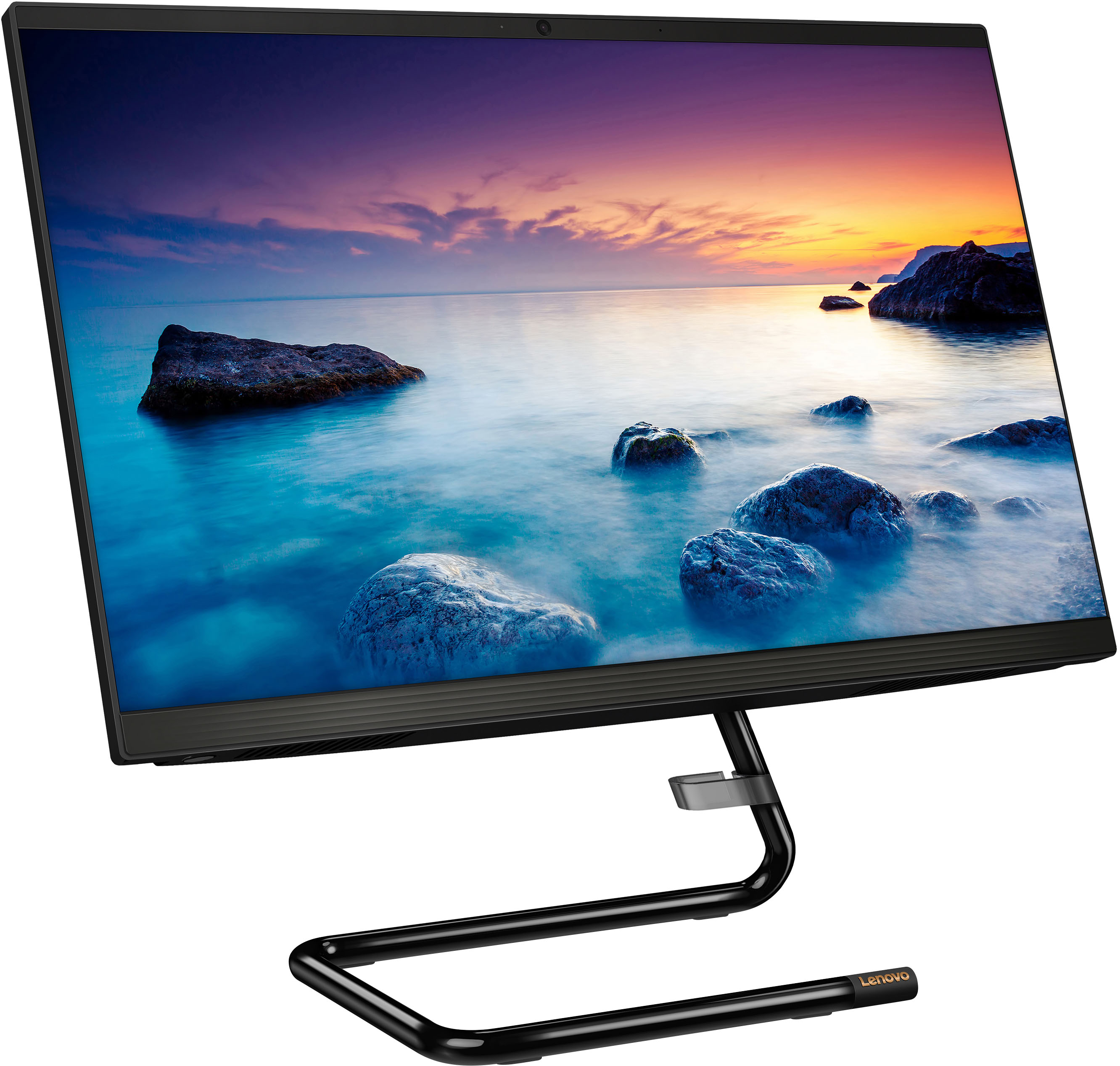
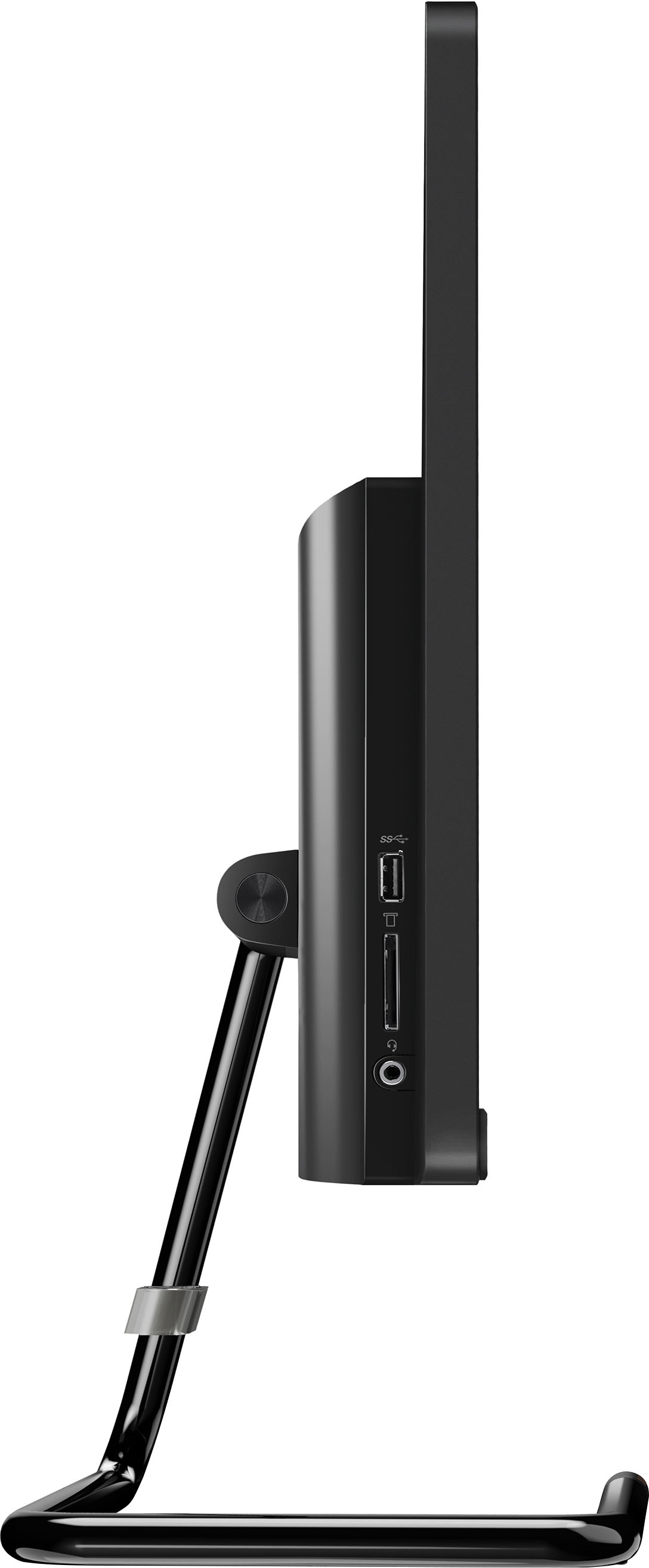
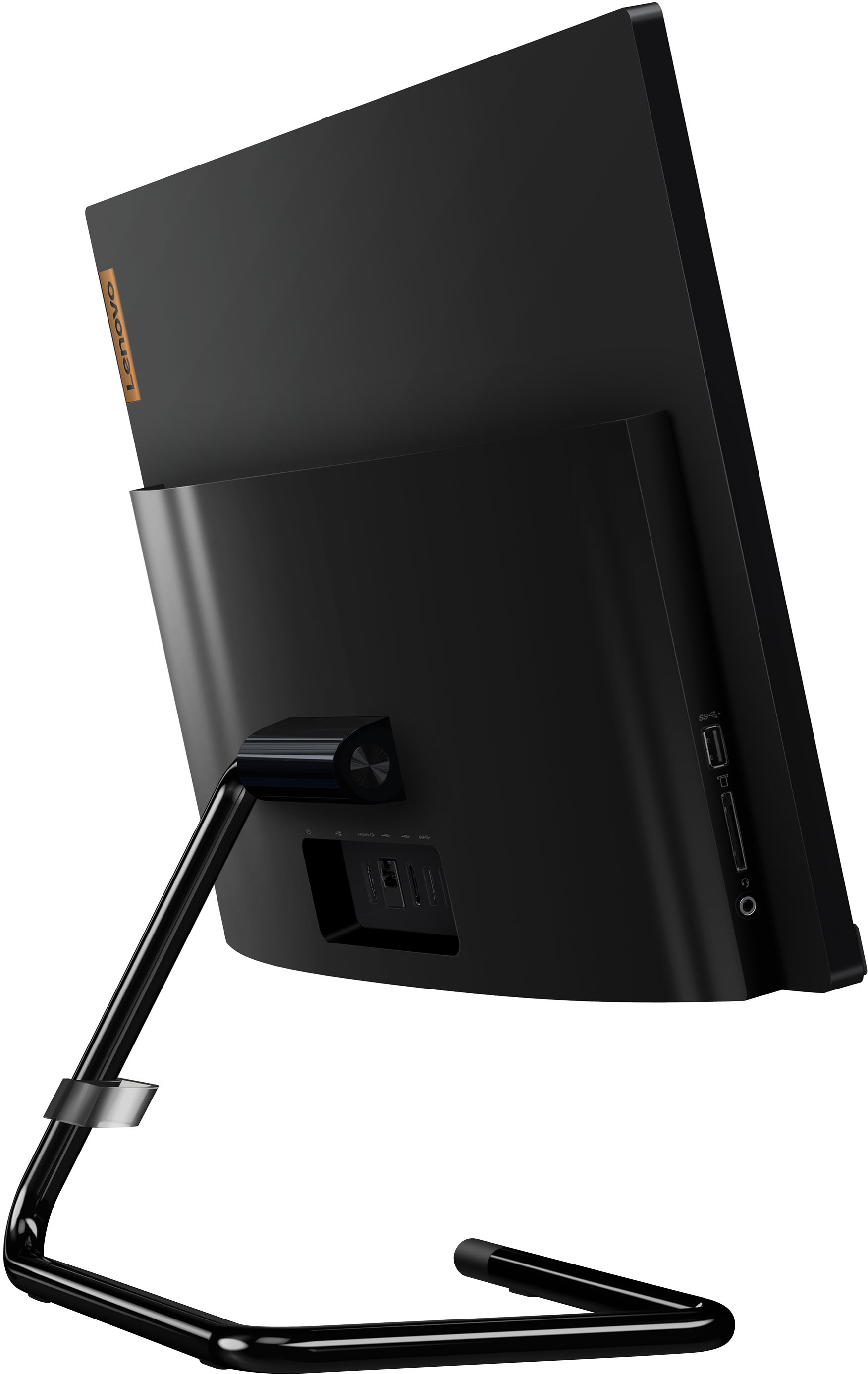
- Model:
- F0EA0088US
- SKU:
- 6476237
Rating by feature
- Value
Rating 4.1 out of 5 stars
- Quality
Rating 4.1 out of 5 stars
- Ease of Use
Rating 4.2 out of 5 stars
Customers are saying
Customers regard the IdeaCentre AIO A340 as easy to use and appreciate its touch screen functionality. Many find it offers good value for its price and attractive design, while also highlighting its compact size and ample storage. However, some customers express concerns about its processing speed and slow startup time, along with limitations on RAM expandability and stand adjustability.
This summary was generated by AI based on customer reviews.
- Cons mentioned:Start up time
Good computer
Posted .This reviewer received promo considerations or sweepstakes entry for writing a review.Not a bad computer. So far so good. Little bit of a slow start up but not bad. Also update went pretty fast.
I would recommend this to a friend - Pros mentioned:Ease of use
Lenovo - IdeaCentre AIO A340 22" Touch-Screen All-
Posted .This reviewer received promo considerations or sweepstakes entry for writing a review.This Lenovo computer does everything I need it to do for work, easy to use and set up!
I would recommend this to a friendBrand response from Lenovo Product Expert
Posted .Thank you for choosing the Lenovo IdeaCentre A340 22 All-In-One System. We are pleased to hear that the easy setup and use as well as the performance of the IdeaCentre A340 22 AIO meets your computing needs so well.

- Cons mentioned:Speed
Lenovo
Posted .This reviewer received promo considerations or sweepstakes entry for writing a review.Very slow Lags Too many ads not preloaded with office
No, I would not recommend this to a friend - Pros mentioned:Ease of use
Lenovo
Posted .This reviewer received promo considerations or sweepstakes entry for writing a review.Love my computer, it as easy to set up and use. Love, love it.
I would recommend this to a friendBrand response from Lenovo Product Expert
Posted .Thank you for choosing the Lenovo IdeaCentre A340 22 All-In-One System. We are pleased to hear that the easy setup and use as well as the performance of the IdeaCentre A340 22 AIO meets your computing needs so well.
Very very slow
Posted .This reviewer received promo considerations or sweepstakes entry for writing a review.It is beyond slow. Takes at least 10 minutes to boot up in the morning. Reminds me of the old computers from the 90's. Every action taken on it takes so long to process. Returning asap.
No, I would not recommend this to a friendBrand response from Lenovo Product Expert
Posted .This Lenovo IdeaCentre A340 22 All-In-One System, model number F0EA0088US, will boot from off to the Windows 11 Login Screen in less than 40-seconds. If you are experiencing slower boot times, be sure any software you installed is compatible with Windows 11. This will include any legacy software installed from an old computer. Additionally, there is no need to install Microsoft Office software. The software is already part of the operating system, you just need to activate the software with a purchased product key. If you have installed a copy of Microsoft Office, this is conflicting with the existing copy on the system and this will slow your system down. If you have installed a 3rd party anti-virus program, be sure that Windows Defender is turned off and that the trial version of McAfee Anti-Virus software is uninstalled. There can only be one anti-virus program on the system. Here is a link to instructions for uninstalling McAfee from a Windows computer: https://service.mcafee.com/?articleId=TS101331&page=shell&shell=article-view You may need to restore your system to original factory default settings if any of the programming errors have occurred. You can do that by typing "restore" in the Cortana search window. Just click on the magnifying glass icon at the bottom of your Windows 11 Desktop. Click on "Reset This PC" Then click on "Get Started" and follow the on screen directions to restore to factory defaults. If the problem persists, we recommend you contact Lenovo Tech Support at: 877-453-6686.
Whizzer13
Posted .This reviewer received promo considerations or sweepstakes entry for writing a review.Very good computer, excellent speed and connectivity
I would recommend this to a friendBrand response from Lenovo Product Expert
Posted .Thank you for choosing the Lenovo IdeaCentre AIO A340 22in. Touch Screen All-In-One. We are very pleased to hear that the specifications and features of the Lenovo IdeaCentre AIO A340 22in. Touch Screen All-In-One meet your computing needs so well.
Make sure to include specific details for open box
Posted .This reviewer received promo considerations or sweepstakes entry for writing a review.No power cord. Open box with wear and tear but no power cord
No, I would not recommend this to a friend