Customer Ratings & Reviews

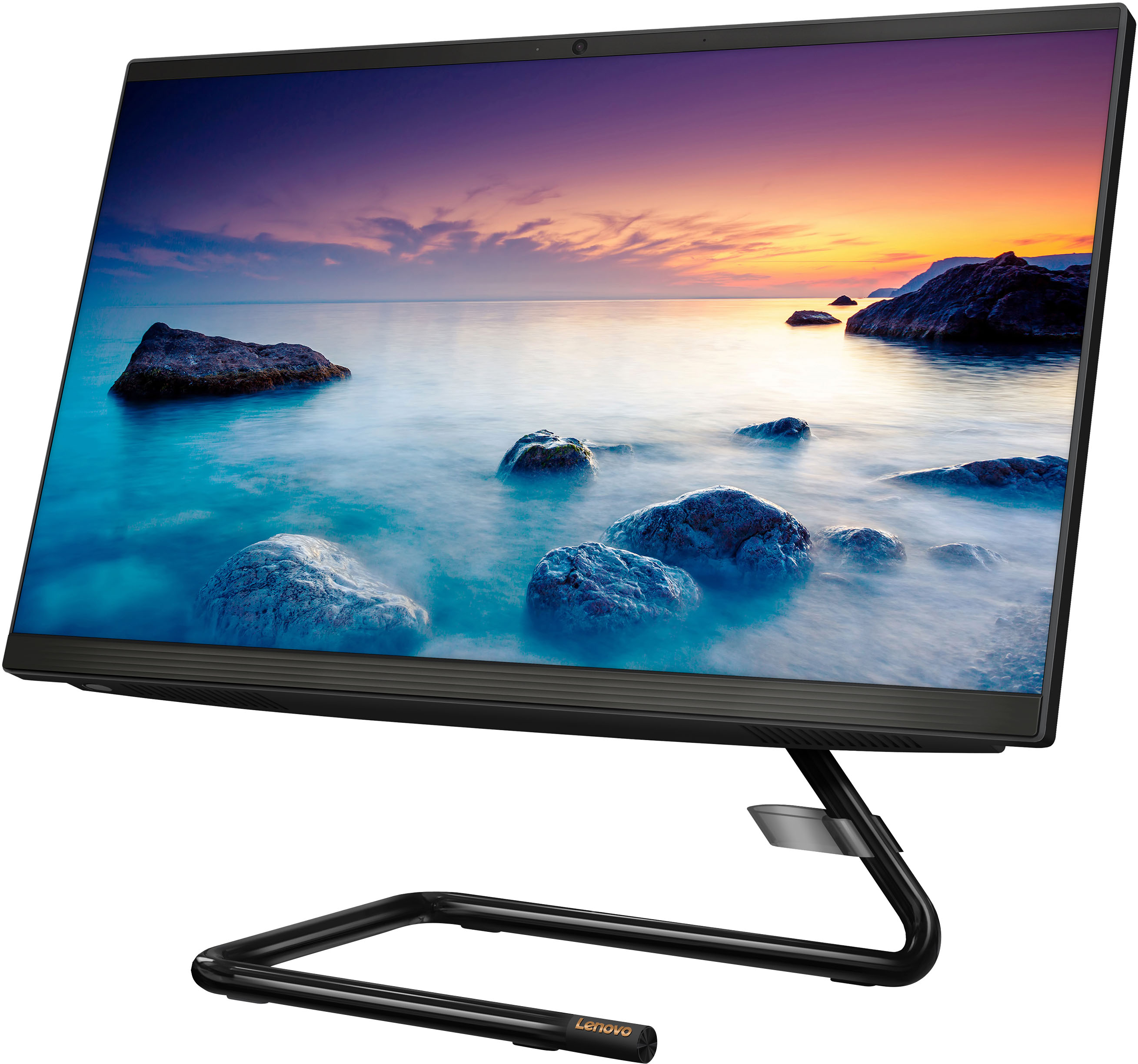
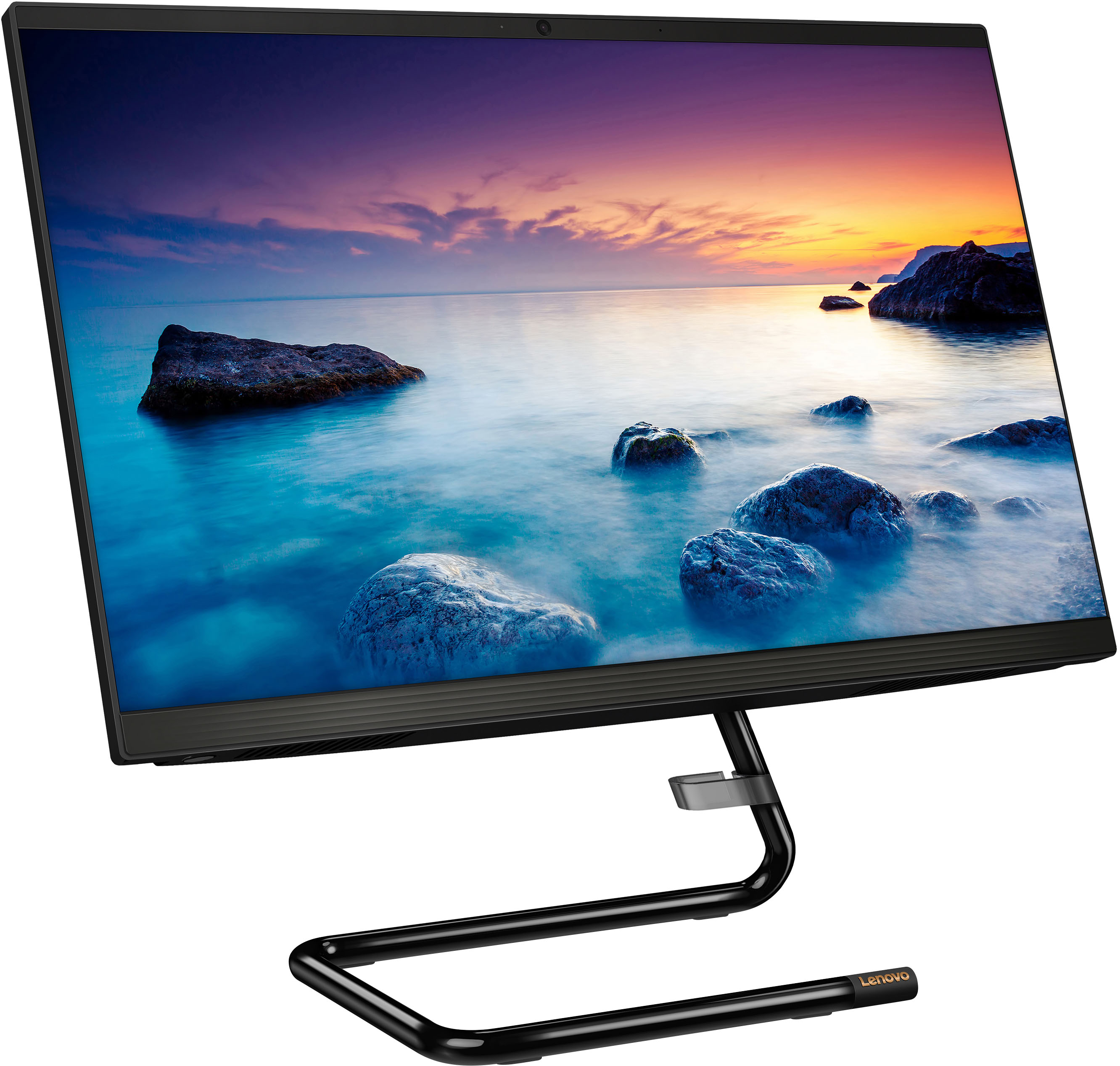
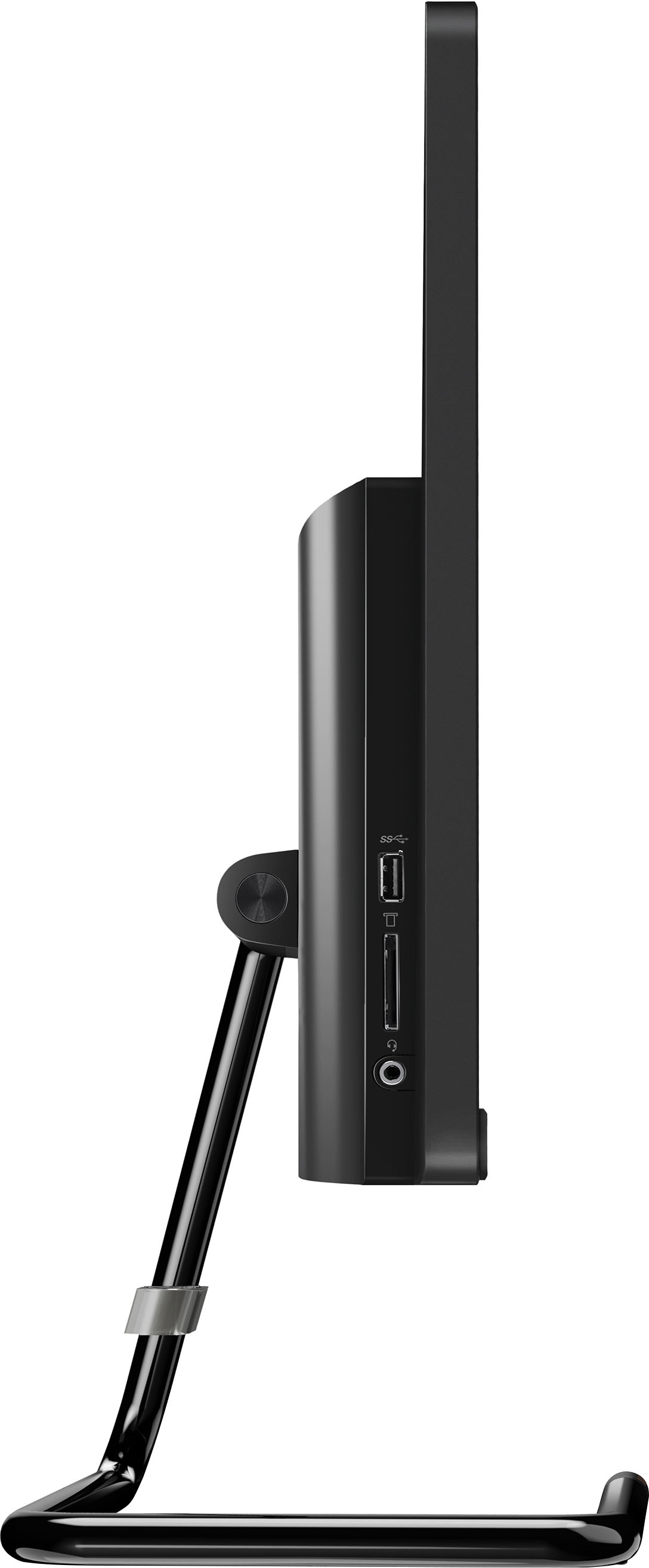
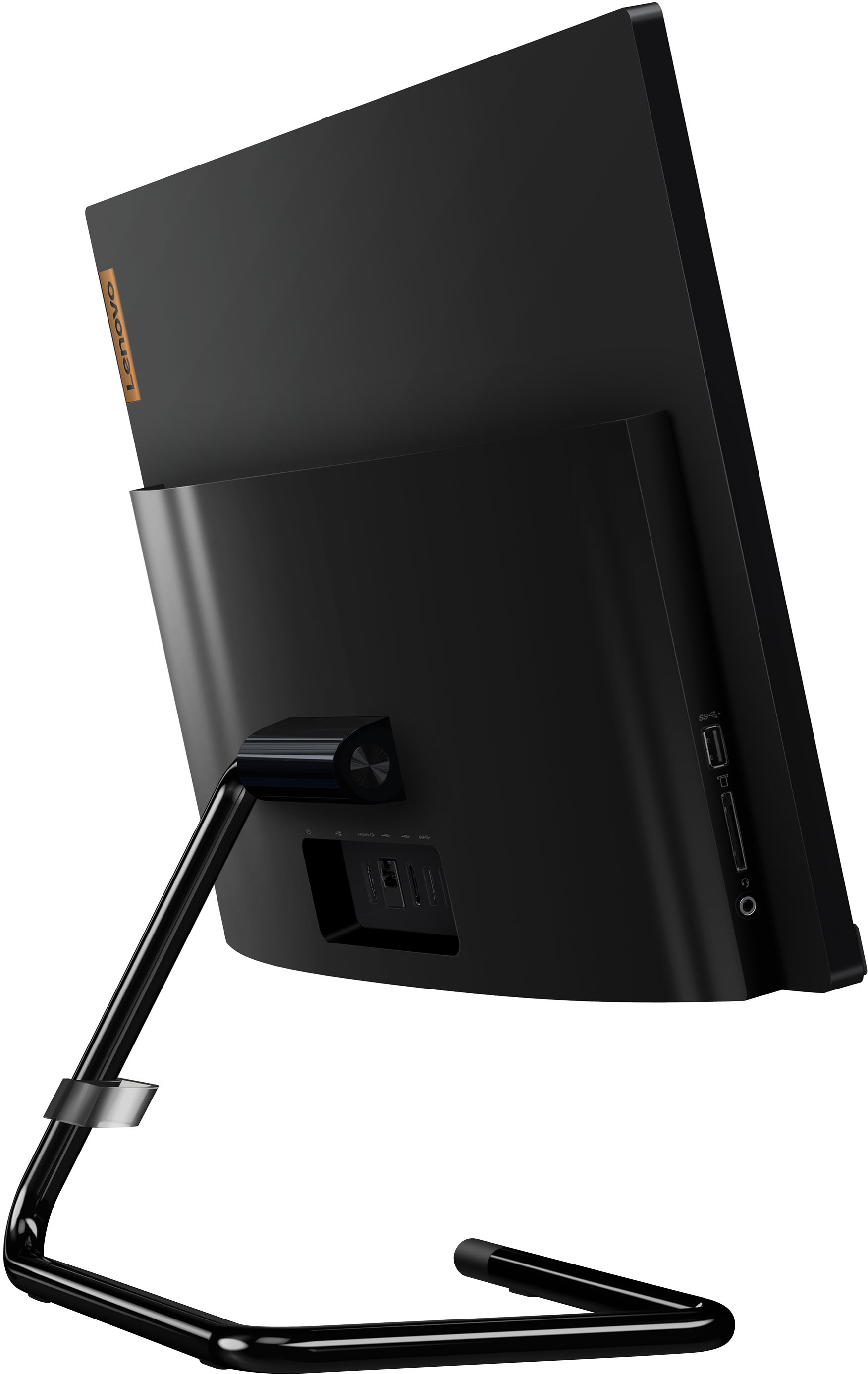
- Model:
- F0EA0088US
- SKU:
- 6476237
Rating by feature
- Value
Rating 4.1 out of 5 stars
- Quality
Rating 4.1 out of 5 stars
- Ease of Use
Rating 4.2 out of 5 stars
Customers are saying
Customers regard the IdeaCentre AIO A340 as easy to use and appreciate its touch screen functionality. Many find it offers good value for its price and attractive design, while also highlighting its compact size and ample storage. However, some customers express concerns about its processing speed and slow startup time, along with limitations on RAM expandability and stand adjustability.
This summary was generated by AI based on customer reviews.
- Pros mentioned:Ease of use
All-in-one
||Posted . Owned for 1 month when reviewed.This reviewer received promo considerations or sweepstakes entry for writing a review.Very happy with this all-in-one it’s fast and it is easy to navigate
I would recommend this to a friendBrand response from Lenovo Product Expert
Posted .Thank you for choosing the Lenovo IdeaCentre A340 22 All-In-One System. We are pleased to hear that the ease of use and performance of the A340 22 AIO meets your computing needs so well.

- Pros mentioned:Size
LOVE MY LENOVO
||Posted . Owned for 3 weeks when reviewed.This reviewer received promo considerations or sweepstakes entry for writing a review.just love it! its so compact no big bulky computer its ALL IN ONE!!!
I would recommend this to a friendBrand response from Lenovo Product Expert
Posted .Thank you for choosing the Lenovo IdeaCentre A340 22 All-In-One System. We are pleased to hear that the features and performance of the IdeaCentre A340 22 AIO meets your computing needs so well.
- Pros mentioned:Ease of use
Great computer!
||Posted . Owned for 3 weeks when reviewed.This reviewer received promo considerations or sweepstakes entry for writing a review.great computer and easy to set up. would definitely buy it again.
I would recommend this to a friendBrand response from Lenovo Product Expert
Posted .Thank you for choosing the Lenovo IdeaCentre A340 22 All-In-One System. We are pleased to hear that the easy setup and performance of the IdeaCentre A340 22 AIO meets your computing needs so well.
This is my second Lenovo AIO PC. Love'em!
||Posted . Owned for 1 month when reviewed.This reviewer received promo considerations or sweepstakes entry for writing a review.This is the second Lenovo IdeaCentre AIO PC that I purchased in the last few years. The first was for my granddaughter and this one was for a friend. We have found them to be excellent computers that are well worth the money. Especially because they seem to be very well-built. I will probably buy more in the future.
I would recommend this to a friendBrand response from Lenovo Product Expert
Posted .Thank you for choosing the Lenovo IdeaCentre A340 22 All-In-One System. We appreciate your loyalty to the IdeaCentre All-In-One Product Family and the Lenovo Brand. We are pleased to hear that the IdeaCentre A340 22 AIO is working out so well.
- Cons mentioned:Speed
Its a cheapie Aio
||Posted . Owned for 1 month when reviewed.This reviewer received promo considerations or sweepstakes entry for writing a review.Yup you get what you pay for i guess. The keybord and mouse are slower than dialup in 1992 the screen is reminding you how cheap this thing is and the operating system is crying for more power of you open more than 2 apps at the same time.
No, I would not recommend this to a friendBrand response from Lenovo Product Expert
Posted .We are sorry to hear that you had a poor experience with our product. This Lenovo IdeaCentre All-In-One, model number F0EA0088US, ships with an Intel Pentium Silver J5040 processor, 8GB of RAM, and a 1TB hard disk drive for storage. This model also comes with a wireless keyboard and mouse, and features a 21.5" FHD (1920x1080) resolution, IPS panel, 250 nits brightness display. Due to our partnership with Best Buy, there are several Lenovo models that have different configurations than Lenovo direct. Depending on the user's needs, this IdeaCentre could be the right fit for anyone. We recommend you check the requirements and compatibility of any software/games you will be installing on your computer or know what specifications and features you need to effectively complete various workflows and tasks if being use for work or education, personal use, and your preferences in design and features before you invest in any computer.
- Pros mentioned:Ease of use
Best... Buy
||Posted . Owned for 2 weeks when reviewed.This reviewer received promo considerations or sweepstakes entry for writing a review.Easy to set up and works great. No time to get up and running
I would recommend this to a friendBrand response from Lenovo Product Expert
Posted .Thank you for choosing the Lenovo IdeaCentre AIO A340 22in. Touch-Screen All-In-One. We are very pleased to hear that the specifications and features of the Lenovo IdeaCentre AIO A340 meet your computing needs so well.
NICE MACHINE
||Posted . Owned for 3 weeks when reviewed.This reviewer received promo considerations or sweepstakes entry for writing a review.Good value for the price. Powerful, fast, and up-to-date software and apps.
I would recommend this to a friendBrand response from Lenovo Product Expert
Posted .Thank you for choosing the Lenovo IdeaCentre A340 22 All-In-One System. We are pleased to hear that the value, features and performance of the IdeaCentre A340 22 AIO meets your computing needs so well. We always recommend you check the requirements and compatibility of any software you will be installing on your new computer, before you invest in any computer. Be sure your new computer can support the software you will need to use and your workload.
All in one Lenovo
||Posted . Owned for 2 weeks when reviewed.This reviewer received promo considerations or sweepstakes entry for writing a review.Love the computer only complaint is that it’s a slow start up
I would recommend this to a friendBrand response from Lenovo Product Expert
Posted .This Lenovo IdeaCentre A340 22 All-In-One system will boot to the Windows Login Screen in less than 40-seconds. If you are experiencing slower boot times, be sure any software you installed is compatible with Windows. There is no need to install Microsoft Office software. The software is already part of the operating system, you just need to activate the software with a purchased product key. If you have installed a copy of Microsoft Office, this is conflicting with the existing copy on the system and this will slow your system down. If you have installed a 3rd party anti-virus program, be sure that Windows Defender is turned off and that the trial version of McAfee Anti-Virus software is uninstalled. There can only be one anti-virus program on the system. You may need to restore your system to original factory default settings if any of the programming errors have occurred. You can do that by typing "restore" in the Cortana search window. Just click on the magnifying glass icon at the bottom left of your Windows Desktop. Click on "Reset This PC" Then click on "Get Started" and follow the on screen directions to restore to factory defaults. If the problem persists, we recommend you contact Lenovo Tech Support at: 877-453-6686.
Good
||Posted . Owned for 1 week when reviewed.This reviewer received promo considerations or sweepstakes entry for writing a review.Great, solid computer but don’t plan on playing games like phasonophobia or any steam games on it
I would recommend this to a friendBrand response from Lenovo Product Expert
Posted .Thank you for choosing the Lenovo IdeaCentre A340 22 All-In-One System. We are pleased to hear that the IdeaCentre A340 22 AIO is working out so well for you. We always recommend you check the requirements and compatibility of any software/games you will be installing on your new computer, before you invest in any computer. Be sure your new computer can support the software/games you will need to use.
Not totally happy. Lesson learned.
||Posted . Owned for 1 month when reviewed.This reviewer received promo considerations or sweepstakes entry for writing a review.I bought this Lenovo based on having owned another Lenovo product. I bought it online. That was my mistake. Purchasing online for a product like a PC does not give you the opportunity to ask questions about the product. I have learned my lesson. Although I can live with this particular Lenovo product I am not totally happy with it.
No, I would not recommend this to a friend- Pros mentioned:Price
Slow
||Posted . Owned for 1 month when reviewed.This reviewer received promo considerations or sweepstakes entry for writing a review.The price was reasonable, you get what you paid for
No, I would not recommend this to a friendBrand response from Lenovo Product Expert
Posted .This Lenovo IdeaCentre A340 m22 All-In-One System, model number F0EA0088US, is a light to moderate workload configuration with its entry-level, 4-Core Intel Pentium Silver J5040 Processor, with a base speed of 2.0GHz and a boost speed of up to3.2GHz. This processor is supported by 8GB DDR4-2666MHz RAM. This configuration is good with Productivity type software, like Microsoft Office, browsing the internet. This configuration is not meant for multi-tasking or working with resource demanding software. We always recommend you check the requirements and compatibility of any software you will be installing on your new computer, before you invest in any computer. Be sure your new computer can support the software you will need to use and your workload.
- Pros mentioned:Touch screen
Love pc
||Posted . Owned for 2 months when reviewed.This reviewer received promo considerations or sweepstakes entry for writing a review.Love the touch screen display..bright crisp picture
I would recommend this to a friendBrand response from Lenovo Product Expert
Posted .Thank you for choosing the Lenovo IdeaCentre A340 22 All-In-One System. We are pleased to hear that the features and performance of the Ideacentre A340 22 AIO meets your computing needs so well.
- Pros mentioned:Price
Computer all in one
||Posted . Owned for 3 weeks when reviewed.This reviewer received promo considerations or sweepstakes entry for writing a review.So far it is a very good for the money works great I love it
I would recommend this to a friendBrand response from Lenovo Product Expert
Posted .Thank you for choosing the Lenovo IdeaCentre A340 22 All-In-One System. We are pleased to hear that the value, features and performance of the IdeaCentre A340 22 AIO meets your computing needs so well.
Lenovo AIO A340
||Posted . Owned for 1 month when reviewed.This reviewer received promo considerations or sweepstakes entry for writing a review.Overall, the computer works well, though sometimes it seems to load slower then expected.
I would recommend this to a friendBrand response from Lenovo Product Expert
Posted .Thank you for choosing the Lenovo IdeaCentre AIO A340 22in. Touch Screen All-In-One. We are very pleased to hear that the specifications and features of the Lenovo IdeaCentre AIO A340 22in. Touch Screen meet your computing needs so well. If you are experiencing slower boot times, be sure any software you installed is compatible with the Windows operating system. There is no need to install Microsoft Office software. The software is already part of the operating system, you just need to activate the software with a purchased product key. If you have installed a copy of Microsoft Office, this is conflicting with the existing copy on the system and this will slow your system down. If you have installed a 3rd party anti-virus program, be sure that Windows Defender is turned off and that the trial version of McAfee Anti-Virus software is uninstalled. There can only be one anti-virus program on the system. You may need to restore your system to original factory default settings if any of the programming errors have occurred. You can do that by typing "Restore" in the Windows search bar. You can locate the search bar by clicking on the Windows logo at the bottom of the screen. After you type in “Restore,” click on "Reset This PC" Then click on "Get Started" and follow the on-screen directions to restore to factory defaults. If the problem persists, we recommend you contact Lenovo Tech Support at: 877-453-6686.
- Pros mentioned:Ease of use
Desktop
||Posted . Owned for 1 month when reviewed.This reviewer received promo considerations or sweepstakes entry for writing a review.Great computer. Much easier for me than my laptop.
I would recommend this to a friendBrand response from Lenovo Product Expert
Posted .Thank you for choosing the Lenovo IdeaCentre AIO A340 22in. Touch Screen All-In-One. We are very pleased to see that the specifications and features of the Lenovo IdeaCentre AIO A340 22in. Touch Screen AIO meet your computing needs so well.
Comp
||Posted . Owned for 3 weeks when reviewed.This reviewer received promo considerations or sweepstakes entry for writing a review.Good value for the overall build. We use this for work and it has performed well.
I would recommend this to a friendBrand response from Lenovo Product Expert
Posted .Thank you for choosing the Lenovo IdeaCentre A340 22 All-In-One System. We are pleased to hear that the value and performance of the IdeaCentre A340 22 AIO meets your business computing needs so well. We always recommend you check the requirements and compatibility of any software you will be installing on your new computer, before you invest in any computer. Be sure your new computer can support the software you will need to use and your workload.
- Pros mentioned:Touch screen
Hope it does not break down again.
||Posted . Owned for 11 months when reviewed.This reviewer received promo considerations or sweepstakes entry for writing a review.It is nice and I liked it until it broke down within about 6 months of purchase and I had to send it to Lenova for repair which took about a month to fix. I am also having problems printing documents from tabs it opens up.
No, I would not recommend this to a friend - Pros mentioned:Ease of use
Computer
||Posted . Owned for 1 month when reviewed.This reviewer received promo considerations or sweepstakes entry for writing a review.They s is a easy computer to use.Well worth the buy.
I would recommend this to a friendBrand response from Lenovo Product Expert
Posted .Thank you for choosing the Lenovo IdeaCentre A340 22 All-In-One System. We are pleased to hear that the value, ease of use and performance of the IdeaCentre A340 22 AIO meets your computing needs so well.
Good for light computer work
||Posted . Owned for 1 month when reviewed.This reviewer received promo considerations or sweepstakes entry for writing a review.Good for light work - light internet browsing - better than expected
I would recommend this to a friendBrand response from Lenovo Product Expert
Posted .Thank you for choosing the Lenovo IdeaCentre A340 22 All-In-One System. We are pleased to hear that the IdeaCentre A340 22 AIO is working out so well for you. We always recommend you check the requirements and compatibility of any software you will be installing on your new computer, before you invest in any computer. Be sure your new computer can support the software you will need to use and your workload.
Good Computer For The Money
||Posted . Owned for 1 month when reviewed.This reviewer received promo considerations or sweepstakes entry for writing a review.Not bad for the money. Reasonable speed, reasonable features.
I would recommend this to a friend