Customer Ratings & Reviews

- Model:
- F0EA0088US
- SKU:
- 6476237
Rating by feature
- Value
Rating 4.1 out of 5 stars
- Quality
Rating 4.1 out of 5 stars
- Ease of Use
Rating 4.2 out of 5 stars
Customers are saying
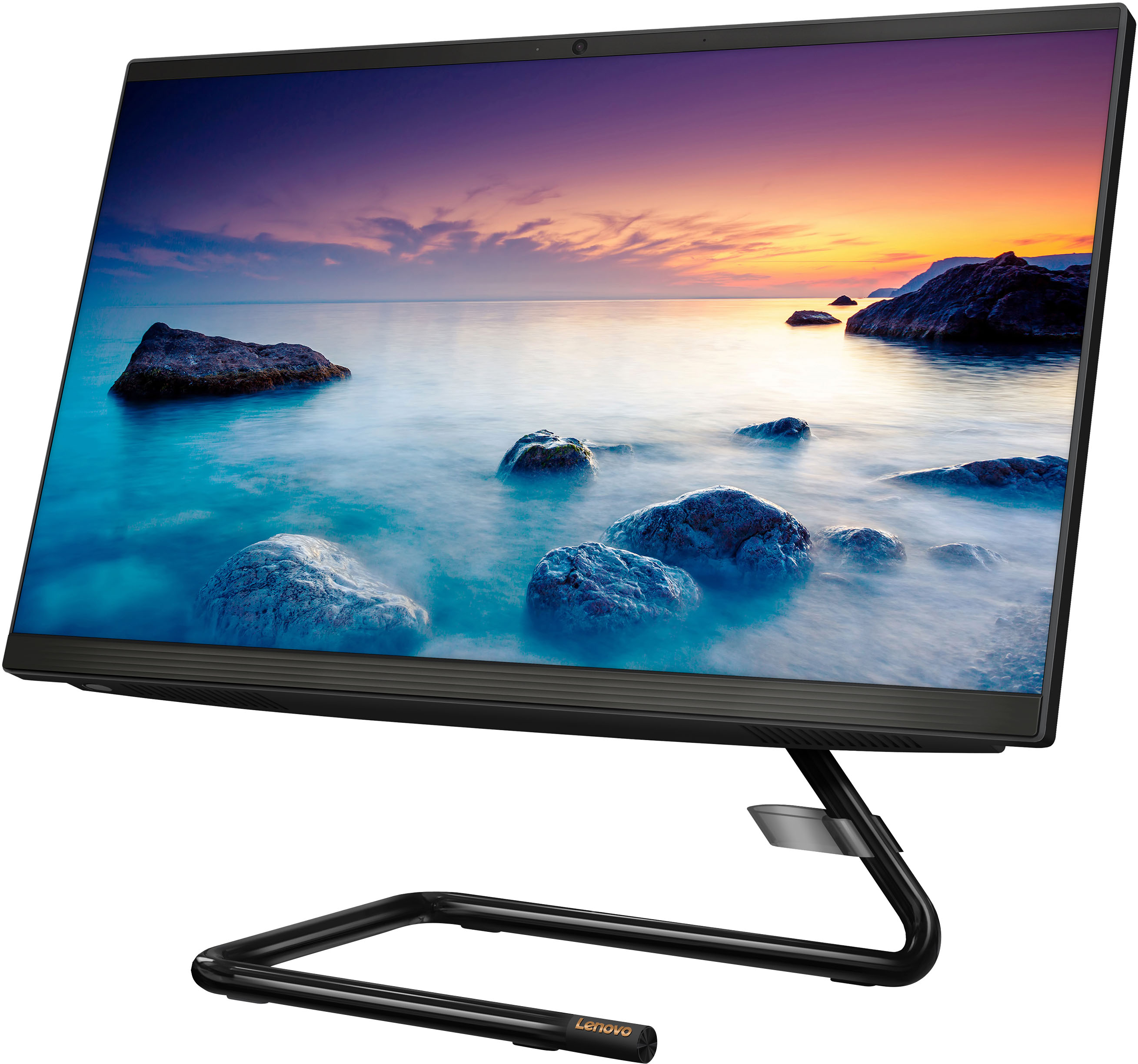
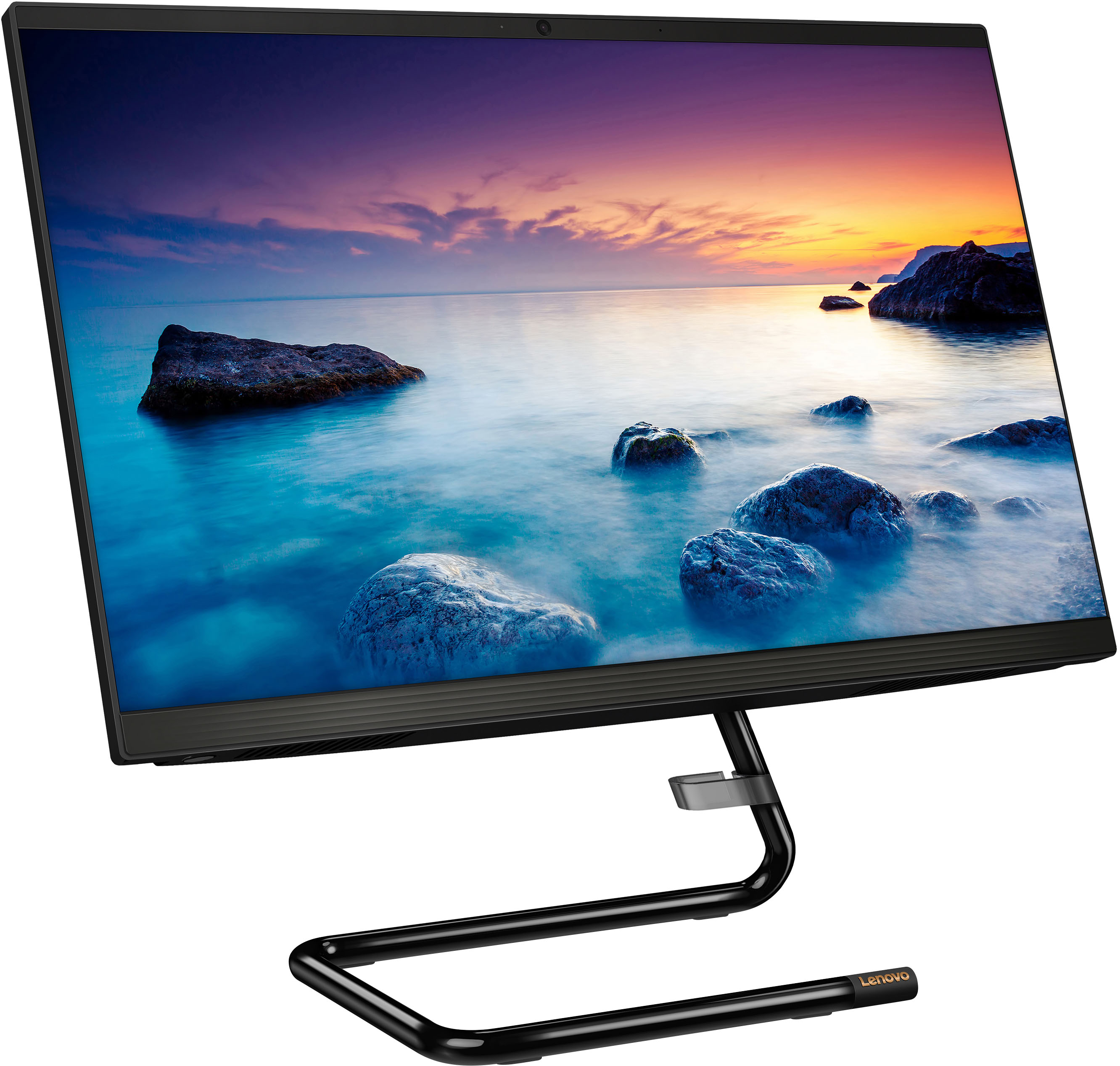
Customers regard the IdeaCentre AIO A340 as easy to use and appreciate its touch screen functionality. Many find it offers good value for its price and attractive design, while also highlighting its compact size and ample storage. However, some customers express concerns about its processing speed and slow startup time, along with limitations on RAM expandability and stand adjustability.
This summary was generated by AI based on customer reviews.
New office computer
||Posted . Owned for 3 weeks when reviewed.This reviewer received promo considerations or sweepstakes entry for writing a review.Space saving and quick for my office work. Price was right also
I would recommend this to a friendBrand response from Lenovo Product Expert
Posted .Thank you for choosing the Lenovo IdeaCentre A340 22 All-In-One System for your office. We are pleased to hear that the value, features and performance of the IdeaCentre A340 22 AIO meets your computing needs so well.

Great computer for my daughter
||Posted . Owned for 3 weeks when reviewed.This reviewer received promo considerations or sweepstakes entry for writing a review.I don't know that much about computers but my daughter wanted one to play games like minecraft and this really exceeded my expectations. She loves it
I would recommend this to a friendBrand response from Lenovo Product Expert
Posted .Thank you for choosing the Lenovo IdeaCentre A340 22 All-In-One System for your daughter. We are pleased to hear that the performance of the IdeaCentre A340 22 AIO meets your daughter's computing needs so well. We always recommend you check the requirements and compatibility of any software/games you will be installing on your new computer, before you invest in any computer. Be sure your new computer can support the software/games you will need to use.
Ms
||Posted . Owned for 4 months when reviewed.This reviewer received promo considerations or sweepstakes entry for writing a review.I love my desktop but I do need some geek squad assistance
I would recommend this to a friendBrand response from Lenovo Product Expert
Posted .Thank you for choosing the Lenovo IdeaCentre A340 All-In-One Touch Screen All-In-One. We are very pleased to hear that the specifications and features of the Lenovo IdeaCentre A340 AIO meet your computing needs so well.
Greate
||Posted . Owned for 2 months when reviewed.This reviewer received promo considerations or sweepstakes entry for writing a review.I can honestly say that this is an great computer.
I would recommend this to a friendBrand response from Lenovo Product Expert
Posted .Thank you for choosing the Lenovo IdeaCentre A340 22 All-In-One System. We are pleased to hear that the IdeaCentre A340 22 AIO meets your computing needs so well.
Decent starter PC or kid pc
||Posted . Owned for 3 weeks when reviewed.This reviewer received promo considerations or sweepstakes entry for writing a review.This computer is decent for light use like emails and web surfing. I wouldn't use this for work though. It's pretty heavy too. I'm not sure if that is deliberate to keep it for toppling over or if it's just bulky feeling because of the hardware.
I would recommend this to a friendBrand response from Lenovo Product Expert
Posted .Thank you for choosing the Lenovo IdeaCentre A340 22 All-In-One System, model number F0EA0088US. We always recommend you check the requirements and compatibility of any software you will be installing on your new computer, before you invest in any computer. Be sure your new computer can support the software you will need to use and your workload.
- Cons mentioned:Speed
Unusable and SLOW
||Posted . Owned for less than 1 week when reviewed.This reviewer received promo considerations or sweepstakes entry for writing a review.This computer is unusable. I have updated everything I am tech proficient in this computer is slow garbage. I bought it to literally surf the web I use it for Stocks and News and YouTube I have a few windows open at the same time. The computer is so slow I would call it non-functional. Even when all of the Internet windows are shut down when I simply hit the magnifying glass and type in the word update it takes a good 3 to 7 seconds before the windows update window even pops up. Lenovo Schabow their head in shame this product stinks
No, I would not recommend this to a friendBrand response from Lenovo Product Expert
Posted .We are sorry to hear that you are having issues with your Lenovo IdeaCentre A340 22 All-In-One System, model number F0EA0088US. This is a light to moderate use configuration, with its 4-Core Intel Pentium Silver J5040 processor, supported by 8GB DDR4-2666MHz RAM. If you are getting slower than expected performance, be sure any software you installed is compatible with Windows 11. There is no need to install Microsoft Office software. The software is already part of the operating system, you just need to activate the software with a purchased product key. If you have installed a copy of Microsoft Office, this is conflicting with the existing copy on the system and this will slow your system down. If you have installed a 3rd party anti-virus program, be sure that Windows Defender is turned off and that the trial version of McAfee Anti-Virus software is uninstalled. There can only be one anti-virus program on the system. Here is a link to instructions for uninstalling McAfee from a Windows computer: https://service.mcafee.com/?articleId=TS101331&page=shell&shell=article-view You may need to restore your system to original factory default settings if any of the programming errors have occurred. You can do that by typing "restore" in the Cortana search window. Just click on the magnifying glass icon at the bottom of your Windows 11 Desktop. Click on "Reset This PC" Then click on "Get Started" and follow the on screen directions to restore to factory defaults. If the problem persists, we recommend you contact Lenovo Tech Support at: 877-453-6686.
Nt Very Satisfied
||Posted . Owned for 3 weeks when reviewed.This reviewer received promo considerations or sweepstakes entry for writing a review.The computer seems fine but Best Buy did not do a good job of setting it up! I can't find simple things like "Settings". I want the screen to go dark if we are not using it and can't find the setting to do that so it just stays on all the time.
No, I would not recommend this to a friendBrand response from Lenovo Product Expert
Posted .This Lenovo IdeaCentre A340 22 All-In-One system ships with the Windows 11 Home 64-bit Operating System installed. To find Settings within Windows 11, there are several ways, here is a link to more information: https://www.windowscentral.com/how-open-settings-app-windows-11. To adjust your system settings so your screen goes to black after a period of inactivity,
1. Open Settings (Win+I). 2. Click/tap on Screen and sleep on the right side to expand it open. 3. Select Never or how many minutes or hours screen timeout you want in the On battery power, turn off my screen after and/or When plugged in, turn off my screen after drop menus. Here is a link to additional information: https://www.elevenforum.com/t/change-screen-timeout-to-turn-off-display-after-in-windows-11.851/
New Computer
||Posted . Owned for 3 weeks when reviewed.This reviewer received promo considerations or sweepstakes entry for writing a review.So far so good but I haven't set it up yet - LOL. Waiting for my tech guy to get it done for me. I went ahead & did this review anyway so I could comment on the excellent customer service we got at Best Buy. Salespeople were outstanding!
I would recommend this to a friend- Cons mentioned:Speed
So slow
||Posted . Owned for 1 month when reviewed.This reviewer received promo considerations or sweepstakes entry for writing a review.This computer is slower than windows 95. I know its a few years older. Wasn't expecting it to boot slowere than any thing i have ever seen out of the box.
No, I would not recommend this to a friendBrand response from Lenovo Product Expert
Posted .This Lenovo IdeaCentre A340 22 All-In-One System, model number F0EA0088US, will boot from off to the Windows 11 login screen in less than 40-seconds. This specific configuration with the 4-Core Intel Pentium Silver J5040 processor is a light to moderate workload configuration. Be sure any software you installed is compatible with Windows 11. There is no need to install Microsoft Office software. The software is already part of the operating system, you just need to activate the software with a purchased product key. If you have installed a copy of Microsoft Office, this is conflicting with the existing copy on the system and this will slow your system down. If you have installed a 3rd party anti-virus program, be sure that Windows Defender is turned off and that the trial version of McAfee Anti-Virus software is uninstalled. There can only be one anti-virus program on the system. Here is a link to instructions for uninstalling McAfee from a Windows computer: https://service.mcafee.com/?articleId=TS101331&page=shell&shell=article-view You may need to restore your system to original factory default settings if any of the programming errors have occurred. You can do that by typing "restore" in the Cortana search window. Just click on the magnifying glass icon at the bottom of your Windows 11 Desktop. Click on "Reset This PC" Then click on "Get Started" and follow the on screen directions to restore to factory defaults. We always recommend you check the requirements and compatibility of any software you will be installing on your new computer, before you invest in any computer. Be sure your new computer can support the software you will need to use and your workload. If you have questions about your Lenovo IdeaCentre A340 22 AIO, we recommend you contact Lenovo Tech Support for additional information at: 866-426-0911.
Lenovo is ready terrible and no support
||Posted . Owned for 1.5 years when reviewed.This reviewer received promo considerations or sweepstakes entry for writing a review.Worst product- I don’t ever plan to purchase anything Lenovo. Computer broke in less than one year and NO Support
No, I would not recommend this to a friendMissing a feature.
||Posted . Owned for 3 weeks when reviewed.This reviewer received promo considerations or sweepstakes entry for writing a review.The computer I was shown in the store had an optical CD/DVD drive. I saw it twice (on two different visits). That is the one I bought. The one they gave me is missing that. I don't know why they did that.
I would recommend this to a friendBrand response from Lenovo Product Expert
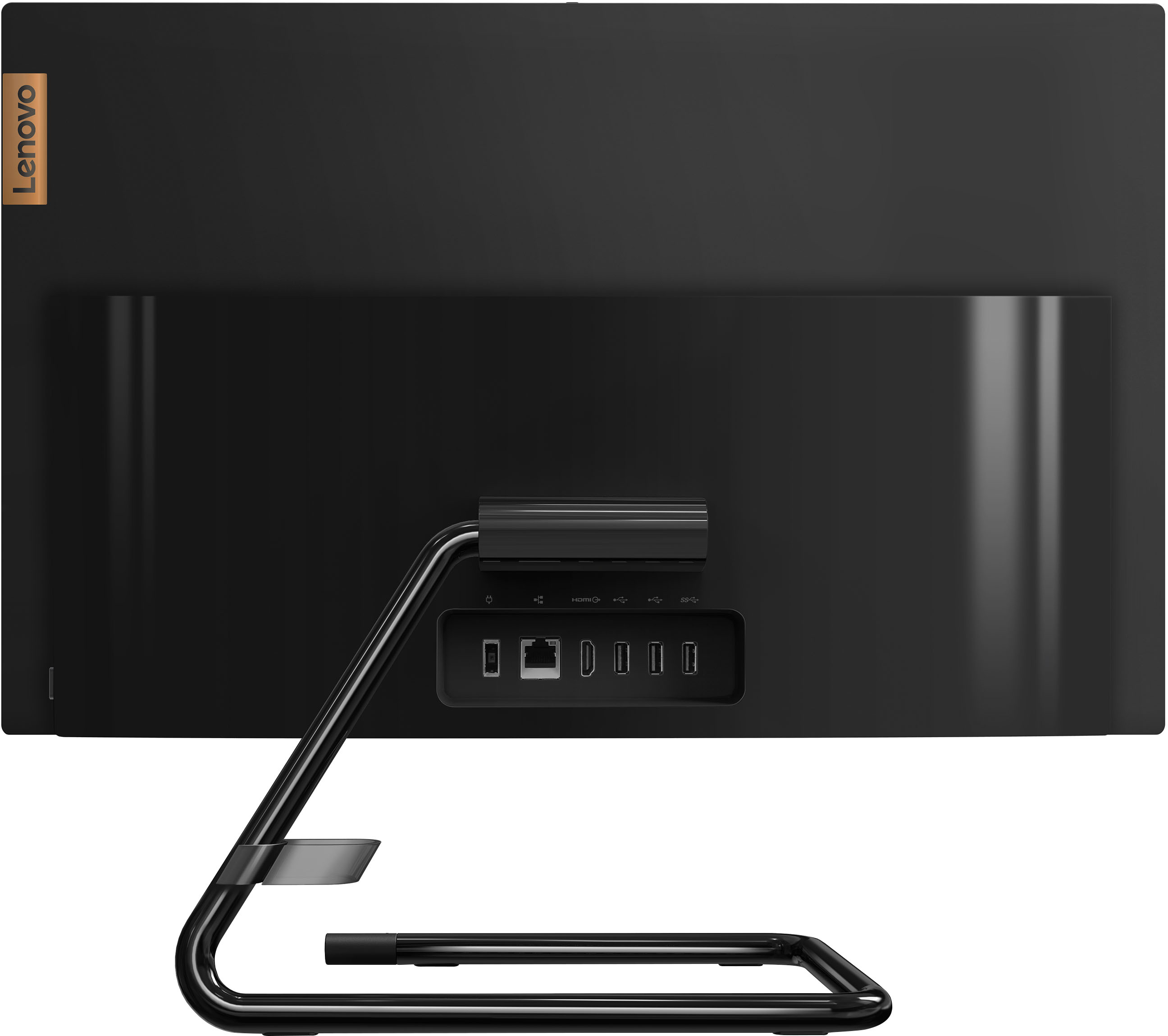
Posted .This Lenovo IdeaCentre A340 22 All-In-One System, model number F0EA0088US, does not ships with a built in CD/DVD drive. You can use an external USB-based, Windows compatible CD/DVD drive with this IdeaCentre A340 22 AIO, like this one: https://www.bestbuy.com/site/lg-8x-external-usb-2-0-double-layer-dvdrw-r-ram-cd-rw-drive-black/5581020.p?skuId=5581020
Unhappy with Lenovo
||Posted .This reviewer received promo considerations or sweepstakes entry for writing a review.Works great until I get the random error code 1962. This is incredibly frustrating and there are so many different hits online of how to fix it. This is a brand new computer and I am very unhappy about it.
No, I would not recommend this to a friendBrand response from Lenovo Product Expert
Posted .We are very sorry to hear that you are experiencing issues with the Lenovo IdeaCentre AIO A340 22in. Touch Screen All-In-One. If there is no incompatible software installed but the issues persist, check to be sure you have the latest version of Windows on the computer. Then update all BIOS files and drivers up to that latest version of Windows. You can easily accomplish this by scanning the computer with the Lenovo Utility software available on this computer. This system has Lenovo utilities installed to help maintain the health of the device and keep the operating system software up to date. Type "Lenovo Vantage" in the Cortana Search window (if Lenovo Vantage is not installed on your device, you can download the APP and install it now). Select Lenovo Vantage from the list. In the window that opens, click on "Health and Support". In the expanded menu, select "Hardware Scan” In the window that opens, select "Run Quick Tests". This will scan your entire system for errors. Follow any directions that may pop up. If the problem continues after this scan, now click on "System Update". First select Windows update from the menu. Scan your system to be sure you have the latest version of Windows. Once that scan is complete, select "Additional Updates". This will scan your device to be sure there are no new BIOS/Driver updates needed. Follow any instructions that may pop up. If the issue continues after these updates, we recommend you call Lenovo Tech Support at: 877-453-6686 for additional help.
- Cons mentioned:Performance
Don't buy for a gaming computer!
||Posted . Owned for 1 month when reviewed.This reviewer received promo considerations or sweepstakes entry for writing a review.I got this because a few reviews stated it could be used for gaming. I can barely run bing on here (it's the default browser). YouTube? Stops after the first frame and either doesn't continue the video or continues at 2fps. Runs steam but no games, tried to play valorant and as soon as I went online it played 2fps again. I didn't get a chance to return it because of personal issues and snow storms so now I have a desktop I can't use.
No, I would not recommend this to a friendBrand response from Lenovo Product Expert
Posted .We always recommend you check the requirements and compatibility of any software/games you will be installing on your new computer, before you invest in any computer. Be sure your new computer can support the software/games you will need to use.
Review of Lenovo - IdeaCentre AIO A340 22 inclh
||Posted . Owned for 1 month when reviewed.This reviewer received promo considerations or sweepstakes entry for writing a review.Everyone was at Best Buy was courteous, knowledgeable, and helpful. No complaints and many kudos. The Lenovo Computer is fast and inexpensive. It provides all we need in a home computer.
No, I would not recommend this to a friendBrand response from Lenovo Product Expert
Posted .Thank you for choosing the Lenovo IdeaCentre A340 22 All-In-One System. We are pleased to hear that the value and performance of the IdeaCentre A340 22 AIO meets your computing needs so well.
Not happy with this
||Posted . Owned for 1.5 years when reviewed.This reviewer received promo considerations or sweepstakes entry for writing a review.I finally after years unboxed this and plugged it in. It takes forever to load.
No, I would not recommend this to a friendvanderwall
||Posted . Owned for 3 weeks when reviewed.This reviewer received promo considerations or sweepstakes entry for writing a review.wonderful computer. glad i went back to A DESKTOP.
I would recommend this to a friendGreat
||Posted .This reviewer received promo considerations or sweepstakes entry for writing a review.I am a basic user but for me it's great.. I love the big monitor, thee all in one and the wireless keyboard and mouse. It's very convenient.
I would recommend this to a friend- Cons mentioned:Performance, Speed
Stay away
||Posted . Owned for 5 months when reviewed.This reviewer received promo considerations or sweepstakes entry for writing a review.Junk. Runs slow and couldn't handle programs I need
No, I would not recommend this to a friendBrand response from Lenovo Product Expert
Posted .We always recommend you check the requirements and compatibility of any software you will be installing on your new computer, before you invest in any computer. Be sure your new computer can support the software you will need to use and your workload.
- Cons mentioned:Speed
this is a slow computer
||Posted . Owned for 2 months when reviewed.This reviewer received promo considerations or sweepstakes entry for writing a review.This is a nice looking computer but is slow going. works great but slow and looks great!
No, I would not recommend this to a friendBrand response from Lenovo Product Expert
Posted .This Lenovo IdeaCentre A340 22 All-In-One System, model number F0EA0088US, is a light to moderate workload configuration, with its entry-level 4-Core Intel Pentium Silver J5040 Processor, with a base speed of 2.0GHz and a boost speed of up to 3.2GHz. This processor is supported by 8GB DDR4-2666MHz RAM. This configuration will boot from off to the Windows Login Screen in less than 40-seconds. It is good with moderate workloads with productivity software, like Microsoft Office, browsing the internet. It is not meant for multi-tasking or working with resource demanding software or heavy workloads. We always recommend you check the requirements and compatibility of any software you will be installing on your new computer, before you invest in any computer. Be sure your new computer can support the software you will need to use and your workload.
Great buy easy to use
||Posted . Owned for 2 weeks when reviewed.This reviewer received promo considerations or sweepstakes entry for writing a review.Our new desktop is great. Had a little learning curve but Kelly was great at answering all our questions
I would recommend this to a friend