Customer Ratings & Reviews

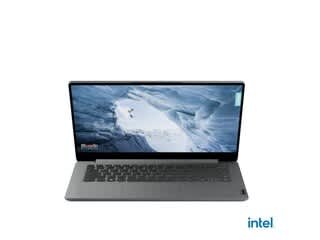
- Model:
- 82V60022US
- SKU:
- 6549070
Rating by feature
- Battery Life
Rating 4.3 out of 5 stars
- Speed
Rating 3.3 out of 5 stars
- Display
Rating 4.0 out of 5 stars
Customers are saying
Customers admire the Ideapad 1's ease of use, keyboard quality, and compact size, frequently praising its lightweight design and impressive battery life for its price point. However, some users express concerns regarding the limited RAM and storage capacity, suggesting these may restrict the laptop's capabilities for more demanding tasks. The small amount of storage is a recurring negative comment.
This summary was generated by AI based on customer reviews.
- Pros mentioned:Battery life
Good computer for good price
||Posted . Owned for 3 weeks when reviewed.This reviewer received promo considerations or sweepstakes entry for writing a review.For a cheapish $200 computer it actually works really well for school. It's a little slow when you first boot it up but that's expected for any computer. The battery life is really good, it can last me at least 2 hours. It also charges really fast which is really nice. Overall I really recommend it if you need a work computer but don't wanna spend a massive amount of money on one.
I would recommend this to a friend - Pros mentioned:Ease of useCons mentioned:Processor speed
IdeaPad1
||Posted . Owned for 1 month when reviewed.This reviewer received promo considerations or sweepstakes entry for writing a review.good computer! a bit slow but gets the job done and is easy to use!
I would recommend this to a friend I like so much
||Posted . Owned for 1 week when reviewed.This reviewer received promo considerations or sweepstakes entry for writing a review.This product met all my expectations, I love it, I use it to watch series, save my photos and for my social networks
I would recommend this to a friendLaptop windows 11
||Posted . Owned for 1 month when reviewed.This reviewer received promo considerations or sweepstakes entry for writing a review.They only way I review this laptop a 4 Star because it don’t have any sound bar ,to be able to listen music or watch videos is plugging your headphones
I would recommend this to a friend- Pros mentioned:Battery life, Ease of use, Keyboard qualityCons mentioned:Processor speed, Storage

The Budget Computer that Could...
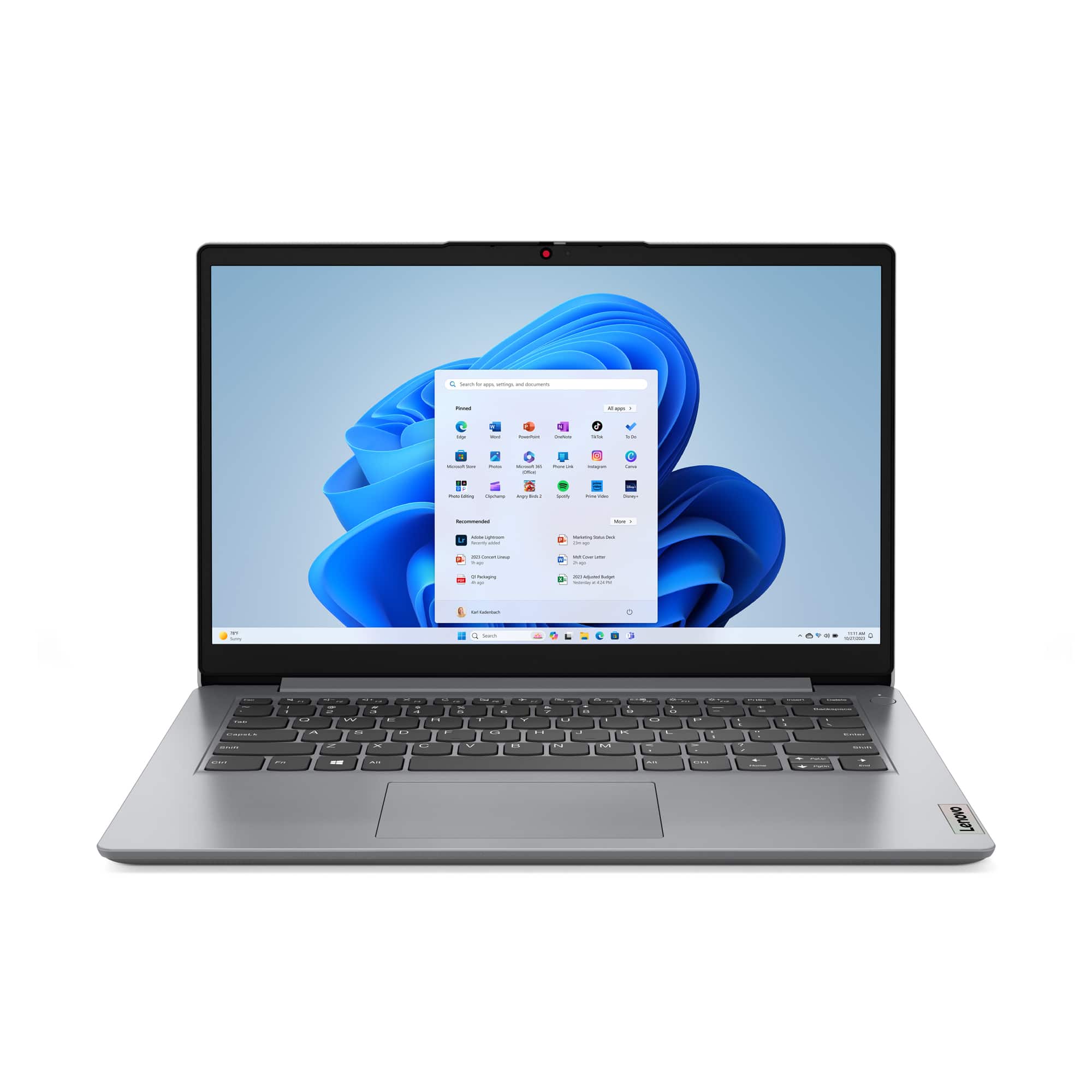
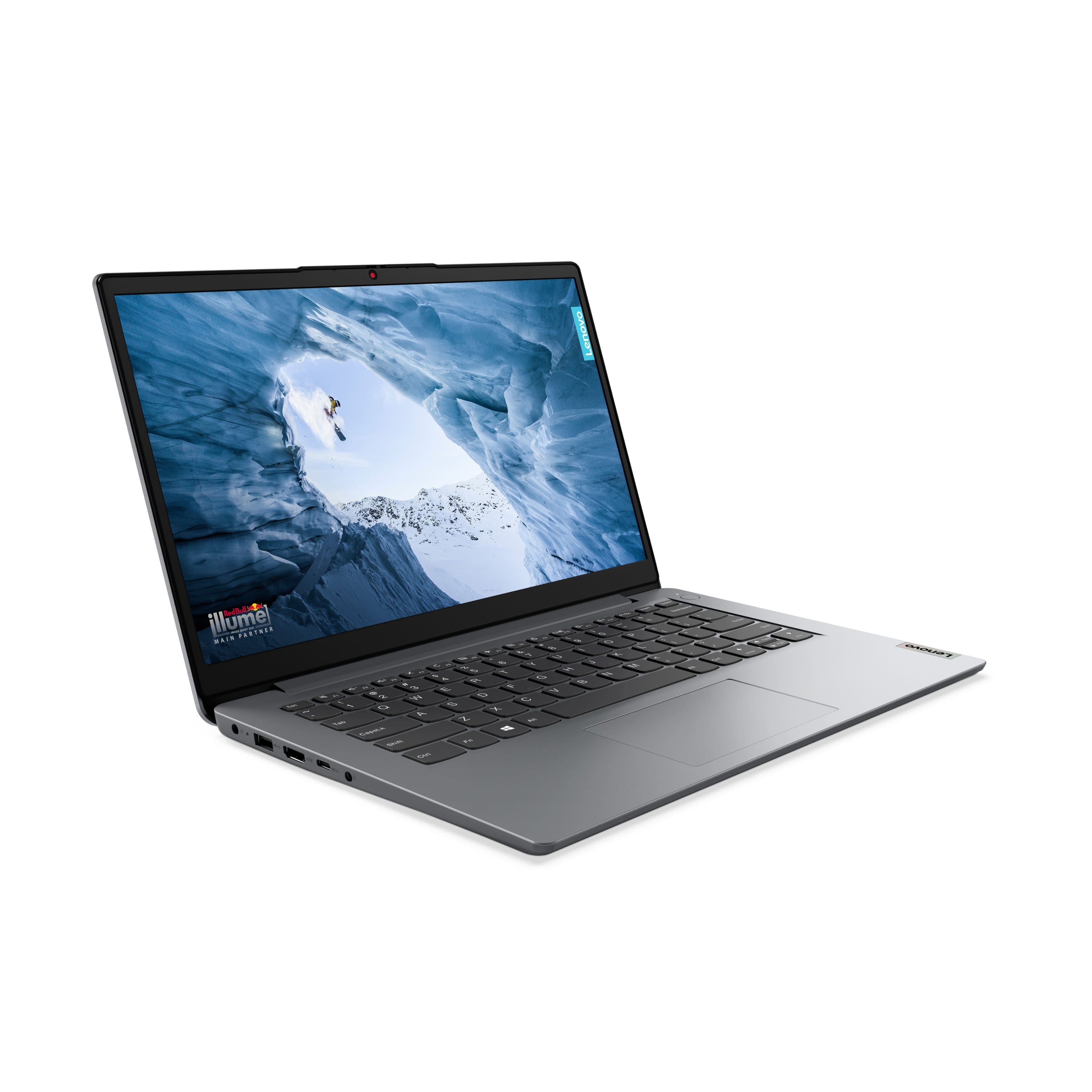
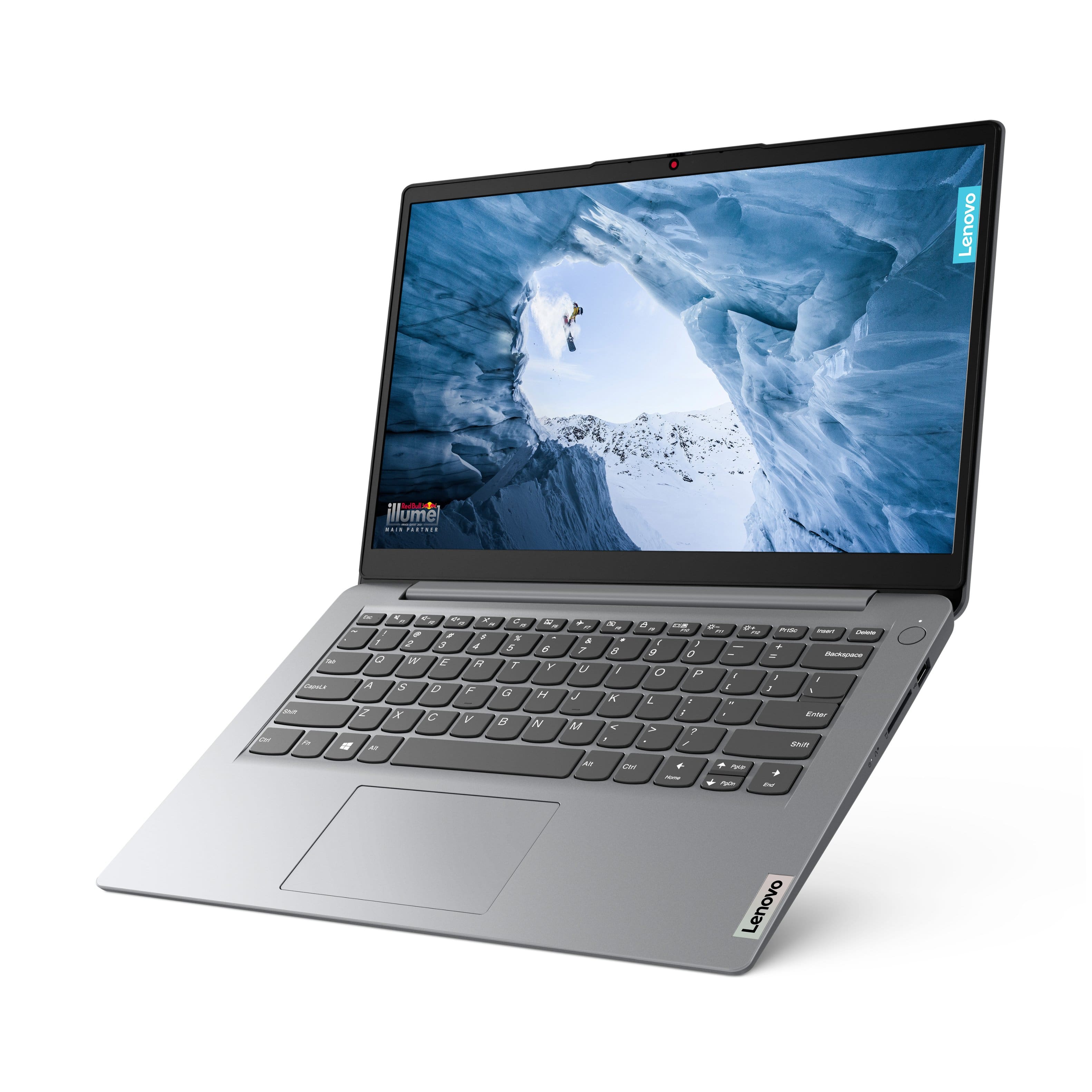
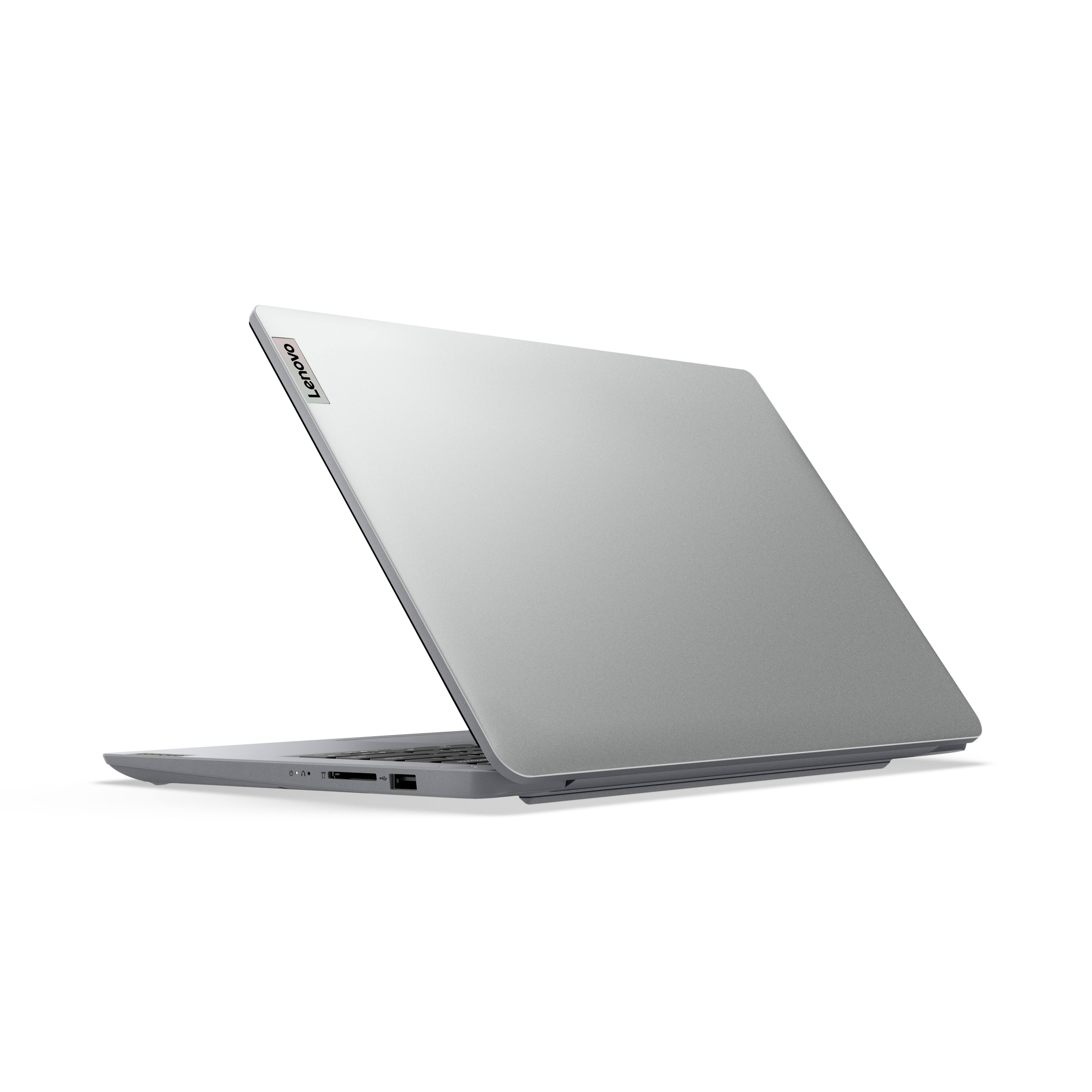
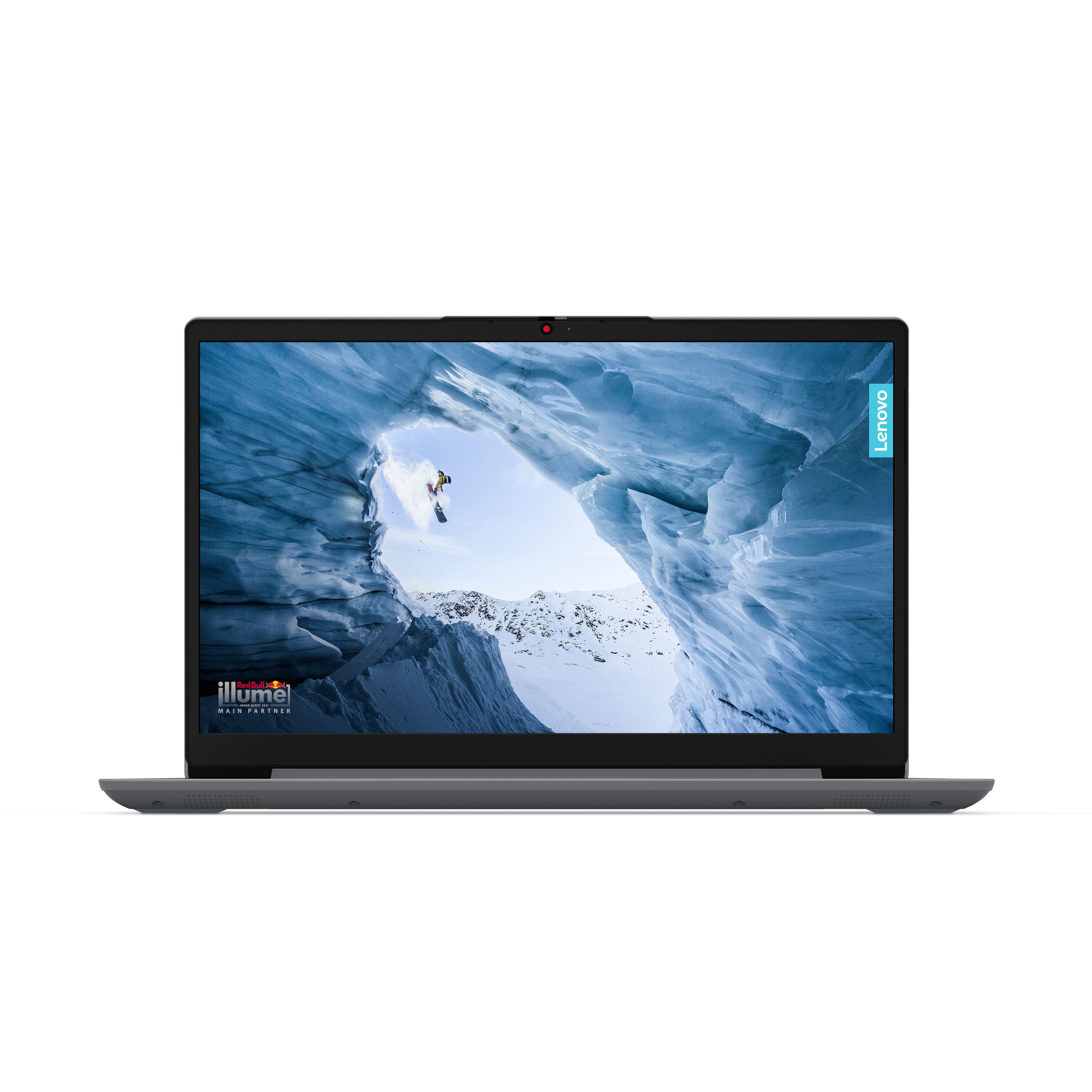
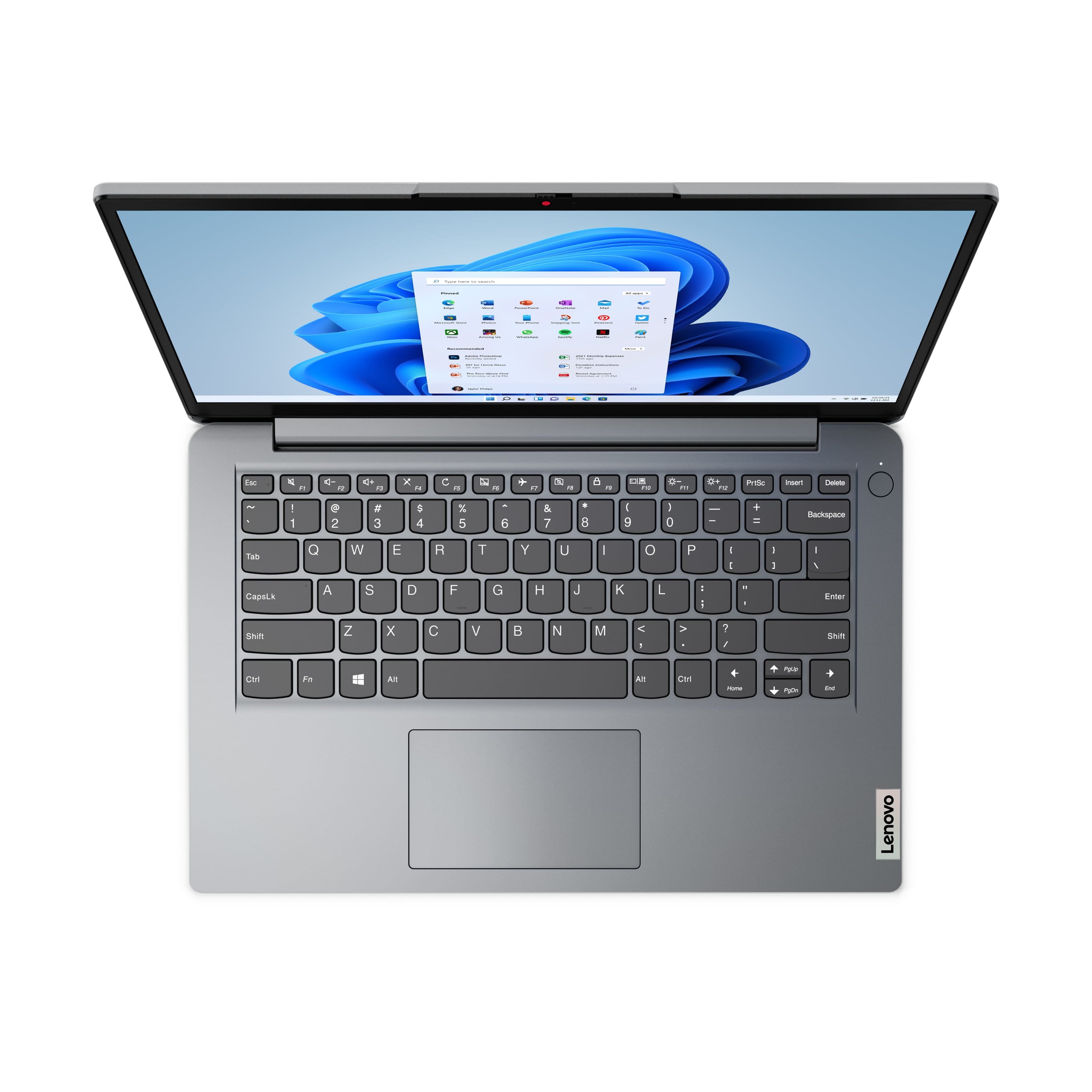
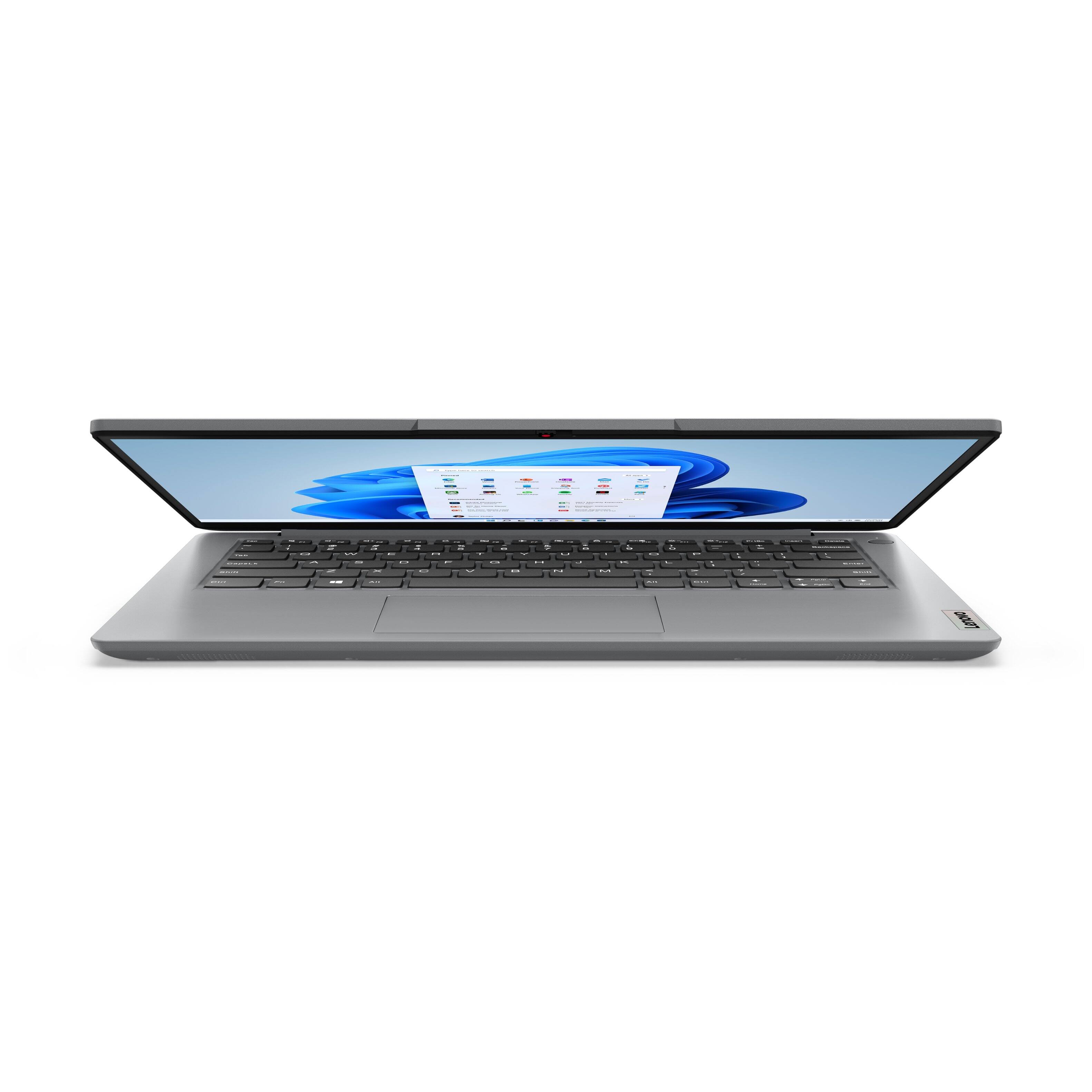
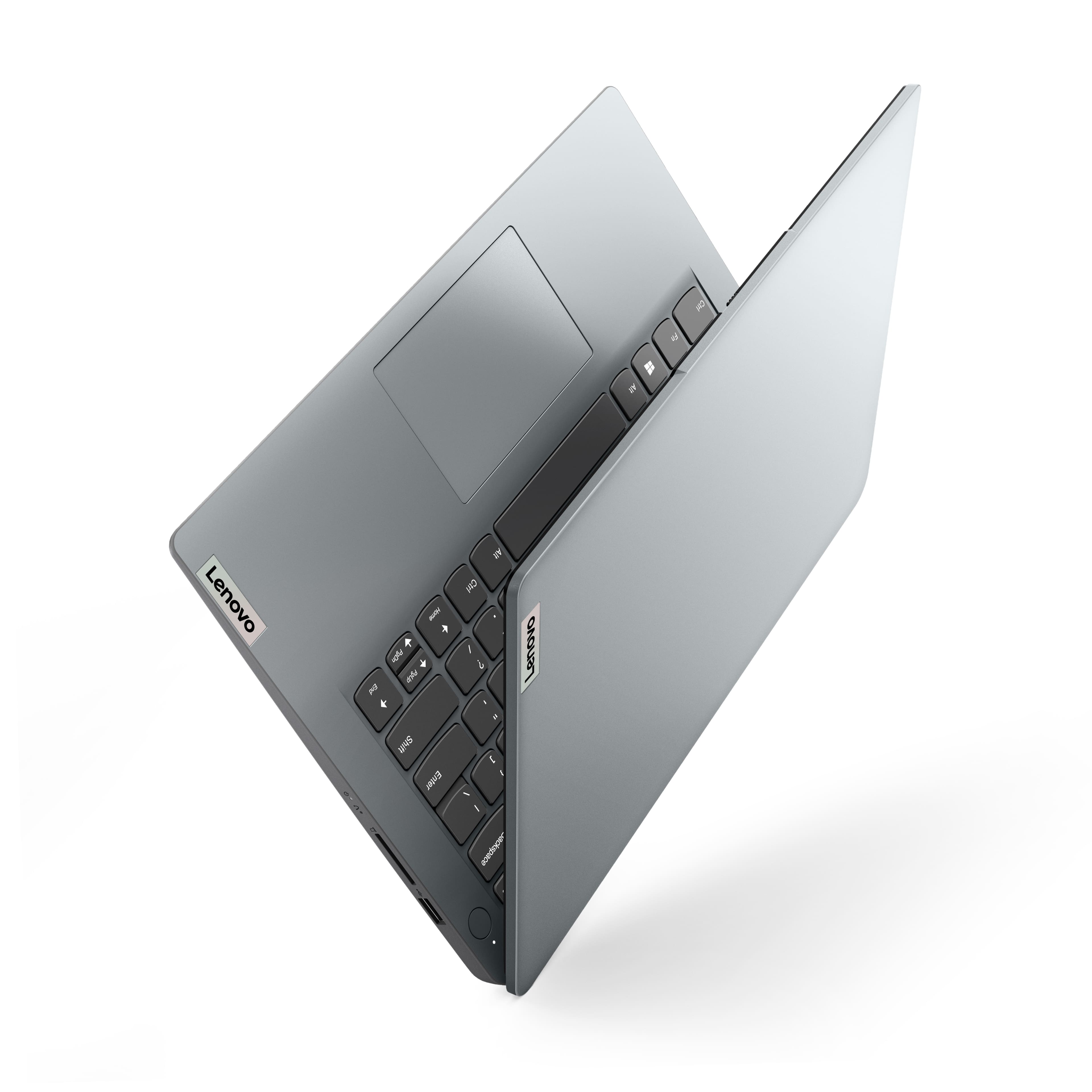
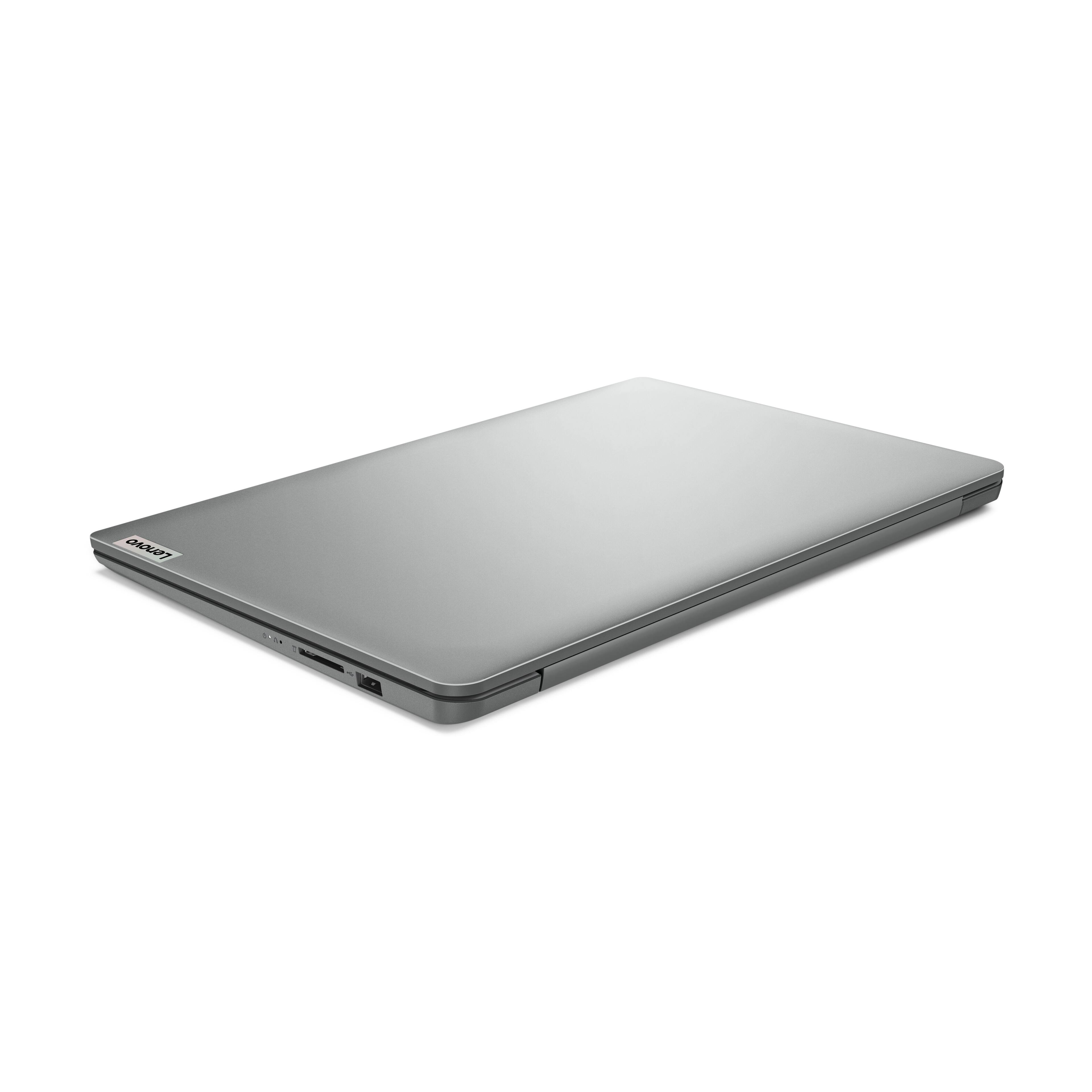
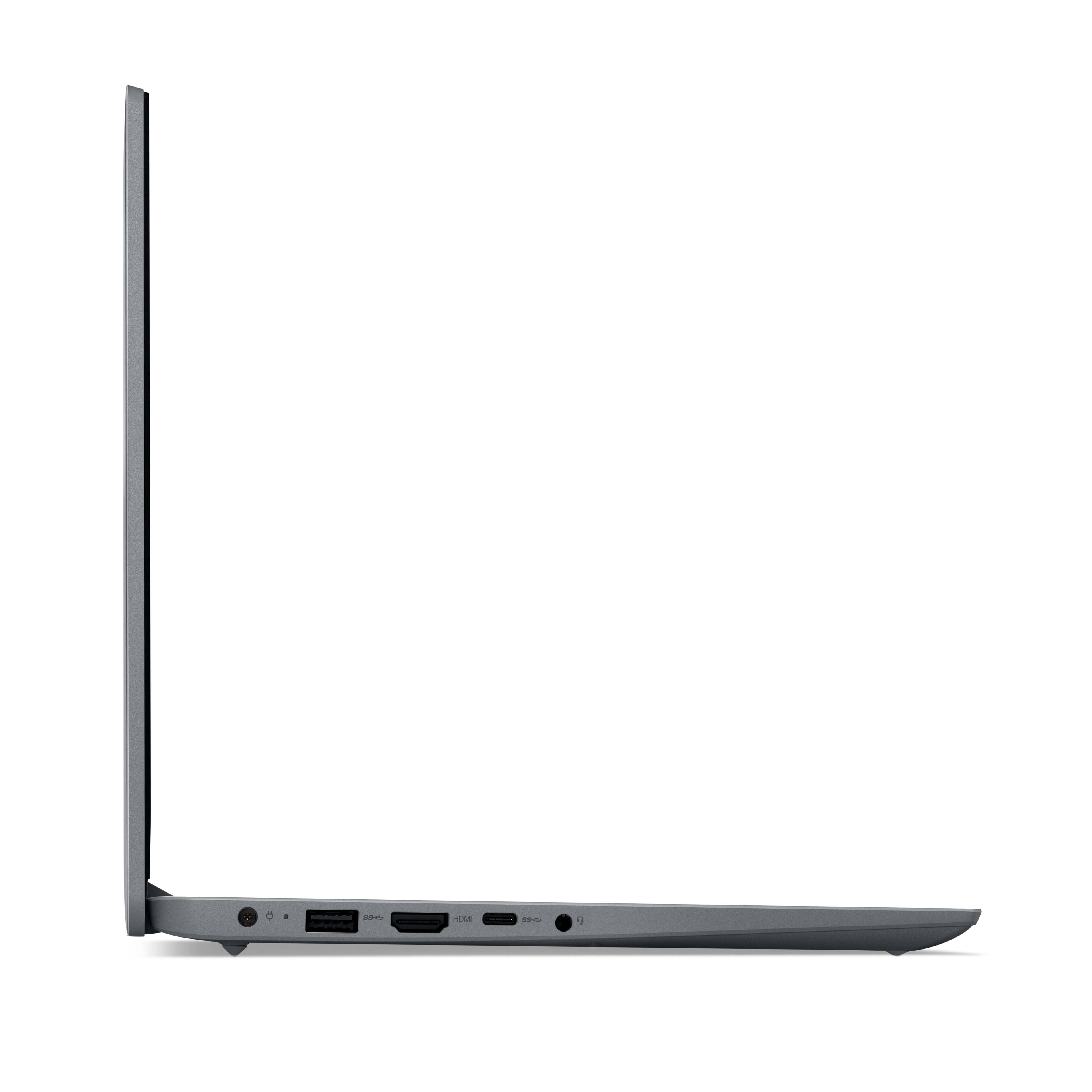
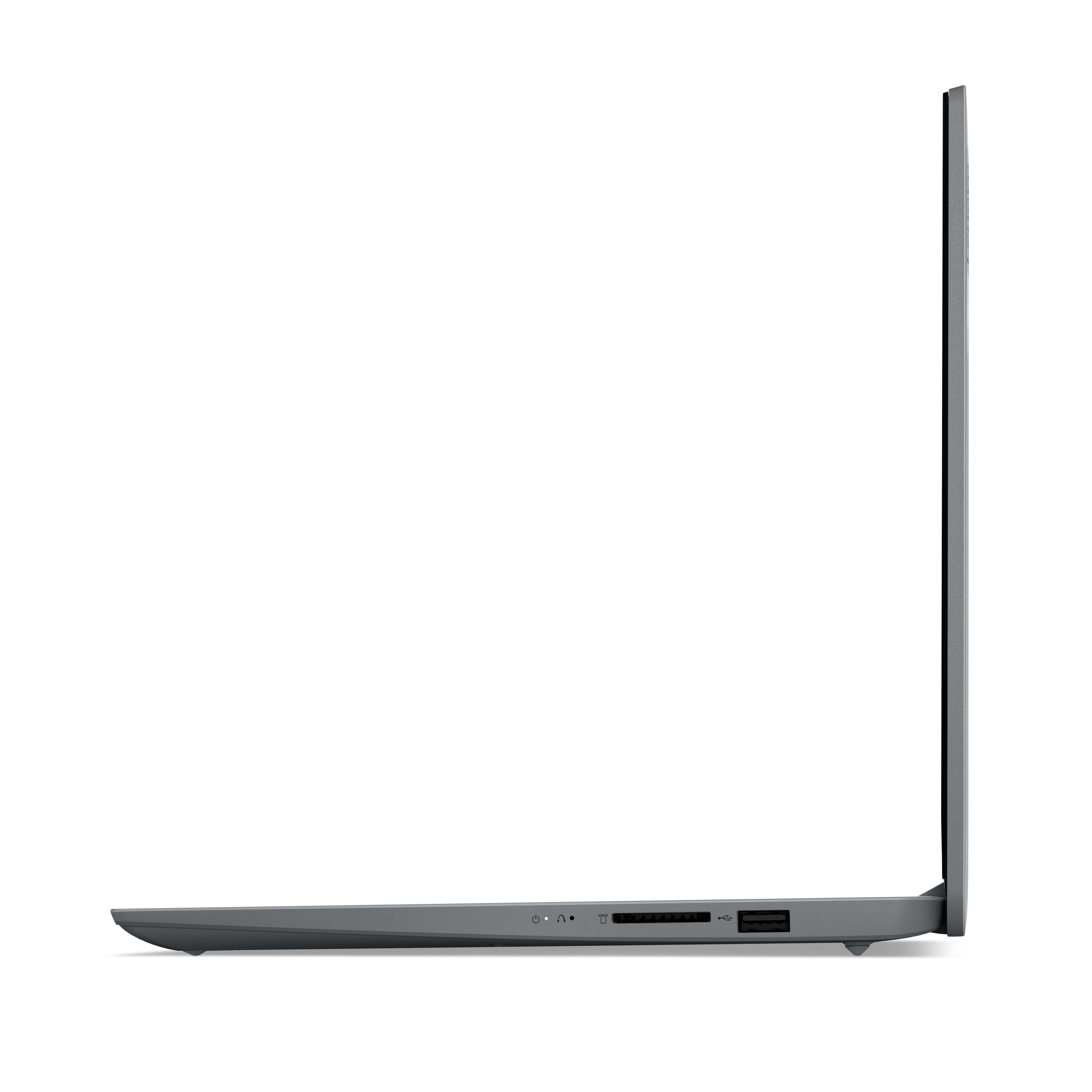
|Posted .This reviewer received promo considerations or sweepstakes entry for writing a review.The Lenovo Ideapad 1 14” HD Laptop is a direct competitor with the budget Chromebooks and don’t let the price fool you. It’s a Windows computer. Running Windows 11 Home in S mode, a secure Windows mode that has increased load times and security from malware. So in essence, it’s a good computer for novices, students, and those that want a slimmed down, lightweight, portable computer. The Lenovo Ideapad 1 14 boasts a bare minimum Intel Celeron dual core N4020 processor with about 1 1ghz base speed and almost 3 ghz boost, 4GB of DDR4 2400 mhz memory, and 64GB of eMMC storage. This is definitely geared towards the budget and efficiency. About half of the storage is used by Windows. Fortunately this computer ships with a year of Microsoft Office that gives you an additional 1TB of space to store files, photos, and backup your computer. There’s also a nice perk for a few months of game pass ultimate. You can also use the SD card slot for photo transfers or additional storage. It comes with Intel UHD on-board graphics that suit the class of computer just fine. You won’t be playing games on this computer but it’s great for streaming movies, YouTube, or browsing the web. The display is a 1366x768 HD display that looks great. Brightness is 220 nits so it might not be a good idea in sunlight, but indoors or most other environments it’s more than enough. To compare, most gaming computers sit between 250 and 300 nits, with the higher end displays coming in at 400 to 500 nits. It’s super lightweight at just over 3 pounds and less than one inch thick. Length is right under 13 inches by 8.5 wide. This computer offers WiFi 6 technology so internet speeds should be quick. It comes with a webcam at 720p and surprisingly has a privacy shutter for security when you’re not using it. Ports included are type A USB 2.0, USB 3.2 and USB-C. It comes with a headphone jack and a 4-in-1 card slot for your SD cards. The keyboard is familiar, I’ve felt similar keyboards on other budget computers including chromebooks. It does include the 10-key even for its small size. For its class, this computer delivers a lot of bang for the buck. Setup Out of the box you have a light gray, 14” laptop with a power cable and a simple instruction book. I charged it up for about an hour and booted up. I went through about 20 to 25 minutes of setup and I was ready to see what this computer was all about. Apps It comes with your essentials pinned to the taskbar with a Lenovo Vantage app as well. I quickly signed up for a free year of Microsoft Office. This is a great value considering I used to pay about $100 a year. Office will also give you 1TB of space that you will need. Other options for space include external hard drives or memory cards. There’s a quick link to the Microsoft store that you can download additional apps, much like chromebooks. This computer is not suited for heavy duty apps, but you will find all the essentials for work, school, and entertainment. Microsoft Edge is the default browser and I would recommend using it. It uses the lowest amount of resources and is based on the chromium engine that Chrome uses. For a budget build, you want the lowest resource browser you can get, and after some research Edge leads in most tests. Performance Performance is a little slower being a budget computer. You will need to operate in a more efficient manner. I learned with this computer you can’t have a bunch of tabs open on your browser, you need to limit it to 3 or less. Also, with limited memory, you want to limit the amount of apps you have open at one time. Most apps load in about 15 to 30 seconds. Once they were open, they operated without much lag. There were a couple of apps that seemed to hang for a minute or two before opening. The Microsoft Office suite worked well so I can see this being a good budget laptop for students. The camera was very laggy at 720p, but once I lowered it to 360p it operated with a much smoother framerate. Battery life claims to be 11 hours and I didn’t need to charge it but every few days. I downloaded Prime Video from the app store, loaded up a movie and it played flawlessly. Color was good, and no noticeable lag either. It’s a great option for streaming movies. The CPU was often maxed out at 100% and Memory was often reaching 75 to 85% of capacity, but this didn’t seem to have an adverse effect on speed and the computer kept cool on my lap. Conclusion For a budget computer, it’s an impressive entry for students working in the MS office suite, simple web browsing, or those that want to sit back and stream a movie. The battery will give you plenty of charge as well. You will not be able to multitask, zip through apps, or play any significant games. It’s slim and portable, and it’s affordable. Ultimately, the affordability and feature set make this laptop an attractive option for those seeking a balance between functionality and a reasonable price. Pros Full Windows Computer in S Mode Full Keyboard including 10-key Long Battery Life Integrated webcam with Privacy Shutter 1 Year of Microsoft Office Include Cons Occasional lag during operation Budget power (limited processing power) Limited onboard storage capacity
I would recommend this to a friend - Pros mentioned:Battery life, Keyboard qualityCons mentioned:Processor speed, Ram
Keep your expectations low and you’ll be fine.
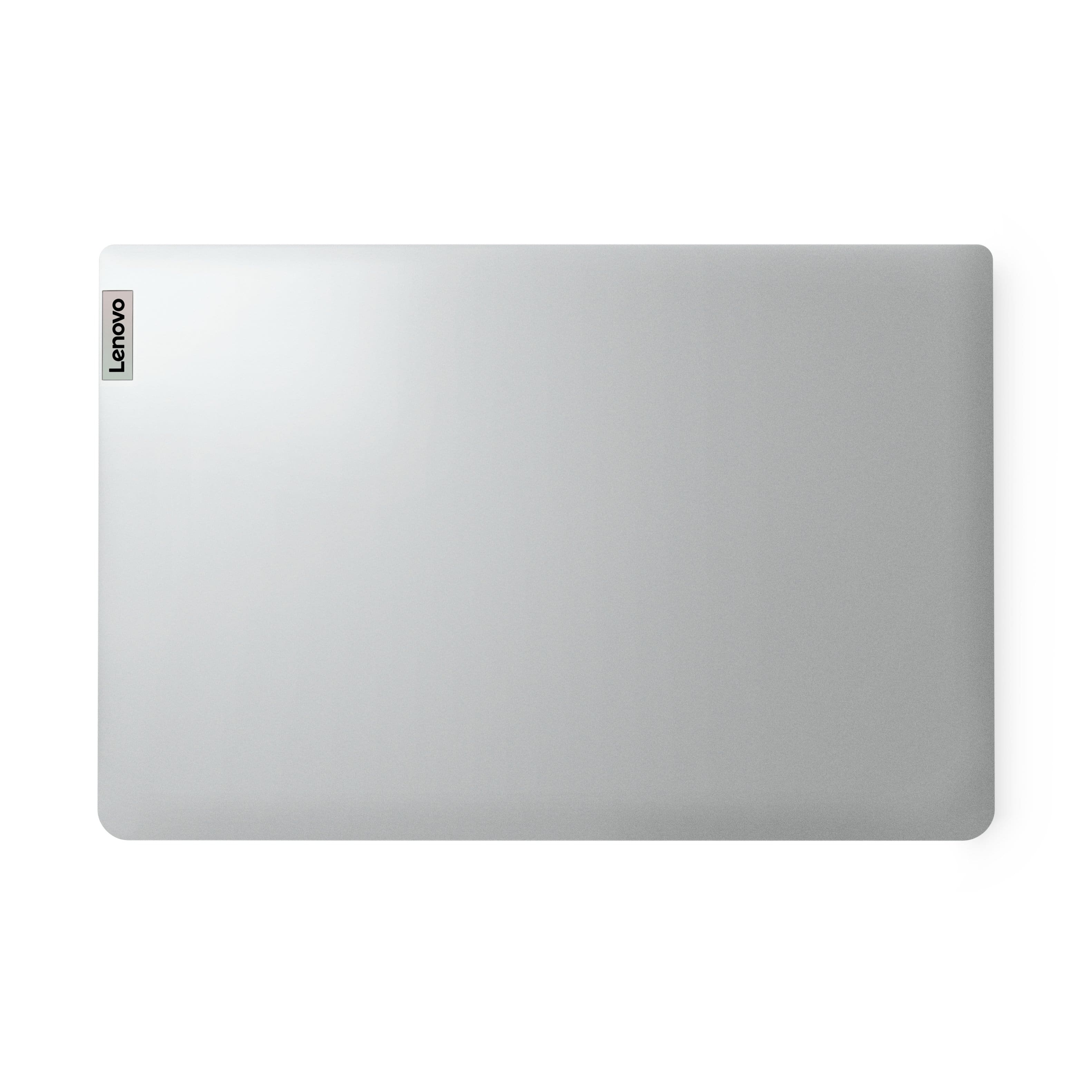
|Posted .This reviewer received promo considerations or sweepstakes entry for writing a review.I was very opened to the fact that this laptop was not going to be my primary computer. I also knew that this was going to be a slow computer, only going to use it for documents and light office work. With that said, I was really impressed with this Lenovo Ideapad 1i. What I like: Firstly, this is a very good looking laptop. Very minimalist on the cover shell besides the Lenovo logo on the bottom right. Material is very smooth and aesthetically pleasing. When opening it up, the one long hinge runs the majority of the length at the bottom of the screen. It is very sturdy and durable. Speakers are located at the bottom and are down firing. It comes with two USB-A ports, 1 USB-C and a SD card slot. Secondly, the keyboard is great experience to type on. I like how the keys feel when I type with good key travel. The keys themselves are not too slippery and it is very comfortable experience. The touchpad is responsive on smooth which is what I like. Thirdly, it has been a snappy computer once I removed the pre-installed virus program. Before, it was very sluggish and now it has been a far better experience and I was able to install my own virus protection that hasn’t caused any slowing down. As I use it on my lap, I’m happy with how it runs and it doesn’t even get warm! Fourthly, the battery life on this Ideapad 1i is amazing. I can go the whole day with moderate use without needing to recharge. Given, I am using it for mostly office work but it is nice to know that I don’t need to carry my charger with me when I am out and about. What I didn’t like: Mainly, the processor is what really slows this down. It comes with an Intel Celeron N4020 CPU @ 1.10GHz. You notice that this is not a very fast computer and further hampering this down is the small 4GB of RAM (3.65 is usable) and the terribly small 64GB eMMC SSD storage. About HALF is occupied already when I booted it up. The minimum should have been 128, especially in 2023! Sometimes I feel like my chromebook is faster than this. Secondly, the screen is very poor quality. The 1366x768 screen resolution is very difficult to use, things on the screen are blurry. Also, when using the Night Light feature, it is a very poor pale orange color that dims the screen. Keeping the night light at a minimum is the only way to have the screen still stay clear enough to read. Overall, this has been a generally “ok” device. Again, I knew going into this to keep my expectations very low. I have enjoyed using it for the light duty I need for work purposes. What really holds this back is the slow processor and low storage. But for what I use it for, it is adequate.
I would recommend this to a friend - Pros mentioned:Battery life
Laptop review
||Posted . Owned for 11 months when reviewed.This reviewer received promo considerations or sweepstakes entry for writing a review.Excelent all day use Battery last all day perfect for school or college
I would recommend this to a friend LenovoIdeaPad Review
||Posted . Owned for 3 months when reviewed.This reviewer received promo considerations or sweepstakes entry for writing a review.This laptop is pretty nice, although not what I was hoping for when I ordered it. I suppose given the processor speed it operates as to be expected though.
I would recommend this to a friend- Pros mentioned:Keyboard quality, Size, WeightCons mentioned:Processor speed, Ram, Storage
Very Affordable, but with Limitations
|Posted .This reviewer received promo considerations or sweepstakes entry for writing a review.If you are on a tight budget but really need to have a computer that runs Windows, this is probably your best option. However, as you would expect with a laptop with such a low price point, there are drawbacks. Pros: - The size is terrific for portability. It's very light and easy to fit into any carrying case or backpack - The display is very nice, considering the price (720p HD) - It is automatically set up in Windows S mode for security/performance. S mode prevents non-Microsoft apps from being installed. This is a good option if a child is using it, as kids can easily find a way to accidentally install malware. Adults will want to disable S mode so that they can use the device more freely, including using a browser of their choice. In S mode, you must use Microsoft Edge. Cons: - With a low end CPU and only 4 GB or RAM, loading times will seem to take forever compared to basically any other laptop you have used. - Be prepared to use cloud storage or an external storage device if you have a need to store large files. This is a good option for a child's first laptop. Since it is so inexpensive you don't have to worry as much about them damaging it and the added security benefits of S mode will benefit them. For most adults, I would look at other options.
I would recommend this to a friend - Pros mentioned:Ease of use
The best
||Posted . Owned for 2 weeks when reviewed.This reviewer received promo considerations or sweepstakes entry for writing a review.Love it. I can do literally everything on it. I recommend you to get one. It will not disappoint
I would recommend this to a friend - Pros mentioned:Battery life, Keyboard qualityCons mentioned:Processor speed, Ram, Storage
A great budget laptop
|Posted .This reviewer received promo considerations or sweepstakes entry for writing a review.In the age of ultra-portable and fast laptop computers and 12-inch tablets, one would wonder if there is still a use case for entry level budget laptops. Lenovo’s IdeaPad 1 is one such laptop. First of all the Lenovo IdeaPad 1 is no speed machine. It sports a Celeron N4020 processor with a minimal 4GB of RAM. Storage is 64GB but not SSD but rathe EMMC. This definitely won’t wow speedfreaks out there. Also the N4020 is also dated. So the question is can a dated Celeron still be relevant in 2023? First thing is that this IdeaPad runs on Windows S which some may find lacking. But it’s quite easy to convert it into Windows Home. I won’t discuss it here but you can always go to YouTube. But setup is a breeze and I installed Microsoft 365. It handles Outlook, Word, PowerPoint that well. But I really cant say the same for Excel as I only tested small spreadsheets. But if I try work related spreadsheets which can have hundreds of rows, then I believe this can suffer. Also, surfing with MS Edge is fine. But it kind of struggles when there are many websites open. Google Chrome seems to fare the same. But I understand, Google Chrome is a memory hog. So overall speed performance for me is acceptable. But one thing that disappoints me is that it uses the slower and older eMMC storage rather than an SSD. But what about the hardware. The IdeaPad sports a 14-inch LCD screen. As expected, it is not tiuch screen capable. It has a matte screen which I prefer compared to glossy screens. Unfortunately, the screen is only at 720p. I’d personally favor it if the screen is 1080p. But then again this is a budget computer. The laptop itself is of decent quality and not plasticky as some similar laptops come. Also, it’s cloud grey color gives it more polish. The keyboard IMO is topnotch for its class. It’s not “rickety” as some keyboards are. It has the basic HDMI port, two USB ports and one USB-C port, an SD card slot and a headphone jack. But what is notable is the battery life of this laptop is that it is rated at 11 hours which is in tablet territory. Most laptops would fall under around four hours of battery life. While the Lenovo IdeaPad 1 is no speed monster, it still has its uses especially for those with a limited budget. That said I’d still recommend this laptop.
I would recommend this to a friend - Pros mentioned:Keyboard quality, SizeCons mentioned:Processor speed, Ram, Storage
Low price, but not worth the hassle
|Posted .This reviewer received promo considerations or sweepstakes entry for writing a review.Verdict: I really wanted to love this… I expected to tradeoff some performance for a low price, essentially to have a basic laptop for internet browsing, email, and word processing. However, the performance is soooo bad that it makes the laptop pretty much unusable. I feel terrible leaving a 1-star review, but I think that people should be warned and I hope this review is helpful. First impressions. It’s light, compact, and nice looking. It has two USB connectors, one USB-C, one HDMI, and one headphone jack. The keyboard is nicely laid out and feels nice. The touchpad is generous and works well. Installation. Normally this is uneventful… But in this case, red flags appeared and doubt set in. The laptop CPU and RAM struggled to get through setup. Lots of loading/spinning screens, and several errors (see pictures). TIP 1: turn-off all location, advertising, and individualized options during setup; these use some RAM in the background. Performance. After the longest laptop setup in my life… the computer started up. TIP 2: Immediately, I typed “startup apps” in the search box and turned off all start-up apps except for Microsoft Edge, then quit out of Teams and OneDrive (these will use lots of RAM). TIP 3: open task manager and see what is running in the background and taking up several percentage or CPU and RAM. On my laptop, Microsoft Office startup and Word were running… select End Task. Essentially, this laptop can only run one application at a time, or it will lag (for a while) to do any simple basic task. If you minimize other apps running in the background, you can get Edge to open quickly and load pages, stream movies, and do email (only use one tab though). You can also open Microsoft Word and it is actually fairly responsive and works well (remember to close Edge or anything else you are running). Specs. This is an ultra-budget computer so the specs are absolute bare-bones: 56GB of storage… My cell phone had more than that, starting about 10 years ago! Of note… the specs say 64GB of storage, but the laptop only allows for 56GB, and by the way 27.2GB of that if for the operating system, so that leaves only 28.8GB for you. The 4GB of RAM is highly inadequate for a decent experience; the computer uses two thirds of that just to run windows, with nothing else open! The Celeron CPU is the worst part… The computer runs at 100% CPU almost constantly… when nothing is open! The browser becomes unresponsive once three tabs are open (and no other programs are open). Recommendation. This laptop is not for everyone. It’s not even for kids because it would give them the wrong impression about how technology works (or in this case doesn’t work). It’s not for the elderly either because they may think they are doing something wrong as they click something and nothing happens. Also, if kids or elderly leave several programs open, the computer becomes mostly unresponsive. This laptop is for someone who knows exactly what they are buying, is diligent about closing programs not being used, and only needs to perform one task at a time. Personally, I think such a laptop gives a bad name to Lenovo and Intel because people will buy this expecting a normal laptop, will be left with a terrible experience, and will have a negative view of Lenovo and Intel. Things I love. - It’s light and small - Good keyboard and touchpad - Basic screen and speakers are fine - It has USB-C and HDMI Things I don’t love. - The computer hardware could barely get through setup - The components are so inadequate that normal laptop operation is not possible. To use this laptop you need to close ALL other programs that use CPU and RAM, and only use one program at a time. Overall, I do not recommend buying this laptop… at any price, even if on sale. This laptop may be acceptable to someone who will only run one program at a time and only use one or two tabs when loading the browser. All others will grow substantially more frustrated with the lag and unresponsiveness when trying to accomplish anything on this laptop, and will finally realize that it’s better to not have a computer than to have this one. I recommend spending a bit more money to buy a tablet, or a computer optimized for browsing and single tasks but with better user experience.
No, I would not recommend this to a friendBrand response from Lenovo Product Expert
Posted .Hello, AllAboutTech. We are sorry to hear that you have experienced an issue with your IdeaPad. This model is an entry level, light use system designed for singular, non-demanding tasks. You make a great point, as we recommend all who are looking for a computing solution consider what will meet specification and feature needs, along with preferences, to help ensure you find the right fit for you. We appreciate you sharing your experience so that we may use it to continue to better our products and services for yourself and others.

My Laptop Review
||Posted . Owned for 3 weeks when reviewed.This reviewer received promo considerations or sweepstakes entry for writing a review.I absolutely love my laptop. It was a great choice and I love it!
I would recommend this to a friend- Pros mentioned:Battery life, Keyboard qualityCons mentioned:Ram
Excellent entry level laptop
|Posted .This reviewer received promo considerations or sweepstakes entry for writing a review.One needs to have the proper expectations when considering this laptop. This is not a gaming laptop so don’t even think about buying it for playing even the most basic games. This is best used as a secondary laptop that you want lying around the house. Maybe to have in the kitchen to play Youtube recipe videos or on the coach while watching the game on tv to check out ESPN, etc. Also, be patient with it when setting it up as it’s a long and tedious process for Windows to update its software and get set up. The Celeron N4020 processor handles everyday tasks quite well. From web browsing to document editing, it performs admirably for its price point. However, for more resource-intensive applications or multitasking, you may experience some lag. It's important to set realistic expectations given the entry-level nature of the Celeron processor. It only comes with 4 GB of memory which makes everything seem slow when switching between programs. In 2023 even entry level laptops should come with a minimum of 8 GB. It comes with 128GB of eMMC flash memory which functions as the hard drive. It is an ok amount to have the Windows operating system and a few programs. It's important to note that eMMC storage is not as fast as an SSD. However, for basic tasks and storage of documents and light applications, it serves its purpose. You might want to consider cloud storage or an external drive for additional space. The 14.0" HD display (1366x768) is surprisingly good for a budget laptop. Colors are reasonably vibrant, and the resolution is sufficient for everyday use. It won't compete with higher-end displays, but for the price, it gets the job done. The anti-glare feature is a nice touch, making it suitable for various lighting conditions. Lenovo has done a commendable job with the build quality of the Ideapad 1. It feels sturdy and well-constructed. The slim and lightweight design makes it highly portable, perfect for users on the go. The keyboard is comfortable to type on, and the touchpad is responsive. The touchpad was a pleasant surprise. Most Windows laptops touchpads are horrible, even on the most expensive gaming rigs. This touchpad felt very high quality, with a glassy smooth finish to it. The clicking and scrolling with it on websites was great. The build quality is impressive because competitors’ entry level laptops feel cheap and flimsy while the Lenovo looks high end and feels great to use. One of the standout features of the Ideapad 1 is its impressive battery life. It easily lasts throughout a workday with moderate usage. This makes it a great companion for users who need a laptop for on-the-go productivity without constantly worrying about finding a power outlet. The Ideapad 1 offers a decent selection of ports, including USB 2.0, USB 3.2, USB-C (data transfer only, no charging), Full SD Card slot, and HDMI. It covers the essentials for most users. The laptop comes with Windows 10 in S Mode, which is a streamlined and secure version of Windows. While this limits you to apps from the Microsoft Store, you can easily switch out of S Mode for more flexibility. In conclusion, the Lenovo Ideapad 1 14.0" laptop is an excellent choice for users on a budget who need a reliable and portable device for everyday tasks. It’s a perfectly good laptop to give to a child in middle school who will be writing papers on Word and surfing the web for school projects. I used it as a secondary laptop while watching football on TV to lookup stats on NFL.com and ESPN, track my fantasy football league while chilling on the couch, listen to Youtube videos while on the porch, etc. While it may not be a powerhouse, it offers good performance for its price, a solid display, and impressive battery life. If you're looking for a budget-friendly laptop that gets the job done without breaking the bank, the Ideapad 1 is a worthy contender.
I would recommend this to a friend - Pros mentioned:WeightCons mentioned:Storage
Good computer for the price
|Posted .This reviewer received promo considerations or sweepstakes entry for writing a review.You know the saying- "You get what you pay for". This is a budget computer without a lot of bells and whistles but is perfectly fine as a basic laptop. This is not a speedy gaming computer but for work or school, this is great for those who do not want to pay for a pricey computer. First, this laptop is very lightweight- just over 3 pounds. This is great for students or others who have to carry this from place to place. It did take a long time to start up. The first time was very slow. It also needed 22 updates right out of the box. It took quite a while to update all the components. I was able to do a Google meet for work without issue. The sound and camera were great. There was no lag during the video session. It did freeze up on me a couple of times while trying to register for a conference. I don't know if it was the computer, work wi-fi or the website. A short wait and it unfroze and I was able to continue without issue. At work we use Google Drive so I don't need to use internal storage. This does not have much. Most students use a school based storage system for their work so the memory should not be an issue. I tried downloading a single player game from the play store and did not have any issues. I was able to play without much lag. I could also play solitaire smoothly. I was also able to watch Netflix without any issue. I did like that all my logins and passwords transfer over to make it easy to log into needed programs and websites. For those on a budget, this is a good little computer. Just be realistic with your expectations of speed and storage.
I would recommend this to a friend - Pros mentioned:SizeCons mentioned:Processor speed, Ram
Inexpensive but not really worth it IMO
|Posted .This reviewer received promo considerations or sweepstakes entry for writing a review.I get the purpose for this laptop. It's super cheap and would make it available to lots of people. It's lightweight form factor and low price makes this a really nice option in need of a laptop. However, depending on your needs of a laptop, this may/may not make sense. To start, I work remotely and do a lot of PC gaming so I'm used to/in need of fast, high performing laptops. I can't stand when laptops operate sluggishly as that slows down productivity and gaming for me. However, not everyone is in the same boat. Some people just want/need a really inexpensive laptop for casual use. This laptop is aimed at those users. When you first start up this laptop, it's going to be very SLOW....like infuriatingly slow. The Celeron processor in this laptop is 4-5 years old so it's pretty basic. That along with 4GB of RAM is aimed at pretty basic operation. Small hard drive and basic screen all make for a budget PC which this is. This would be marketed at maybe a childs first computer or maybe for your grandparents? I find this useful as a travel laptop where I'll, primarily, be checking emails or doing very light internet tasks. That said, this is almost too slow to be really useful. It takes upwards or 15-20 seconds just to launch the Start menu. Can't really use Chrome since it's a RAM hog and even MS Edge runs really slow. Even after removing some of the bloatware, installing all updates, managing power plan and editing apps that start each time, this thing is just too slow for my tastes. Everything on here takes time...some things take a lot of time. This is really only useful as a casual use laptop. If you have work tasks or anything even remotely CPU heavy, you should pass on this as this is not what this laptop is designed for.
No, I would not recommend this to a friend - Pros mentioned:Keyboard qualityCons mentioned:Processor speed
Avoid this laptop unless you are a masochist.
|Posted .This reviewer received promo considerations or sweepstakes entry for writing a review.I'm going to start out by saying that I had very reasonable hopes for this laptop and even with those modest expectations, this laptop let me down. I have been a fan of Lenovo for years. Their keyboard is among the best layouts of any laptop maker and they were usually my pick when I wanted a light but powerful work laptop. I was not expecting any of that for this Ideapad. I got this hoping that it might help out my nephew who is falling behind in his new school because he does not know the Windows platform (his old school utilized iPads for everything). It didn't need to be powerful, hold a lot, or do anything else other than access the web, and familiarize him with Windows and the Office suite of apps. I don't have any kids so my nephew is probably the one who is going to have to decide what is done with my body when I die. I'm afraid that if I give him this, he is going to remember it for the rest of his life and leave my body out in the woods to be torn apart by scavengers. I'm not even sure leaving him my life savings would wipe the taste of this insult from his mind. I will say that it is a shame, because the build quality of the Ideapad 1 is actually very good. The keyboard is great (if a little squishy), and the trackpad is surprisingly responsive and precise. It has a great selection of ports and while the screen is not a stunner, it is extremely good for this price point. It is all the guts of this computer that absolutely render it useless. I've been working with laptops since before they could reasonably be called a laptop. I know the ins and outs of maximizing processor and memory availability to squeeze as much performance out of these as humanly possible, and with all of that, I was unable to get the Ideapad 1 to not be an infuriating mess. Programs take forever to open, even with virtually all the extraneous apps turned off. MS Edge is unusable because even the most basic of pages will become unresponsive before even half of it loads. This thing hits 100% CPU and memory utilization pretty much just sitting there without anything open or even running in the background. I would love for Lenovo to tell me that there is something wrong with this laptop but I'm afraid that that is most likely not the case. Also, on a side note, what is up with the RedBull desktop being the default after booting this thing up. Is THAT how Lenovo is turning a profit on this thing? Anyway, avoid this laptop at all costs. Spend just a bit more money with all the great sales going on this holiday season and buy the Lenovo Ideapad that at least has an i3 and a real SSD. That's what I'm going to do, so my nephew at least puts me in a cardboard box when I die.
No, I would not recommend this to a friend - Pros mentioned:Keyboard qualityCons mentioned:Processor speed, Ram
Good concept but poorly equipped.
|Posted .This reviewer received promo considerations or sweepstakes entry for writing a review.I'll keep this review short and to the point. I was skeptical about a new sub $200 laptop - and I was rightfully so. Upon receiving the product, I unboxed it and started setup. I knew almost immediately that this laptop was severely under powered and that the Windows setup would take a long time. Suffice it to say it did take a long time - and the performance after the initial log in was just as unimpressive. I had trouble opening ANY default Windows program, settings and Windows Update. I contacted Lenovo support to ensure this wasn't a defective device - and even their support team told me this laptop is meant for a single task at a time. It won't be able to handle multi-tasking. SPECS: Celeron N4020 process and 4 GB RAM, Windows 11 Home in S-Mode. That's really all that's important - as it is my opinion that the Celeron processor should be discontinued. However, the screen, keyboard, camera and the laptop itself feels solid and well made - it's just the processor and RAM that are really under powered. Overall - save up a little more money and buy at least an Intel i5 or an AMD Ryzen 5 processor or better with 8 GB RAM min.
No, I would not recommend this to a friend - Cons mentioned:Storage
Excellent when used as intended.....
|Posted .This reviewer received promo considerations or sweepstakes entry for writing a review.Ok, lets be honest. This is not a gaming machine, and was not meant to be. Actually has a number of good points - and some downfalls. First, it is a basic machine, and windows is a large system. So when setting up, you just need to be patient while it gets windows up and running. I admit, while it is doing these intensive tasks, it was slow - just give it time to finish everything. After basic setup, I took it out of Windows S mode, so I could add a few apps I prefer. I did allow security updates, but don't think I'll install the massive windows system updates. Again, it is what it is - and the limited storage prohibits large downloads. One blessing is the SD card slot for extra storage - but the card does stick out 3/4 of an inch - you will need to be careful, or take out and pop back in when using. So now, I did some actual use. Trying to download from Microsoft store kept failing - don't know why. So downloaded a few apps from internet. While surfing the internet, this thing clipped along at a fair pace, not much of any lag opening pages. Logged into Netflix and streamed a movie - and found it quite respectable. Seemed to work just fine doing streaming, surfing, etc. For the price, this is excellent for students, or home use. Does streaming, surfing, emails etc. Now to a few shortcomings.....I would have preferred a larger storage - even though there is a storage slot. The 1366 X 768 resolution was fairly sharp, would have been nice to have Full HD screen. Again, an excellent choice for light, everyday use.
I would recommend this to a friend - Cons mentioned:Processor speed, Ram, Storage
Limited entry level laptop
||Posted . Owned for 1 week when reviewed.This reviewer received promo considerations or sweepstakes entry for writing a review.This is very entry level laptop for light daily work or streaming, with weak cpu and 4GB, don't expect it will run all applications smoothly. 64GB MMC is also limited space to store big file.
I would recommend this to a friend