Customer Ratings & Reviews

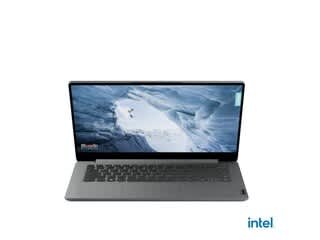
- Model:
- 82V60022US
- SKU:
- 6549070
Rating by feature
- Battery Life
Rating 4.3 out of 5 stars
- Speed
Rating 3.3 out of 5 stars
- Display
Rating 4.0 out of 5 stars
Customers are saying
Customers admire the Ideapad 1's ease of use, keyboard quality, and compact size, frequently praising its lightweight design and impressive battery life for its price point. However, some users express concerns regarding the limited RAM and storage capacity, suggesting these may restrict the laptop's capabilities for more demanding tasks. The small amount of storage is a recurring negative comment.
This summary was generated by AI based on customer reviews.
Laptop
||Posted . Owned for 1 week when reviewed.This reviewer received promo considerations or sweepstakes entry for writing a review.This laptop is extremely slow when connecting to web sites.
No, I would not recommend this to a friendBrand response from Lenovo Product Expert
Posted .Hello, Joel. We are sorry to hear that you are experiencing an issue with your IdeaPad 1. Should you feel you are using the device for its intended use and still experiencing a performance issue, we recommend searching for and applying any available updates through Windows Update Settings. Also, ensure that your home Wi-Fi network is compatible with, and is capable of supplying your laptop with sufficient bandwidth to deliver the performance you desire for internet-based tasks. If after these steps your issue persists, we also recommend reaching out to Lenovo Tech Support and providing a representative with details of your issue, so that they may help by providing a solution for you. Here is a phone number to speak with a tech support representative to further resolve your issue: 877-453-6686. We appreciate you sharing your experience so that we may use it to continue to better our products and services for yourself and others.

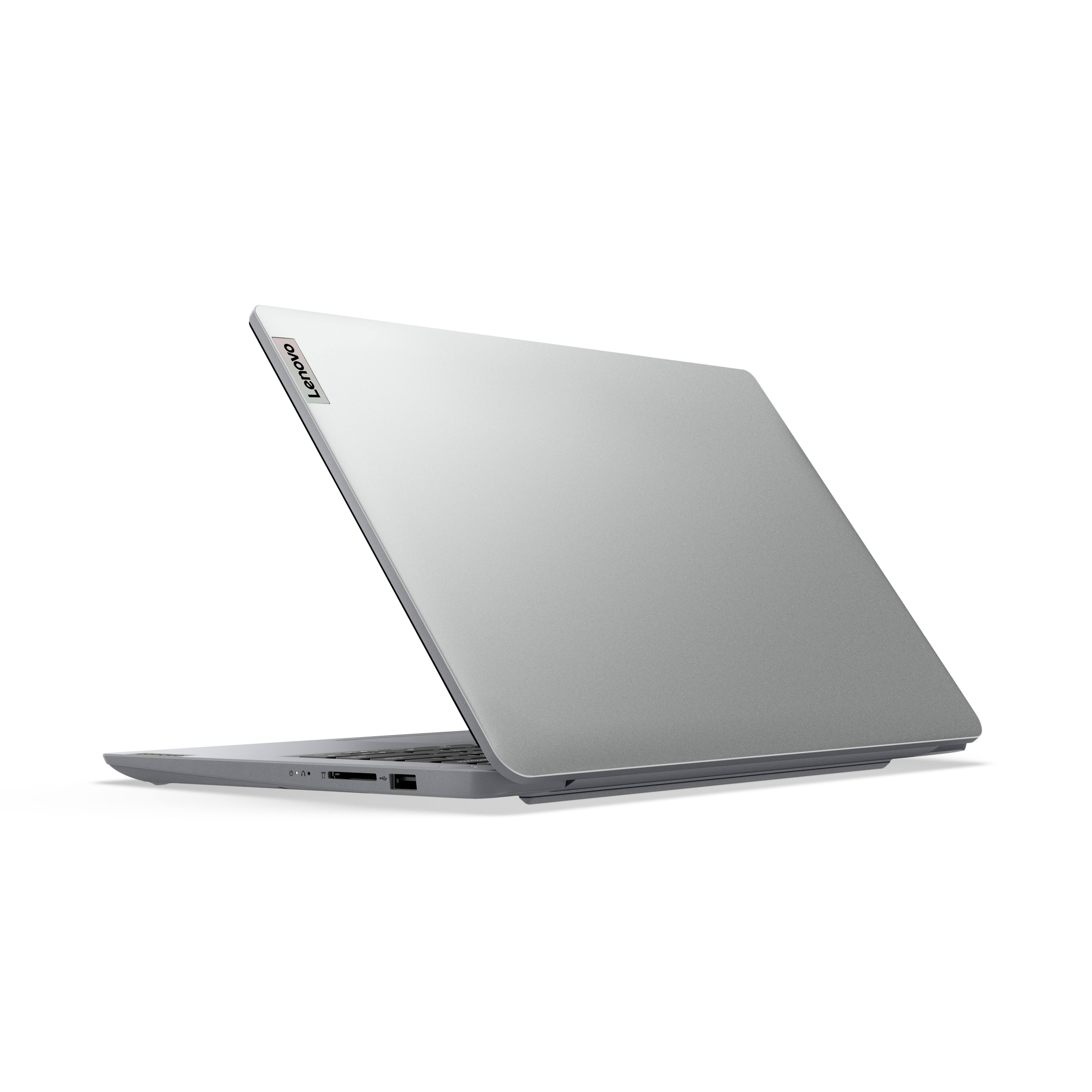
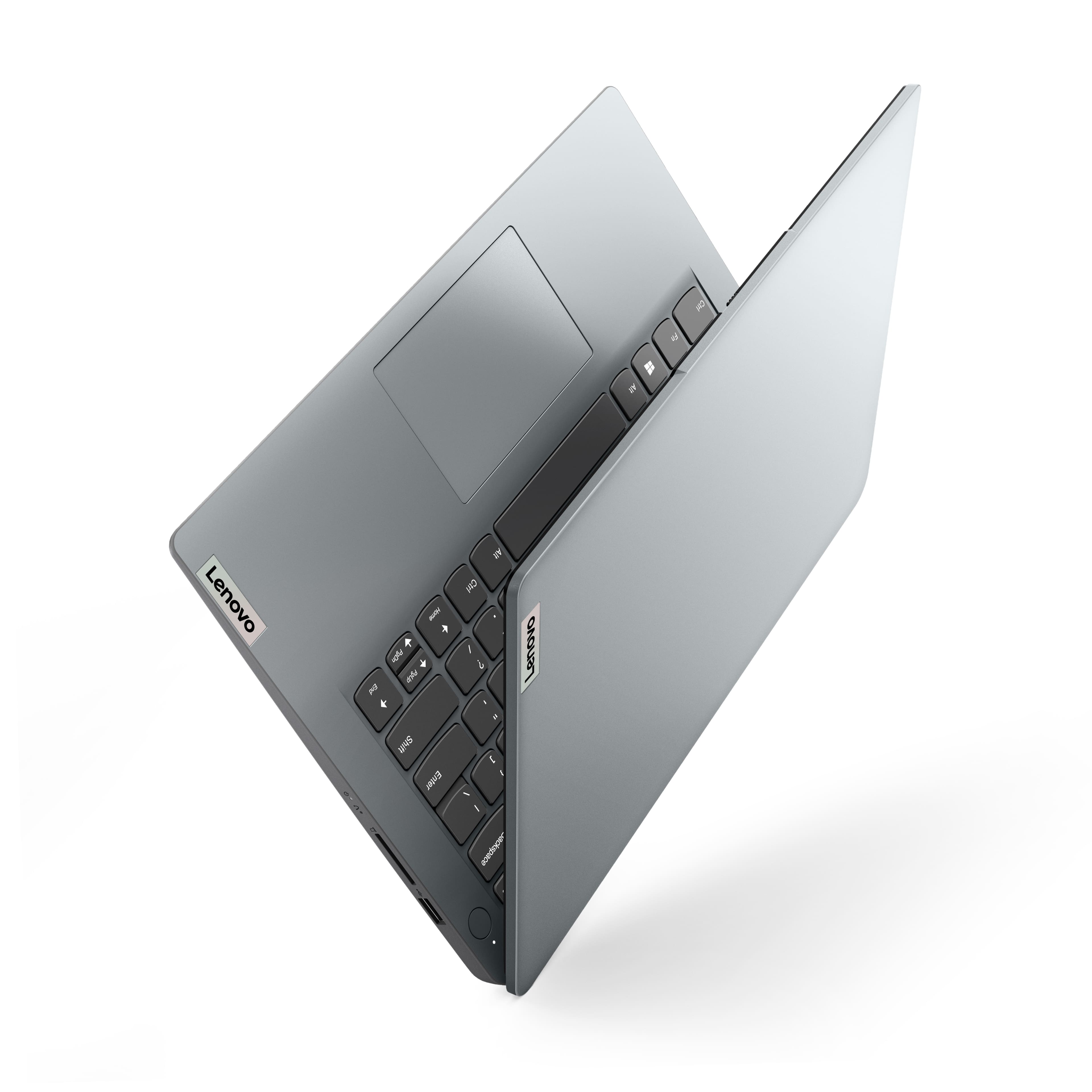
Lenovo. IdeaPad 1i (14"7) Ultra slim Design
||Posted . Owned for 1 month when reviewed.This reviewer received promo considerations or sweepstakes entry for writing a review.My purchase is not working and so I need help e.lott
No, I would not recommend this to a friend- Pros mentioned:Ease of useCons mentioned:Storage

Budget friendly with tradeoffs
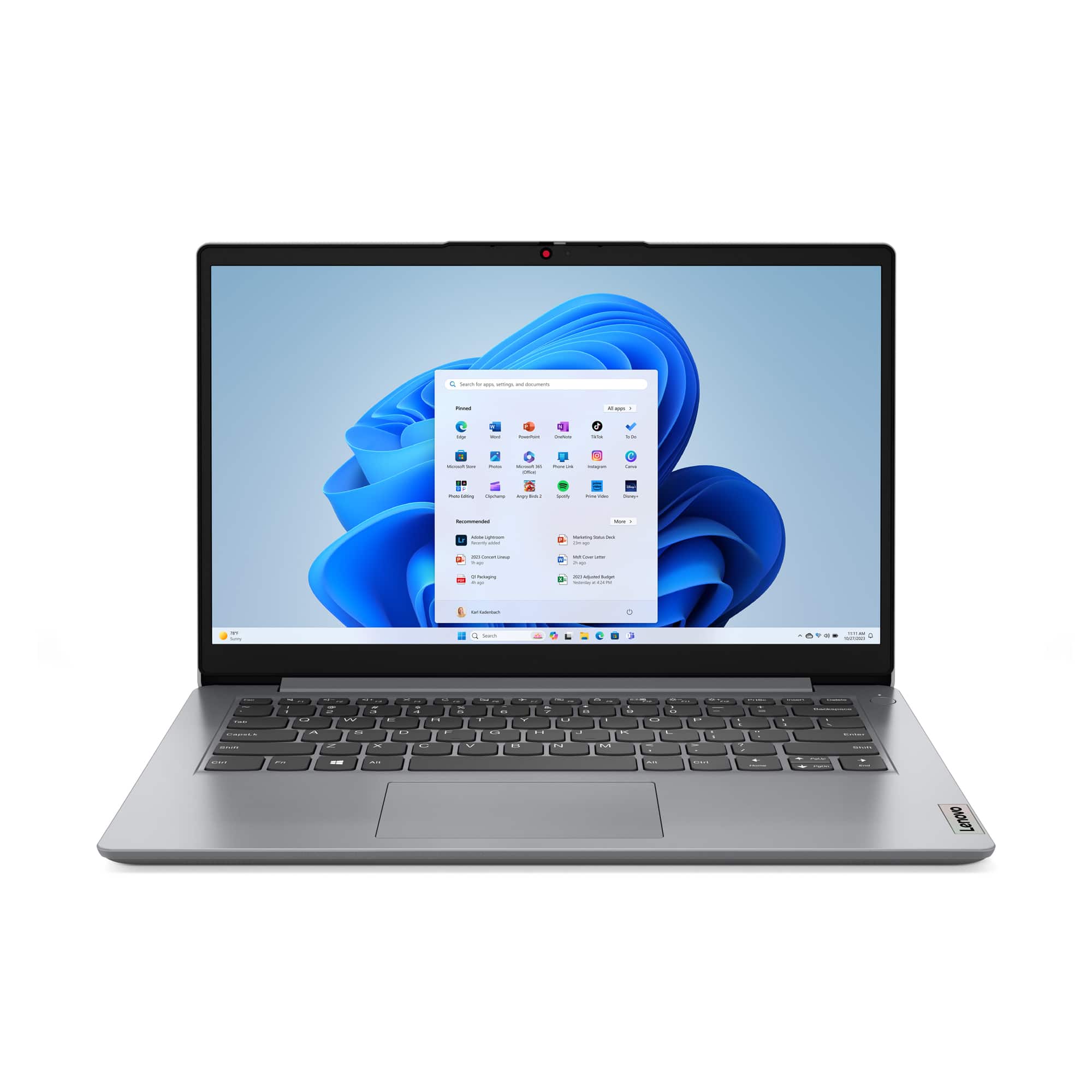
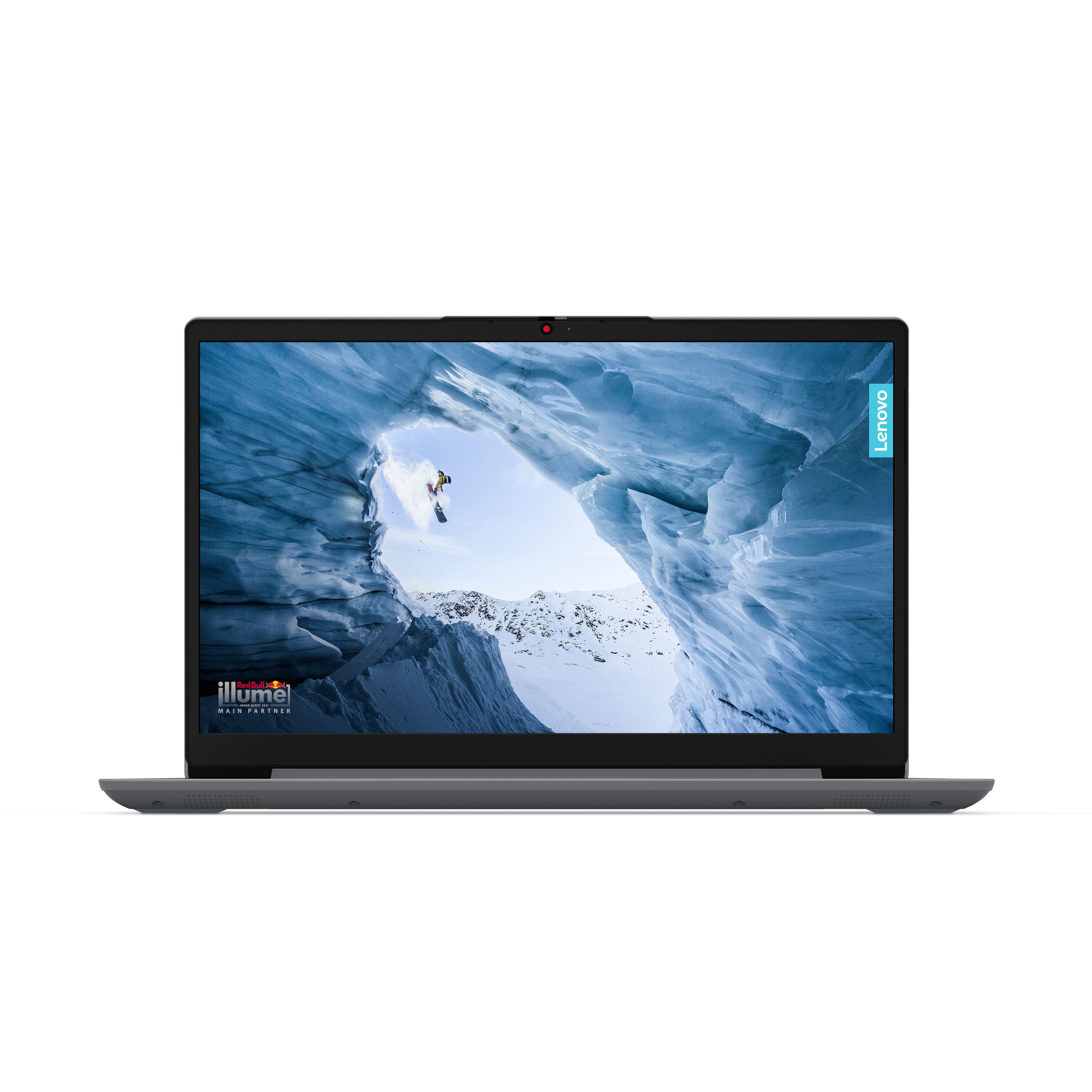
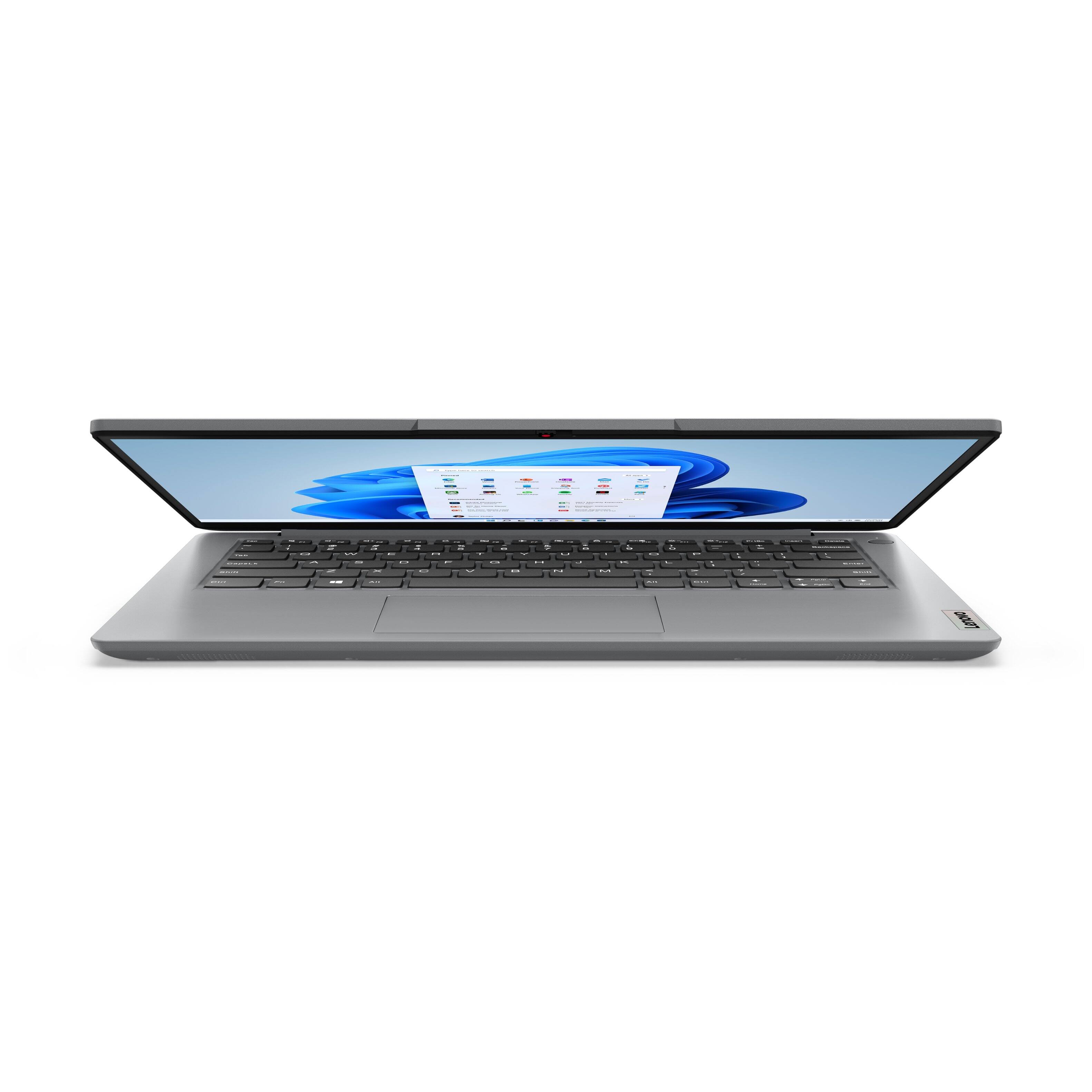
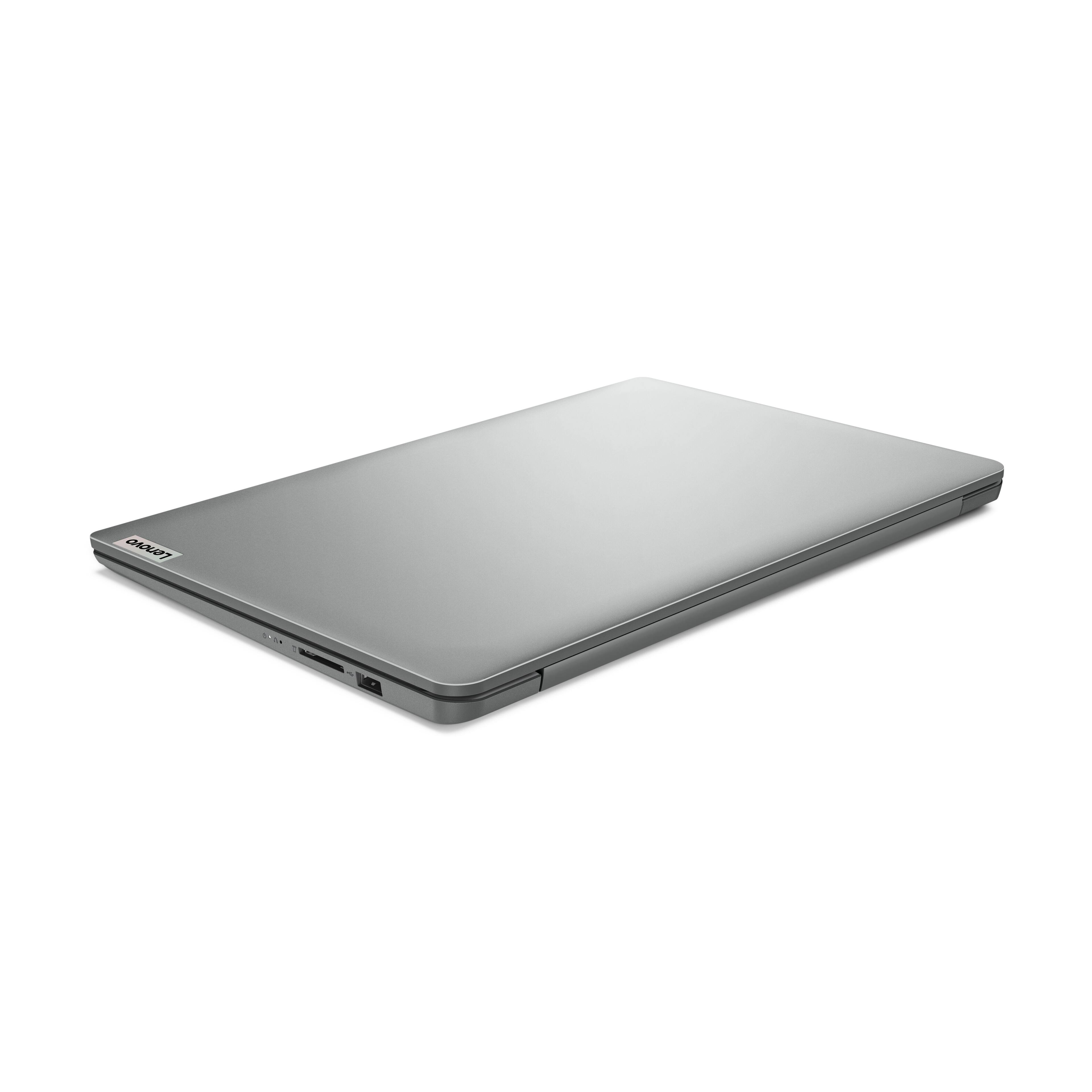
|Posted .This reviewer received promo considerations or sweepstakes entry for writing a review.The Lenovo IdeaPad 1 14in laptop is a budget-friendly device designed for basic computing tasks. With its 14.0" HD display, Intel Celeron N4020 processor, 4GB RAM, and 64GB storage, it aims to offer the essentials for everyday use. The inclusion of Intel UHD Graphics 600 and Windows 11 in S Mode suggests an emphasis on efficiency and security. Pros: 1. Nice Display: The HD display panel is a highlight, offering clear and crisp visuals. The anti-glare feature is particularly beneficial for prolonged use, reducing eye strain and making it easier to view the screen in various lighting conditions. 2. Portability: Weighing just over 3 lbs and being less than 1 inch thick, the laptop is highly portable. This makes it an ideal choice for students or professionals who need to carry their device around. 3. Affordability: Priced competitively, this laptop is an attractive option for those on a tight budget who need a device for basic tasks like browsing the web, using office applications, and streaming media. Cons: 1. Performance Limitations: The combination of a basic Intel Celeron processor and 4GB RAM means the laptop struggles with speed and multitasking. Users may experience slow startups and delays in loading applications, which can be frustrating for those accustomed to faster devices. 2. Limited Storage: With only 64GB of storage, space can quickly become an issue, especially for those who need to store a large number of files, photos, or videos. This limitation necessitates regular use of external storage solutions or cloud services. 3. Build Quality: While its lightweight design is a pro in terms of portability, it also gives the device a somewhat flimsy feel. This aspect could raise concerns about durability, particularly for users who need a more rugged laptop for travel or outdoor use. In conclusion, the Lenovo IdeaPad 1 14 is a viable option for users seeking an affordable, basic laptop for light tasks. Its portability and decent display are notable strengths. However, potential buyers should be aware of its performance limitations and modest storage capacity, which may not suffice for more demanding applications or users with significant storage needs. The device's build quality, while beneficial for portability, might also be a drawback for those seeking a sturdier laptop.
I would recommend this to a friend - Pros mentioned:Keyboard qualityCons mentioned:Processor speed
Switch out of S Mode to Get Great Performance
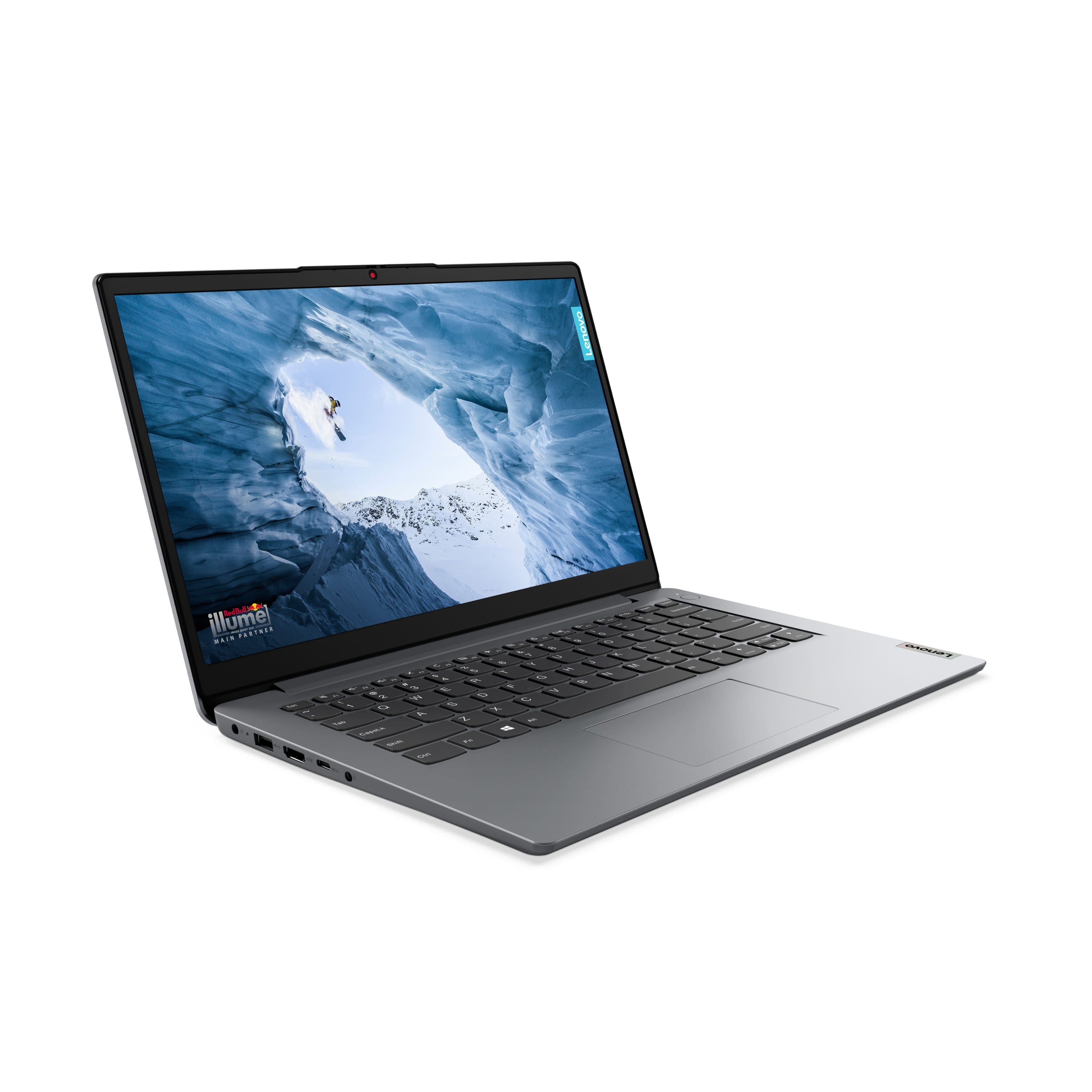
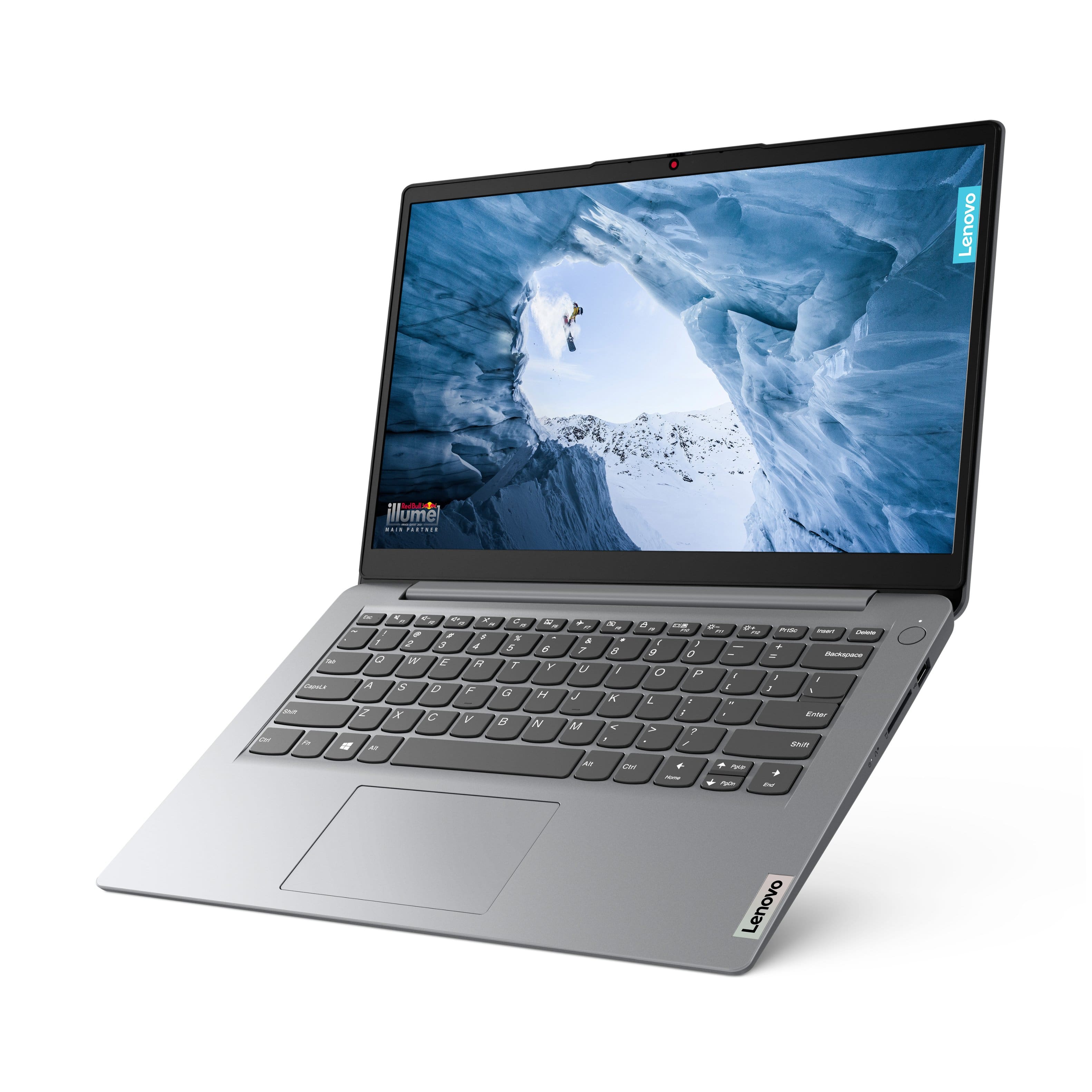
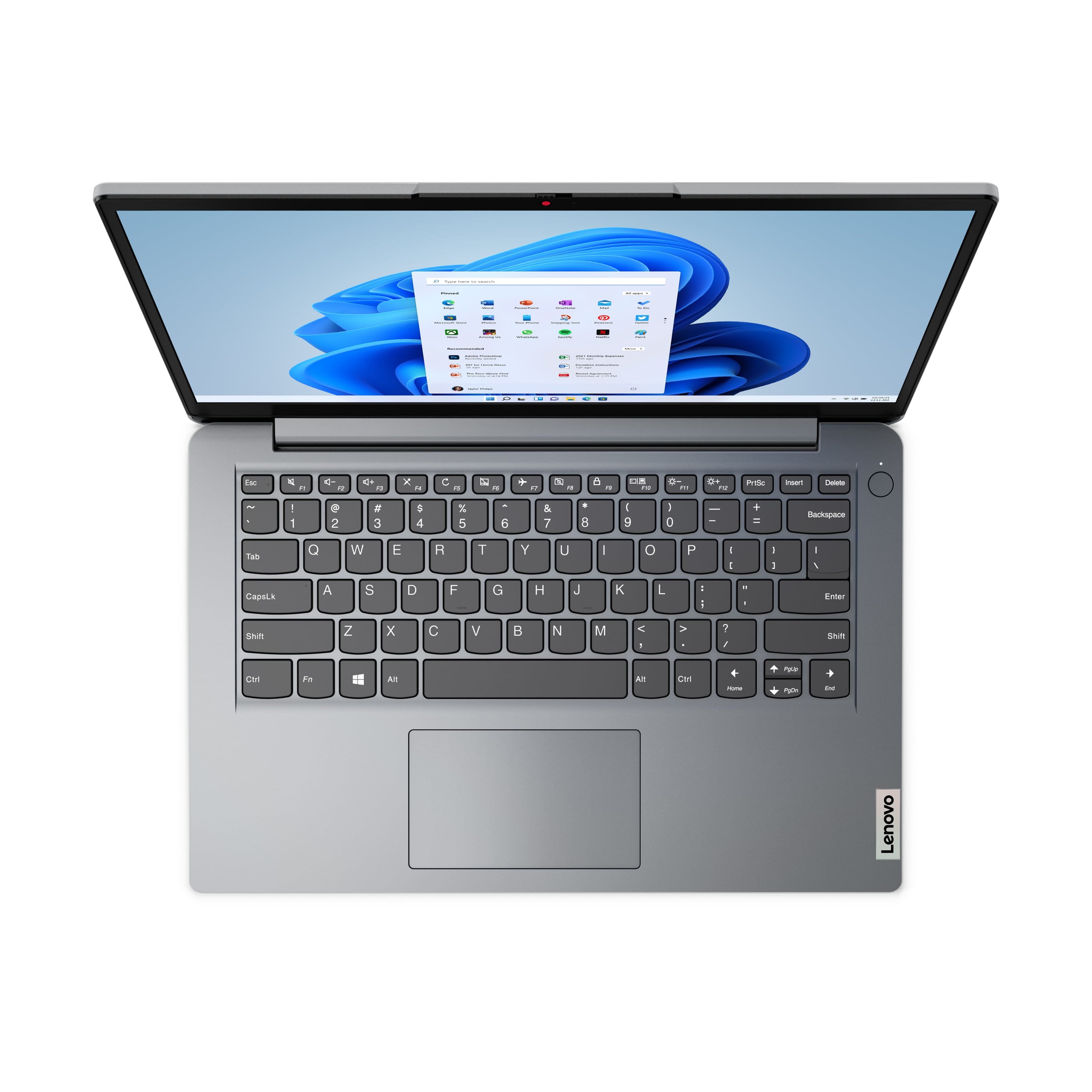
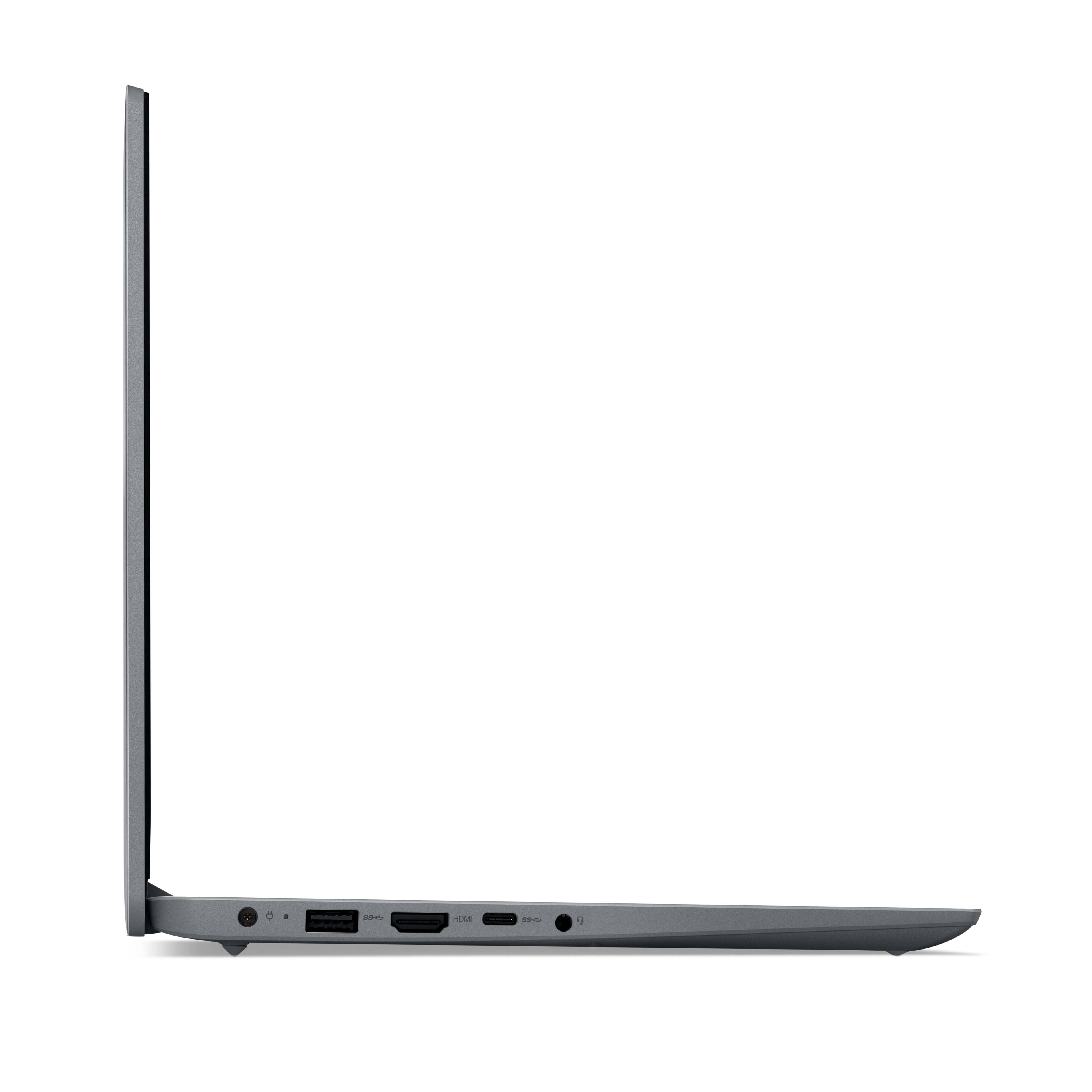
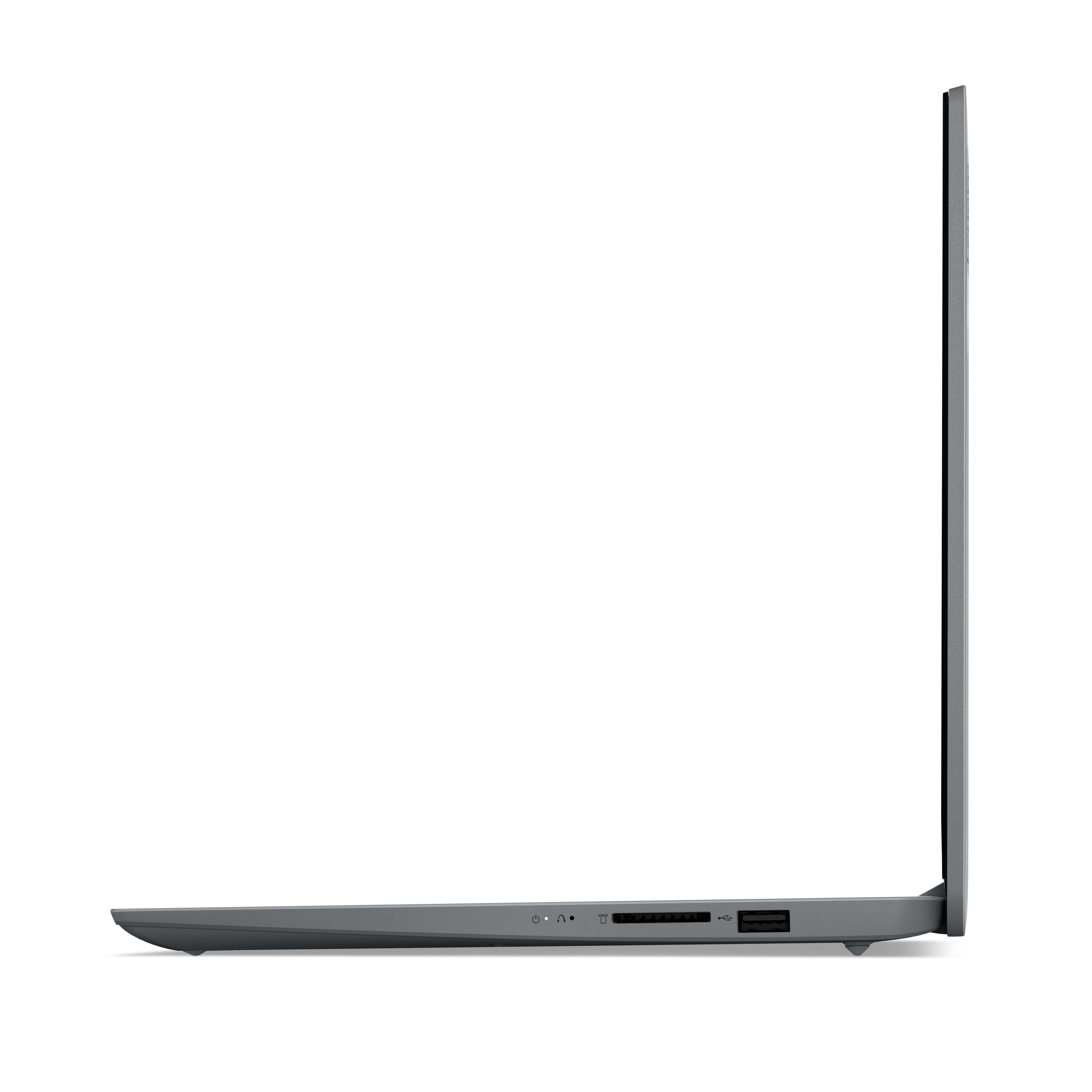
|Posted .This reviewer received promo considerations or sweepstakes entry for writing a review.This laptop comes with Windows S Mode installed, “and if you continue to use this mode”, it will be extremely slow per my experience. You must convert from Windows S mode to normal Windows 11 Home and now the “performance will be excellent” – for more details on this, see the last 3 paragraphs of my review. Once I moved from Windows S to Windows 11 Home this unit at its price point became a 5-star product instead of a 1-star product. You should know that switching from Windows S mode to Windows 11 is simple and there is no charge for this upgrade. I’m going to buy a second unit at this laptop’s very low price point. I did remove the included McAfee Security and installed Norton. I think they would both have about the same impact on performance which is not bad, but I think Norton is less performance impact. I also removed MS 365 as I did not plan to use it, however I expect MS Office would be fine if you need it. I did remove Lenovo Vantage and One Note as well, but again once in normal Windows 11 Home mode, these would also be fine to use. This very nice laptop is thin yet it boasts the following very useful features: It has an HDMI port, 2 USB A ports, one USB C port, a 3.5 mm headphone jack and even an SD card slot. All of this in a very thin design. The speakers are a bit weak, however I configured an external Bluetooth speaker and the sound was wonderful; I normally use a small external Bluetooth speakers. It does have 4 GB of Ram and 64GB of storage. The speed of its eMMC storage is between an HDD and SDD levels. Turns out it is pretty fast since eMMC storage is more like an SSD i.e. it is not mechanical but rather solid state. The keyboard is solid and works really well with a nice feel. The display is just ‘okay’ but very satisfactory. The frame is well made and high quality. In short, the build quality is excellent. I tested all ports and they worked properly. I did attach an external monitor and this little wonder handled all necessary settings perfectly via the Windows 11 Home OS. I started using this laptop in the Windows S Mode it arrives with. This mode is to ensure the laptop is very secure when used in particular types of environments. An example might be a school classroom where all the laptops are required to stay at the same exact version of software and apps. Indeed, you can’t use Windows Update and you are blocked from installing any apps that are not in the Windows Store. My sense is that the added security and checking causes severe slowdowns and even the EDGE browser loads very slowly and you often see “Not Responding” warnings until you switch out of Windows S mode to the normal Windows Home OS. Here's what you must do to multiply performance by 10-20 times: Open Settings > System > Activation. Then select “Go to the Store”. On the next panel Switch Out of S Mode, select GET. That’s it, took me 2 hours to figure this out. But did this switch out of S Mode in 15 seconds. This little laptop is now super fast even with its slower processor when it is using the normal Windows 11 Home OS. Yea! I don’t intend to utilize One Drive, but I expect it would work perfectly well, once you switch out of S Mode. This unit overall is amazing at its price point. I highly recommend this unit for travel and home use.
I would recommend this to a friend - Cons mentioned:Processor speed, Ram
Inexpensive, barely usable, not worth your time
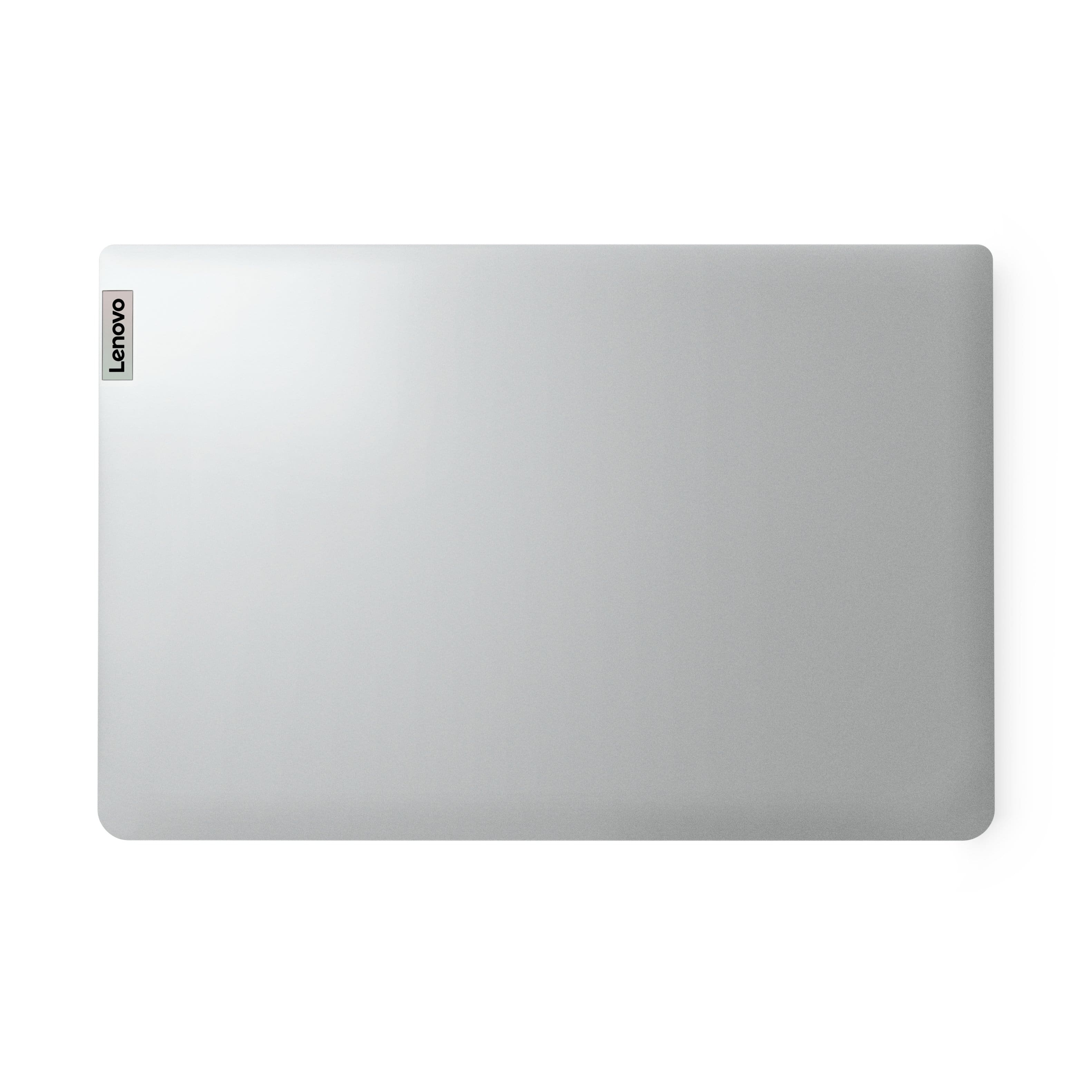
|Posted .This reviewer received promo considerations or sweepstakes entry for writing a review.Normally I try to give a list of good and bad aspects when reviewing a product, but this particular IdeaPad has practically nothing to recommend it. About the only positive I can say is that it includes a 1-year Office 365 subscription. Some might say the low price is a benefit, but in this case you're paying $200 for something that's barely usable. I don't mind low-budget, entry-level tech and electronics. I've used such things a lot in my life, and generally been happy with their performance relative to their cost. Not everyone has tons of money to spend on luxuries. A lot of people don't want or need to spend top dollar for their uses. I was hoping this could be a laptop my little children could use. Being in Windows S mode is a plus as it locks the system down more. I wanted something I wouldn't be upset if it got a little beat up, something just powerful enough they could watch some videos, use for homework, and play simple games like puzzles and sudoku. However this laptop can barely even do that. Everything about this laptop is low cost, which in an of itself is not bad. The case and frame is plastic and fit/finish is mediocre. The display is a low resolution TN panel with awful viewing angles. The touchpad is thoroughly mediocre and not the most responsive when you click it. Internal storage is an eMMC drive, which is about the slowest form of SSD you can have, and only 64GB ( only 25GB is left free out of the box ). All of this is expected for the price and just fine. If all you want is a cheap laptop for basic work, you give up some creature comforts and luxuries. So par for the course. However the choice of CPU and RAM for this model cripple the performance. The CPU is a dual-core model from 2019. As operating systems and applications have become more capable of using multiple CPU cores, a dual-core CPU is at a big disadvantage these days. Often, the system and background threads will keep one core saturated, leaving only only one left for the applications you actually want to run. Even with nothing running except the OS, CPU stays at 80% utilization or higher. Of the 4GB installed RAM, 256 MB are reserved for the integrated graphics, leaving only 3.7GB for the system. Just booting to the Windows desktop uses 75% of the available RAM. This leaves less than 1GB RAM available for other applications. Anything that wants more than that hits the swap/page files, which are on the slow eMMC drive, and requires more CPU usage to move the data around. This means launching and switching between applications is often extremely slow. It goes beyond "Oh, it's a little slower than my other laptop" to "Is this thing slow or frozen again?" Initial setup and updating when I first pulled it out of the box took a couple hours. It probably could have gone faster, but after staring at the "Updates in progress. Don't turn off your computer" screen for over 10 minutes without any evident progress, I simply left the computer to run, went and did something else, and came back to check on it every 30 minutes. After getting past the OOBE portion, it would still take minutes to get from the login screen to the base desktop. After a few minutes of nothing responding except the mouse cursor moving, it of course again prompted me to reboot as there were more updates to do. I did the same here as the initial updates: told it to install updates and reboot, then checked on it every 30 minutes to see if it had made progress. All in all, it was about six hours of slow updates before it stopped prompting me to apply updates. After the critical Windows updates were applied, the system was still slow and unresponsive. Clicking on the Start menu or right-clicking on something would take 30-60 seconds for anything to show up. Trying to open a web browser took over five minutes, because the first time you launch Edge it wants to open three tabs and the system doesn't have enough memory to do that. Launching Solitaire the first time also took over three minutes. At this point I wanted to write it off. Even after removing bloatware and doing basic updates and system tuning, the computer was still quite slow and unresponsive. Having a little bit of lag is one thing, but waiting 20 seconds between when you click and when you see a menu pop up is painfully slow. I decided to give it one more try with some more aggressive action. I've now spent almost a week on and off trying to tweak this system to get it to where it's at least somewhat usable. I disabled almost all of the UI graphical tweaks and animations ( including setting the desktop background to a solid color instead of the ridiculous Red Bull wallpaper ). I uninstalled MS Office, Teams, and OneDrive, disabled the Edge and Xbox startup processes, and forced the Microsoft Store and Windows Update through multiple refreshes to make sure they're up to date and no more big update searches are happening in the background. After all this, I re-uninstalled the unnecessary apps that got re-installed with the updates. This freed up more memory so now 1.5GB is available from a steady desktop state. CPU usage is also much lower, mostly bouncing between 15% and 80%, though it still gets pegged at 100% a lot of the time. Launching a web browser still takes over a minute and it still doesn't handle more than one tab very well. Even one tab is a strain on the system if it's something like YouTube, Reddit, or Facebook. Solitaire now launches in under a minute. Performance is now what I'd call bearable, but only barely, and only after I spent significant time and effort in it. I know the steps I took to get the system to a usable performance level are well beyond most people. Again, I get the idea of low-budget computers, but Lenovo went too low here.
No, I would not recommend this to a friend - Pros mentioned:Keyboard qualityCons mentioned:Processor speed
I understand its cheap but performance is bad
|Posted .This reviewer received promo considerations or sweepstakes entry for writing a review.I've set up and reviewed a lot of computers and laptops. Be it my own systems (I've been building computers for at least 3 decades now) or helping friends set up their computers. I understand that this system is meant to be about as entry level as it gets but oh man, my patience was tested. I was hoping to use this for my kids so they have something to watch some videos on and MAYBE play a really simple game. It might still be OK for videos but I'm not even sure yet. Setup was a nightmare. Even the transitions between screens during the setup questions were laggy and jerky. Running Windows Update after setup was a full night en-devour. I didn't want to judge the overall performance of the PC based on initial setup but I can't think of having a worse experience with performance ever before. Nearly everything feels like a click and wait activity. I don't think CPU usage fell below 100% the entire time (which isn't hard for it to get there so I guess that's not much of a feat). After setup was done, I didn't find that performance was getting much better. CPU was still pegged at 100% almost all the time. Finally loading up Edge so I could download Firefox took literal minutes. I wish I timed it, but I sat staring at a blank tab with a loading throbber for at least 5 minutes before the website finally loaded. Then downloading Firefox led me to my next snag because I've never heard of or experienced "Windows S Mode" before. So googling that (on another machine because I was not about to open another tab on this one) got me the instructions I needed to turn it off and install Firefox. With Firefox finally installed and WIndows S Mode deactivated I finally felt like the machine was running at under 100% CPU for the first time. Things were still slow but it almost felt usable. I say this because I don't think I'll be installing anything else. Aside from the small storage space, I can't imagine using this machine for anything other than some really light web browsing and video watching and maybe some word processing. I loaded up YouTube and Netflix and was able to watch videos alright. The resolution on this machine is just over 720p and playing a YouTube video at 720p works well. If you bump it up to 1080p, I started to see some dropped frames but nothing really noticeable (it just showed in Stats For Nerds). Netflix logged in and played just fine as well. I think this is predominantly what you'll be using this machine for. Watching some videos and checking your email. Build quality is pretty OK. The keyboard doesn't feel bad. The system is light and plastic but it feels solid enough. I'm not sure how badly my kids will damage it but it feels, at initial usage, that it'll withstand a little bit of abuse at least. The screen quality isn't too great. Things appear a bit washed out and too bright and the resolution is pretty low. Some text is hard to read. Ports aren't too bad. It's got a 2 USB 2.0 ports, a USB-C port and an HDMI port. Also has a flash card reader slot and headphone jack. I'm a little confused and surprised that such a low end machine didn't opt for USB-C power, this thing somehow has a smallish 45W power brick for power. Bottom line on this system is just not really great. I know it's cheap but I'm not sure the performance you get out of this is even worth how cheap it is or maybe even half of that. If this was packed with ChromeOS or another light weight Linux distro, it might be a bit more functional than the bloated Windows 11. I just don't think the hardware can keep up and this machine won't improve over the years so you're probably better off looking some something else. As much as I wanted to love this as a low cost, single purpose machine, I was just so frustrated with all of the waiting it made me do that I can't really recommend this to anyone.
No, I would not recommend this to a friend - Pros mentioned:Keyboard qualityCons mentioned:Processor speed
If you love waiting this is the device for you.
|Posted .This reviewer received promo considerations or sweepstakes entry for writing a review.I hate writing bad reviews, but this laptop is pretty much unusable, and I don’t mean like I am spoiled as I have a better laptop, I mean that I have a 12-year-old mac running an iMessage server that I bought on ebay for $50 that runs faster and more dependably than this thing. If you want someone in your life to absolutely hate windows and windows computers, give them this. The screen is dull but good enough for the entry level product it is and perfectly usable. The keyboard is decent, and the plastic housing feels plasticky and a little hollow, but it holds up well enough. It’s advertised as thin, so I suppose it is for cheap laptops but not necessarily compared to many others with better specs. All of this I find acceptable for an entry level priced laptop. The specs make sense mostly, Windows can run on 4GB of RAM and I’ve not seen the RAM be the limiting factor. 64GB eMMC (hard drive) is definitely on par for entry level but is definitely lacking and you’ll wish for more if you ever took it out of S mode or just downloaded videos and music and stuff. The processor I think is what is failing hard on this device as it was pegged at 100% almost the entire time. This laptop couldn’t handle my profile at all, so if you’ve used a Microsoft account for a while, this is not the laptop for you. I ended up putting one of my kids Microsoft accounts on it to take it for a spin and it could handle that a bit better (it wasn’t pegged at 100% all the time). This is windows 11 S so only stuff from the store can be installed, and it can install some things, I would recommend turning the sleep settings off when it is plugged in as sometimes it takes so long to load you end up walking away and it then puts itself to sleep, and you need to start over a little bit. After successfully listening to some music, I tried my hand at surfing the net. One tab gives you a okay experience, YouTube needs a little time to load but it is usable, I even got 4 tabs going where it was still usable, after 4 it lost the ability to connect to the internet for a bit, I thought this was just a fluke but after it happening every time I tried doing too much on the internet, I believe it is just getting overwhelmed and something has to give. I tried using VMware edge app as there isn’t Microsoft store app for it and the same thing happened eventually, so this isn’t a great option if you’re looking for a terminal type of device. My plan was for this to be my kids first computer, but I want him to actually be able to get his computer done in a reasonable amount of time. With this computer he might spend 40 min out of an hour actually getting work done just because of the waiting involved with trying to do most anything. To help speed it up I removed McAfee, Lenovo advantage, Xbox games, and everything else I could. It did help a little. Now could this hardware work with a lighter OS or maybe a blank version of the OS, yeah probably. But honestly, I do not recommend buying this unless you have a ton of spare time and love waiting. With as limited as the Microsoft store is if your budget is really in this area I would recommend looking at something like a Chromebook as they are much more usable at this price point.
No, I would not recommend this to a friend - Pros mentioned:Weight
Ideapad 1 by Lenovo
|Posted .This reviewer received promo considerations or sweepstakes entry for writing a review.This laptop is on the lower end of the cost, you will not get all the bells and whistles. However, for the cost of this laptop you will get a laptop that will provide you with just the basic hardware and some nice software. For the younger school-aged children this provides an inexpensive alternative and reliable laptop. This is not a gaming laptop, you will get a very slow response time during start-up and loading from the internet. While this is livable, it will be a bother to those who are used to the response time of the higher end machines. This laptop, when compared to other laptops in this configuration, is one of the better models. The build quality of the laptop itself is very good. Its sturdy frame and light weight design is better than most. The laptop comes preloaded with Windows 11 in S mode. The monitor is 14.0 inch with an HD screen, 1366 X 768 resolution. The Intel Celeron N4020 processor is an older processor but still works in this configuration. The 4 GB RAM is at the bare bottom of the recommended RAM for Windows 11. While the 64 GB eMMC hard drive is also at the bottom of the recommended storage space, once the drive is formatted there is 56 GB available of which the loaded software takes 34 GB leaving the remaining 22 GB available. Therefor this laptop will work for school/ home use. I would recommend this laptop to Middle school students just starting out with the need for a laptop.
I would recommend this to a friend - Cons mentioned:Ram
Everything you would expect for a sub $200 laptop
|Posted .This reviewer received promo considerations or sweepstakes entry for writing a review.I always struggle with budget laptops in evaluating their value. To be able to purchase a Windows laptop for under $200 is affordable for many. However, running on Windows with the specs that this machine contains is sluggish at best. It’s not all lost however. If you accept this laptop for what it is intended for (web browsing, email, web services including music) this will meet the needs. 4GB Ram is not really enough for Windows. A minimum of 8GB would be recommended but for the price it’s understood. It will do video streaming as well but the screen resolution is very low. Setup will be sluggish. Follow the prompts for setting up Windows and then let it sit for 10-15 minutes to finalize setup. The build, while slim, is not very solid. The most annoying part is the trackpad. It’s flimsy and doesn’t always respond. Again, it’s really what you want to do with a sub $200 machine. If you want basic use in a small form factor then this device may suit your needs. I would recommend for the right use case.
No, I would not recommend this to a friend - Cons mentioned:Processor speed
slow slow slow
|Posted .This reviewer received promo considerations or sweepstakes entry for writing a review.I would honestly never re-purchase the Lenovo- Ideapad 14.0" HD Laptop ever again. I got this laptop for my daughter who is in 5th grade. She has been working on typing in school and needed a laptop to work on projects. I have never had a laptop come out of the box as slow processing as this one has been. it takes 5-10 seconds to process every request. when we tried to just set it up for use, it took us 3 hour to be able to even get to the start screen. Since we have had it set up, it shuts off randomly, takes FOREVER to process any requests and loads every click unbelievably slow!! I have another brand of computer that is maxed out on memory and is 10 years old that is faster than this computer. she is constantly having the search engine close and her screen black out, the only saving grace for this is the price and that she can use it when she has the patience. Other than that it does what a laptop should do, she can use it for her typing club homework and for school projects. I recommend fining another laptop if you are in the market.
No, I would not recommend this to a friend - Pros mentioned:Ease of use, Weight
User friendly
Posted .This reviewer received promo considerations or sweepstakes entry for writing a review.The laptop is Light weight easy to use and user friendly, setup was fairly quick and the lighting decent for price point , fast charging
I would recommend this to a friend - Cons mentioned:Processor speed
Just ok
Posted .This reviewer received promo considerations or sweepstakes entry for writing a review.Not bad but not good either. Even with good wifi computer itself is slow processig
No, I would not recommend this to a friend - Cons mentioned:Processor speed
Worst computer
Posted .This reviewer received promo considerations or sweepstakes entry for writing a review.If I could give zero I would it’s ridiculously slow as soon I bought it nothing wouldn’t load it can take up to 5 mins to for anything to load I will be returning I thought it was just my network but no the computer just slow
No, I would not recommend this to a friendBrand response from Lenovo Product Expert
Posted .Hello, TaylorS. We are sorry to hear that you have experienced an issue with your IdeaPad. This model is an entry level, light use system designed for singular, non-demanding tasks. Should you feel you are using the device for its intended use and still experiencing a performance issue, we recommend searching for and applying any available updates through Windows Update Settings. Also, ensure that your home Wi-Fi network is compatible with, and is capable of supplying your laptop with sufficient bandwidth to deliver the performance you desire for internet-based tasks. If after these steps your issue persists, we then recommend reaching out to Lenovo Tech Support at this number: 877-453-6686, and providing a representative with details of your issue, so that they may help by providing a solution for you. We appreciate you sharing your experience so that we may use it to continue to better our products and services for yourself and others.
- Cons mentioned:Processor speed
Trash
Posted .This reviewer received promo considerations or sweepstakes entry for writing a review.I just bought this computer today, & went on the cheaper side because i dont need a laptop for much besides typing…. This thing wont even load a tab on google let alone the settings. I would not recommend this computer to anyone & will be returning.
No, I would not recommend this to a friendBrand response from Lenovo Product Expert
Posted .Hello, StaciMartin. We are sorry to hear that you have experienced an issue with your IdeaPad. This model is an entry level, light use system designed for singular, non-demanding tasks. Should you feel you are using the device for its intended use and still experiencing a performance issue, we recommend searching for and applying any available updates through Windows Update Settings. Also, ensure that your home Wi-Fi network is compatible with, and is capable of supplying your laptop with sufficient bandwidth to deliver the performance you desire for internet-based tasks. If after these steps your issue persists, we then recommend reaching out to Lenovo Tech Support at this number: 877-453-6686, and providing a representative with details of your issue, so that they may help by providing a solution for you. We appreciate you sharing your experience so that we may use it to continue to better our products and services for yourself and others.
- Pros mentioned:Ease of use
My purchase
Posted .This reviewer received promo considerations or sweepstakes entry for writing a review.Brought this and I love it. It is a good work system and does not require much effort to use
I would recommend this to a friend - Cons mentioned:Processor speed
Serviceable
Posted .This reviewer received promo considerations or sweepstakes entry for writing a review.Its a lil slow but it works!! It takes s while to get going but it's good if you aren't trying to do anything major
I would recommend this to a friend Will use this service again...
Posted .This reviewer received promo considerations or sweepstakes entry for writing a review.Great price for a nice laptop. Order and pick up went very smooth.
I would recommend this to a friend- Pros mentioned:Keyboard quality
Laptop
Posted .This reviewer received promo considerations or sweepstakes entry for writing a review.Great product very efficient, good quality, very durable.
I would recommend this to a friend - Cons mentioned:Processor speed
Soo slow
Posted .This reviewer received promo considerations or sweepstakes entry for writing a review.Unusable. Way too slow to even use the internet or load anything.
No, I would not recommend this to a friendBrand response from Lenovo Product Expert
Posted .Hello, Jeffm. We are sorry to hear that you have experienced an issue with your IdeaPad. This model is an entry level, light use system designed for singular, non-demanding tasks. Should you feel you are using the device for its intended use and still experiencing a performance issue, we recommend reaching out to Lenovo Tech Support and providing a representative with details of your issue, so that they may help by providing a solution for you. Here is a phone number to speak with a tech support representative who may help resolve your issue: 877-453-6686. We appreciate you sharing your experience so that we may use it to continue to better our products and services for yourself and others.
So Slow!!!
Posted .This reviewer received promo considerations or sweepstakes entry for writing a review.Literally just bought it today, set it up and can barely get anything to load!!! It’s so slow right out of the box, do not recommend at all. Will be returning but have to make the hour drive to do so!
No, I would not recommend this to a friendBrand response from Lenovo Product Expert
Posted .Hello, ErikaC. We are sorry to hear that your IdeaPad has fallen short of your expectations, leading to you returning it. When looking for your next device, we recommend all who are in search of a computing solution, that they review the features, design, and specifications of any device and select what aligns best with their needs and preferences to help ensure you find the right fit for you. We appreciate you sharing your experience so that we may use it to continue to better our products and services for yourself and others.