Customer Ratings & Reviews




- Model:
- 80R2001FUS
- SKU:
- 4475000
to a friend
Customers are saying
Customers commend the Ideapad 100s laptop for its portability, affordability, and lightweight design. They appreciate its long battery life and find it to be the perfect size for their needs. However, some users have expressed concerns about its slow performance, limited storage, low memory, and lack of a backlit keyboard.
This summary was generated by AI based on customer reviews.
Ok if all you want to do is check email.
||Posted .This reviewer received promo considerations or sweepstakes entry for writing a review.I have had this laptop for 7 weeks. It already shut itself down last night. I presume it was due to overheat situation because I unplugged it for an hour. It started up again after cooling down. You cannot possibly do everything on this equipment as described -not enough power or capacity. I wouldn't recommend it.
No, I would not recommend this to a friendBrand response from Lenovo Product Expert
Posted .You may want to take a look at this tips/tricks article about speeding up your Windows 10 system. Be sure to create a restore point on your system before you make any changes or download any new software. You can follow the link below to the article:
http://www.howtogeek.com/228570/10-quick-ways-to-speed-up-a-slow-windows-pc/
You also may want to check for new updates to your system by following the link below to Lenovo.com support-drivers and look for updates for your specific system. Once again, create a restore point before you make any changes or download new software to your system:
http://support.lenovo.com/us/en/products/Laptops-and-netbooks/100-series/100s-11iby/80R2/001FUS?linkTrack=Caps%253ABody_SearchProduct&tabName=downloads&beta=false
Needs improvement
||Posted .This reviewer received promo considerations or sweepstakes entry for writing a review.Bought the same day and needed to return due to it not being as advertised.
No, I would not recommend this to a friendGood for Web
||Posted .This reviewer received promo considerations or sweepstakes entry for writing a review.The Web is absolutely the only thing that it would be good for. I returned it.
No, I would not recommend this to a friendReally lightweight but limiting
||Posted .This reviewer received promo considerations or sweepstakes entry for writing a review.I wasn't expecting this to be quite as sluggish as it turned out to be.
No, I would not recommend this to a friendNO
||Posted .This reviewer received promo considerations or sweepstakes entry for writing a review.WAS TO BIG AND NOT WANT I NEEDED. IT WOULD BE ALRIGHT FOR A TEENAGER.
No, I would not recommend this to a friendOptimum gift
||Posted .This reviewer received promo considerations or sweepstakes entry for writing a review.I preferred this laptop as a gift for a new starter kid to computing.
I would recommend this to a friendBrand response from Lenovo Product Expert
Posted .Thank you for choosing the Lenovo IdeaPad 100s-11. We are pleased to hear that the features and performance of the IdeaPad 100s-11 meet your expectations for a great gift.
Awesome I love it
||Posted .This reviewer received promo considerations or sweepstakes entry for writing a review.I love this item so you need to give it a try,you will love it too.
I would recommend this to a friendBrand response from Lenovo Product Expert
Posted .Thank you for choosing the Lenovo IdeaPad 100s-11. We are pleased to hear that the IdeaPad 100s-11 meets your computing needs so well.
Computer Failed After 1 Year
||Posted .This reviewer received promo considerations or sweepstakes entry for writing a review.Lenovo has horrible customer service and is not helpful
No, I would not recommend this to a friendGreat
||Posted .This reviewer received promo considerations or sweepstakes entry for writing a review.Useful able to work not have issues . Would refer to friends
I would recommend this to a friend- Pros mentioned:Battery life
Interesting Little Machine
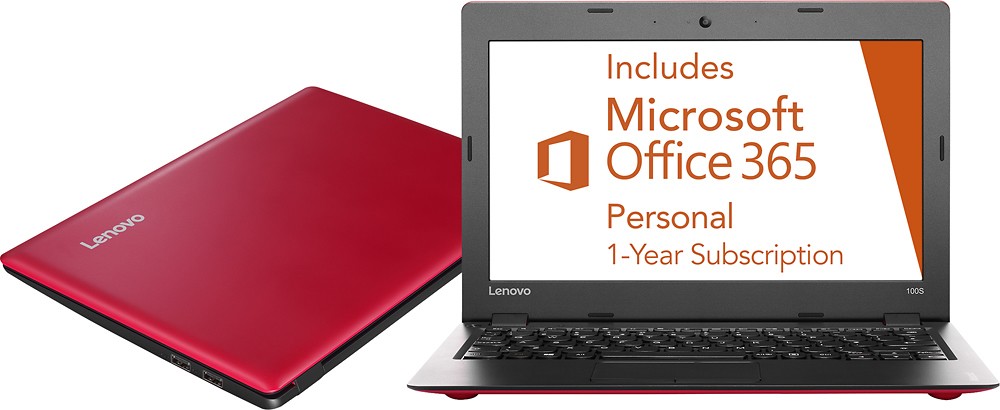
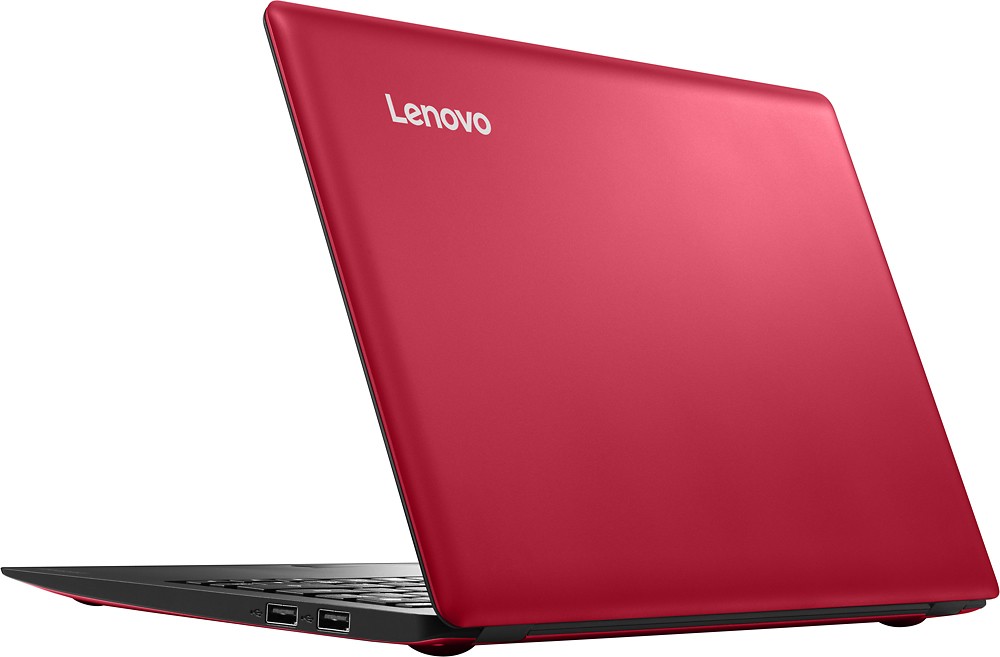
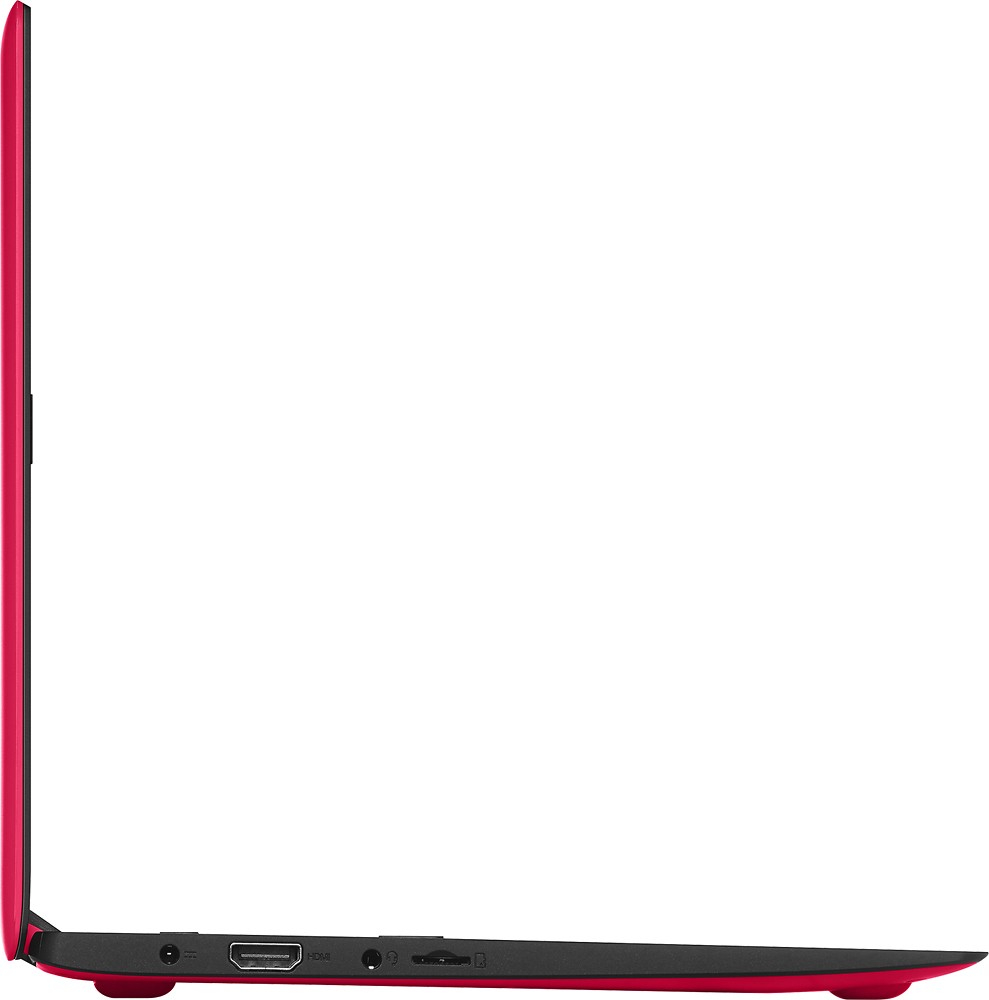
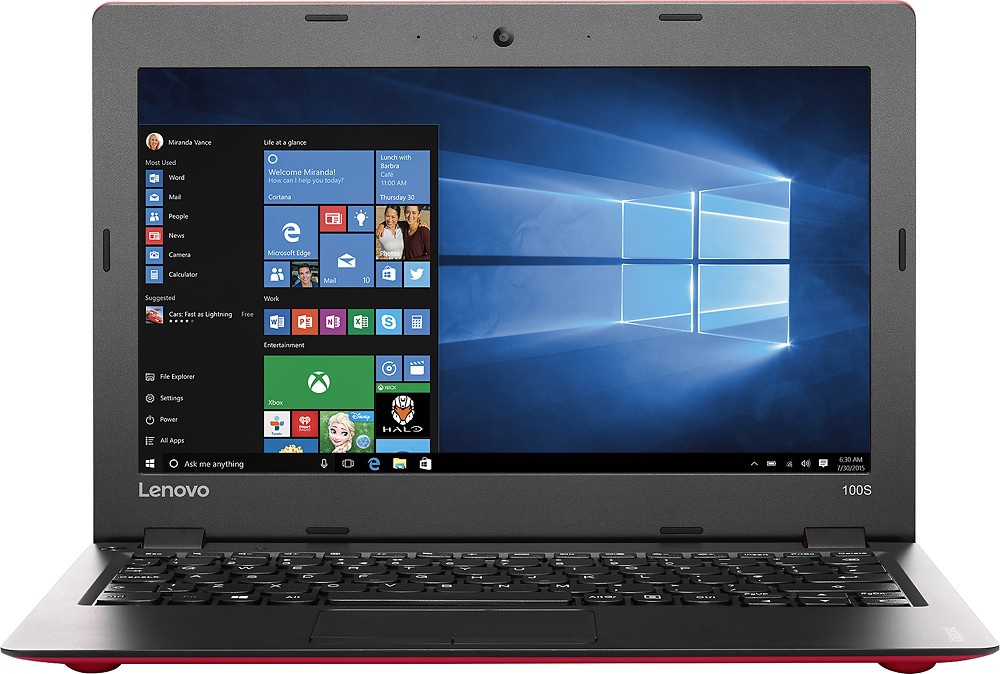
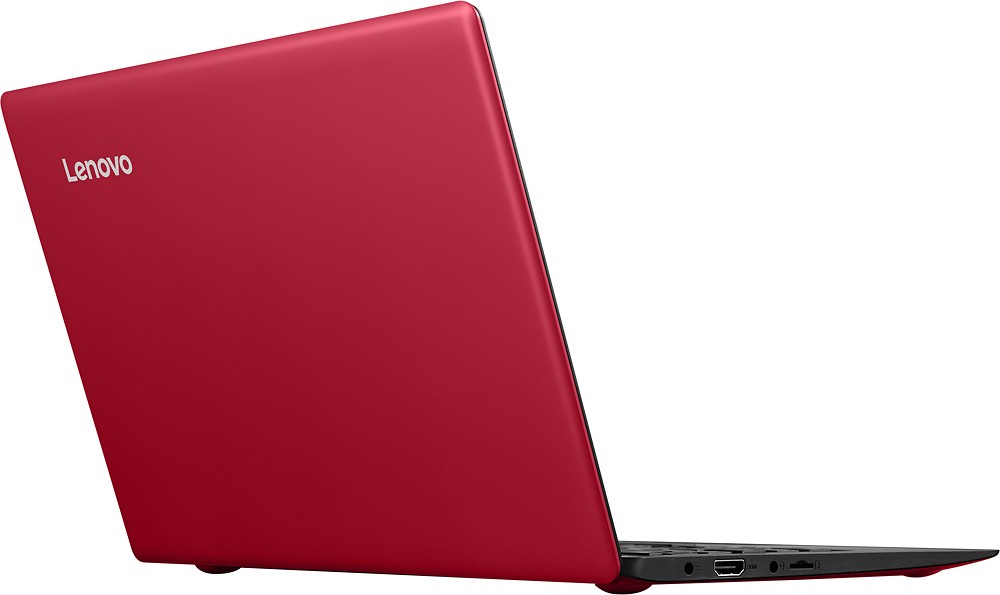
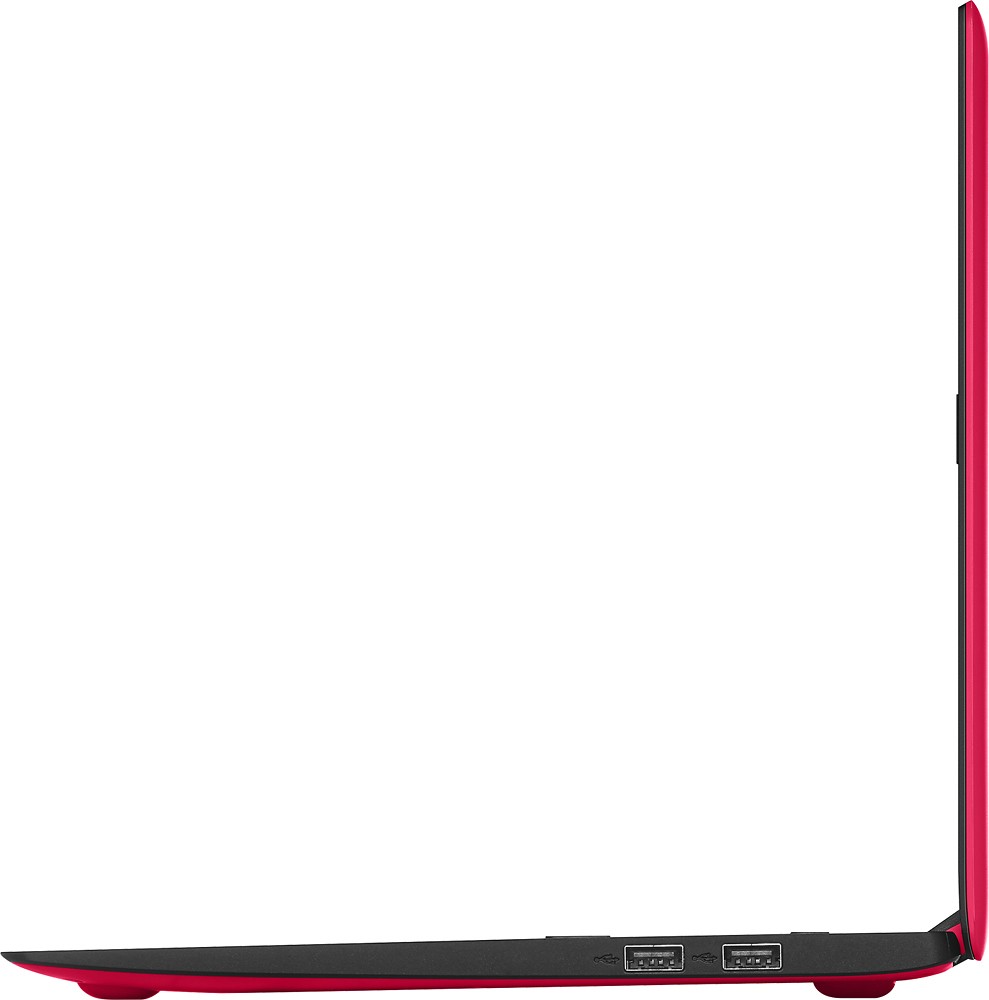
Posted .This reviewer received promo considerations or sweepstakes entry for writing a review.I've only had this device for 3 days but here's my initial thoughts... Screen - The screen is better than I thought it would be given it's a matte screen. Keyboard - The keyboard is really good and in keeping with Lenovo's best in class keyboards given the low cost nature of this device. There is a little bit of a "bounce" in the overall keyboard but it's not bad. Trackpad - It works well but it does not have 2 finger scrolling and I miss this a lot. Battery Life - This has been the biggest positive surprise I've had with this machine. If you put the battery on battery saver, I'm getting 7-8 hours and that's with active internet use. Note: It does seem to take longer to charge but that's a fair trade off given the better battery life. Speakers - They are on the bottom (which is not my favorite place for them) but the sound is pretty good - particularly if you put it on a tabletop. 180 Degree Hinge - Don't underestimate how nice this is. I like to use my devices when I'm on exercise equipment and this makes it a lot easier. Other niceties - you get a full hdmi port and both 2.0 and 3.0 usb all wrapped up in a machine that runs a lot faster than you might expect for an intel atom with 2gb of ram. I would have given this device 5 stars if the touchpad had scrolling, the keyboard was a little more firm and the screen (while good) had a bit better resolution. All in all, I do like it.
I would recommend this to a friend - Pros mentioned:Light weight, SizeCons mentioned:Keyboard
Light, Fun and Microsoft OS
Posted .This reviewer received promo considerations or sweepstakes entry for writing a review.Almost everything about this little computer is great: speed, battery, weight, size, operating system. One weakness is the track pad; so get a small mouse to use with the laptop. I bought this as a gift for my teen and it is a huge hit. Not many under 12" laptops with Microsoft OS, and the price was decent too.
I would recommend this to a friend works great
||Posted .This reviewer received promo considerations or sweepstakes entry for writing a review.love it work great memory is sufficient great to take along
I would recommend this to a friendBrand response from Lenovo Product Expert
Posted .Thank you for choosing the Lenovo IdeaPad 100s-11. We are pleased to hear that the IdeaPad 100s-11 is working out for you.
The Configuration it's no easy
||Posted .This reviewer received promo considerations or sweepstakes entry for writing a review.I prefer traditional brand, I don't like the configuration.
No, I would not recommend this to a friend- Pros mentioned:Battery life, Price
Great for the price
Posted .This reviewer received promo considerations or sweepstakes entry for writing a review.Bought this on sale for $149 and couldn't be more impressed. Didn't expect much, just wanted something to use around the house to surf the web, email and online banking. The only down side is no scroll bar on the track pad and the space bar is a little sticky. However, not going to do a lot of typing and will buy a wireless mouse. I set up the Office 365 and created a OneDrive account. This thing boots in about 10 to 15 seconds and the battery life is awesome...no moving parts and no fan so very low power usage. Impressed with how loud and clear the speaker is and the screen resolution is great.
I would recommend this to a friend good
||Posted .This reviewer received promo considerations or sweepstakes entry for writing a review.computer is fine for the simple word processing I require
I would recommend this to a friendBrand response from Lenovo Product Expert
Posted .Thank you for choosing the Lenovo IdeaPad 100s-11. We are pleased to hear that the performance of the IdeaPad 100s-11 meets your computing needs so well.
Average laptop
||Posted .This reviewer received promo considerations or sweepstakes entry for writing a review.Ok small laptop, nothing special. The sound is very low.
No, I would not recommend this to a friendBrand response from Lenovo Product Expert
Posted .Thank you for choosing the Lenovo IdeaPad 100s-11. With regard to the sound levels, you may want to see if there are audio drivers that need to be updated on your system. You can follow the link below to Lenovo.com support-drivers and look for audio driver updates for your specific system. Be sure to create a restore point on your system before you make any changes, then create a new restore point once the issue is fixed. Here's the link:
http://support.lenovo.com/us/en/products/Laptops-and-netbooks/100-series/100s-11iby/80R2/001FUS?linkTrack=Caps%253ABody_SearchProduct&tabName=parts&beta=false
cheap and half workable
||Posted .This reviewer received promo considerations or sweepstakes entry for writing a review.The comp is cheap but glitches roo much after a while
No, I would not recommend this to a friendDope
||Posted .This reviewer received promo considerations or sweepstakes entry for writing a review.This is the best laptop I've ever had in my life.!
I would recommend this to a friendThis laptop has already stopped working.
||Posted .This reviewer received promo considerations or sweepstakes entry for writing a review.This device is unusable. It will not come on at all.
No, I would not recommend this to a friendBrand response from Lenovo Product Expert
Posted .This system comes with the OneKey Recovery System. There is a very small button on the top of the keyboard area, to the right of the power button. You will need a pen or pencil to push the button. Make sure your system is plugged. Le the battery charge for a little bit. Leave the system plugged in and push the OneKey Recovery Button. Your system should start and boot to your desk top. There are probably drivers that need to be updated to correct the problem that prevented normal start up. You can follow the link below to Lenovo.com support-diagnostics. Here you can scan your system for issues. Follow the instructions for solutions. Be sure you create a restore point as soon as you get a good boot to your desktop and before you make any changes or download any new software. Once your system is stable create a new restore point at that time. Hope this helps:
http://support.lenovo.com/us/en/products/Laptops-and-netbooks/100-series/100s-11iby/80R2/001FUS?linkTrack=Caps%253ABody_SearchProduct&tabName=diagnostics&beta=false
Poor PC returned item.
||Posted .This reviewer received promo considerations or sweepstakes entry for writing a review.PC did not perform well and was returned to store.
No, I would not recommend this to a friend