Customer Ratings & Reviews

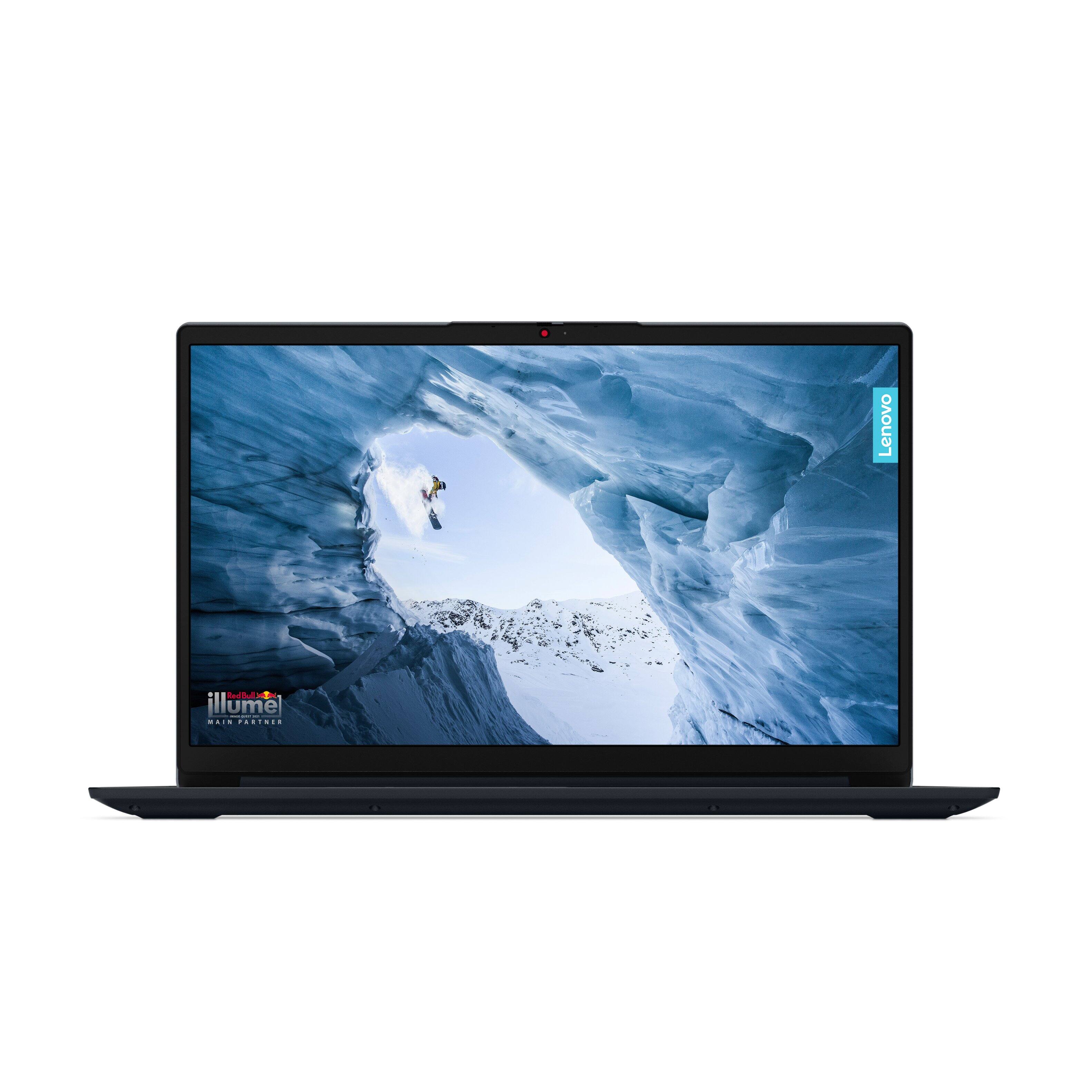
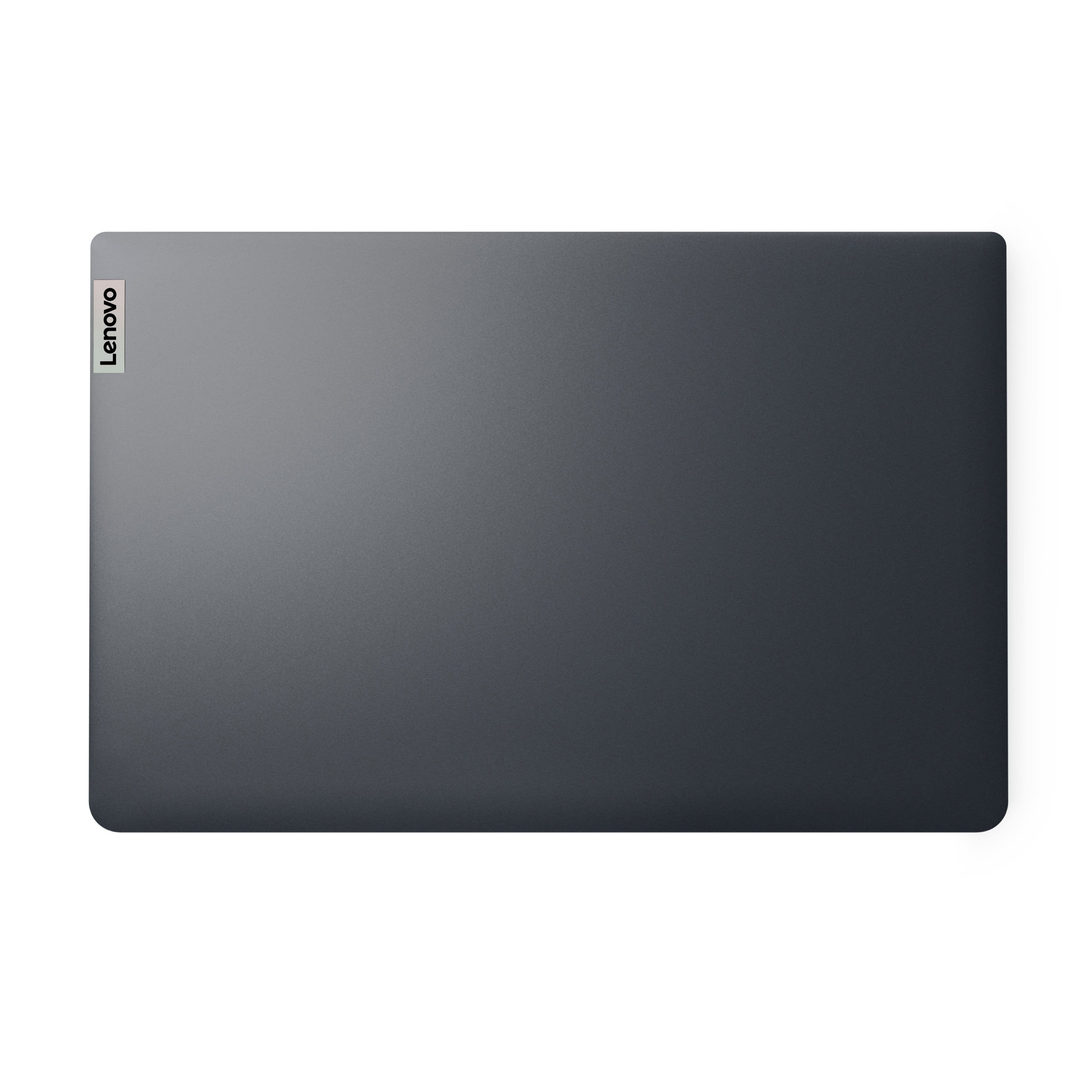
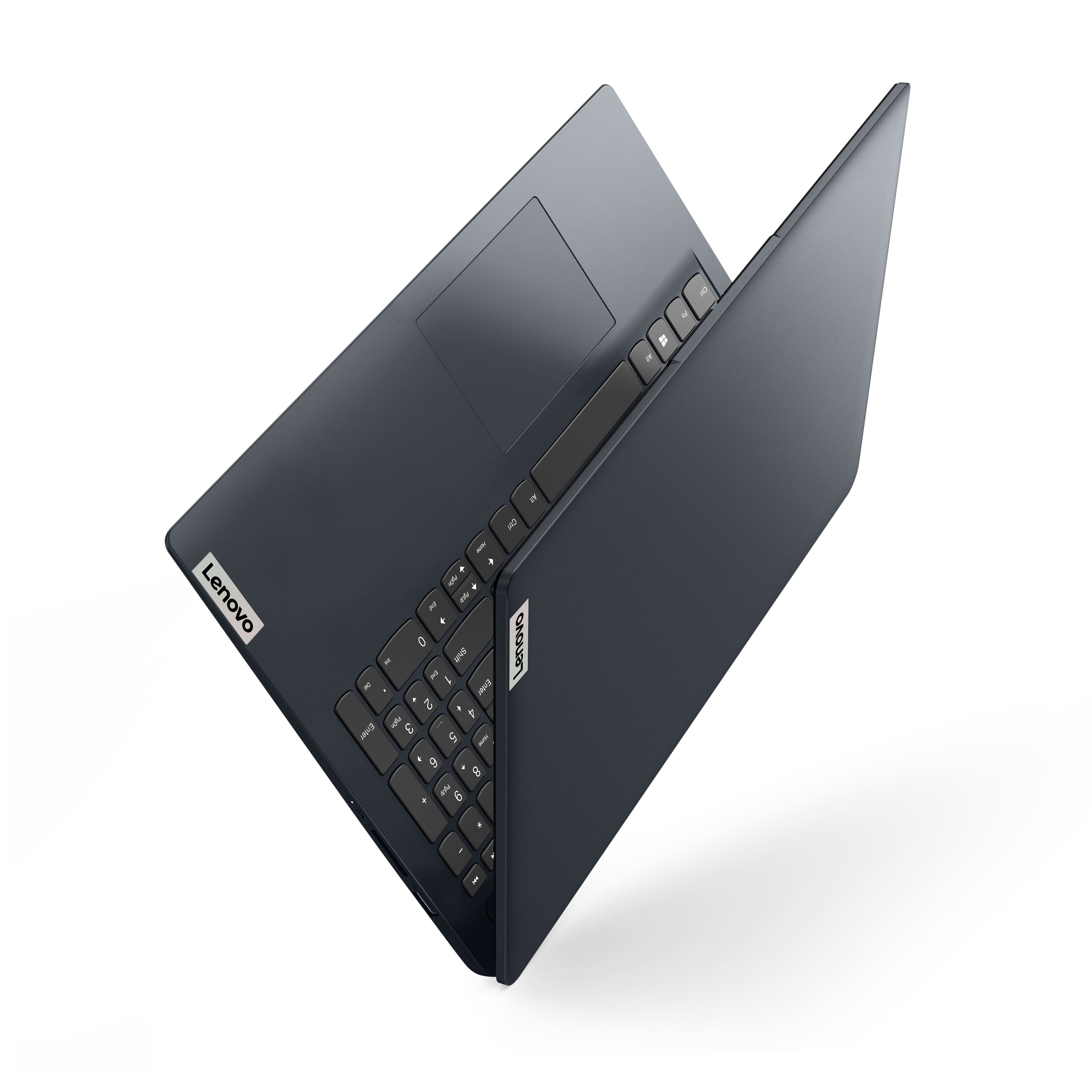
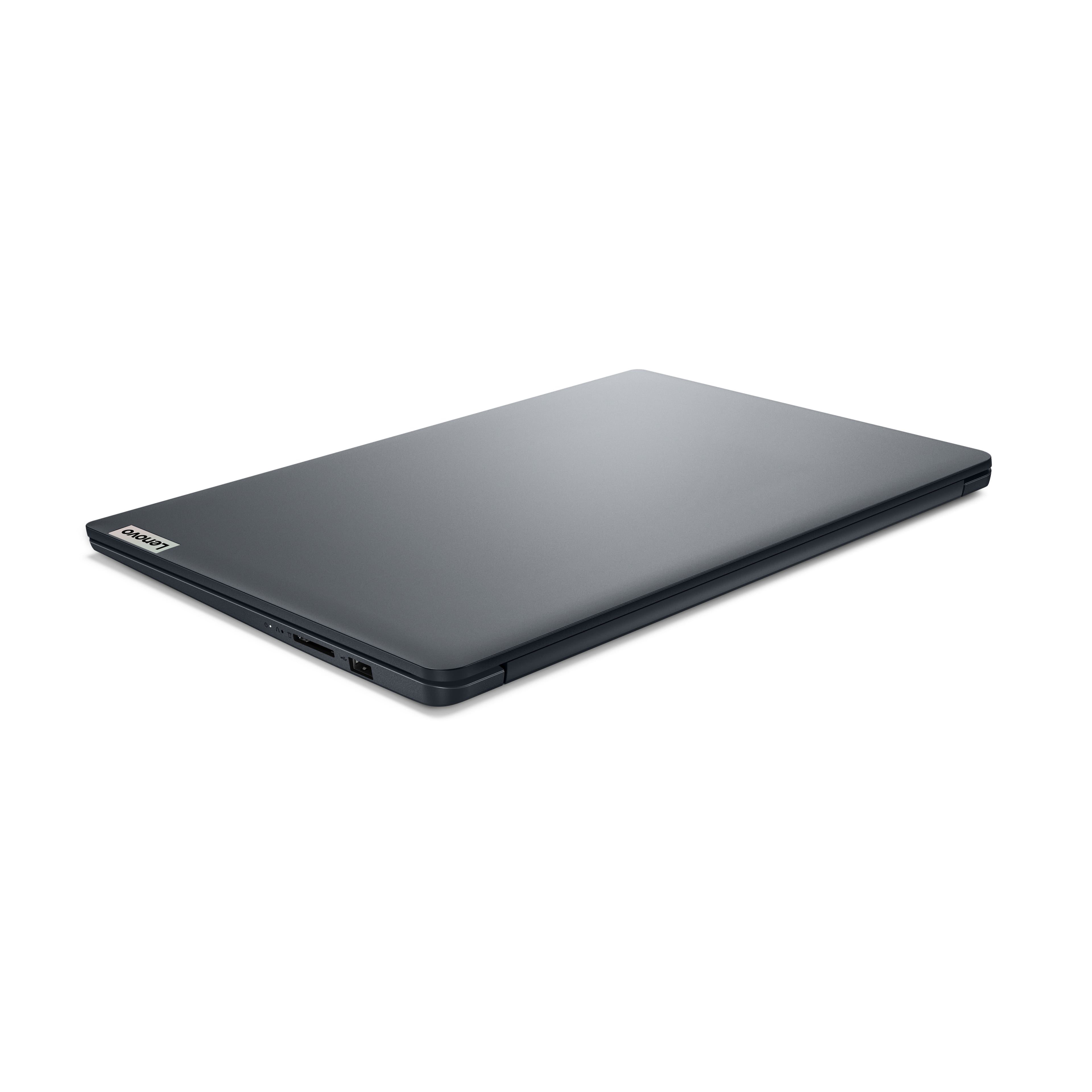


- Model:
- 82QD00HMUS
- SKU:
- 12002184
Rating by feature
- Battery Life
Rating 4.6 out of 5 stars
- Speed
Rating 4.6 out of 5 stars
- Display
Rating 4.7 out of 5 stars
to a friend
Good Laptop
||Posted . Owned for 1 week when reviewed.This reviewer received promo considerations or sweepstakes entry for writing a review.Good laptop for in-home office needs. Nice design.
I would recommend this to a friendBrand response from Lenovo Product Expert
Posted .Hey Will, thanks for choosing Lenovo! We're thrilled to hear that your IdeaPad has been good for your needs. We really appreciate you sharing your experience and feedback with us.

Great value
||Posted .This reviewer received promo considerations or sweepstakes entry for writing a review.Great value for a present. My son loves this product.
I would recommend this to a friendBrand response from Lenovo Product Expert
Posted .Hi, JediFun, thank you for choosing Lenovo! We are glad to hear that your son loves it, and we appreciate you taking the time to share your experience and feedback with us.
Poor battery quality
||Posted . Owned for 9 months when reviewed.This reviewer received promo considerations or sweepstakes entry for writing a review.battery doesn't last too long, I got what I paid for.
No, I would not recommend this to a friendBrand response from Lenovo Product Expert
Posted .Hello,
Thank you for sharing your feedback with us. We're sorry to hear that you ran into an issue. We strive to provide the best experience possible. We're disappointed and apologize that this wasn't the case for you, and we'd like to work with you to try to improve your experience.
To start, regarding your issue with battery life–there are many variables that contribute to shorter battery life. Thankfully, many of those variables can be adjusted. By default, the system will tend to give more speed when needed, which can sacrifice battery life. If you want to squeeze out more battery life, we recommend utilizing the Lenovo Vantage application that is preinstalled to adjust settings related to power and battery performance (to access relevant settings, open Vantage > Device Settings > Power). You can also take advantage of the keyboard shortcut, Fn + Q to toggle thermal modes and easily switch between prioritizing battery life or power, or even the best of both worlds.
Please don't hesitate to let us know what else we can do to improve your experience, as your satisfaction is important to us.
Best regards,
Lenovo
A good buy
||Posted . Owned for 1 week when reviewed.This reviewer received promo considerations or sweepstakes entry for writing a review.Does what it says, it’s worth the price. Bought two of them
I would recommend this to a friendBrand response from Lenovo Product Expert
Posted .Hey, GregD, thank you for choosing Lenovo twice! We are glad to hear that your IdeaPad meets your expectations, and we appreciate you taking the time to share your perspective with us.
Lenovo
||Posted . Owned for 1 week when reviewed.This reviewer received promo considerations or sweepstakes entry for writing a review.Excellent product, service Customer and Geek squad
I would recommend this to a friendBrand response from Lenovo Product Expert
Posted .Hey JohnG, thanks for choosing Lenovo! We're thrilled to hear that your service and IdeaPad 1i have been excellent. We really appreciate you sharing your experience and feedback with us.
Great laptop for home office and household use
||Posted . Owned for 1 week when reviewed.This reviewer received promo considerations or sweepstakes entry for writing a review.Exactly what I was looking for in a replacement laptop.
I would recommend this to a friendBrand response from Lenovo Product Expert
Posted .Hi, Gringo, thank you for choosing Lenovo! We are glad to hear that your IdeaPad 1i is exactly what you were after, and we appreciate you taking the time to share your perspective with us.
Overall good
||Posted . Owned for 1 month when reviewed.This reviewer received promo considerations or sweepstakes entry for writing a review.Staff was pretty helpful. Had to wait a bit for assistance
No, I would not recommend this to a friendBrand response from Lenovo Product Expert
Posted .Hey DesmoneE, thanks for choosing Lenovo! We are glad to hear that your shopping experience was fulfilling, and we appreciate you sharing your perspective.
Nice Looking
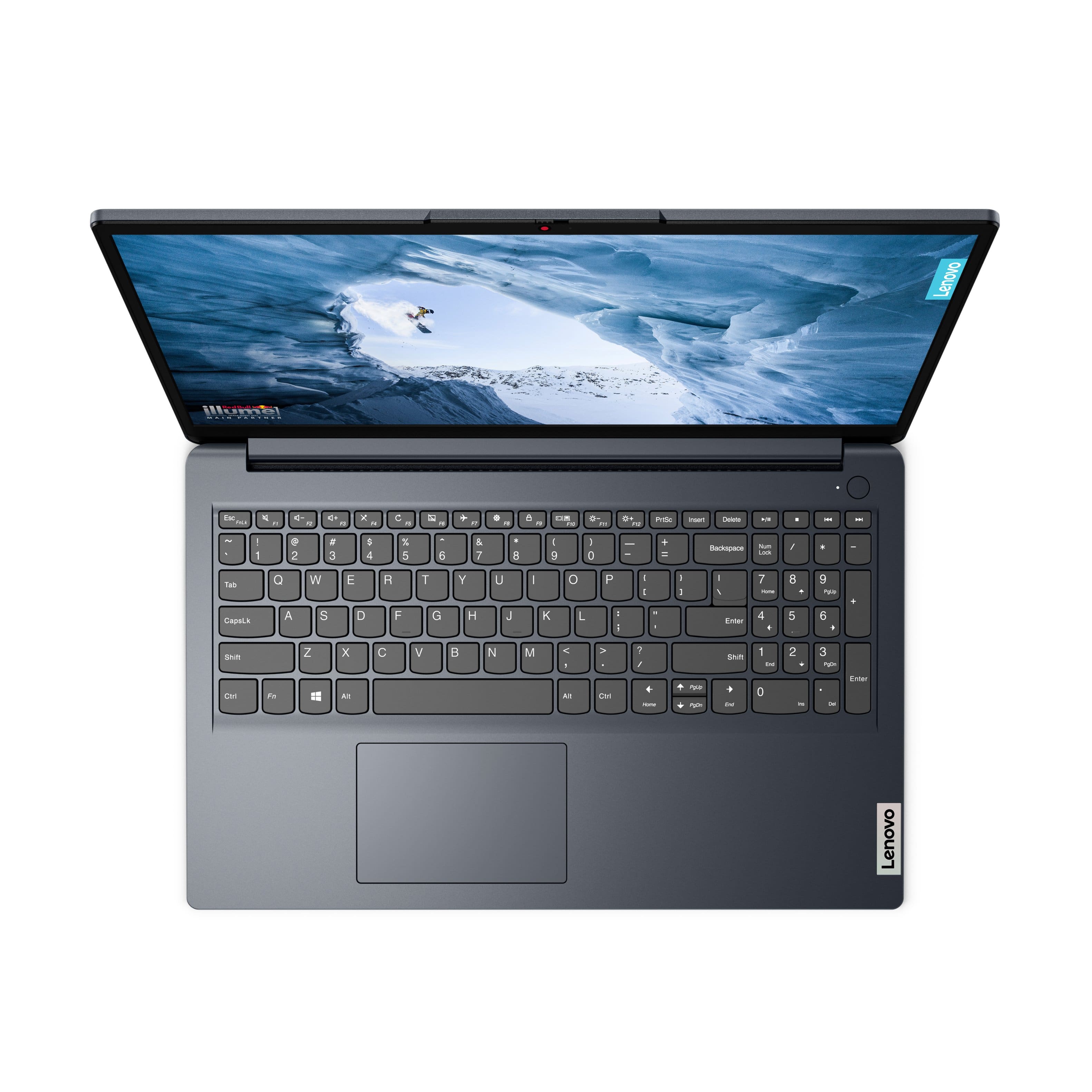
||Posted . Owned for 3 weeks when reviewed.This reviewer received promo considerations or sweepstakes entry for writing a review.Feels kind of small but the numeric keypad is super small for sure
I would recommend this to a friendBrand response from Lenovo Product Expert
Posted .Hi AndrewX, thanks for choosing Lenovo! We hope that you are, and we appreciate you taking the time to share this perspective with us.
Good deal
||Posted . Owned for 1 week when reviewed.This reviewer received promo considerations or sweepstakes entry for writing a review.Great deal. Wish the keyboard was backlit but other than that it is a good laptop.
I would recommend this to a friendBrand response from Lenovo Product Expert
Posted .Hey MichaelA, thanks for choosing Lenovo! We're thrilled to hear that your IdeaPad has been good overall. We really appreciate you sharing your experience and feedback with us.
Okay quality
||Posted . Owned for 1 week when reviewed.This reviewer received promo considerations or sweepstakes entry for writing a review.The computer is good but it came with scratches which is weird because it is new.
I would recommend this to a friendBrand response from Lenovo Product Expert
Posted .Hey JamieT, thanks for choosing Lenovo! We're thrilled to hear that your IdeaPad 1i has been good to you so far. We really appreciate you sharing your experience and feedback with us.
Fastest Return EVER
||Posted . Owned for 3 weeks when reviewed.This reviewer received promo considerations or sweepstakes entry for writing a review.I was looking for an inexpensive music production pc. 8gb today is just not enough to run Windows 11 much less creative software. Can it do it? Yes. I was able to get 16 tracks comfortably with external audio device BUT the internal sound system while being on the go is bad. The speakers are not a little bad, the speakers are a whole lot bad. I put another 8gb of memory into the system and was able to get more track count. For the empty space inside the chassis, this company could put better speakers in place. ALSO, I installed Ubuntu Linux 24.04 on this system. This was an amazing system for Linux. Even the wi-fi card was picked up. If the speakers had been better, this could have been a keeper.
No, I would not recommend this to a friendBrand response from Lenovo Product Expert
Posted .Hey RayMc, we're sorry to hear that your IdeaPad was not a good fit for you with its sound falling short for you. In the future, should you encounter an issue with our products, please reach out so we can help. For example, if you work in music production and sound is a priority, we can recommend a headphone or speaker system to optimize your experience. We appreciate you taking the time to share your feedback with us.
Be sure.
||Posted . Owned for 1 week when reviewed.This reviewer received promo considerations or sweepstakes entry for writing a review.Did not receive advise to buy an adapter & general instructions.
I would recommend this to a friendGreat purchase!
||Posted . Owned for 2 months when reviewed.This reviewer received promo considerations or sweepstakes entry for writing a review.I got this as a gift for my mom, and she loved it.
I would recommend this to a friendBrand response from Lenovo Product Expert
Posted .Hi BeanieWeanies24, thanks for choosing Lenovo! We are glad to hear that your mom loves it, and we appreciate you taking the time to share this perspective with us.
SLOW
||Posted . Owned for 1 month when reviewed.This reviewer received promo considerations or sweepstakes entry for writing a review.THIS COMPUTER IS SLOWER THAN I EXPECTED. A LOT OF MY TIME IS WASTED WAITING FOR RESPONSE FOR WORD PROCESSOR AND INTERNET. MY HOME INTERNET CONNECTION IS SUPER FAST SO IT S THE COMPUTER SLOW SPEED
No, I would not recommend this to a friendBrand response from Lenovo Product Expert
Posted .Hi LarryM,
Thank you for sharing your feedback with us. We are sorry to hear that you are having trouble with your IdeaPad 1i. We apologize for the frustration and inconvenience that this may have caused you. We'd like to work with you to resolve this issue.
To start, we recommend ensuring you have the latest software by checking for updates, as this could correct the issue. To do so, first, open the Settings app > Select the Windows update tab > Select the Check for updates button. Next, open the Lenovo Vantage app > on the homepage, select the Check for updates button, applying all available updates.
If after the available updates are applied and the system restarts, yet the issue persists, in-depth troubleshooting will be necessary to fix the problem. We recommend contacting Lenovo Support here: 877-453-6686, for further assistance.
Please update us when you can regarding this.
Best Regards,
Lenovo
low fan that can't be adjusted
||Posted .This reviewer received promo considerations or sweepstakes entry for writing a review.The fan speed can not be adjusted. It's bios locked somehow, no way to do it. The laptop runs cool but the fan is high and then there is an even higher speed where it gets a little hot, when the fan makes some annoying machine noise. I am in the processing of sending it back to get it fixed. I suspect this laptop can run on very low fan speeds and be almost silent but they won't let this happen to gate off a more expensive model. Hilariously my legion 7i running exclusively on rtx 4070 is quieter than this thing while web surfing. My old dell was virtually silent. I did not realize how valuable that was until I got this laptop.
No, I would not recommend this to a friendBrand response from Lenovo Product Expert
Posted .Hey Dave,
Thank you for sharing your feedback with us. We are sorry to hear that you ran into an issue with your IdeaPad 1i. We wish to provide the best experience possible, so if you'd like to work with us, we’d like to work with you to address these points and improve your experience with your IdeaPad.
First, entry level IdeaPad systems like this model usually don't feature fan speed or fan curve settings due to the clientele of users for these systems. One way to quickly lower fan speeds is to use the shortcut Fn + Q to toggle programmed thermal profiles for the system, including a cool/battery saving mode that lowers fan speed, thus lower fan noise.
We hope that the information shared helps provide some insight and understanding that may improve your sentiments on the system.
We look forward to hearing more from you if there's more to share, so please don’t hesitate to leave us a note in the Q&A section of this product page to continue this discussion.
Best regards,
Lenovo
Good but with restrictions
||Posted . Owned for 2 weeks when reviewed.This reviewer received promo considerations or sweepstakes entry for writing a review.The specs of this laptop are average level, which is okay for daily small tasks. But the restrictions they have on windows 11, which they term as safe mode doesn’t allow to install any outside applications is a deal breaker. But other than that, this laptop is a bang for buck.
I would recommend this to a friendBrand response from Lenovo Product Expert
Posted .Hi, thanks for choosing Lenovo! Regarding Windows 11 Home in S mode, while it is a more secure version that prevents running unverified software, you can switch out of S mode to standard Windows 11 Home. Hopefully you still have your IdeaPad, in which you can visit this link to learn how to switch Windows versions: (https://support.microsoft.com/en-us/windows/windows-10-and-windows-11-in-s-mode-faq-851057d6-1ee9-b9e5-c30b-93baebeebc85). We appreciate your time taken to share your experience and feedback with us.
Overall it’s good
||Posted . Owned for 2 weeks when reviewed.This reviewer received promo considerations or sweepstakes entry for writing a review.Working good. Processing speed also good. Worth for money.
I would recommend this to a friendBrand response from Lenovo Product Expert
Posted .Hey VasaviN, thanks for choosing Lenovo! We're thrilled to hear that your IdeaPad has been good overall. We really appreciate you sharing your experience and feedback with us.
Don’t let this brand fool you
||Posted . Owned for 2 months when reviewed.This reviewer received promo considerations or sweepstakes entry for writing a review.Do not even waste your time and money on this laptop. I did my research before I even purchased this, and the reason I chose this laptop is because of the good reviews it received and so many people advised how good of a brand Lenovo was. I needed a laptop for when I’m working from home. Nothing too in depth, needed something that could handle having multiple applications and tabs open at once with decent speed. This can’t even do that. I’ve had nothing but issues with this laptop, including it freezing constantly, the screen going black while in use and not able to shut it off, and it keeps disconnecting from any WiFi I am connected to (personal & public). Lenovo tech support can’t figure out what’s wrong. I’ve had other computer experts look at it and no one can figure out why this laptop is incapable of doing laptop excepting things. And in case you were wondering, the battery life is awful! It can maybe last for 4 hours and that’s stretching it. I’d much rather go back to a MacBook and spend a mortgage payment then waste my time with this paper weight.
No, I would not recommend this to a friendBrand response from Lenovo Product Expert
Posted .Hey Disneydreamer93, we're sorry to hear that you're having such trouble with your IdeaPad. To help resolve this issue, for now, we recommend following these troubleshooting steps: 1. Perform a static discharge/power cycle. To do so, first remove all cables connected to the device (power adapter, HDMI, external mouse, external keyboard, etc.). 2. Be sure device is powered off, then. press and hold the power button down for 60 seconds. When done, re-attach all cables and insert the power adapter, letting the laptop charge for a couple minutes, then power up the machine as usual. 3. Try to update the drivers on the Lenovo Support site: https://pcsupport.lenovo.com/. Type the machine serial number (S/N) on the search bar. Hit enter to search the details regarding that unit. Click on the Drivers and Software tab, head to the Manual Update tab. Filter the Operating System drop-down to Windows 11 and proceed to downloading / updating the drivers. Restart your laptop when updates are done. If your issue persists after these steps, we then recommend resetting your IdeaPad. You can back up your data and try to reimage it with the original Lenovo preload via DDRS (https://support.lenovo.com/ch/en/solutions/ht103653-lenovo-digital-download-recovery-service-ddrs-download-the-files-needed-to-create-a-lenovo-usb-recovery-key). If these steps do not resolve your issue, by contacting Lenovo Support directly at this number: 855-253-6686, and sharing what you've done to resolve this, next level escalation should be available. We appreciate you taking the time to share your feedback with us, as it does not go unnoted.
New computer
||Posted . Owned for 1 month when reviewed.This reviewer received promo considerations or sweepstakes entry for writing a review.Good, did not like SMode, HP printer hard to set up
I would recommend this to a friendBrand response from Lenovo Product Expert
Posted .Hi DeborahM, thanks for choosing Lenovo! We hope that your IdeaPad is now working smoothly for you, and if not, please reach out to Lenovo Support so that we can help. We appreciate you sharing your experience and feedback with us.
Laptop not shutting down
||Posted . Owned for 2 weeks when reviewed.This reviewer received promo considerations or sweepstakes entry for writing a review.I have an issue with the laptop, when I shutting it down it seems it shut down, but when i oppen the screen the laptop start immediately without my order to start it? How can i fix this problem?
No, I would not recommend this to a friendBrand response from Lenovo Product Expert
Posted .Hi YAMO,
Thanks for choosing Lenovo!
Regarding what you're referring to, this is a feature called Flip to Start that is enabled by default, enabling users to startup their laptops upon opening the laptop lid.
To disable the Flip To Open feature, open the Lenovo Vantage app > select "device settings" or the gear icon on the left tab, select the "Power" tab > look for the Flip To Open setting toggle and switch it to the off position.
Please update us when you can regarding this, and we appreciate you taking the time to share this with us.