Lenovo - IdeaPad 1i 15.6" Full HD Touchscreen Laptop - Intel Core i5 1235U 2022- 8GB Memory with 512GB SSD Storage - Abyss Blue
Customers are saying
Customers are impressed with the overall performance and high-speed processing capabilities of this laptop. Users frequently highlight the convenience of the touchscreen interface and the device's intuitive ease of use. Additionally, many appreciate the lightweight design and reliable battery life, though some note that the memory capacity is best suited for moderate multitasking.
Highlights
Features
Windows 11 Home in S mode operating system
Experience the most secure Windows ever built with fast boot times, increased responsiveness, and added protection against phishing and malware.
Copilot in Windows 11 - Get answers, inspiration, and summaries
Find the relevant information and ideas you need to power your own ingenuity. Copilot in Windows 11 can deliver answers that are more relevant to you.
15.6" LED Backlit FHD Display
The 1920 x 1080 resolution boasts impressive color and clarity. Energy-efficient LED backlight.
Intel 12th Generation Core i5 Processor
Smart ten-core, twelve-way processing performance for HD-quality computing.
Intel Iris Xe Graphics
On-processor graphics with shared video memory provide everyday image quality for Internet use, basic photo editing and casual gaming.
8GB system memory for advanced multitasking
Substantial high-bandwidth RAM to smoothly run your games and photo- and video-editing applications, as well as multiple programs and browser tabs all at once.
512GB SDD Storage
While offering less storage space than a hard drive, a flash-based SSD has no moving parts, resulting in faster start-up times and data access, no noise, and reduced heat production and power draw on the battery.
Built-in stereo speakers
Dolby Audio provides immersive audio and maximizes volume output without distortion.
Specifications
- Screen TypeIPSScreen Size15.6 inchesScreen Resolution1920 x 1080 (Full HD)Touch ScreenYesBrightness300 nits
Reviews
Rating 4.6 out of 5 stars with 981 reviews
- Overall Performance (399)
- Processor Speed (138)
- Touchscreen (117)
- Ease of use (104)
- Battery Life (62)
- Memory (3)
Customer Images
The vast majority of our reviews come from verified purchases. Reviews from customers may include My Best Buy members, employees, and Tech Insider Network members (as tagged). Select reviewers may receive discounted products, promotional considerations or entries into drawings for honest, helpful reviews.

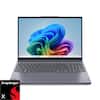

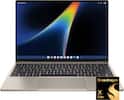
Compare similar products

The IdeaPad 1i raises the bar on every affordable laptop with a super-efficient up-to-12th Generation Intel processor in a thin and compact 17.9 mm chassis that makes multitasking a breeze while boosting energy efficiency with up-to-11 hours of battery life and rapid charge. Get more value with four-sided narrow bezels for maximum screen, Dolby Audio speakers and Flip to Start for instant bootup. Optimize your video call experience with a 1MP camera that comes with a privacy shutter to keep out prying eyes and Smart Noise Cancelling to cut out background noise.
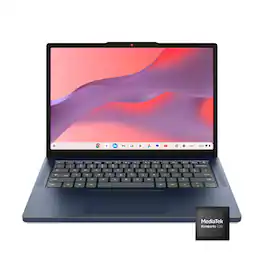
Live animated, live lively, live balanced. When you’re packing the thin and light IdeaPad Slim 3 Chromebook laptop, featuring WiFi 6E and 18 hours of battery life, balancing work and play all day becomes effortless. The 14" 2K IPS touchscreen display and MediaTek Kompanio 500 Series processors are a significant upgrade to your work and entertainment, with front-facing Waves-tuned speakers.
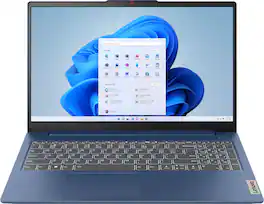
The slim, lightweight and military-grade resilient IdeaPad Slim 3 is built for smart and heavy work and study on the go, featuring AMD Ryzen processors and Smart Power.
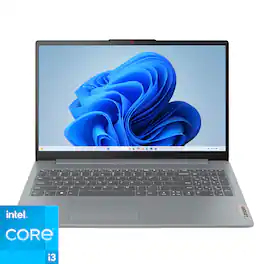
The IdeaPad Slim 3i is smart and made for heavy on-the-go users from libraries and cafes to airport terminals, with a lightweight and thin profile that's 10% slimmer than the previous generation yet still military-grade rugged. Get the important stuff done on the go with powerful 13th Gen Intel Core i3 processors, the adaptive performance of Smart Power, and full-function Type-C port while you learn, work, and stream on a Full HD display with up to 88% AAR.
| Pros for Lenovo - IdeaPad 1i 15.6" Full HD Touchscreen Laptop - Intel Core i5 1235U 2022- 8GB Memory with 512GB SSD Storage - Abyss Blue | |||
|---|---|---|---|
| Overall Performance, Processor Speed, Battery Life, Touchscreen, Ease of use | Overall Performance, Portability, Battery Life, Design, Touchscreen Responsiveness | Overall Performance, Portability, Battery Life, Processor Speed, Design | Overall Performance, Portability, Battery Life, Speed, Screen Size |
| Cons for Lenovo - IdeaPad 1i 15.6" Full HD Touchscreen Laptop - Intel Core i5 1235U 2022- 8GB Memory with 512GB SSD Storage - Abyss Blue | |||
| Memory | There were no cons for this product— | Keyboard Backlight | Storage Capacity, RAM, Setup Process |
Specs
Questions & Answers
Can more ram be added
Answered by Intel teamGreetings from the Intel team. Thank you for your question. Yes. According to the product specifications reference (PSREF), the Lenovo - IdeaPad 1i model 82QD00HMUS supports up to 16GB (8GB soldered + 8GB SO-DIMM) DDR4-3200 memory; for further information, check the PSREF: https://psref.lenovo.com/Detail/IdeaPad_1_15IAU7?M=82QD00HMUS For detailed information about the Intel® Core™ i5-1235U Processor, visit: https://www.intel.com/content/www/us/en/products/sku/226266/intel-core-i51235u-processor-12m-cache-up-to-4-40-ghz-with-ipu/specifications.html Thank you for choosing Intel! Emilio_Intel

Can S mode for Windows be removed to run regularly? There were a few complaints about S mode in the reviews
Answered by Lenovo Product ExpertHi, Dramainchicago. Yes, S-mode can be switched out of so that the system is running standard Windows 11 Home. Here is a link to a Microsoft webpage that shares how to do so: https://support.microsoft.com/en-us/windows/windows-10-and-windows-11-in-s-mode-faq-851057d6-1ee9-b9e5-c30b-93baebeebc85

Are there any additional software programs included with the laptop?
The laptop comes with a 30-day trial of Microsoft Office 365.
This question and answer was generated by AI based on customer and product data.Does the laptop have a backlit keyboard?
This laptop does not have a backlit keyboard.
This question and answer was generated by AI based on customer and product data.What is the screen resolution of the laptop?
The screen resolution is 1920 x 1080 (Full HD).
This question and answer was generated by AI based on customer and product data.
Customers often buy these together
Office Software






Laptop Bags and Cases



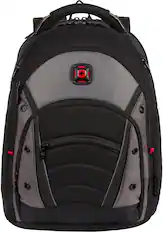
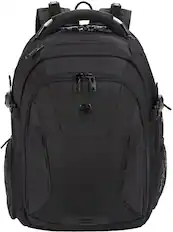
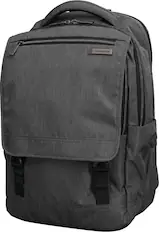
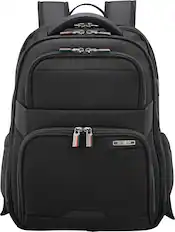
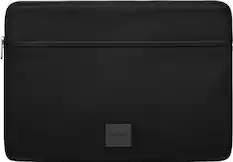
More recommended items
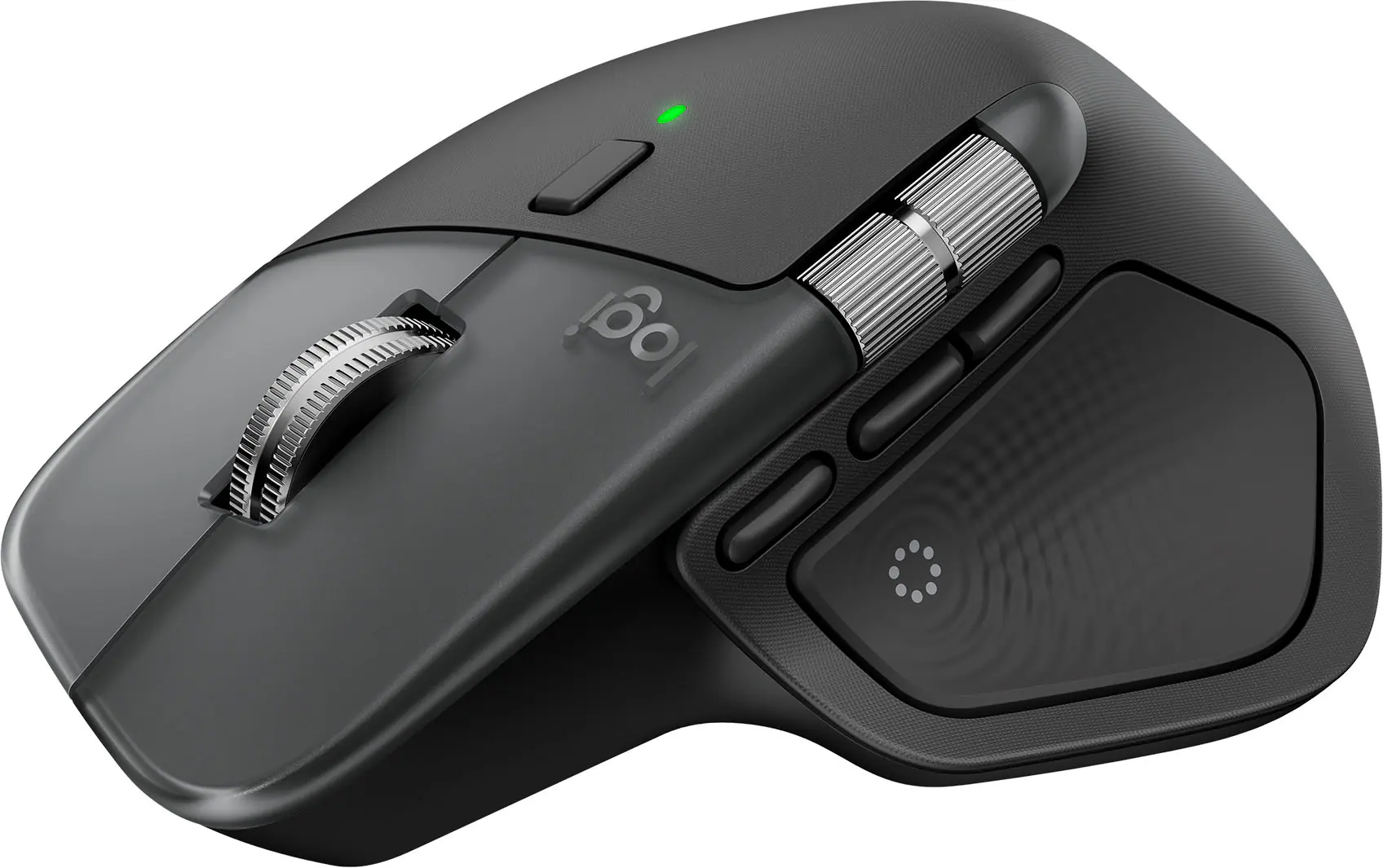 Mice
Mice Antivirus and Internet Security Software
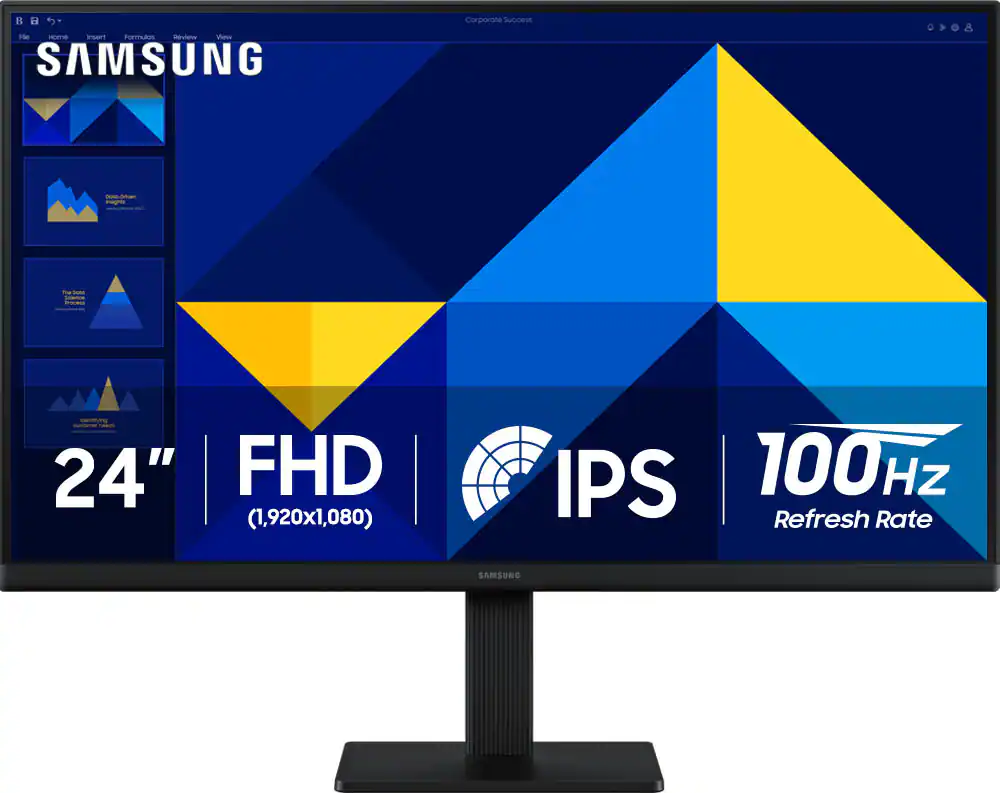 Monitors
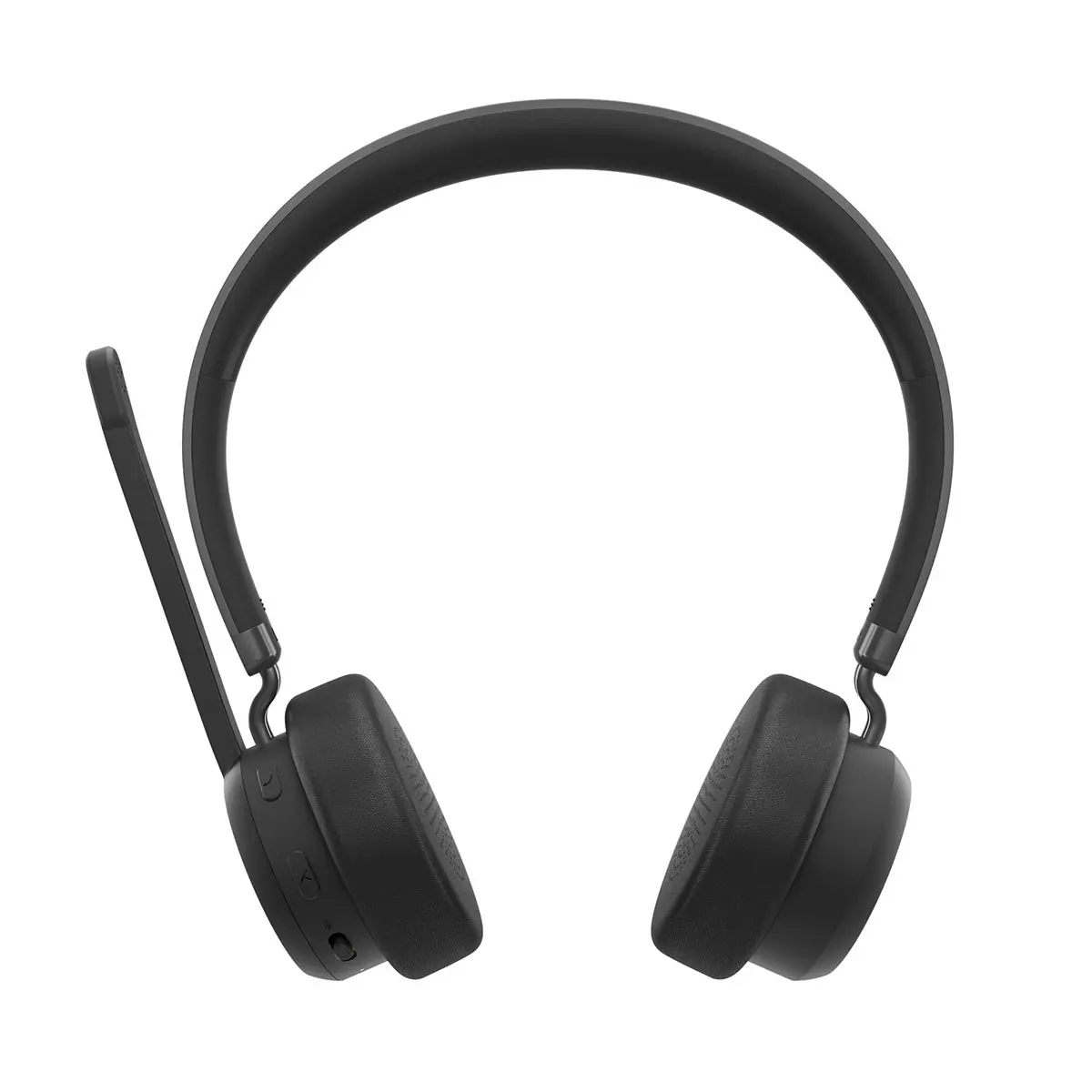 Headphones
More to consider
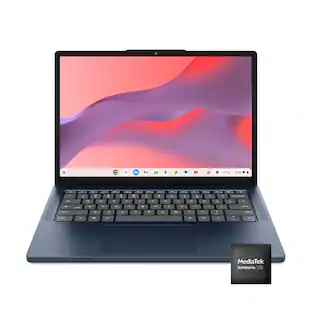 Top Deal$199.00The price was $419.00
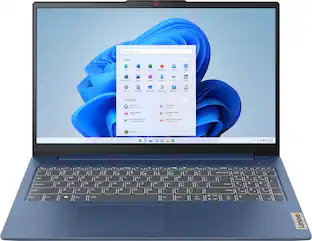 $369.99The price was $629.99
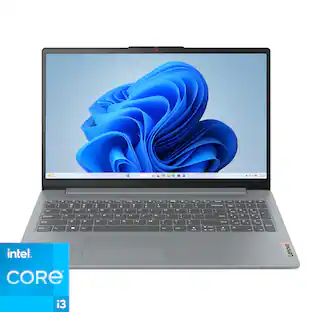 $374.00The price was $394.96
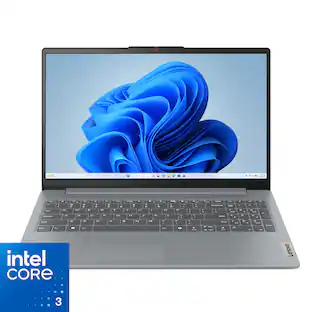 Top Deal$399.99The price was $499.99
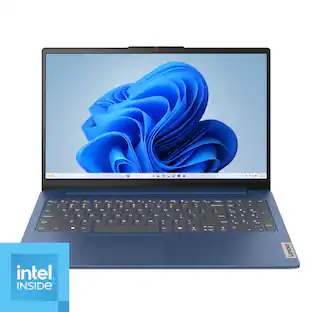 $336.00The price was $399.99
 $1,249.99The price was $1,269.00
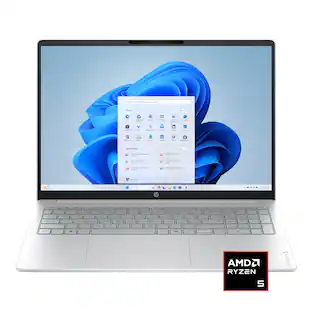 $429.99The price was $779.99
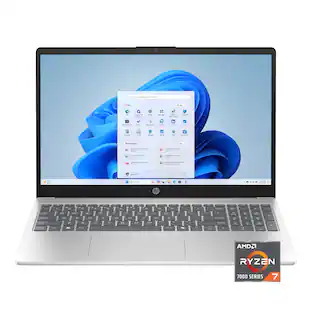 $539.99The price was $699.99

Explore tech essentials Sponsored
- Top Deal$299.00The price was $529.00
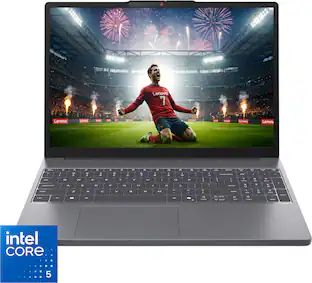 $549.99The price was $699.99
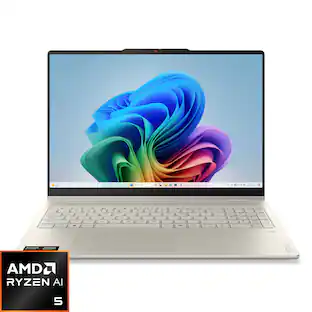 Top Deal$699.99The price was $1,249.99
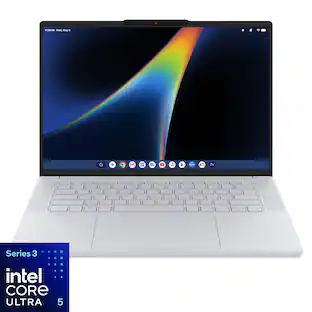
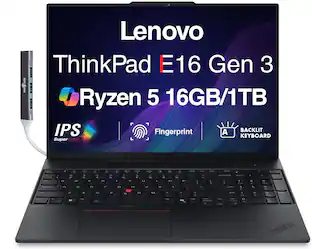
Discover related products
 $399.99The price was $479.99
 $319.99The price was $399.00
 $329.99The price was $749.00





Keep exploring
 $1,457.99The price was $1,625.48
 $996.99The price was $999.99
 $499.99The price was $949.99