Customer Ratings & Reviews

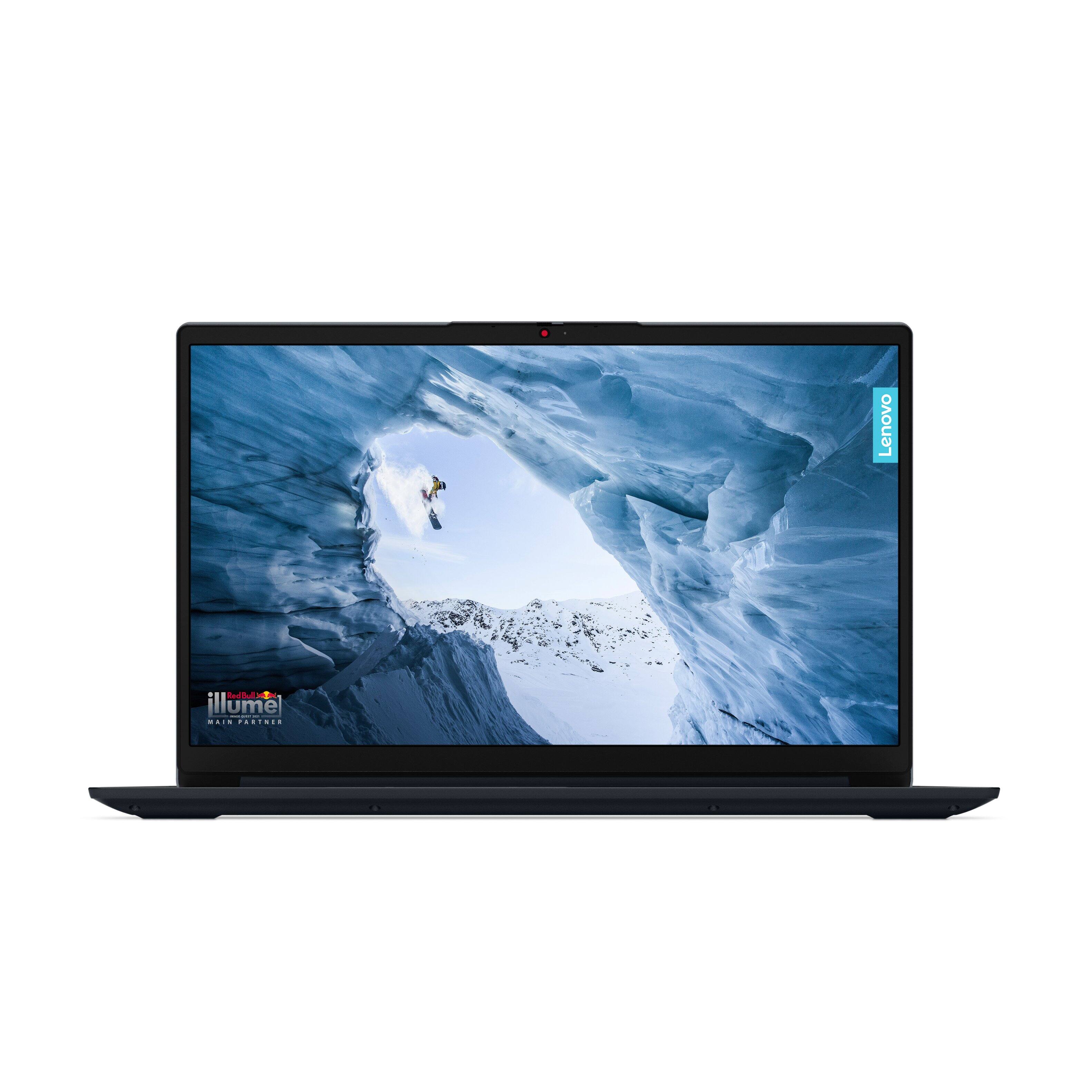
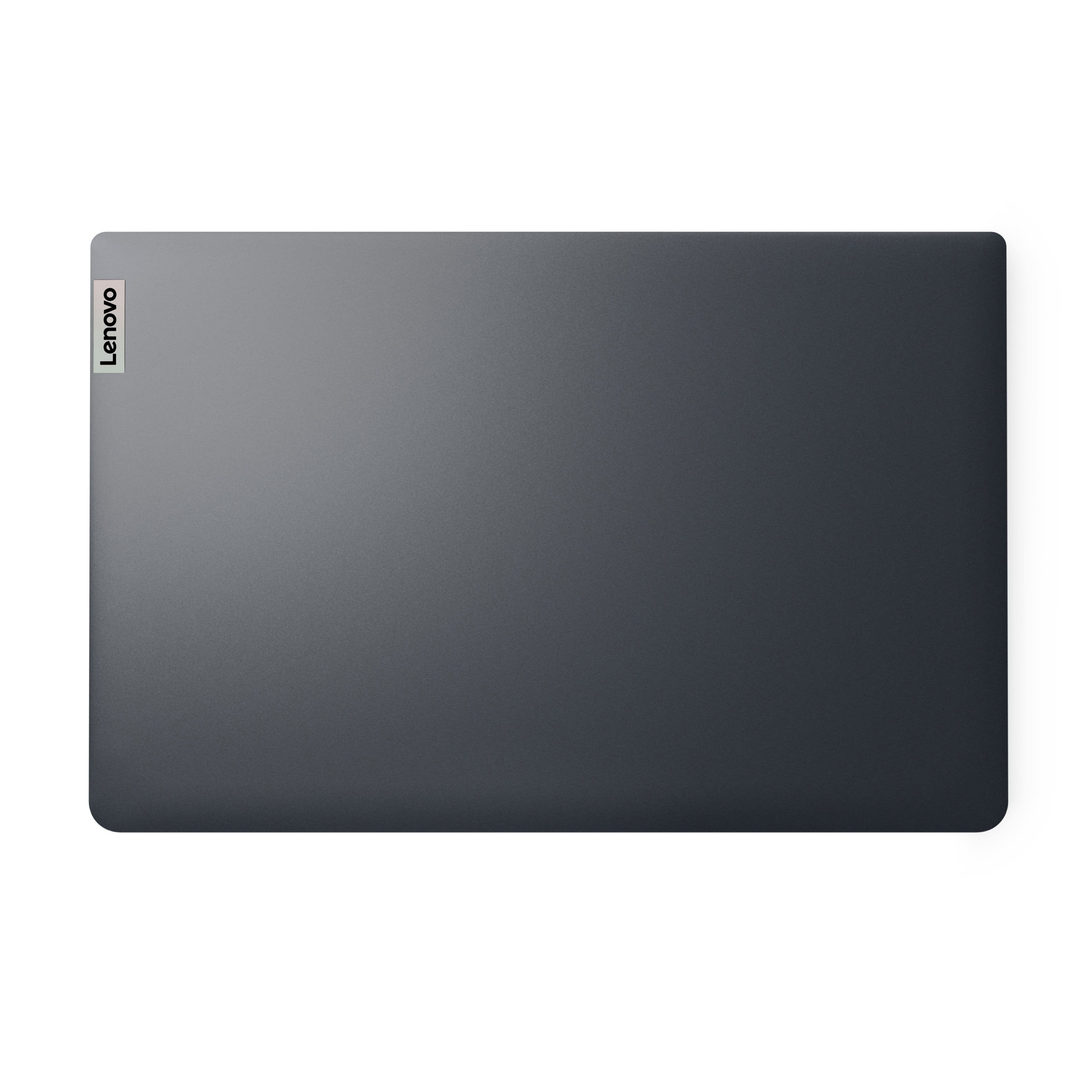
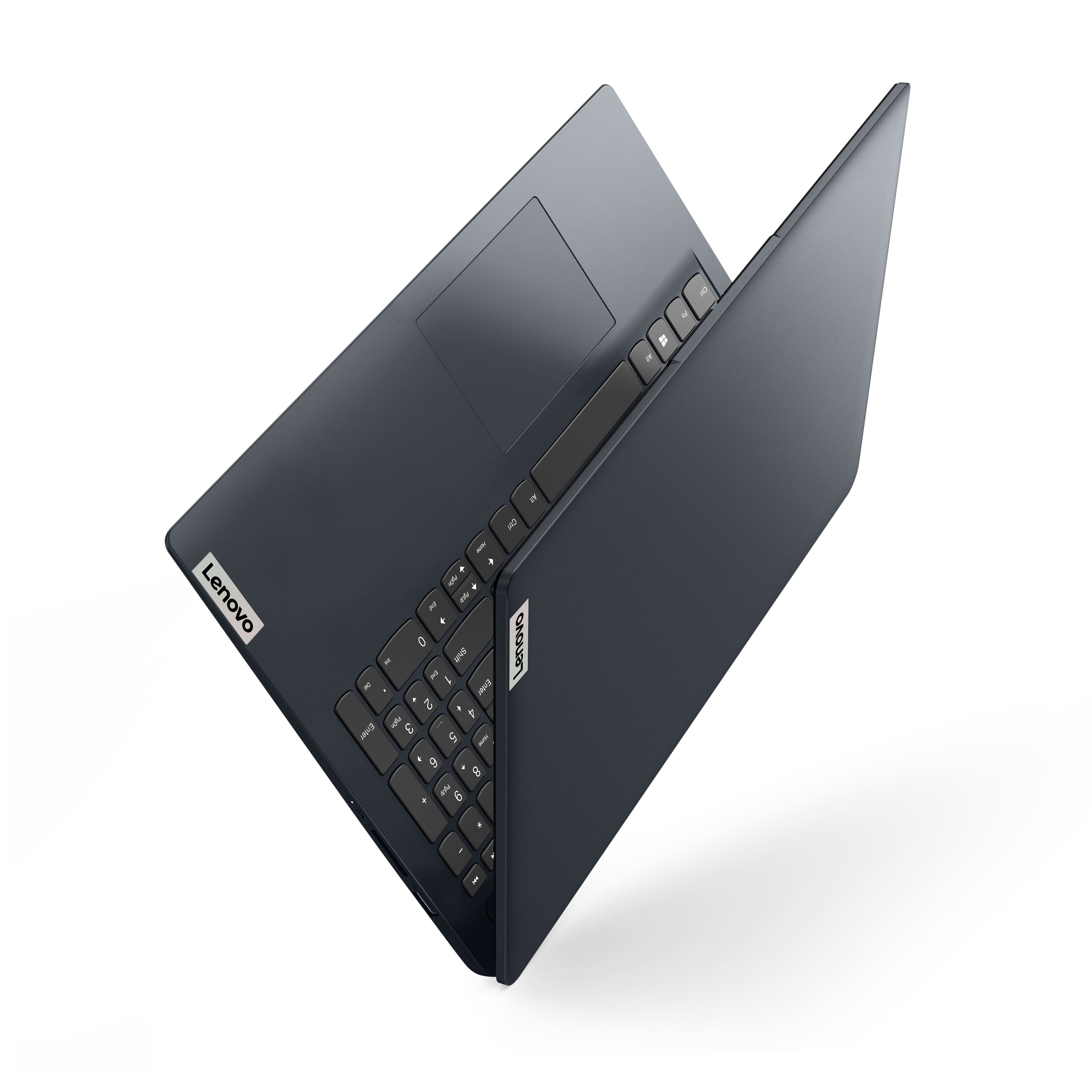
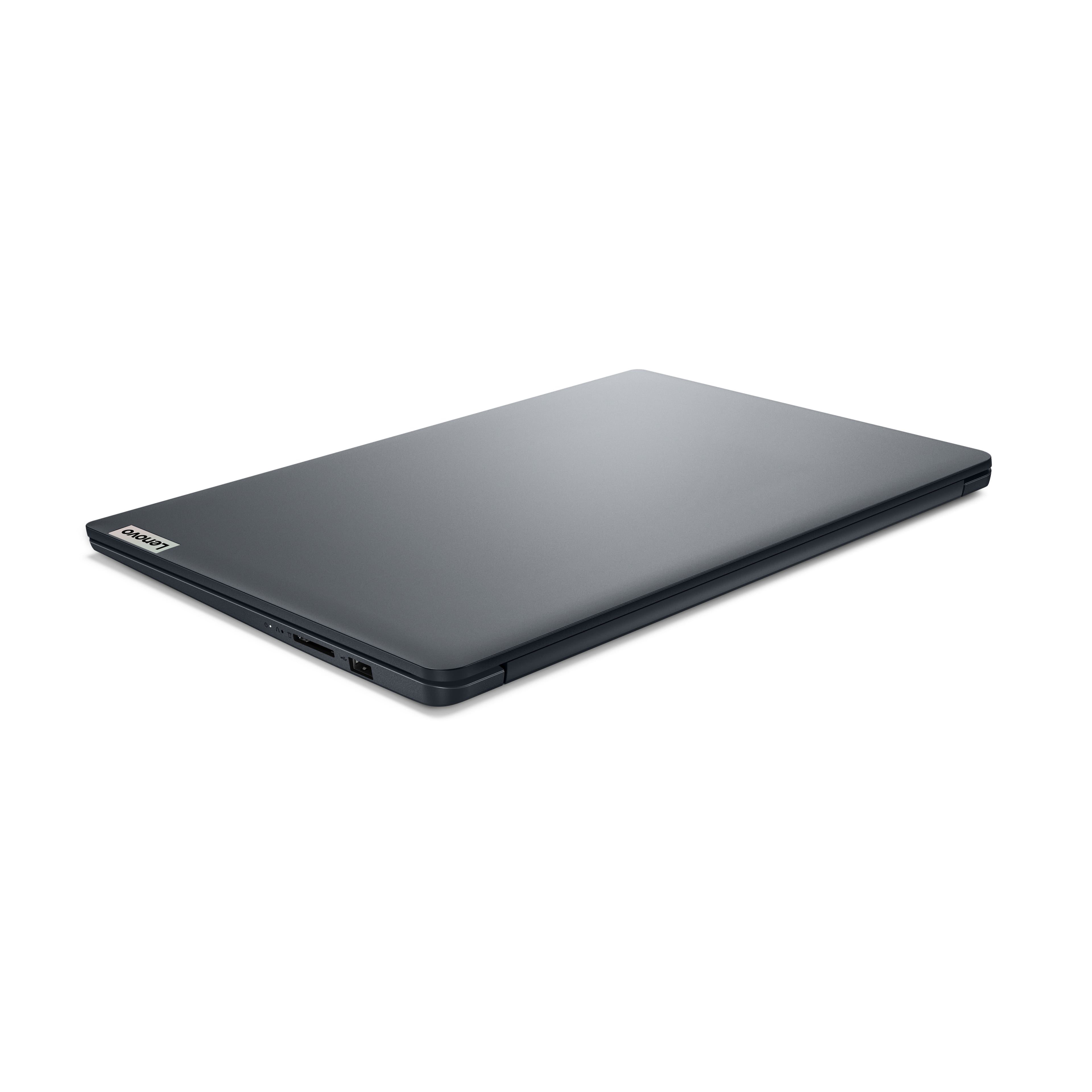


- Model:
- 82QD00HMUS
- SKU:
- 6588661
Rating by feature
- Battery Life
Rating 4.6 out of 5 stars
- Speed
Rating 4.6 out of 5 stars
- Display
Rating 4.7 out of 5 stars
to a friend
Customers are saying
Customers commend the product's overall performance. They have reported no issues with it so far.
This summary was generated by AI based on customer reviews.
Great Lenovo Product
||Posted . Owned for 3 weeks when reviewed.This reviewer received promo considerations or sweepstakes entry for writing a review.This was a great purchase, I am happy with my product so far.
I would recommend this to a friendBrand response from Lenovo Product Expert
Posted .Hey JoseC, thanks for choosing Lenovo! We are thrilled to hear that you are happy with your IdeaPad so far, and we appreciate you sharing your feedback with us.

my laptop
||Posted . Owned for 3 weeks when reviewed.This reviewer received promo considerations or sweepstakes entry for writing a review.I'm still getting use to it. It is not like the other one that I use to have
I would recommend this to a friendBrand response from Lenovo Product Expert
Posted .Hey StevenW,
Thank you for choosing Lenovo and for sharing your feedback with us!
Please feel free to reach out to us should you have any questions or need help with your new laptop.
Best,
Lenovo
Mr.
||Posted . Owned for 1 month when reviewed.This reviewer received promo considerations or sweepstakes entry for writing a review.I don't like that the touch pad is so far to the left, just is a tad awkward.
I would recommend this to a friendBrand response from Lenovo Product Expert
Posted .Hey SidTheKid87,
Thank you for choosing Lenovo and for sharing your feedback with us, as your comments do not go unnoted. For context, the touchpad on Lenovo laptops are designed to be centered with the QWERTY keyboard and not the keyboard deck for ease-of-use switching between typing and navigating the interface.
Please feel free to reach out to us should you have any questions.
Best Regards,
Lenovo
Don't waste your money!
||Posted . Owned for 1 month when reviewed.This reviewer received promo considerations or sweepstakes entry for writing a review.NO, I DO NOT RECOMMEND THIS LAPTOP!!! I needed a new laptop after the battery on my old one went out. Since I don't do much on it besides browse the internet and watch Youtube, I went with this more basic computer. It doesn't have the capacity to even watch Youtube without the picture being blurry. It's maxing out the memory simply trying to watch a video online. I am so extremely frustrated but it's beyond the 15 days since I purchased it, so I can't even return it. Which, btw, is a stupid return policy. Most companies give at least a month! I do not recommend you waste your money on this thing. Spend the extra cash and get something with better memory.
No, I would not recommend this to a friendBrand response from Lenovo Product Expert
Posted .Hi LauraP,
Thank you for sharing your feedback with us. We are sorry to hear that you are having trouble with your IdeaPad 1i. We apologize for the frustration that this has caused you and we'd like to work with you to resolve this issue.
To start, we recommend ensuring you have the latest software by checking for updates, as this could correct the issue. To do so, first, open the Settings app > Select the Windows update tab > Select the Check for updates button and ensure all available updates are installed successfully. (If you switched your device out of S mode) Next, open the Lenovo Vantage app > on the homepage, select the Check for updates button.
If after the available updates are applied and the system restarts, yet the issue persists, in-depth troubleshooting will be necessary to fix the problem. We recommend contacting Lenovo Support here: 877-453-6686, for further assistance.
Please update us when you can regarding this.
Best regards,
Lenovo
I like it
||Posted . Owned for 1 month when reviewed.This reviewer received promo considerations or sweepstakes entry for writing a review.Thats a good lap top, for that price, everithing is good
I would recommend this to a friendBrand response from Lenovo Product Expert
Posted .Hey Alex, thanks for choosing Lenovo!
We are glad to hear that you like your IdeaPad 1i, and we appreciate you taking the time to share this with us.
Good for school work and general web browsing
||Posted . Owned for 3 weeks when reviewed.This reviewer received promo considerations or sweepstakes entry for writing a review.Solid little laptop. No real complaints other than the windows setup is a pain in the buns.
I would recommend this to a friendBrand response from Lenovo Product Expert
Posted .Hey John, thanks for choosing Lenovo!
We are glad to hear that your IdeaPad has been solid for you, and we appreciate you taking the time to share this with us.
New Lenovo
||Posted . Owned for 2 weeks when reviewed.This reviewer received promo considerations or sweepstakes entry for writing a review.Solved our need exactly easy to learn 11 great value
I would recommend this to a friendBrand response from Lenovo Product Expert
Posted .Hey PaulS, thanks for choosing Lenovo!
We are glad to hear that your IdeaPad offers great value to you, and we appreciate you taking the time to share this with us.
No backlit keyboard
||Posted . Owned for 3 weeks when reviewed.This reviewer received promo considerations or sweepstakes entry for writing a review.Works good, backlit keyboard would be better, should have read the description better
I would recommend this to a friendBrand response from Lenovo Product Expert
Posted .Hey Franke,
Thank you for choosing Lenovo!
It is great to know that your IdeaPad works well for you, and we appreciate you taking the time to share this with us.
Perfect addition
||Posted . Owned for 3 weeks when reviewed.This reviewer received promo considerations or sweepstakes entry for writing a review.Perfect laptop size functions are great easy to set up
I would recommend this to a friendBrand response from Lenovo Product Expert
Posted .Hey SherrieD, thanks for choosing Lenovo! We are pleased to hear that your IdeaPad is perfect for you, and we appreciate you taking the time to share this feedback with us.
Quality Priced
||Posted . Owned for 1 week when reviewed.This reviewer received promo considerations or sweepstakes entry for writing a review.Good quality and economically priced for a 9-year-old grandson, Ben!
I would recommend this to a friendBrand response from Lenovo Product Expert
Posted .Hi AnitaT, thanks for choosing Lenovo! We hope that Ben is loving it, and we really appreciate you sharing your experience and feedback with us.
I'm over 80!
||Posted . Owned for 3 weeks when reviewed.This reviewer received promo considerations or sweepstakes entry for writing a review.It's very nice, but I am slow at learning all its features.
I would recommend this to a friendBrand response from Lenovo Product Expert
Posted .Hey MyrtleM,
Thank you for choosing Lenovo and for sharing your feedback with us!
We are glad to hear that your IdeaPad 1i is working out quite nicely for you.
Please feel free to reach out to us should you have any questions.
Best,
Lenovo
Just Perfect!
||Posted . Owned for 3 weeks when reviewed.This reviewer received promo considerations or sweepstakes entry for writing a review.Perfect size and love the storage space! The price wasn't bad either
I would recommend this to a friendBrand response from Lenovo Product Expert
Posted .Hi, Cath. Thank you for choosing Lenovo! We are glad to know that your IdeaPad is perfect for you, and we appreciate your time taken to share your experience and feedback with us.
Great laptop
||Posted . Owned for 1 week when reviewed.This reviewer received promo considerations or sweepstakes entry for writing a review.Great laptop but not a huge fan of windows 11s. But over all very happy
I would recommend this to a friendBrand response from Lenovo Product Expert
Posted .Hi, YGeller. Thank you for choosing Lenovo! We are glad to know that you are very happy with your IdeaPad 1i, and we appreciate your time taken to share your experience and feedback with us.
Excellent lap top
||Posted . Owned for 1 month when reviewed.This reviewer received promo considerations or sweepstakes entry for writing a review.Excellent laptop more razing and beautiful color yes
I would recommend this to a friendBrand response from Lenovo Product Expert
Posted .Hey SergioN, thanks for choosing Lenovo! We are glad to hear that your IdeaPad has been excellent for you, and we appreciate you taking the time to share your feedback with us.
Good
||Posted . Owned for 4 months when reviewed.This reviewer received promo considerations or sweepstakes entry for writing a review.This laptop is good for work, but not for entertainment
I would recommend this to a friendBrand response from Lenovo Product Expert
Posted .Hey MinhP,
Thank you for choosing Lenovo and for sharing your feedback with us!
We are glad to hear that your IdeaPad 1i is a good fit for your work.
Please feel free to reach out to us should you have any questions.
Best,
Lenovo
Great
||Posted .This reviewer received promo considerations or sweepstakes entry for writing a review.I love it is all I can say. Charge pretty fast too.
I would recommend this to a friendBrand response from Lenovo Product Expert
Posted .Hey JeminaJ,
Thank you for choosing Lenovo and for sharing your feedback with us!
We are glad to hear that you love your IdeaPad 1i.
Please feel free to reach out to us should you have any questions.
Best,
Lenovo
SOLID VALUE
||Posted . Owned for 1 month when reviewed.This reviewer received promo considerations or sweepstakes entry for writing a review.a SOLID VALUE for a light duty laptop. the color is nice
I would recommend this to a friendBrand response from Lenovo Product Expert
Posted .Hey JohnH,
Thank you for choosing Lenovo and for sharing your feedback with us!
We are glad to hear that your IdeaPad 1i offers good value to you.
Please feel free to reach out to us should you have any questions.
Best,
Lenovo
Great for the money!!!
||Posted . Owned for 1 week when reviewed.This reviewer received promo considerations or sweepstakes entry for writing a review.Great quality! It’s the 2nd one I purchased in 2 years
I would recommend this to a friendBrand response from Lenovo Product Expert
Posted .Hi CynthiaM, thanks for choosing Lenovo again! We're thrilled to hear that IdeaPad continues to work great for you, and we really appreciate you sharing your experience and feedback with us.
Disappointing
||Posted .This reviewer received promo considerations or sweepstakes entry for writing a review.Few days after purchase the keyboard died. Took it to a local repair shop. Ready the next day
No, I would not recommend this to a friendBrand response from Lenovo Product Expert
Posted .Hi, user286015. We're sorry to hear that you ran into an issue with your IdeaPad. In the future, should you encounter a problem with your IdeaPad, please reach out to Lenovo Support so we can help. Thank you for taking the time to share your perspective with us.
Lenovo
||Posted . Owned for 1 week when reviewed.This reviewer received promo considerations or sweepstakes entry for writing a review.Very easy to set up and was very pleased with the laptop
I would recommend this to a friendBrand response from Lenovo Product Expert
Posted .Hey JohnB, thanks for choosing Lenovo! We're thrilled to hear that you are very pleased with your IdeaPad 1i. We really appreciate you sharing your experience and feedback with us.