Customer Ratings & Reviews
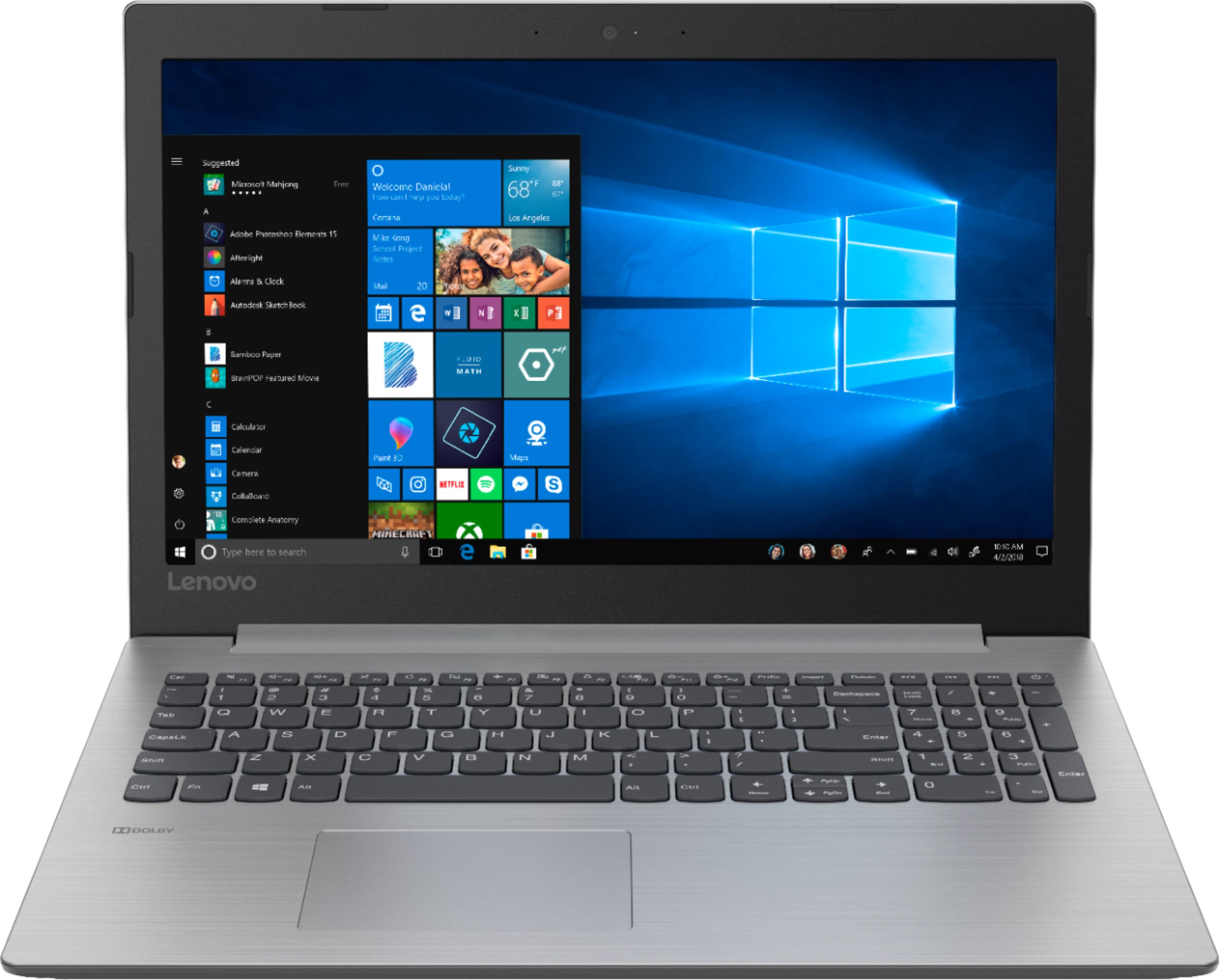
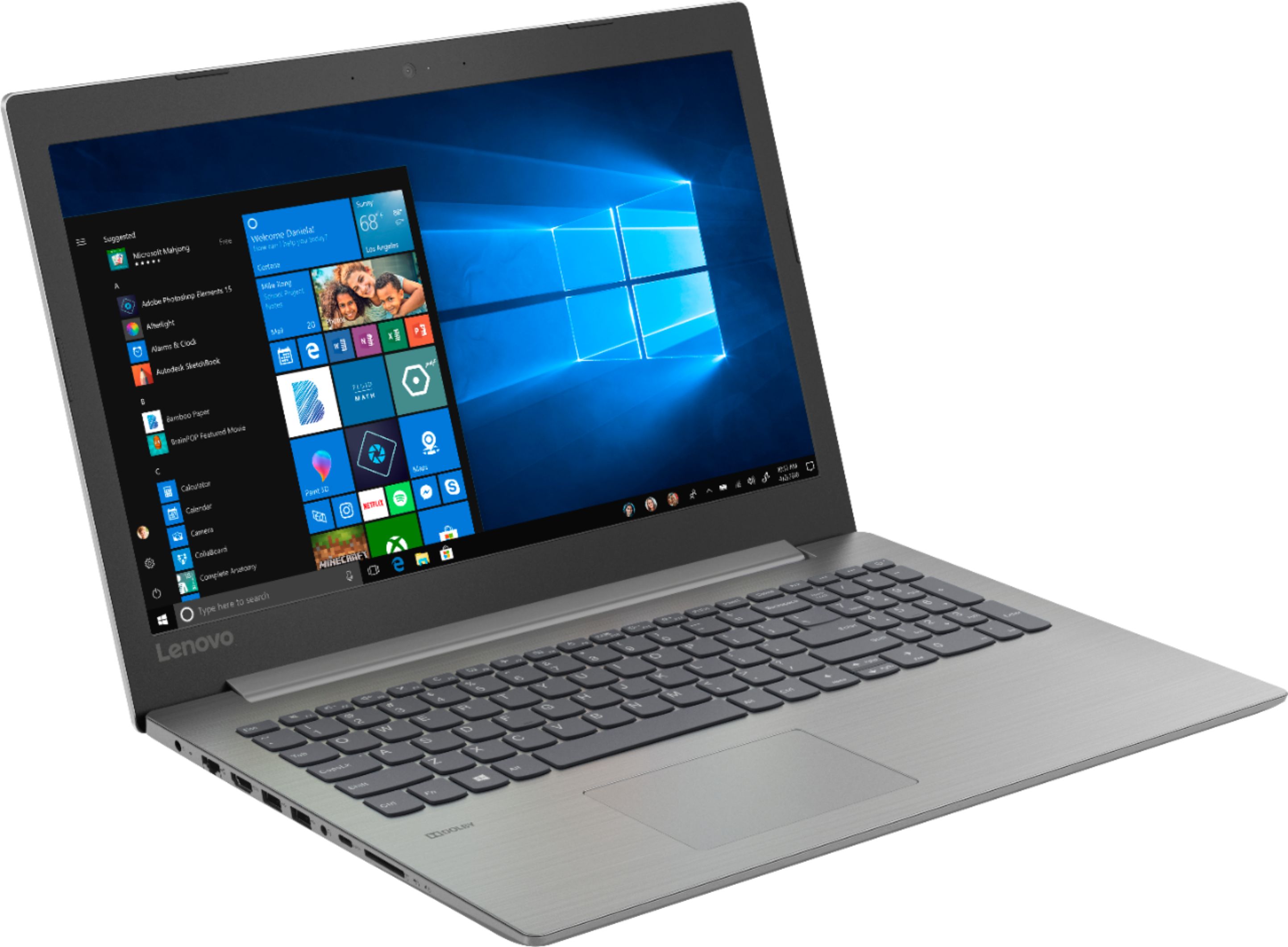
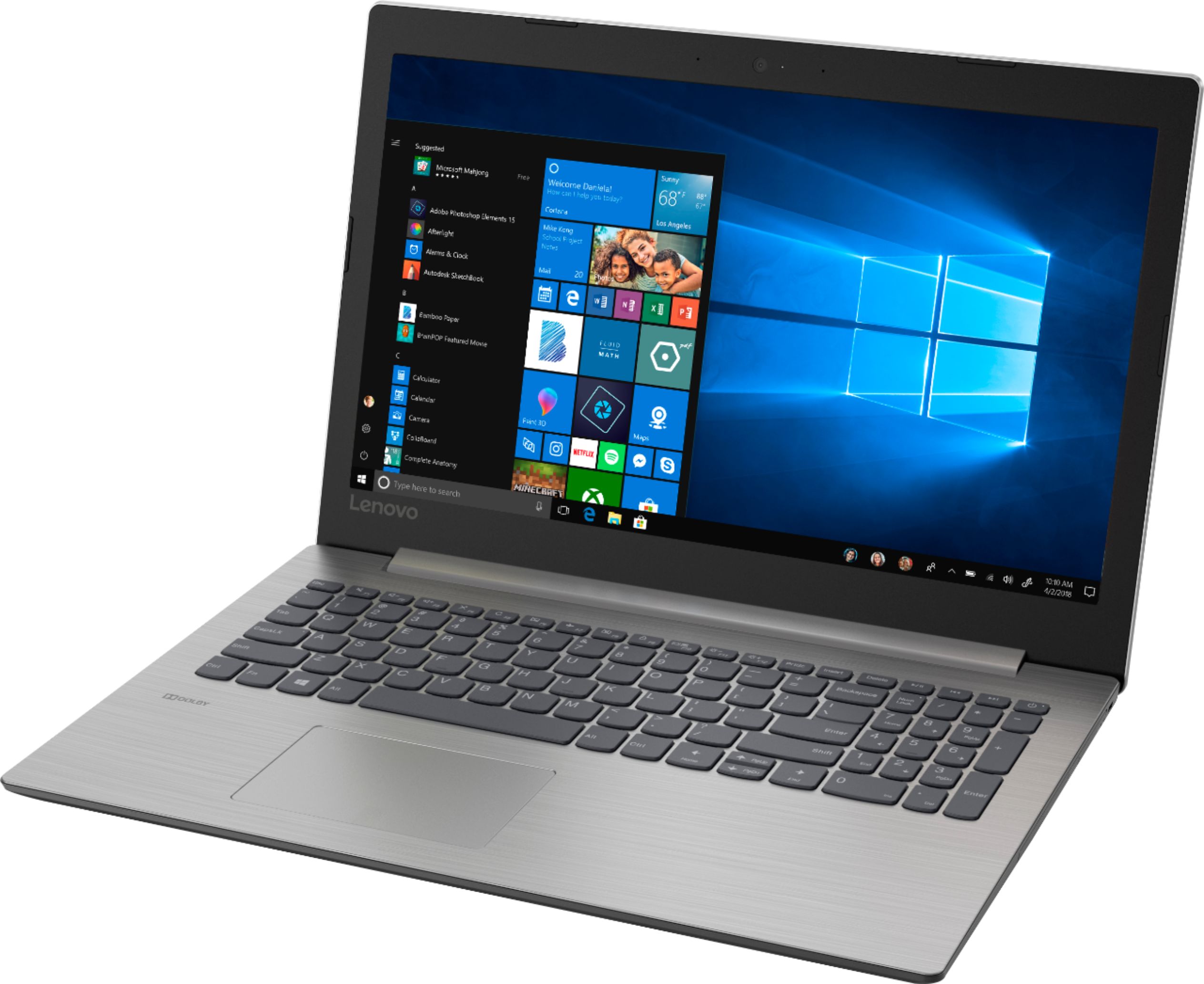
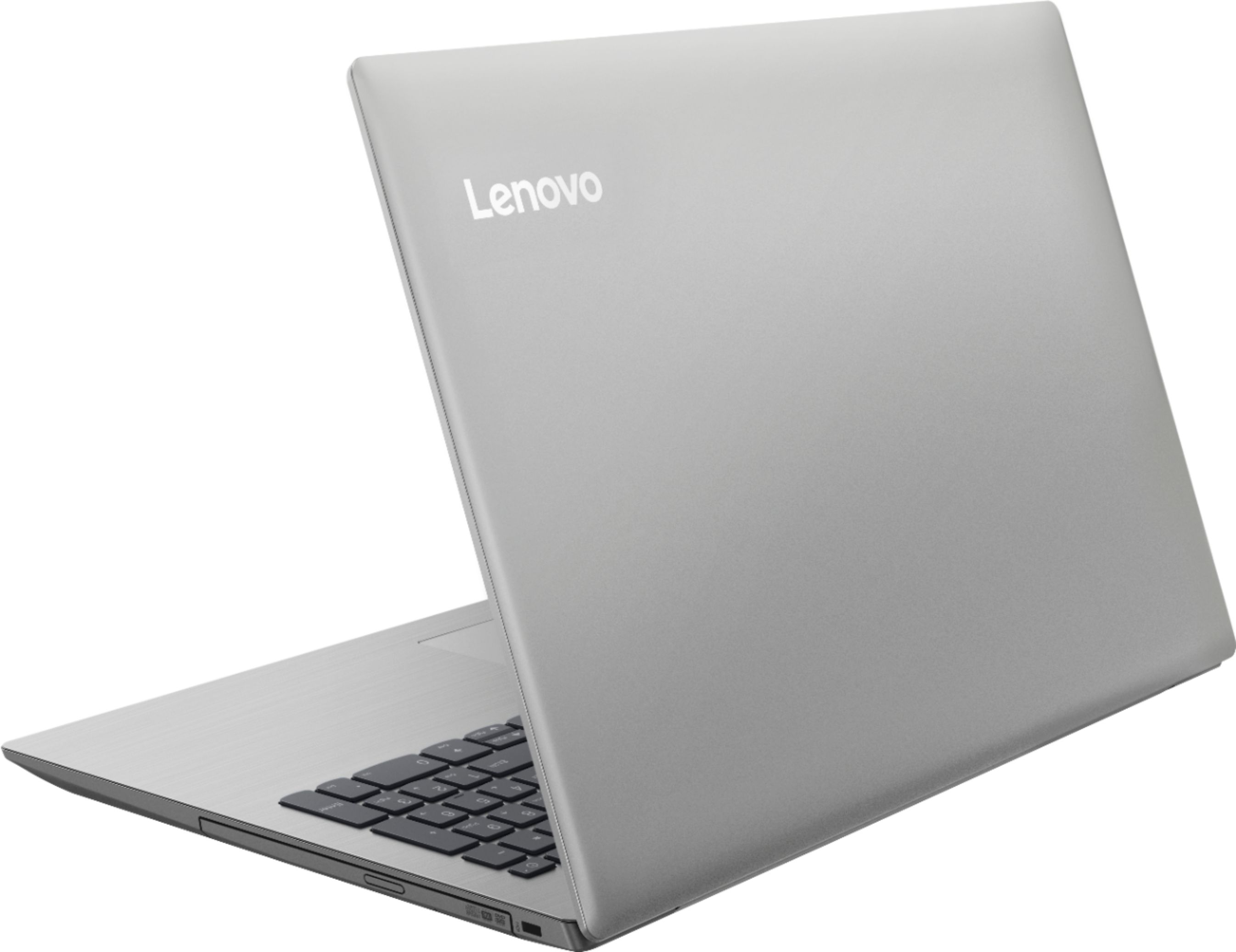





- Model:
- 81D100EDUS
- SKU:
- 6291888
Rating by feature
- Battery Life
Rating 4.2 out of 5 stars
- Speed
Rating 3.6 out of 5 stars
- Display
Rating 4.4 out of 5 stars
Customers are saying
Customers enjoy the IdeaPad 330 15.6" Laptop for its budget-friendly price, user-friendly interface, and adequate storage space. However, some users have expressed concerns about its slow performance, particularly during startup, as well as occasional freezing and crashing issues.
This summary was generated by AI based on customer reviews.
Touch Pad dont work
||Posted .This reviewer received promo considerations or sweepstakes entry for writing a review.I bought it two weeks ago , touch Pad dont work snd this product dont have international warranty. I will never buy again i Best Buy
No, I would not recommend this to a friendBrand response from Lenovo Product Expert
Posted .We are sorry to hear that you are having issues with the touchpad on your Lenovo IdeaPad 330-15 laptop. First, try tapping the HotKey in the F6 position on your keyboard. This HotKey toggles the touchpad on/off. If that does not fix the issue, the computer may need to have the operating system and the supporting software, the BIOS files and drivers, updated. You can easily do this by scanning the device with the Lenovo Utility software installed on the computer. This system has Lenovo utilities installed to help maintain the health of the device and keep the operating system software up to date. Type "Lenovo Vantage" in the Cortana Search window (if Lenovo Vantage is not installed on your device, you can download the APP and install it now). Select Lenovo Vantage from the list. In the window that opens, click on "Health and Support". In the expanded menu, select "Hardware Scan" In the window that opens, select "Run Quick Tests". This will scan your entire system for errors. Follow any directions that may pop up. If the problem continues after this scan, now click on "System Update". First select Windows update from the menu. Scan your system to be sure you have the latest version of Windows 10. Once that scan is complete, select "Additional Updates". This will scan your device to be sure there are no new BIOS/Driver updates needed. Follow any instructions that may pop up. If the issue still continues after these updates, we recommend you call Lenovo Tech Support. Check the Lenovo.com web site for your Country for the local phone number or other ways to contact Lenovo Tech Support in your Country.

Do not buy
||Posted .This reviewer received promo considerations or sweepstakes entry for writing a review.Loaded up with firmware and viruses immediately is what the young man from the Geek Squad told me when I returned it.
No, I would not recommend this to a friendBrand response from Lenovo Product Expert
Posted .The Lenovo IdeaPad 330-15 laptop, with the Intel Pentium processor model, ships with just two adware programs, a 30-day trial of Microsoft Office 365 (as part of Windows 10 operating system) and a 30-day trial of McAfee virus protection. Lenovo computers ship with one of the cleanest factory software installs within the consumer computer industry.
Slow
||Posted .This reviewer received promo considerations or sweepstakes entry for writing a review.From the start, the computer was slow to start. It"s not a good deal!
No, I would not recommend this to a friendBrand response from Lenovo Product Expert
Posted .The Lenovo IdeaPad 330-15 laptop is an entry level, light use system with its Intel Pentium processor. It is not meant for multi-tasking or demanding programs. It is good for Microsoft Office and light internet browsing. If this describes your computing needs, the IdeaPad 330-15 would be a good choice.
Small laptop and flimsy
||Posted . Owned for 5 months when reviewed.This reviewer received promo considerations or sweepstakes entry for writing a review.I expected a better product from HP. It feels like it’s going to fall apart every time I go to open it.
No, I would not recommend this to a friendHard Drive crashed
||Posted . Owned for 3 months when reviewed.This reviewer received promo considerations or sweepstakes entry for writing a review.I bought this laptop on June 13 and in less than 3 months the hard drive crashed. Very disappointed!
No, I would not recommend this to a friendBrand response from Lenovo Product Expert
Posted .The Lenovo IdeaPad 330-15 laptop, model number 81D100EDUS ships with a standard 5400 RPM hard drive. If you are having issues with the hard drive, This system should be a fast system with its Core I-5 processor and 8GB of RAM. Be sure any software you installed is compatible with Windows 10. There is no need to install Microsoft Office software. The software is already part of the operating system, you just need to activate the software with a purchased product key. If you have installed a copy of Microsoft Office, this is conflicting with the existing copy on the system and this will slow your system down. If you have installed a 3rd party anti-virus program, be sure that Windows Defender is turned off and that the trial version of McAfee Anti-Virus software is uninstalled. There can only be one anti-virus program on the system. You may need to restore your system to original factory default settings if any of the programing errors have occurred. Since you can no longer boot the computer, this system is equipped with OneKey Recovery System. There is a very small pin hole on the left side of the device, right near the SD card slot on the device. You will need a pin to push this reset button. Plug the device in. Let the battery charge for about 15 minutes. Push the reset button. The system should boot to a choice screen where you can choose "Restore To Factory Default". Select this. It will delete everything from the hard drive except the original factory install of the operating system. You will need to reinstall all programs and files after the reset. If you don't have copies of the files, try to make one before you restore by selecting "Boot to desktop" and trying to back up your files. If the problem persists after the factory reset, we recommend you contact Lenovo Tech Support at: 877-453-6686.
It sucked
||Posted .This reviewer received promo considerations or sweepstakes entry for writing a review.It started to smoke the first time I tried to go on line I had to throw it in a snow bank.
No, I would not recommend this to a friendNo Thanks
||Posted .This reviewer received promo considerations or sweepstakes entry for writing a review.Bought only for Microsoft Word for school. Processing is so slow its painful to use.
No, I would not recommend this to a friendBrand response from Lenovo Product Expert
Posted .The Lenovo IdeaPad 330-15 laptop is an entry level, light use system with its Intel Pentium processor. It is not meant for multi-tasking or demanding programs. It is good for Microsoft Office and light internet browsing. If this describes your computing needs, the IdeaPad 330-15 would be a good choice. If you are experiencing slower than anticipated performance, be sure any software you installed is compatible with Windows 10. There is no need to install Microsoft Office software. The software is already part of the operating system, you just need to activate the software with a purchased product key. If you have installed a copy of Microsoft Office, this is conflicting with the existing copy on the system and this will slow your system down. If you have installed a 3rd party anti-virus program, be sure that Windows Defender is turned off and that the trial version of McAfee Anti-Virus software is uninstalled. There can only be one anti-virus program on the system. You may need to restore your system to original factory default settings if any of the programing errors have occurred. You can do that by typing "restore" in the Cortana search window. Just click on the magnifying glass icon at the bottom left of your Windows 10 Desktop. Click on "Reset This PC" Then click on "Get Started" and follow the on screen directions to restore to factory defaults. If the problem persists, we recommend you contact Lenovo Tech Support at: 877-453-6686. For 2018, Lenovo retained its place for a second year as the best laptop vendor:
https://www.laptopmag.com/articles/laptop-brand-ratings
no so good laptop
||Posted .This reviewer received promo considerations or sweepstakes entry for writing a review.its a regular nothing fancy laptop with limited features not the greatest
No, I would not recommend this to a friendBrand response from Lenovo Product Expert
Posted .The Lenovo IdeaPad 330-15 laptop is an entry level, light use system with its Intel Pentium processor. It is not meant for multi-tasking or demanding programs. It is good for Microsoft Office and light internet browsing. If this describes your computing needs, the IdeaPad 330-15 would be a good choice. For 2018, Lenovo retained its place for a second year as the best laptop vendor:
https://www.laptopmag.com/articles/laptop-brand-ratings
Total waste: super slow, glitches
||Posted . Owned for 11 months when reviewed.This reviewer received promo considerations or sweepstakes entry for writing a review.Don’t waste your time. Honestly. You get what you pay for
No, I would not recommend this to a friendMouse pad broken
||Posted .This reviewer received promo considerations or sweepstakes entry for writing a review.The mousepad came loose and not working. Below average quality
No, I would not recommend this to a friendBrand response from Lenovo Product Expert
Posted .We are sorry to hear that you are having issues with your Lenovo IdeaPad 330-15 laptop. If the issue you describe was evident at initial opening of the sealed Lenovo box, your limited manufacturer's warranty may cover the issue. We recommend you call Lenovo Tech Support for further assistance at: 877-453-6686.
So slow
||Posted . Owned for 4 months when reviewed.This reviewer received promo considerations or sweepstakes entry for writing a review.Do not buy it. Super slow laptop with minimum capacity.
No, I would not recommend this to a friendBrand response from Lenovo Product Expert
Posted .The Lenovo IdeaPad S145-15 laptop is an entry level, light use system with its Intel Pentium processor. It is not meant for multi-tasking or demanding programs. It is good for Microsoft Office and light internet browsing. This model ships with Windows 10 S-Mode 64-bit Operating System. Windows 10 S-Mode provides added security by only allowing APPs available ( and therefore certified by Microsoft) at the Microsoft Store. If you don't need the added security or you need to install APPs not available at the Microsoft Store, you can switch to standard Windows 10 Home 64-bit Operating System, at no additional cost.
Very Slow...
||Posted .This reviewer received promo considerations or sweepstakes entry for writing a review.It’s hard to even use because the processor is so slow.
No, I would not recommend this to a friendBrand response from Lenovo Product Expert
Posted .The Lenovo IdeaPad 330-15 laptop is an entry level, light use system with its Intel Pentium processor. It is not meant for multi-tasking or demanding programs. It is good for Microsoft Office and light internet browsing. If this describes your computing needs, the IdeaPad 330-15 would be a good choice. For 2018, Lenovo retained its place for a second year as the best laptop vendor:
https://www.laptopmag.com/articles/laptop-brand-ratings
- Cons mentioned:Slow
Instant regret
Posted .This reviewer received promo considerations or sweepstakes entry for writing a review.I need a laptop to write a research paper, so using Microsoft Word is essential, as well as decent internet browsing capabilities. I will never play a game on here or install any other programs on this PC. The Lenovo is the slowest computer I have every had the displeasure to use. MS Word and the browser constantly lock up, crash, the mouse pointer and cursor fail to respond more often than not. I opened Task Manager to see what could possibly be slowing this BRAND NEW computer down, and there are some 80 programs running in the background, that may or may not be average, but I suspect the 20 or so different McAfee tasks are unnecessary. Constant advertising popups. Its a shame, because I just wanted a value, bare bones laptop to get through this paper and I can barely even type this review due to machine lag, let alone work on a paper. I will be returning it ASAP. Its such garbage, I cant even tell you. Why it has any positive reviews is beyond me.
No, I would not recommend this to a friendBrand response from Lenovo Product Expert
Posted .We are sorry to hear that you are having issues with your Lenovo IdeaPad 330-15 laptop. The pop-ups you mention in addition to the McAfee 30-day trial software that is on this computer, indicates that your 30-day trial subscription has expired. Uninstall McAfee software and either turn on Windows Defender or install your choice of 3rd party anti virus software. Here is a link to instructions for uninstalling McAfee from Windows 10: https://www.thewindowsclub.com/uninstall-mcafee-internet-security-windows. Be sure any software you installed is compatible with Windows 10. There is no need to install Microsoft Office software. The software is already part of the operating system, you just need to activate the software with a purchased product key. If you have installed a copy of Microsoft Office, this is conflicting with the existing copy on the system and this will slow your system down. If you have installed a 3rd party anti-virus program, be sure that Windows Defender is turned off and that the trial version of McAfee Anti-Virus software is uninstalled. There can only be one anti-virus program on the system. You may need to restore your system to original factory default settings if any of the programing errors have occurred. You can do that by typing "restore" in the Cortana search window. Just click on the magnifying glass icon at the bottom left of your Windows 10 Desktop. Click on "Reset This PC" Then click on "Get Started" and follow the on screen directions to restore to factory defaults. If the problem persists, we recommend you contact Lenovo Tech Support at: 877-453-6686.
Affordable Basic Laptop
Posted .This reviewer received promo considerations or sweepstakes entry for writing a review.I really want to like this machine. The pros are nice: Not too expensive, numeric keypad in addition to regular keyboard, enough RAM to run most desktop apps without excessive swapfile thrashing, and a large enough hard disk to install Windows updates without a hassle (this is a problem on budget machines with insufficient SSD storage to install updates -- don't buy any device with less than 64GB of storage, and even then...). This one has half a terabyte, so no problems. I knocked off two stars for two very serious problems: 1. There is no way to turn off 'tap to click' on the touch pad. No, seriously, there isn't. It is ruining my life. The inadvertent selection of web links, dismissing dialogs, dragging, resizing or changing window focus. Hitting OK or Cancel buttons inadvertently is extremely annoying and potentially dangerous. This is an actual bug; check out the Lenovo forums. There is no Synaptics device tab on the mouse configuration dialog, where you could disable it. Lenovo needs to fix this. I spent a whole day trying to find driver updates. There aren't any. 2. BIOS updates won't install. The Lenovo update checker says I need one, but the download or installer errors out, saying a problem occurred, but won't tell me what the problem was, so I can't address it. All in all very bad first day user experience. I really wanted to like this machine. I really did. I cannot recommend this to a friend until these problems are fixed, ideally out of the box, but at least after running system updates or downloading properly working drivers, which aren't currently available. Sorry Lenovo. No cigar.
No, I would not recommend this to a friendBrand response from Lenovo Product Expert
Posted .We are sorry to hear that you are having issues with your Lenovo IdeaPad 330-15 laptop. Regarding adjusting the touchpad, it sounds like if you adjust the sensitivity of the touchpad your issue should be resolved. You can make adjustments to the touchpad in your system settings. You can get there by clicking on the magnifying glass at the bottom left of your Windows 10 screen. Type "touchpad" in the search window. Select "Mouse & touchpad settings" from the list of choices. You can make general adjustments to the touchpad there. You can also select "Additional mouse options" for more detailed adjustments to the touchpad sensitivity by increasing the delay of the touchpad. Concerning BIOS updates, try using the Lenovo Utility software to update the BIOS software. This system has Lenovo utilities installed to help maintain the health of the device and keep the operating system software up to date. Type "Lenovo Vantage" in the Cortana Search window (if Lenovo Vantage is not installed on your device, you can download the APP and install it now). Select Lenovo Vantage from the list. In the window that opens, click on "Health and Support". In the expanded menu, select "Hardware Scan" In the window that opens, select "Run Quick Tests". This will scan your entire system for errors. Follow any directions that may pop up. If the problem continues after this scan, now click on "System Update". First select Windows update from the menu. Scan your system to be sure you have the latest version of Windows 10. Once that scan is complete, select "Additional Updates". This will scan your device to be sure there are no new BIOS/Driver updates needed. Follow any instructions that may pop up. If the issue still continues after these updates, we recommend you call Lenovo Tech Support at: 877-453-6686 for additional help.
Perfect desktop replacement
Posted .This reviewer received promo considerations or sweepstakes entry for writing a review.This an excellent value priced laptop. I bought it when my old tower PC died. It is plenty fast enough for my online classes, also using it for word processing and spreadsheets. The screen is a comfortable size and the keyboard is almost the same spacing as a full sized one. Highly recommended.
I would recommend this to a friendBrand response from Lenovo Product Expert
Posted .Thank you for choosing the Lenovo IdeaPad 330-15 laptop with Pentium processor. This is an entry level, light use system with its Intel Pentium processor. It is not meant for multi-tasking or demanding programs. It is good for Microsoft Office and light internet browsing. If this describes your computing needs, the IdeaPad 330-15 would be a good choice.
- Pros mentioned:Price
so far so good!!!
Posted .This reviewer received promo considerations or sweepstakes entry for writing a review.so far its working well. very nice laptop for the price. if anything changes I will update this review.
I would recommend this to a friendBrand response from Lenovo Product Expert
Posted .Thank you for choosing the Lenovo IdeaPad 330-15 laptop. This is an entry level, light use system with its Intel Pentium processor. It is not meant for multi-tasking or demanding programs. It is good for Microsoft Office and light internet browsing. If this describes your computing needs, the IdeaPad 330-15 would be a good choice.
- Cons mentioned:Slow
Very Slow to load
Posted .This reviewer received promo considerations or sweepstakes entry for writing a review.Slowest computer I've ever owned. It can take up to 10 minutes to load. Not compatible with Windows 11.
No, I would not recommend this to a friend Lenovo
Posted .This reviewer received promo considerations or sweepstakes entry for writing a review.This laptop was good for my art and edit it ran good enough storage
I would recommend this to a friendDecent Laptop
Posted .This reviewer received promo considerations or sweepstakes entry for writing a review.Its a pretty decent laptop for homework, web navigation and social media. Not recommended for work. If you're in a budget and need a fast computer for basic stuff this is the one!
I would recommend this to a friendBrand response from Lenovo Product Expert
Posted .Thank you for choosing the Lenovo IdeaPad 330-15 laptop. This is an entry level, light use system with its Intel Pentium processor. It is not meant for multi-tasking or demanding programs. It is good for Microsoft Office and light internet browsing. If this describes your computing needs, the IdeaPad 330-15 would be a good choice.
Everything was great but the buttons
Posted .This reviewer received promo considerations or sweepstakes entry for writing a review.It ran good except for the fact the buttons started popping off when my daughter was doing her homework
I would recommend this to a friend