Customer Ratings & Reviews
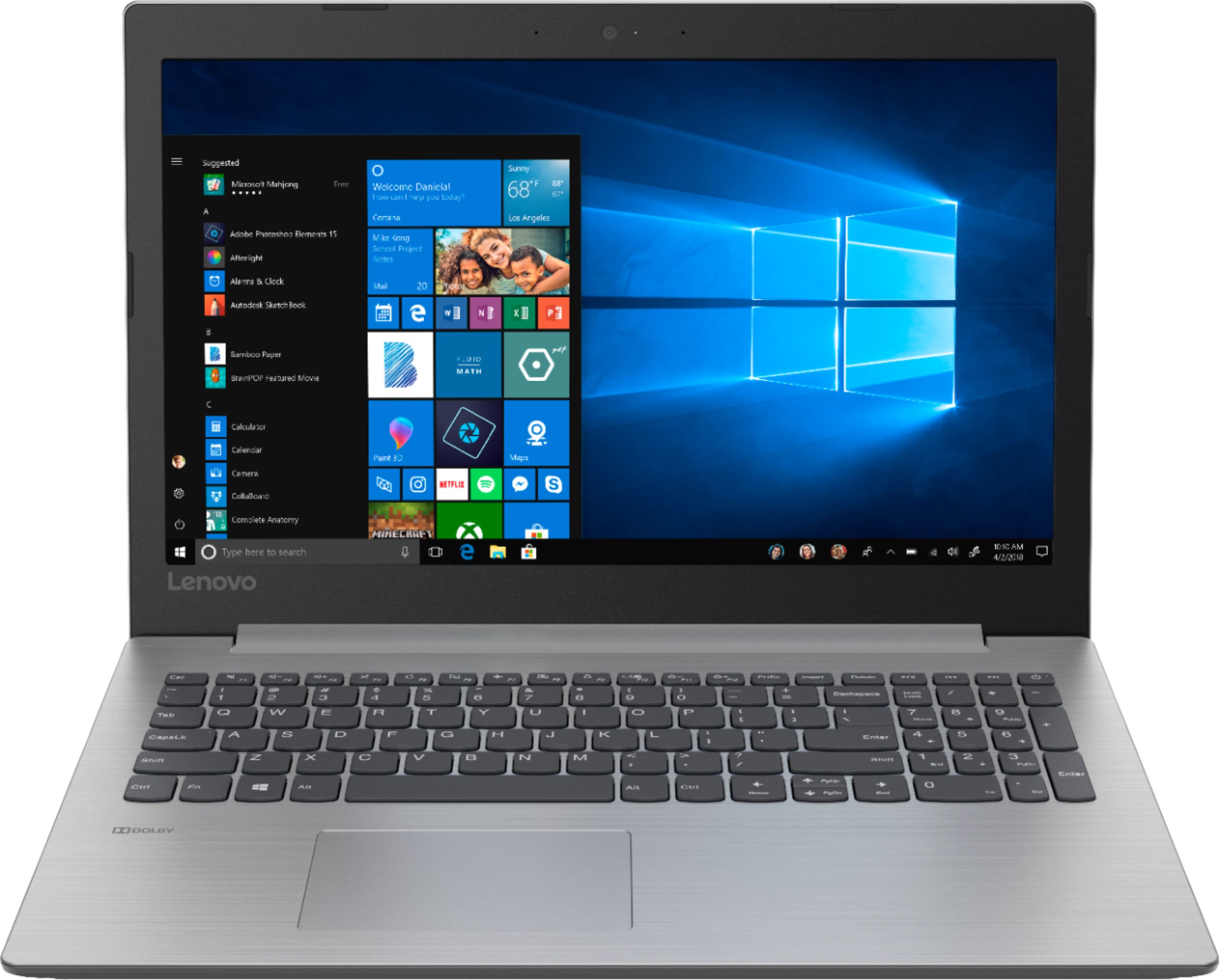
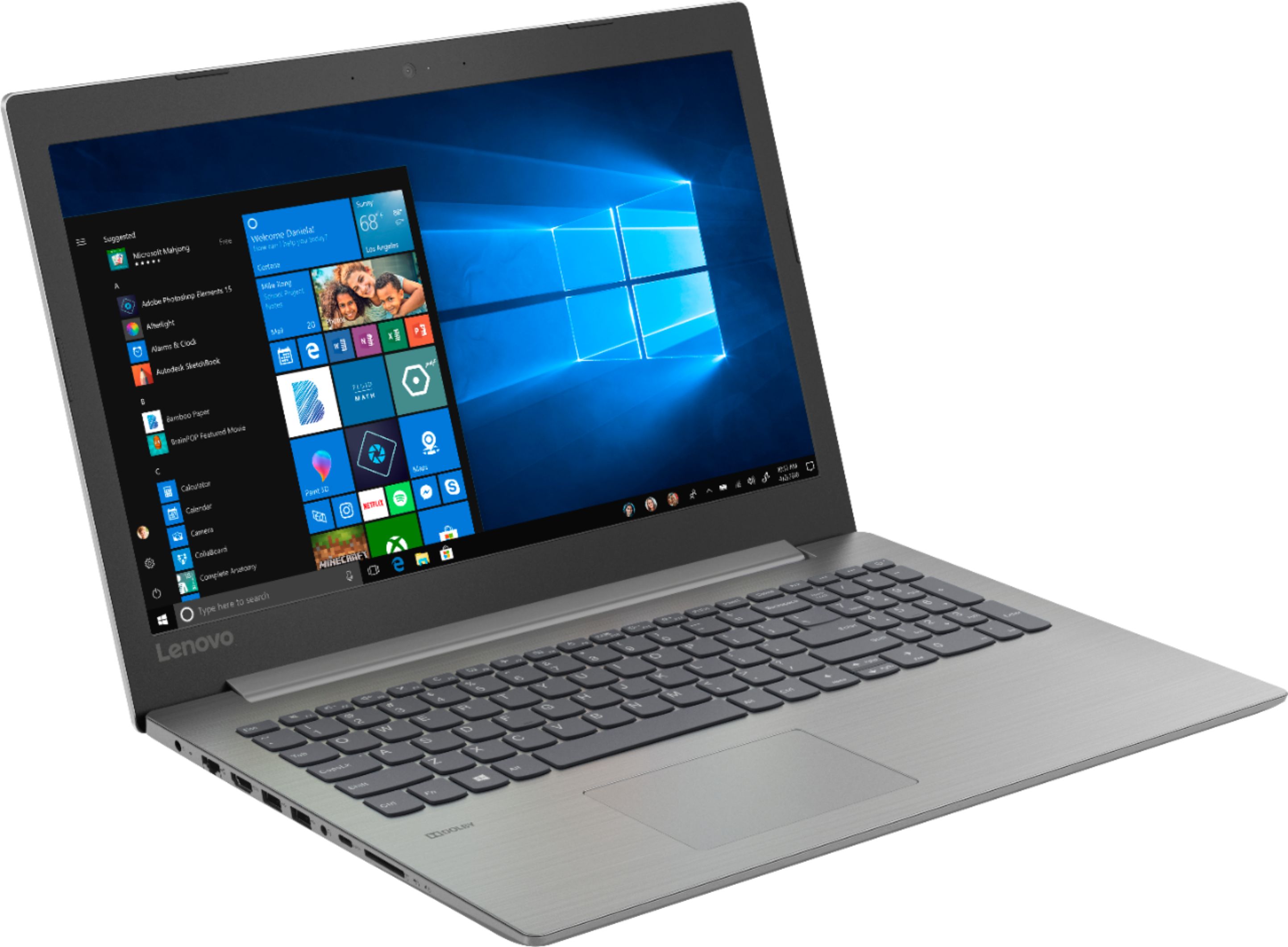
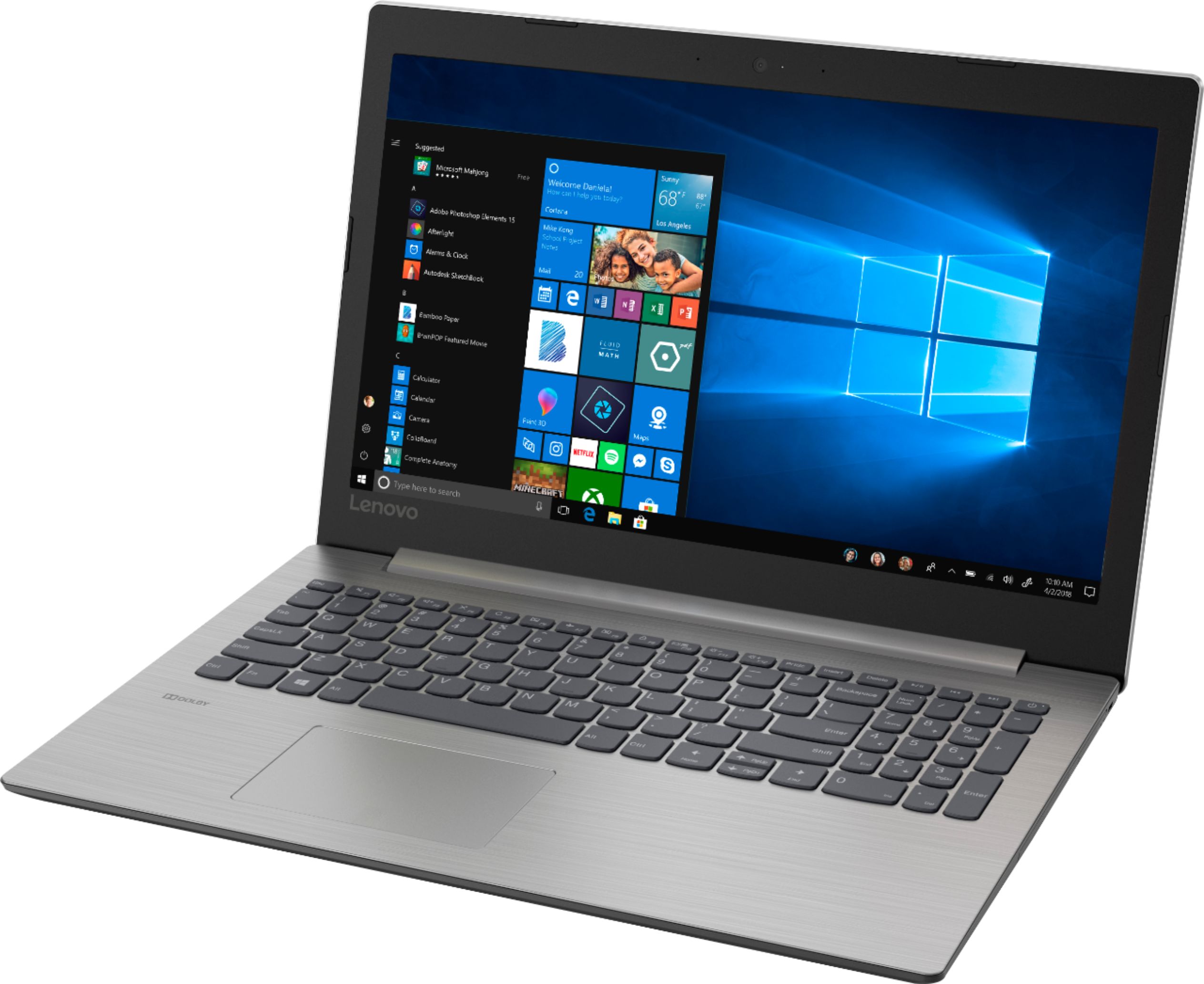
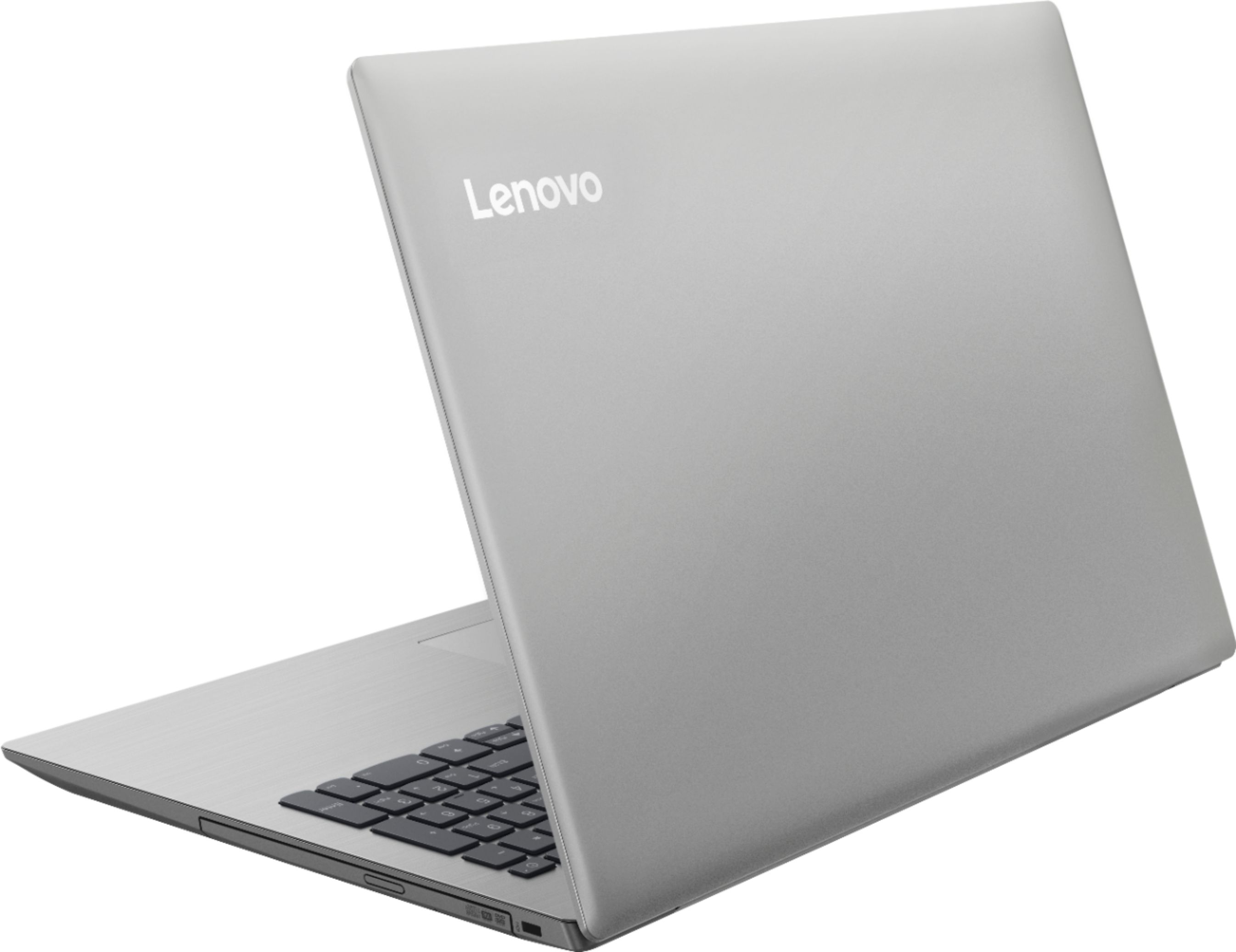



- Model:
- 81D100EDUS
- SKU:
- 6291888
Rating by feature
- Battery Life
Rating 4.2 out of 5 stars
- Speed
Rating 3.6 out of 5 stars
- Display
Rating 4.4 out of 5 stars
Customers are saying
Customers enjoy the IdeaPad 330 15.6" Laptop for its budget-friendly price, user-friendly interface, and adequate storage space. However, some users have expressed concerns about its slow performance, particularly during startup, as well as occasional freezing and crashing issues.
This summary was generated by AI based on customer reviews.
- Cons mentioned:Slow
Horrible Computer
Posted .This reviewer received promo considerations or sweepstakes entry for writing a review.This computer is very slow! When I say slow I mean very slow! I purchased this computer less than a day ago and it was not worth it. When trying to exit out of programs or going to another webpage it takes forever. If you do light browsing and just surf the web this computer would be perfect for you. Would not recommend writing a paper or handling business related things.
No, I would not recommend this to a friendBrand response from Lenovo Product Expert
Posted .This is an entry level, light use system with its Intel Pentium processor. It is not meant for multi-tasking or demanding programs. It is good for Microsoft Office and light internet browsing. If this describes your computing needs, the IdeaPad 330-15 would be a good choice. Be sure any software you installed is compatible with Windows 10. There is no need to install Microsoft Office software. The software is already part of the operating system, you just need to activate the software with a purchased product key. If you have installed a copy of Microsoft Office, this is conflicting with the existing copy on the system and this will slow your system down. If you have installed a 3rd party anti-virus program, be sure that Windows Defender is turned off and that the trial version of McAfee Anti-Virus software is uninstalled. There can only be one anti-virus program on the system. You may need to restore your system to original factory default settings if any of the programing errors have occurred. You can do that by typing "restore" in the Cortana search window. Just click on the magnifying glass icon at the bottom left of your Windows 10 Desktop. Click on "Reset This PC" Then click on "Get Started" and follow the on screen directions to restore to factory defaults. If the problem persists, we recommend you contact Lenovo Tech Support at: 877-453-6686.

- Cons mentioned:Slow
Disappointed......
Posted .This reviewer received promo considerations or sweepstakes entry for writing a review.Was enthused after reading the positive reviews, and seeing the sale price. However, I found this system to be very very slow and pretty clunky. I have learned a lesson and will be purchasing only SSD drives from now on. Sorry to say I will be returning it tomorrow.
No, I would not recommend this to a friendBrand response from Lenovo Product Expert
Posted .The Lenovo IdeaPad 330-15 laptop is an entry level, light use system with its Intel Pentium processor. It is not meant for multi-tasking or demanding programs. It is good for Microsoft Office and light internet browsing. If this describes your computing needs, the IdeaPad 330-15 would be a good choice.
Big Mistake!
Posted .This reviewer received promo considerations or sweepstakes entry for writing a review.I got this laptop because it had what I needed vs the chromebook that I foolishly returned. The Lenovo ideapad has a slow start and its difficult to navigate through. Trying to get from one web page to another is no easy task. I often get this box asking if I want to open in a new window?, etc. I can't exit out of a page without having to click the x a few times or pressing the enter button from my key pad. And there's other issues as well that I don't like. I would recommend the chrombook if you don't need windows 10. I may return to the chrombook or another brand soon.
No, I would not recommend this to a friendBrand response from Lenovo Product Expert
Posted .We are sorry to hear you are having issues with your Lenovo IdeaPad 330-15 laptop. Based on the description of the issues you are experiencing, be sure any software you installed is compatible with Windows 10. There is no need to install Microsoft Office software. The software is already part of the operating system, you just need to activate the software with a purchased product key. If you have installed a copy of Microsoft Office, this is conflicting with the existing copy on the system and this will slow your system down. If you have installed a 3rd party anti-virus program, be sure that Windows Defender is turned off and that the trial version of McAfee Anti-Virus software is uninstalled. There can only be one anti-virus program on the system. You may need to restore your system to original factory default settings if any of the programing errors have occurred. You can do that by typing "restore" in the Cortana search window. Just click on the magnifying glass icon at the bottom left of your Windows 10 Desktop. Click on "Reset This PC" Then click on "Get Started" and follow the on screen directions to restore to factory defaults. If the problem persists, we recommend you contact Lenovo Tech Support at: 877-453-6686.
Lenovo continues with quality hardware
Posted .This reviewer received promo considerations or sweepstakes entry for writing a review.Pop a 120gb SSD in here and this becomes a really great machine. Production quality of housing materials & circuit boards are also far beyond that of many other brands in this price category.
I would recommend this to a friendBrand response from Lenovo Product Expert
Posted .The Lenovo IdeaPad 330-15 laptop is an entry level, light use system with its Intel Pentium processor. It is not meant for multi-tasking or demanding programs. It is good for Microsoft Office and light internet browsing. If this describes your computing needs, the IdeaPad 330-15 would be a good choice.
Blue screen of death within 2 hours of use.
Posted .This reviewer received promo considerations or sweepstakes entry for writing a review.Bought this Lenovo laptop as a student computer to write papers and light internet use. After researching and reading reviews, I knew going into it, this computer was slower than most and didn’t expect it to be a top notch system. However, I also expected it to last longer than 2 hours. After feeling things out for a bit, I found it satisfactory for my needs. Windows suggested an update before shutting down and now it won’t boot up. “Blue screen of death” noting a “Bad System Config”. Not worth the time talking to tech support. Returning this laptop immediately. *Unrelated side note - 2 years ago I purchased an HP laptop from Best Buy that failed to boot up right out of the box.
No, I would not recommend this to a friendBrand response from Lenovo Product Expert
Posted .We are sorry to hear that you are having issues with your Lenovo IdeaPad 330-15. Be sure any software you installed is compatible with Windows 10. There is no need to install Microsoft Office software. The software is already part of the operating system, you just need to activate the software with a purchased product key. If you have installed a copy of Microsoft Office, this is conflicting with the existing copy on the system and this will slow your system down. If you have installed a 3rd party anti-virus program, be sure that Windows Defender is turned off and that the trial version of McAfee Anti-Virus software is uninstalled. There can only be one anti-virus program on the system. You may need to restore your system to original factory default settings if any of the programing errors have occurred. Since your computer will no longer boot so you can reset the device to original factory settings, this system is equipped with OneKey Recovery System. There is a very small pin hole on the left side of the device, right near the SD card slot on the device. You will need a pin to push this reset button. Plug the device in. Let the battery charge for about 15 minutes. Push the reset button. The system should boot to a choice screen where you can choose "Restore To Factory Default". Select this. It will delete everything from the hard drive except the original factory install of the operating system. You will need to reinstall all programs and files after the reset. If you don't have copies of the files, try to make one before you restore by selecting "Boot to desktop" and trying to back up your files. If the problem persists after the factory reset, we recommend you contact Lenovo Tech Support at: 877-453-6686.
Basic but useful
Posted .This reviewer received promo considerations or sweepstakes entry for writing a review.Laptop is great for my basic needs. Used for typical home requirements,
I would recommend this to a friend- Cons mentioned:Slow
SLOW
Posted .This reviewer received promo considerations or sweepstakes entry for writing a review.This computer is the slowest I have ever used. Very disappointed.
No, I would not recommend this to a friendBrand response from Lenovo Product Expert
Posted .The Lenovo IdeaPad 330-15 laptop is an entry level, light use system with its Intel Pentium processor. It is not meant for multi-tasking or demanding programs. It is good for Microsoft Office and light internet browsing. If this describes your computing needs, the IdeaPad 330-15 would be a good choice.
You get what you pay for
Posted .This reviewer received promo considerations or sweepstakes entry for writing a review.Intermittently unable to connect to internet. I called Lenovo and they told me to send it in for repairs. What a comedian. I had it for less than 12 hours. Nothing had been installed in it. I have tried connecting into best buy wifi as well as 2 other routers. Many other computers connected to those same routers work. Its going back to best buy tomorrow first thing. Lenovo never again.
No, I would not recommend this to a friendBrand response from Lenovo Product Expert
Posted .The Lenovo IdeaPad 330-15 laptop ships with the latest 5G 802.11AC frequency WiFi. Be sure your router has the latest firmware updates available at the router manufacturer's web site. If the problem persists, we recommend you call Lenovo Tech Support at: 877-453-6686.