Customer Ratings & Reviews
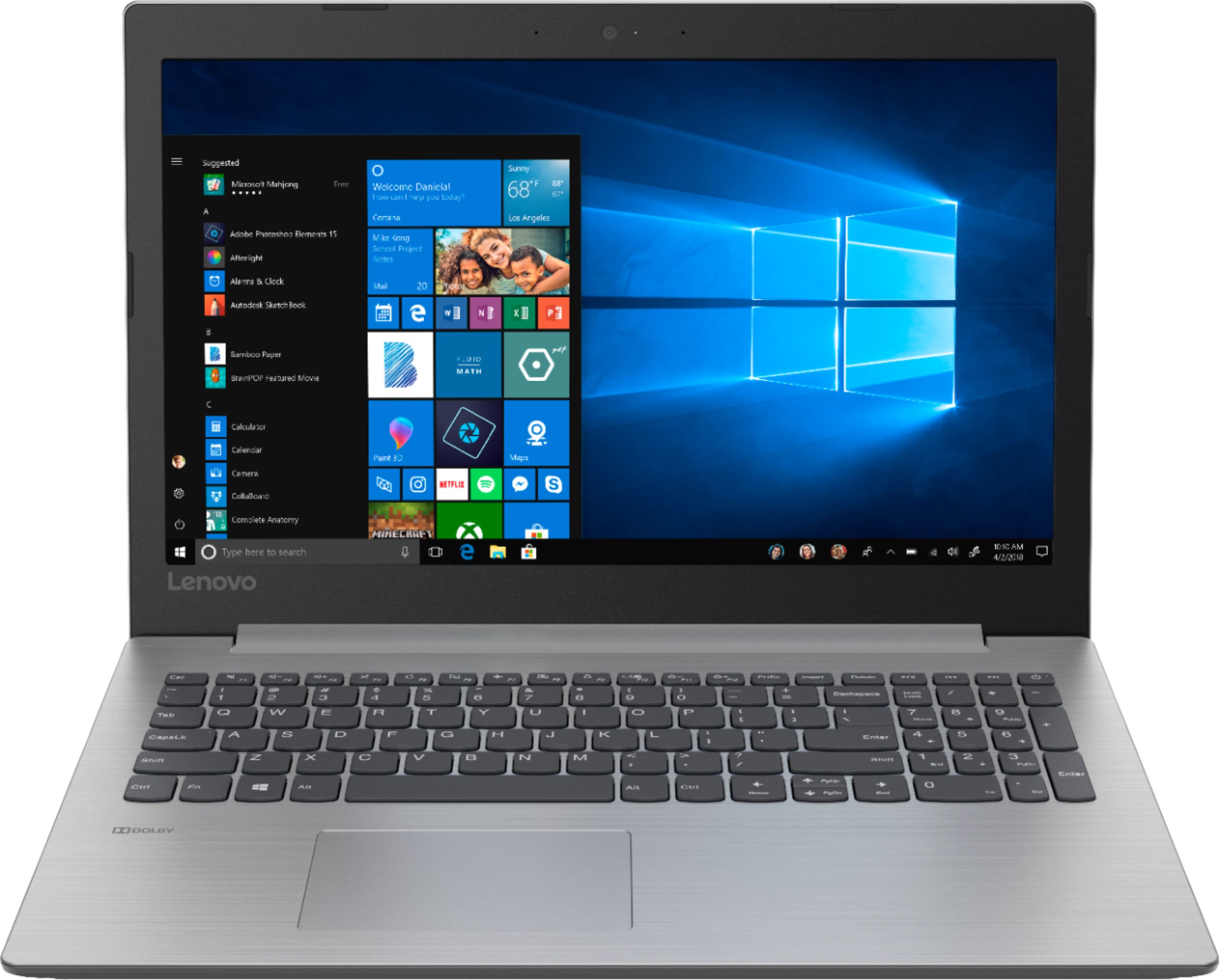
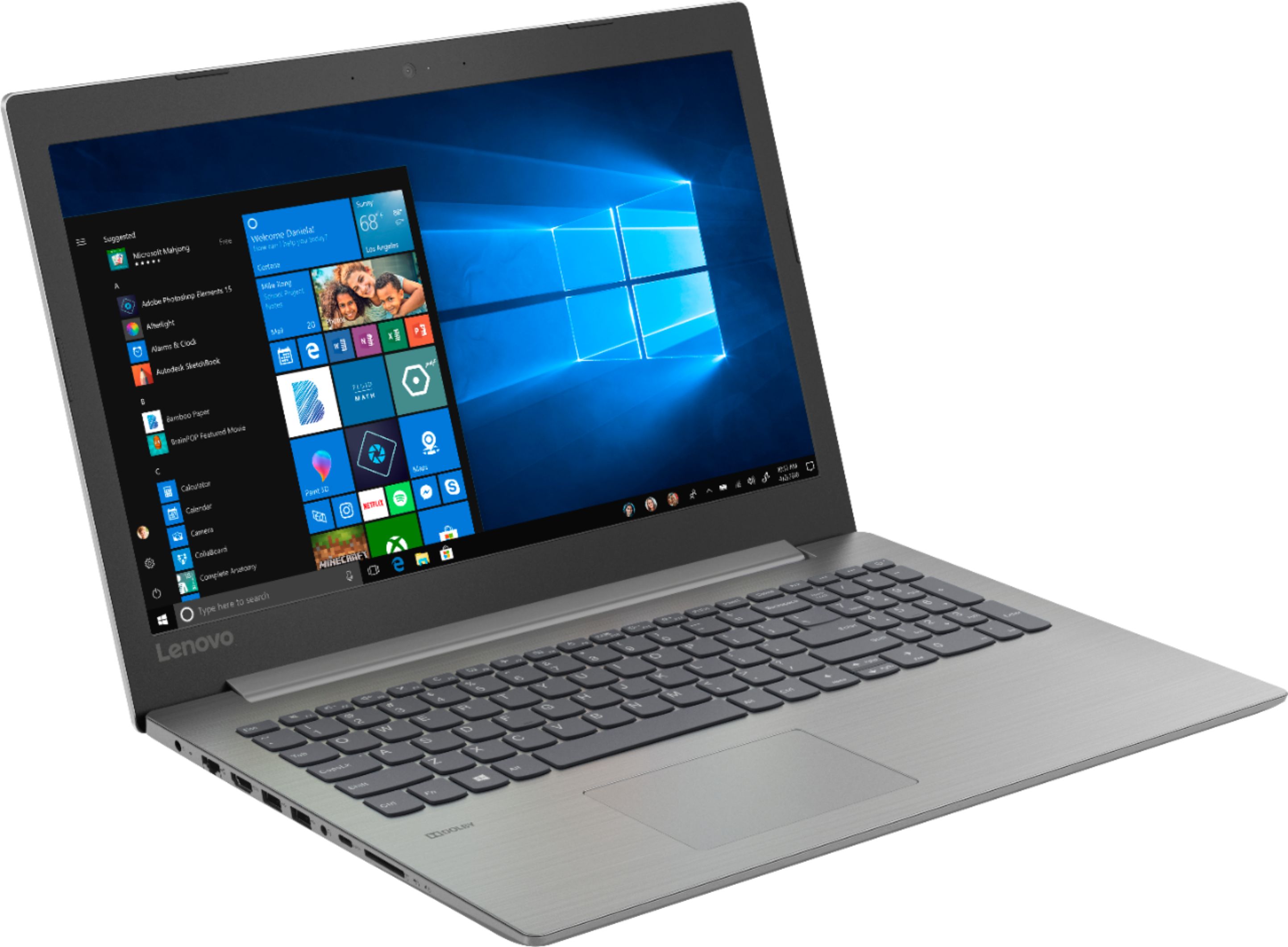
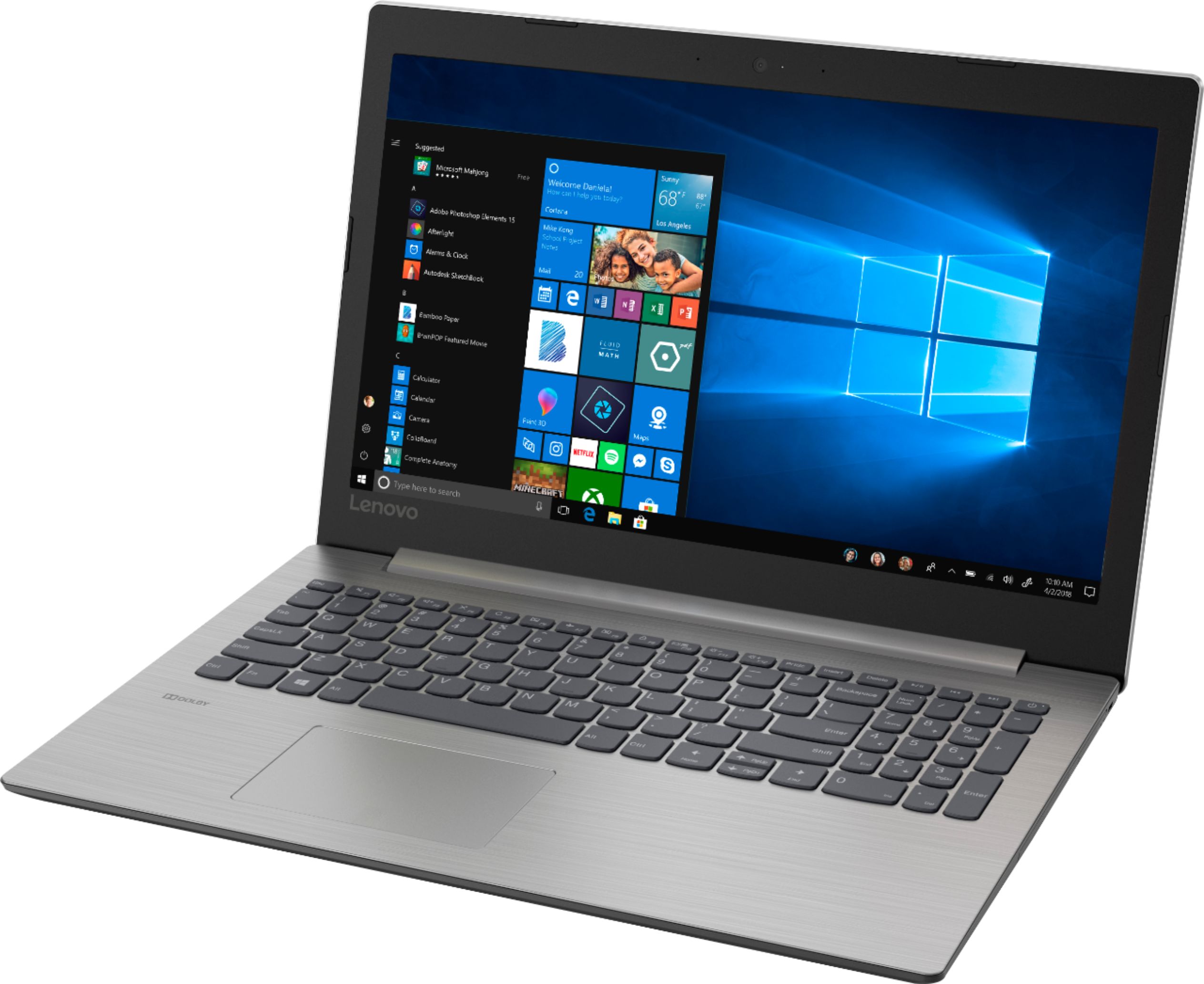
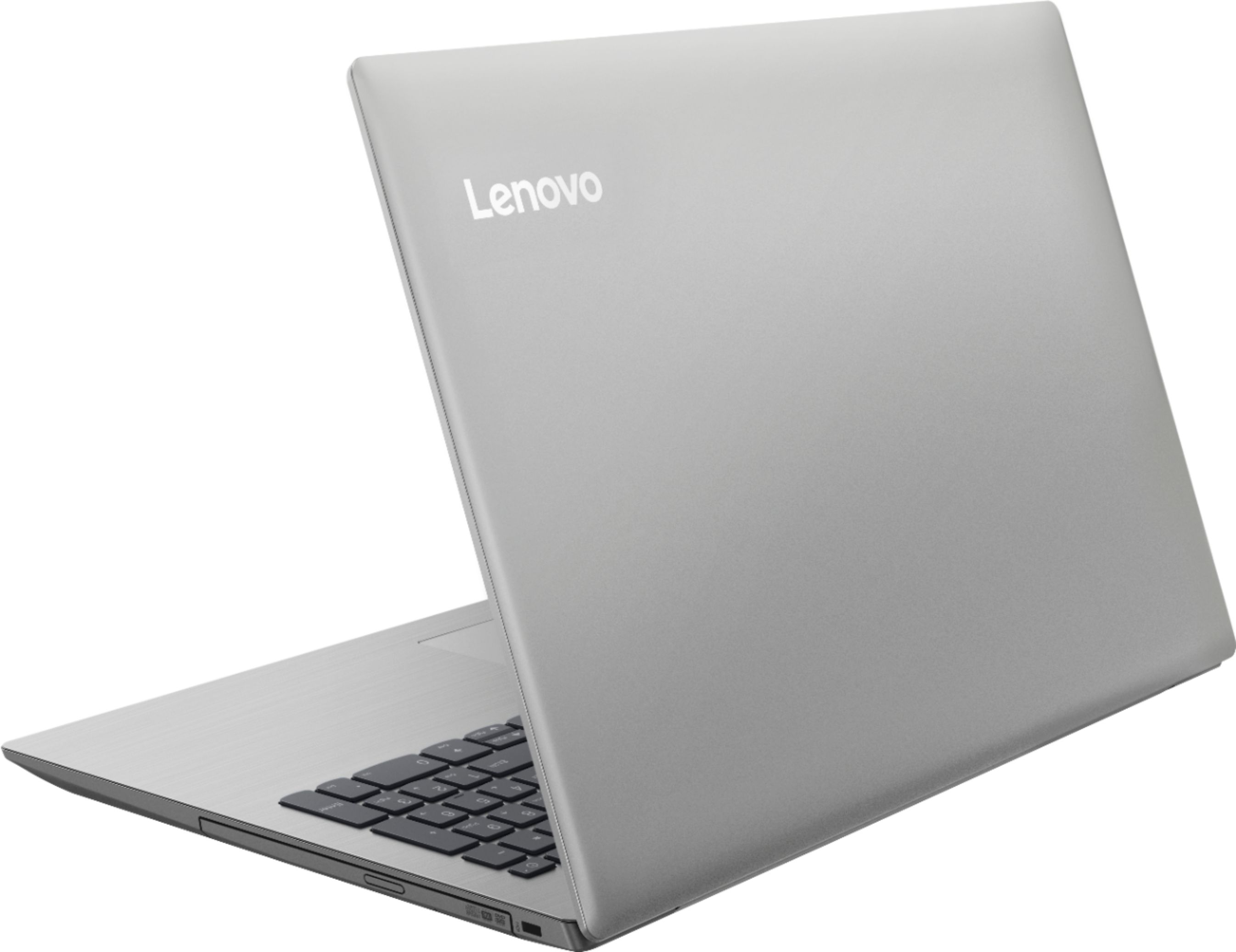





- Model:
- 81D100EDUS
- SKU:
- 6291888
Rating by feature
- Battery Life
Rating 4.2 out of 5 stars
- Speed
Rating 3.6 out of 5 stars
- Display
Rating 4.4 out of 5 stars
Customers are saying
Customers enjoy the IdeaPad 330 15.6" Laptop for its budget-friendly price, user-friendly interface, and adequate storage space. However, some users have expressed concerns about its slow performance, particularly during startup, as well as occasional freezing and crashing issues.
This summary was generated by AI based on customer reviews.
- Cons mentioned:Slow
Computer
||Posted . Owned for 1.5 years when reviewed.This reviewer received promo considerations or sweepstakes entry for writing a review.I’ve only had this for a little over a year and it was slower then ever to where I needed to wipe my whole computer and start all over.
I would recommend this to a friend - Cons mentioned:Freeze
Works as advertised
||Posted .This reviewer received promo considerations or sweepstakes entry for writing a review.This laptop works as advertised. Don't expect too much from it. This is mediocre at best. Sometimes freezes during installation even with nothing installed yet.
I would recommend this to a friendBrand response from Lenovo Product Expert
Posted .The Lenovo IdeaPad 330-15 laptop is an entry level, light use system with its Intel Pentium processor. It is not meant for multi-tasking or demanding programs. It is good for Microsoft Office and light internet browsing. If this describes your computing needs, the IdeaPad 330-15 would be a good choice. This configuration should not freeze. Be sure any software you installed is compatible with Windows 10. There is no need to install Microsoft Office software. The software is already part of the operating system, you just need to activate the software with a purchased product key. If you have installed a copy of Microsoft Office, this is conflicting with the existing copy on the system and this will slow your system down. If you have installed a 3rd party anti-virus program, be sure that Windows Defender is turned off and that the trial version of McAfee Anti-Virus software is uninstalled. There can only be one anti-virus program on the system. You may need to restore your system to original factory default settings if any of the programing errors have occurred. You can do that by typing "restore" in the Cortana search window. Just click on the magnifying glass icon at the bottom left of your Windows 10 Desktop. Click on "Reset This PC" Then click on "Get Started" and follow the on screen directions to restore to factory defaults. If the problem persists, we recommend you contact Lenovo Tech Support at: 877-453-6686.

- Pros mentioned:Easy to use
Great basic laptop
||Posted .This reviewer received promo considerations or sweepstakes entry for writing a review.I was looking for something basic and inexpensive and this turned out to be a great laptop. Love that it is super thin.
I would recommend this to a friendBrand response from Lenovo Product Expert
Posted .Thank you for choosing the lenovo IdeaPad 330-15 laptop. This is an entry level, light use system with its Intel Pentium processor. It is not meant for multi-tasking or demanding programs. It is good for Microsoft Office and light internet browsing. If this describes your computing needs, the IdeaPad 330-15 would be a good choice.
- Pros mentioned:Easy to use
Lovely laptop
||Posted .This reviewer received promo considerations or sweepstakes entry for writing a review.Great laptop for home or office use. It’s very inexpensive and affordable. Runs very smoothly with no interruptions.
I would recommend this to a friendBrand response from Lenovo Product Expert
Posted .Thank you for choosing the Lenovo IdeaPad 330-15 laptop. We are pleased to hear that the value and performance of the IdeaPad 330-15 meets your computing needs so well. This is an entry level, light use system with its Intel Pentium processor. It is not meant for multi-tasking or demanding programs. It is good for Microsoft Office and light internet browsing. If this describes your computing needs, the IdeaPad 330-15 would be a good choice. For 2018, Lenovo retained its place for a second year as the best laptop vendor:
https://www.laptopmag.com/articles/laptop-brand-ratings
- Cons mentioned:Slow
Average laptop
||Posted .This reviewer received promo considerations or sweepstakes entry for writing a review.It’s not fast, but for the price it’s alright. Just do all the updates on it, and change battery settings to High performance to try to get more out of it.
I would recommend this to a friendBrand response from Lenovo Product Expert
Posted .The Lenovo IdeaPad 330-15 laptop is an entry level, light use system with its Intel Pentium processor. It is not meant for multi-tasking or demanding programs. It is good for Microsoft Office and light internet browsing. If this describes your computing needs, the IdeaPad 330-15 would be a good choice. For 2018, Lenovo retained its place for a second year as the best laptop vendor:
https://www.laptopmag.com/articles/laptop-brand-ratings
- Pros mentioned:Price
Great College Laptop
||Posted .This reviewer received promo considerations or sweepstakes entry for writing a review.I’m a college student and didn’t have a huge budget, this laptop was perfect for all my classes and at a cheap price.
I would recommend this to a friendBrand response from Lenovo Product Expert
Posted .Thank you for choosing the lenovo IdeaPad 330-15 laptop. We are pleased to hear that the value and performance of the IdeaPad 330-15 meets your computing needs so well. This is an entry level, light use system with its Intel Pentium processor. It is not meant for multi-tasking or demanding programs. It is good for Microsoft Office and light internet browsing. If this describes your computing needs, the IdeaPad 330-15 would be a good choice.
- Pros mentioned:Easy to use
Great for working my side business
||Posted .This reviewer received promo considerations or sweepstakes entry for writing a review.This is a great computer easy to figure out. Helps me with my side business and its great for getting on the internet
I would recommend this to a friendBrand response from Lenovo Product Expert
Posted .Thank you for choosing the Lenovo IdeaPad 330-15 laptop. This is an entry level, light use system with its Intel Pentium processor. It is not meant for multi-tasking or demanding programs. It is good for Microsoft Office and light internet browsing. If this describes your computing needs, the IdeaPad 330-15 would be a good choice.
- Cons mentioned:Slow
Criminally slow
||Posted .This reviewer received promo considerations or sweepstakes entry for writing a review.Attracted by the decent price, I’ll admit that I was warned of this laptop being a “functional user” oriented product. But I could never have guessed just how slow this machine runs. It struggles to run its own OS (Windows 10 Home), with the start menu taking several seconds to load after the windows key is pressed. Beyond one Edge tab OR one Office app open at the same time, this laptop pretty much bricks. I’m returning it and getting an actual laptop as soon as I can.
No, I would not recommend this to a friendBrand response from Lenovo Product Expert
Posted .The Lenovo IdeaPad 330-15 laptop with the Intel Pentium processor will boot from off to the Windows 10 desktop in less than 40 seconds. Be sure any software you installed is compatible with Windows 10 and this specific device configuration. There is no need to install Microsoft Office software. The software is already part of the operating system, you just need to activate the software with a purchased product key. If you have installed a copy of Microsoft Office, this is conflicting with the existing copy on the system and this will slow your system down. If you have installed a 3rd party anti-virus program, be sure that Windows Defender is turned off and that the trial version of McAfee Anti-Virus software is uninstalled. There can only be one anti-virus program on the system. You may need to restore your system to original factory default settings if any of the programing errors have occurred. You can do that by typing "restore" in the Cortana search window. Just click on the magnifying glass icon at the bottom left of your Windows 10 Desktop. Click on "Reset This PC" Then click on "Get Started" and follow the on screen directions to restore to factory defaults. If the problem persists, we recommend you contact Lenovo Tech Support at: 877-453-6686.
Good value, entry level laptop
||Posted .This reviewer received promo considerations or sweepstakes entry for writing a review.The laptop is reasonably priced and deliveries adequate performance for my needs. I am not a gamer but use the pc for general emails and surfing the web. It has a clean design and has a good battery.
I would recommend this to a friendBrand response from Lenovo Product Expert
Posted .Thank you for choosing the lenovo IdeaPad 330-15 laptop. This is an entry level, light use system with its Intel Pentium processor. It is not meant for multi-tasking or demanding programs. It is good for Microsoft Office and light internet browsing. If this describes your computing needs, the IdeaPad 330-15 would be a good choice.
A really decent laptop for the buck.
||Posted .This reviewer received promo considerations or sweepstakes entry for writing a review.It has a very large screen and it picture is on the money, very clear. The keyboard seems well constructed. The case all this sits in seems rugged and not flimsy. I would buy another one for sure. The only issue I did notice is playing a DVD was I couldnt make it go to a complet whole screen, I am still playing with the setting on that. It has blue tooth and it connects very easy and fast. Also a hdmi port so it can be put on the big screen if you desire.
I would recommend this to a friendBrand response from Lenovo Product Expert
Posted .Thank you for choosing the lenovo IdeaPad 330-15 laptop. With regard to the DVD video not playing in full screen, this is a function of the Media Player software you are using. Check with settings within the Media Player software. The Lenovo IdeaPad 330-15 laptop is an entry level, light use system with its Intel Pentium processor. It is not meant for multi-tasking or demanding programs. It is good for Microsoft Office and light internet browsing. If this describes your computing needs, the IdeaPad 330-15 would be a good choice.
what i was looking for
||Posted .This reviewer received promo considerations or sweepstakes entry for writing a review.its what I was looking for watching videos and internet browseing lots of space to save my files on easy to use
I would recommend this to a friendBrand response from Lenovo Product Expert
Posted .Thank you for choosing the Lenovo IdeaPad 330-15 laptop. We are pleased to hear that the IdeaPad 330-15 meets your computing needs so well. This is an entry level, light use system with its Intel Pentium processor. It is not meant for multi-tasking or demanding programs. It is good for Microsoft Office and light internet browsing. If this describes your computing needs, the IdeaPad 330-15 would be a good choice.
- Pros mentioned:Screen sizeCons mentioned:Performance
Ok for a child
||Posted .This reviewer received promo considerations or sweepstakes entry for writing a review.Wasn’t what I expected. Although the screen size was clear & nice size. The computer ran Slow. I had to return
No, I would not recommend this to a friendBrand response from Lenovo Product Expert
Posted .The Lenovo IdeaPad 330-15 laptop is an entry level, light use system with its Intel Pentium processor. It is not meant for multi-tasking or demanding programs. It is good for Microsoft Office and light internet browsing. If this describes your computing needs, the IdeaPad 330-15 would be a good choice.
Great price
||Posted . Owned for more than 2 years when reviewed.This reviewer received promo considerations or sweepstakes entry for writing a review.Light weight and good size for my needs. Quality is good for my light duty needs.
I would recommend this to a friend- Pros mentioned:Easy to use
Serviceable - Good value.
||Posted .This reviewer received promo considerations or sweepstakes entry for writing a review.I only paid $229 for a 15” laptop so I wasn’t expecting much. This seems to be a serviceable computer, nothing special but good value for the price.
I would recommend this to a friendBrand response from Lenovo Product Expert
Posted .The Lenovo IdeaPad 330-15 laptop is an entry level, light use system with its Intel Pentium processor. It is not meant for multi-tasking or demanding programs. It is good for Microsoft Office and light internet browsing. If this describes your computing needs, the IdeaPad 330-15 would be a good choice.
- Pros mentioned:Gaming
Excellent
||Posted . Owned for 1 year when reviewed.This reviewer received promo considerations or sweepstakes entry for writing a review.We purchased this as a gaming computer for my son. It's excellent! I definitely recommend it!
I would recommend this to a friend - Pros mentioned:Price
Great computer
||Posted .This reviewer received promo considerations or sweepstakes entry for writing a review.Guess by provides great models at great prices in all different types of computers this was an excellent by
I would recommend this to a friendBrand response from Lenovo Product Expert
Posted .Thank you for choosing the Lenovo IdeaPad 330-15 laptop. This is an entry level, light use system with its Intel Pentium processor. It is not meant for multi-tasking or demanding programs. It is good for Microsoft Office and light internet browsing. If this describes your computing needs, the IdeaPad 330-15 would be a good choice.
- Cons mentioned:Slow
Good...
||Posted .This reviewer received promo considerations or sweepstakes entry for writing a review.I’ve tried this but it is too slow. However, if you are in a tight budget and you don’t mind the starting time at all, this might be for you.
No, I would not recommend this to a friendBrand response from Lenovo Product Expert
Posted .The Lenovo IdeaPad 330-15 laptop will boot from off to the Windows 10 desktop in less than 40 seconds. If you are experiencing slower performance, be sure any software you installed is compatible with Windows 10. There is no need to install Microsoft Office software. The software is already part of the operating system, you just need to activate the software with a purchased product key. If you have installed a copy of Microsoft Office, this is conflicting with the existing copy on the system and this will slow your system down. If you have installed a 3rd party anti-virus program, be sure that Windows Defender is turned off and that the trial version of McAfee Anti-Virus software is uninstalled. There can only be one anti-virus program on the system. You may need to restore your system to original factory default settings if any of the programing errors have occurred. You can do that by typing "restore" in the Cortana search window. Just click on the magnifying glass icon at the bottom left of your Windows 10 Desktop. Click on "Reset This PC" Then click on "Get Started" and follow the on screen directions to restore to factory defaults. If the problem persists, we recommend you contact Lenovo Tech Support at: 877-453-6686. For 2018, Lenovo retained its place for a second year as the best laptop vendor:
https://www.laptopmag.com/articles/laptop-brand-ratings
Nice Buy
||Posted .This reviewer received promo considerations or sweepstakes entry for writing a review.I thought this was a very good economical purchase. Great price, laptop works great for all my needs. I would recommend this to any that needs a decent laptop to do a little work at home
I would recommend this to a friendBrand response from Lenovo Product Expert
Posted .Thank you for choosing the Lenovo IdeaPad 330-15 laptop. We are pleased to hear that the IdeaPad 330-15 meets your computing needs so well. This is an entry level, light use system with its Intel Pentium processor. It is not meant for multi-tasking or demanding programs. It is good for Microsoft Office and light internet browsing. If this describes your computing needs, the IdeaPad 330-15 would be a good choice. For 2018, Lenovo retained its place for a second year as the best laptop vendor:
https://www.laptopmag.com/articles/laptop-brand-ratings
- Cons mentioned:Performance
Very slow
||Posted .This reviewer received promo considerations or sweepstakes entry for writing a review.Overall a nice computer, but it's very slow. Knowing what I know now, I would not have purchased it.
No, I would not recommend this to a friendBrand response from Lenovo Product Expert
Posted .This is an entry level, light use system with its Intel Pentium processor. It is not meant for multi-tasking or demanding programs. It is good for Microsoft Office and light internet browsing. Be sure any software you installed is compatible with Windows 10. There is no need to install Microsoft Office software. The software is already part of the operating system, you just need to activate the software with a purchased product key. If you have installed a copy of Microsoft Office, this is conflicting with the existing copy on the system and this will slow your system down. If you have installed a 3rd party anti-virus program, be sure that Windows Defender is turned off and that the trial version of McAfee Anti-Virus software is uninstalled. There can only be one anti-virus program on the system. You may need to restore your system to original factory default settings if any of the programing errors have occurred. You can do that by typing "restore" in the Cortana search window. Just click on the magnifying glass icon at the bottom left of your Windows 10 Desktop. Click on "Reset This PC" Then click on "Get Started" and follow the on screen directions to restore to factory defaults. If the problem persists, we recommend you contact Lenovo Tech Support at: 877-453-6686.
- Pros mentioned:Price
Lenovo Laptop
||Posted .This reviewer received promo considerations or sweepstakes entry for writing a review.The Lenovo Laptop is good for the money it came in very handy when I had another one in the repair shop
I would recommend this to a friendBrand response from Lenovo Product Expert
Posted .Thank you for choosing the lenovo IdeaPad 330-15 laptop. This is an entry level, light use system with its Intel Pentium processor. It is not meant for multi-tasking or demanding programs. It is good for Microsoft Office and light internet browsing. If this describes your computing needs, the IdeaPad 330-15 would be a good choice.