Customer Ratings & Reviews
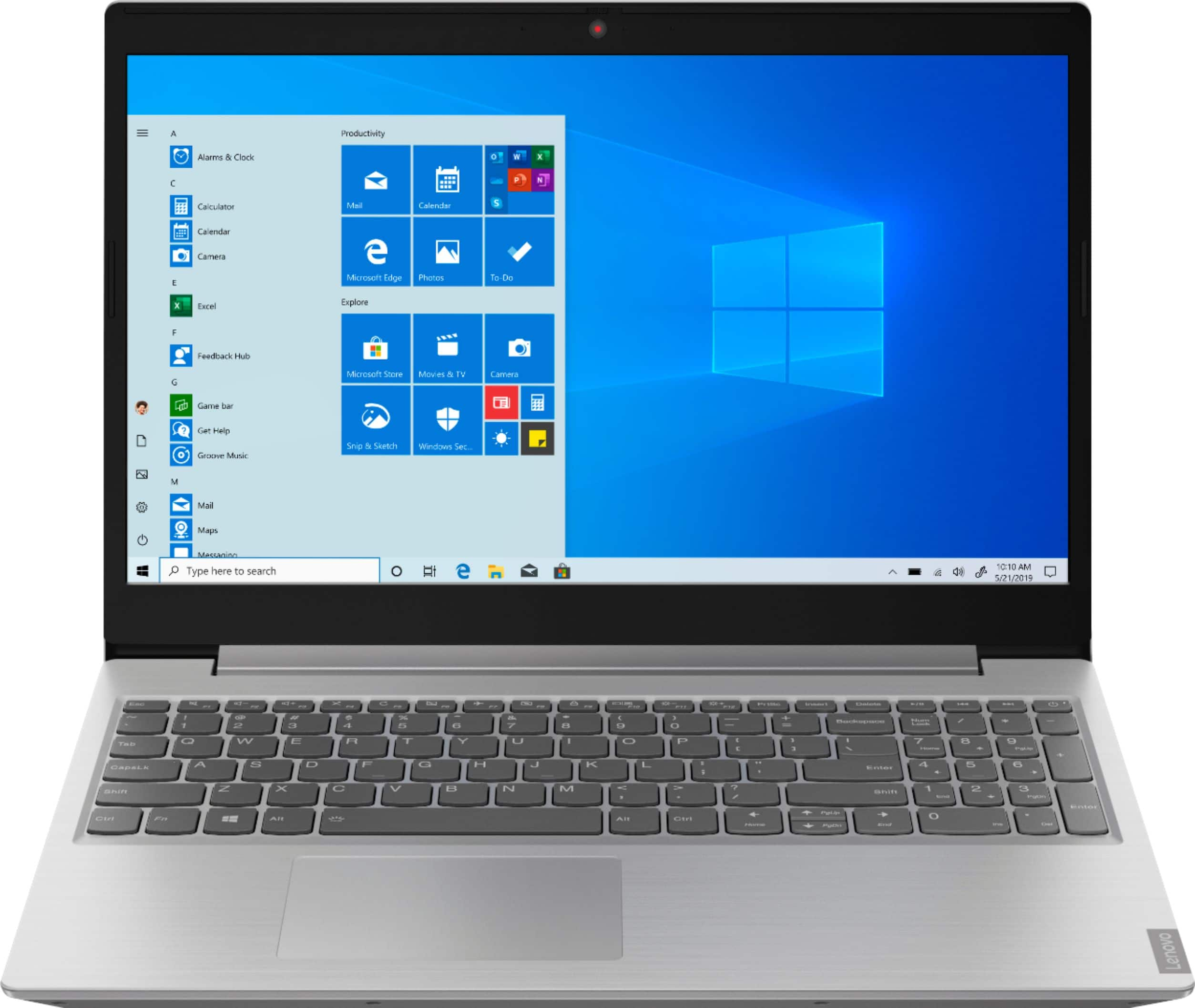
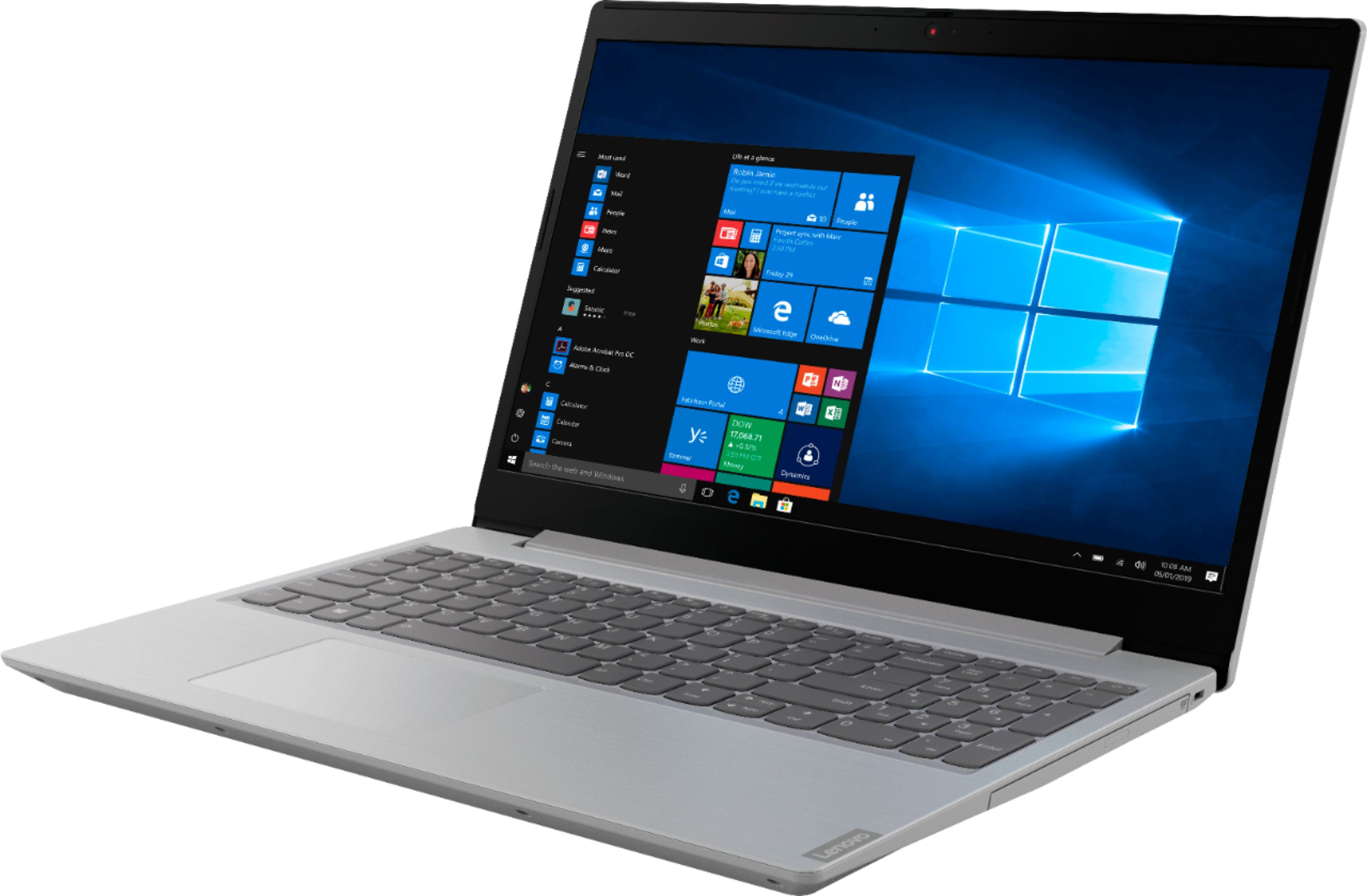
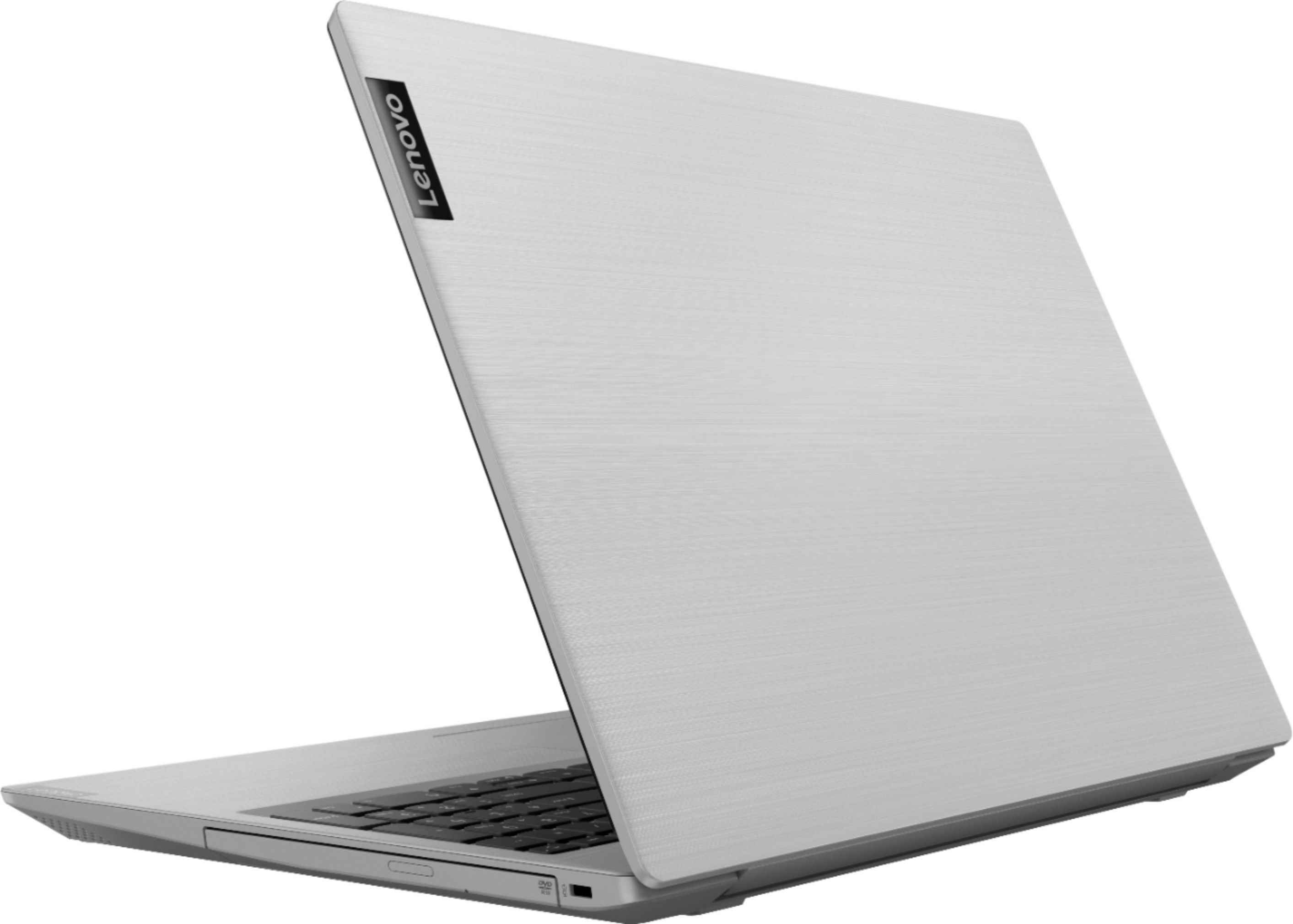
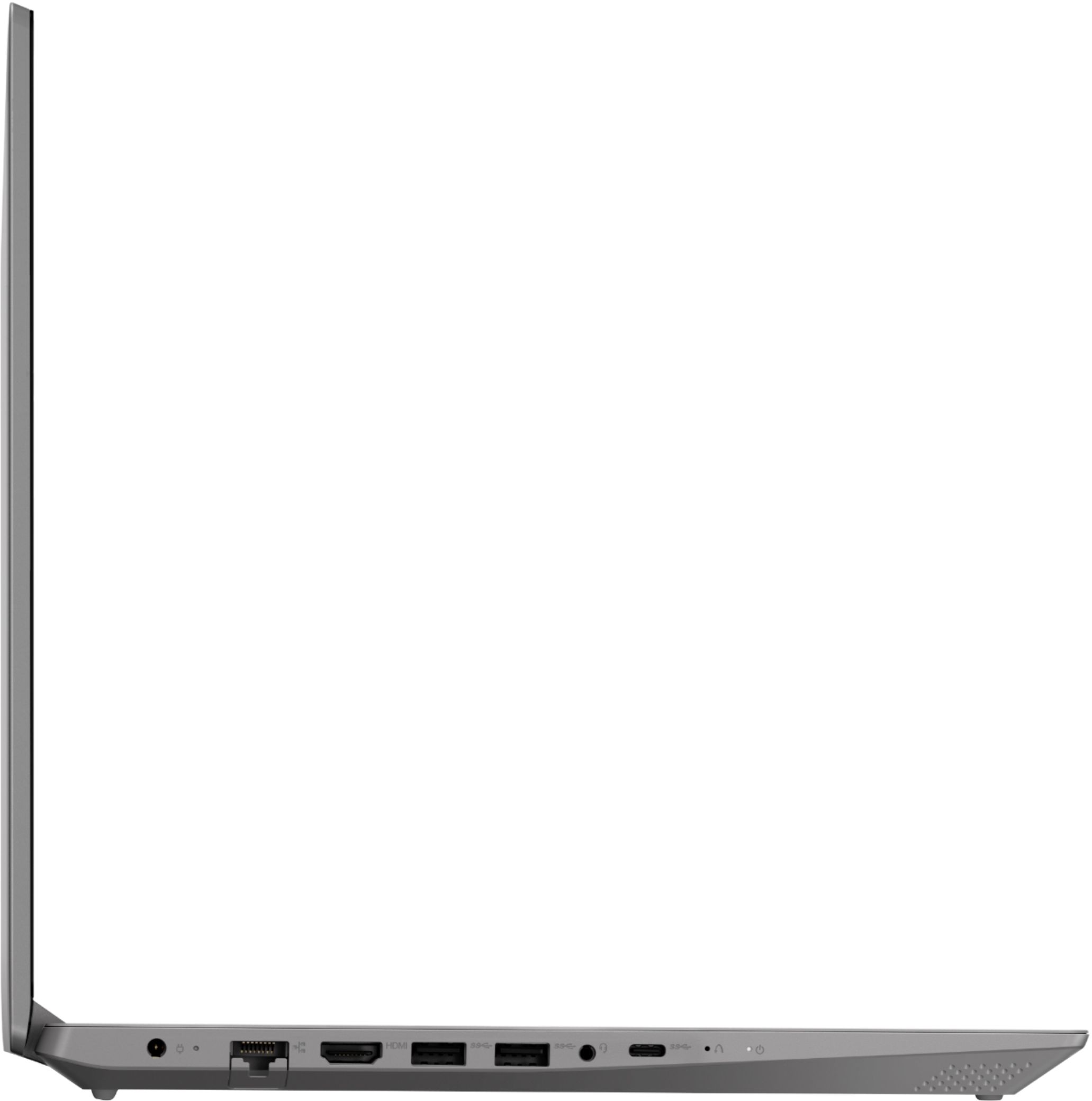
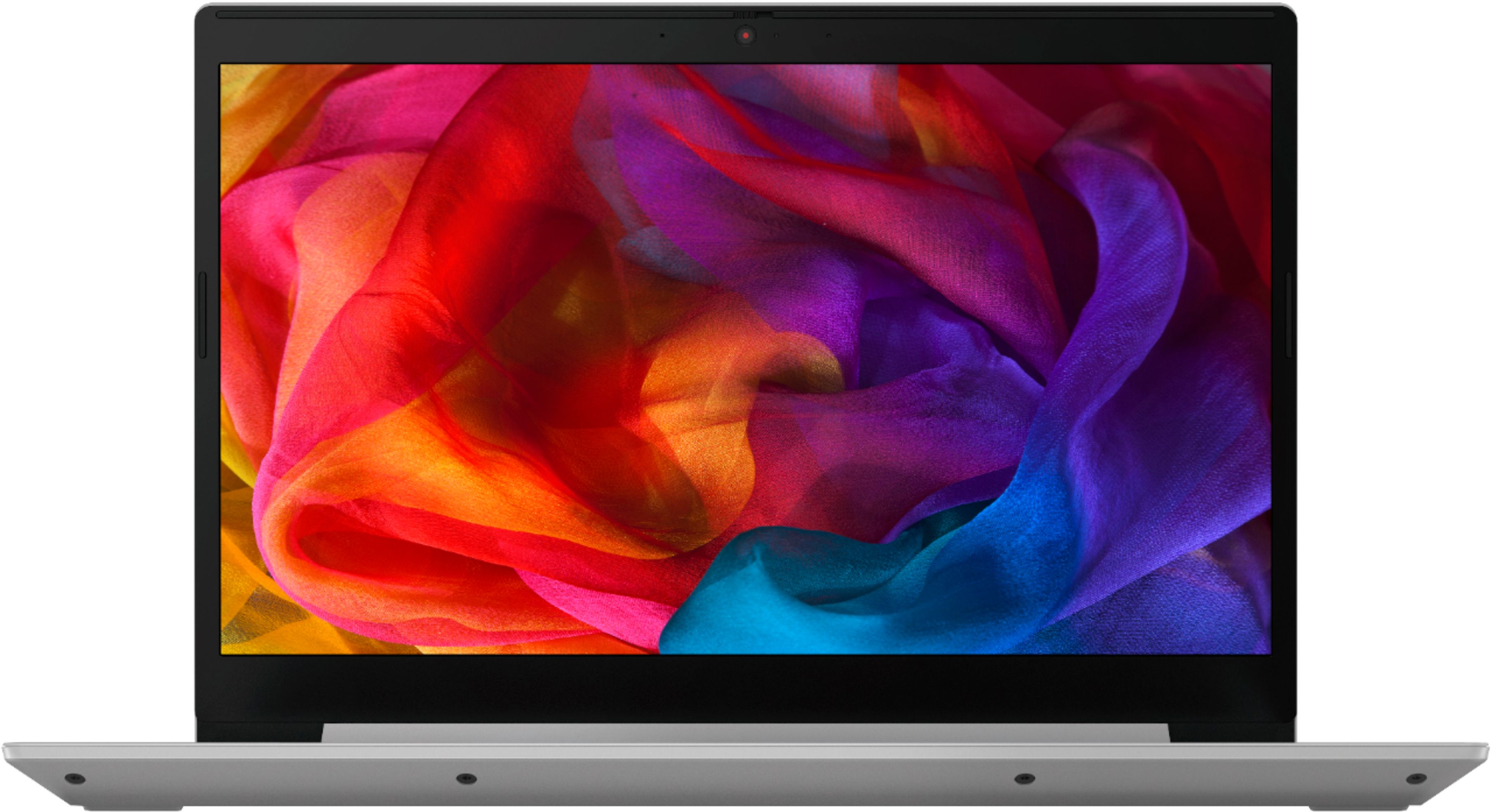
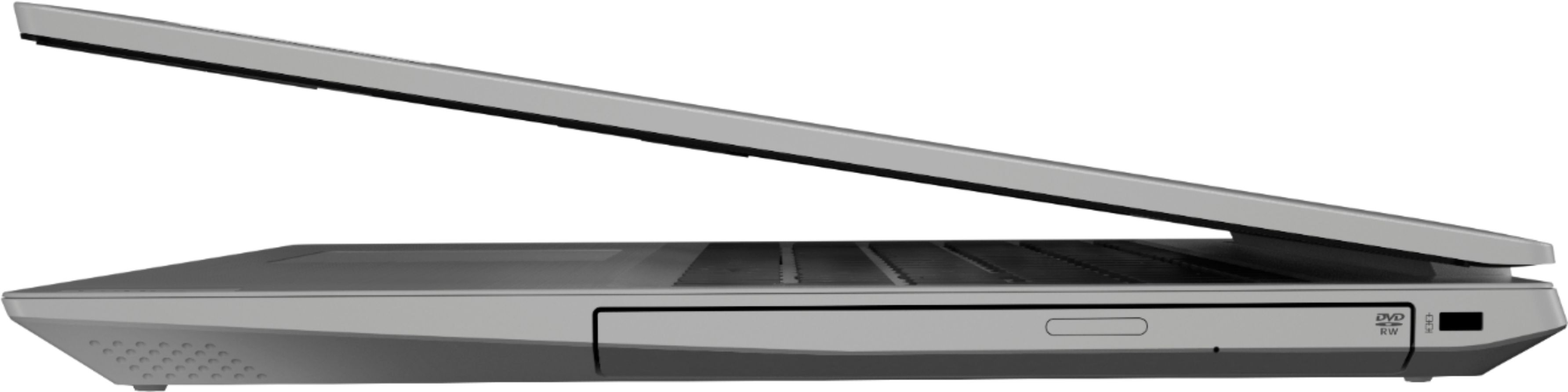
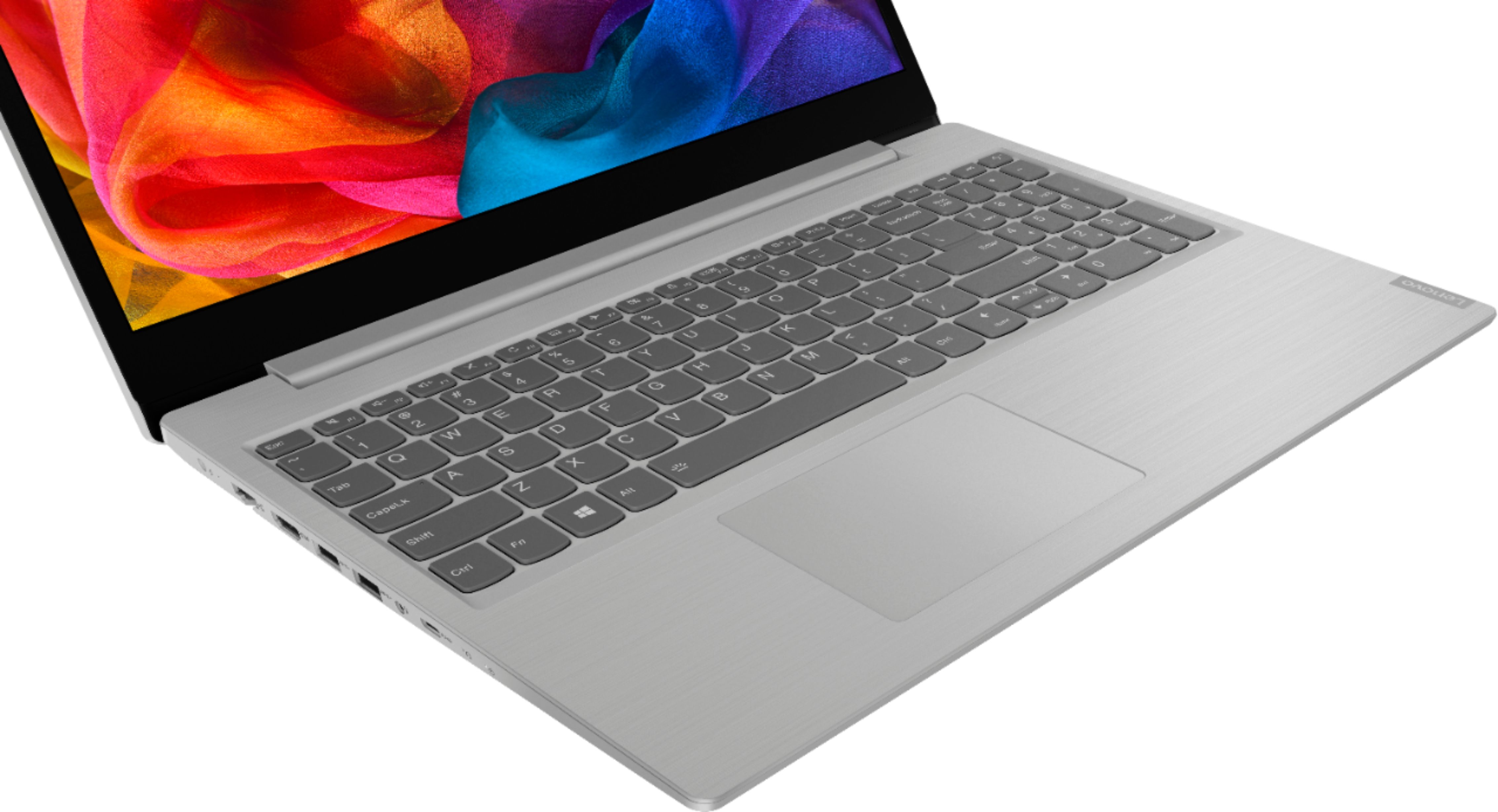
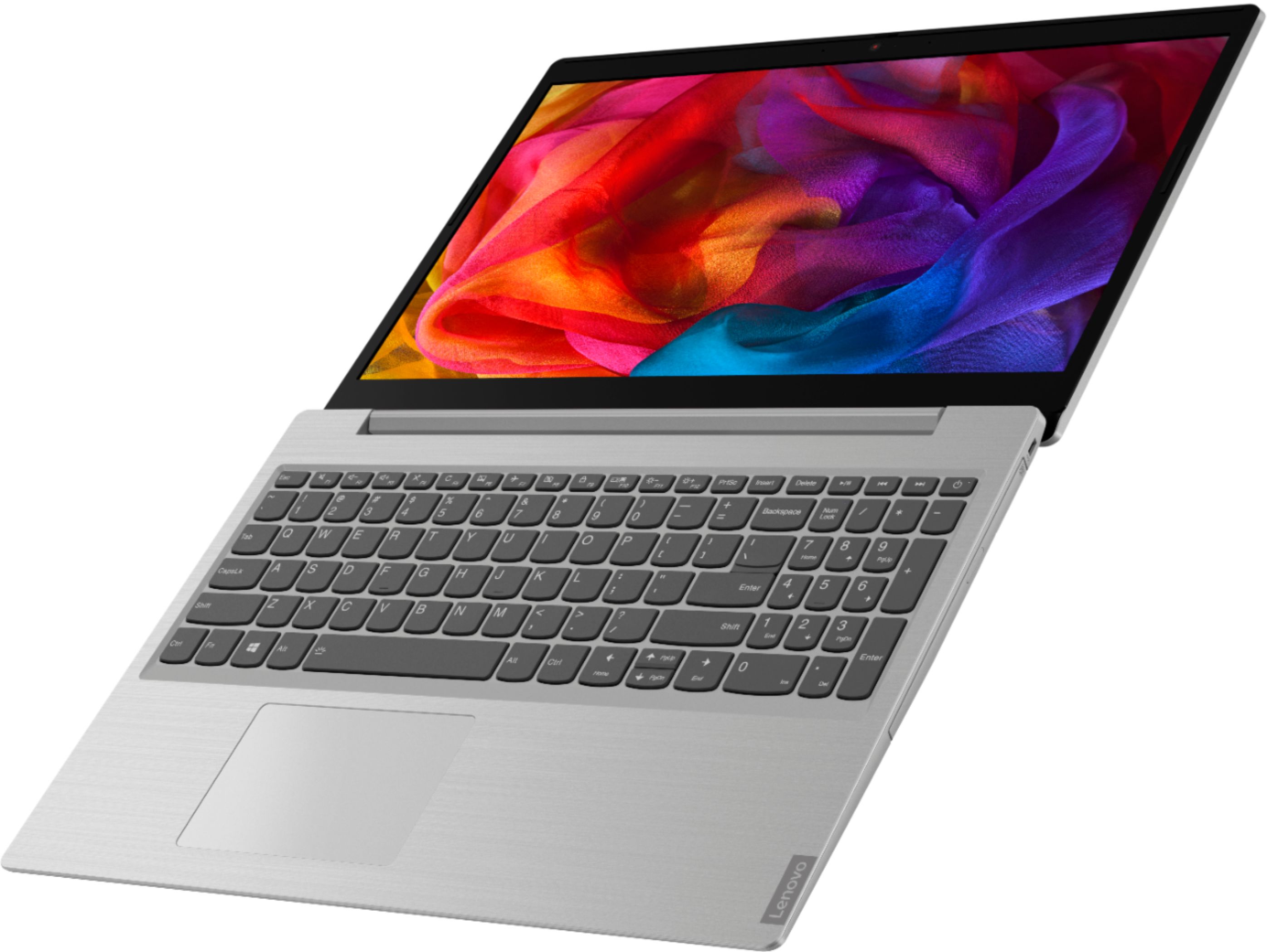
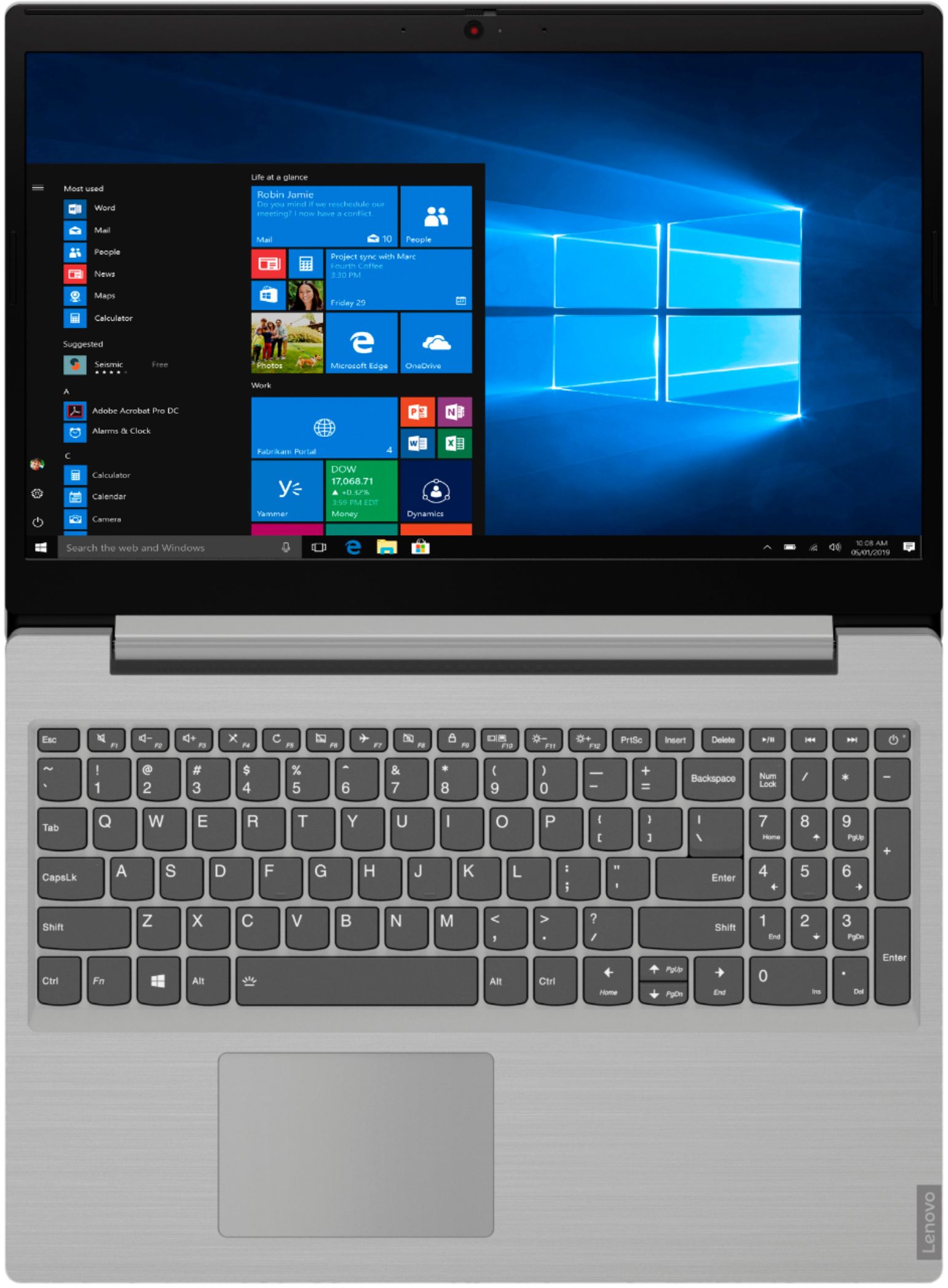
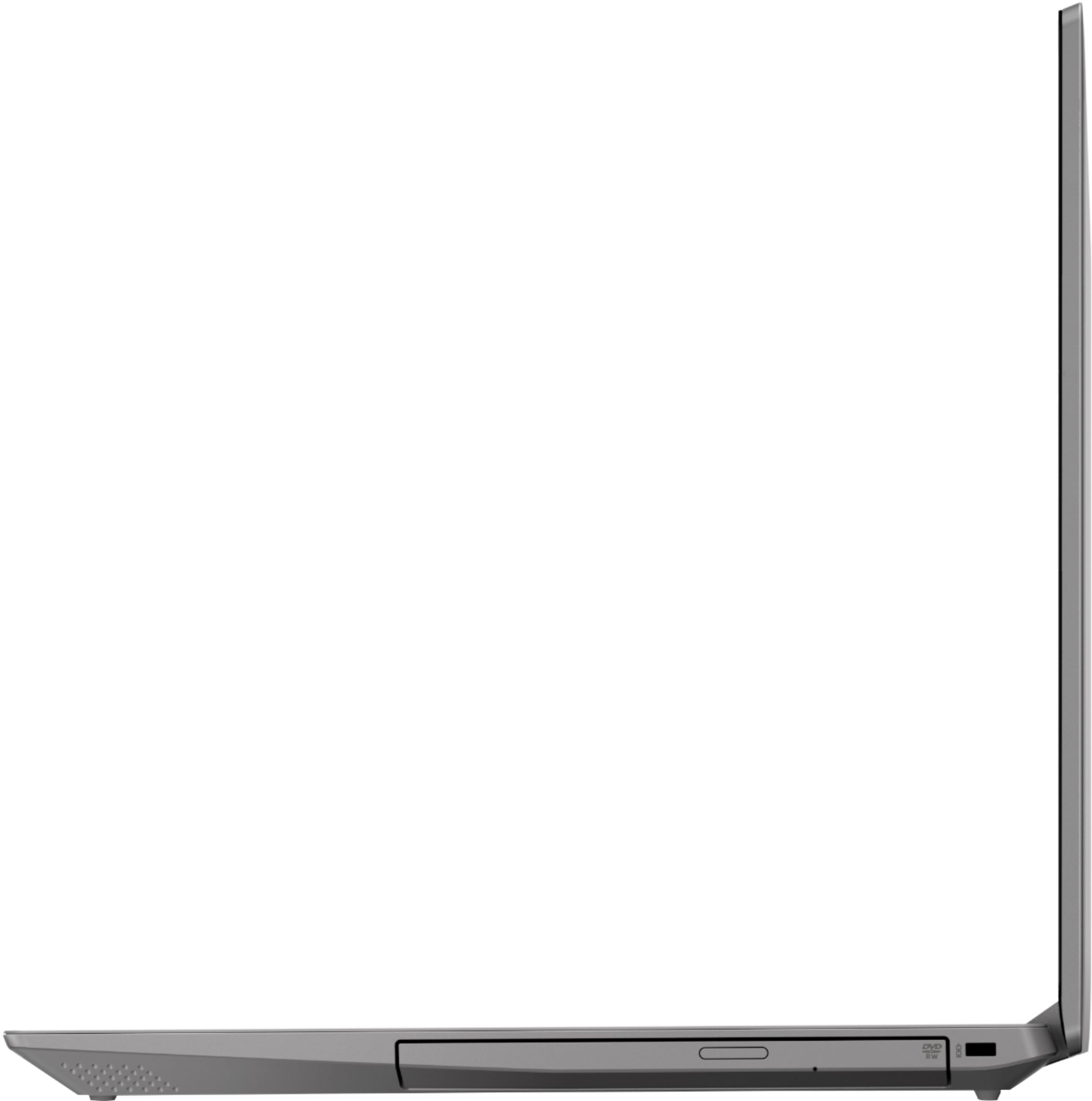
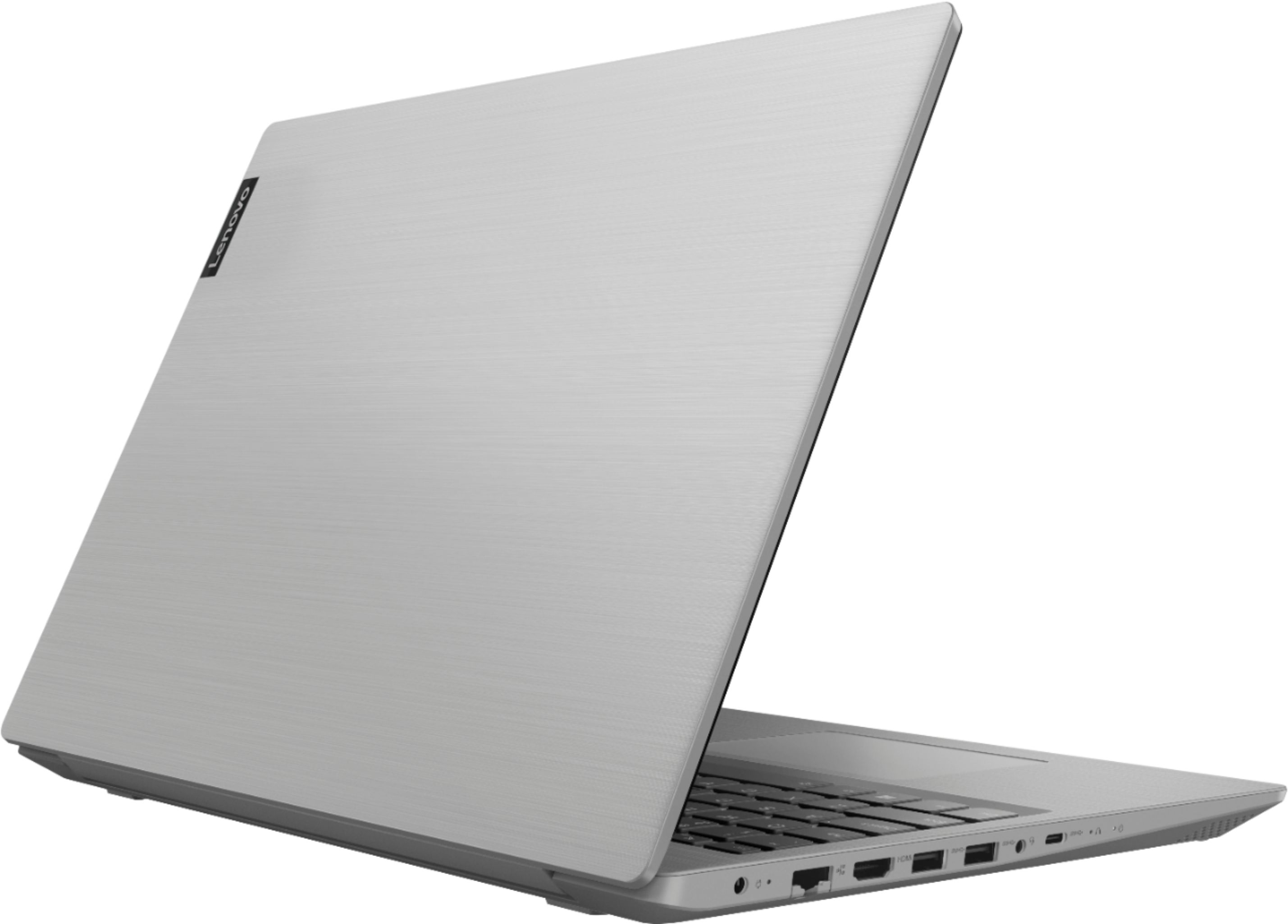

- Model:
- 81LW005PUS
- SKU:
- 6350522
Rating by feature
- Battery Life
Rating 4.0 out of 5 stars
- Speed
Rating 3.5 out of 5 stars
- Display
Rating 4.1 out of 5 stars
Customers are saying
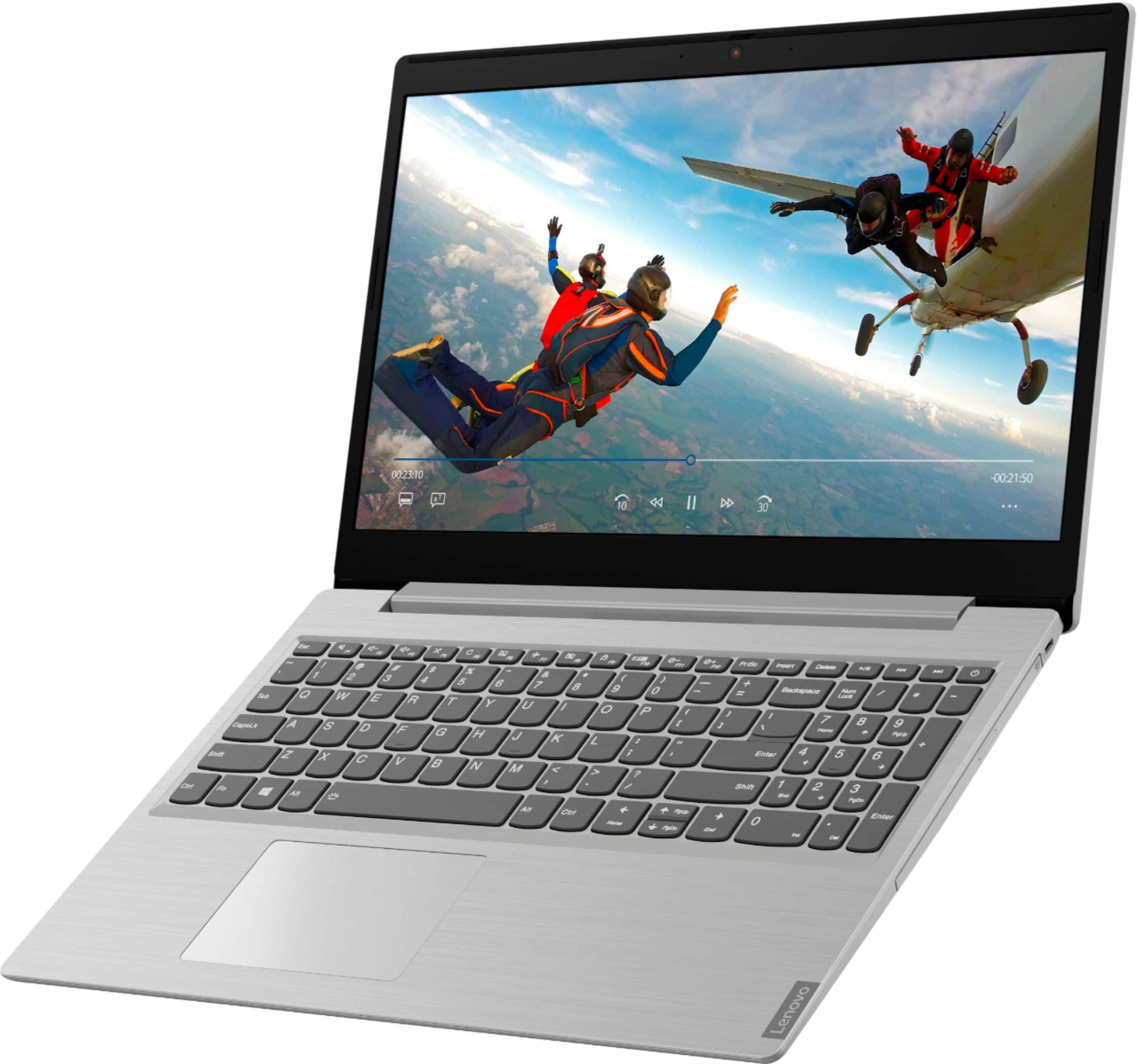
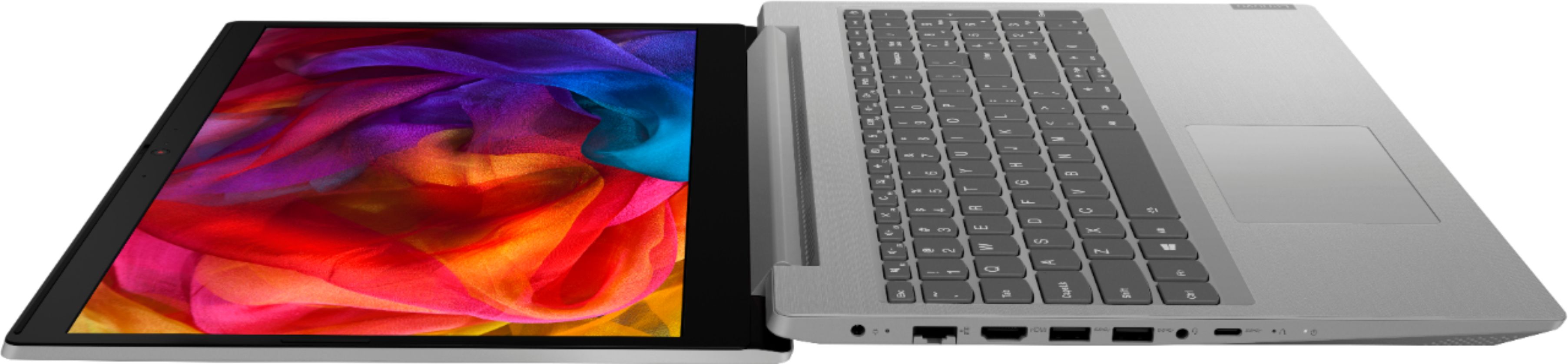
Customers are satisfied with the price, storage, ease of use, gaming capabilities, memory, lightweight design, and performance of the L340-15API 15.6" Laptop. However, they have concerns about its slow speed, battery life, touchpad, and multitasking capabilities.
This summary was generated by AI based on customer reviews.
- Cons mentioned:Slow
Crapppppy
Posted .This reviewer received promo considerations or sweepstakes entry for writing a review.Worst computer after 1 year. It’s slow, it lags and it always freezes
No, I would not recommend this to a friend OUTDATED DRIVER= STUCK KEYS
Posted .This reviewer received promo considerations or sweepstakes entry for writing a review.I bought this a few hours ago, and just now it started to spam “0” keys that is next to backspace. I’m updating all the drivers since they are from 2010 now. I pray that it works otherwise I have to get a refund at Bestbuys convenience. Technical support couldn’t help me either so I’m relying on the internet.
No, I would not recommend this to a friendBrand response from Lenovo Product Expert
Posted .We are sorry to hear that you are having issues updating Windows 10 on your Lenovo IdeaPad L340-15 laptop. You can easily update Windows 10 to the latest version and update all of the supporting BIOS files and drivers by scanning the computer with the Lenovo Utility software installed on the computer. This system has Lenovo utilities installed to help maintain the health of the device and keep the operating system software up to date. Type "Lenovo Vantage" in the Cortana Search window (if Lenovo Vantage is not installed on your device, you can download the APP and install it now). Select Lenovo Vantage from the list. In the window that opens, click on "Health and Support". In the expanded menu, select "Hardware Scan" In the window that opens, select "Run Quick Tests". This will scan your entire system for errors. Follow any directions that may pop up. If the problem continues after this scan, now click on "System Update". First select Windows update from the menu. Scan your system to be sure you have the latest version of Windows 10. Once that scan is complete, select "Additional Updates". This will scan your device to be sure there are no new BIOS/Driver updates needed. Follow any instructions that may pop up. If the issue still continues after these updates, we recommend you call Lenovo Tech Support at: 877-453-6686 for additional help

NOT FOR ME!
Posted .This reviewer received promo considerations or sweepstakes entry for writing a review.I bought this for two reasons - 1 Tb hard drive and built-in DVD drive - and with one objective: to run Linux Mint through the HDMI output to a large monitor. Had I known the Radeon graphics would not achieve the stated objective I never would have bought it. Very disappointed!
No, I would not recommend this to a friend