Customer Ratings & Reviews



- Model:
- ZA970030US
- SKU:
- 6470547
Rating by feature
- Value
Rating 4.3 out of 5 stars
- Quality
Rating 4.3 out of 5 stars
- Ease of Use
Rating 4.3 out of 5 stars
Customers are saying
Customers frequently mention the wireless charging and surprisingly good sound quality as top features. The ease of use and the alarm functionality also receive positive feedback. However, some customers express that the screen size could be larger and there are concerns about the battery life and price point for some users.
This summary was generated by AI based on customer reviews.
Bad
||Posted . Owned for 5 months when reviewed.This reviewer received promo considerations or sweepstakes entry for writing a review.It stops working after being used for two months .
No, I would not recommend this to a friend- Pros mentioned:Sound quality, Wireless charging

It is a bright smart clock
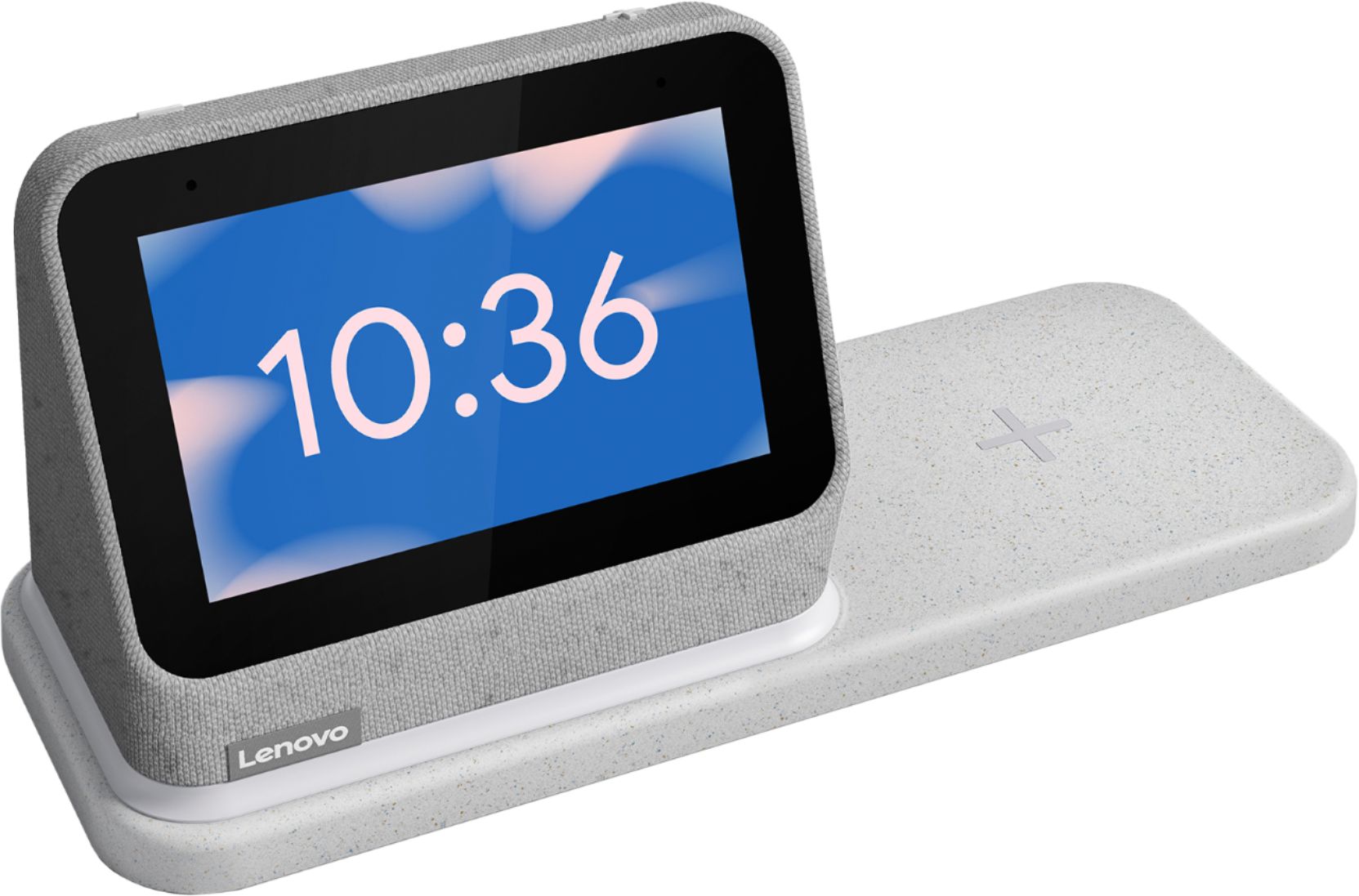
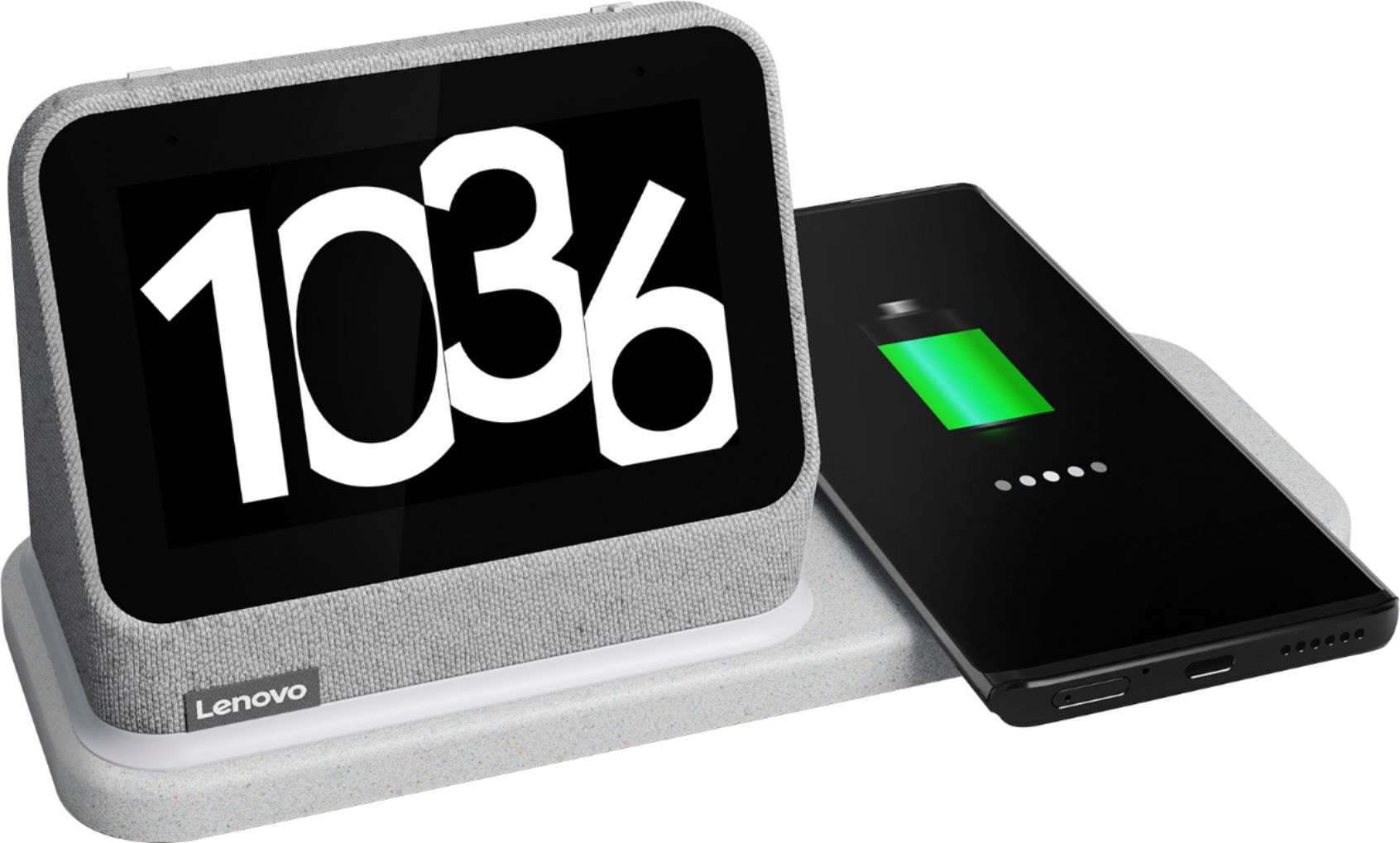
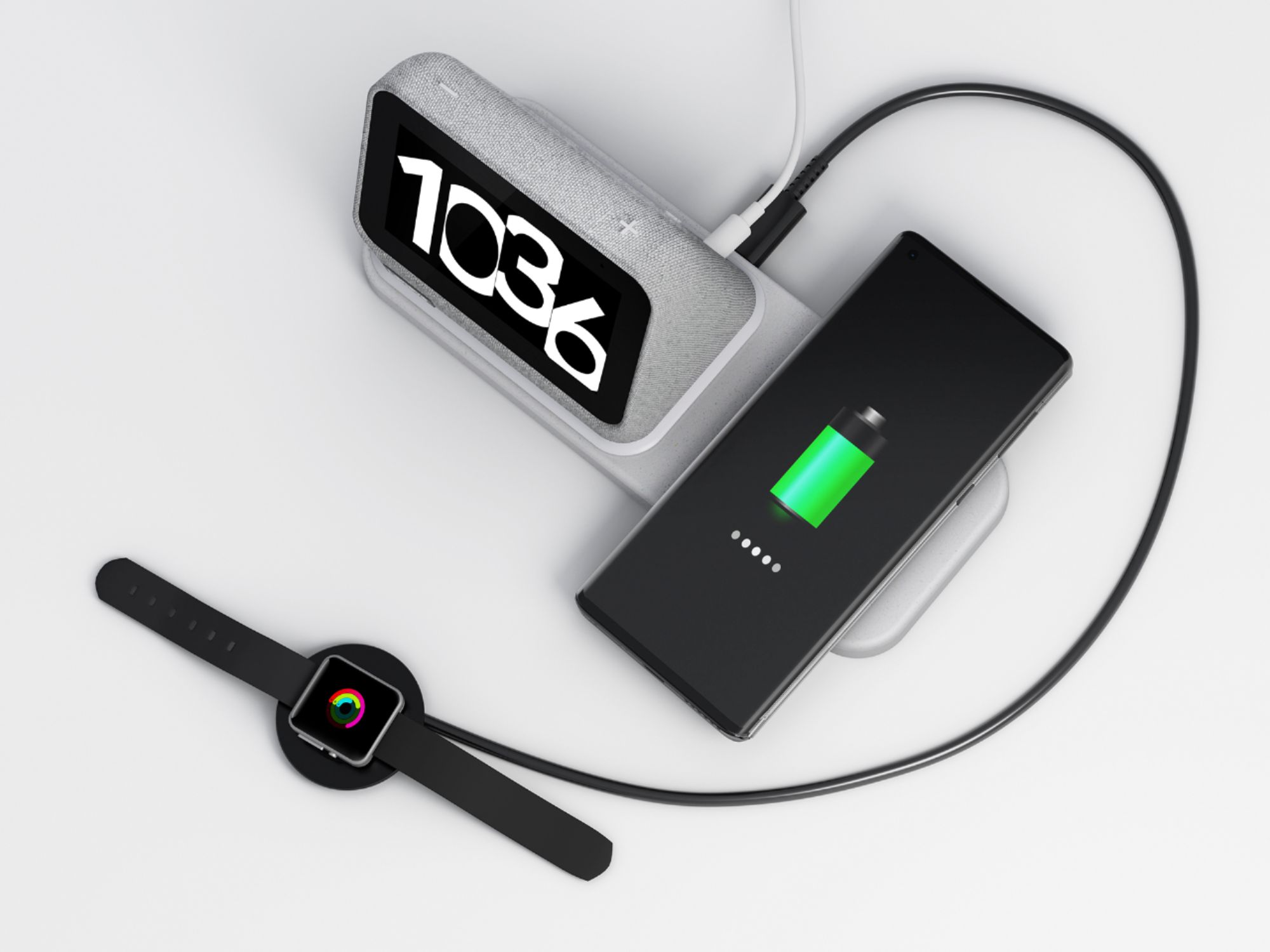
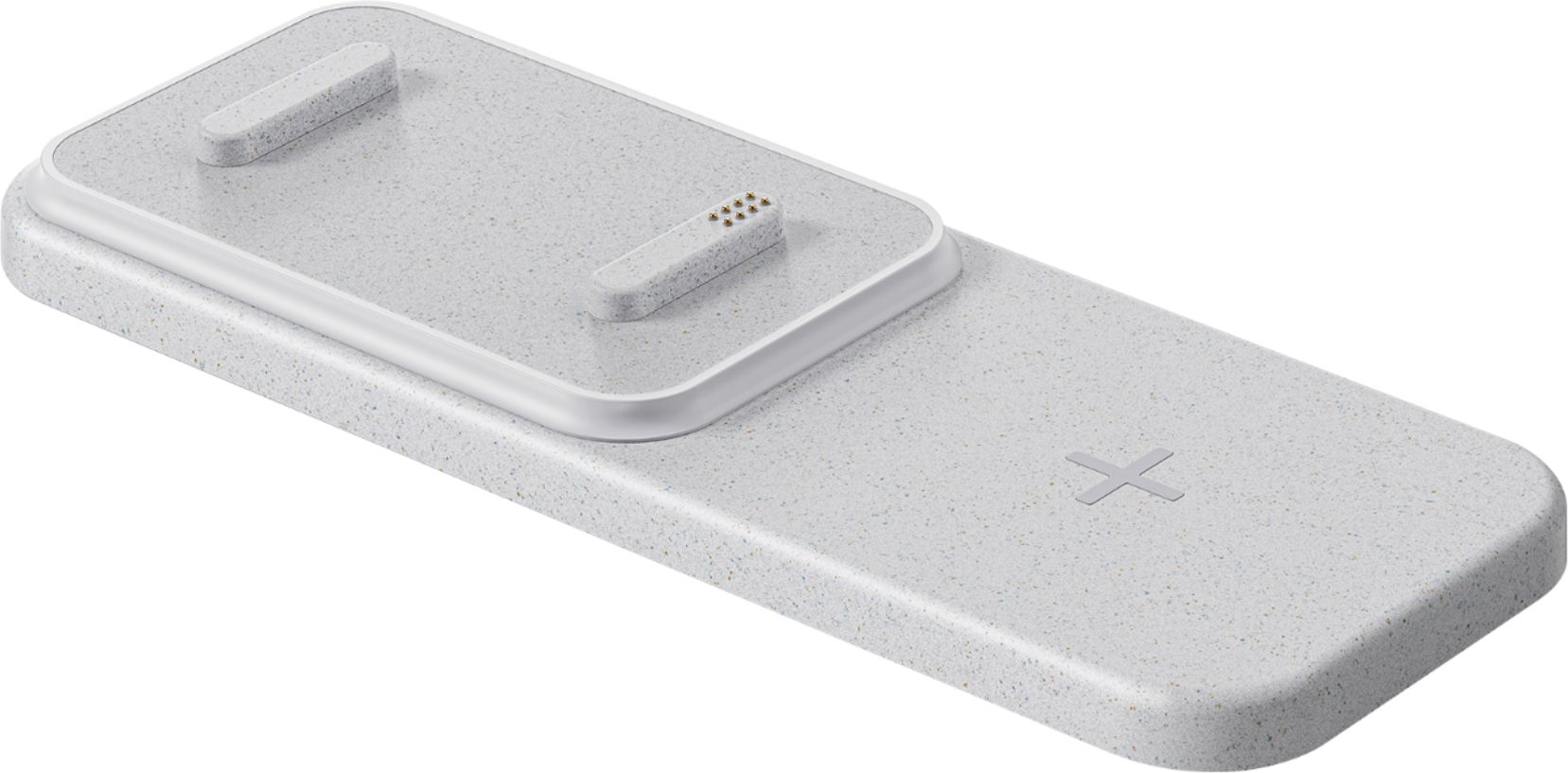
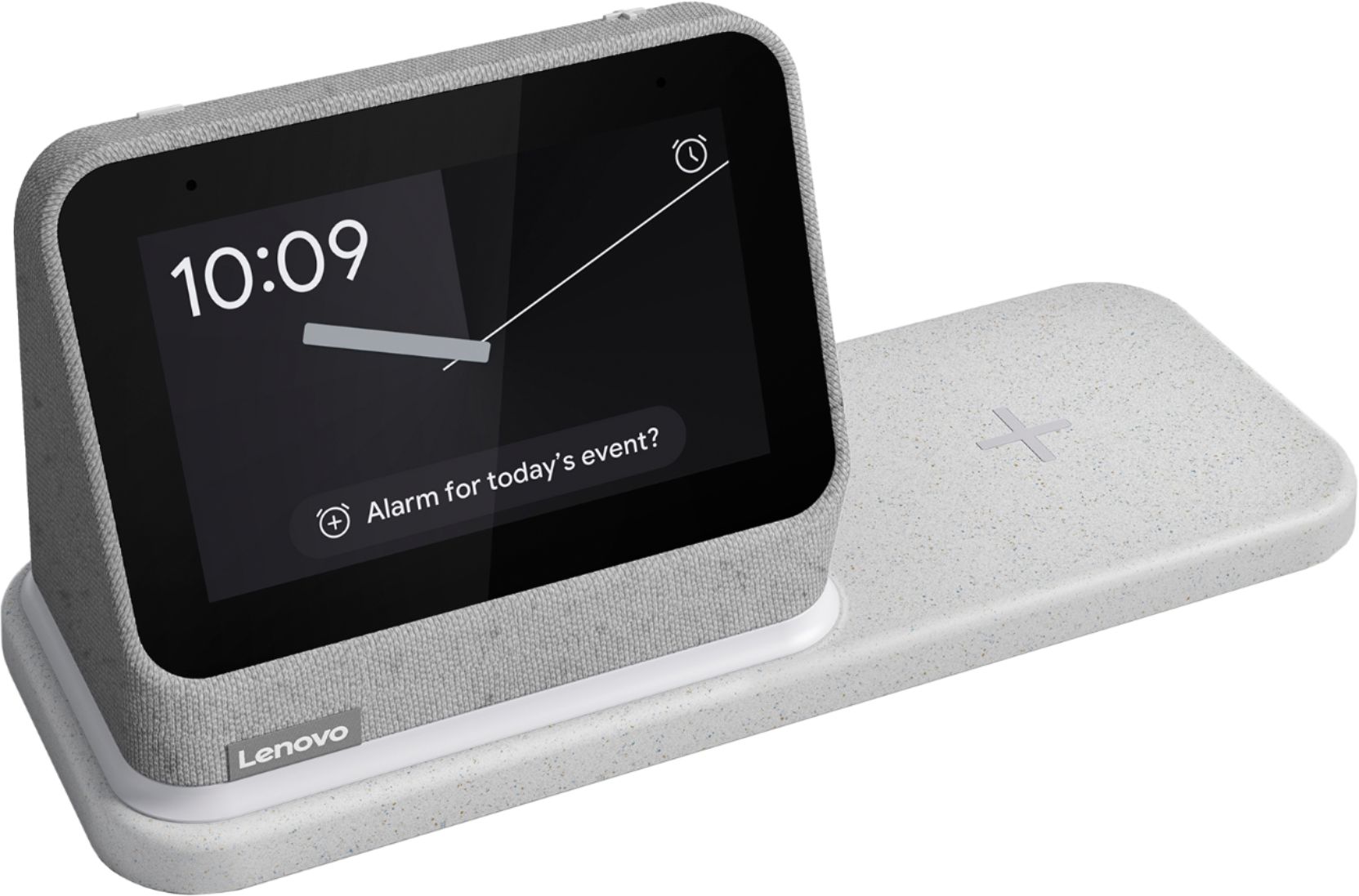
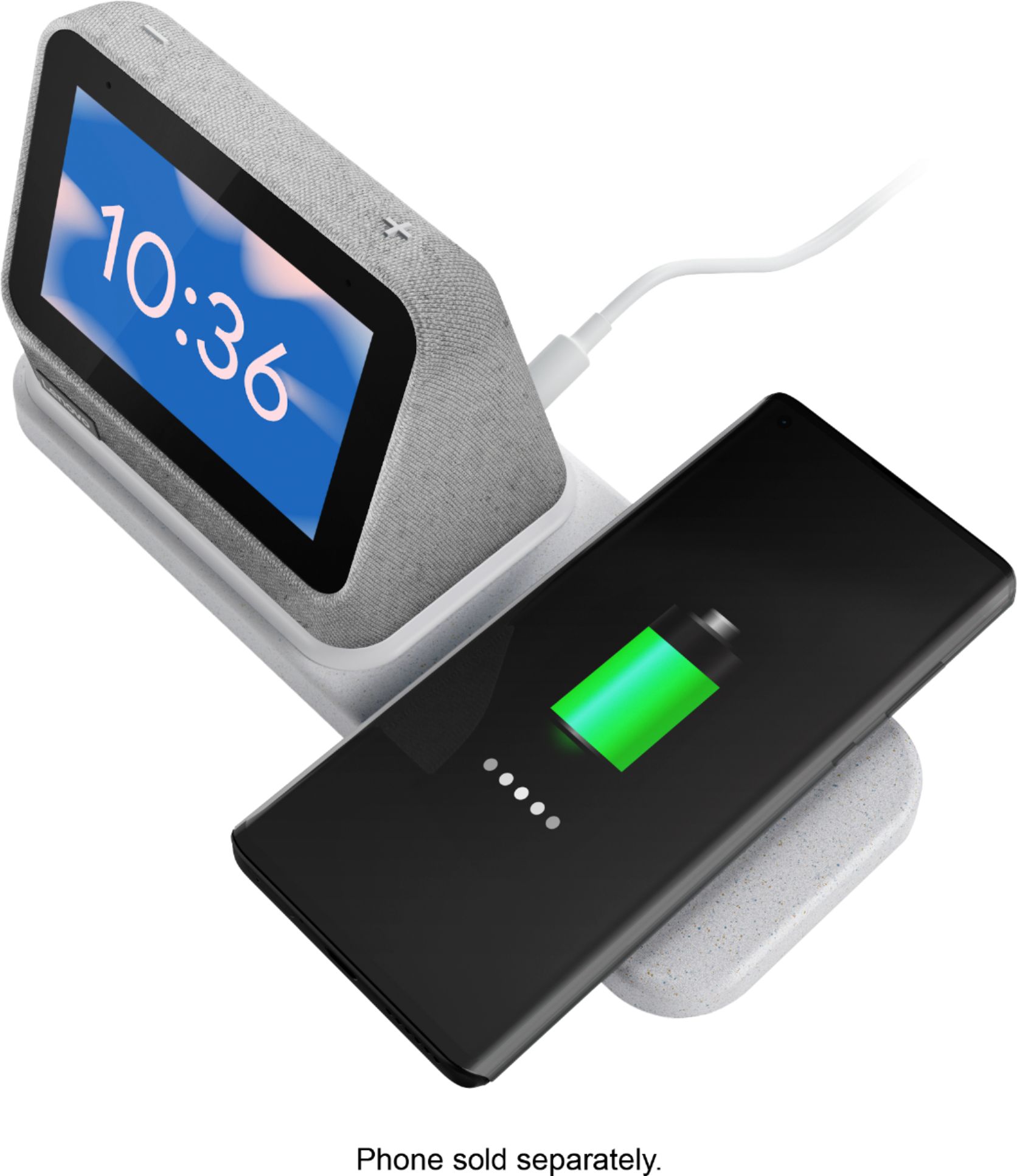
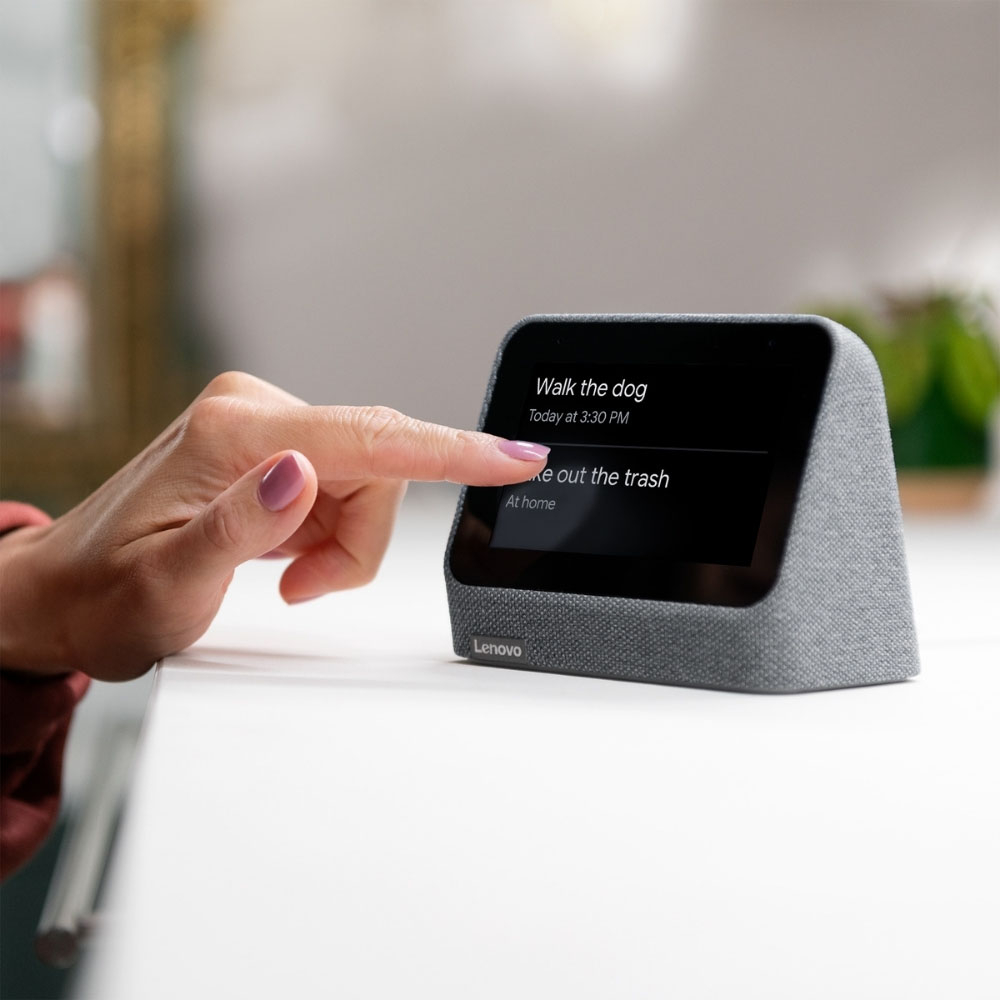
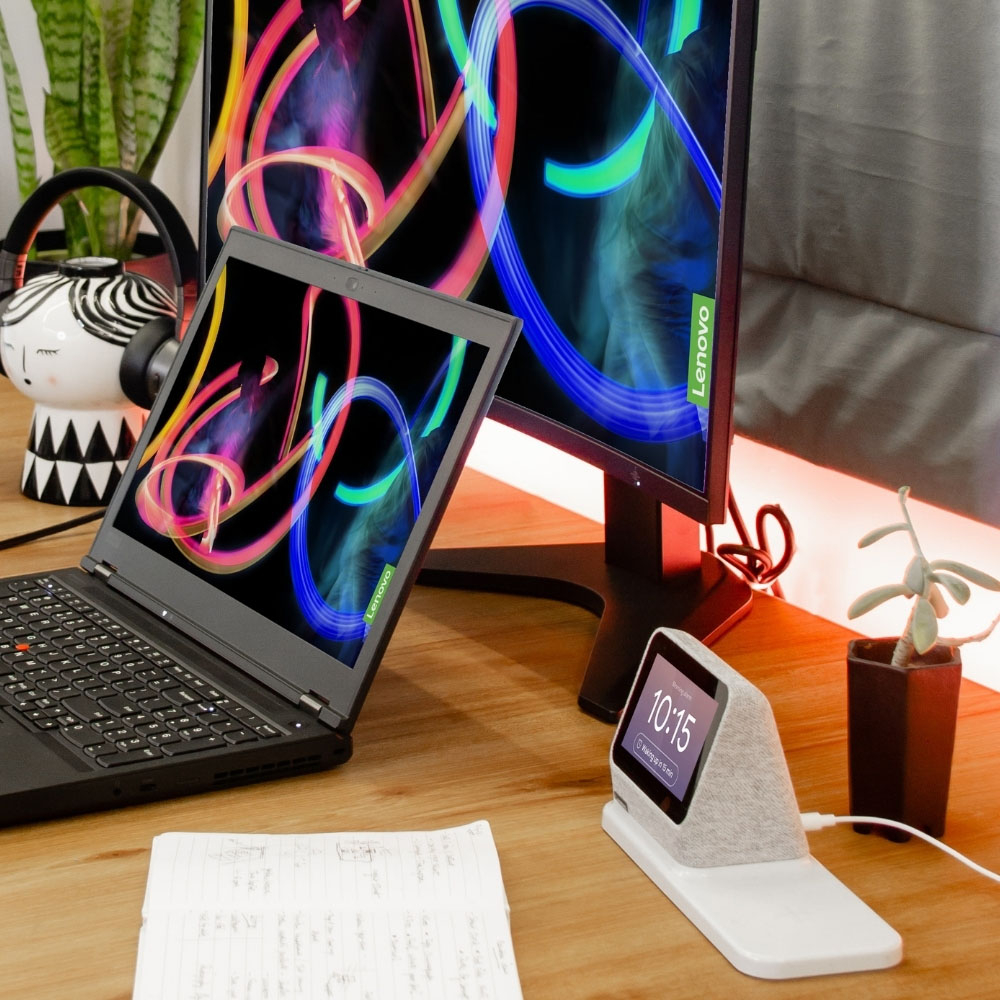
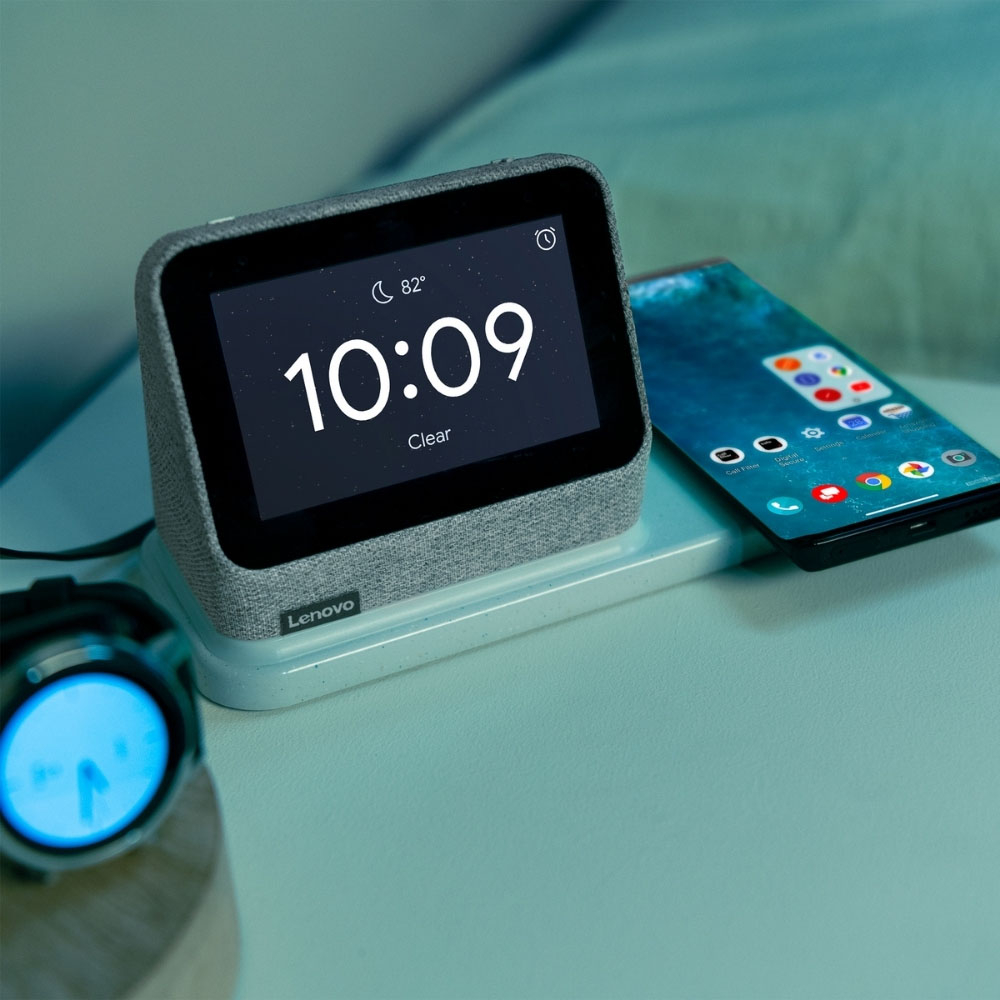
|Posted .This reviewer received promo considerations or sweepstakes entry for writing a review.I love the 1st generation Smart Clock as an alarm clock and Assistant. I have two of the first generation Smart Clocks and they are in my kids bedroom. My little girl loves it because of the alarms for school and the nightlight to put her to sleep. The nightlight was a selling point for me but it wasn’t any different from the 1st generation other than being separated from the clock. I thought this time around, the nightlight would be controlled by a motion, proximity or whatever sensor so that it would turn on as I walk by it but nope. You still have to turn it on yourself. However, you can set it to turn off automatically up to 30 minutes after. So, I really don’t see this nightlight that guides you in the dark when nature calls late at night. You can have the Assistant turn it on and off for you but it would wake up your other half. It is pretty bright though at 11 lumens. The charging dock was another selling point for me and it works for my needs. I use it for my AirPods and iPhone. It is removable but becomes useless when detached. Without it, you lose the nightlight, the wired and wireless charging features and the USB-A port. With it on, you can simultaneously charge a wireless charging capable device and a wired device through a USB-A cable from the rear of the charging dock. It is MagSafe compatible according to the specs but I was not able to test it because I don’t have an iPhone 12 or 13. It has a wattage rating of 5-10 watts and fast-charging (don’t know rating for fast-charging). Playing music on this is something you would expect from a small bluetooth speaker. Nothing much to get excited about. It sounds a lot better than the previous generation though. It has a bit more bass. I was able to stream music from YouTube and iHeart but was not able to use my linked Apple Music. Maybe it is not supported by Lenovo. The User Interface has simple customization settings same as the previous generation. The Google Home app has a bit more settings but geared more towards the Assistant settings. I don’t know why the time format (12 or 24 hour) cannot be changed through the User Interface. You have to use the Google Home app to change this setting. For some reason, it wouldn’t let me access the DISPLAY setting on the Home app - hopefully that will get fixed soon or maybe it’s just me. It still sports the soft cloth surround and a 4” LCD IPS Touchscreen and a minimalist design. I use it to stream my home security cams (except for my Arlo cams which the Assistant tells me that the smart clock does not support streaming from it even though I can stream it from the Home app and other displays). I like getting details on my commute to work and weather displayed on the screen along with voice. I like this Smart Clock. It didn’t offer a significant difference feature wise from the previous generation but it is still the best Smart Clock for me.
I would recommend this to a friendBrand response from Lenovo Product Expert
Posted .Thank you for choosing the Lenovo Smart Clock 2, and the Google Home APP. You can stream from your Apple Music Account with the Smart Clock 2: 1. On your iPhone, iPad, or Android device, that you used to setup your Lenovo Smart Clock 2, open the Google Home app. 2. Tap Settings ,then tap Music. 3. Under More music services, tap the Link icon next to Apple Music, then tap Link Account. 4. Sign in with the Apple ID that you use with Apple Music and follow the onscreen steps to complete setup. There are 6 different clock face configurations you can use the Smart Clock 2's touch screen to scroll through. Here is a link to a short YouTube video that demonstrates the features and functions of the new Lenovo Smart Clock 2: https://www.youtube.com/watch?v=O892EcqY5Jc. If you have questions about your Lenovo Smart Clock 2, we recommend you contact lenovo Tech Support for Smart Devices at: 866-426-0911.

Lenovo Smart Clock
||Posted . Owned for 1 month when reviewed.This reviewer received promo considerations or sweepstakes entry for writing a review.None of the three devices I purchased wirelessly charged any of our phones.
No, I would not recommend this to a friendBrand response from Lenovo Product Expert
Posted .We are sorry to hear that you have encountered an issue with your Lenovo Smart Clock. Although you may have already returned your Smart Clock, here is some additional information regarding resolving issues with the Smart Clock, should you need it in the future, or for the viewers of this response who may have encountered a similar issue. Here is a link to a Lenovo Support webpage that details some troubleshooting steps for issues and wireless charging details: https://support.lenovo.com/us/en/solutions/ht512647-lenovo-smart-clock-2-frequently-asked-questions-faqs#53 . However, if after reviewing this content and following troubleshooting steps your issue persists, we recommend reaching out to Lenovo Tech Support for additional assistance at this phone number: 877-453-6686.
Old School Sony upgrade only
||Posted . Owned for 3 weeks when reviewed.This reviewer received promo considerations or sweepstakes entry for writing a review.Dinosaurs in features, very limited clock faces, wireless charger material seems to be made of recycled plastic, very cheesy cheap and outdated product, a 10% upgrade from old Sony alarm clocks
No, I would not recommend this to a friendNeeds Another Update
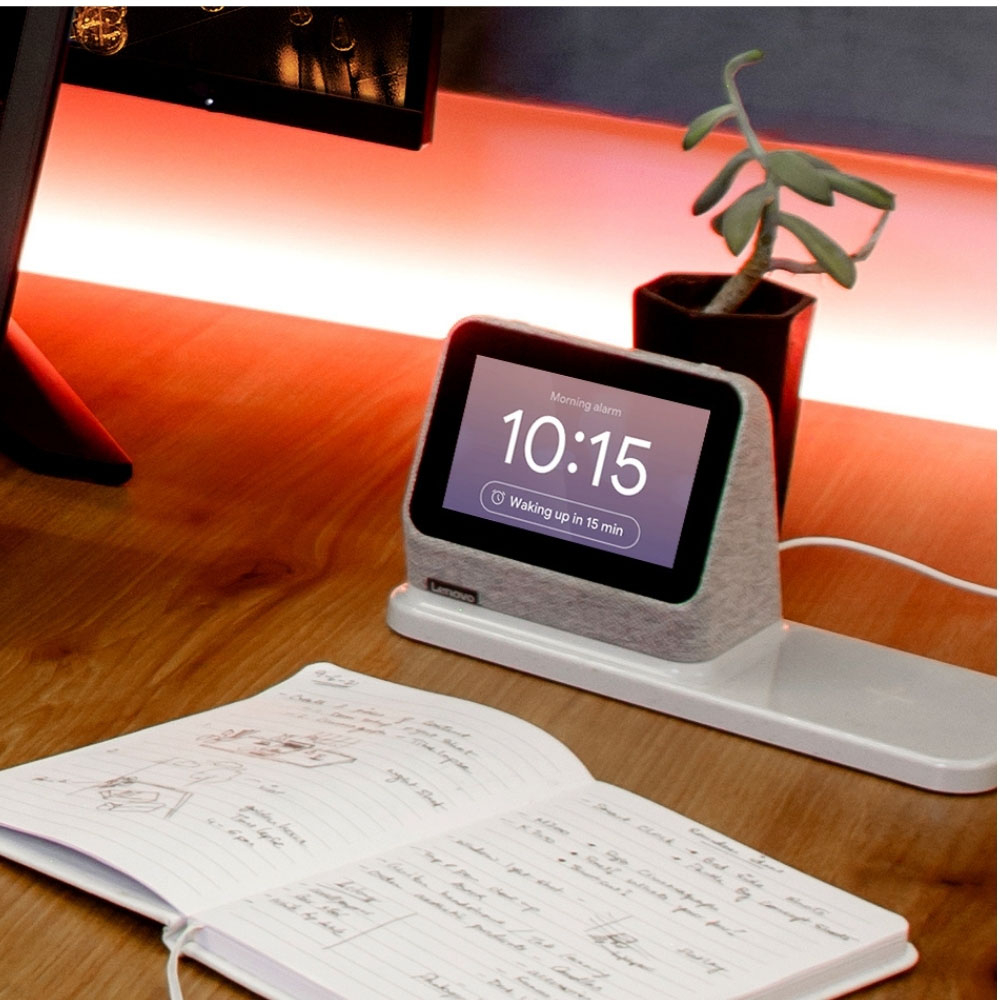
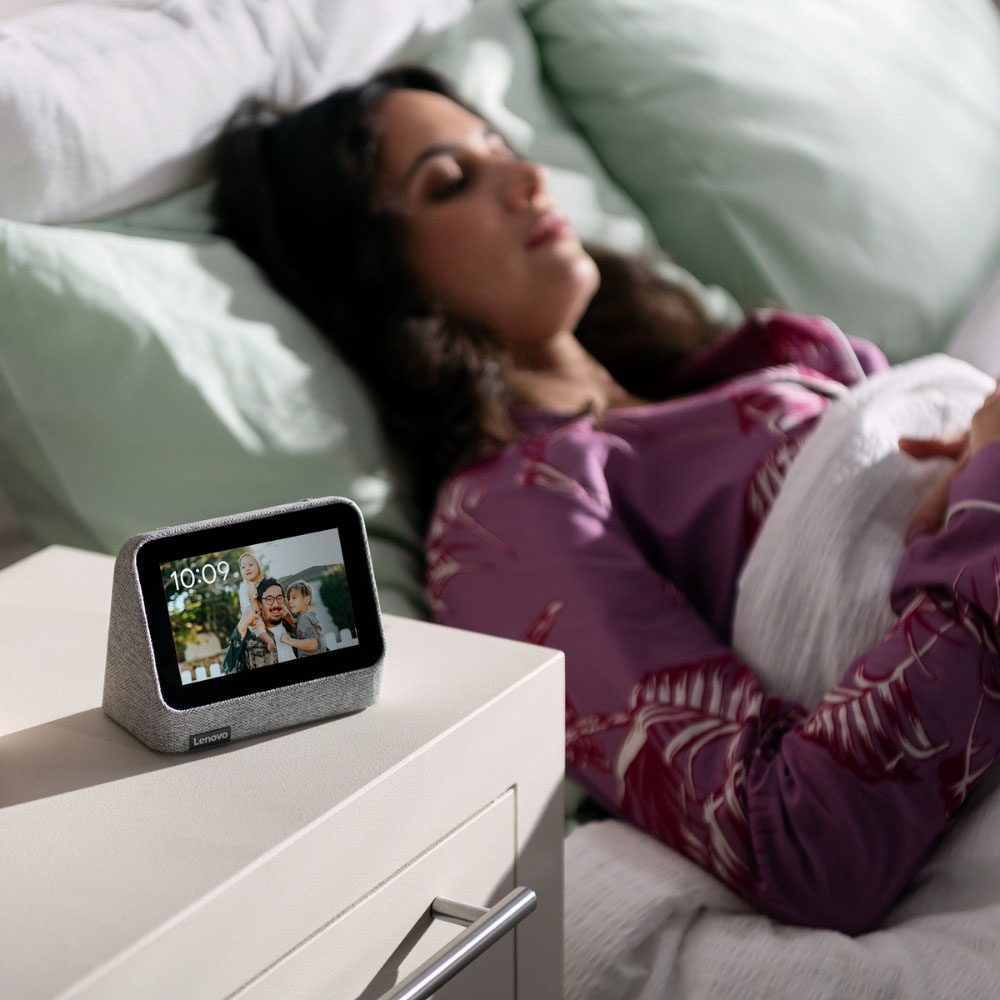
|Posted .This reviewer received promo considerations or sweepstakes entry for writing a review.As far as design, it’s a great size for a nightstand clock. It’s small, portable, and does just enough assisting with small daily tasks, such as an alarm, “Hey, Google”, weather, music, etc. It doesn’t have all of the functionality that a bigger unit/monitor would have but it performs great for those smaller more important tasks. There are a few things I’ve noticed, which I’m sure are just software updates. I’ve found several times throughout the day, also in a span of a few days, I would notice the unit restart itself. It is always random. It doesn’t change my settings but it will just cut off and then back on with its logo and then on again as if nothing happened. When the software becomes more stable then I’ll be able to give it 4.5 stars. There’s not many settings to adjust. You can easily change the clock face and color. You can set to be awaken by music of your choice or some of the music options they offer. It is a touch screen so easy to do everything with a swipe or just ask your Google Assistant. The display automatically adjusts to the light in the room and will be barely visible at night. I have to really focus to see the numbers at night when the room is pitch black so this shouldn’t bother sensitive people because of how dim the light gets. I love that about it. I’m not light sensitive though and it doesn’t bother my husband. The sound quality is not bad at all for this smaller device. It can get pretty loud, and it’s responsiveness to volume adjustments are fast. It’s not the best or most clear sound but it is just right for this. I mentioned responsiveness above when it comes to changing volume but it’s really responsive when speaking to assistant or just swiping through screens. Haven’t experienced any lag there. Love it’s portability. We can remove it from its dock and place it anywhere else throughout the home if need be. We are able to move it around effortlessly. The clock portion has to be plugged in to work, so depending on your home outlet setup, it can render it less portable for some, since it isn’t totally wireless. The dock itself functions as the wireless charger for your devices. It will only charge if the clock is attached to the base, as the power is only being supplied to the clock. When you place the clock back on the base or a device on the charging pad, the light on the dock will light up briefly. It’s a soothing not too bright light. The base itself is not large and can only hold smaller devices one at a time; Phones and watches. I notice that as I put my phone on it to charge it would stop charging shortly(seconds) thereafter. I would have to remove and replace my phone on it until the charging sign stayed on. I have multiple devices and it does this to all of them. It’s frustrating to put your device, especially your main phone to charge and wake up the next day and it’s on 2% because it failed to charge on this base. It does work however, you just have to play with it and watch it for 10 plus seconds to make sure it’s charging before you walk away. Oh and for those with a case, especially a case which allows wireless charging, it does work once you get it to charge. I have one with a case and one without. If it wasn’t for the two biggest problems I’ve experienced with this unit (charging and random resetting) it would be awesome. Especially if you’re looking for something with a smaller footprint than other assistants and something that’s a bit more portable. Also, eliminating extra charging cords on your nightstand but for now I’m sticking with my cords because I simply cannot rely on this charging pad. I say it’s worth it after these kinks are fixed with maybe another update because the initial update so far hasn’t fixed everything. Also this could just be my unit so I say give it a try, it’s perfect as a bedside clock and you can turn off the speakers anytime.
I would recommend this to a friendBrand response from Lenovo Product Expert
Posted .We are sorry to hear that you are having issues with your Lenovo Smart Clock 2. An OTA update for the Smart Clock firmware is scheduled soon and this should fix the issues you mention. You can also contact Lenovo Tech Support for Smart Devices at: 866-426-0911.
Ordered six of these
||Posted . Owned for less than 1 week when reviewed.This reviewer received promo considerations or sweepstakes entry for writing a review.They look amazing but that's about it! They crash, freeze up, and have issues with wireless charging. Sometimes they'll just be completely black and you have to unplug them and plug them back in. 2 days and im done, ALL of them are going back.
No, I would not recommend this to a friend- Pros mentioned:Ease of use, Wireless charging
Great alarm clock and wireless charger
|Posted .This reviewer received promo considerations or sweepstakes entry for writing a review.Simple and intuitive to use. It was easy to link to google assistant and is a great bedside alarm and wireless charger. You can listen to music or white noise just like you would on a google home. It has a night small footprint and easily charges my iPhone fully overnight. Best of all for me - the clock auto dims to a perfect setting at night. I like the bedroom to be very dark at night and this works well for me. You can still see the time, but it’s very faint and does not project light into the room.
I would recommend this to a friendBrand response from Lenovo Product Expert
Posted .Thank you for choosing the Lenovo Smart Clock 2. We are pleased to hear that the features and performance of the Smart Clock 2 meets you needs so well.
- Pros mentioned:Wireless charging
Not that smart if you use Apple Music
|Posted .This reviewer received promo considerations or sweepstakes entry for writing a review.The Lenovo Smart Clock 2 fell short of my expectations for a few key reasons, but let’s first look at some positives. 1. The charging dock worked great. I was able to charge my iPhone and AirPods without any issue, and even the battery case I use with my phone. For this reason, at least for now this clock will have a place on my nightstand. 2. The clock itself has some neat display options, including Google Photos and some fun presets. I’ve included photos of my favorite setting which using words instead of numbers and is a fun, unique display I’ve not seen before. 3. The dock has a nightlight that lights up when a device starts charging. This was a brilliant design choice as there’s no guessing if your wireless charge started successfully. 4. The sound quality is fine for a clock. It’s not amazing if you compare it with a dedicated speaker, but it’s good enough as part of a combo unit. Sound quality gets a neutral rating. If we stopped here, and only bought the clock for the clock display options, and dock feature, I’d happily recommend the product. Unfortunately, the smart clock is also designed to be smart, and that’s where it falls short. To be fair, I don’t know if the failure is with the clock or with Google Home integration, but here are some of the reasons I’m not thrilled: 1. Apple Music setup was easily linked in the Google Home app, but fails to play any music when trying to play on the smart clock. It will say, “Now playing XYZ song on Apple Music”, followed by a “something went wrong, try again” message. I factory reset the device twice, re-linking Apple Music each time, and it failed continuously. Since that’s my primary source of music, and a subscription I pay for, it’s immediately a deal breaker. If you don’t have any intention of using Apple Music or want to roll the dice to see if your luck is better than mine, you can disregard this. For what it’s worth, Spotify and YouTube music did successfully play, but YouTube Music didn’t seem to play songs matching the title of what it said was playing. 2. One of the screens on the clock is “directions to home”, and I’m not sure why it’s a default screen since I’m already home. I suppose if I had one at an office it might be useful, but it seemed like an odd thing to enable by default. 3. Interacting with the display feels a bit clunky. There are swipe up/down, left/right to access different features (like brightness, other clock faces, alarm settings), but for a “smart” clock, it feels incomplete. I want the option to rearrange the screens at least so I could have alarms when swiping left and perhaps weather when swiping right. Having to swipe 2-3 times to get to a screen means I’ll just pickup my phone and look at that display instead. Overall, if your primarily looking a great wireless charging dock with a built in nightlight and alarm clock attached, this is a good buy. Otherwise, I’d probably suggest a true smart display with a separate dock.
No, I would not recommend this to a friendBrand response from Lenovo Product Expert
Posted .We are sorry to hear that you are having issues pairing your Apple Music Account to the Lenovo Smart Clock 2 with Google Assistant capability. Try these steps when pairing your Apple Music Account with the Smart Clock 2: 1. On your iPhone, iPad, or Android device, open the Google Home app. 2. Tap Settings. 3. Tap Music. 4. Under More music services, tap the Link icon next to Apple Music. 5. Tap Link Account. 6. Sign in with the Apple ID that you use with Apple Music and follow the onscreen steps to complete setup. If you continue to have issues pairing your Apple Music Account, we recommend you contact Lenovo Tech Support for Smart Devices for additional help at: 866-426-0911.
- Pros mentioned:Sound qualityCons mentioned:Battery life
Voivc Set Alarms and Reminders Easily
||Posted . Owned for 1 month when reviewed.This reviewer received promo considerations or sweepstakes entry for writing a review."Great" sound for such a little speaker, definitely exceeded expectations. Google home works great and I'm able to easily set alarms with my voice. (my favorite feature) Music also sounds relatively good. Wireless Charging area is a bit particular with replacement, but not so bad once you get used to placing your phone carefully. Main downside is lack of battery backup support in case your power goes out. If your alarm is important, you might have to double up on Alarms. The good news is this one is much louder and make sure to wake me up even if the phone struggles to do so. Will look into options for battery backup because I like this little clock a lot. Overall happy with my purchase.
I would recommend this to a friend - Pros mentioned:Wireless charging
Great Bedside Assistant!
||Posted . Owned for 3 weeks when reviewed.This reviewer received promo considerations or sweepstakes entry for writing a review.Great bed side smart device. I kinda feel this is the equivalent to the good old radio alarm clock I grew up with. You know with the red numbers?. My kids needed an alarm clock, something to charge their personal devices, & wanted to sit their door & listen to music. This does all of those, and more! They can personalize the interface, & with the Family-Friendly settings the Assistant Environment offers, they're able to have their "own" assistant. Only reason this is not 5 stars is because I believe they are too costly for what they are intended to be used for. I got mine on a SCREAMING holiday deal & paid $25/ea, and bought 3. I think that's where they should be all the time. They're smaller than you think, too. My kids love them though, & they're serving their intended purpose.
I would recommend this to a friend - Pros mentioned:Wireless charging
really great clock with nice features and elegant
||Posted . Owned for 3 weeks when reviewed.This reviewer received promo considerations or sweepstakes entry for writing a review.so--this clock gets a mixed rating in Consumer Reports but that is because of the sound quality (which is just fine)--but as a clock, it has been great--you can use voice commands, there are nature sounds or other sounds to sleep to; it provides the weather; and there is a phone charger; it is also elegant looking and so it fits with nicer furniture (it looks like it is covered in tweed)--I am planning on buying a second
I would recommend this to a friend - Pros mentioned:Sound quality, Wireless charging
Lenovo smart clock 2 review
||Posted . Owned for 1 month when reviewed.This reviewer received promo considerations or sweepstakes entry for writing a review.An exelent option to add a little smart speaker to your bedroom. I have it on a night stand so i wake up with a fully charged phone. While it has a decent speaker I dont think its the absolute best compared to say a nest hub or nest hub max, i dont usually use it for that. Oddly enough it is also compatable with nest cameras. I have a doorbell and i can bring it up on the little 4 inch display as well as talk though it.
I would recommend this to a friend - Pros mentioned:Wireless chargingCons mentioned:Price
It could use more features, but overall good.
||Posted . Owned for 1 week when reviewed.This reviewer received promo considerations or sweepstakes entry for writing a review.It's a good little clock. I wished it had the ability to use as a basic android device. So I hacked it. It's alright! The charger works well. I wouldn't be willing to pay retail for it, but it's on sale often.
I would recommend this to a friend - Pros mentioned:Alarm, Google assistant, Sound quality
My kid loves it
||Posted . Owned for 1 week when reviewed.This reviewer received promo considerations or sweepstakes entry for writing a review.Got this for my teenager. Works great to charge his phone and provide an alarm clock with google features. Screen is good quality and the google assistant is responsive. The speaker is clear and when we use the broadcast function its precise.
I would recommend this to a friend - Pros mentioned:Sound qualityCons mentioned:Screen size
A decent bedroom clock.
||Posted . Owned for 6 months when reviewed.This reviewer received promo considerations or sweepstakes entry for writing a review.Near little smart clock. Pros: Google assitant, good sound for the size, and helpful widgets Cons: The wireless Charging is a bit finniky, the night mode screen is still really bright for being the lowest setting, and the clock face options are a bit lacking. Ive also struggled to connect my google photos to it. Bottom line: If you need a smart clock on a budget for basic things like checking weather and playing music and dont mind a bit of blue light, this will satisfy you.
I would recommend this to a friend - Pros mentioned:Alarm, Sound quality
Great Clock. Not so great charge pad
||Posted . Owned for 8 months when reviewed.This reviewer received promo considerations or sweepstakes entry for writing a review.Love the clock. Can dim at night (it does this automatically) and synch to anything google-home. Good alarm, good mic, decent sound, especially for the price. Charge pad is pretty crappy though. Even taking your phone out of case you gotta double-check that it will charge (it looks like it will, but won't stay charging unless positioned perfectly - iphone ) but good buy for a nice small clock
I would recommend this to a friend - Pros mentioned:Google assistant, Wireless chargingCons mentioned:Battery life
Good Dedicated Digital Clock
||Posted . Owned for less than 1 week when reviewed.This reviewer received promo considerations or sweepstakes entry for writing a review.These are good clocks, I also like the wireless charging base attached to the clock by a magnet. Unfortunately the clock is powered by the wall only, there is no battery (it wasn't advertised with a battery but it would have been nice to add). You also get the addition of a google assistant. If you like the idea of having a dedicated clock and think the google displays are too expensive. This is a great compromise.
I would recommend this to a friendBrand response from Lenovo Product Expert
Posted .Thank you for choosing the Lenovo Smart Clock 2 with Wireless Charging Dock. We are pleased to hear that the features and performance of the Smart Clock 2 meets your needs so well.
- Pros mentioned:Ease of use, Sound quality
Nice smart clock with awesome sound.
||Posted . Owned for 7 months when reviewed.This reviewer received promo considerations or sweepstakes entry for writing a review.I really like this smart clock. Very easy to use once I actually learned how the features worked and how the Google synch worked. The instructions could be improved, had to find answers through community forums. The sound is really good through the small speakers.
I would recommend this to a friend - Pros mentioned:Ease of use, Wireless charging
Phone Charging
||Posted . Owned for 10 months when reviewed.This reviewer received promo considerations or sweepstakes entry for writing a review.The Smart Clock works well. Ease of use. Phone charger is simple to use.
I would recommend this to a friend - Pros mentioned:Alarm, Wireless charging
Great Alarm clock.
||Posted . Owned for 6 months when reviewed.This reviewer received promo considerations or sweepstakes entry for writing a review.Really great little alarm clock. The mag safe wireless charger is convenient, but sometimes can be tricky to pair with phone in a case. The gentle alarm is really soothing to wake to.
I would recommend this to a friend