Customer Ratings & Reviews
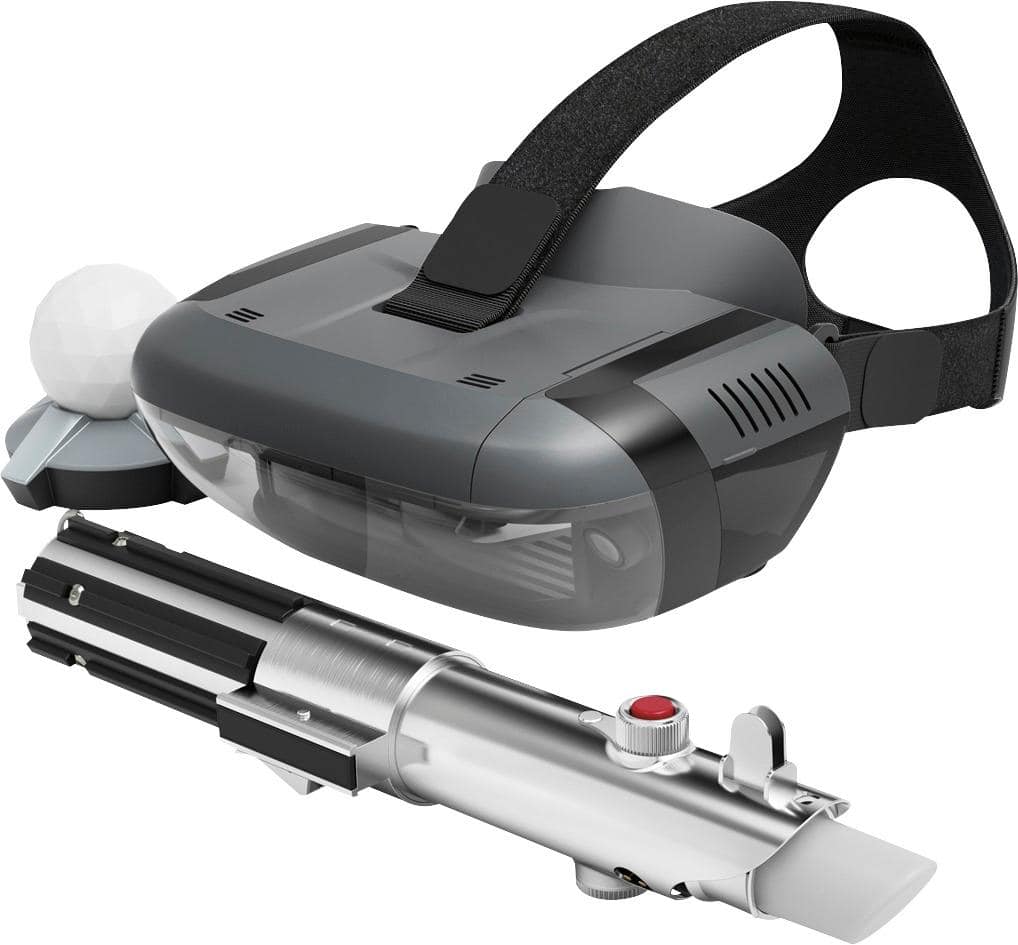
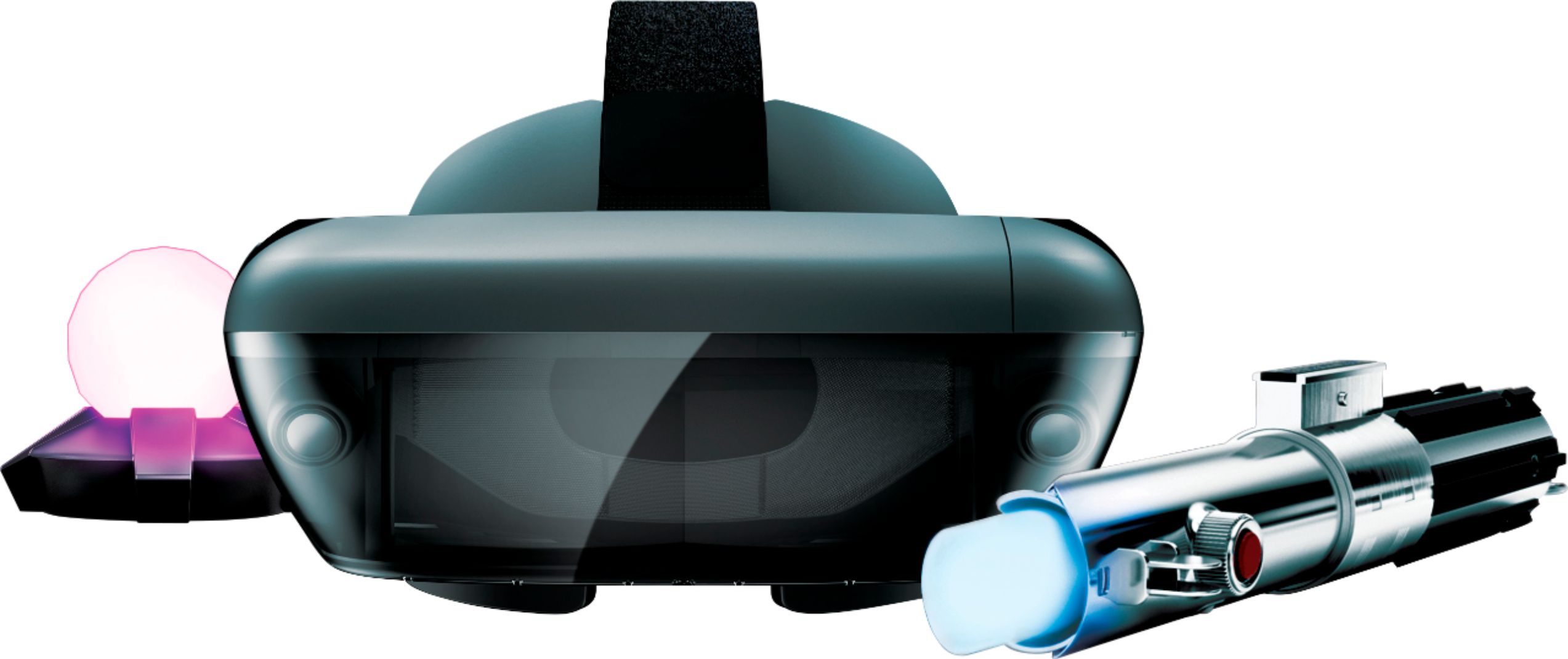
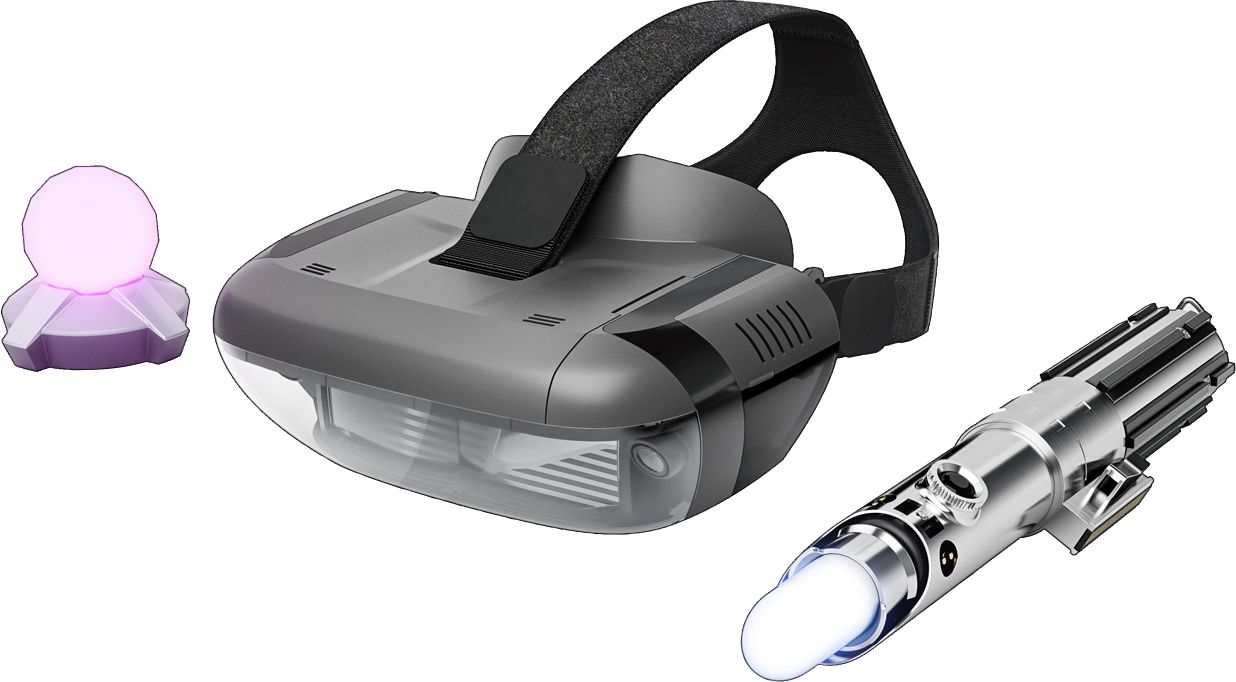
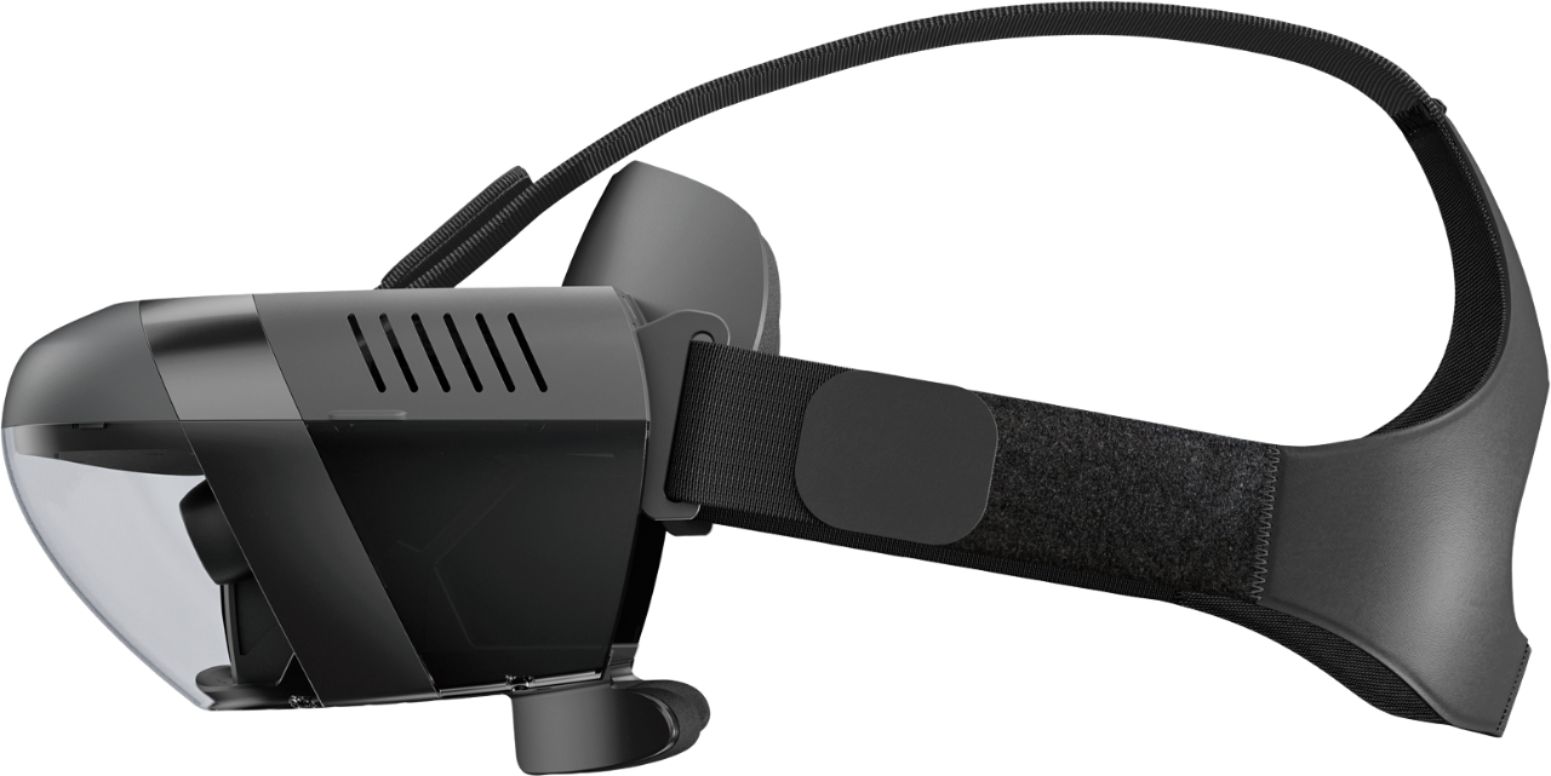







- Model:
- ZA390002US
- SKU:
- 6010802
Rating by feature
- Value
Rating 4.0 out of 5 stars
- Quality
Rating 4.2 out of 5 stars
- Ease of Use
Rating 3.8 out of 5 stars
Customers are saying
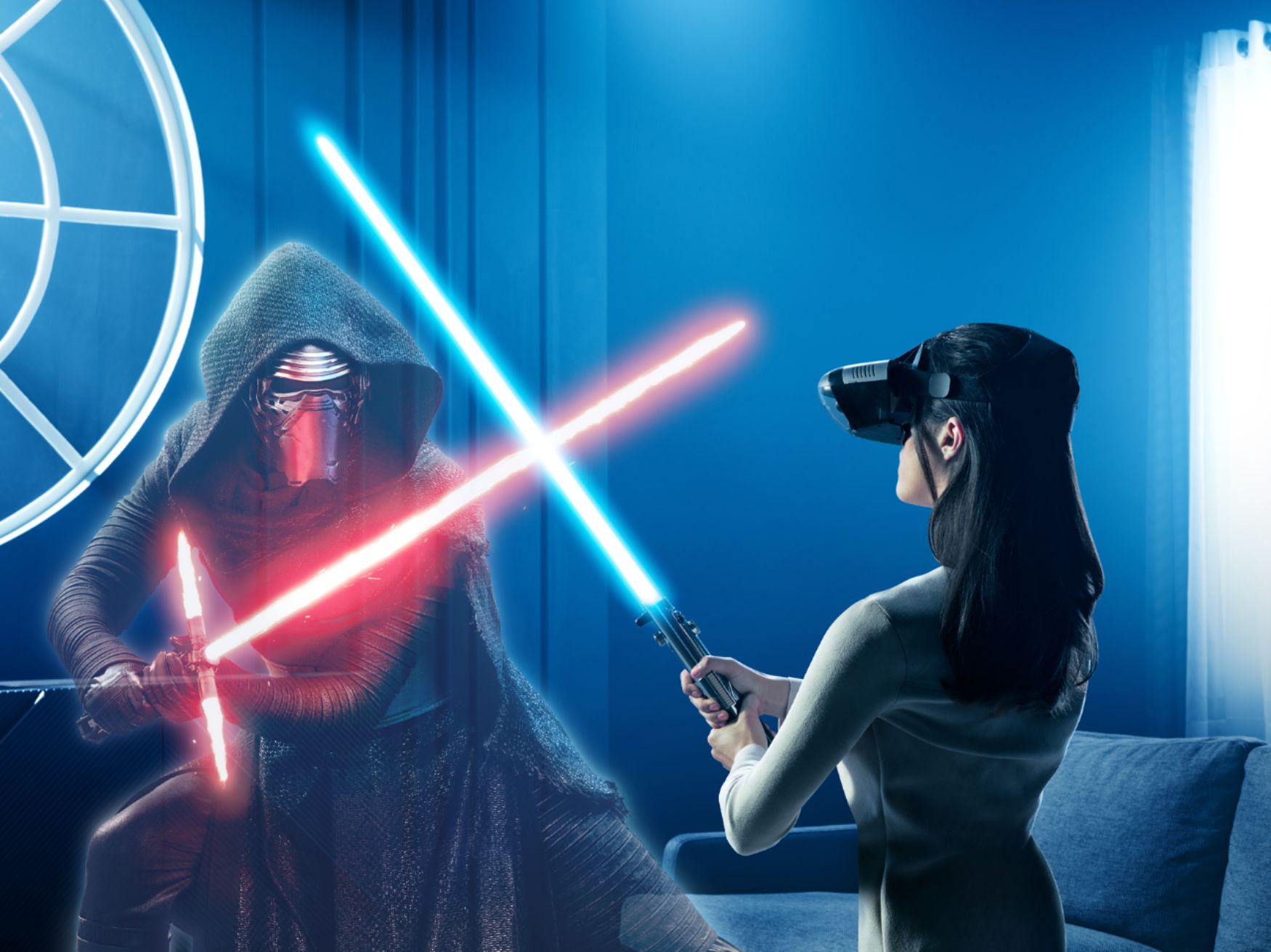
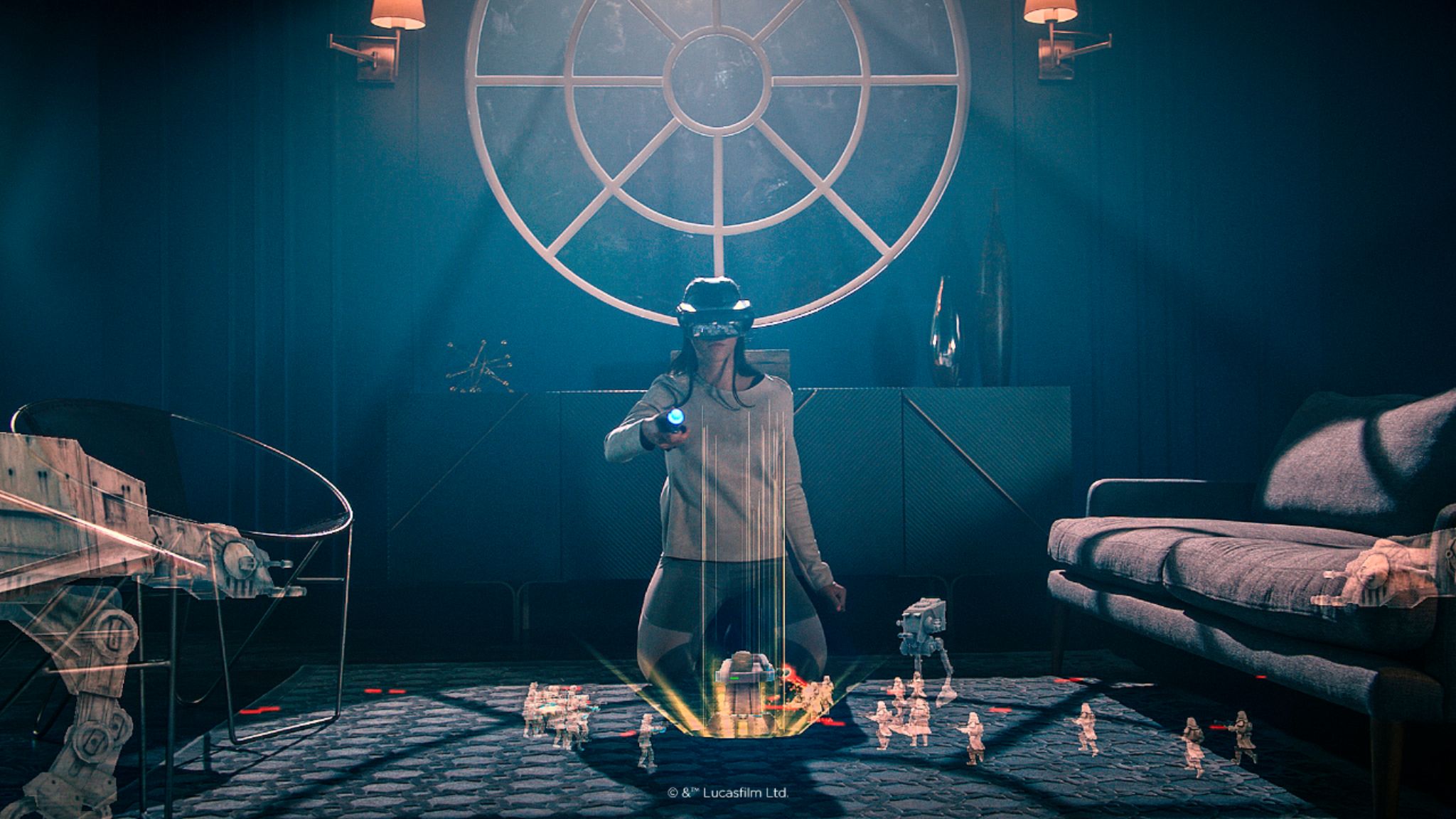
Customers value the immersive VR experience, the fun factor, and the cool lightsaber feature of Star Wars™: Jedi Challenges. Many appreciate the game's graphics and ease of use, while some found the setup a bit challenging. However, concerns were raised regarding phone overheating and battery drain during gameplay. Improvements to tracking accuracy were also suggested by some users.
This summary was generated by AI based on customer reviews.
- Cons mentioned:Battery life
this is junk
||Posted . Owned for 1 year when reviewed.This reviewer received promo considerations or sweepstakes entry for writing a review.waste of money the kiss played it one time.i think at time we payed half price still was not worth it. App would kill battery fast and get super hot. Save your money
No, I would not recommend this to a friend There are tons better but also more expensive.
||Posted . Owned for 3 weeks when reviewed.This reviewer received promo considerations or sweepstakes entry for writing a review.This product can be hard to get the headset to fit properly. One time it fits perfect the next it doesn't. The display can be easy to see or very hard. Sometimes you have to almost kneel in order to get to the level/game you want to play.
No, I would not recommend this to a friendBored
||Posted .This reviewer received promo considerations or sweepstakes entry for writing a review.I purchased this for my 12 yr old boys and unfortunately they became very bored very quickly with the limited number of games available. Total use for the game has been maybe a few hours.
No, I would not recommend this to a friendBrand response from Lenovo Product Expert
Posted .Thank you for your feedback. We are sorry to hear that your boys are not fully enjoying the Star Wars: Jedi Challenges. Many other people are having a lot of fun with it, especially with the Lightsaber duels. Star Wars: Jedi Challenges offers one storyline taking the player through more than 30 challenges across three types of experiences offering many hours of fun play time.
You may want to download the new content that we released this month. It is a free download through the game app:
.• New Lightsaber Duel – Players can duel two elite Praetorian Guards featured in The Last Jedi. This is the first time Jedi Challenges players will duel two characters at the same time.
• New Planet for Strategic Combat – Three thrilling new levels of Strategic Combat set on Crait, a brand new planet that debuts in the film, will come with the update. Battle new enemies and vehicles including the formidable First Order AT-M6 walker.
• New Content in Assault mode – All-new enemies and levels will be introduced, including the First Order Stormtrooper Executioner and Riot Control Stormtrooper.
• Introduction of Porgs – Players will be rewarded with fan-favorite porgs in augmented reality.
Lenovo Doesn't Support This Product
||Posted .This reviewer received promo considerations or sweepstakes entry for writing a review.The product is ok, but when the cords that connect your phone to the device break Lenovo will not sell you new ones. After market cords do not work and Lenovo doesn't care and wont' sell you a new cord. They of course have cords to place in the packages of the new AR devices. Once the cord breaks you have a lot of plastic that does nothing. Lenovo please sell the cords again or update the software to allow for after market cords. I
No, I would not recommend this to a friend- Cons mentioned:Phone compatibility
Hard to connect to your device
||Posted .This reviewer received promo considerations or sweepstakes entry for writing a review.I bought this vr game for my son as a Christmas gift but he hasn't been able to used it since it doesn't connect to any of our phones (galaxy 9) we're very disappointed.
No, I would not recommend this to a friend No. Just no for the IPhone 6S
||Posted .This reviewer received promo considerations or sweepstakes entry for writing a review.The product does not work for the IPhone 6S with all updates despite the assertion on the box. Reviews dating back as far as December 2017 indicated a problem with the app shutting down after the tutorial. It is extremely disappointing and a failure on the part of the software designers inability to provide a correction to the interface. My son and I were completely let down having taken the time to set up the system, charge the headset, delete and install the app two times only to determine the system did not work. At this point it occurred to me why they were so many units on the shelf and Best Buy discount at the product by $30.
No, I would not recommend this to a friendBrand response from Lenovo Product Expert
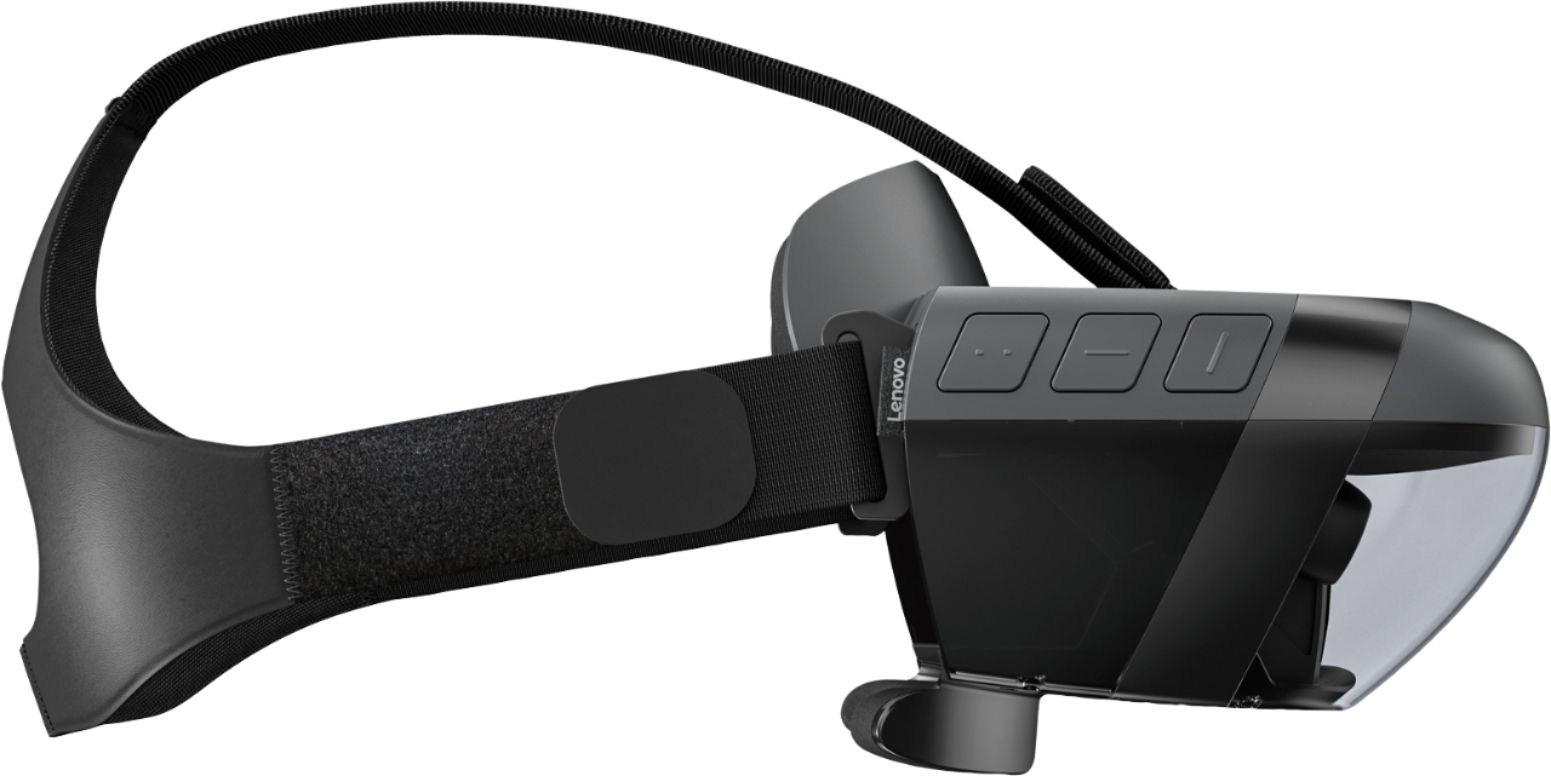
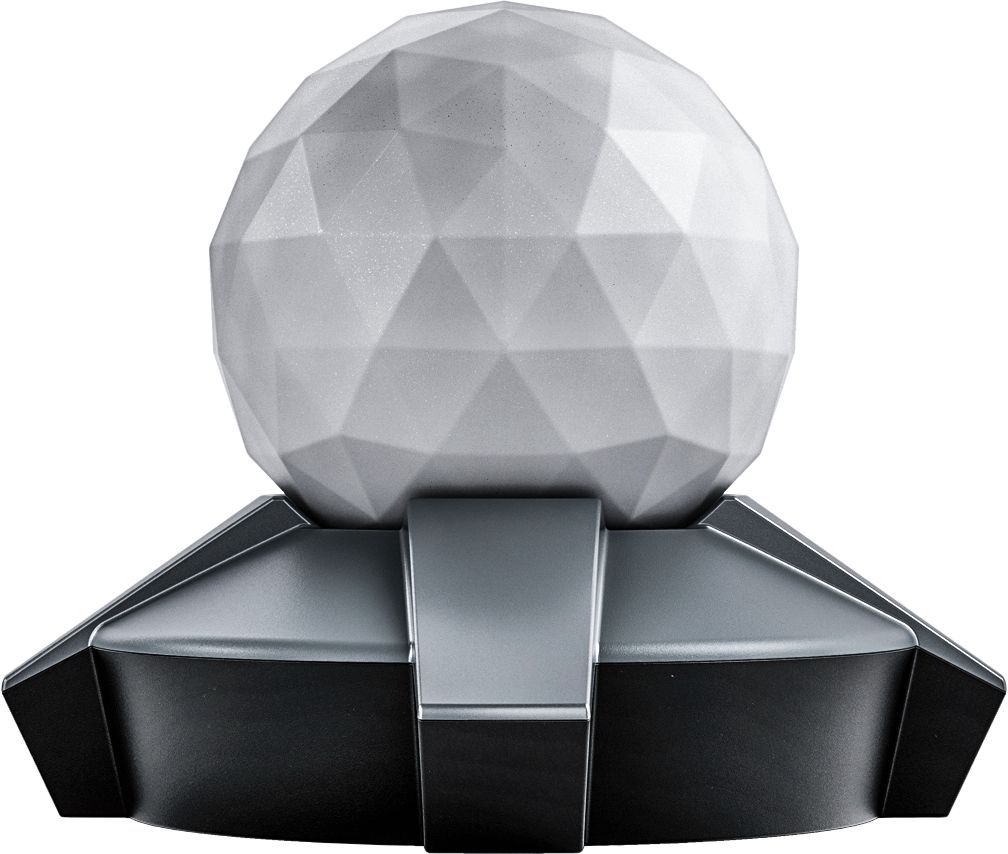
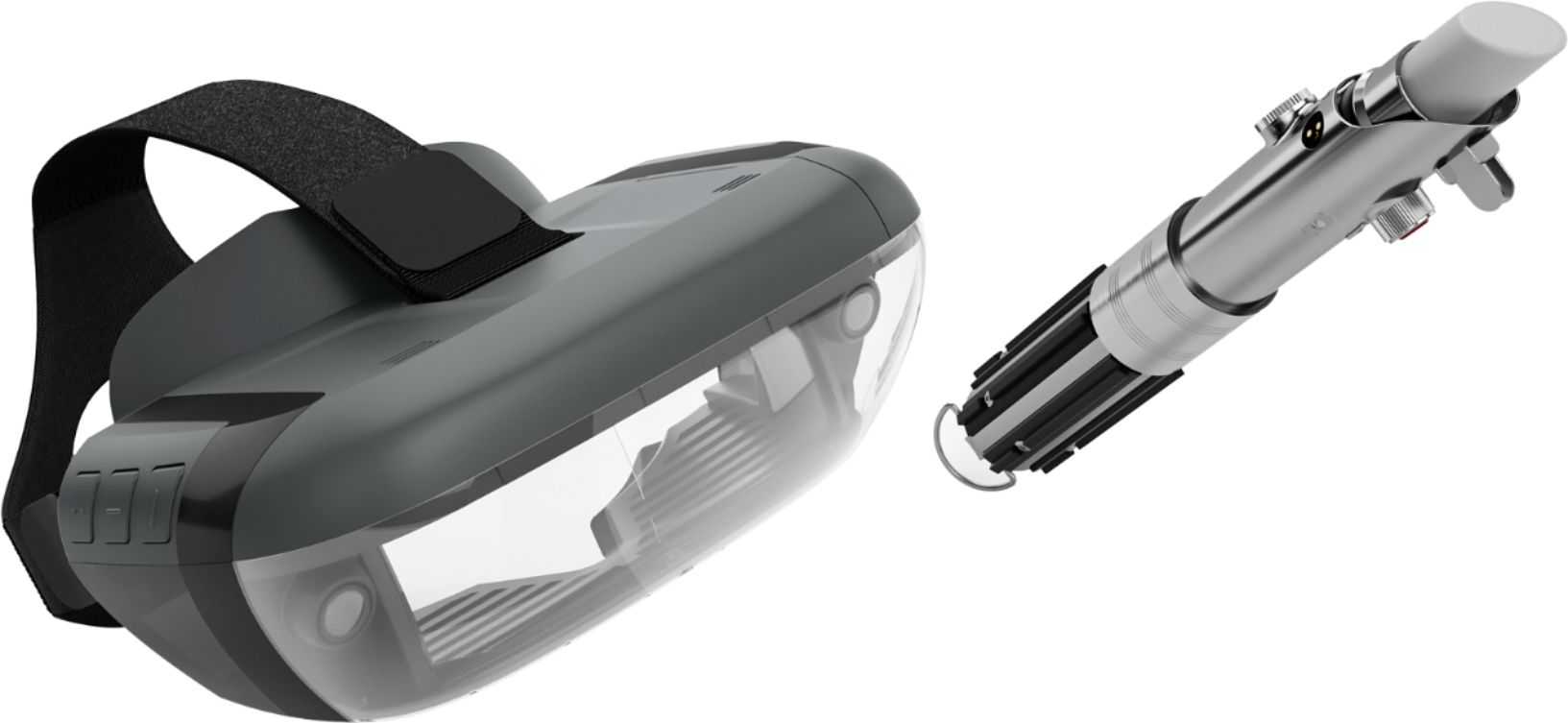
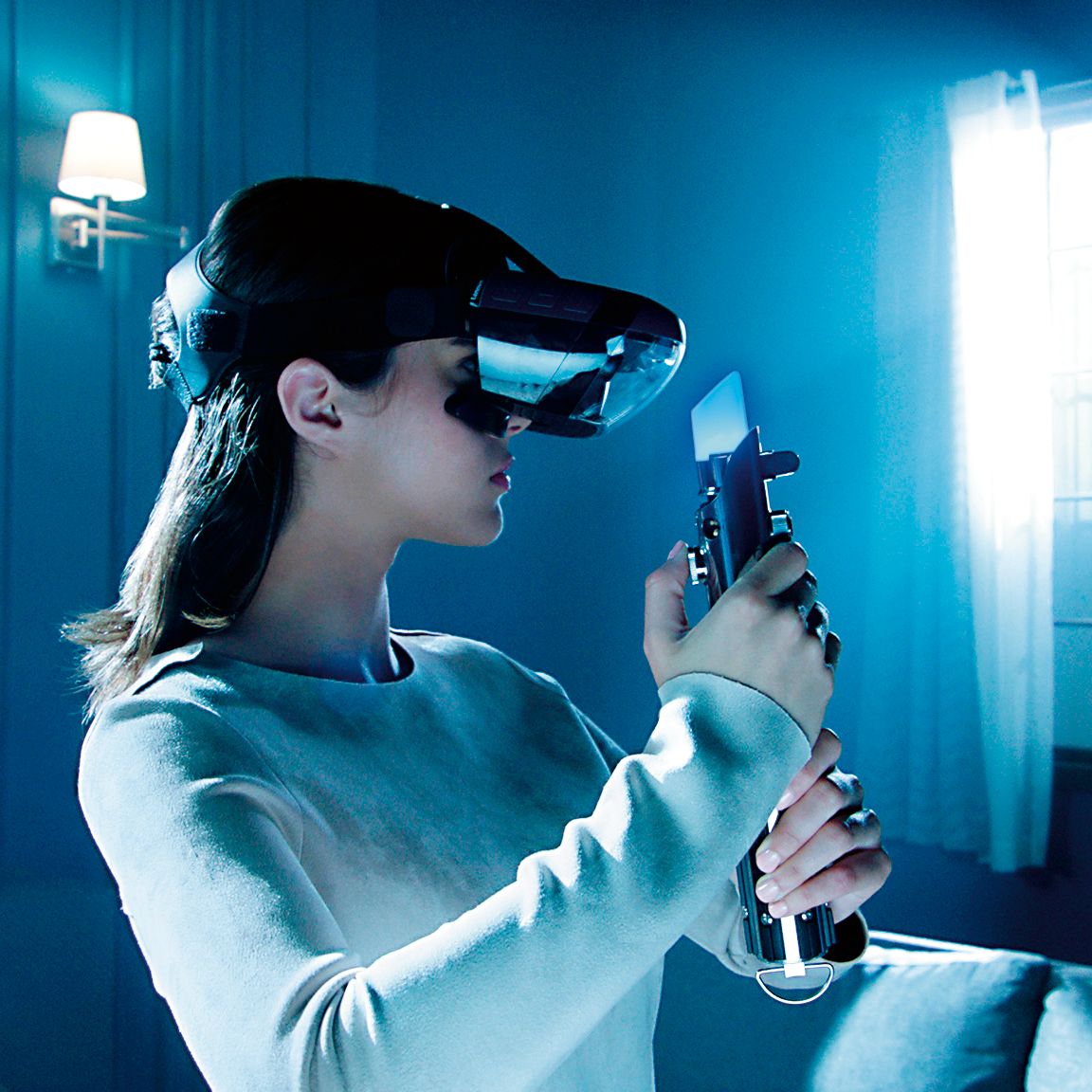
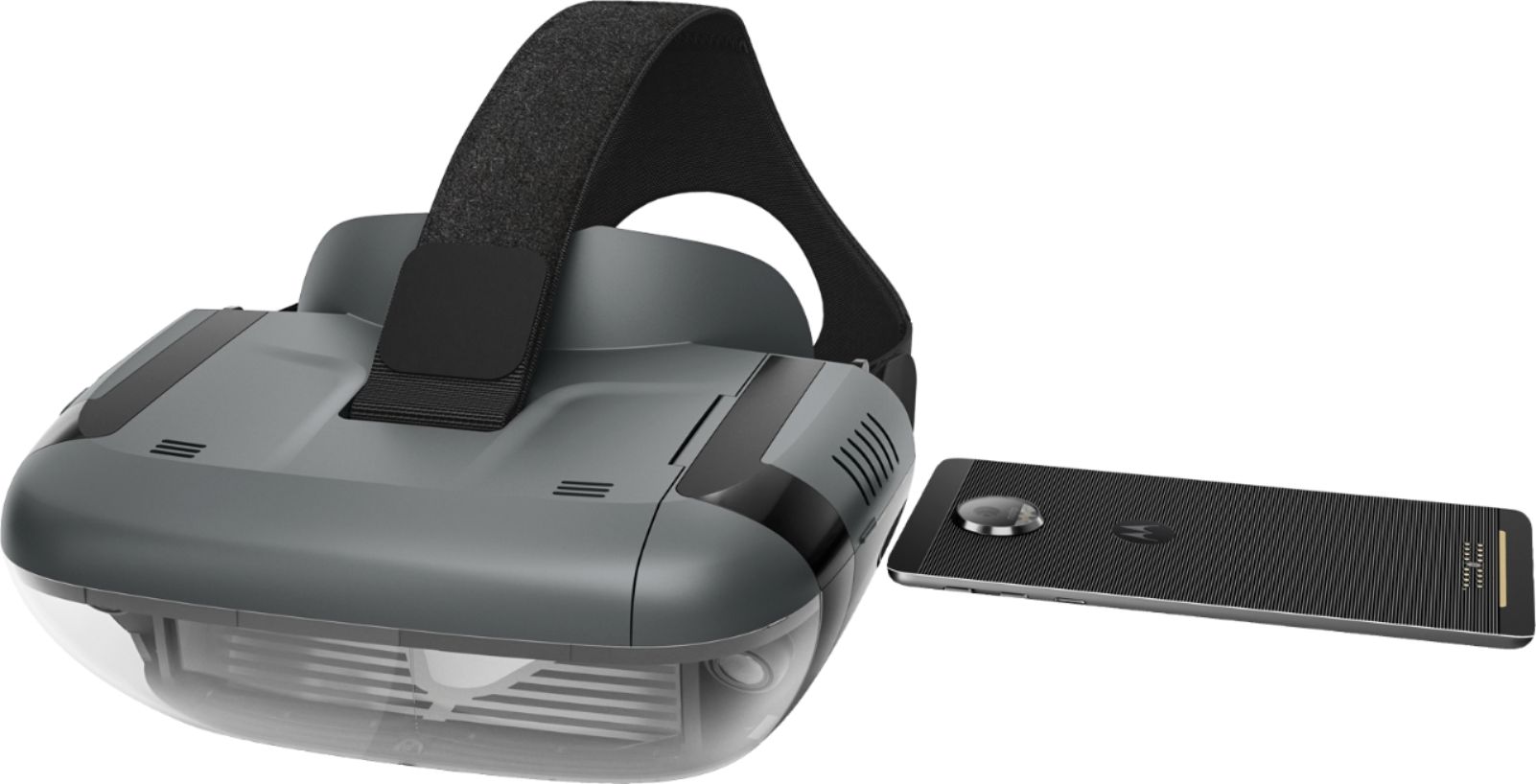
Posted .Thank you for your feedback. We are very sorry to hear that you are having problems setting up the Star Wars: Jedi Challenges. There can be system bug in the older Apple IOS. Please make sure you are running IOS 11.1 or a later version. Sometimes when using an older IOS the wait time for the connection to the headset can take 30 seconds or more. Please check your phone's Bluetooth setting to make sure it is on.( tap settings, select Bluetooth , tap the switch to ensure it is on ( green). Also make sure the location feature on the phone is turned on too .(tap settings, select location , tap the switch to ensure it is on ( green). Please make sure that the headset is powered up and the cable connected .Please make sure that the compatible phone is out of the headset when setting the system up for the first time. Then, when prompted insert the phone into the tray and then into the headset. It is very important when setting up the system for the first time to use the "app" that is provided to guide you through the entire set up process. This insures that the whole system: headset, phone, tracking beacon and Lightsaber controller, will be synced correctly. If this does not If this does not work please contact our support team for a detailed troubleshooting guidance @ : support.lenovo.com/jedichallenges.
Overheats our phones!
||Posted .This reviewer received promo considerations or sweepstakes entry for writing a review.My fiancé and I both have issues with our phones over heating and slowing down the playing experience. I have an iPhone 7 Plus and he has and iPhone X, both are getting extremely hot within 15 minutes of playing.
No, I would not recommend this to a friendBrand response from Lenovo Product Expert
Posted .Thank you for your feedback. Some phones may experience an increase in temperature when running graphics found in apps such as Jedi Challenges, but our app is designed to safely operate within the established parameters of your supported phone to deliver a high quality gameplay experience with no harm to your phone. For more information, please visit support.lenovo.com/jedichallenges

- Cons mentioned:Phone compatibility
STAR WARS PICK YOUR WALLET CLEAN
||Posted .This reviewer received promo considerations or sweepstakes entry for writing a review.Does not work on newer Samsung phones Note 8. Really should have a big sign on box PHONE REQUIRED. Thought fo $200 it would not require the use of a phone at that price.
No, I would not recommend this to a friendBrand response from Lenovo Product Expert
Posted .Thank you for your feedback. There is information on the retail box regarding the need for an approved smart phone. The Samsung Note 8 is not on the current list of compatible phones. We are in the process of testing and approving other phones. Please find the updated list of phones at jedichallenges.com/compatibility.
- Cons mentioned:Phone compatibility
TERRIBLE
||Posted . Owned for 1 month when reviewed.This reviewer received promo considerations or sweepstakes entry for writing a review.If you have an updated phone you can’t play this because it won’t fit !!!! Why are the still selling this product? Absolutely terrible
No, I would not recommend this to a friend Heavy and a Hassle
||Posted .This reviewer received promo considerations or sweepstakes entry for writing a review.Bought for my son. The headset was too big and heavy. Requires a cell phone inside the headset and the app running. Phone (I phone X) didn't fit right, so it never worked as noted. Returned.
No, I would not recommend this to a friendBrand response from Lenovo Product Expert
Posted .Thank you for your feedback. The Star Wars Jedi Challenges is intended for people 13 and older.
It is a smart phone powered AR headset. The iPhone X is on the list of compatible phones. If you need additional help please contact our customer support @ 877-453-6686.
- Cons mentioned:Phone compatibility
Not easy to operate
||Posted .This reviewer received promo considerations or sweepstakes entry for writing a review.When it worked this was a great product but my boys had a hard time using this product and getting the phones to fit in it.
No, I would not recommend this to a friendBrand response from Lenovo Product Expert
Posted .Thank you for your feedback. We are sorry to hear that you are having problems playing the Star Wars: Jedi Challenges. It is very important that the phone you will be using for the Star Wars: Jedi Challenges is on the compatible list, otherwise the hologram images may not be as the developer intended. It is not just the size of the phone that is important. Please find the updated list of phones at jedichallenges.com/compatibility. It is also very important that you let the "app" that is included guide you through the entire set up process. This insures that the system will be synced correctly. You can contact us here: support.lenovo.com/jedichallenges
- Cons mentioned:Phone compatibility
Do not buy
||Posted .This reviewer received promo considerations or sweepstakes entry for writing a review.Fun for 2 min until the sword was not responding fast enough and Darth maul kept killing. My iPhone was also over heating
No, I would not recommend this to a friendBrand response from Lenovo Product Expert
Posted .Thank you for your feedback. If you are having some problems with the Lightsaber not reacting fast enough or not lining up please try these steps: With the game on, hold the Lightsaber 12" in from your nose and press the black button, and hold it for 10 seconds, this should fix the issue. If you are still having trouble ,please contact our customer support @ 877-453-6686. Some phones may experience an increase in temperature when running graphics found in apps such as Jedi Challenges, but our app is designed to safely operate within the established parameters of your supported phone to deliver a high quality gameplay experience with no harm to your phone. For more information, please visit support.lenovo.com/jedichallenges.
- Cons mentioned:Phone compatibility
Bad
||Posted .This reviewer received promo considerations or sweepstakes entry for writing a review.The fact that I need to used a phone it’s ridiculous. And need to be specific phones I buy this for my son very mad
No, I would not recommend this to a friendBrand response from Lenovo Product Expert
Posted .Thank you for your feedback. The Star Wars: Jedi Challenges is a smart phone powered AR headset, and does require a cell phone to operate.Please find the updated list of phones at jedichallenges.com/compatibility.
- Pros mentioned:Lightsaber, Vr
AMAZING !!!
Posted .This reviewer received promo considerations or sweepstakes entry for writing a review.I went into the store to buy a phone, I saw the display and demo and I had to have it. Brought it back to my office and can't put it down. This is so much fun, especially if you're a Star Wars fan !!
I would recommend this to a friendBrand response from Lenovo Product Expert
Posted .We are happy you are having fun with your Star Wars Jedi Challenges. Thank you.
Not a mechanical engineer...
||Posted .This reviewer received promo considerations or sweepstakes entry for writing a review.Neat little idea, but a royal pain to use. For the money spent, I wouldn't have spendt it, for the difficulty that they made it to use.
No, I would not recommend this to a friendBrand response from Lenovo Product Expert
Posted .Thank you for your feedback. We are sorry to hear that you are having problems setting up the Star Wars: Jedi Challenges. Please make sure that you are using a compatible phone. It is very important that the phone you will be using for the Star Wars: Jedi Challenges is on the compatible list, otherwise the hologram images may not be as the developer intended. Please find the updated list of phones at jedichallenges.com/compatibility .Please make sure that the compatible phone is out of the headset when setting the system up for the first time. Then, when prompted insert the phone into the tray and then into the headset. It is very important when setting up the system for the first time to use the "app" that is provided to guide you through the entire set up process. This insures that the whole system: headset, phone, tracking beacon and Lightsaber controller, will be synced correctly. If this does not work please contact our support team for a detailed troubleshooting guidance @ support.lenovo.com/jedichallenges
- Cons mentioned:Phone compatibility
Nope
||Posted .This reviewer received promo considerations or sweepstakes entry for writing a review.If you have an LG this is not compatible. My husband was very upset and took it back
No, I would not recommend this to a friend - Cons mentioned:Phone compatibility
Couldn't get it to work
||Posted . Owned for 1 year when reviewed.This reviewer received promo considerations or sweepstakes entry for writing a review.I could never get this device to work. It only worked on old phones.
No, I would not recommend this to a friend - Cons mentioned:Phone compatibility
Phone heats up
||Posted .This reviewer received promo considerations or sweepstakes entry for writing a review.I was very disappointed with this system. The phone heats up thus limiting playing time.
No, I would not recommend this to a friendBrand response from Lenovo Product Expert
Posted .Thank you for your feedback. Some phones may experience an increase in temperature when running graphics found in apps such as Jedi Challenges, but our app is designed to safely operate within the established parameters of your supported phone to deliver a high quality gameplay experience with no harm to your phone. For more information, please visit support.lenovo.com/jedichallenges.
Cant figure out how to play it
||Posted .This reviewer received promo considerations or sweepstakes entry for writing a review.Once we were able to set it up, we cant seem to get it to let us play or do anything and really no good instructions at all
No, I would not recommend this to a friendBrand response from Lenovo Product Expert
Posted .Thank you for your feedback. We are sorry to hear that you are having problems setting up the Star Wars: Jedi Challenges. Please make sure that you are using a compatible phone. It is very important that the phone you will be using for the Star Wars: Jedi Challenges is on the compatible list, otherwise the hologram images may not be as the developer intended. Please find the updated list of phones at jedichallenges.com/compatibility .Please make sure that the compatible phone is out of the headset when setting the system up for the first time. Then, when prompted insert the phone into the tray and then into the headset. It is very important when setting up the system for the first time to use the "app" that is provided to guide you through the entire set up process. This insures that the whole system: headset, phone, tracking beacon and Lightsaber controller, will be synced correctly. If this does not work please contact our support team for a detailed troubleshooting guidance @ support.lenovo.com/jedichallenges
- Cons mentioned:Phone compatibility
Phone doesn’t fit
||Posted .This reviewer received promo considerations or sweepstakes entry for writing a review.Galaxy note 8 doesn’t fit and iPhone 8+... doesn’t say on the box. Had to return it.
No, I would not recommend this to a friendBrand response from Lenovo Product Expert
Posted .The Galaxy note 8 and iPhone 8+ are not on the current list of compatible phones. We are in the process of testing and approving other phones. Please find the updated list of phones at jedichallenges.com/compatibility.