Customer Ratings & Reviews




- Model:
- 82BJ007WUS
- SKU:
- 6479810
Rating by feature
- Battery Life
Rating 4.6 out of 5 stars
- Speed
Rating 4.8 out of 5 stars
- Display
Rating 4.8 out of 5 stars
Customers are saying
Customers regard the Yoga 7 15ITL5 as a fast and responsive laptop with a great touch screen and long battery life. They appreciate its lightweight design and affordable price, making it a great value for the performance it offers. On the downside, some users have concerns about its weight, limited port selection, and the pre-installed Windows 11 operating system.
This summary was generated by AI based on customer reviews.
Don’t purchase
||Posted . Owned for 1 month when reviewed.This reviewer received promo considerations or sweepstakes entry for writing a review.Horrible computer the internet continuously has network errors and won’t connect
No, I would not recommend this to a friendBrand response from Lenovo Product Expert
Posted .This Intel Evo-Certified, Lenovo Yoga 7i 15, model number 82BJ007WUS, ships with the Intel AX201NGW WiFi-6 Chip installed (Wireless,CMB,IN,AX201 NV NO Wireless LAN adapter, Lenovo Part Number - 5W10V25775), wide range/high speed 2x2 802.11ax frequency WiFi capability for the best WiFi connectivity. This Intel AX201NGW WiFi-6 Chip is also backward compatible to older, a/b/g/n/ac frequency WiFi. If you are getting less than expected WiFi connectivity first, check to be sure you have the latest version of Windows 11 on the computer. Then update all BIOS files and drivers up to that latest version of Windows 11. You can easily accomplish this by scanning the computer with the Lenovo Utility software available on this computer. This system has Lenovo utilities installed to help maintain the health of the device and keep the operating system software up to date. Type "Lenovo Vantage" in the Cortana Search window (if Lenovo Vantage is not installed on your device, you can download the APP and install it now). Select Lenovo Vantage from the list. In the window that opens, click on "Health and Support". In the expanded menu, select "Hardware Scan" In the window that opens, select "Run Quick Tests". This will scan your entire system for errors. Follow any directions that may pop up. If the problem continues after this scan, now click on "System Update". First select Windows update from the menu. Scan your system to be sure you have the latest version of Windows 11. Once that scan is complete, select "Additional Updates". This will scan your device to be sure there are no new BIOS/Driver updates needed. Follow any instructions that may pop up. If you get a message stating that there are no available updates, you can directly update/reinstall the WiFi Driver within the Windows 11 Operating System on this Laptop. Here is a link to instructions for doing this: https://allthings.how/how-to-install-or-update-windows-11-wifi-driver/#:~:text=In%20Settings%2C%20click%20on%20the,Download%20%26%20install'%20under%20it. If the issue continues after this update, we recommend you contact Lenovo Premium Care for additional help at: 888-278-9707.

Very disappointing
||Posted . Owned for 1 month when reviewed.This reviewer received promo considerations or sweepstakes entry for writing a review.One month old, and it will not take a charge. Up until that point it worked well.
No, I would not recommend this to a friendBrand response from Lenovo Product Expert
Posted .We are sorry to hear that you are having issues charging your Intel Evo-Certified, Lenovo Yoga 7i 15. First check to be sure that Battery conservation Mode is turned off. This power management setting should only be used when the laptop is plugged in all the time. It will prolong overall battery life by only charging the battery to 60-percent of capacity. You can turn off Battery Conservation Mode within the Lenovo Vantage APP. Select Device, then Power. Change the Battery Threshold setting to off. Now plug in the charger and the battery will charge to a full 100 percent capacity. If you get a message when your roll your cursor over the Battery Level indicator, that the laptop is Plugged In, Not Charging, unplug the laptop and let the battery level drop below 50 percent. Now plug the computer back in and the laptop will charge back up to 100 percent capacity. If you continue to have issues, we recommend you contact Lenovo Premium Care for additional help at: 888-278-9707.
Stopped working after 4 months
||Posted . Owned for 4 months when reviewed.This reviewer received promo considerations or sweepstakes entry for writing a review.Stopped working after 4 months of use. Very disappointed.
No, I would not recommend this to a friendBrand response from Lenovo Product Expert
Posted .We are sorry to hear that you are having issues with your Intel Evo-Certified, Lenovo Yoga 7i 15, model number 82BJ007WUS. Resetting this computer back to original factory settings may correct the issue you are having. Power off the computer and plug in the AC adapter/charger that came with your Yoga 7i 15 with the computer powered off. This system is equipped with OneKey Recovery System. There is a very small pin hole on the bottom right side of the device, right near the cooling vent on the bottom of the device. You will need a pin to push this reset button. Plug the device in. Let the battery charge for about 15 minutes, with the power off. Push the reset button. The system should boot to a choice screen where you can choose "Restore To Factory Default". Select this. It will delete everything from the hard drive except the original factory install of the operating system. You will need to reinstall all programs and files after the reset. If you don't have copies of the files, try to make one before you restore by selecting "Boot to desktop" and trying to back up your files. If the problem persists after the factory reset, we recommend you contact Lenovo Tech Support at: 877-453-6686.
Dissatisfied customer
||Posted .This reviewer received promo considerations or sweepstakes entry for writing a review.I was very dissatisfied with the Lenovo Computer and returned it. I purchased a Dell Computer.
No, I would not recommend this to a friendBrand response from Lenovo Product Expert
Posted .We are sorry to hear that that this Intel Evo-Certified, lenovo Yoga 7i 15, model number 82BJ007WUS, did not meet your computing needs.
Exceptional Laptop
Posted .This reviewer received promo considerations or sweepstakes entry for writing a review.We purchased this laptop for my Wife to use while in Nursing School. After two years of use, it is still holding up and performing well. The screen on this laptop is crisp and bright. The battery life has been exceptional. My Wife typically gets 5-6 hours of nonstop use out of it and much of that time is watching videos or PowerPoint Presentations. Having the dedicated numeric keypad is also nice for doing clinical calculations. We have owned multiple Lenovo products and this one has worked just as well as the others. My only criticism is that this laptop is a bit on the heavier side, but then again it feels well built.
I would recommend this to a friend- Pros mentioned:Battery life
very good
Posted .This reviewer received promo considerations or sweepstakes entry for writing a review.very good laptop, excellent battery, everything is nice
I would recommend this to a friend - Pros mentioned:Touch screenCons mentioned:Weight
Nice all around performer
Posted .This reviewer received promo considerations or sweepstakes entry for writing a review.I needed a new laptop as my 2 year old previous model crashed. This fit the bill perfectly. It comes alive in a few seconds, ready to go. Easy to use touch screen with an adequate number of preloaded apps. Only negative to me is it is a little heavier than I am used to. Good value for the money spent.
I would recommend this to a friendBrand response from Lenovo Product Expert
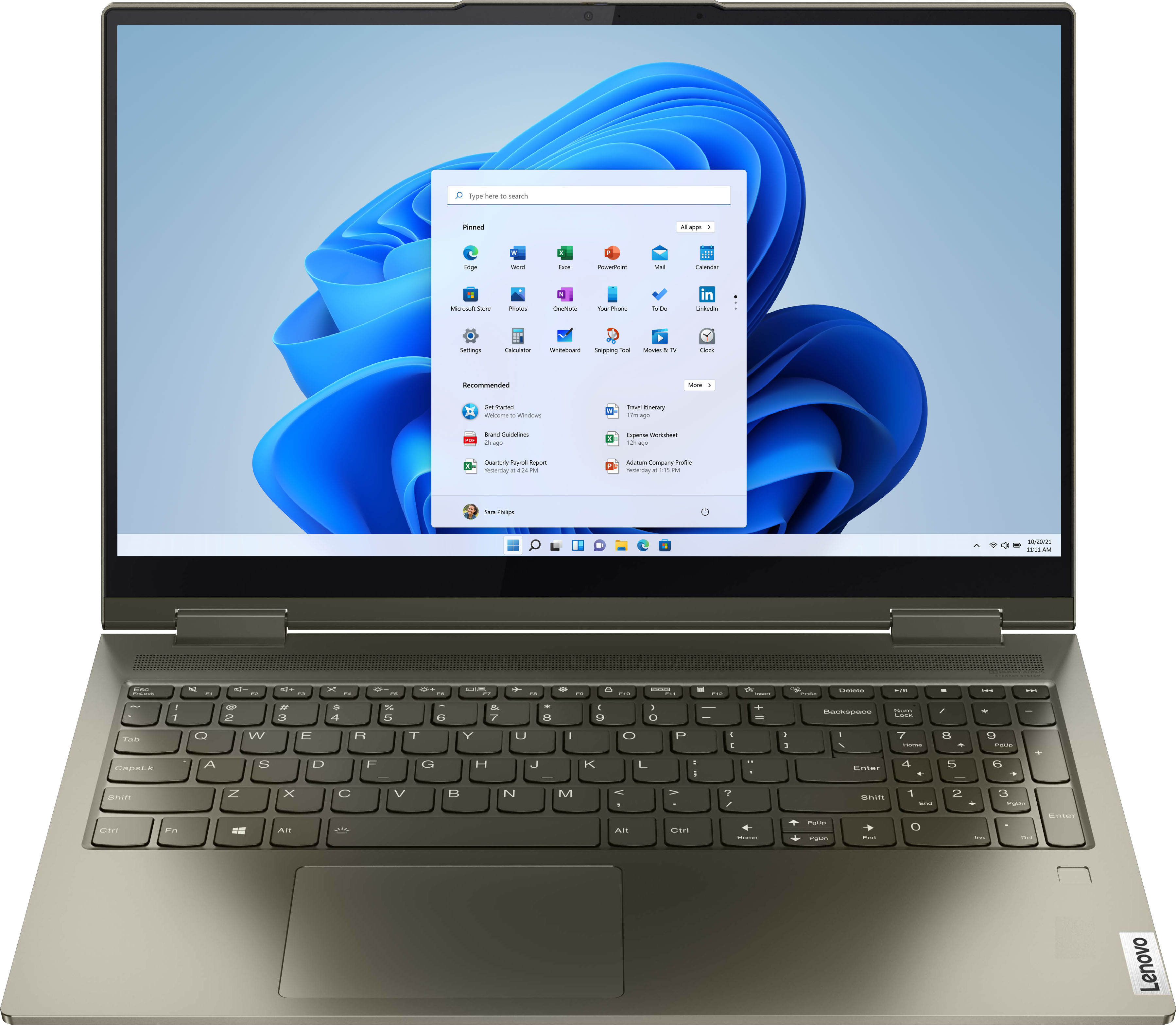
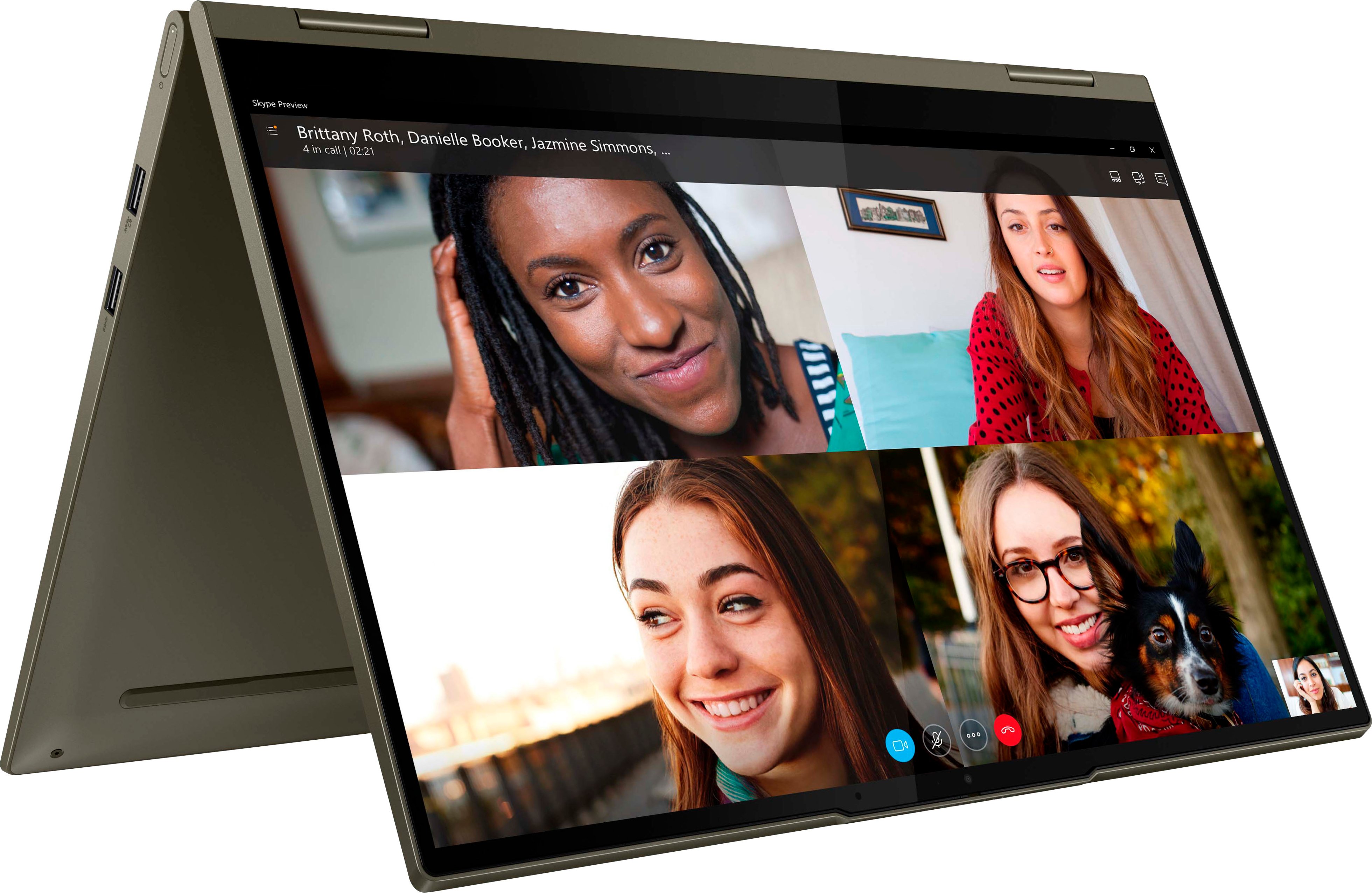
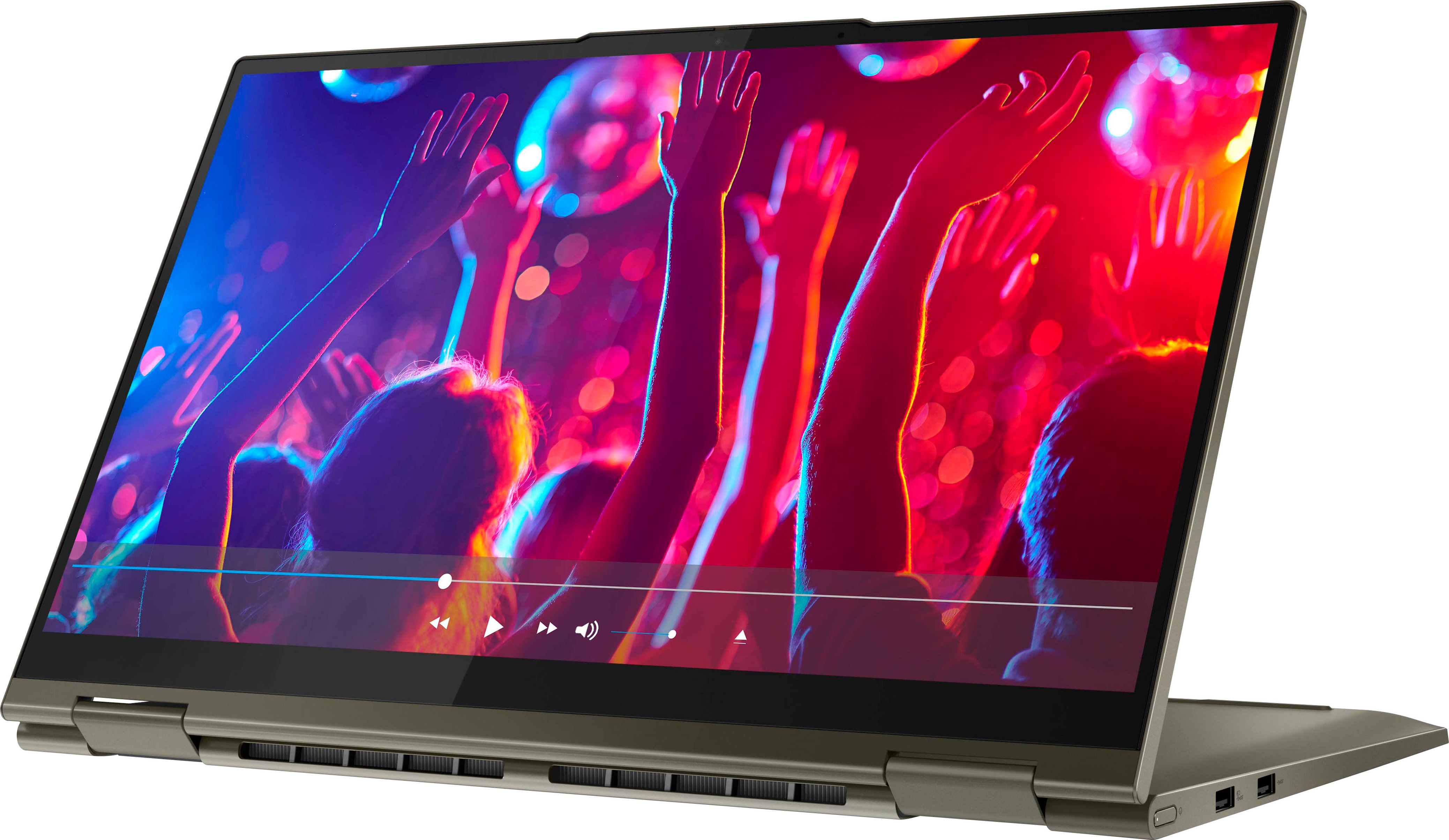
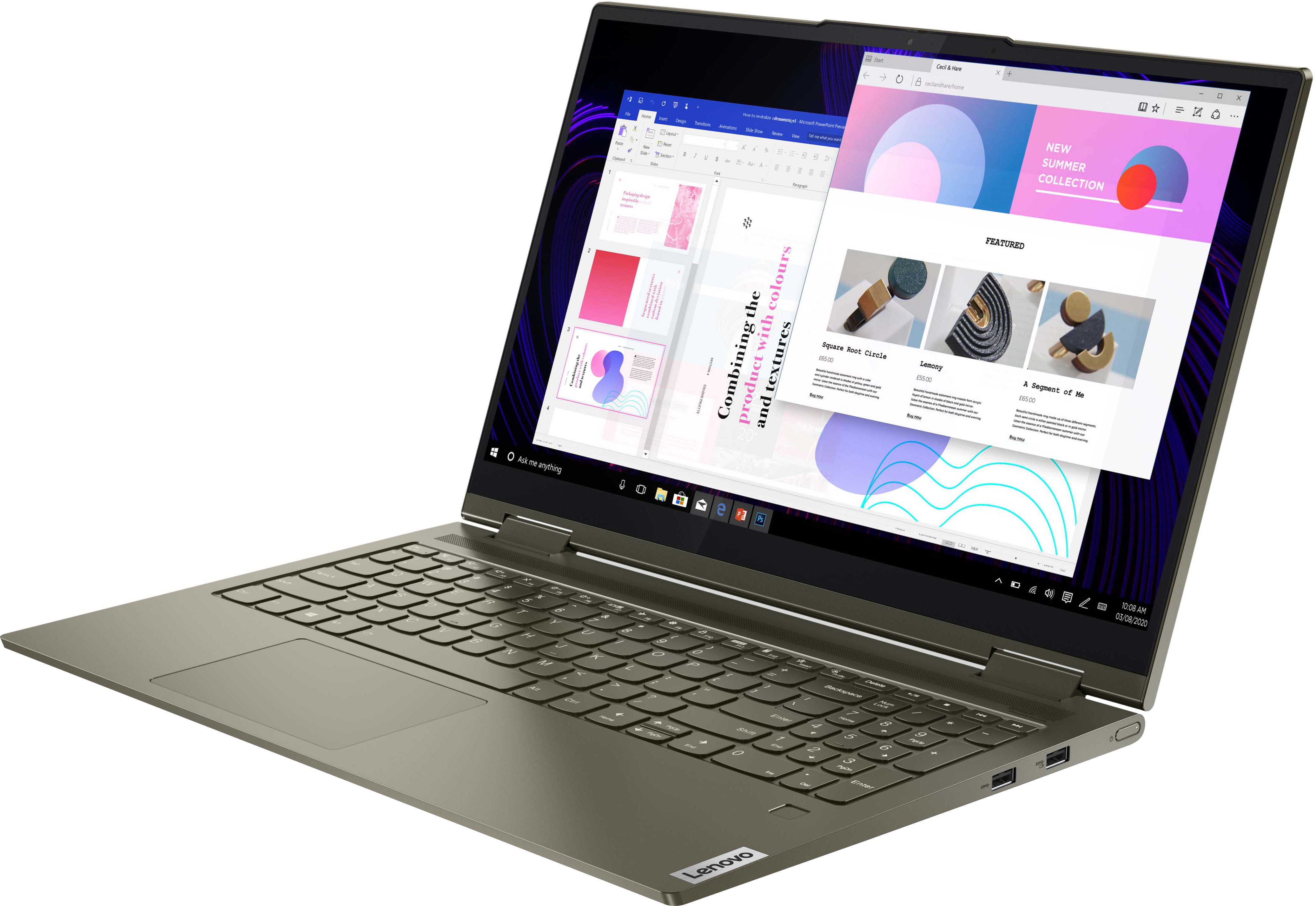
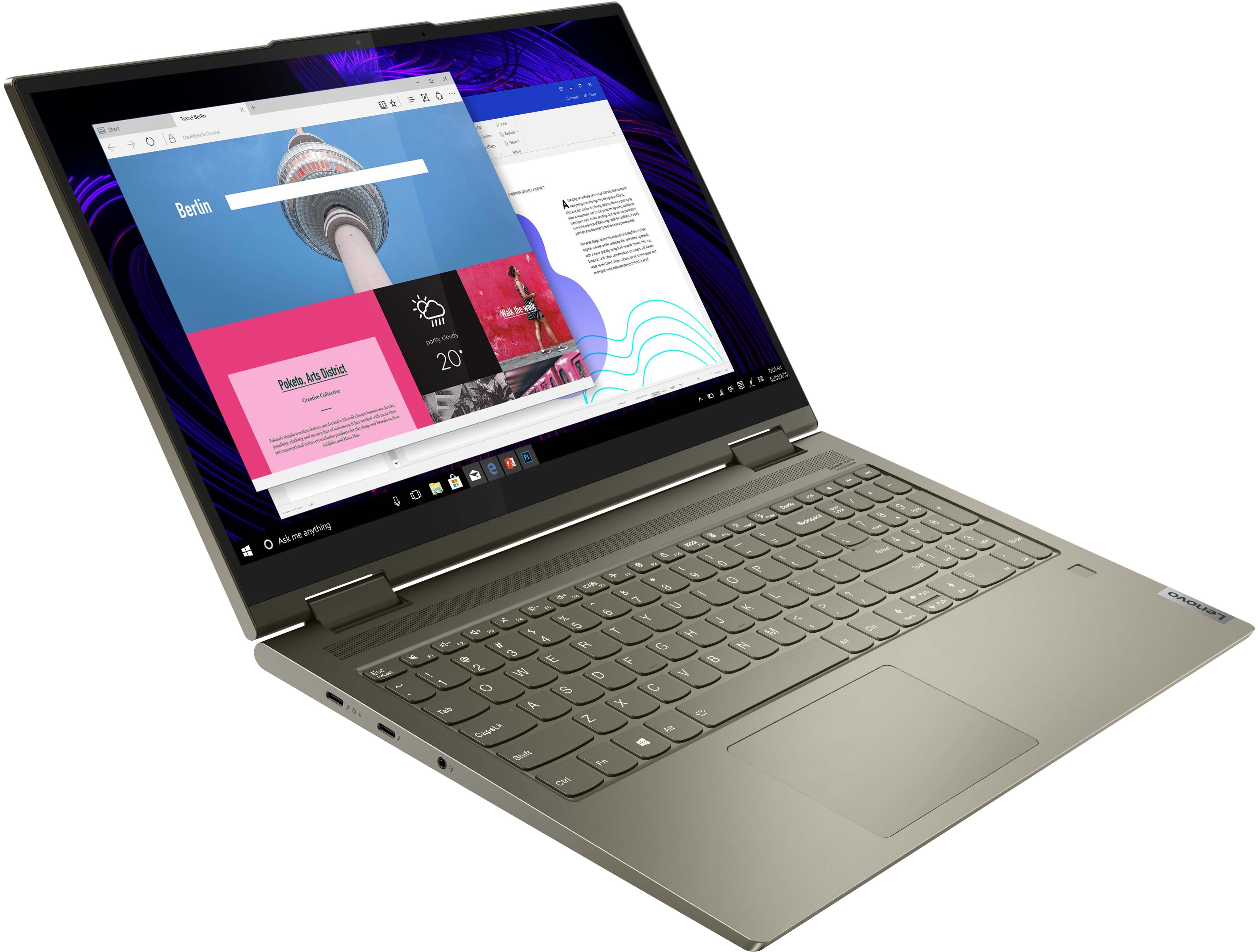
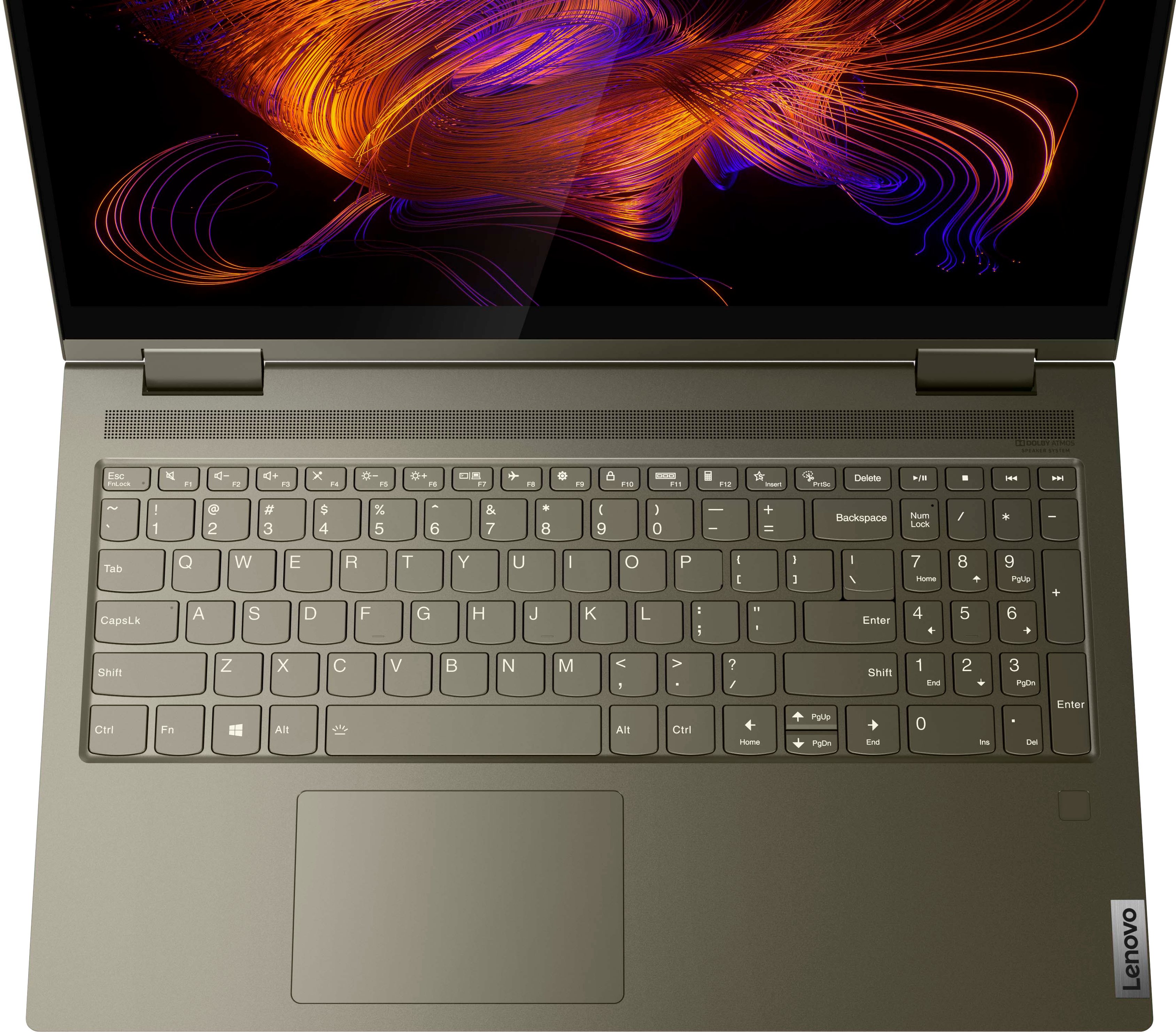
Posted .Thank you for choosing the Intel Evo-Certified, lenovo Yoga 7i 15, model number 82BJ007WUS. This full-size, 2 in 1 ultra-portable convertible laptop, provides a full-size, 15.6 inch (screen size measured diagonally) screen, with a standard QWERTY keyboard with 10-Key Numeric Pad included and still only weighs 1.9 kg (4.19 lbs).
Excellent quality
Posted .This reviewer received promo considerations or sweepstakes entry for writing a review.Purchased for my son over two years ago. He is a statistics and analytics major and has a lot of programs he needs to run on this laptop and he has not had any issues. Works as good as it did the day we purchased. Would recommend!
I would recommend this to a friend- Pros mentioned:Fast, Touch screen
Great brand to buy
Posted .This reviewer received promo considerations or sweepstakes entry for writing a review.Love the my new laptop. Display at great, love the speed.
I would recommend this to a friendBrand response from Lenovo Product Expert
Posted .Thank you for choosing the Intel Evo-Certified, Lenovo Yoga 7i 15. We are pleased to hear that the features and performance of the Yoga 7i 15 meets your computing needs so well.
- Pros mentioned:Fast
Good laptop
Posted .This reviewer received promo considerations or sweepstakes entry for writing a review.Great laptop, super fast. Perfect for work and personally use. Really loving it. What I don’t like is that the screws that hold the laptop together keeps going loose. This also happened with my previous Lenovo laptop.
I would recommend this to a friendBrand response from Lenovo Product Expert
Posted .We are sorry to hear that you are having issues with the screws holding the case together of the Intel Evo-Certified, lenovo Yoga 7i 15. The screws in the bottom of this Yoga 7i 15 are factory sealing into place with a loctite threadlocker substance and should not come loose, so long as they have not been removed or loosened after leaving the factory. If you are having issues with these screws being loose or coming out, we recommend you make an appointment with the Geek Squad at your local Best Buy Store location to have a Geek Squad agent examine the issue.
- Pros mentioned:Fast
Very good overall machine
Posted .This reviewer received promo considerations or sweepstakes entry for writing a review.First time purchasing a Lenovo. I usually go with HP or Dell. This model is by far the fastest and most responsive. Graphics are great and the screen is bigger than expected! Camera is clear and the battery life is amazing. Only knock is that there's no backlit keyboard (unless I haven't figured how to turn it on yet lol) Other than that, glad I made this purchase!
I would recommend this to a friendBrand response from Lenovo Product Expert
Posted .Thank you for choosing the Intel Evo-Certified, Lenovo Yoga 7i 15 Laptop, model number 82BJ007WUS. This model does have a backlit keyboard. To activate the backlighting, hold down the Fn Key and tap the Spacebar at the same time: Once to turn on the back lighting, twice to increase the backlighting intensity and three times to turn off the backlighting.
AMAZING
Posted .This reviewer received promo considerations or sweepstakes entry for writing a review.I've had this computer for around 2 years and I've been able to play sims 4 with around 5000 custom content, Minecraft with a bunch of mods, and valorant smoothly. This compuer is great for gaming and browsing around. This computer might heat up but that doesn't stop it from anything. Of course, it might lag a little during your games since it's not a gaming computer but its great.
I would recommend this to a friendBrand response from Lenovo Product Expert
Posted .Thank you for choosing the Intel Evo-Certified, Lenovo Yoga 7i 15. We are pleased to hear that the Yoga 7i 15 meets your computing needs so well. We always recommend you check the requirements and compatibility of any software/games you will be installing on your new computer, before you invest in any computer. Be sure your new computer can support the software/games you will need to use.
- Pros mentioned:Fast
Fast and powerful
Posted .This reviewer received promo considerations or sweepstakes entry for writing a review.Easy to use, fast, and simple to set up. Good pick for a college student.
I would recommend this to a friendBrand response from Lenovo Product Expert
Posted .Thank you for choosing the Intel Evo-Certified, Lenovo Yoga 7i 15. We are pleased to hear that the easy setup and use as well as the performance of the Yoga 7i 15 meets your computing needs so well.
- Pros mentioned:Touch screen
Good laptop!
Posted .This reviewer received promo considerations or sweepstakes entry for writing a review.Touch screen is great, high RAM lets you multitask easily.Backlit keyboard is nice.
I would recommend this to a friendBrand response from Lenovo Product Expert
Posted .Thank you for choosing the Intel Evo-Certified, Lenovo Yoga 7i 15. We are pleased to hear that the features and performance of the Yoga 7i 15 meets your computing needs so well.
Really good laptop
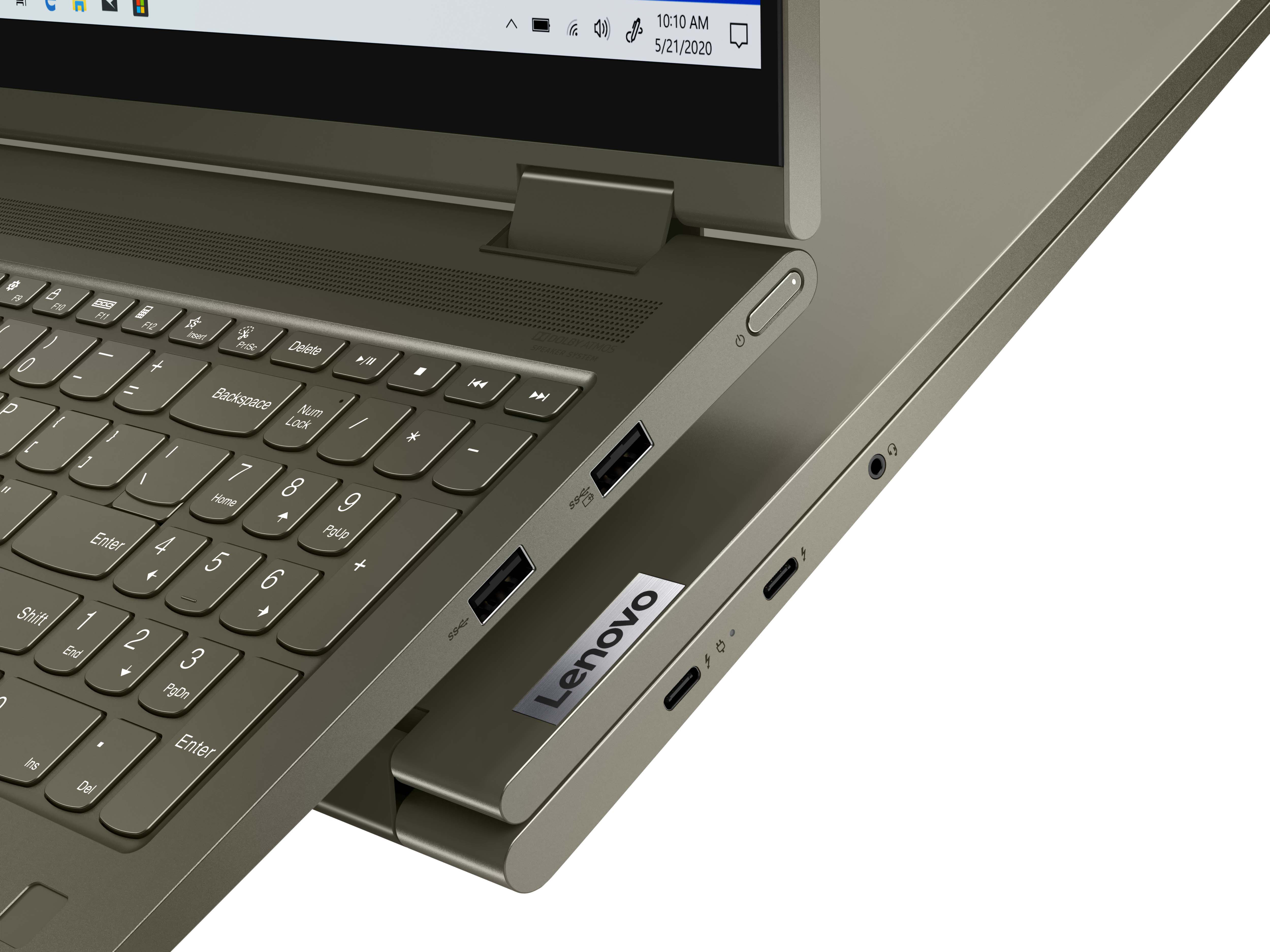
Posted .This reviewer received promo considerations or sweepstakes entry for writing a review.I can run valorant gta 5 and geshin impact on it and do school work at the same time and 2 usb a port are really useful since most laptops have only one usb a port and i use both for my keyboard and mouse
I would recommend this to a friendBrand response from Lenovo Product Expert
Posted .Thank you for choosing the Lenovo Yoga 7i 2-in-1 15.6in. Touch Screen Laptop with Intel Evo Core i7. We are very happy to see that the specifications, features, and performance of the Lenovo Yoga 7i 2-in-1 15.6in. Touch Screen Laptop with Intel Evo Core i7 meet your computing needs so well.
Lenovo yoga 7i 2 in 1
Posted .This reviewer received promo considerations or sweepstakes entry for writing a review.Computer is awesome Tim Seng pointed us into the right unit for our needs he went above and beyond to make sure we choose the right laptop
I would recommend this to a friendBrand response from Lenovo Product Expert
Posted .Thank you for choosing the Lenovo Yoga 7i 2-in-1 15.6in. Touch Screen Laptop with Intel Evo Core i7. We are very pleased to hear that the specifications and features of the Lenovo Yoga 7i 2-in-1 15.6in. Touch Screen Laptop with Intel Evo Core i7 meet your computing needs so well.
Gets the job done
Posted .This reviewer received promo considerations or sweepstakes entry for writing a review.Great selection for a 15" laptop which includes a number pad. Envy has a good price, but is a deal breaker for people who need that full sized keyboard
I would recommend this to a friendBrand response from Lenovo Product Expert
Posted .Thank you for choosing the Lenovo Yoga 7i 2-in-1 15.6in. Touch Screen Laptop with Intel Evo Certification. We are very pleased to hear that the specifications and features of the Lenovo Yoga 7i 2-in-1 15.6in. Touch Screen Laptop meet your computing needs so well.
great value - so far
Posted .This reviewer received promo considerations or sweepstakes entry for writing a review.I've only had the machine for about a month, but it boots ultra fast, is super responsive and has been a great laptop so far!
I would recommend this to a friendBrand response from Lenovo Product Expert
Posted .Thank you for choosing the Intel Evo-Certified, Lenovo Yoga 7i 15. We are pleased to hear that the performance of the Yoga 7i 15 meets your computing needs so well.
Don’t bother wasting your money
Posted .This reviewer received promo considerations or sweepstakes entry for writing a review.Microphone stopped working after 5 months for an unknown reason. Don’t get total tech care, they can only do one thing without needing to take it for 3 weeks to send it somewhere else to get fixed. Not sure who can do that when considering I use it everyday for work. They want you to purchase more items just to be able to do the one thing they aren’t sure is going to work. Well now I own a defective product and all this tech care that won’t help me.
No, I would not recommend this to a friendBrand response from Lenovo Product Expert
Posted .We are sorry to hear that you are having issues with the microphone within your Intel Evo-Certified, Lenovo Yoga 7i 15, model number 82BJ007WUS. First, check to be sure you have the latest version of Windows 11 on the computer. Then update all BIOS files and drivers up to that latest version of Windows 11, including those BIOS files and drivers controlling your microphone. You can easily accomplish this by scanning the computer with the Lenovo Utility software available on this computer. This system has Lenovo utilities installed to help maintain the health of the device and keep the operating system software up to date. Type "Lenovo Vantage" in the Cortana Search window (if Lenovo Vantage is not installed on your device, you can download the APP and install it now). Select Lenovo Vantage from the list. In the window that opens, click on "Health and Support". In the expanded menu, select "Hardware Scan" In the window that opens, select "Run Quick Tests". This will scan your entire system for errors. Follow any directions that may pop up. If the problem continues after this scan, now click on "System Update". First select Windows update from the menu. Scan your system to be sure you have the latest version of Windows 11. Once that scan is complete, select "Additional Updates". This will scan your device to be sure there are no new BIOS/Driver updates needed. Follow any instructions that may pop up. Now you can test your microphone to be sure it is now working properly. Here is a link to instructions for testing your onboard microphone within Windows 11: https://wccftech.com/how-to/how-to-test-microphone-in-windows-11-systems/. If the issue continues, we recommend you contact Lenovo Premium Care for additional help at: 888-278-9707.
Lenovo yogi
Posted .This reviewer received promo considerations or sweepstakes entry for writing a review.Awesome computer, that a lenovo rep (hottie) mentioned, & ive been in love with the brand since… ugh
I would recommend this to a friend