Customer Ratings & Reviews






- Model:
- 80V4000GUS
- SKU:
- 5579143
Rating by feature
- Value
Rating 3.8 out of 5 stars
- Quality
Rating 3.7 out of 5 stars
- Ease of Use
Rating 4.1 out of 5 stars
Customers are saying
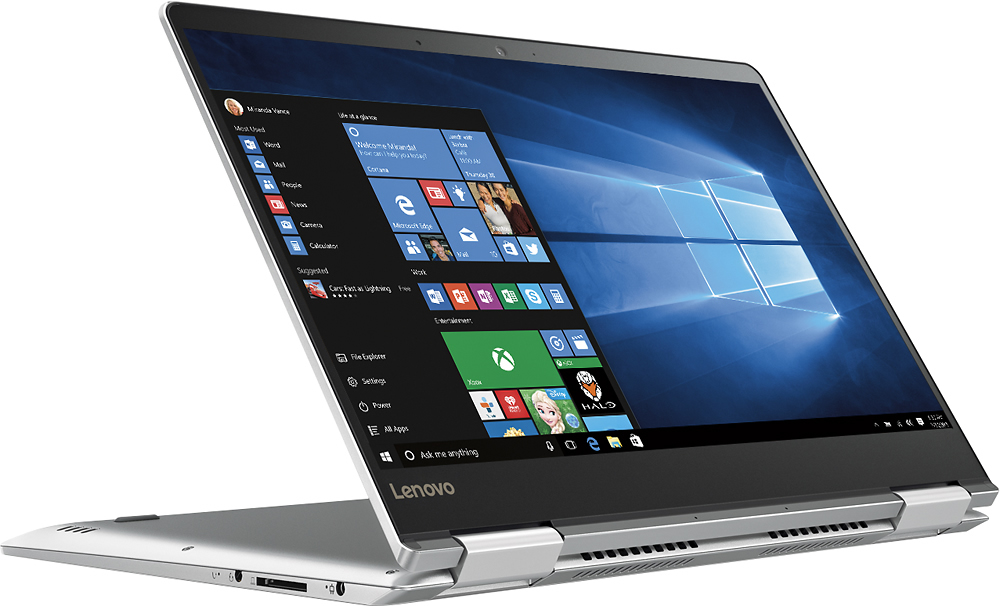
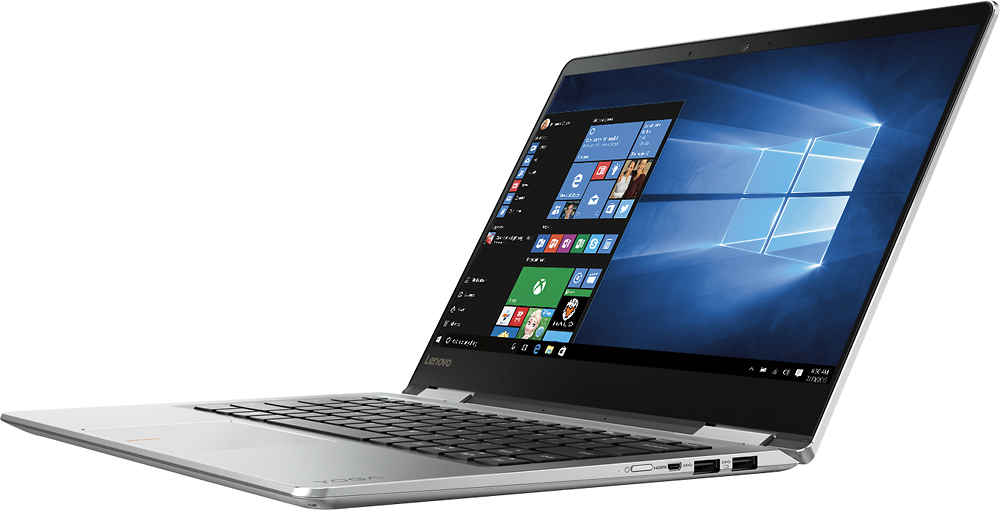
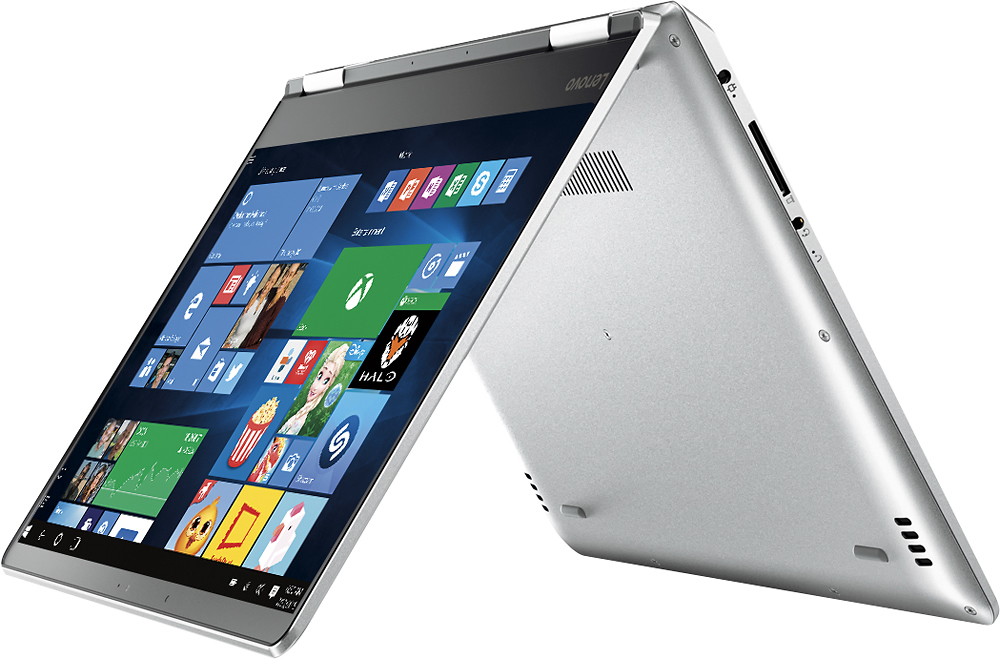
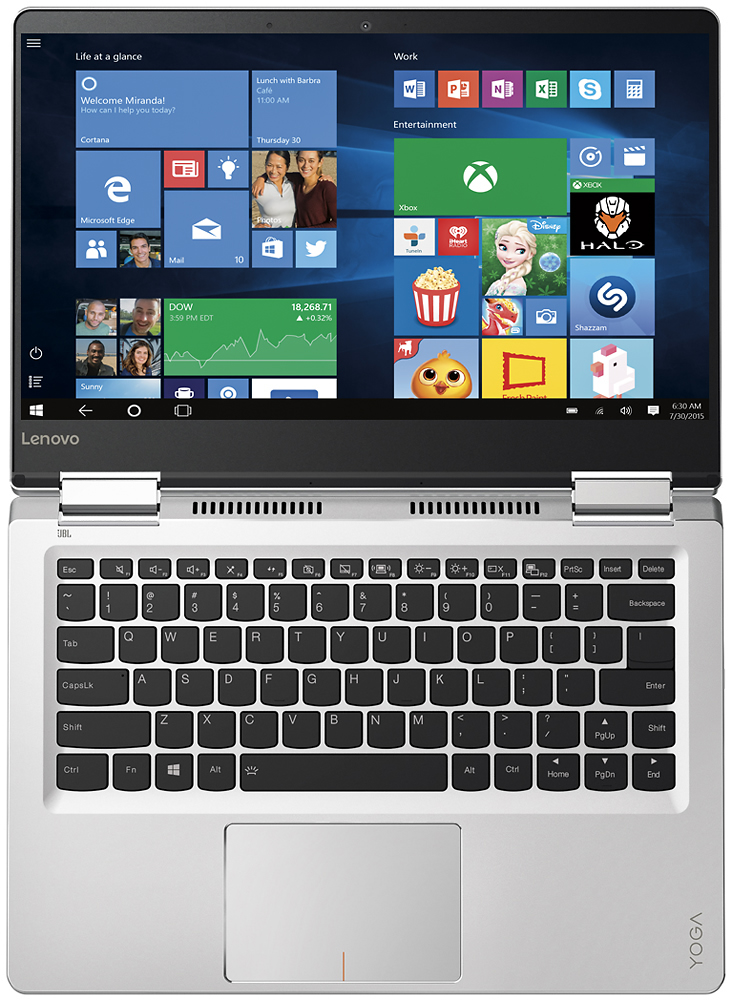
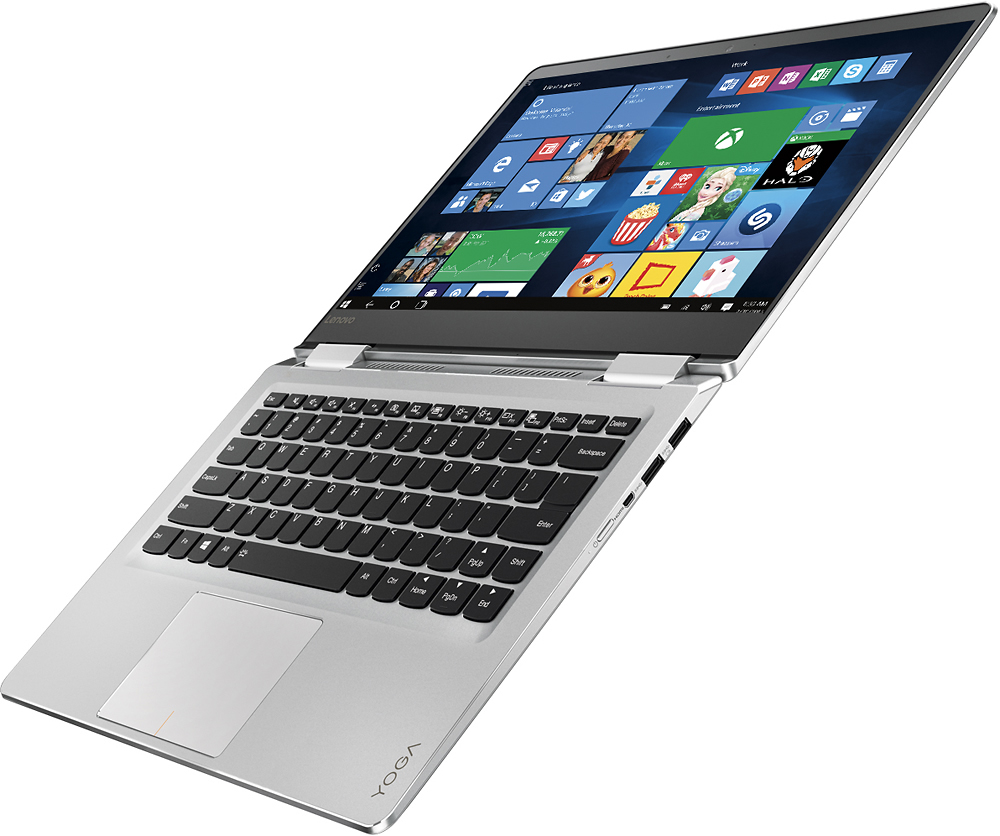
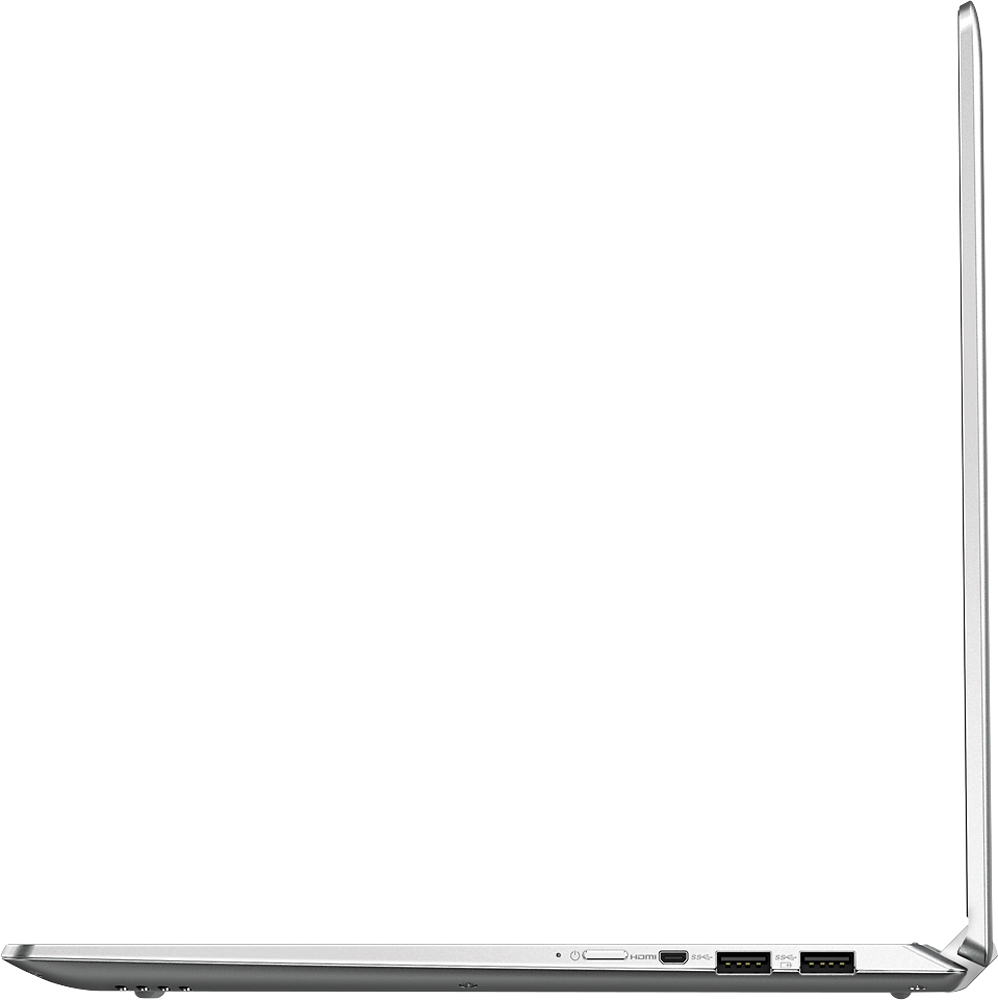
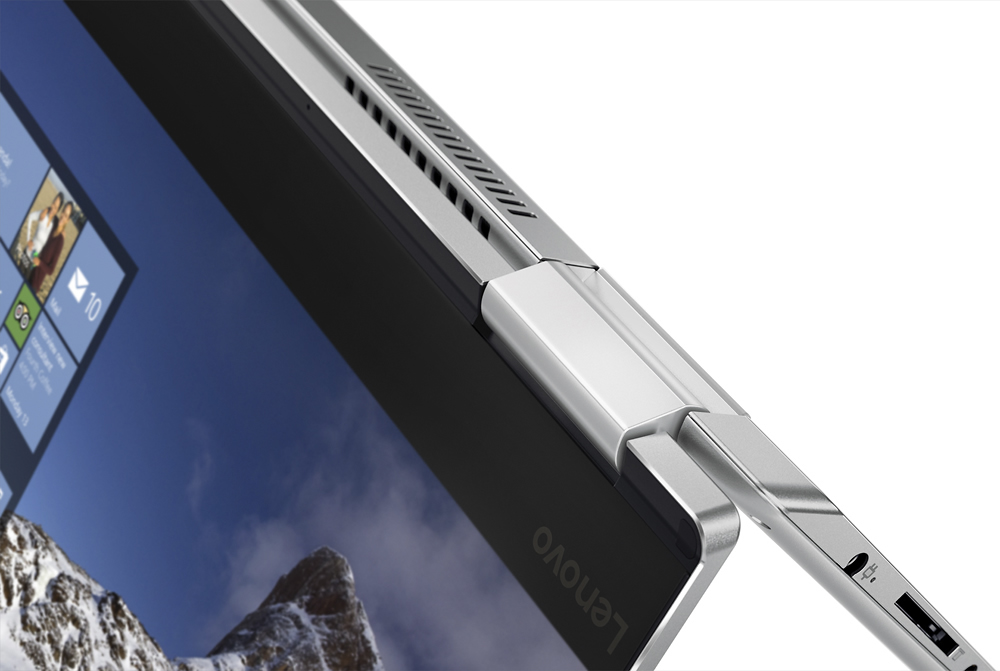
Customers admire the Yoga 710 2-in-1 laptop for its lightweight design, touchscreen capabilities, and affordable price point. Many users also appreciate its long battery life, user-friendly interface, and fast performance. While some users have expressed concerns about fan noise and the placement of the shift key, these issues do not seem to be widespread.
This summary was generated by AI based on customer reviews.
Like features EXCEPT right shift key
||Posted .This reviewer received promo considerations or sweepstakes entry for writing a review.Right shift key too narrow, inefficient, nuisance.
No, I would not recommend this to a friendBrand response from Lenovo Product Expert
Posted .With regard to the right shift key issue you mention, there is a free software APP called KeyTweak that may help you. You can switch the key functions of specific keys on your keyboard with this software, so you could change the right shift key with the key you hit in its place. Just Google search "KeyTweak" and you will find articles about what the software does and you will find the download location for this free APP.

Resting State is very Loud
||Posted .This reviewer received promo considerations or sweepstakes entry for writing a review.This computer hums when it is sitting on my desk, also, the shift key used for right "pinky" finger is set off to the side further than normal, makes it really uncomfortable to capitalize from right hand side.
No, I would not recommend this to a friendBrand response from Lenovo Product Expert
Posted .Thank you for choosing the Lenovo Yoga 710-14. The fan running at idle might be a power management driver that needs so be updated. Follow the link below to look for new power management and BIOS driver updates for your specific system. You can also run diagnostics from the Lenovo site as well. As always, be sure to create a restore point on your system before you make any changes. Here is the link:
http://support.lenovo.com/us/en/products/Laptops-and-netbooks/Yoga-Series/yoga-710-14ikb/80V4/000GUS?linkTrack=Caps%253ABody_SearchProduct&tabName=downloads&beta=false
With regard to the right shift key issue you mention, there is a free software APP called KeyTweak that may help you. You can switch the key functions of specific keys on your keyboard with this software, so you could change the right shift key with the key you hit in its place. Just Google search "KeyTweak" and you will find articles about what the software does and you will find the download location for this free APP.
- Cons mentioned:Sound issue
always broken
||Posted .This reviewer received promo considerations or sweepstakes entry for writing a review.This is the worst computer EVER!!!!!!! The sound doesn't work, the screen goes black or blinks. Don't buy it!!!!!
No, I would not recommend this to a friend It Crashed after 2 months
||Posted .This reviewer received promo considerations or sweepstakes entry for writing a review.I got this laptop out of the recommendation of an employee, and I liked it initially. That being said, I didn't get a Mac because they usually are not very reliable. Well, never had I had so many issues with a laptop in my life. I got this 2 months ago, and it has crashed at least 7 times a day. I haven't had time to go into the store, but the online support is terrible. The problem has yet to be fixed and had this happened 2 weeks sooner I could return this laptop since it only took 40 days to break.....
No, I would not recommend this to a friendBrand response from Lenovo Product Expert
Posted .Thank you for choosing the Lenovo Yoga 710-14. Since your Yoga worked for 40-days before you started having problems, it sounds like it is either programs you have installed that is not compatible with Windows 10 or there have been automatic Windows updates that are in conflict with older drivers on the Yoga 710-14. There may be driver updates for your specific system. Follow the link below to look for new driver updates for your specific system. You can also run diagnostics from the Lenovo site as well. As always, be sure to create a restore point on your system before you make any changes. You can do this by just typing "restore point" in the search window within Cortana and follow the link to create a restore point. Here is the link:
http://pcsupport.lenovo.com/us/en/products/Laptops-and-netbooks/Yoga-Series/yoga-710-14ikb/80V4/000GUS/downloads
- Pros mentioned:Speed
Great Laptop
||Posted .This reviewer received promo considerations or sweepstakes entry for writing a review.The laptop served my purpose for when I had to go out of town to a seminar. The laptop was ready and was fast to work.
I would recommend this to a friend Would not recommend
||Posted .This reviewer received promo considerations or sweepstakes entry for writing a review.I initially purchased this laptop since it was greatly discounted on Black Friday. However, the original laptop I received was very faulty. The laptop was incredibly slow and would randomly shut down. I took the laptop to Geek Squad and they exchanged it for a new one. I then experienced the same problems with the new one. At this point, I wanted nothing to do with this product. I exchanged the laptop for a MacBook and have never looked back.
No, I would not recommend this to a friendbasic laptop
||Posted .This reviewer received promo considerations or sweepstakes entry for writing a review.Lags when switching from tablet to laptop mode and the mouse pad is super touchy. Had to replace after 3 weeks with a new one would not turn on.
No, I would not recommend this to a friendNo reliability
||Posted .This reviewer received promo considerations or sweepstakes entry for writing a review.Terrible. This laptop was purchased as a 'back up' to my older one in case I would have a problem during instructing class. Not used very much at all, and the motherboard would not 'fire up' when turned on. $200+++ later for repairs. Now, 15 months after repair with very little use, same issue! Will not purchase a Lenovo product again.
No, I would not recommend this to a friendNO HELP
||Posted .This reviewer received promo considerations or sweepstakes entry for writing a review.When I bought this computer at Best Buy, I was told that it would be an easy switch from my Mac. I took the Geek Squad help package to assist me. The computer came with NO directions, except how to turn it on. There was no video. When I called the Geek Squad for assistance, I was on hold for 32 minutes, before I gave up. So, I returned the computer the next day!
No, I would not recommend this to a friendWould be great
||Posted .This reviewer received promo considerations or sweepstakes entry for writing a review.Would be a great laptop if my sound was not already having issues requiring geek squad support
I would recommend this to a friendNot so great
||Posted .This reviewer received promo considerations or sweepstakes entry for writing a review.This laptop heats up like crazy!!!! The keyboard got so hot, I couldn't touch it.
No, I would not recommend this to a friendIt doesn't function properly
||Posted .This reviewer received promo considerations or sweepstakes entry for writing a review.Doesn't function properly in tablet mode. It started after a month of purchase .
No, I would not recommend this to a friendBrand response from Lenovo Product Expert
Posted .With regard to the issues you mention with your device, there may be driver updates for your specific system. Follow the link below to look for new driver updates for your specific system. You can also run diagnostics from the Lenovo site as well. As always, be sure to create a restore point on your system before you make any changes. You can do this by just typing "restore point" in the search window within Cortana and follow the link to create a restore point. Here is the link:
http://pcsupport.lenovo.com/us/en/products/laptops-and-netbooks/yoga-series/yoga-710-14ikb/80v4/80v4000gus/downloads?linkTrack=Caps%3ABody_SerialNumber
Right shift key is in the wrong spot
||Posted .This reviewer received promo considerations or sweepstakes entry for writing a review.This computer is very sensitive to the touch and the right shift key should be where the page up key is. I can type and I am usually very fast, but on this computer every time I go to use the right shift key I hit the page up key and mess up my paper. I should have returned it within the 14 days return period.
No, I would not recommend this to a friendBrand response from Lenovo Product Expert
Posted .Concerning the touchpad, you can make adjustments to the touchpad in your system settings. You can get there by clicking on the magnifying glass at the bottom left your Windows 10 screen. Type "touchpad" in the search window. Select "Mouse & touchpad settings" from the list of choices. You can make general adjustments to the touchpad there. You can also select "Additional mouse options" for more detailed adjustments to the touchpad sensitivity by increasing the delay of the touchpad. With regard to the right shift key issue you mention, there is a free software APP called KeyTweak that may help you. You can switch the key functions of specific keys on your keyboard with this software, so you could change the right shift key with the key you hit in its place. Just Google search "KeyTweak" and you will find articles about what the software does and you will find the download location for this free APP.
Wouldn't let me add my yahoo account
||Posted .This reviewer received promo considerations or sweepstakes entry for writing a review.Great product but wouldn't let me install my yahoo account. I returned it.
I would recommend this to a friendPortable
||Posted .This reviewer received promo considerations or sweepstakes entry for writing a review.Damaged screen had trouble replacing it with bestbuy
I would recommend this to a friendI would give this product a zero
||Posted .This reviewer received promo considerations or sweepstakes entry for writing a review.Long story but first one we bought blew out during first 30 mins. The second replacement had an old sound card that couldn't work with Windows 10. Worst laptop ever! Third one we got an HP
No, I would not recommend this to a friendComputer does not have functioning sound
||Posted .This reviewer received promo considerations or sweepstakes entry for writing a review.Computer sound system is non-functional, drivers and computer hardware are not communicating. Will bring to Geek squad to have them try to repair.
No, I would not recommend this to a friendBrand response from Lenovo Product Expert
Posted .With regard to the audio issues you mention with your device, there may be audio driver updates for your specific system. Follow the link below to look for new driver updates for your specific system. You can also run diagnostics from the Lenovo site as well. As always, be sure to create a restore point on your system before you make any changes. You can do this by just typing "restore point" in the search window within Cortana and follow the link to create a restore point. Here is the link:
http://support.lenovo.com/us/en/products/Laptops-and-netbooks/Yoga-Series/yoga-710-14ikb/80V4/000GUS/downloads/DS118360
Screen flickers and changes brightness
||Posted .This reviewer received promo considerations or sweepstakes entry for writing a review.Screen flickers at times, resolution changes even at the highest brightness screen is not too good when viewing something on it is very dim.
No, I would not recommend this to a friendBrand response from Lenovo Product Expert
Posted .It sounds like the "Auto-Brightness" setting is turned on your device. Try turning this "auto brightness" setting off. You can do this by clicking on the magnifying glass icon at the bottom left of your screen, typing "auto brightness" in the search window, then clicking on "turn auto brightness on/off"
Junk
||Posted .This reviewer received promo considerations or sweepstakes entry for writing a review.Cheap computer not worth the money. Spend extra get something you have heard of don't listen to the sales persons pitch.
No, I would not recommend this to a friendPrint was too small
||Posted .This reviewer received promo considerations or sweepstakes entry for writing a review.Besides the print being too small, the shift key is too far to the right. My finger does not naturally reach that far.
No, I would not recommend this to a friendBrand response from Lenovo Product Expert
Posted .You can adjust the onscreen text size in the Control Panel. Click on the magnifying icon at the bottom left of your Windows 10 screen. Type "text size" in the search window. Select "Make text and other items larger or smaller" then follow instructions to increase text size. With regard to the right shift key issue you mention, there is a free software APP called KeyTweak that may help you. You can switch the key functions of specific keys on your keyboard with this software, so you could change the right shift key with the key you hit in its place. Just Google search "KeyTweak" and you will find articles about what the software does and you will find the download location for this free APP.