Customer Ratings & Reviews






- Model:
- 80V4000GUS
- SKU:
- 5579143
Rating by feature
- Value
Rating 3.8 out of 5 stars
- Quality
Rating 3.7 out of 5 stars
- Ease of Use
Rating 4.1 out of 5 stars
Customers are saying
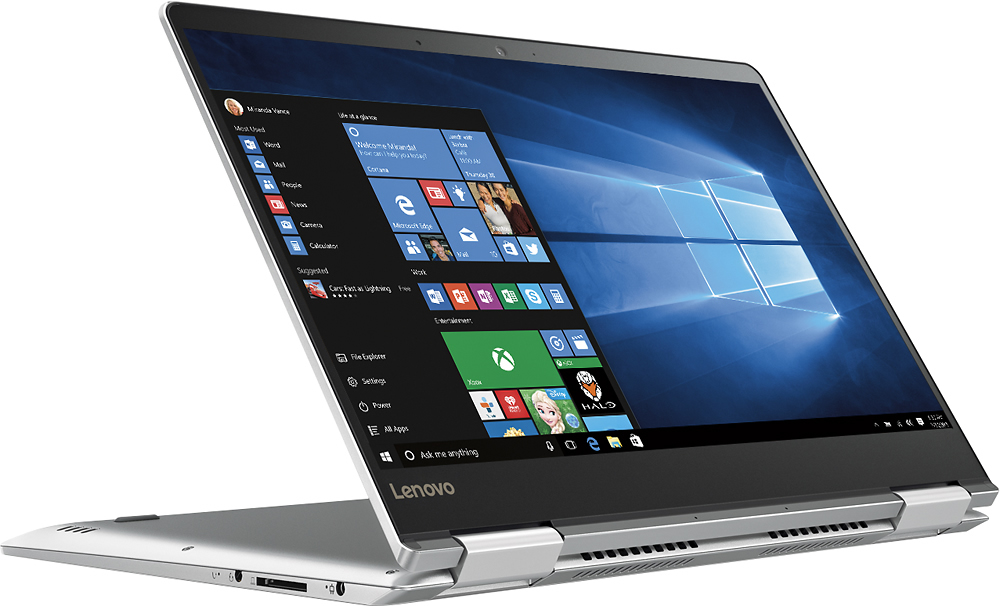
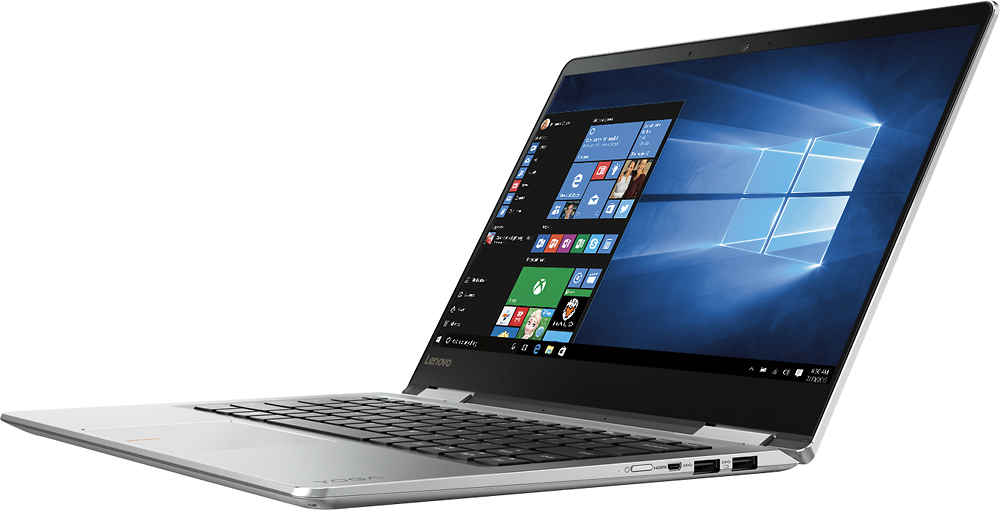
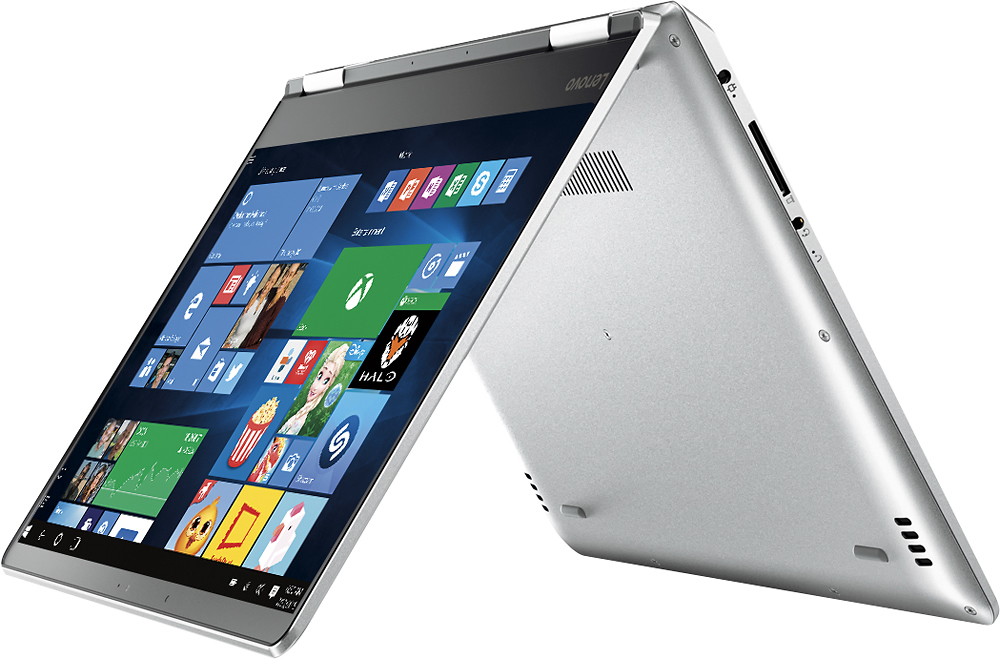
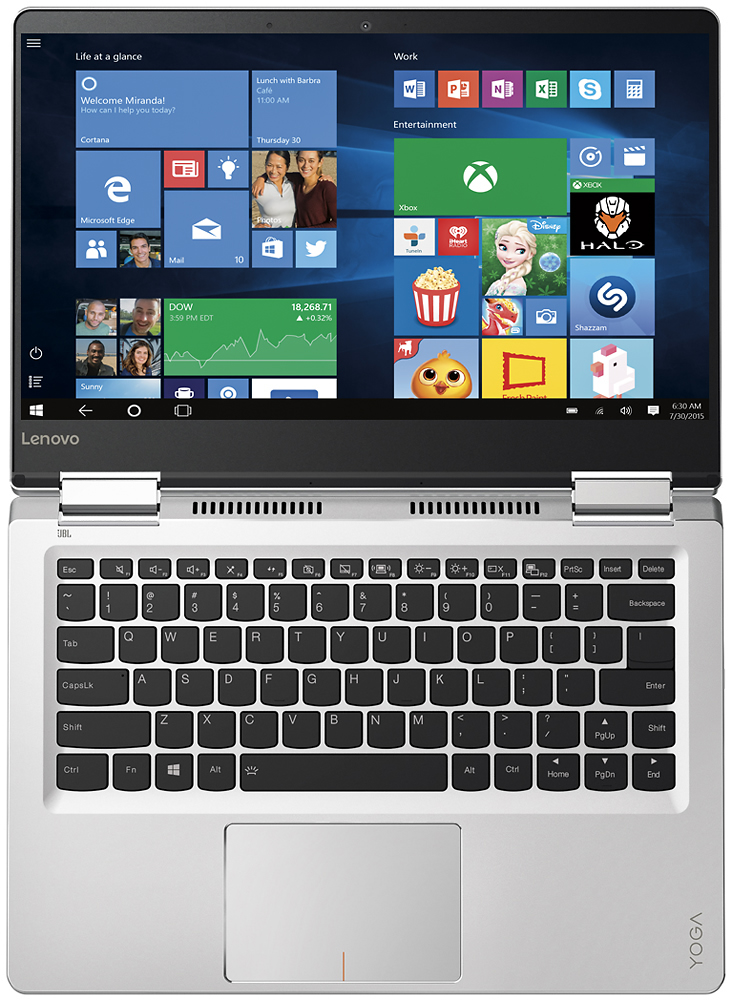
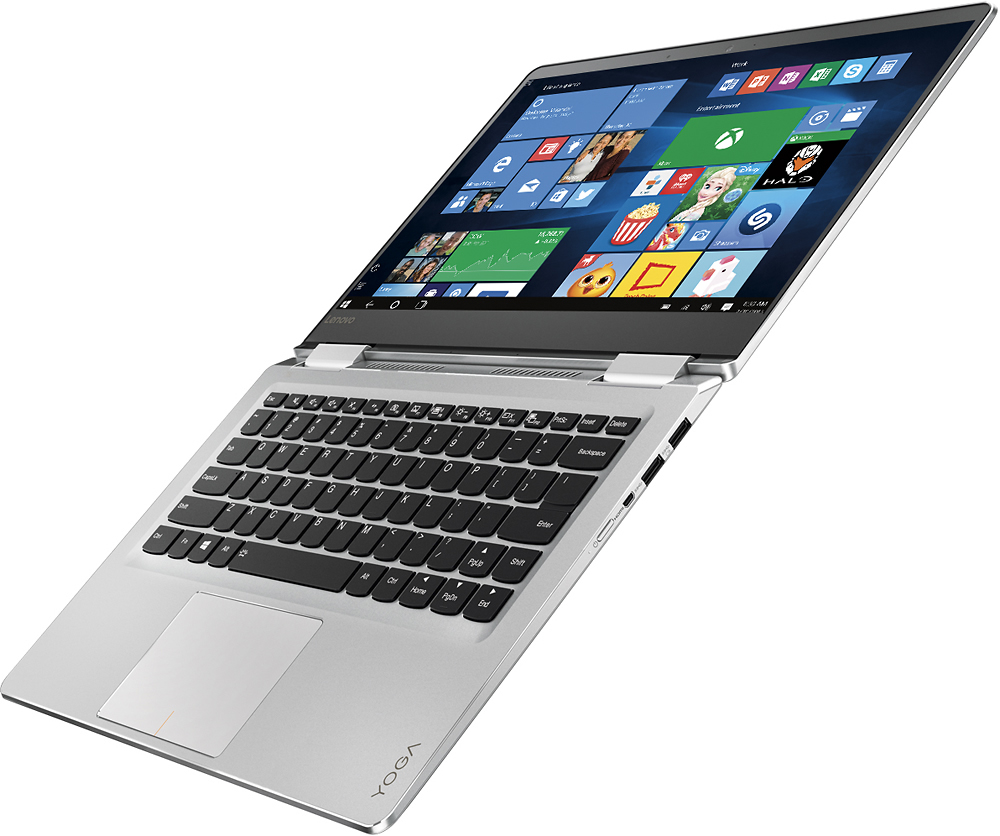
Customers admire the Yoga 710 2-in-1 laptop for its lightweight design, touchscreen capabilities, and affordable price point. Many users also appreciate its long battery life, user-friendly interface, and fast performance. While some users have expressed concerns about fan noise and the placement of the shift key, these issues do not seem to be widespread.
This summary was generated by AI based on customer reviews.
SCREEN ISSUES
Posted .This reviewer received promo considerations or sweepstakes entry for writing a review.Screen decides to try and do multiple things all at once Like someone is touching the screen multiple times Until it freezes up. Now the keyboard and mouse are no responding. Lots of money for lots of headaches:( I got one unhappy college student
No, I would not recommend this to a friendBrand response from Lenovo Product Expert
Posted .With regard to the "Ghost Touch" issues you mention with your device, there may be driver updates for your specific system. Follow the link below to look for new driver updates for your specific system. You can also run diagnostics from the Lenovo site as well. As always, be sure to create a restore point on your system before you make any changes. Here is the link:
http://support.lenovo.com/us/en/products/Laptops-and-netbooks/Yoga-Series/yoga-710-14ikb/80V4/000GUS?tabName=Downloads&linkTrack=Mast:SubNav:Support:Drivers and Software|Drivers and Software&beta=false
Sound driver messed up - NO HELP FROM LENOVO
Posted .This reviewer received promo considerations or sweepstakes entry for writing a review.I purchased my laptop in December 2016. It was working well and I was happy with it until about a month ago. I was watching a movie and a Windows update restarted the computer while the movie was playing. When the laptop had restarted, there was no sound, and I couldn't tell if the sound driver had been uninstalled or what happened. I called Lenovo tech support thinking they would help me - and they wouldn't help unless I paid somewhere around $200.00!!! No thank you. You'd think this would be an easy problem to fix since it was not a virus or anything like that. VERY DISSAPPOINTED.
No, I would not recommend this to a friendBrand response from Lenovo Product Expert
Posted .We are sorry to hear about the issue your are experiencing with the audio driver on the Yoga 710-14. The Windows 10 update did not install the audio drive back on this device after the update. You can find and install the audio driver here:
http://pcsupport.lenovo.com/us/en/products/LAPTOPS-AND-NETBOOKS/YOGA-SERIES/YOGA-710-14IKB/80V4/80V480V4000GUS/downloads/DS118360
Save your money
Posted .This reviewer received promo considerations or sweepstakes entry for writing a review.Do not make the same mistake I made. Read reviews. Lenovo is not a company that cares about quality or customer satisfaction. My computer died (motorboard) after 2 months of purchase. They can not fix it or replace it. They do not give you resolution options. I have since read their company history on the BBB and I encourage you to do the same before purchasing a Lenovo product. Invest a little more and you can have a quality computer from a company that stands behind its product.
No, I would not recommend this to a friendKeyboard sticks horrible service from Best Buy
Posted .This reviewer received promo considerations or sweepstakes entry for writing a review.DON'T BUY A LAPTOP FROM BEST BUY! The keyboard started sticking right after purchase. I didn't recognize it because who thinks there is a problem with a new laptop. By 45 days in, the space key sticks to the point that I need to use a credit card to un-stick it. Best buy won't take back or replace a truly defective laptop. They will send it to lenovo and it would take 2-3 weeks. Sucks I need a stupid PC otherwise I'd stick with Apple.
No, I would not recommend this to a friendDon't do it!!!!
Posted .This reviewer received promo considerations or sweepstakes entry for writing a review.I had this computer for nearly two weeks before it started glitching. The speakers went out and no trouble shooting process worked. Apparently this is a huge issue with this computer and there is no permanent fix yet. Geek squad admitted to seeing many of them come in with the same issue. Not reliable. Also only a 15 day return policy so I'm stuck with this. Too much money spent on something for such little quality.
No, I would not recommend this to a friendBrand response from Lenovo Product Expert
Posted .This sound like there was an automatic Windows 10 update that is conflicting with older drivers on your system. Follow the link below to look for new driver updates for your specific system. You can also run diagnostics from the Lenovo site as well. As always, be sure to create a restore point on your system before you make any changes. You can do this by just typing "restore point" in the search window within Cortana and follow the link to create a restore point. Here is the link:
http://support.lenovo.com/us/en/products/Laptops-and-netbooks/Yoga-Series/yoga-710-14ikb/80V4/000GUS?linkTrack=Caps%253ABody_SearchProduct&tabName=downloads&beta=false
Trouble turning on after less than one year
Posted .This reviewer received promo considerations or sweepstakes entry for writing a review.Computer was not turning on so battery was replaced and new power cord purchased. This did not solve the problem. The computer only turns on sporadically and flashes light to the keyboard but will not turn on. Now it will not turn on.
No, I would not recommend this to a friendBrand response from Lenovo Product Expert
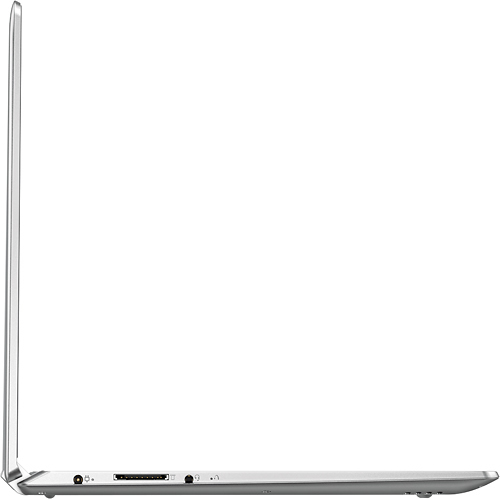
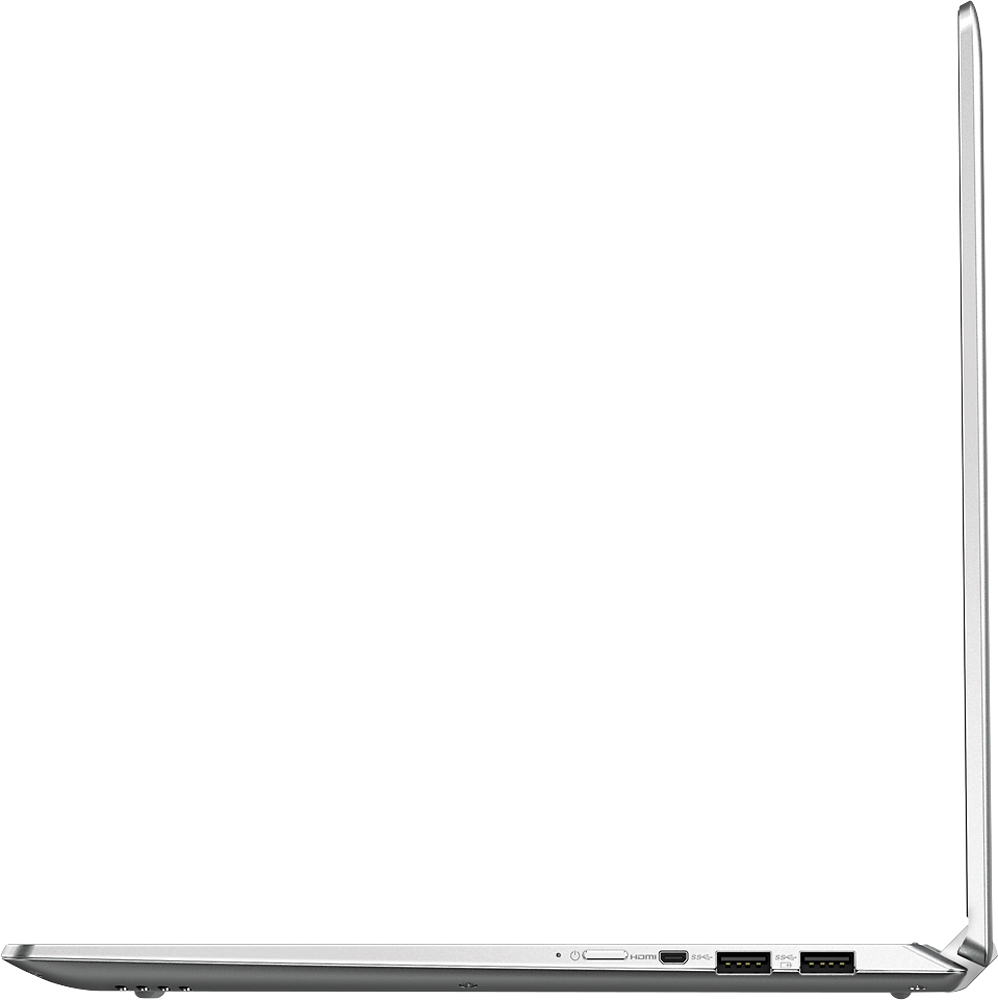
Posted .This system is equipped with OneKey Recovery System. There is a very small pin hole on the left side of the device, right near the earphone port on the device. You will need a pin to push this reset button. Plug the device in. Let the battery charge for about 15 minutes. Push the reset button. The system should boot to a choice screen where you can choose "Restore To Factory Default". Select this. It will delete everything from the hard drive except the original factory install of the operating system. You will need to reinstall all programs and files after the reset. If you don't have copies of the files, try to make one before you restore by selecting "Boot to desktop" and trying to back up your files.
Stop working
Posted .This reviewer received promo considerations or sweepstakes entry for writing a review.After only 2 months it stops working. Battery does not charge any more. I don't know now what to do. I connect the charger and nothing happen
No, I would not recommend this to a friendBrand response from Lenovo Product Expert
Posted .This may be a software issues. This system is equipped with OneKey Recovery System. There is a very small pin hole on the left side of the device, right near the headphone jack on the device. You will need a pin to push this reset button. Plug the device in. Let the battery charge for about 15 minutes (at least plug the device in and leave it plugged in for al least 15 minutes before you proceed). Push the reset button. The system should boot to a choice screen where you can choose "Restore To Factory Default". Select this. You can select to "leave my files and programs on the device" Select this. If you don't have copies of the files, try to make one before you restore by selecting "Boot to desktop" and trying to back up your files.
Customer just goes black after closing lid
Posted .This reviewer received promo considerations or sweepstakes entry for writing a review.I have had this computer for 4 days and now does not turn back on. I am going to return and get another computer.
No, I would not recommend this to a friendBrand response from Lenovo Product Expert
Posted .Be sure the system is fully charged. This system is equipped with OneKey Recovery System. There is a very small pin hole on the left side of the device, right near the headphone jack on the device. You will need a pin to push this reset button. Plug the device in. Let the battery charge for about 15 minutes. Push the reset button. The system should boot to a choice screen where you can choose "Restore To Factory Default". Select this. It will delete everything from the hard drive except the original factory install of the operating system. You will need to reinstall all programs and files after the reset. If you don't have copies of the files, try to make one before you restore by selecting "Boot to desktop" and trying to back up your files.