Customer Ratings & Reviews
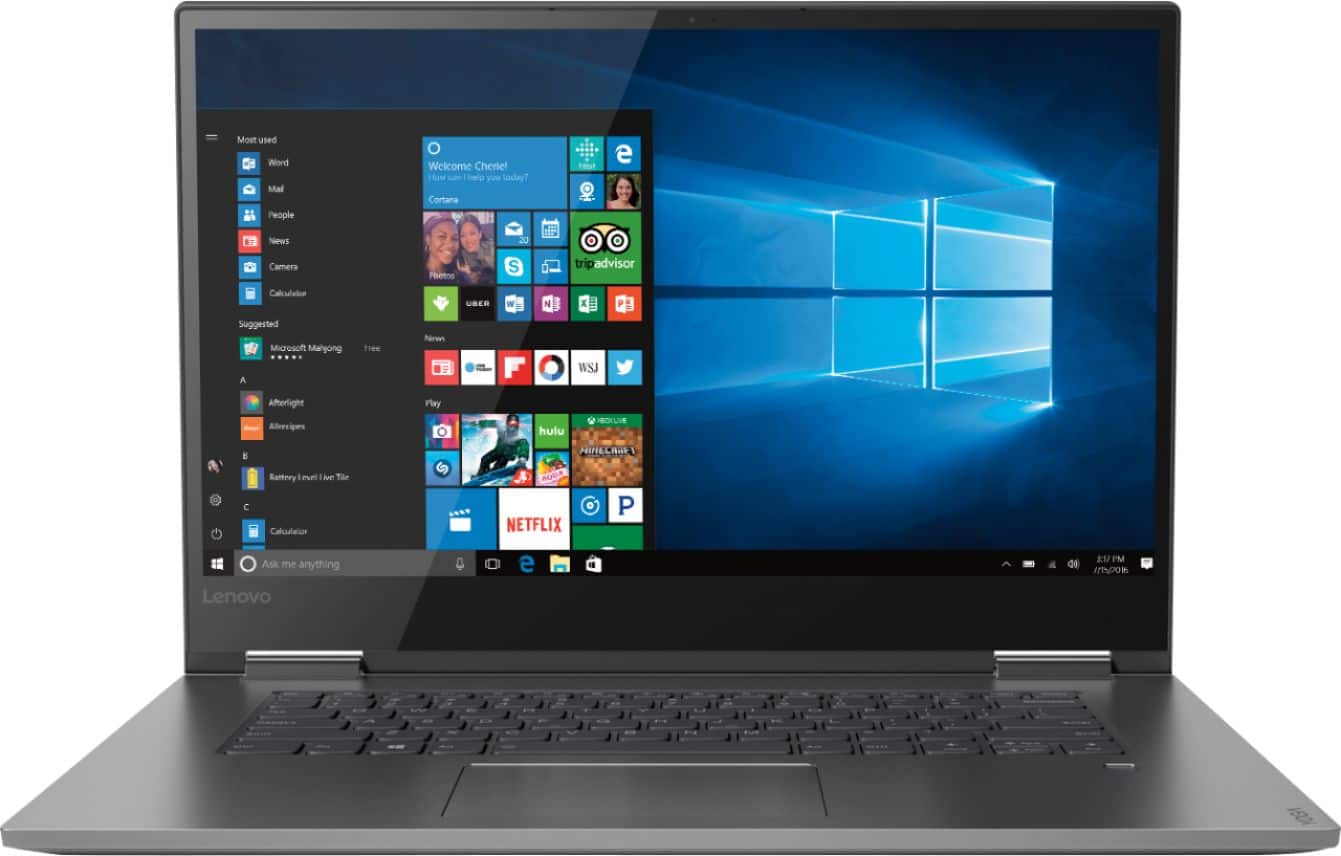
- Model:
- 81CU000BUS
- SKU:
- 6201040
Rating by feature
- Battery Life
Rating 4.7 out of 5 stars
- Speed
Rating 4.6 out of 5 stars
- Display
Rating 4.7 out of 5 stars
Customers are saying
Customers are enthusiastic about the Yoga 730's fast performance, lightweight design, and affordable price. Many users appreciate the convenience of the touch screen and the long battery life. However, some users have experienced issues with the Wi-Fi connectivity and the fingerprint reader, and a few find the laptop to be a bit heavy.
This summary was generated by AI based on customer reviews.
Great laptop
||Posted .This reviewer received promo considerations or sweepstakes entry for writing a review.Really good laptop for the price. Fit and finish looks really nice. Quick enough for most things. Screen wobbles and little bit sometimes for you are typing. The hinge is not 100% solid but it is not that big of a deal.
I would recommend this to a friendBrand response from Lenovo Product Expert
Posted .Thank you for choosing the lenovo Yoga 730-15. The Yoga 730-15 ships with hinges that have been bench tested through 25,000 cycles (8 to 10 years on normal use) without a failure.

Great Computer
||Posted .This reviewer received promo considerations or sweepstakes entry for writing a review.Have had the Yoga for about 2 weeks and have not any issues with it at all. Works great in tablet and laptop mode. Light up keyboard is a plus as the fingerprint scanner however facial recognition would be a nice addition.
I would recommend this to a friendBrand response from Lenovo Product Expert
Posted .Thank you for choosing the Lenovo Yoga 730-15. We are pleased to hear that the features and performance of the Yoga 730-15 meets your computing needs so well.

Great laptop for college students!
||Posted . Owned for 9 months when reviewed.This reviewer received promo considerations or sweepstakes entry for writing a review.Light weight, sleek and easy to carry. Serves every purpose for a student ( non-graphic designers ) But make sure you have insurance on it because the touch screen is a little fragile.
I would recommend this to a friendBrand response from Lenovo Product Expert
Posted .The Lenovo Yoga 730-15, model number 81CU000BUS, ships with a IPS LCD w/LED Backlight screen, with a resolution of 1920 x 1080 (FHD) and a brightness level of 300 nits. The screen has more than 8 million pixels within a 15” wide-angle display edged with super-thin bezels (6.55mm sides / 9.65mm top). You’ll be watching the latest in theatrical quality video, movies, and TV exactly the way they were meant to be seen. With 300 nits brightness, you’ll see every detail. The latest 8th generation Intel Core i5 processor gives the Yoga 730-15 up to a 40 percent performance boost with unprecedented touchscreen and pen responsiveness (active pen sold separately), faster bootups, and seamless multitasking. All of this speed and power to amplify your productivity and help you be ready at a moments notice. For 2018, Lenovo retained its place for a second year as the best laptop vendor:
https://www.laptopmag.com/articles/laptop-brand-ratings
Great laptop for the price
||Posted .This reviewer received promo considerations or sweepstakes entry for writing a review.It was easy to set up, it took a few minutes with the updates, tested the speed great, graphics great, used Bose headphones, sound is good, got also the Stylus, it works great, a great computer exactly what I needed
I would recommend this to a friendBrand response from Lenovo Product Expert
Posted .Thank you for choosing the Lenovo Yoga 730-15. We are pleased to hear that the features and performance of the Yoga 730-15 meets your computing needs so well.
Happy customer
||Posted . Owned for 1 year when reviewed.This reviewer received promo considerations or sweepstakes entry for writing a review.I’ve purchased this laptop for my wife for school and she loves it. It’s a really good computer that serves the purpose of what she needed. Worth every penny
I would recommend this to a friendLove the new laptop
||Posted .This reviewer received promo considerations or sweepstakes entry for writing a review.It's thin and lightweight, metal so more durable than others I've had. The keyboard has the perfect touch for me. It's fast and efficient with all the whistles and bells I need for use at home or when traveling.
I would recommend this to a friendBrand response from Lenovo Product Expert
Posted .Thank you for choosing the Lenovo Yoga 730-15. We are pleased to hear that the features and performance of the Yoga 730-15 meets your computing needs so well.
Lenovo yoga 730
||Posted .This reviewer received promo considerations or sweepstakes entry for writing a review.I originally bought this laptop because I needed something nice, simple, and light for college. This laptop exceeded my expectations. Long battery life, fast computer, and it turns into a tablet!!! Love love love
I would recommend this to a friendBrand response from Lenovo Product Expert
Posted .Thank you for choosing the Lenovo Yoga 730-15. We are pleased to hear that the ease of use and performance of the Yoga 730-15 meets your computing needs so well.
Keyboard is smaller than my previous laptops
||Posted .This reviewer received promo considerations or sweepstakes entry for writing a review.Work and home laptops have larger keyboards with numbers on the right side similar to a 10 key adding device. It has been difficult to get used to this . Other features are all good.
I would recommend this to a friendBrand response from Lenovo Product Expert
Posted .The Lenovo Yoga 730-15 is a 2 in 1, ultra portable device. There is no 10-key numeric pad within this configuration. There is a standard QWERTY keyboard and touchpad.
Great product with few cons
||Posted .This reviewer received promo considerations or sweepstakes entry for writing a review.It's a great laptop which is definitely handy for someone who simply wants to work on different softwares or for college going students. Battery is slightly disappointing but not shabby.
I would recommend this to a friendBrand response from Lenovo Product Expert
Posted .Thank you for choosing the Lenovo Yoga 730-15. This model ships with a 3CELL 51.5WH, Lithium Polymer battery, with a battery life of up to 9 hours, depending on the work that the device is performing. Be sure there are no unwanted programs running in the background, draining the battery. Here is a link to some tips for finding out what is draining your battery:
https://www.laptopmag.com/articles/battery-saver-windows-10. Additionally, to maximize battery life, try changing your power management setting to a more conservative one. You can do this in the control panel, in the power management category on your system. Select a more conservative power management setting to extend battery life.
Good laptop
||Posted .This reviewer received promo considerations or sweepstakes entry for writing a review.I usually purchase HP laptops. I wanted to try something different so I bought a Lenovo laptop. Having a hard time getting used to the keyboard but so far it's been performing well.
I would recommend this to a friendBrand response from Lenovo Product Expert
Posted .Thank you for choosing the Lenovo Yoga 730-15. This model ships with a standard QWERTY keyboard on a 15.6" (screen size measured diagonally), without a 10-key numeric pad.
great laptop
||Posted .This reviewer received promo considerations or sweepstakes entry for writing a review.purchased this laptop for school. So far, its easy to navigate and the screen has a nice picture.
I would recommend this to a friendBrand response from Lenovo Product Expert
Posted .Thank you for choosing the Lenovo Yoga 730-15. We are pleased to hear that the ease of use and performance of the Yoga 730-15 meets your computing needs so well.
So Far So Good
||Posted .This reviewer received promo considerations or sweepstakes entry for writing a review.I've had this laptop for about a month and it's worked well as a daily-machine replacement for my job as a web developer. I am pleasantly surprised how often I use tablet mode and the fingerprint sensor.
I would recommend this to a friendBrand response from Lenovo Product Expert
Posted .Thank you for choosing the Lenovo Yoga 730-15. We are pleased to hear that the features and performance of the Yoga 730-15 meets your computing needs so well.
Lenovo is a great product- easy to use
||Posted .This reviewer received promo considerations or sweepstakes entry for writing a review.The product is very good and the process of purchasing this computer was very smooth from start to finish. I am enjoying using my new computer. The sales people and geek squad in Lake Geneva, Ill were great.
I would recommend this to a friendBrand response from Lenovo Product Expert
Posted .Thank you for choosing the Lenovo Yoga 730-15. We are pleased to hear that the Yoga 730-15 is working out so well for you.
Great laptop for the price.
||Posted . Owned for 3 weeks when reviewed.This reviewer received promo considerations or sweepstakes entry for writing a review.This purchase was a deal I got from Best Buy. As always Best Buy offers very high quality products at affordable prices. The main reason why I will never quit shopping at Best Buy. Keep it up.
I would recommend this to a friendSweet 2 in 1
||Posted .This reviewer received promo considerations or sweepstakes entry for writing a review.This Lenovo Yoga does everything that I need it to do for both personal and business. This replaced a 10 year old machine that finally stopped displaying a lot of the newer websites that I use constantly.
I would recommend this to a friendBrand response from Lenovo Product Expert
Posted .Thank you for choosing the Lenovo Yoga 730-15. We are pleased to hear that the performance of the Yoga 730-15 meets your computing needs so well.
Great Mid Level Computer
||Posted .This reviewer received promo considerations or sweepstakes entry for writing a review.Pretty easy to set up and the functionality of it is pretty good too. The only drawback, for me, is that it is difficult to open if the computer is closed. Not much "grabbable" area.
I would recommend this to a friendBrand response from Lenovo Product Expert
Posted .Thank you for choosing the Lenovo Yoga 730-15. With regard to ease of opening, we will look into this for future improvements.
Great Laptop
||Posted .This reviewer received promo considerations or sweepstakes entry for writing a review.I bought an open box Lenovo laptop and couldn't be happier. Not only did I get the discount for buying open box but I got a high quality laptop that works perfectly for all my working from home needs.
I would recommend this to a friendBrand response from Lenovo Product Expert
Posted .Thank you for choosing the Lenovo Yoga 730-15. We are pleased to hear that the value and performance of the Yoga 730-15 meets your computing needs so well.
Happy with laptop
||Posted .This reviewer received promo considerations or sweepstakes entry for writing a review.This laptop was recommended by my IT at work. It’s simple and not overwhelming for my needs. It was also less expensive than the other laptops on the market with the same features. Glad I got this
I would recommend this to a friendBrand response from Lenovo Product Expert
Posted .Thank you for choosing the Lenovo Yoga 730-15. We are pleased to hear that the value, features and performance of the Yoga 730-15 meets your computing needs so well.
Great laptop, but short battery
||Posted .This reviewer received promo considerations or sweepstakes entry for writing a review.I love the flexibility of this laptop (no pun on “yoga” intended). It’s great for work, art, social media, etc. The inly drawback is that the battery runs out pretty quickly.
I would recommend this to a friendBrand response from Lenovo Product Expert
Posted .Thank you for choosing the Lenovo Yoga 730-15. This model ships with a 3CELL 51.5WH, Lithium Polymer battery, with a battery life of up to 9 hours, depending on the work that the device is performing. To maximize battery life, be sure there are no unwanted programs running in the background, draining the battery. Here is a link to some tips for finding out what is draining your battery:
https://www.laptopmag.com/articles/battery-saver-windows-10. Also, to maximize battery life, try changing your power management setting to a more conservative one. You can do this in the control panel, in the power management category on your system. Select a more conservative power management setting to extend battery life. Finally, if the battery life does not improve, a battery reset may help. Here is a link to instructions for resetting a non-removable battery. If you need further assistance, we recommend you call Lenovo Tech Support at: 877-453-6686. Here is the link: https://www.techwalla.com/articles/how-to-reset-a-laptop-battery
Good laptop for the price, however..
||Posted .This reviewer received promo considerations or sweepstakes entry for writing a review.I bought this laptop in September knowing I would be moving overseas to Europe and needed a new computer. Got it for a great price and does what I needed it to do in the States. With the exception of some really annoying backlight bleed along the bottom of the display when powering up on a black screen. I chalk that up to poor quality control. Upon arriving in Europe, my laptop constantly disconnects from WiFi and has constant issues with DNS. In addition to troubleshooting every article I could find on Lenovo and Microsoft’s website and other sites regarding this issue, I called Lenovo support and they were essentially useless and could only tell me to ship it back to the states which, A.) I have to foot the bill. B.) Costs too much and C.) I no longer live in the States or have anyone with a US address to send it in for me and I also need this to complete my online courses. If you’re in the market and you’re traveling, spend the extra money and get a Surface Laptop 2 (better quality) or get a MacBook. At least Apple will service their computers across the world no matter where you purchased it. So long as there’s a legit Apple store in your location.
No, I would not recommend this to a friendBrand response from Lenovo Product Expert
Posted .We are sorry to hear that you are having issues with your Yoga 730-15 connecting to International WiFi signals. First, since this is a North American model, it may be missing the specific drivers your International WiFi frequency needs. We recommend you check with your local WiFi provider for drivers that are necessary to connect to their service. Second, you can scan the device while connected to your local WiFi, with Lenovo Utility software which is installed on this computer. This system has Lenovo utilities installed to help maintain the health of the device and keep the operating system software up to date. Type "Lenovo Vantage" in the Cortana Search window (if Lenovo Vantage is not installed on your device, you can download the APP and install it now). Select Lenovo Vantage from the list. In the window that opens, click on "Health and Support". In the expanded menu, select "Hardware Scan" In the window that opens, select "Run Quick Tests". This will scan your entire system for errors. Follow any directions that may pop up. If the problem continues after this scan, now click on "System Update". First select Windows update from the menu. Scan your system to be sure you have the latest version of Windows 10. Once that scan is complete, select "Additional Updates". This will scan your device to be sure there are no new BIOS/Driver updates needed. Follow any instructions that may pop up.