Customer Ratings & Reviews
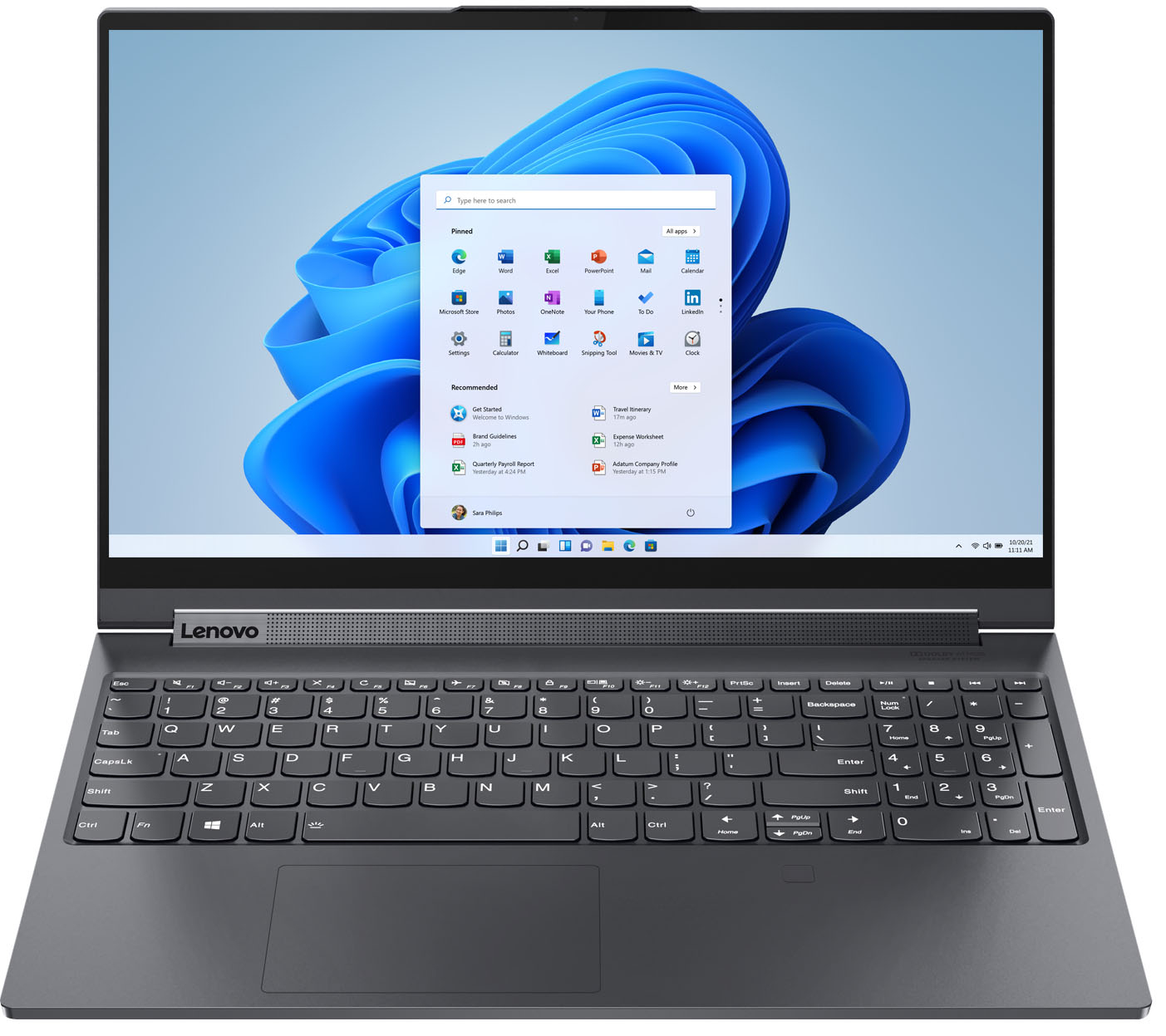


- Model:
- 82DE002XUS/82DE0009US
- SKU:
- 6426711
Rating by feature
- Battery Life
Rating 4.2 out of 5 stars
- Speed
Rating 4.6 out of 5 stars
- Display
Rating 4.6 out of 5 stars
Customers are saying
Customers frequently mention the excellent performance, impressive screen size, and ample SSD storage as major strengths of the Yoga 9i 15" laptop. Many appreciate its ease of use, light weight, and good graphics capabilities. However, some users point to the battery life and fan noise as areas needing improvement, along with a limited number of ports. A few also commented on the price point.
This summary was generated by AI based on customer reviews.
Nice computer for the price
Posted .This reviewer received promo considerations or sweepstakes entry for writing a review.After four years using it, I have had only one problem with that. The windows hello has stopped working. The other things are working as expected.
I would recommend this to a friend- Cons mentioned:Battery life, Fan noise
Worst Buy
Posted .This reviewer received promo considerations or sweepstakes entry for writing a review.Biggest piece of garbage. Battery sucks, fan always runs, loads, or doesn't load...Yes, I've brought it in for service and they say it's fine. I figured I'd spend the money and try to get the best laptop for my business. Sucks. don't buy. Worst buy.
No, I would not recommend this to a friend - Cons mentioned:Battery life
Not an improvement over the C940
Posted .This reviewer received promo considerations or sweepstakes entry for writing a review.This is basically a carbon copy of the c940 15” with no tangible improvements. The battery life remains horrendous at under 4 hours. You still cannot charge the battery through the USB-C ports even though they advertise them as having power delivery. They still don’t include an IR camera. Not having an IR camera on a 2-in-1 makes no sense at all. If the device is in stand, tent or tablet mode, you can’t access the fingerprint reader. Lenovo heard the complaints about this last year and ignored them. Very disappointing. The sound bar is good but still doesn’t produce much of any base. The screen is great, best thing about the device. Lenovo should’ve just called this what it was — a modest update to the C940. This is being advertised as a new machine, but it really isn’t.
No, I would not recommend this to a friendBrand response from Lenovo Product Expert
Posted .Just about everything within the Yoga 9i-15 is new and improved. From the upgraded 6-Core Intel 10750H processor with a top Turbo Boost Speed now of up to 5.0GHz, to the faster 16GB DDR4-2933MHz RAM and the greater capacity 1TB NVMe TLC solid state hard drive. The Discrete Graphics card has also been upgraded to the faster NVIDIA GTX 1650Ti with 4GB GDDR6 RAM on the card. This performance configuration requires a high performance 135W external power supply - The maximum power that a USB-c/Thunderbolt port can carry is 100W. There is power delivery through the Thunderbolt ports - You can charge your external devices via the included Thunderbolt 3.0 ports with power-out capability. The Yoga 9i-15 ships with an improved 4-CELL - 69WH INTERNAL, Lithium Polymer Battery, with an improved battery life of up to 13 hours now (if you are getting less battery life, be sure you have not turned on Battery Conservation Mode). For Biometric Security, the Yoga 9i-15 uses a fingerprint reader. There is an included, garaged Active Pen with charges within the computer when not in use - Like the Yoga C940-15. So while the changes may be subtle, the impact to the user is significant, in our opinion. We hope you agree - Enjoy the all new Yoga 9i-15!

Good Laptop but with Flaws
Posted .This reviewer received promo considerations or sweepstakes entry for writing a review.This is a good laptop but there are just too many issues that drop it to 3 stars. First, the screen is great and I love the keyboard. There are enough ports although one extra Type A would be useful but not a deal breaker. The audio is top notch and I like the versatility. However, the fans are loud. When I'm on a Google Meet or Zoom, they always kick in and I have to talk over my class. The pen is great and I love that it stores in the laptop, but it is small if you have larger hands. Not a big deal but something worth noting. The other issue I have is battery life. I didn't expect a crazy amount of battery life but don't be fooled by the "9 hours." I know that has a disclaimer, but I'm getting at best 4-5 with only browsing. That's worse than a lot of gaming laptops so it's a pretty big miss on Lenovo's part. Either way, it gets the job done but definitely not worth the price you'll pay. You're better off going with the C940 which isn't as nice but the upgrades aren't worth the extra money you'll have to fork over.
No, I would not recommend this to a friendBrand response from Lenovo Product Expert
Posted .The Lenovo Yoga 9i 15 Laptop, model number 82DE0009US, ships with a 4CELL_69WH_INTERNAL, Lithium Polymer Battery, with a battery life of up to 13 hours depending on the work the device is performing. If you are getting substantially less battery life, be sure Battery conservation Mode is turned off. This power management setting should only be used when the laptop is plugged in all the time. It will prolong overall battery life by only charging the battery to 60-percent of capacity. Here is a link to instructions for turning off Battery Conservation Mode: https://support.lenovo.com/us/en/solutions/ht103159. Also check what programs are running in the background on the computer. Be sure only the programs you want running in the background are. These programs will drain the battery and cause the workload to increase, which will make the fan run longer and at higher RPMs. Here is a link to information about how to find out what programs are running in the background on your Windows 10 computer and how to manage them for better system performance: https://www.windowscentral.com/how-prevent-apps-running-background-windows-10. Then, finally, be sure any software you installed is compatible with Windows 10. Incompatible software will drain the battery at a faster rate. There is no need to install Microsoft Office software. The software is already part of the operating system, you just need to activate the software with a purchased product key. If you have installed a copy of Microsoft Office, this is conflicting with the existing copy on the system and this will slow your system down. If you have installed a 3rd party anti-virus program, be sure that Windows Defender is turned off and that the trial version of McAfee Anti-Virus software is uninstalled. There can only be one anti-virus program on the system. You may need to restore your system to original factory default settings if any of the programming errors have occurred. You can do that by typing "restore" in the Cortana search window. Just click on the magnifying glass icon at the bottom left of your Windows 10 Desktop. Click on "Reset This PC" Then click on "Get Started" and follow the on screen directions to restore to factory defaults. If the problem persists, we recommend you contact Lenovo Tech Support at: 877-453-6686.
Great overall
Posted .This reviewer received promo considerations or sweepstakes entry for writing a review.Great computer for processing software that needs more!
I would recommend this to a friend- Cons mentioned:Heat
Horrible experience with Lenovo Yogi 9i Laptop
Posted .This reviewer received promo considerations or sweepstakes entry for writing a review.Bought this laptop for my son who is a freshman in college. Worked for about 3 days, then the screen went black and the laptop got super hot. He took it to the BestBuy where his college is at and the were able to turn it back on and and it worked for another 4 days. Then it DIED again going to a black screen. Ho he is having to drive from college home so that I can take it to the BestBuy where I bought it from and hopefully they will replace it for being a defective unit. Can't do homework or do labs with a laptop that gets super hot and the SCREEN goes BLACK with no way to turn it off or power it back on.
No, I would not recommend this to a friendBrand response from Lenovo Product Expert
Posted .We are sorry to hear that your son is having issues with his Lenovo Yoga 9i 15 model number 82DE002XUS. Try resetting the computer back to original factory settings. This system is equipped with OneKey Recovery System. There is a very small pin hole on the bottom right side of the device, right near the top right corner of the cooling vent on the bottom of the device. You will need a pin to push this reset button. Plug the device in. Let the battery charge for about 15 minutes. Push the reset button. The system should boot to a choice screen where you can choose "Restore To Factory Default". Select this. It will delete everything from the hard drive except the original factory install of the operating system. You will need to reinstall all programs and files after the reset. If you don't have copies of the files, try to make one before you restore by selecting "Boot to desktop" and trying to back up your files. Once you have the computer reset, be sure any software you installed is compatible with Windows 10. There is no need to install Microsoft Office software. The software is already part of the operating system, you just need to activate the software with a purchased product key. If you have installed a copy of Microsoft Office, this is conflicting with the existing copy on the system and this will slow your system down. If you have installed a 3rd party anti-virus program, be sure that Windows Defender is turned off and that the trial version of McAfee Anti-Virus software is uninstalled. There can only be one anti-virus program on the system. You may need to restore your system to original factory default settings if any of the programming errors have occurred. You can do that by typing "restore" in the Cortana search window. Just click on the magnifying glass icon at the bottom left of your Windows 10 Desktop. Click on "Reset This PC" Then click on "Get Started" and follow the on screen directions to restore to factory defaults. If the problem persists, we recommend you contact Lenovo Tech Support at: 877-453-6686.
not great.
Posted .This reviewer received promo considerations or sweepstakes entry for writing a review.not great at all, got broken almost immediately, power chord is not very durable either, i returned it, not great experiance at all
No, I would not recommend this to a friendTouchpad Sensitivity Renders this Unusable
Posted .This reviewer received promo considerations or sweepstakes entry for writing a review.It's a decent enough laptop for the price, but the touchpad (even with the sensitivity turned down to its lowest setting) is sensitive to the point that the laptop is unusable. Using a mouse obviously fixes this, but that's beside the point of getting a laptop in the first place.
No, I would not recommend this to a friendBrand response from Lenovo Product Expert
Posted .We are sorry to hear that you are having issues with the touchpad on your Lenovo Yoga 9i 15, model number 82DE002XUS. You can make adjustments to the touchpad in your system settings. You can get there by clicking on the magnifying glass at the bottom left of your Windows 10 screen. Type "touchpad" in the search window. Select "Mouse & touchpad settings" from the list of choices. You can make general adjustments to the touchpad there. Be sure to also select "Additional mouse options" for more detailed adjustments to the touchpad sensitivity by increasing the delay of the touchpad. If you continue to have issues, we recommend you contact Lenovo Premium Care for additional help at: 888-278-9707.
Unable to use wifi or video calling
Posted .This reviewer received promo considerations or sweepstakes entry for writing a review.Overall the physical build quality of the computer is good and has great typing capabilities. This is where the good ends and the bad begins. I have fully wired my home with gigabit internet which includes wifi and ethernet speeds of 1 gig. Using this computer at home it only achieves 100 mbps at most and even less while on a wired connection. It is impossible to use on any video calls and forget about sharing your screen. How on earth Lenovo sent a computer like this to market is absolutely beyond me. This computer is not even remotely capable of modern speeds or processing. Might as well load up Windows 95 and just get it over with on this computer. Returning the computer later today
No, I would not recommend this to a friendBrand response from Lenovo Product Expert
Posted .This Lenovo Yoga 9i 15 model number 82DE002XUS, ships with the latest Intel 22560 Chip for WiFi-6, wide-range/high speed 2x2 802.11ax frequency WiFi. If you are getting slower than expected WiFi speeds, Check to be sure you have the latest version of Windows 11 on the computer. Then update all BIOS files and drivers up to that latest version of Windows 11, including those drivers controlling WiFi. You can easily accomplish this by scanning the computer with the Lenovo Utility software available on this computer. This system has Lenovo utilities installed to help maintain the health of the device and keep the operating system software up to date. Type "Lenovo Vantage" in the Cortana Search window (if Lenovo Vantage is not installed on your device, you can download the APP and install it now). Select Lenovo Vantage from the list. In the window that opens, click on "Health and Support". In the expanded menu, select "Hardware Scan" In the window that opens, select "Run Quick Tests". This will scan your entire system for errors. Follow any directions that may pop up. If the problem continues after this scan, now click on "System Update". First select Windows update from the menu. Scan your system to be sure you have the latest version of Windows 11. Once that scan is complete, select "Additional Updates". This will scan your device to be sure there are no new BIOS/Driver updates needed. Follow any instructions that may pop up. If the issue continues after these updates, we recommend you call Lenovo Premium Care for additional help at: 888-278-9707.